


Want to turn a static adult image into a short, animated AI video? An AI image-to-video NSFW generator analyzes your image, adds appropriate movements and creates a video sequence from it.
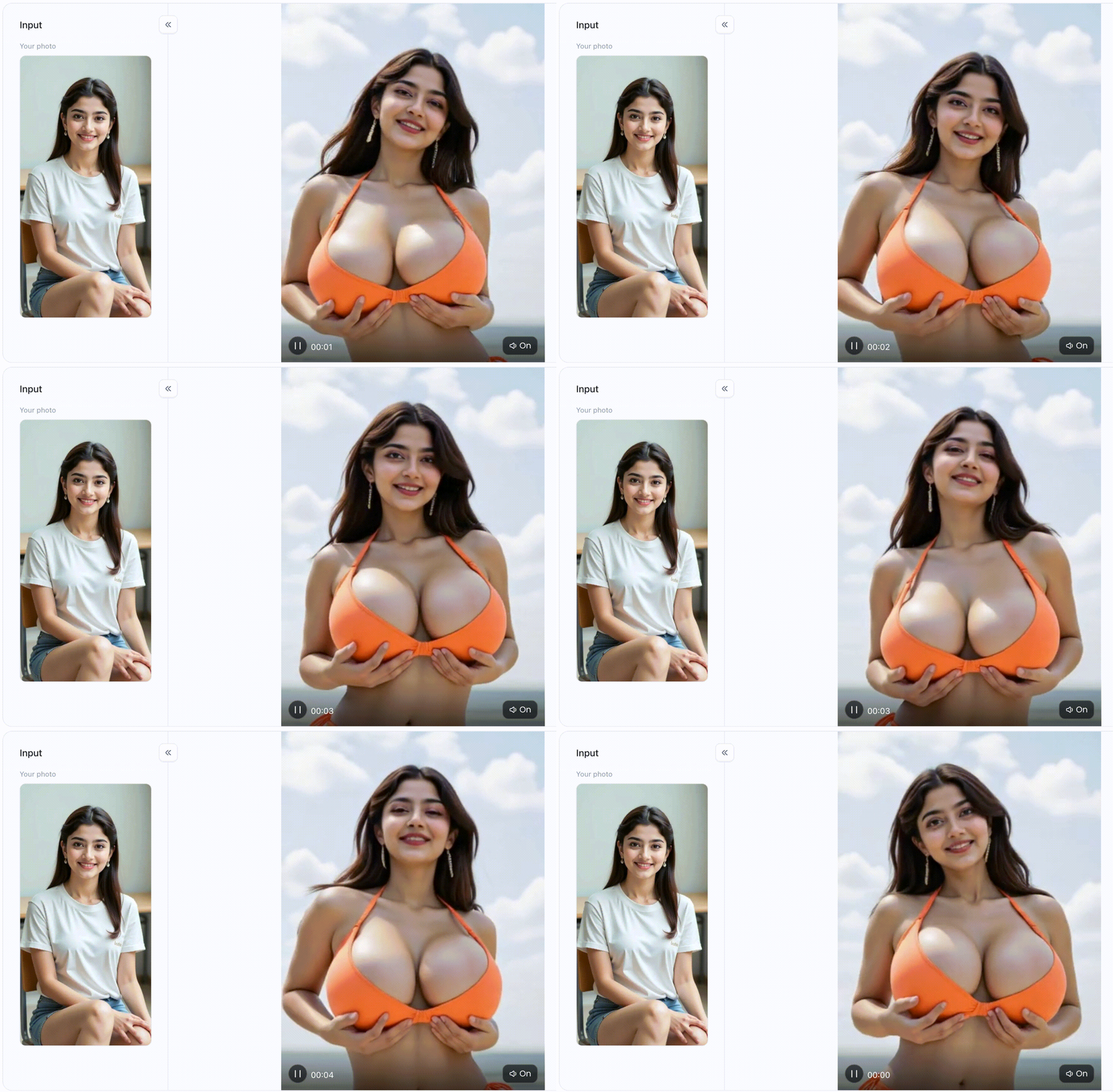
Depending on the tool, you can, for example:
-
animate an AI-generated adult image,
-
Add facial expressions and body movements,
-
Create camera movements,
-
Convert anime or hentai images into videos,
-
create short loops for private collections,
-
Enter a custom motion prompt.
Start your art journey with a1.art.
In this comparison, you will find suitable image-to-video tools, their key differences, and a step-by-step guide to creating your first AI video.
Comparison of the Best AI Image-to-Video NSFW Generators
Not every standard AI video generator allows adult content. Some platforms completely block NSFW content, while others only accept non-explicit depictions or offer specialized models for adult-oriented content.
Always check the current content guidelines of the respective provider before uploading.
| Tool | Best for | Image-to-video | Ease of use | Important note |
| a1.art | Fast creative effects and simple workflows | Yes | Simple | The availability of individual content depends on the app and guidelines. |
| Unstable Diffusion | Customizable AI images and experimental workflows | Partial support | Advanced | Video creation may require additional tools |
| EroGen | Specialized content for adults | Depends on the feature | Moderate | Output quality may vary depending on the model |
| Pika | Creative animations and powerful motion effects | Yes | Easy | Explicit content may be restricted |
| Runway | High-quality image animation and professional control | Yes | Moderate | Strict content filters possible |
| Fantasy | Recurring AI characters and image series | Depending on the function | Moderate | Check current video and NSFW functions beforehand |
-
a1. art: Easy Start to AI Image-to-Video
a1. art is suitable for users who want to animate an image without complicated video editing. This platform integrates image generation, creative apps and video effects into a unified workflow.
You can upload an existing image or first create a new AI-generated image, then select a suitable video app or motion effect.
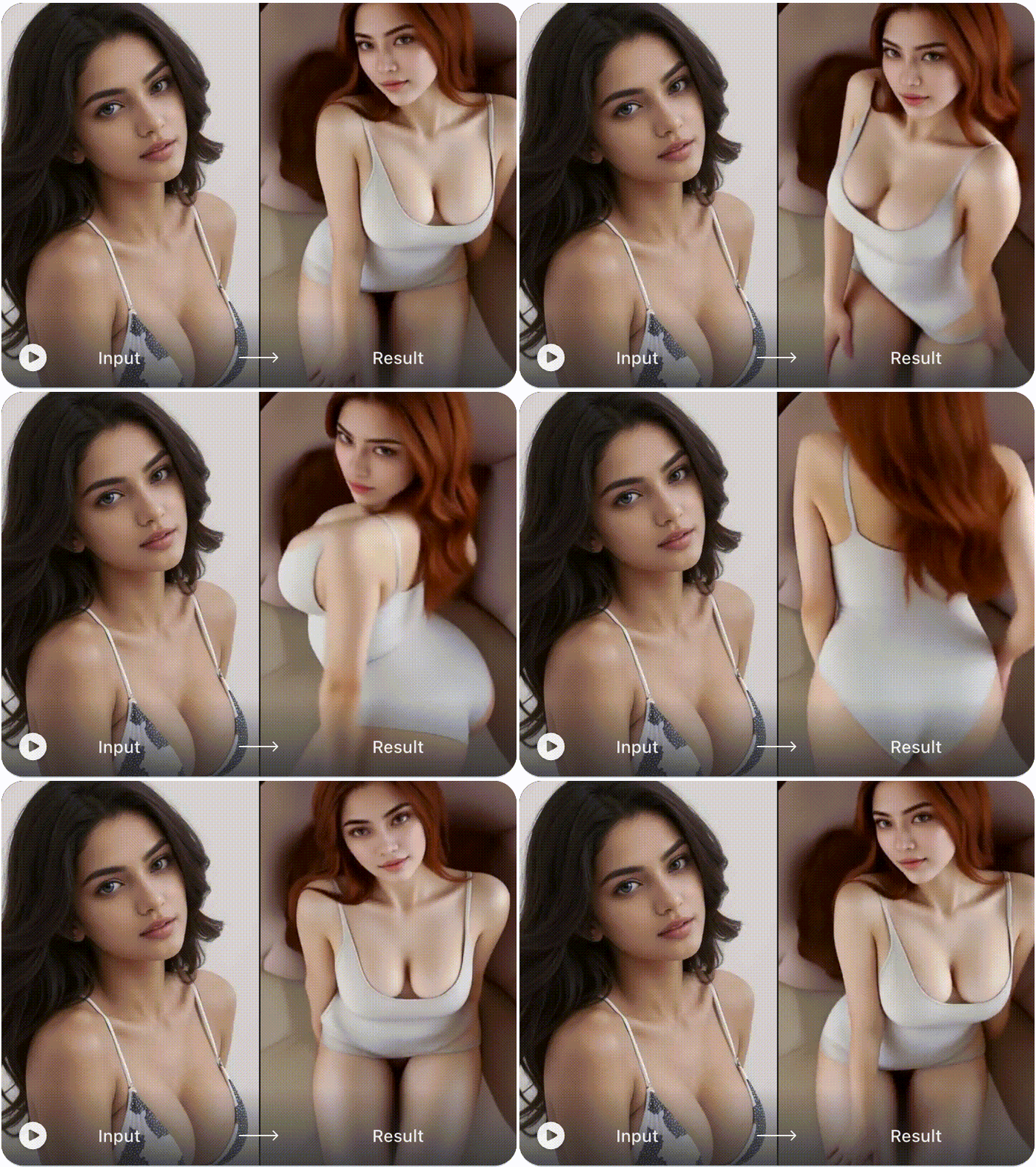
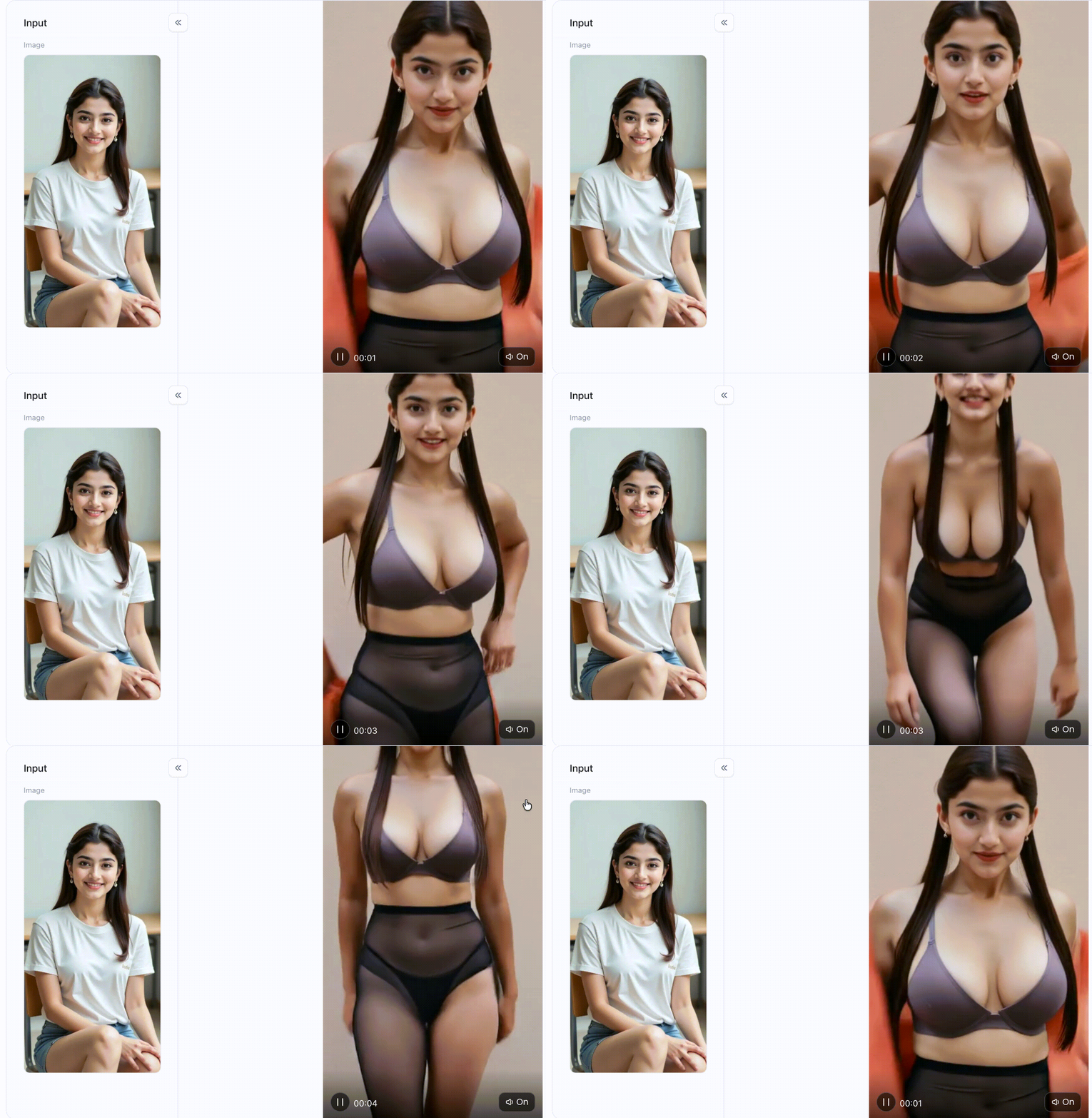
Experience the same app 👇
Pros
-
simple upload and generation process,
-
many different image and video apps,
-
no classic video editing software required,
-
suitable for portraits, anime characters and stylized characters,
-
Images can be further processed within the platform.
How to use it, just 3 steps:
Schritt1:
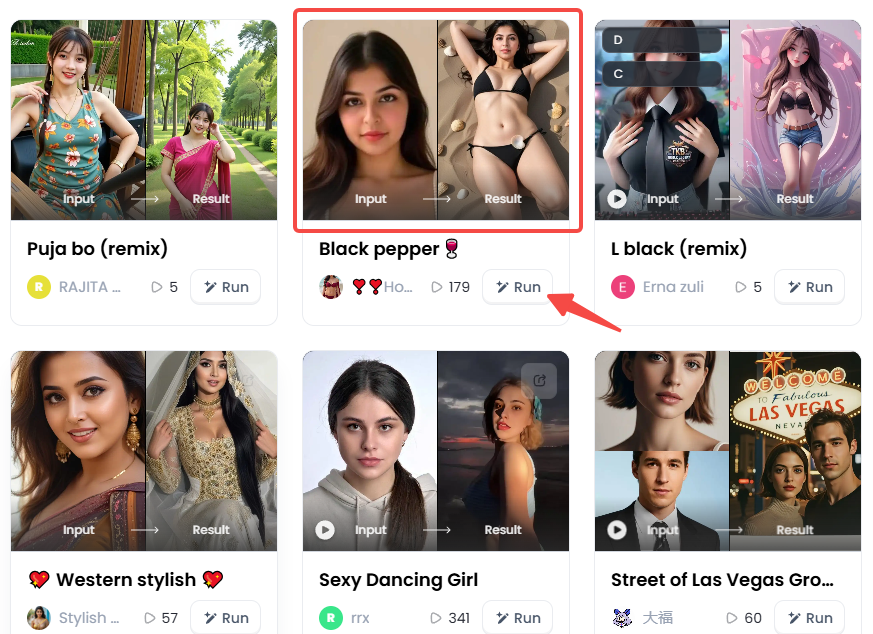
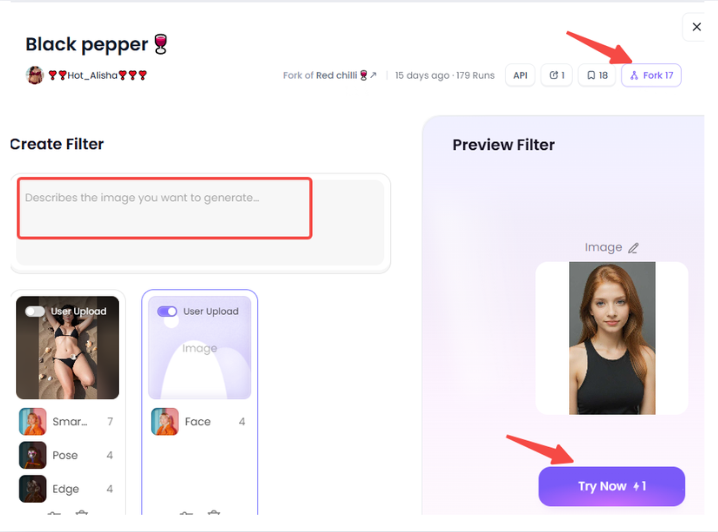
Open a1. art, select the app you are interested in, and click "Run"
Click on the image to try out the same app👇
Schritt2:
Upload a photo/image
Schritt3:
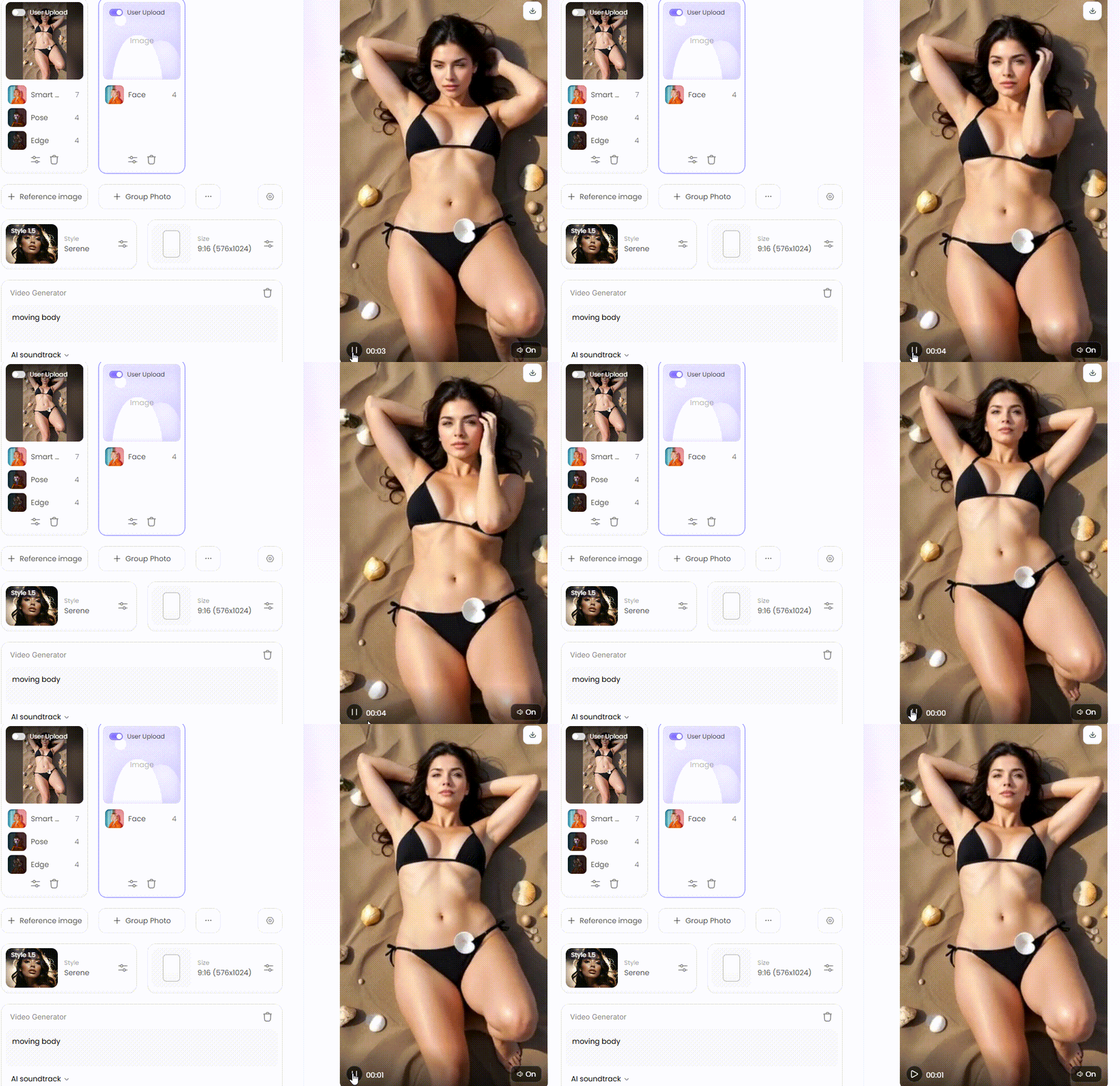
Wait for 3 seconds, and you will get a wonderful result 👇
Suitable for: Users who want to quickly test an image and create a short AI video without any technical setup.
-
Unstable Diffusion: More Control for Experienced Users
Unstable Diffusion is primarily known for customizable AI image generation. It is more geared toward users who want to use their own models, styles, or detailed prompts.
For a complete image-to-video workflow, it may be necessary to subsequently process the generated image using a separate animation model.
Pros
-
high creative control,
-
numerous style and design options,
-
suitable for custom AI characters,
-
active Community.
Cons
-
less beginner-friendly,
-
Image-to-video is not always the core workflow,
-
additional settings or external tools may be required.
Suitable for: Advanced users who want to first create a custom adult image and then animate it in a targeted manner.
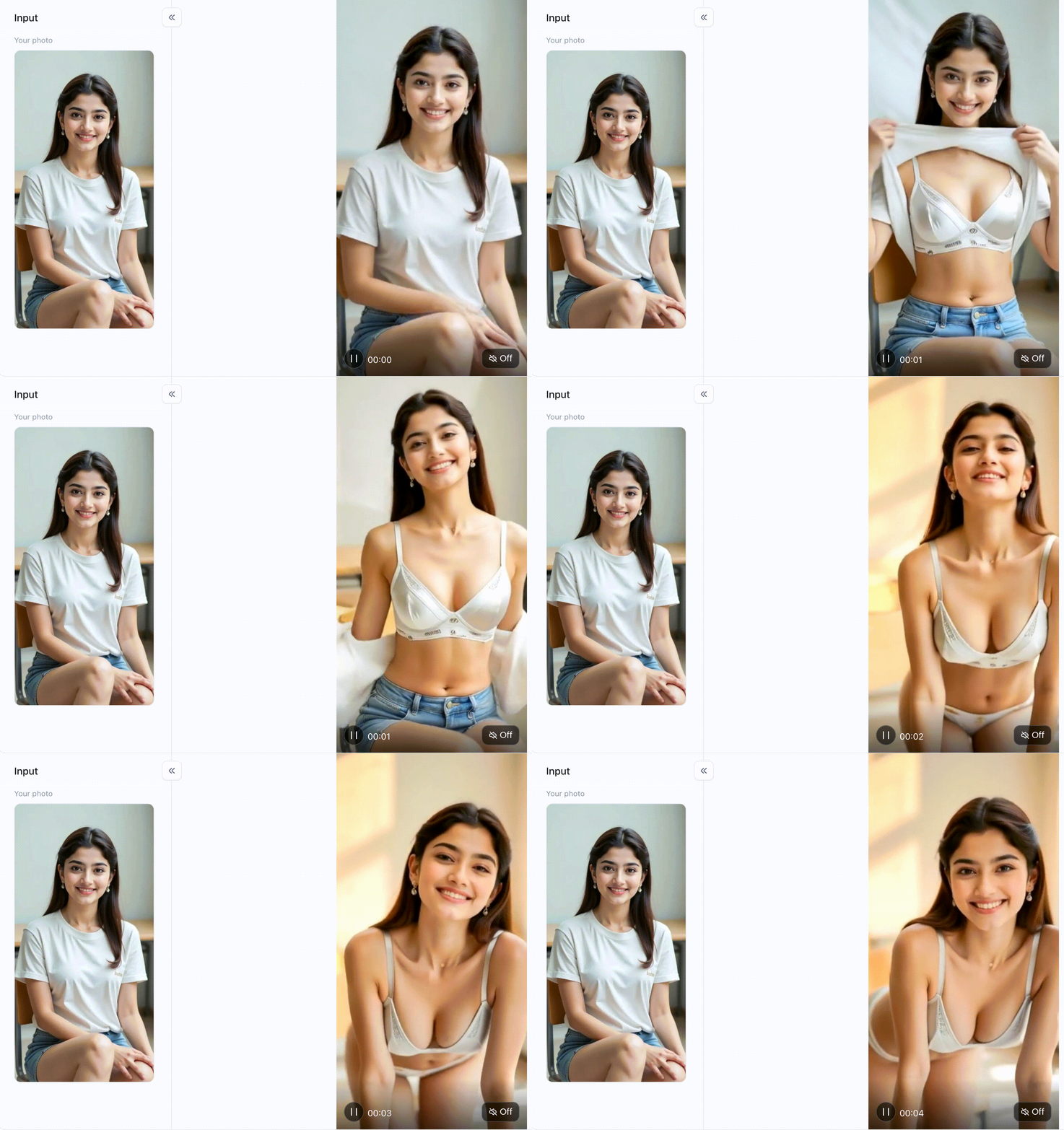
Click on the image to try out the same app👇
-
EroGen: Specialized Adult Content
EroGen is more focused on creating adult-oriented AI content, which allows its workflow to align more closely with actual user search intent compared to general AI video platforms.
Before using it, you should check which image-to-video functions are currently available and which motifs are permitted.
Pros
-
focused on adult content,
-
fewer detours compared to general AI platforms,
-
various character and style options.
Cons
-
Quality may vary between individual models,
-
Some of the movements may seem somewhat unnatural,
-
Data protection and storage policies should be carefully reviewed.
Suitable for: Adult users who are looking for a specialized platform rather than a general-purpose AI video generator.
-
Pika: Creative Image Animations with Visible Motion
Pika can animate static images with camera movements, motion effects and visual filters, making it particularly ideal for creating short, eye-catching video clips.
However, adult content may be restricted or blocked by platform rules.
Pros
-
fast image-to-video creation,
-
distinct motion and camera effects,
-
simple prompt input,
-
Suitable for stylized and cinematic scenes.
Cons
-
potential NSFW filters,
-
Faces and bodies can change during the animation,
-
not suitable for every specific use case.
Suitable for: Non-explicit, erotic or stylized images where movement and cinematic effect take priority over full control.
-
Runway: More Control Over Image Animation
Runway provides professional AI video features and can create high-quality animations from individual images, allowing users to gain greater control over movement direction, camera effects and visual dynamics.
However, the platform uses content filters, so it is more suitable for , non-explicit images than for clearly pornographic content.
Pros
-
high-quality video output,
-
excellent camera and motion control,
-
additional editing functions,
-
suitable for professional creators.
Cons
-
strict moderation is possible,
-
relatively higher costs,
-
is partially too extensive for a quick individual clip.
Suitable for: Users who want to create high-quality, cinematic or erotic image animations without using explicit depictions.
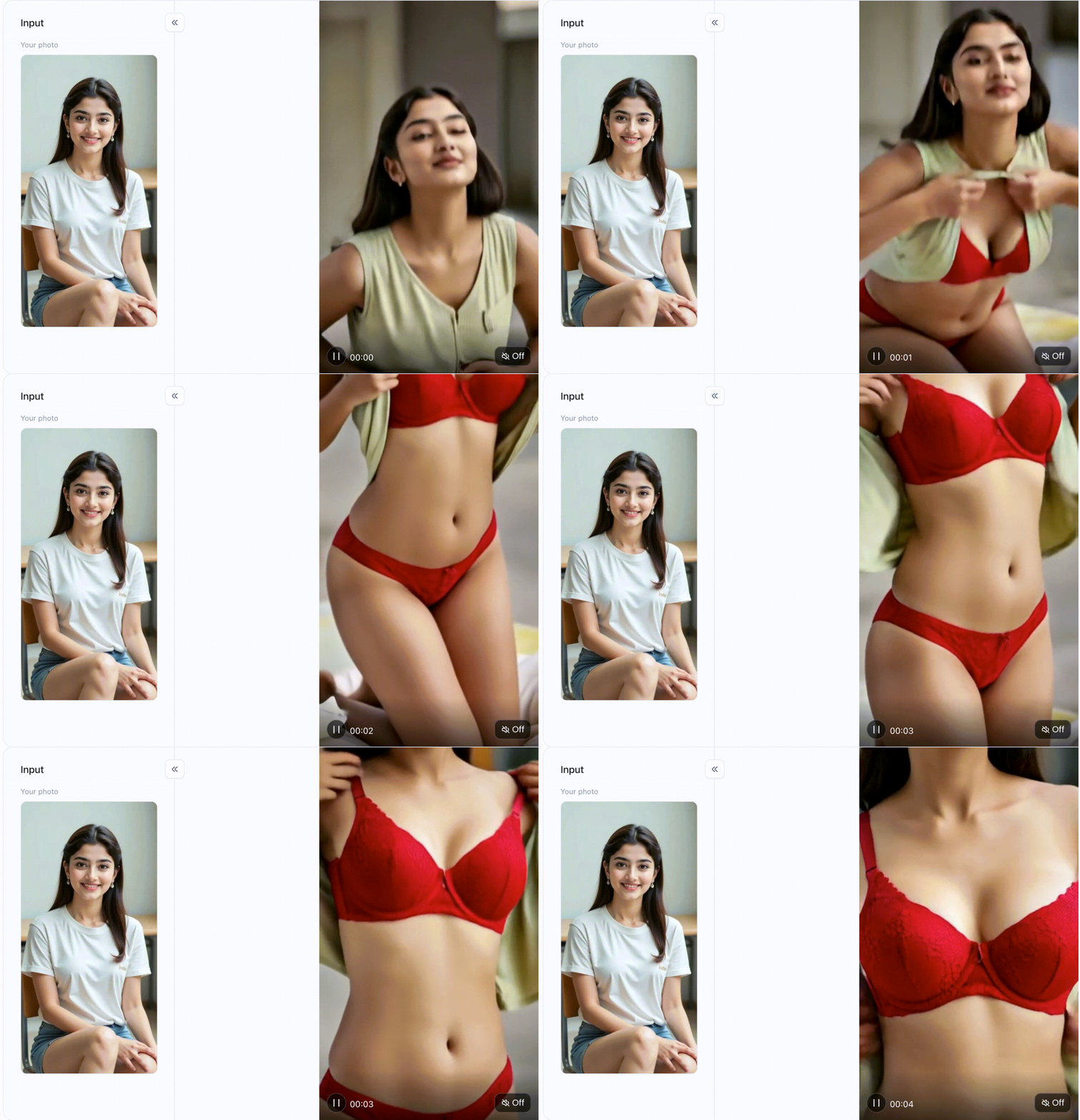
Experience the same app 👇
How to create an AI from a single image
The exact process varies depending on the platform. However, most AI image-to-video generators work according to the same principle.
Step 1: Select a suitable source image
Use a clear image with a clearly identifiable main subject.
Good source images have the following characteristics:
-
a sufficiently high resolution,
-
a clearly visible face,
-
a natural body posture,
-
klare Konturen,
-
as few hidden body areas as possible,
-
a quiet background.
Blurry images, truncated limbs or unusual perspectives more frequently lead to erroneous movements.
Do not use private images of other individuals without their explicit consent.
Step 2: Upload the image
Open the desired AI image-to-video generator and upload your image.
Before uploading, please note the following:
-
Datenschutzrichtlinien,
-
automatic saving of your files,
-
public or private generations,
-
Rights to the generated videos,
-
Options for deleting uploaded content.
For sensitive adult content platforms, a platform should provide clear information regarding storage, visibility, and deletion of such content.
Step 3: Select an animation or video effect
Many tools provide ready-made effects. These may include:
- Slow camera movement,
- Zoom-in oder Zoom-out,
-
Kopfdrehung,
-
Looking towards the camera,
-
Smiling or blinking,
-
Movement of hair and clothing,
-
light physical movement,
-
animierter Hintergrund,
-
Anime- oder Hentai-Animation.
Start by selecting a simple effect. Too many motion commands applied simultaneously increase the risk of distorted faces, hands or body shapes.
Step 4: Write a clear prompt
If the tool supports text input, only describe the movement that should actually appear in the video.
Example of a subtle portrait animation
Slow camera dolly forward, natural gaze towards the camera, subtle blinking, soft hair movement, consistent facial features.
Example of an anime animation
Gentle upper body movement, slight head turning, dynamic flowing hair, consistent anime style, and stable facial features.
Example of a short video loop
Uniform repeatable motion, static camera, consistent lighting, seamless transition between the start and end points.
Avoid long prompts with conflicting actions. A clear, unambiguous instruction usually yields more consistent results.
Step 5: Generate the video and check the result
Start the generation and then check the following:
-
Is the face still recognizable?
-
Is the body changing in an unnatural way?
-
Do additional fingers or limbs develop?
-
Is the background flickering?
-
Do clothing, hair and lighting remain consistent?
-
Is the movement smooth?
-
Is the clip suitable for use as a loop?
If the result is defective, you should not simply repeat the same prompt. Instead, reduce the movement, use a clearer source image, or select a different effect.
How to use a1. art for image-to-video content
With a1. art, the workflow can be completed in just a few steps.
-
Select the appropriate app
Open a1. art and search for an image-to-video app or a video effect that matches the desired movement.
Rather than picking a random effect, you should pay attention to the preview example, which shows whether the app is optimized for processing faces, full-body portraits, anime characters, or cinematic scenes.
-
Upload image
Upload your own image or use an image previously generated by AI.
For a stable animation, the main subject should be large enough and clearly visible.
-
Check settings
Depending on the app, you can:
-
enter a prompt,
-
select an aspect ratio,
-
determine the type of movement,
-
define a style,
-
use a sample image as a reference.
-
Generate video
Launch the app and wait until the video is generated. Fully check the result before saving or reusing it.
-
Create variant
If the first animation is not convincing, only change one factor at a time:
-
another output image,
-
less exercise,
-
shorter prompt,
-
other video effect,
-
Greater emphasis on facial consistency.
This makes it easier to identify which changes actually improve the quality.
Which types of NSFW images are best suited for animation?
Not every image is equally well suited for image-to-video creation.
AI-generated characters
Fictional AI characters are particularly well-suited for such workflows, as no real person is depicted without their consent.
Good results are often achieved when:
-
clear portraits,
-
Anime-Charakteren,
-
stylized fantasy characters,
-
digitalen Avataren,
-
Images with simple poses.
Anime and Hentai Images
Anime-style images feature clear outlines and simplified forms, which makes their movements appear more stable in some respects compared to photorealistic images.
However, the following points are problematic:
-
grossly exaggerated body proportions,
-
covered limbs,
-
multiple figures in complex poses,
-
highly detailed backgrounds.
Fotorealistische Erwachsenenbilder
Photorealistic images place higher demands on facial features, anatomy and movement, as even minor flaws become particularly conspicuous in this context.
Use as many of the following as possible:
-
a single individual,
-
a pose recognizable from the front or the side,
-
uniform illumination,
-
a plain background,
-
clear image resolution.
What to Look for in an AI Image-to-Video Tool?
-
Facial consistency
The face should retain the same identity throughout the entire video. Significant changes to the eyes, mouth, or facial shape quickly come across as artificial.
-
Anatomical Stability
The shapes of hands, arms, legs and the body should not change unexpectedly; this is a common shortcoming, especially in larger movements.
-
Motion control
A good tool should not just generate random motion. Users should at least be able to influence the direction of movement, the camera, or the intensity.
-
Privacy
When it comes to adult content, data privacy is of particular importance. Please check whether the uploaded files:
-
become publicly visible,
-
be used for training,
-
remain stored permanently,
-
can be deleted manually.
-
Clear content guidelines
The platform should clearly explain what content is permitted. A tool without transparent rules may block images after upload or suspend a user account.
-
Output Quality
Check the following:
-
Video Resolution,
-
Wasserzeichen,
-
maximum length,
-
Aspect ratio,
-
Downloadformat,
-
Generierungszeit.
Common Issues with AI Image-to-Video NSFW Content
The face changes
Use a larger, clearer face and minimize head movements or camera movements.
Body parts are distorted
Avoid complex poses. Start with small movements and an image with clearly visible anatomy.
The tool rejects the image
The platform may not allow this motif. Do not attempt to bypass security filters. Use a tool whose rules align with your legal and consensual use case.
The video appears static
Select a more distinct motion effect, or describe a single specific action in the prompt.
The background is flickering
Use an image with a simpler background or explicitly request a static environment.
The animation looks artificial
Reduce the motion intensity. Smaller movements usually look more realistic than complex actions for a single source image.
> Are Free Image-to-Video Tools Available?
Some platforms offer free credits, test generations, or limited features. However, free versions often come with restrictions:
-
Wasserzeichen,
-
lower resolution,
-
short video duration,
-
Warteschlange,
-
limited number of generations,
-
No private storage.
Also check whether a free platform publicly displays uploaded images or uses them for model training.
Is it permissible to animate real people using AI?
Only with the explicit consent of the adult person depicted.
Do not create sexual or intimate videos with:
-
Celebrities,
-
Former Partners,
-
Acquaintances,
-
photos of other people on social media,
-
Individuals who have not consented to the upload or the sexual depiction.
A technically feasible video is not automatically legal or ethically permissible.
FAQ on AI Image-to-Video NSFW Generators
What is an AI image-to-video NSFW generator?
It is an AI tool that analyzes a static portrait of an adult and generates a short animated video sequence from it.
Can AI create a pornographic video from a single image?
Technically, image-to-video models can generate motion sequences from a single image. Whether explicit content is permitted depends on the guidelines of the respective provider.
Which AI generator is the best?
It depends on the desired outcome. a1. art is suitable for simple creative workflows, while specialized adult platforms may be more heavily geared towards NSFW content. General-purpose tools such as Pika or Runway often deliver better video quality, but employ stricter content filters.
Can I convert a hentai image into a video?
Yes, many image-to-video models can animate anime and illustration images. Make sure that all depicted characters are clearly adults.
Can I upload my own AI-generated image?
Yes. An AI-generated image is often a good starting point, especially when the depicted character is entirely fictional.
What is the length of the generated videos?
Many tools initially generate short clips of just a few seconds. Depending on the platform, videos can be extended, looped, or combined with additional scenes.
Are my uploaded images private?
Privacy practices vary by provider. Review storage, visibility and deletion options before uploading an image.
Why does a tool reject my image?
This image may violate the platform's content policies. Use a provider with clear rules for your legal use case, and do not attempt to bypass protection mechanisms.
Conclusion
An AI image-to-video NSFW generator can convert a static adult image into a short animated clip. However, what matters crucially are not just the visible effects, but also facial consistency, anatomical stability, data privacy and clear content policies.
To get started quickly, you can try a tool like a1. art, upload a clear reference image, and first select a simple motion. Specialized adult-oriented platforms can offer more leeway, while general AI video tools often deliver higher video quality but come with stricter filters.
Only use fictional adult characters or images of adult persons with explicit consent. This way you can creatively use image-to-video AI without violating the privacy or rights of others.
Click here to see ten different types of stunning beauties👇
Read more
- Diwali Greeting Card Maker: Create Personalized AI Cards
- Casa Tupka Anthemo AI Video Prompt for the Viral Car Reel
- 9 Best Porn Face Swap Tools Online Free 2026
- AI Jewelry Photography: How to Create Product and Model Photos
- Top 12 AI Cinematic Portrait Generators for Movie-Style Photos
- How to Add a Person to a Photo and Make It Look Natural
- How to Fix Closed Eyes in a Photo Using a Reference Picture
- 10 Best Secret Desires AI Alternatives in 2026
- Best Remini Alternatives for Photo Enhancement in 2026
- Secret Desires AI Review 2026: Is It Free, Safe and Worth It?
Written by

a1.art
Published on
Oct 9, 2026
Share article


