


Ever wondered how you'd look with braces? You're not alone! Deciding to get them is a huge deal, mostly because you can't picture the final result. The only way to discover it for ages was to leap by faith. This fear often stops people in their tracks, delaying a healthier, more confident smile. On top of that, there's the pressure of picking a style you'll have to live with for years!
But what if you could take a sneak peek? That's where an AI braces filter saves the day. The market for photo editing apps is booming, as expected, and will surpass $1.5 billion by 2028. The best "try before you buy" experience is provided by AI braces filtering. With the help of this incredible technology, you can get a very realistic preview of any picture and choose the ideal look without committing. Are you prepared to grin in the future? This tutorial demonstrates how to use the picture braces editor.
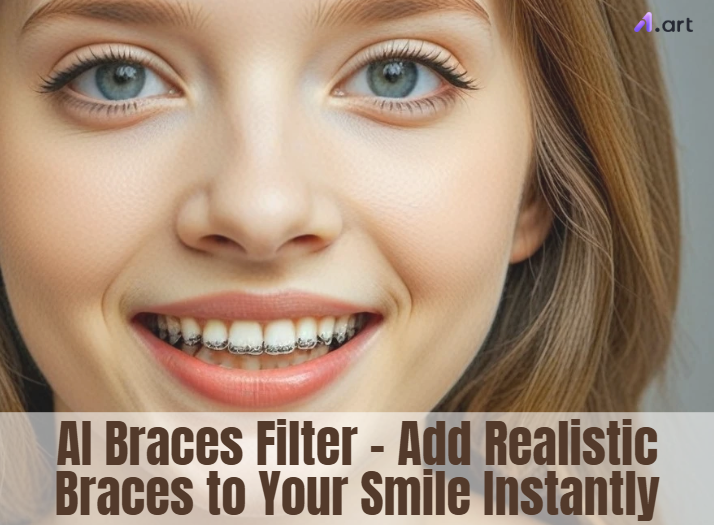
What Is an AI Braces Filter and How Does It Work?
This digital braces tool adds real-looking braces to photos and videos, leaving old sticker apps in the dust. It's a true game-changer. A popular face filter offers a fun and helpful sneak peek at your amazing future smile.
But how does its magic work? It all happens behind the scenes in a few clever steps:
-
It Finds Your Smile: The AI instantly scans your photo to lock onto your mouth and smile line.
-
It Maps Every Tooth: It carefully traces each tooth's shape and curve. This is the key to making the fit look completely natural.
-
It Builds the Braces: The tool then creates a 3D model of the braces and fits it perfectly, matching the lighting and angle of your instant braces photo to look 100% real.
-
You Play Designer: This is where you can explore a full color wheel, try all the good braces colors, and find the perfect style that screams "you."
This tool is super realistic and a breeze to use. Plus, it's not just for photos. It now works on videos! Some orthodontists even use these virtual braces online to get patients excited about their amazing future smiles.
Click the picture to generate your exclusive everyone is here to play a card with one click👇
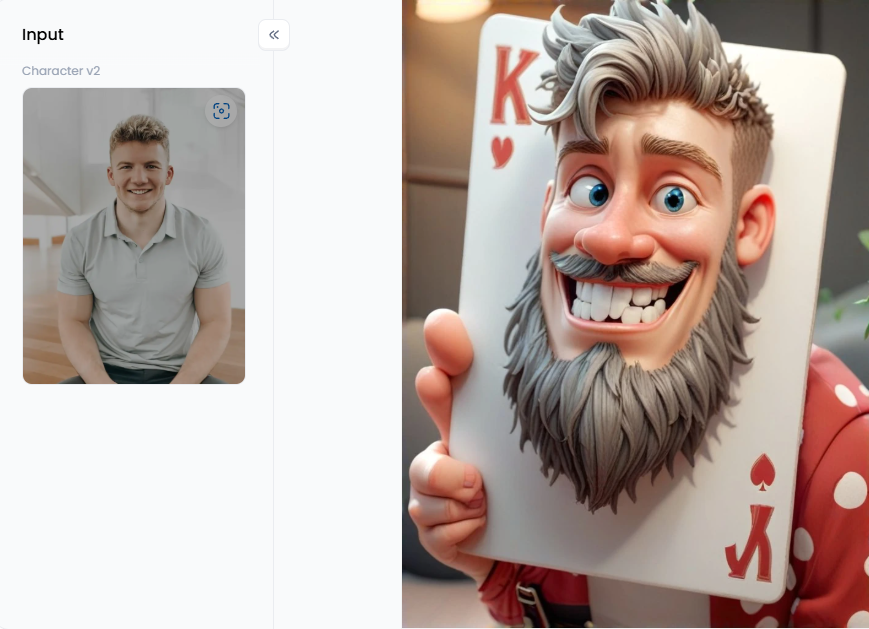
Start your art journey with a1.art.
Beyond the Selfie: Who Uses AI Braces Filters and Why?
While trying on fake braces is a blast, this AI tool is more than just for laughs. This AI-powered braces editor is a game-changer for many different people. Here's a quick look at who can jump in on the fun:
-
Teens and Tweens: Adding braces to a selfie turns fear into fun! It's a blast to try out popular cute brace colors like pink or blue and let friends vote on the winning look.
-
Adults: Wondering how braces might fit your professional style? This filter lets you see for yourself before taking the plunge.
-
Parents: Using a teeth braces app is a perfect way to warm kids up, showing them that braces can look awesome.
-
Content Creators: This automatic braces filter is a great tool for creators. Make funny skits, throwback posts, or "glow-up" videos to grab everyone's attention.
-
Orthodontists: A virtual orthodontist tool helps patients preview their new smile and feel like part of the team when picking the best braces colors.
To put it briefly, an immediate braces photo tool can do more than just photo editing. It transforms a significant decision into an enjoyable, imaginative journey and replaces anxiety with confidence.
Click the picture to generate your exclusive braces filter with one click👇
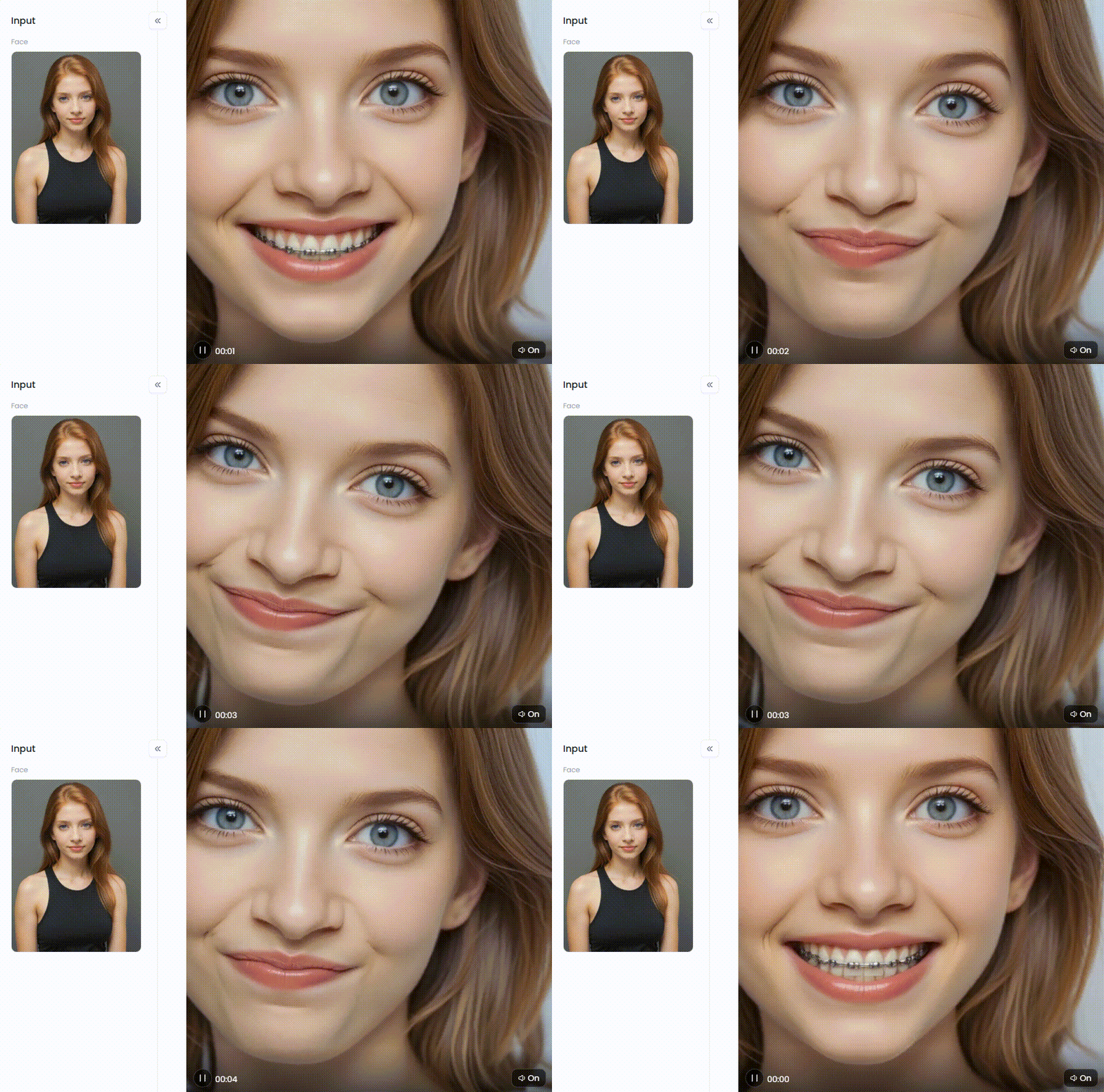
How to Use It, Just 3 Steps:
Step1:
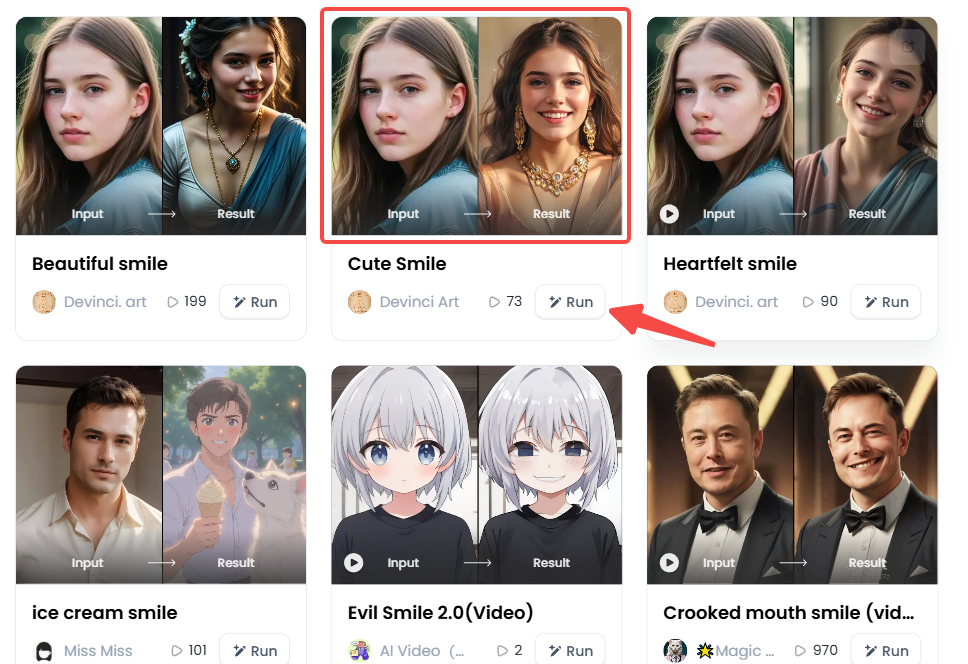
Open a1.art, choose the App that you are interested in, then click 「Run」
Click on the image to experience the same App👇
Step2:
Upload a photo/image
Step3:
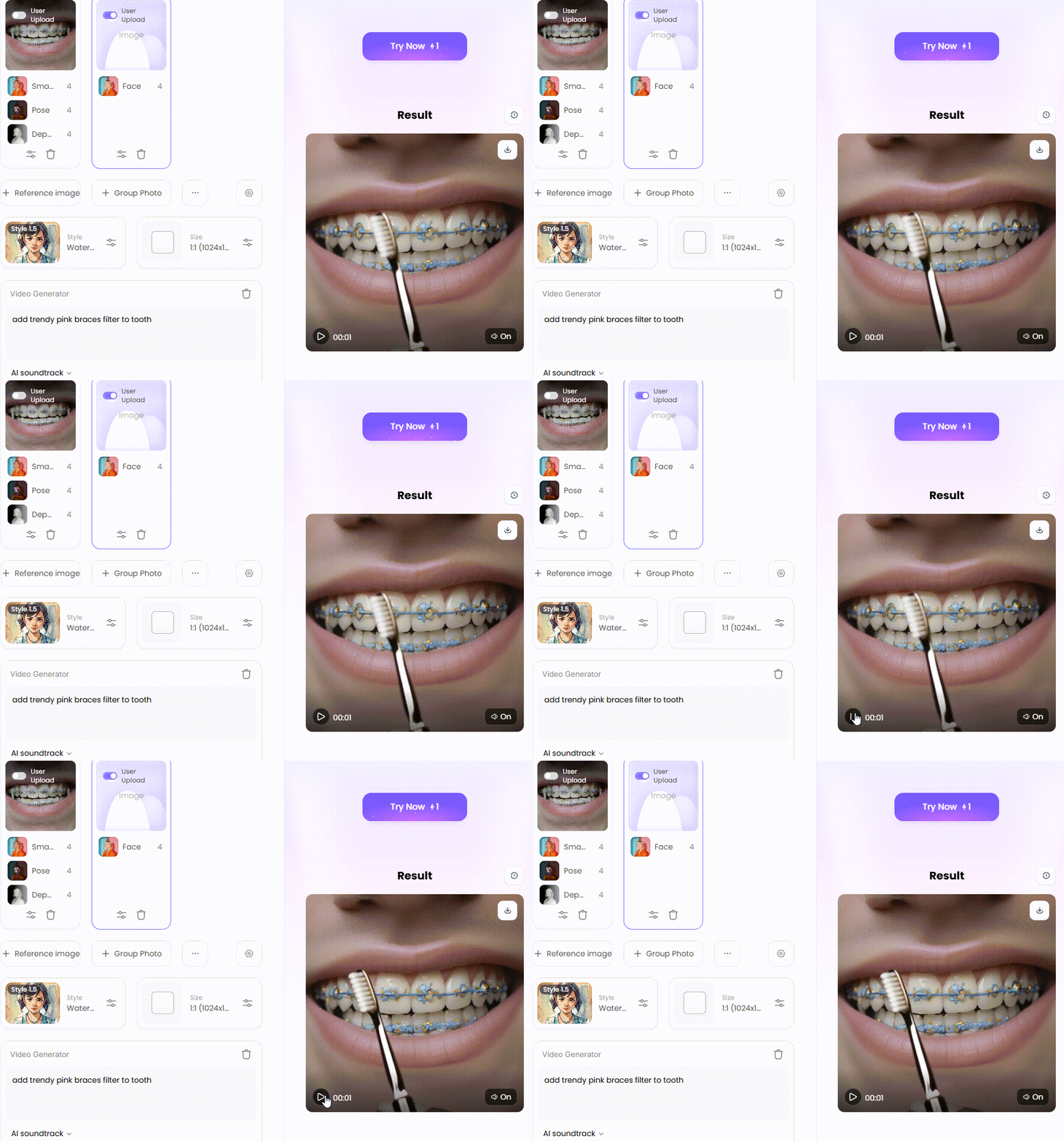
Wait 3 seconds, you will get a wonderful result 👇
30 Ideas for Your Braces Filter Photos and Videos
Ready to get creative? This braces filter is a playground for your smile. We've got 30 awesome ideas for you, whether you're having fun or making a huge decision!
Group 1: Finding Your Perfect Braces Style
-
The Rainbow Challenge: Try a new brace every day of the week! To assist you in selecting the winning style, combine all seven looks into a collage.
-
Coordinate with Your Closet: Your braces are a key part of your look! Match them to your favorite outfits, from hoodies to prom dresses, to see which brace colors make your style pop.
-
Get in the Holiday Spirit: Get into the holiday spirit with your smile! Try festive green and red braces for Christmas or spooky orange and black for Halloween. It's a fun seasonal look!
-
Show Your Team Pride: Show your team spirit! Use the filter to try on your favorite team's colors. It's the ideal way to show off your pride on game day.
-
Subtle Shine vs. Bold Statement: Compare subtle, clear braces with bold neons to find your vibe. Decide if you want to blend in or make a colorful statement.
-
Master the Color Wheel: Try every shade with the braces color wheel. You might be surprised to find a hidden gem that becomes your new favorite look!
-
Find Your Perfect Match: Find the color that makes you glow! Try on different shades to see which ones make your skin tone pop and your eyes sparkle.
-
Dodge the Yellow Tones: Use the filter as a "what not to wear" guide. Try on different colors to see what color braces make your teeth look yellow.
-
Create a Two-Tone Design: Don't just pick one color—mix and match! Try alternating shades or use a different color for a cool top and bottom teeth look.
-
Glow-in-the-Dark Party Look: Get a party-ready smile! Try on the brightest neon colors and imagine a cool, glow-in-the-dark look that will turn heads.
Click the picture to generate your exclusive beautiful smile with one click👇
Group 2: Fun with Friends and Social Media
-
The Ultimate Throwback Prank: Prank your friends with aclassic throwback! Add braces to a photo and post it to see who thinks your "awkward phase" was real.
-
"My Braces Journey" Mini-Movie: You don't need real braces for a glow-up! Make a before-and-after video revealing your new smile with trending music to get tons of views.
-
Give a Celebrity a Makeover: Give your favorite celebrity a braces makeover! Add the filter to their photo and share the hilarious results. Your followers will get a kick out of it.
-
The Guessing Game: Post a black-and-white photo with the braces filter online and ask, "Guess the color!" It's a super easy way to get all your friends talking.
-
Cosplay Your Favorite Character: Dress up as a famous character with braces, like Ugly Betty or Darla. The braces filter is the perfect finishing touch for your costume!
-
The Awkward Family Portrait: Give the whole family a braces makeover! Add the filter to a group photo for a hilarious family portrait you'll laugh about for years.
-
Give Your Pet a Makeover: Ever wonder what your pet would look like with braces? Snap a pic of your dog or cat and add the filter for some guaranteed laughs.
-
The Then vs. Now Challenge: Add the braces filter to a baby picture and a current selfie. Put them side-by-side for a funny twist on the popular glow-up trend.
-
Dramatic Reading with a Twist: Record a dramatic reading of a famous scene while wearing bright braces. The mix of serious acting and a fun smile will make everyone crack up.
-
The Ultimate Filter Mashup: Go for a crazy combo! Mash up the braces filter with funny effects like big eyes or a silly hat. The wackier, the better!
Click the picture to generate your exclusive smile filter with one click👇
Group 3: Creative and Artistic Projects
-
Design a Movie Poster: Be the star of your own teen comedy! Create a funny movie poster with a picture of you in virtual braces and add a silly title.
-
Become an Animated Character: Level up your edited photo by turning it into a cartoon! Use another AI tool to create a cool, personalized anime avatar with a unique smile.
-
Create a Digital Art Piece: Turn your braces selfie into a cool digital painting! Use it as a base to practice drawing and add extra personality to your artwork.
-
Make a Punk Rock Album Cover: Create a cool cover for a fake punk band. Make a close-up of your braces smile, the star of the show!
-
The "Awkward Years" Photo Shoot: Laugh with an awkward middle school photo shoot. Strike some goofy poses and let your virtual braces steal the spotlight.
-
Create the Next Viral Meme: Make a hilarious meme! Snap a silly, expressive photo with the braces filter on, then add a relatable caption for instant laughs.
-
Edit a Historical Photo: Imagine historical figures with braces! Add them to an old portrait of a king or queen for a funny, time-traveling surprise.
-
Visualize a Character: Creating a new character with braces? Use the filter to bring your idea to life and help you picture their appearance and personality.
-
Design Personalized E-Cards: Create a funny birthday or holiday e-card for your friends. Use a silly photo of your braced-up smile for a fun, personal touch.
-
Curate a Fashion Lookbook: Create a cool fashion lookbook! Make a collage to show how great accessories like hats and glasses look with your awesome new braces.
These 30 ideas show that this filter is a game-changer. Use it to find your perfect style, have a good laugh, or create cool art. It's packed with endless inspiration!
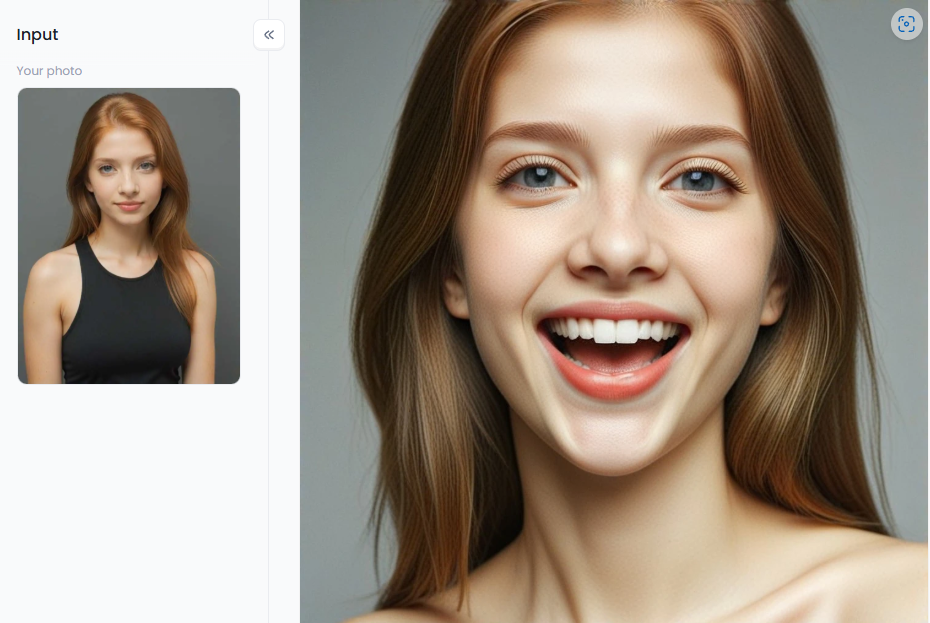
Click the picture to generate your exclusive laughing face with one click👇
 、
、a1.art: The Ultimate Playground for Your Smile Transformation
Unlike other apps, a1.art is a true standout. It's not just a realistic braces photo editor; it's an AI art playground for your wildest ideas. Its braces filter is a huge hit because it looks incredibly real and offers endless creative fun.
What Makes a1.art a Game-Changer?
You can start with one idea, then add braces to selfies using simple text prompts. The process is a piece of cake: upload a photo, pick a filter, and watch the magic happen. And that's just getting started!
Explore a Universe of Smile and Face Filters
Once you've tried the "Braces Filter" or the "Braces Filter (Video)," why stop there? a1.art has a whole box of tooth braces apps you can mix and match for stunning results.
-
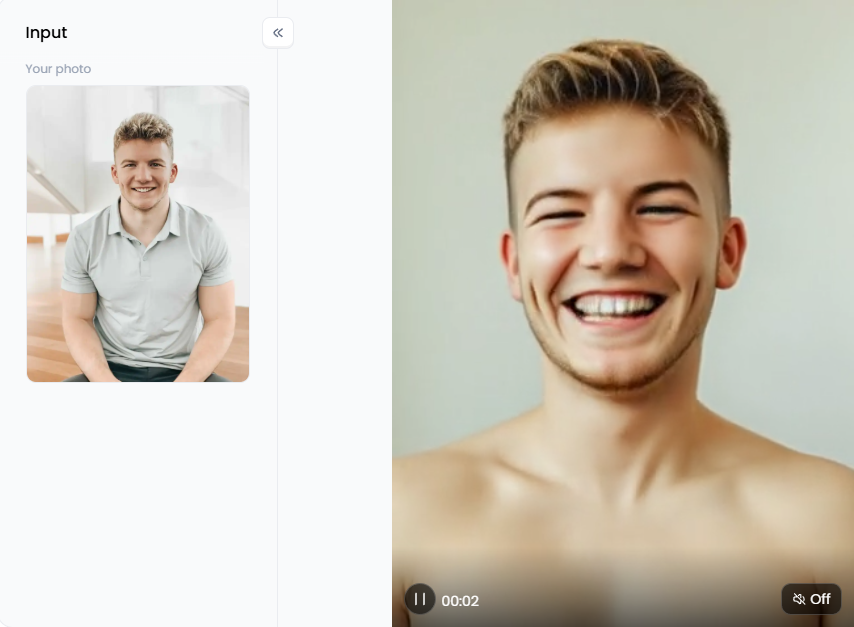
Perfect Your Expression: Try the "Smile Filter" or "Laughing Face." Feeling a little mischievous? The "Evil Smile 2.0" filter will give your photo a hilarious, dramatic twist.
-
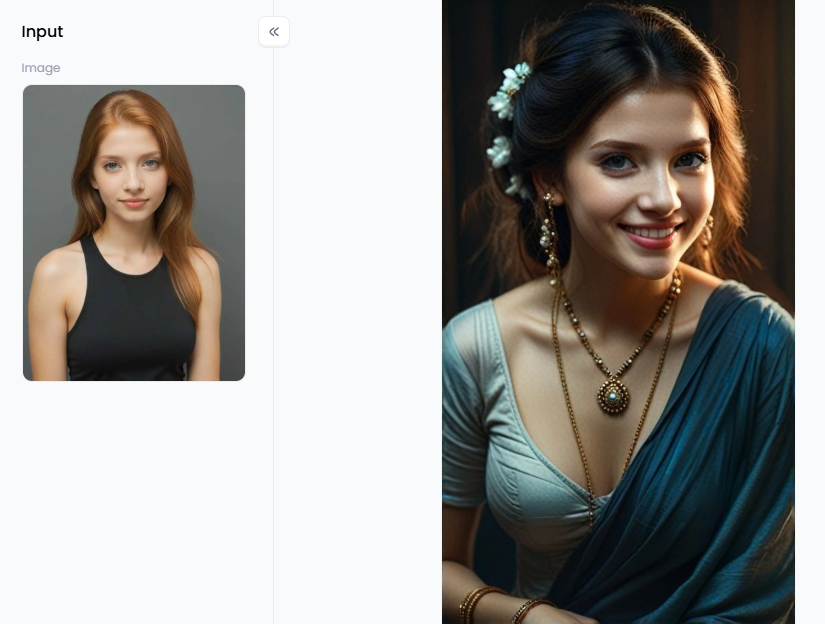
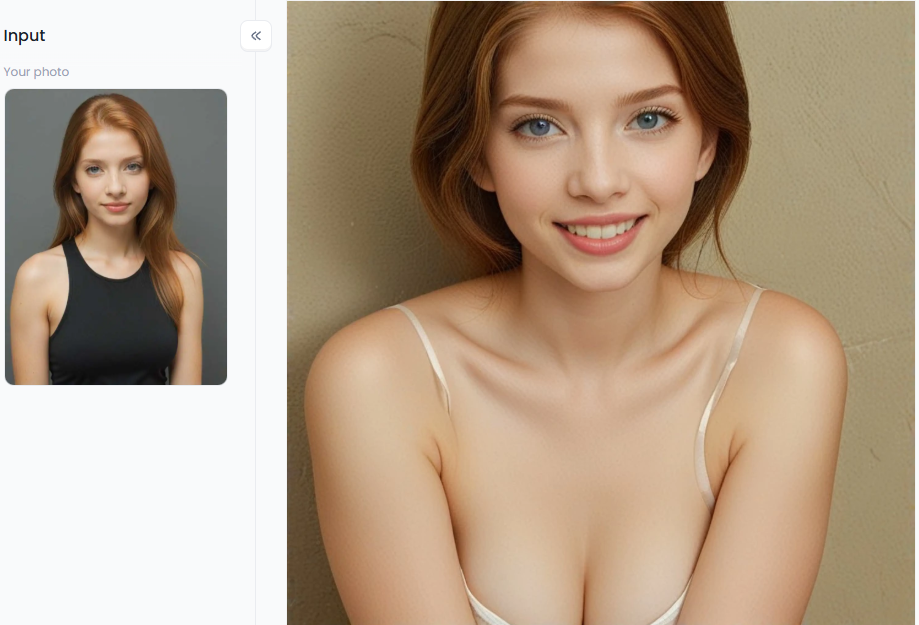
Refine Your Look: Add some sparkle with funny filters like "Cute Smile" or "Gorgeous Smile." Use "Perfect Teeth Smile" for a sneak peek of your amazing smile after braces!
-
Go for a Total Transformation: The "Face Generator" can create a brand-new face from scratch. Or, laugh with the "AI Face Swap" to see how your new braced-up smile looks on your best friend's face.
Unleash Your Creativity with Prompts and the "Fork" Feature
This is where a1.art truly blows the competition away. You aren't stuck with just the filters on the menu. You can guide AI with your own words using text prompts.
-
Simple Prompts: Start with the basics. For example, type: "A girl with bright pink braces laughing in a sunny park."
-
Get Creative: Think outside the box! Try something like: "A cool rockstar with glowing blue braces, 80s neon style."
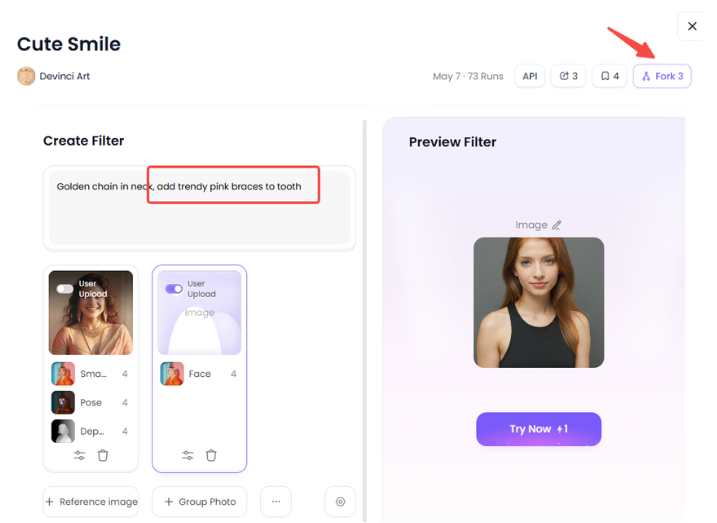
Love a video's style? The "Fork" feature is a magic button that copies it with one click. It instantly applies that vibe to your video, making you look like a pro!
Click the picture to generate your exclusive pefect teeth smile with one click👇
Go Viral with These Pro Tips
Ready to show off your creation? Combine your amazing a1.art visuals with these simple tricks to make your post a hit:
-
Use Trending Audio: Find a popular sound on TikTok or Instagram Reels and pair it with your video.
-
Make a Big Reveal: Create a simple before-and-after video. People love watching transformations!
-
Tell a Quick Story: Show a few pictures of your "braces journey" to tell a fun, short story.
-
Ask Your Followers: Get everyone involved! Ask, "What color braces should I get?" and show them all the cool options you made.
a1.art is a creative playground, not just a fake braces app. Use its realistic filters, make art from text prompts, or use the unique "Fork" feature to instantly copy any video style you love. It's your ticket to creating fun, unique posts beyond a simple selfie.
The Future of Your Smile is Just a Click Away
Gone are the days of guessing what you'll look like with braces! An AI photo braces editor filter has turned a scary decision into a fun, creative adventure.
A platform like a1.art takes it to the next level, offering more than just a simple preview. It's a creative playground where you can find the best colors for girls' braces, and design amazing photos and videos showing your style. Mix the super-real "Braces Filter" with other enhancers for the perfect look.
So, why just wonder? See your future smile today! Dive into a1.art and discover your new look. Your awesome transformation is just a click away!
Read more
- Best Free AI Tools to Create Hybrid Animals Online: Unleash Your Inner Mad Scientist
- AI Bikini Generator: Create Swimsuit Looks from Any Photo
- How to Change Your Skin Color Online Free: A Complete AI-Powered Guide
- Best AI Tools to Generate Pregnant Woman Images or Art
- Best Baby Podcast AI Tools – Create Cute & Funny AI Baby Voices
- 10 Top Haiper AI Alternatives Free: Your Ultimate Guide to AI Video Creation
- Best AI Hug Video Generator Free Online: Sending Virtual Hugs with AI Magic
- Murder OC Maker: Create Your Original Killer Character with AI
- Free AI Image Background Changer Online: Transform Your Photos Instantly
- a1.art or Vondy: Which AI Image Generator Is Better for You
Written by

a1.art
Published on
Sep 14, 2025
Share article


