


Would you ever give someone a real hug instead of simply a ❤️ emoji? Creating a personalized animated video may seem unattainable for those who lack technical expertise. Not having the resources to share a memorable occasion can be difficult.
But what if just a few lines could produce a lovely, heartfelt hug? That's how free AI hug video generators work! This technology is booming, set to become a $1.5 billion market by 2028, and it puts the power of a movie studio right in your hands. Now, anyone can turn a simple idea or a favorite photo into a work of art.
Prepare to connect like never before with this guide, which will teach you how to use these auto video makers to create meaningful, animated hugs that will brighten someone's day.
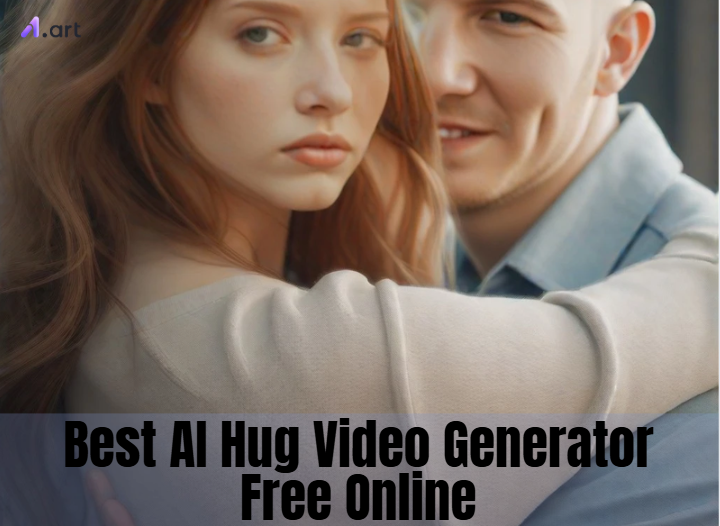
What is an AI Hug Video Generator?
Want to make a hug photo move? A hug AI video generator online does it in a snap! This smart tool creates short, heartwarming videos of special moments. It handles all the tricky editing, turning simple ideas into beautiful, living art. Just feed the AI an idea with a photo or a few words. The auto short AI tool works magic, creating a new video with lifelike details that bring your memory to life.
The speed at which these free AI video generators are developing is fascinating. They are opening up incredible new opportunities for everybody.
-
Your Style, Your Way: You may now decide how your video will seem, ranging from a playful, animated cartoon to a highly realistic image.
-
Tell a Bigger Story: You may make longer, more action-packed videos instead of short loops.
-
More Than Just Hugs: There are more specialized generators, such as AI dance generators, that can produce incredible dance sequences.
-
Add a Soundtrack: Adding your favorite song is easy, transforming an ordinary photo into a heartfelt, comprehensive video montage.
It's as easy as typing a line to make a beautiful video, putting the power of animation right at your fingertips.
Click the picture to generate your exclusive i hug my pillow with one click👇
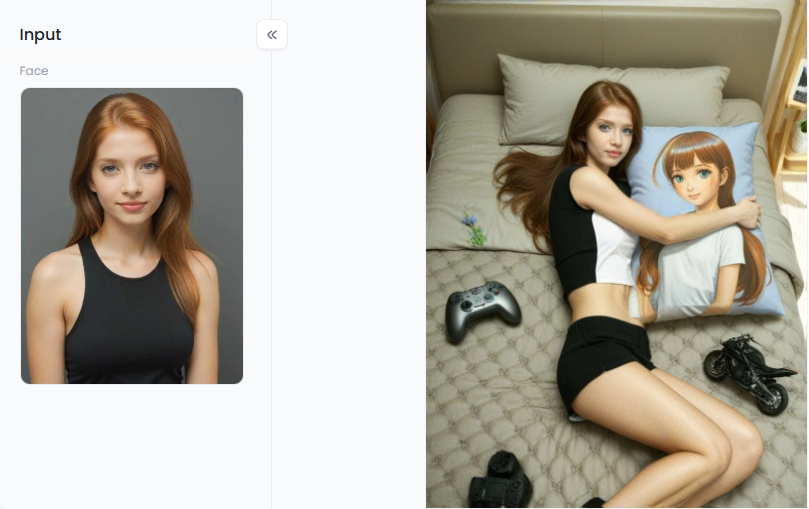
Start your art journey with a1.art.
Beyond a Simple 'I Miss You': Powerful Applications of AI Hug Videos
AI hugs are worth a thousand words and are much more than just "I miss you." It changes how we express ourselves online and gives our virtual world a more human touch. These free AI video editors pack a surprising punch in several exciting ways.
-
To Brighten Someone's Day. Instead of flat text, you can light up a loved one's screen with a custom-animated hug. Imagine sending a cozy clip of a dark cat hugging a girl to a pet lover or a romantic scene to your partner. It's a small gesture that feels incredibly special.
-
For Standout Social Media. These hug romantic GIF tools are a dream for content creators, allowing them to quickly create visually appealing TikToks, humorous memes with a hugging theme, or daily feel-good posts that attract attention and increase engagement.
-
To Create with Heart. Artists can create beautiful moving art pieces for digital galleries, and businesses can create heartfelt advertisements that establish a genuine connection with their audience.
-
To Offer Real Comfort. In online support groups, a simple animated hug can become a powerful symbol of care that makes people feel seen and less alone, providing genuine comfort.
With the growth of the creator community, these AI video platforms are increasingly essential, gradually making our digital lives more comfortable.
Click the picture to generate your exclusive ghibli couple photo hug with one click👇
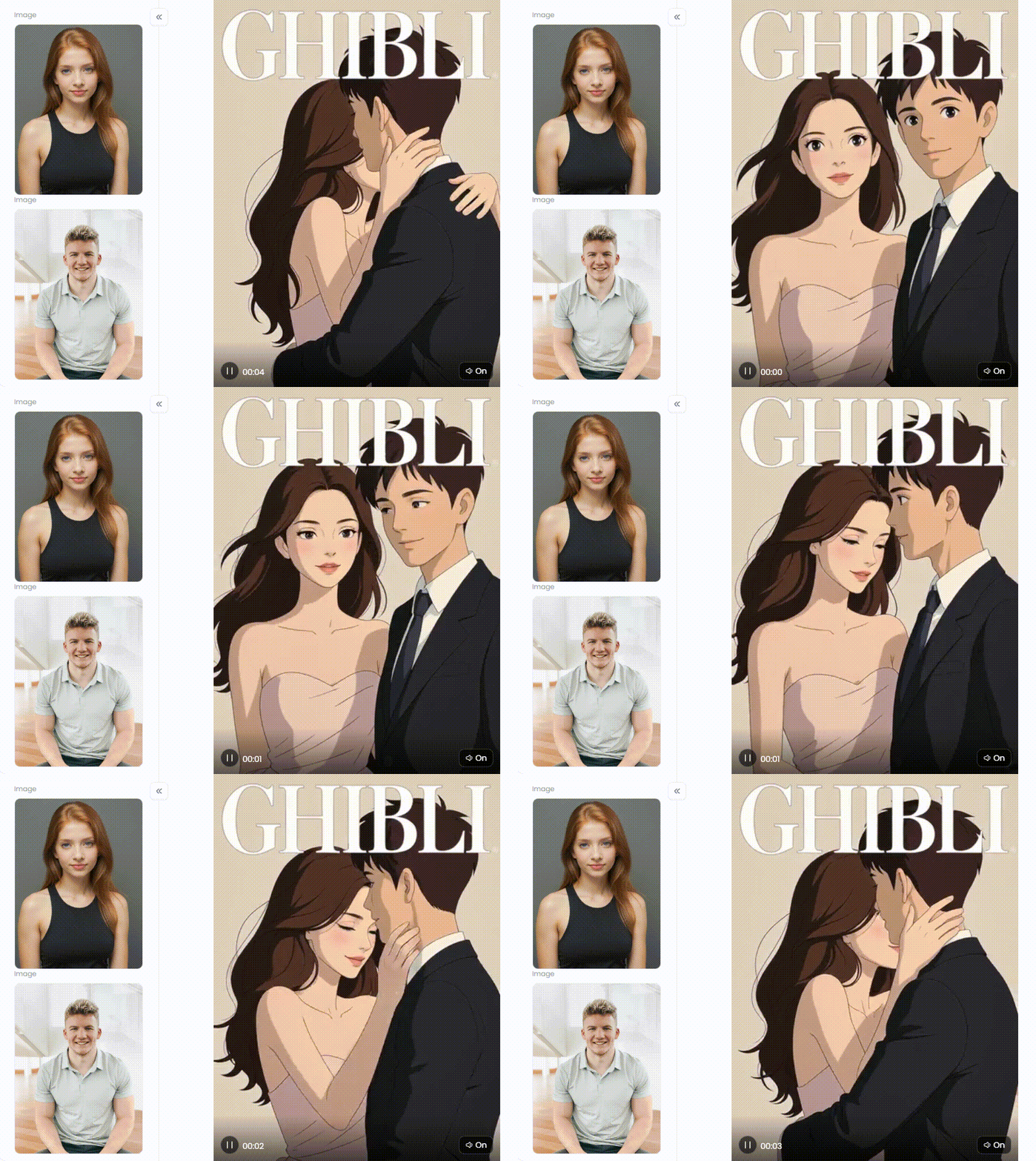
Our Top 10 Picks for the Best Free AI Hug Video Generator Online
A mere image is insufficient at times. You can send a real-feeling hug with AI. Let's identify the best AI cartoon video generator to help you accomplish this.
1. a1.art: The All-Around Champion
a1.art is a great tool for creating fluid videos from images for free. It's a free video editor without a watermark for a pc. There are many different styles available. The "Fork" tool even allows you to duplicate a preferred style from another video.
-
Pros: Produces fluid, polished videos from static images.
-
Cons: As a more recent tool, it is expanding quickly, and some of its more sophisticated features are still being developed.
2. Runway: The Pro's Playground
Runway is a powerful animated hug image editor. You can use its Gen-2 model to create amazing videos from simple text or pictures. The Motion Brush tool is great for making a still photo move. Like a person's arms, you just paint over what you want to move, and the AI makes it happen.
-
Cons: Your videos will be brief, have a Runway watermark, and you will only receive a few credits.
3. Pika Labs: The Dream Weaver
Pika Labs is renowned for its anime, dreamlike, and cinematic aesthetics. You can make a hug scene appear like a hand-drawn cartoon with Pika. It is a favorite among artists because it transforms basic concepts into stunning videos.
-
Pros: It has a lively, enjoyable community and creates artistic styles.
-
Cons: Pika mostly uses Discord software, which some users may find unfamiliar. You may have to wait in line during peak hours to see your video.
Click the picture to generate your exclusive romantic moments with one click👇
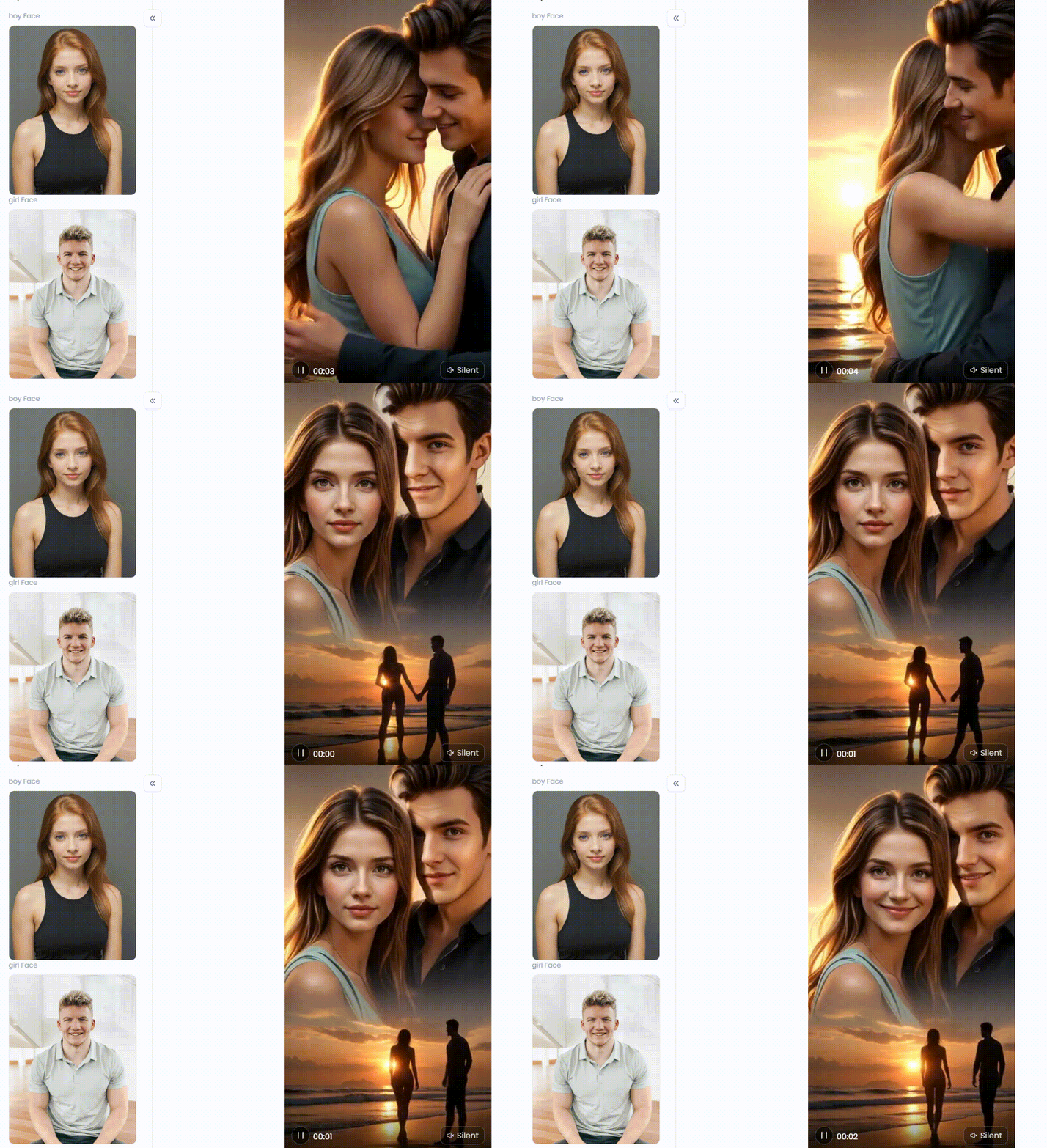
4. Kaiber: The Cinematic Director
This AI clip maker assists you in creating amazing videos from your memories. It enables you to manipulate the camera's motion. You may add excitement to a picture of an embrace. You can use Kaiber to spin the camera around individuals, pan across, or zoom in for a polished appearance.
-
Pros: It provides a wide range of artistic techniques and is ideal for making clips similar to pictures with music art.
-
Cons: To get the full experience and make AI image-to-video no watermark, you'll need to subscribe.
5. Canva: The One-Stop Creative Shop
Its AI video capabilities are amazing, but Canva is best known for its design tools. You can use its Magic Media tool to turn your words into little video clips. This facilitates the process of incorporating your embrace video into a montage. Additionally, you may add music, stickers, and text in one convenient location.
-
Pros: Everything you need for video and design is conveniently located.
-
Cons: AI video creation is less sophisticated and creative than the specialized tools on this list.
6. CapCut: The Social Media Star
You may have seen CapCut-produced videos. New AI features have been added to this well-known AI TikTok clip maker. It contains AI templates and a portrait tool that can turn a person's picture into a video. For a brief video clip, you can utilize this to provide a tender, heartfelt hug.
-
Pros: It features great templates and effects, is free, and is accessible worldwide.
-
Cons: Rather than making original cartoons, this AI focuses more on enhancing already-existing videos.
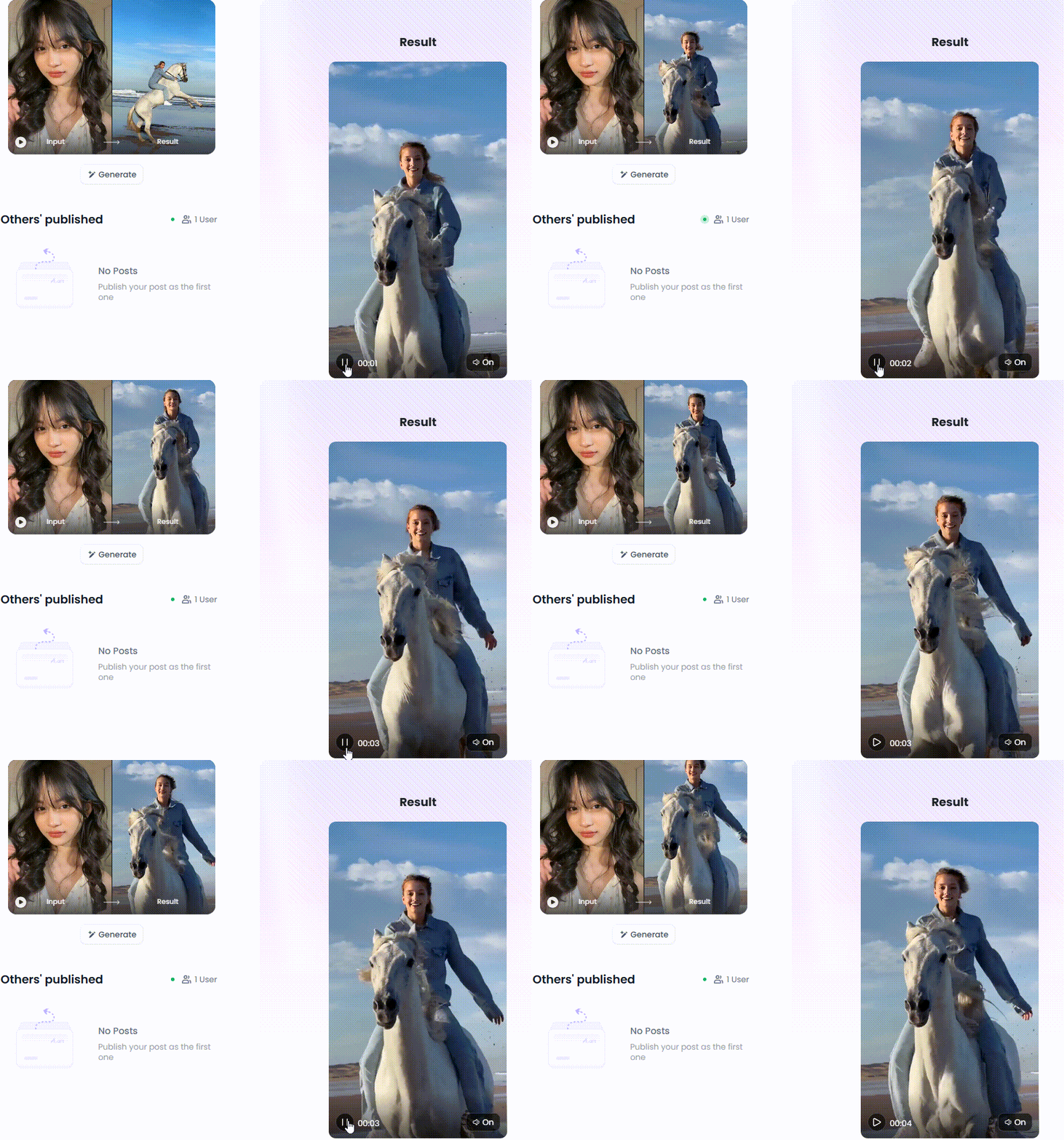
Click the picture to generate your exclusive galloping on horseback with one click👇
7. Steve.AI: The Storyteller's Assistant
Steve.AI makes videos from text quickly. It is a great tool for making explainer videos. It has many animated characters that can do different actions, like hugging. You can use it to make a cute animated story about hugs for a school project or a nice presentation for work.
-
Pros: It's incredibly fast and perfect for telling a story with animated characters.
-
Cons: The art style is more cartoonish or corporate, so it might lack the artistic touch.
8. InVideo AI: The Instant Movie Maker
InVideo AI is like magic. You give it just one sentence, and it does everything else. For example, if you type, "Create a video about the power of a hug," it will write a script, find video clips, add a voiceover, and make a finished video in minutes.
-
Pros: The quickest method for turning a basic idea into a finished video.
-
Cons: It locates and utilizes pre-existing footage rather than creating a custom hug GIF animation.
9. D-ID: The Talking Picture Frame
D-ID is a unique tool that makes still photos of faces talk and show feelings. While it can't animate a full-body hug, you can use it specially. You can upload your photo to D-ID and have it say, "Sending you the biggest hug!" This is a nice way to add your voice to a picture.
-
Pros: The talking animations' realism is astounding.
-
Cons: It's designed only for faces.
10. Picsart: The Familiar Photo Editor
Popular for photo editing, Picsart now offers an AI video tool. Please select a style and enter a description using its AI video generator. After that, it produces a brief video for you. This is an easy method to try creating AI videos if you currently use Picsart.
-
Pros: It's part of a popular, feature-rich editor that many people already know how to use.
-
Cons: It doesn't have all the bells and whistles of its competitors.
Whether you're a pro or just sending a virtual hug, there's an AI tool here for you. The perfect digital embrace is just a few clicks away. So start with the first step and create something beautiful from the heart!
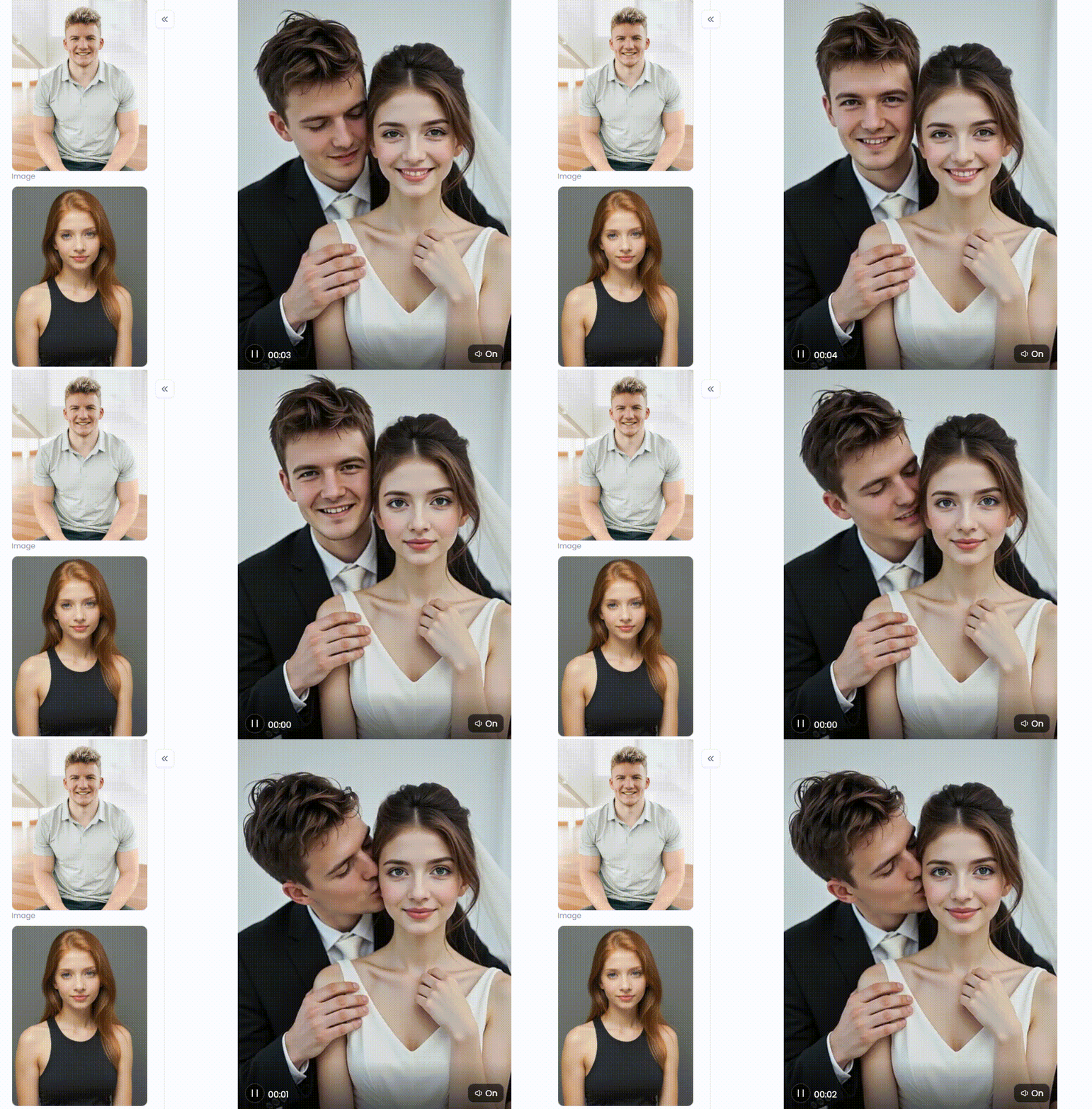
Click the picture to generate your exclusive kiss the face with one click👇
https://a1.art/4g3m
Go Viral: Crafting Unforgettable AI Hug Videos with a1.art
Are you interested in creating amazing videos that get a lot of shares? Think about turning a simple embrace into a powerful, beautiful piece of art. What a1.art can do for you is that. This is the secret weapon for creating breathtaking free AI hug videos that will go viral.
The Magic Behind the Curtain
The core of art is the fusion of basic tools with infinite creative potential. Its greatest feature is its extensive hug effect filter collection. They can be considered creative cheat codes. It's not necessary to be a tech whiz to get something amazing. Just pick the style you like best and start customizing it.
1. Bring Your Memories to Life
Bring your favorite photos to life. Just choose a motion effect, upload a picture of a specific hug, and watch the magic happen. You'll want to share this easy way to turn a photo into a heartwarming, emotional video.
2. Let Your Imagination Soar with Filters
You can achieve anything you can dream of. a1.art's video meme generators are your key to immediate creation.
-
For the Romantics: Want filters perfect for Valentine's Day or an anniversary! Try the filter "The Most Romantic Hug." You can get a cool, old-school photo look for that timeless, classic feeling.
-
For a Good Laugh: Want to make your friends smile? Use silly filters like "Hug the Totoro" or "Hug Shrek" to create funny and charming animations.
-
For Movie Lovers: Tell a story without saying a word. Adult AI video generators like "Hug by the Sea" or "Hugging Couple Under Fuji (Cartoon)" build a whole scene, turning a simple hug into a mini-movie.
-
For Deep Feelings: Create art that connects with AI image movement generators like "Give Me a Hug" or "Hug Me Tightly" to show powerful emotions.
The "Fork" feature is a total game-changer. See a video you love? Just hit the "Fork" button. It's like copying the secret sauce—the prompt, style, and all the settings. Then, you can easily add your spin, like turning a couple into an astronaut hugging a star.
How to Use It, Just 3 Steps:
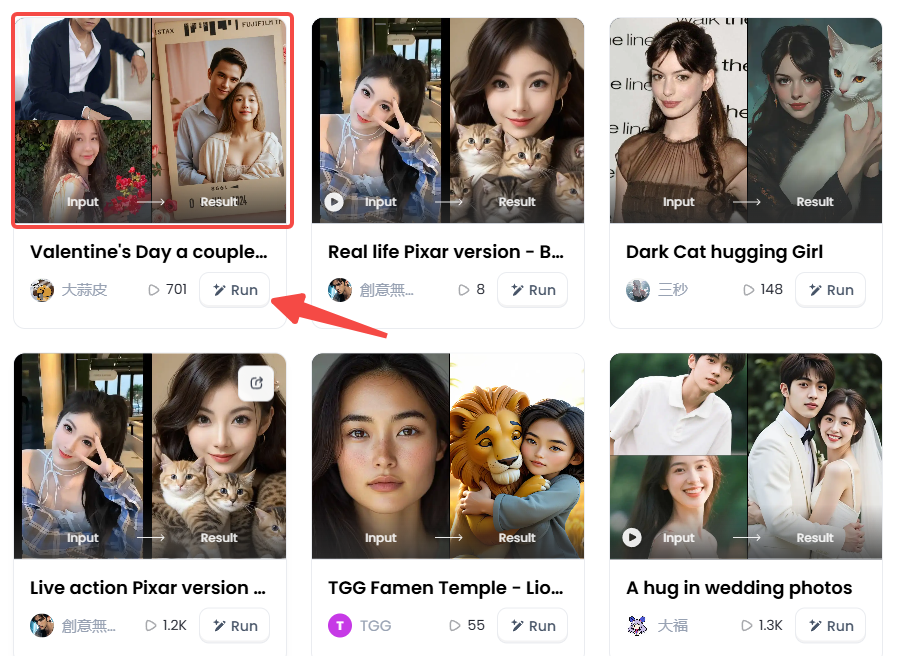
Step1:
Open a1.art, choose the App that you are interested in, then click 「Run」
Click on the image to experience the same App👇
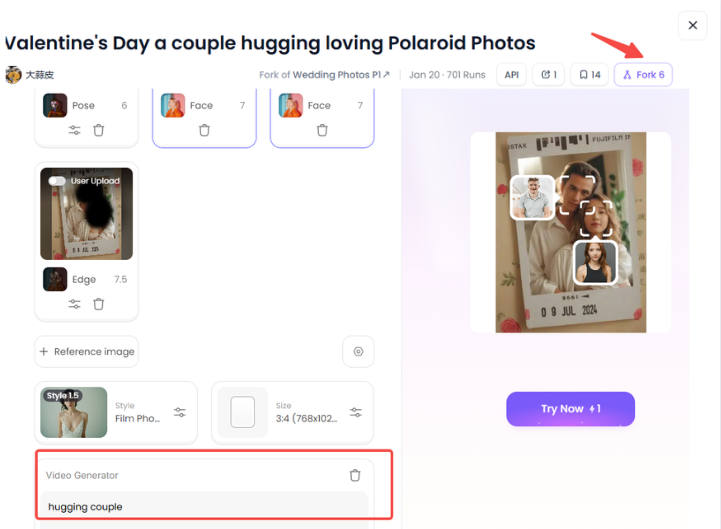
Step2:
Upload a photo/image
Step3:
Wait 3 seconds, you will get a wonderful result 👇
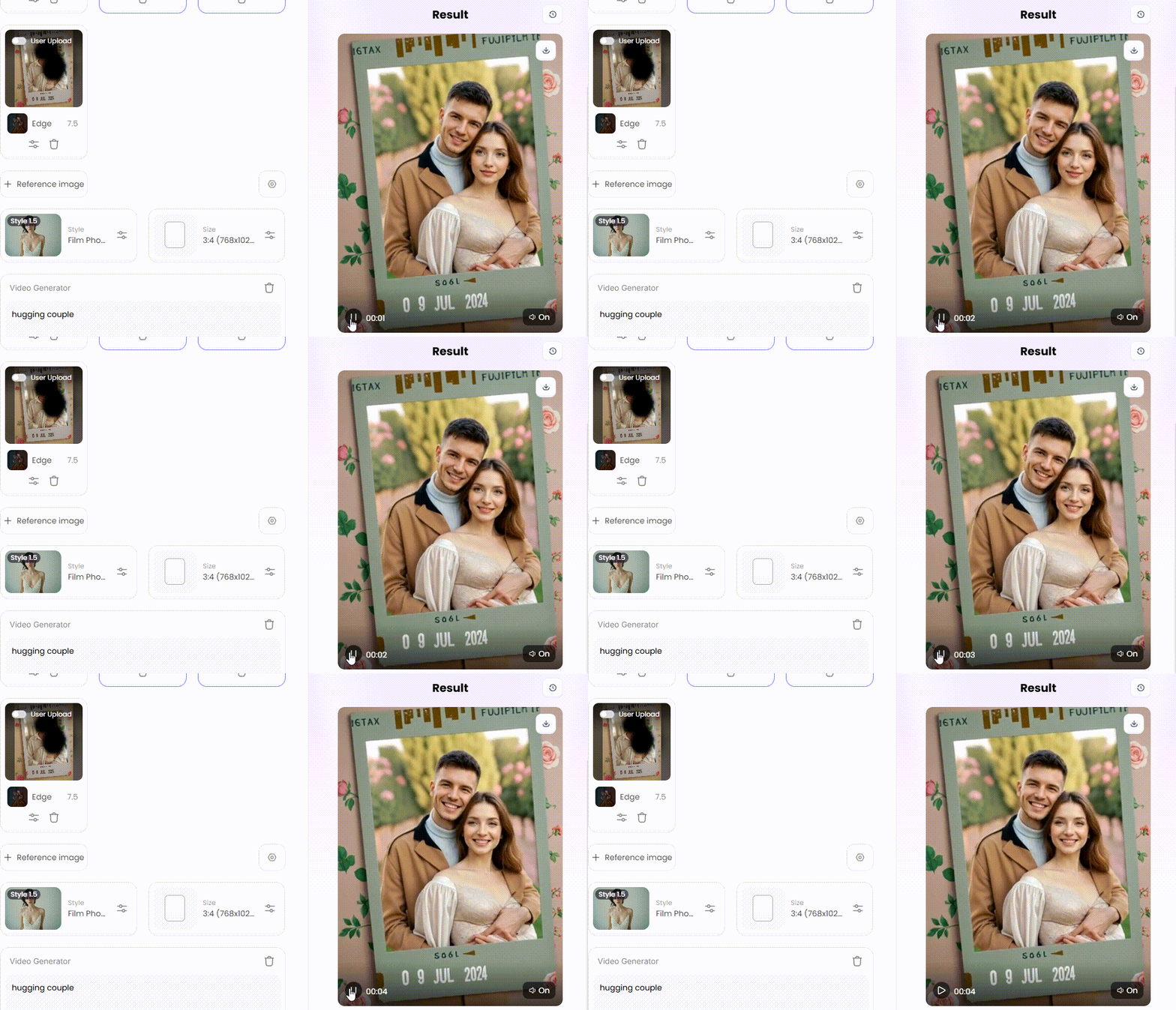
Pro Tips to Go Viral
-
Mix It Up: Make use of the music feature in the image. Record your response to the AI artwork you created for a loved one. Everyone adores that "meta" look!
-
Tell a Tiny Tale: Don't only request "a hug." Try telling a story like this: "A forest spirit gives a weary knight a tender embrace while glowing fireflies surround him." Stories draw viewers in and hold their interest.
-
Jump on Trends: See a popular AI meme or sound on TikTok? Use a1.art to remake it with your own unique, hug-themed video. It's a fantastic method to remain current and creative simultaneously.
Your Turn to Create: Embrace the Future of Digital Affection
Are you prepared to work some magic? Emojis and dull texts are no longer sufficient. Your playground for making art that genuinely engages people is a1.art. This video meme generator gives you complete control. You can construct a new environment from scratch, create a masterpiece with a single click, or revive an old photograph. It's easy and fun, and there are many options. Please visit a1.art and take a look at their amazing avatar video creators. This is an ideal time to deliver a virtual embrace that serves as art. Let's see what your next viral video is!
Read more
- Murder OC Maker: Create Your Original Killer Character with AI
- Free AI Image Background Changer Online: Transform Your Photos Instantly
- a1.art or Vondy: Which AI Image Generator Is Better for You
- Name into Symbols Generator: Turn Your Name into Cool Icons
- MHA Quirk Creator: Discover Your Unique Superpower
- Celebrate Indonesia Independence Day with AI Image & Video Maker
- AI Twerk Video Generator: Turn Your Photos into Dance Videos
- AI Video Extender Free for Enhanced Video Length: Your Ultimate Guide to Unlooping Creativity
- Free AI Muscle Generator: Add Muscles to Your Photos
- AI Kissing Video Generator Online - Free & No Price
Written by

a1.art
Published on
Aug 27, 2025
Share article


