


It's frustrating when your perfect video clip is too short for platforms like YouTube Shorts or TikTok. Your story may seem incomplete if that wonderful moment is lost. This happens to creators everywhere, so you're not alone. Sometimes, a great idea is stifled by a few lost seconds. However, consider how simple it would be to extend that video. Instead of employing cumbersome loops, intelligent AI can be used to add new, fluid content.
Thanks to generative AI, this fascinating field of AI video extenders is developing quickly. The AI video market is expected to reach over $2.1 billion by 2028. This big jump shows how AI is changing image-to-video generation. Now, everyone can expand videos and fix length issues, not just big studios. This AI power is a game-changer, putting high-level video editing in your hands.
This guide will help you learn all about this new technology. We will look at free AI video upscalers, how to pick the best one, and review the top free options. We'll also highlight a1.art, a useful tool for extending and changing your AI video production. Get ready to learn how to make your videos longer and tell your stories in new ways.
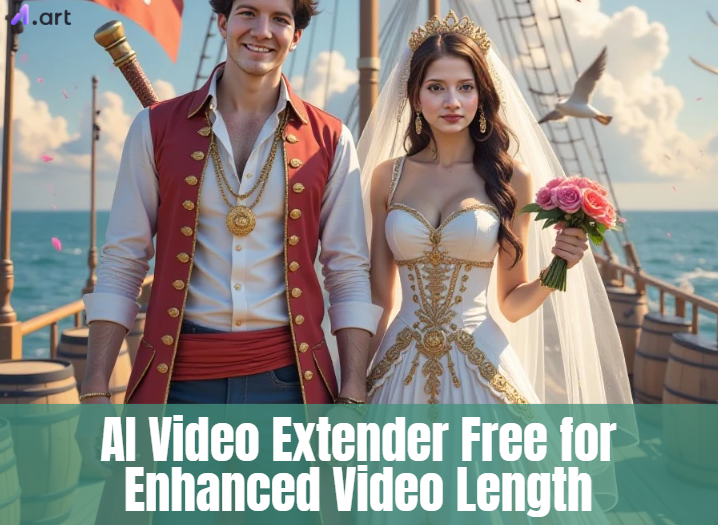
What is an AI Video Extender?
Consider that you would want a brief video clip to be longer. That's where an AI video extender generator steps in! It's an ingenious tool that extends the duration of your videos using intelligent technologies.
First, the AI looks at each picture in your video. It figures out what's happening – who is there, what the background looks like, and how things move. Then, like a creative buddy, it guesses what might come next or what you couldn't see before. It creates new pictures and smoothly adds them to your original video, making it longer and more interesting.
This tool is super helpful. For example, if TikTok wants a video to be 15 seconds long, but yours is shorter, AI can make it longer easily. Also, if you think a scene needs more time to show what's happening or highlight a nice part, AI can help. You can even make your videos play in a smooth loop, which is perfect for getting noticed on social media. Thus, a free AI video extender is a great choice if you want to try something new or if your movie appears too short!
Click the picture to generate your exclusive sunset rollercoaster with one click👇
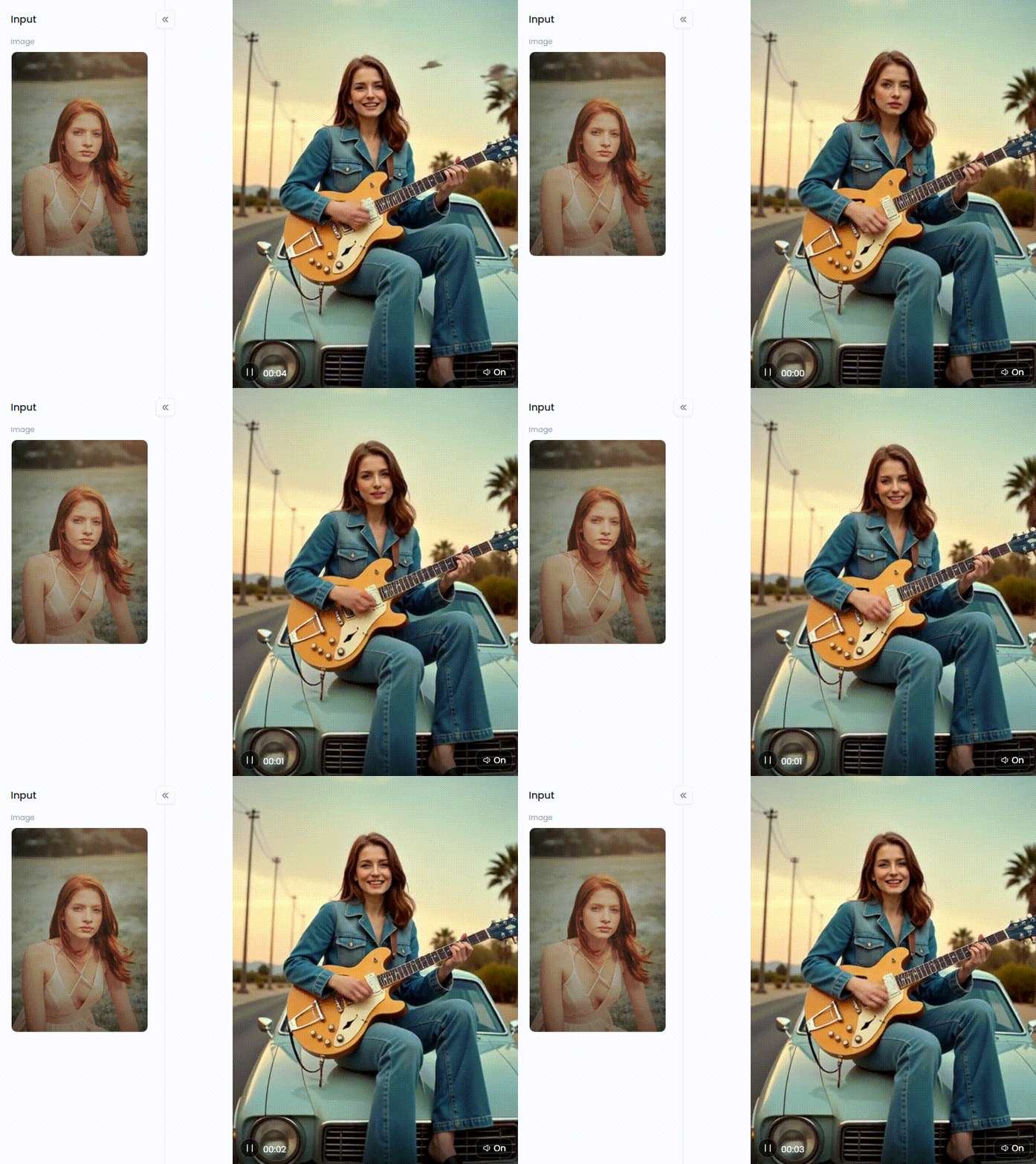
Start your art journey with a1.art.
How to Choose the Best AI Video Extender
Choosing the right AI tool to shorten your videos can feel like a big puzzle. But don't worry, here's a simple guide to help you pick the best one.
-
A good tool should be like playing with blocks. You should be able to drag and drop things and understand what to do without getting lost. Clear help is also super important.
-
You want your video to look even better, not blurry. So, check if the tool keeps your video looking sharp and clear. It's magic if it can even make your video look like it's in HD or 4K for free!
-
Besides making your video longer, can it also turn pictures into videos? Does it have fun looks? Can it add words to your video? An AI video maker that can make your old videos look better is a real winner.
-
They might put a mark on your video or only let you make a few AI avatar videos. Finding a tool that enables you to create your videos in super clear 4K for free without any marks is like finding a treasure!
-
Some tools can take a long time. Others are far faster. Finally, see if other people are using the tool and whether help is available. It is usually helpful to get help when you are stuck.
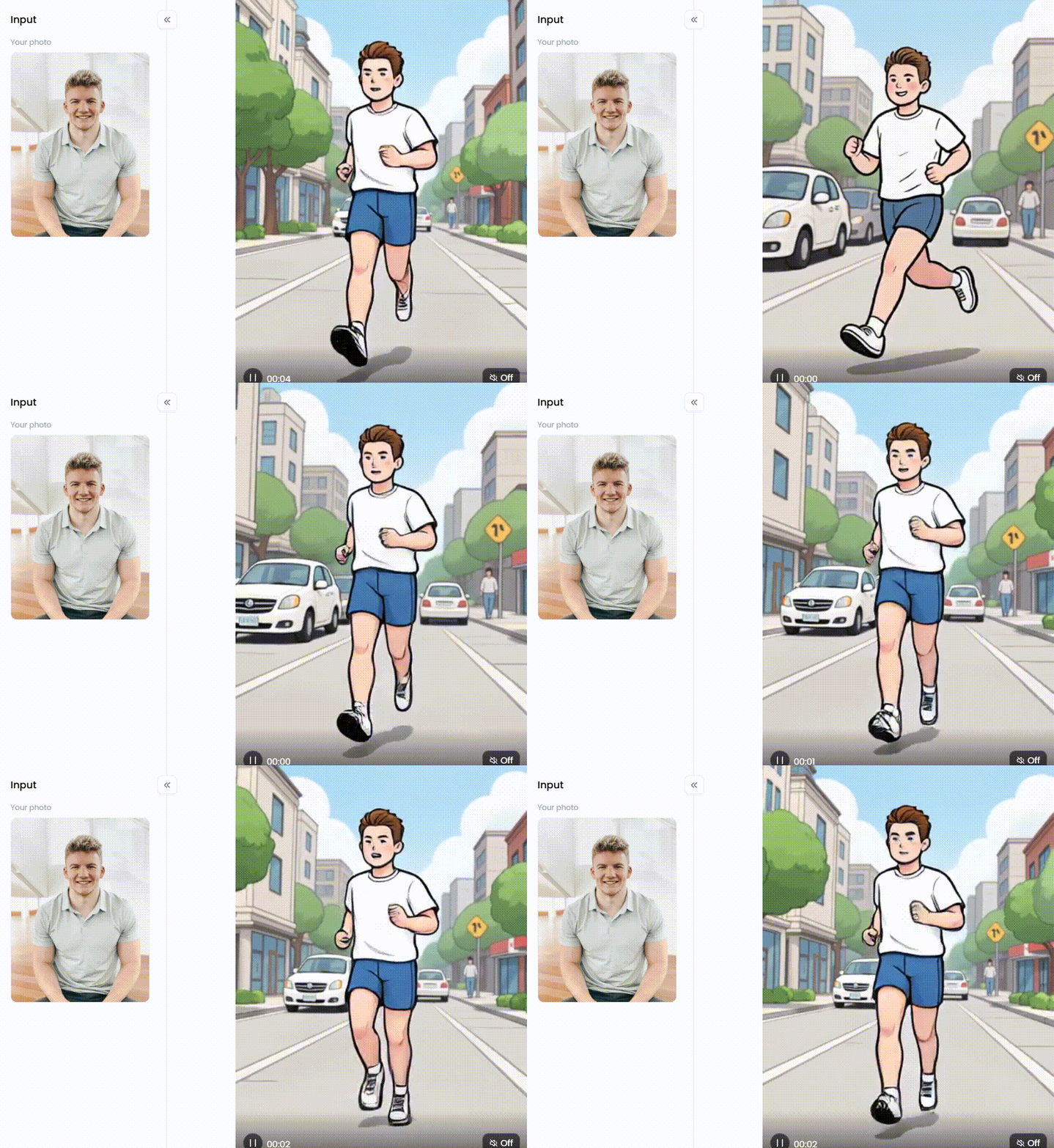
Click the picture to generate your exclusive running man with one click👇
Top 10 Free AI Video Extenders to Stretch Your Creativity
Do you want your videos to be imaginative? These top image-to-video AI creators and extenders have amazing features; the best part is that you can try many of them for free!
1. a1.art
This platform/app isn't just for making AI video expansion; it's like a big box of art supplies for your videos. Artists, people who like to post on social media, and anyone who loves being creative will find something fun here. You can take simple ideas – like pictures or words – and turn them into amazing videos that move!
Pros:
-
It can do so many different things! It's like having lots of AI tools all in one place.
-
It creates visually stunning video-to-video generation that resembles works of art.
-
It's easy to use, even if you've never tried anything like this before.
-
You may see what it can achieve by giving it a free try.
Cons:
-
Some more advanced ways to change videos need the phone app or a special trick on your computer.
2. Runway Gen-2
Runway is good at making AI videos and is known for making videos look smooth, making pictures bigger, and adding movement.
Pros:
-
Makes great videos that look like they could be in a movie.
-
Many professionals who create video loops enjoy using them.
Cons:
-
The free plan doesn't give you much – you run out of tries quickly.
-
Learning how to use all the features might take a little while.
3. Pika Labs
Pika is a video maker that's getting popular quickly. It started on a platform called Discord, and now has its website. It's great for making short, fun video clips.
Pros:
-
Makes videos fast.
-
Many people use it, and they're good at helping each other.
Cons:
-
There is a mark on free videos.
-
Not all of the videos appear to be perfect.
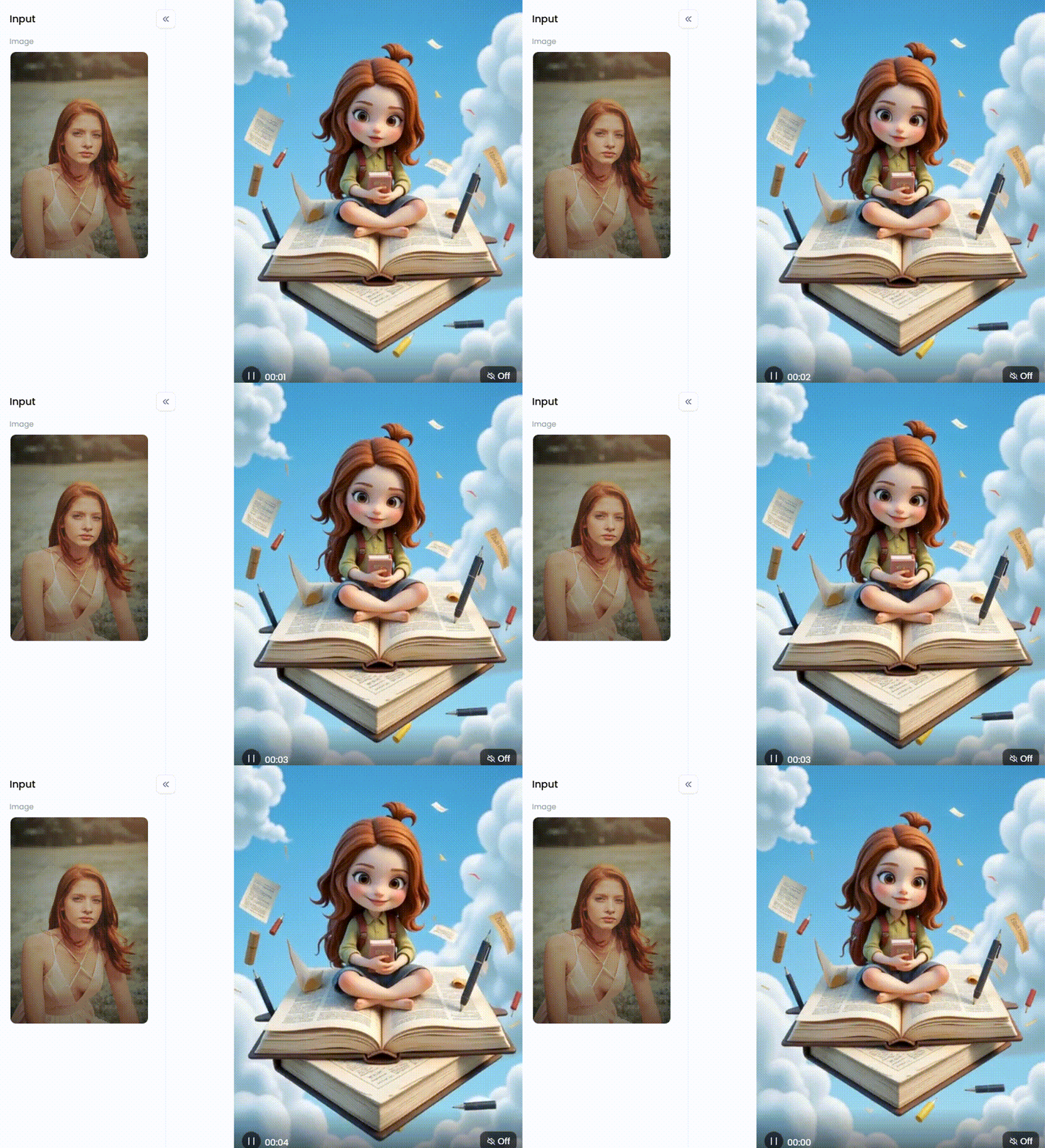
Click the picture to generate your exclusive knowledge soars with one click👇
4. Kapwing
Many users alter their social media videos on the website Kapwing. It has added some cool AI features, including one that can make your videos longer.
Pros:
-
It's like having everything you need in one place, so you don't have to switch between different social media video editors.
-
It's very easy to use.
Cons:
-
The free version restricts your capabilities and places a mark on your videos.
5. Veed.io
Like Kapwing, VEED is a website that helps people make AI video editing for YouTube and marketing. It also has some cool AI tools now.
Pros:
-
Great if your videos have many words that need to be written down.
-
The website appears straightforward and easy to use.
Cons:
-
The AI features might not be as advanced as tools focusing only on AI videos like Runway.
-
Free videos have a mark on them.
6. Clipchamp
Microsoft makes Clipchamp, an AI video extender online that can be on Windows 11 computers. It's pretty easy to use, and its AI features are getting better all the time.
Pros:
-
It doesn't put a mark on free videos (as long as they are not too high-quality).
-
Compatible with other Microsoft products that you may use.
Cons:
-
Its tool for directly making videos longer isn't as good as some other tools on this list.
7. InVideo AI
InVideo tries to make it easy to create videos just by using words. You tell it how to fix video quality, and its AI will find clips and pictures, make scenes, and put it all together.
Pros:
-
A really quick method for creating an entire video from scratch.
Cons:
-
It uses many video clips and pictures that anyone can use, so your video might not feel unique.
-
Free videos have a mark on them.
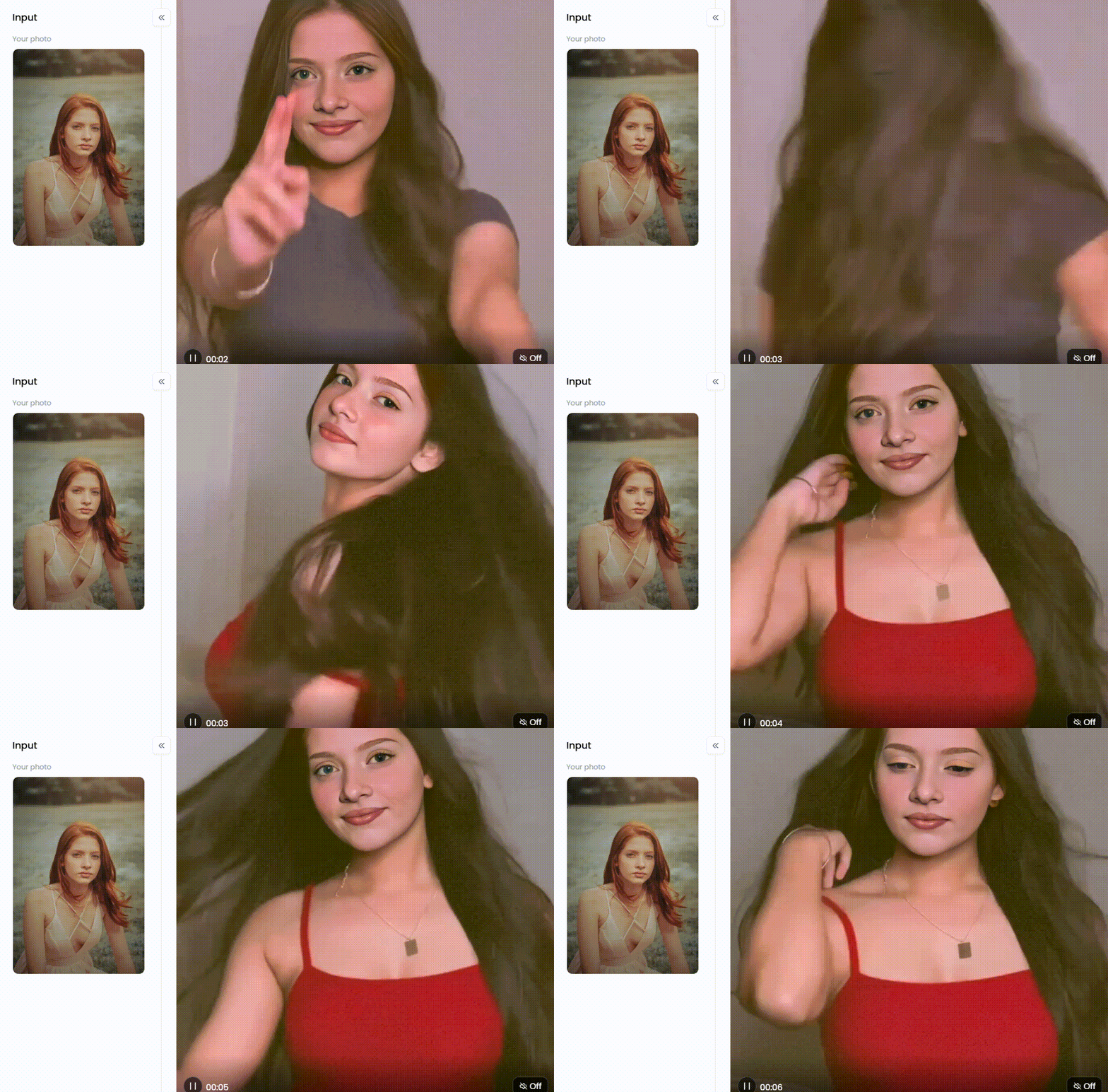
Click the picture to generate your exclusive girl next door with one click👇
8. Topaz Video AI
If you care about making your videos look as good as possible, Topaz is a very strong software to use. It's not really for making videos longer, but it's amazing at expanding videos clearly and smoothly.
Pros:
-
Produces better-looking videos than practically any other tool.
Cons:
-
It's not online or free; you have to pay for it.
-
For it to function properly, you need a fairly powerful computer.
9. CapCut
TikTok and CapCut were both invented by the same people. It is an editor that you can use on your phone or PC, and it has a lot of great effects and video enhancer software, like one that makes slow motion look smooth by adding extra photos.
Pros:
-
It's free, and your videos won't be marked.
-
Ideal for creating videos for Instagram Reels and TikTok.
Cons:
-
Rather than providing fresh content, its "making videos longer" function focuses more on slowing down the video.
10. Kaiber
Kaiber is unique because it allows you to create videos from your images or other videos that appear to be works of art. It's excellent for creating visually striking music videos.
Pros:
-
Creates aesthetically striking and unique videos.
Cons:
-
It is only available for free for a very short period.
-
It's not the best AI video generator that looks real or that you might use for a company.
These tools are a great way to stretch your creativity and make your AI video extender memes even more awesome! Try a few out and see which one fits your style the best.
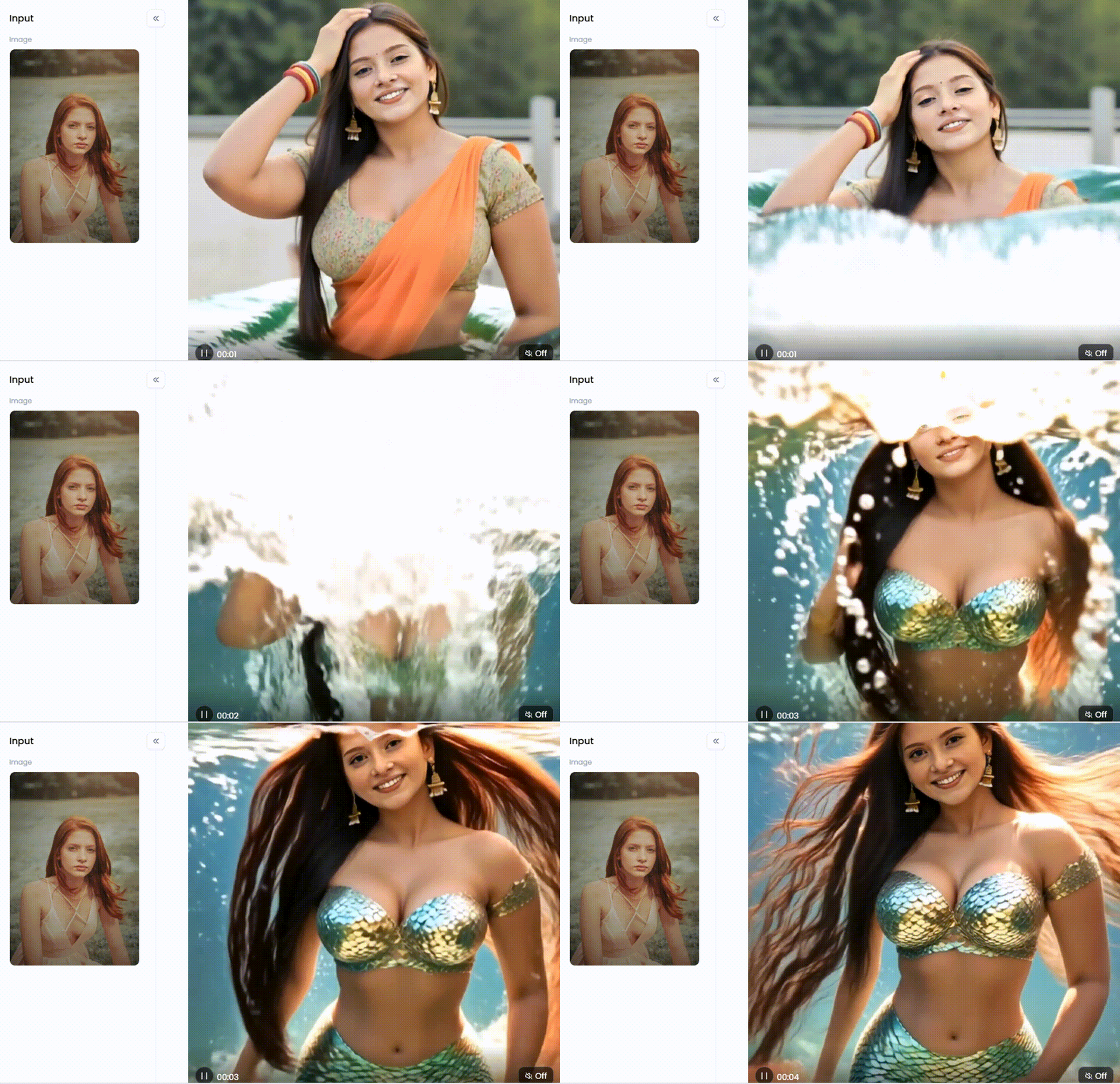
Click the picture to generate your exclusive mermaid transformation with one click👇
Master Video Creation with a1.art's Innovative Tools
Many tools can shorten your videos, but a1.art helps your ideas shine. It's different because turning pictures into videos is fun and easy, like making art. It's the perfect way to take your photos and simple thoughts and turn them into cool videos that everyone will want to watch.
Turn Your Photos into Amazing Videos
The cool thing about this free 4k video upscaler is its special effects and helpers. You can start with any picture and add a special AI effect that makes it move and feel different. Do you want a video that feels romantic? Try effects like "AI Animation Version Romantic Moments" or "Couple Picnic Portrait" to make a sweet memory come alive.
Dreaming of the beach? The "Good Time by the Beach," "Aegean Sea," or "White Bikini Beauty" effects can take you there in your video. You can even feel like you're in a movie like "Titanic" or become a superhero with "Flame God of War."
These aren't just simple stickers on top of your photo. The AI looks at your picture and makes new parts for the video that fit the effect. To change your video, use the a1.art app or go to www.a1.art/studio. (Quick Tip: If you're on a computer, you can make the website look like the phone app by pressing Ctrl+Shift+I on your keyboard. This opens a special menu.)
How to Use It, Just 3 Steps:
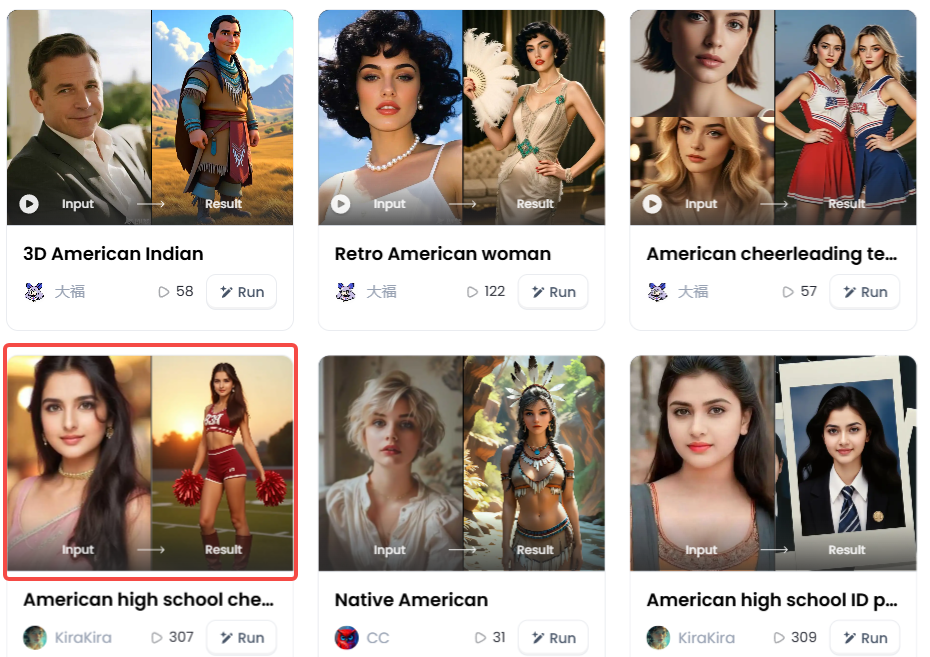
Step1:
Open a1.art, choose the App that you are interested in, then click 「Run」
Click on the image to experience the same App👇
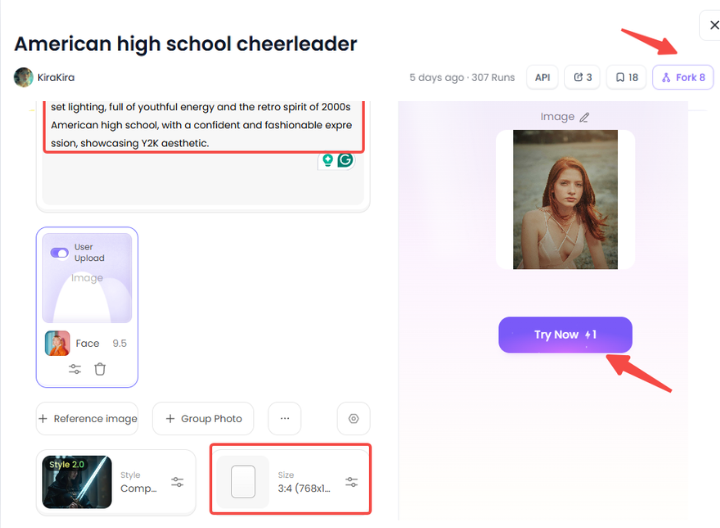
Step2:
Upload a photo/image
Step3:
Wait 3 seconds, you will get a wonderful result 👇
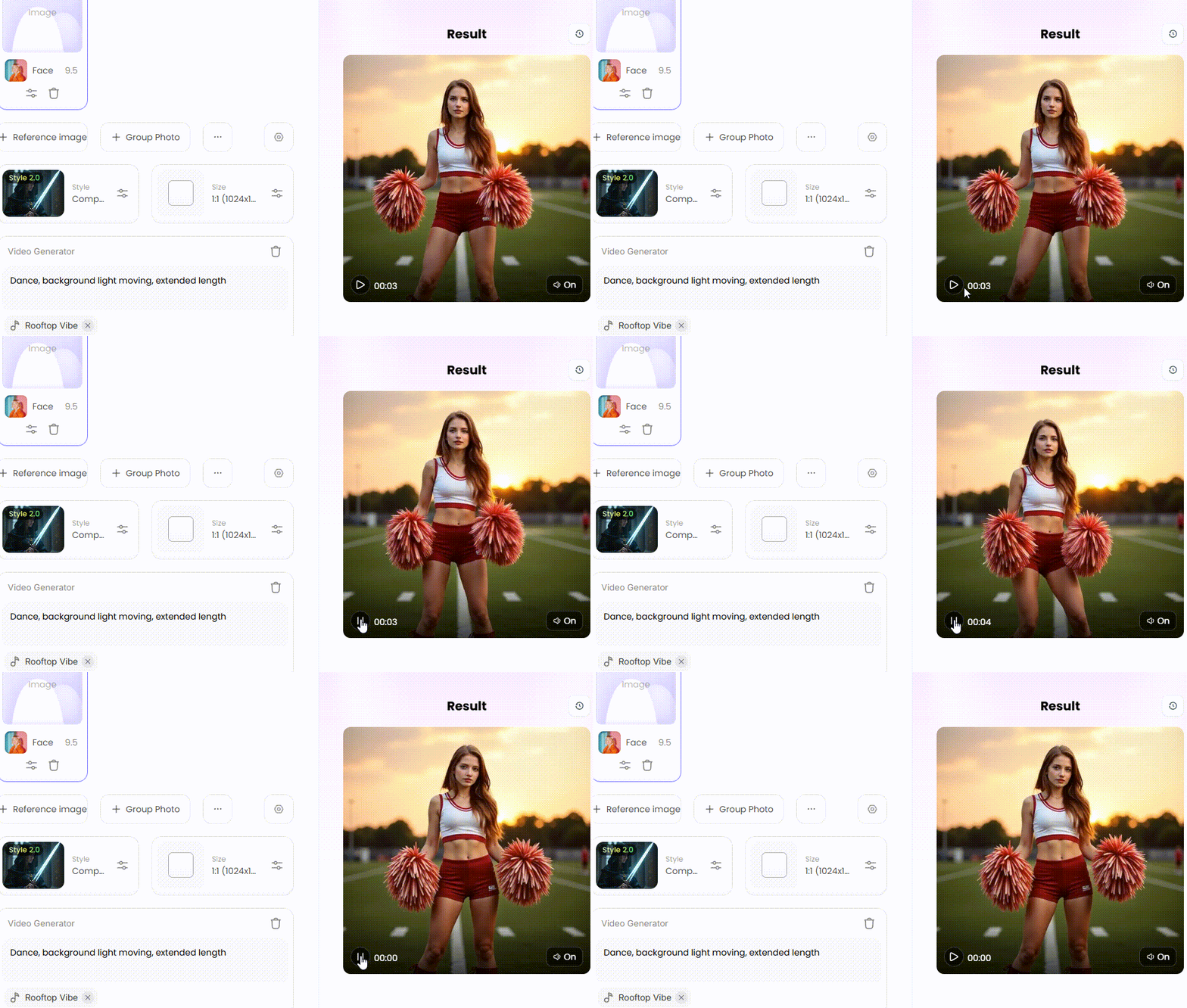
Fun Effects and Smart Ideas for Videos Everyone Will Love
Using these video enhancers has lots of good things. Your videos will look different and special, which will make them stand out on any video app. You can make videos that feel all kinds of ways – from cool like a "Street Fashion Girl" or a "Cool and Handsome Boy" to strong like a "Muscular Hunk" or full of energy like a "Hot Dance Girl." If you want a look full of culture, the "Indian Bride" effect makes amazing changes.
To make your videos even better, you need to learn how to give AI good ideas, like this:
Simple Idea: "A woman at the beach."
a1.art Idea: "A woman in a white swimsuit, like a movie in 4K, with sunlight like gold, soft waves hitting the sand, a little wind blowing her hair, looking very real, like a photo."
Smart Tip: Don't just say what you see; say how you want it to feel. Use ideas like "A happy moment, when exercise makes people feel good" or "How to Get a Boyfriend" to help the AI understand the feeling you want. And here's a super cool trick: if you see a video style you like, just click "Fork." This lets you use the same thing – the idea, the movements, the effect – on your picture or video. You can even go back from video to picture to ensure one picture looks perfect.
From Short Clips to Visual Masterpieces: Your Journey with AI
No more worries about short videos! AI video resizers can help make them longer. a1.art is a great tool that doesn't just make videos longer, it makes them better. Think of it as a magic wand for your photos and ideas. It can make your pictures move and turn them into beautiful videos that everyone will enjoy. With a1.art, your photos can tell a longer story, and you can instruct how to make a video longer. It's easy to use and helps you make videos that look great and are fun to watch.
Read more
- Free AI Muscle Generator: Add Muscles to Your Photos
- AI Kissing Video Generator Online - Free & No Price
- Pollo AI vs a1.art: Which AI Video Generator is Better
- Free AI Pet Diving Video Generator: Make Your Pet a Diving Star
- Transform Your Photo into an AI Squid Game Character: The Ultimate Guide to Going Viral
- 10+ Best AI ASMR Video Generators Free: Your Ultimate Guide to AI-Generated ASMR Videos
- Celebify AI vs a1.art: Best AI for Celebrity Face Swaps?
- How to Turn 2D Photo to Spatial Photo?
- Celebrate Raksha Bandhan with AI: Create Heartwarming Brother-Sister Photos
- Pixverse AI Porn Making Free with a1.art: Your Ultimate Creative Guide
Written by

a1.art
Published on
Aug 8, 2025
Share article


