


Has the idea "I wish I could make that" crossed your mind after watching an enthralling ASMR video? However, considering the costly equipment and complex editing, most likely puts you off. You're not by yourself. With a projected market value of nearly $2.9 billion in 2023, the ASMR industry is expanding rapidly, making it difficult for new creators to make an impression.
The AI ASMR video generator, however, is the game-changer. This amazing technology puts a creative studio in your pocket, letting you skip the technical headaches and jump straight to the fun part. With just a few clicks, you can turn simple AI ASMR content ideas into hypnotic, tingle-inducing videos. This guide will introduce you to the best AI ASMR software. Get ready to bring your most relaxing video ideas to life.
What's an AI ASMR Video Generator?
Imagine you have a video artist living inside your computer! That's what an AI ASMR video-making tool is like. It's a smart tool that helps you make those relaxing and satisfying videos you love. Think of it as the best video maker for ASMR, ready to turn your calmest ideas into something fun to watch without any hard work from you.
This is how the magic occurs. You can just type an idea, like "a little kitchen made of yummy cake," and the AI will make a video! Or, you can put in a picture, and the AI will make it move gently. Even cooler, you can give an old video a new look, like a moving painting or a fun claymation movie. Some AI ASMR video makers can make pictures that move with your favorite relaxing music.
And guess what? Now these tools make AI-generated ASMR videos that look super real! Think shiny water drops or cool, swirling colors. Soon, it will all be about mixing these amazing pictures with sound. This will make the most relaxing escape for anyone watching!
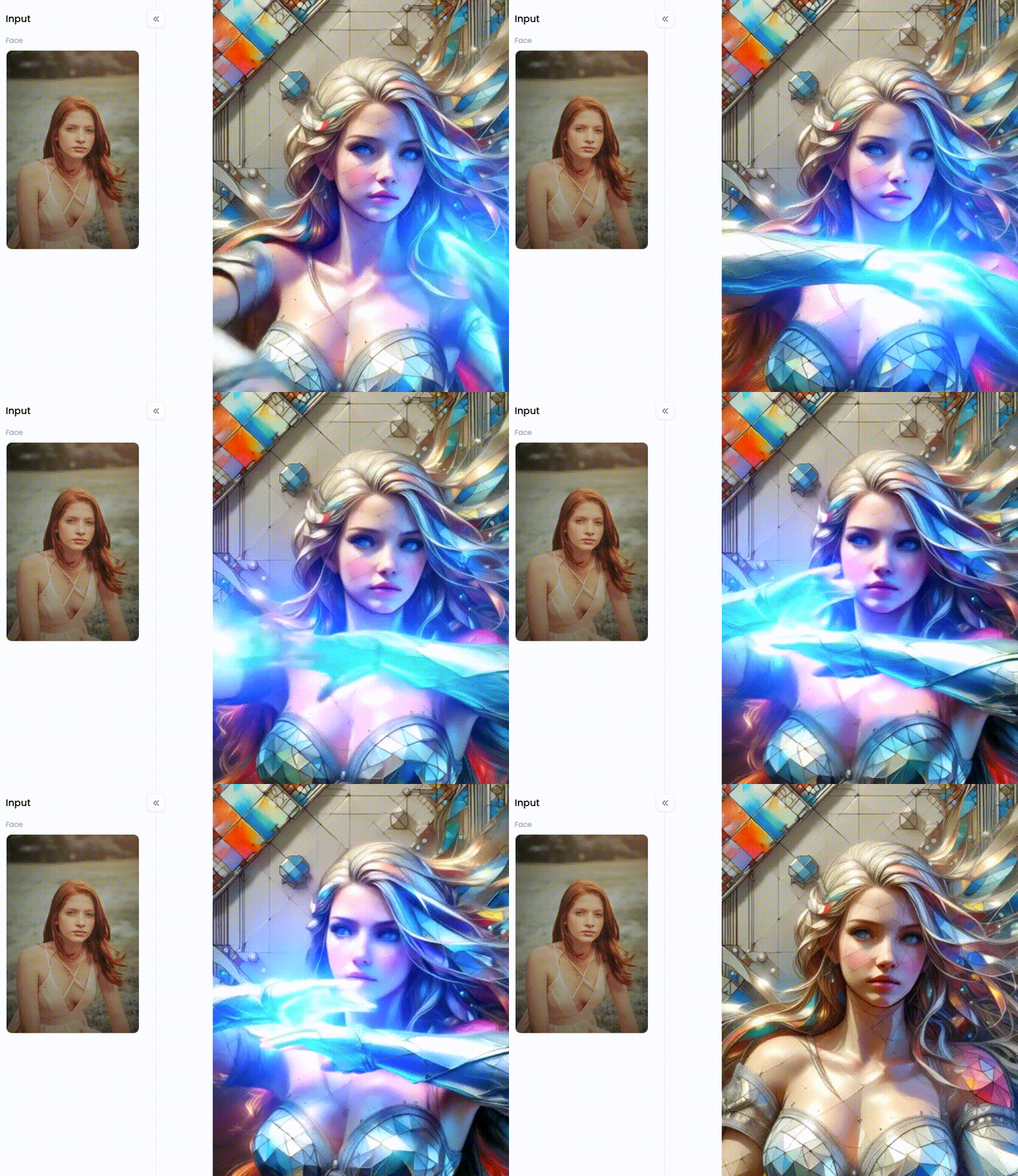
Click the picture to generate your exclusive colorful glass portrait of a woman with one click👇
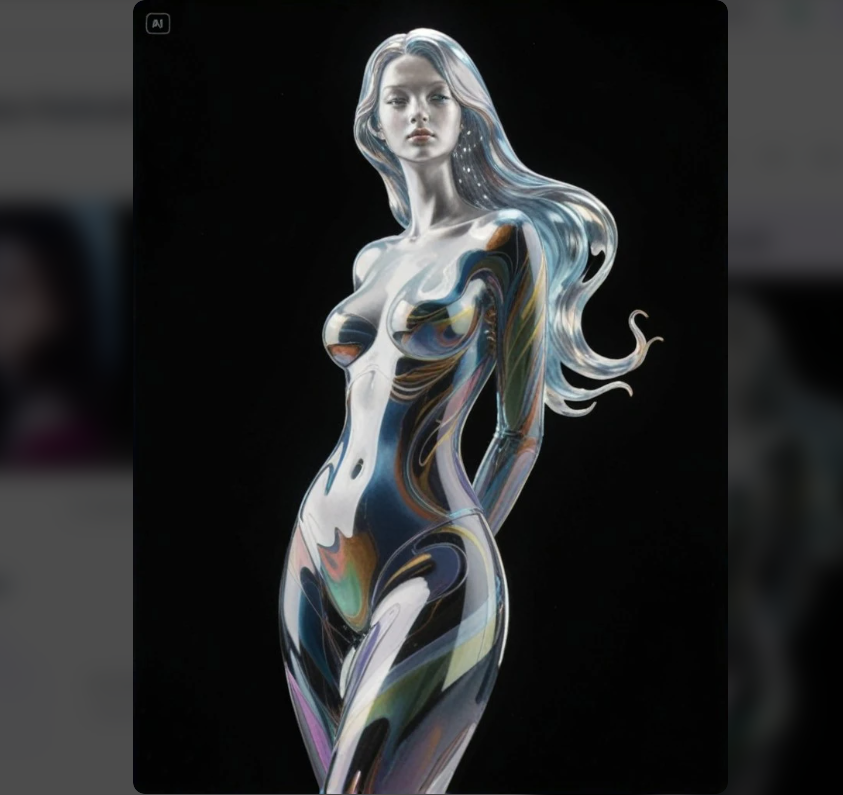
Start your art journey with a1.art.
What You Can Create with AI ASMR Generators?
With an online ASMR video generator, your imagination is the only limit. You can dream up all sorts of amazing content that was once too difficult or expensive to make.
You can make those cool soap-cutting or paint-mixing videos, but why not take your viewers to a new world? Picture this: a comfy library with rain outside and a warm fire inside. Or maybe a magic forest with mushrooms that glow! All you need are your words to bring it to life. You can even make amazing colorful patterns when people want to relax or tell a story without talking, like a tiny food city waking up. It's fast, doesn't cost a lot, and helps create a special look for your videos.
To make your videos good, think about the feeling you want to create, like "comfy" or "like the future." Then, don't be scared to change the words you type in. Even small changes can make a big difference. Also, try talking softly over the cool AI videos to make them extra special. Before you know it, you might become the best at creating a specific type of video, like "shiny crystal animations" or "tiny food art."
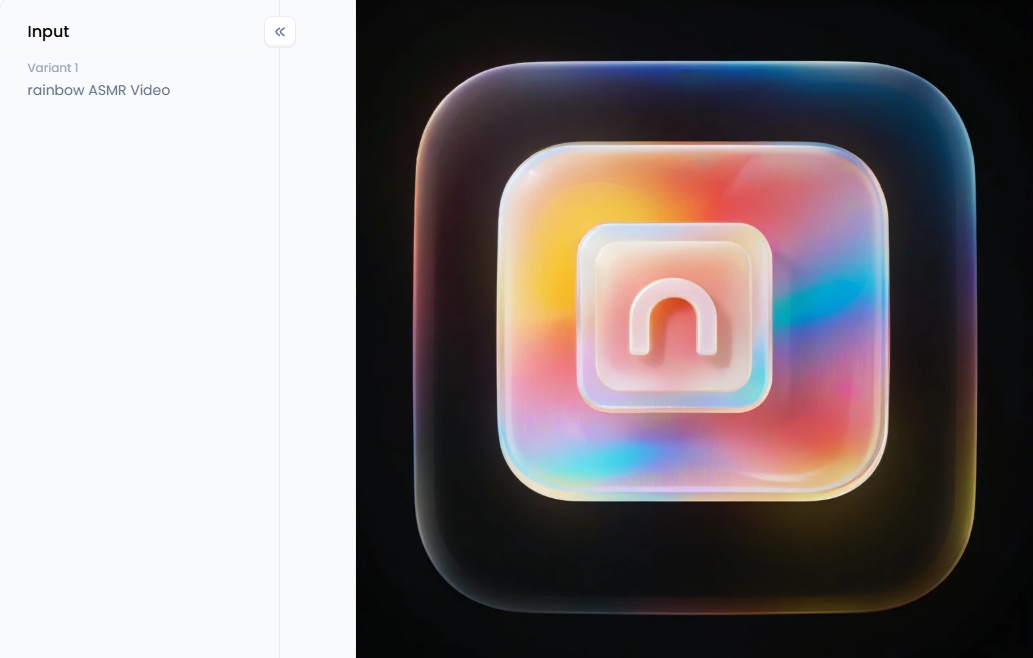
Click the picture to generate your exclusive colorful glass 3d icon with one click👇
The 10+ Best AI ASMR Video Generators Free Online
Ready to start creating? Here are some of the top ASMR video software and online platforms that offer powerful features, many of which are free to get started.
#1 a1.art
Think of it as a real art studio, not just a video maker. While other tools make videos, this platform/app is about creating amazing, beautiful pictures. It's good at taking your ideas and turning them into stunning art. If making your ASMR videos look fantastic is your main goal, this tool is likely the best free ASMR video tool for you!
Pros:
-
Incredible image and video quality with an emphasis on artistic and aesthetic styles.
-
A vast library of unique, pre-made filters and styles.
-
Intuitive interface perfect for beginners and pros.
Cons:
-
Primarily focused on visual generation, you must add your audio separately.
If you want to make ASMR videos that look like beautiful art and grab attention, then a1.art is perfect for you! It's the best way to create ASMR videos with AI that look like pure masterpieces.
#2 Kaiber
Kaiber is a popular AI video generator from music or pictures! It's especially great for turning music into cool visuals that move and dance with the sound.
Pros:
-
Excellent audio-reactivity features.
-
Multiple video generation modes (transform, flipbook, motion).
-
Excellent for producing abstract animations and music visualizations.
Cons:
-
Credits can be quickly depleted in the limited-edition free version.
Musicians or creators who want their audio to be the driving force behind the ASMR visuals.
#3 Runway Gen-2
Runway is a giant in AI video space and a leader in text-to-video technology. It's a versatile tool that can handle various styles and prompts with impressive results.
Pros:
-
State-of-the-art text-to-video and image-to-video generation.
-
Offers a full suite of AI magic tools, including inpainting and motion brushes.
-
Generates highly realistic or stylized clips.
Cons:
-
Free credits are limited, and generation can sometimes be slow.
Users who need a powerful, all-in-one tool for generating short, high-quality video clips from various inputs.
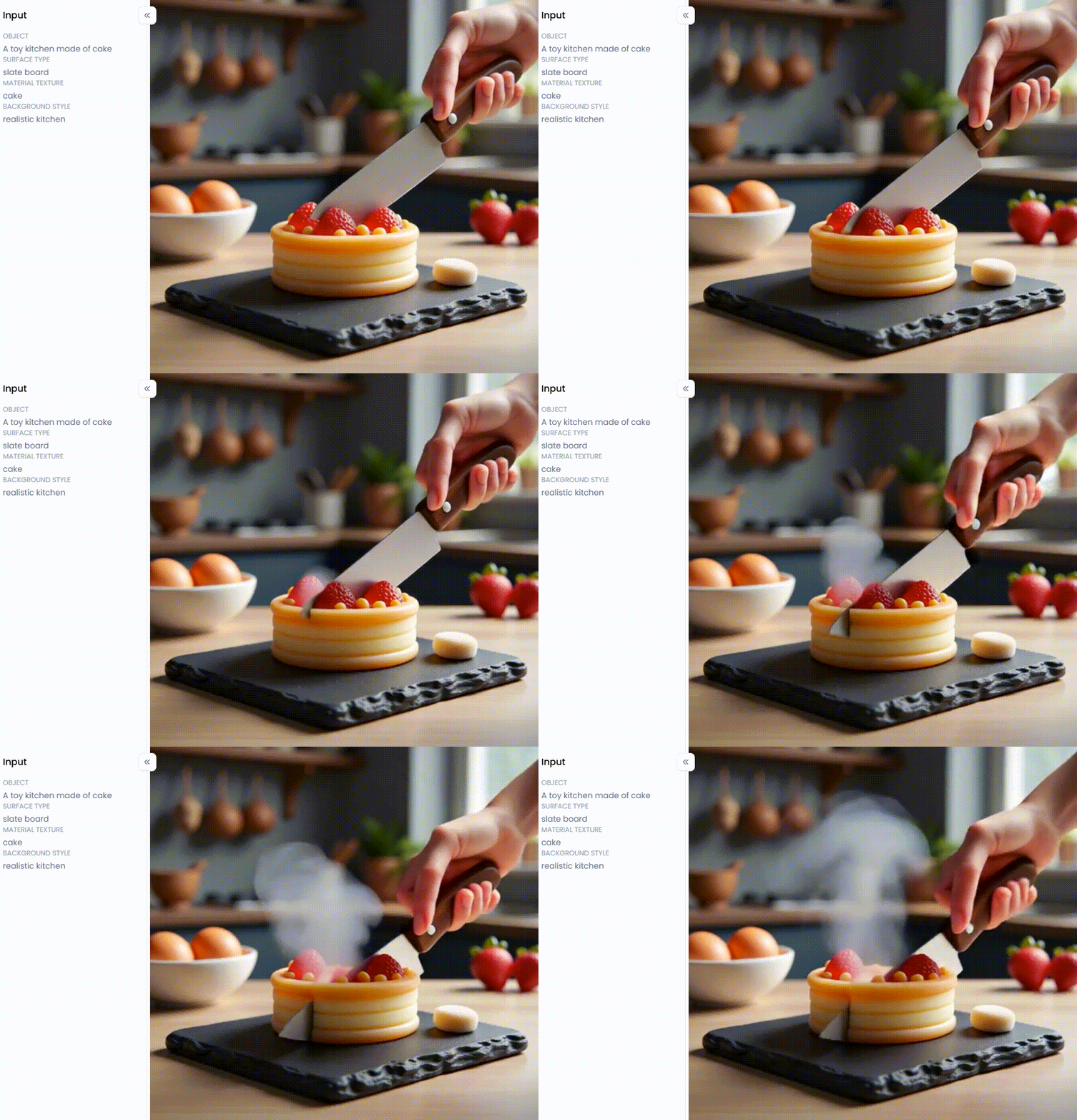
Click the picture to generate your exclusive satisfying cutting with one click👇
#4 Pika Labs
Pika has become quite well-known due to its high-quality output and ease of use. It is largely run via Discord, which gives it a strong sense of community.
Pros:
-
Produces stunning, dramatic footage.
-
Strong community and easy to use via Discord.
-
Offers good control over camera movement.
Cons:
-
Not everyone will find the Discord-only interface appealing.
-
There are restrictions on free use.
Creators who want to produce stunning, brief animated pieces swiftly and value a community environment.
#5 InVideo AI
InVideo is an excellent tool for those who want a more guided experience. It uses AI to help you build videos from a single prompt, including stock footage, text, and transitions.
Pros:
-
Automates the whole process of making videos.
-
A vast library of stock media to supplement AI generation.
-
User-friendly for complete beginners.
Cons:
-
Less focused on generating novel artistic visuals from scratch.
If you need to make ASMR videos quickly with your voice or information without using AI, this might be for you.
#6 VEED.io
VEED is primarily a powerful online video editor that has integrated a suite of AI tools, including an image and video generator. It's a one-stop shop for AI ASMR video editing.
Pros:
-
Combining AI-generating tools with a fully functional editor.
-
An automated free AI video creation and audio cleaning driven by AI.
-
Excellent for assembling AI clips and finishing touches.
Cons:
-
This AI video creator is less sophisticated than specialized programs like a1.art or Runway.
Those who wish to create a few clips and then assemble, edit, and finish their full ASMR video in one location.
#7 Dezgo
Dezgo offers a simple, no-frills, open-source AI video generator based on Stable Diffusion. It's a great starting point for experimenting with text-to-video without any sign-ups.
Pros:
-
It's free to use.
-
Easy-to-use UI.
-
Offers a decent number of customization options.
Cons:
-
Video quality and coherence can be less consistent than premium tools.
This is for beginners seeking uncommitted, free AI video synthesis.
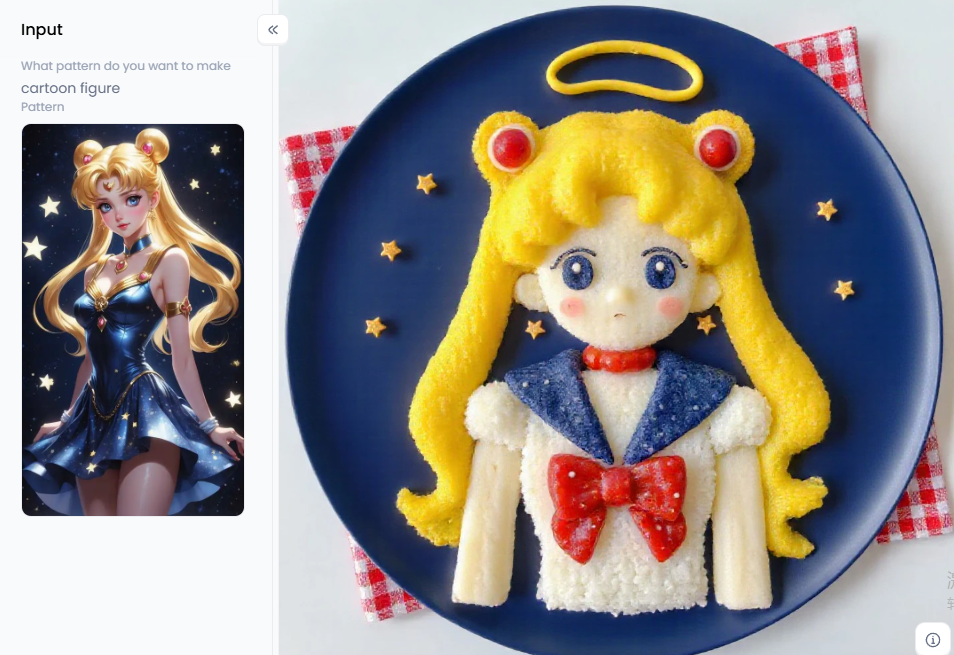
Click the picture to generate your exclusive cute food art with one click👇
#8 Kapwing
Similar to VEED, Kapwing is an online editor with a growing set of AI tools. Its AI video generator is useful for creating short clips to use within larger projects.
Pros:
-
Collaborative editing features.
-
Good suite of general-purpose AI tools (e.g., background remover).
-
Easy to use.
Cons:
-
The free tier has watermarks and export limitations.
This could be a good choice if you work with others and need a video editor with simple AI help.
#9 Open Source Models (Stable Video Diffusion)
If you know a bit about tech, open-source tools give you lots of freedom. For example, Stable Video Diffusion lets you create tons of videos on your computer if it's strong enough.
Pros:
-
Completely free and limitless (once set up).
-
Ultimate control over the generation process.
-
A great advanced AI video generator for free.
Cons:
-
Requires significant technical knowledge and a powerful computer.
Advanced users and developers who wish to play around with the underlying technology.
#10 Canva
Canva's Magic Media tool now includes AI video generation. While basic, it's integrated into an ecosystem millions already know and love.
Pros:
-
Seamlessly integrated into the Canva workflow.
-
Extremely easy to use.
Cons:
-
Video generation is currently quite basic (short, 4-second clips).
Canva users who want to add a quick, simple AI-generated clip to their existing designs.
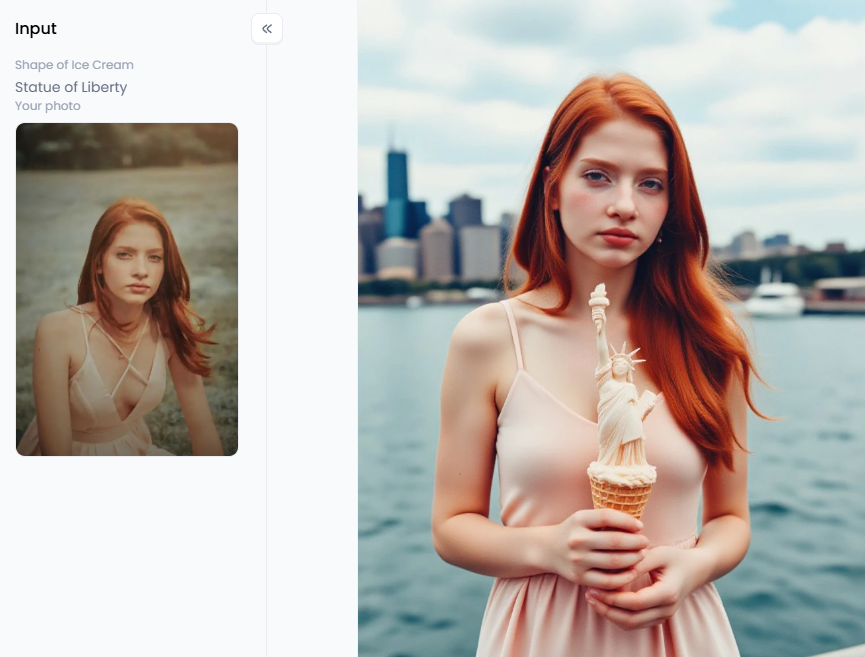
Click the picture to generate your exclusive custom ice cream with one click👇
Engage Viewers with Personalized AI ASMR Videos
Many tools can make videos, but a1.art helps you create real art. That makes it so great for making free AI video synthesis online. Its smart AI is made especially for beauty, so it's the perfect way to turn your cool ideas into videos that people will want to watch repeatedly.
What Makes a1.art Different from Other Tools?
This website cares about how things look. The textures, the way the light shines, and the colors are all so rich and detailed. This is perfect for those close-up shots that ASMR fans love.
With a1.art, you can click "Fork" on that video filter. This copies the words and settings they used so that you can use that same awesome style for your video. It's like having a cheat sheet and a great way to learn and make unique videos.
This platform isn't just about typing words to make a video. It lets you add amazing styles to your videos. This is where you can get creative and find a look that's all your own for your channel.
Cool Ways to Get Your ASMR Videos Seen by Everyone
Let's go beyond simple ideas and learn some tricks to make your a1.art videos stand out. Here are some ASMR content ideas to get you going:
Become a Master of Typing the Right Words
Try this instead of "cutting soap": "Think of a close-up video, super real, like you're watching a movie. You see a rainbow soap getting sliced slowly with a shiny knife. It looks so clear and feels good."
How to Use It, Just 3 Steps:
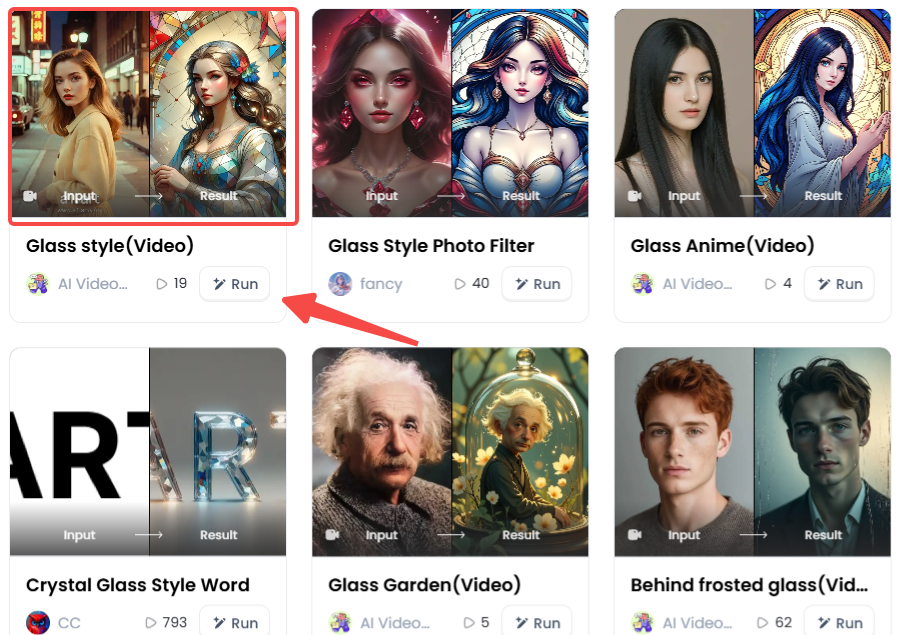
Step1:
Open a1.art, choose the App that you are interested in, then click 「Run」
Click on the image to experience the same App👇
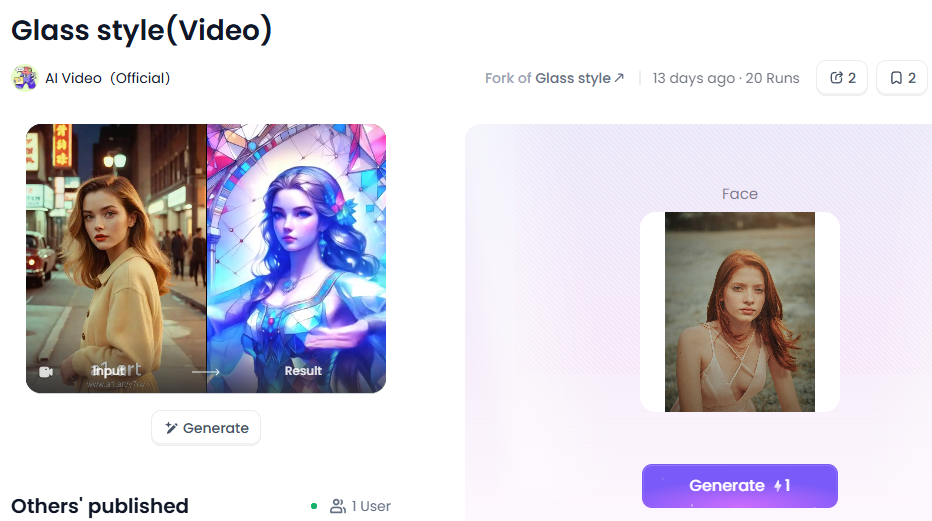
Step2:
Upload a photo/image
Step3:
Wait 3 seconds, you will get a wonderful result 👇
Use Special Styles to Your Advantage
-
You can make videos of things being cut or put together. Just for satisfying and touchy-feely ASMR, use words that have the "Satisfying Cutting" style already in them! It's that easy.
-
For cute and fun ASMR: Make adorable scenes that give you that tingly feeling with styles like "Cute Food Art" or "Food Miniature." Imagine a tiny world where everything is yummy and cute.
-
For fancy and artistic ASMR: Here's where a1.art is amazing! You can make simple ideas look like beautiful art. Use cool filters like "Stained Glass" or "Portrait Glass" to create videos that seem out of this world. Imagine your word or logo turning into a shiny "Crystal Glass Style Word" or a "Colorful Glass 3D Icon" that looks glowing. These special videos look impossible to film and will make people stop and watch!
Start with a good picture – maybe something with cool textures, a nice flower, or something simple. Use this free AI video creation service to make that picture a video by adding movement. You could make a flower look like it's breathing or water look like it's gently moving. Then, add a fun filter like "Stained Glass" to make it a truly special moving artwork!
Make Videos That Play Over and Over Perfectly (Looping)
ASMR fans love videos that play repeatedly. Use a1.art to make short videos that loop perfectly. Think of a crystal turning and turning, or a cool machine part clicking just right, again and again. People will want to watch these a lot, and they're great for TikTok and Instagram Reels!
Ready to give it a try? Find your best photo and upload it to a1.art. Try using the "Portrait Glass" filter with a "gentle zoom" motion. You'll be amazed at how it turns out!
The Future of ASMR is Visual
We have now investigated the fascinating realm of AI ASMR video producers! Anyone can easily generate incredible videos with this ASMR video AI technology. While many tools can make videos, a1.art helps you create real art. It makes your videos look beautiful with special filters and the awesome "Fork" button. Now you can easily become a digital artist and create the super cool ASMR videos you've always wanted. The future of ASMR is here, so don't just watch! Download the a1.art app or go to the website today and create your relaxing videos!
Read more
- Celebify AI vs a1.art: Best AI for Celebrity Face Swaps?
- How to Turn 2D Photo to Spatial Photo?
- Celebrate Raksha Bandhan with AI: Create Heartwarming Brother-Sister Photos
- Pixverse AI Porn Making Free with a1.art: Your Ultimate Creative Guide
- How to Make Pixverse NSFW Video Bypass? A Creator's Guide to Artistic Expression
- Pixverse AI NSFW Free Using with a1.art: The Ultimate Guide to Unrestricted Creativity
- 10 Best Free AI 19+ Image Generators: Create Stunning NSFW Art
- Create Your Own Saiyan Name with AI Generator Free
- AI Diss Track Generator: Songwriting Inspiration Engine
- Generate Free Stage Name with AI Online: Your Ultimate Guide to Crafting a Legendary Performer Identity
Written by

a1.art
Published on
Jul 30, 2025
Share article


