


What is AI 19+ Image Art?
-
Looks Just Like Real Life: The newest AI image editors can make photos that look incredibly real. You'll see every little detail, like skin and how the light shines.
-
Any Style You Want: Does it look like a cartoon, a comic book, or an old painting? You can tell the AI exactly what style to use.
-
Amazing Fantasy Worlds: These free AI picture generators bring make-believe ideas to life. Think of cool creatures like elves and robots in adult situations.
What Makes the Best AI 19+ Image Generator?
-
Content Policy: Some AI tools don't allow adult content at all. So, make sure the place you choose says it's okay.
-
Ease of Use: A good tool should be simple. You should be able to type what you want, and the AI should get it.
-
Model Variety & Customization: The best tools let you pick different styles, like real photos, cartoons, or fantasy art. And if you can change things up or add your styles, that's even better.
-
Quality & Realism: Are they clear? Do they look real? Can the AI handle small details, like fingers and eyes?
-
Cost: Some tools are free to try, but might have limits. They might give you a few free tries each day. You might need to pay a little if you use it a lot.
-
Speed: How fast does the AI make the picture? Some free online image generators might take a while, but others are quick.
-
Community & Features: It can be helpful to see what others are doing and get ideas. Some AI image creation tools even have cool extra things, like turning a picture into a video or letting you play with other people's ideas.
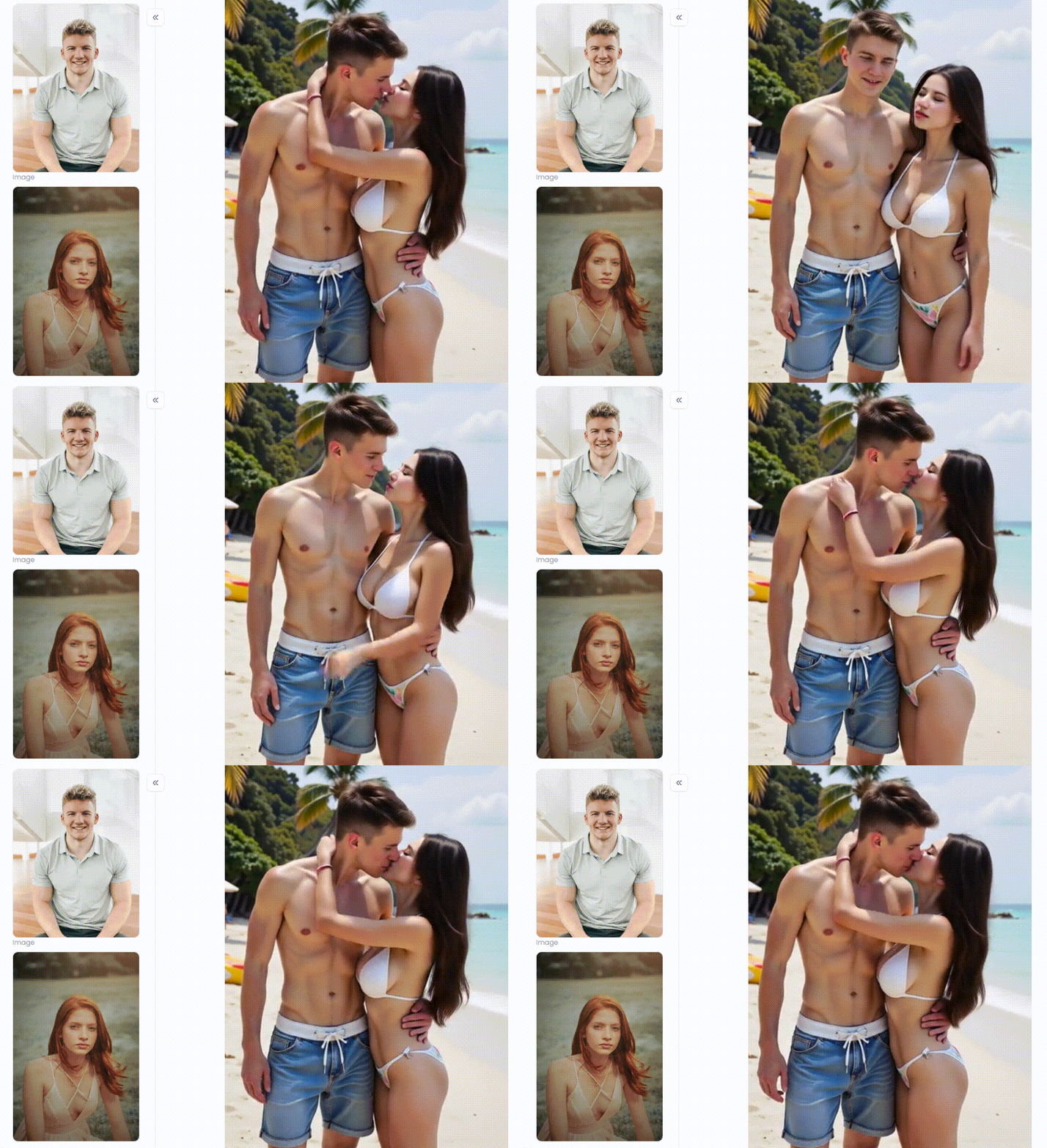
10 Best AI 19+ Image Generators for Free: Unleashing Your Imagination
#1 a1.art
-
Key Features: It has tons of art styles made by its users. You can even turn pictures into short videos. The "Fork" button lets you copy other people's cool creations and make them your own. The main thing is that it helps you make nice-looking art.
-
Pros: You get a lot of free tries, and it makes pictures fast. It also has a cool feature that transforms an image into a video for AI 19+. This tool has the best options if you like Korean art styles, like webtoons or K-pop.
-
Cons: Because it's a newer tool, it has fewer non-person or strange-looking art styles than some older ones.
#2 Unstable Diffusion
-
Key Features: This image generator for artists lets you use different Stable Diffusion art styles. You can change many things to make your picture just how you want it.
-
Pros: Unmatched creative freedom, highly customizable, strong community support on Discord.
-
Cons: For complete novices, the interface may be scary and complicated.
#3 Mage.space
-
Key Features: A variety of models available on its Pro plan, a simple and clean user interface, and an open NSFW policy.
-
Pros: Very beginner-friendly, fast generations on the free tier, no-fuss approach to adult content.
-
Cons: The best models and advanced features are locked behind a subscription.
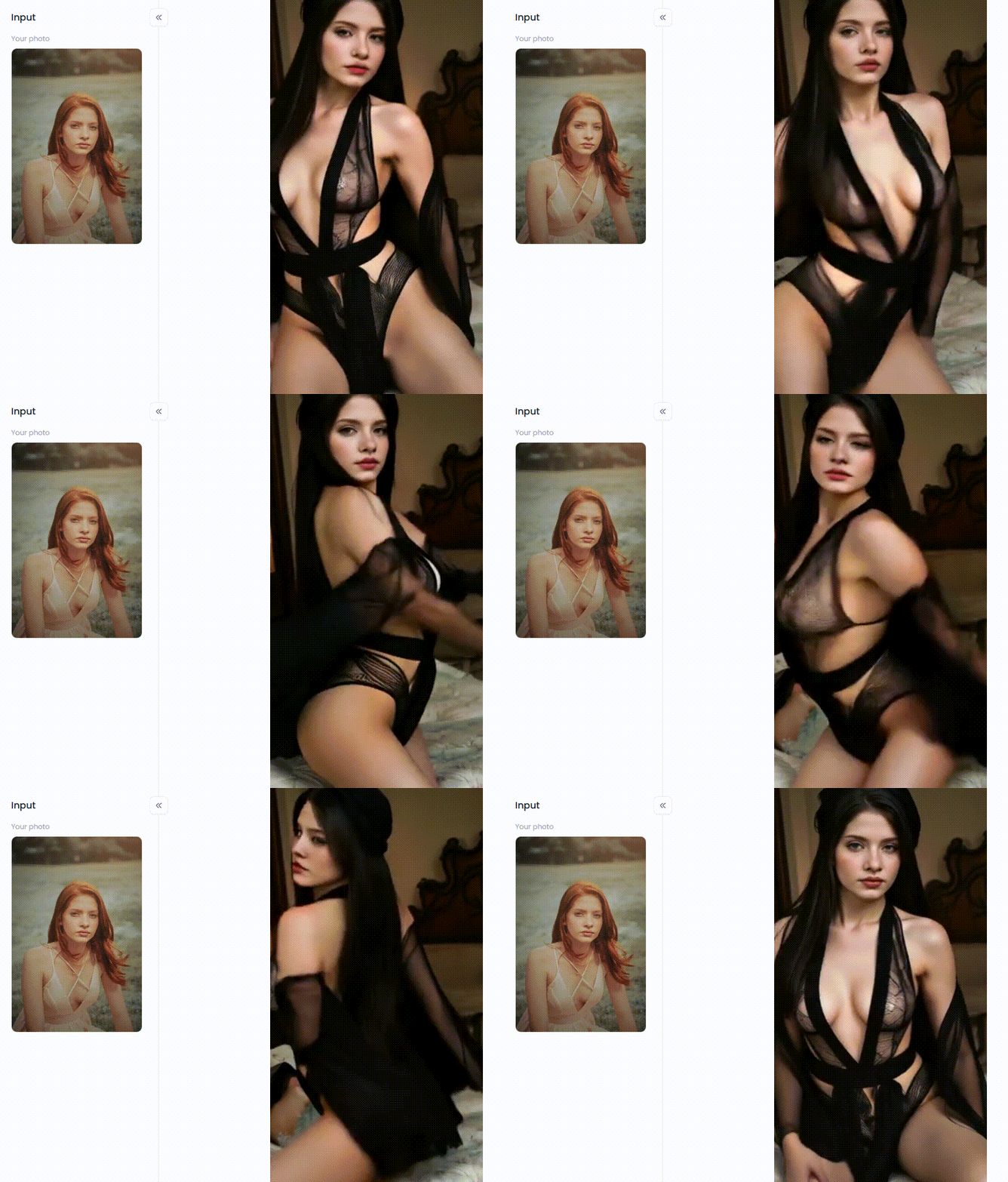
#4 SeaArt AI
-
Key Features: Generous daily free credits, LoRA model support for specific characters/styles, and an active community feed for inspiration.
-
Pros: Easy to use, several free daily generations, and excellent for anime and semi-realistic styles.
-
Cons: The realism models aren't as strong as some competitors, and the interface can feel cluttered.
#5 PixAI.Art
-
Key Features: A massive library of anime-specific models, LoRA training, an inpainting/outpainting editor, and a credit-based free system.
-
Pros: The best-in-class tool for anime art, extensive customization, and an active community.
-
Cons: Not ideal for users looking to create AI realistic images 19+.
#6 Promptchan AI
-
Key Features: Uncensored generation, private image creation, and models specifically trained on adult content for better results.
-
Pros: It guarantees uncensored results, has a simple interface, and is privacy-focused.
-
Cons: The free trial is limited, and its model selection is less diverse than that of larger platforms.
#7 Leonardo.Ait
-
Key Features: Amazingly high-quality image output, various editing options, and custom model training.
-
Pros: It produces professional-grade images, is highly customizable, and has a generous daily token allowance.
-
Cons: It might have a more sensitive NSFW filter and a steeper learning curve than specialized platforms.
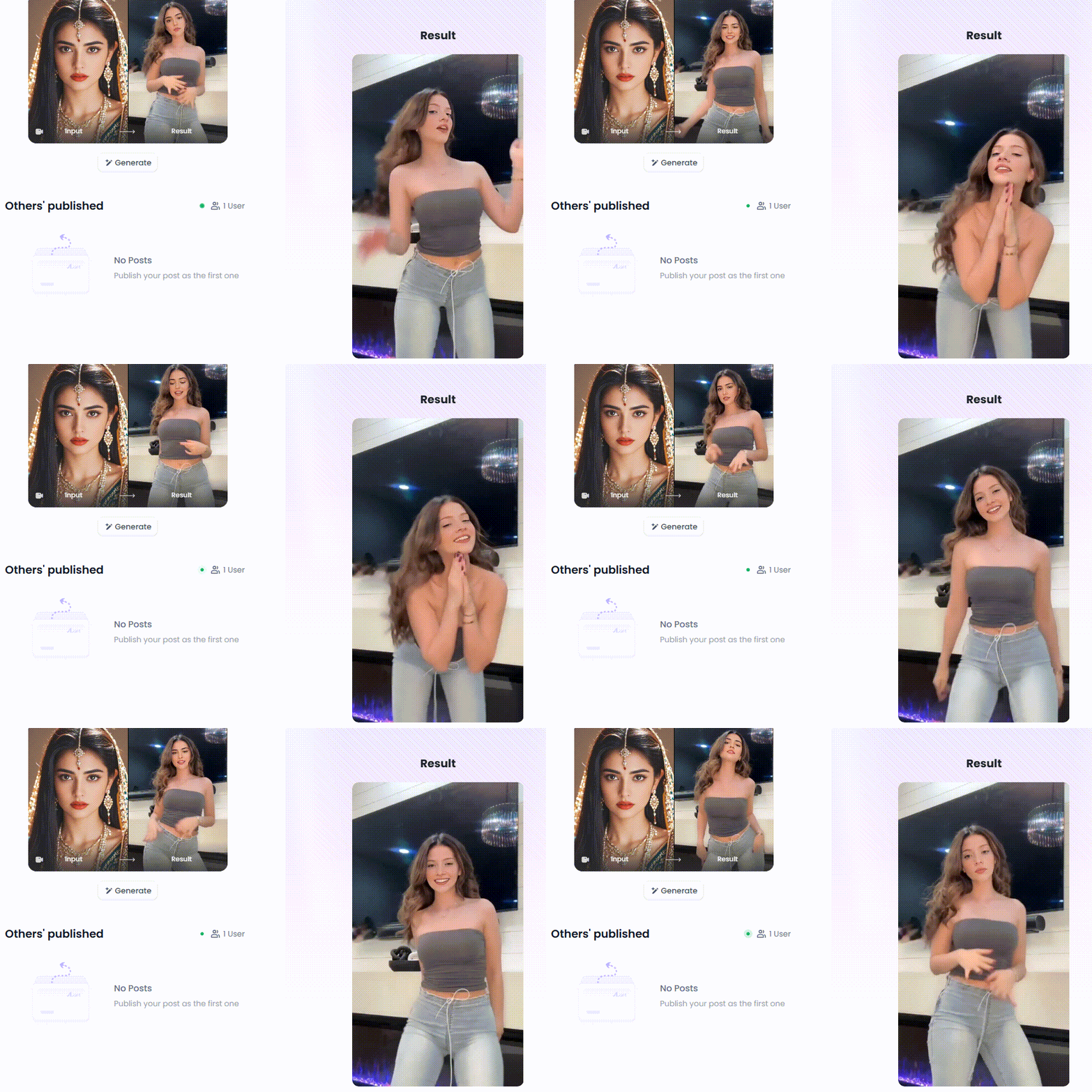
#8 Yodayo
-
Key Features: Include a relaxed NSFW policy, an integrated chatbot, and an emphasis on anime and semi-realism.
-
Pros: It is a fun, community-oriented platform with a generous free tier for character creation.
-
Cons: Quality can be inconsistent, primarily focused on anime styles.
#9 Playground AI
-
Key Features: Many free generations, multiple model options (including their own), and social features.
-
Pros: Extremely generous free plan, high-quality output, versatile for different styles.
-
Cons: The best quality and features require a subscription; the interface can take a moment to learn.
#10 Tensor.Art
-
Key Features: Access to thousands of models from Civitai, full control over generation parameters, and free AI visual content creation.
-
Pros: Ultimate flexibility, massive model library, and free use.
-
Cons: Requires a good understanding of AI art concepts like LoRAs, VAEs, and samplers.
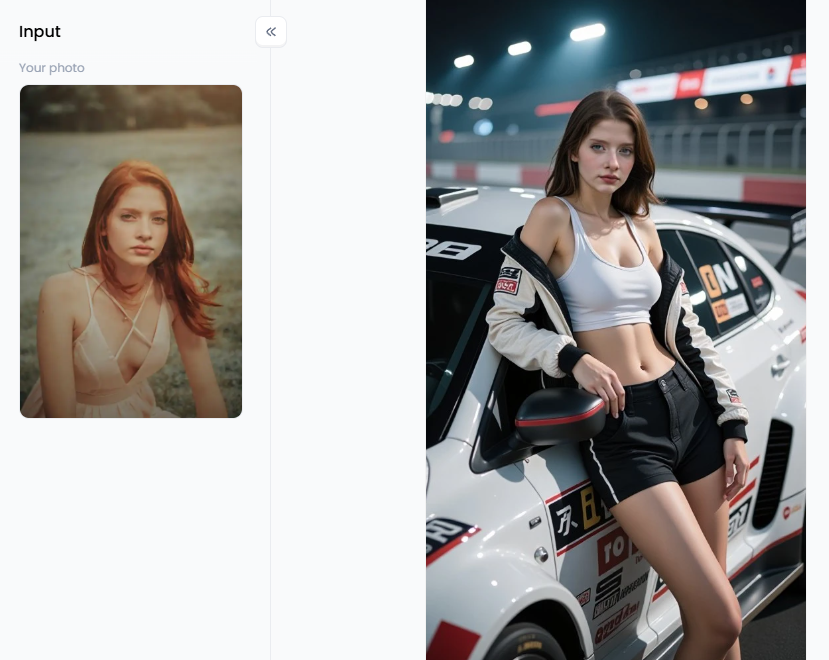
Strategies for Super-realistic AI 19+ Image Creation with a1.art
What's the a1.art Secret Sauce?
Your Words Are Your Wand
Instant Style with Filters and Models
-
For Sunny, Vibrant Scenes: Check out filters like "Vibrant Bikini Beauty" for breathtaking beach or pool shots.
-
For Fantasy and Dreamy Looks: Let your imagination run wild with "The Beautiful Mermaid Princess" or the popular "Cat Ear Girl."
-
For Moody, Alluring Vibes: Set the perfect tone with "Blonde Sexy Goddess" or "Black Lace" for more intimate and captivating scenes.
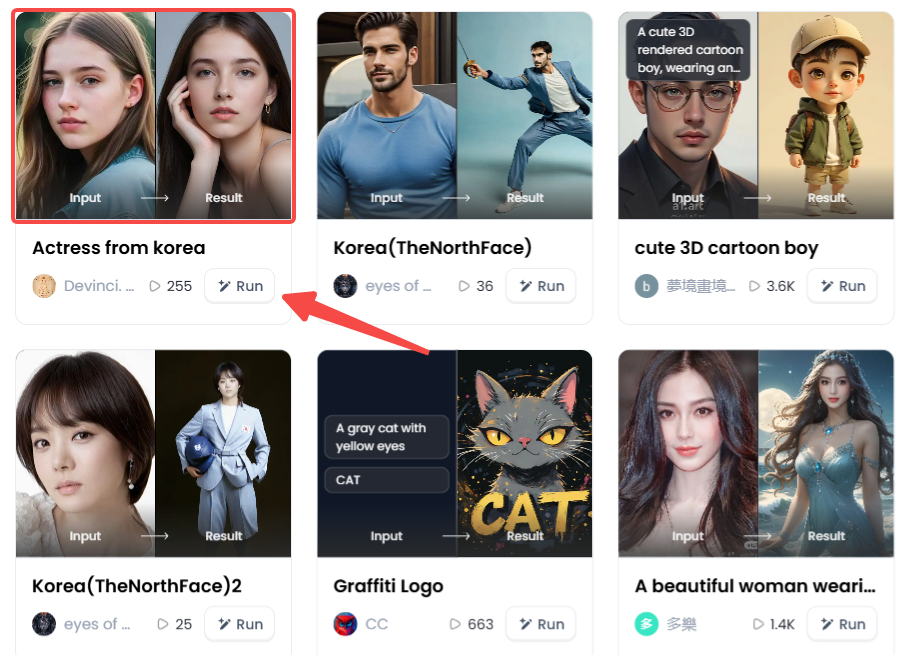
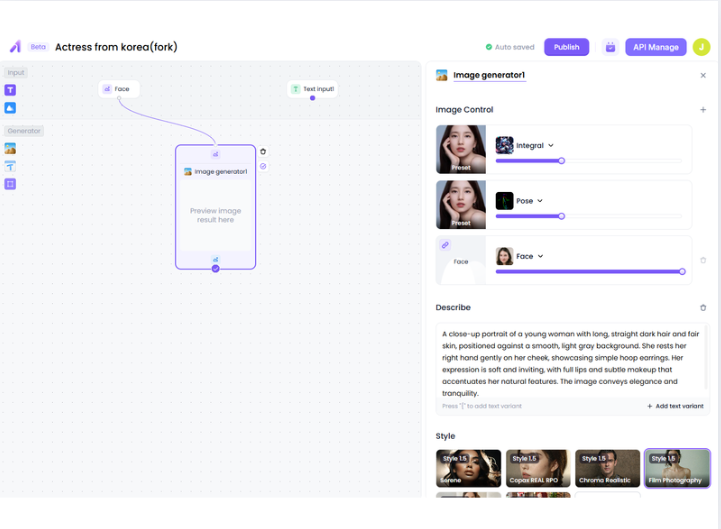
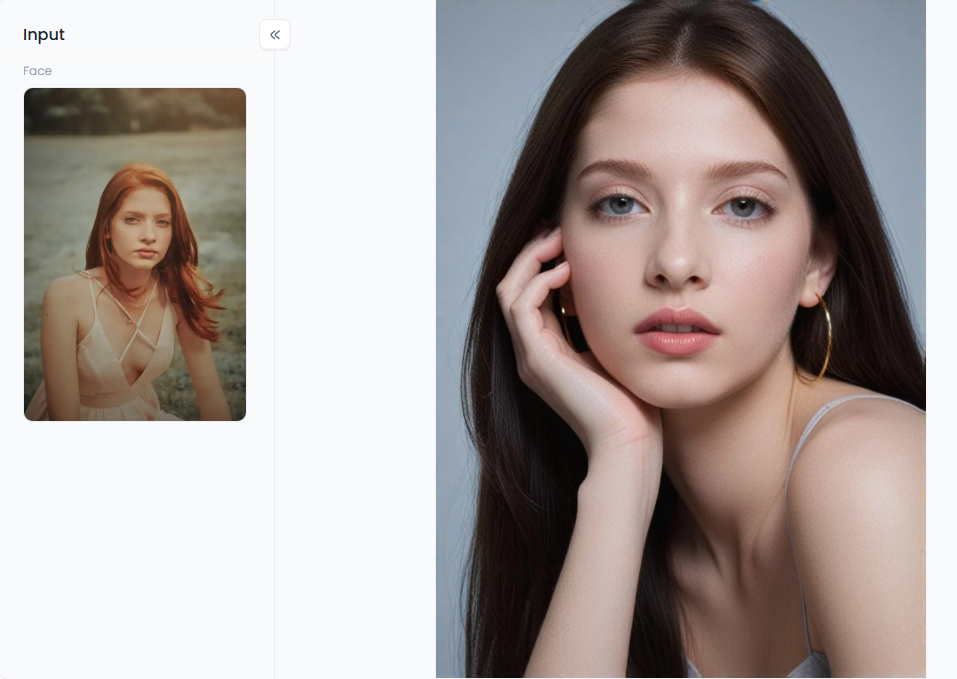
The Ultimate Shortcut: The "Fork" Feature
Making Your Art Go Viral
-
Find Your Vibe: Stick to a similar style or model to create a look that is uniquely yours.
-
Tell a Story: Create images around a single character or theme.
-
Use Bold Colors: Filters like "Red" are instant attention-grabbers.
-
Join the Fun: See what's trending on the homepage. Like, comment, and "Fork" popular ideas to put your spin on them.
Conclusion: Your New Era of Artistic Expression
FAQs about AI 19 Image Generators
Q1: What is an AI 19 image generator?
An AI 19 image generator is a tool that uses artificial intelligence to create adult or 19+ content images. Users can input text descriptions or images, and the AI will generate realistic NSFW art.
Q2: Are free AI 19 image generators safe to use?
Yes. Reputable platforms like a1.art maintain privacy and security measures. Always follow their rules and avoid uploading copyrighted or inappropriate content.
Q3: Do I need prior experience to use an AI 19 image generator?
No experience is required. Simply type detailed descriptions of the desired image, choose filters, and let the AI create your artwork. The tools are designed for beginners and professionals alike.
Q4: Can I customize the style and details of the AI-generated images?
Absolutely. You can specify styles such as hyper-realistic, anime, or digital painting, describe poses, lighting, outfits, and backgrounds to make each image unique.
Q5: Can I use AI 19 image generators to make content for social media?
Yes, but always follow platform guidelines. Avoid using real celebrities or private content without consent. AI-generated images can be shared to create eye-catching art posts responsibly.
- Create Your Own Saiyan Name with AI Generator Free
- AI Diss Track Generator: Songwriting Inspiration Engine
- Generate Free Stage Name with AI Online: Your Ultimate Guide to Crafting a Legendary Performer Identity
- Top 15 Playground AI Alternatives Online: Your Guide to the Best AI Art Generators
- How to Get Tiktok Fans with AI Free Easily: A Smart, Simple Guide
- AI Milf Generator: Easy to Make Milf Art Free
- How to Generate NSFW Image with Stable Diffusion: A Comprehensive Guide to AI-Powered Adult Art
- AI BDSM Generator: Create BDSM Erotic Art with AI
- Free Dirty AI Generator to Create Stunning AI Images: Your Ultimate Guide
- AI Femboy Art Generator: Create Anime Femboy Image

a1.art
Nov 7, 2025


