


Have you ever dreamed of a majestic griffin, a lion with eagle wings soaring through the sky? For years, bringing these fantastic beasts to life was a pipe dream unless you were a pro artist. But now, the game has completely changed.
Say hello to the incredible AI animal hybrid generator! These easy, free AI animal generators let you play digital Dr. Frankenstein, creating jaw-dropping monsters and magical creatures in seconds. This magic is part of a generative AI market set to explode past $1.3 trillion, putting amazing creative power at your fingertips. It's never been easier for anyone to become an artist.
Ready to join the fun? We'll guide you through the best AI animal hybrid generators, with a special spotlight on a1.art to get you started. Let's bring your imagination to life!
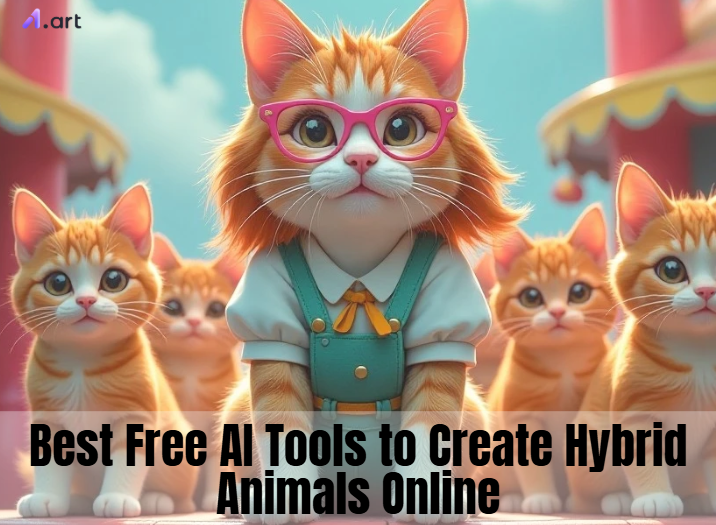
The Magic Behind the Monsters: What Is an AI Animal Hybrid Generator?
Think of an AI animal hybrid generator as a brilliant robot artist with a photographic memory. It has studied millions of animal pictures and understands exactly what makes a tiger look fierce or a butterfly look delicate. You simply give it a command, and it blends the key features of different animals to create a brand-new creature right before your eyes.
It doesn't just crudely glue pictures together. Instead, it intelligently combines the essence of each animal—like a lion's mane and a hawk's wings—into a seamless and believable creation.
Best of all, these mythical animal generators give you a few superpower-like ways to create:
-
Text-to-Image: Simply type what you want to see. You can describe your dream creature in words, and the AI will bring it to life on the screen.
-
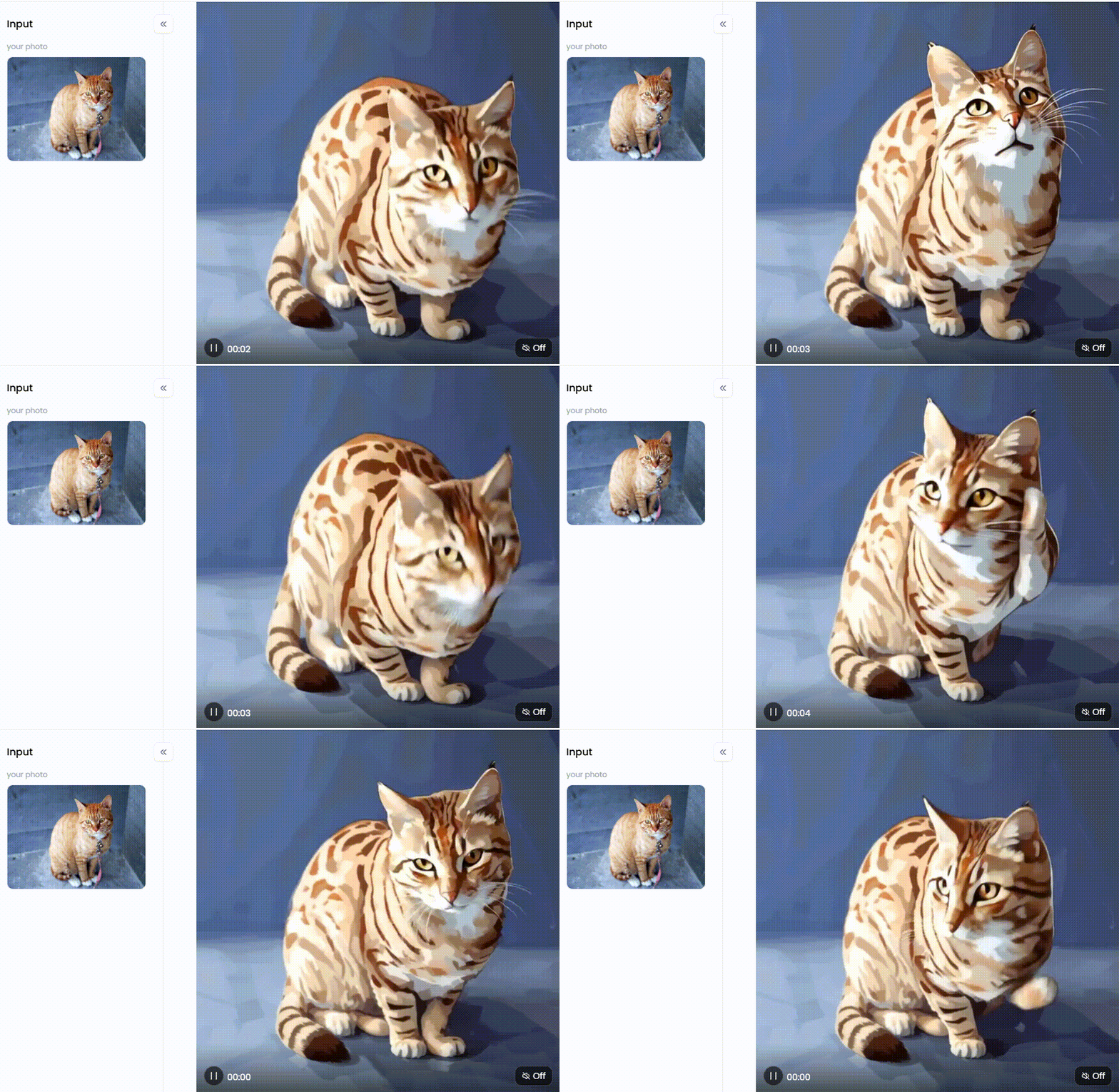
Image-to-Image: Use your own photos as a starting point. This hybrid animal generator with pictures is perfect for combining photographs of your pets to see what wild creation you get!
-
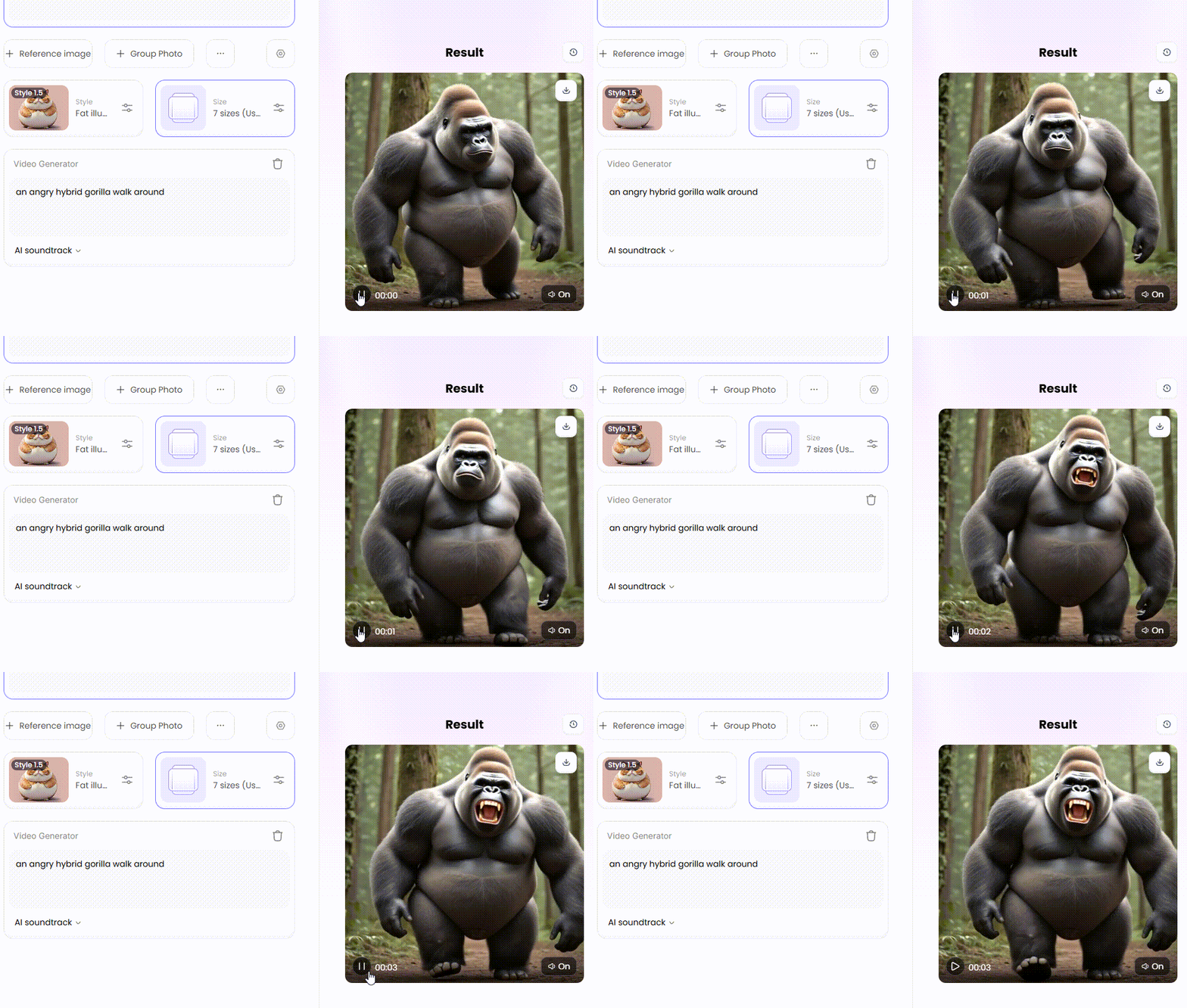
Video Generation: This exciting feature lets you animate your creations. You can make your hybrid animal run, fly, or roar, turning it into a movie-like clip.
These tools are a total game-changer. By transforming a basic concept into a breathtaking work of art in seconds, they enable everyone to have the skills of a Hollywood effects artist.
Click the picture to generate your exclusive anthropomorphic animal performance show with one click👇
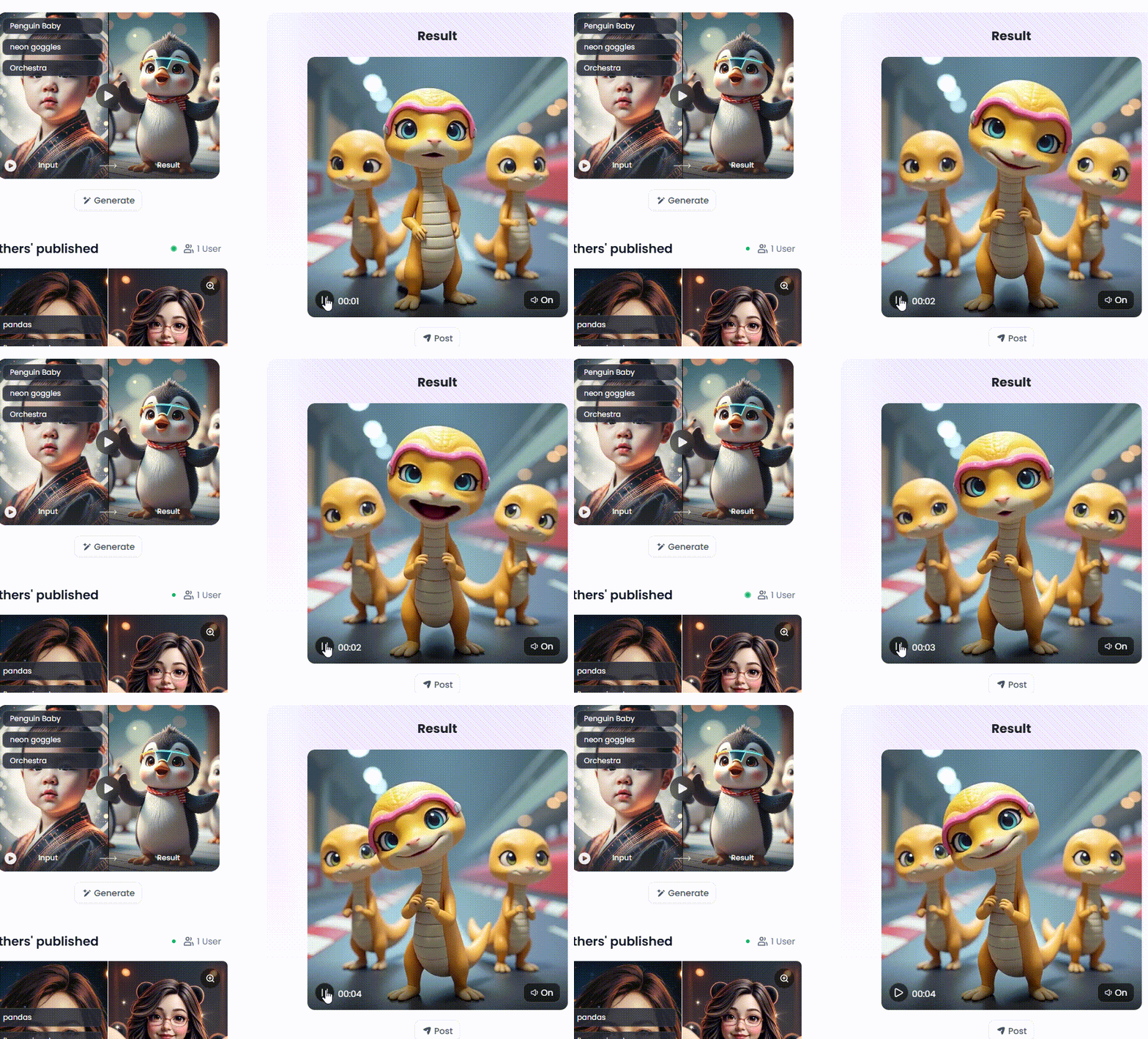
Start your art journey with a1.art.
From Memes to Masterpieces: Why Use an AI Animal Generator?
You might think making hybrid animals is just for a quick laugh, but these tools are a secret weapon for creators everywhere. From viral memes to stunning fantasy worlds, the possibilities are endless.
Here's a peek at who is using these animal generators and why:
-
For Pure Fun & Social Media: Go viral with a hilarious "catterfly" meme or design a profile picture no one has ever seen. It's fun to make silly monsters and show them to your pals.
-
For Artists & Designers: This is a game-changer. It takes minutes, not days, to develop dozens of monster ideas for video games or book covers. It's the most imaginative short cut to the ideal design.
-
For Gamers & Storytellers: Make your fantasies come true! Create custom monsters with stunning visuals for your D&D campaigns or finally show people what the creatures in your stories look like.
-
For Marketers & Brands: Stand out from the crowd. Design a unique and memorable mascot that grabs attention or create eye-catching visuals for ads that people will remember.
The bottom line is simple: you no longer need a Hollywood budget or years of art school to create amazing things. These DND monster generators save time and money, letting you bring your best ideas to life instantly.
Click the picture to generate your exclusive animal video electric cherry with one click👇
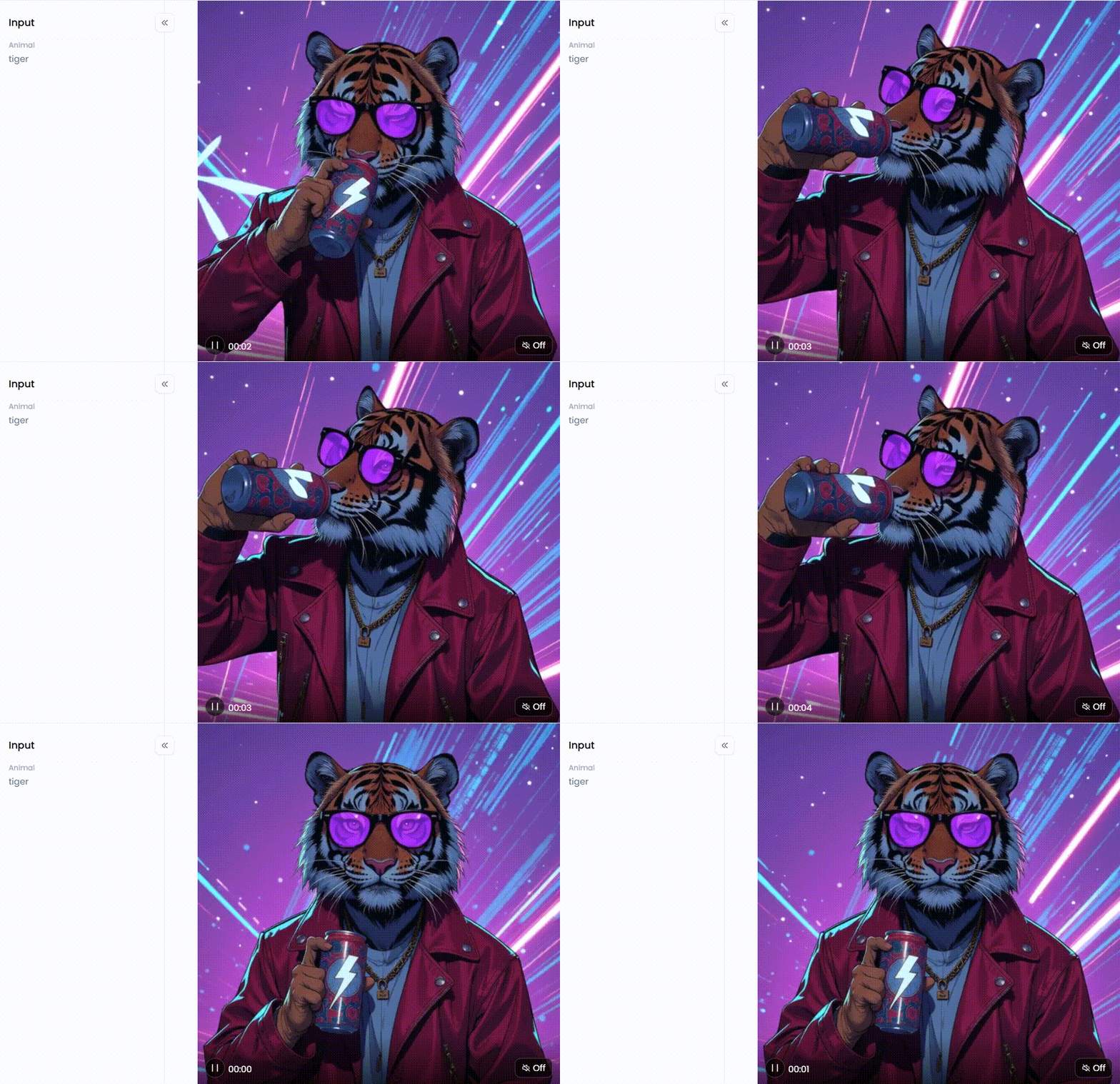
How to Use It, Just 3 Steps:
Step1:
Open a1.art, choose the App that you are interested in, then click 「Run」
Click on the image to experience the same App👇
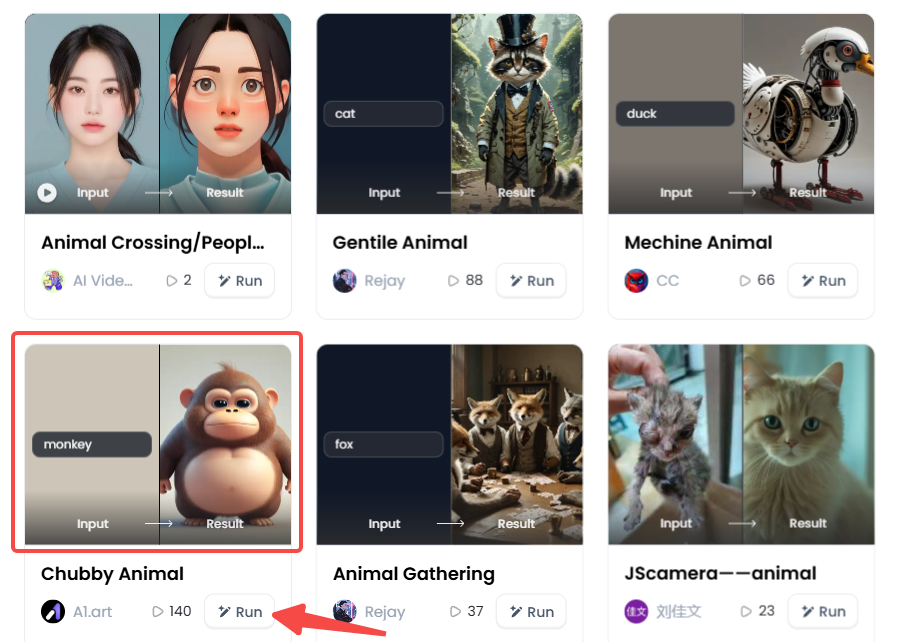
Step2:
Upload a photo/image
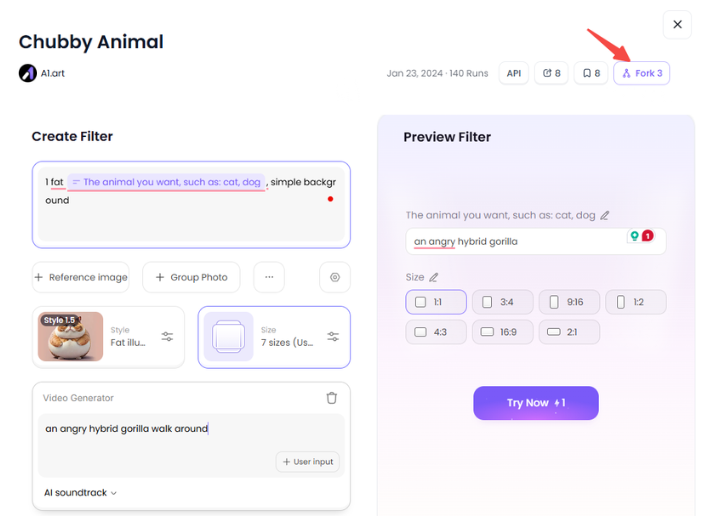
Step3:
Wait 3 seconds, you will get a wonderful result 👇
Your Digital Zoo: The 10 Best Free AI Tools to Create Hybrid Animals Online
Ready to create your own amazing hybrid creatures? The right tool is like a magic wand for your ideas. We've identified the 10 best free AI animal hybrid generators to get you started. Let's get started with our top choice!
1. a1.art
It's no surprise that a1.art is our first choice. Although quite simple for novices, it is really strong. Beautiful photos and movies can be quickly produced using one-click filters. With its special "Fork" feature, you can rapidly learn how to make your masterpiece by copying the formula from other masterpieces.
-
Main Function: The perfect all-in-one platform for beginners and pros who want to create amazing images and videos hassle-free.
-
Pro Tips: Fork instead of merely admiring a video you like! Copy its settings instantly, then simply change the animal names. You'll be producing video of expert quality in a matter of minutes.
2. Midjourney
Want your AI artwork to resemble a real photograph? The preferred tool for experts, Midjourney produces stunning, incredibly lifelike photos. You'll use it on the Discord app, but jaw-dropping results are worth it.
-
Main Function: Creating gallery-worthy, hyper-realistic, and artistic images.
-
Pro Tips: Use powerful, evocative language in your prompts. Phrases like "cinematic lighting," "4K," and "hyper-detailed" will motivate the AI to put quality first.
Click the picture to generate your exclusive gentile animal with one click👇
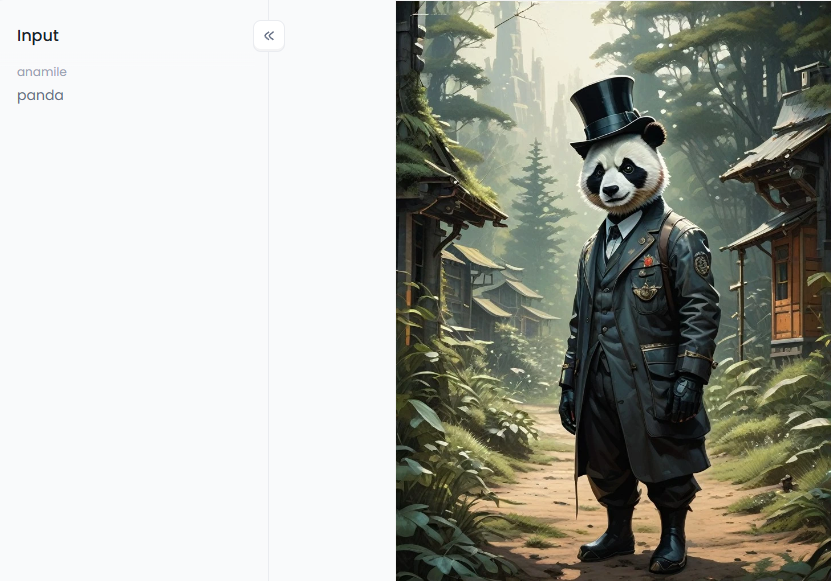
3. Leonardo.Ai
Anyone building a new planet will find this tool revolutionary. It has the ability to pick up your own artistic style. It's perfect for creating consistent-looking characters and creatures for games, books, or other creative projects.
-
Main Function: Designing game assets and consistent characters for creative projects.
-
Pro Tips: Use the "Alchemy" feature after generating an image. It instantly gives your image incredible clarity and detail, like a magic button.
4. NightCafe Creator
If you like creating art with others, NightCafe is your place. It is based on a friendly community with regular painting challenges and conversations. Participation alone can get you free credits. It's not so much a tool as it is a fun art party.
-
Main Function: A fun, community-based art-making activity that is welcoming and convivial.
-
Pro Tips: Despite your inexperience, take on the day's tasks. The quickest way to receive extra free credits and constructive criticism for your work is to do this.
5. Bing Image Creator
If you're new to AI art, Bing Image Creator is the perfect place to start. It's fast, free, and super easy to use. It's built into the Bing search engine, so there's no new app to learn.
-
Main Function: Beginners who want high-quality results without a complicated interface.
-
Pro Tips: Make sure your prompts are straightforward. Describe exactly what you want to see, without using fancy art terms: "A cute photo of a fluffy pink baby elephant with butterfly wings."
6. DreamStudio
DreamStudio is for you if you enjoy experimenting with different settings. Using this official Stable Diffusion tool, you can experiment with more sophisticated settings and sliders. Think of it as a high-tech control panel for your imagination.
-
Main Function: Users want more advanced control over their image results.
-
Pro Tips: Experiment with the "CFG Scale" slider. A low number gives the AI more creative freedom to surprise you, while a high number will make it stick very closely to your prompt.
Click the picture to generate your exclusive hairy animal suit show with one click👇
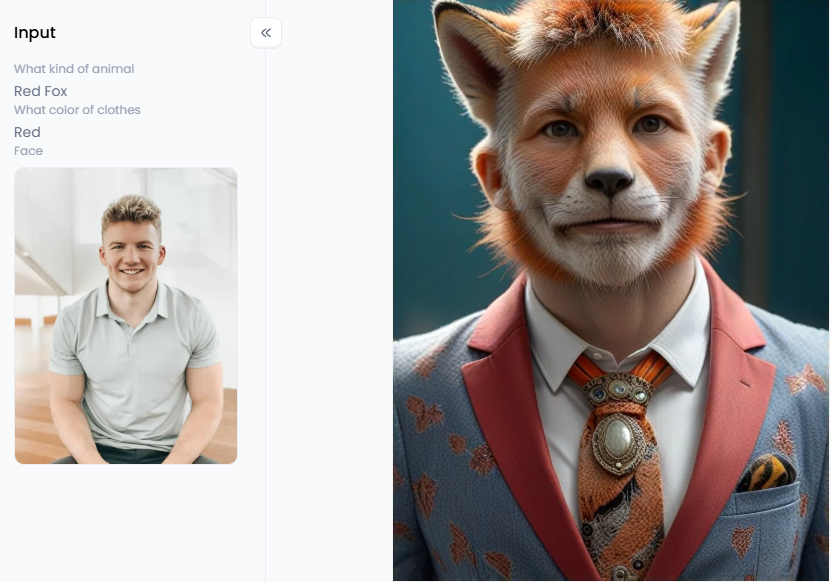
7. StarryAI
Want to make art anywhere, anytime? StarryAI is a simple mobile app that puts an AI generator right in your pocket. You can create an amazing masterpiece in minutes, whenever a great idea pops your head.
-
Main Function: Creating beautiful AI art easily from your phone or tablet.
-
Pro Tips: If you generate an image you like but isn't perfect, use the "Evolve" feature. It will instantly create several new versions based on your original, helping you find the perfect one.
8. Fotor
With Fotor, creating is just the first step. It's a powerful photo editor with a great AI generator built right in. You can make your hybrid animal, instantly add text, apply cool filters, or adjust the colors.
-
Main Function: A seamless, all-in-one workflow for creating and editing images.
-
Pro Tips: Use the AI to create your base creature, then jump straight into the editor. It's the fastest way to prepare your image for a social media post.
9. Picsart
Picsart is a favorite mobile app for social media fans. It has a great AI generator packed with cool stickers and trendy effects. Create your hybrid animal, then add fun extras to make your posts stand out.
-
Main Function: Creating and editing fun, trendy images for social media, right from your phone.
-
Pro Tips: After creating your animal, explore the huge library of "Stickers." You can add funny hats, sunglasses, or effects to your creature to give it more personality.
10. Canva
Canva is perfect for your school or work projects. Its "Magic Media" AI tool lets you create any image you need. Make your hybrid animal, then instantly drop it into your presentation, poster, or social media graphic.
-
Main Function: Integrating AI-generated images directly into your design projects.
-
Pro Tips: Try the "Magic Edit" tool. It allows you to select a part of the image you just created and change it with a new text prompt, giving you incredible editing power.
Click the picture to generate your exclusive cute animal with one click👇
Pro Secrets for Creating Amazing Hybrids with a1.art
Ready to create some monsters? While many fantasy species generators exist, a1.art is the ultimate playground for making amazing hybrid animals. It's packed with powerful features but so simple to use that you'll feel like a pro on your first click.
So, what's the big deal with a1.art? It's built on one simple idea: making art easy and fun. Its secret weapon is a huge library of one-click filters. These animal creators act like magic wands for your creative ideas.
Want a new avatar, an epic hero, or just something silly? This platform/app has a one-click filter for every idea. You can create amazing "The Amazing Animal Swordsman" characters for adventure scenes or make funny pictures with the "Pirate Animal World filter."
And for those who ask, "Which AI can transform an animal picture to a human picture?", this website has you covered. Fun filters like "Famous Person Hybrid" or "Different Profession Animal" let you blend human concepts with animal forms in fascinating and often hilarious ways.
The best feature on this platform is called "Fork." See a tiger hybrid you love? Click "Fork" to instantly copy its prompts and settings. You can then change a few words to make it your own easily!
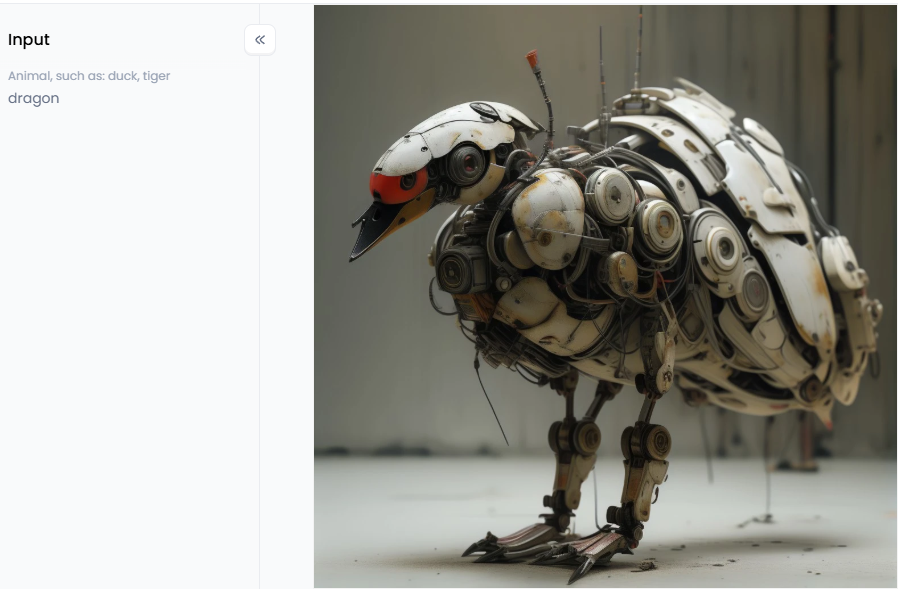
Click the picture to generate your exclusive mechine animal with one click👇
Now that you know the secrets of a1.art, let's talk about making your creations famous. Here are some pro tips to help your AI combine 2 images to create art that goes viral:
-
Master Your Magic Words: Details are everything. Don't just give the AI a weak prompt like "dog bird." Instead, tell it a story with your words. Try this instead: "A majestic, fluffy Corgi with the vibrant, rainbow-colored wings of a macaw, flying through a cloudy sunset sky, fantasy art, hyper-detailed." The more vivid your description, the more incredible your result will be.
-
Mix and Match Your Filters: Don't stick to just one style! The real fun begins when you combine filters and prompts. For example, start with the "Gentile Animal filter" to get a sweet-looking character, then add a text prompt for "wearing a cool 'Hairy Animal Suit Show' costume." Mixing styles creates something unique that no one has ever seen before.
-
Start with a Great Photo: If you're using your pictures to create a hybrid, remember this rule: garbage in, garbage out. A clear, well-lit photo will give you a fantastic result, while a blurry photo will give you a blurry monster. Luckily, a1.art has built-in tools to help enhance and sharpen your photos before you begin!
-
Tell a Story to Win Hearts: A cool picture is nice, but a great story is unforgettable. Use the hybrid animal AI video generator to connect with people emotionally. Create a short, dynamic clip of your "Mechine Animal" assembled piece by piece, or make a funny video using the "Animal Street Show" filter. A little bit of story is the key to getting shares and likes.
With a1.art, you're not just using an app but joining a community of creators. So jump in, experiment with these tips, and show the world the incredible creatures you can dream of!
Your Masterpiece Is a Click Away
The art world has been turned upside down by AI. Now, you don't need to be a professional artist to create amazing hybrid animals in your head. It has never been easier to bring your wildest ideas to life.
a1.art is the ultimate playground for this, with fun creature generators and a game-changing "Fork" feature that makes creating stunning art a breeze. Your imagination is the only thing holding you back.
So, stop waiting and start creating! Head to a1.art right now and unleash your first monster masterpiece. Your next viral post is waiting for you!
Read more
- AI Bikini Generator: Create Swimsuit Looks from Any Photo
- How to Change Your Skin Color Online Free: A Complete AI-Powered Guide
- Best AI Tools to Generate Pregnant Woman Images or Art
- Best Baby Podcast AI Tools – Create Cute & Funny AI Baby Voices
- 10 Top Haiper AI Alternatives Free: Your Ultimate Guide to AI Video Creation
- Best AI Hug Video Generator Free Online: Sending Virtual Hugs with AI Magic
- Murder OC Maker: Create Your Original Killer Character with AI
- Free AI Image Background Changer Online: Transform Your Photos Instantly
- a1.art or Vondy: Which AI Image Generator Is Better for You
- Name into Symbols Generator: Turn Your Name into Cool Icons
Written by

a1.art
Published on
Sep 11, 2025
Share article


