


Struggling to turn your creative ideas into great‑looking visuals? Making a poster from scratch means hours of trial‑and‑error, tricky design software, and often a big budget. When client deadlines are tight or you need quick event promotions, slow manual design work just won’t cut it.
Thankfully, modern AI visual tools fix many of these old headaches. With AI‑powered poster design, creators, marketers and designers can work far faster. Just type in simple text prompts, and you get polished‑ready promo layouts right away. Whether you’re putting together a simple concert ad, a bold flyer, or eye‑catching typography, pairing AI generation with basic design principles lets you create smoothly and efficiently. This practical guide walks you through taking a rough idea all the way to print‑ready vector files or web graphics, using top‑tiercutting-edge AI poster design free tools and proven design workflows.
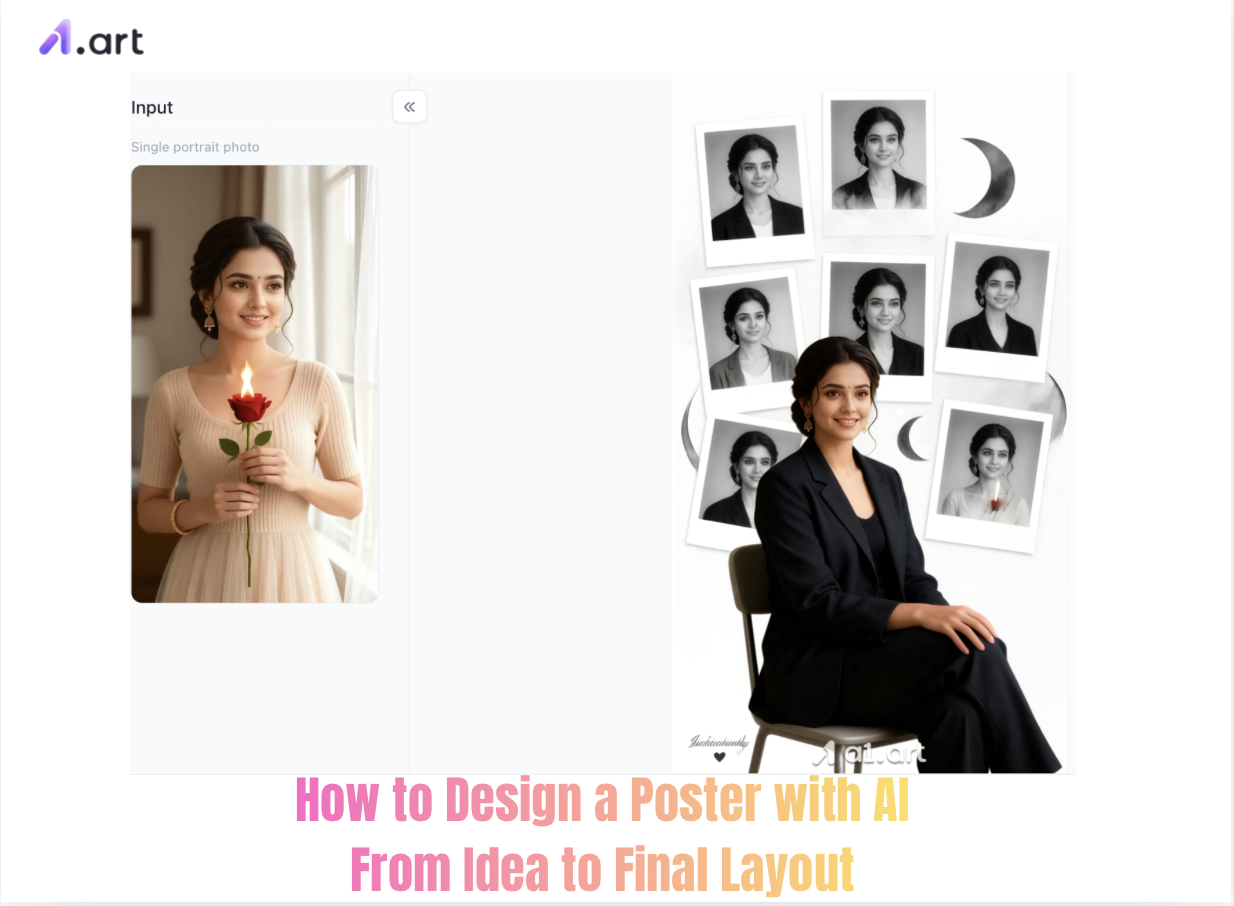
The Shift to Generative Visual Workflows
Creating traditional posters requires building layered designs, picking matching colors and fonts, plus tedious vector editing. Core design rules still apply, but generative AI has completely changed how ideas turn into visuals. Recent industry data shows more than 68% of digital marketing teams now use AI image generators for daily content work, cutting production time by up to 70%.
With the flexible AI poster design generator free platform, creators skip repetitive manual rendering and test dozens of design styles within minutes. AI isn’t meant to take over human taste. It removes creative roadblocks and helps designers explore visual ideas faster.
Step 1: Conceptualization and Prompt Engineering
Every great visual starts with a clear creative direction. AI image generators need detailed text prompts to understand your vision and create well-balanced artwork
To consistently get great results from AI poster design generator, build your prompts following this simple structure:
-
Subject & Focal Point: Define your main subject or hero element (e.g., "Futuristic smart kitchen blender with glowing neon fruit splashes").
-
Aesthetic Style & Medium: Pick your art style and format (e.g., "Modern minimalist vector poster, Bauhaus aesthetic, 3D clay rendering").
-
Color Palette & Lighting: Set the mood with colors and light (e.g., "Vibrant tropical tones, soft studio lighting, high contrast").
-
Spatial Composition: Plan your layout (e.g., "Clean centered subject, plenty of empty space at the top for text, rule of thirds").
Pro Tip: Try this ready-made prompt for AI poster design prompt: “Minimalist promo graphic, geometric abstract typography layout, retro futuristic aesthetic, high contrast color block, ultra-high resolution print quality --aspect 2:3”
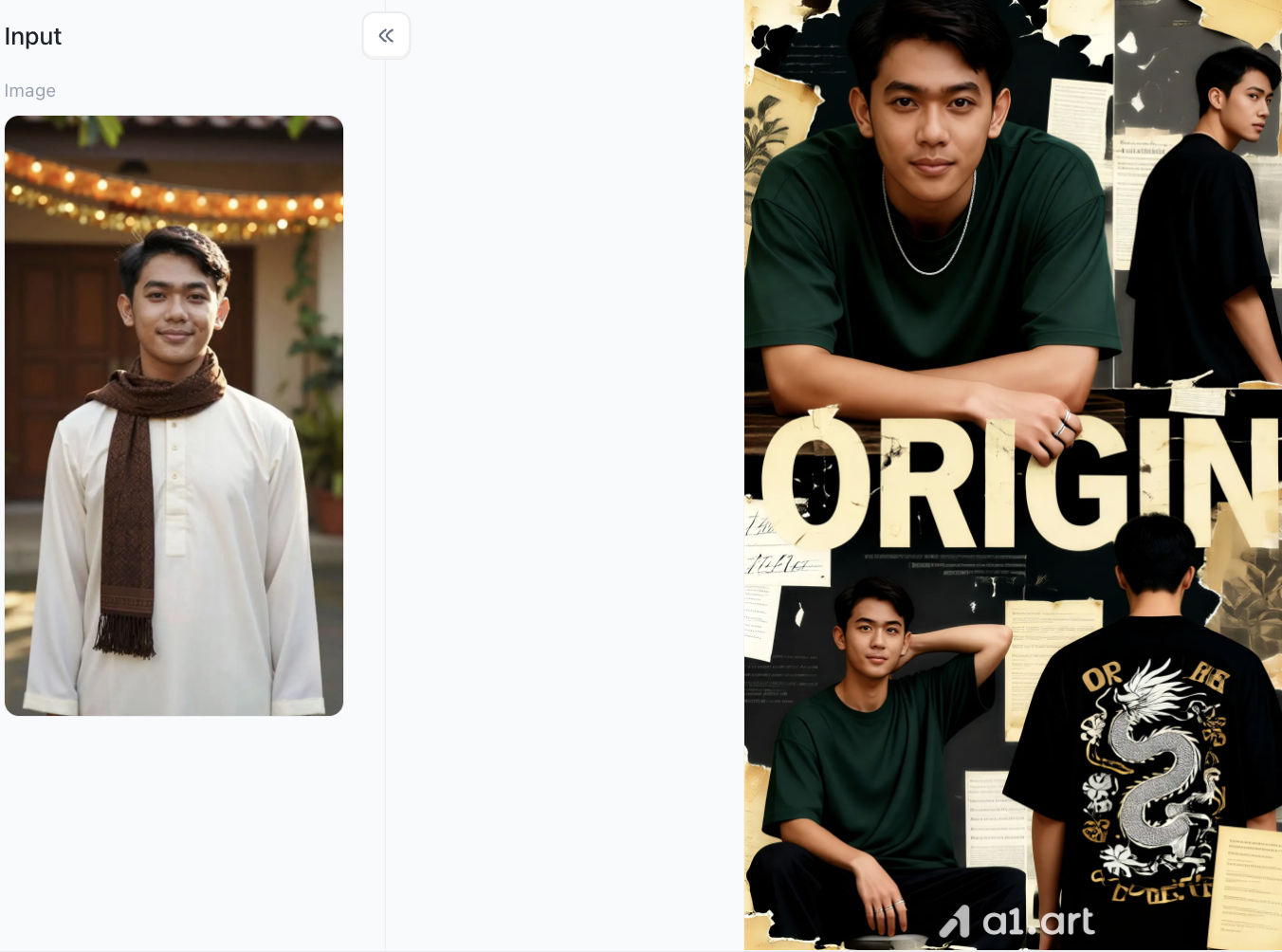
Start your art journey with a1.art.
Double-click the image to instantly generate an AI poster design you love⬇️
Step 2: Spotlight on a1.art:The Next-Gen Creative Visual Engine
When picking an AI tool for visual creation, basic generators often struggle with text placement, sharp edges and consistent visuals. That’s where a1.art stands out, built for digital creators and content teams.
Why Choose a1.art for Your Design Workflow?
-
Faster Rendering: Creates usable final images in seconds, so you can keep your creative momentum going.
-
Sharper Output & Higher Clarity: Produces high-res images with clean vector edges and smooth backgrounds, perfect for print and web use.
-
More Natural & True-to-Life Textures: Renders realistic materials and lighting, avoiding that fake plastic look many standard AI tools produce.
-
Zero Distortion Engine: Keeps product shapes, character features and text areas from weird warping or unwanted glitches.
-
Content-Friendly Layouts: Smart separation of foreground and background ensures key marketing text won’t get covered by visual elements.
-
Aligned with Modern Aesthetic Trends: Trained on up-to-date commercial design and popular brand visual styles.
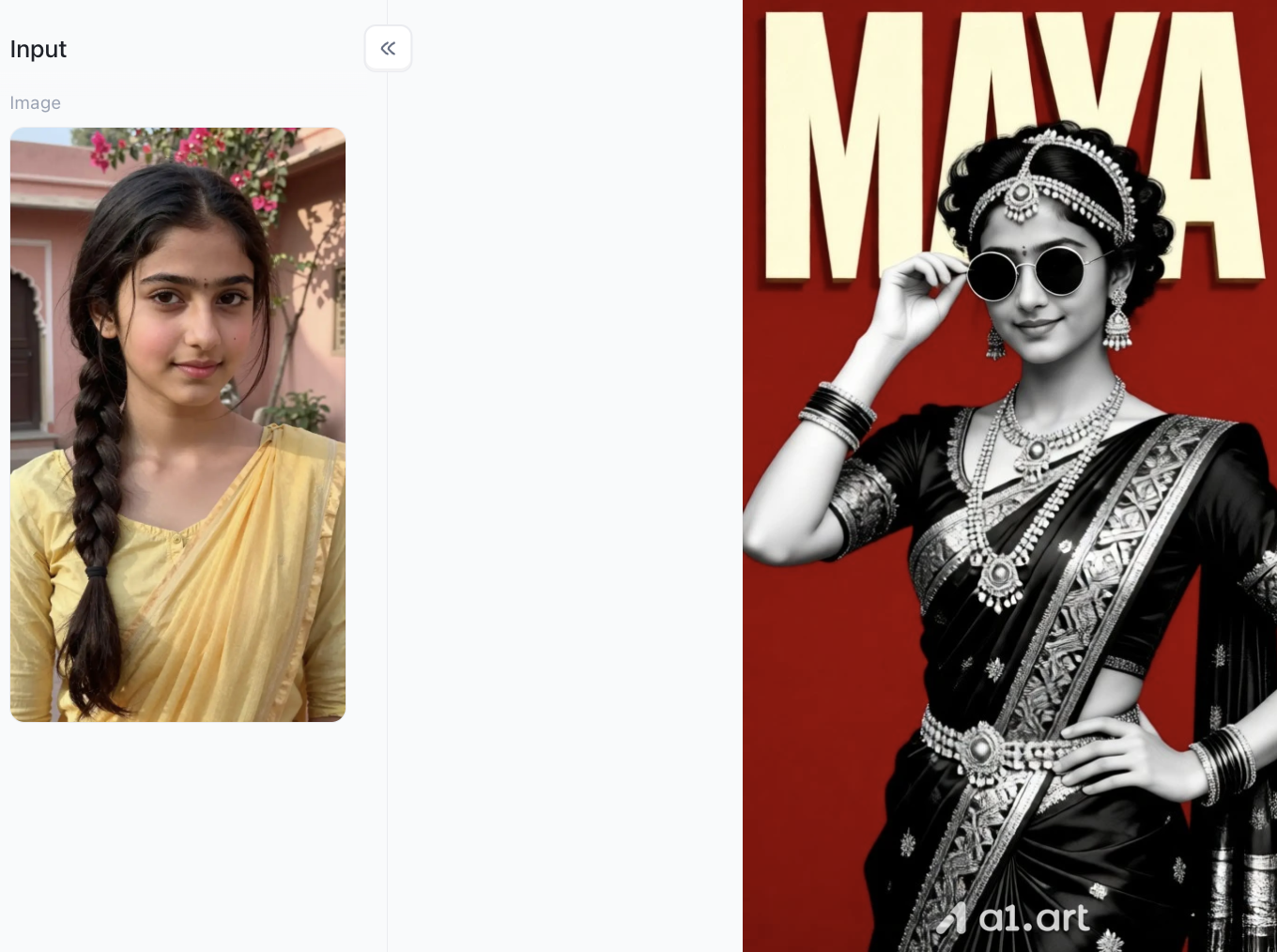
Step 3: Generating and Refining Key Visual Elements
Now that you’ve picked your AI tool, it’s time to create your main graphic assets. Don’t try to get perfect text on the first run. The smarter approach is to generate clean backgrounds or subject illustrations first.
-
Generate Base Graphics: Use the AI poster design online free no sign up interface to quickly test different design styles, no login hassle.
-
Evaluate Visual Balance: Check that your base design leaves plenty of empty space for headlines, event info and promo text.
-
Upscale for Production: Run your chosen image through a high-res upscaler to hit 300 DPI for printing or 4K resolution for digital displays.
Step 4: Converting Static Posters into Dynamic AI Videos with a1.art
In today’s fast-paced digital marketing landscape, static posters represent only part of the promotional puzzle. Transforming static poster visuals into dynamic short-form videos significantly boosts social media engagement and click-through rates. a1.art integrates a powerful visual-to-motion pipeline that seamlessly turns 2D graphics into compelling video assets.
How to Create an AI Video in a1.art (Step-by-Step)
Step 1: Register for an a1.art account
Open the a1.art webpage and click the icon in the top-right corner to proceed with the standard registration steps. The process is simple and straightforward; Having an a1.art account is a prerequisite for the subsequent steps.
Step 2: Search for relevant poster keywords
There is a search bar at the top of the a1.art page where you can enter keywords or a general concept for the filter you want to create. For instance, since our theme today is creating posters, you can search for "poster" keywords; the system will then display all filters associated with that term, allowing you to browse and make your selection.
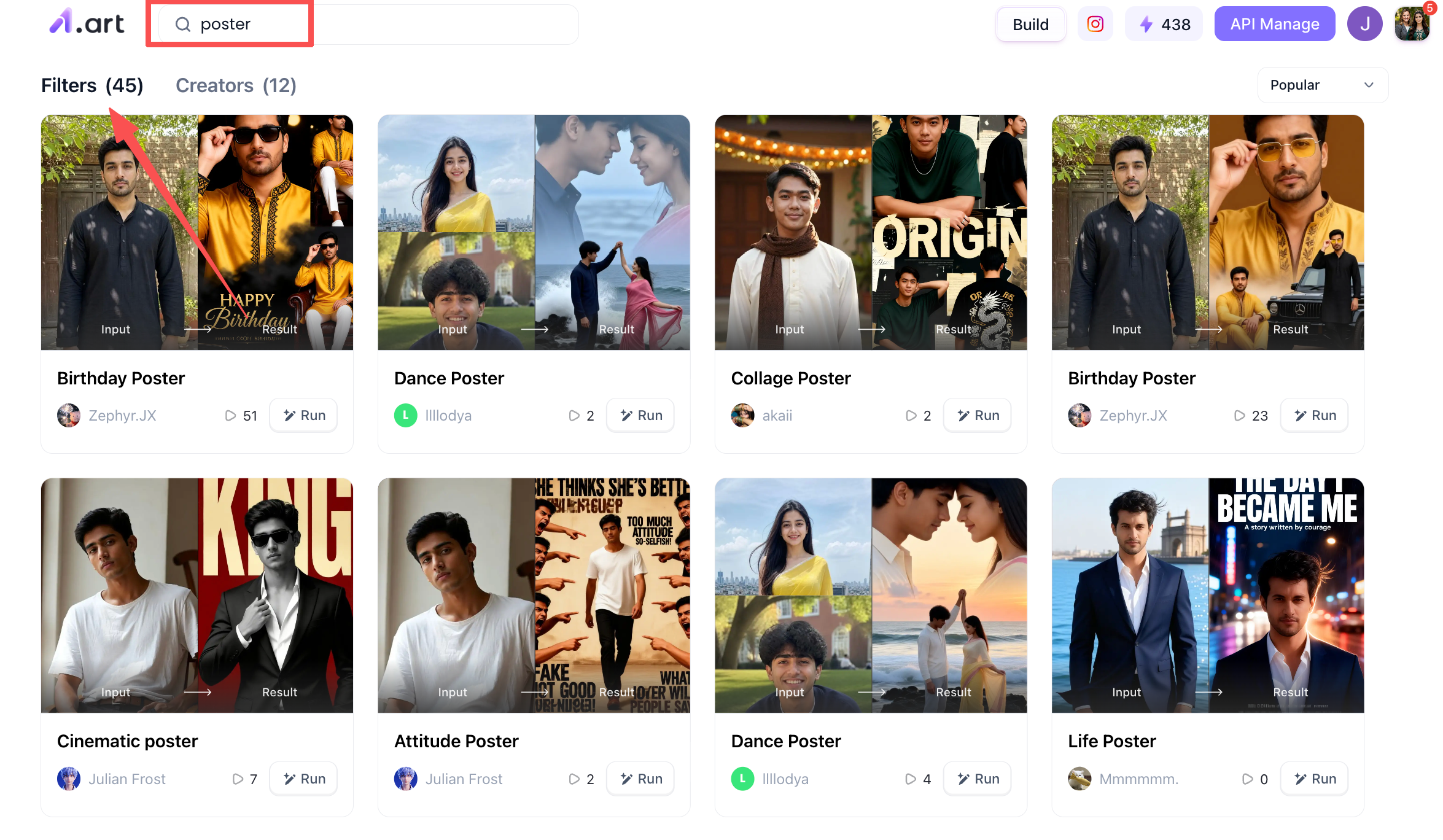
Step 3: Start creating your own AI poster designs
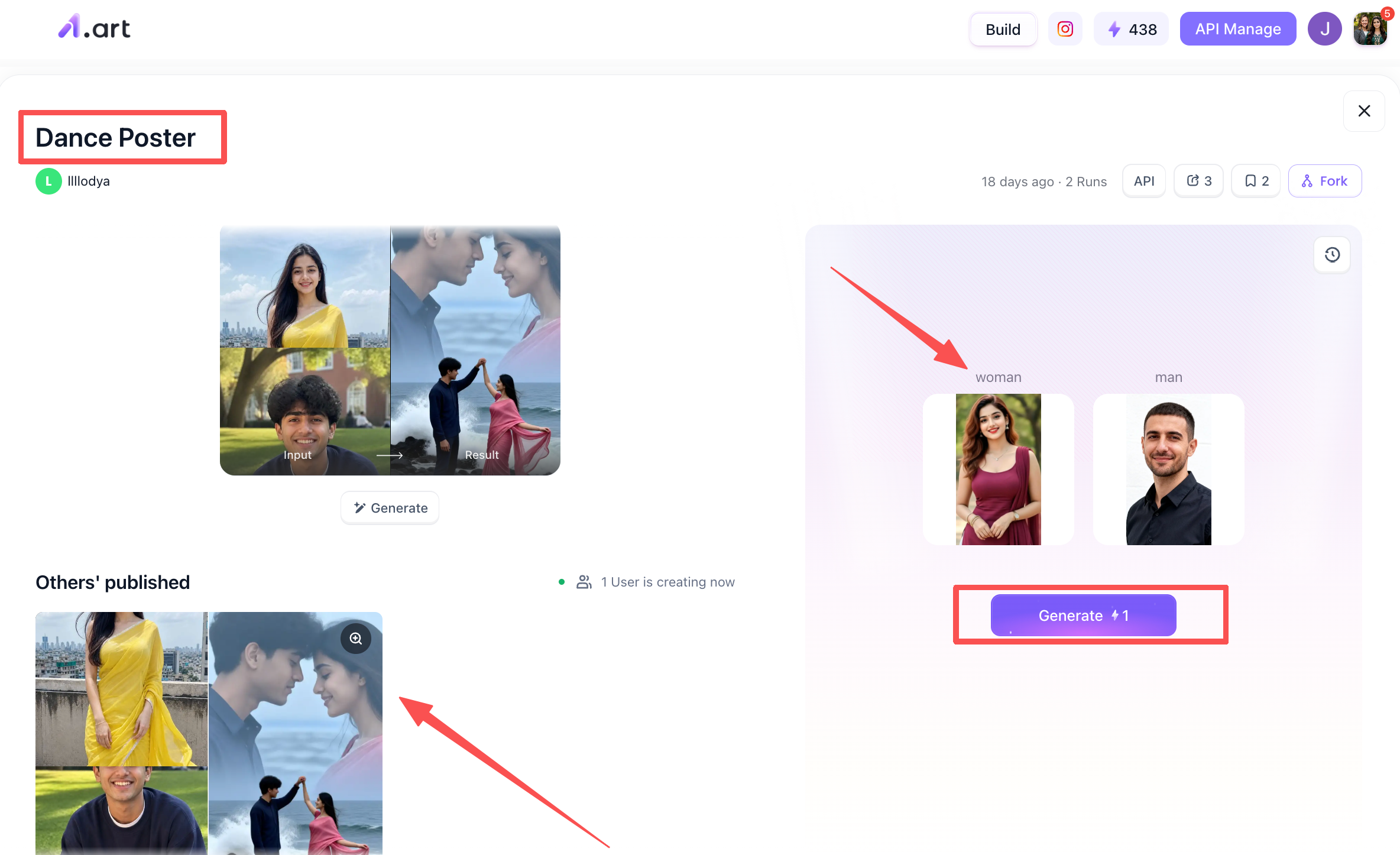
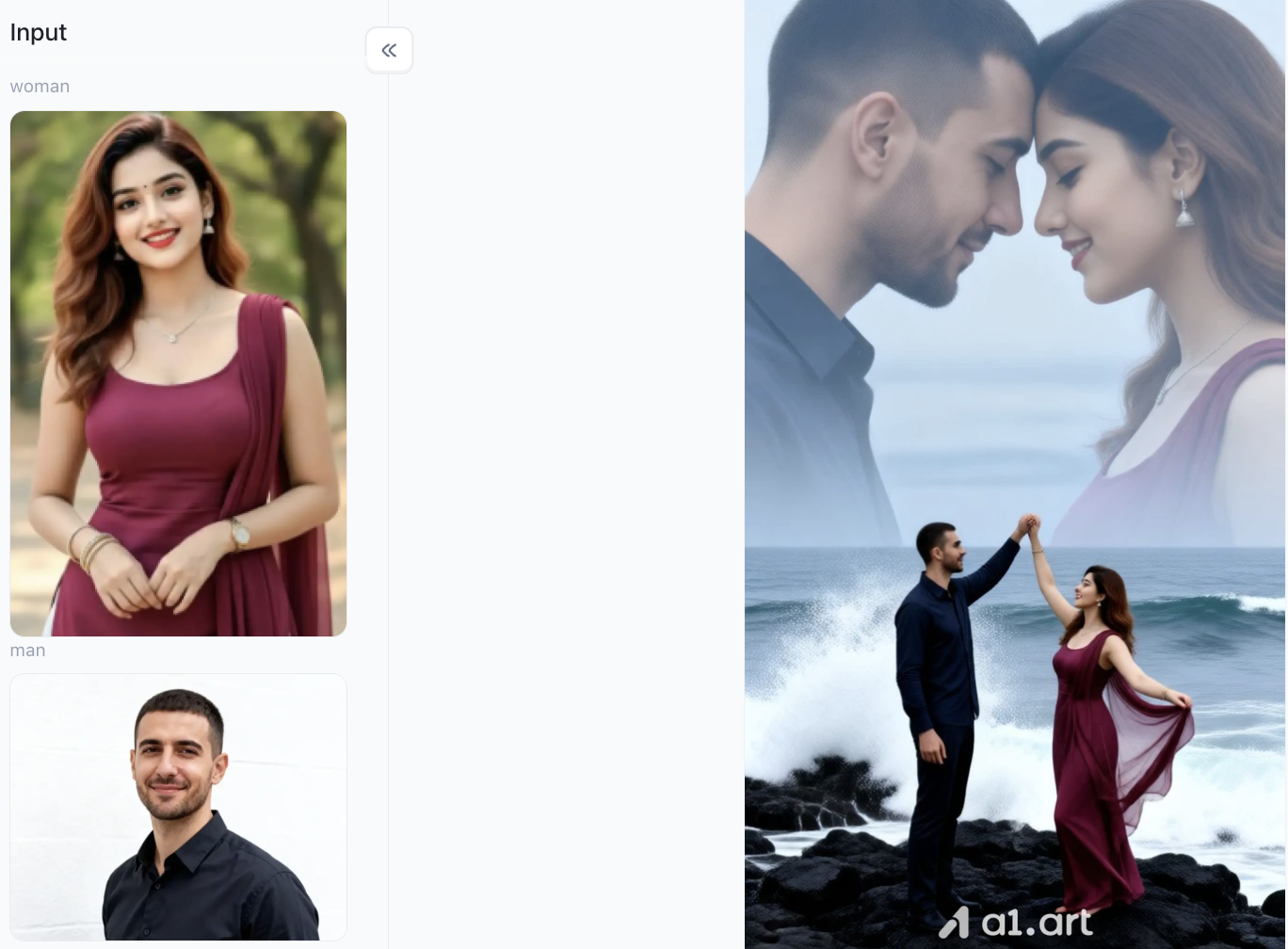
Building on the previous step, now that we have found a wide range of poster-related filters, we can use them to create the posters we want. Let’s take the "Dance Poster" filter as an example: when you click on it, you will see a page like the one shown below. The filter's name appears in the top-left corner, alongside a preview of the typical results it produces. In the bottom-left area, you can view examples of work created by others using this filter. On the right side is the generation interface; simply upload clear photos of a woman's and a man's faces, click "Generate," and after waiting a few minutes, you will receive your finished poster.
Step 4: Process the generated filter
This step is also very simple. Once your poster is generated, you can take a quick look at the preview; for instance, you can publish it directly to the a1.art community or simply download and save it for yourself.
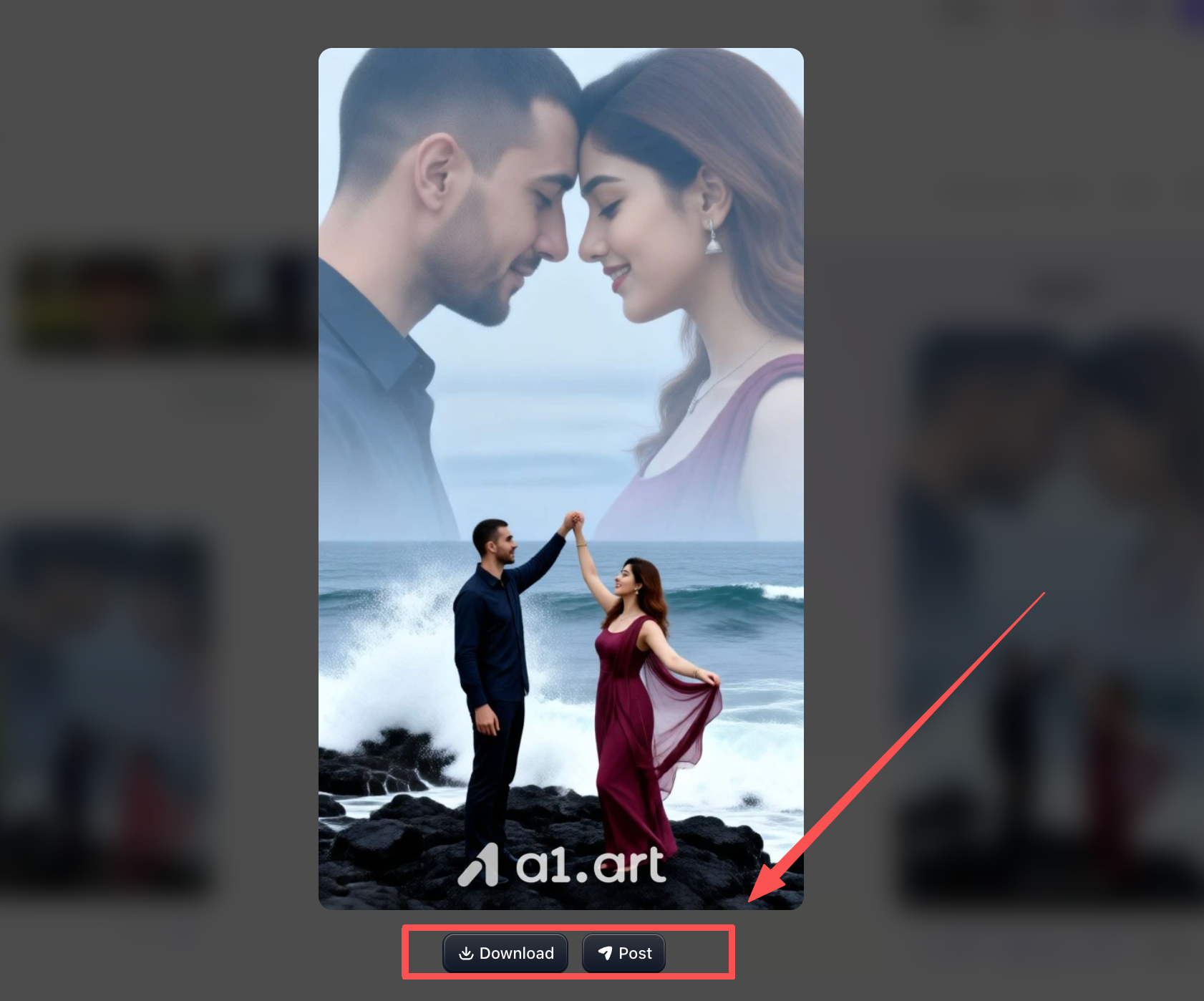
So, that covers all the steps for creating an AI poster design using a1.art,pretty simple, isn't it?
Extra Section 1: Real-World Commercial Application Scenarios
Beyond standard promotional graphics, integrating generative workflows yields massive efficiency gains across specific commercial and digital marketing channels:
-
E-Commerce Product Launches: Generate studio-grade product backdrops with balanced shadow drop and isolated central focus. By creating clean lighting environments, e-commerce managers can overlay discount badges, seasonal tags, and feature callouts without visual clutter.
-
Live Event & Music Festival Promos: Use high-contrast color blocking, abstract neon graphics, and bold vector elements to capture immediate audience attention across social media feeds and physical venue flyers.
-
Multi-Channel Social Ad Campaigns: Produce matching multi-format promotional kits,combining 2:3 ratio print posters, 1:1 Instagram posts, and 9:16 animated story videos,ensuring visual brand consistency across all consumer touchpoints.
Extra Section 2: Post-Processing, Color Correction, and Layout Tuning
Even high-precision visual assets benefit from subtle manual refinements before final publication. Implementing professional post-processing steps ensures your generated graphics look polished and print-ready:
-
Color Profile Conversion: Always convert generated RGB visual assets to CMYK color profiles when preparing files for physical offset or digital printing to prevent unexpected color shifts.
-
Localized Masking & Retouching: Use targeted mask brushes to fix minor background inconsistencies or adjust subtle lighting highlights without re-rendering the whole artwork.
-
Contrast & Focal Alignment: Apply global curve adjustments to deepen shadow tones and highlight headline focal points, guiding the audience's eye naturally toward primary call-to-action details.
Conclusion
Mastering AI poster design transforms creative brainstorming into efficient, high-impact marketing production. By following a structured workflow,from detailed prompt formulation and engine selection to layout balancing, video animation, and typography assembly,creators can produce print-ready posters and dynamic video ads in minutes. As neural visual software continues to evolve, relying on high-performance platforms like a1.art ensures your campaigns stand out with faster output, cleaner details, and modern visual appeal.
Frequently Asked Questions
How does generative visual software speed up poster creation?
It automates visual asset generation, enabling creators to produce high-resolution subjects, background textures, and artistic concepts in seconds instead of spending hours manually illustrating or searching stock libraries.
Can static AI posters be turned into video ads?
Yes! Tools like a1.art allow you to upload static poster graphics, apply motion prompts and camera directions, and render high-definition short videos optimized for social media platforms.
Why is a1.art better for AI poster design and video generation?
a1.art offers faster generation speeds (<5 seconds), ultra-sharp clarity, natural lighting textures, zero object distortion, clean background layer separation, and an integrated image-to-video workflow that preserves content legibility.
Read more
- Best Nemora AI Alternatives in 2026
- AI Diwali Photo Generator: 20 Festive Portrait Prompts (2026)
- When Is All Saints' Day 2026? Date, History & Meaning
- 15 Luxury Money Lifestyle AI Photo Editing Prompts (2026)
- Karwa Chauth 2026: Date, Moonrise Time, Vrat Vidhi & Katha
- 16 AI Travel Poster Prompts: Vintage, Cinematic & Collage
- Halloween 2026: Saturday, October 31 , Date, History & Traditions
- How to Make a Tesla Roadster AI Video: Prompts and Tips
- Dussehra 2026: Date, Puja Muhurat, Ravan Dahan & Significance
- Selira AI Alternatives: 10 Best Alternatives in 2026
Written by

a1.art
Published on
Oct 29, 2026
Share article


