


Have you scrolled past those hilarious red flag videos and thought, "I could do that!"? But then you hit a wall. Video editing can be challenging, and you don't have the time to learn complex AI red flag video editors. You feel stuck, watching others get all the views.
And what a missed chance! With over 200 billion Reels played daily on Instagram and Facebook alone, you're sitting on the sidelines of a massive trend.
But what if you could jump into the game in minutes? Now you can. This guide shows you how to use a free AI red flag filter video generator. We'll provide you with great ideas and a simple tutorial for a powerful AI-generated red flag meme creator to get you started.
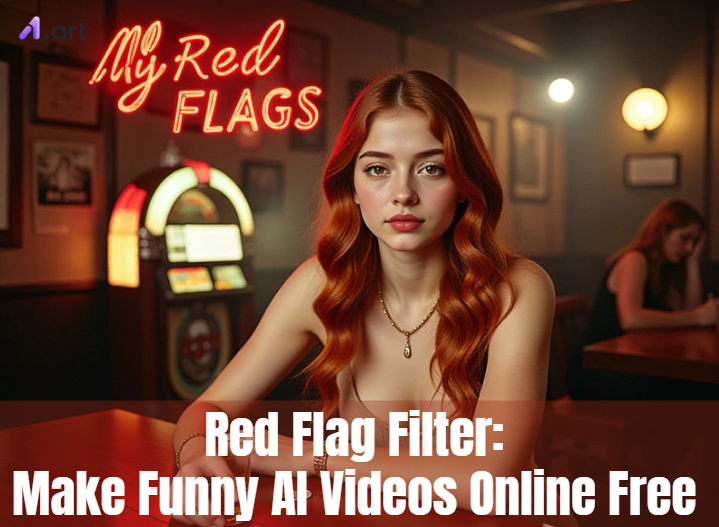
What is the Red Flag Filter Game?
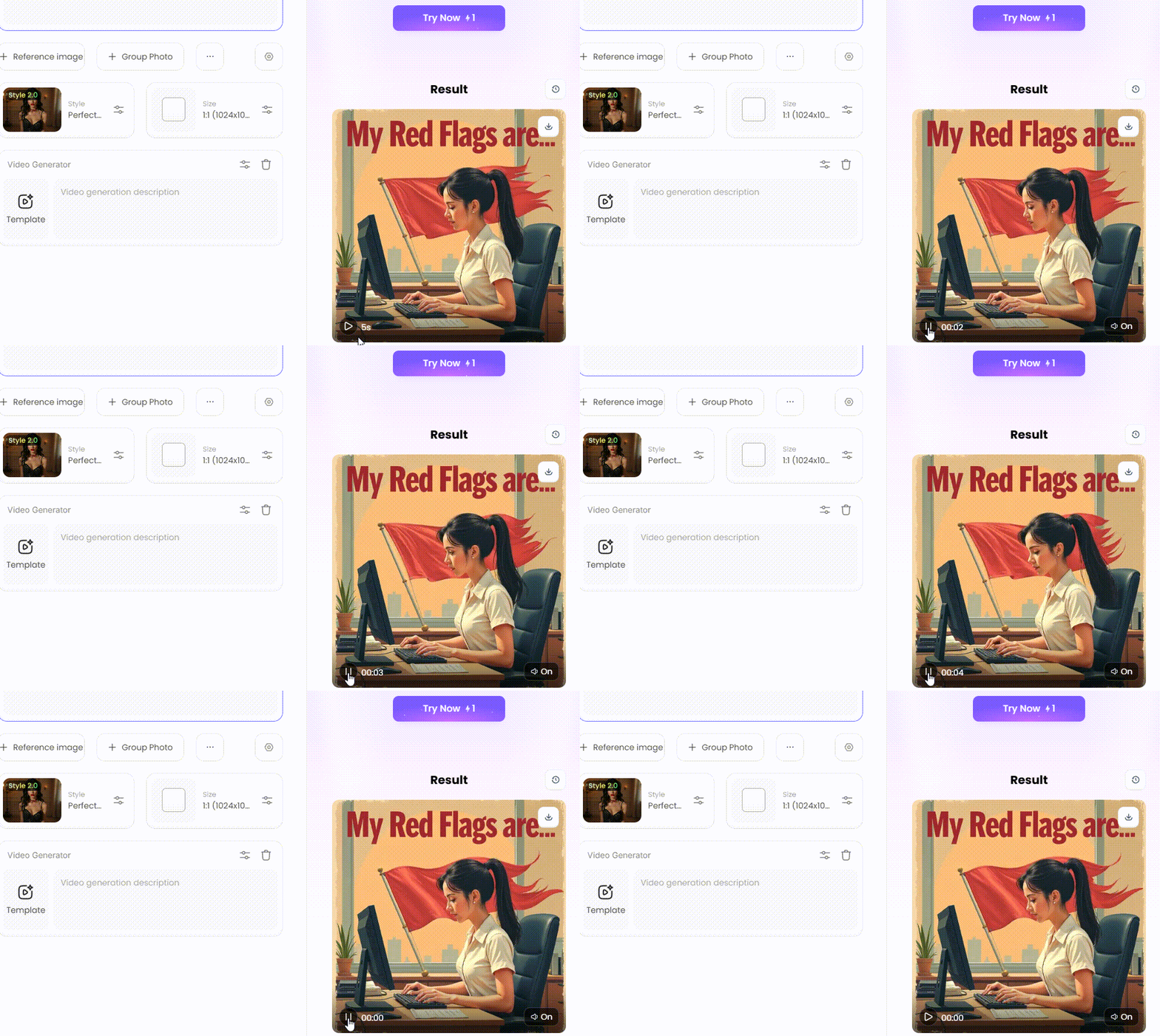
You have likely seen the red flag filter game. In these videos, little red flags appear to highlight amusing or unusual traits. This social media trend is huge, with the #redflags hashtag pulling in over 15 billion views. Everyone understands what a "red flag" means, so the jokes are easy to get. It's a fun way to point out silly warning signs.
So, how does the classic game work? It's brilliantly simple.
-
A prompt appears: The video usually starts with a question on the screen, like "My Red Flags" or "His Red Flags."
-
The filter does its magic: A filter then flashes a series of funny, unexpected, or absurd "red flags" over the person's head.
-
Hilarity ensues: The jokes are funny because they call out traits. They might be relatable or just silly, like "using a flip phone."
But the trend has changed. It's no longer just a random filter. New AI tools for making funny AI red flag videos let you make your own funny red flag videos. This means you choose the characters, write the jokes, and control every flag. You can create an online red flag filter video that suits your own sense of humor.
Click the picture to generate your exclusive neon text on the building with one click👇
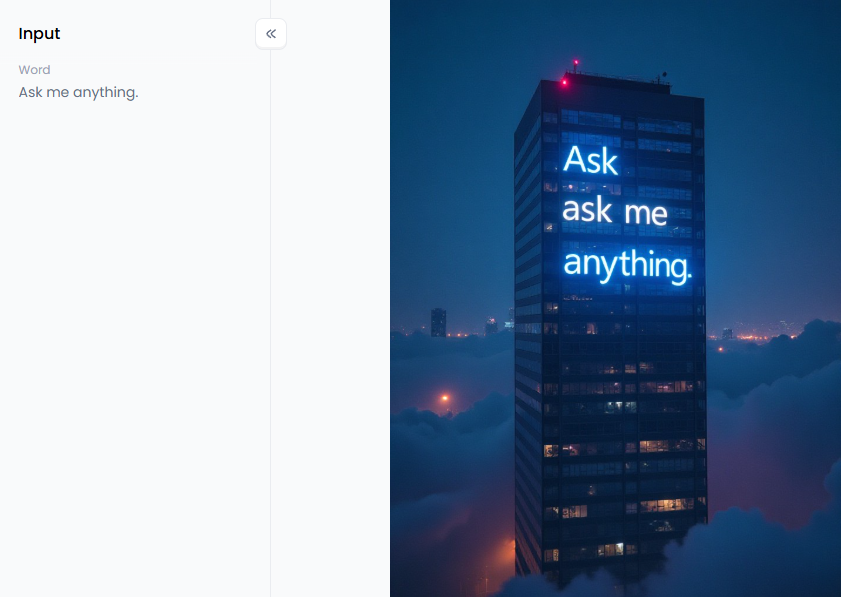
Start your art journey with a1.art.
Level Up Your Humour: Why AI is a Game-Changer for Red Flag Content
AI tools really revolutionized the game, although the traditional red flag filters were still enjoyable. They enable you to quickly, easily, and beautifully create bespoke videos. Because of this change, anyone can now produce incredible content that genuinely engages people, including individuals like you and large corporations.
Here's how to get the red flag filter on the fun:
-
For Social Media Influencers & Content Creators: Speed is everything. AI enables you to jump on trends the moment they emerge. You can make a perfect, custom red flag video in minutes, not hours. This keeps your followers hooked and your feed fresh.
-
For Digital Marketers & Brands: Humor Helps You Connect. Brands utilize this trend to appear more relatable. Imagine a coffee shop's video: "Red flag: doesn't drink coffee." It's a smart, fun way to join the conversation and be relatable.
-
For Everyday Users: You don't need to be a tech whiz to be funny. These tools are super simple. If you have a great idea about a friend, you can turn it into a hilarious video for your group chat. It's the easiest way to make your own red flag jokes.
In short, AI video editors make it easy for everyone to create top-notch, funny content that stands out.
How to Use It, Just 3 Steps:
Step1:
Open a1.art, choose the App that you are interested in, then click 「Run」
Click on the image to experience the same App👇
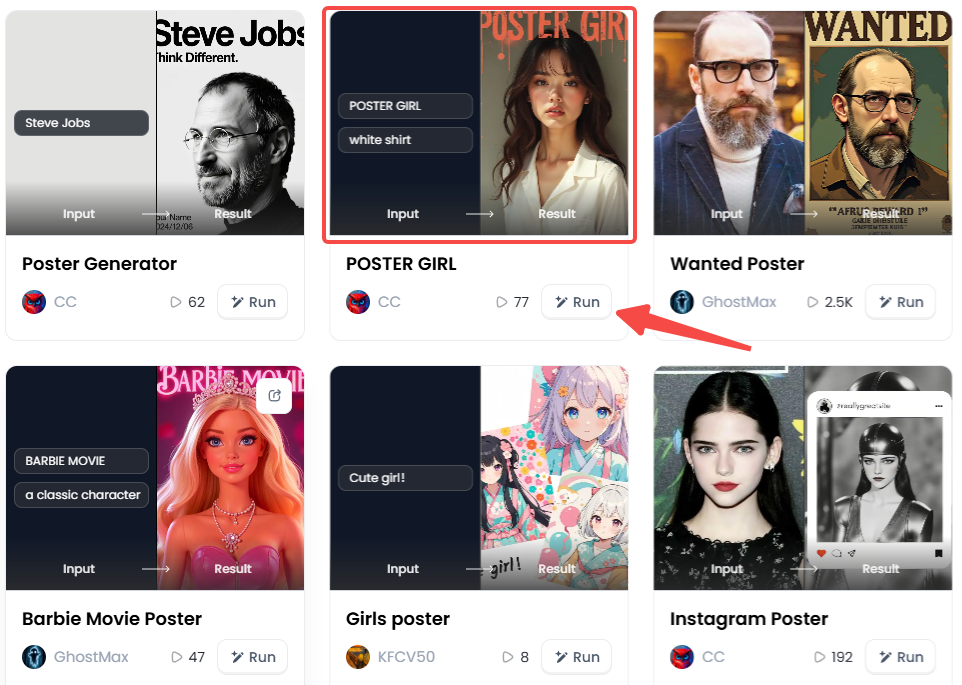
Step2:
Upload a photo/image
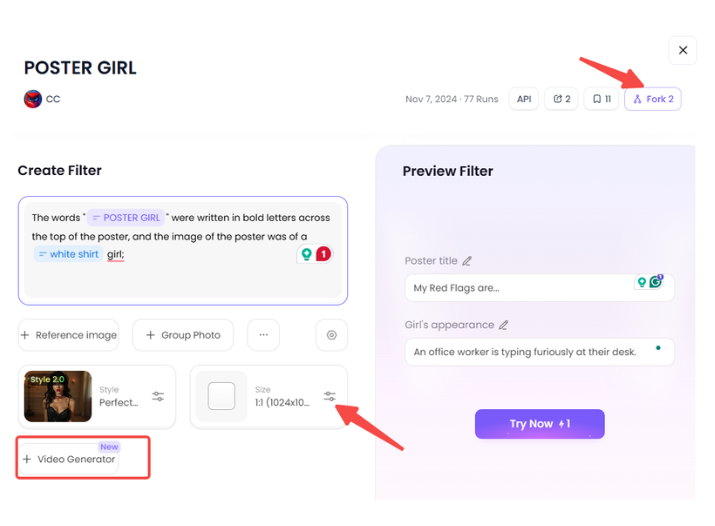
Step3:
Wait 3 seconds, you will get a wonderful result 👇
20 Viral Ideas for Your Next Red Flag Filter Masterpiece
Stuck on a funny idea? Don't worry. The red flag trend applies to various topics, including dating and work. Here are 20 great ideas to get you started:
Modern Dating & Relationships
-
The Bio Clues: Picture someone swiping on a dating app. The phone screen is front and center. Red flag: His bio just says, "Ask me anything."
-
First Date Fails: Imagine a character on a first date, trying to look interested. The mood is a little off. Red flag: He was rude to the waiter.
-
Texting Troubles: Show a character staring at their phone, looking totally confused and annoyed. Red flag: Responds "K" to a long paragraph.
-
Questionable Tastes: A person is excitedly suggesting a movie for movie night. Red flag: Joker, his favorite film, is romantic, in his opinion.
-
The Ex Factor: Show a character who can't stop talking about their past relationships. Red flag: Still best friends with every single one of their exes.
Workplace & Office Humor
-
The Email Sign-off: An office worker is typing furiously at their desk. Red flag: Uses "Per my last email..."
-
Meeting Madness: A team sits in a conference room, looking exhausted and ready to go home. Red flag: Starts a meeting on Friday at 4:30 PM.
-
The Lunch Thief: The scene is a close-up of the office fridge door opening slowly and mysteriously. Red flag: Eats food from the fridge with someone else's name on it.
-
Productivity Police: A manager character walks up to a desk with a "helpful" smile. Red flag: Asks, "Got a second?" and it's never just a second.
-
The Reply-All Menace: Show an email inbox that is rapidly filling up with useless notifications. Red flag: Replies to all to a company-wide email just to say "Thanks!"
Click the picture to generate your exclusive cute fruit poster with one click👇
Friendships & Social Circles
-
The Plan Canceller: A phone screen shows a text message arriving just before an event. Red flag: Always canceling plans at the last minute.
-
The One-Upper: During a straightforward chat between two friends, one of them appears to be overly competitive. Red flag: Has to top every story you tell.
-
The 'Good' Advice Giver: A friend is trying to be soothing but badly misses the mark. Red flag: Their advice always starts with, "Well, what should you have done..."
-
The Group Chat Ghost: A character is happily scrolling Instagram while their phone buzzes with group chat messages. Red flag: Never responds to the group chat but watches all your stories.
-
The Unpaid Debts: A friend at a coffee shop smiles as you pay for their drink. Red flag: Always says, 'I'll get you back next time,' and never does.
Everyday Pet Peeves & Quirks
-
The Slow Walker: A person creates a traffic bottleneck by moving slowly in a crowded area. Red flag: Walks in the middle of the sidewalk and stops suddenly.
-
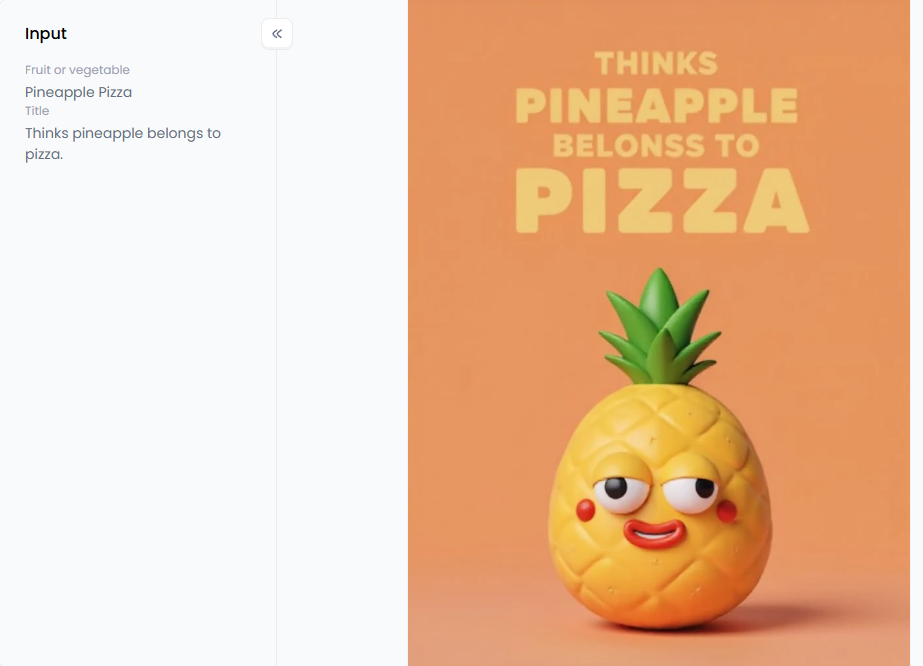
The Pineapple Pizza Debate: Someone is ordering a pizza with a very controversial topping choice. Red flag: Thinks pineapple belongs to pizza. And they are serious about it.
-
The Loud Talker: A person is having a very loud phone call on the speaker in a quiet public space, such as a library or a bus. Red flag: Has their phone conversation on speaker in public.
-
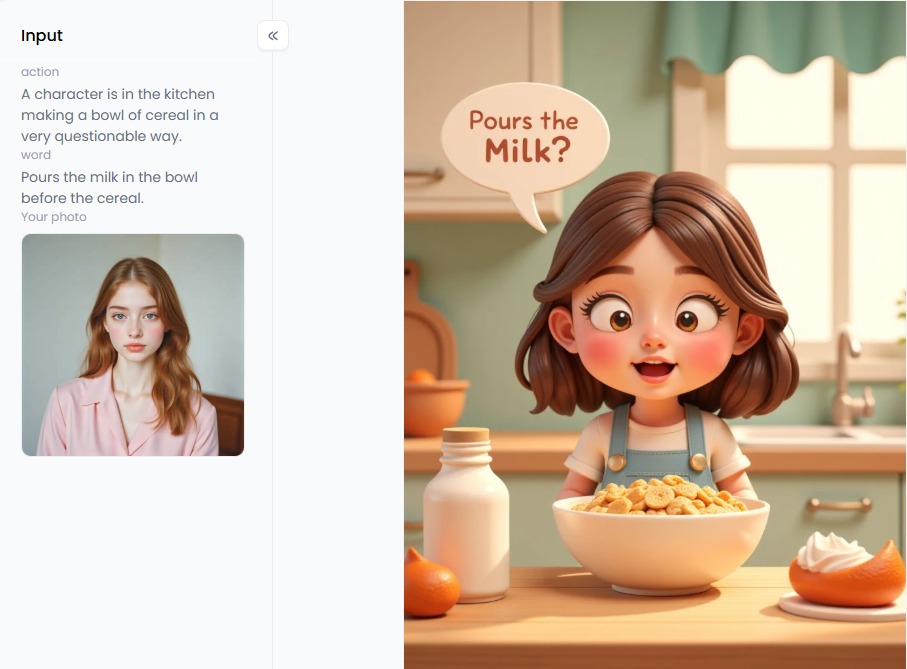
The Cereal Conundrum: A character is in the kitchen making a bowl of cereal in a very questionable way. Red flag: Pours the milk in the bowl before the cereal.
-
The Parking Problem: Display an automobile that is badly parked and occupying excessive space. Red flag: Takes up two parking spots.
Click the picture to generate your exclusive cute meme with words with one click👇
Step-by-Step: Creating Viral Red Flag Videos with a1.art's AI Magic
Ready for the fun part? You can easily make your own red flag videos with a1.art. This intelligent AI red flag humor video maker transforms your simple text ideas into stunning videos and images in seconds. People use it for its robust engine to create tales, art, and memes. See if you can make a viral success.
Step 1: Craft Your Core Prompt
You must first instruct the AI on what you would like to see. Start with a succinct, clear, and descriptive description of your scene. The idea is to give AI a strong basis, so don't overthink it.
-
A good prompt might be: "A young woman sitting at a cafe table, looking annoyed at her phone."
-
A great prompt adds style and mood: "Cinematic shot of a 25-year-old woman in a cozy, dimly lit cafe. Her face is lit by her phone as she looks frustrated. 3D animated character, Pixar style."
You can achieve genuinely amazing outcomes by adding those extra elements.
Step 2: Choose Your AI Filter and Style
This is the true strength of a1.art. You get a wide selection of imaginative styles that work as templates, rather than just one simple filter. With just one click, you can instantly alter your creation's entire appearance and feel.
-
For a classic meme vibe, try a filter like "Cute Meme with Words."
-
Want a polished, cartoon look? The "3D Creator" or "Bubbly Girl" filters are ideal for this purpose.
-
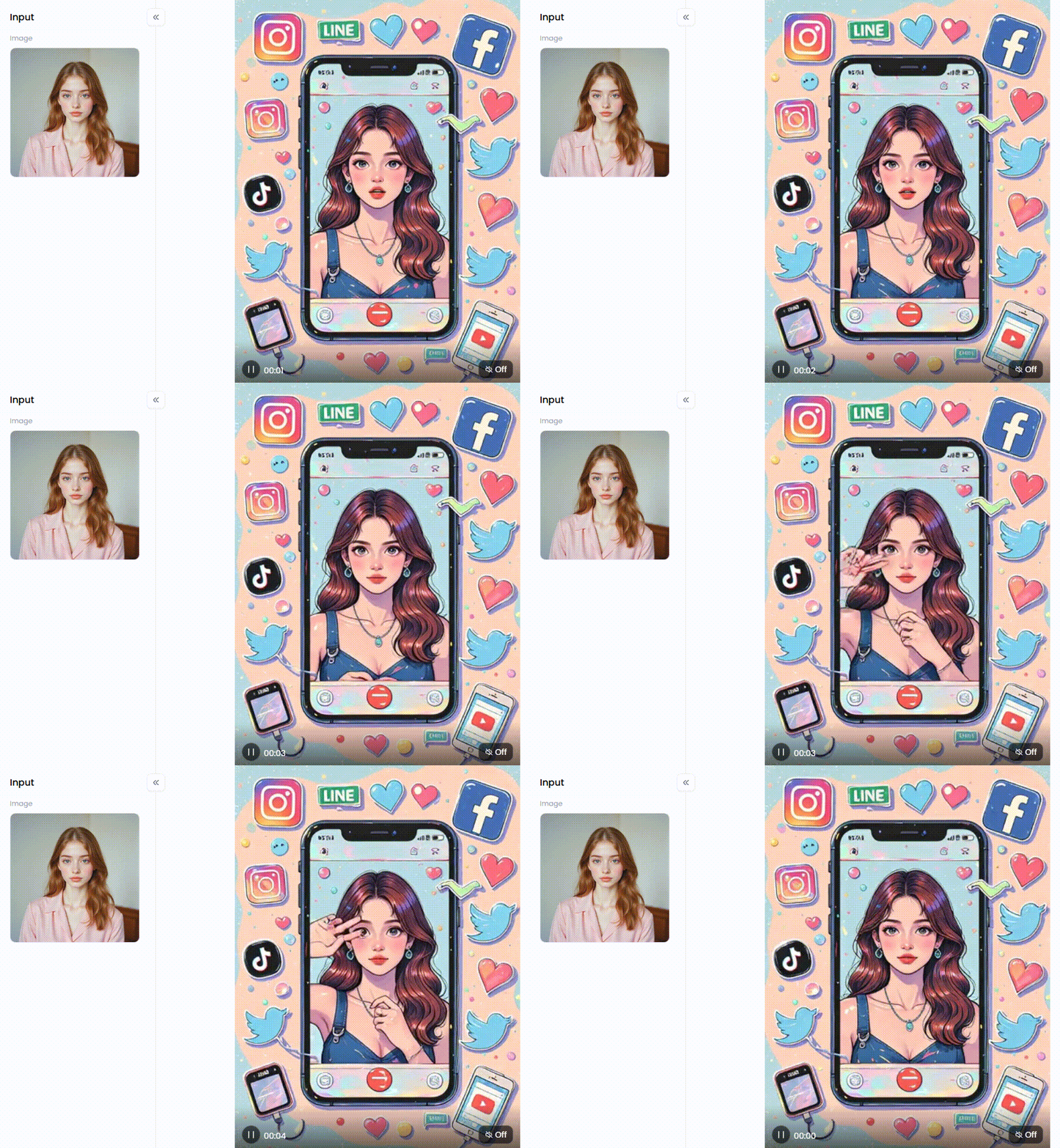
To make content that feels right at home on social media, you can use filters like "Instagram" or "I Love TikTok." You can even add instant energy with action filters like "Night Club Dance Instagram Reel."
Step 3: Generate and Refine with Video Transformation
Once your picture is ready, it's time to bring it to life. With a1.art's video tools, you can animate your character and the scene. Just type simple commands like "roll her eyes" or "shake her head." The AI will then make a short film for you based on your statements.
The option to "Fork" an existing creation is a really useful feature. If you see a video on the platform that you love, you can "Fork" it. This uses its style and prompt as a template for your own idea, saving you time and effort.
Click the picture to generate your exclusive all about social apps with one click👇
Step 4: Go Viral by Adding Your Red Flag Text
You're prepared for the finishing touch once your video appears flawless. Using a phone app or a basic video editor, add your red flag text. Layer a caption like "He orders milk at a restaurant" over your clip.
This mix of a unique, AI-made visual with a funny, relatable joke is the secret sauce for a viral hit. The high-quality look from a1.art makes your content seem far more professional than a simple screen recording, helping you stand out from the crowd.
Your Turn to Create: The Future of AI-Powered Visuals
The red flag trend moves at lightning speed. To keep up, your red flag meme makers must be just as fast. AI video and image generators make it easy for anyone to create amazing content. You no longer need to be a pro editor to create something that connects with people.
A tool like a1.art is powerful for more than just red flags. It can improve any photo or creative project. AI is the ideal companion whether you're creating a meme or just experimenting with your work. It's time to start producing instead of scrolling. Explore a1.art now and let your humor run wild!
FAQs
Q1: What is the red flag filter on Instagram and TikTok?
The red flag filter is a fun effect on social media. It shows funny "red flags," or warning signs, for a prompt like "My Red Flags are...". People use it to make relatable jokes about dating or work. It began as a random game, but now people utilize AI tools to create their own custom versions.
Q2: How can I use the red flag filter without TikTok?
You can easily make red flag filter videos online with AI tools like a1.art. These are websites, so there are no apps to download. You just type a description of a scene, and the AI makes a video for you. Then, you add your red flag text and share it anywhere you want.
Q3: Are there free red flag filter apps?
Yes, many AI tools offer free plans that are perfect for creating red flag content. Platforms like a1.art give you great free tools to make videos and images from text. You can even add different style filters. This makes it a strong, free choice over paid apps, providing you with a free red flag filter.
Q4: How do AI meme creators work for the red flag trend?
An AI red flag meme creator understands your text description, also known as a "prompt." It then creates an image or video to match. For example, you could type "man on a bad date." The AI makes the visual, and you simply add your humorous red flag text on top. This gives you much more creative control.
Q5: What makes a red flag video go viral?
Viral red flag videos are often very relatable and surprisingly funny. The best filter apps reveal common experiences that people usually don't discuss. Videos under 15 seconds, featuring a quick joke and trending music, tend to perform best. Good-looking visuals, which AI tools can easily create, also grab attention and receive more shares.
Q6: Can I create a 'my red flags' filter video with AI?
Yes. You can create a unique filter using the red flag filter video generators. Avoid applying a random filter. Alternatively, you might record a character. Add text bubbles with your own amusing defects after that. Your followers will typically find this personal touch more humorous.
The generation or distribution of any form of illegal content is strictly prohibited.
-
CSAM: Any sexual content involving minors is considered a severe felony worldwide.
-
Deepfakes: The creation or dissemination of intimate images of any real person without their explicit consent is strictly forbidden.
-
User Responsibility: Users are solely responsible for ensuring all generated content complies with copyright, privacy, and all applicable laws.
Read more
- Free Mewing Filter Online: Try AI Face Enhancement Effect
- Turn Yourself into a South Park Character with AI Maker
- Top 10 Lumiere AI Video Generator Alternatives Free
- 8 Best AI Breast Expansion Generator Online Free
- Create Ghibli AI Porn with AI Image & Video Generator Free
- Bondage AI Art Generator: Create Image Online Free Easily
- Best Free Online Unlimited AI SUS Generator - a1.art
- Free Animal Dance Video Generator: Make Video from Photo
- How to Make Kpop AI Nude Dance Online Free – A Safe, Stunning & Legal Guide
- Kling AI Porn: Free AI Image and Video Generator Guide
Written by

a1.art
Published on
Nov 12, 2025
Share article


