


Have you seen those jaw-dropping videos that seem to pop out of thin air? A single photo suddenly springs to life, or a simple sentence blossoms into a full-blown scene. You've got brilliant ideas for videos just like those. But then you hear about powerful tools like the Google Lumiere AI video generator and feel like the best tech is just out of reach.
Don't throw in the towel! You don't need to be a tech wizard or have deep pockets to do magic. The world of AI video is taking off like a rocket, with experts predicting the market will soar past $40 billion by 2032. Because of this massive growth, there are tons of fantastic free tools for everyone.
You can enter that planet with the help of this guide. We'll show you the top 10 free alternatives so you can start making incredible films right now and quit daydreaming.
What Is a Lumiere-Style AI Video Generator?
Think of it as a total game-changer when making videos. It's like a magic wand that can spin a simple sentence or picture into a moving, breathing story. This technology, pioneered by Google's Lumiere AI, is a huge leap forward.
Here's what makes this new wave of AI a cut above the rest:
-
It Thinks in Whole Scenes: Forget those clunky, old-school AI clips. A Lumiere-style generator thinks differently. It dreams up the whole video at once, not piece by piece. Its secret is creating super smooth, natural-looking motion that flows beautifully from start to finish.
-
Your Inner Director, Unleashed: This technology opens the doors for your creativity. You can finally ditch expensive cameras and confusing software to bring your ideas to life. It puts a storyteller's power at your fingertips for making awesome viral clips or movie-magic effects.
-
The Trend Is All About Access: Our goal is to make these great tools quicker and more lifelike. Everyone will find it simple to begin creating without a challenging tutorial.
Lumiere-style AI is more than just an AI clip maker. This new method of using graphics to create stories makes it simple for anyone to realize their imaginative thoughts.
Click the picture to generate your exclusive your AI boyfriend with one click👇
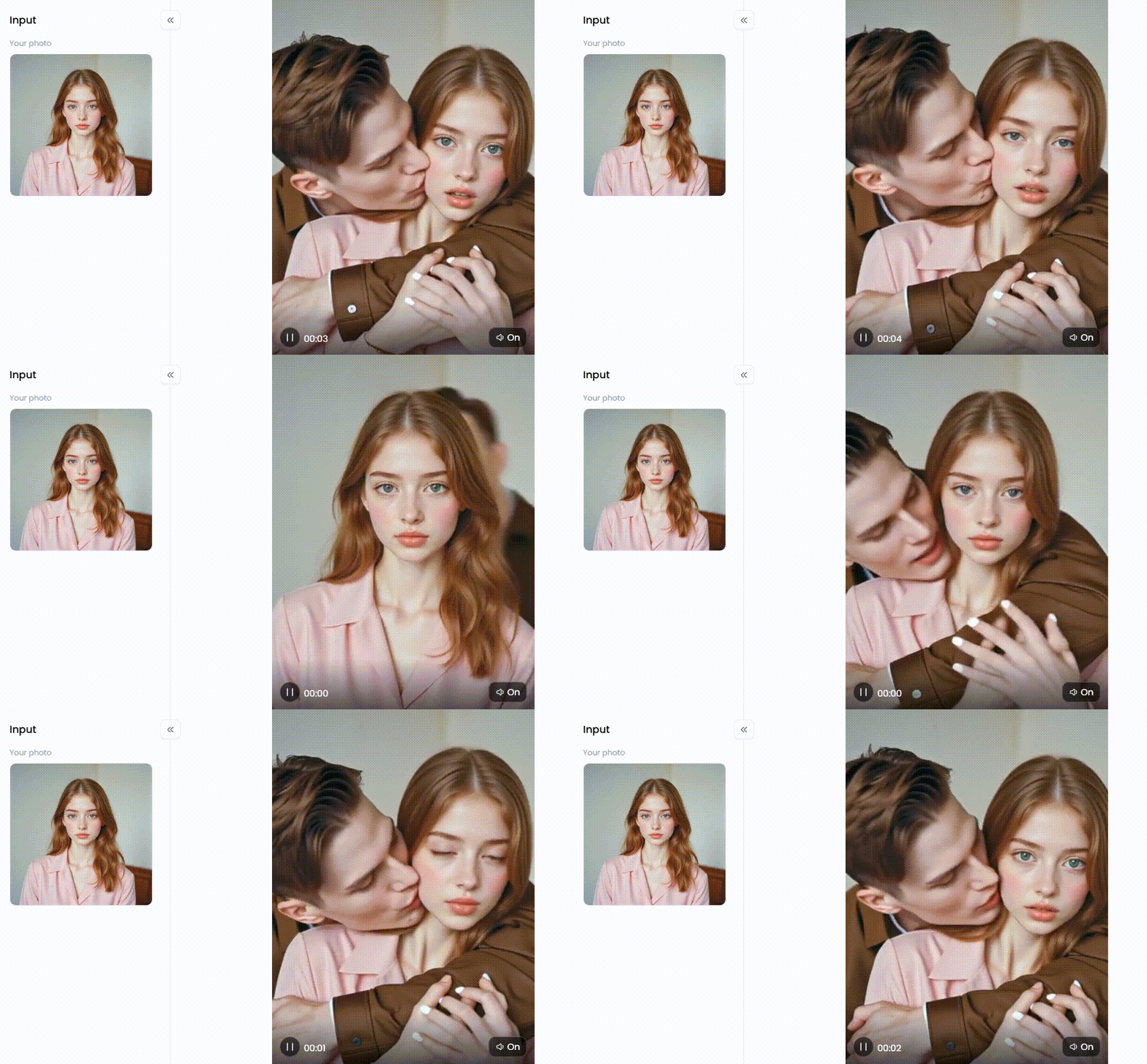
Start your art journey with a1.art.
Why Look for an Alternative to Lumiere AI?
Lumiere AI is cool, but it isn't ready for everyone. Creators need an alternative to bring their great ideas to life today, not wait for tomorrow.
Here's a closer look at why finding another option might be the perfect move for you:
-
Accessibility: New AI tools are often kept secret, but creators must jump on trends now. A good tool you can use today is always the best.
-
Cost: Advanced AI tools can be pricey. But a free video generator is perfect for anyone on a budget, allowing you to create whatever you can imagine freely.
-
Specific Features: Different projects need different tools. You can find the perfect match to turn text into a video or bring a still picture to life.
-
No Watermarks: A big watermark can mess up your AI image video. That's why creators look for a free tool without one to give their work a clean, professional look.
-
Ease of Use: A great video tool should be simple and fun. It lets you focus on creative ideas instead of getting stuck on confusing buttons and settings.
Ultimately, it's about finding the perfect free AI video generator for you. This lets you choose one that fits your budget, style, and skill to start making amazing videos immediately.
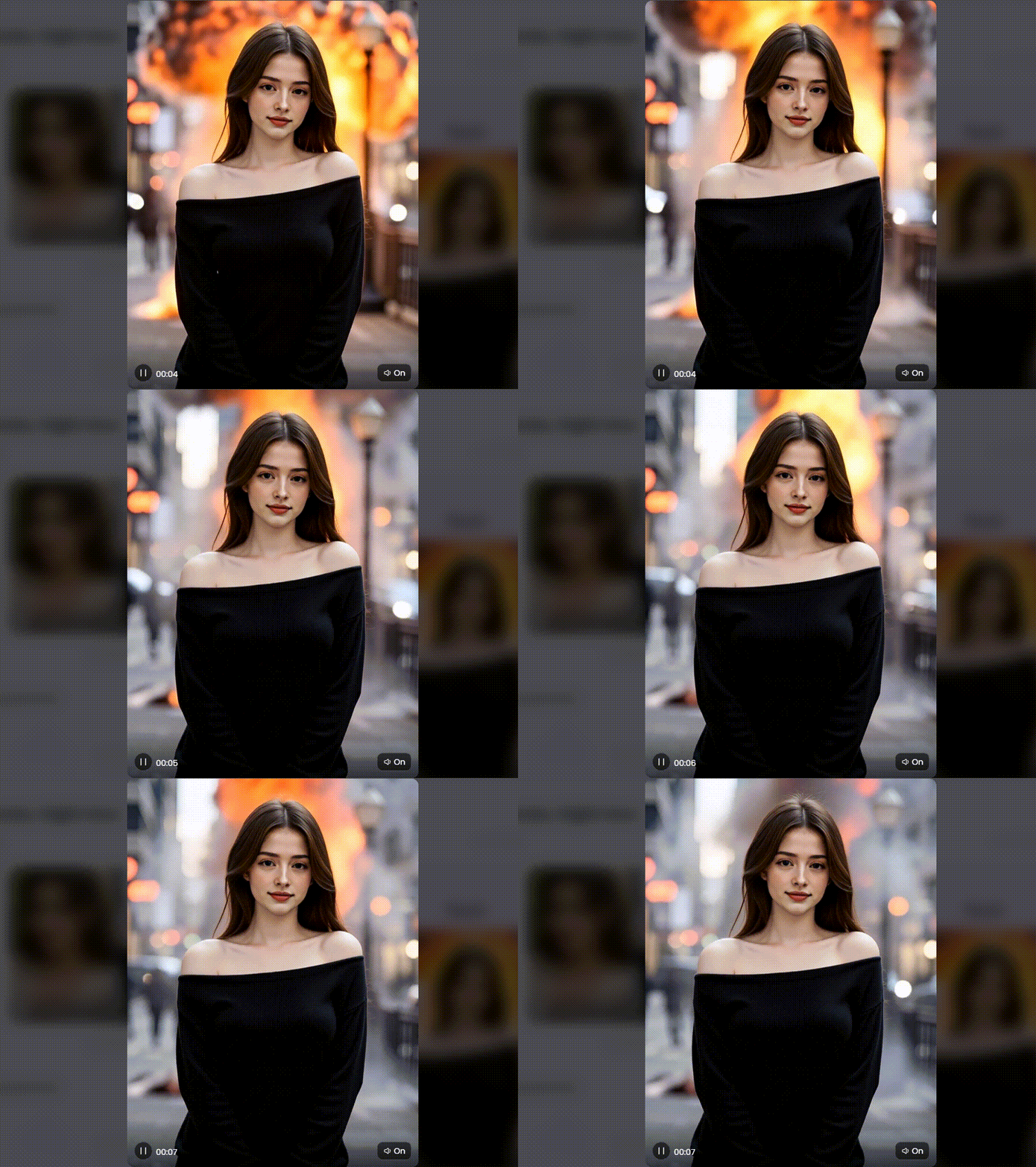
Click the picture to generate your exclusive detonate right now with one click👇
How to Use It, Just 3 Steps:
Step1:
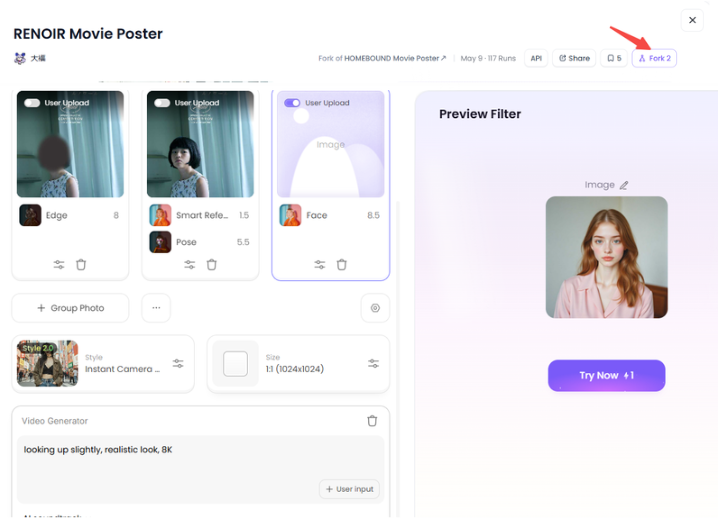
Open a1.art, choose the App that you are interested in, then click 「Run」
Click on the image to experience the same App👇
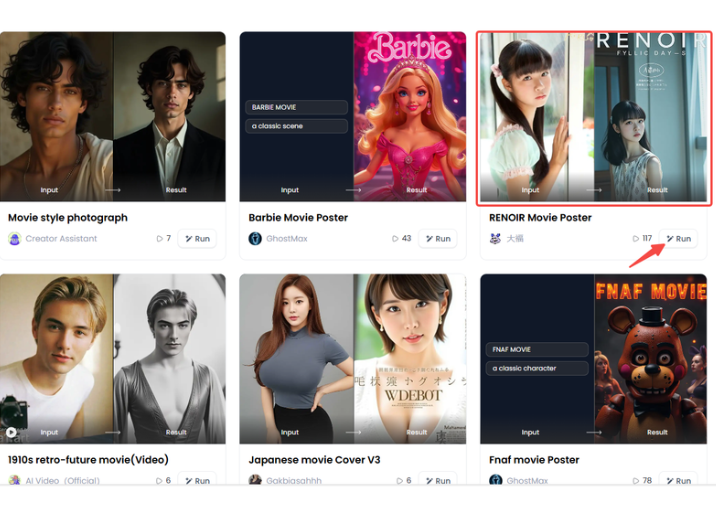
Step2:
Upload a photo/image
Step3:
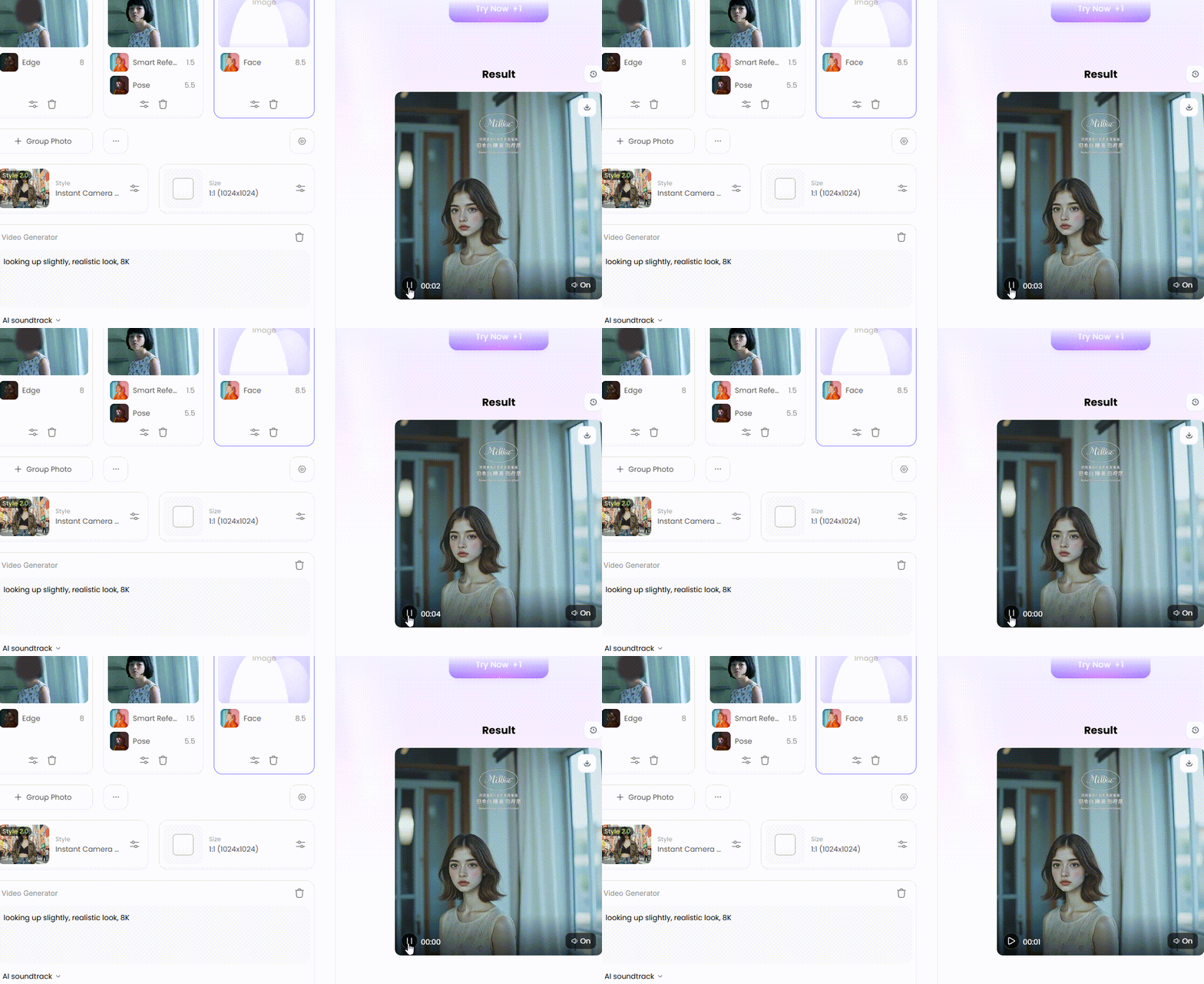
Wait 3 seconds, you will get a wonderful result 👇
The Top 10 Free Alternatives to the Lumiere AI Video Generator
These are the 10 best free Google Lumiere AI video generators for bringing your ideas to life and creating amazing videos from text, pictures, and simple ideas.
1. a1.art
a1.art strikes the perfect balance between powerful features and simple design. It's an excellent tool for transforming images into video magic because of its distinctive filters and styles, enabling you to produce impressive videos that appear well-made.
Pros:
-
Super simple and fun to use.
-
Great for turning both images and text into video.
-
Packed with a huge library of cool artistic filters.
-
Gives you advanced options for more creative control.
Cons:
-
The free version may limit your video length or the number of videos you can make daily.
2. Synthesia
Synthesia is the king of AI video makers with lifelike digital presenters. It focuses on professional videos with human presenters, and does that job better than anyone else.
Pros:
-
Creates incredibly realistic AI avatars.
-
Works in many different languages.
-
Perfect for business and school projects.
Cons:
-
The free plan is very basic.
-
It's not built for making fun, artistic, or movie-like videos.
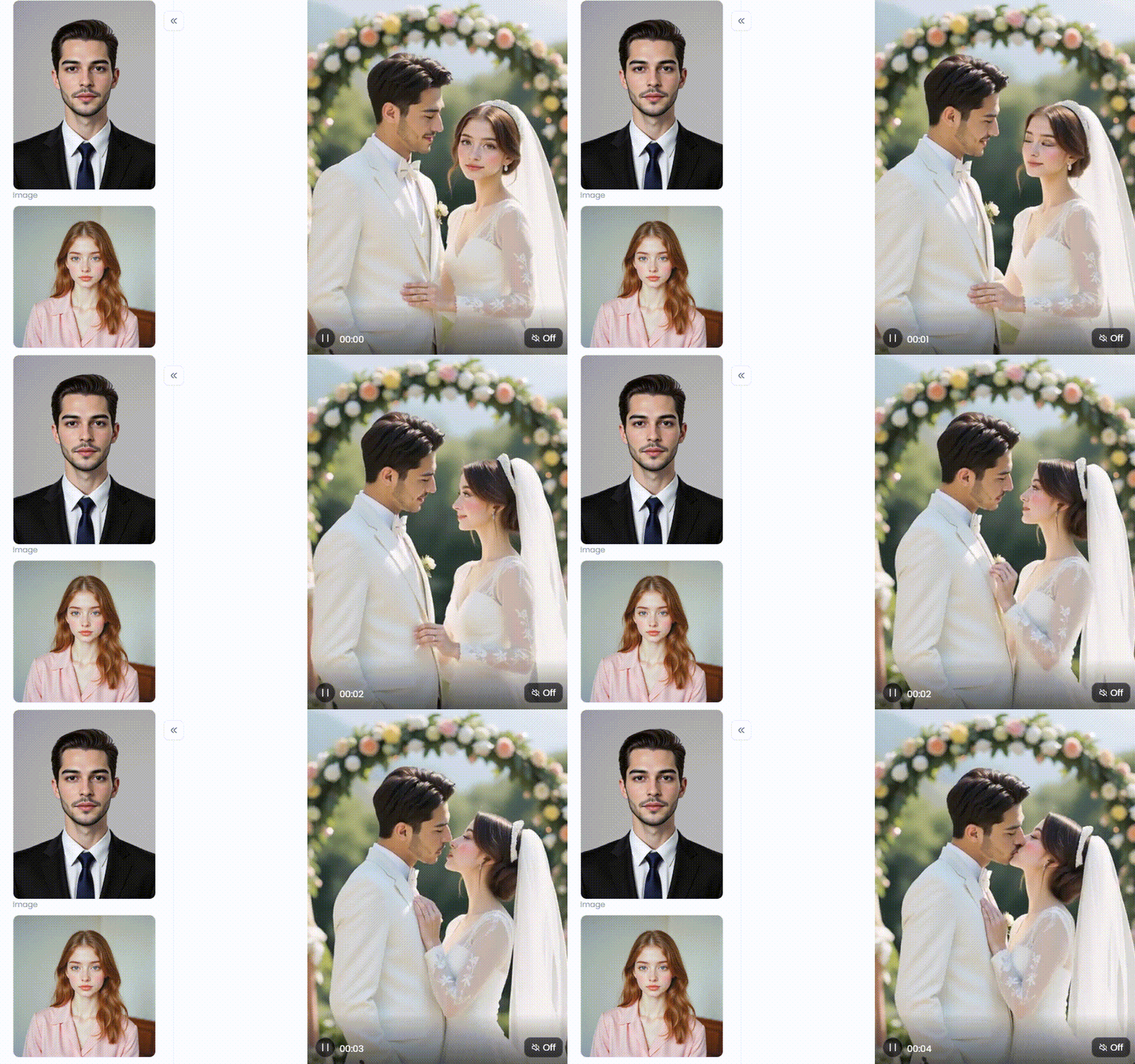
Click the picture to generate your exclusive wedding kiss with one click👇
3. Runway
Runway is loved by beginners and pros alike. It's a powerful, do-it-all platform that lets you play with various AI video generators in one place.
Pros:
-
Offers a full set of tools for both creating and editing videos.
-
Has a strong community with lots of helpful tutorials.
-
Updated frequently with awesome new features.
Cons:
-
New users may find the interface somewhat reminiscent of a spacecraft cockpit.
-
Your video duration and quality are restricted in the free version.
4. Google Veo
Google's Veo gives us a sneak peek at the next generation of AI video editor, promising unbelievable realism and a deep understanding of creative commands.
Pros:
-
Can create beautiful, high-quality 1080p videos.
-
Understands movie terms like "timelapse" or "drone shot."
-
Keeps characters and objects looking consistent.
Cons:
-
You probably can't use it yet, as it's not open to everyone.
-
It will likely have limits on its use, even when it's released.
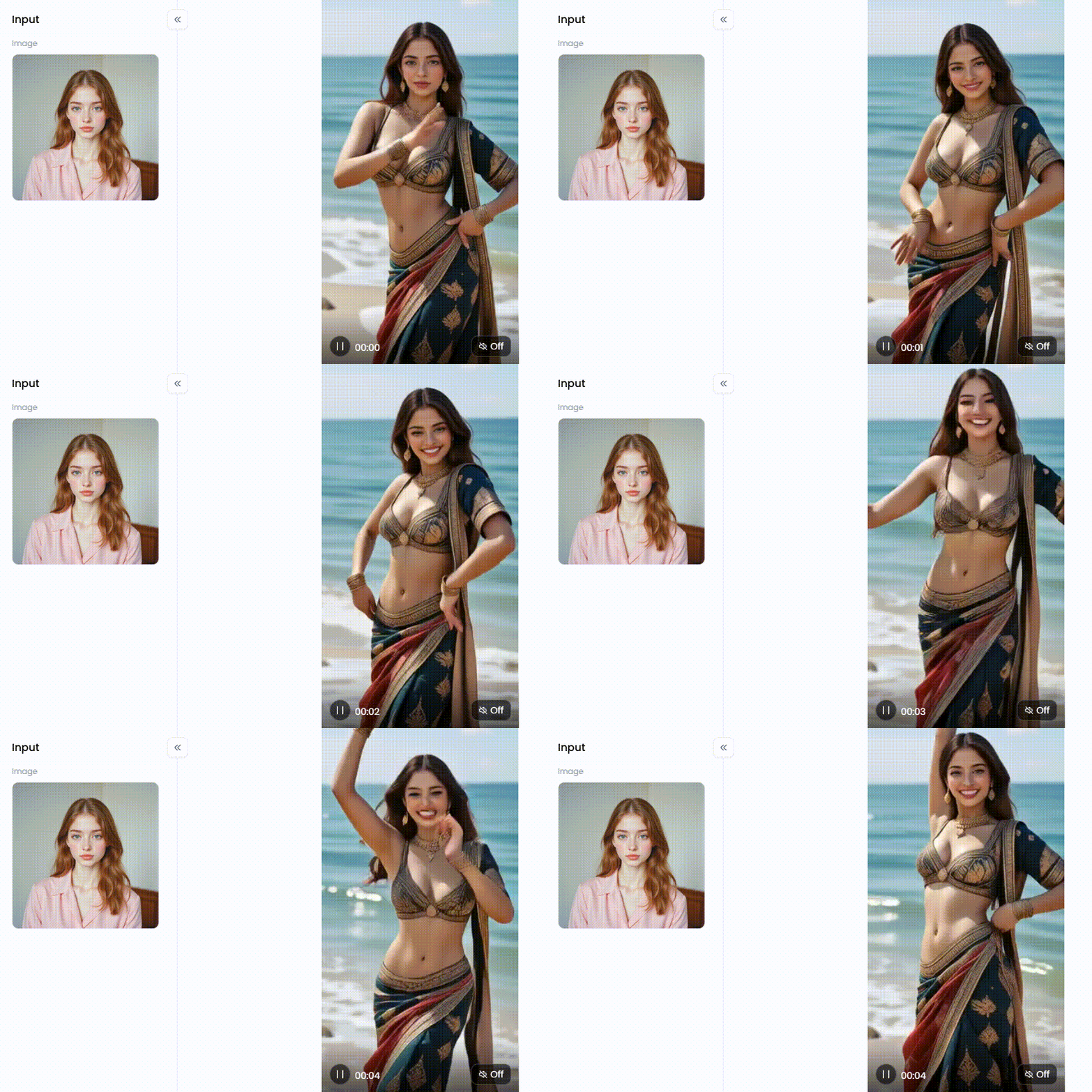
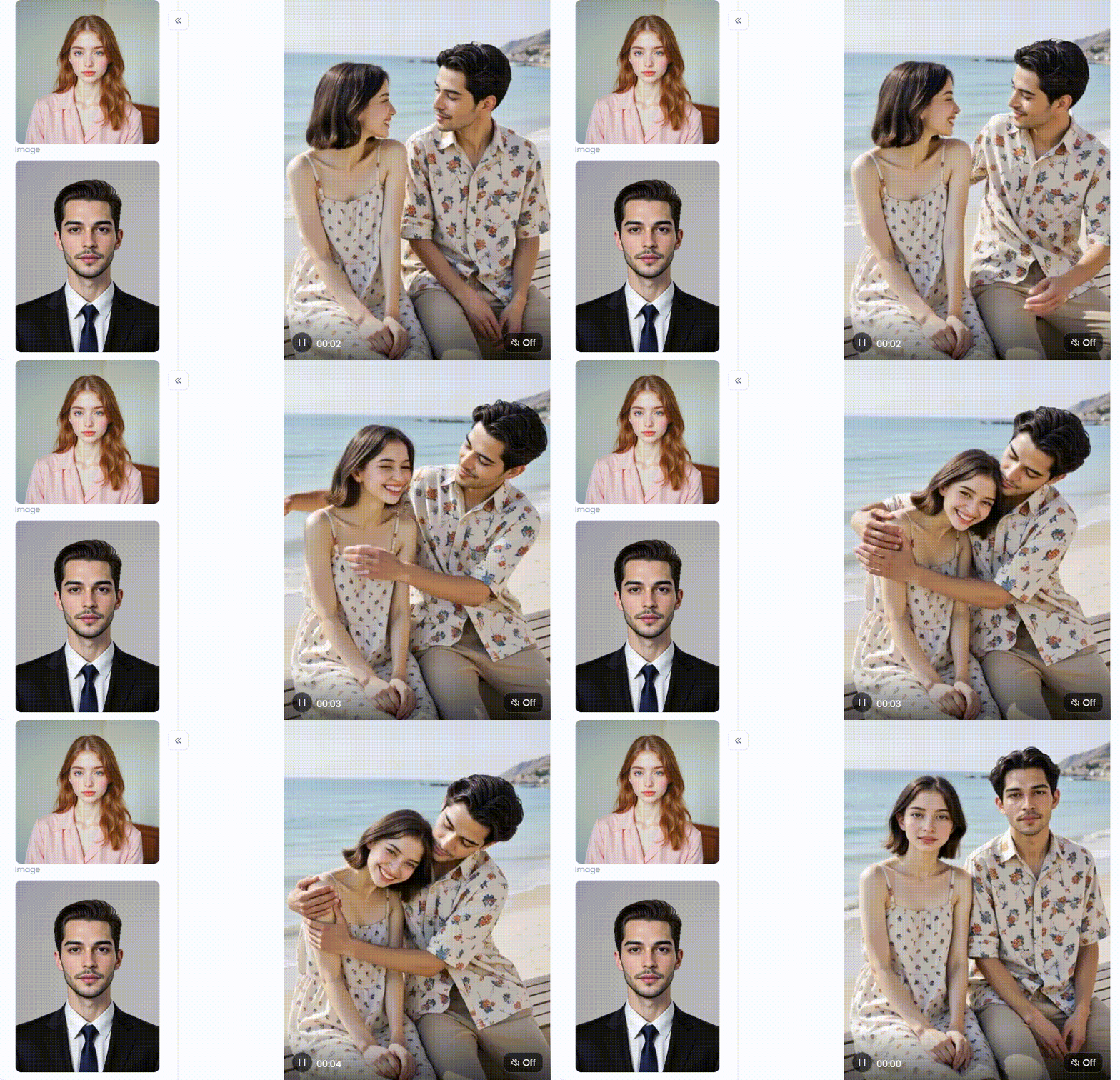
Click the picture to generate your exclusive meera by the sea with one click👇
5. OpusClip
OpusClip is a massive time-saver for content creators, solving the huge problem of editing long videos into short, viral moments.
Pros:
-
Works almost completely on its own.
-
Adds captions and perfectly reframes videos for phones.
-
Uses AI to find the moments most likely to go viral.
Cons:
-
It only edits videos you already have; it doesn't create new ones.
-
The free trial doesn't last long.
6. CapCut
A favorite on phones and desktops, CapCut mixes a classic video editor with fun, easy-to-use AI effects, making it your all-in-one app for creating content that gets noticed.
Pros:
-
Incredibly easy to learn, even if you've never edited before.
-
Full of trendy templates, filters, and fun AI effects.
-
The free version gives you a ton of features.
Cons:
-
It is not the best way to create original videos from text.
-
Mainly built for making short, social media-style videos.
Click the picture to generate your exclusive hug by the sea with one click👇
7. Freepik
Freepik's simple interface connects directly to a giant collection of high-quality pictures and graphics. This AI image animator is a great choice for marketers and designers who already love Freepik's world of images.
Pros:
-
Super easy to turn stock photos or your own pictures into simple videos.
-
The design is clean and easy to figure out.
-
Great for making simple animated posts for social media.
Cons:
-
Its image-to-video AI tools aren't as powerful as other dedicated platforms.
-
You don't have a lot of customization options.
8. Kling AI
Made by the Chinese company Kuaishou, Kling AI is one of the first true rivals to top models like Sora and Lumiere, offering longer videos that look incredibly real.
Pros:
-
Can create videos up to two minutes long in high quality.
-
Excellent at making movements and physics look real.
-
A powerful new player in the high-end AI video game.
Cons:
-
Hard to access unless you are on a waitlist or in China.
-
Since it's new, not many people can use it yet.
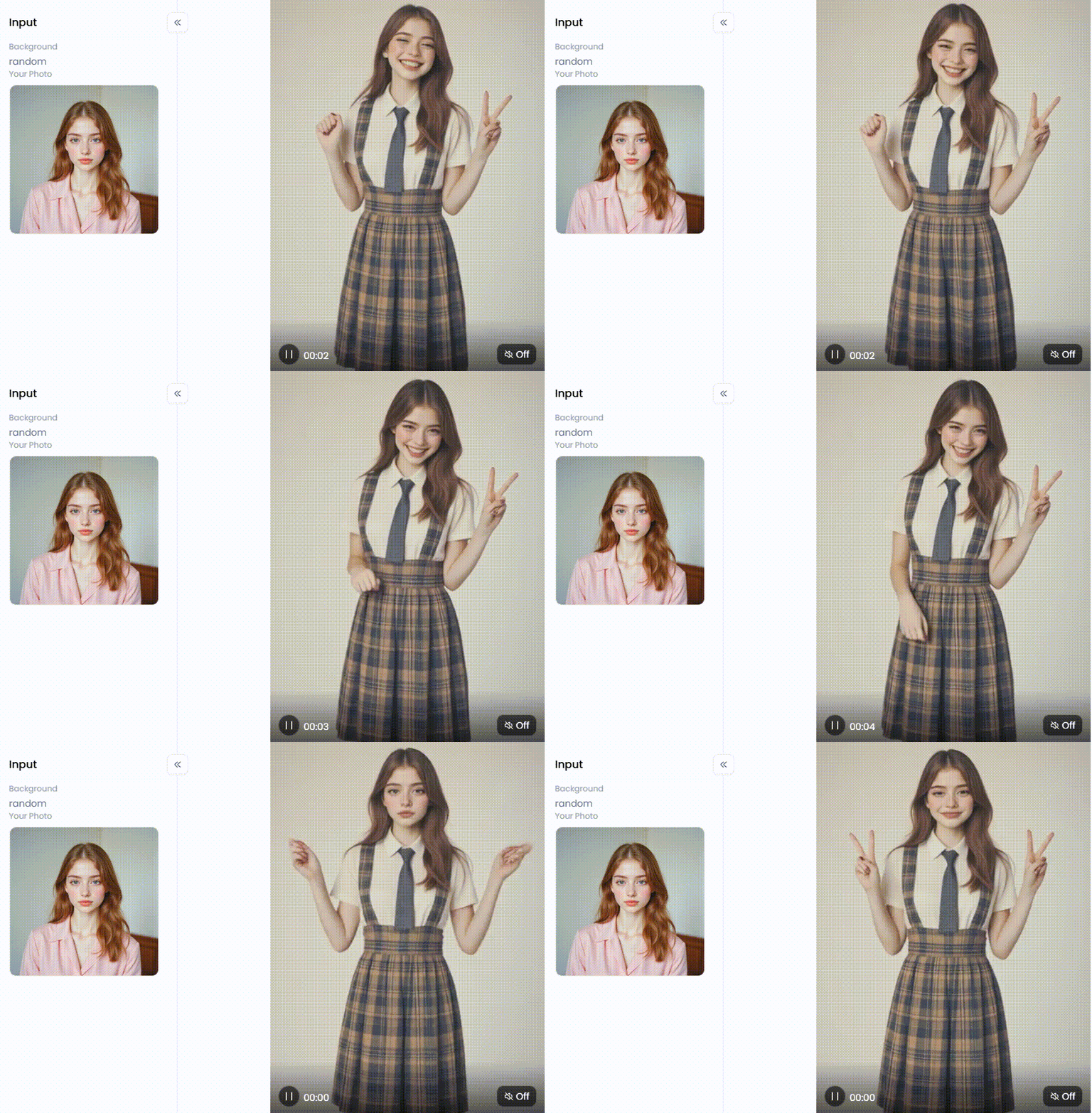
Click the picture to generate your exclusive girl in school uniform with one click👇
9. OpenAI Sora
From the creators of ChatGPT, Sora is the gold standard. It set a new bar for what a text-to-video AI can do and is what every other tool is measured against.
Pros:
-
Creates breathtakingly realistic and imaginative videos.
-
Understands complicated prompts with lots of details.
-
Characters and scenes stay consistent for longer clips.
Cons:
-
It is not yet available for the public to use.
-
Only a small group of artists and researchers has access.
10. Stable Video Diffusion
From the makers of the famous AI image tool Stable Diffusion, this photo-to-video AI model is about adding motion to still photos, creating hypnotic looping videos, or making short, eye-catching intros.
Pros:
-
Amazing at turning a single image into a video.
-
The open-source code lets the community constantly improve it.
-
It can be run on your own powerful computer for more control.
Cons:
-
It takes a bit more know-how to use than other tools.
-
It doesn't create videos from text, only from images.
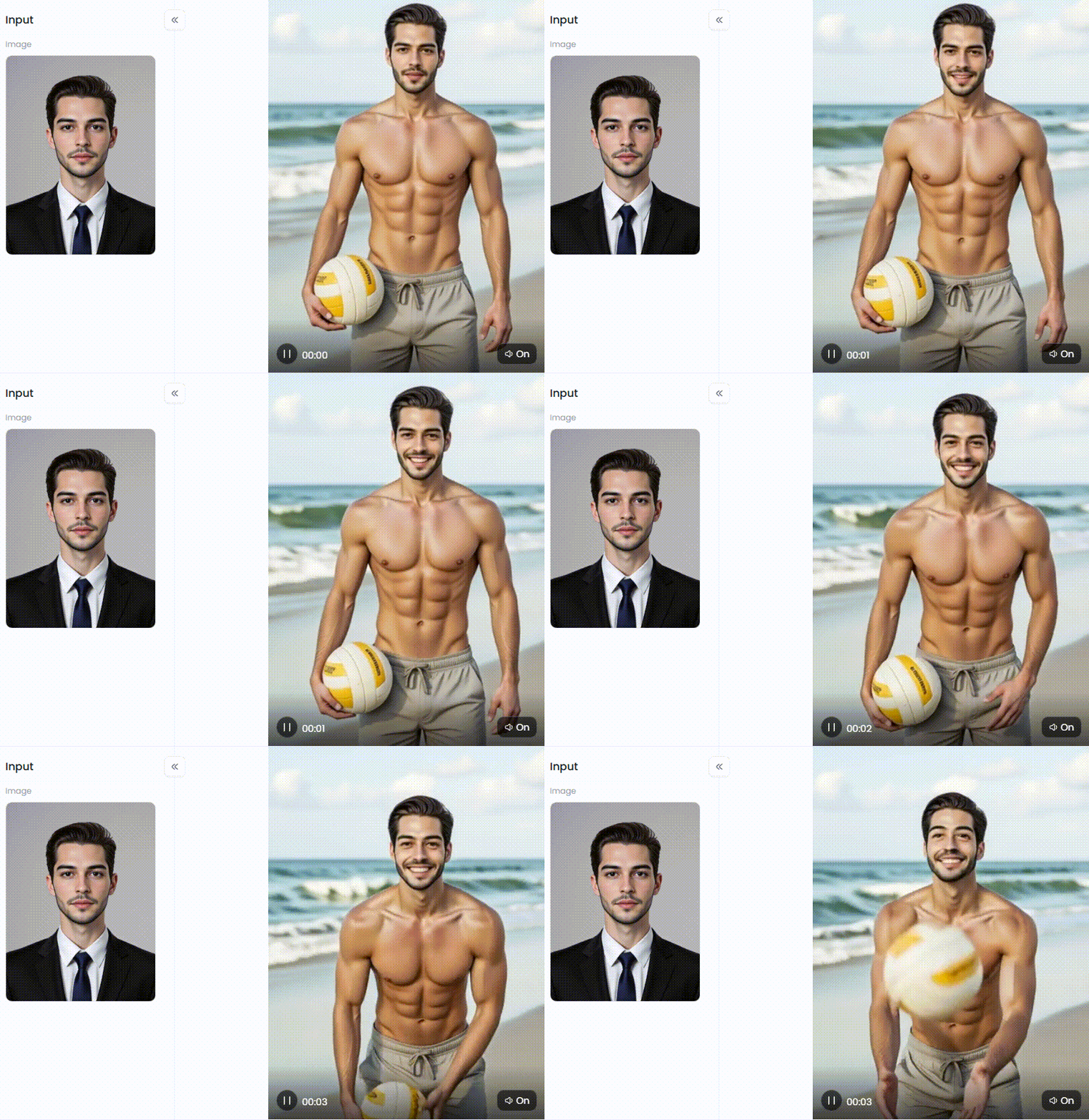
Click the picture to generate your exclusive beach volleyball with one click👇
Go Viral: Your Guide to Making Masterpieces with a1.art
Among all the great AI tools, a1.art is a secret weapon for creators. You can create visually striking art in this enjoyable playground. See how we can help create video from images.
The Magic Is in the Details
To create stunning AI art, you must provide excellent instructions. Use more than just basic commands. Rather than using the phrase "a warrior," say something like, "Cinematic Brave Warrior, epic fantasy, detailed armor, soft morning light."
Adding more data to AI is like giving it a treasure map. Using prompt engineering, the best AI video generators can continuously develop something unique for you.
Unlock Your Style with One-Click Filters
Are you prepared to experience the true magic? The vast collection of artistic filters offered by a1.art is among its outstanding qualities. Think of these as toolkits for your imagination, giving your work professional polish in a single click. You can find the perfect vibe for any project.
-
For Cinematic Looks: Make every creation feel like a blockbuster movie. Use filters like the "Cinematic Brave Warrior" for an epic feel, add elegance with "Cinematic Timeless Charm," or master dramatic scenes with the "Master Cinematic Light and Shadow Style." These instantly make your work more powerful.
-
For Professional Portraits: Look like you stepped off a magazine cover. Filters like "Magazine CEO" and "Professional Photo" give you a sharp, polished look perfect for a profile picture. You can even capture a beautiful, classic moment with the "Wedding Photo" filter or return in time with "Boys Retro Photo."
-
For Fun and Magic: Unleash your playful side and add a dash of magic. You can create a peaceful dream world with "Tranquil Lake," transform into a comic book hero with the "Hero" filter, or get a glimpse of the future in the "Magical Crystal Ball." And for a touch of cuteness, the "Cute Anime Filter Style" turns any photo into an adorable cartoon.
-
For Artistic Effects: Become a true artist by playing with motion and mood. Create mind-bending videos with the "Don't Move" filter, animating parts of your image while keeping others still. Add a warm, cozy feeling with "Strong Autumn Flavor" or capture pure energy with "Run for Glory."
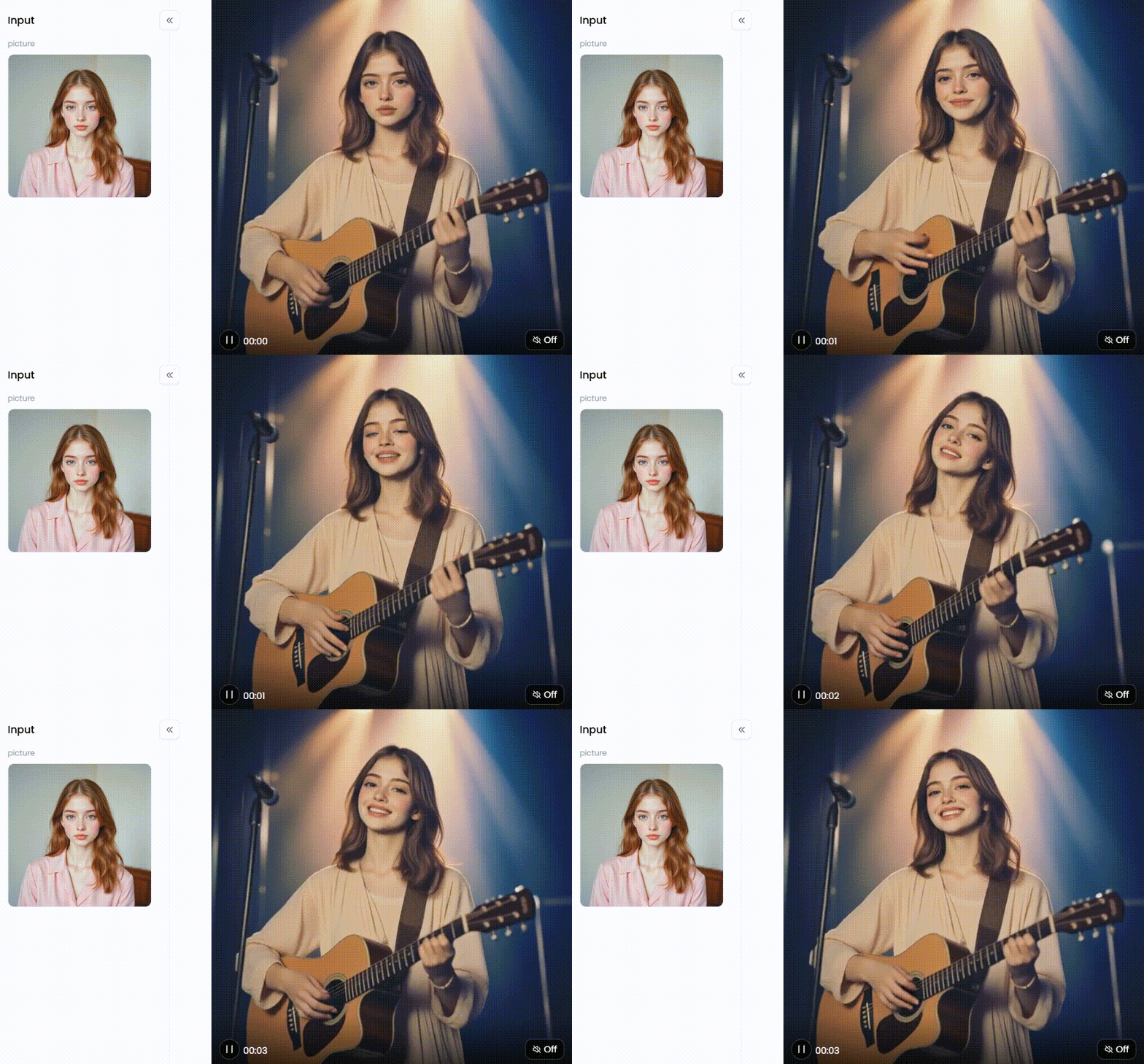
Click the picture to generate your exclusive play and sing on your own with one click👇
Learn from the Community with a "Fork"
But what if you're stuck for ideas? No problem. A cool feature on a1.art is the ability to "Fork" someone else's public creation. This lets you peek behind the curtain to see the exact prompt and settings they used. You can tweak and change things from there to make the art your own. It's like remixing a hit song and is the fastest way to learn new tricks.
Your Turn to Go Viral: A Simple Trick
Ready to put it all together? Here's a simple idea to get you started.
-
Start with any photo of yourself or a friend.
-
Apply a "Realistic to Anime" filter and watch the magic happen.
-
Animate the new anime image to bring your character to life.
Post the before-and-after, and watch the likes and shares roll in. Your followers won't believe their eyes!
Your Journey into AI Video Creation Starts Now
The future of AI video is already here! You don't have to wait for tools like Google's Lumiere when amazing free alternatives are ready for you right now.
Among the best is a1.art, a fun and easy playground for turning your ideas into incredible art. The plethora of creative filters allows you to create stunning visual storytelling with just a few clicks.
So why wait? Stop watching from the sidelines and become a creator. Dive into a1.art for free, bring your imagination to life, and show the world what an AI image to video free no watermark you can make. Your first masterpiece is just a click away!
The generation or distribution of any form of illegal content is strictly prohibited.
-
CSAM: Any sexual content involving minors is considered a severe felony worldwide.
-
Deepfakes: The creation or dissemination of intimate images of any real person without their explicit consent is strictly forbidden.
-
User Responsibility: Users are solely responsible for ensuring all generated content complies with copyright, privacy, and all applicable laws.
Read more
- 8 Best AI Breast Expansion Generator Online Free
- Create Ghibli AI Porn with AI Image & Video Generator Free
- Bondage AI Art Generator: Create Image Online Free Easily
- Best Free Online Unlimited AI SUS Generator - a1.art
- Free Animal Dance Video Generator: Make Video from Photo
- How to Make Kpop AI Nude Dance Online Free – A Safe, Stunning & Legal Guide
- Kling AI Porn: Free AI Image and Video Generator Guide
- How to Add Explode Effects to Your Images Using AI: Your Ultimate Guide to Going Viral
- AI Mugshot Maker – Create Realistic Mugshots with AI
- How to Make AI Fight Video from Image: Your Guide to Creating Epic Battles
Written by

a1.art
Published on
Oct 19, 2025
Share article


