


Have you ever come across a stunning portrait, breathtaking landscape shot, or creative digital artwork and wished you could bring it to life with natural, realistic motion? On today’s crowded social media feeds, static images get scrolled by in the blink of an eye. Meanwhile, dynamic video content drives up to 80% better engagement across all short-video platforms.
Start your art journey with a1.art.
Creator burnout is incredibly common. Shooting brand new, high-quality video clips every single day is extremely time-consuming. It also requires expensive filming gear and solid editing skills, making content creation a tiring and high-barrier process.
Thankfully, the latest generative AI technology has torn down all these technical hurdles. With a powerful AI image-to-video generator, anyone can turn a single portrait or artwork into a smooth, cinematic short video in just seconds. In this in-depth guide, we’ll walk you through the full step-by-step image-to-video conversion process, cover practical creative use cases, compare the top tools on the market, and break down how innovative platforms like a1.art AI Generation Platform turn ordinary static visuals into professional cinematic motion footage.
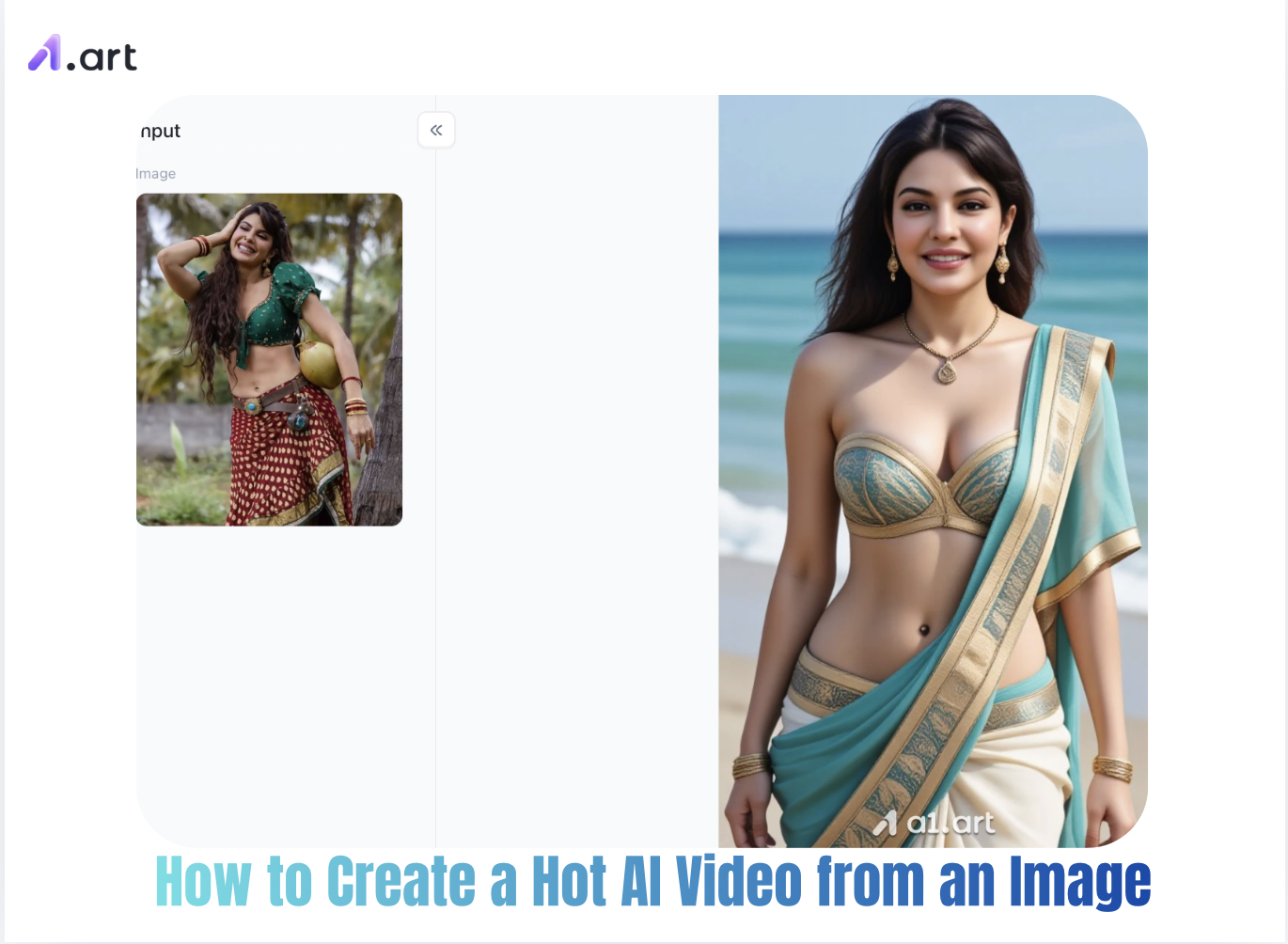
The Rise of Motion Content: Why Convert Photos to Videos?
The move from static images to dynamic video boils down to two key factors: shifting viewer habits and evolving social media algorithms. Platform feeds now heavily prioritize video watch time, actively rewarding creators who can hold audience attention for longer. Turning portraits and artworks into lively, expressive video clips opens up endless creative opportunities for content creators:
Higher Viewer Engagement: Moving elements, gentle light transitions, and natural lifelike movements grab people’s eyes within the first 1.5 seconds as they scroll through their feeds.
Massive Time & Resource Savings: You no longer need to arrange full-scale video shoots with models, professional studios, and complicated lighting setups. You can craft crisp, high-definition videos straight from your existing images and art files.
Endless Storytelling Flexibility: Modern AI image-to-video tools let you control every subtle detail with simple text prompts—from smooth camera pans and flowing hair movements to nuanced facial expressions and immersive ambient lighting.
Latest short-form video industry data shows that content with dynamic motion elements boasts 3.2 times higher click-through rates and a 45% improvement in viewer retention, when compared to static image carousel posts. For creators across the globe, leveraging advanced generative AI tools has quickly become a go-to viral content strategy.
Double-click the image to immediately start generating AI-generated hot videos⬇️
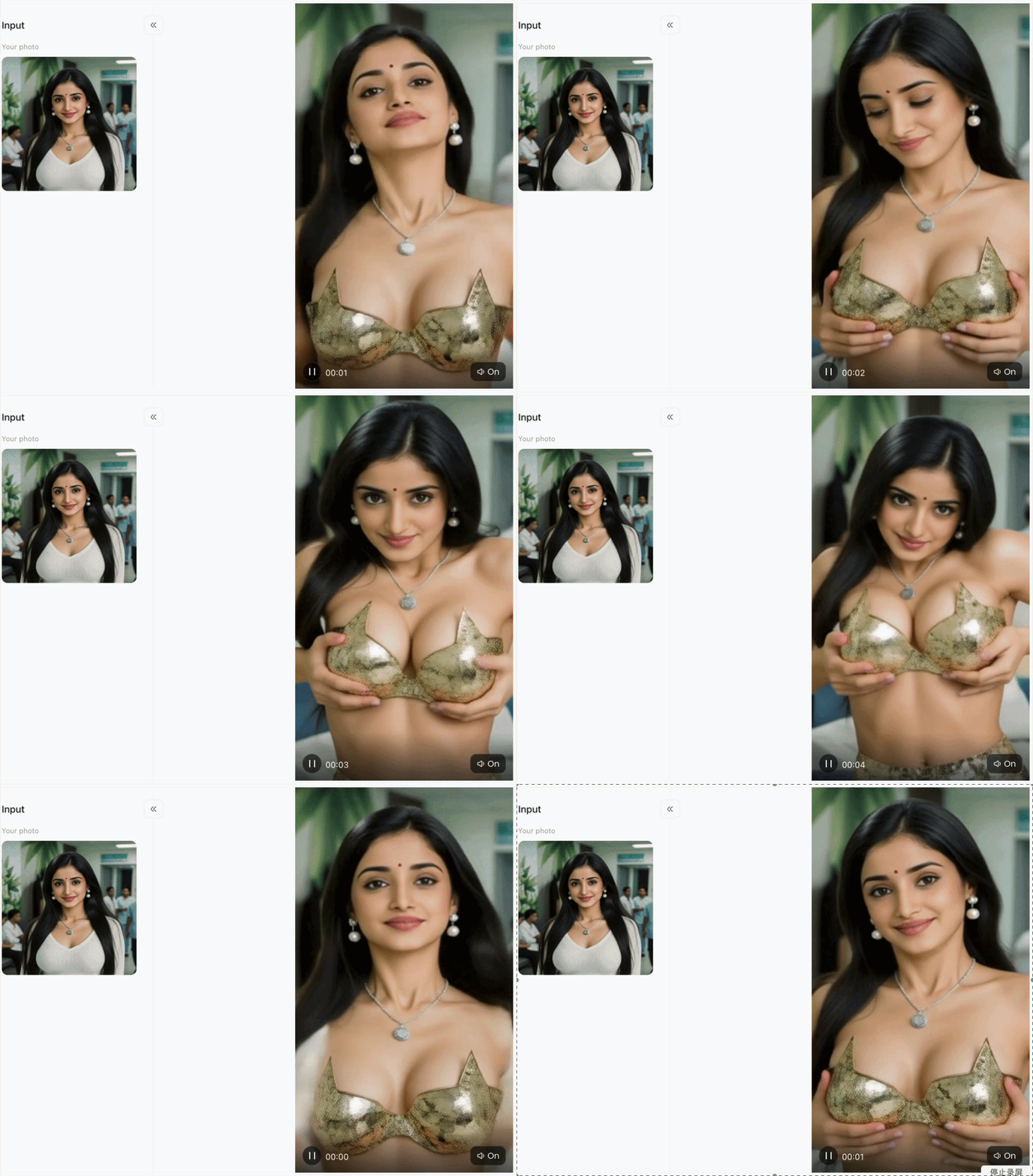
Step-by-Step Guide: How to Create a Hot AI Video from an Image
Creating a striking, high-engagement video from a single photo requires a strategic balance of base image quality, prompt accuracy, and motion tuning. Follow this tested workflow to achieve flawless results every time.
Step 1: Select a High-Quality Base Photograph
The quality of your original photo is the foundation of your final AI-generated video ,it directly impacts how clear, natural, and consistent your moving footage turns out. Follow these simple rules to get the best possible results:
-
Use sharp, high-quality images: Stick to high-resolution pictures that are clean and in focus, with no grainy noise or blurry compression marks.
-
Keep your subject well-separated from the background: Photos where your main subject has clean, clear edges and a softly blurred background will produce far smoother, more stable motion throughout the video.
-
Skip problematic shot types: Avoid images where faces are buried in heavy shadows, as well as ultra-wide shots that make small details look pixelated and blurry.
Step 2: Choose the Right Platform and Access Format
Depending on your production environment, you can access generative dynamic tools in a variety of settings. Many creators tend to use AI trending video generators within image apps to create mobile-first content, while developers often seek AI trending video generators within image APKs for custom deployments.
For fast, browser-based workflows without complex software installations, web platforms like a1.art stand out with their seamless cross-device rendering capabilities. Unlike basic toolkits, a1.art combines intuitive image-to-video generation with a vast library of hundreds of thousands of AI-style filters and viral video templates (updated daily). Whether you want to apply stylish lighting, 3D character physics, or trendy social dynamic effects, a1.art lets you transform still photos into dynamic 4K videos in just 5 seconds. With daily free credits, one-click preset workflows, and built-in AI video face-swapping, it serves as an all-in-one visual studio for beginners and professional e-commerce teams.
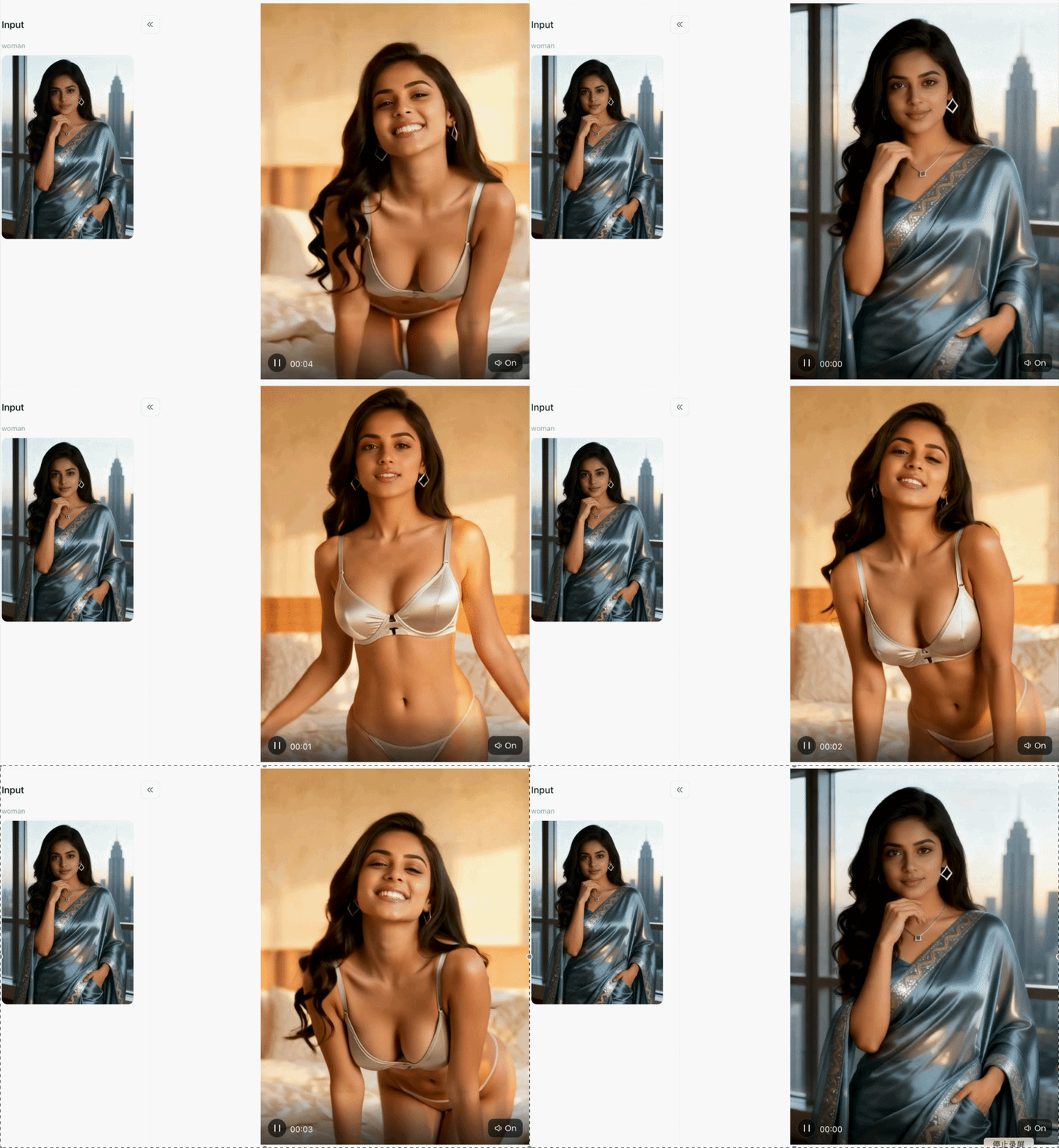
Step 3: Create your favorite AI hot videos with a1.art
The first thing we need to do is open a1.art and register your own account, which is related to your subsequent creation of AI hot videos. This step is very simple; just click on the upper right corner of the page, where you'll see a personal avatar. Click on it, and the system will tell you whether you can log in or register with your email address.
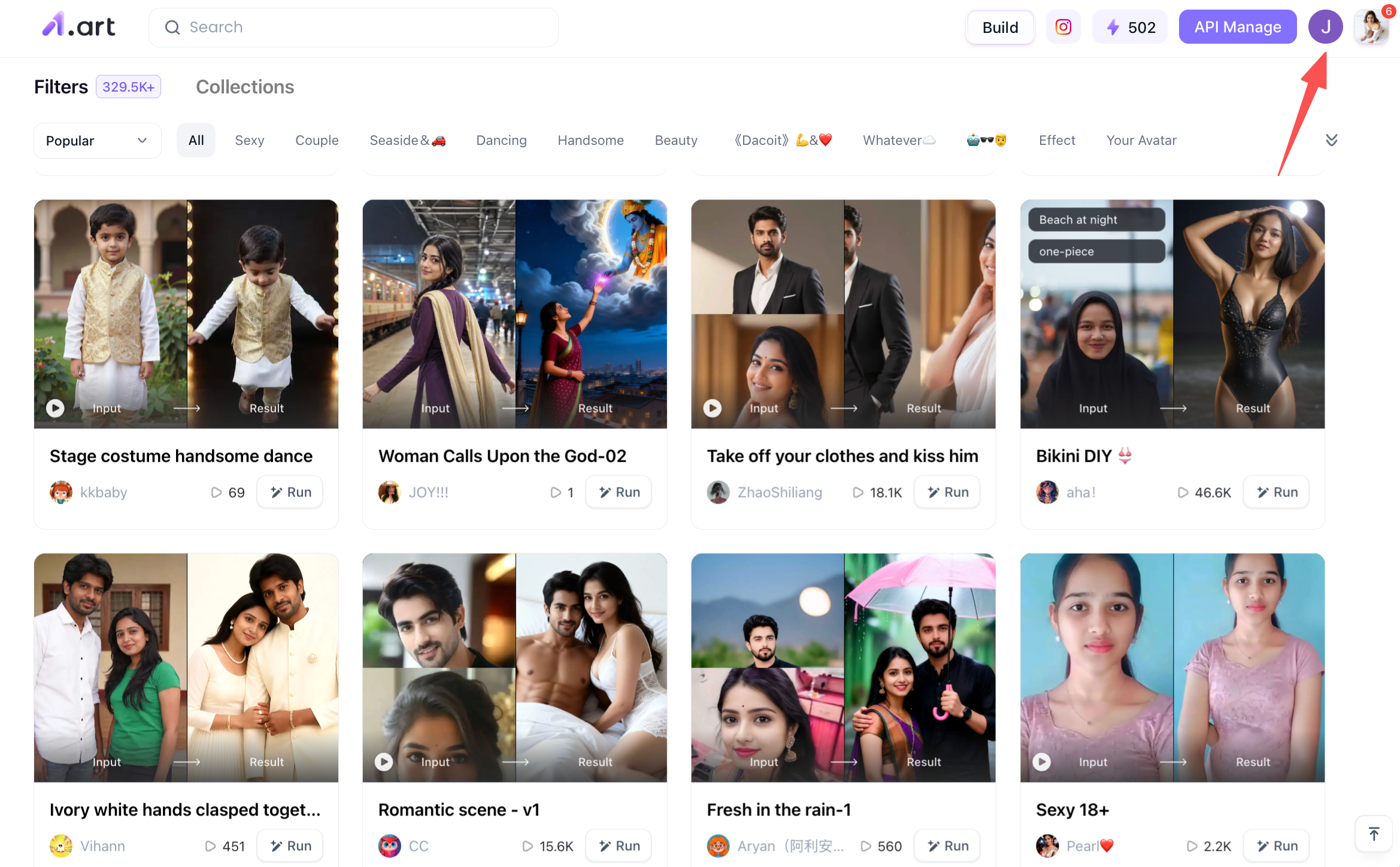
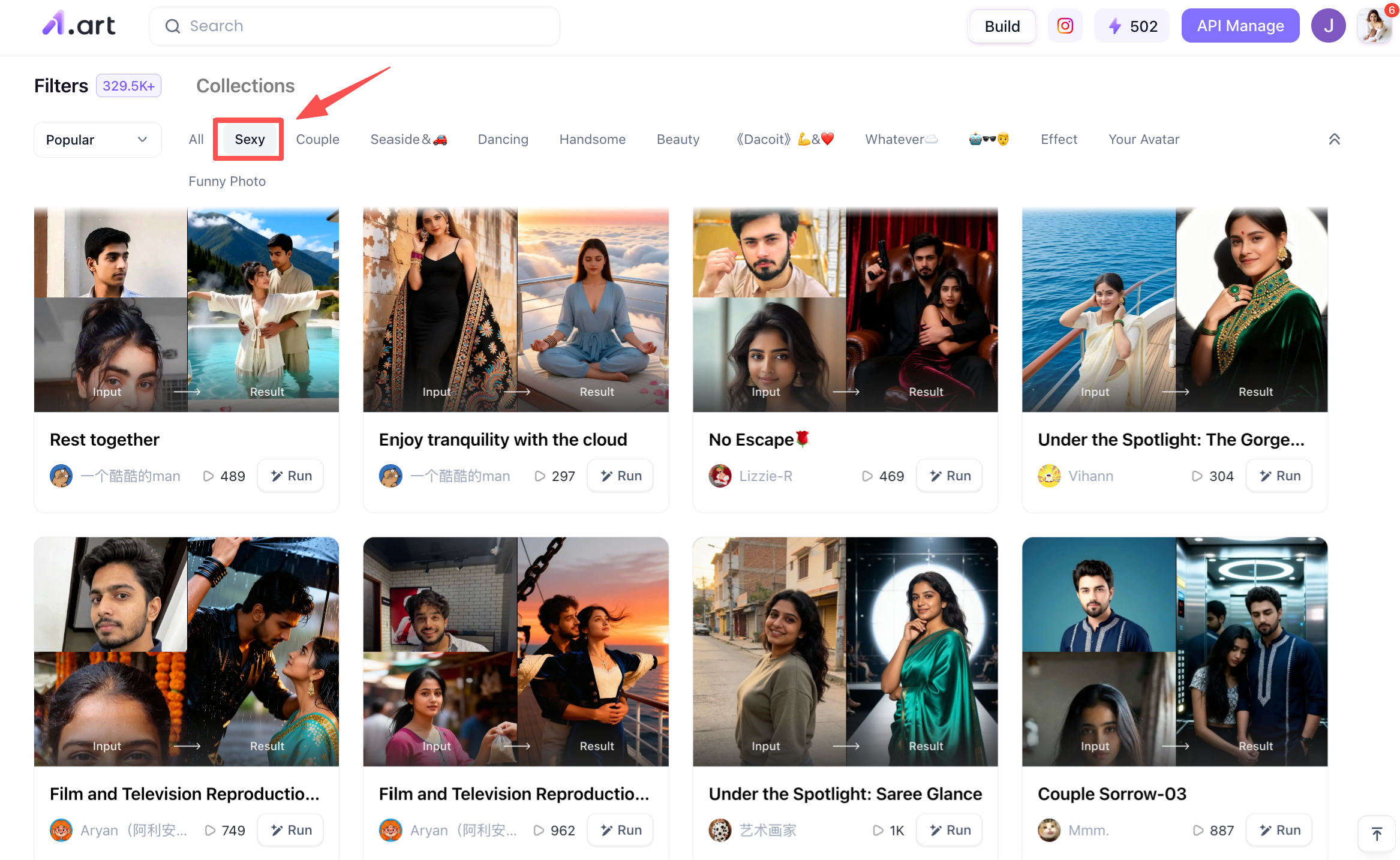
Next, you need to find the corresponding filter category. For example, since our theme is AI hot video, we can select the "sexy" category on the a1.art homepage. There are many filters here that suit your theme. You can take your time to choose.
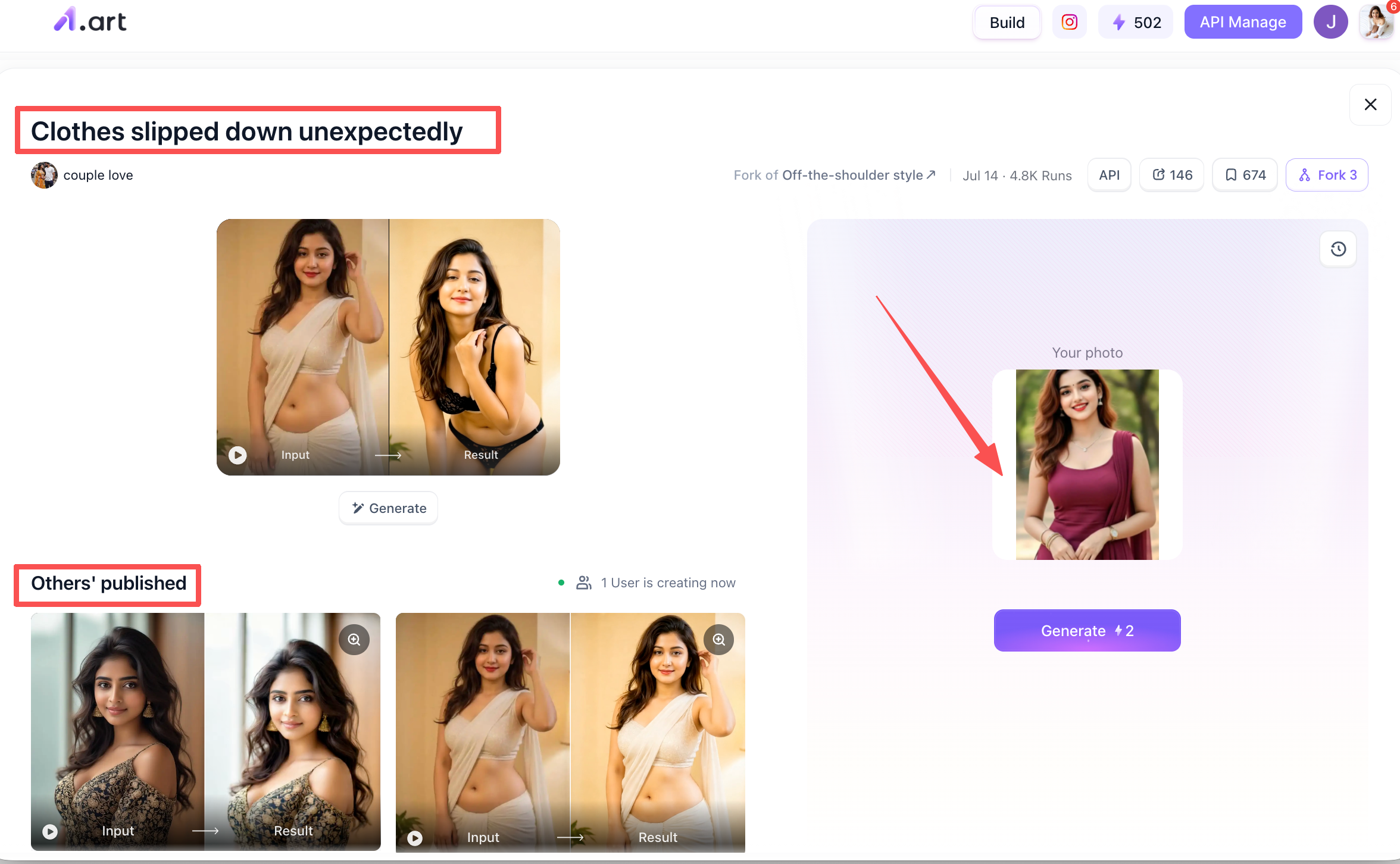
Now we can choose a filter we like to generate the video, which is very simple for beginners. For example, let's take the "Clothes slipped down unexpectedly" filter. First, click on this filter. After clicking, you'll see a homepage like this: the top left corner shows the filter, the bottom left corner shows videos generated by other users using this filter, and the right side is the area for uploading your photos to create an AI hot video. You can upload the photos you prepared in the first step. After uploading, click the "Generate" button below to directly generate the ai hot video.
At this point, the entire process of creating an ai hot video is almost complete.
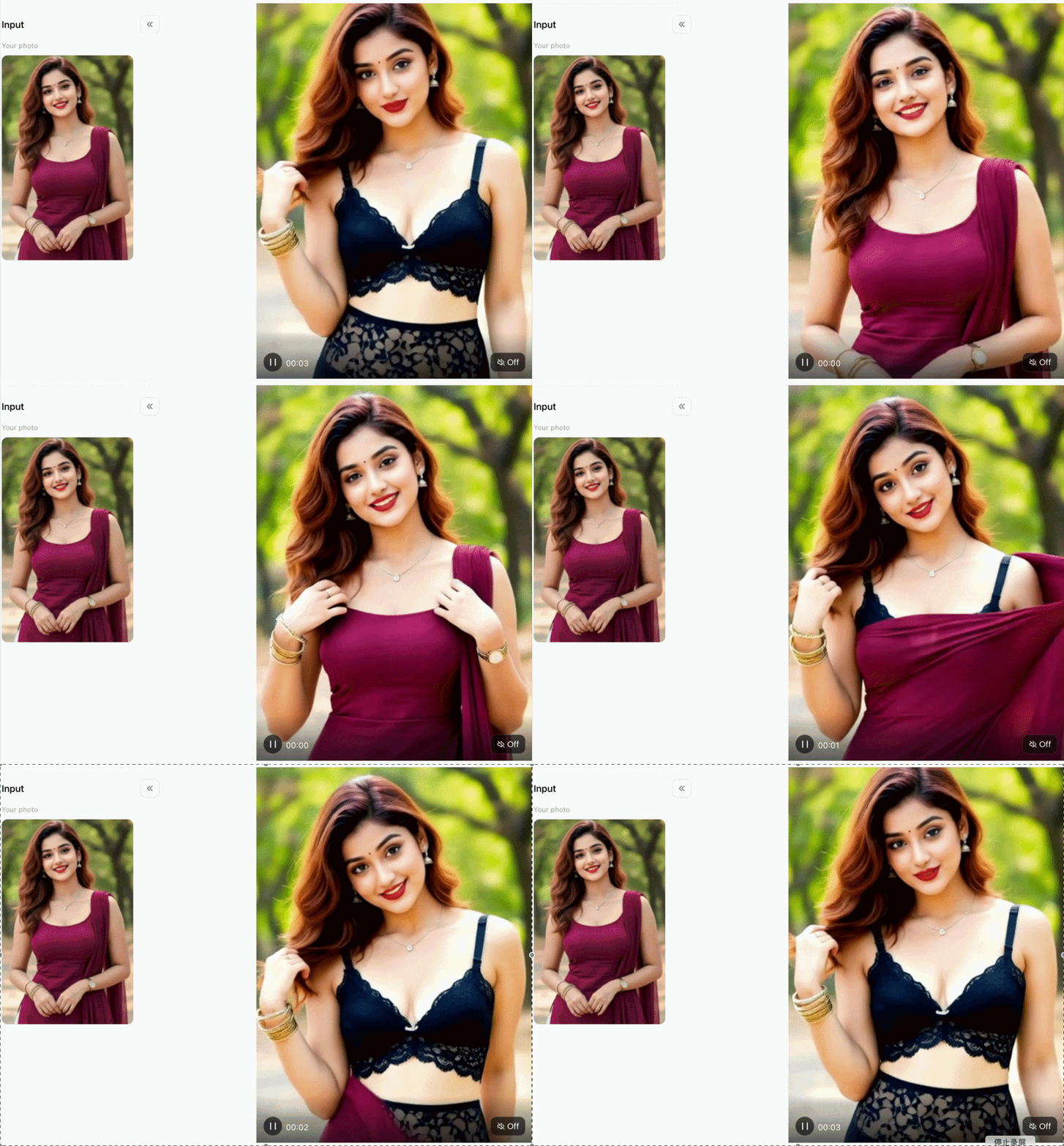
Why Choose a1.art? Next-Gen Image-to-Video Engine
When creators are looking for ai video tools, they always ask the same question: How is this platform better than others? We don't rely on empty marketing gimmicks; instead, we tailor our platform for content creators based on truly measurable performance improvements and a user-first design philosophy:
Lightning-Fast Generation
Most traditional AI video tools queue your requests, taking over a minute to process. Our cloud system, however, completes the image-to-video conversion in just 2-3 minutes. This rapid conversion speed allows you to repeatedly adjust prompts and quickly create short videos without long waits.
Clearer, Cleaner Video Quality
a1.art AI Photo Animator uses advanced neural image enhancement technology to deliver truly high-definition, ultra-clear image quality. Every detail is preserved: individual strands of hair, natural and realistic skin texture, without the distortion caused by over-smoothing.
Smooth and Realistic Motion
Our custom motion tracking model completely eliminates common defects in AI videos, such as floating body parts, eye twitches, and screen flickering. All movements follow the physical laws of the real world, so the flowing hair, flowing clothes, and constantly changing light appear natural and fluid in every frame.
Pro Tips for Maximum Motion Realism
To push your video quality from good to extraordinary, integrate these professional tips into your daily workflow:
Tip 1: Isolate the Motion Area
When prompting, explicitly state which parts of the frame should move (e.g., "background trees swaying softly") while keeping background structures stable.
Tip 2: Utilize Negative Prompts
Include negative directives like "blur, structural distortion, flickering, floating objects, extra limbs, frame jitter" to guide model precision.
Tip 3: Experiment with Ambient Lighting
Add atmospheric keywords such as "golden hour glow", "volumetric sunlight", or "subtle lens flare" to turn static lighting into dynamic environmental lighting.
Tip 4: Clean Asset Workflow
If you rely on specialized mobile installs, ensure you download legitimate releases rather than untrusted external sources when searching for an ai hot video generator from image apk. You can explore a1.art for secure web access on any mobile browser.
Conclusion
The transition from static photos to high-impact video content no longer requires complex camera rigs or hours of technical rendering. By embracing an ai hot video generator from image, creators, marketers, and artists can effortlessly produce captivating, photorealistic video clips that stand out in crowded digital feeds. Whether you are seeking an intuitive ai hot video generator from image app experience or looking for clean, professional rendering with a1.art, the tools to elevate your content are readily available. Start converting your photo collection into dynamic visual stories today and unlock unprecedented digital engagement!
FAQs
Can I create high-quality videos from photos completely for free?
Yes! Many top platforms offer free trial credits upon registration, allowing users to test an ai hot video generator from image free tool and evaluate rendering quality before committing to paid subscriptions.
How does text prompting affect image-to-video results?
When using an ai hot video generator from image prompt, text inputs act as directional guidance for the underlying neural model. While the input image provides structural identity, the text prompt dictates camera trajectory, speed, emotional expression, and environmental physics.
What is the ideal aspect ratio for short-form video creation?
For TikTok, Instagram Reels, and YouTube Shorts, export your generated videos in a vertical 9:16 aspect ratio to fill the full screen and maximize viewer immersion.
Read more
- Best Indian Nude Websites in 2026: Top Sites to Explore
- How to Create an AI French Kiss Video for Free
- Spider Man AI Trend: How to Create Viral Spider Man Photos in 2026
- Best Free AI Kissing Video Generators Without Login in 2026
- How to Make Adorable Chibi Cartoon AI Photos Easily
- 20+ Viral Spider-Man AI Prompts for Realistic Photos in 2026
- 17 Agustus AI Photo Editing 2026: 20+ HUT RI 81 Prompts & Photo Ideas
- 15 August AI Photo Editing 2026: 20+ Viral Independence Day Prompts
- 10 Best Dreemy AI Alternatives in 2026 for NSFW AI Images Videos
- Grok AI Companion NSFW Alternatives: Best AI Companion Apps to Try
Written by

a1.art
Published on
Aug 25, 2026
Share article


