Container backgroundContainer background
Home/AI Prompts/Toy Design

Toy Design
AI Prompts

Toy Design AI Prompts

Discover the magic of toy design with a1.art's AI-powered prompts. Whether you're crafting intricate models, exploring imaginative playsets, or designing futuristic toys, our platform transforms your ideas into stunning visuals. With daily free credits and customizable filters, bring your toy designs to life effortlessly.
A steampunk-inspired toy robot with brass gears, glowing red eyes, and a weathered metallic finish, cinematic lighting, ultra-detailed texture.
A whimsical fairy garden toy set featuring miniature trees, glowing mushrooms, and tiny enchanted creatures, soft pastel colors, dreamlike atmosphere.
A futuristic space rover exploring an alien planet, rugged terrain, detailed mechanical components, realistic sci-fi aesthetic.
A classic wooden train set winding through a snowy forest, warm golden sunlight filtering through bare trees, nostalgic charm.
A vibrant jungle-themed action figure with bright green scales, sharp claws, and a dynamic pose, saturated colors, high-energy style.
A retro-style arcade game cabinet with glowing buttons, pixelated graphics, and a nostalgic 80s vibe, vintage filter applied.
Explore more

Get Toy Design Videos & Images without Prompt

a1.art offers a large number of filters, allowing you to easily obtain AI videos or images without prompts.
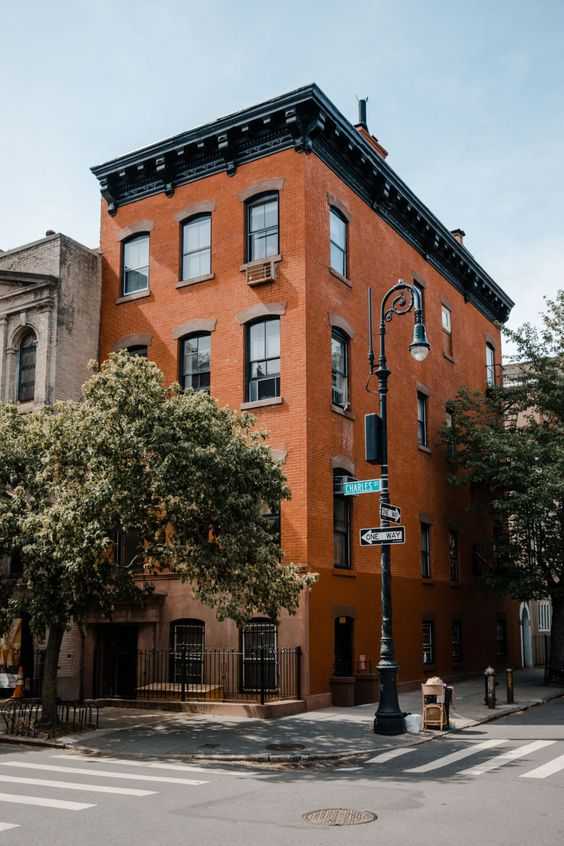
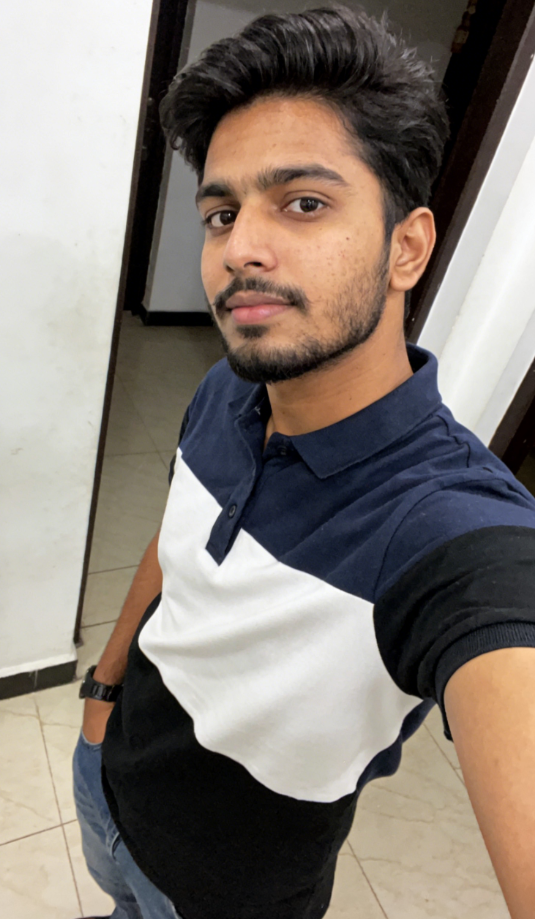
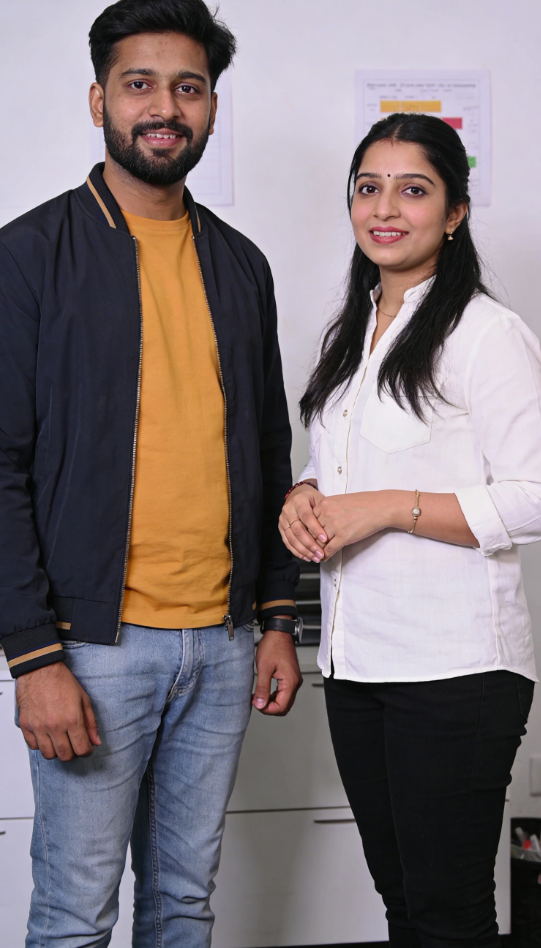
image befor ai generation
A cute 3D rendered cartoon boy, wearing an olive green jacket, khaki shorts, and a beige baseball cap. He has large, expressive eyes, a friendly expression, and carries a brown backpack. He's wearing off-white sneakers. The style is reminiscent of 3D cartoon character design, with smooth, polished textures and no visible brushstrokes. The background is a simple beige color, focusing all attention on the character. The lighting is soft and even, creating a warm and pleasant atmosphere. The overall style is cheerful and friendly, suitable for children's products or game character design. The image is rendered in a style similar to contemporary 3D animation character design. Think of the clean lines and smooth surfaces of Pixar-style animation, but with a slightly more realistic rendering of the materials.
cute 3D cartoon boy image
Input
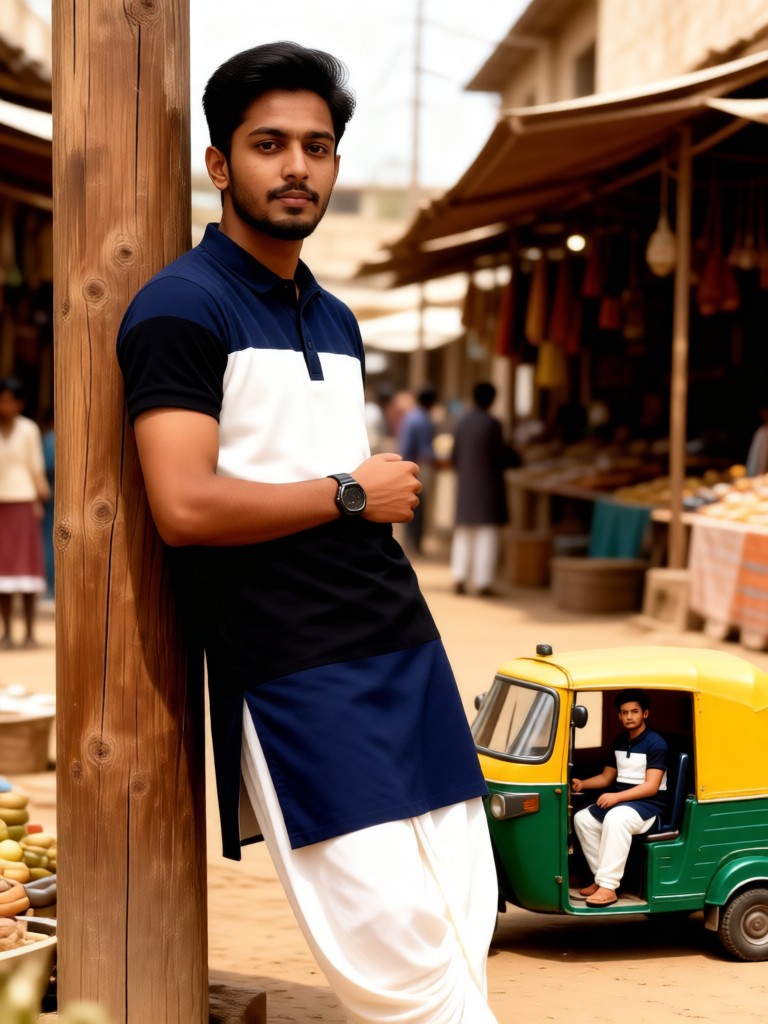
Result
cute 3D cartoon boy
夢境畫境Dreamscape Canva headshot夢境畫境Dreamscape Canva
playicon16.3k
image befor ai generation
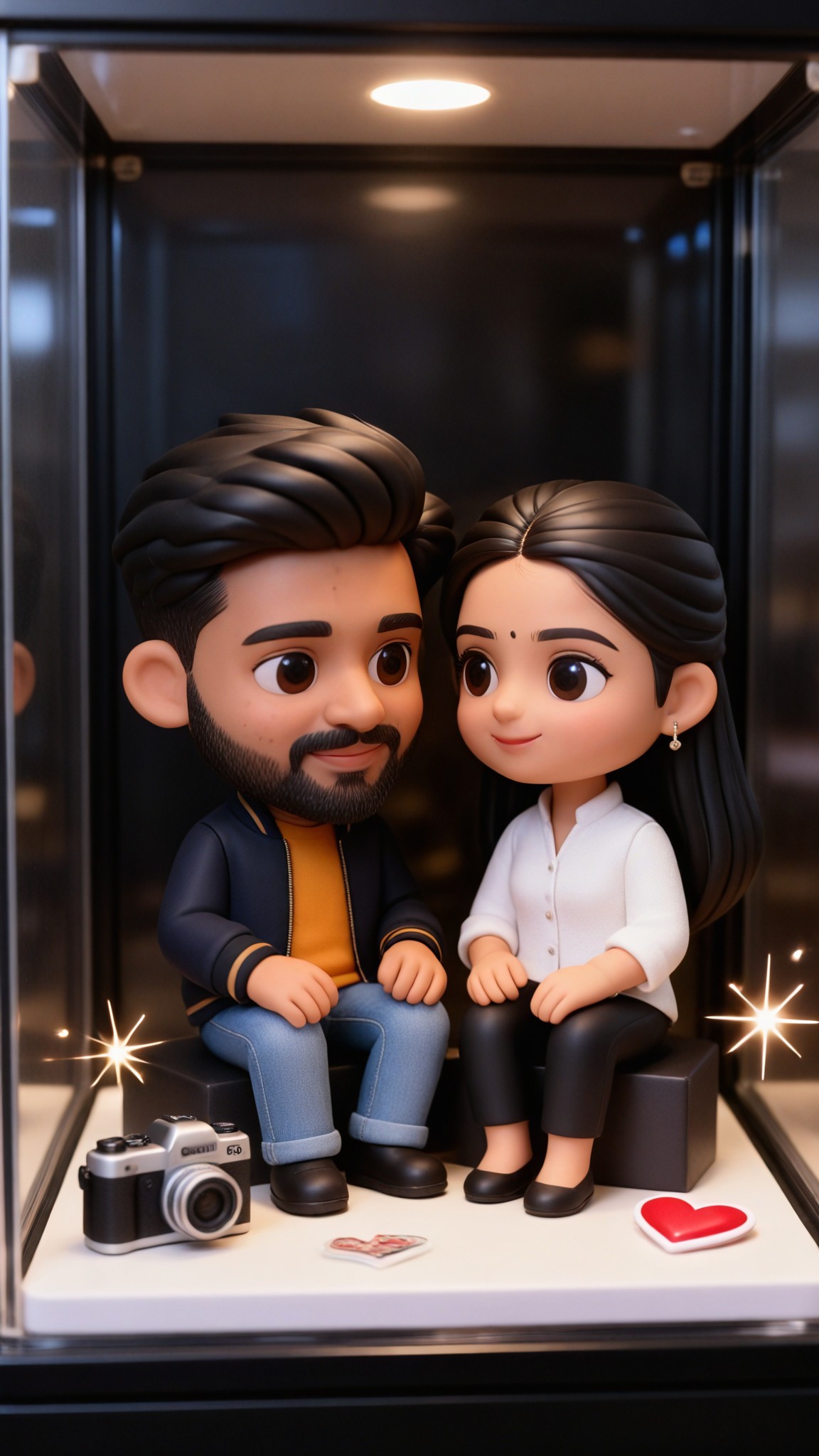
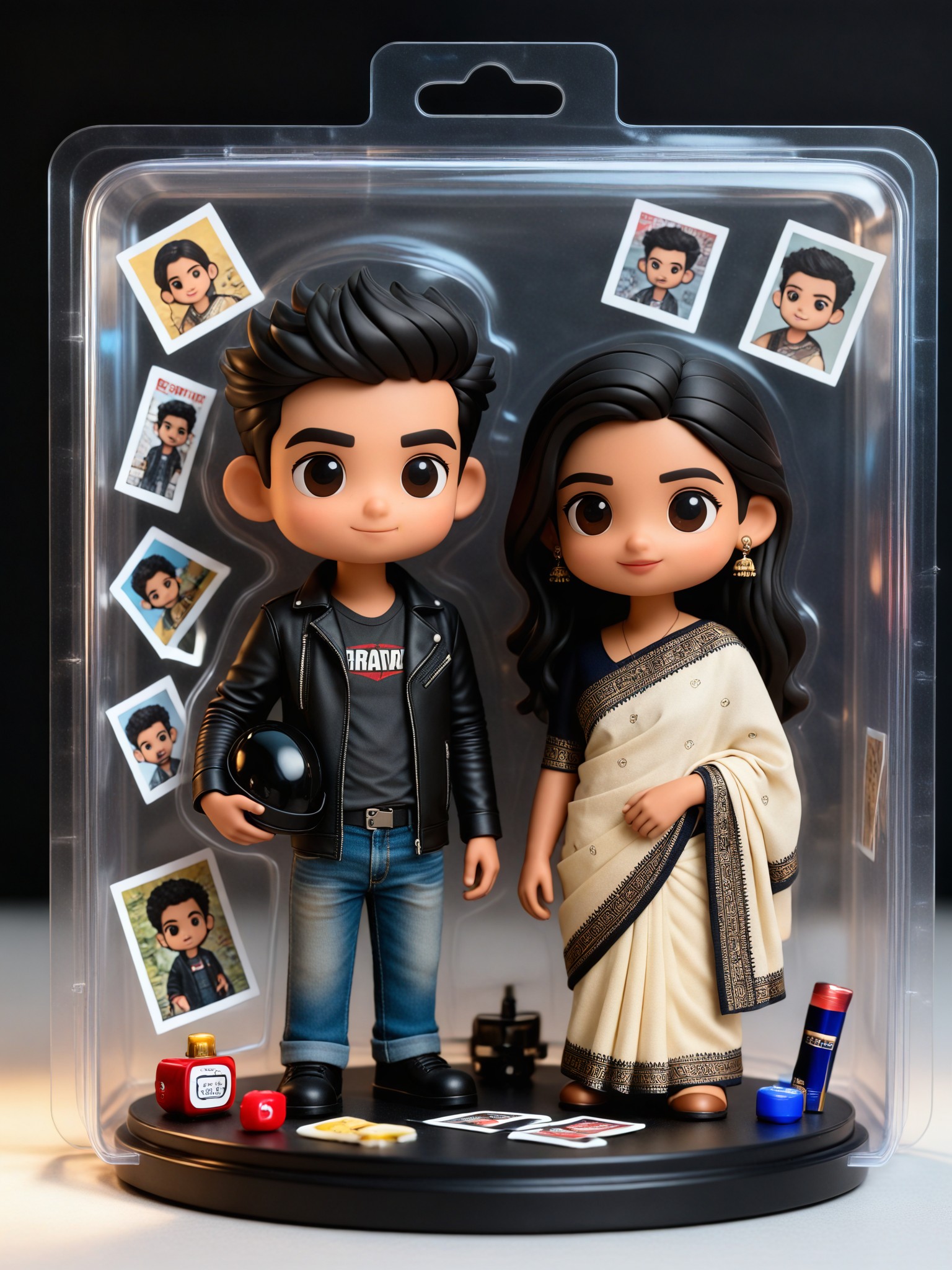
Your Blind Box Toy image
Input
Result
Your Blind Box Toy
Woosevelt headshotWoosevelt
playicon5.1k
image befor ai generation
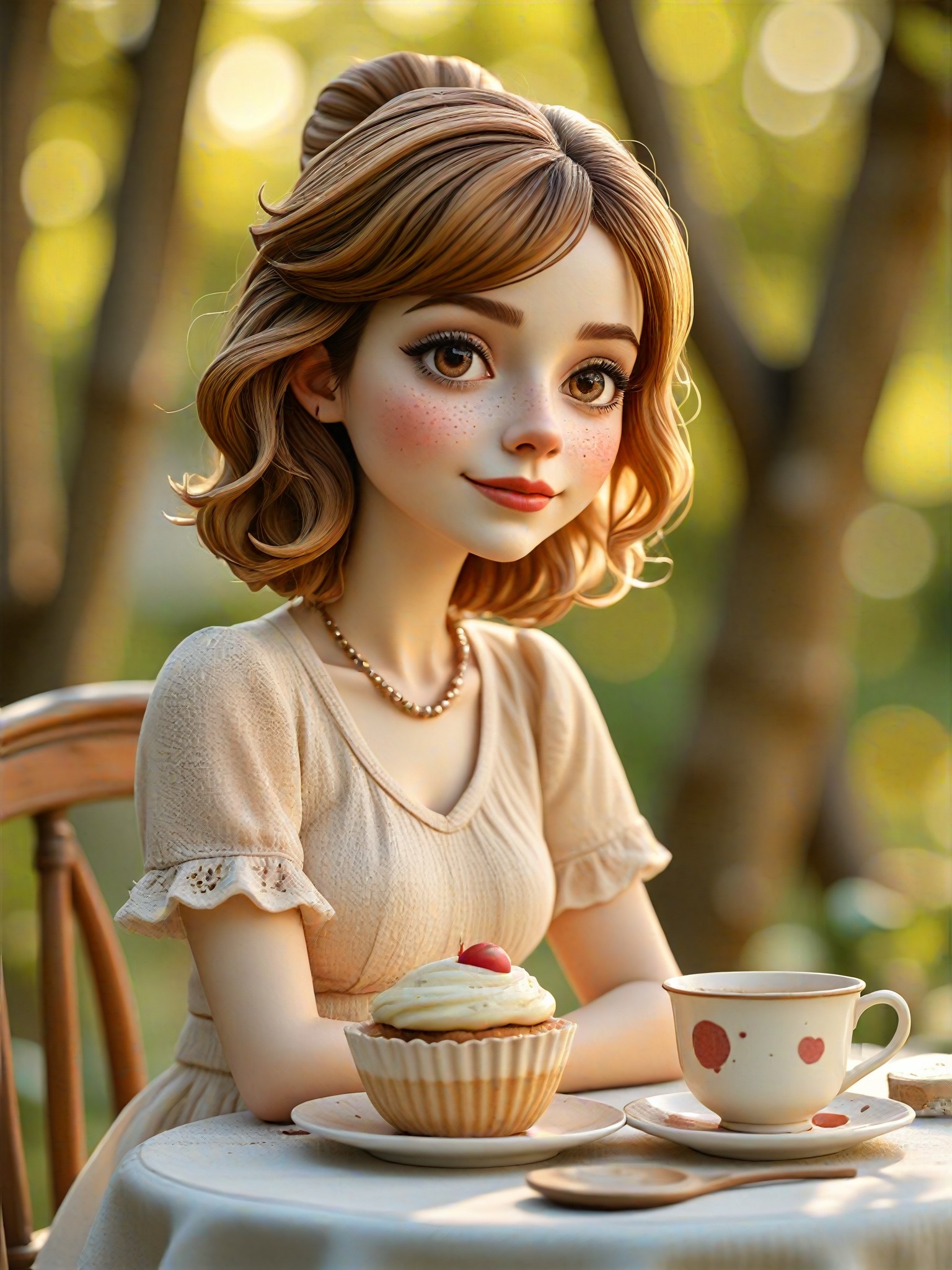
Enjoy afternoon tea image
Input
Result
Enjoy afternoon tea
winter solstice headshotwinter solstice
playicon2.3k
image befor ai generation
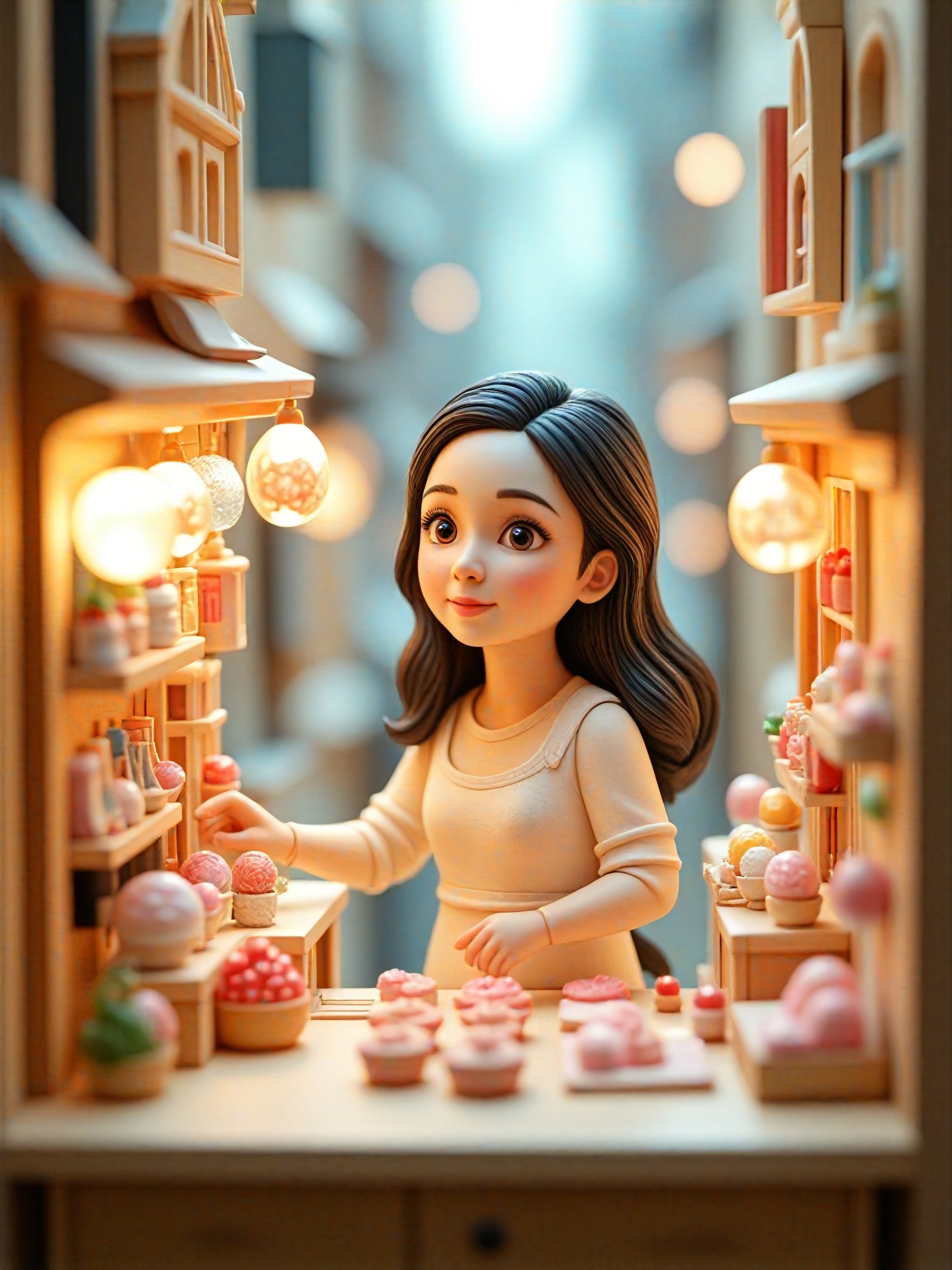
Candy Shop
Open a store in Toy World image
Input
Result
Open a store in Toy World
aha! headshotaha!
playicon1.5k
image befor ai generation
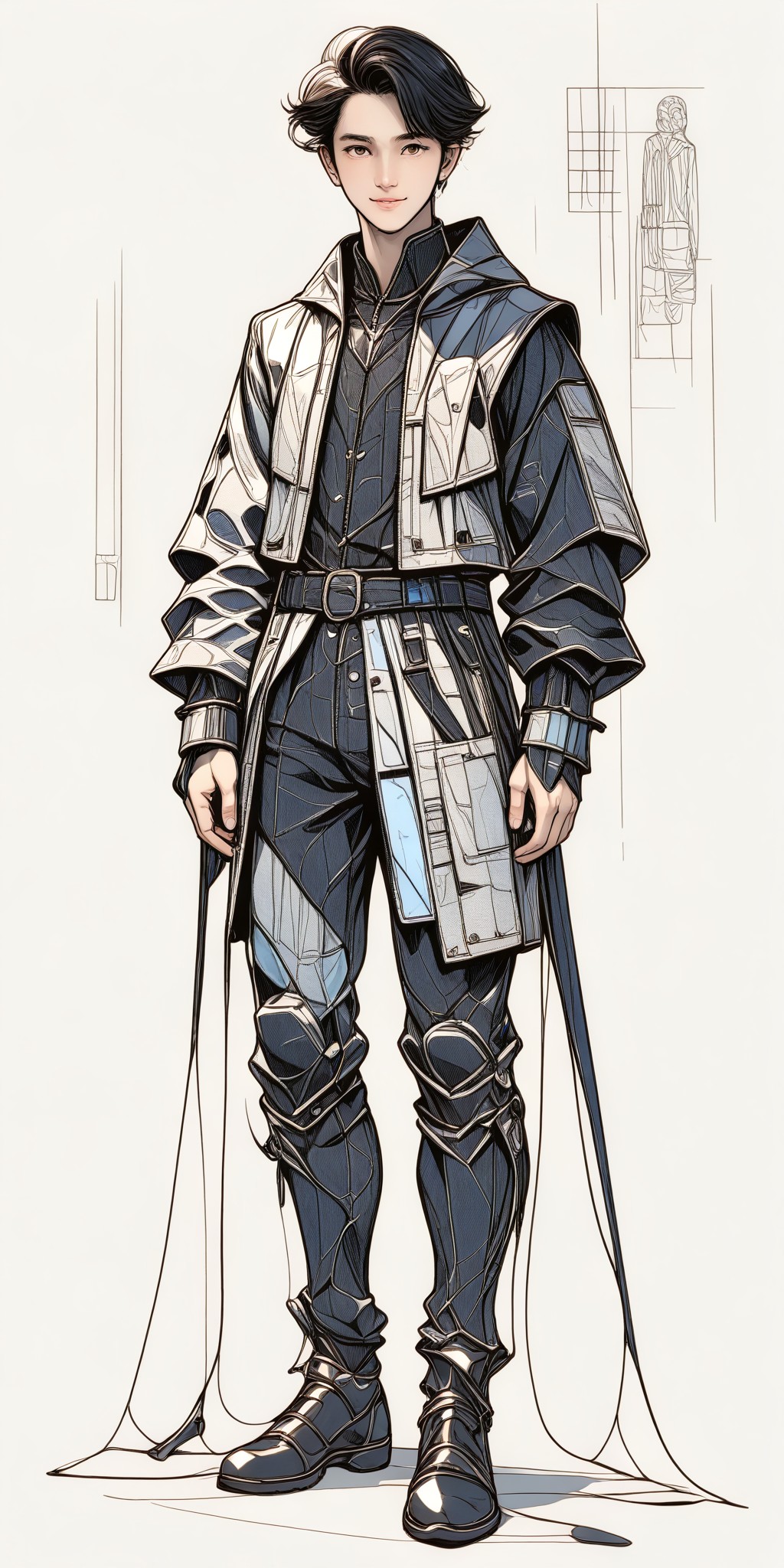
Clothing Design P2 image
Input
Result
Clothing Design P2
CC headshotCC
playicon1.2k
image befor ai generation
Your Blind Box Toy image
Input
Result
Your Blind Box Toy
AI Video(Official) headshotAI Video(Official)
playicon1.2k
image befor ai generation
man
a flower
Tattoo design image
Input
Result
Tattoo design
大福 headshot大福
playicon1000
image befor ai generation
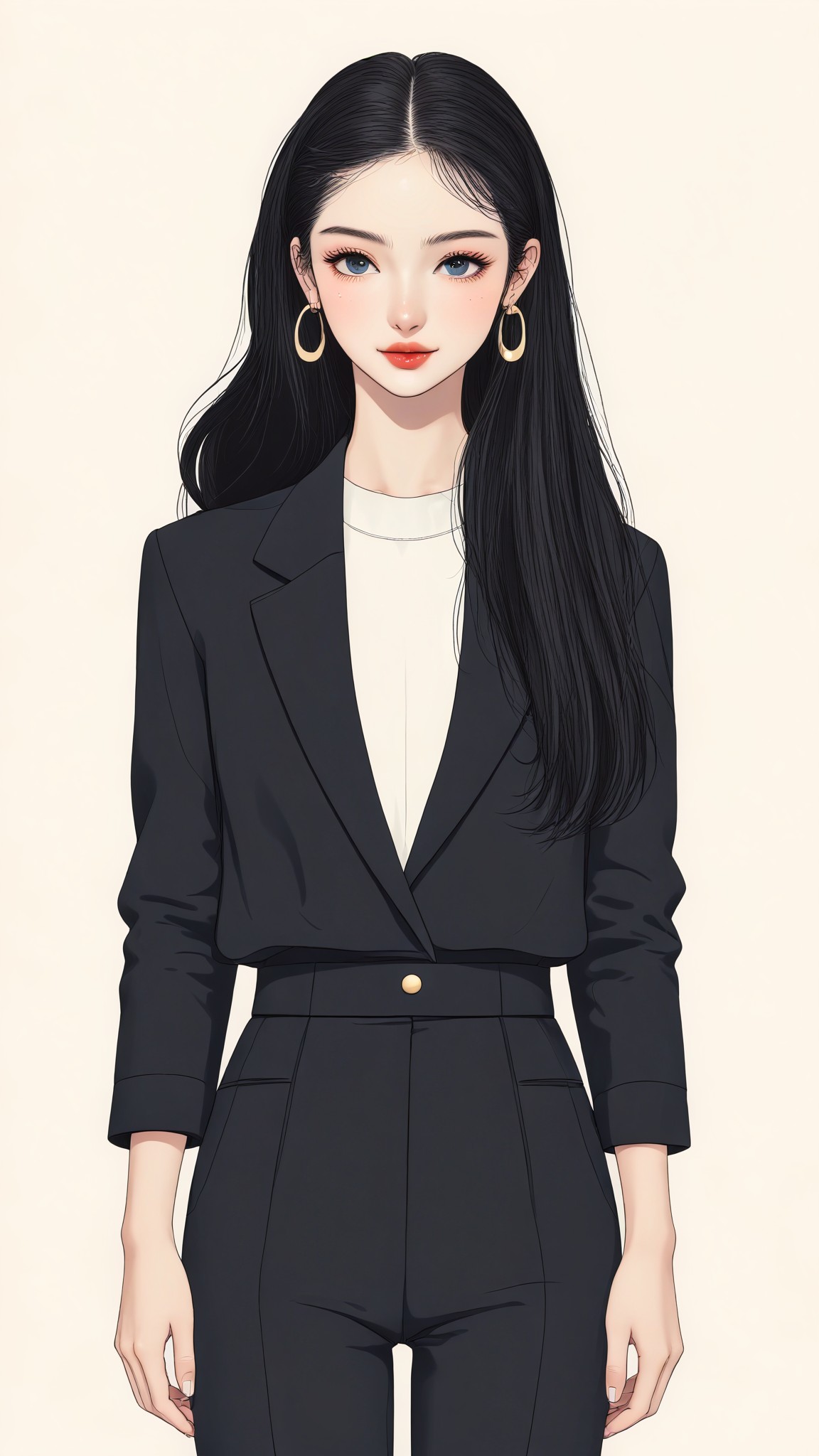
Minimalist Clothing Design image
Input
Result
Minimalist Clothing Design
CC headshotCC
playicon680

How to Make Toy Design AI Image & Video on a1.art?

Step into the future of AI Toy Design video and image creation on a1.art.

a1.art tutorial Step 1
Step 1
Select the style you want to apply in the Square.

a1.art tutorial Step 2
Step 2
Upload the image you want to transform . It can be a photo, hand-drawn sketch.

a1.art tutorial Step 3
Step 3
Wait a few seconds and you can easily get your unique AI Toy Design art. Download for free!

FAQ about Toy Design AI Prompt on a1.art

Discover the secrets to creating Toy Design videos and images at a1.art.

What types of toy designs can I create with a1.art?

With a1.art, you can create a wide variety of toy designs, from steampunk robots and fairy gardens to futuristic space rovers and retro arcade cabinets. Our AI prompts cater to different styles and themes, allowing you to explore endless creative possibilities.

How do I use a1.art to generate toy design images?

Simply select one of our curated toy design AI prompts, customize it with your preferred effects or filters, and upload an image or enter a text prompt. Our platform instantly generates high-quality visuals that match your vision.

Are there any limitations on the number of toy design creations I can make?

No, a1.art offers daily free login credits, allowing you to create multiple toy design images or videos without restrictions. You can also subscribe to earn more credits for unlimited creativity.

Can I download the toy design visuals generated by a1.art?

Yes, all visuals created using a1.art are downloadable in high resolution, so you can save and share your toy design creations as needed.

Is a1.art suitable for both beginners and experienced designers?

Absolutely! a1.art is designed to be user-friendly for beginners while offering advanced customization options for experienced designers. Whether you're just starting out or looking to refine your skills, our platform has something for everyone.

Container background

Make Toy Design AI Image & Video on a1.art APP

Download the app to explore Toy Design AI image & video filters, faster processing, and personalized features. Whether you want creative images or stunning videos, the app makes it easier.