


Get Toy Developer Videos & Images without Prompt
a1.art offers a large number of filters, allowing you to easily obtain AI videos or images without prompts.
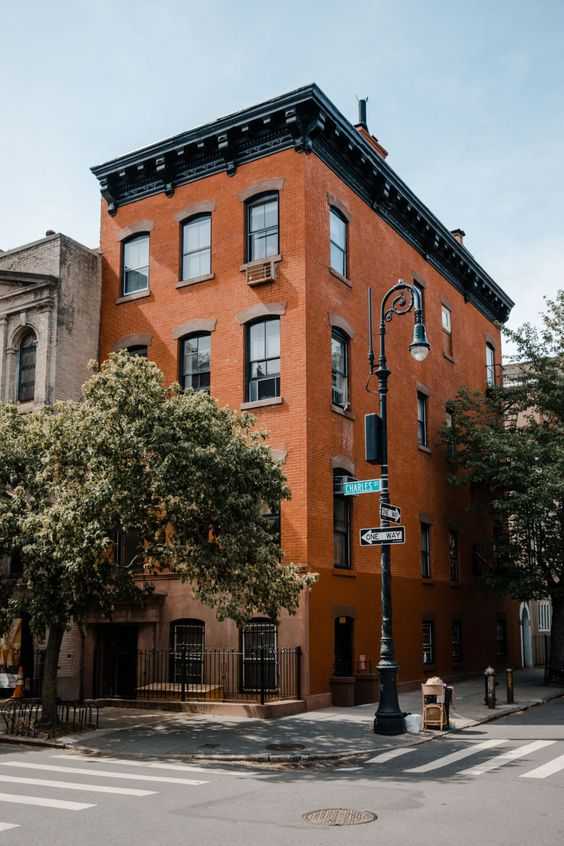
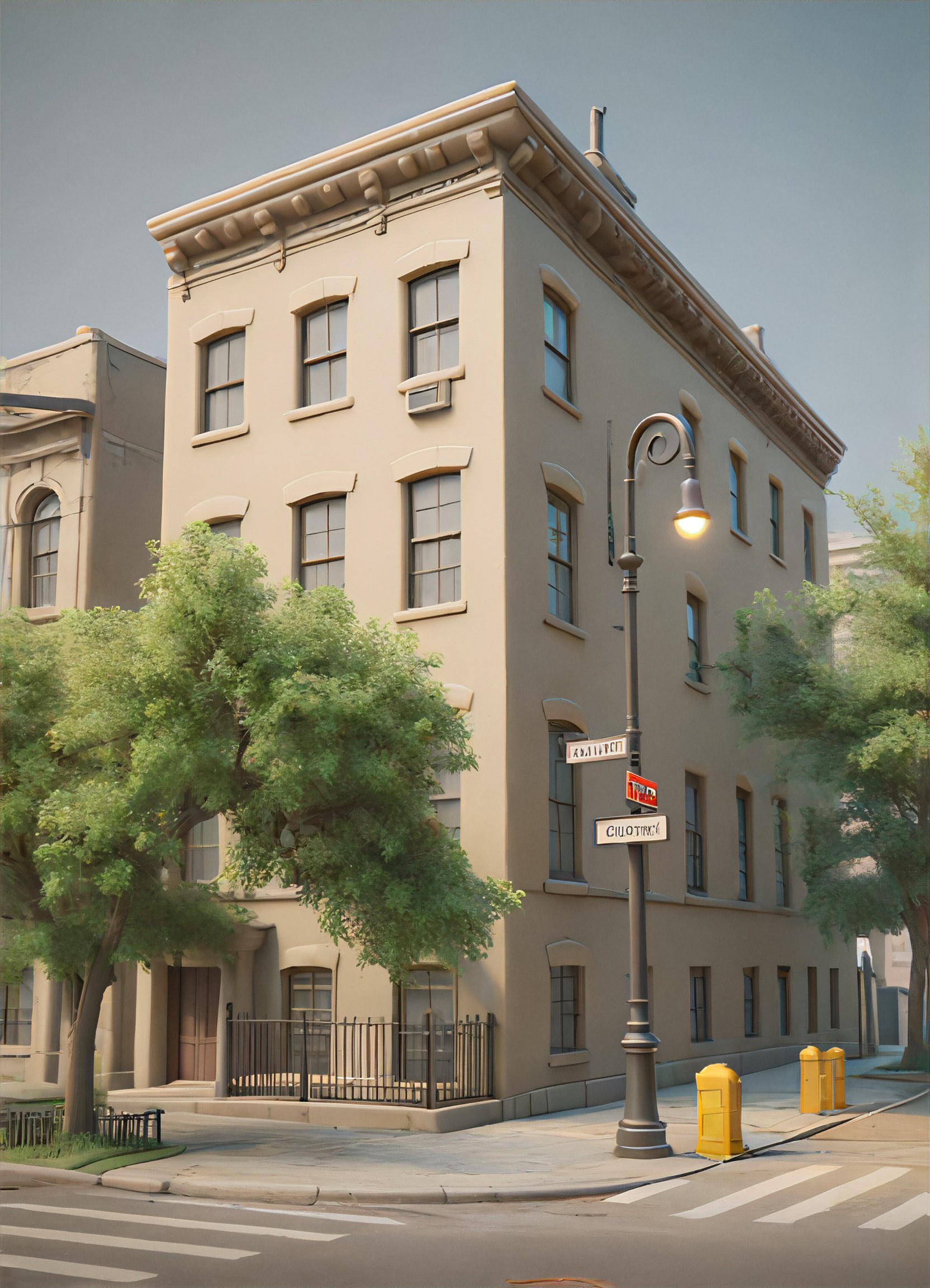
Input
Result
Plastic Toy World
 CC
CC 174
174
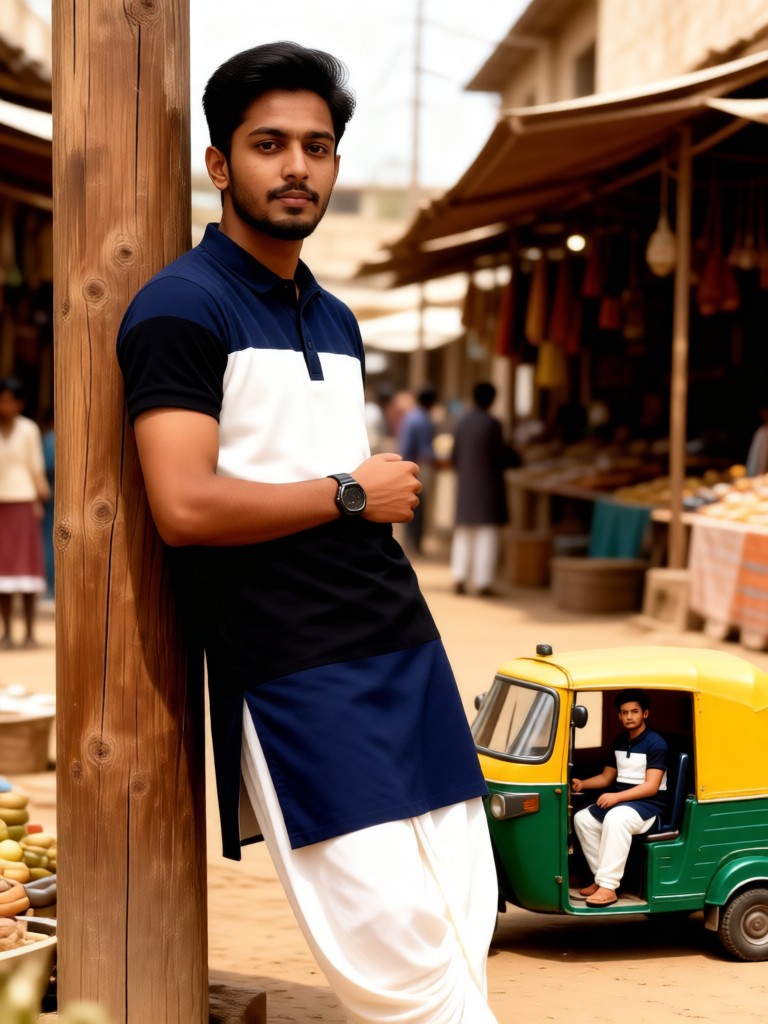
Input
Result
Mini Me:Bazaar Toy Story
 Melody💗103
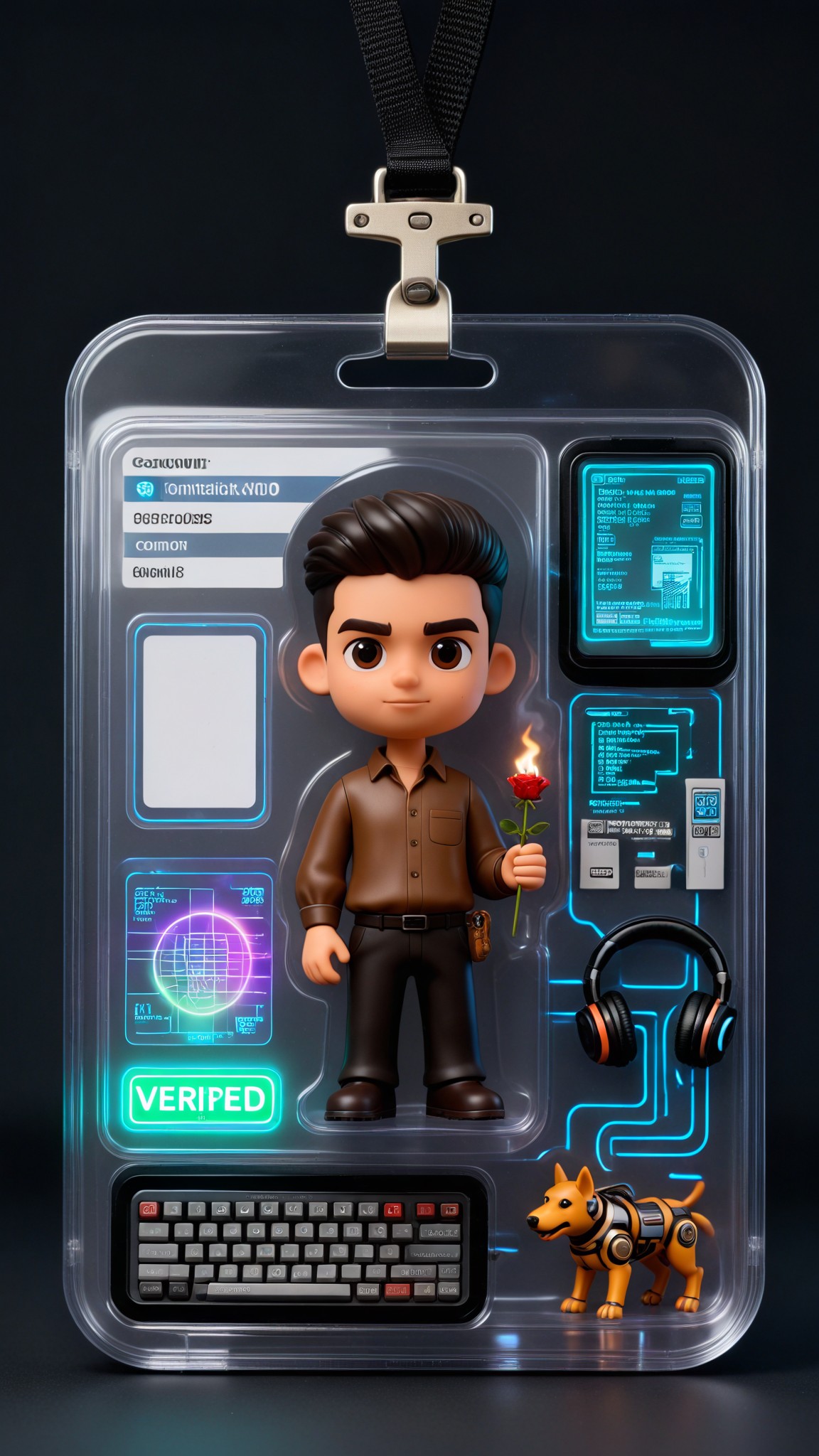
Input
Result
Future Code Lab Developer Figure
 艺术梦想家63

Input
Result
Code Screen Certified Developer Figure
 艺术创作家53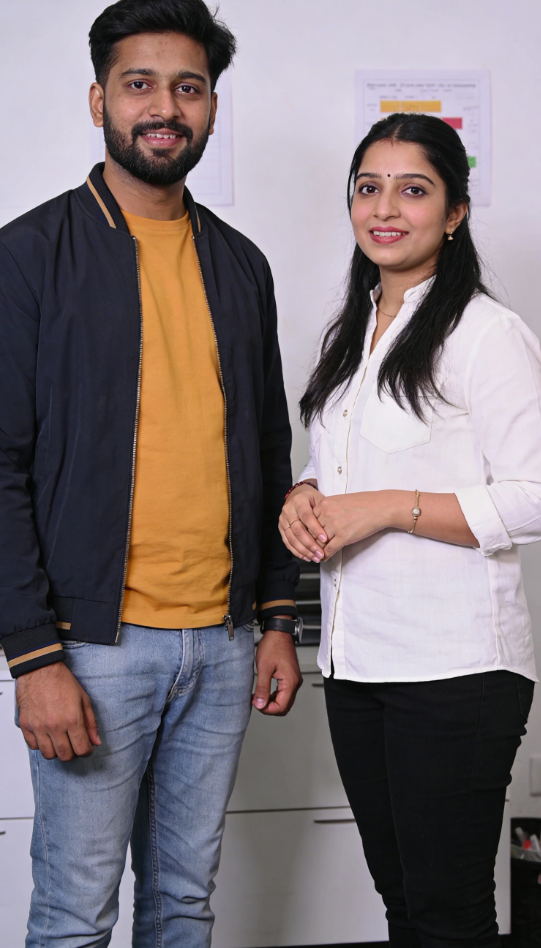
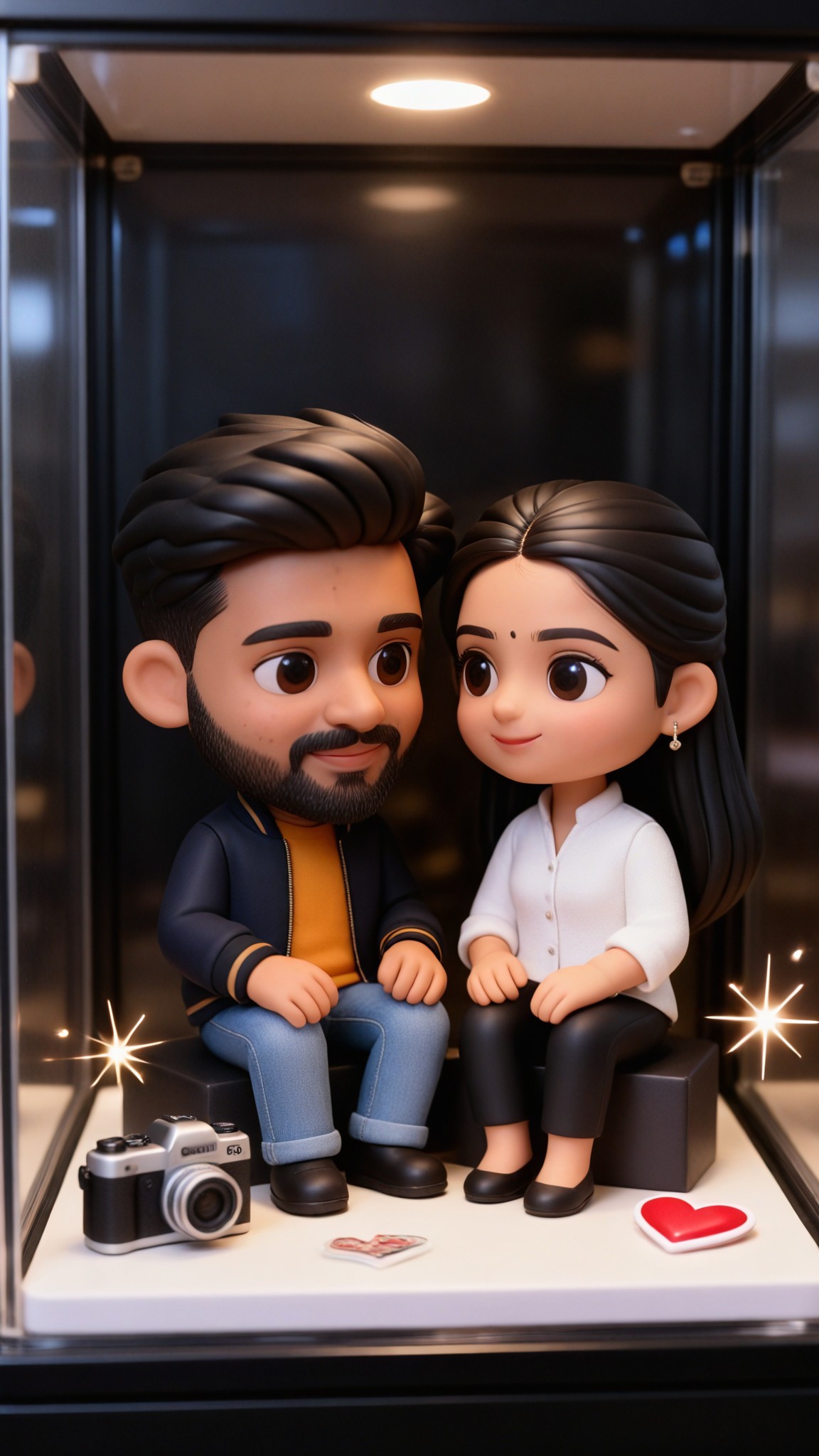
Input
Result
Mini Toy Love
艺术梦想家36

Input
Result
Toy Train Race
Melody💗36
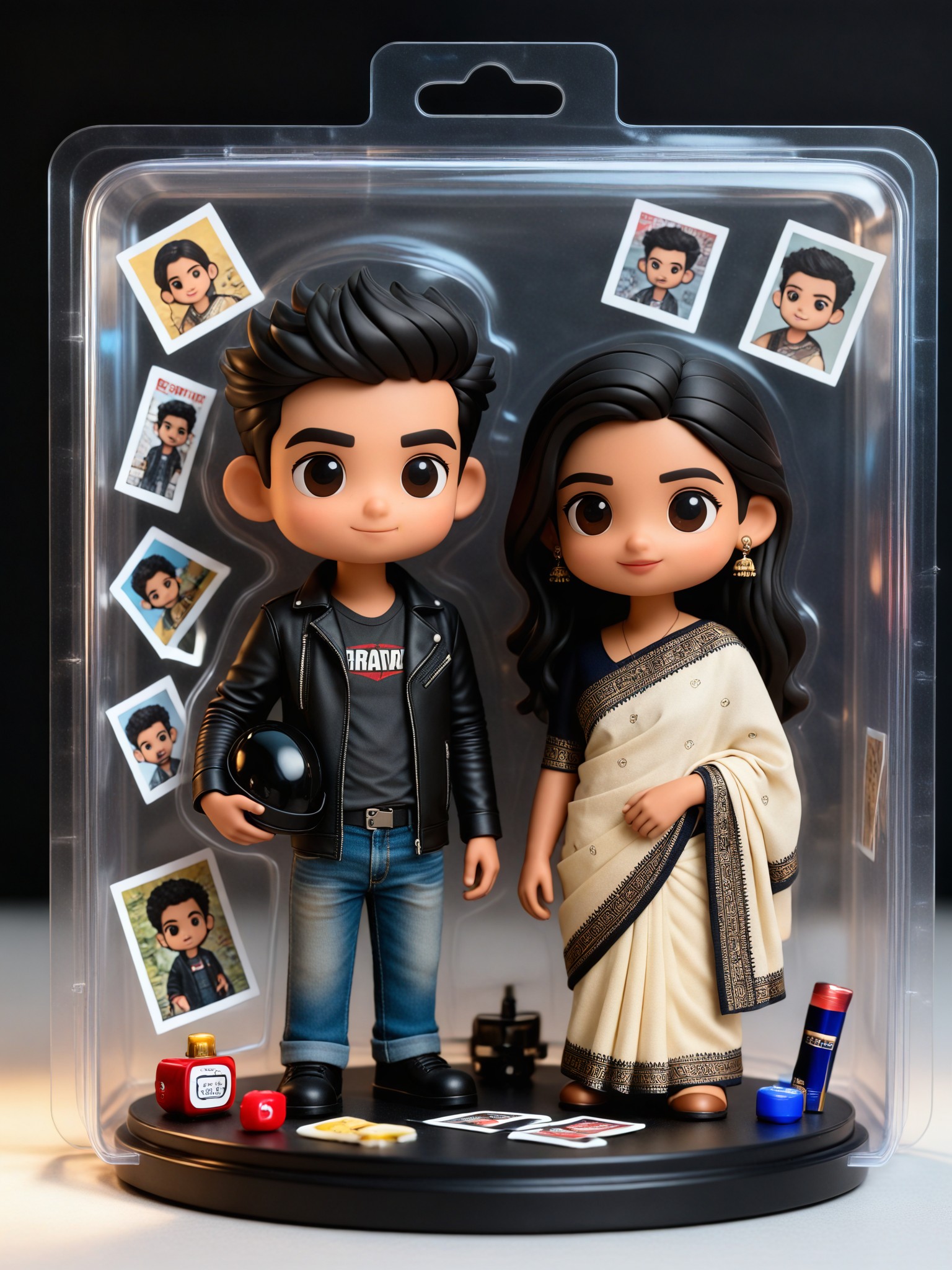
Input
Result
Toy Box Duo-3D
艺术创作家29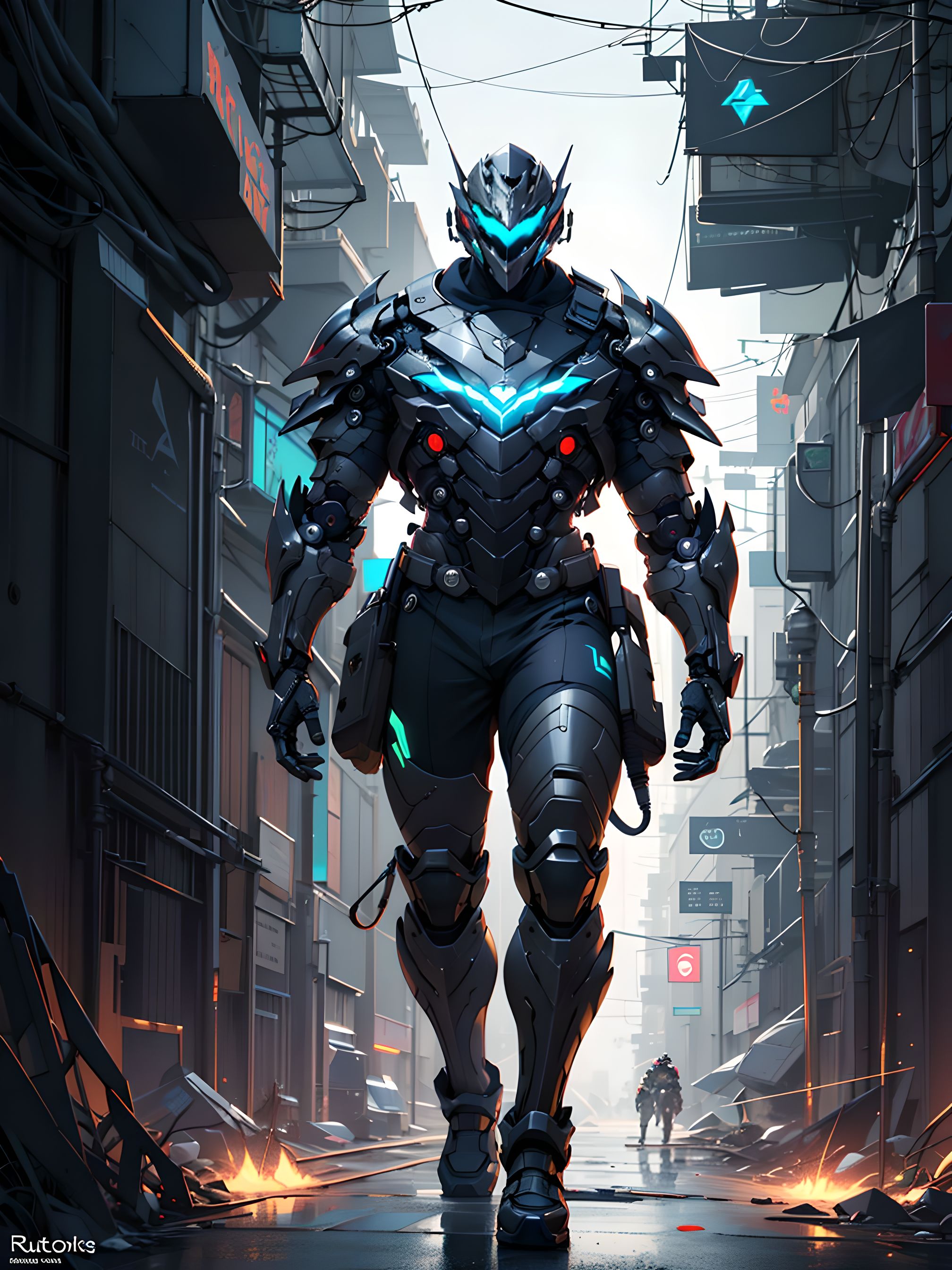
Input
Result
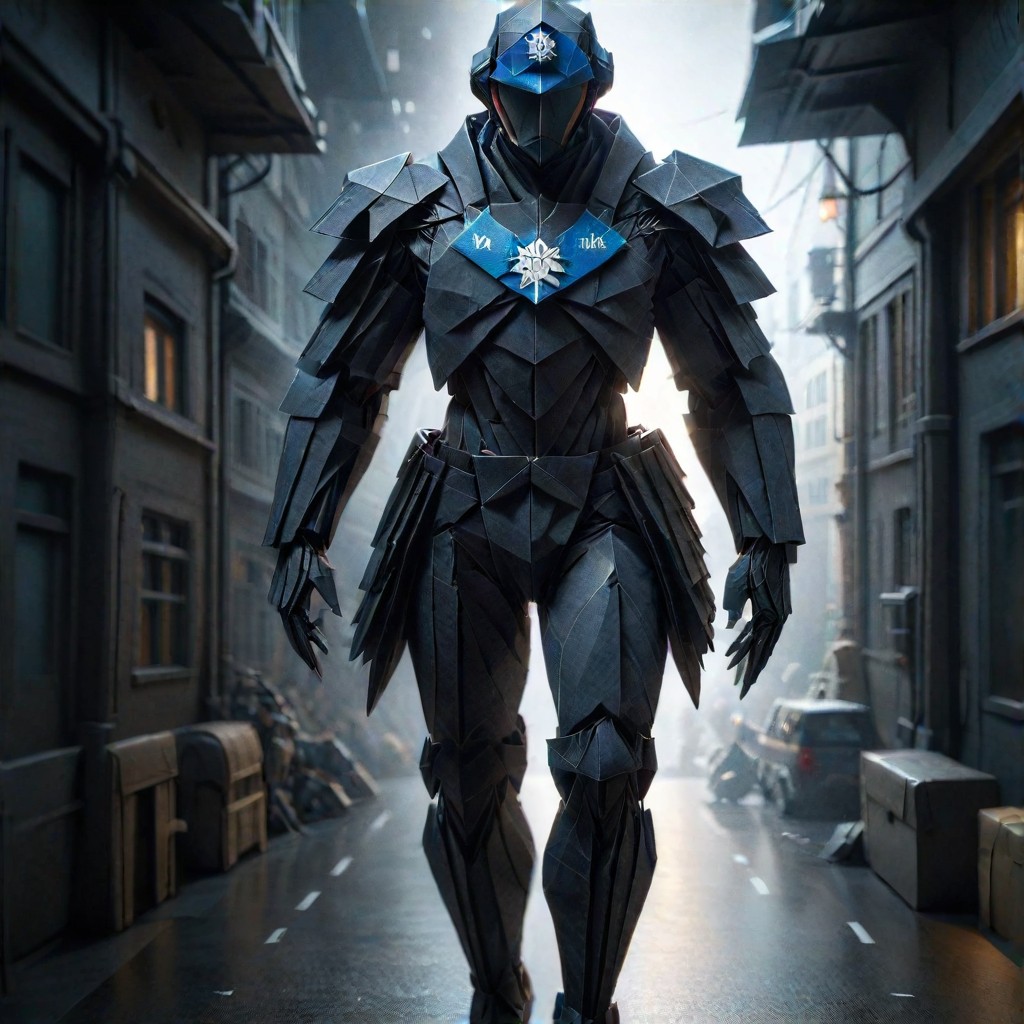
🔮 Do you believe that I can turn your toy into origami
 孤心、独尘18
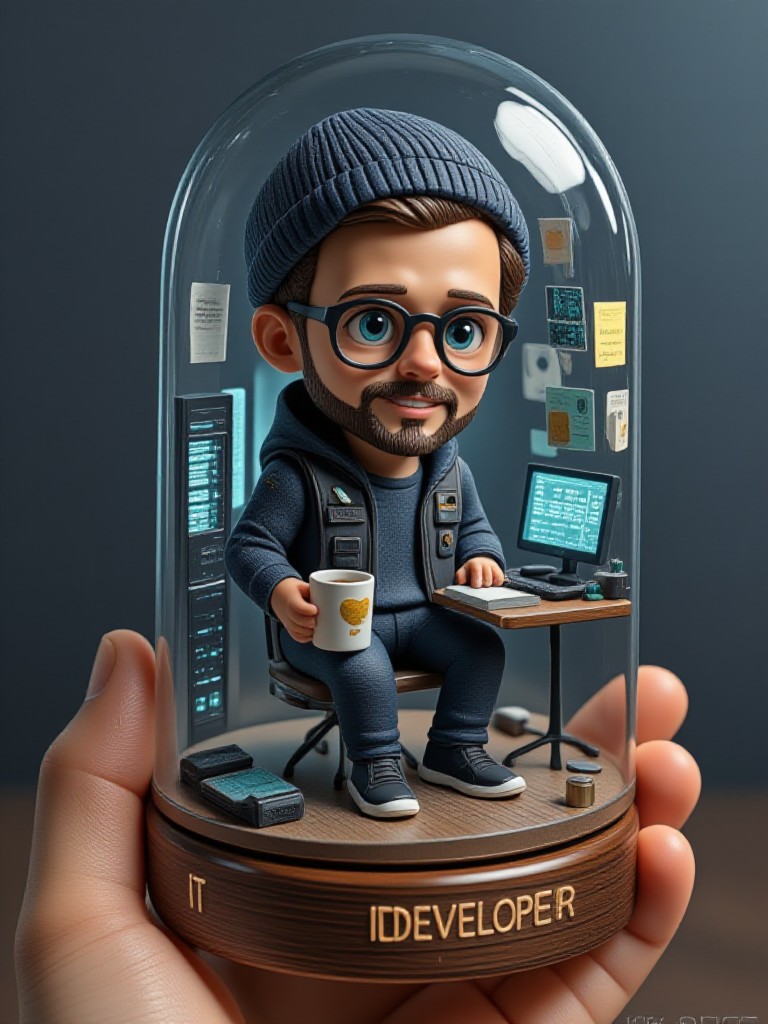
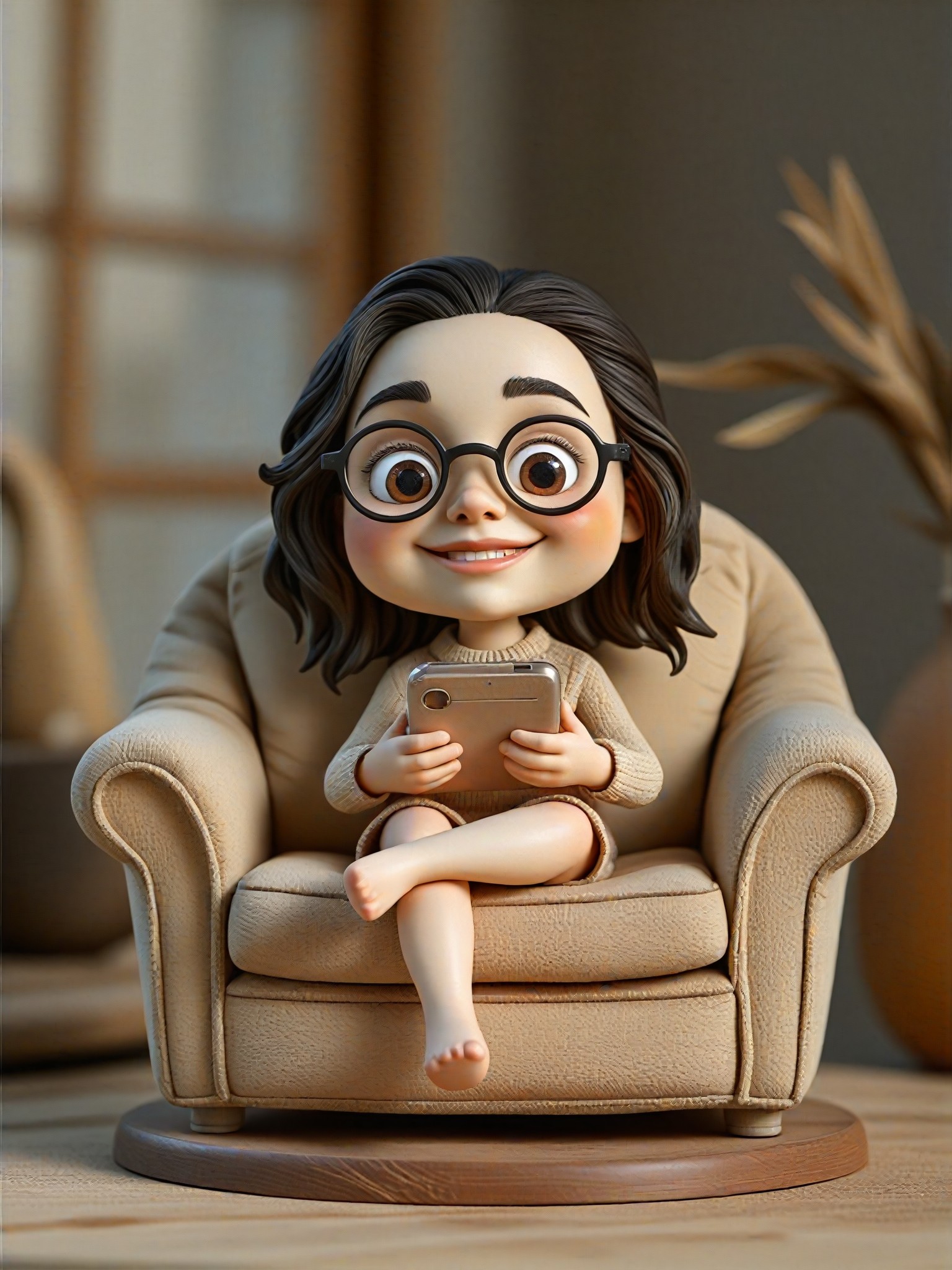
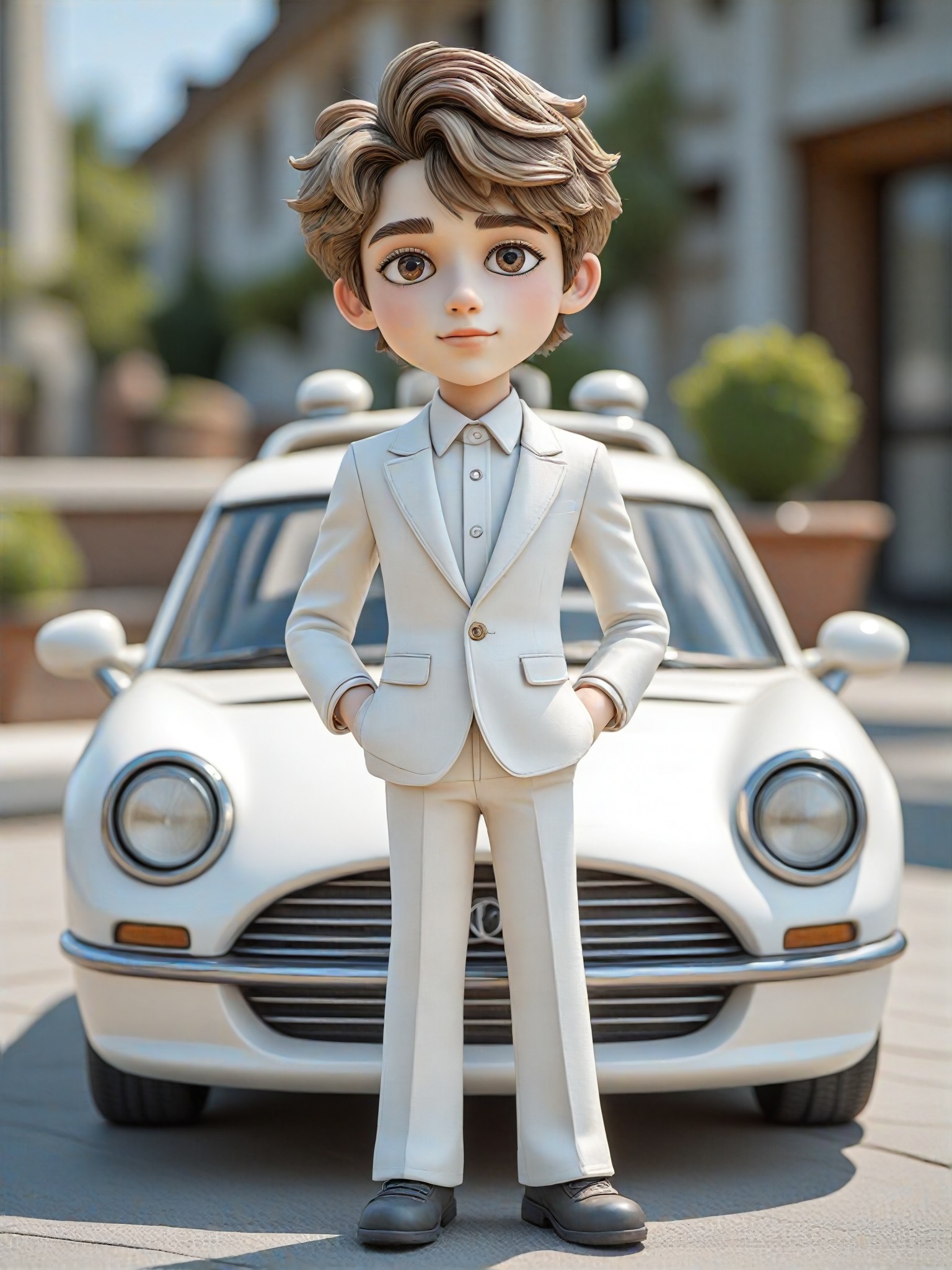
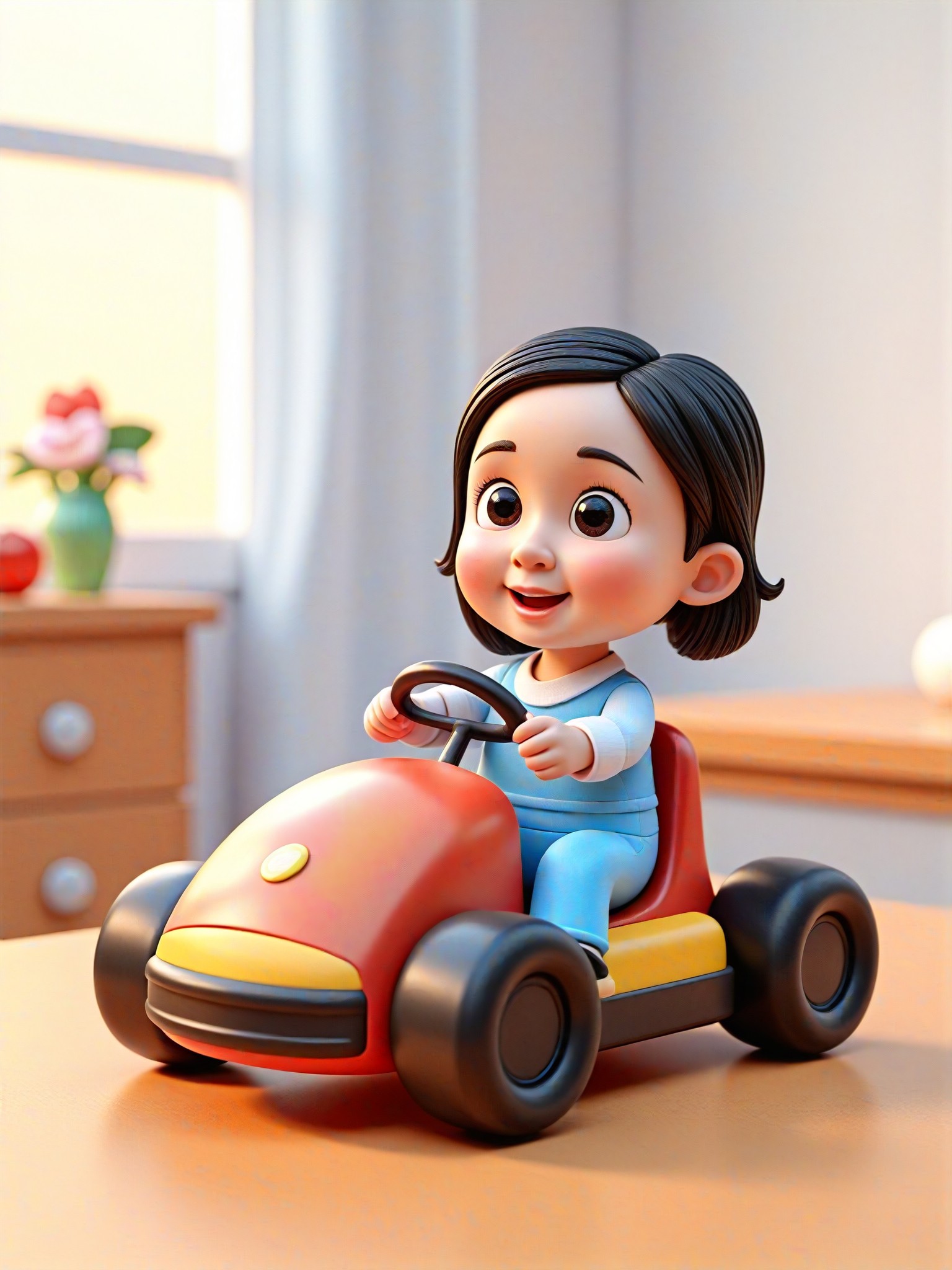
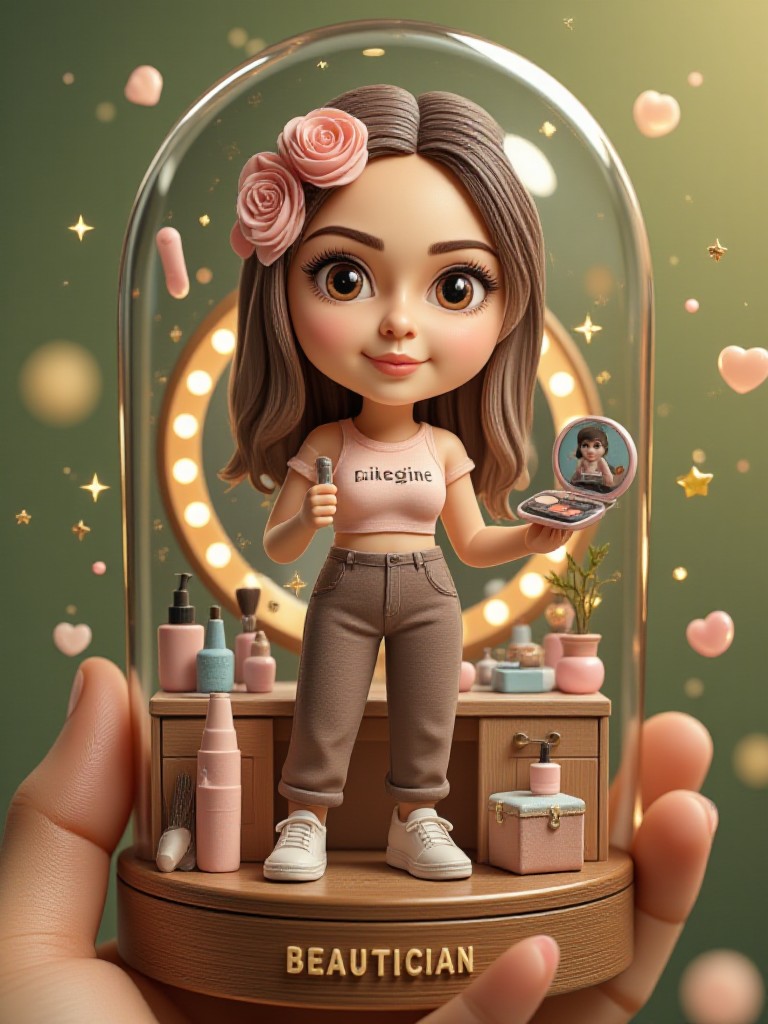
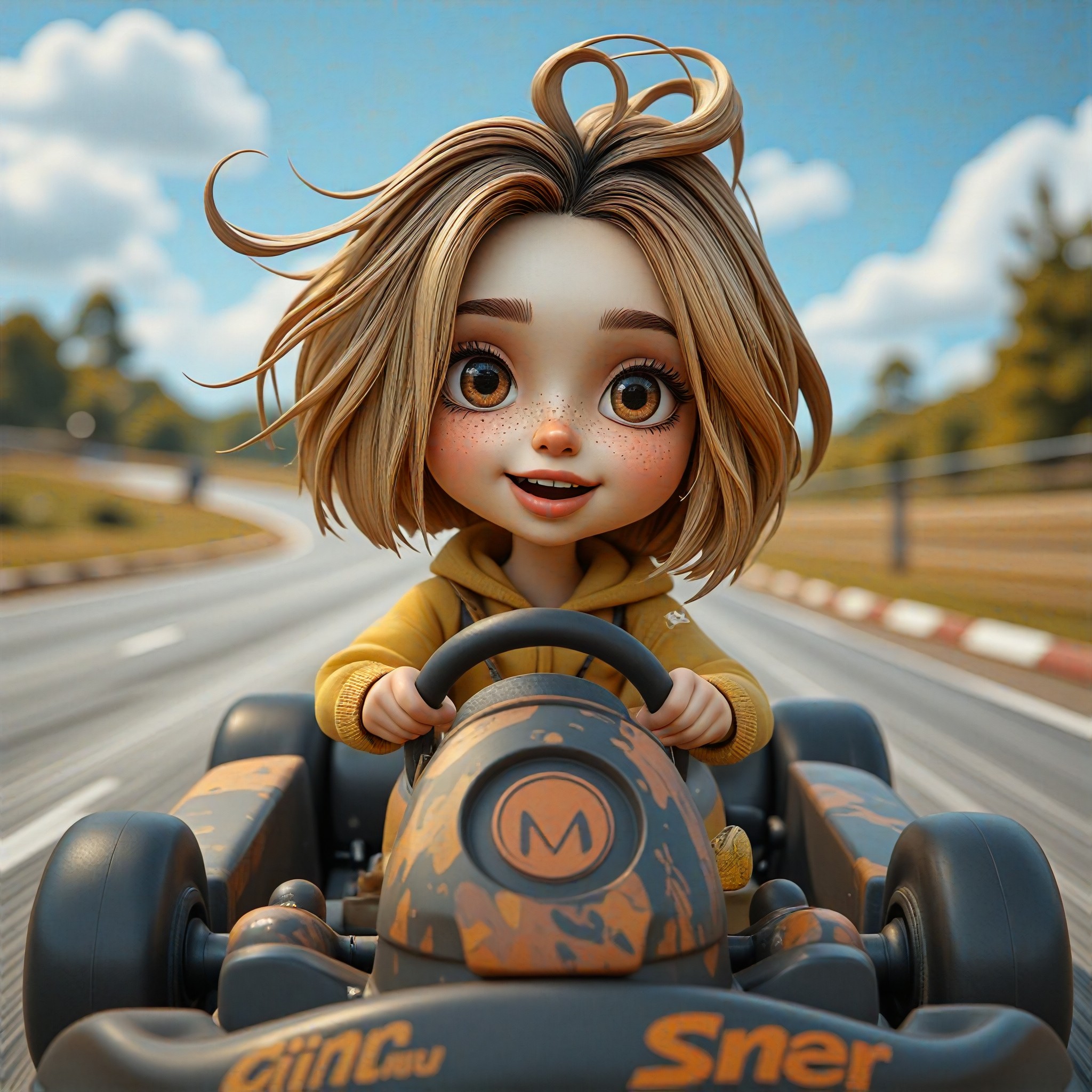
AI Generated Toy Developer Images & Videos
Discover unique and innovative Toy Developer images and videos created with a1.art Toy Developer prompts.

How to Make Toy Developer AI Image & Video on a1.art?
Step into the future of AI Toy Developer video and image creation on a1.art.

Step 1
Select the style you want to apply in the Square.

Step 2
Upload the image you want to transform. It can be a photo, hand-drawn sketch.

Step 3
Wait a few seconds and you can easily get your unique AI Toy Developer art. Download for free!
FAQ about Toy Developer AI Prompt on a1.art
Discover the secrets to creating Birthday Day videos and images at a1.art.
What types of toy developer visuals can I create with a1.art?
With a1.art, you can generate a wide range of toy developer visuals, including detailed mechanical designs, workshop scenes, prototype close-ups, and even dynamic animations of toy development processes. Our AI prompts cover various styles and themes to suit your creative needs.
How do I use toy developer AI prompts on a1.art?
Using toy developer AI prompts on a1.art is simple. Just select a prompt that matches your vision, upload an image if needed, or enter a text description, and let our AI handle the rest. You'll have stunning visuals ready in seconds.
Are there any limitations on the number of toy developer images or videos I can create?
a1.art offers daily free login credits for creating toy developer visuals. If you need more, you can subscribe to earn additional credits. There are no strict limitations, so feel free to explore and create as much as you like.
Can I customize the toy developer AI prompts to fit my specific project?
Yes, while our pre-designed prompts provide a great starting point, you can also customize them by adding your own details or combining multiple prompts. This flexibility ensures your creations are unique and tailored to your project.
Is a1.art suitable for both beginners and experienced toy developers?
Absolutely! a1.art is designed to be user-friendly for beginners, offering intuitive interfaces and guided prompts. At the same time, experienced toy developers will appreciate the advanced features and customization options available for more complex projects.


