


Get Trace Videos & Images without Prompt
a1.art offers a large number of filters, allowing you to easily obtain AI videos or images without prompts.

Input
Result
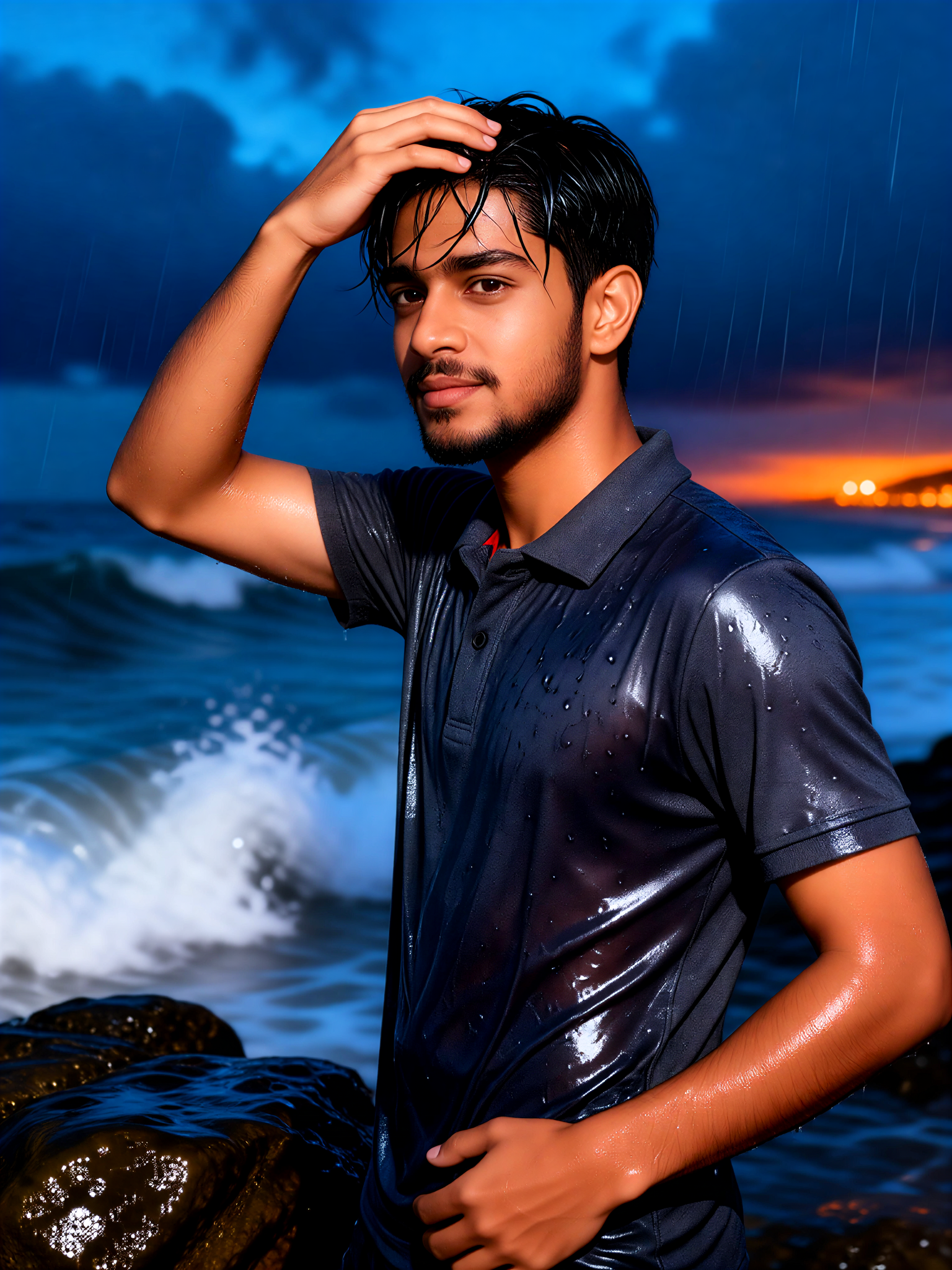
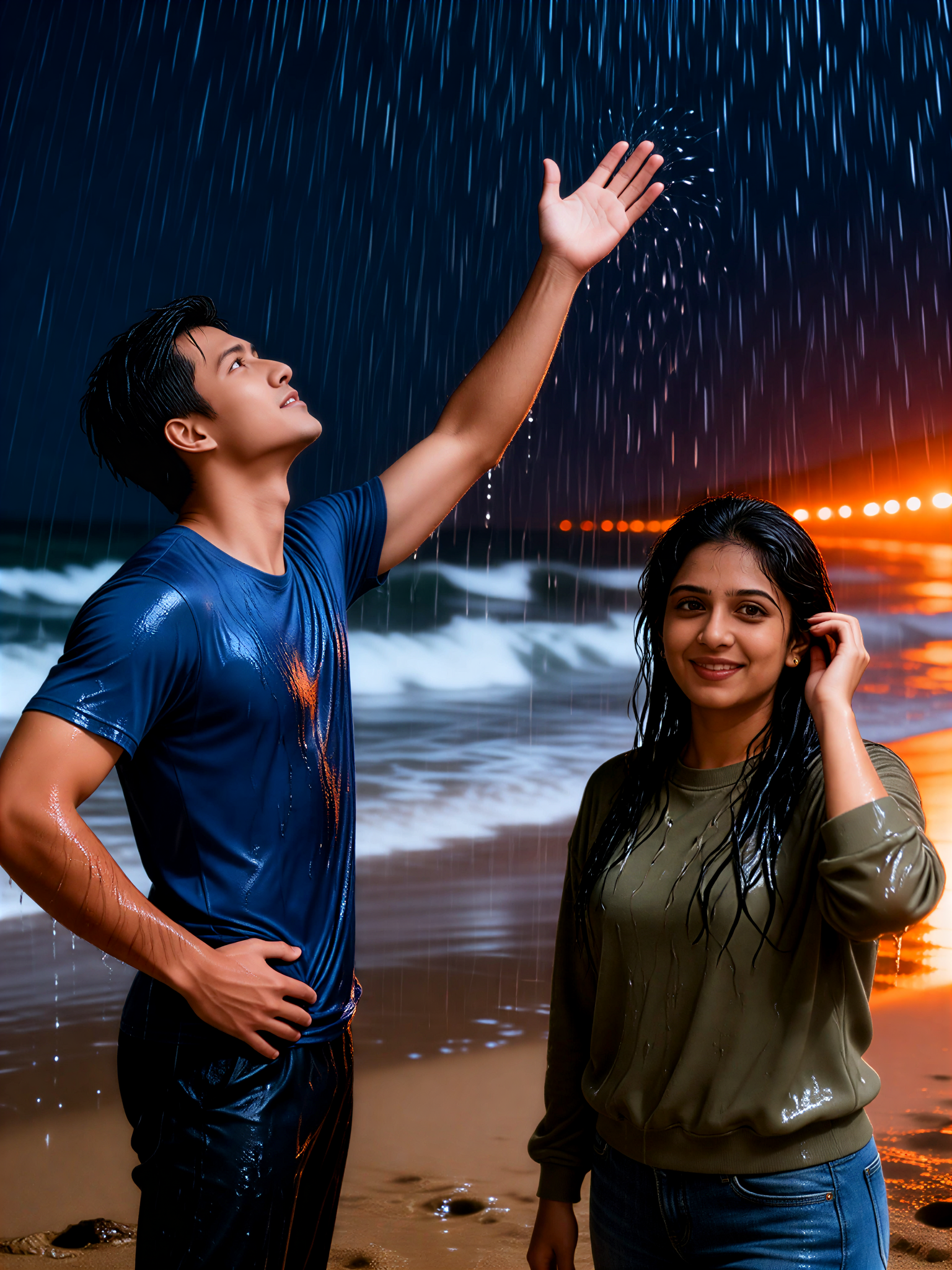
Monsoon Night Blues 18
 Oyyan
Oyyan 27
27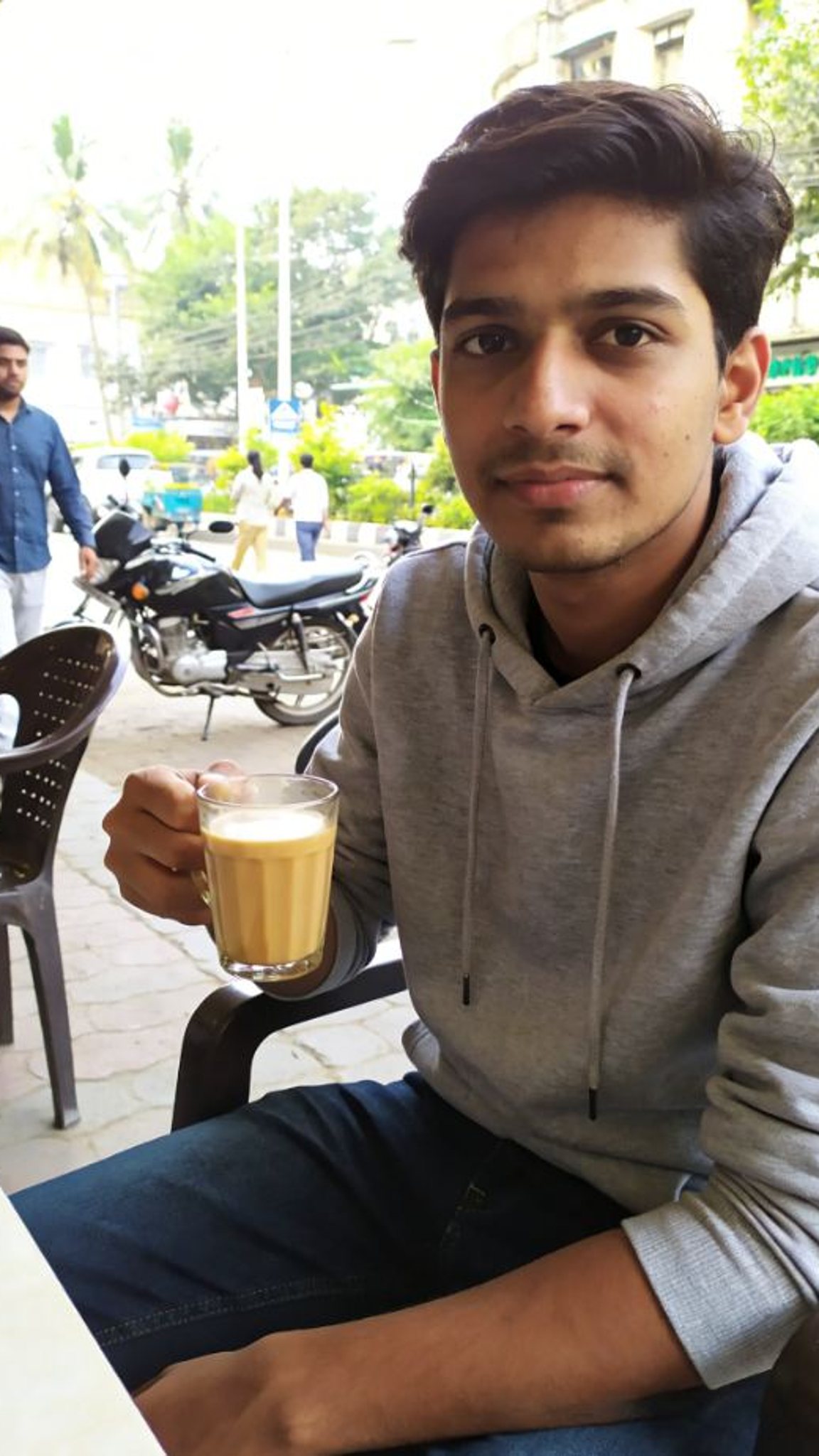
Input
Result
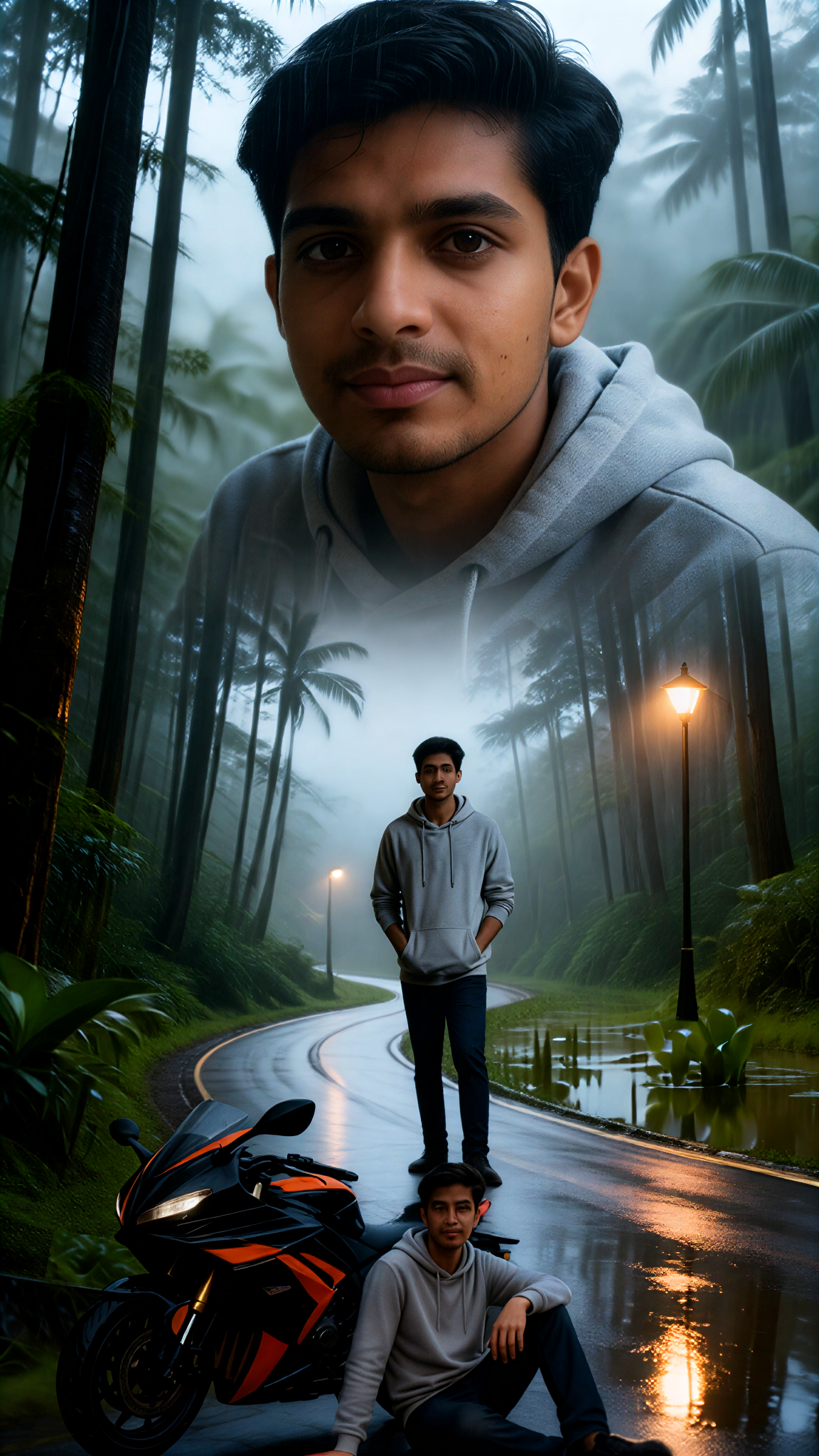
Xigaozhi Mountain Rainy Season Youth
 Xiaokai27

Input
Result
Rain Shower Trace
 艺术梦想家24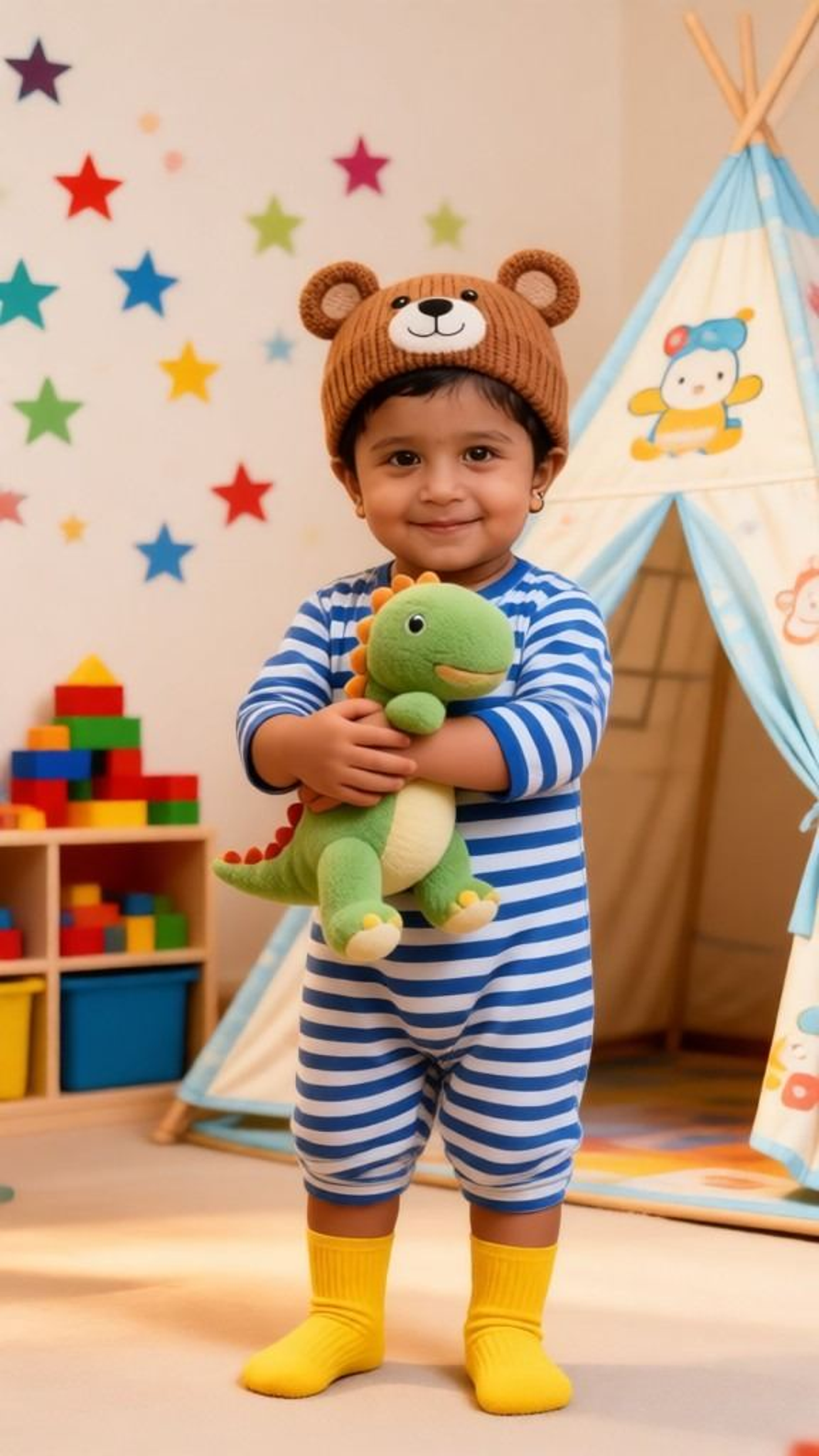
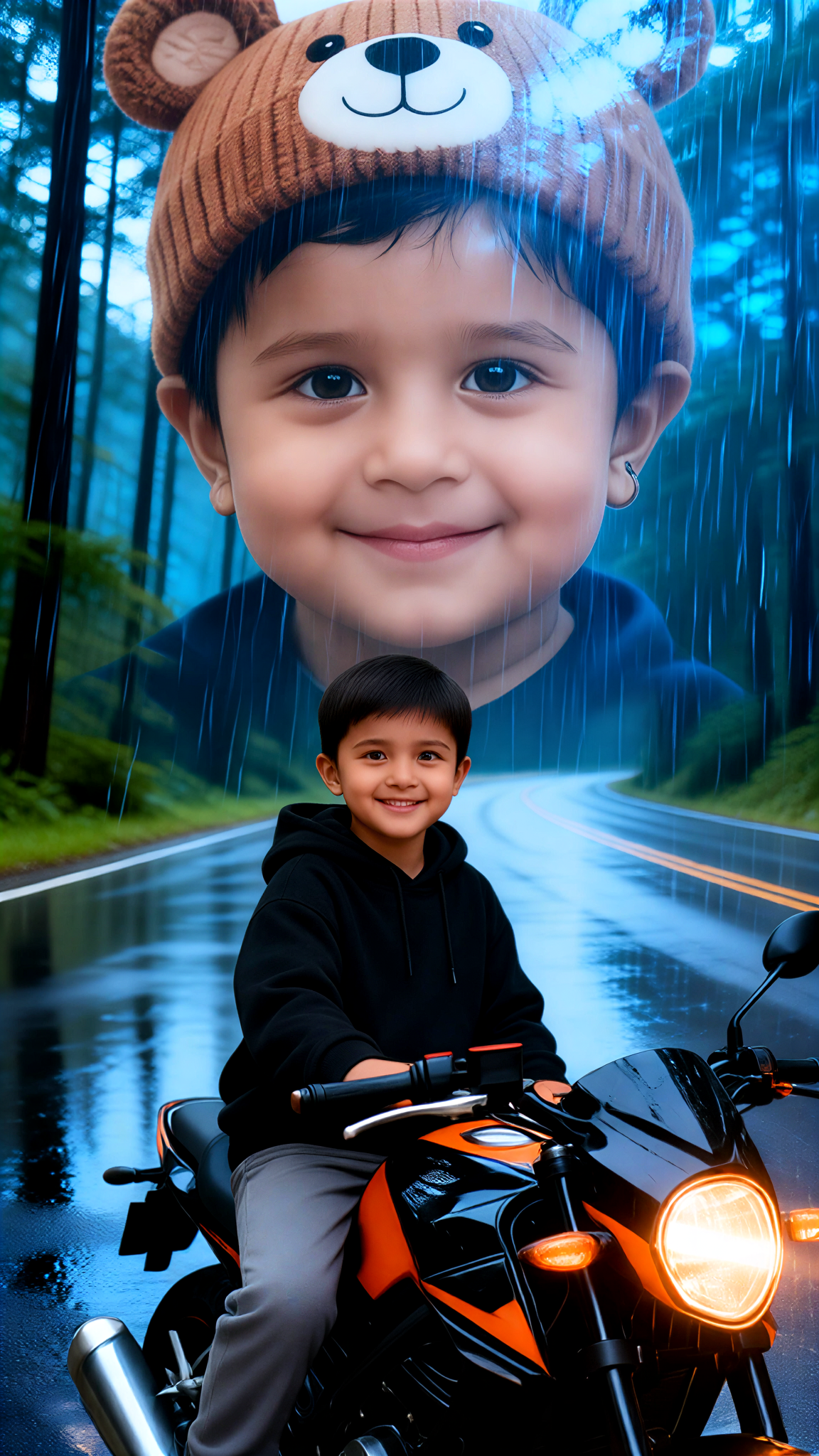
Input
Result
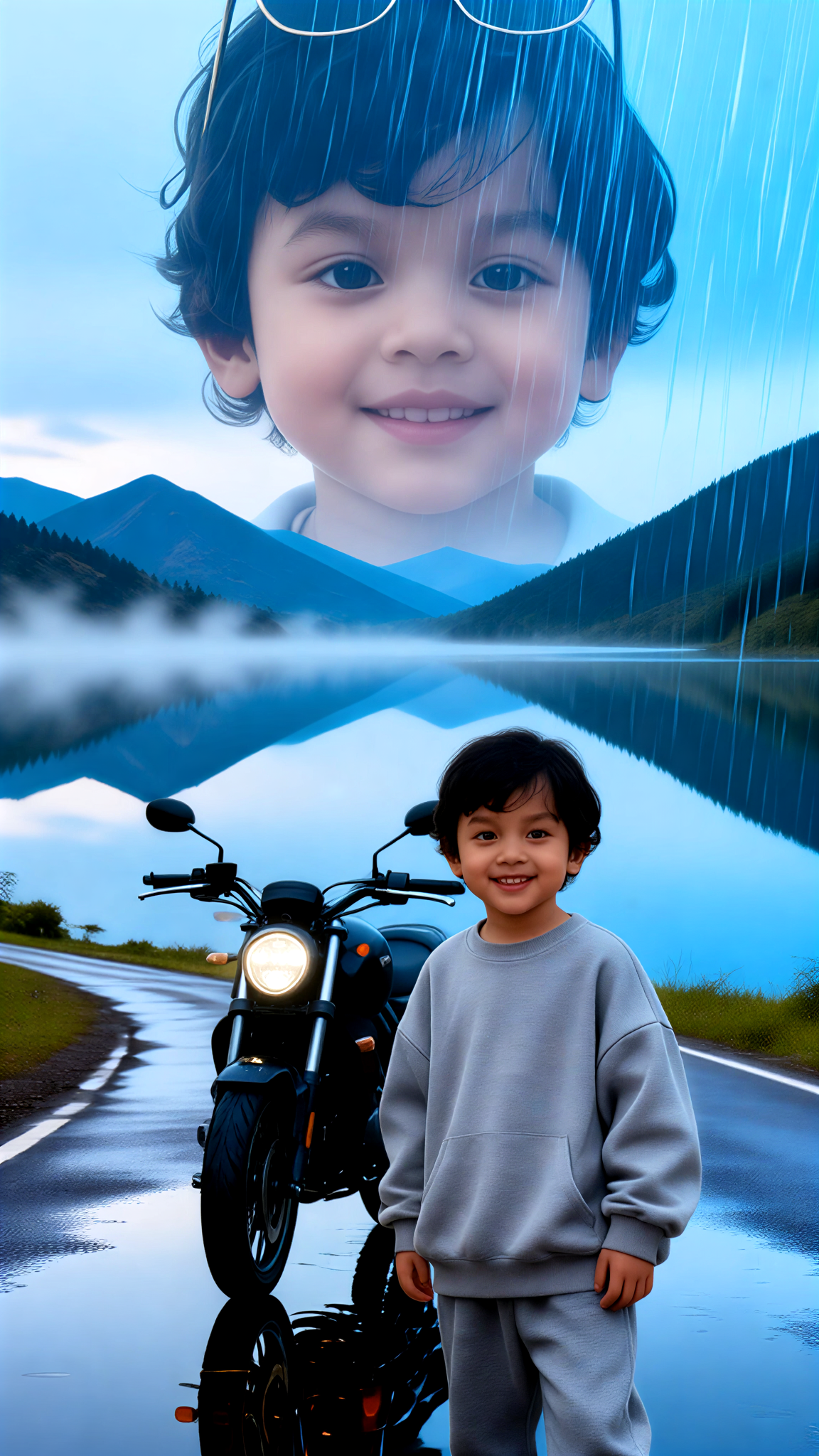
Sitting posture of a boy next to a motorcycle
Xiaokai20
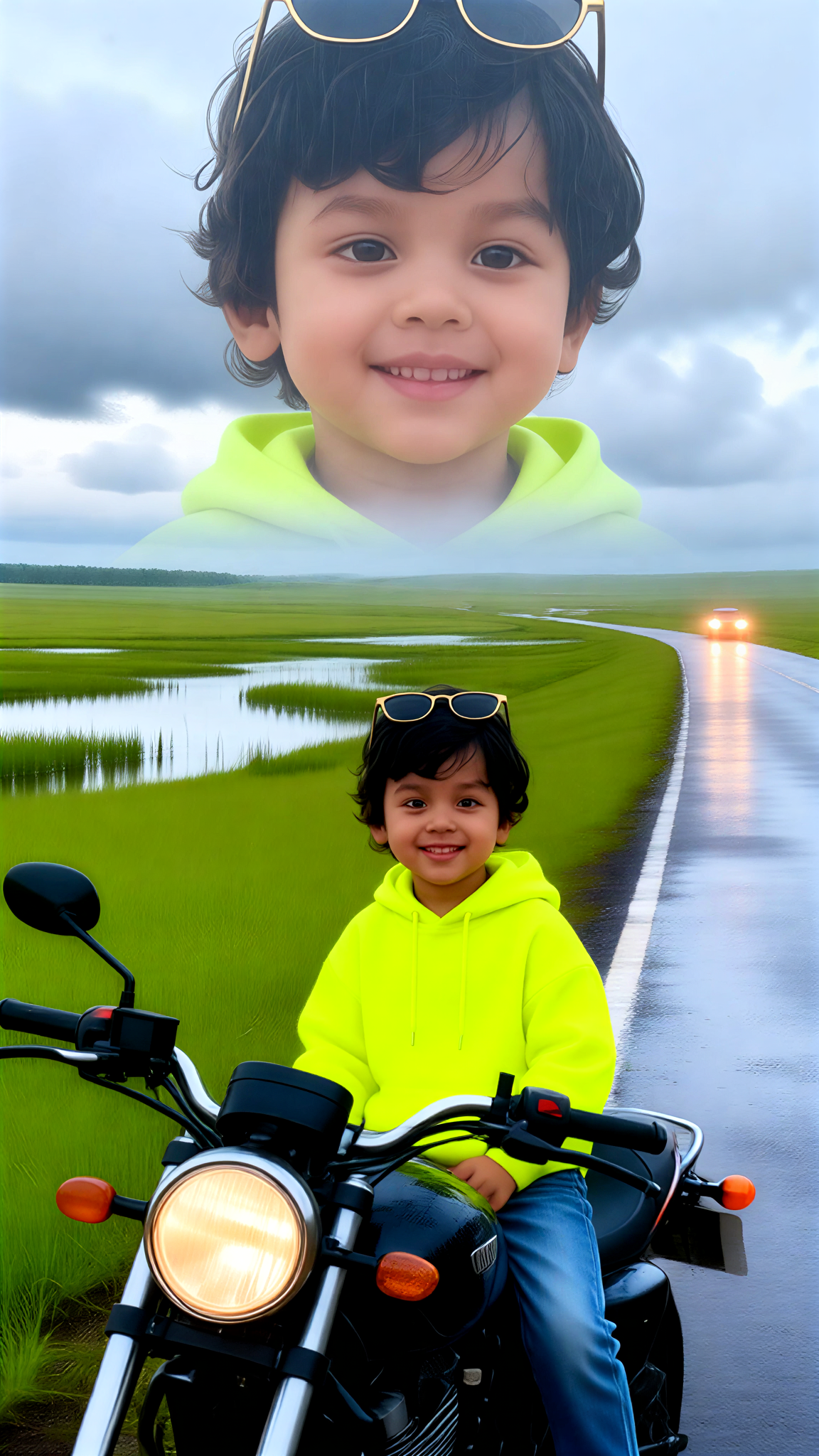
Input
Result
Boy grassland, big area after rain
Xiaokai19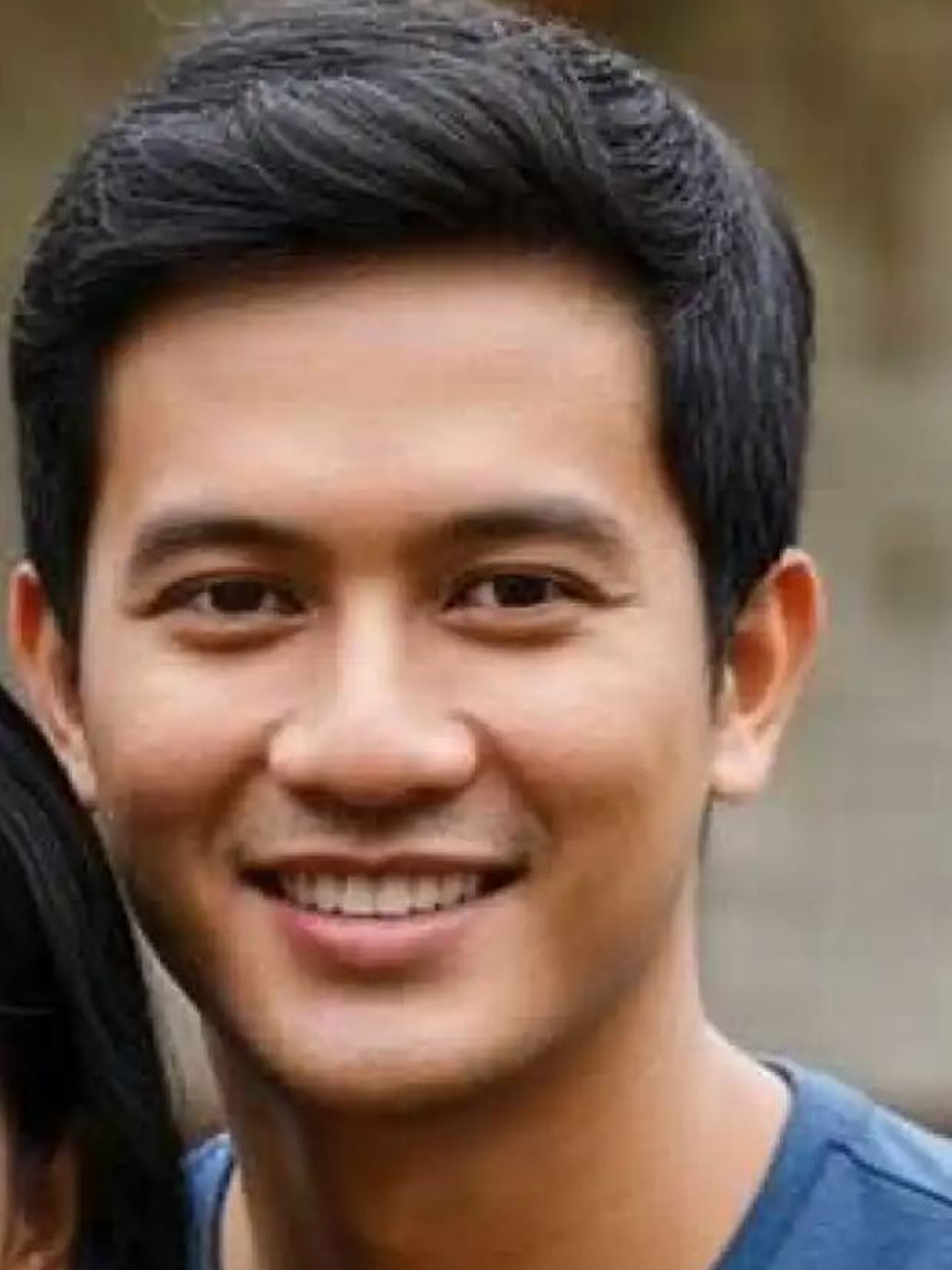
Input
Result
Monsoon Night Blues 23
Oyyan17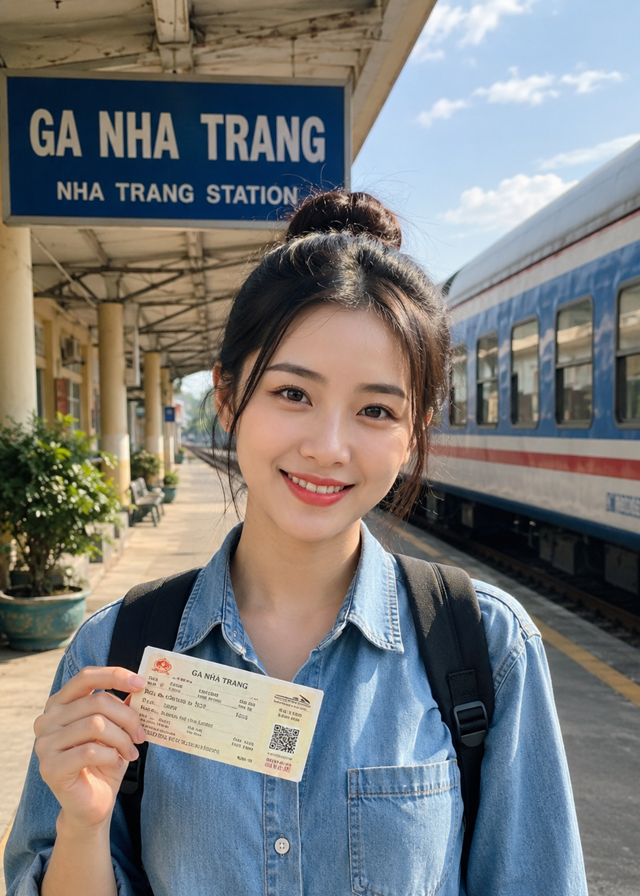

Input
Result
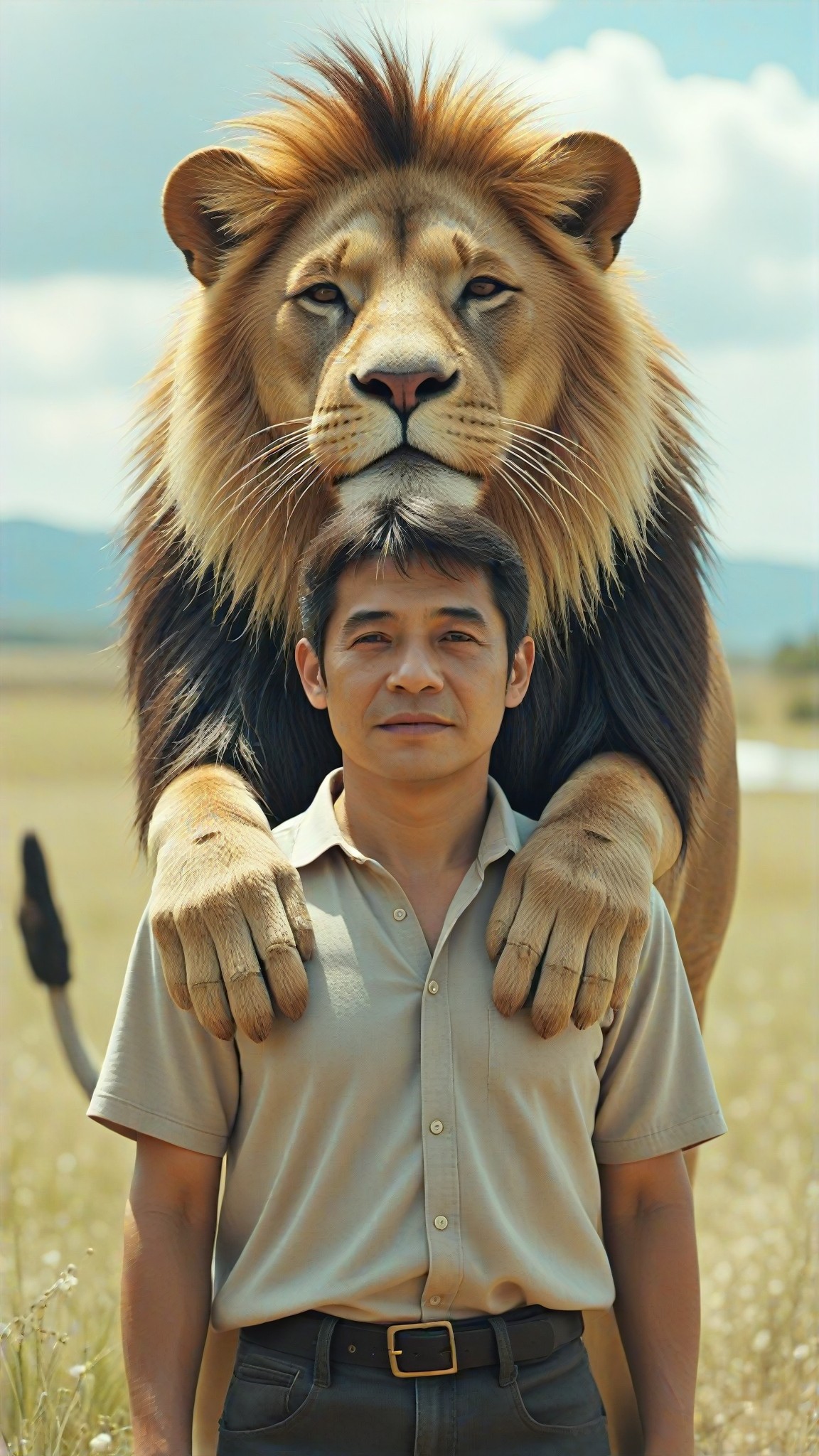
Waistline Trace
 艺术创作家16
Input
Result
Boys' Lake Reflection Road
Xiaokai11
AI Generated Trace Images & Videos
Discover unique and innovative Trace images and videos created with a1.art Trace prompts.





How to Make Trace AI Image & Video on a1.art?
Step into the future of AI Trace video and image creation on a1.art.

Step 1
Select the style you want to apply in the Square.

Step 2
Upload the image you want to transform. It can be a photo, hand-drawn sketch.

Step 3
Wait a few seconds and you can easily get your unique AI Trace art. Download for free!
FAQ about Trace AI Prompt on a1.art
Discover the secrets to creating Birthday Day videos and images at a1.art.
What are trace AI prompts?
Trace AI prompts are specialized text inputs designed to guide the AI in generating visuals that emphasize texture, depth, and natural wear. These prompts help create realistic and detailed images or videos with a focus on elements like erosion, layering, and weathering.
How do I use trace AI prompts on a1.art?
Using trace AI prompts is simple! Just select a prompt from our curated list, upload your image or enter a text description, and let a1.art's AI technology bring your vision to life. You can customize the output further by adjusting settings like lighting, texture, and color.
Can I create both images and videos with trace AI prompts?
Yes, absolutely! a1.art supports both AI-generated images and videos. You can choose the appropriate filters and settings to create either static visuals or dynamic animations that showcase trace elements.
Are there any limitations to using trace AI prompts?
While trace AI prompts offer incredible flexibility, the quality of the output depends on the clarity of your input and the complexity of the prompt. For best results, provide detailed descriptions or select from our pre-designed prompts.
Do I need technical skills to use a1.art?
Not at all! a1.art is designed for users of all skill levels. Our intuitive interface makes it easy to select prompts, upload images, or enter text, and the AI handles the rest. No technical expertise required!


