Container backgroundContainer background
Home/AI Prompts/Toy Story

Toy Story
AI Prompts

Toy Story AI Prompts

Discover the magic of Toy Story with a1.art's AI-powered prompts. Generate stunning images and videos featuring beloved characters, iconic scenes, and nostalgic moments. Whether you're crafting visuals for storytelling, fan art, or creative projects, a1.art brings your Toy Story visions to life instantly.
A steaming bowl of ramen with rich broth, soft-boiled egg, sliced pork, and green onions, cinematic lighting, ultra-detailed texture, food photography style.
A cozy living room filled with Toy Story toys, including Woody, Buzz Lightyear, and Jessie, bathed in warm afternoon sunlight.
Andy’s bedroom with his bed, desk, and shelves packed with Toy Story memorabilia, captured in a nostalgic, vintage filter.
The iconic Pizza Planet truck from Toy Story, parked under a starry night sky with vibrant neon lights glowing brightly.
Rex the dinosaur standing on a grassy field, surrounded by butterflies and daisies, with a soft, dreamy filter applied.
A close-up of Andy’s hand holding a small action figure of Buzz Lightyear, with sunlight streaming through the window behind him.
Explore more

Get Toy Story Videos & Images without Prompt

a1.art offers a large number of filters, allowing you to easily obtain AI videos or images without prompts.
image befor ai generation
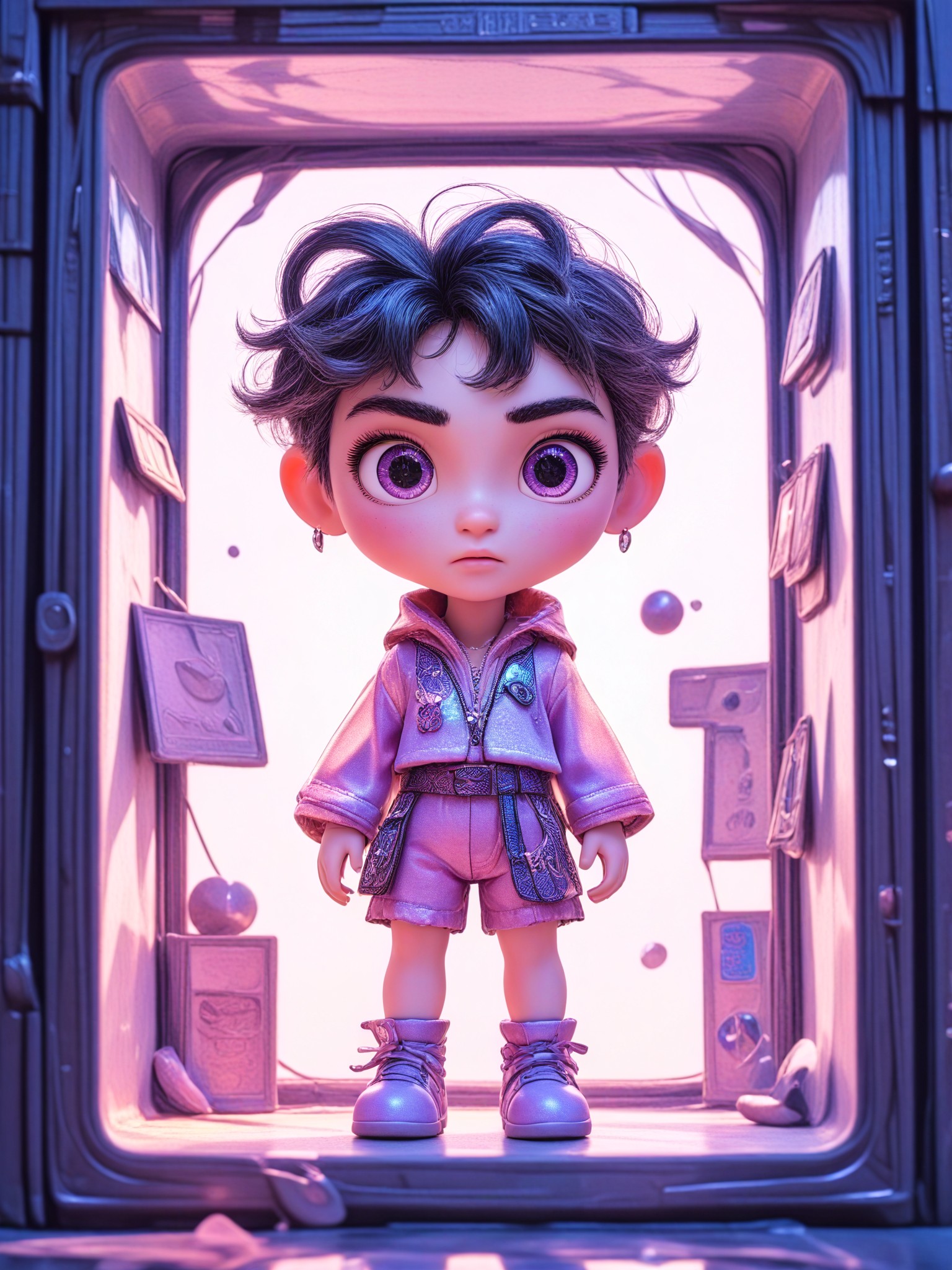
A cute 3D rendered cartoon boy, wearing an olive green jacket, khaki shorts, and a beige baseball cap. He has large, expressive eyes, a friendly expression, and carries a brown backpack. He's wearing off-white sneakers. The style is reminiscent of 3D cartoon character design, with smooth, polished textures and no visible brushstrokes. The background is a simple beige color, focusing all attention on the character. The lighting is soft and even, creating a warm and pleasant atmosphere. The overall style is cheerful and friendly, suitable for children's products or game character design. The image is rendered in a style similar to contemporary 3D animation character design. Think of the clean lines and smooth surfaces of Pixar-style animation, but with a slightly more realistic rendering of the materials.
cute 3D cartoon boy image
Input
Result
cute 3D cartoon boy
夢境畫境Dreamscape Canva headshot夢境畫境Dreamscape Canva
playicon16.2k
image befor ai generation
Your Blind Box Toy image
Input
Result
Your Blind Box Toy
Woosevelt headshotWoosevelt
playicon5.1k
image befor ai generation
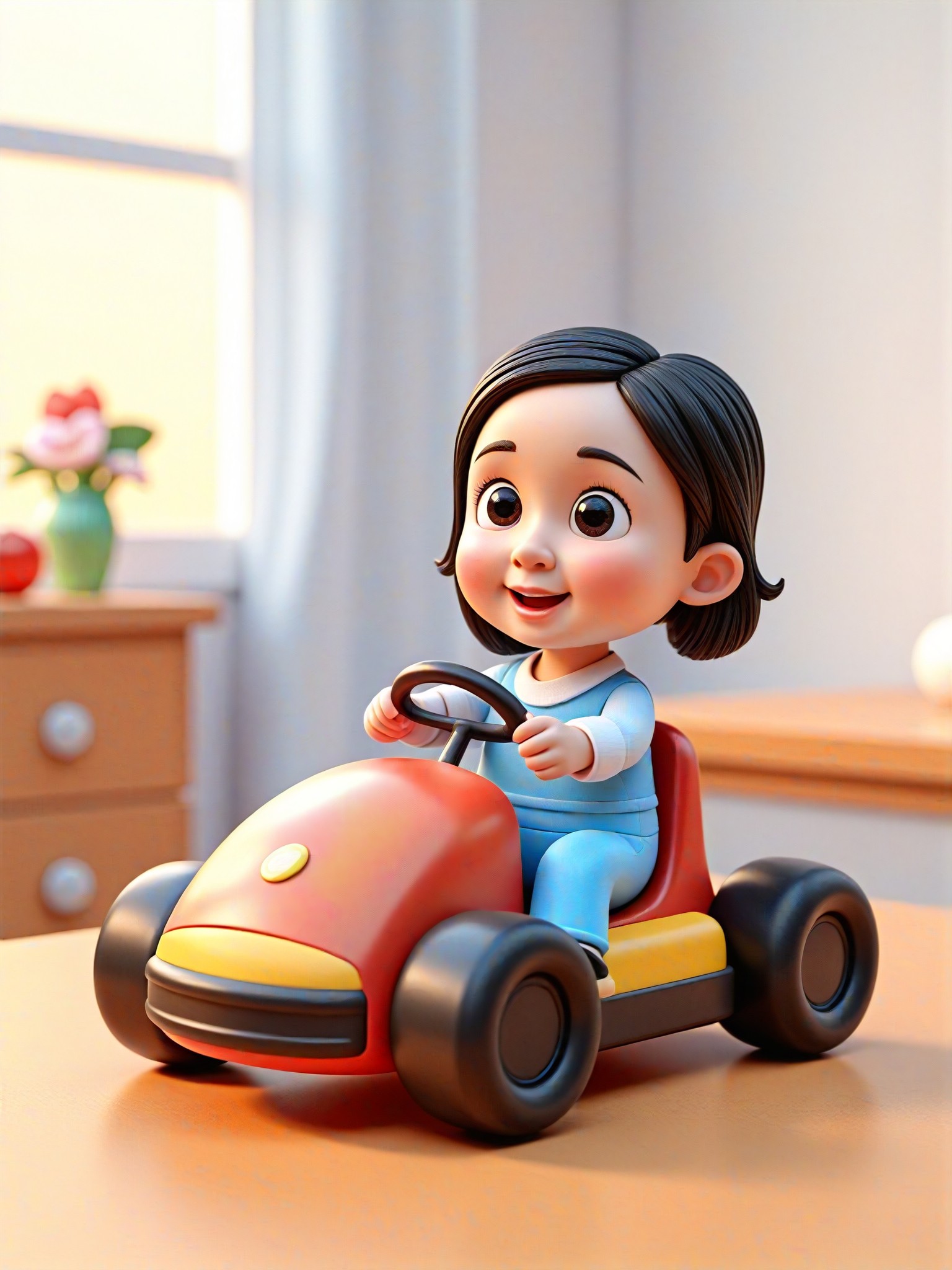
Toy Go-kart Driver image
Input
Result
Toy Go-kart Driver
aha! headshotaha!
playicon335
image befor ai generation
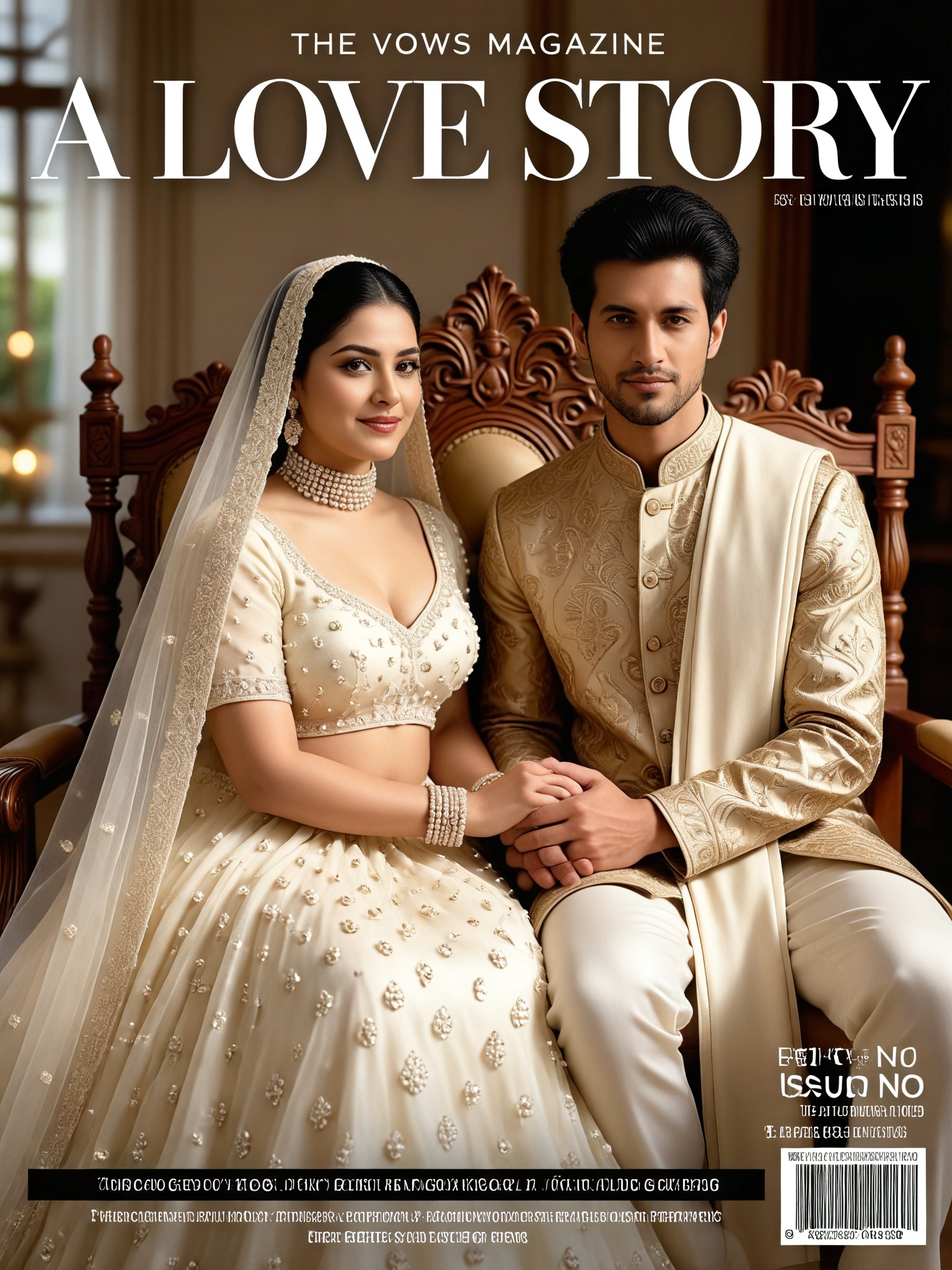
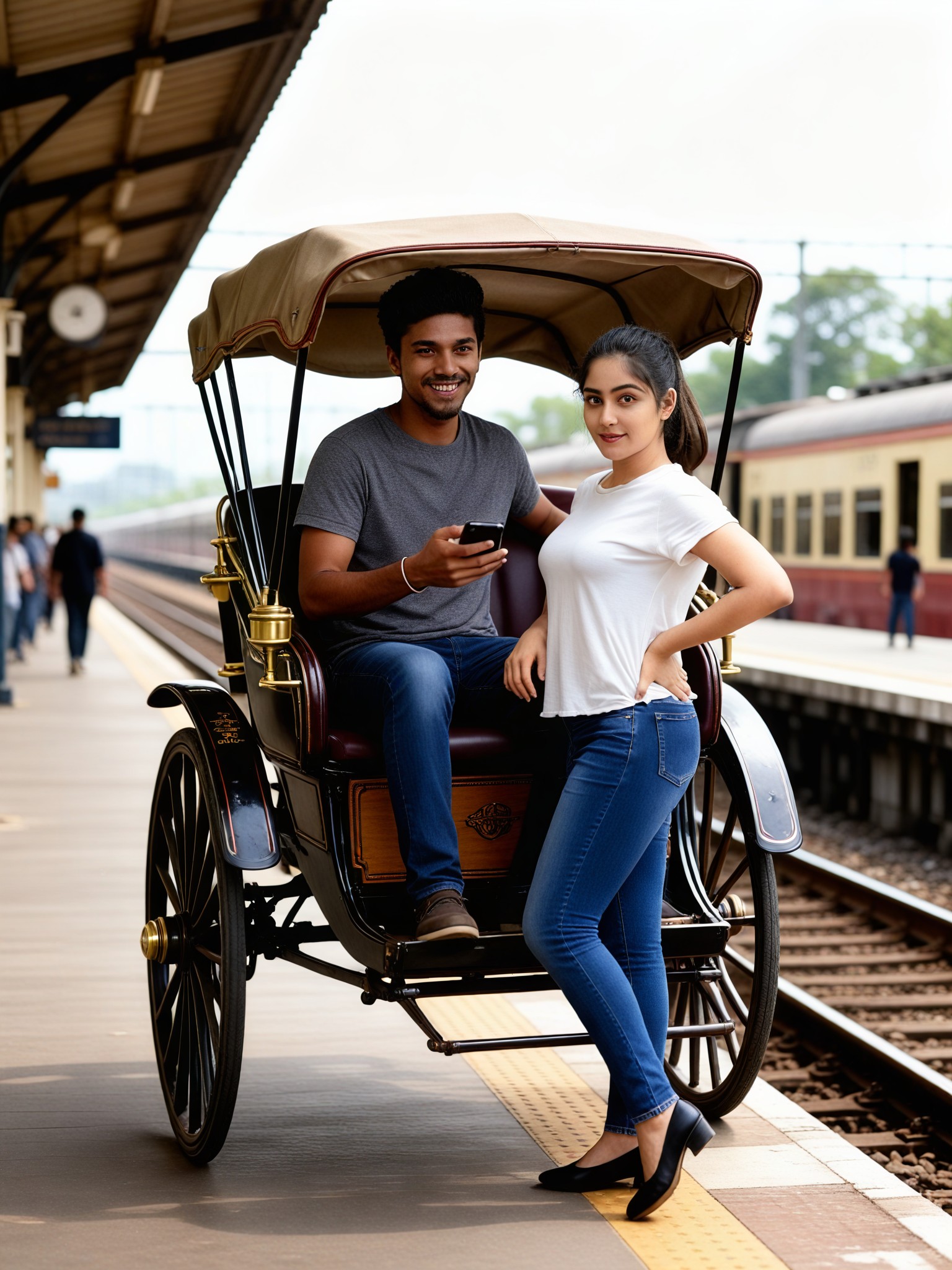
Romantic Couple old Story (remix) image
Input
Result
Romantic Couple old Story (remix)
Unstoppable_Ai headshotUnstoppable_Ai
playicon247
image befor ai generation
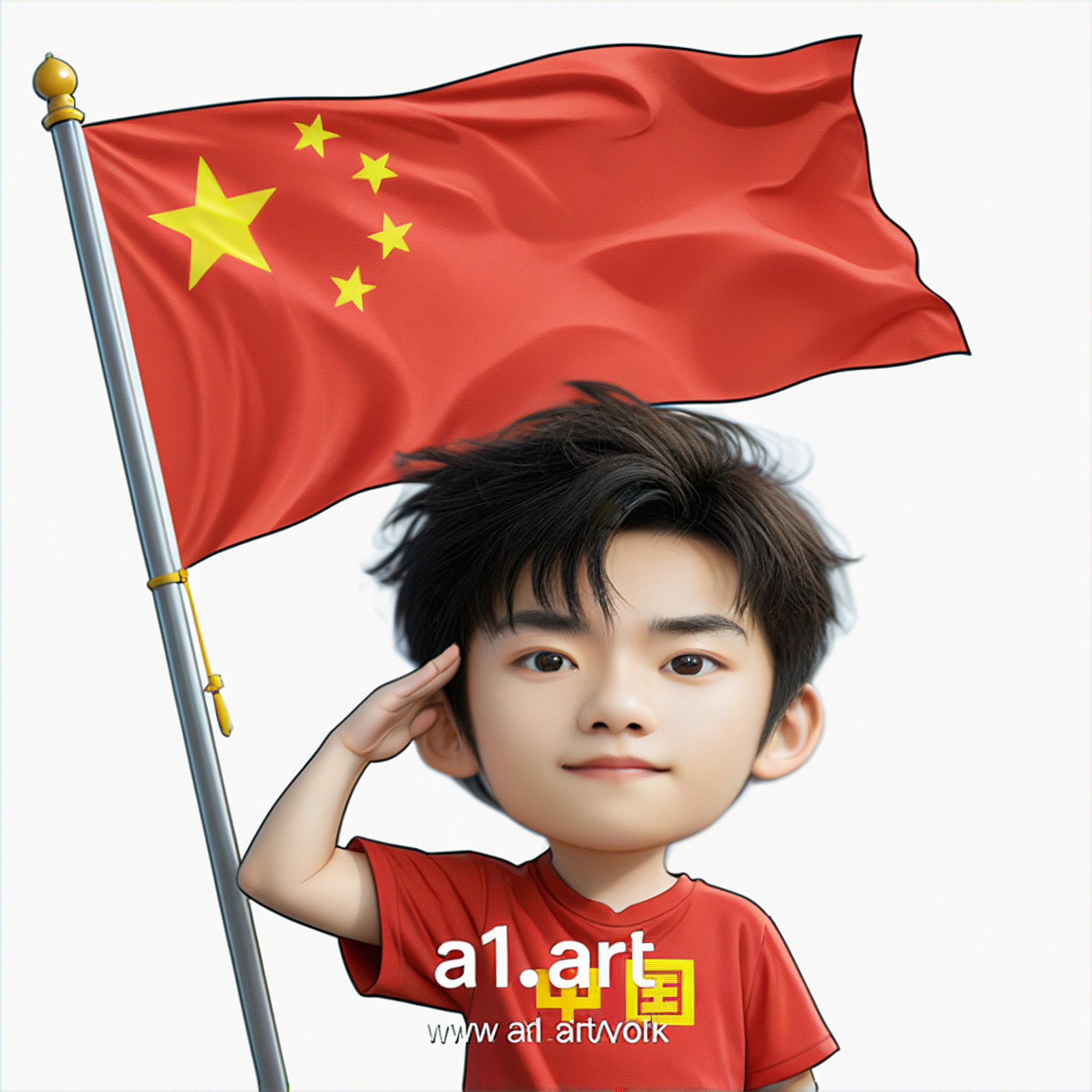
Q version of the National Day avatar image
Input
Result
Q version of the National Day avatar
Ben headshotBen
playicon229
image befor ai generation
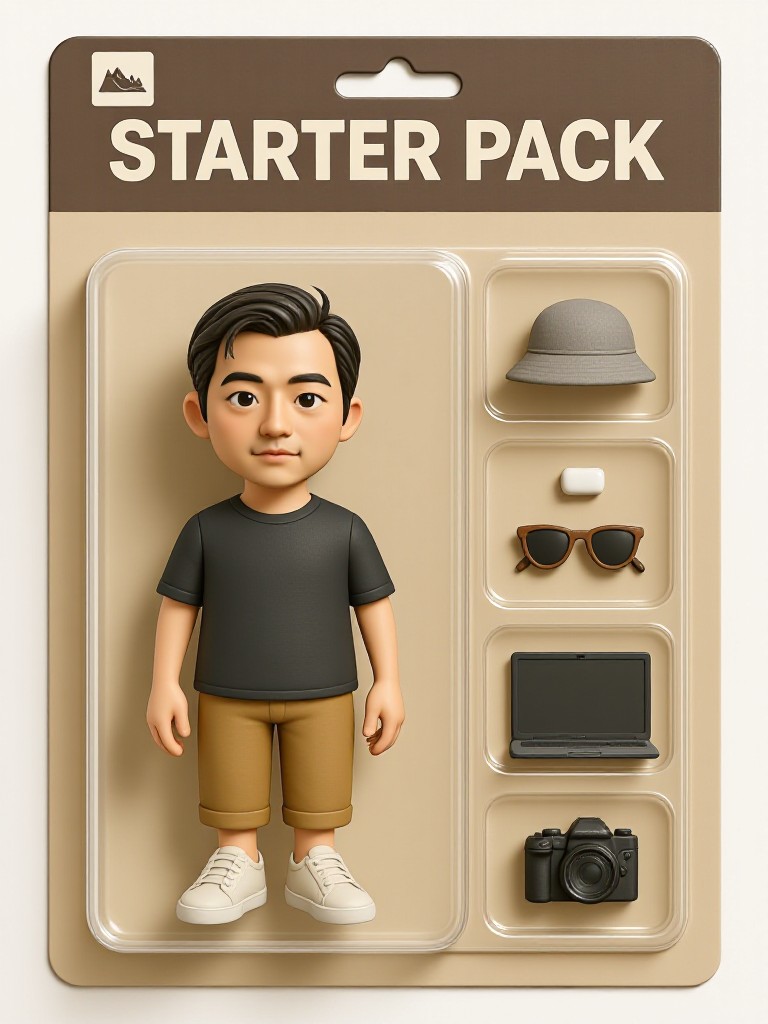
dark gray oversized Muji-style T-shirt, khaki crop
Linen bucket hat
Wooden textured glasses
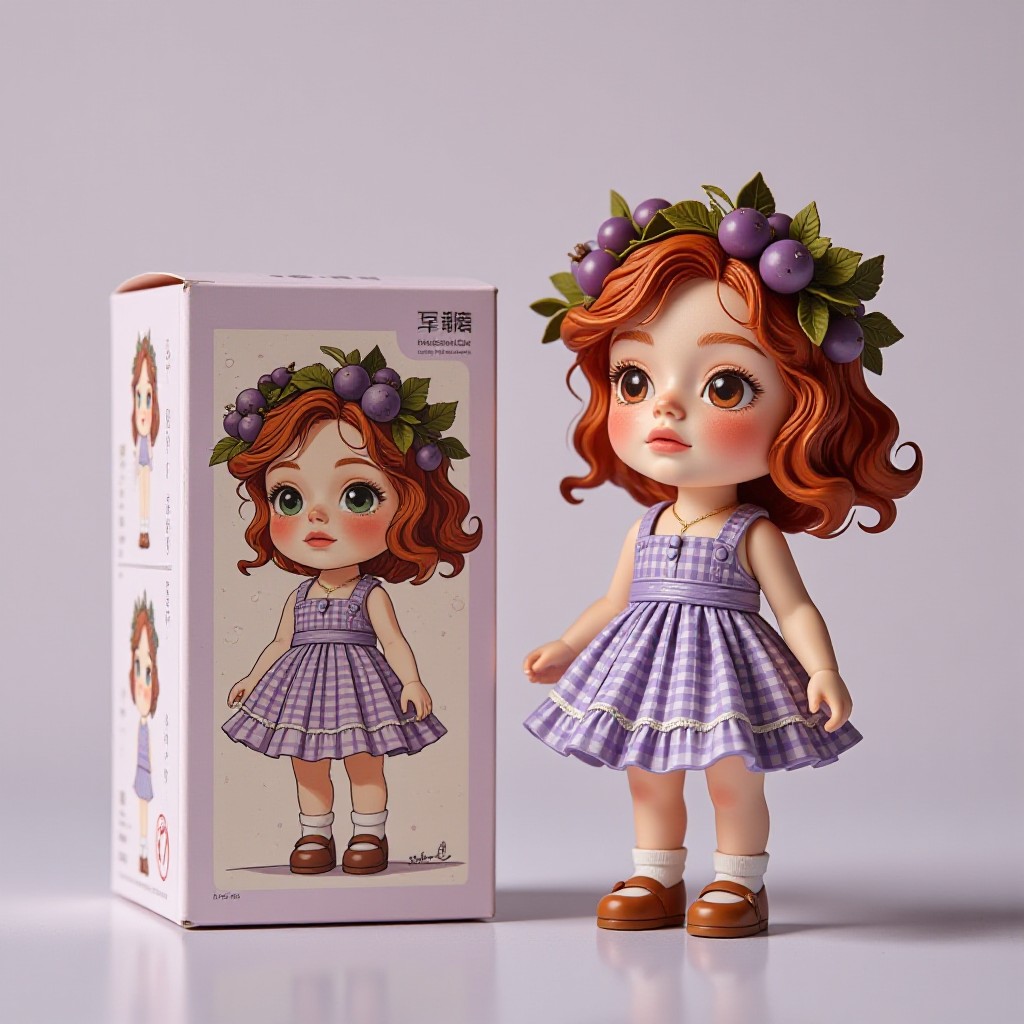
Cute trendy toy packaging image
Input
Result
Cute trendy toy packaging
陳文舟 headshot陳文舟
playicon226
image befor ai generation
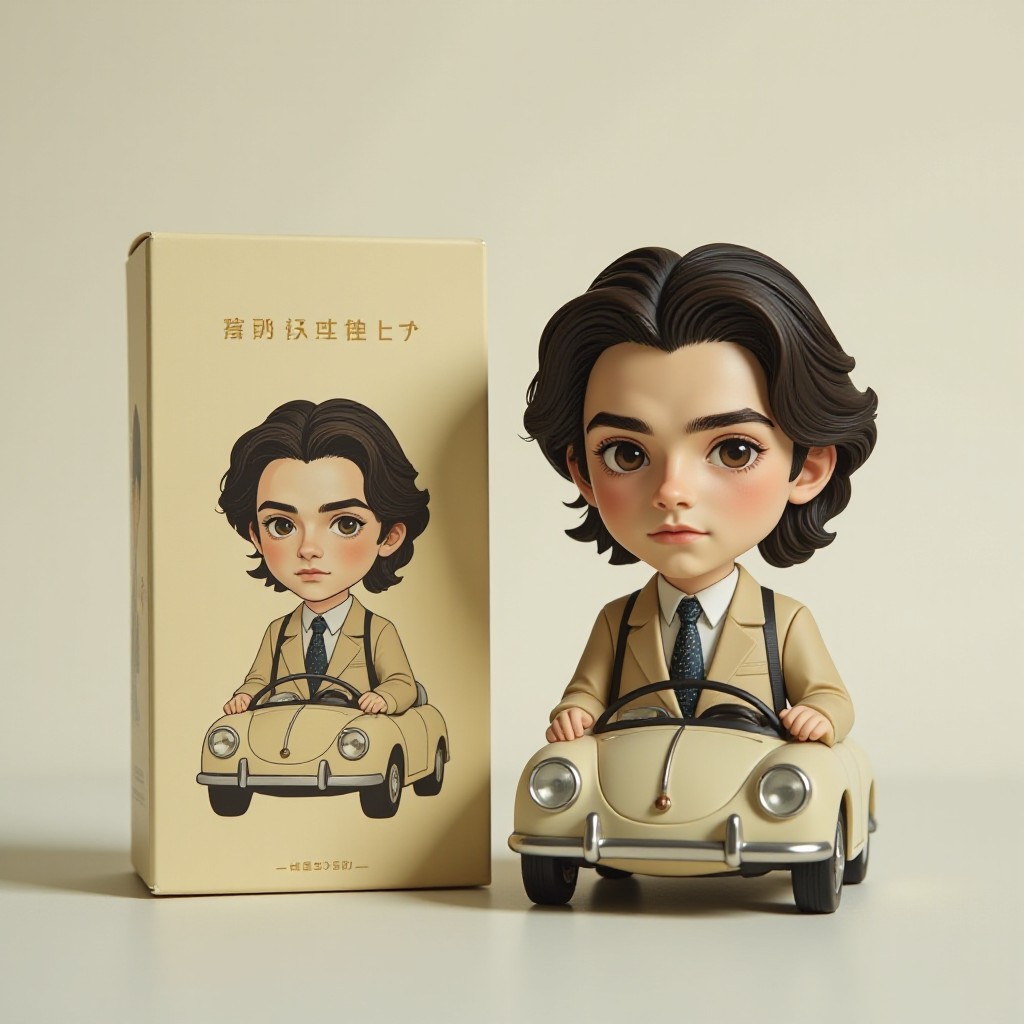
Little car figure Blind Box Toy image
Input
Result
Little car figure Blind Box Toy
winter solstice headshotwinter solstice
playicon175
image befor ai generation
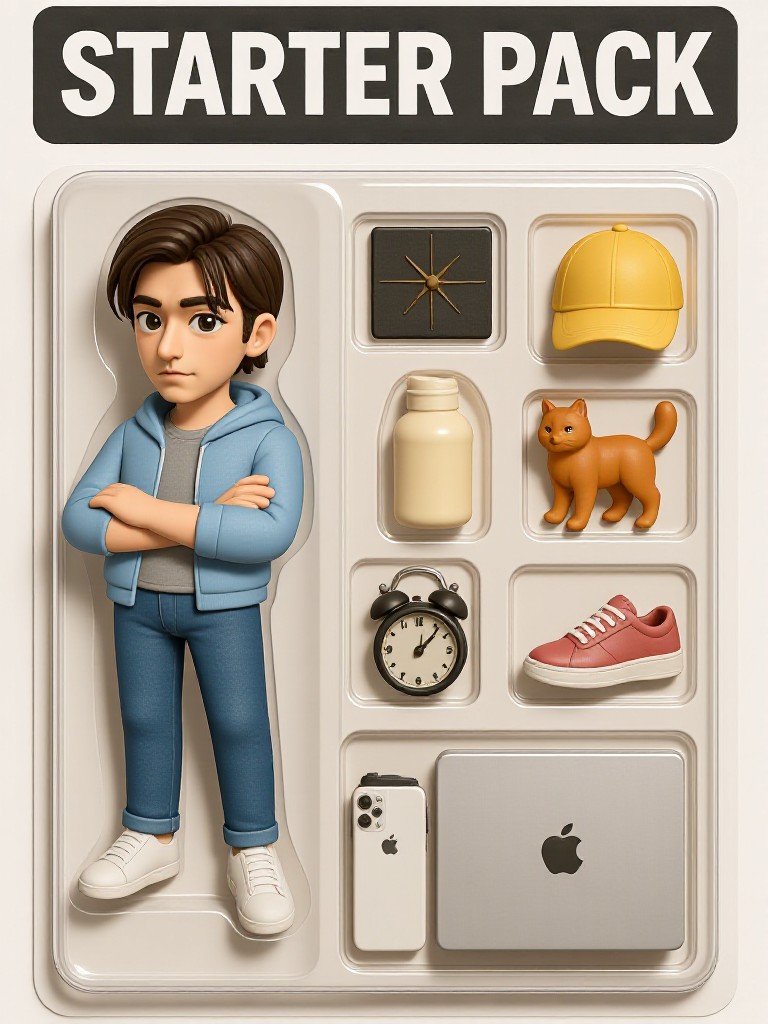
Trendy Toy Box image
Input
Result
Trendy Toy Box
Woosevelt headshotWoosevelt
playicon162

How to Make Toy Story AI Image & Video on a1.art?

Step into the future of AI Toy Story video and image creation on a1.art.

a1.art tutorial Step 1
Step 1
Select the style you want to apply in the Square.

a1.art tutorial Step 2
Step 2
Upload the image you want to transform . It can be a photo, hand-drawn sketch.

a1.art tutorial Step 3
Step 3
Wait a few seconds and you can easily get your unique AI Toy Story art. Download for free!

FAQ about Toy Story AI Prompt on a1.art

Discover the secrets to creating Toy Story videos and images at a1.art.

What types of Toy Story visuals can I create with a1.art?

With a1.art, you can generate high-quality images and videos featuring Toy Story characters, iconic scenes, and nostalgic moments. Choose from various filters and styles to bring your vision to life.

Can I customize the Toy Story prompts to fit my project?

Yes, a1.art allows you to input custom text prompts or select from our curated list of Toy Story-themed prompts. You can also adjust settings like filters, lighting, and composition to suit your needs.

Is a1.art easy to use for creating Toy Story visuals?

Absolutely! a1.art is designed to be user-friendly, even for beginners. Simply choose a prompt, upload an image, or enter a text description, and let the AI do the rest. You’ll have stunning Toy Story visuals in seconds.

Do I need any special skills to use a1.art for Toy Story content?

No special skills are required. a1.art is intuitive and straightforward, making it accessible for anyone looking to create Toy Story-inspired visuals without needing advanced design or editing skills.

How often does a1.art update its Toy Story prompts?

a1.art regularly updates its library of Toy Story prompts to ensure you have access to the latest and most creative options. Stay tuned for new additions that capture the essence of Toy Story in fresh ways.

Container background

Make Toy Story AI Image & Video on a1.art APP

Download the app to explore Toy Story AI image & video filters, faster processing, and personalized features. Whether you want creative images or stunning videos, the app makes it easier.