


Have you ever looked at a cool picture and wished you could make something similar with AI? It can be tough when that blank box asks for a prompt. Finding the right words feels like a superpower. Many folks get stuck here and miss out on creating awesome AI art. You might try for ages, but the results aren't right. It takes up your time and can feel too hard.
You're not alone! Many people want to create AI art. The Artificial Intelligence (AI) Image Generator Market is anticipated to reach USD 1,880.3 million by 2033. But that first prompt can be a hurdle. That's where image-to-prompt generators shine. This makes AI art open to everyone, not just experts. Your visual ideas can easily become digital art. Let's explore how these tools work and how you can use them with a1.art to make amazing images!
What's an Image to Prompt Generator?
An image to prompt the generator is your magic helper for that! You give it a picture, and like a charm, it cooks up a text description – a "prompt" – that AI art tools understand perfectly. It's a special translator that turns visuals into AI-ready words. For instance, get a great photo of a beach. The tool might describe it as a "sunny beach, blue waves, golden sand, happy feeling." It's as simple as that!
These free image-to-prompt generators use their AI smarts to "see" your picture and then "write" about what they see. Here's a peek at what these awesome tools generally offer:
- Spotting the Scene: They notice your picture's main people, places, and things.
- Getting the Feeling: They often figure out the style (like a cartoon or real-life photo) and the mood (like fun or dreamy).
- Color Check: Many can pick out the main colors in the image.
- Handy Keywords: They usually suggest great words to help build your prompt.
- Super Simple: Best of all, they're typically a breeze to use – just upload your picture, and you're set!
This online image prompt tool has opened up the world of AI art, making it a blast for everyone to jump in and create something amazing!
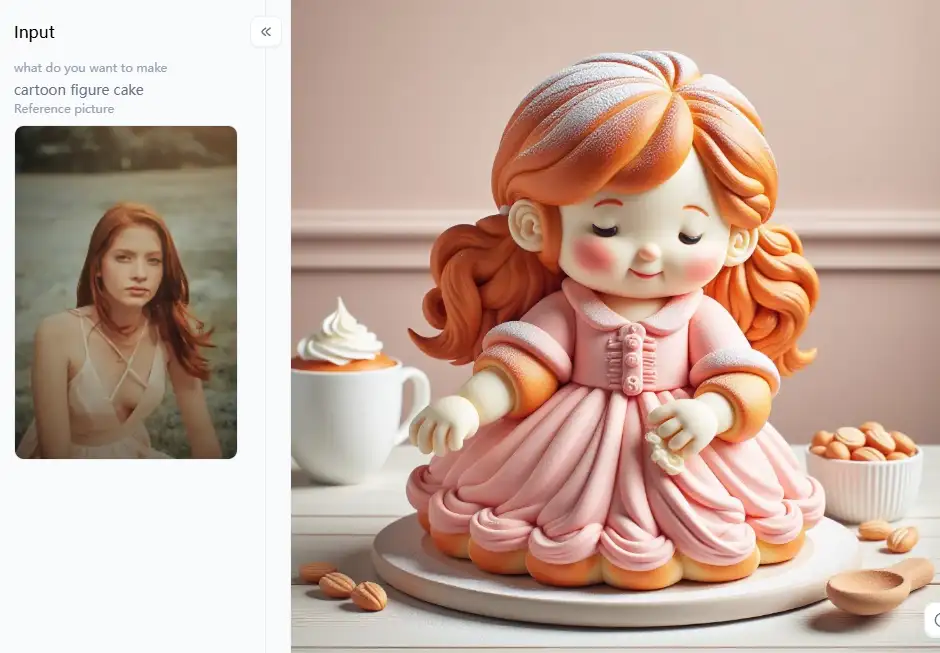
Click the picture to generate your exclusive bread art with one click👇
Awesome Uses for Image-to-Prompt Tools
Have you ever hit a creative wall? Just toss a cool picture into a free image-to-AI prompt tool, and brand-new ideas pop up like magic! Let's see what wonders you can work with those old photos:
- Give Your Old Photos a Funky New Look: Use a generator to prompt from your image for free and get a great description. Then, tell your AI art maker to redraw something straight out of the future!
- Keep Your Art Looking Super Consistent: An AI-generated image-to-prompt tool will ensure everything has the same style and feel.
- Become a Real Prompt Expert: These tools are like having your friendly guide for writing amazing prompts.
- Super Speedy Ideas for Artists: Designers can generate an AI prompt from an image to quickly test out many different looks without having to type for ages.
- Art That's Uniquely You: Want to turn a snapshot of your family into a hilarious drawing or a beautiful piece of abstract art? An image-to-writing prompt free tool can help you make truly one-of-a-kind art. That's all yours.
- Steal Inspiration Like a Pro (But Ethically!): See some art you admire. Upload it to an AI image prompt converter to see how an AI might describe it.
- Smart Business Moves: Companies can use an image-to-text prompt generator from the free visual tool with photos of their products.
These free image-to-prompt online tools make AI art much easier and fun for everyone. You'll spend way less time fighting with words and way more time making seriously cool stuff!
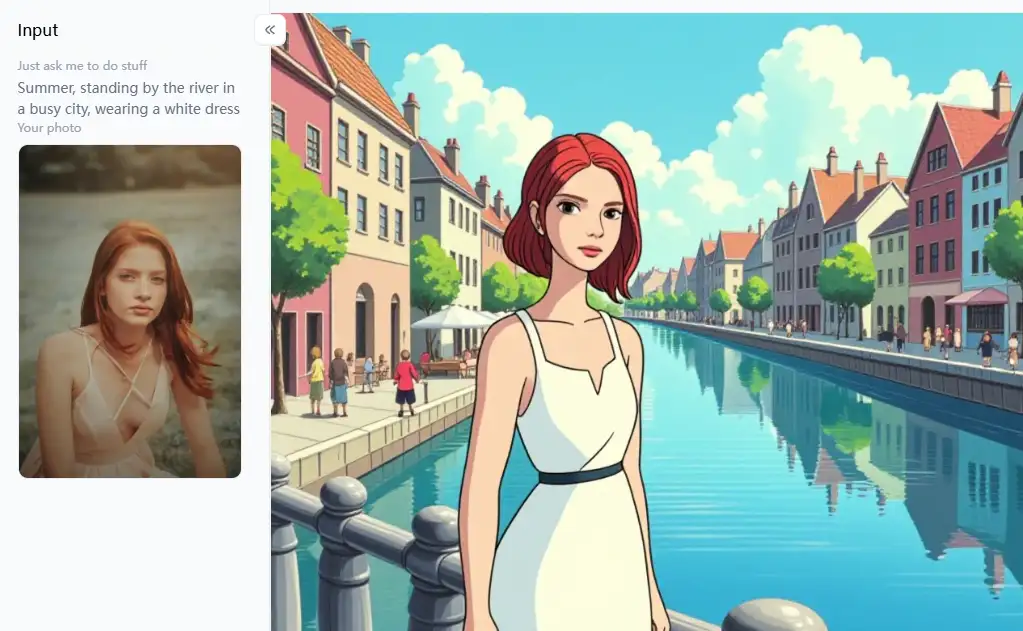
Click the picture to generate your exclusive ghibli smart image manipulator with one click👇
Top Free Online Image to Prompt Generators: Your Go-To Tools
Finding free image prompt generators at no cost is easier than ever. Check out 10 popular and reliable choices for your AI art adventure in 2026:
1. PromptMaster AI
PromptMaster AI has a really simple layout, so it's a breeze. It's great at picking out the main things in your picture and describes everyday scenes well.
- Pros: It's super easy to get started, gives you results quickly, and works well for simple prompts.
- Cons: It doesn't give you a lot of detail about artistic styles, and you can't convert the image to a text prompt to be more specific.
2. Visionary Text Converter
Do you want a short and sweet prompt or something more detailed? You can pick a short, medium, or long prompt. This free image prompt creator also tries to guess the feeling or mood of your picture.
- Pros: It gives you some flexibility in how detailed your prompt is and tries to capture the vibe of your image.
- Cons: Sometimes, its suggestions can be general and might not be spot-on with complicated art styles.
3. Pic-to-Prompt Pro
If you have a specific type of art in mind, Pic-to-Prompt Pro can help! This AI prompt generator from an image asks what kind of art you aim for – like a painting, a photo, or a cartoon. This allows it to give you more relevant prompts.
- Pros: It tries to give you prompts that fit the kind of art you want to make, which is great if you have a clear idea.
- Cons: The art styles you can pick from are pretty broad, so you might still need to tweak the prompt to get exactly what you want.
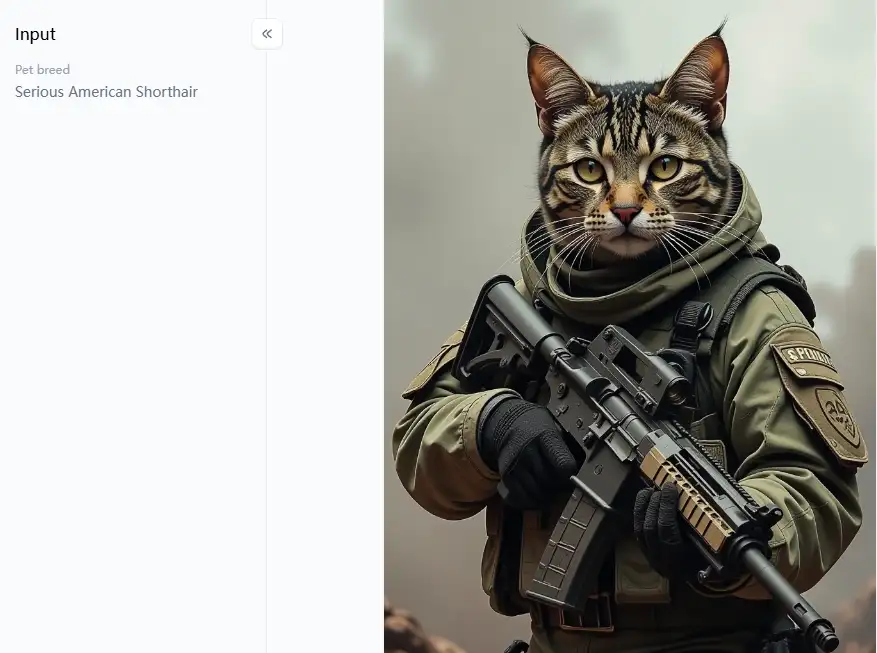
Click the picture to generate your exclusive pet soldier with one click👇
4. AI Prompt Creator Free
Want to understand all the bits that go into a good prompt? This AI image-to-prompt converter points out the main things in your picture, the colors, and how light looks.
- Pros: It helps understand what makes up a good prompt, and giving you keywords lets you customize things.
- Cons: The prompt it gives you might not always sound like a natural sentence.
5. ImageNarrator Online
If you want your AI art to tell a story, ImageNarrator Online is a cool option. It tries to create prompts from images for free that tell a little story or set a scene based on your image.
- Pros: It gives you detailed and imaginative prompts, which is great for creating art that feels like it has a narrative.
- Cons: Sometimes, the prompts can be too long and wordy, so you might need to shorten them for some AI art makers.
6. Visual Prompt Wizard
Need a few different ways to describe the same picture? Visual Prompt Wizard is fast at generating AI prompts from images. It also has a "refine" button that gives you slightly different versions of the same prompt.
- Pros: It's quick and useful for getting a few different angles on describing your image.
- Cons: You might only have small changes, so it's not always a big difference.
7. Textual Vision Converter
If you're after realistic AI art, Textual Vision Converter pays attention to the details. This free prompt generator from visual describes how things feel to the touch and what they're made of. This is great for making realistic-looking art.
- Pros: It helps you create realistic art or art that shows off different materials.
- Cons: It might not focus as much on abstract ideas or complicated art styles.
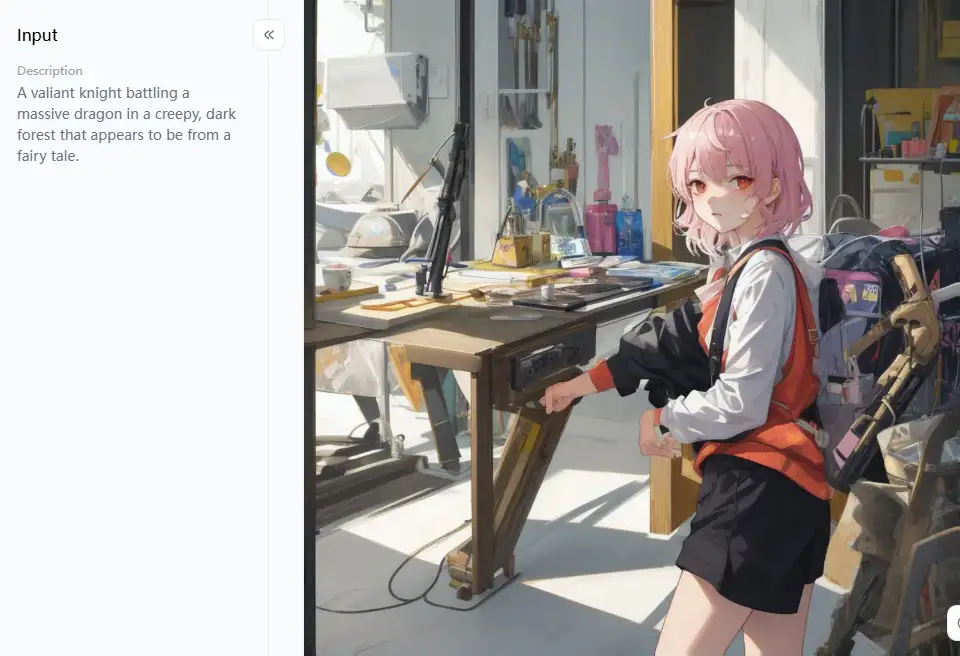
Click the picture to generate your exclusive anime with one click👇
8. PromptCraft Free Edition
Are you looking for a straightforward tool with extra guidance? This free image-to-prompt tool focuses on the main thing in your picture and the background. It also gives you simple tips on how to make your prompts even better.
- Pros: It's easy to use, and the extra tips are really helpful for beginners.
- Cons: Sometimes, the prompts it makes might not have a lot of specific details.
9. Online Visual to Prompt Converter
Want to know how confident the AI is in its description? This online visual-to-prompt converter can work with different kinds of image files, giving you a "confidence score" for how accurate it thinks its prompt is.
- Pros: It can handle many types of images, and the confidence score can give you an idea of how good the prompt might be.
- Cons: The confidence score is just its best guess and might not always be right.
10. Artful Insight Prompt Tool
Do you want your AI art to have a certain emotion? This free online image-to-prompt tool tries to figure out your image's emotions or feelings, including those in the prompt.
- Pros: It is great for artistic expression.
- Cons: Figuring out emotions can be tricky.
These free image-to-writing prompt generators are quite beneficial for getting you started. But remember that they are there to assist you, not perform all the work for you. That is where a website like a1.art comes in handy, assisting you in transforming those brilliant concepts into genuinely stunning images.
Click the picture to generate your exclusive prompt to image free with one click👇
Strategies to Transform Generated Words to Wow-Worthy Art with a1.art
It is time to transform your text prompt to images using a1.art! Think of it as your digital creative studio on the internet. Its highly intuitive UI and advanced features make any request special. Use these pointers to make the most of your prompts:
Make Your Prompt Even Better
Even the smartest free image to writing prompt generator might miss a tiny thing you wanted or the exact feeling you're going for.
- Add More Details: If your prompt says "a dog," you can make it "a happy golden retriever with floppy ears."
- Tell It the Style You Want: Add words like "like a cartoon," "as a realistic photo," or "in the style of a famous painting."
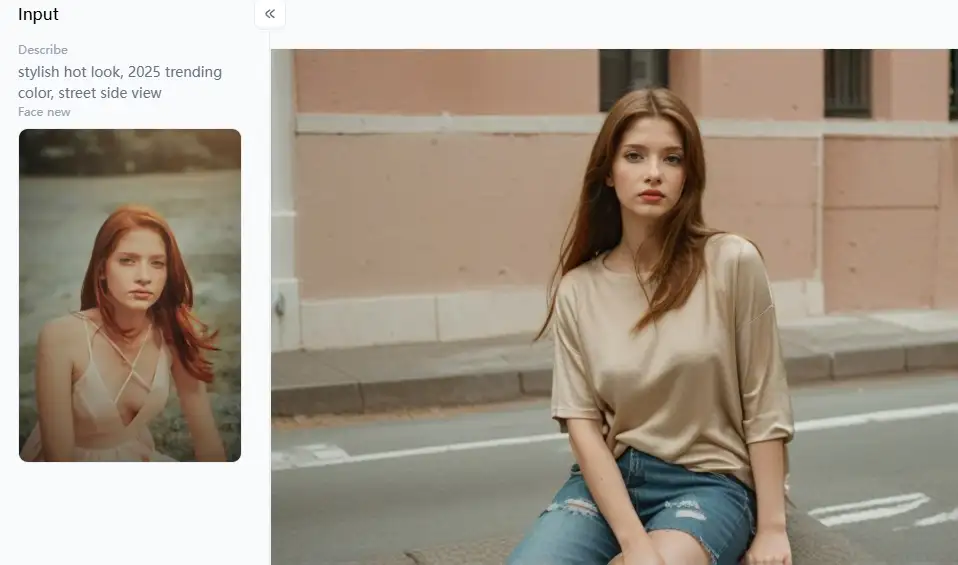
- Picture the Whole Scene: Consider what you demonstrate, what it accomplishes, and the desired overall aesthetic. For example, "A valiant knight battling a massive dragon in a creepy, dark forest that appears to be from a fairy tale."
Explore Amazing Tools and Filters
This is where a1.art stands out. It has tons of special features to make your art pop!
- Create Super Cool Characters and Avatars: If your image prompt gave you "a smiling girl," try a1.art's "Cute 3D Cartoon Boy" for an instantly adorable character. Need a fun picture for your profile? The "Animal Avatar Generator" can turn a description of your pet into a cool avatar. Or use the "Custom Large Image Emoji" to make funny faces!
- Play Around with Different Art Styles: Got a prompt describing beautiful countryside? See what it looks like with the "Shitty Watercolor Generator" for a fun, hand-painted feel or the "Cute Illustration Generator" for something charming. The "Animation Generator" can even make your creation move! And, of course, the main "AI Art Generator" can handle almost any style you can imagine.
- Build Amazing Worlds and Scenes: If your prompt describes a place, like "a quiet little coffee shop," a1.art's "Landscape Generator" can create an inviting scene.
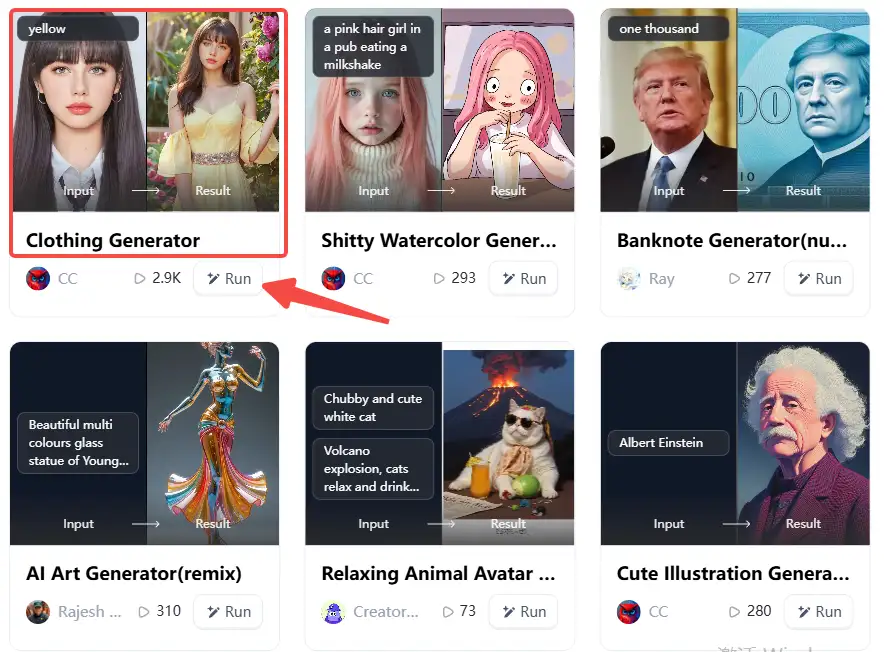
- Fun and Useful Creations: a1.art is also great for making things just for you. Need a cool picture for a birthday? Try the "Custom Cake" filter. Want to see how a design would look on a t-shirt? Use the "Professional Photo (Custom Clothing)" or "Clothing Generator." You can even make "Custom Stickers" or design awesome virtual jewelry with the "AI Jewelry Generator."
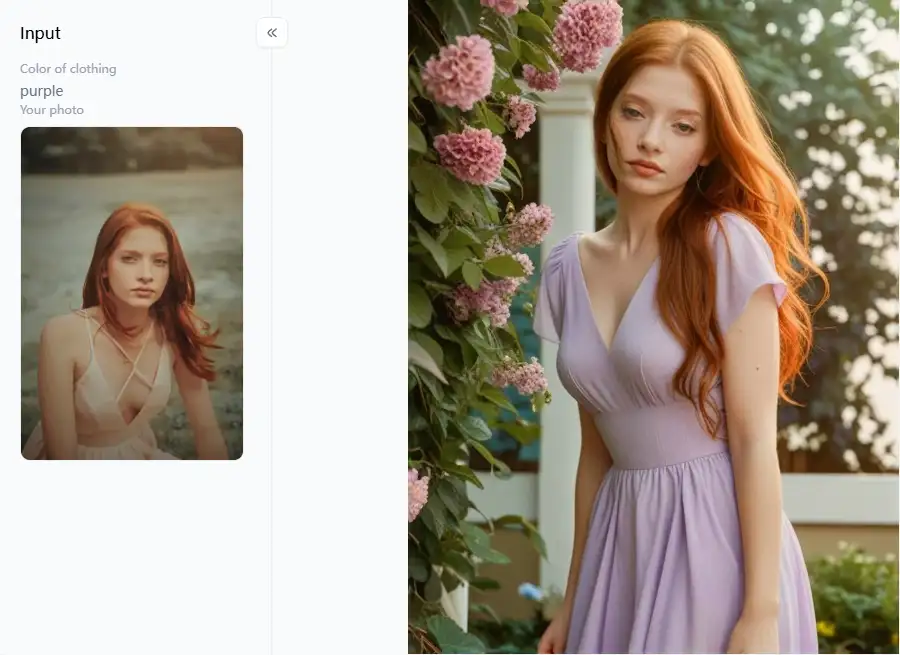
How to Use It, Just 3 Steps:
Step1:
Open a1.art, choose the App that you are interested in, then click 「Run」
Click on the image to experience the same App👇
Step2:
Upload a photo/image
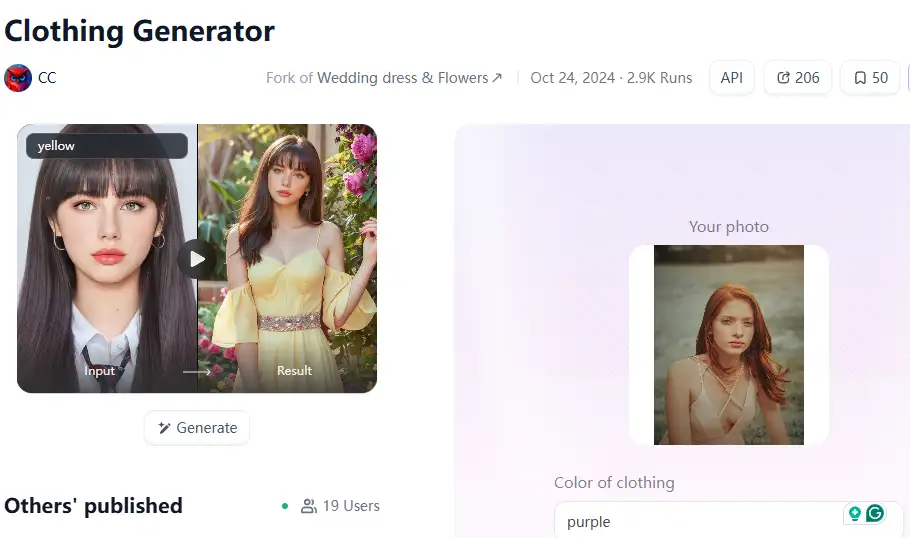
Step3:
Wait 3 seconds, you will get a wonderful result 👇
Be the Boss of Your Creation
- Tell It Where to Look: Add words like "up close," "looking down from above," or "seeing everything from far away."
- Light It Up Just Right: Try saying "bright sunlight," "soft evening glow," or "glowing colorful lights."
- Describe What It's Made Of: Use words like "shiny metal," "rough stone," or "smooth like silk."
Keep Trying New Things
Don't expect your first picture to be exactly what you want. Make a few different versions. Try changing one or two words in your prompt, or pick a different filter on a1.art. See what happens! This is how you learn and find those truly amazing results.
a1.art helps your AI-generated pictures look their very best. Its tools let you do much more than just make a simple image; they help you create real art.
Conclusion
Making amazing AI art is now super easy! Image-to-prompt tools help you turn any picture you like into words for an AI image generator. It's fun for everyone, not just experts. These tools are like magic, helping you learn to convert pictures to prompts for free.
The real fun begins at a1.art. Words are typed in. After that, a1.art enhances your writing with its fantastic tools and filters. It is comparable to having a professional art studio in the same location. Your pictures will appear stunning, flawless, and exactly as you intended.
Ready to make your incredible art? Head over to a1.art today, use those prompts, and start creating! Your next masterpiece is waiting for you!
Read more
- Celebrate Father's Day with a1.art AI Father's Day Generator
- Best 10+ AI Kissing Video Generators Online: Create Your Perfect Virtual Kiss in 2026
- Celebrate Eid al-Adha with a1.art AI Eid al-Adha Generator
- Top 10+ Packgod Roast Generators Free 2026: Unleash Your Inner Packgod
- 12 Best BasedLab Alternatives in 2026: Unleash Your Creative Potential
- 10+ Best AI Face Swap Videos Online Free: Your Ultimate Guide to Viral Creations
- Seaart vs. a1.art: Which Face Swap Tool is the Best 2026
- Top 15 Free AI Clothes Remover Tools Online 2026
- Celebrate Islamic New Year with AI: Create Spiritual Art
- How to Remove Clothes from Photos Using AI Tools
Written by

a1.art
Published on
Dec 17, 2025
Share article


