


For many professional creators and ordinary users alike, creating a visually appealing and engaging AI cowgirl avatar for social media and story creation can be challenging. Why? Because traditional design tools require technical expertise, while paid AI generators demand a budget, leaving creators torn between quality and price. Furthermore, some general-purpose AI tools on the market fail to capture the specific details of a Western cowgirl character, resulting in a lack of realism. This is a real pain point for many users.
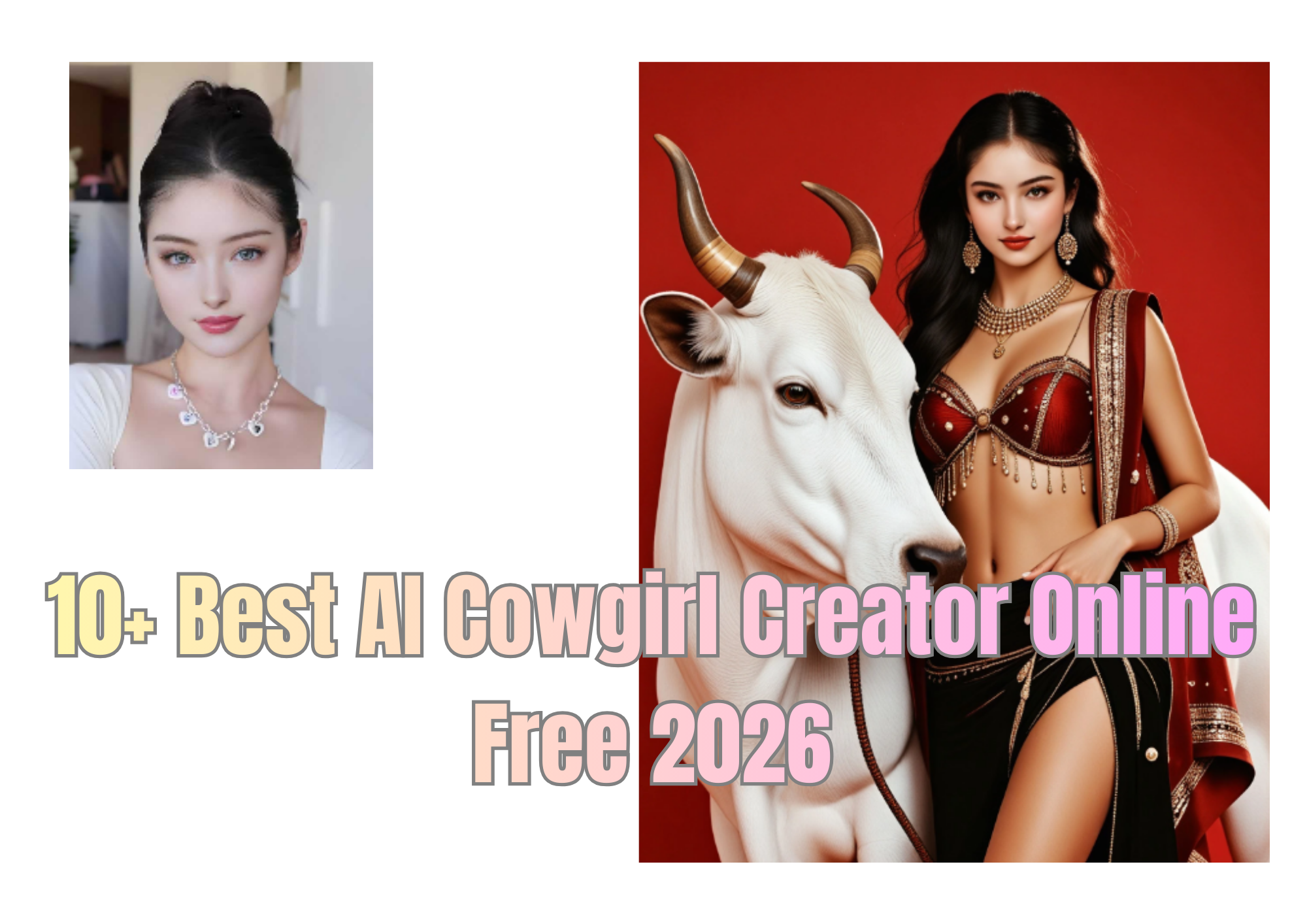
Fortunately, in 2026, we can still help you find powerful and free AI cowgirl creation tools. These tools allow you to easily create Western-style female characters, cowgirl avatars, and even Western landscapes—all without spending a penny! In this article, we'll highlight over 10 of the best free online AI cowgirl generators and filters, compare them, provide real-world application examples, and share practical tips to help you maximize your productivity.
Why Use an AI Cowgirl Generator?
This raises the question: why are so many people frantically searching for their favorite AI cowgirl generators? Let's look at why creators, writers, and digital artists are turning to AI cowgirl platforms for inspiration:
-
Cost-Efficient: AI generators allow you to create AI cowgirl images for free, eliminating the need for external design companies, saving both money and time.
-
Creative Freedom: By adjusting prompts (such as clothing, poses, and backgrounds), you can design the perfect Western heroine, from realistic ranchers to stylized anime cowgirls.
-
Fast and Convenient: Simply upload a photo or enter simple prompts to generate multiple versions of cowgirls. This saves a lot of time.
-
Versatile Use: The generated cowgirl images can be used as avatars, story illustrations, profile pictures, and even AI cowgirl song covers.
-
Easy for Everyone: You don't need to be proficient in Photoshop or 3D modeling; these AI tools are simple and easy to use.
Top 10 Free Online AI Cowgirl Image Generators of 2026
The following are over ten of the best free AI cowgirl generator platforms, all of which are free to use. You can also learn more about the unique features of different tools and platforms:
a1.art ——The most comprehensive AI Cowgirl Art Generator
This is one of the most comprehensive and user-friendly AI cowgirl image generator platforms currently available. It offers over 100 Western-themed characters and can transform simple prompts or uploaded images into stunning cowgirl illustrations. You can directly choose your favorite filter, upload your image, and generate realistic or stylized avatars, including anime-style cowgirls, movie Western heroines, or retro sexy cowgirl designs.
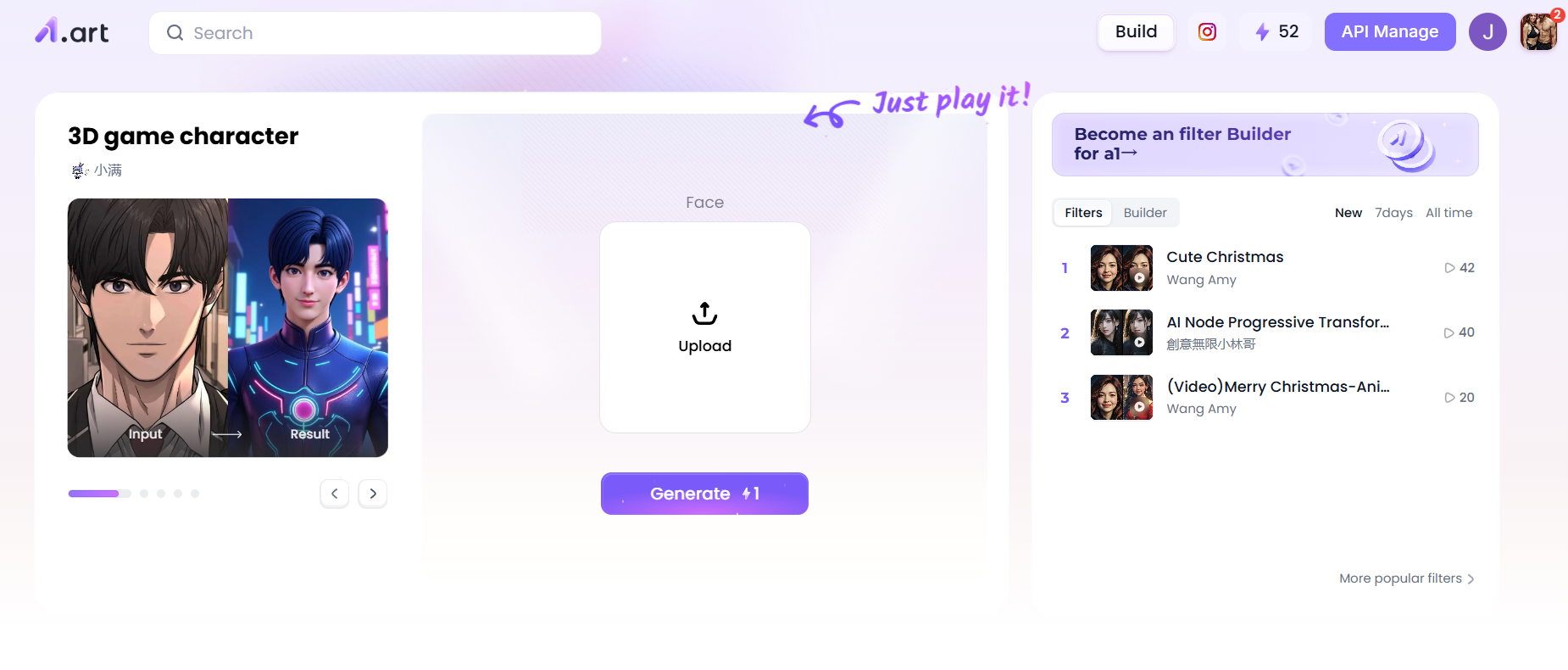
Start your art journey with a1.art.
Main Features:
-
Extensive Filter Selection: Apply preset Western filters, textures, and color palettes.
-
Prompt-Based Image Generation: Enter text prompts such as "cowgirl riding a horse at sunset" to generate high-quality images.
-
Customizable Styles: Adjust lighting, tone, and background effects to create unique looks.
-
User-Friendly Interface: No complicated setup required, perfect for beginners.
-
Free Credits: Daily free credits allow users to experience various features without paying.
-
Applications: Quickly create avatars or illustrations for social media, game profiles, or storyboards. Combine different filters to create unique Western cowgirl images. Perfectly meets content creators' needs for quickly generating beautiful AI cowgirl images.
Several AI Cowgirl filters you can't miss
On the a1.art platform, there are several excellent and distinctive cowgirl-style filters that are well worth trying for creators who want to transform their characters or images into a Western cowgirl/cowgirl style. Here are five highly recommended filters:
Cow girl
Suitable scenarios:
-
Vintage Western desert / Portrait of a cowgirl on horseback
-
Dramatic composition at sunset, emphasizing warm tones and backlighting
-
Character illustrations with a nostalgic or cinematic feel
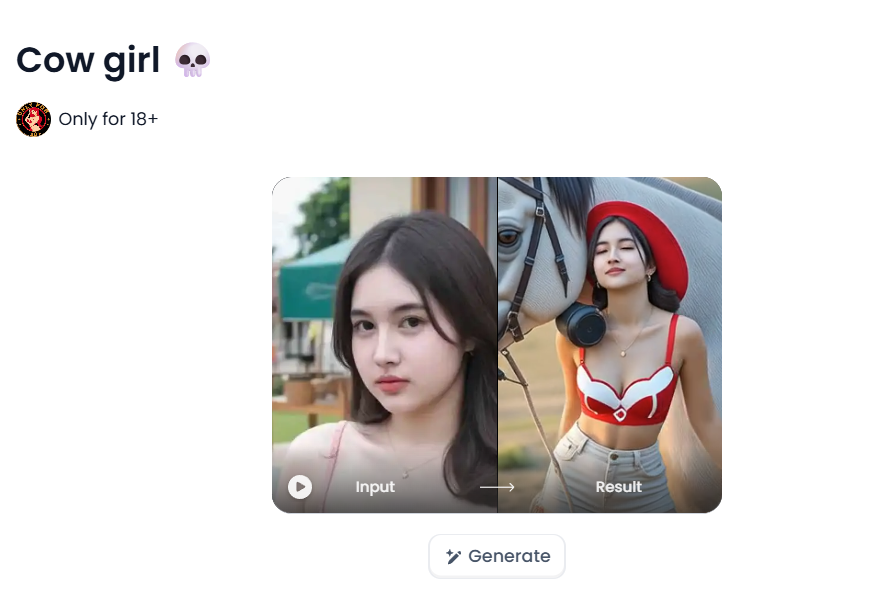
Effect Comparison:
-
This filter emphasizes soft, warm light, giving images a golden glow reminiscent of dusk.
-
Compared to default or cooler filters, it evokes a warm, nostalgic, and romantic Western feel.
-
The lighting and shadow effects on skin, cowboy hats, boots, and other areas are very delicate, perfect for highlighting character silhouettes.
Price/Value for Money:
-
As a filter on a1.art, it's usually available through daily free credits, and generating it only costs 1 credit, making it quite affordable.
-
Compared to custom or paid illustration services from professional illustrators, this filter provides a cinematic Western cowgirl look at virtually no cost, making it very cost-effective.
Why it's a Must-Have:
It offers a classic and atmospheric "Western Daytime Cowgirl" style, making it a top choice for many users seeking a cinematic cowgirl look.
Whether you're an illustrator, novelist, or content creator, you can use this filter to quickly create cowgirl images with a sense of story and emotion.
Wearing cute cow pajamas
Suitable for:
-
Anime/cartoon style cowgirl
-
Indoor room
-
Cute cowgirl character, suitable for profile picture or social media image
Wearing cute cow pajamas
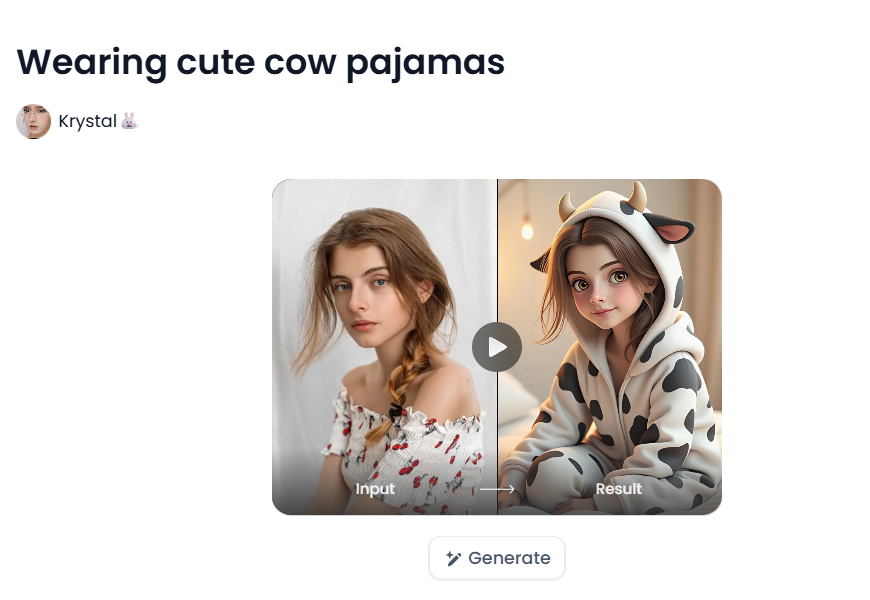
Effect Comparison:
-
The "Wearing Cute Cow Pajamas" filter leans towards vibrancy and brightness, unlike the soft warm light of "nrv2s." It makes images more lively and cartoonish.
-
The color tone leans towards saturation: the colors of the cowboy hat, clothes, etc., are more vivid.
-
The facial expressions and lines are relatively clean, suitable for cartoon or anime styles.
How to Use:
-
In the filter selection interface of a1.art, select it.
-
Upload the photo of the face you want to generate, then select the desired aspect ratio, and click "Generate" below.
-
After generating the image, you can export it as a profile picture, social media cover, or digital illustration.
Price/Value for Money:
-
Only 1 point required to generate
-
Very cost-effective for users who want to create profile pictures, social media visuals, or character designs but have a limited budget.
Why it's a must-have:
-
"Wearing cute cow pajamas" is a perfect cowgirl filter for a light and cheerful style: if you want your cowgirl character to be cuter and more animated, this filter is the ideal choice.
-
It's versatile: very flexible, from profile pictures to blog covers to avatars.
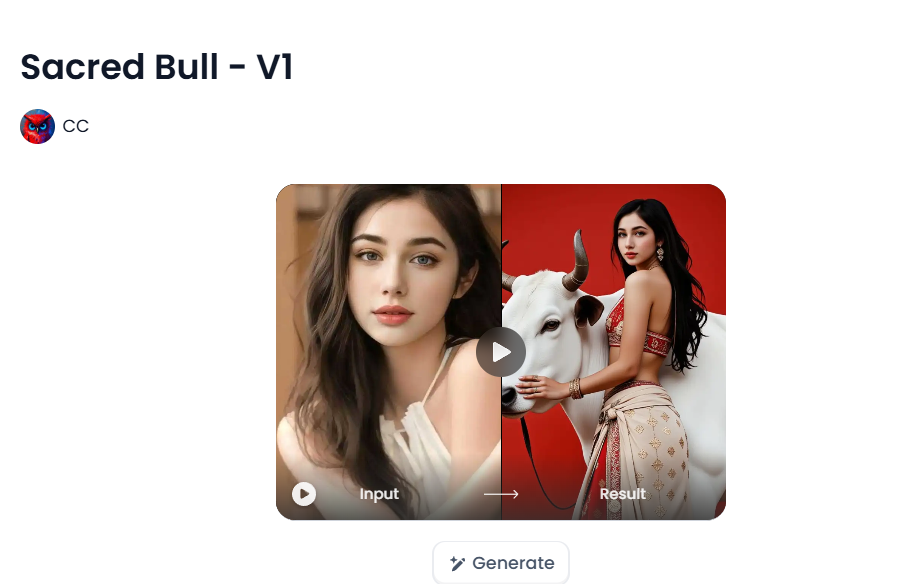
Sacred Bull-V1
Suitable for:
-
Black and white/monochrome style cowboy illustrations
-
Old movie/classic Western effect
-
Character compositions that require a simple yet striking contrast
How to Use:
After selecting the filter, just like the previous filters, upload a photo of your face and click "Generate".
Price/Value for Money:
-
You can start trying it using the free points you earn by logging into a1.art daily; it only costs 1 point.
-
For users who want to create vintage Western-style art/posters/character illustrations, this filter is highly efficient and aesthetically pleasing.
Why it's a Must-Have:
-
This filter offers a very classic, retro, high-contrast visual style, suitable for those with an aesthetic preference for Western culture.
-
It helps you quickly generate dynamic and dramatic cowboy/cowgirl characters, perfect for cover images, character prototypes, or artistic concepts.
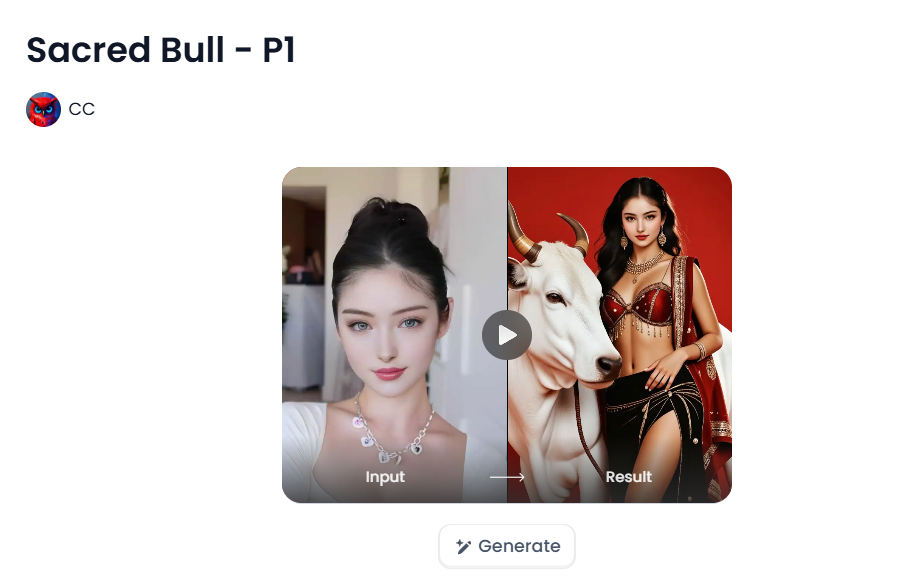
Sacred Bull-P1
Suitable Scenarios:
-
Artistic Portraits
-
Cowboy Girl in the Wild West, against a starry sky or by a campfire
-
Visually evocative compositions with a strong sense of mystery and low-light atmosphere
Effect Comparison:
-
This filter creates cool tones and soft shadows, perfect for night scenes or twilight.
-
It handles skin, clothing, and background light sources (such as moonlight and campfire) well, enhancing the overall atmosphere of the image.
Price/Value for Money:
-
Also costs 1 credit
-
For creators aiming for high-quality "nighttime Western drama" style work, this filter offers excellent value for money, providing a very strong visual atmosphere at a low cost.
Why it's a Must-Have:
-
This filter is specifically designed for a mysterious, dark cowboy aesthetic, ideal for creating narrative or emotional illustrations.
-
If you're creating Western wilderness scenes or artistic portraits, this filter is an essential tool due to its incredibly strong atmosphere.
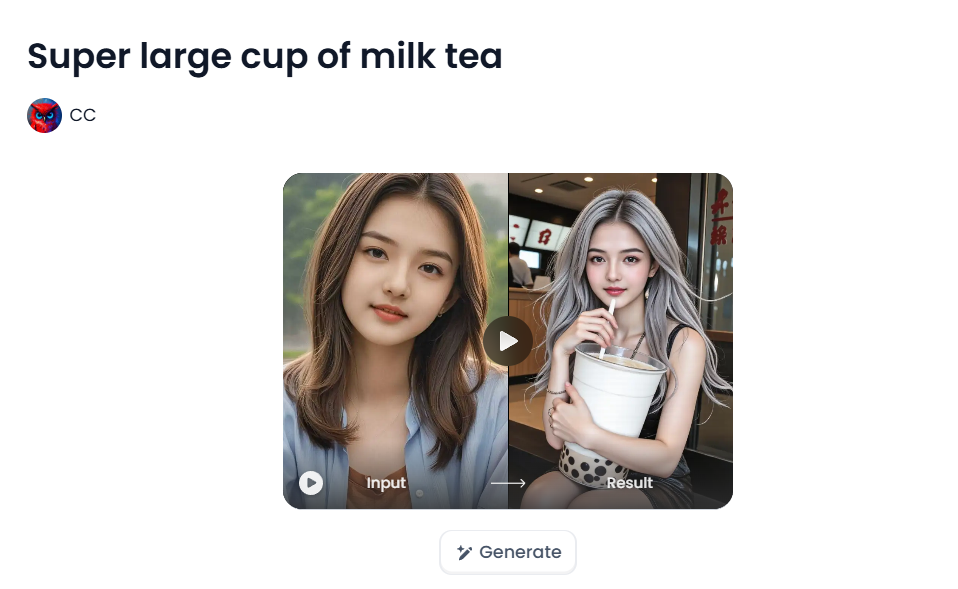
Super large cup of milk tea
Suitable scenarios:
-
Softly lit indoor scenes of everyday life
-
Cowgirls in fresh, natural settings such as meadows, fences, and cabins
-
Calm, tranquil illustrations of Western life
Effect Comparison:
-
This filter leans towards a soft, natural tone.
-
It adds a gentle and peaceful lighting effect while maintaining a realistic texture.
-
The color temperature is moderate, making the subject and background look very harmonious and natural.
Price/Value for Money:
-
Like other a1.art filters, it can be used with free credits, costing only 1 credit.
Global GPT – AI Cowgirl Generator

A dedicated text-to-image tool focused on cowgirl characters. Craft western avatars by describing hats, lassos, boots, and background scenery. The free tier provides access to various styles, from realistic to fantasy.
Pixelcut.ai – Cowgirl Character Design Generator
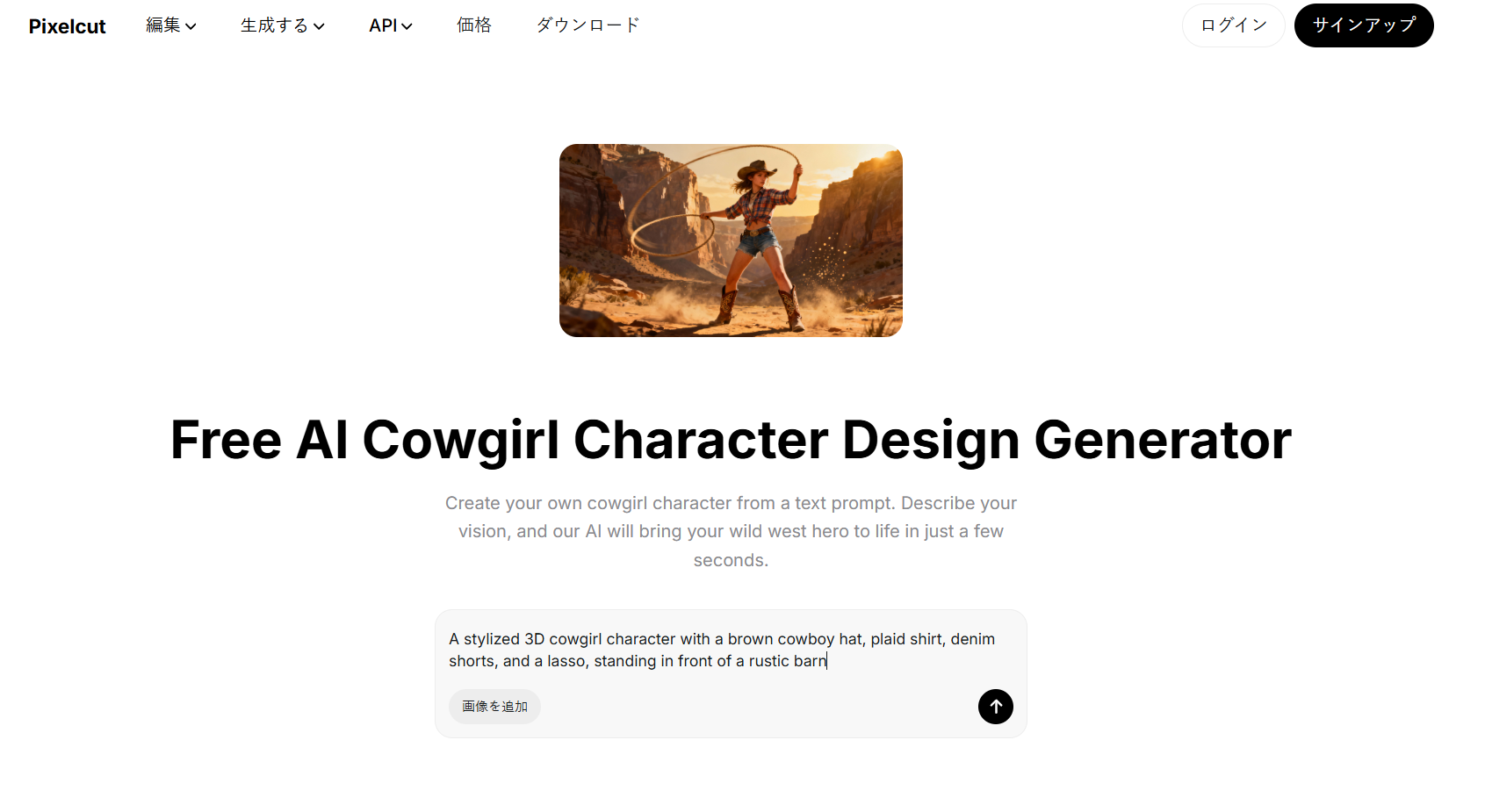
pixelcut.ai homepageTailored for detailed character design, allowing customization of outfits, poses, accessories, and facial expressions. Ideal for avatars, story characters, or virtual personas.
StarryAI – Western / Anime Cowgirl Mode
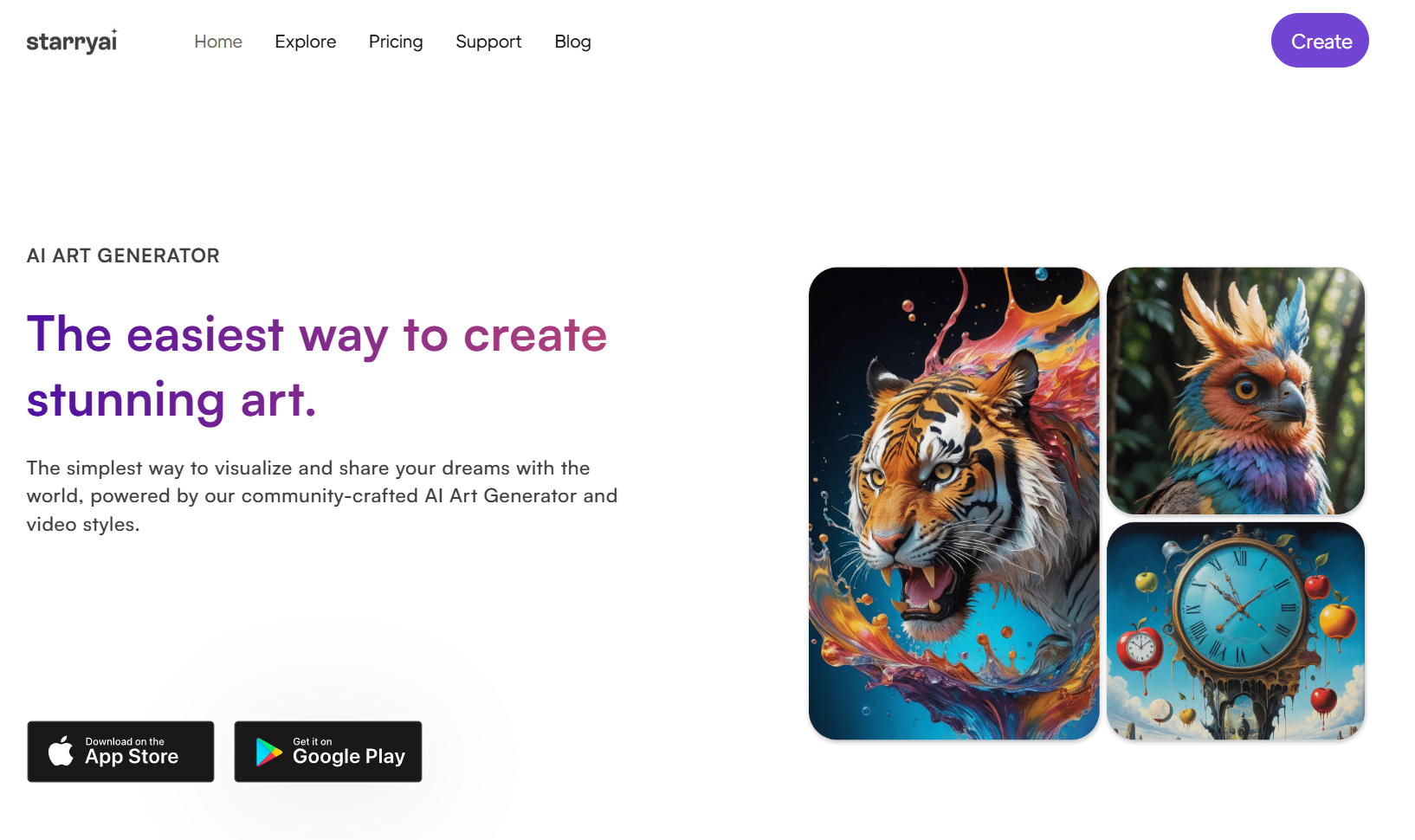
StarryAI homepageGenerates stylized avatars and illustrations using prompts like “anime western cowgirl riding sunset desert.” Beginner-friendly with high-quality outputs.
Pixelcut.ai – Wild West Art Generator
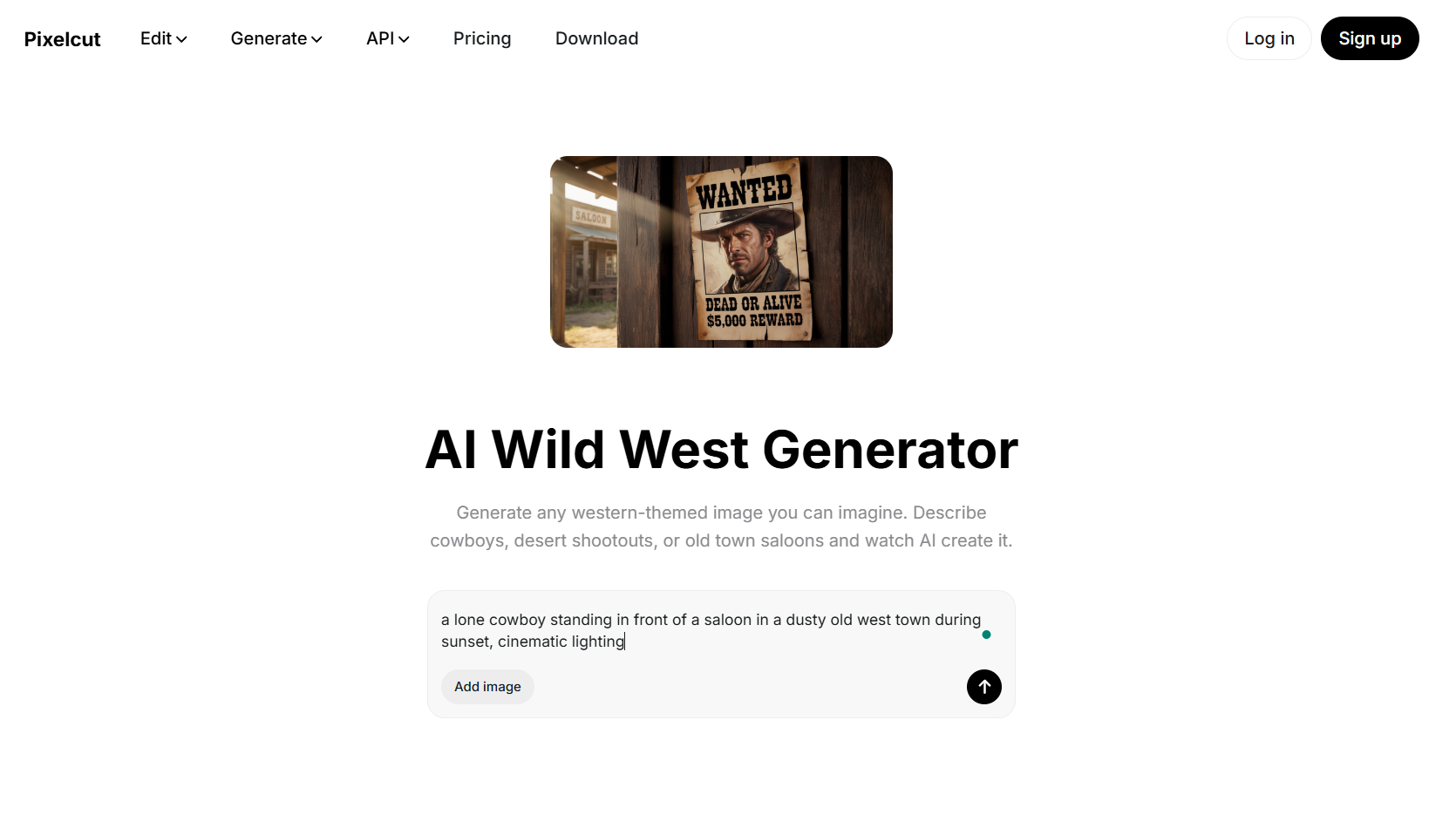
Pixelcut.ai homepageFocused on scene creation: desert landscapes, saloons, dusty trails, or horseback cowgirls. Great for backgrounds or storyboards.
PromeAI – Cowgirls Image Generation
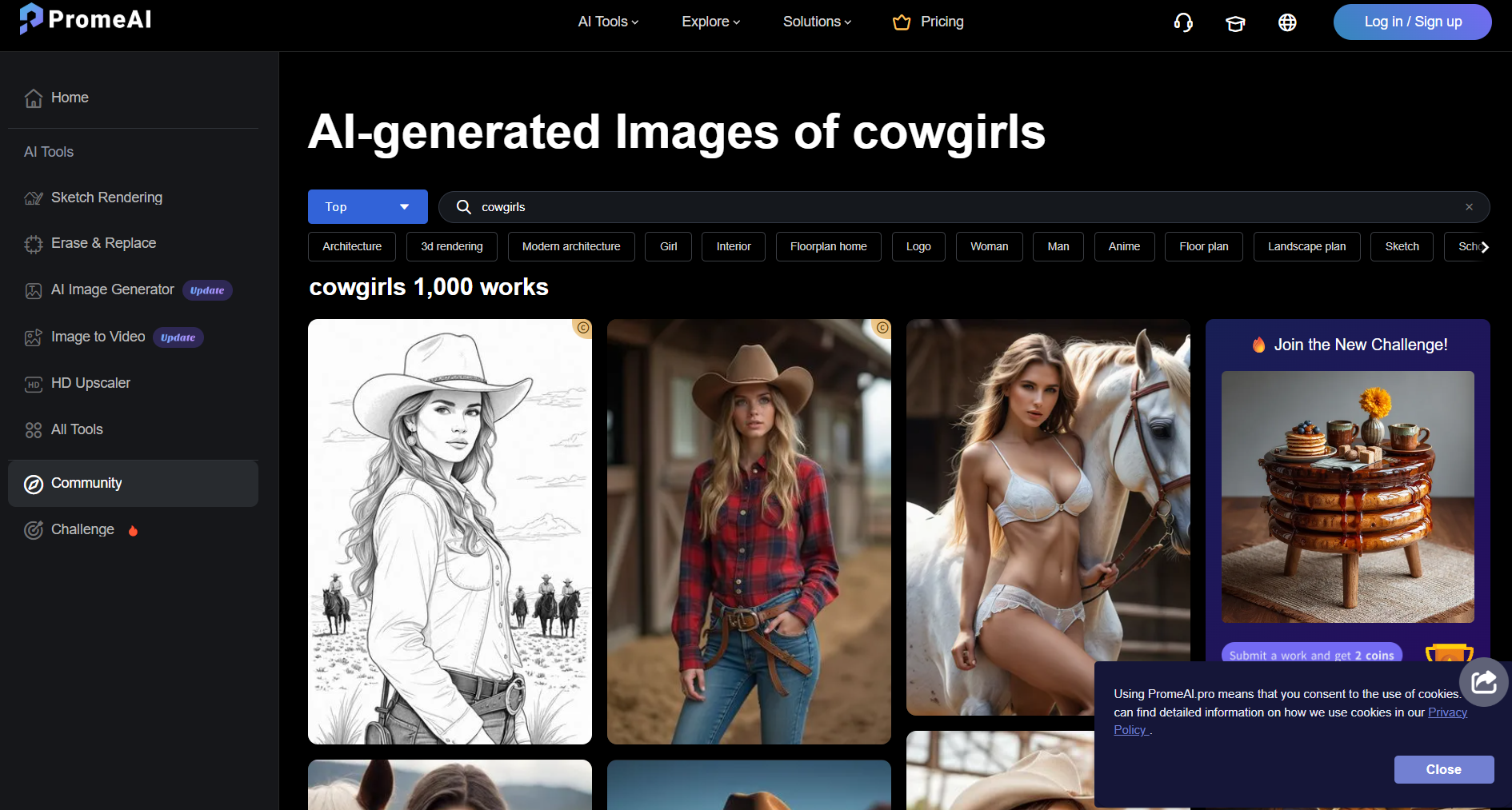
PromeAI homepageSupports a free monthly coin system. Use prompts like “cowgirl riding horse at dusk” for vivid ai cowgirl images with modern or vintage styles.
Pippit – Cowgirl Filter AI
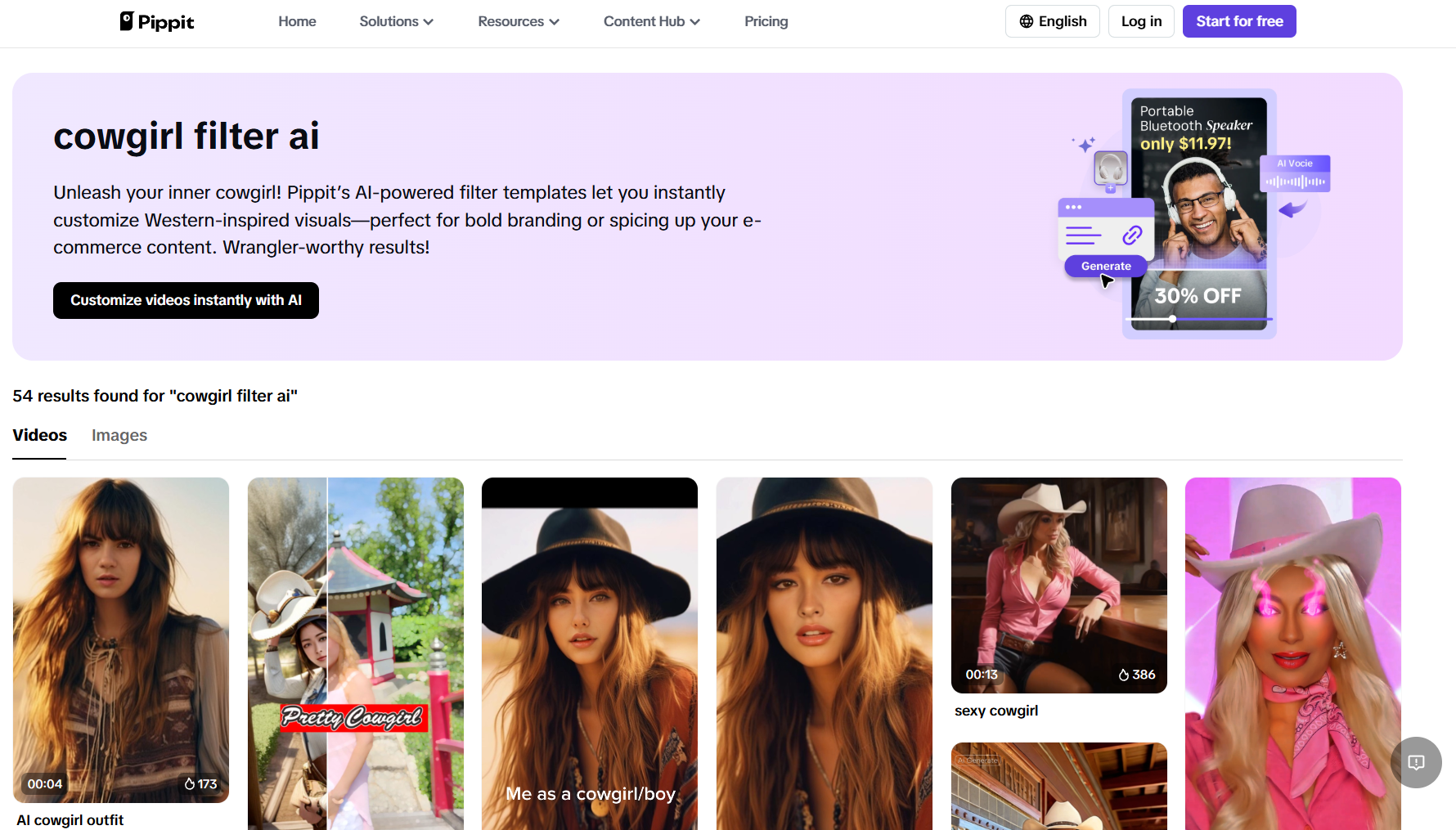
Pippit homepageApplies western-style overlays to selfies or video clips. Perfect for TikTok, Instagram Reels, or short stylized ai cowgirl videos.
DreamfaceApp – Cowboy / Cowgirl AI Generator
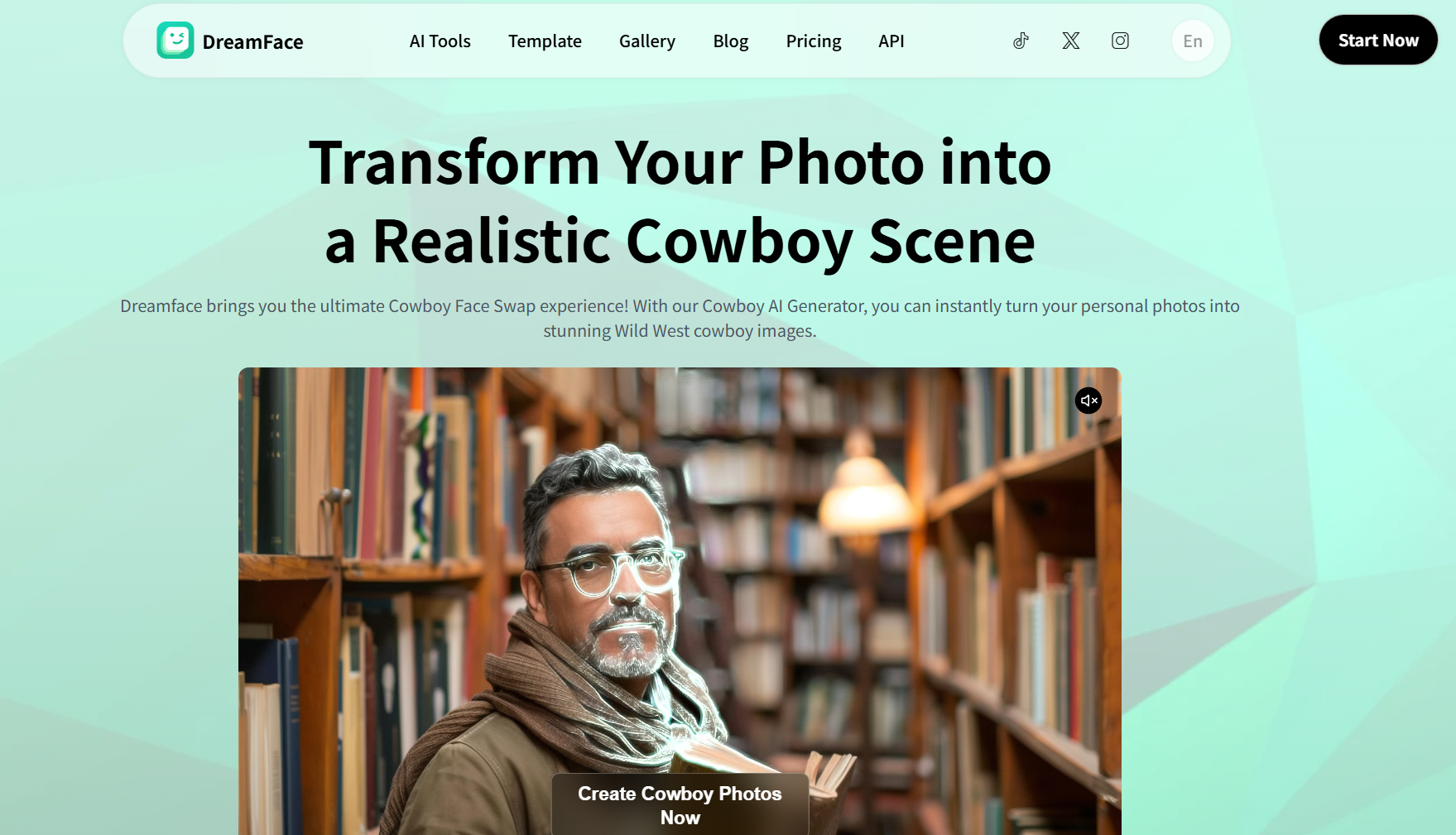
Transforms selfies into cowgirl versions. Offers options for rugged ranch personas or glamorous cinematic cowgirls.
Pixabay – AI-Generated Cowgirl Illustrations
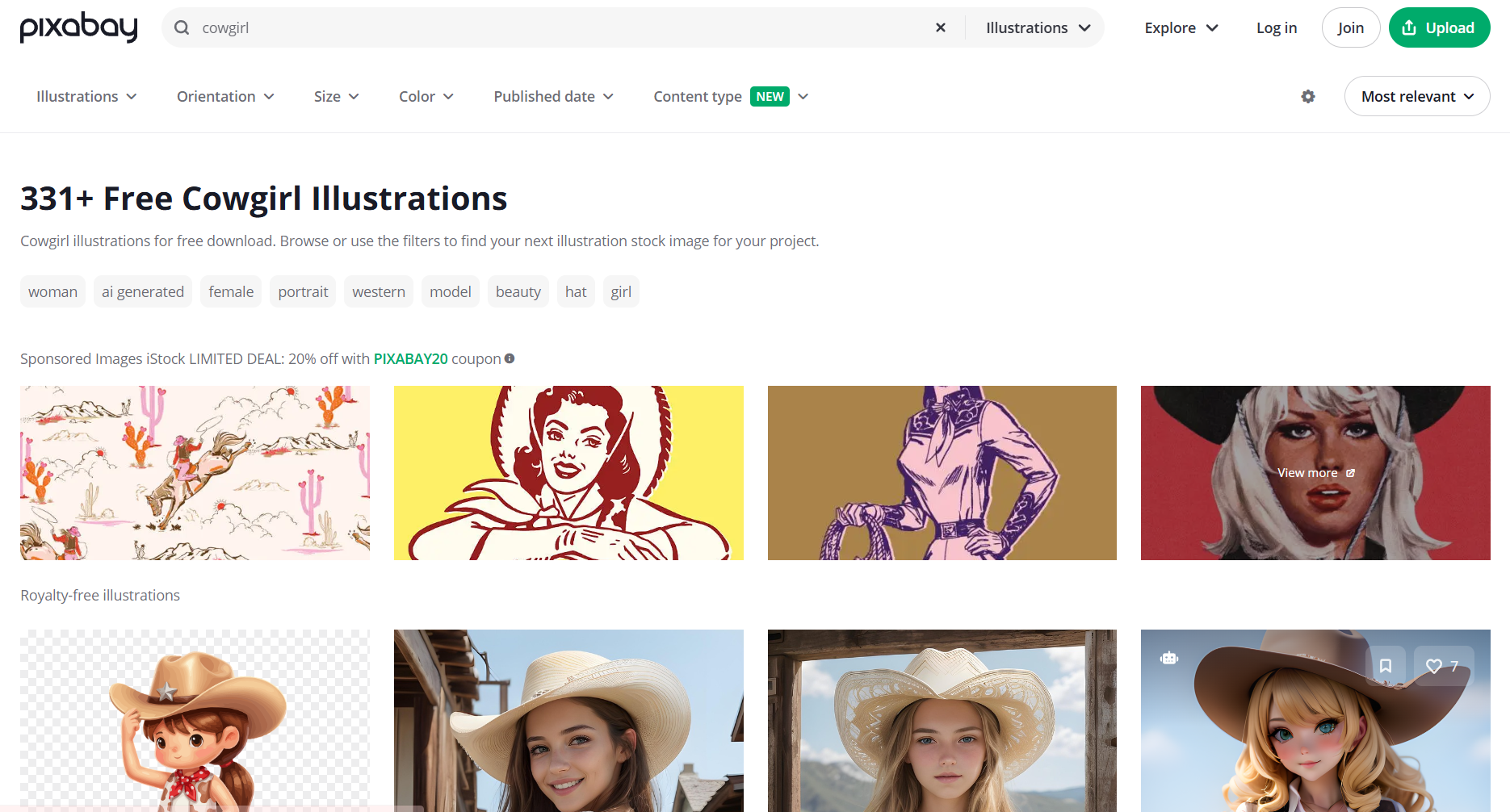
Free image library with AI-generated western girl artwork, usable for personal or commercial projects. Variety of styles including silhouettes, desert scenes, and retro-inspired cowgirl illustrations.
Artguru – AI Cowgirl Photo & Portrait Generator (New Product)
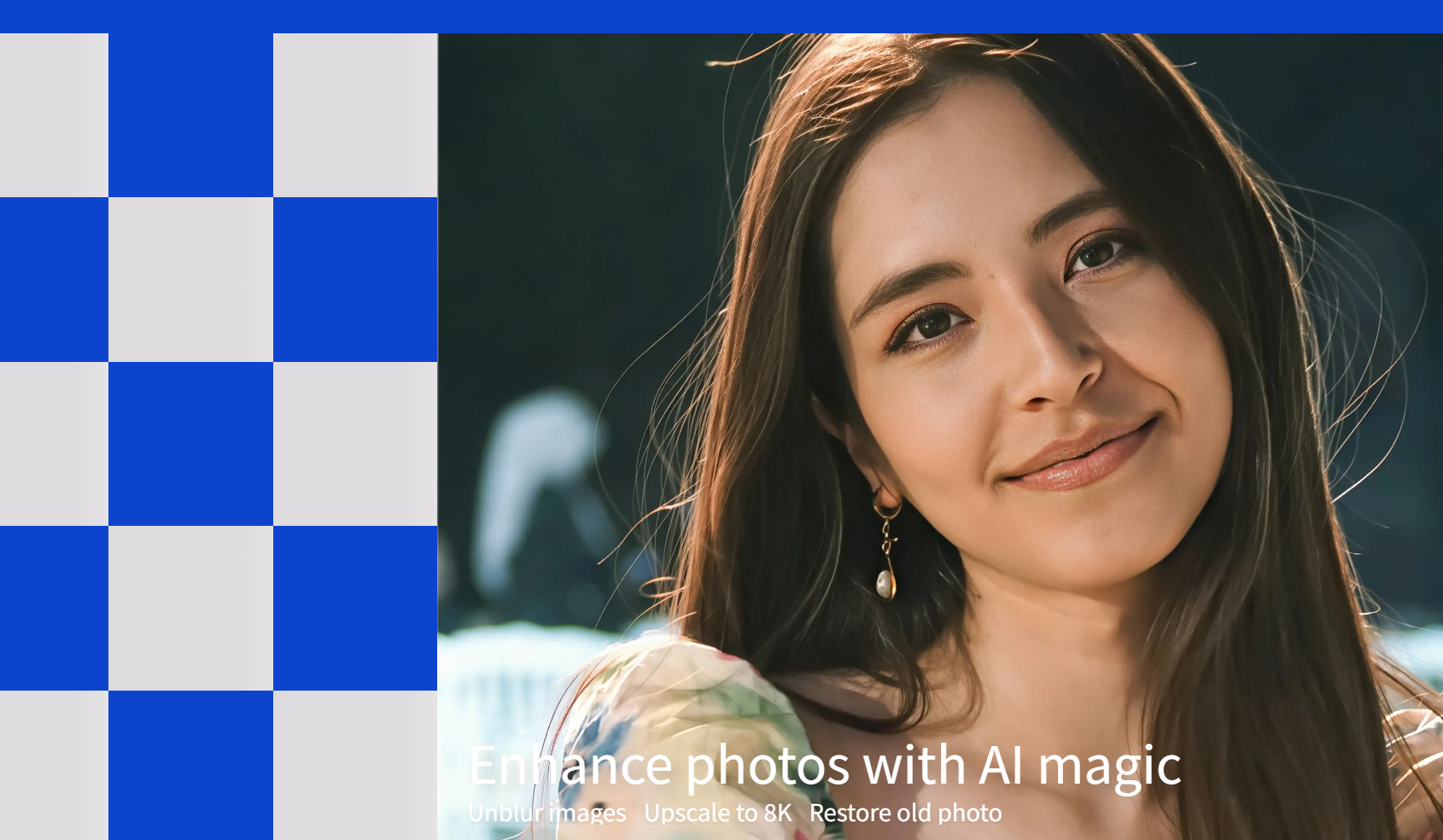
Artguru is a very popular AI image creation platform in recent years. It excels at generating highly realistic and detailed portrait photos, making it an excellent tool for creating AI Cowgirl portraits, realistic cowgirl photoshoots, and Western-style avatars. If you want a style closer to realistic photography rather than cartoon or painterly styles, this tool is perfect for you.
Practical Tips to Make the Most of AI Cowgirl Tools
Here are expert suggestions to maximize output and quality when using a free ai cowgirl creator:
-
Craft detailed prompts
Use clear, descriptive language: “a strong young cowgirl with wide-brimmed hat, brown leather boots, lasso in hand, standing in sunlit desert.”
Incorporate style modifiers like “realistic,” “anime,” “cinematic,” or “western noir.”
Employ negative prompts if the tool supports them (“no modern buildings, no futuristic armor”) to refine style.
-
Combine tools strategically
Try generating a base cowgirl image in Global GPT, then run it through a1.art filters to add western color tones or texture.Or, transform your own photo via DreamfaceApp, then stylize with StarryAI to create a polished avatar.
-
Manage your free credits
Use simple prompts first to save credits on tools with limited free tiers. Experiment with different styles early before committing your coins to complex high-detail images.
-
Be mindful of licensing
Always double check each platform’s image usage policy: whether it's allowed for personal, educational, or commercial use. For completely free, reusable art, Pixabay is often your safest bet — but even then, verify the license attached to each image.
-
Organize and archive your work
Save both your images and the prompts used. Maintain a document or note file so you can easily re-generate or tweak successful prompts. Use cloud storage or a folder system, labeled by style, type (avatar, scene), and date.
Conclusion: The Best Way to Create an AI Cowgirl in 2026
If you want the easiest and most reliable way to design a high-quality ai cowgirl, a1.art remains the top choice. Its advanced filters, strong rendering quality, and generous free credits make it perfect for creating everything from realistic portraits to stylized ai cowgirl images. Compared with other generators, a1.art delivers better textures, outfits, and Western-style details — all with a simple, fast workflow.
For anyone looking to create stunning cowgirl visuals in minutes, a1.art is the must-try ai cowgirl generator of 2026.
🔞 Content Publication Policy (Concise English Version)
All users must strictly adhere to the following rules and bear full responsibility for the content they publish:
-
Illegal Content: The generation or distribution of any form of illegal content is strictly prohibited.
-
CSAM (Child Sexual Abuse Material): Any sexual content involving minors is considered a severe felony worldwide, with zero tolerance.
-
Deepfakes (Non-consensual Intimate Images): The creation or dissemination of intimate images of any real person without their explicit consent is strictly forbidden.
-
User Responsibility: Users are solely responsible for ensuring all generated content complies with copyright, privacy, and all applicable laws.
Read more
- Top 10 AI Tits Generator Online Free in 2026
- Celebrate Immaculate Conception with AI Image & Video Maker
- Celebrate Constitution Day with AI Image & Video Maker
- Best Free AI Tools to Create AI Generated Indian Faces Online
- 3D AI Porn Playlist with a1.art Video Generator
- 10+ AI Femboy porn Generators Free in 2026
- 5 Best AI Furry porn Art Generators Online Free
- How to Create AI-Generated Indian Wedding Couple Photos Online for Free?
- How to Use Veo 3 AI Model to Create Adult Style Images
- Wan AI Porn: Free AI Image and Video Generator Guide
Written by

a1.art
Published on
Nov 25, 2025
Share article


