


Get Skin Color Videos & Images without Prompt
a1.art offers a large number of filters, allowing you to easily obtain AI videos or images without prompts.
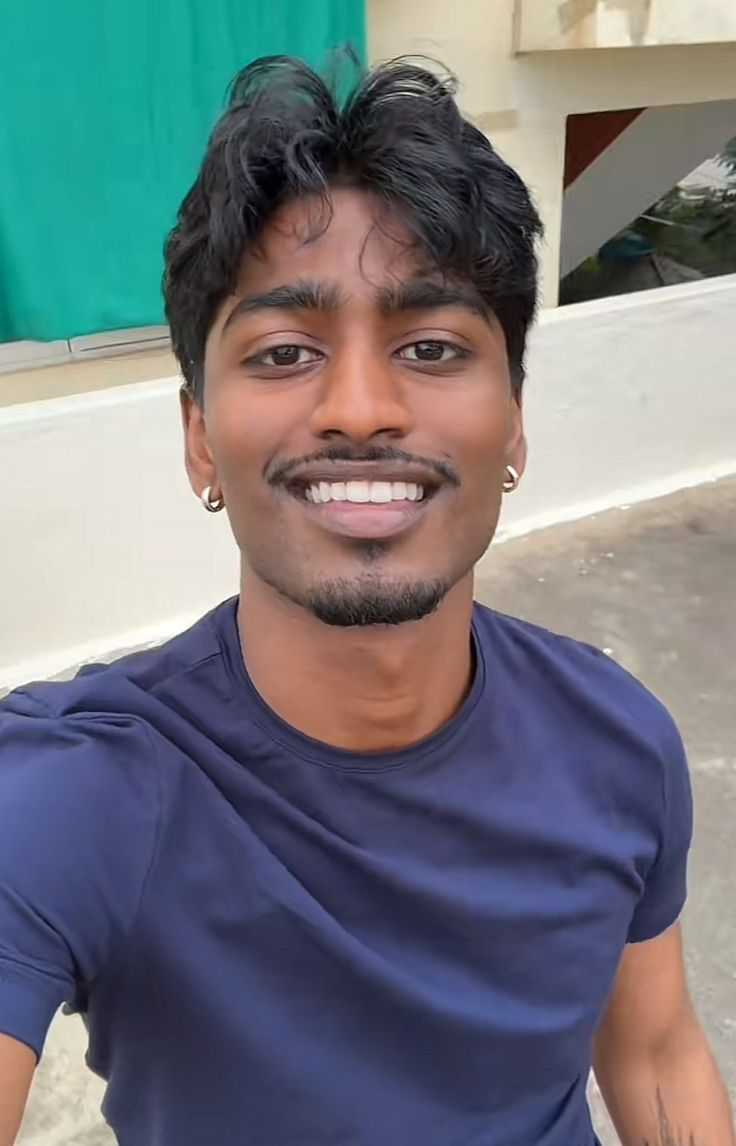
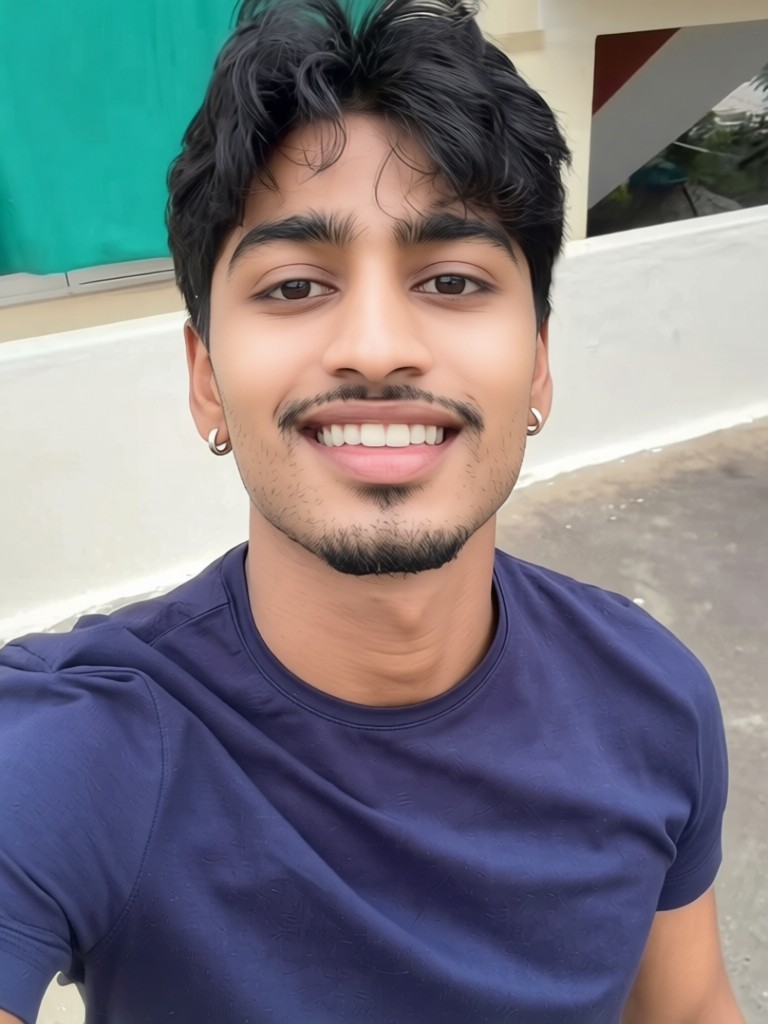
Input
Result
Skin whitening
 CC
CC 1.2k
1.2k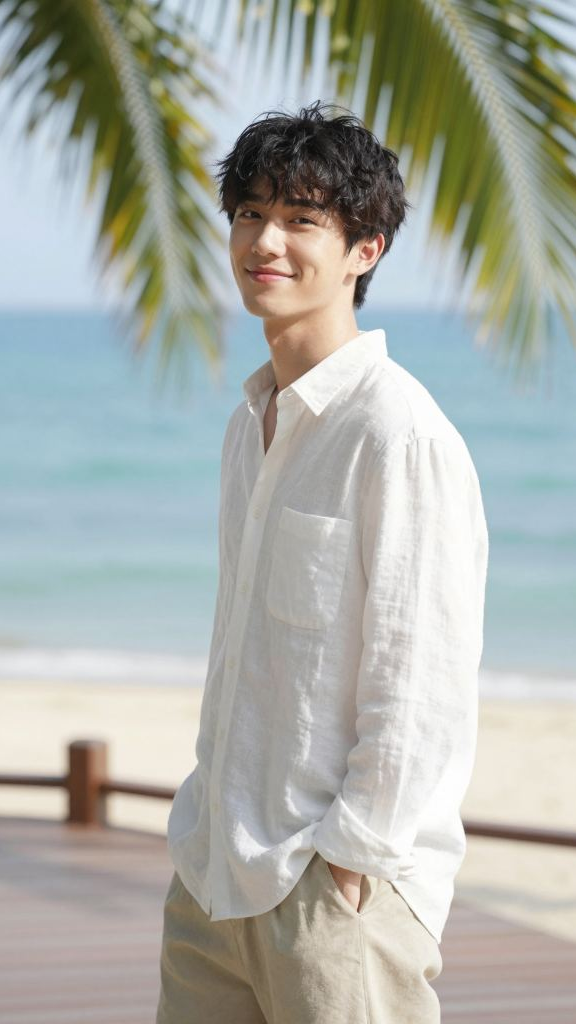
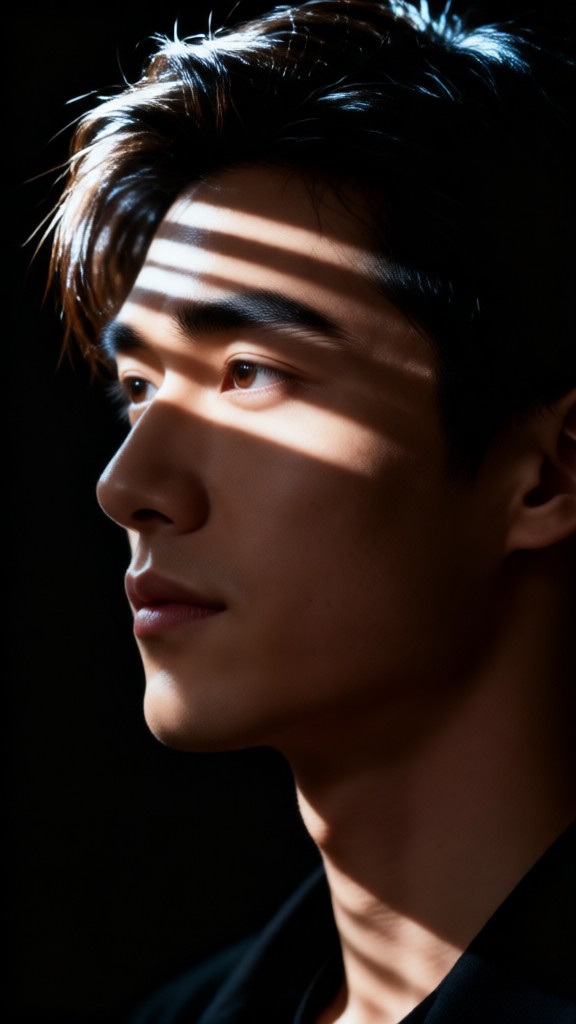
Input
Result
Color Emotional Portrait
 XX's311
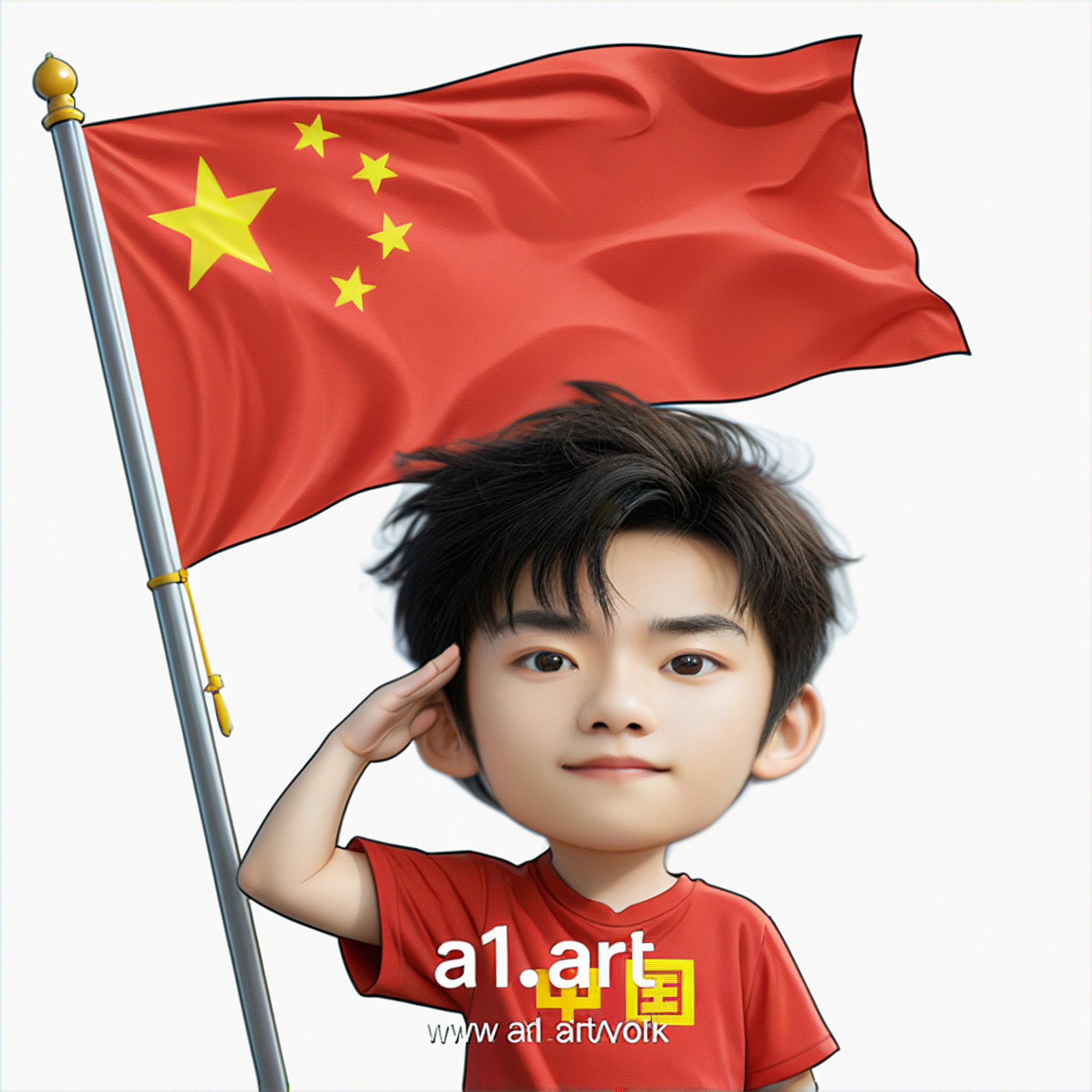
Input
Result
Q version of the National Day avatar
 Ben231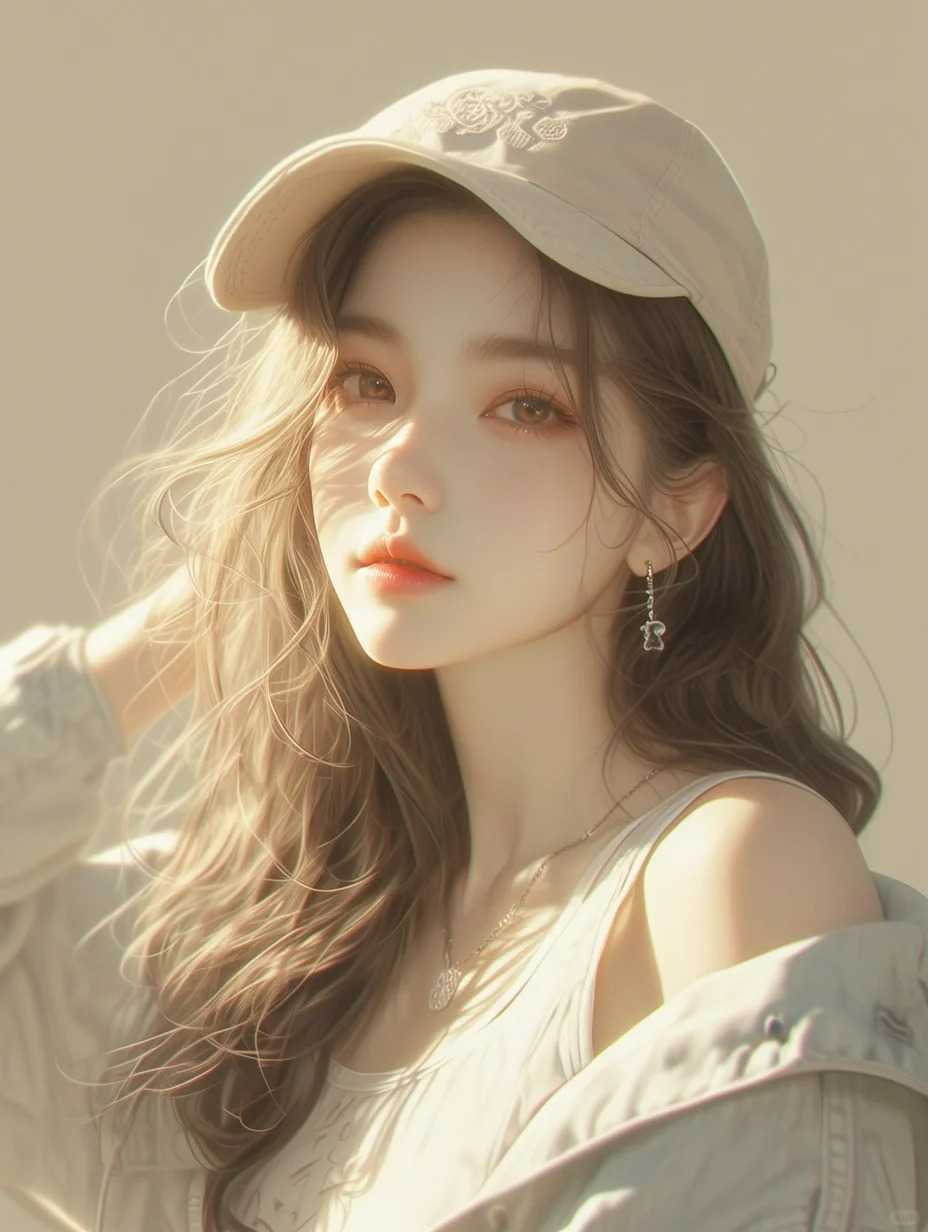
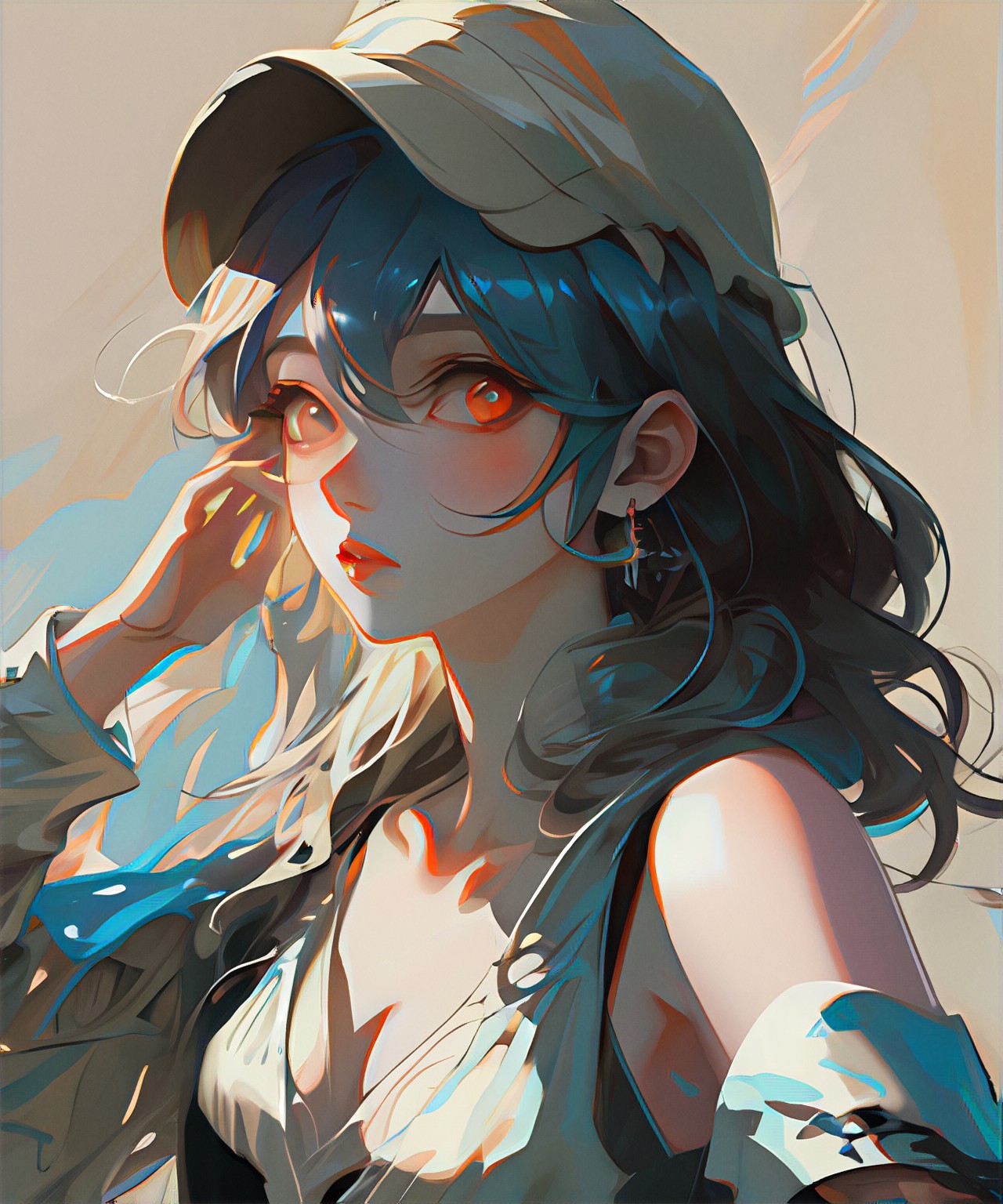
Input
Result
Contrast color
 winter solstice167
girl
long white hair
sweater
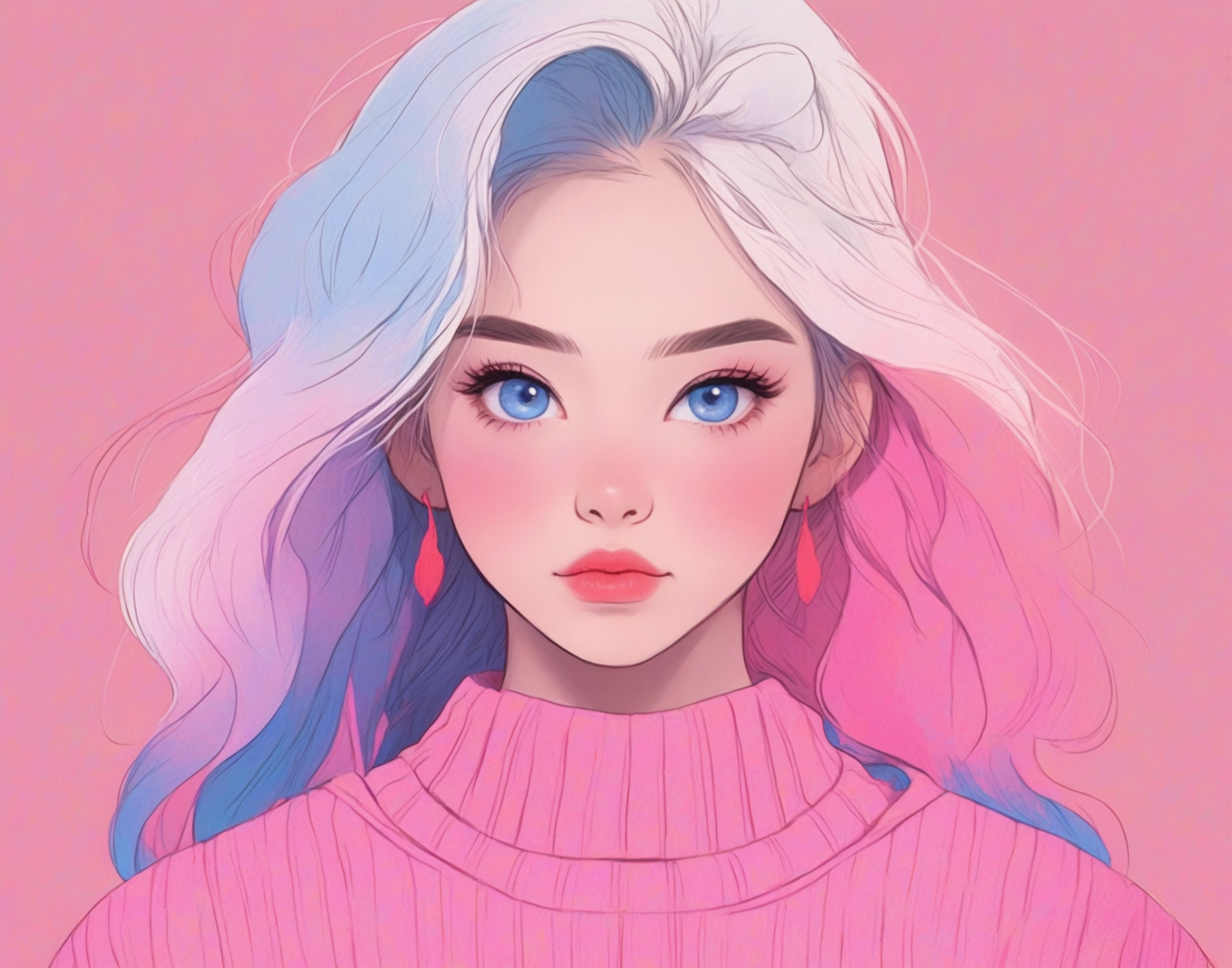
Input
Result
Neon Color Illustration
 A1.art44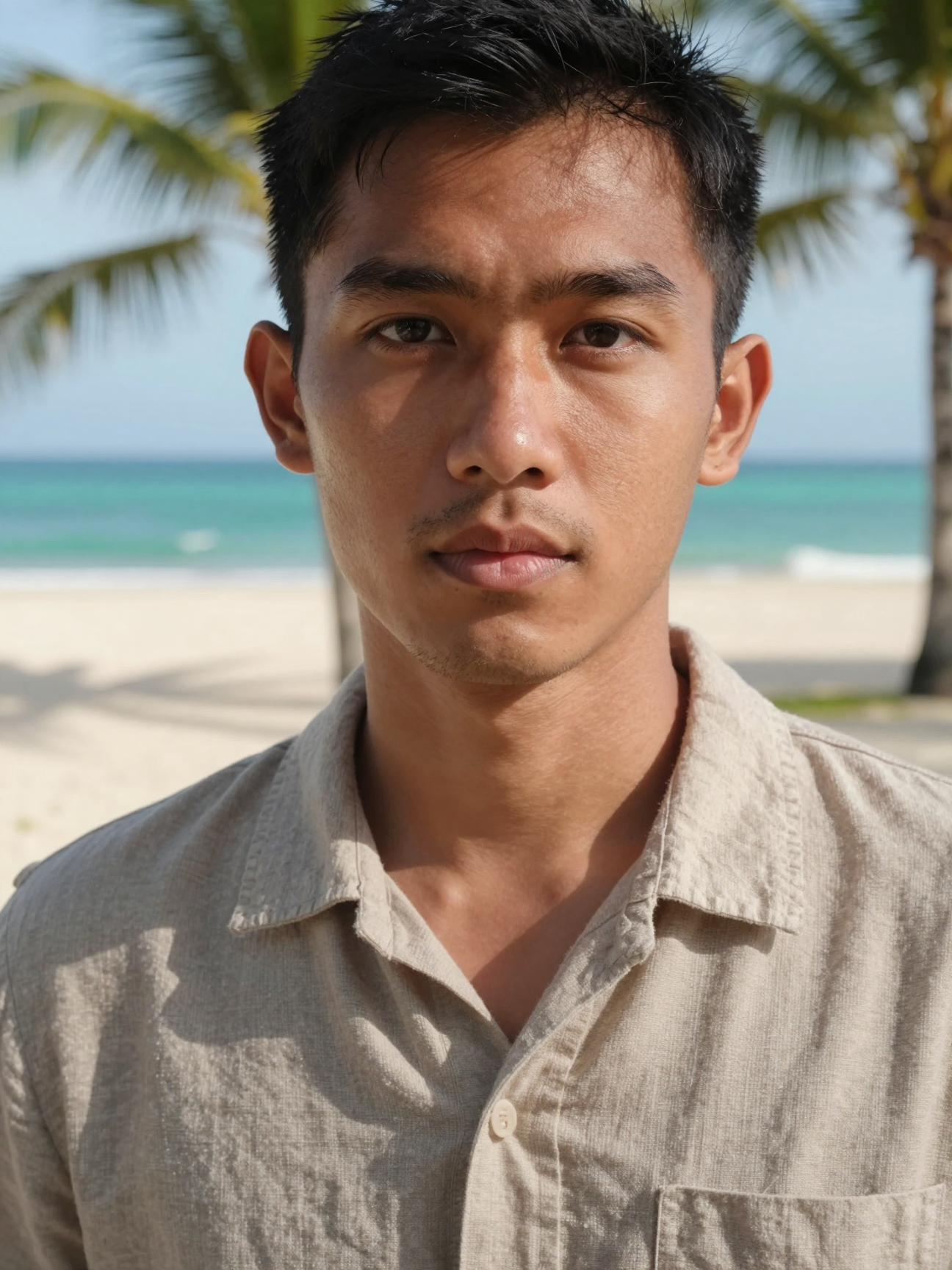
Input
Result
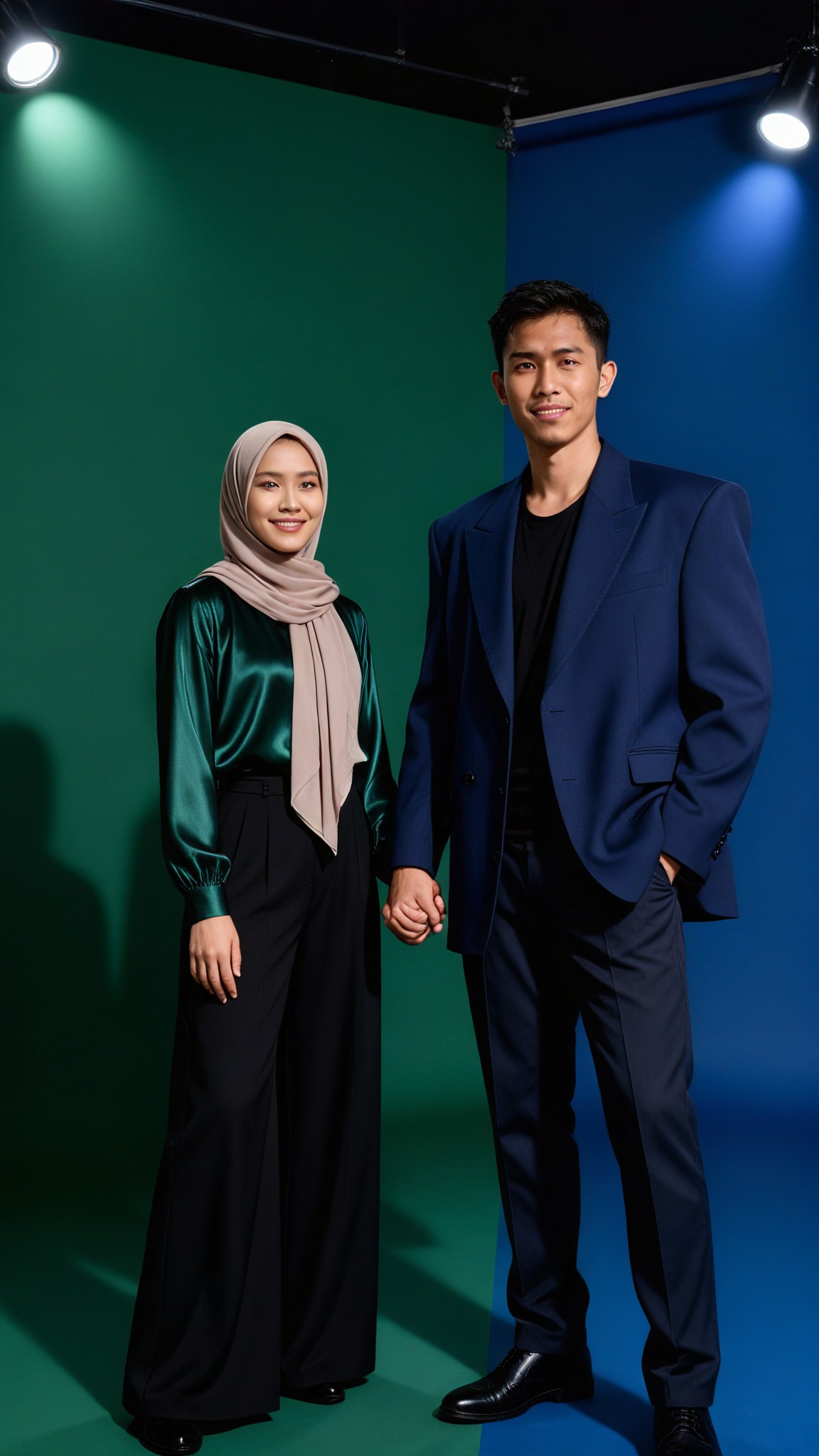
Color Clash Fashion
 艺术梦想家41
Input
Result
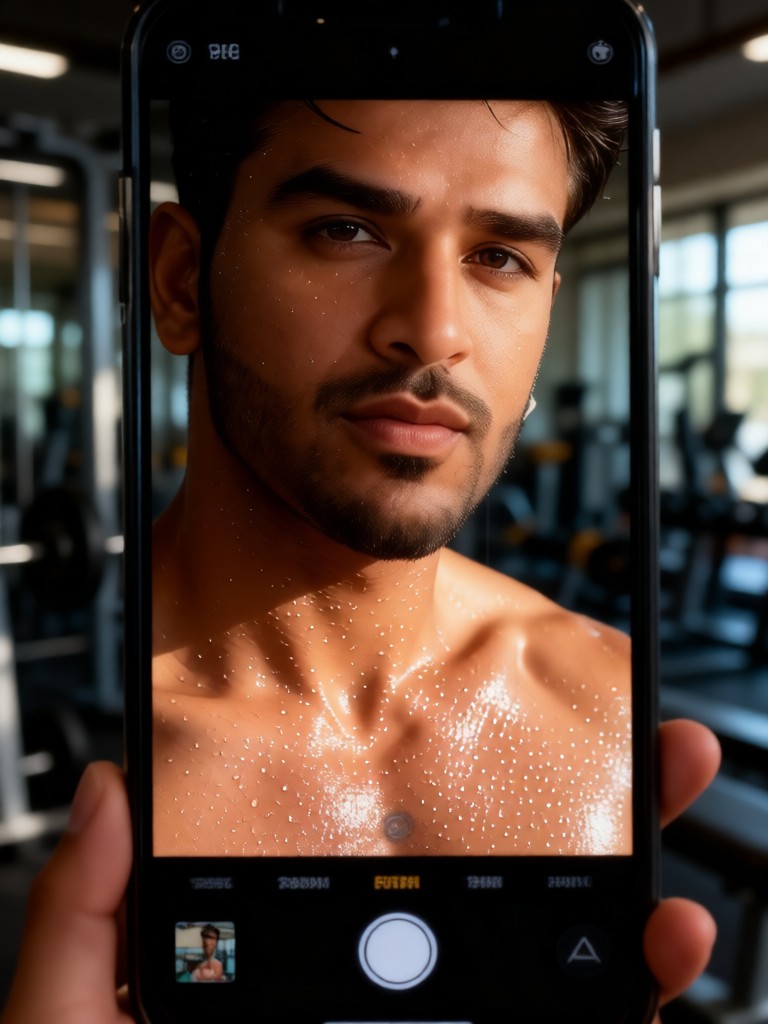
Sweat Skin Selfie
 Melody💗35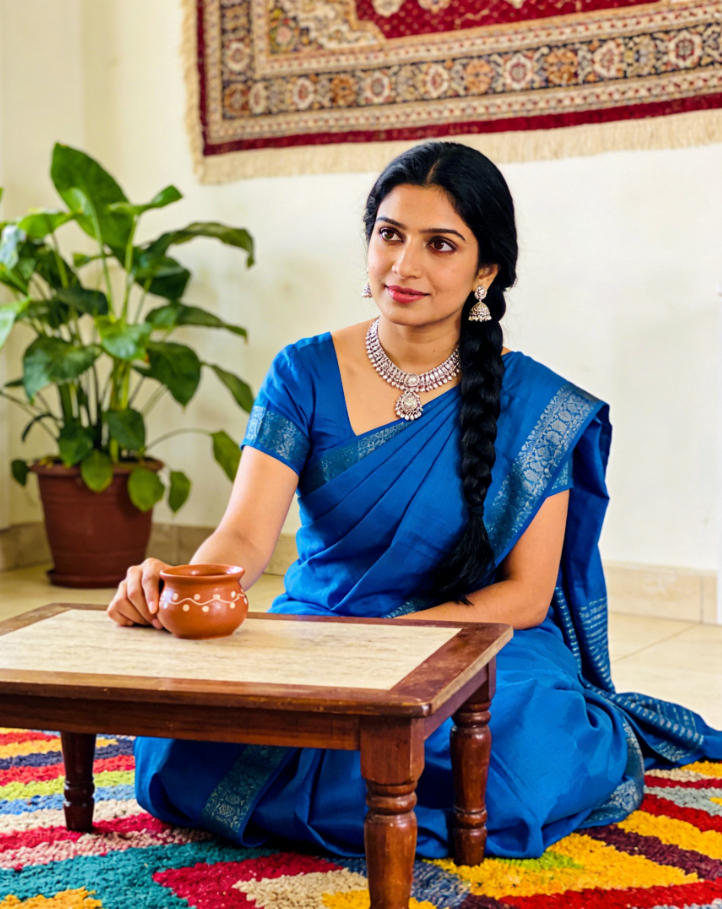
Input
Result
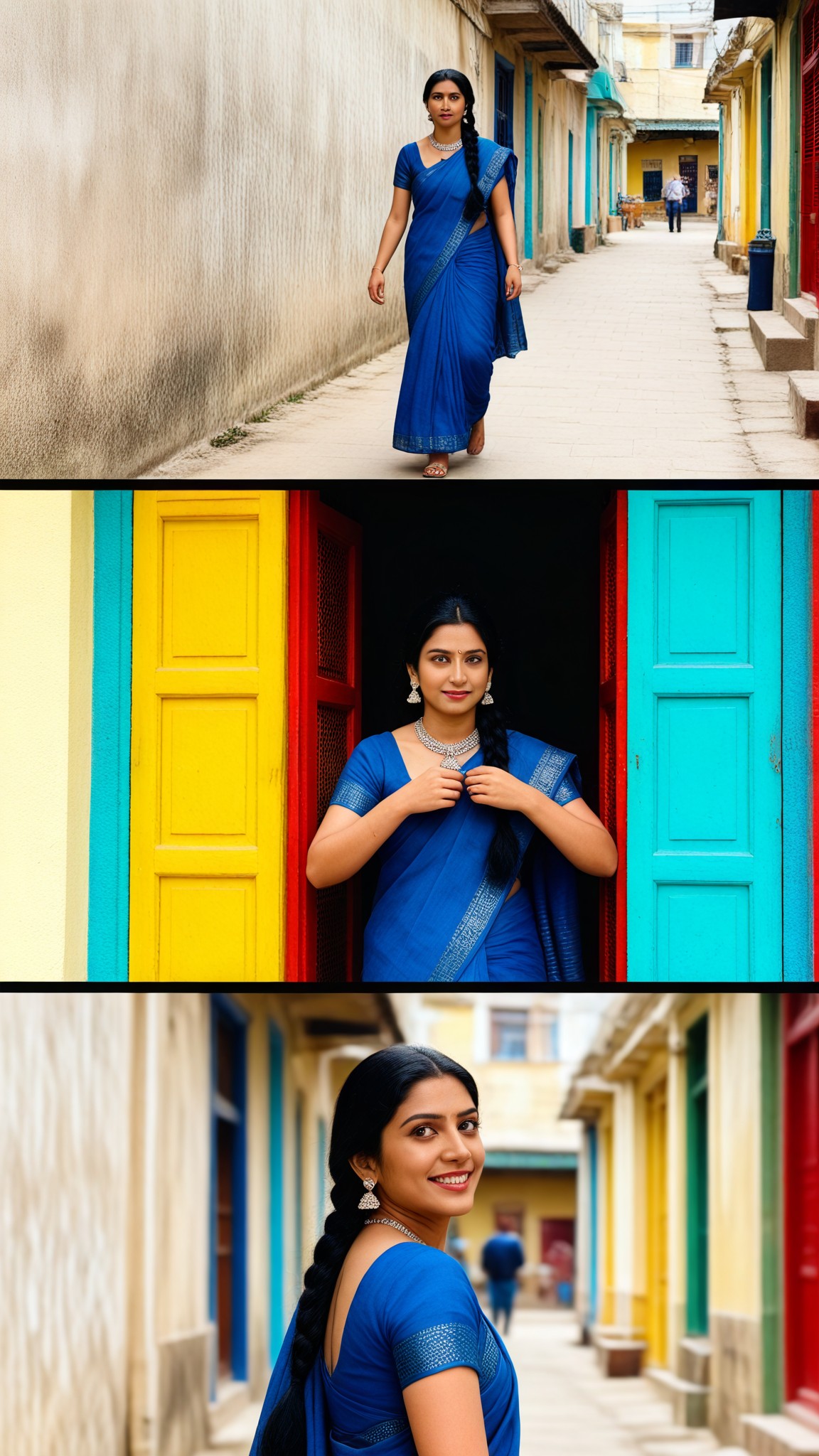
Color Alley
 艺术画家32
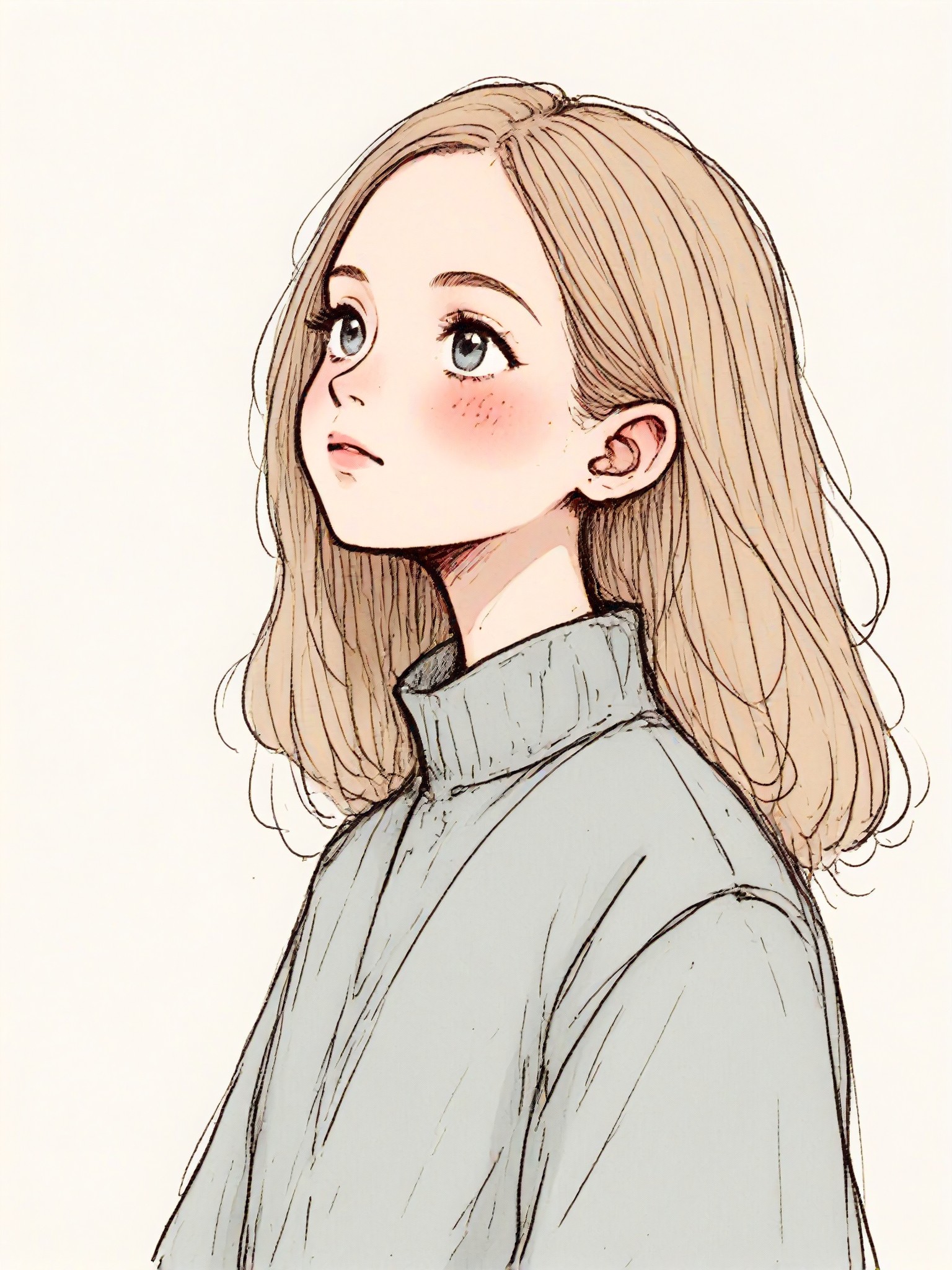
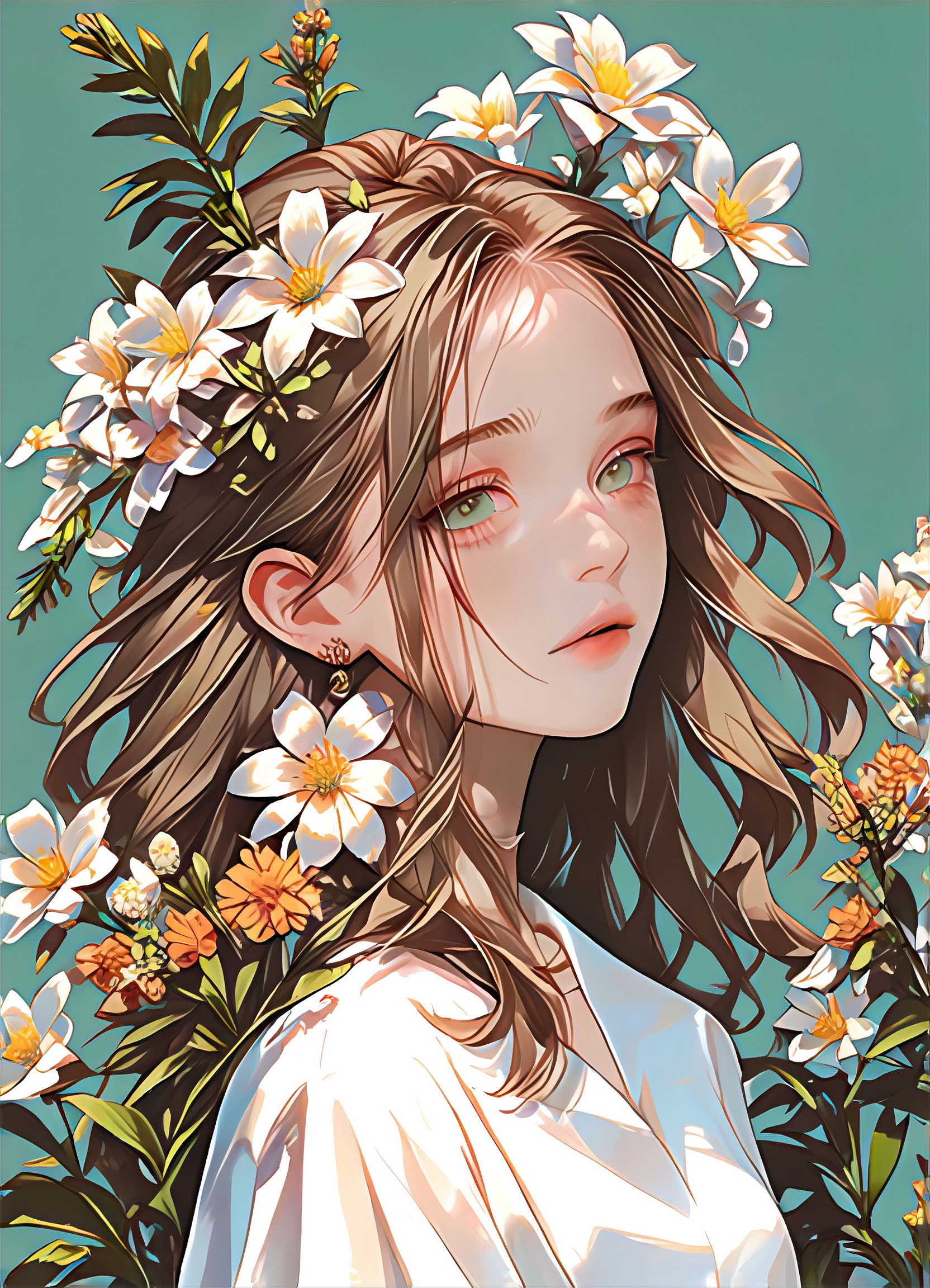
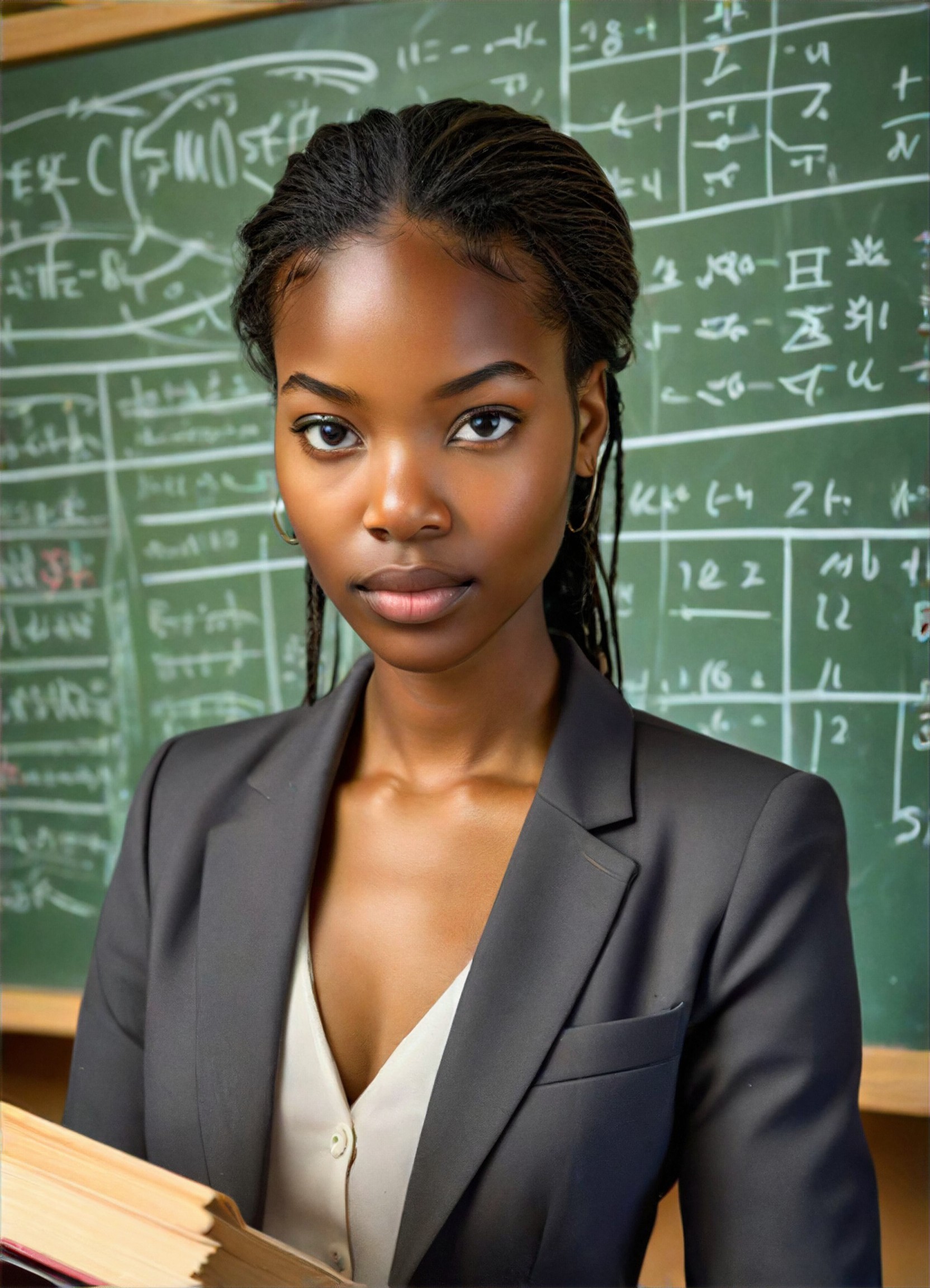
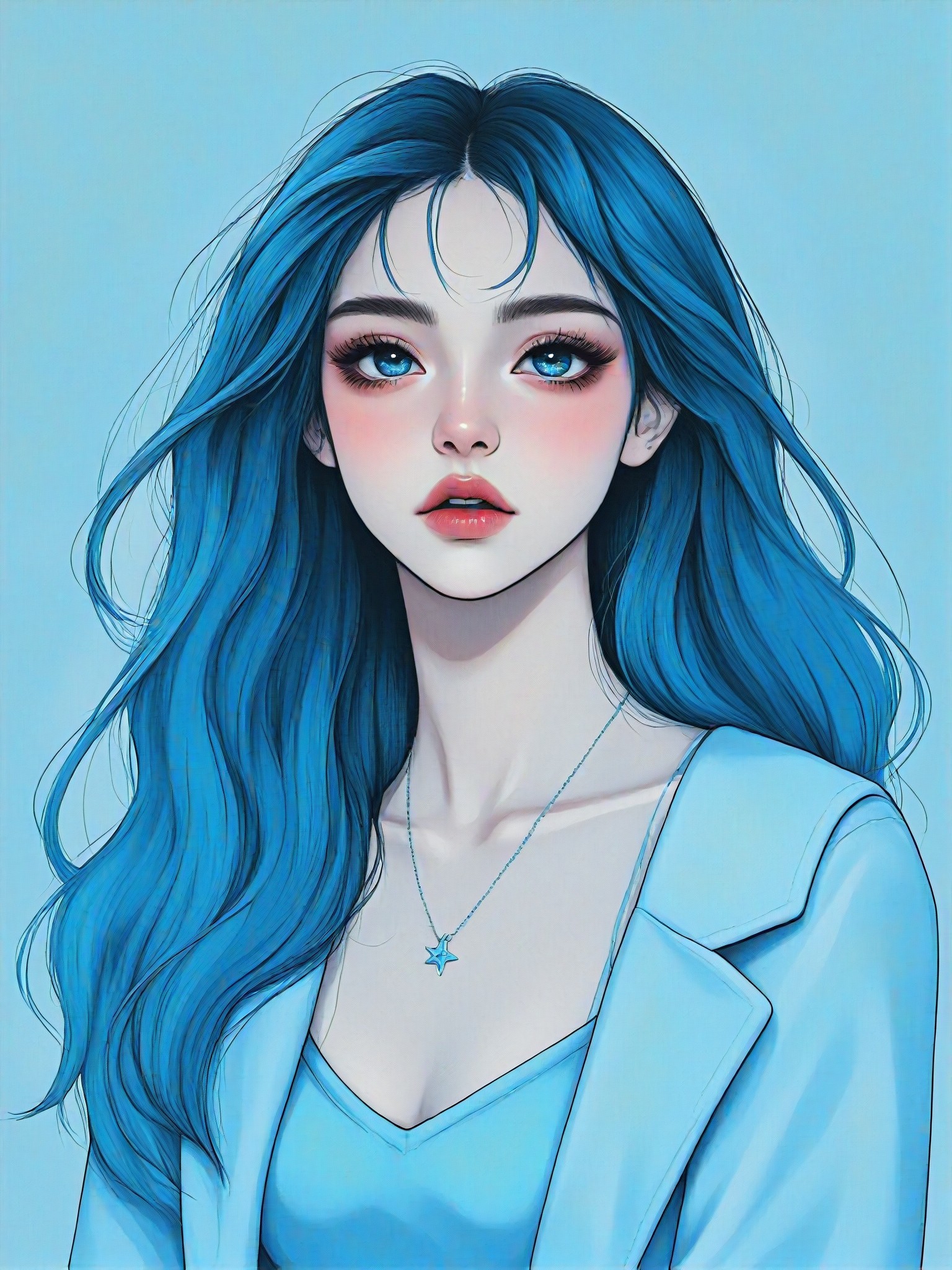
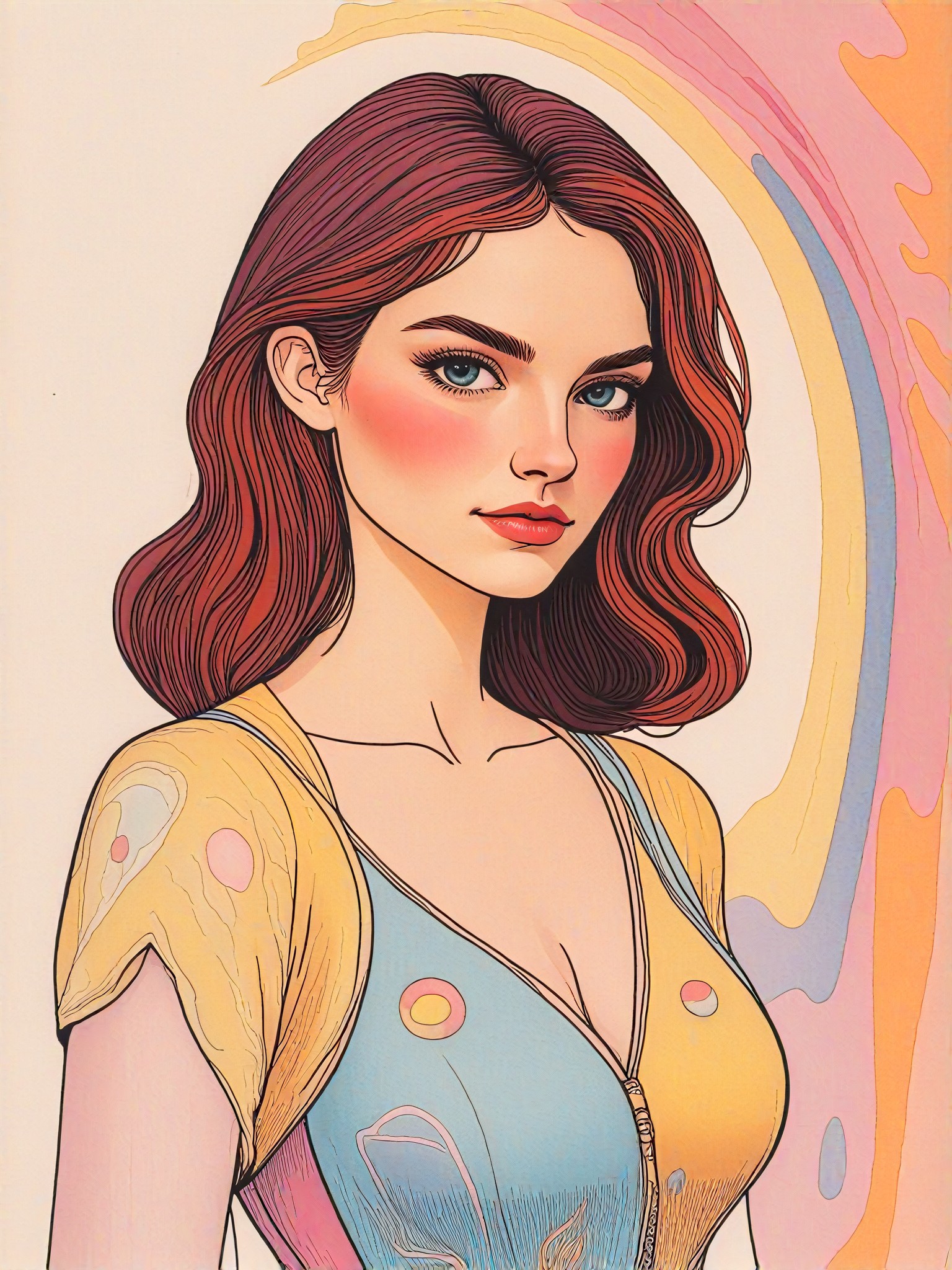
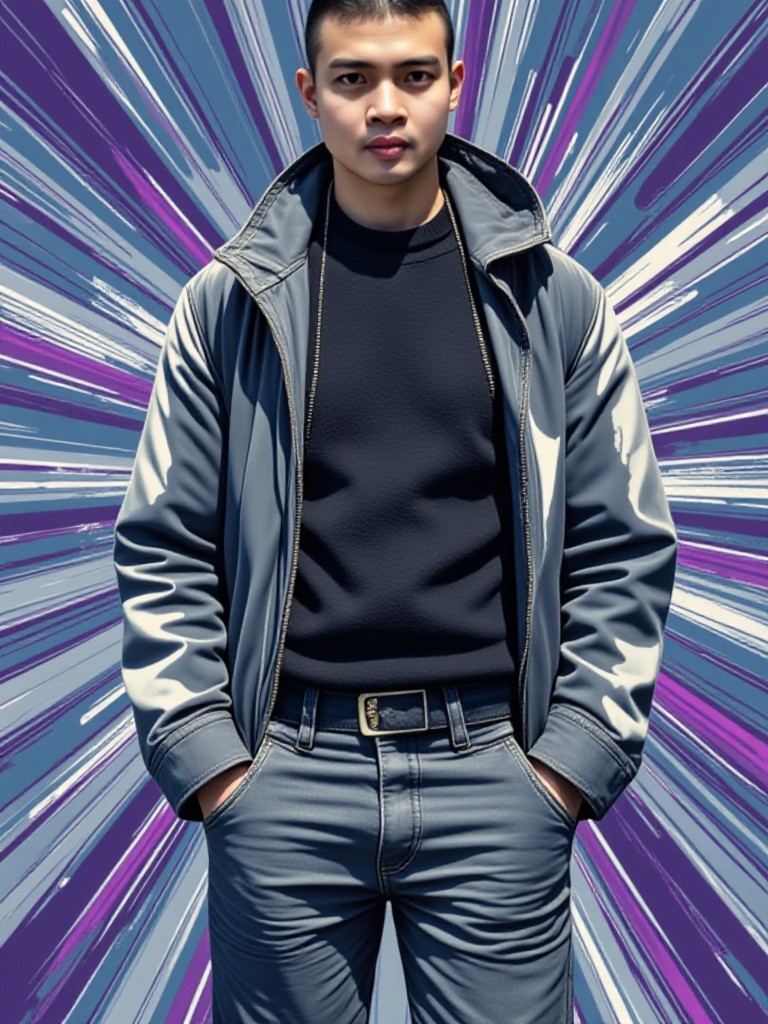
AI Generated Skin Color Images & Videos
Discover unique and innovative Skin Color images and videos created with a1.art Skin Color prompts.

How to Make Skin Color AI Image & Video on a1.art?
Step into the future of AI Skin Color video and image creation on a1.art.

Step 1
Select the style you want to apply in the Square.

Step 2
Upload the image you want to transform. It can be a photo, hand-drawn sketch.

Step 3
Wait a few seconds and you can easily get your unique AI Skin Color art. Download for free!
FAQ about Skin Color AI Prompt on a1.art
Discover the secrets to creating Birthday Day videos and images at a1.art.
What are skin color AI prompts?
Skin color AI prompts are specialized text inputs designed to guide a1.art's AI in generating images or videos with specific skin tones. These prompts help achieve accurate and expressive results tailored to your creative vision.
Can I customize skin color AI prompts?
Yes, a1.art allows you to customize prompts to suit your preferences. Whether you want realistic tones, artistic interpretations, or futuristic designs, you can adjust the prompts to achieve the desired effect.
How does a1.art handle diverse skin tones?
a1.art is equipped with advanced AI technology that accurately captures and represents a wide range of skin tones. Our platform ensures inclusivity and diversity in every generated image or video.
Are there any limitations to using skin color AI prompts?
While a1.art offers extensive customization options, the quality of the output depends on the clarity and specificity of your prompts. Providing detailed descriptions will yield the best results.
Do I need technical skills to use skin color AI prompts?
No, a1.art is designed to be user-friendly, requiring no technical expertise. Simply input your preferred prompts, and our AI will handle the rest, delivering professional-grade visuals effortlessly.


