


Get Skin Color Change Videos & Images without Prompt
a1.art offers a large number of filters, allowing you to easily obtain AI videos or images without prompts.
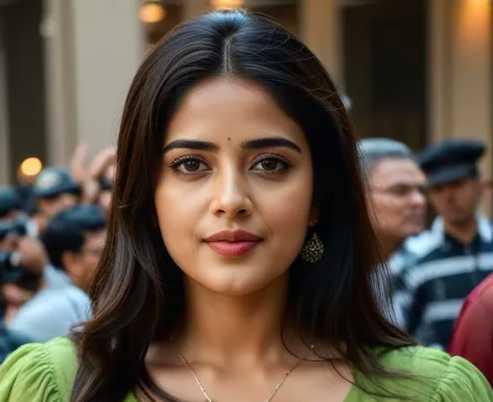
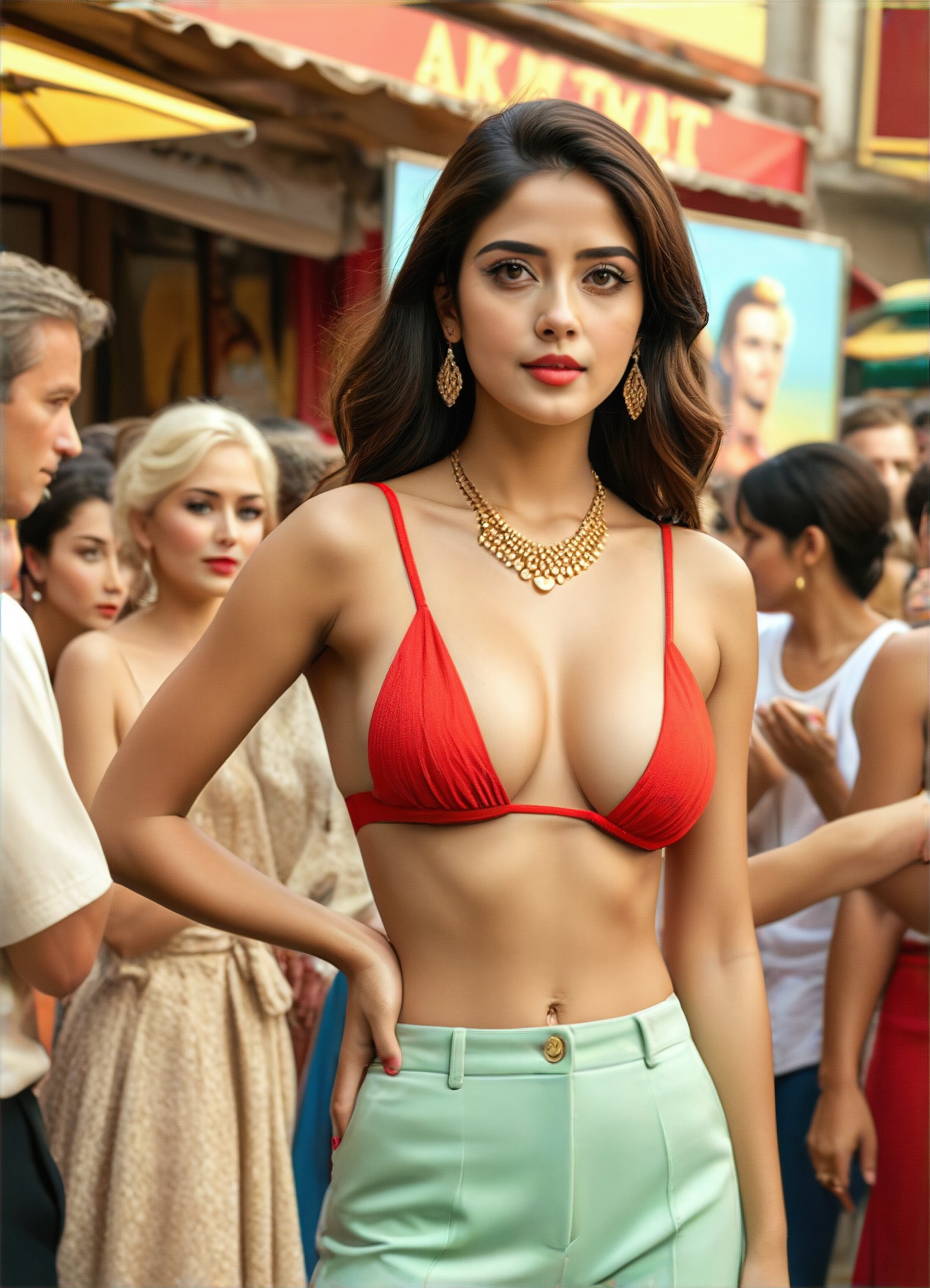
red
Input
Result
#Change color of outfit
 Devinci. art
 8.5k
8.5k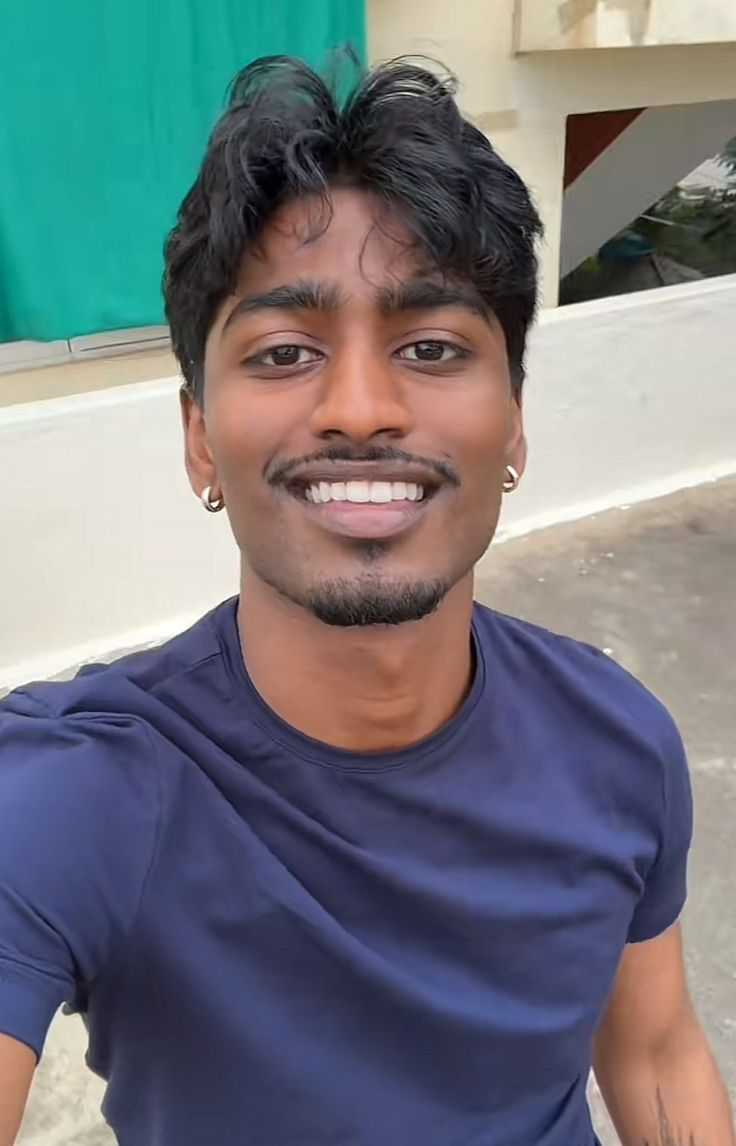
Input
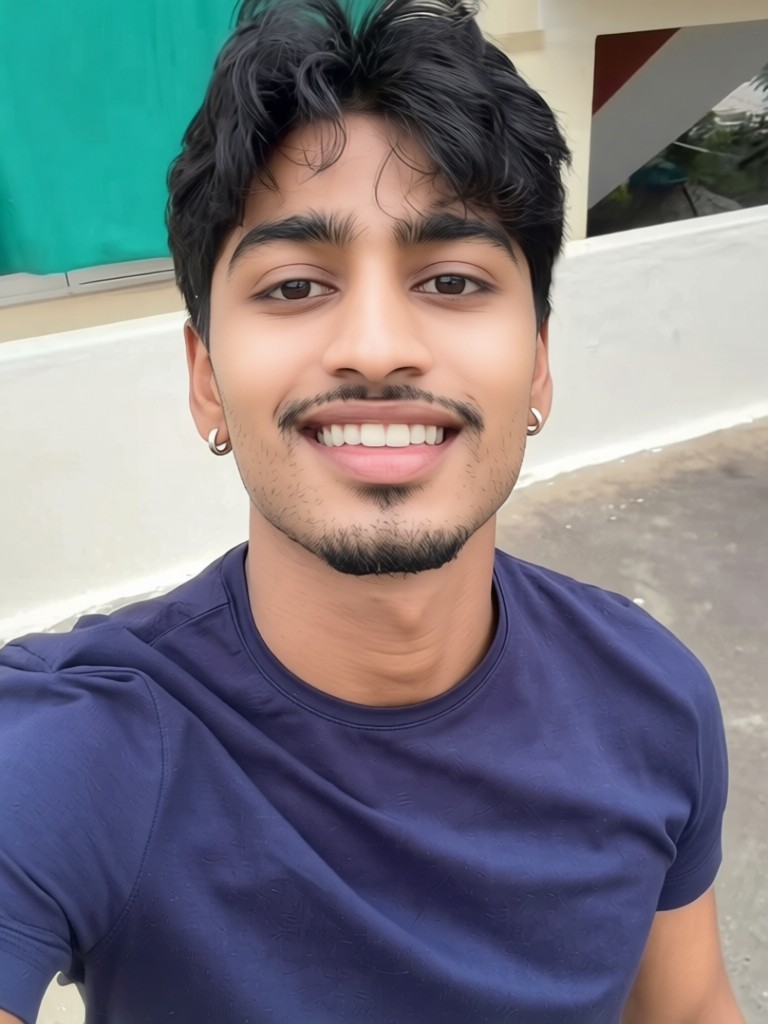
Result
Skin whitening
 CC1.2k
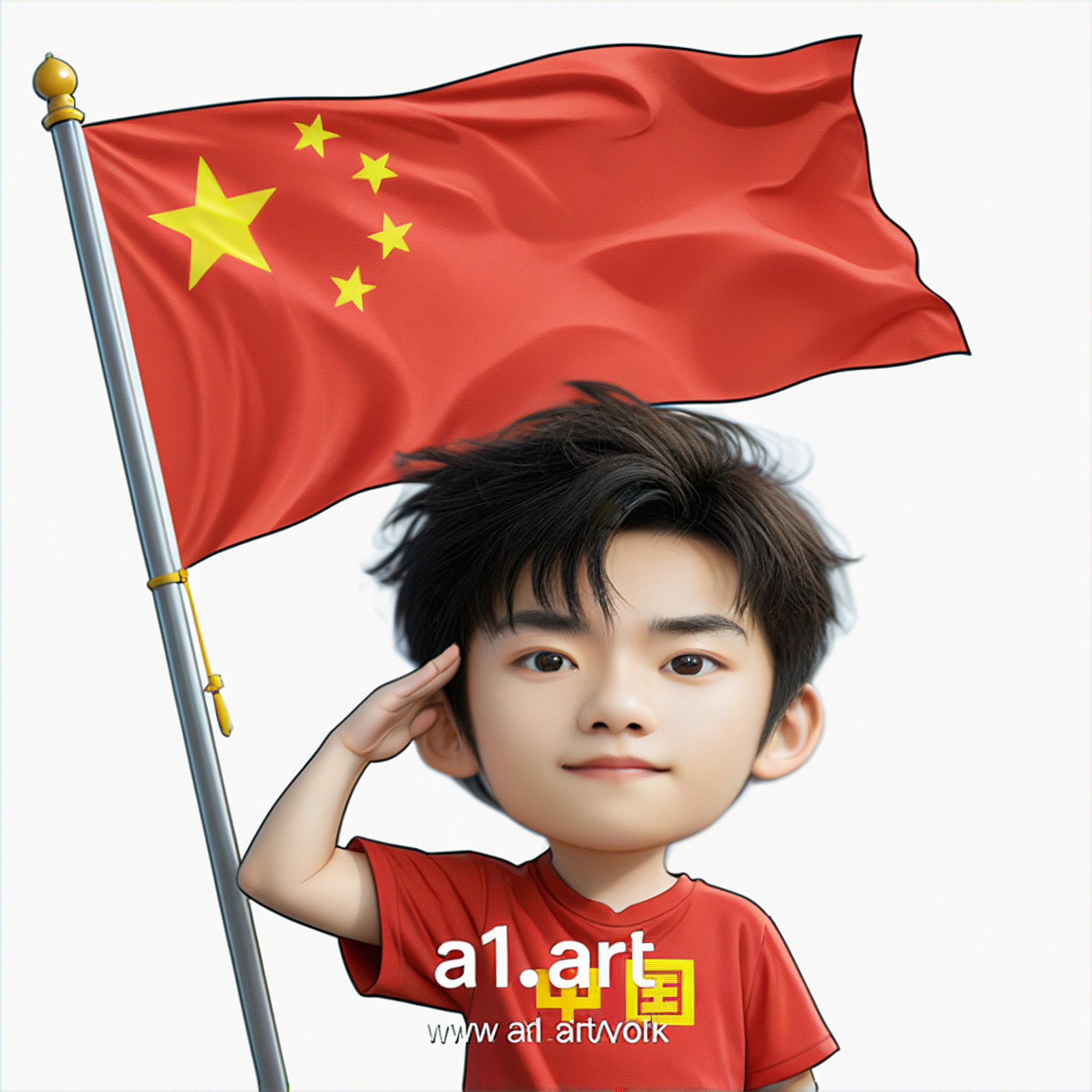
Input
Result
Q version of the National Day avatar
 Ben231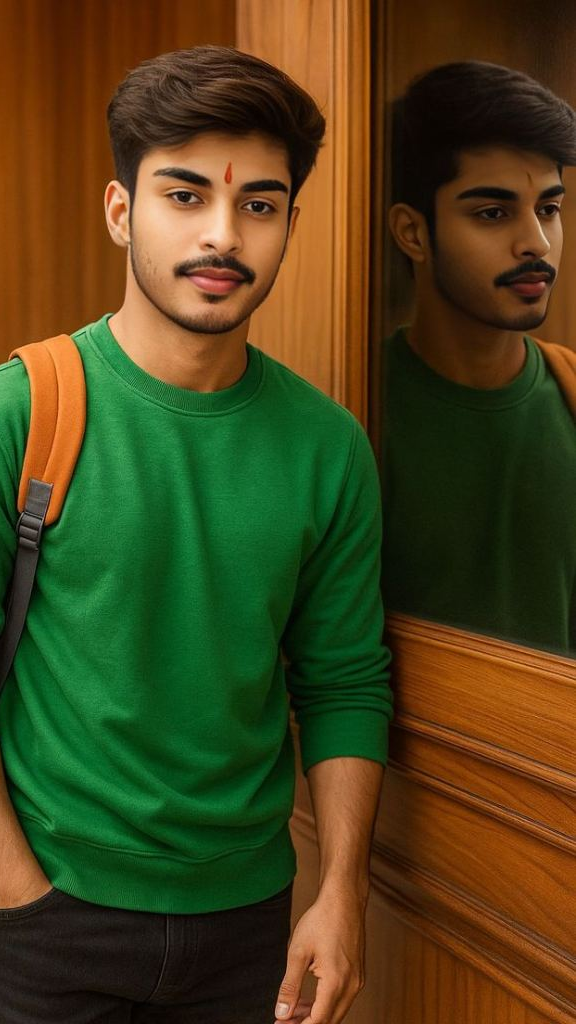
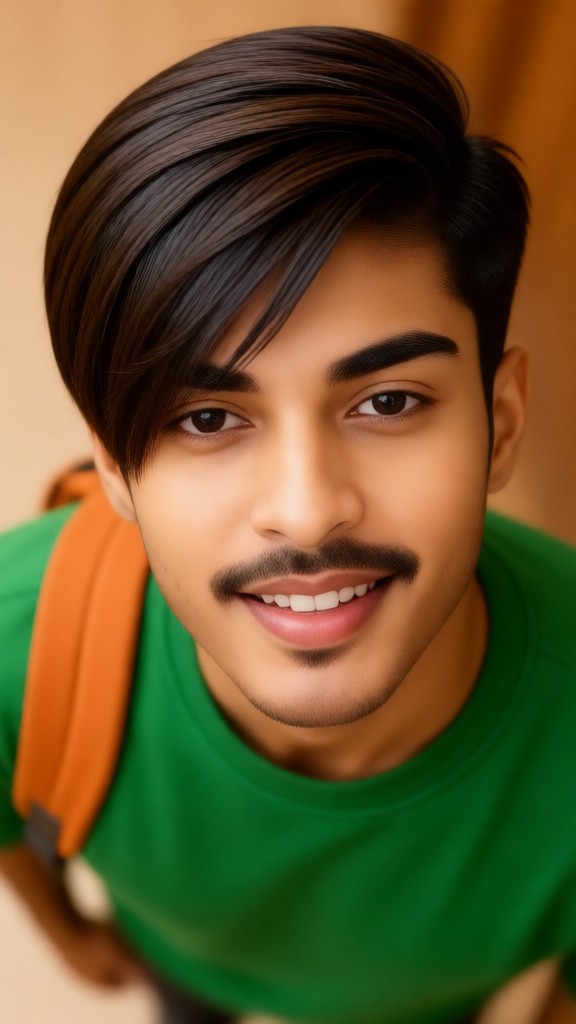
Input
Result
Change hairstyle
 XX's51
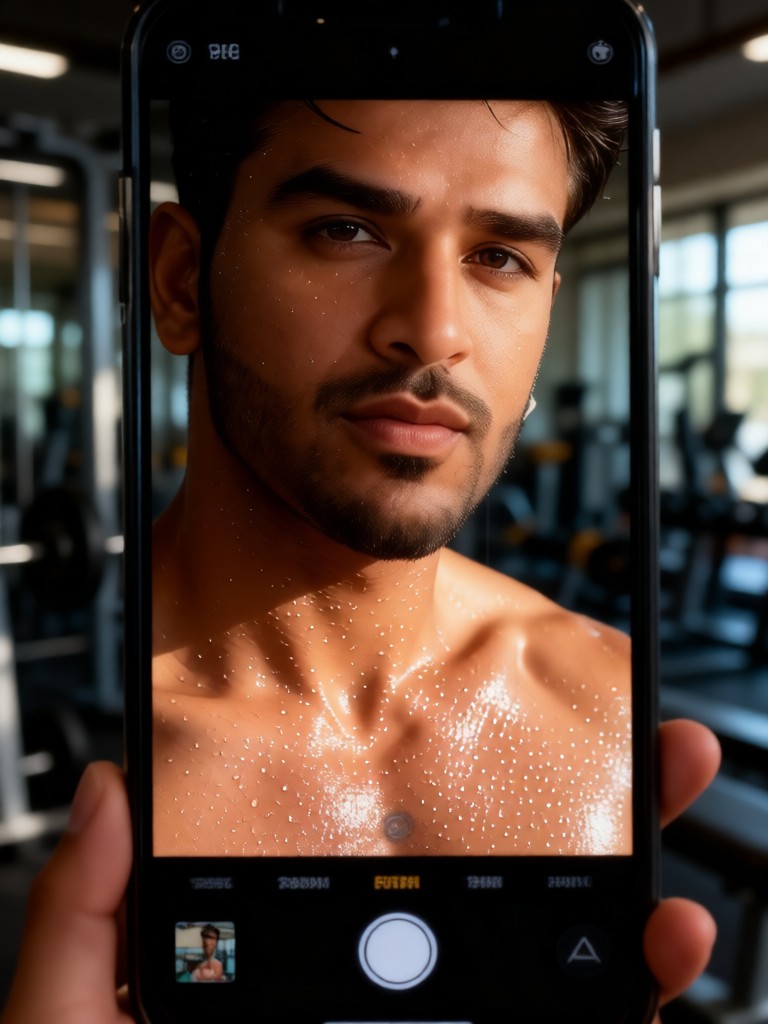
Input
Result
Sweat Skin Selfie
 Melody💗35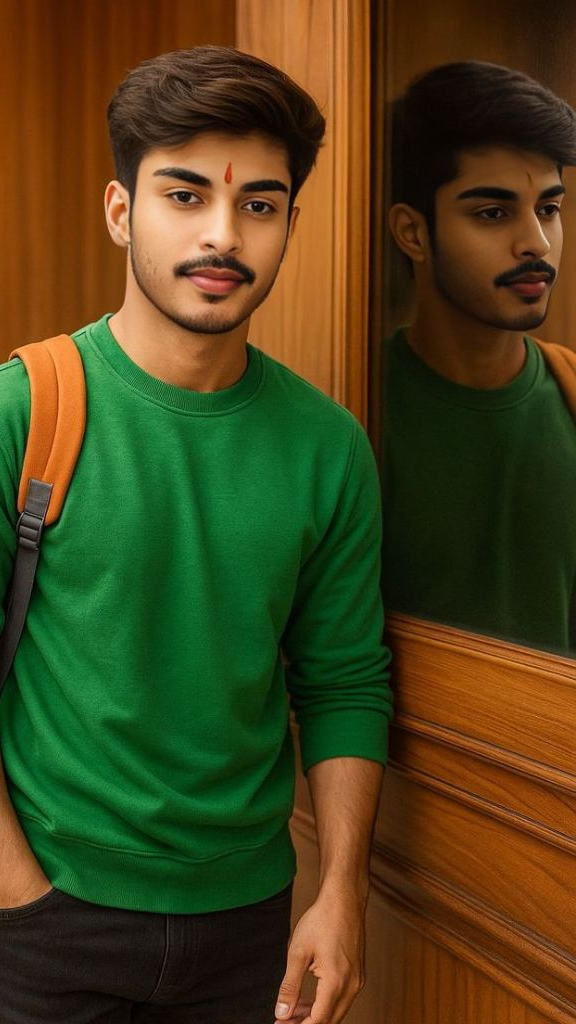
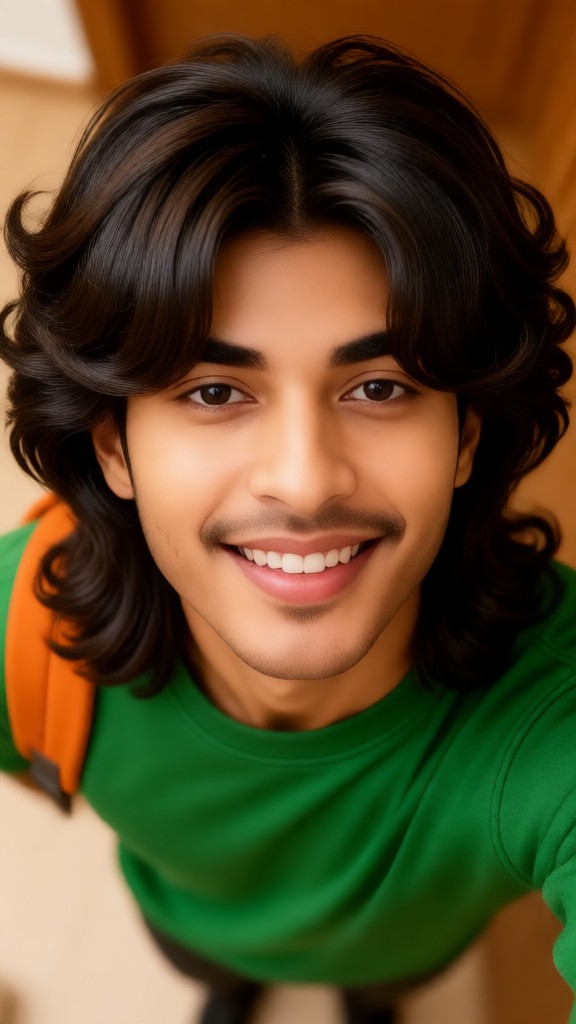
Input
Result
Change hairstyle
XX's19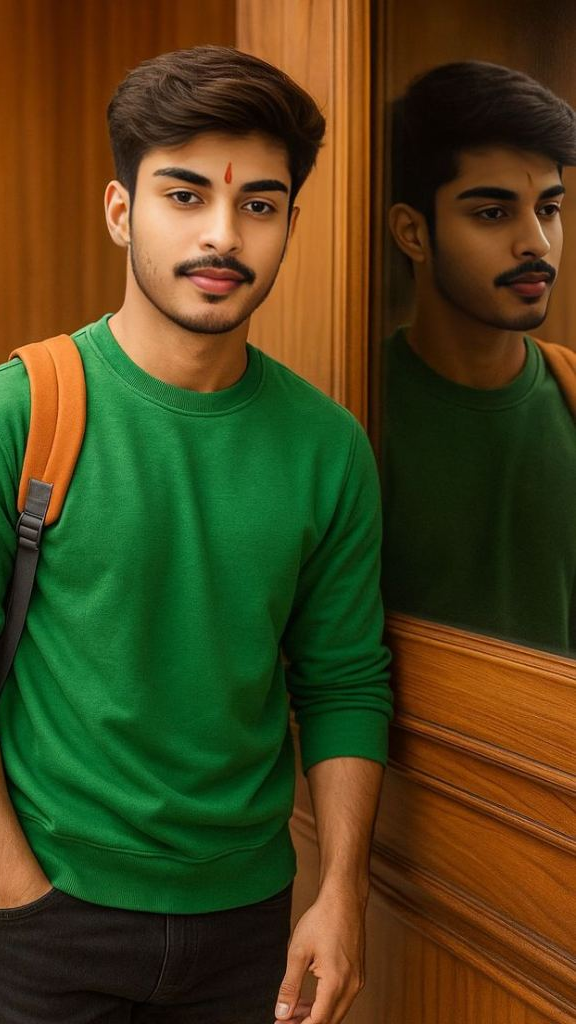
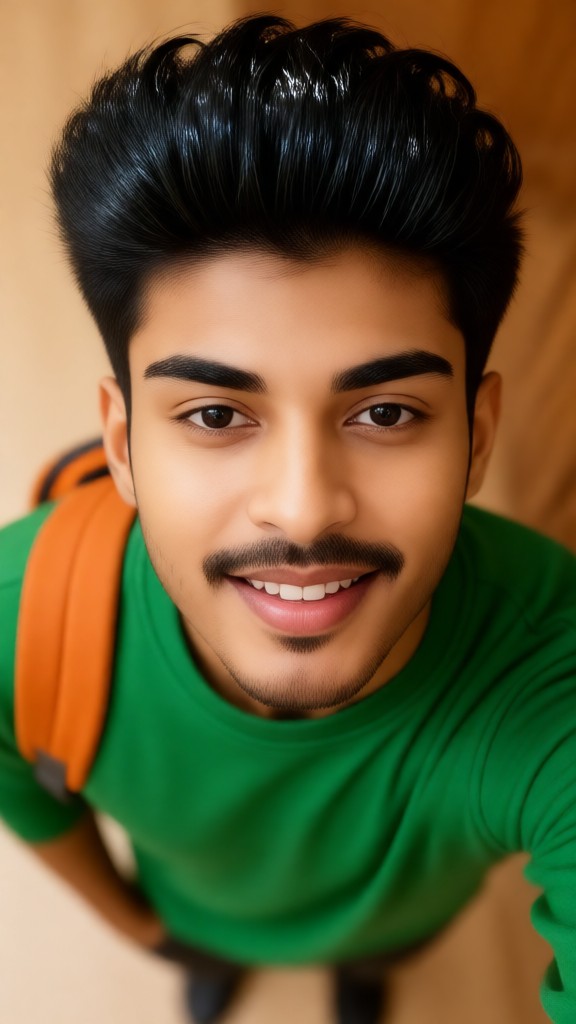
Input
Result
Change hairstyle
XX's11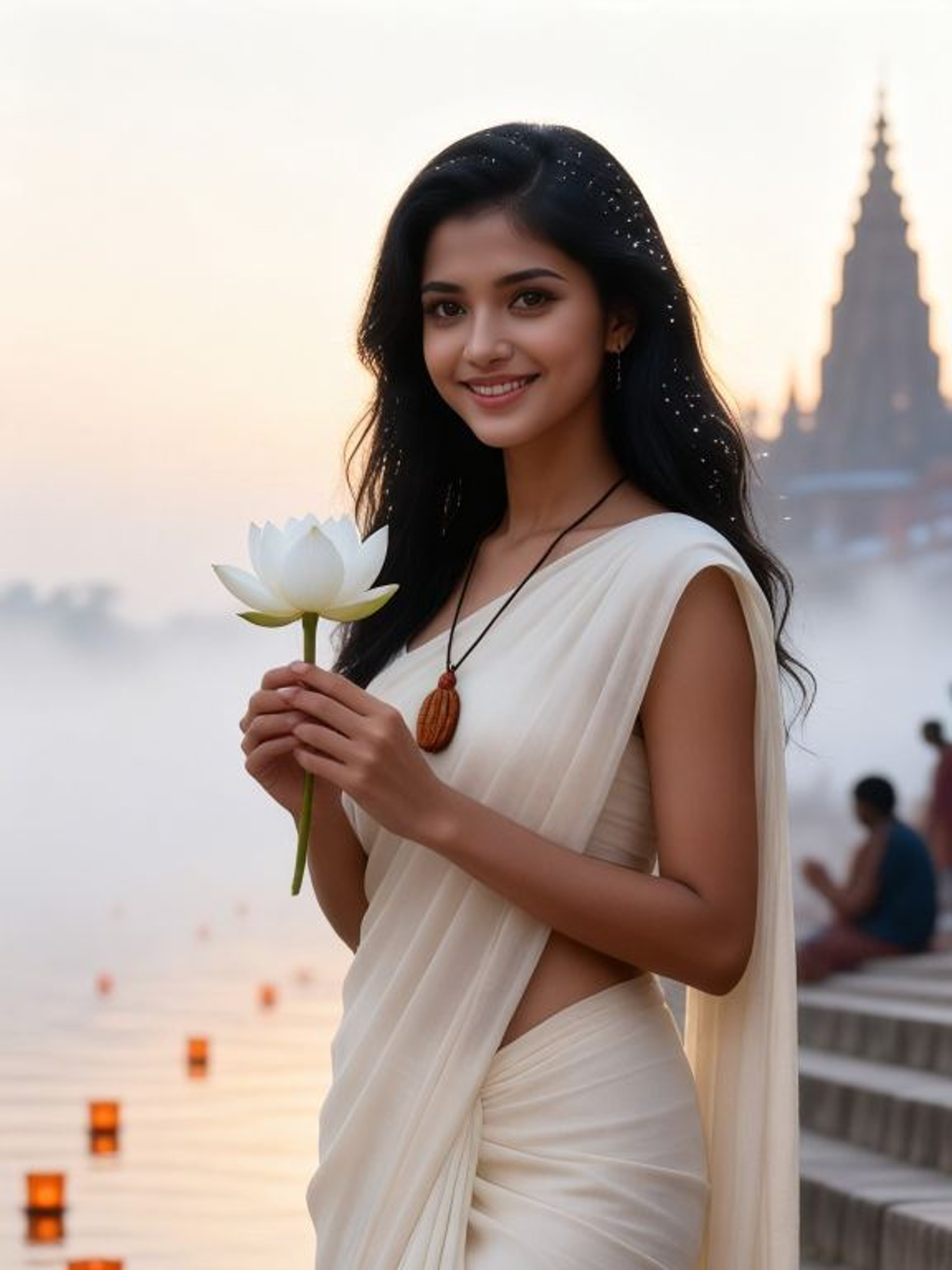
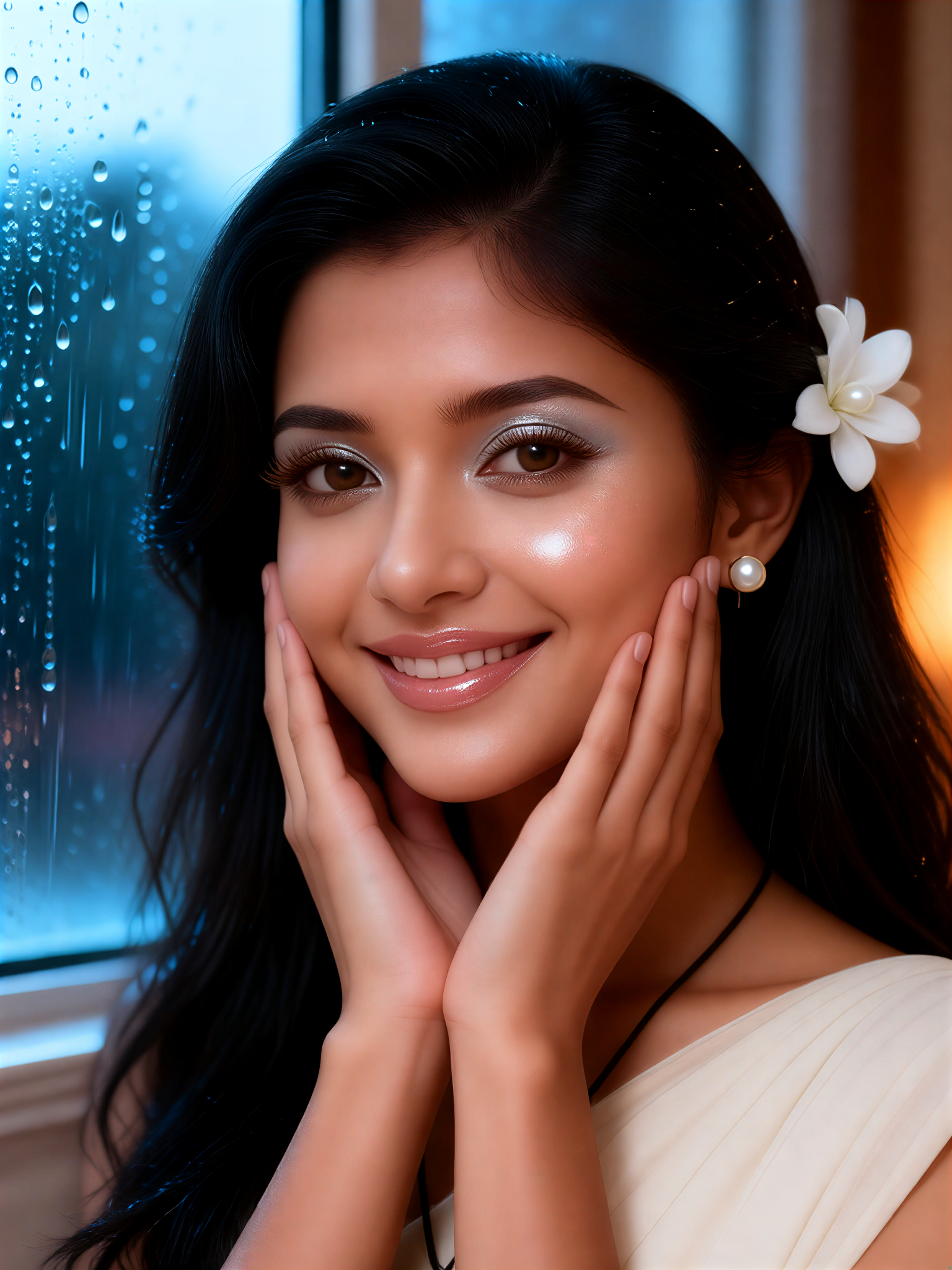
Input
Result
Pearl Dew Skin
 Mmmmmm.8
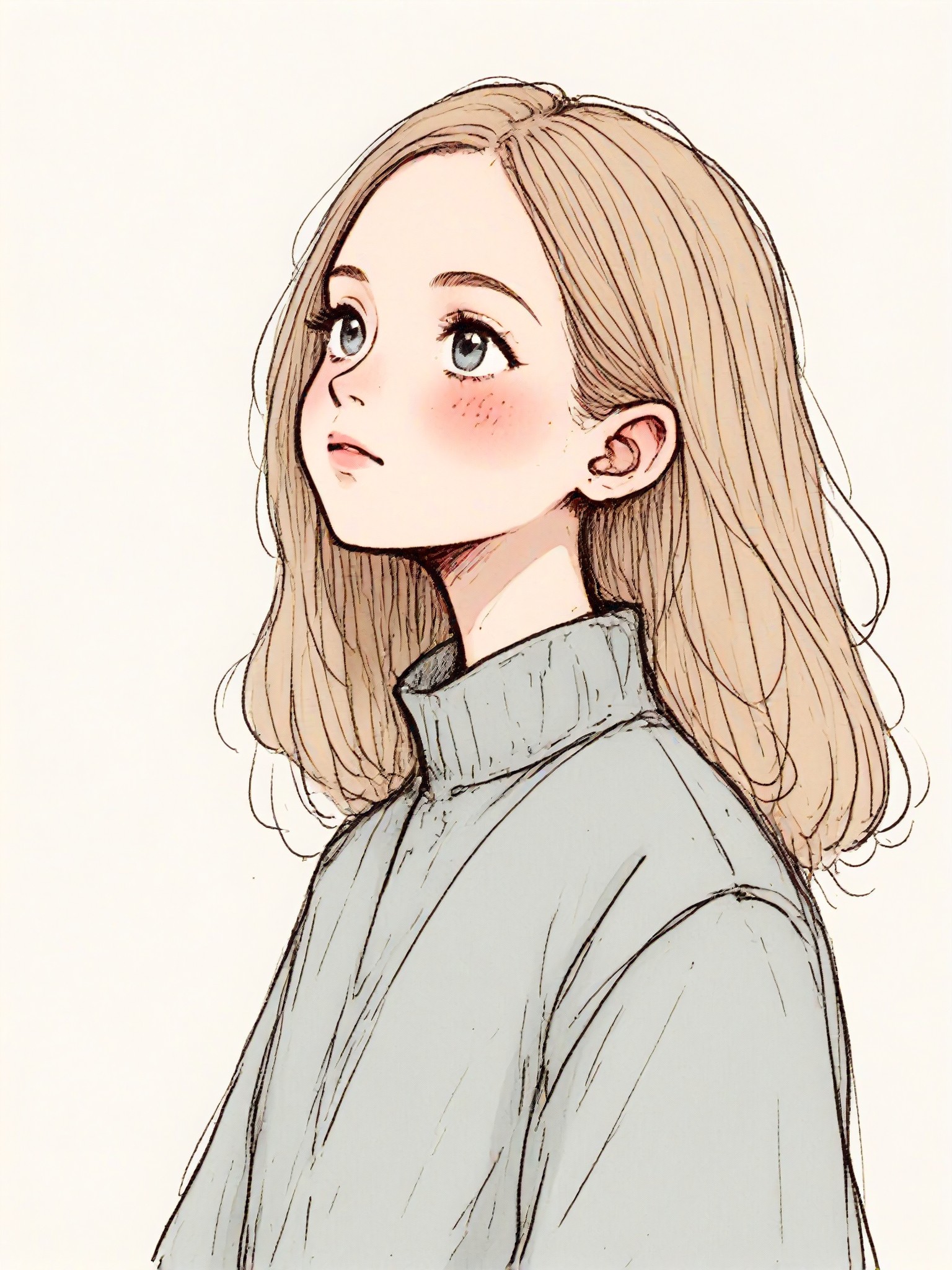
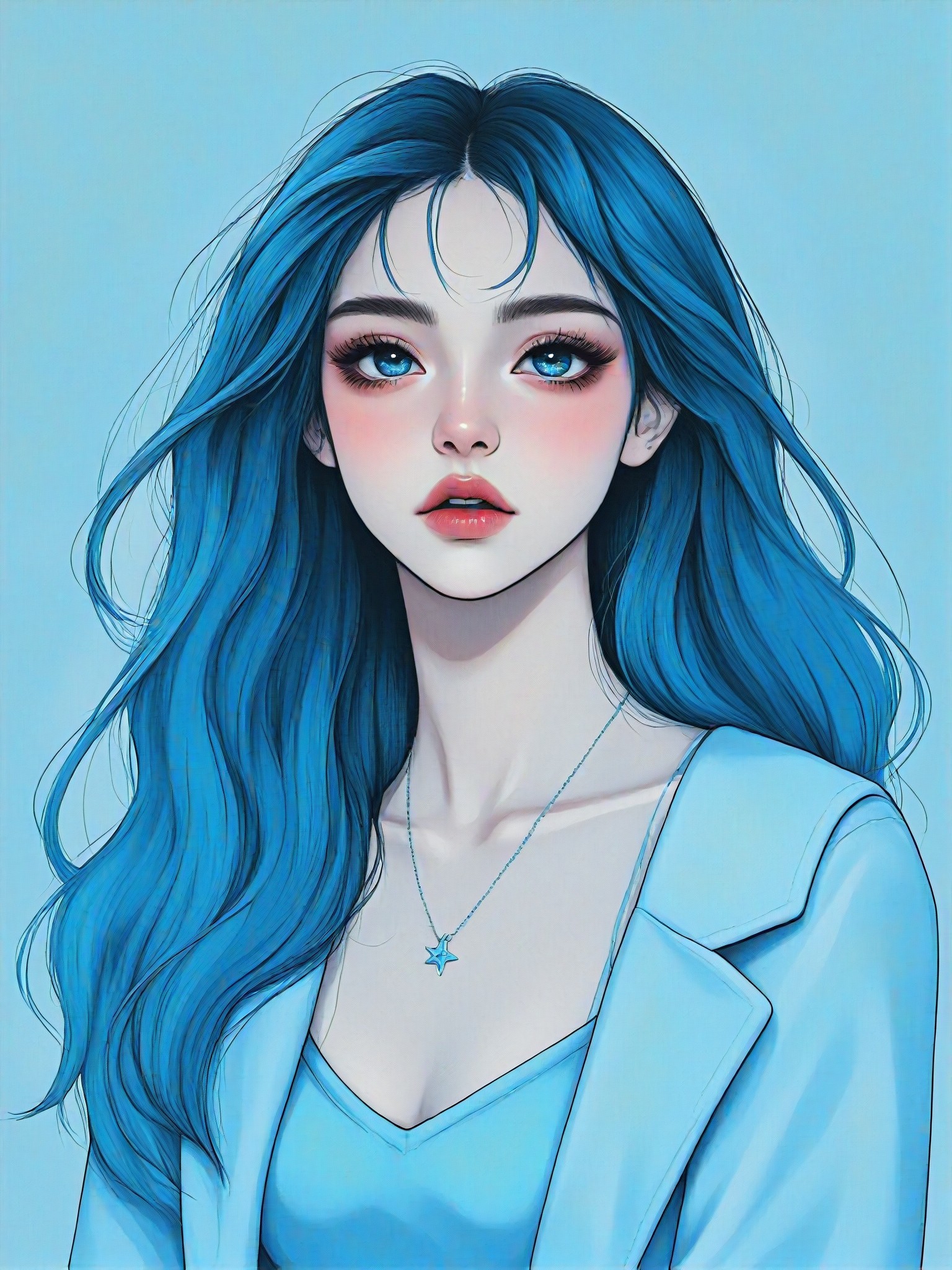
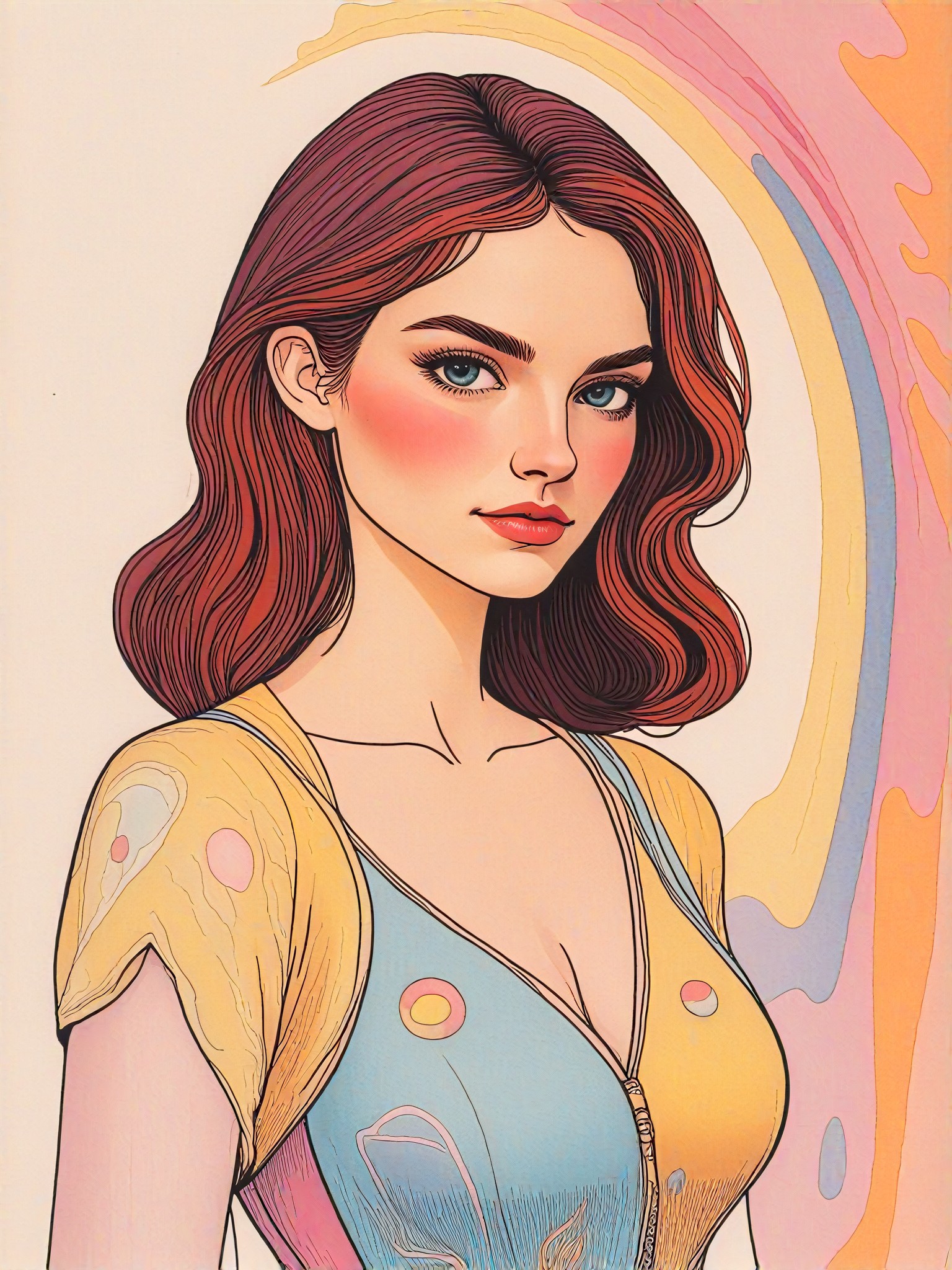
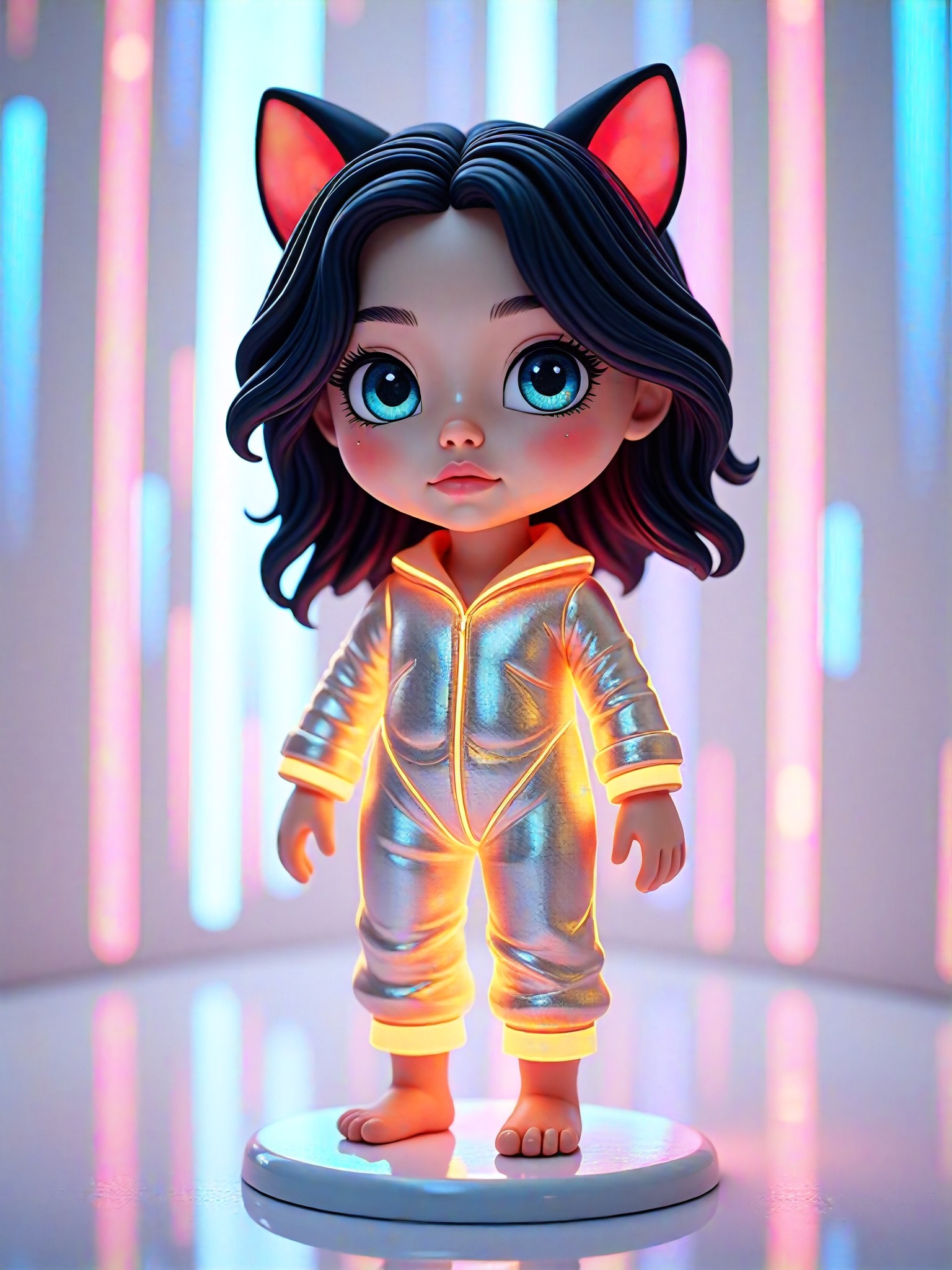
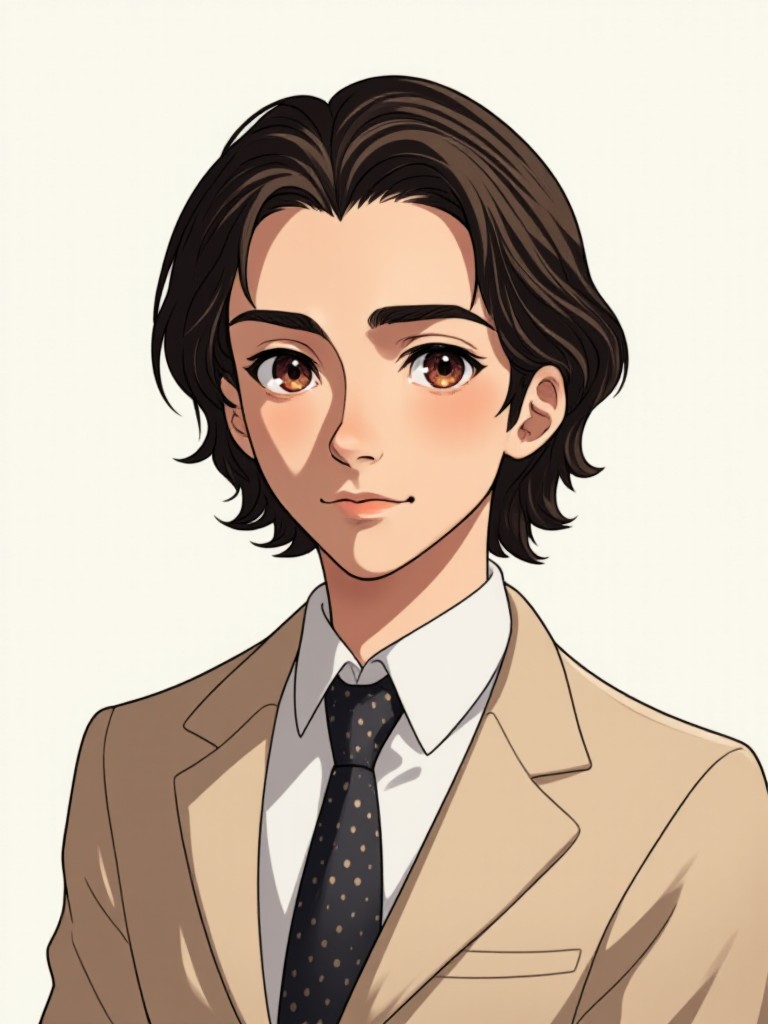
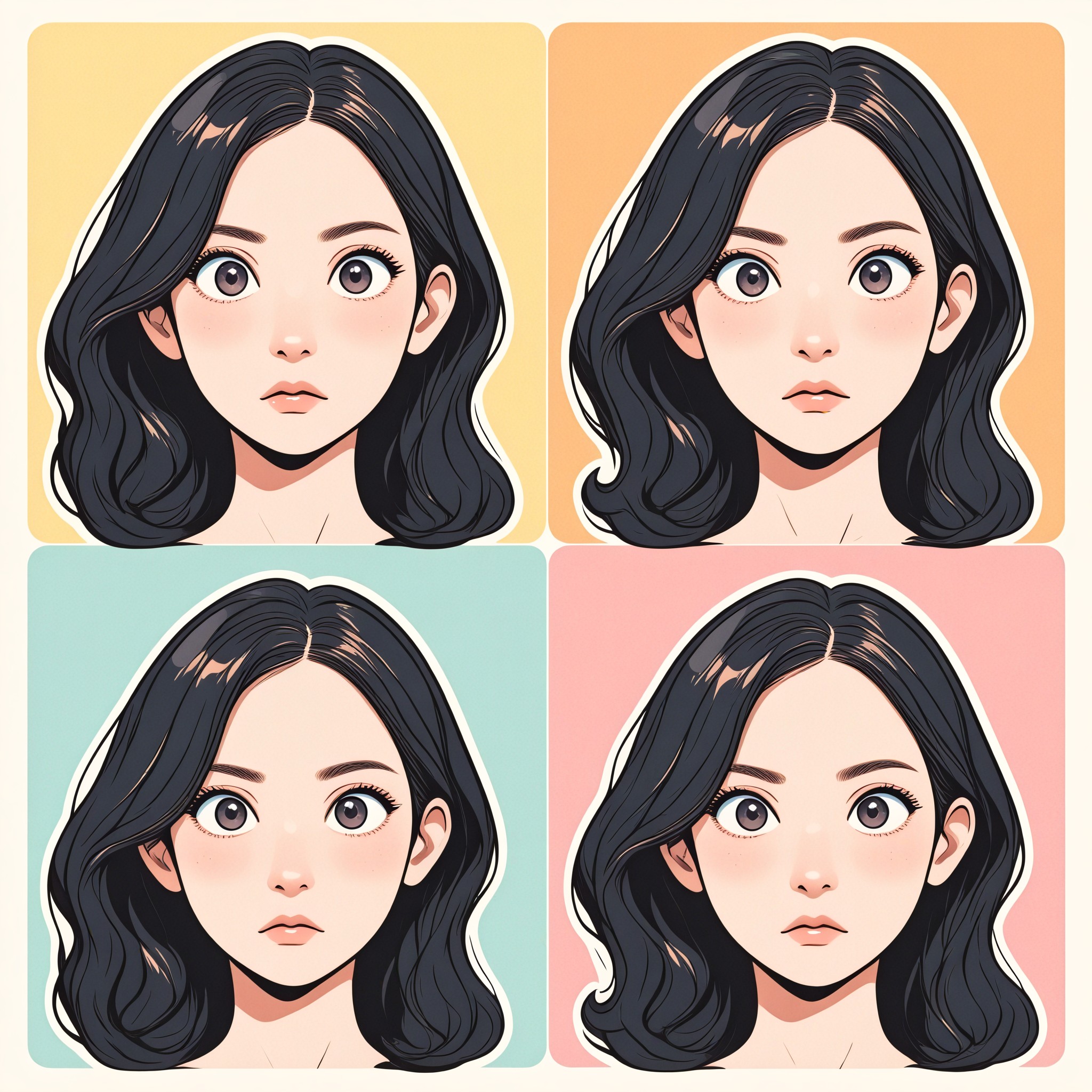
AI Generated Skin Color Change Images & Videos
Discover unique and innovative Skin Color Change images and videos created with a1.art Skin Color Change prompts.

How to Make Skin Color Change AI Image & Video on a1.art?
Step into the future of AI Skin Color Change video and image creation on a1.art.

Step 1
Select the style you want to apply in the Square.

Step 2
Upload the image you want to transform. It can be a photo, hand-drawn sketch.

Step 3
Wait a few seconds and you can easily get your unique AI Skin Color Change art. Download for free!
FAQ about Skin Color Change AI Prompt on a1.art
Discover the secrets to creating Birthday Day videos and images at a1.art.
What is a skin color change AI prompt?
A skin color change AI prompt is a specific instruction or description that guides the AI in generating images or videos with desired skin tone transformations. It allows users to customize the appearance of skin tones in their creations.
How can I use skin color change AI prompts on a1.art?
To use skin color change AI prompts on a1.art, simply select your preferred prompt from our curated list, upload your image or enter a text description, and let the AI generate the visuals. You can also customize prompts to achieve unique results.
Are there any limitations on using skin color change AI prompts?
a1.art offers unlimited access to skin color change AI prompts for registered users. However, daily free credits are available, and additional credits can be earned through subscriptions or login rewards.
Can I create both images and videos with skin color change AI prompts?
Yes, a1.art supports both AI image and video generation. You can choose the appropriate filters and settings to create either static images or dynamic videos featuring skin color changes.
How does a1.art ensure the quality of skin color change AI prompts?
a1.art uses advanced AI algorithms to analyze and generate high-quality skin color changes. Our prompts are designed to capture intricate details, ensuring realistic and visually appealing results every time.


