Container backgroundContainer background
Home/AI Prompts/Skin Tone Changer

Skin Tone Changer
AI Prompts

Skin Tone Changer AI Prompts

Discover a1.art's skin tone changer AI prompts, where creativity meets technology. With our intuitive platform, users can effortlessly upload images or enter text prompts to generate stunning visuals that reflect their desired skin tones. Whether you're exploring artistic expression or seeking realistic transformations, a1.art delivers professional-grade results with daily free credits and subscription options for enhanced access.
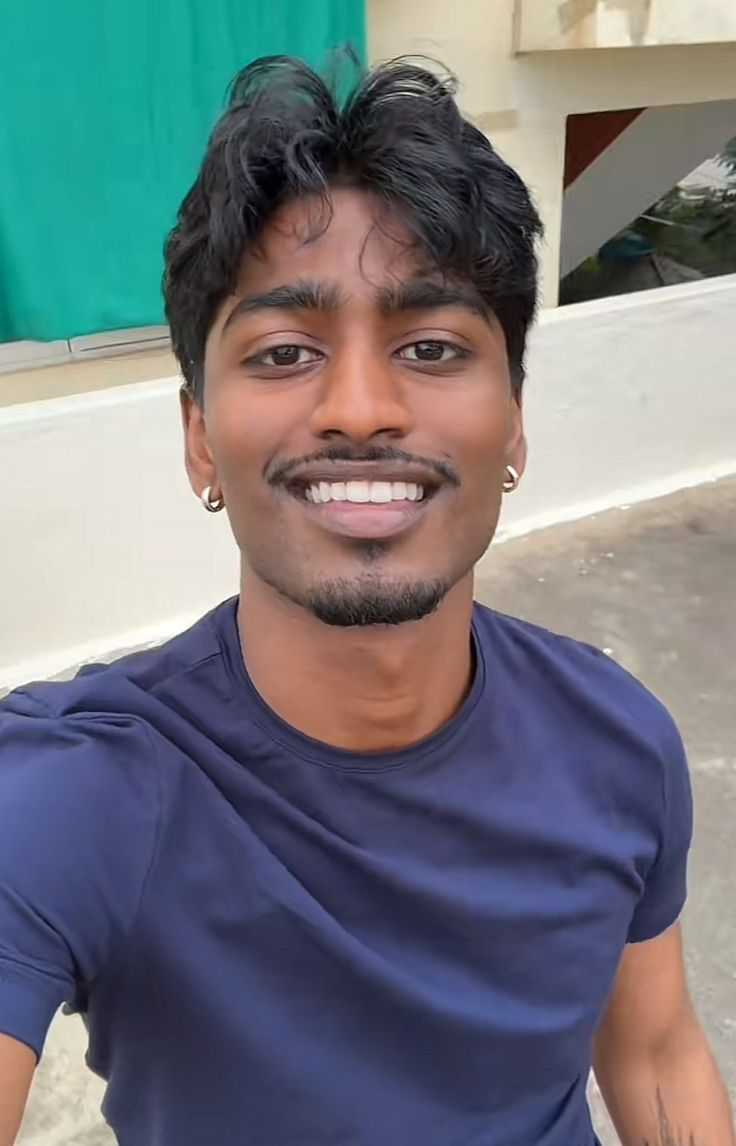
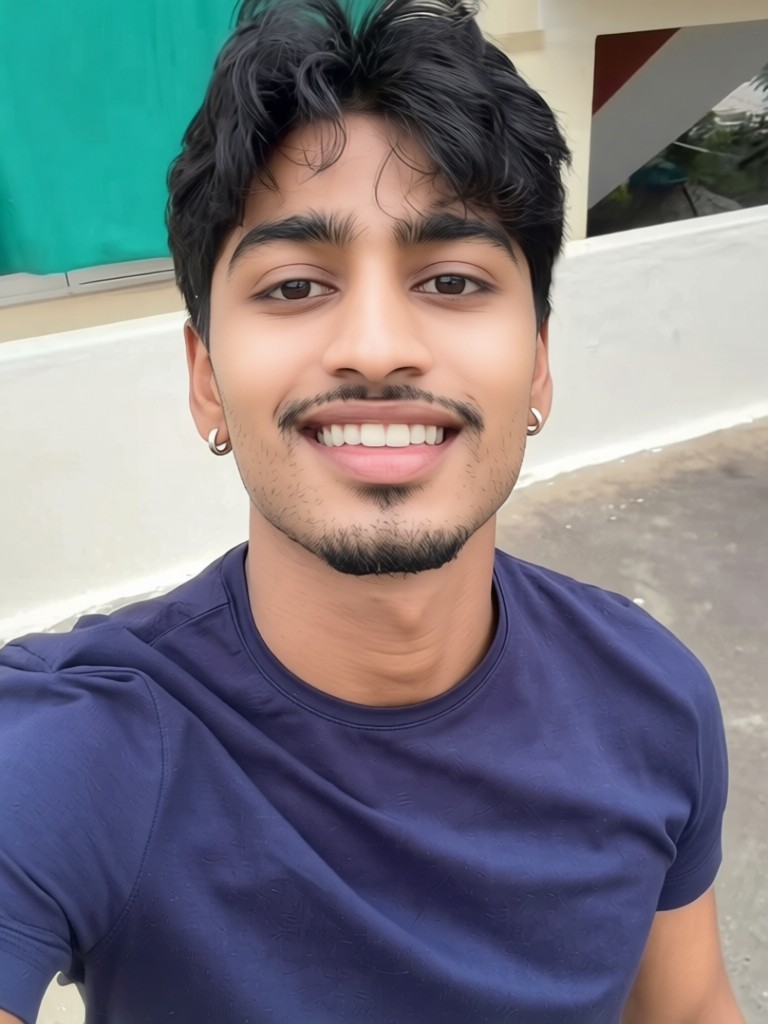
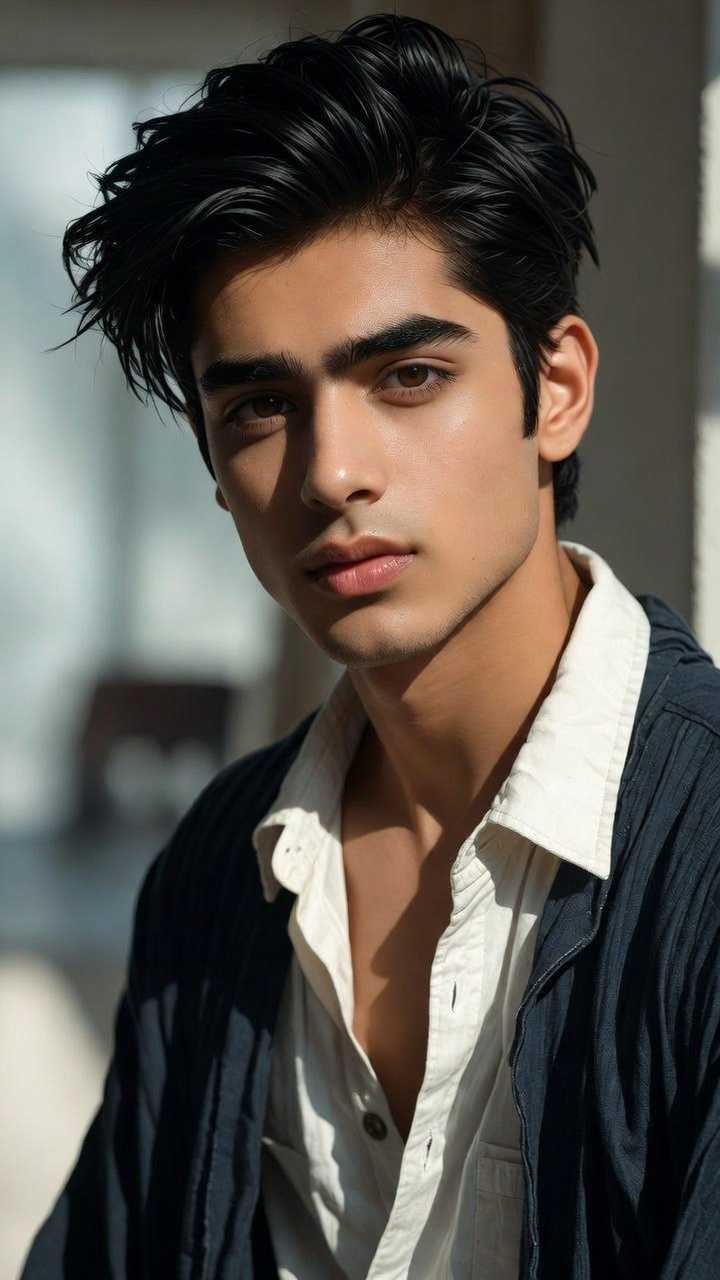
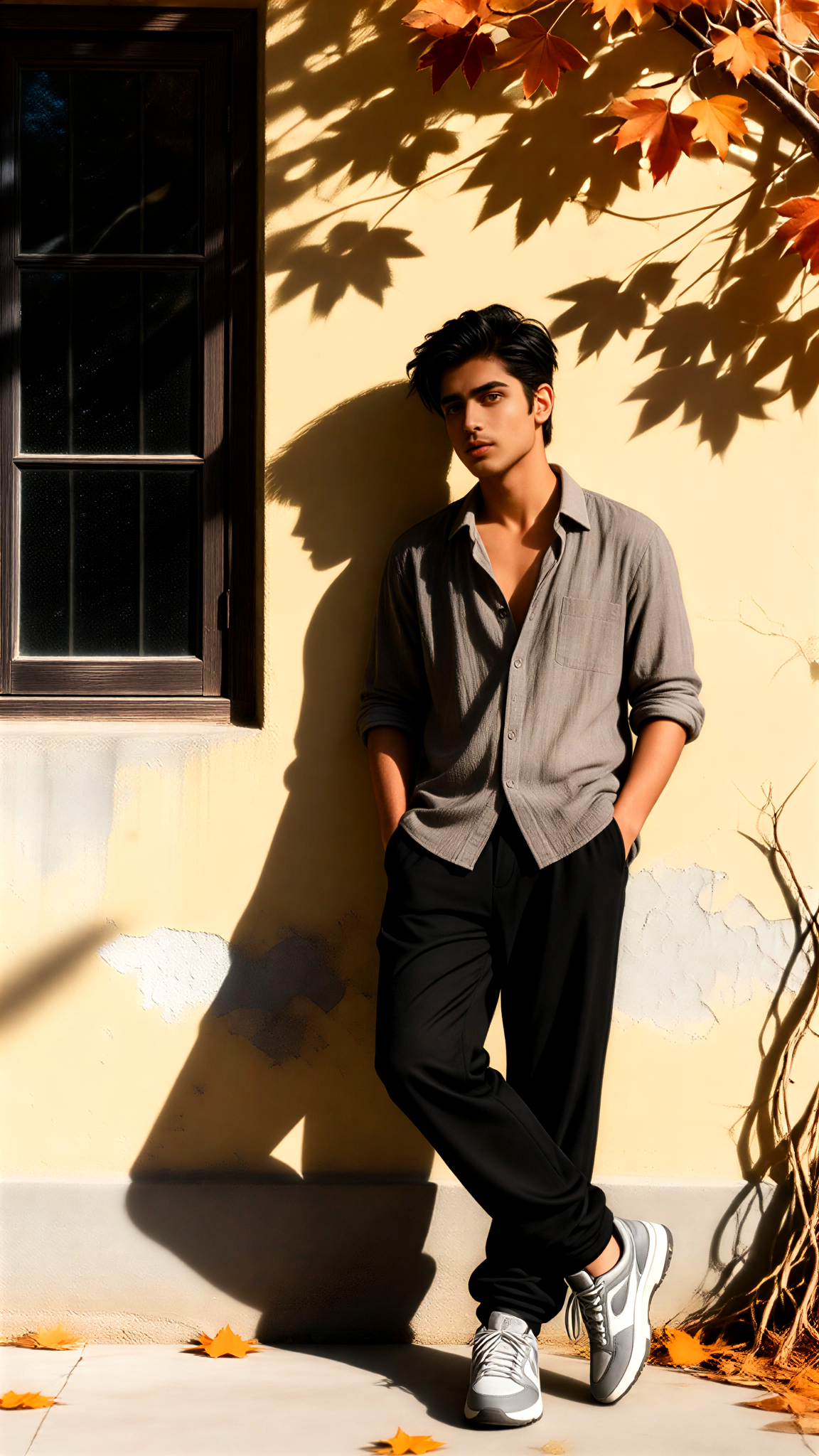
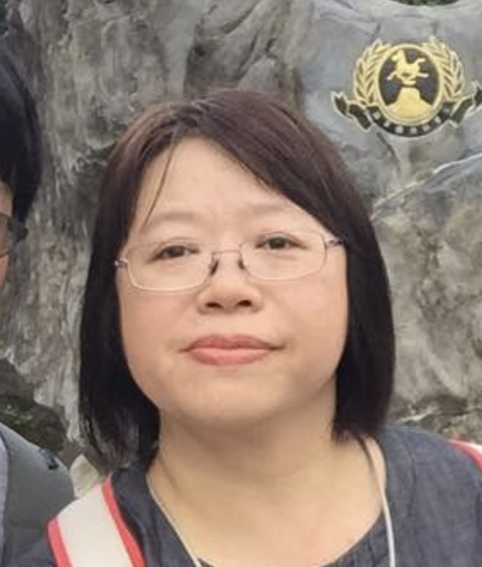
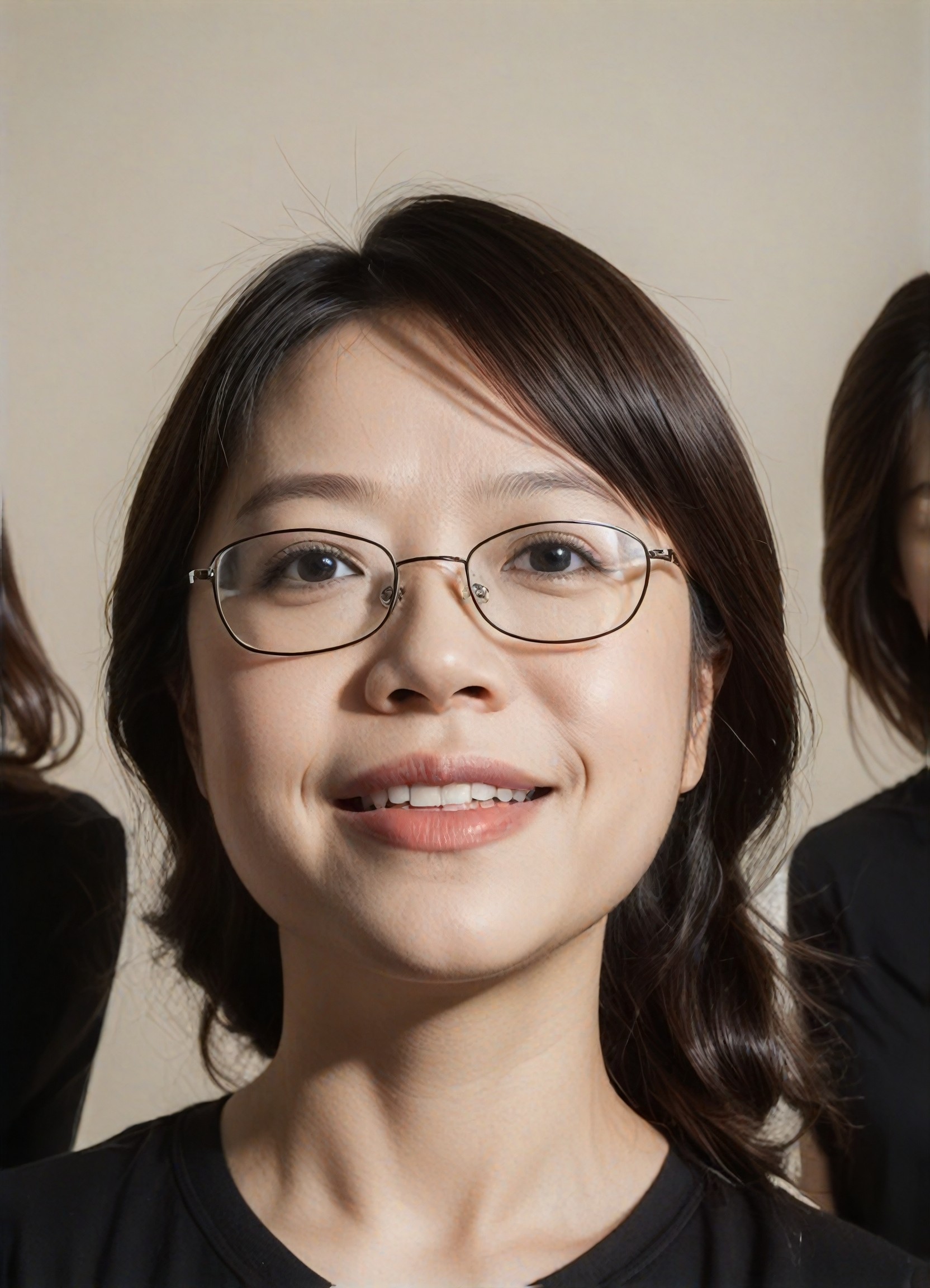
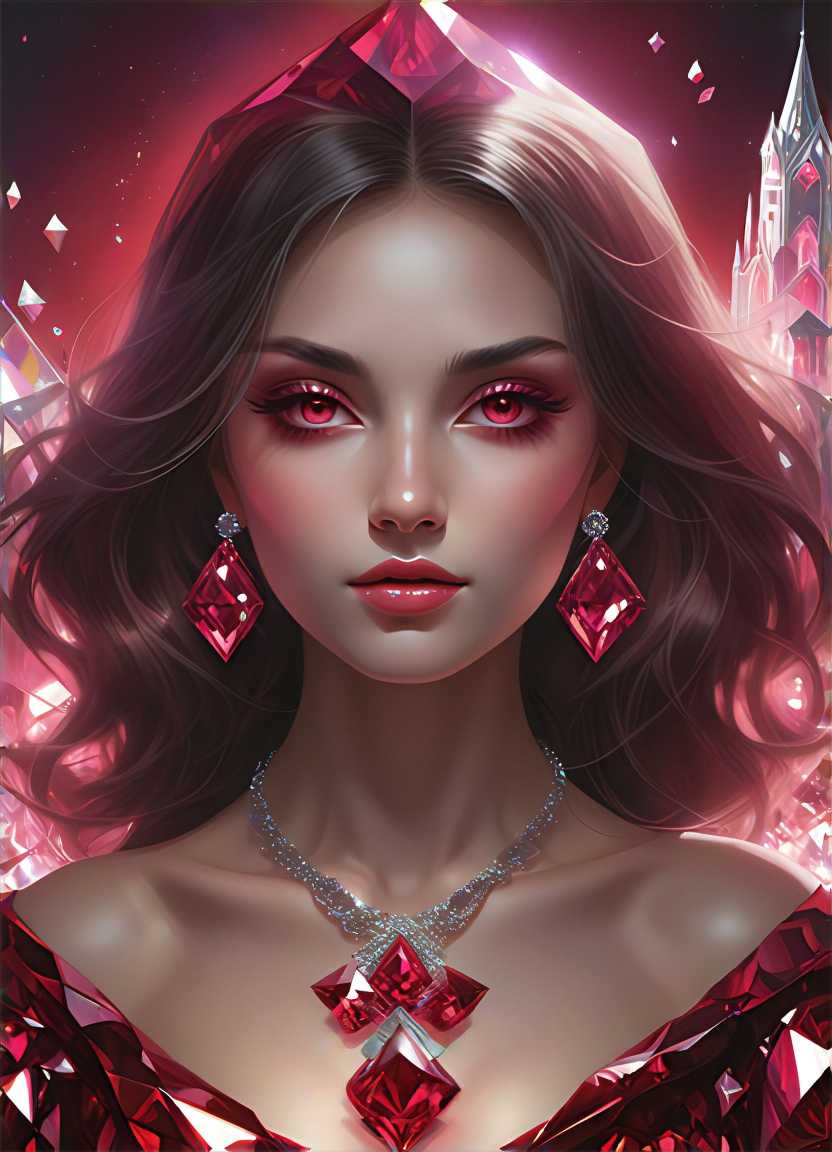
A portrait of a person with warm, golden skin tones, soft lighting highlighting natural texture, cinematic composition, ultra-detailed realism.
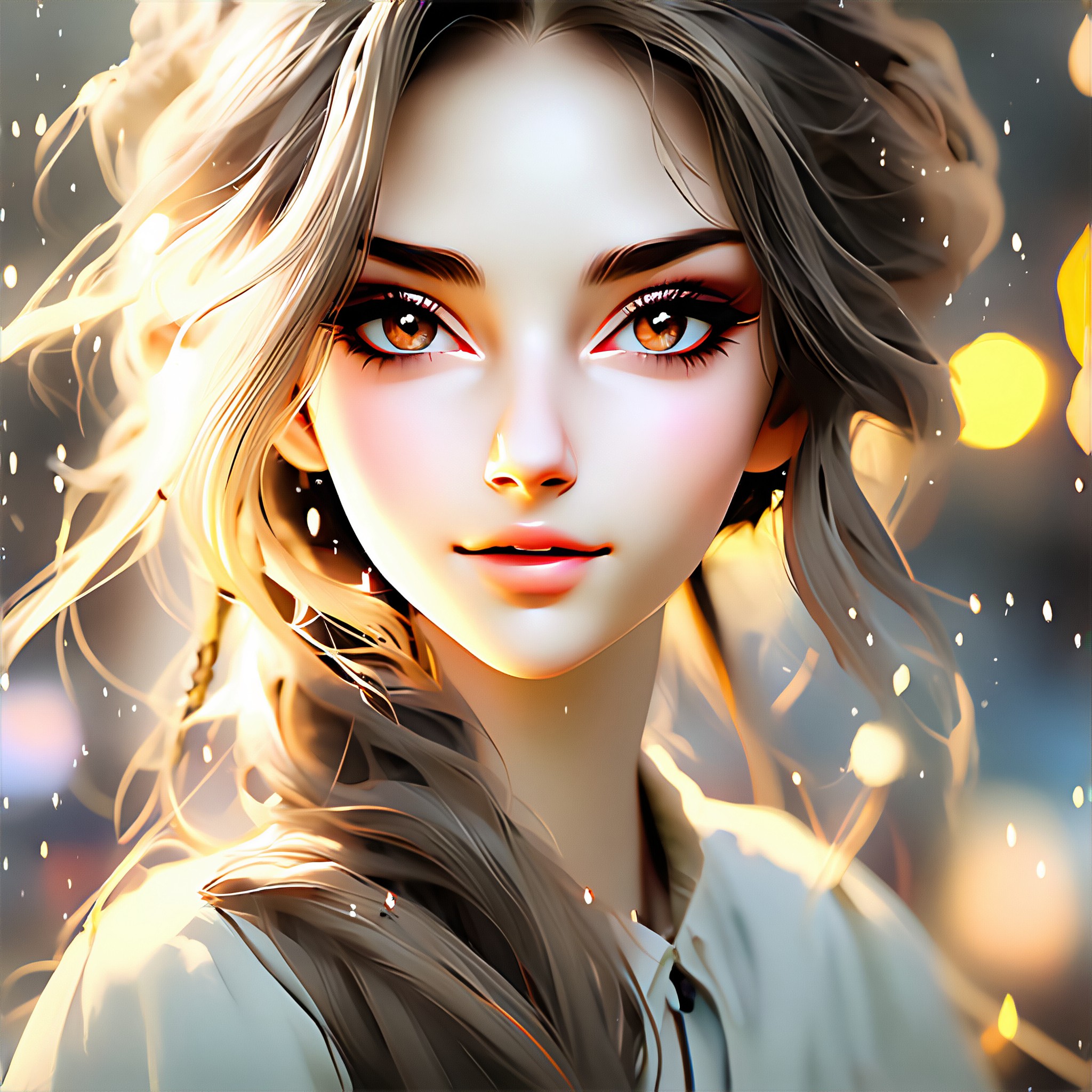
An AI-generated image featuring diverse skin tones, from deep bronze to pale ivory, captured in a dreamy, ethereal style with soft gradients and glowing highlights.
A close-up of hands with rich, earthy skin tones, detailed veins and natural creases, set against a minimalist background with dramatic shadows.
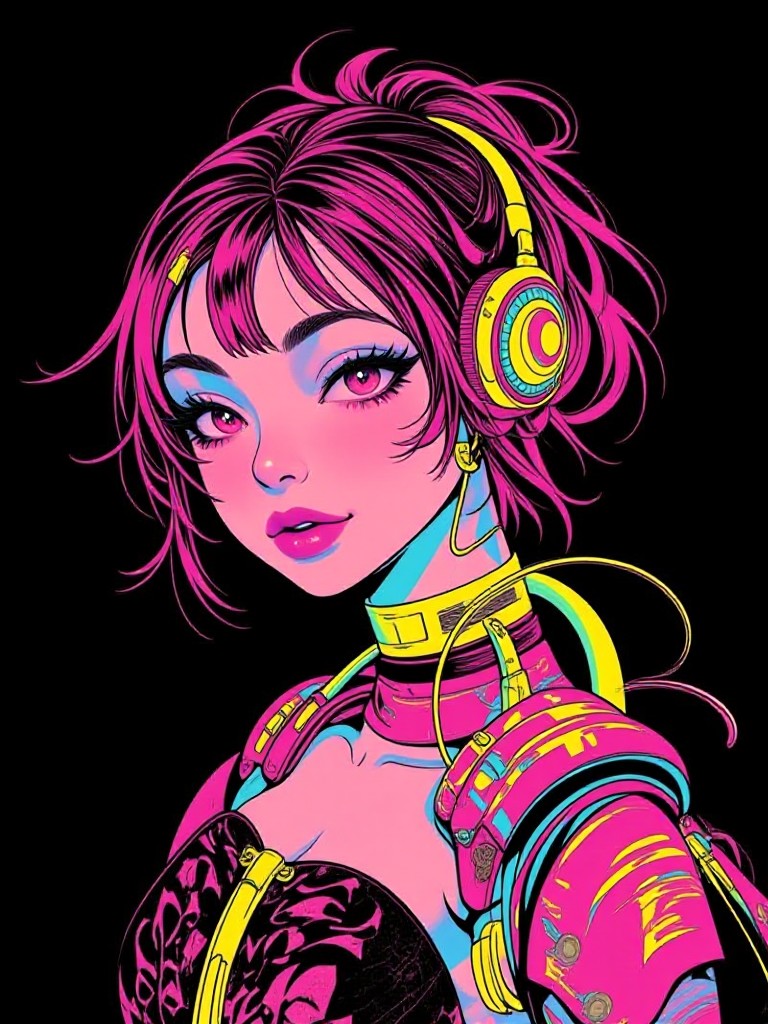
A futuristic digital artwork showcasing fluid skin tone transitions, blending hues of pink, gold, and teal under neon lighting effects.
A lifelike depiction of a person with olive skin, textured bark-like patterns overlaid, creating an organic fusion of human and nature elements.
A vibrant illustration of a figure with rainbow-colored skin tones, each hue seamlessly transitioning into the next, surrounded by abstract geometric shapes.
Explore more

Get Skin Tone Changer Videos & Images without Prompt

a1.art offers a large number of filters, allowing you to easily obtain AI videos or images without prompts.
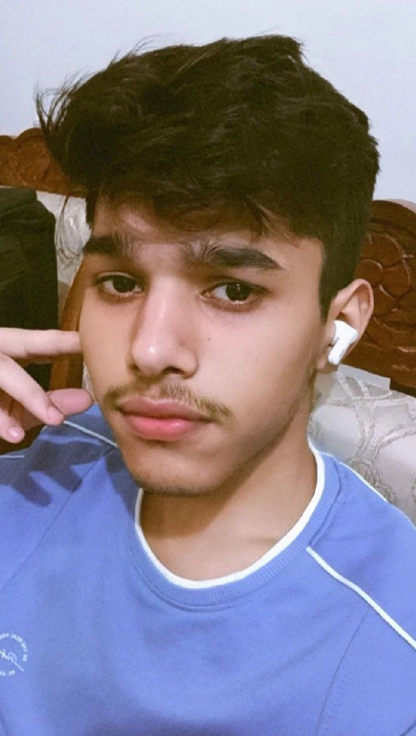
image befor ai generation
A cute 3D rendered cartoon boy, wearing an olive green jacket, khaki shorts, and a beige baseball cap. He has large, expressive eyes, a friendly expression, and carries a brown backpack. He's wearing off-white sneakers. The style is reminiscent of 3D cartoon character design, with smooth, polished textures and no visible brushstrokes. The background is a simple beige color, focusing all attention on the character. The lighting is soft and even, creating a warm and pleasant atmosphere. The overall style is cheerful and friendly, suitable for children's products or game character design. The image is rendered in a style similar to contemporary 3D animation character design. Think of the clean lines and smooth surfaces of Pixar-style animation, but with a slightly more realistic rendering of the materials.
cute 3D cartoon boy image
Input
Result
cute 3D cartoon boy
夢境畫境Dreamscape Canva headshot夢境畫境Dreamscape Canva
playicon16.1k
image befor ai generation
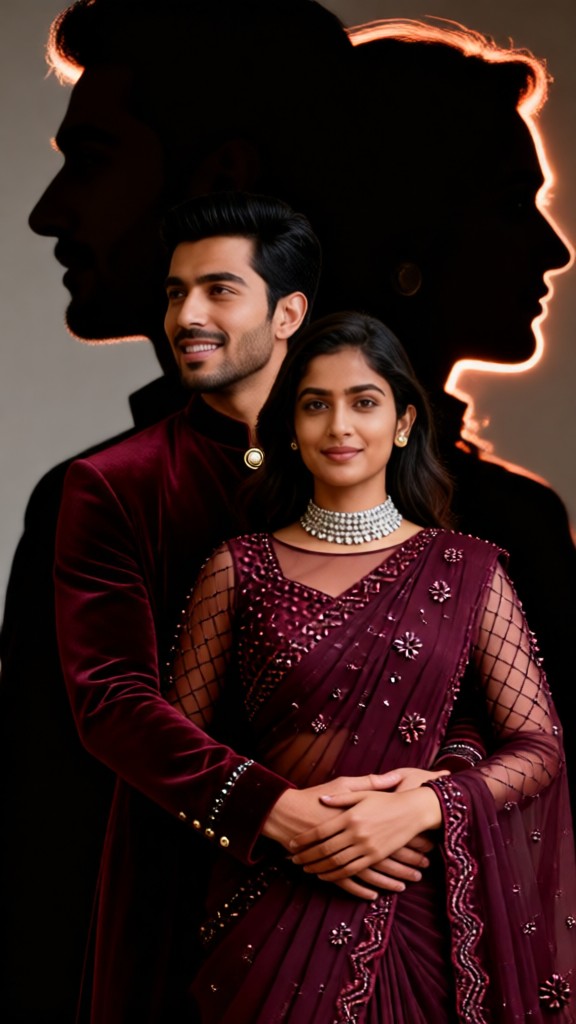
When deep skin meets traditional saris image
Input
Result
When deep skin meets traditional saris
我是小王
playicon2.2k
image befor ai generation
girl
Baby Growth Album image
Input
Result
Baby Growth Album
The Monkey King headshotThe Monkey King
playicon573
image befor ai generation
AI Animated version of 'Cold faced Law Enforcement' image
Input
Result
AI Animated version of 'Cold faced Law Enforcement'
創意無限小林哥 headshot創意無限小林哥
playicon518
image befor ai generation
Skin whitening image
Input
Result
Skin whitening
CC headshotCC
playicon494
image befor ai generation
[Master_Movie Portrait] 🌟 Cute Appearance (Video) image
Input
Result
[Master_Movie Portrait] 🌟 Cute Appearance (Video)
陳文舟 headshot陳文舟
playicon461
image befor ai generation
[Master_Movie Portrait] 🌟 Me and My Supercar Motorcycle (Video) image
Input
Result
[Master_Movie Portrait] 🌟 Me and My Supercar Motorcycle (Video)
陳文舟 headshot陳文舟
playicon391
image befor ai generation
The Emperor of Football image
Input
Result
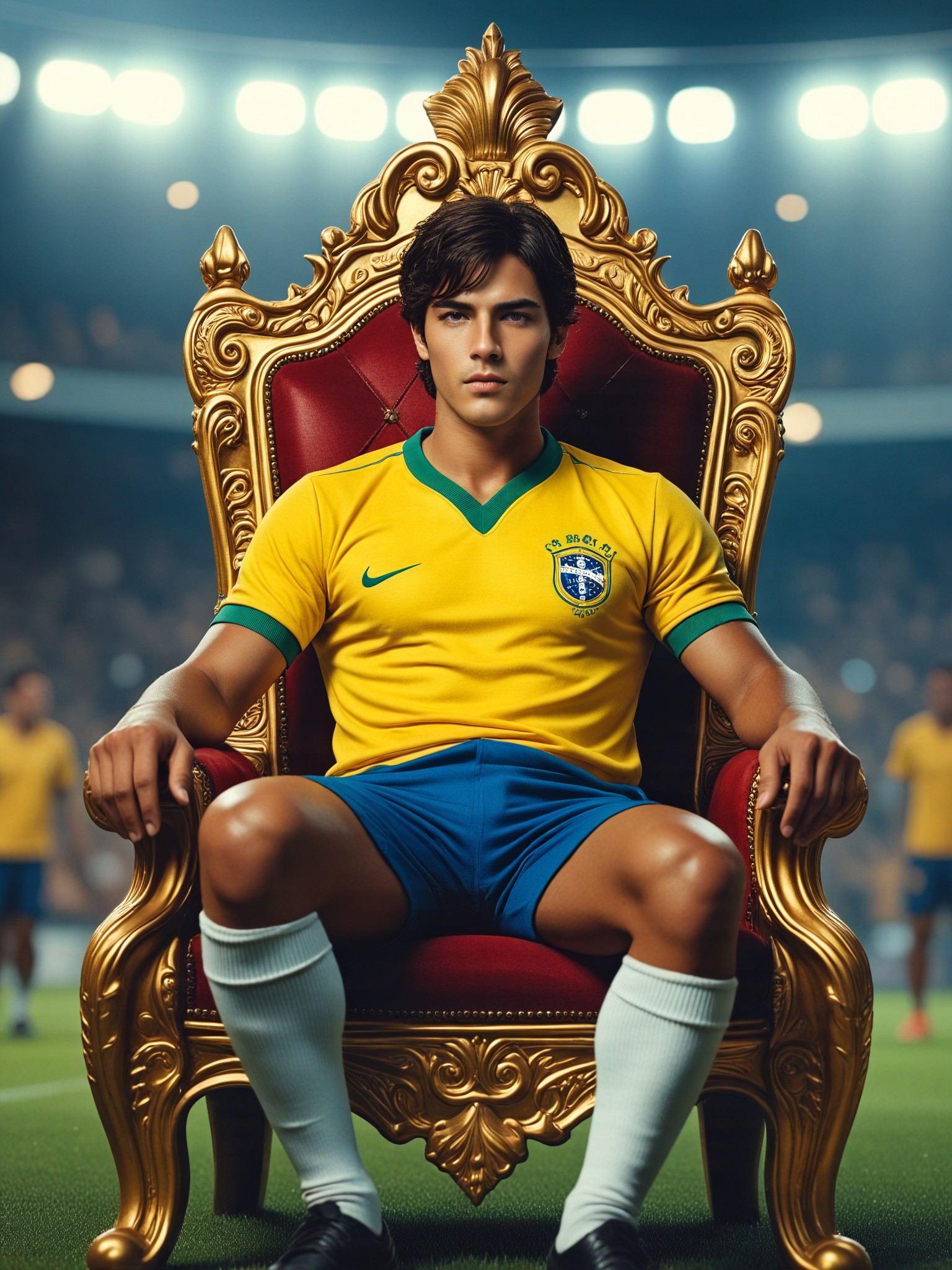
The Emperor of Football
CC headshotCC
playicon362

How to Make Skin Tone Changer AI Image & Video on a1.art?

Step into the future of AI Skin Tone Changer video and image creation on a1.art.

a1.art tutorial Step 1
Step 1
Select the style you want to apply in the Square.

a1.art tutorial Step 2
Step 2
Upload the image you want to transform . It can be a photo, hand-drawn sketch.

a1.art tutorial Step 3
Step 3
Wait a few seconds and you can easily get your unique AI Skin Tone Changer art. Download for free!

FAQ about Skin Tone Changer AI Prompt on a1.art

Discover the secrets to creating Skin Tone Changer videos and images at a1.art.

What is a skin tone changer AI prompt?

A skin tone changer AI prompt is a specific instruction or description you provide to a1.art, guiding the AI to generate images or videos that reflect particular skin tones. These prompts can include details about texture, lighting, and style to achieve the desired visual effect.

Can I customize the skin tone in my AI-generated images?

Yes, with a1.art, you have full control over the skin tone in your AI-generated images. Simply input your preferred skin tone details in the prompt, and the AI will create visuals that match your specifications.

Are there any limitations to the skin tone changer AI prompts?

While a1.art offers extensive customization options, the quality and accuracy of the generated visuals depend on the clarity and detail of your prompt. Providing specific instructions about skin tone, texture, and lighting will yield the best results.

How does a1.art ensure the authenticity of skin tone representations?

a1.art uses advanced AI algorithms trained on diverse datasets to ensure authentic and respectful representations of various skin tones. Our platform prioritizes inclusivity and accuracy in every generated image.

Can I use skin tone changer AI prompts for commercial purposes?

Yes, once you have generated your images or videos using a1.art's skin tone changer AI prompts, you can use them for commercial purposes. However, please review our terms of service for any usage restrictions.

Container background

Make Skin Tone Changer AI Image & Video on a1.art APP

Download the app to explore Skin Tone Changer AI image & video filters, faster processing, and personalized features. Whether you want creative images or stunning videos, the app makes it easier.