


Get Glossy Skin Videos & Images without Prompt
a1.art offers a large number of filters, allowing you to easily obtain AI videos or images without prompts.
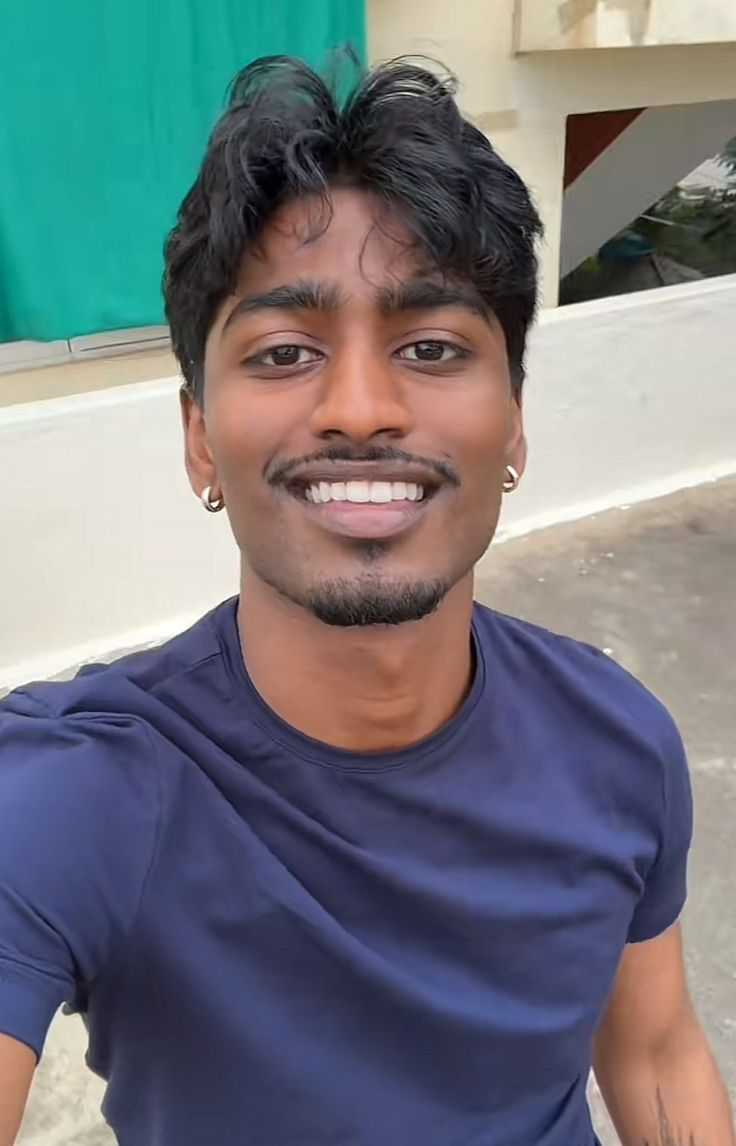
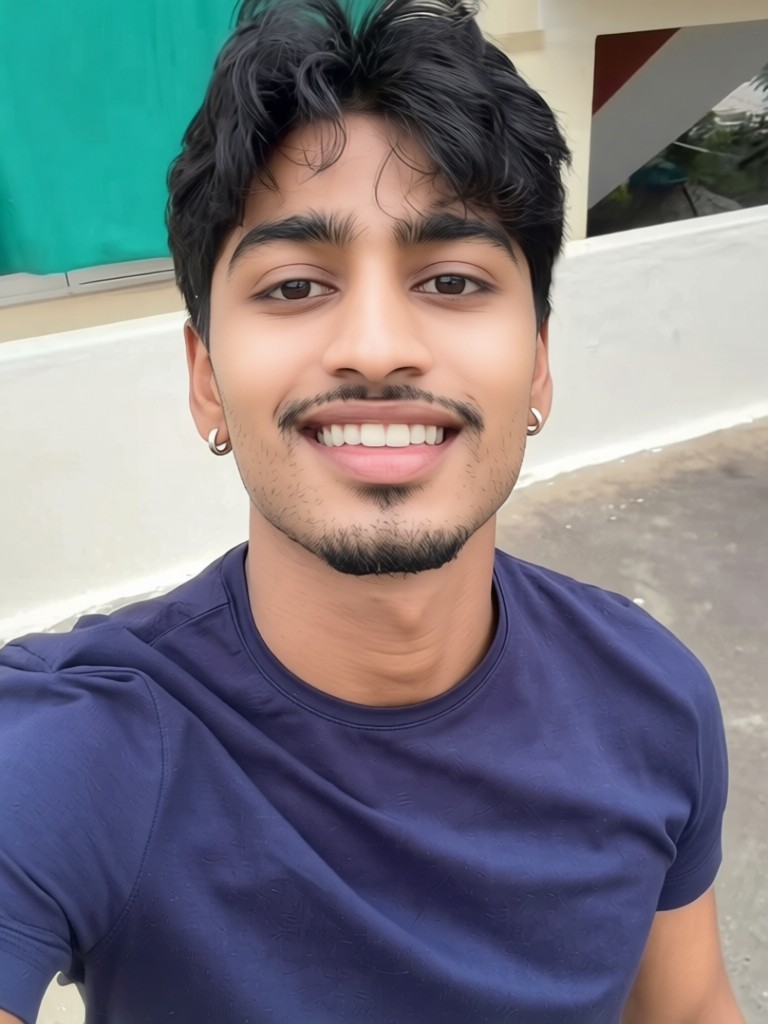
Input
Result
Skin whitening
 CC
CC 1.2k
1.2k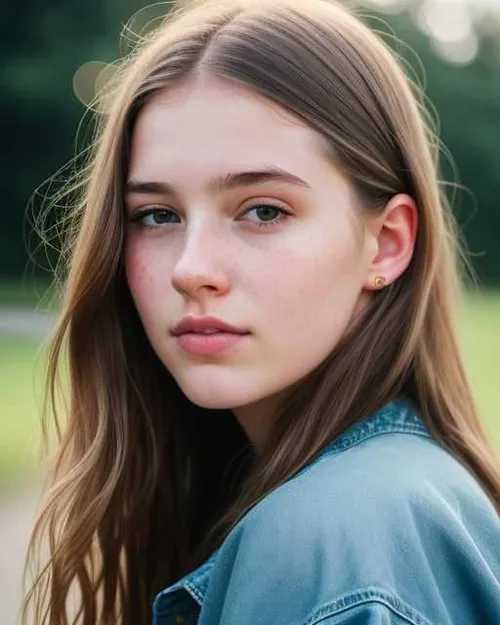
Input
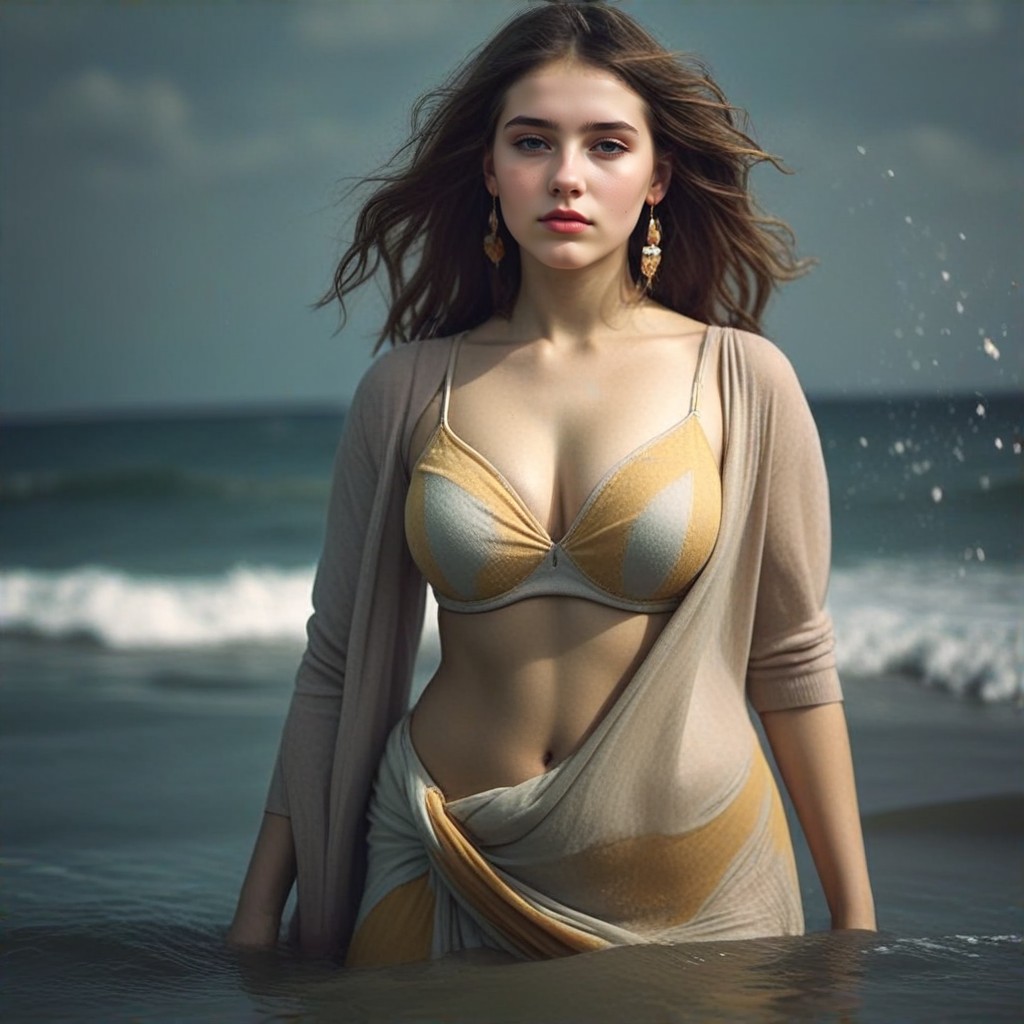
Result
Seashore
 Devinci. art660
Input
Result
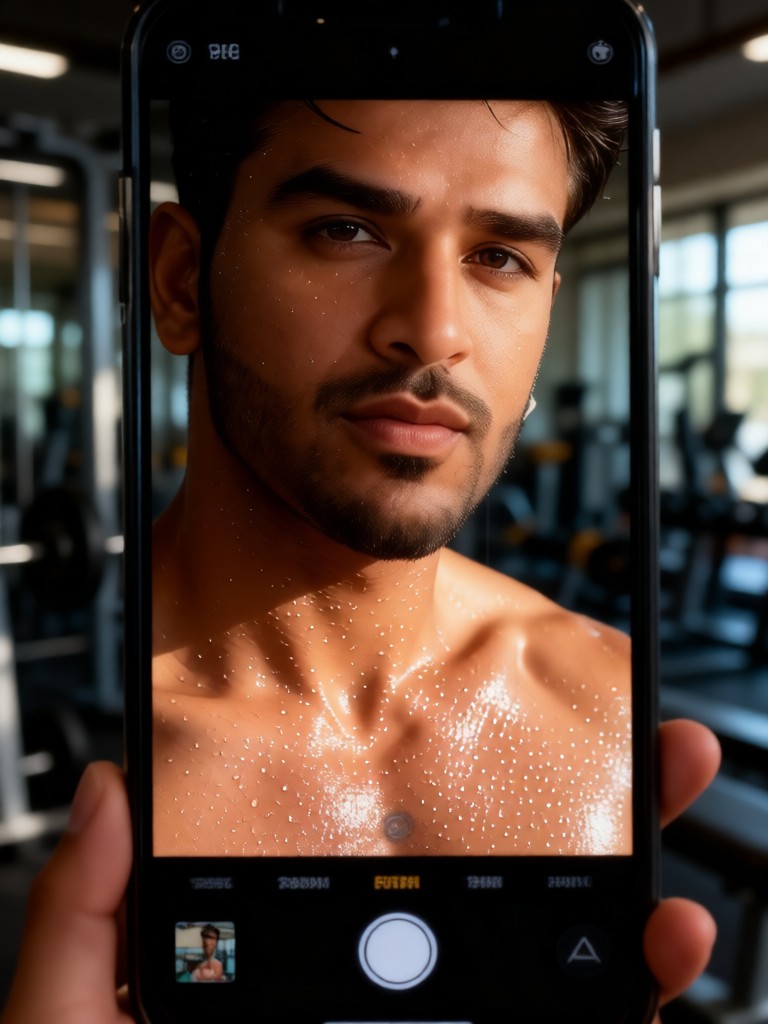
Sweat Skin Selfie
 Melody💗36
Input
Result
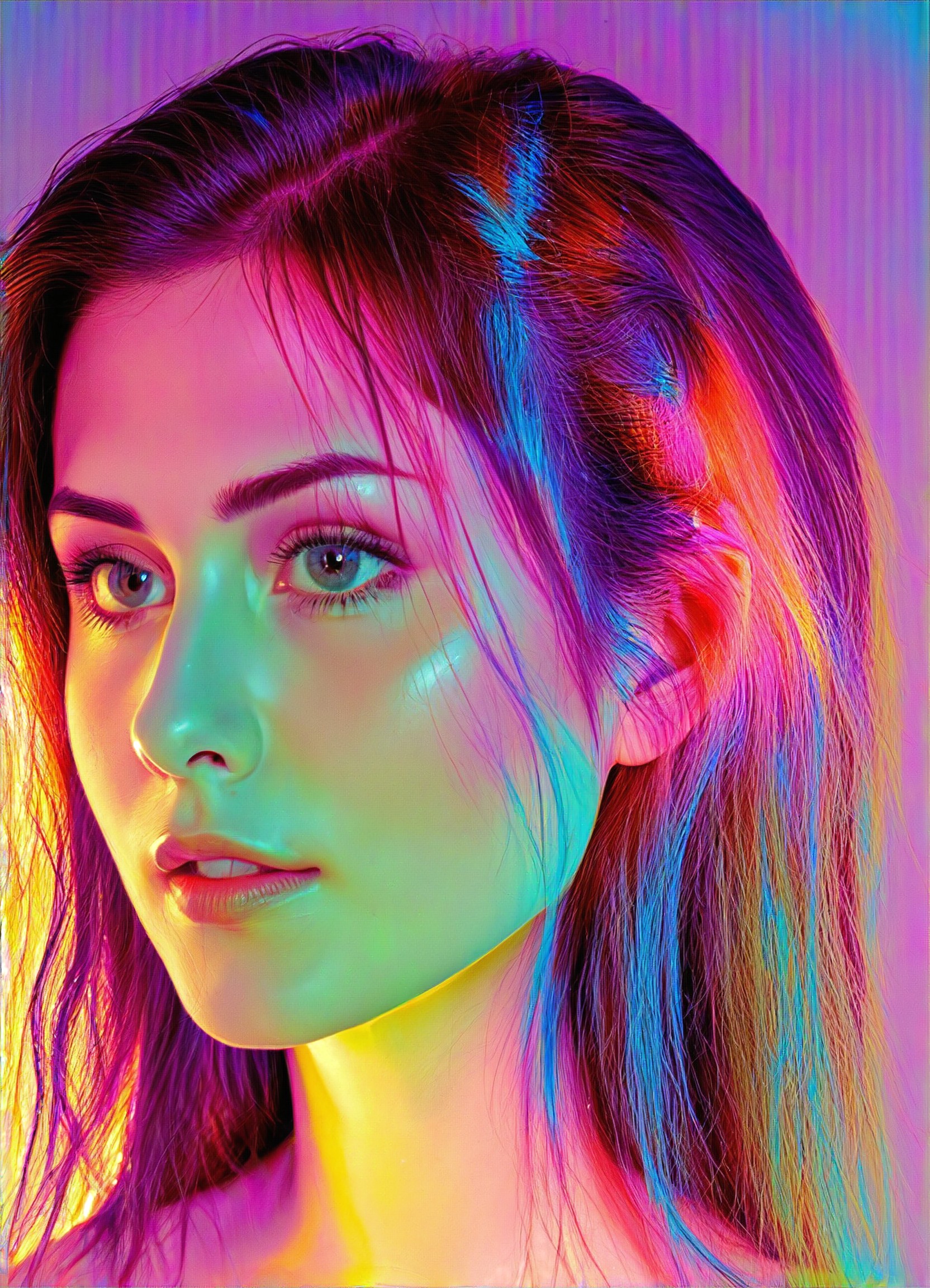
Colorful girl
阿
阿赌28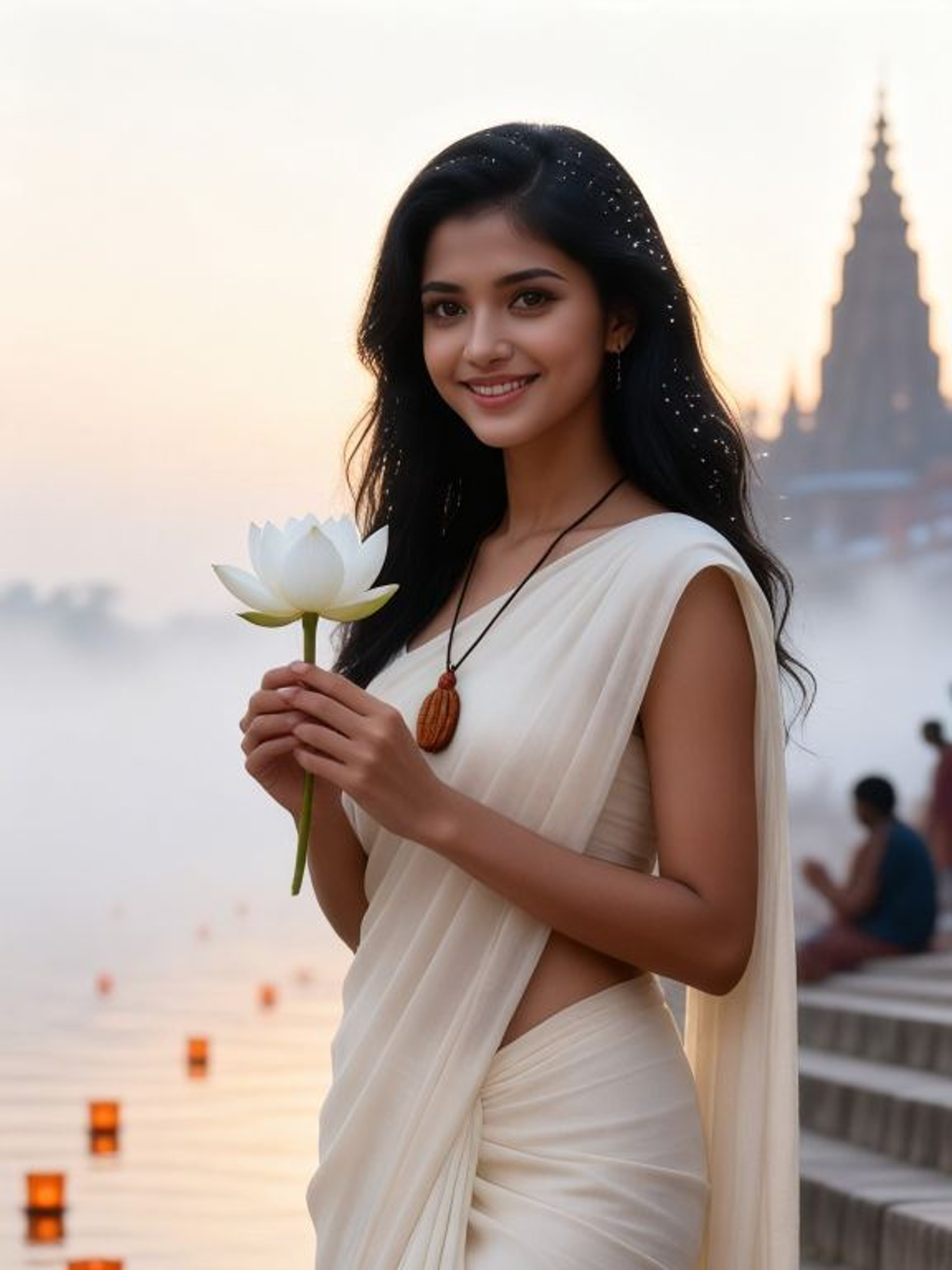
Input
Result
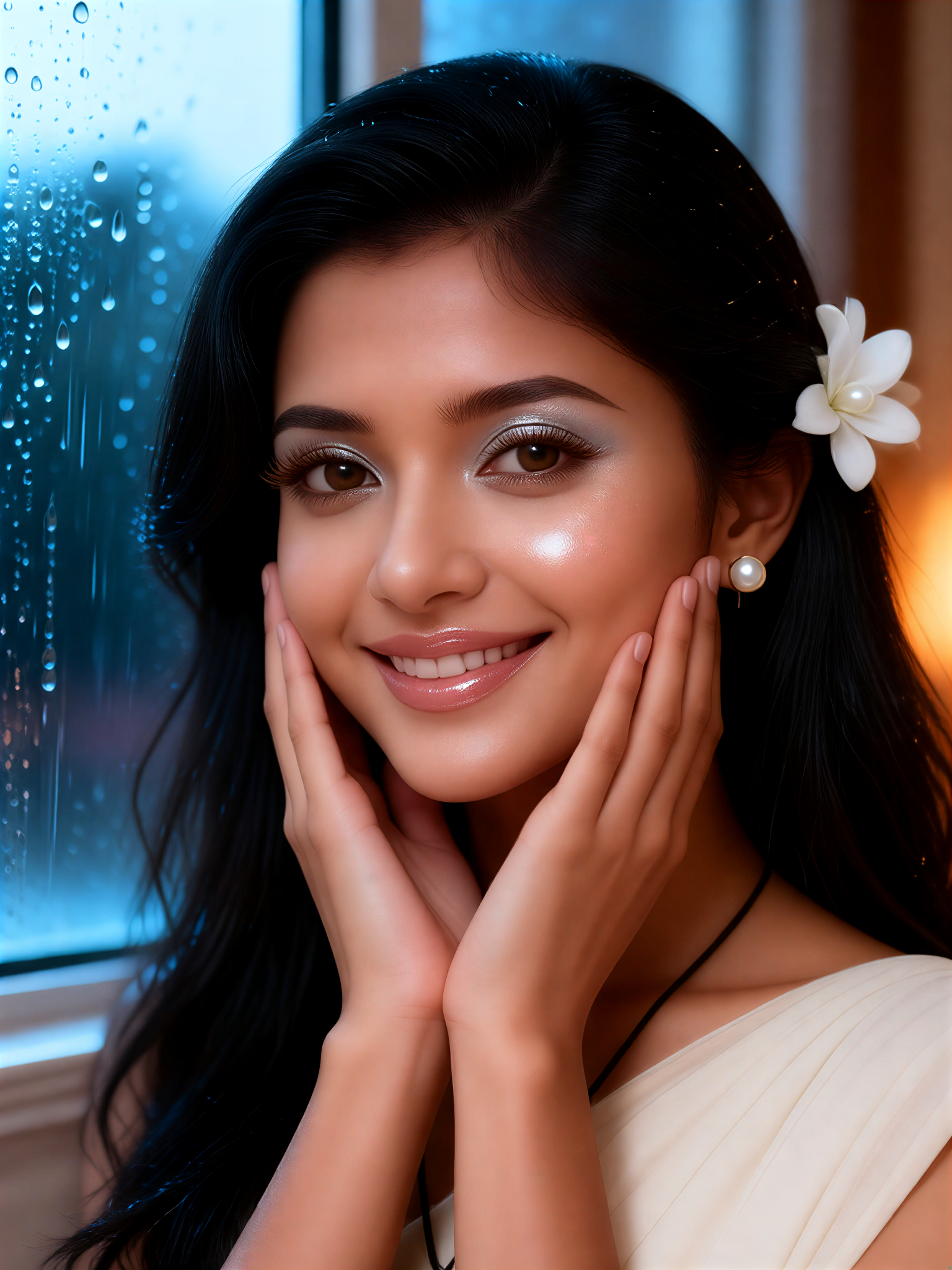
Pearl Dew Skin
 Mmmmmm.10
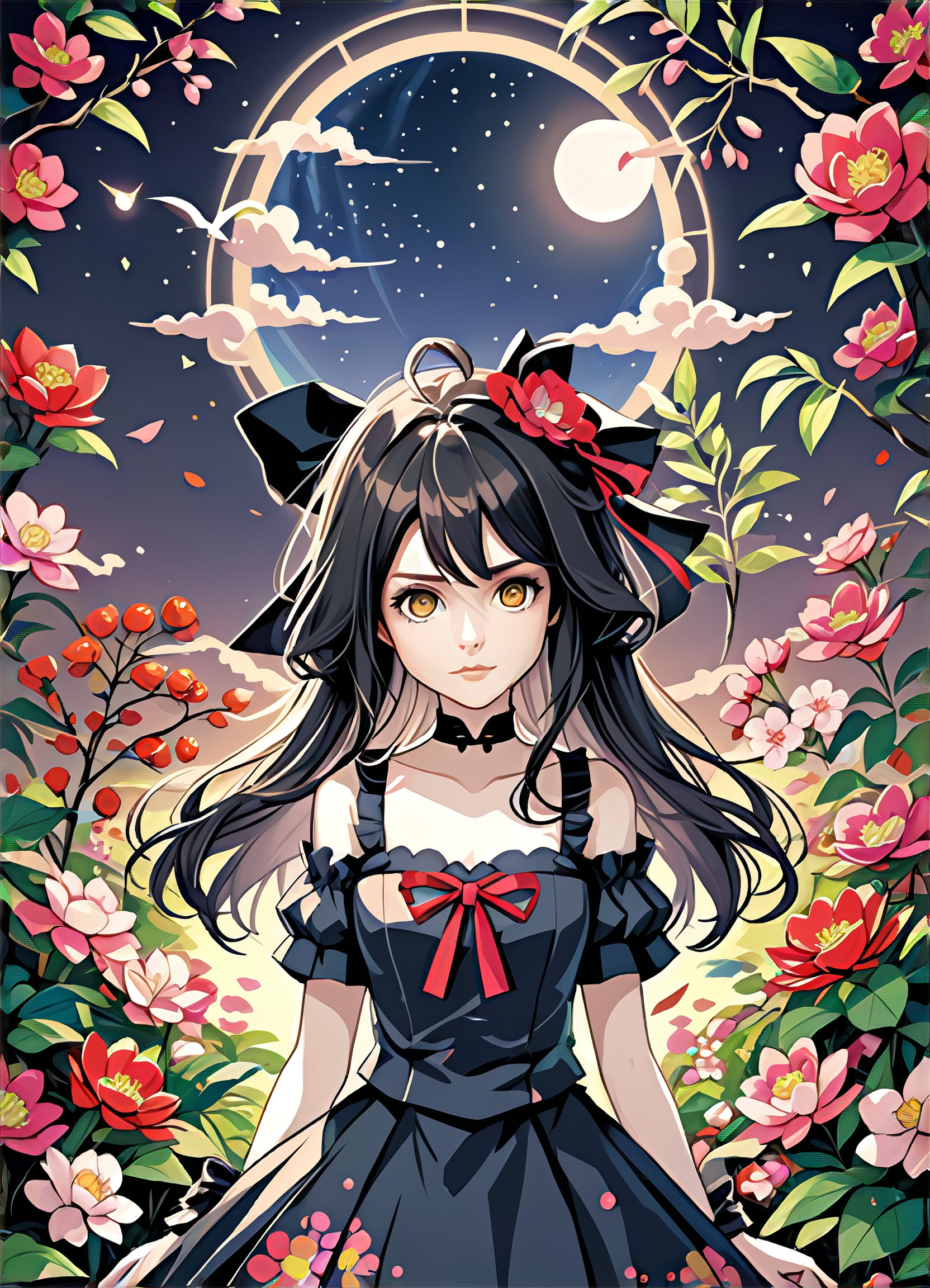
Input
Result
Magical Girl at Night
胡
胡苏雨8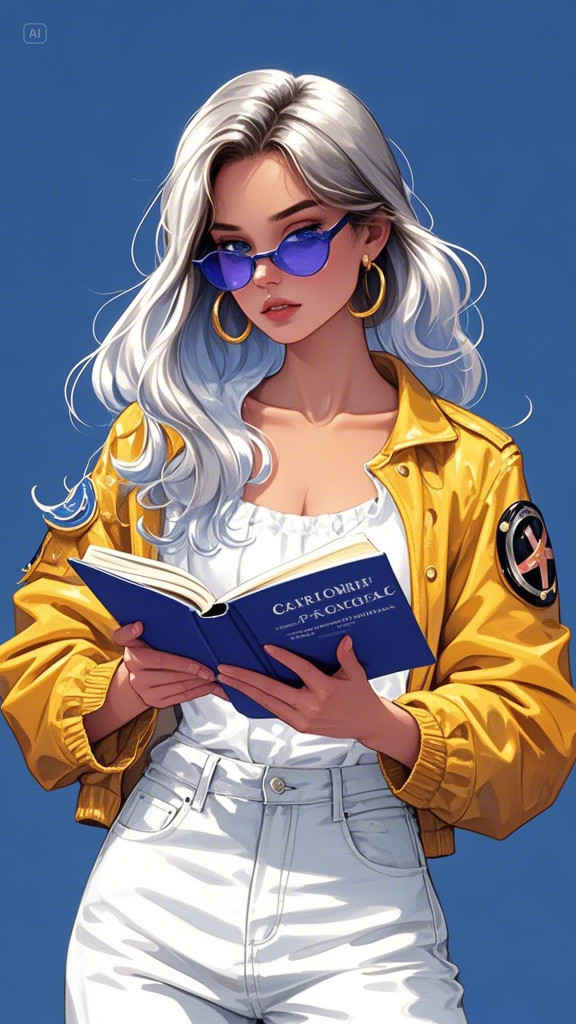
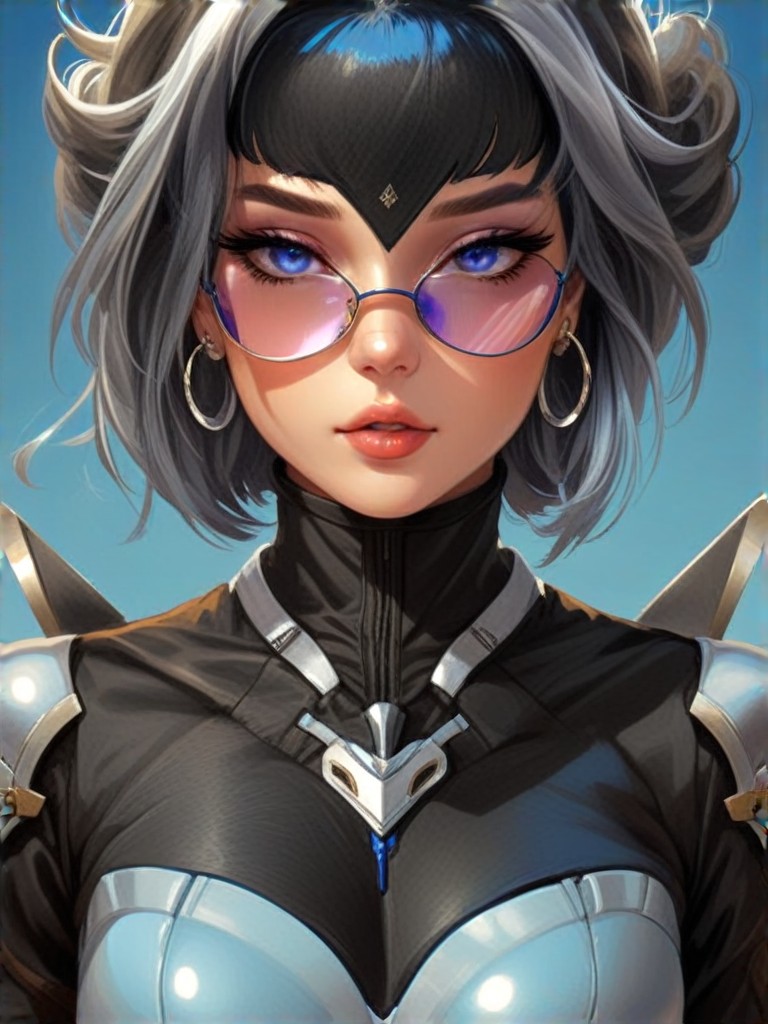
Input
Result
Skin armor
a
aeols1688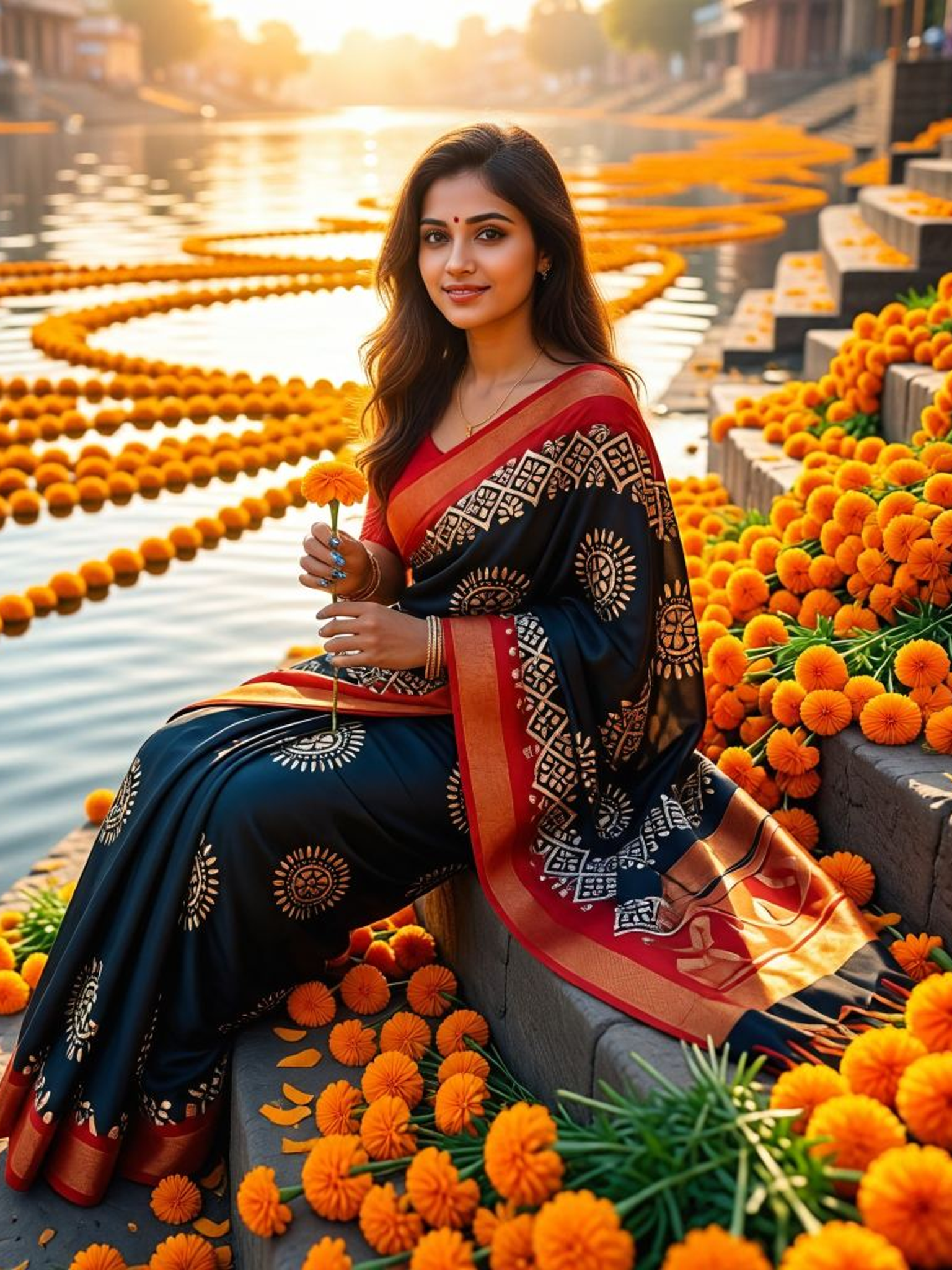

Input
Result
Glossy Hair Heroine
Mmmmmm.7
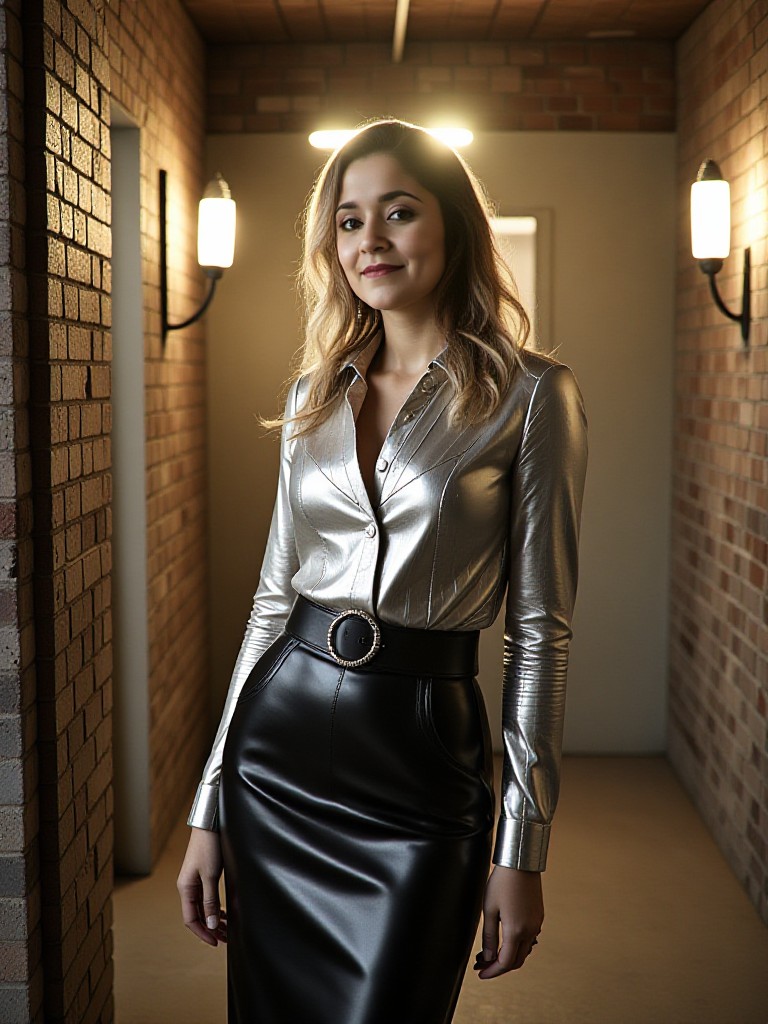
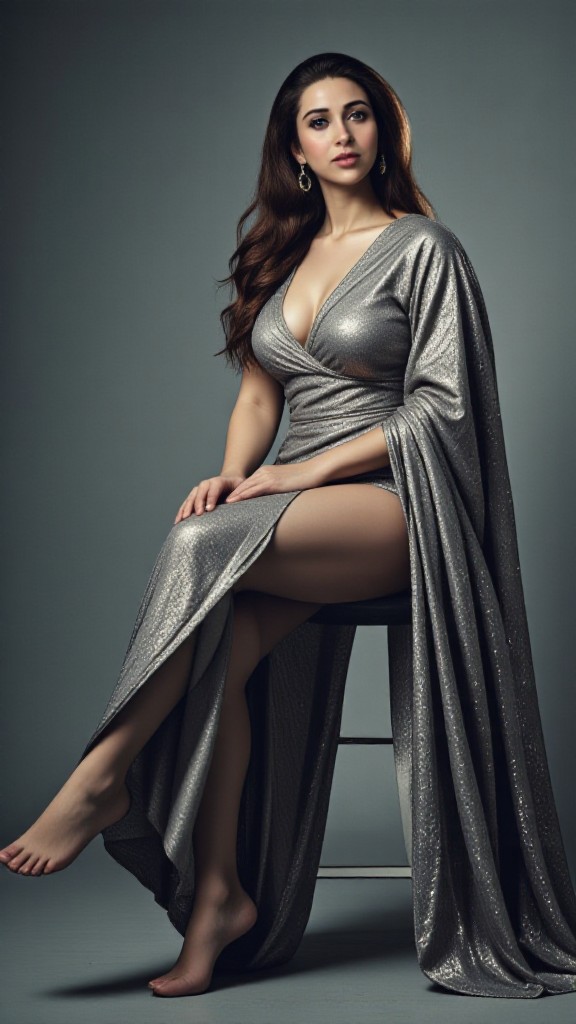
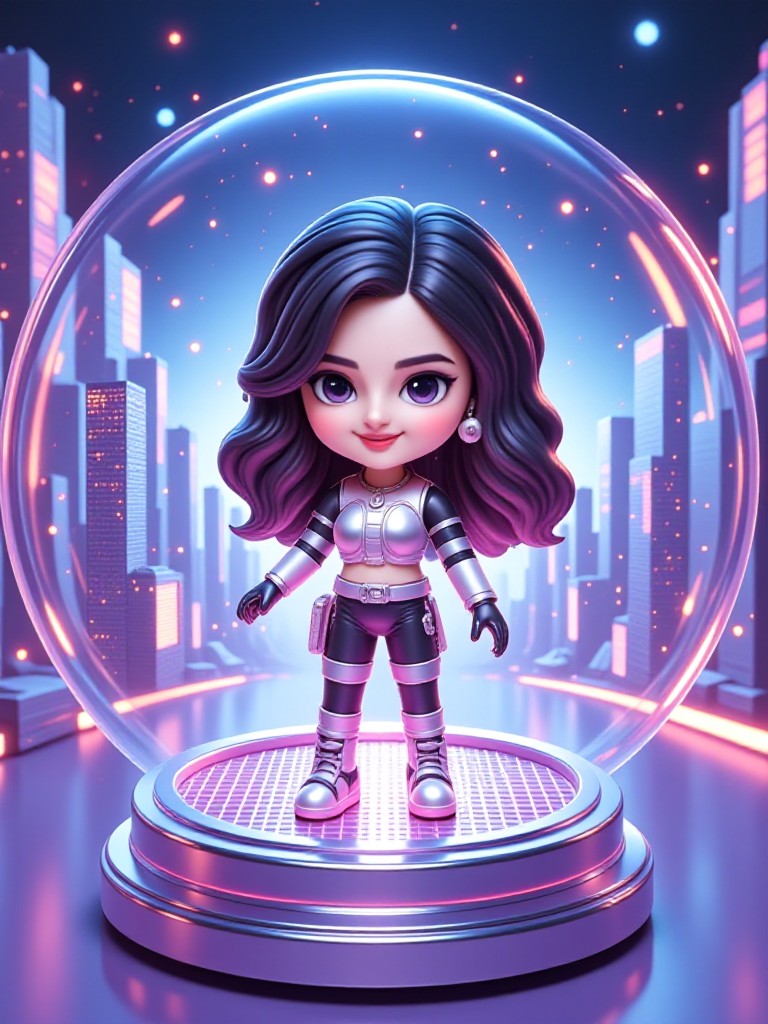
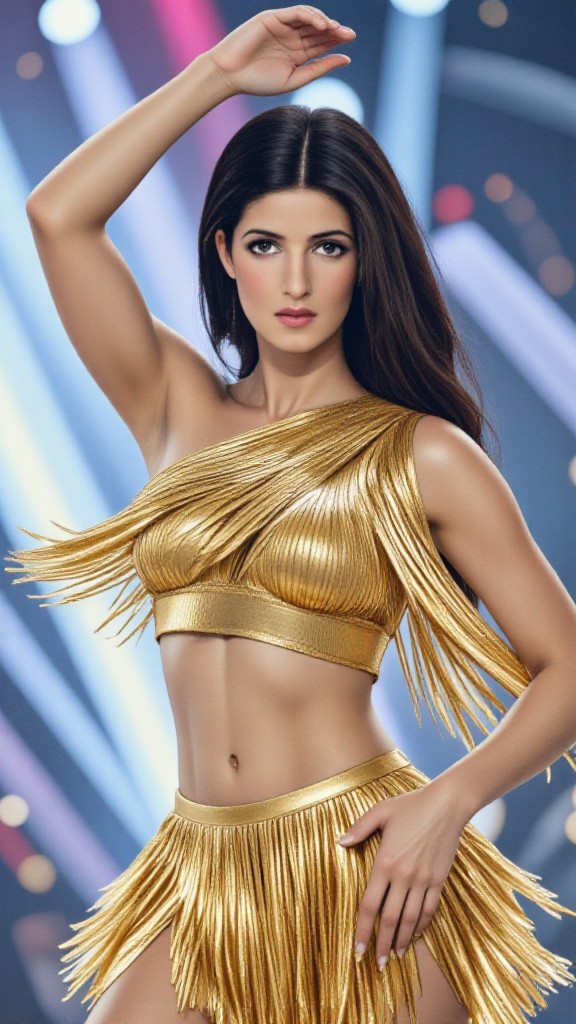
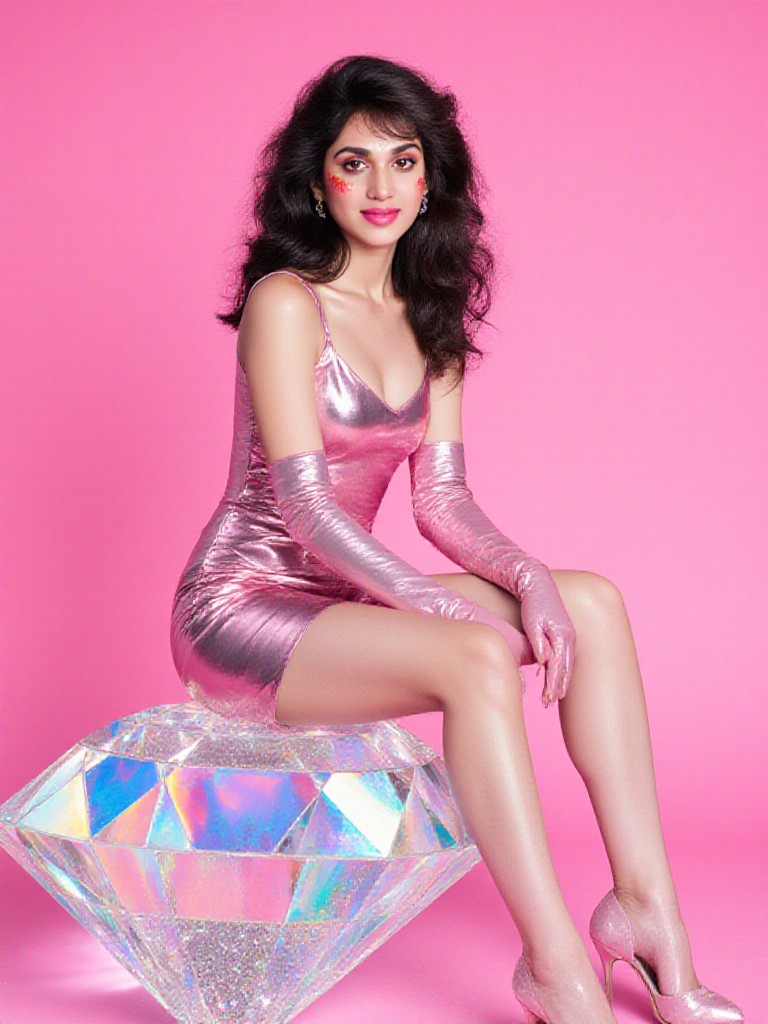
AI Generated Glossy Skin Images & Videos
Discover unique and innovative Glossy Skin images and videos created with a1.art Glossy Skin prompts.
How to Make Glossy Skin AI Image & Video on a1.art?
Step into the future of AI Glossy Skin video and image creation on a1.art.

Step 1
Select the style you want to apply in the Square.

Step 2
Upload the image you want to transform. It can be a photo, hand-drawn sketch.

Step 3
Wait a few seconds and you can easily get your unique AI Glossy Skin art. Download for free!
FAQ about Glossy Skin AI Prompt on a1.art
Discover the secrets to creating Birthday Day videos and images at a1.art.
What are glossy skin AI prompts?
Glossy skin AI prompts are specialized inputs for a1.art's AI generator that help create realistic, high-shine skin textures in images and videos. These prompts guide the AI to produce detailed, lifelike results with reflective qualities.
Can I use glossy skin AI prompts for both images and videos?
Yes, a1.art supports both image and video generation. You can apply glossy skin AI prompts to create stunning visuals in either format, ensuring consistency across your projects.
How do I get started with glossy skin AI prompts on a1.art?
Simply select a prompt from our curated list, upload your image or enter a text description, and let a1.art's AI work its magic. You'll receive instant results with a glossy skin effect tailored to your preferences.
Are there any limitations to using glossy skin AI prompts?
While our prompts are versatile, the quality of the output depends on the input provided. For best results, ensure your image or text is clear and specific. Additionally, some advanced features may require a subscription.
Does a1.art offer free credits for using glossy skin AI prompts?
Yes, a1.art provides daily free login credits to all users. This allows you to experiment with various prompts, including those for glossy skin, without any cost. More credits can be earned through subscriptions.


