


Get Glossy Texture Videos & Images without Prompt
a1.art offers a large number of filters, allowing you to easily obtain AI videos or images without prompts.
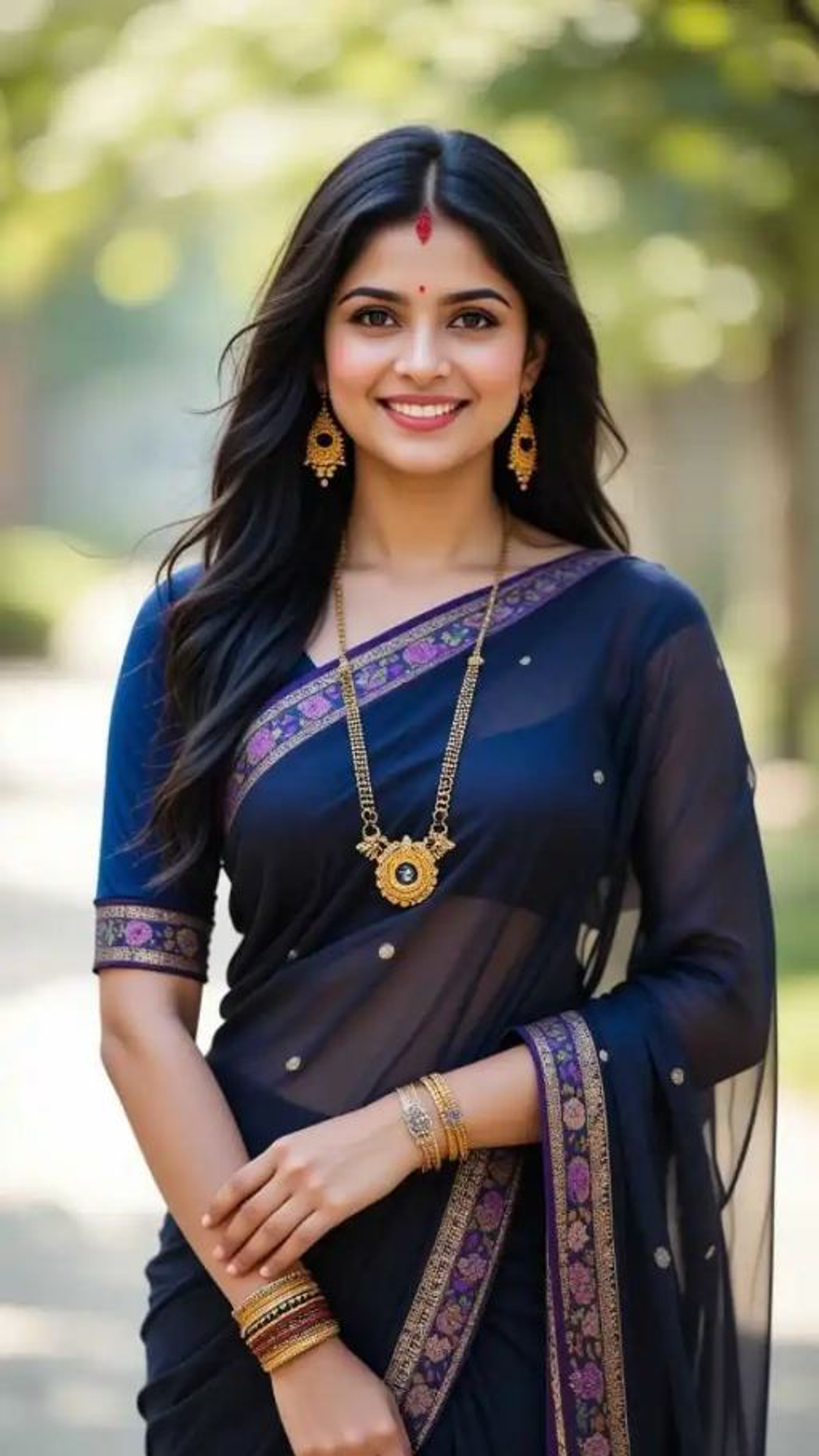
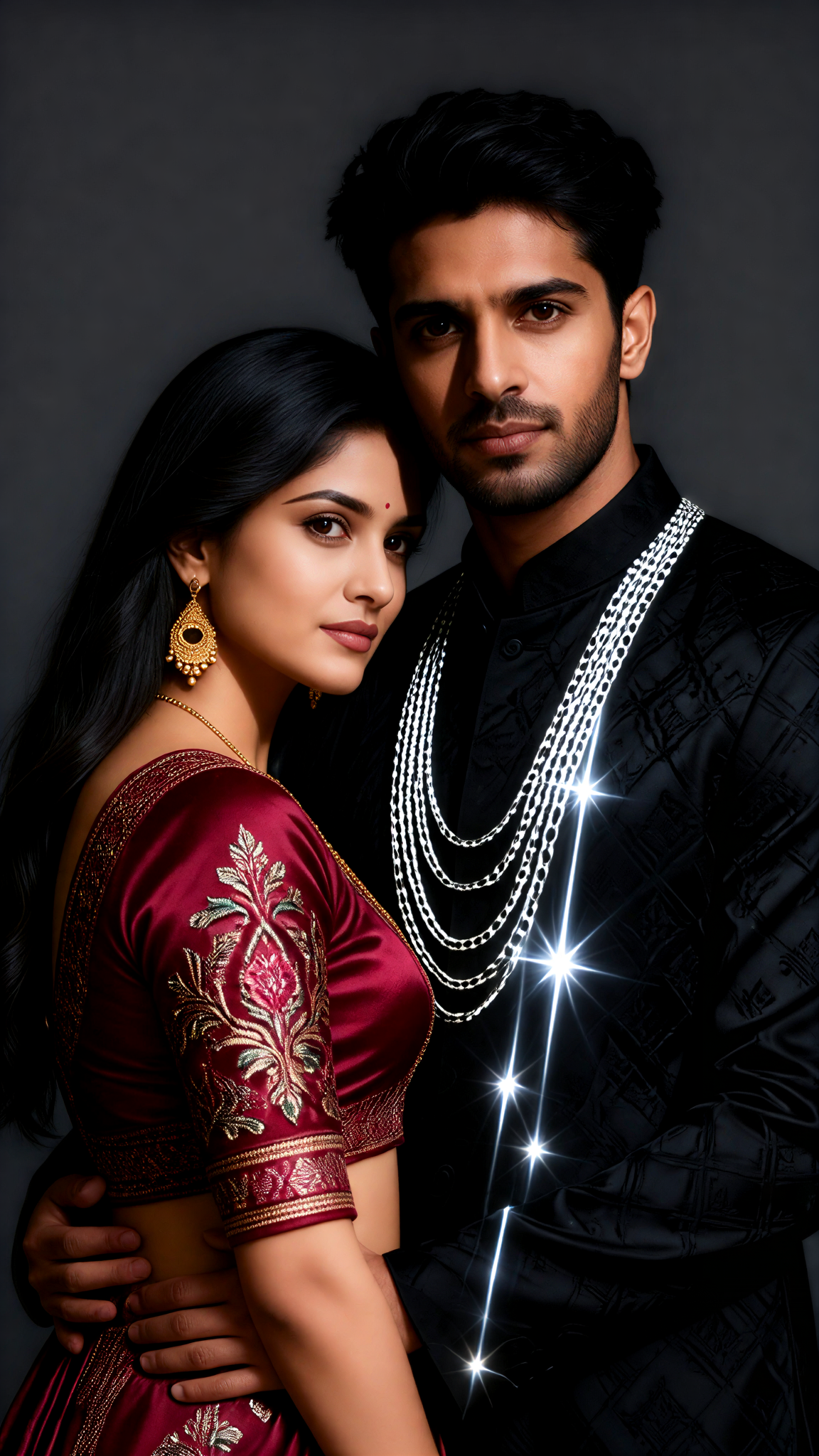
Input
Result
Couple Art Magazine Portrait Texture
 Vihann
 3.5k
3.5k
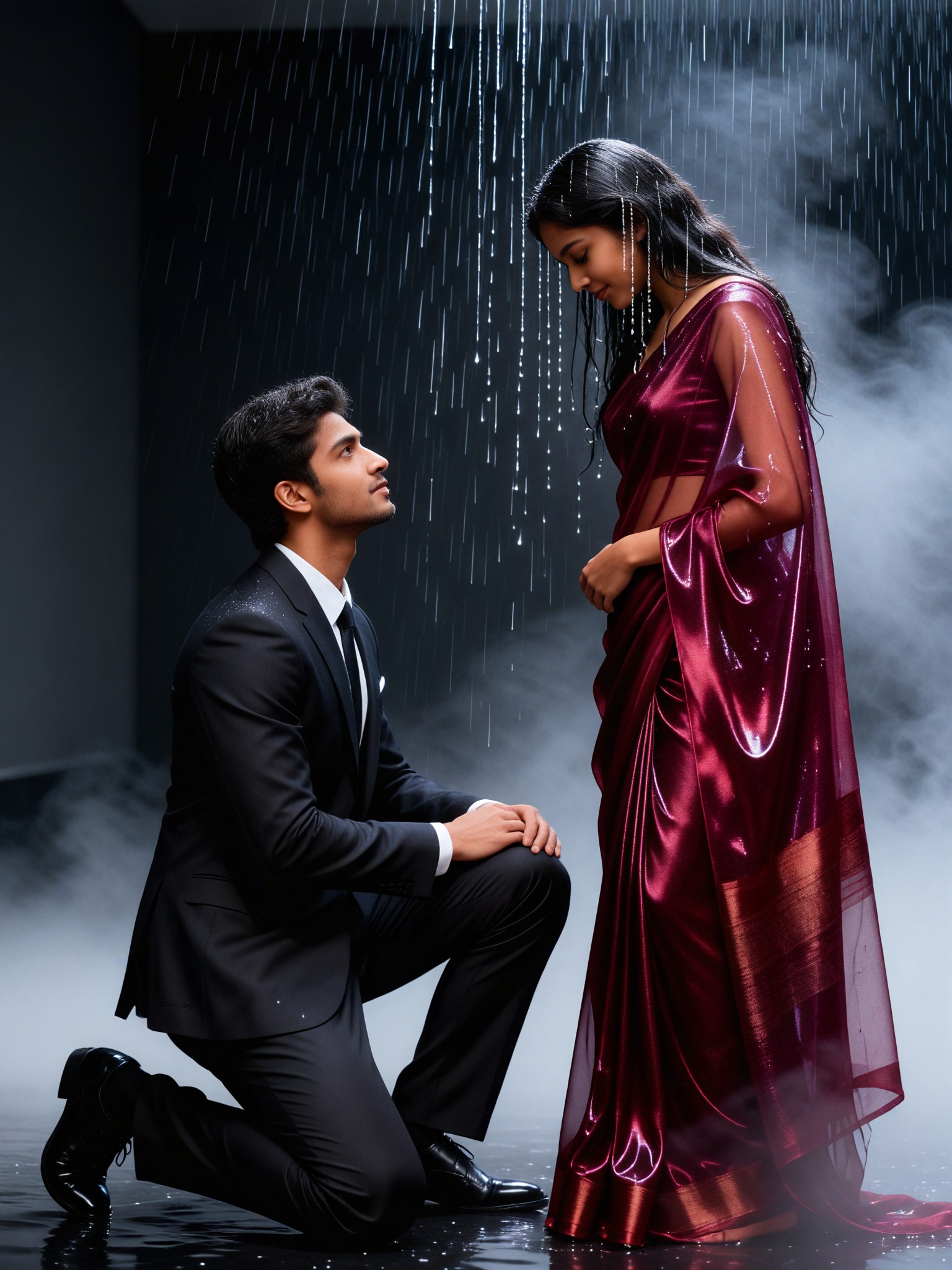
Input
Result
Texture of Rainy Photoshoot
Vihann3.0k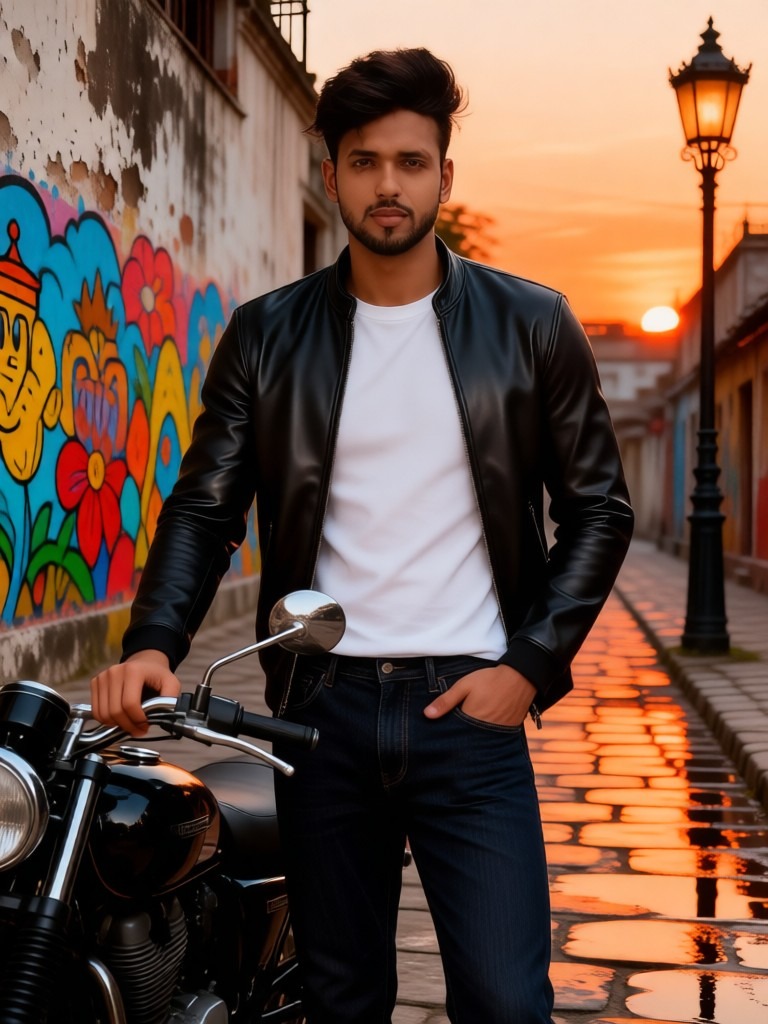
Input
Result
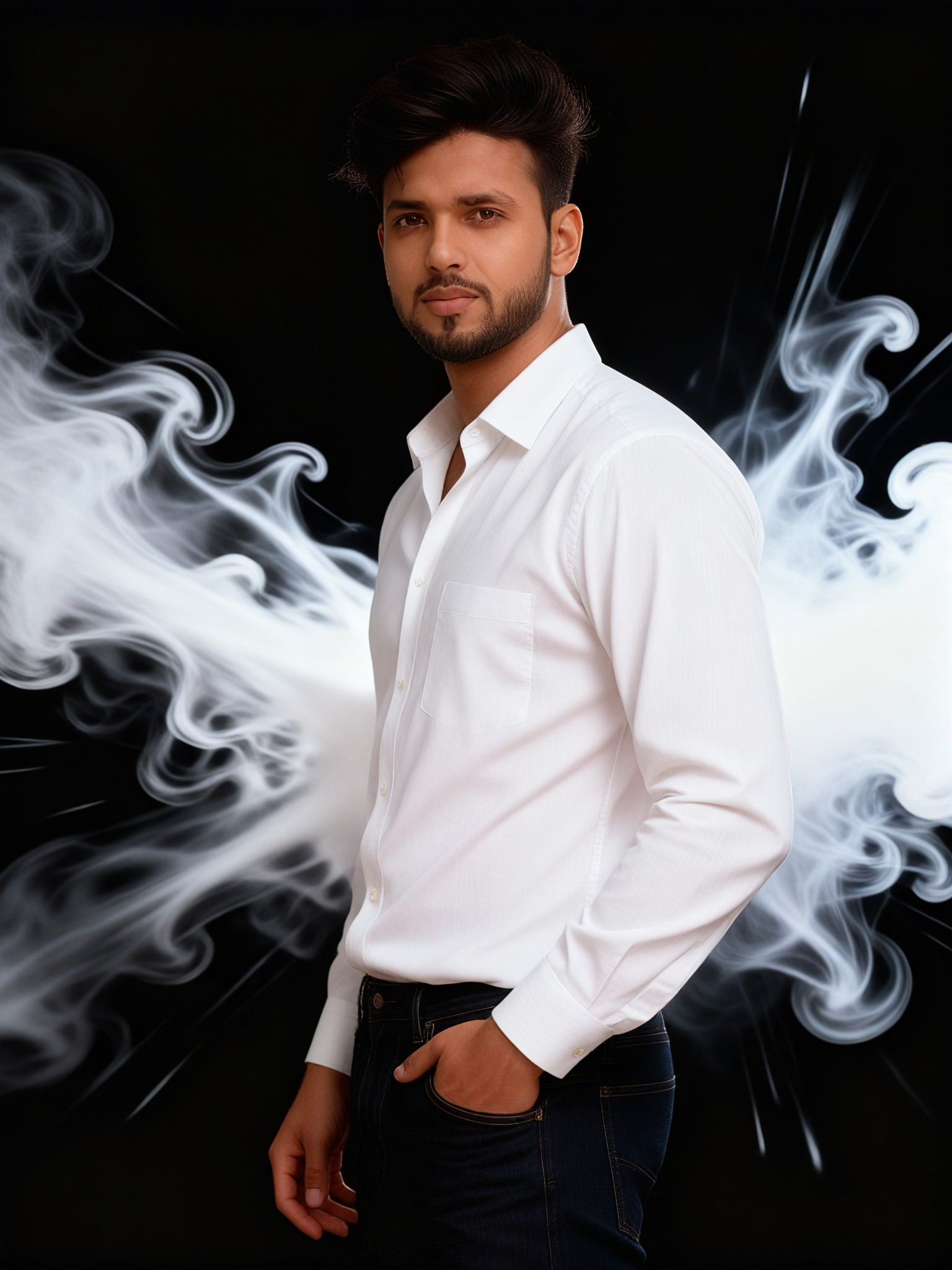
Smoke texture photo: 43
 艺术梦想家2.6k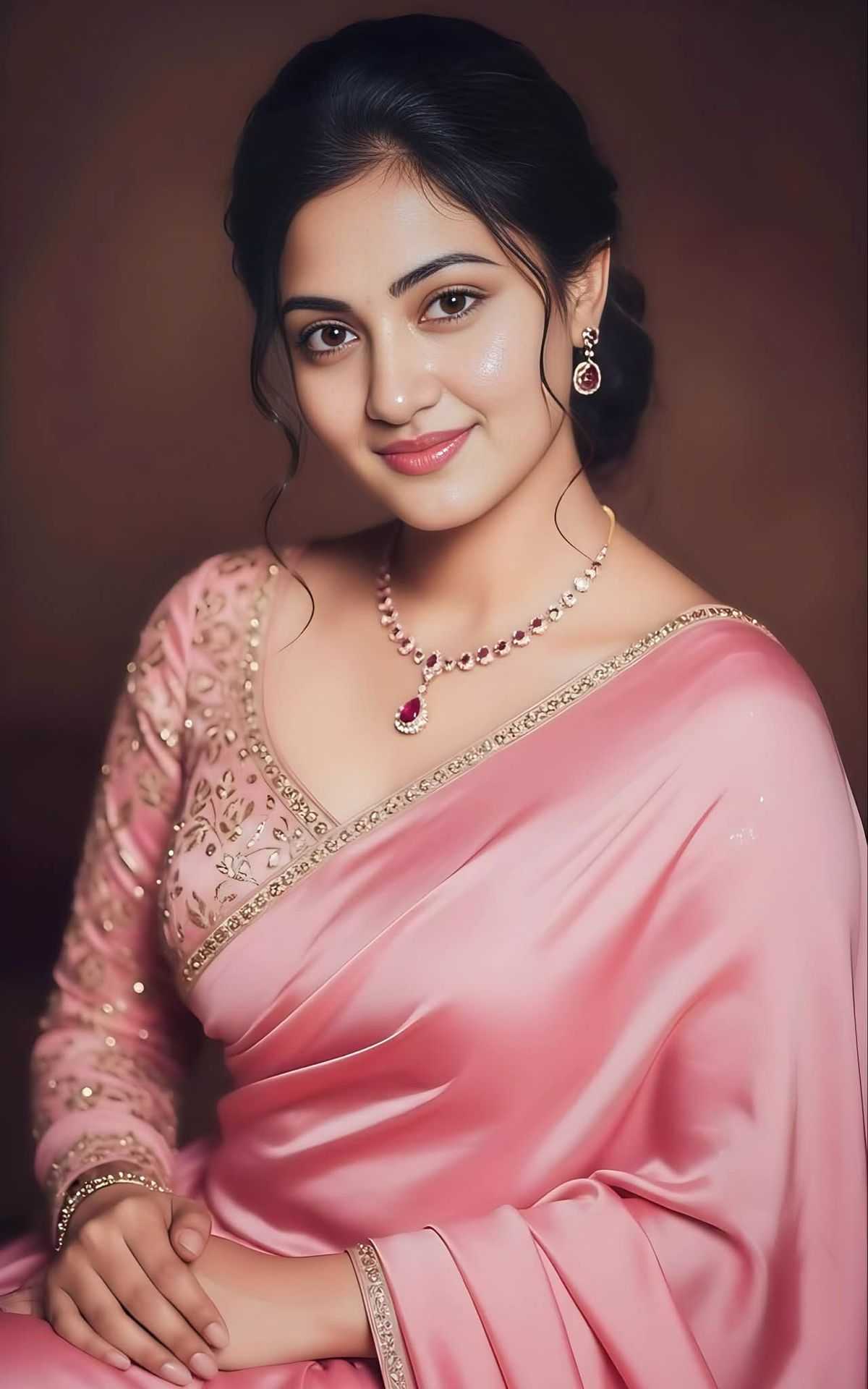
Input
Result
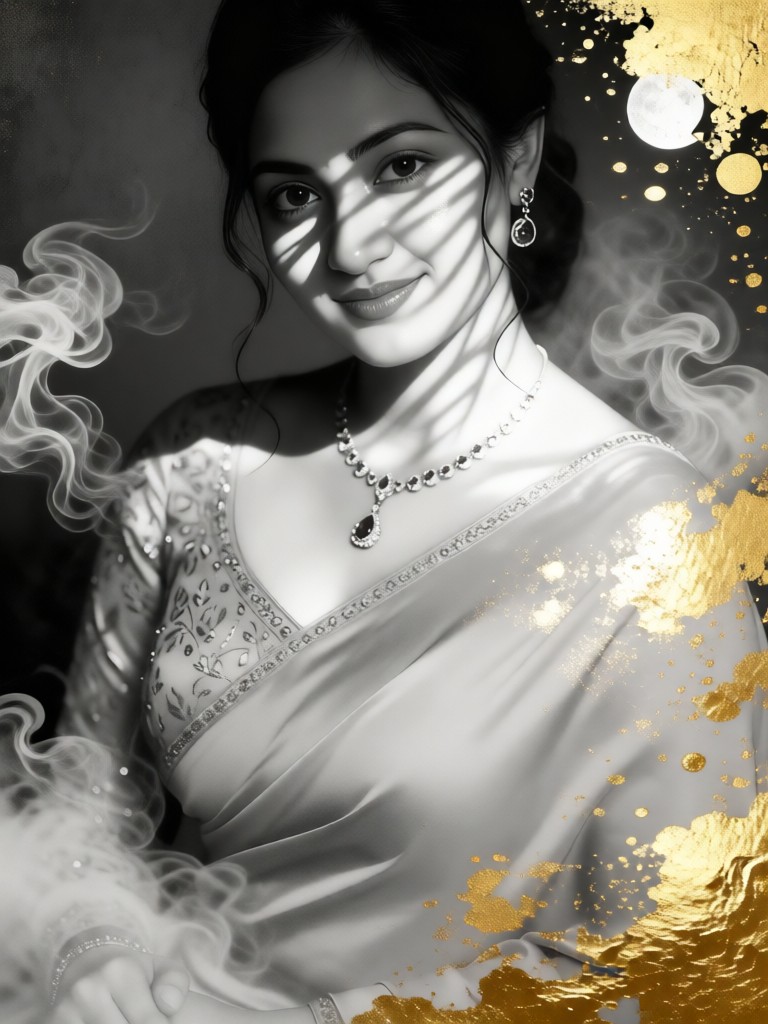
Black gold texture
 一个酷酷的man995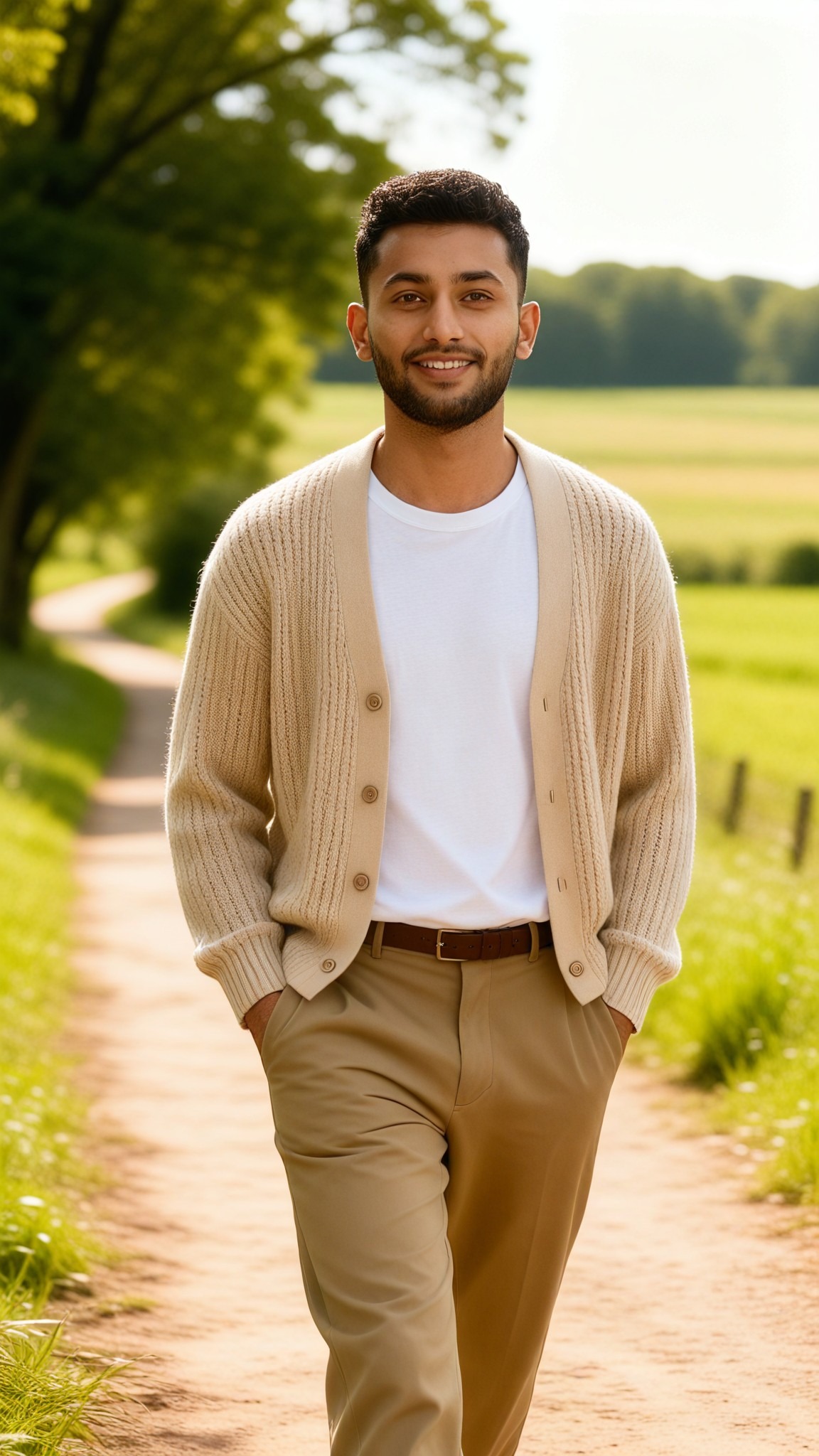
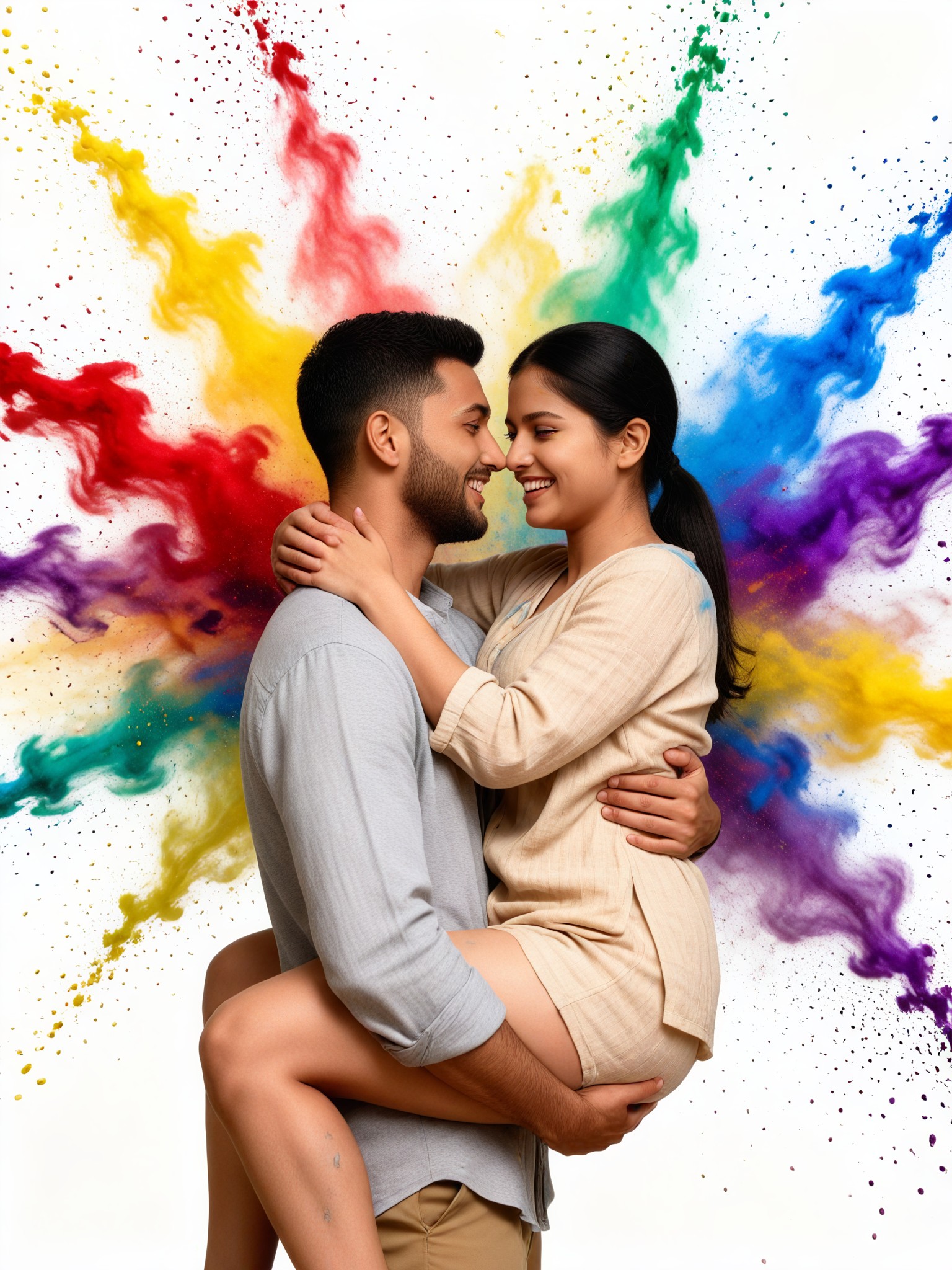
Input
Result
Smoke texture photo: 05
 艺术画家199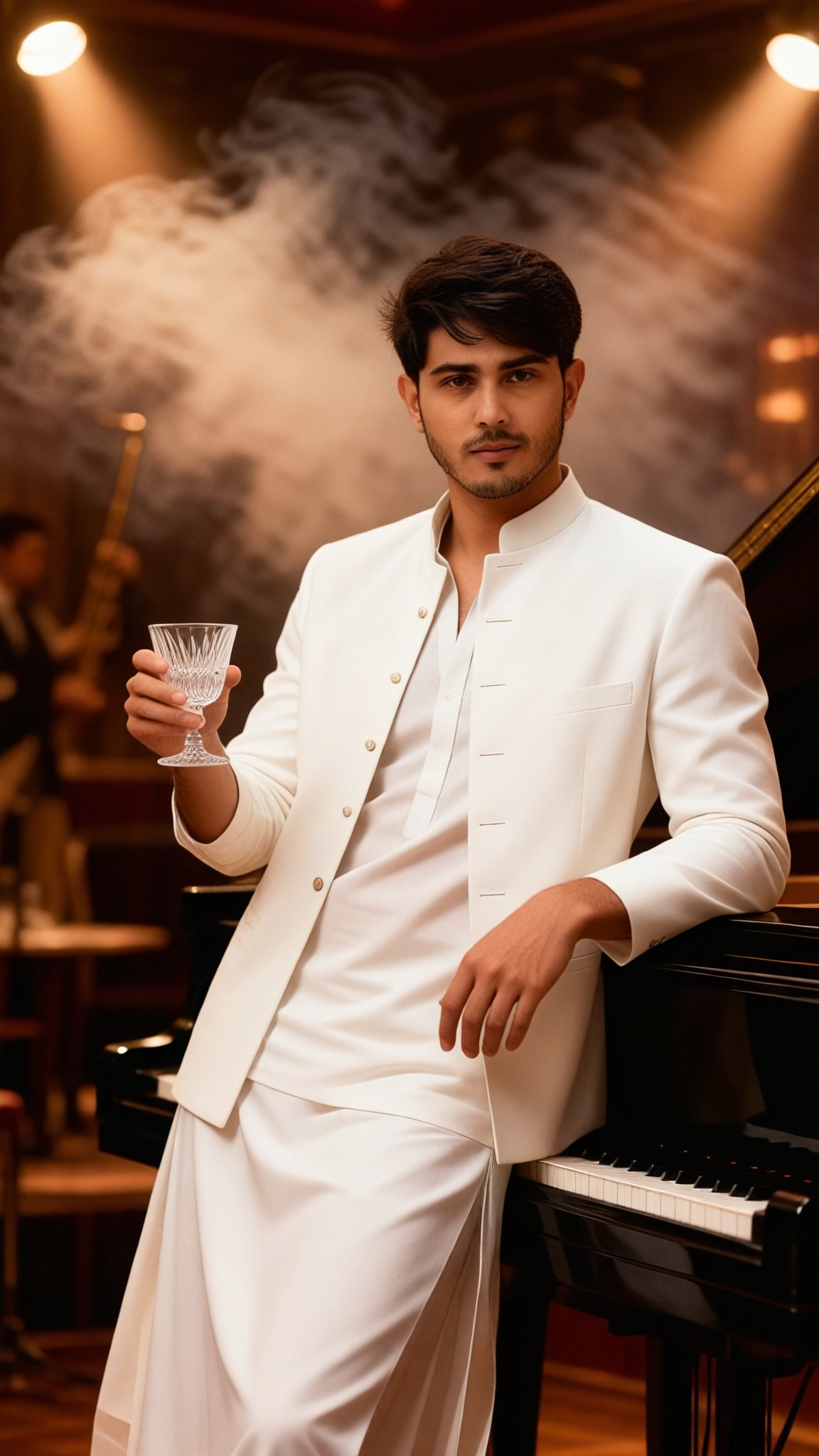
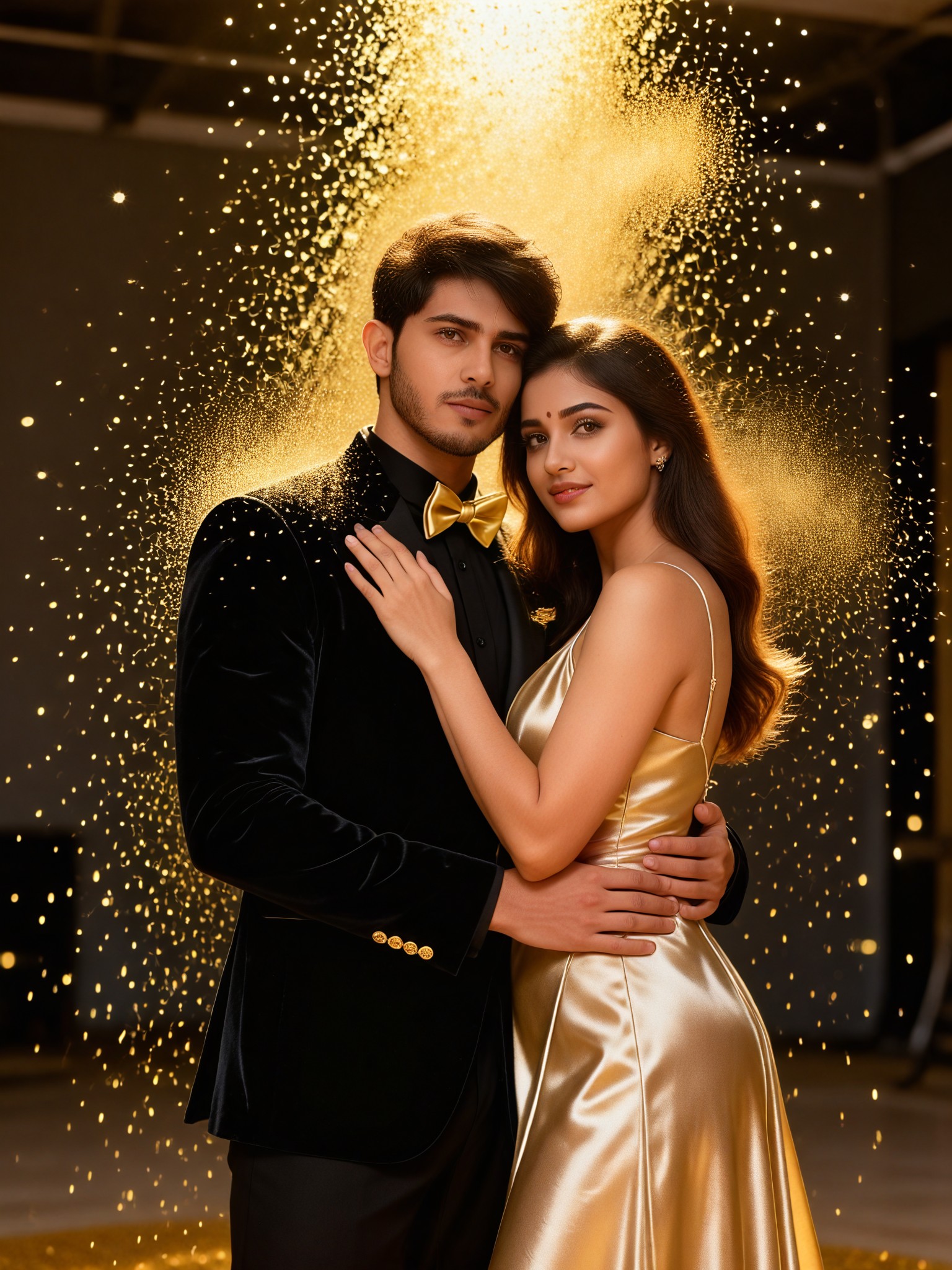
Input
Result
Smoke texture photo: 08
艺术画家188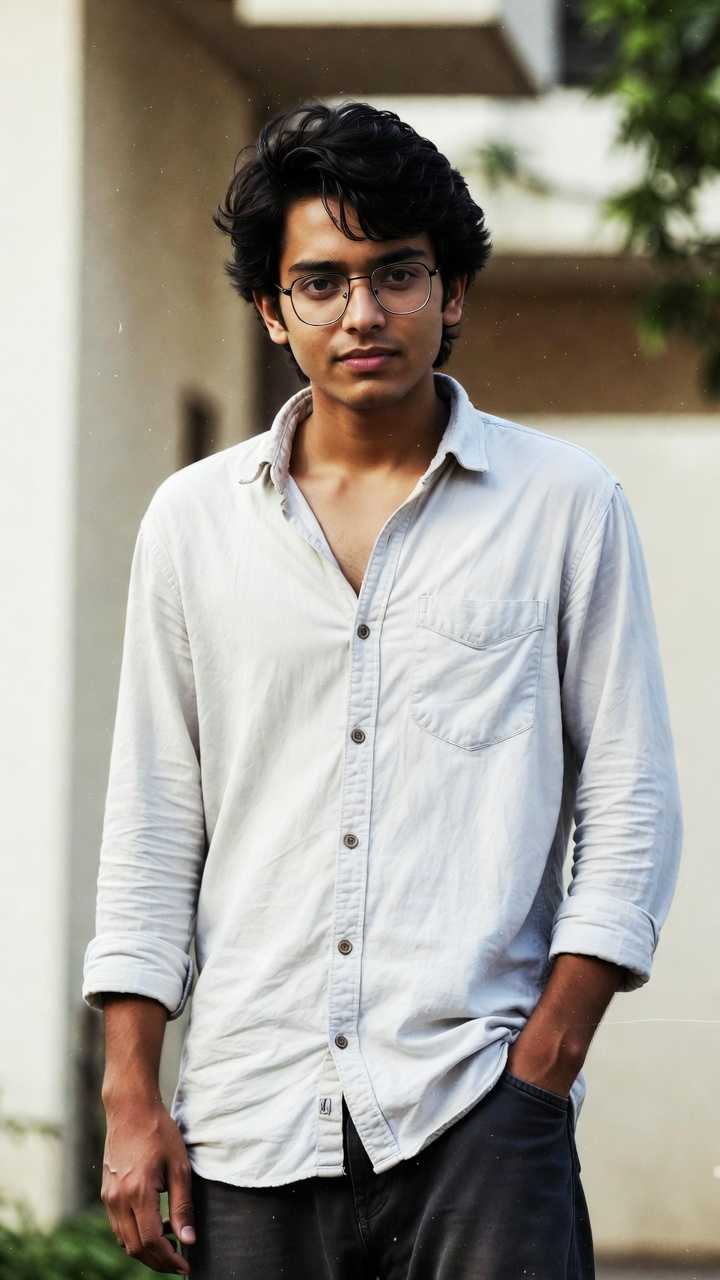
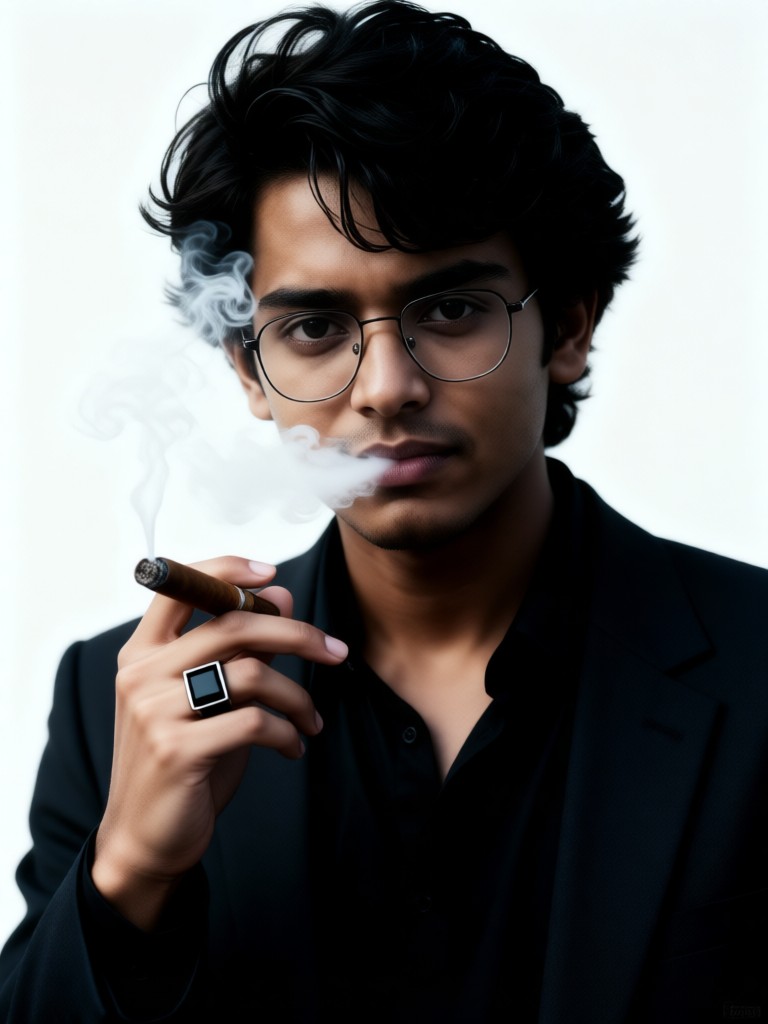
Input
Result
Gangster texture photos
一个酷酷的man158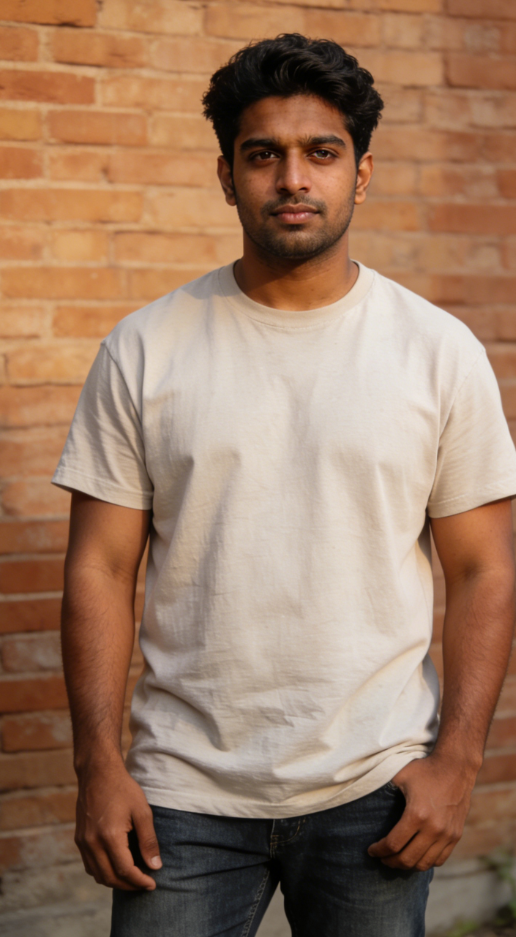
Input
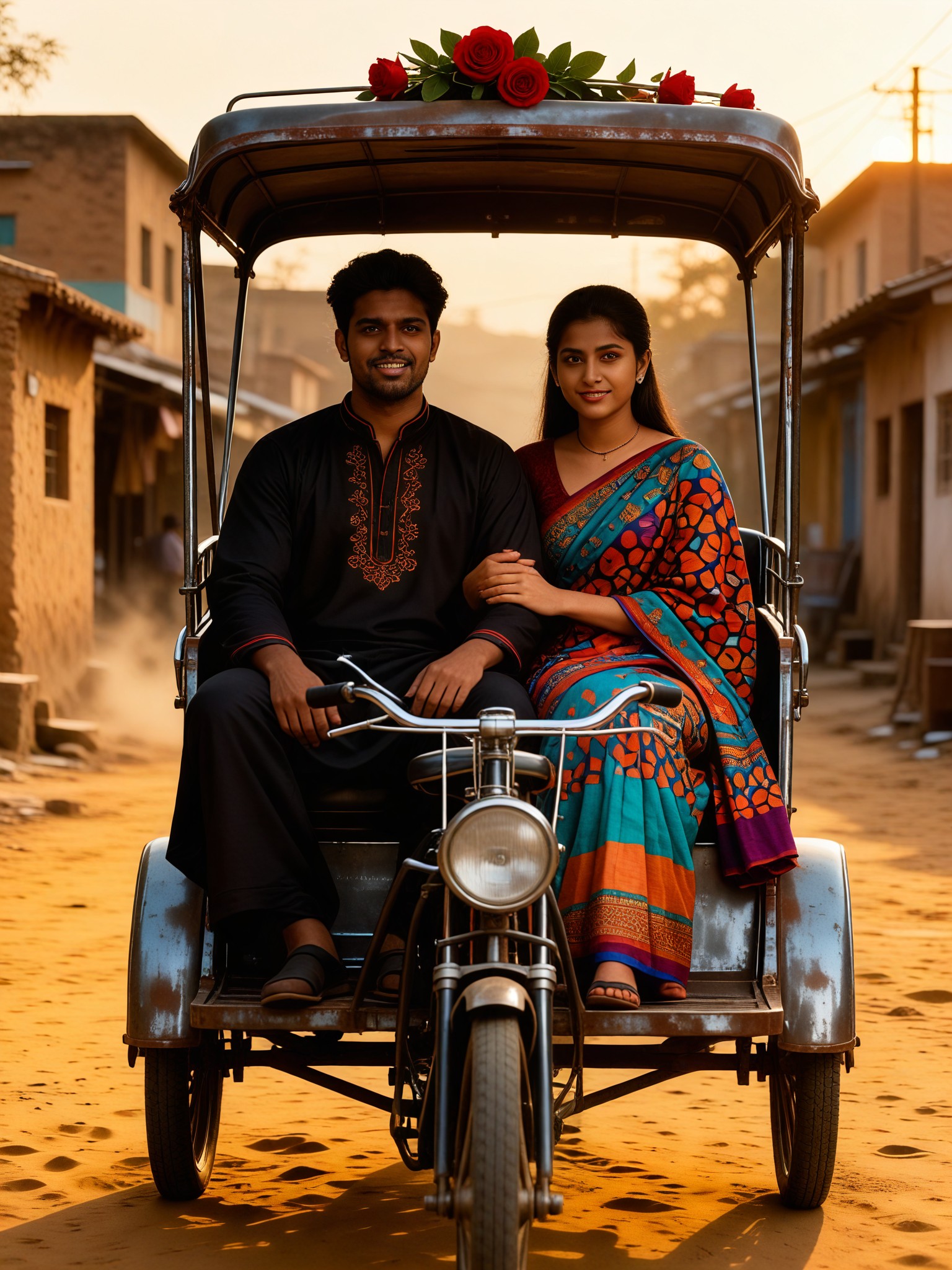
Result
Indian street movie texture
Vihann114
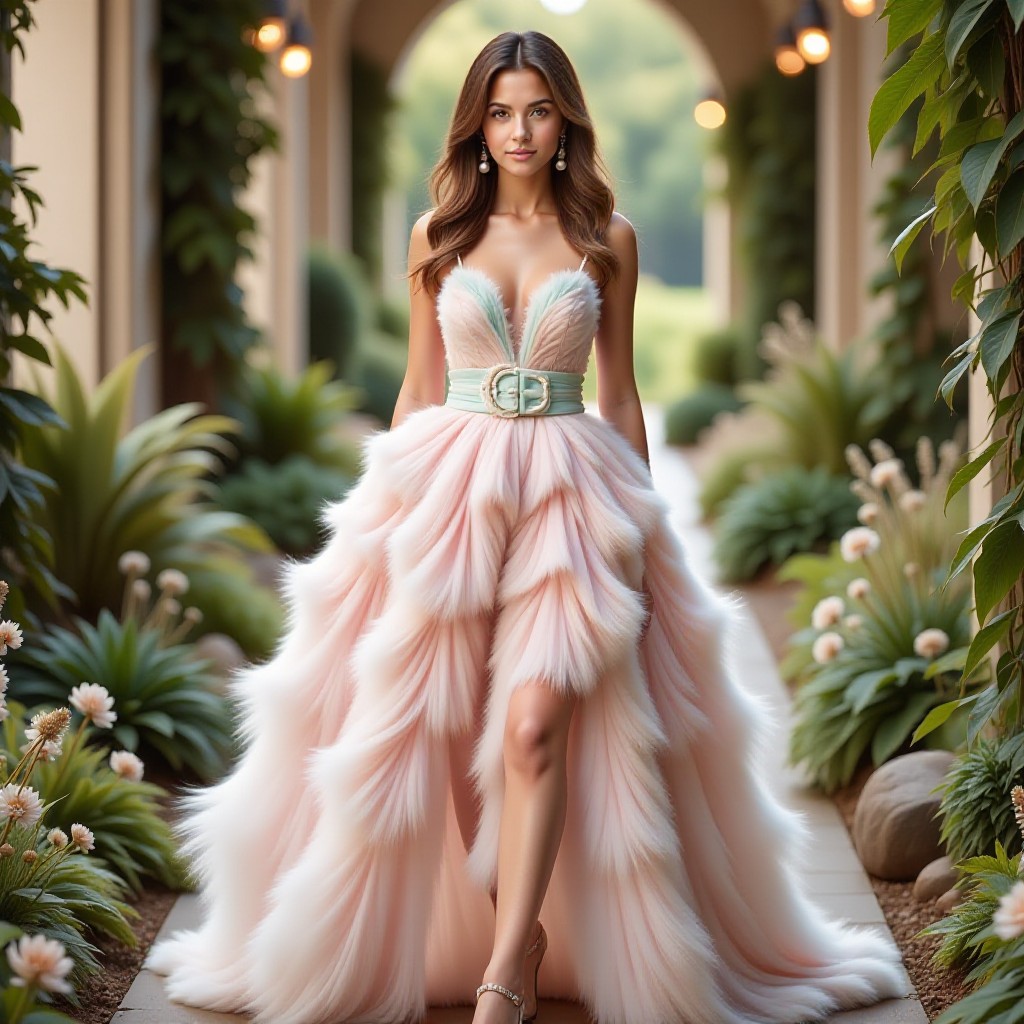
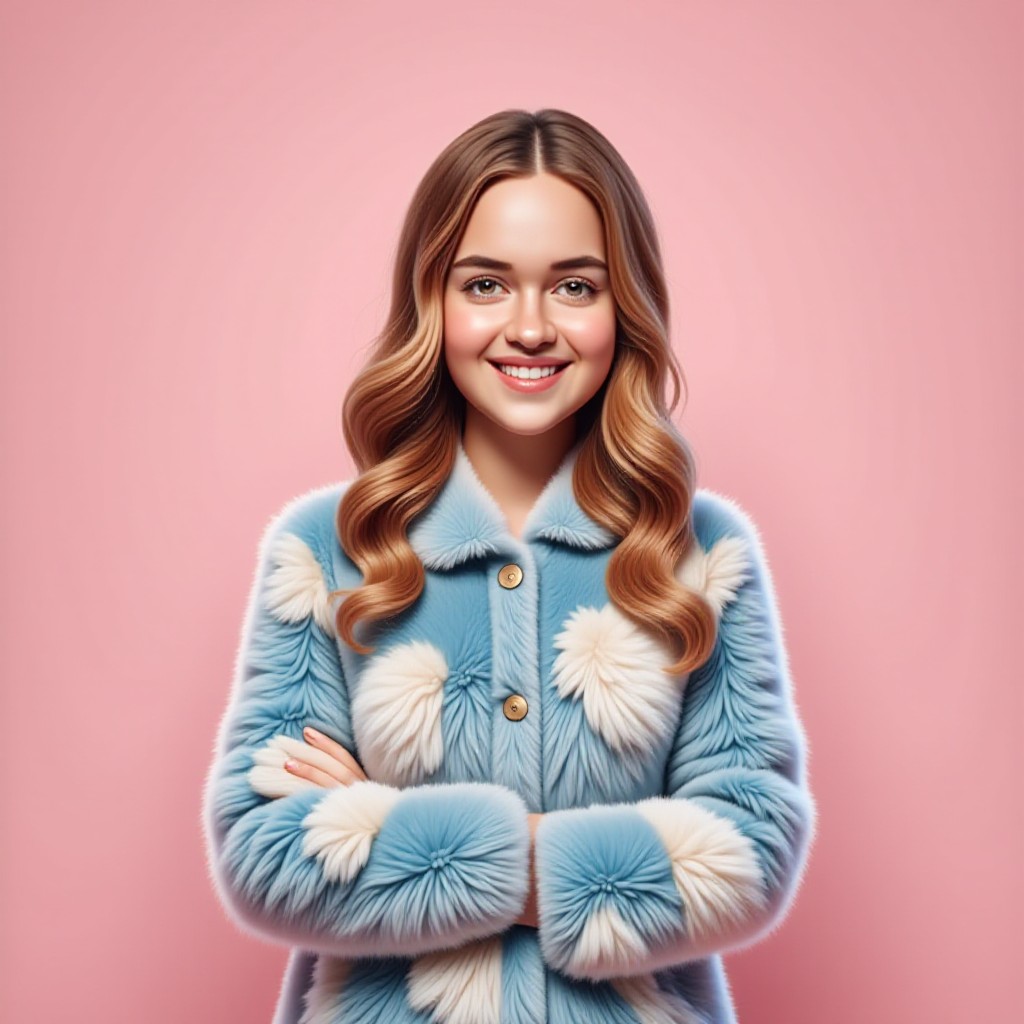
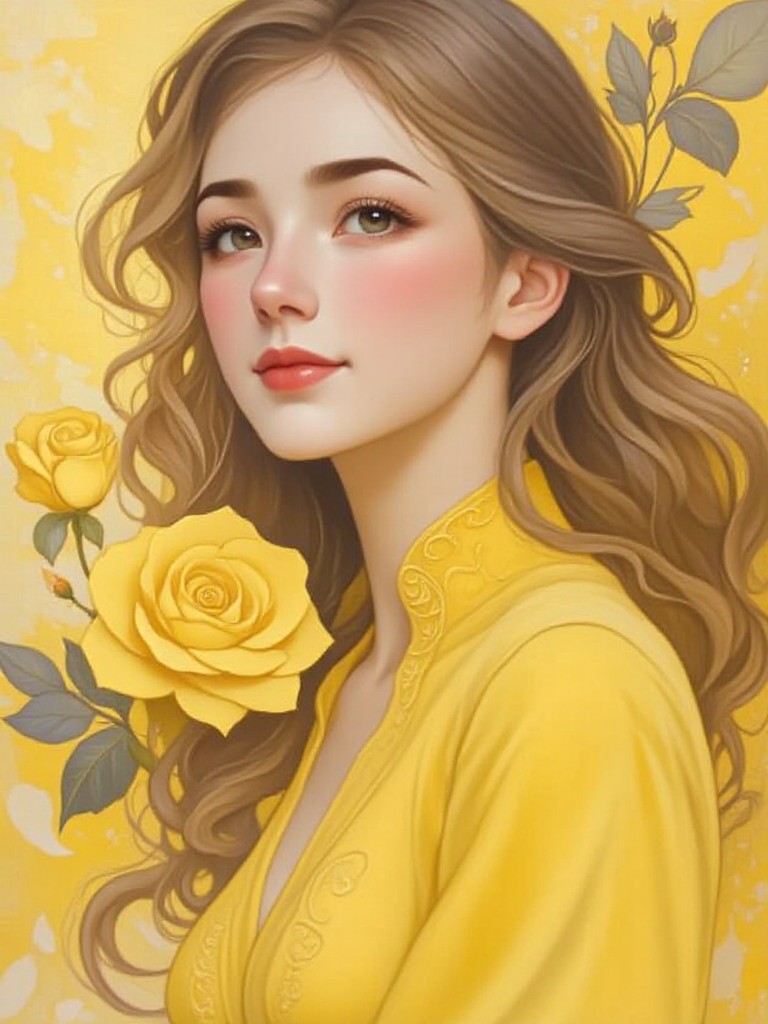
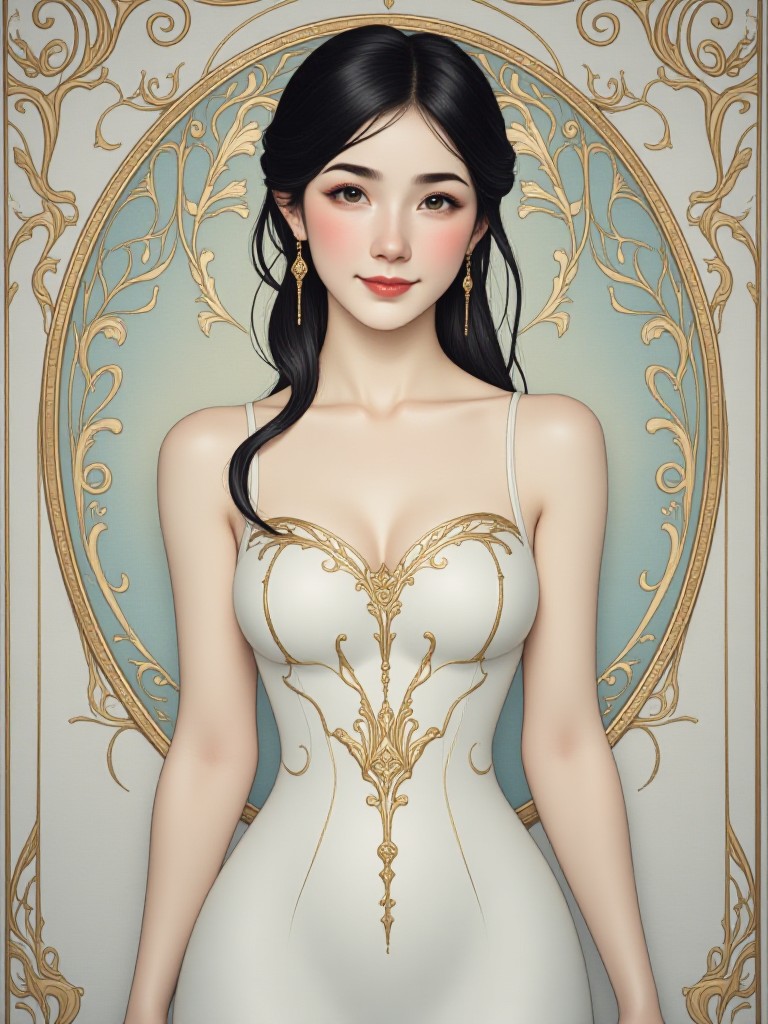
AI Generated Glossy Texture Images & Videos
Discover unique and innovative Glossy Texture images and videos created with a1.art Glossy Texture prompts.
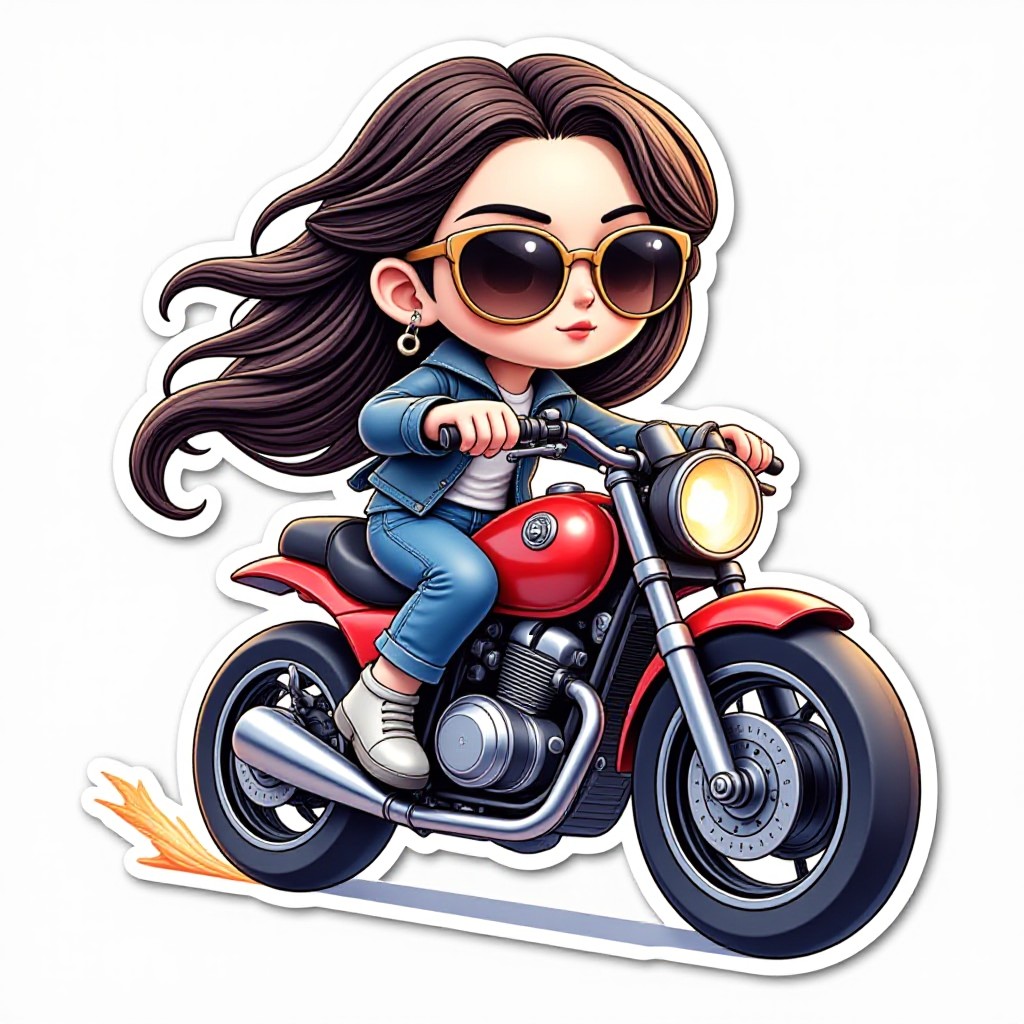

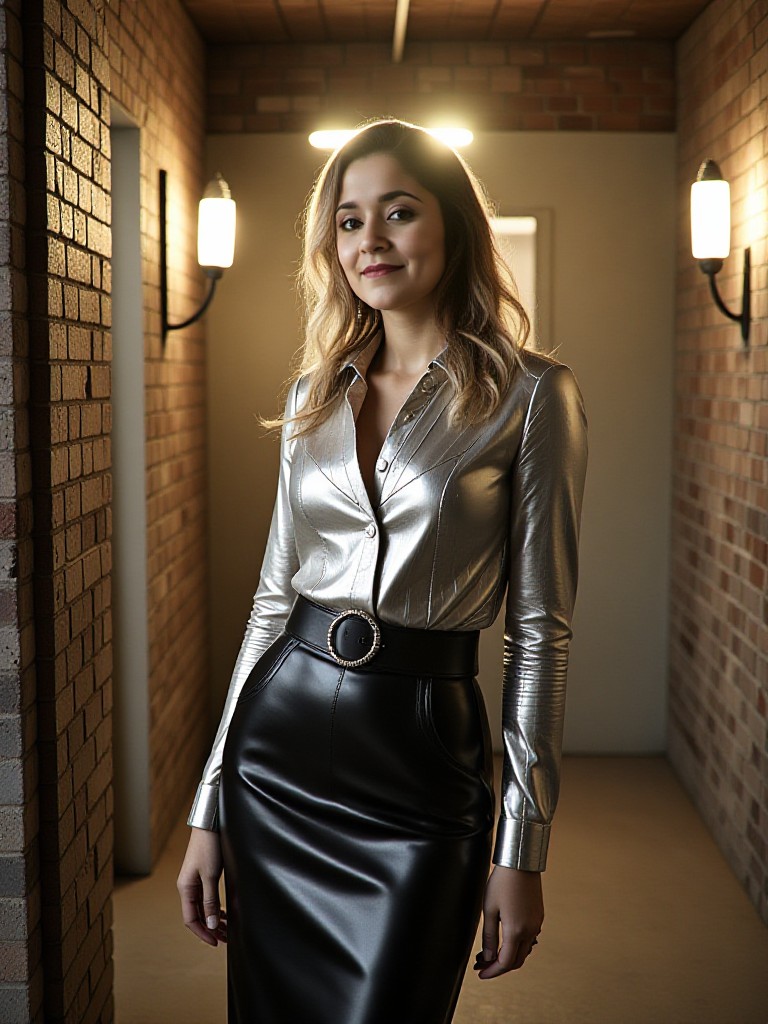
How to Make Glossy Texture AI Image & Video on a1.art?
Step into the future of AI Glossy Texture video and image creation on a1.art.

Step 1
Select the style you want to apply in the Square.

Step 2
Upload the image you want to transform. It can be a photo, hand-drawn sketch.

Step 3
Wait a few seconds and you can easily get your unique AI Glossy Texture art. Download for free!
FAQ about Glossy Texture AI Prompt on a1.art
Discover the secrets to creating Birthday Day videos and images at a1.art.
What types of glossy textures can I create with a1.art?
a1.art allows you to generate a wide range of glossy textures, including polished metals, glass, marble, ceramics, and more. You can customize the level of shine, reflection, and detail to suit your specific needs.
Can I use a1.art to create both images and videos?
Yes, a1.art supports both AI image and video generation. You can choose from various filters and effects to create either static images or dynamic videos with glossy textures.
Are there any limitations on the size or resolution of the generated visuals?
a1.art offers high-resolution outputs suitable for professional use. You can adjust the resolution settings based on your requirements, ensuring that your visuals are crisp and detailed.
How do I get started with using glossy texture AI prompts?
Getting started is simple! Just select a prompt that matches your desired texture, upload an image or enter a text description, and let a1.art handle the rest. Our intuitive interface makes it easy to experiment with different styles and effects.
Do I need technical skills to use a1.art?
No, a1.art is designed to be user-friendly, even for beginners. The platform provides step-by-step guidance and a variety of pre-set options, so you can focus on creativity rather than technical details.


