


Get Glowing Effect Videos & Images without Prompt
a1.art offers a large number of filters, allowing you to easily obtain AI videos or images without prompts.
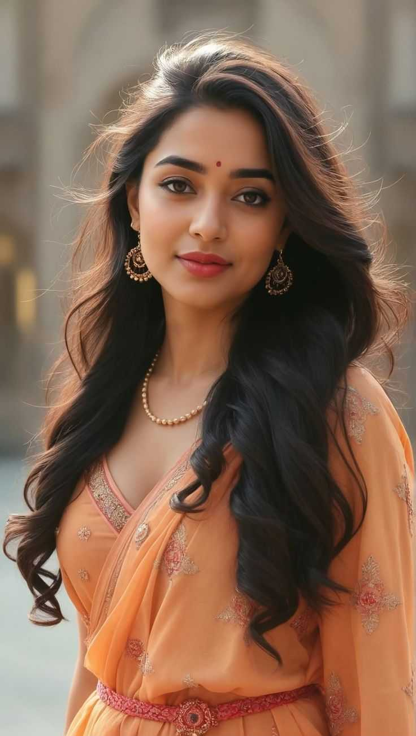

Input
Result
Dopamine color effect
 Lizzie-R
 930
930
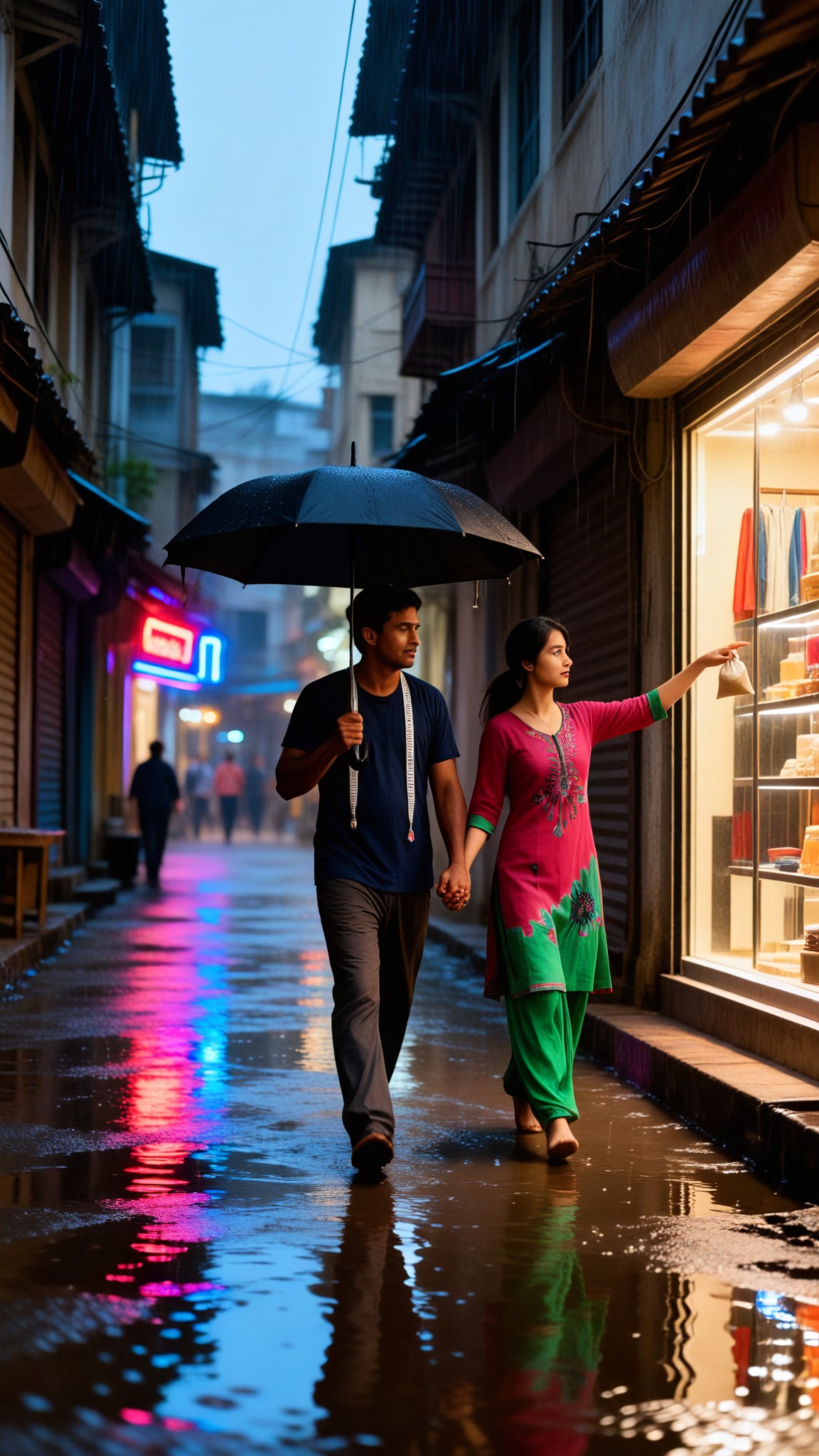
Input
Result
Glowing Rain Walk
 艺术创作家173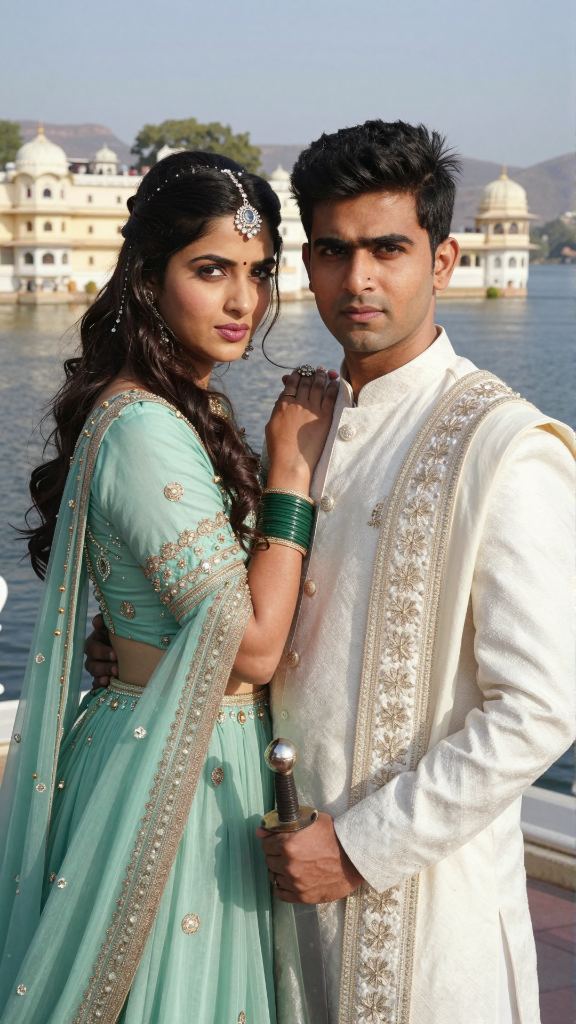
Input
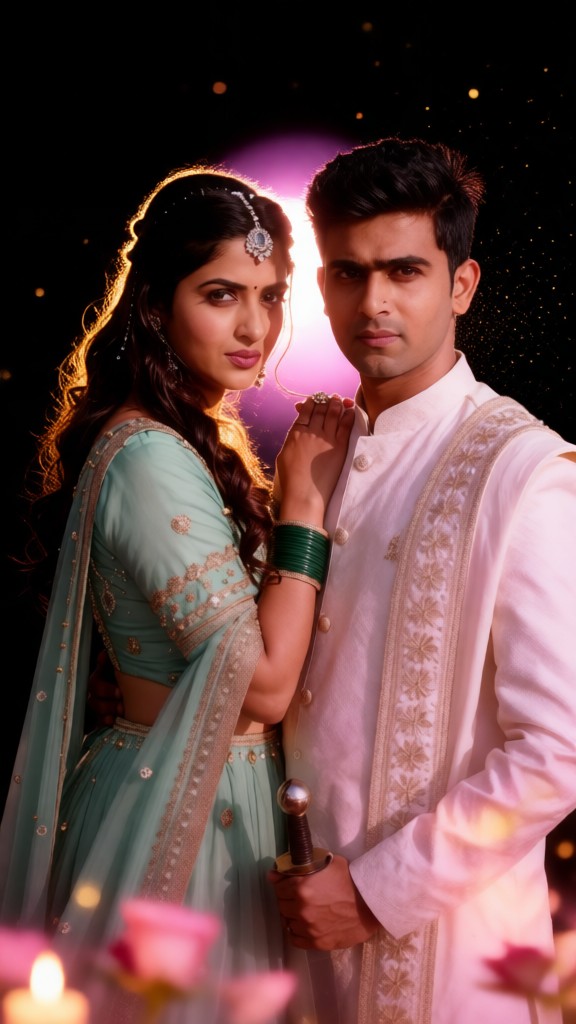
Result
Glowing Couple-02
 JOY!!!57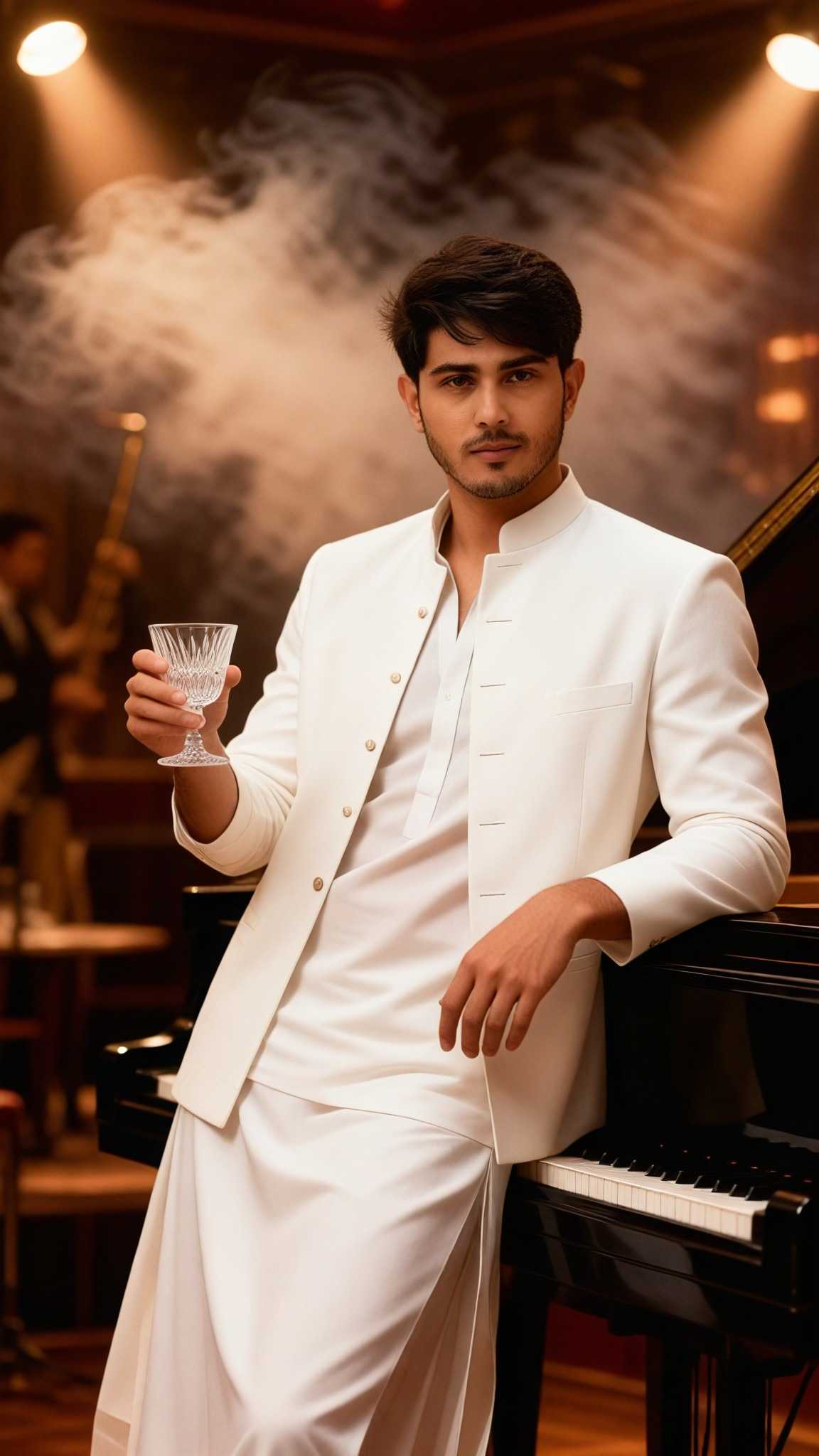
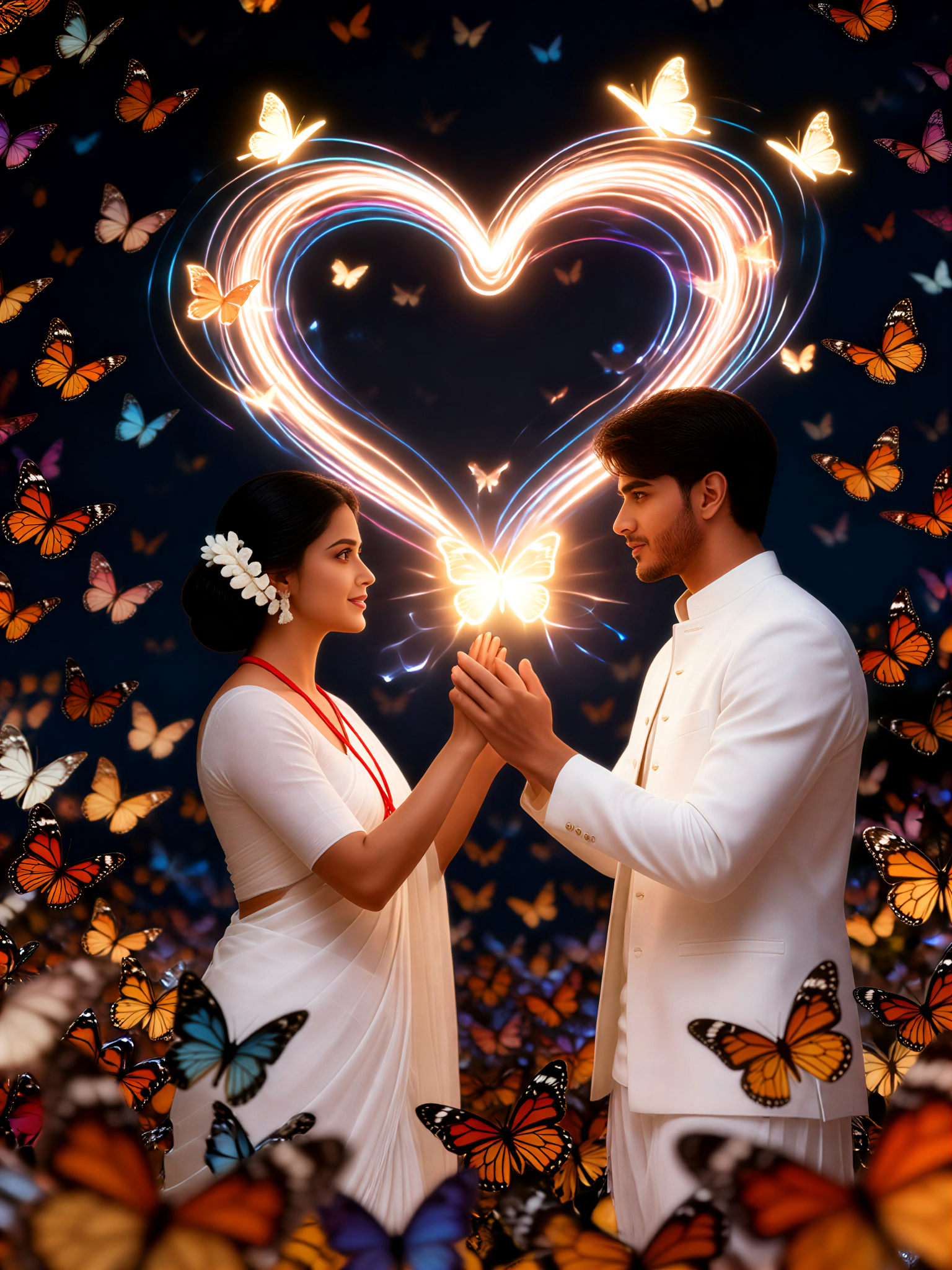
Input
Result
Glowing Butterfly couple-2
 Aryan(阿利安)35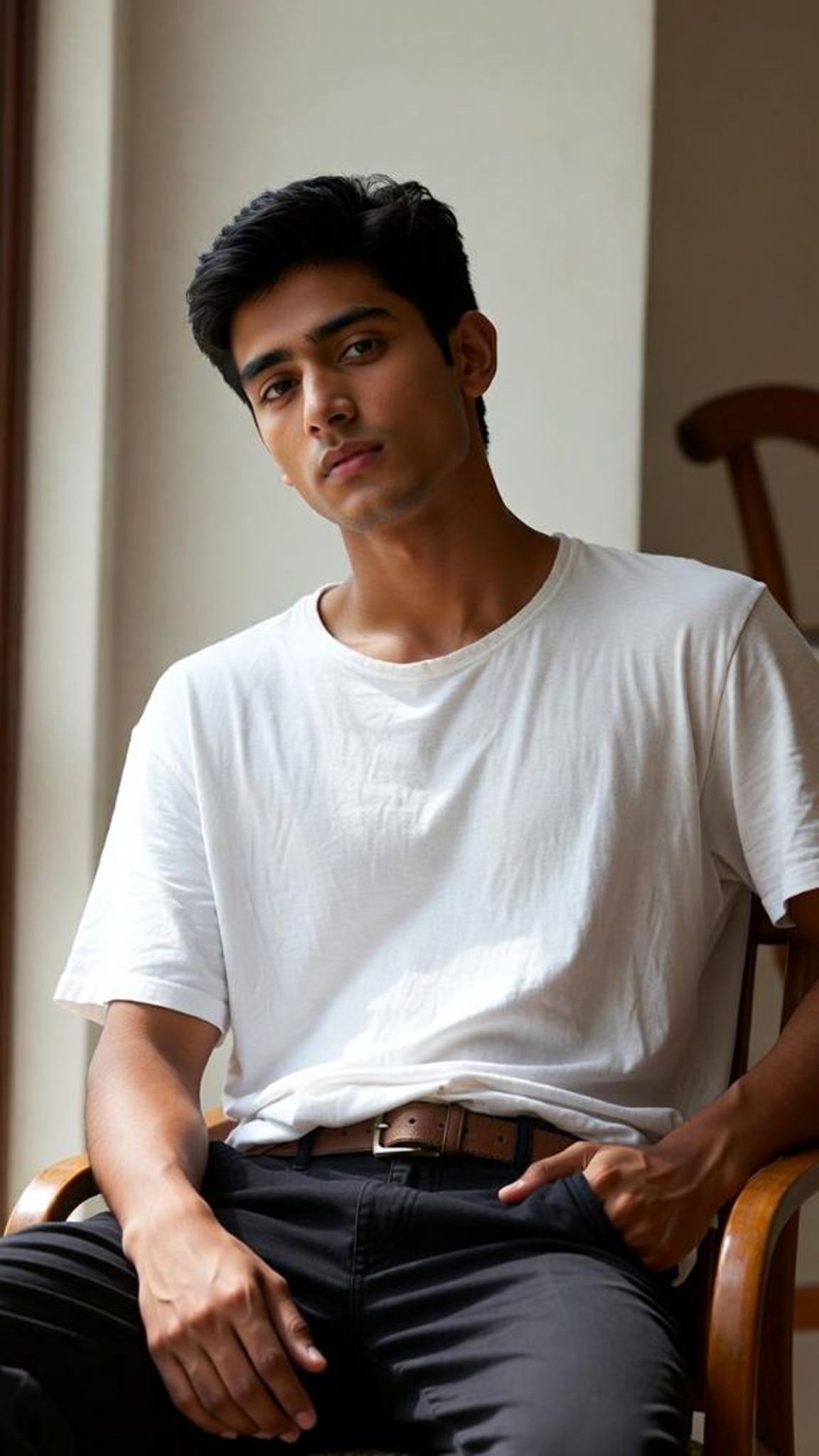
Input
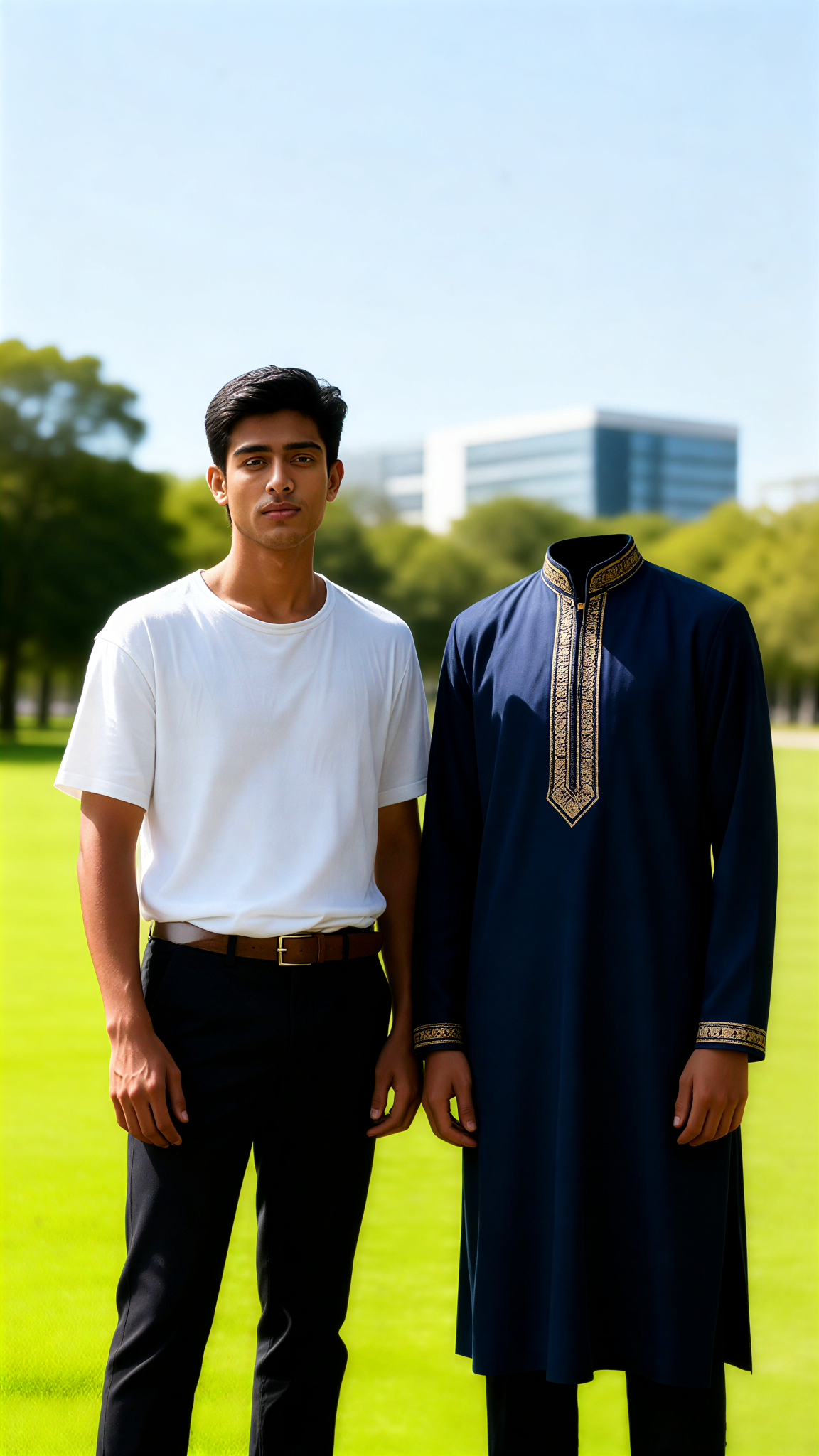
Result
Partial headless effect
 Julian Frost33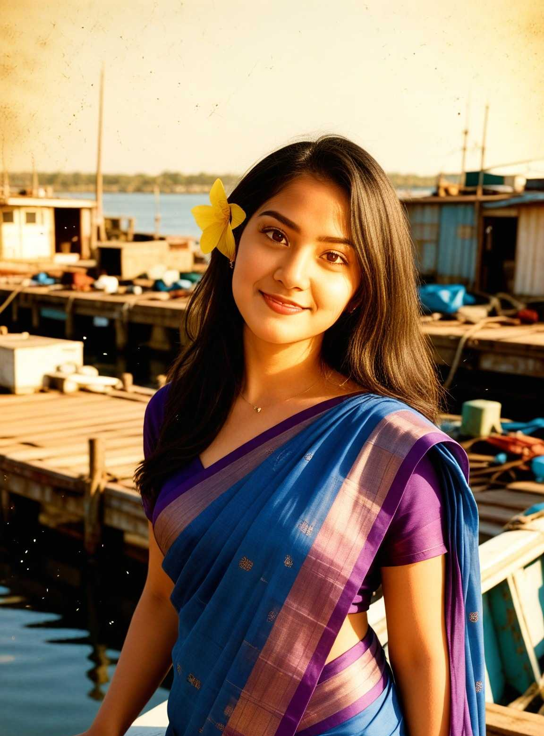

Input
Result
Glowing Butterfly couple-4
Aryan(阿利安)25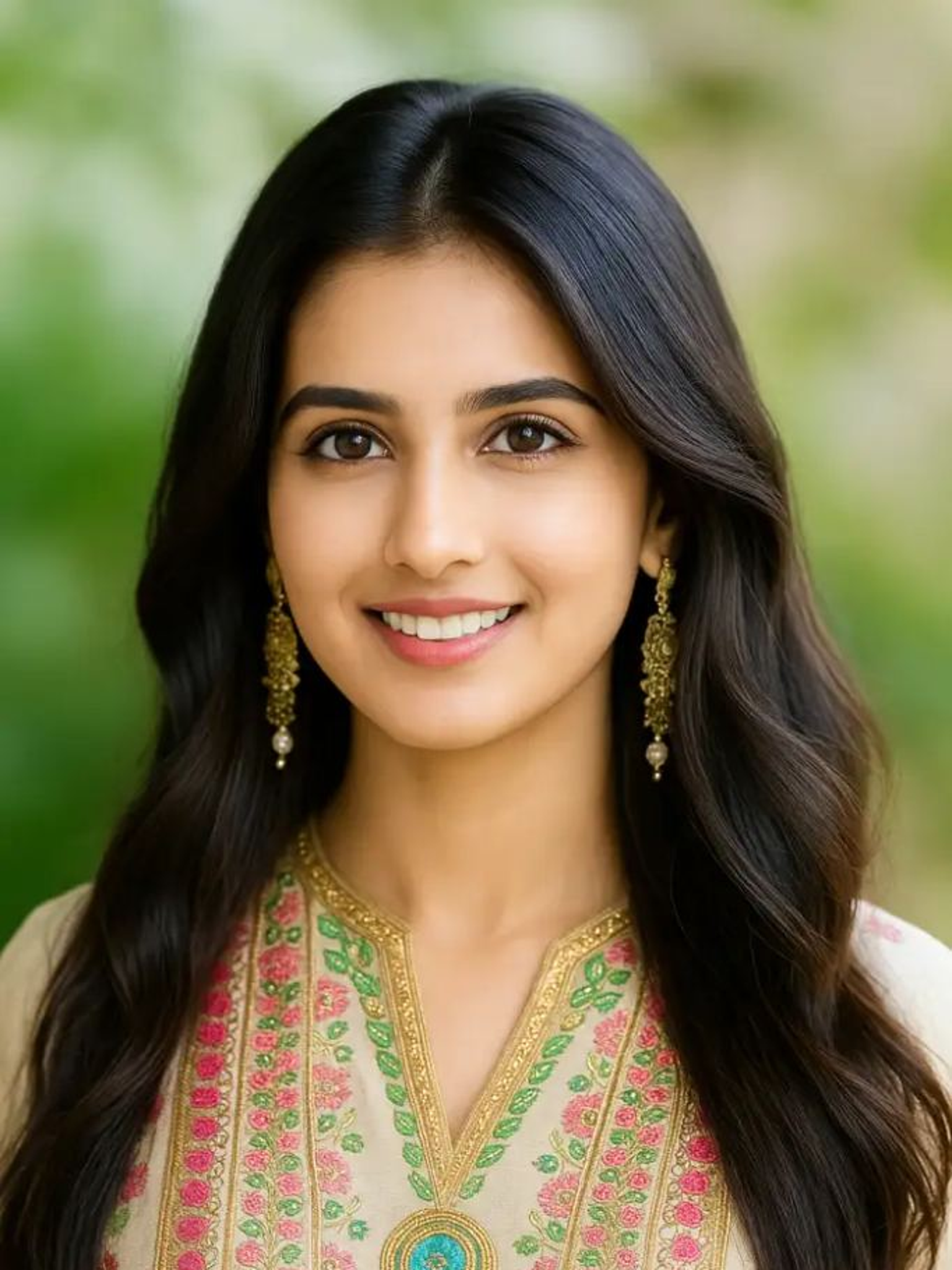
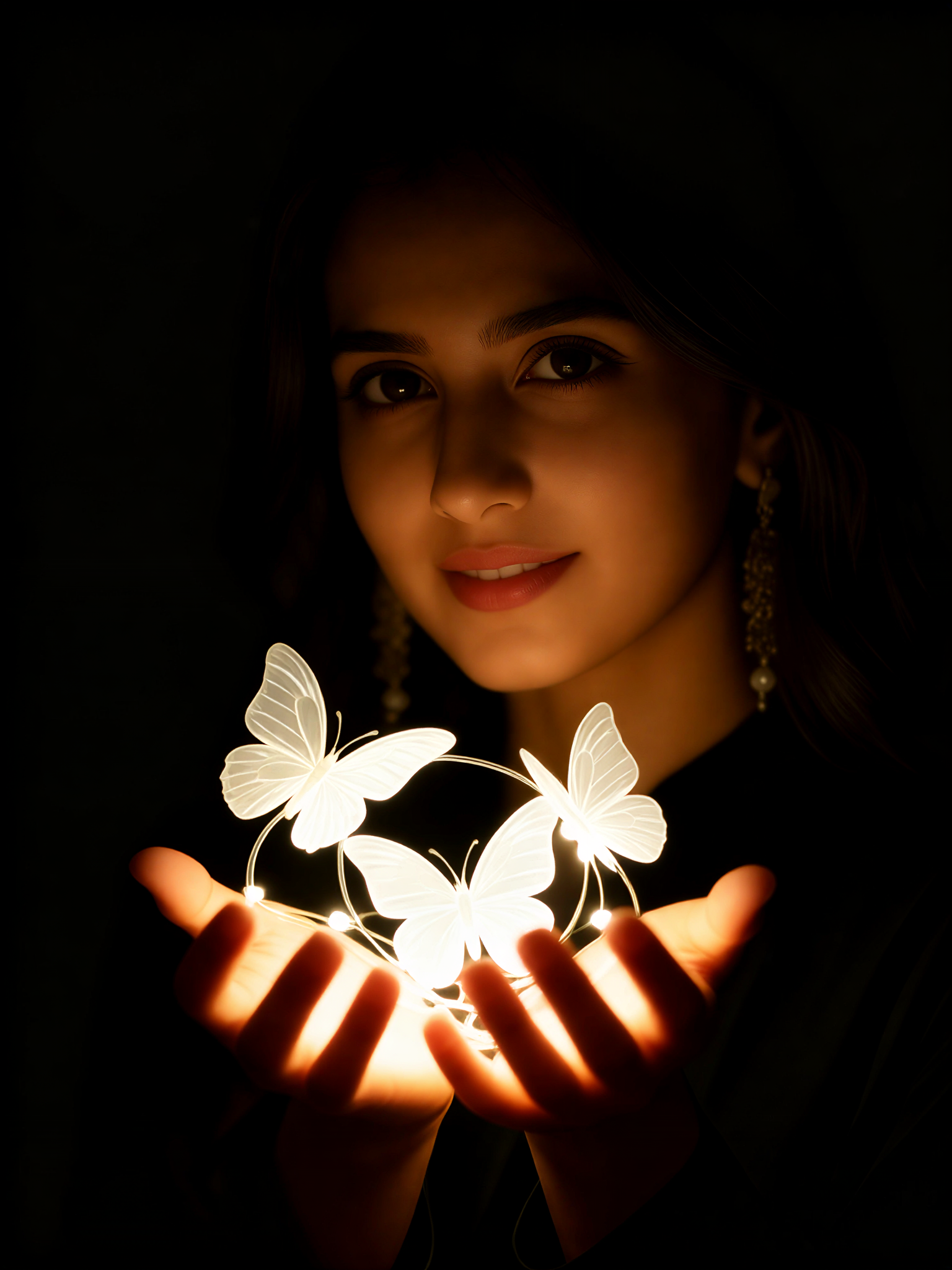
Input
Result
Glowing Butterfly 3
 Oyyan22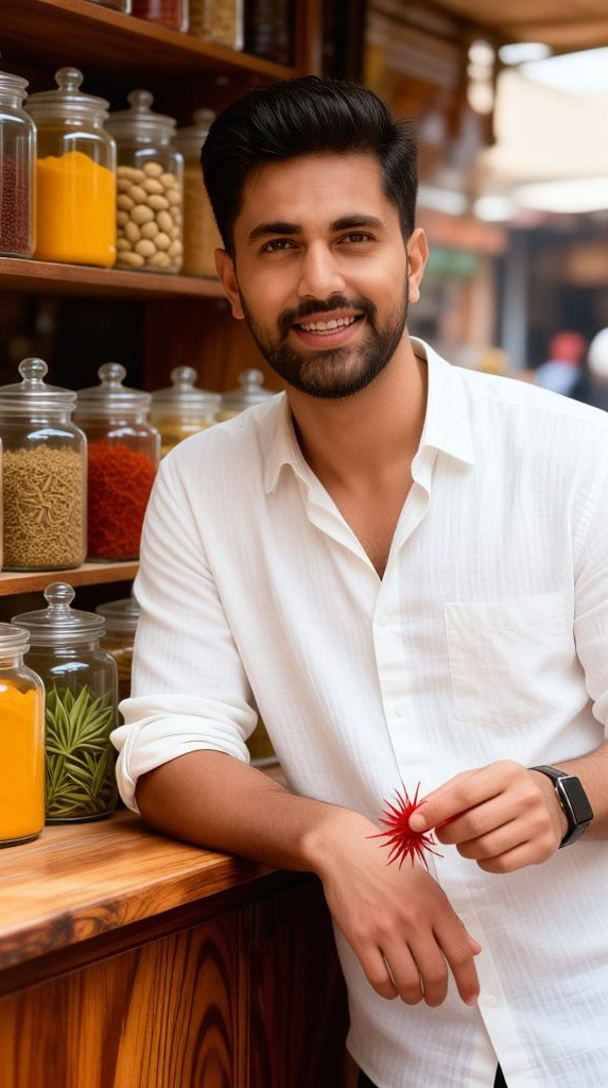
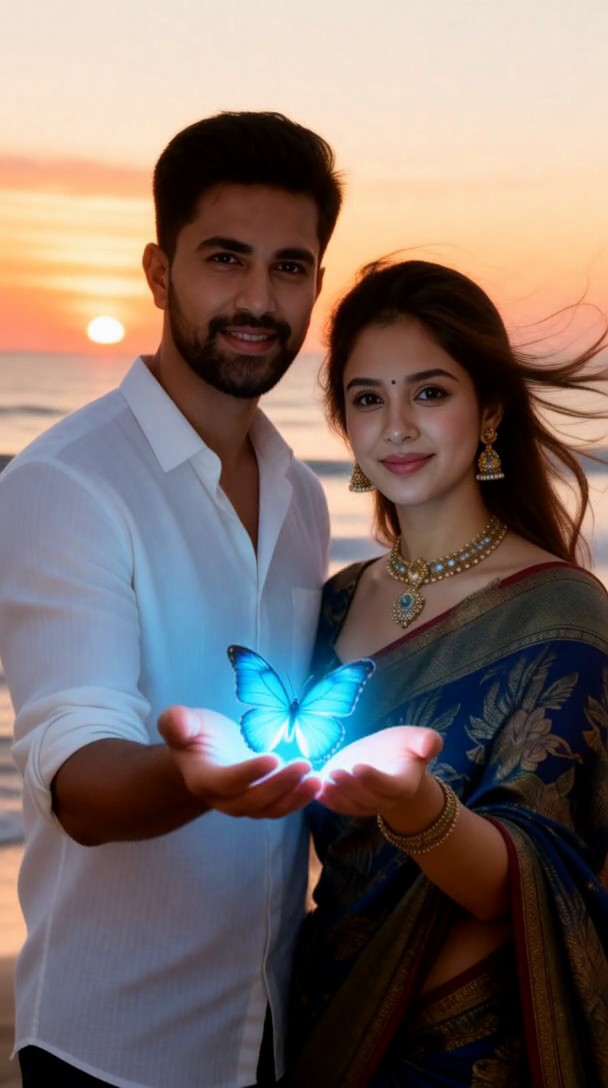
Input
Result
Glowing Blue Butterfly Palms
 Padmavati^20
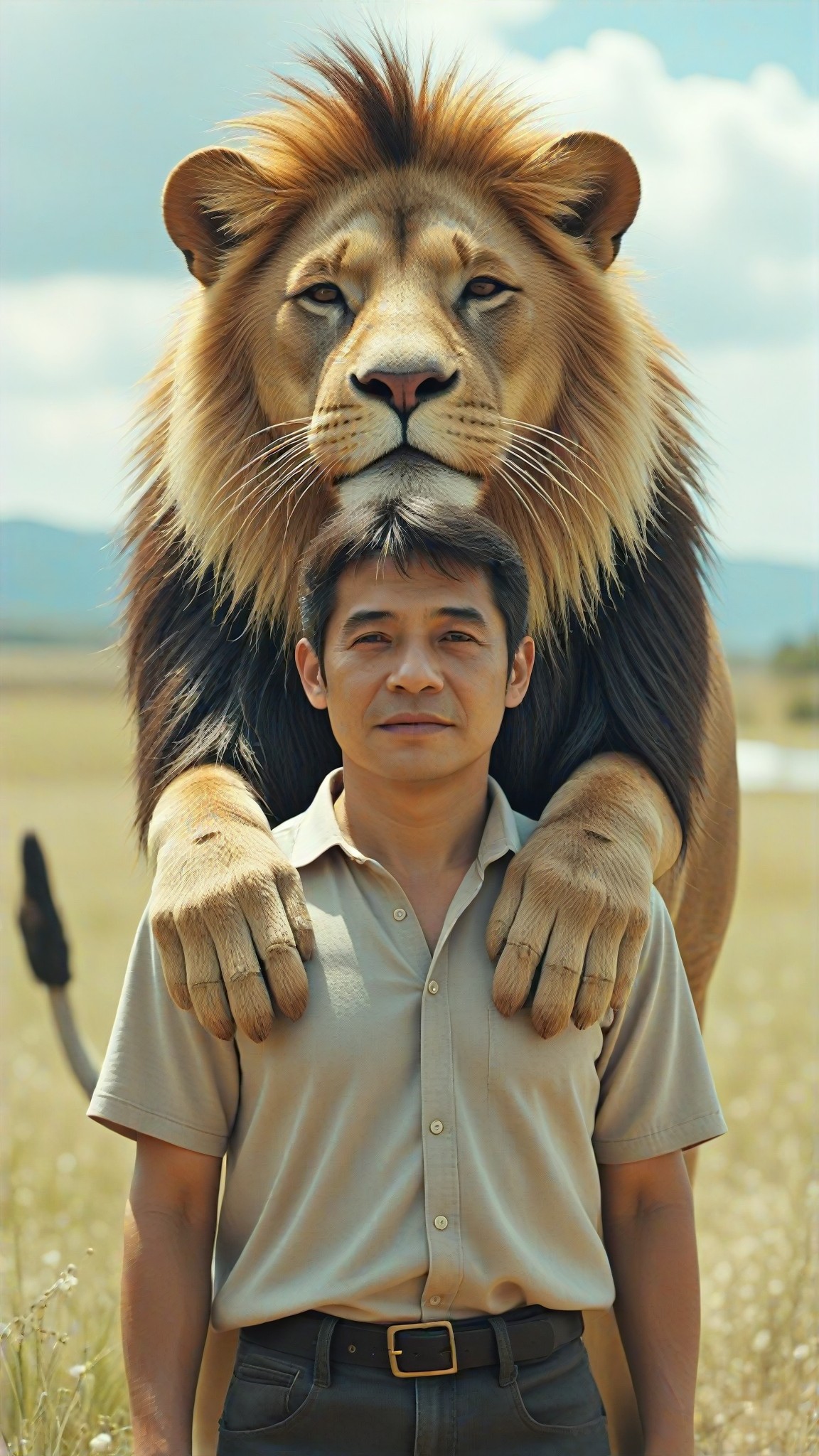
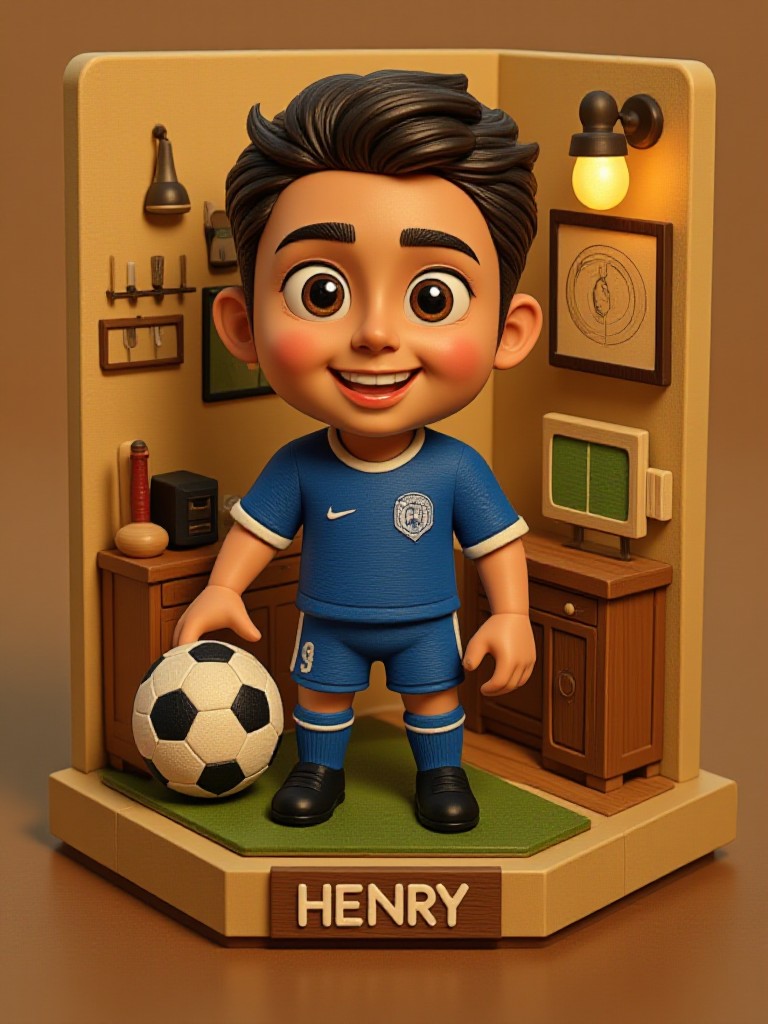
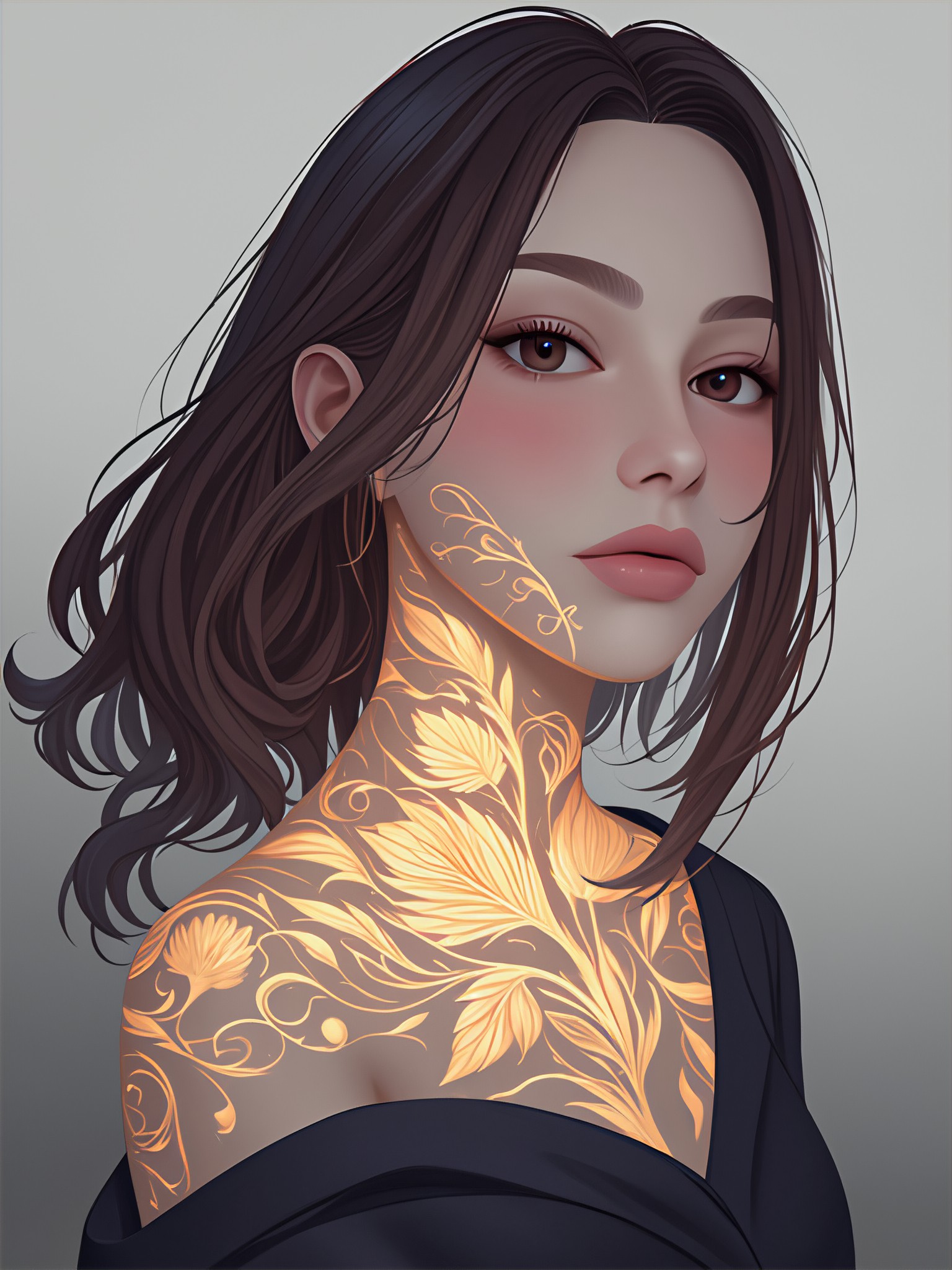
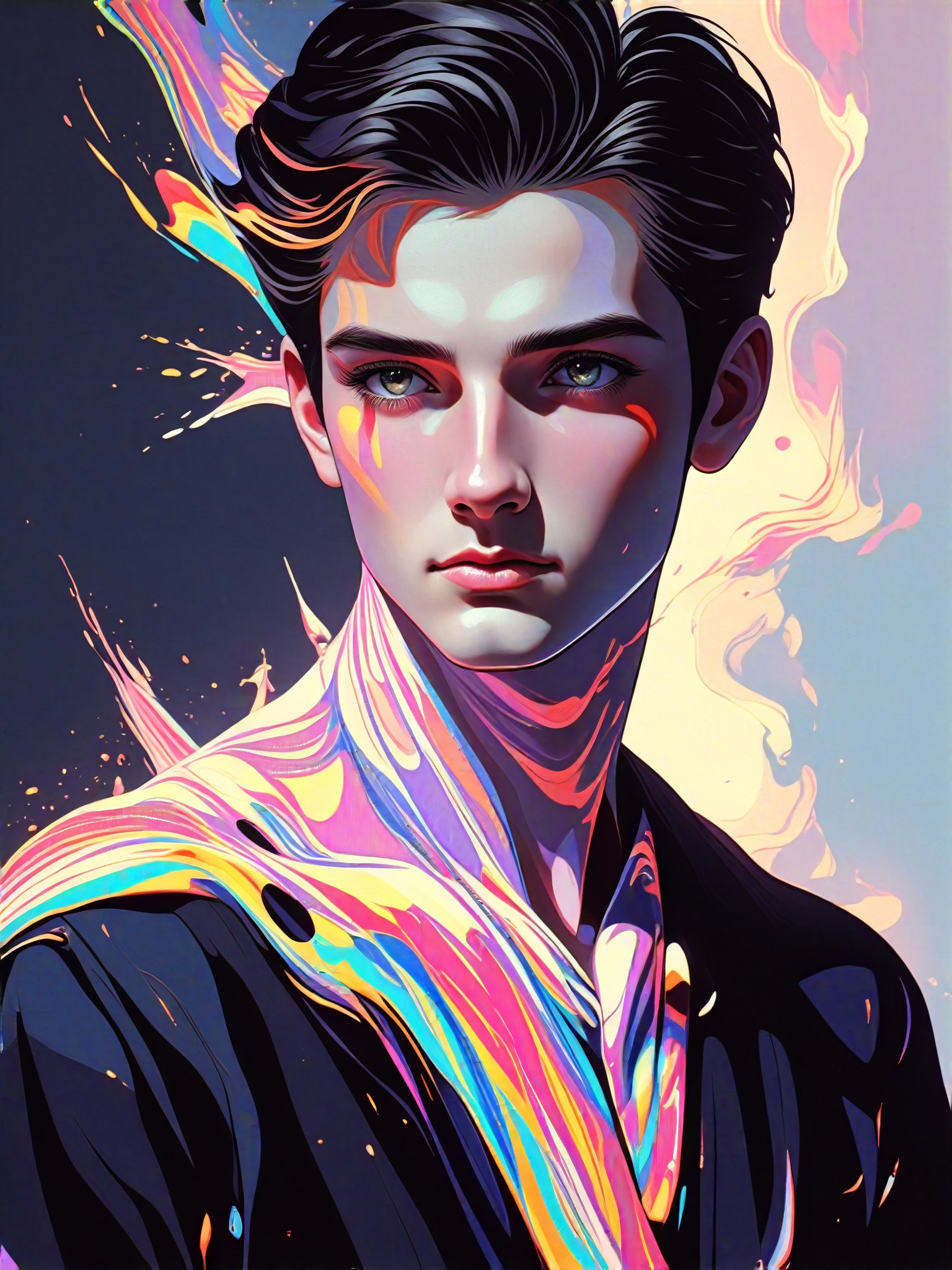
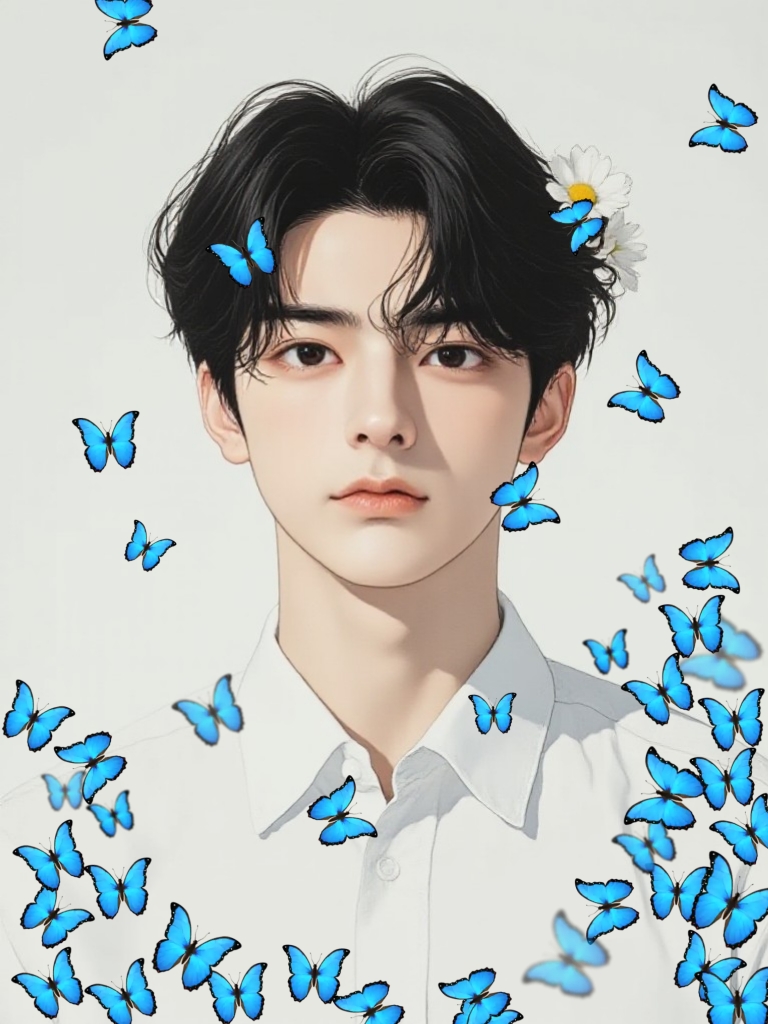
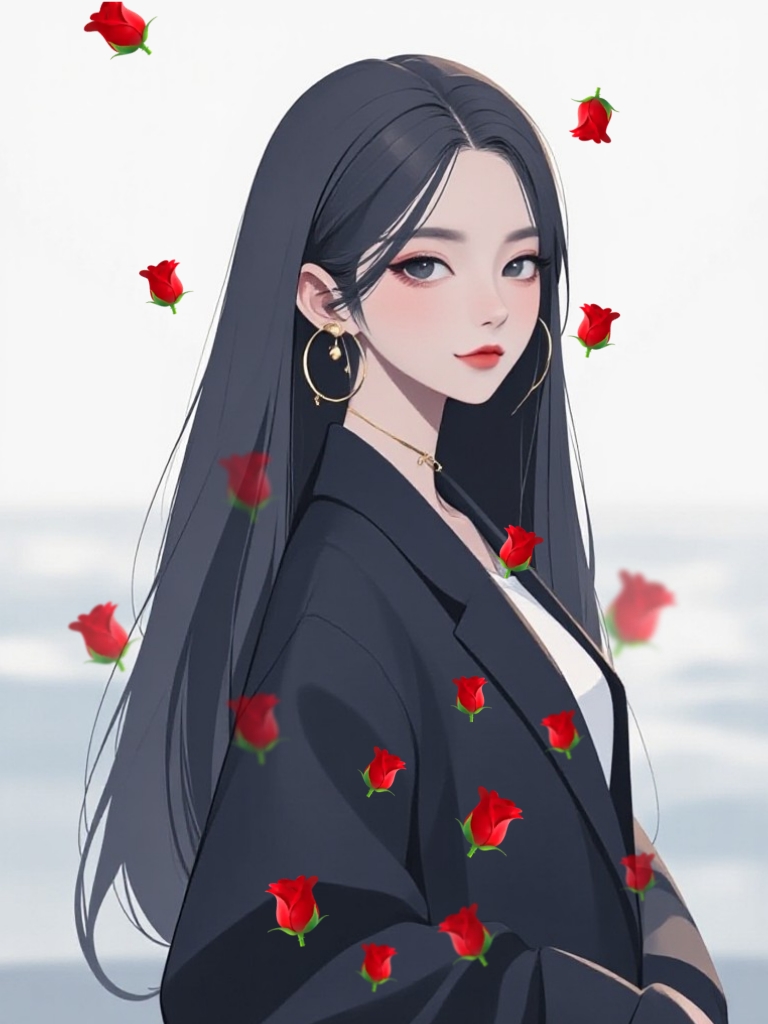
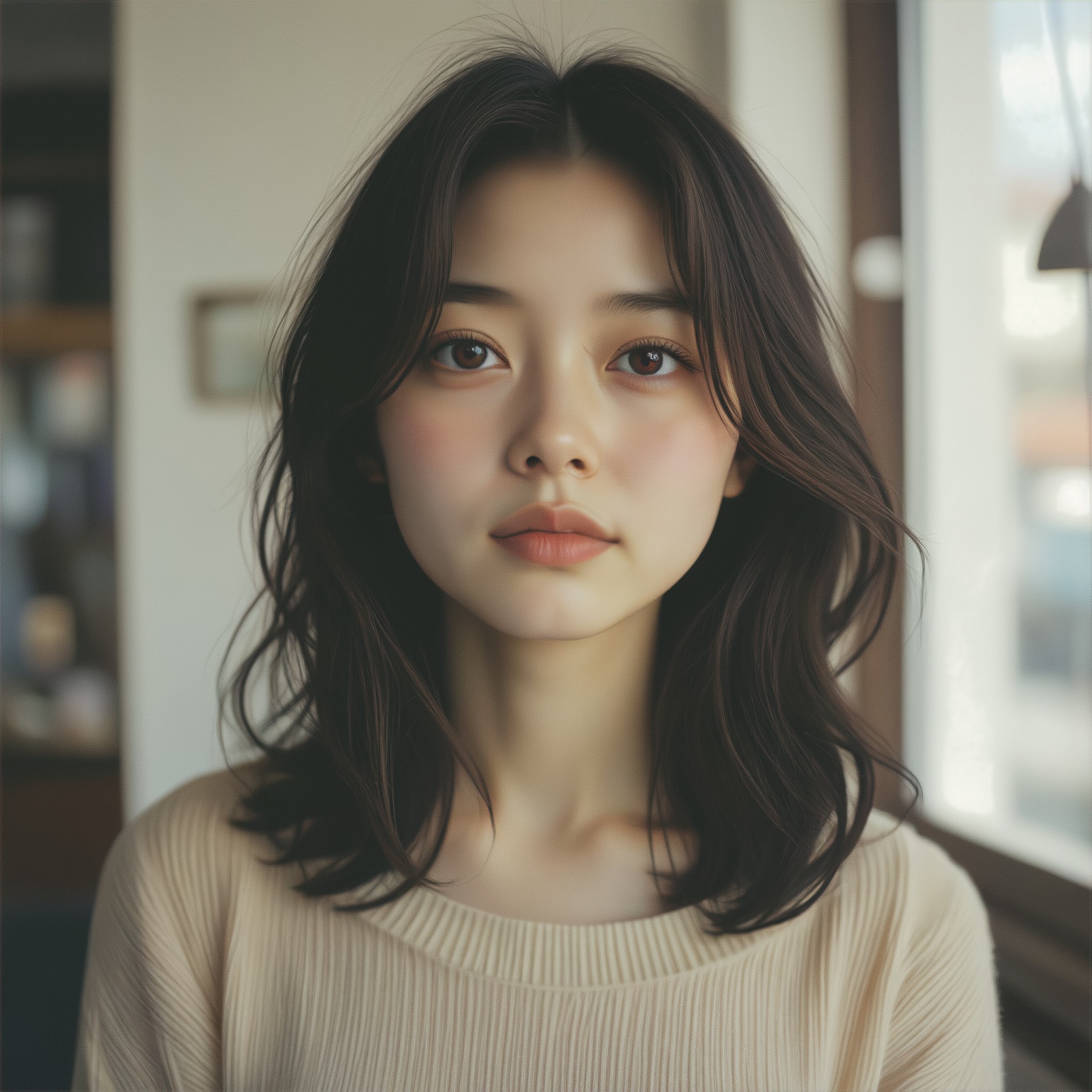
AI Generated Glowing Effect Images & Videos
Discover unique and innovative Glowing Effect images and videos created with a1.art Glowing Effect prompts.
How to Make Glowing Effect AI Image & Video on a1.art?
Step into the future of AI Glowing Effect video and image creation on a1.art.

Step 1
Select the style you want to apply in the Square.

Step 2
Upload the image you want to transform. It can be a photo, hand-drawn sketch.

Step 3
Wait a few seconds and you can easily get your unique AI Glowing Effect art. Download for free!
FAQ about Glowing Effect AI Prompt on a1.art
Discover the secrets to creating Birthday Day videos and images at a1.art.
What types of glowing effects can I create with a1.art?
a1.art offers a wide range of glowing effects, including neon lights, bioluminescence, cosmic glows, magical auras, and more. You can customize your prompts to achieve the exact glowing style you desire.
Can I use glowing effect prompts for both images and videos?
Yes, a1.art supports both AI image and video generation. You can choose from our glowing effect prompts to create stunning visuals for either format.
Are there any limitations on the number of glowing effect prompts I can use?
There are no limitations on the number of prompts you can use. You can explore as many glowing effect styles as you like, and our platform provides daily free credits to get started.
How do I access glowing effect prompts on a1.art?
Accessing glowing effect prompts is simple. Just select the glowing effect filter, enter your desired text or upload an image, and let a1.art generate your visuals instantly.
Do I need technical skills to use glowing effect prompts?
No, a1.art is designed for users of all skill levels. Our intuitive interface allows you to easily select glowing effect prompts and generate visuals without any technical expertise.


