


Making videos that wow? It often feels way too hard. It eats up time, needs tricky skills, and costs a lot. So, brilliant ideas can just sit there, unseen. Isn't it frustrating watching others easily create great video content?
What if making professional-looking videos was as simple as asking? That's where amazing AI generator tools come in! Some experts predict the market for video generator tools could soar past $2 billion by 2028. They are total game-changers, making video creation easier for everyone.
You've likely heard the buzz about Vidu AI, a powerful new player in AI video. But maybe it's hard to get or doesn't fit your style. No problem! There are tons of fantastic choices out there. This guide checks out Vidu Studio AI and unveils the top 10 free Vidu AI alternative tools ready for you today, giving a special nod to the versatile a1.art. Let's jump in and find your perfect creator tool!
Vidu AI Reviews: What's It All About?
Vidu AI is a next-gen video AI tool out of China that aims to turn your typed words into actual videos! It turned heads because it could reportedly create videos of a good length – around 16 seconds – that looked pretty crisp, like watching HD TV, all from just a simple text description. Just picture typing "a squirrel water skiing," and bam – Vidu AI tries to make that scene come alive on your screen.
Let's get the scoop on what Vidu AI is all about:
- What It Brings to the Table: Vidu AI makes an effort to generate videos that look like the real deal, and sometimes it even adds some cool cultural flavors. It uses smart AI magic behind the scenes to ensure the video flows nicely and looks sharp.
- Getting Started with It: It's as easy as pie. You just type in what kind of video you're after – describe the scene you have in mind. Then, the Vidu AI generator reads your idea and uses its video editing AI technology to build the video bit by bit, trying its best to make it all flow smoothly.
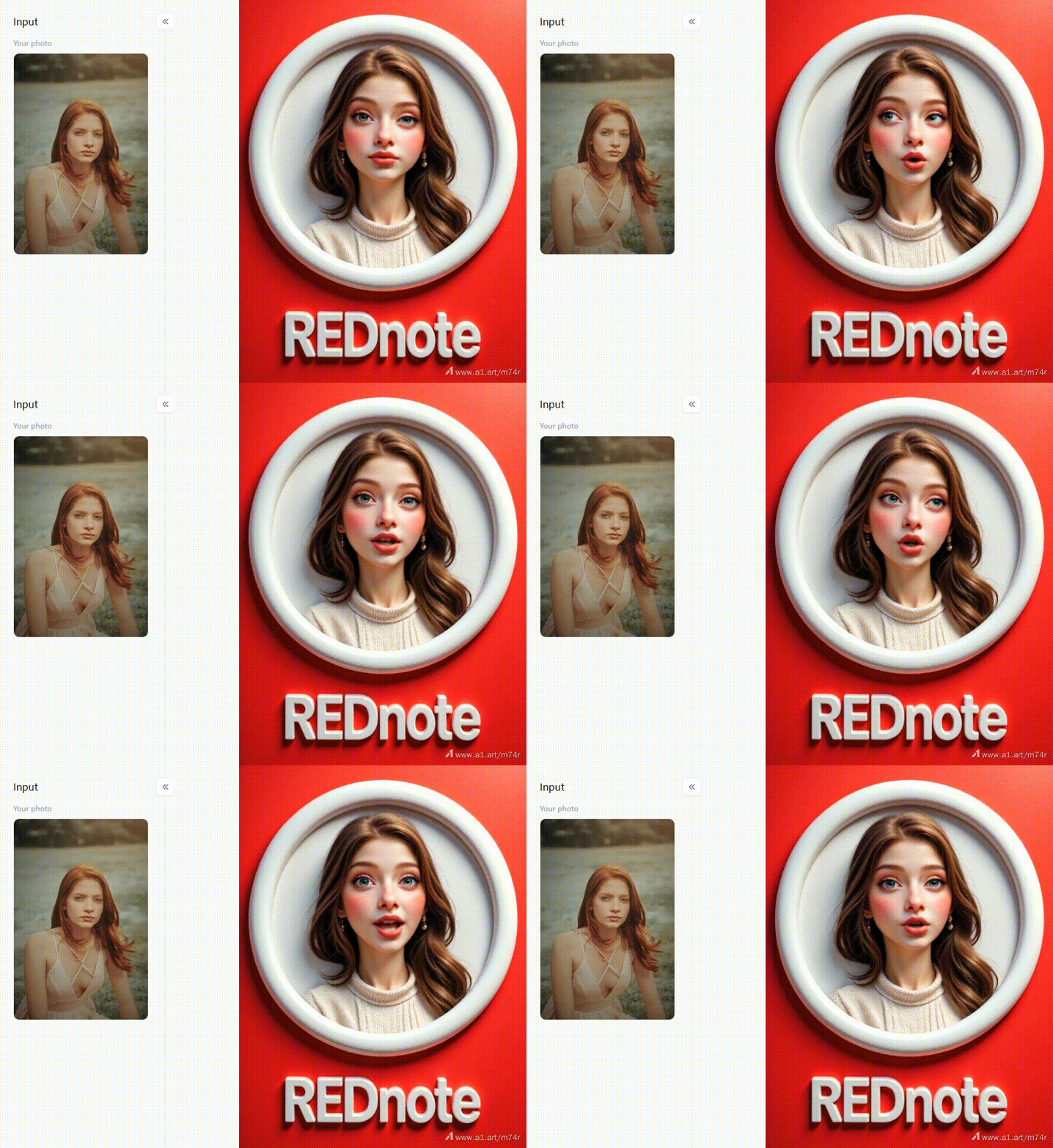
Click the picture to generate your exclusive rednote 3d personal image with one click👇
Why Use Vidu AI and Why Look Elsewhere?
Imagine making cool videos in minutes! Tools like free Vidu AI options are game-changers. Need snappy ads, awesome social media clips, or ways to explain tricky ideas? This tech helps marketers, creators, artists, and businesses quickly bring visuals to life, saving time and cash. It wins in:
- Super Quick: Go from thought to video draft in a flash.
- Wallet-Friendly: Often cheaper than old-school filming. Free options make it easy to start.
- Creative Playground: Try out wild Vidu AI hug visual ideas easily.
- Simple Start: Anyone can jump into making videos.
Even great tools aren't perfect. Here's why people explore alternatives:
- Can't Get In? Vidu AI might be hard to access right now.
- Costs Add Up: Free is nice, but full power often needs a paid plan.
- Missing Tools: You might need specific editing tricks or styles that Vidu AI Kiss lacks.
- Wobbly Quality: AI videos can sometimes look weird or inconsistent.
- Tricky Actions: Getting specific movements or feelings right is still tough for AI.
- Trust Issues: Concerns about deepfakes make some prefer clearer, more unlimited Vidu AI replacement tools.
That's why the hunt is always for the best free tools like Vidu AI for easy-to-use video creation!
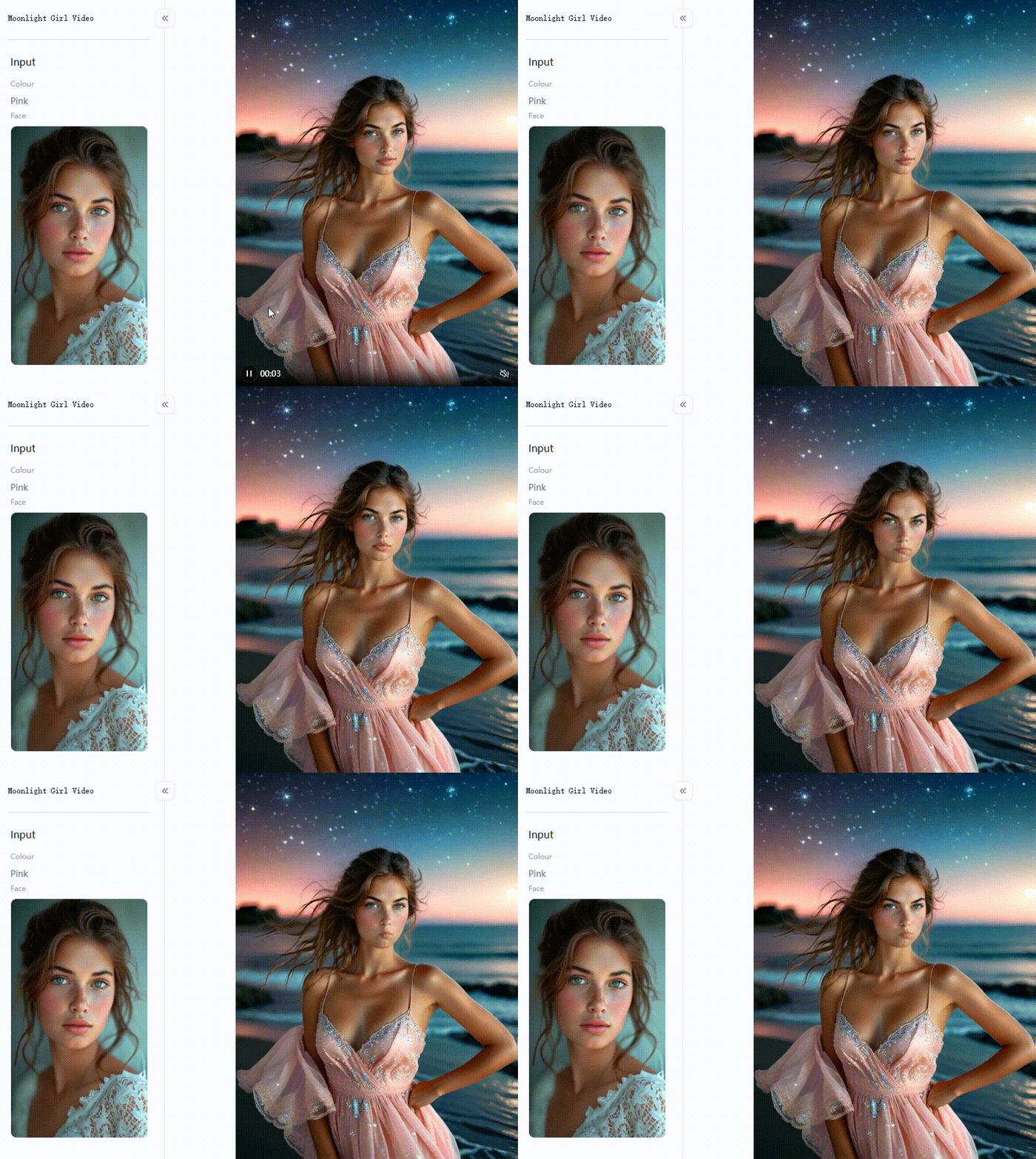
Click the picture to generate your exclusive moonlight girl video with one click👇
Beyond Vidu AI: Your Top 10 Free Alternatives in 2026
Vidu AI is cool, but AI video tools are bursting with awesome alternatives. Guess what? Many of them offer great stuff for free! If you're on the hunt for the best free tools out there, then check out these top 10 alternatives to Vidu AI for 2026:
1. a1.art
a1.art is like a Swiss Army knife for visuals! It lets you turn both text and images into videos. It has many AI-powered filters to make your photos and images look amazing. It focuses on cool styles and making your visuals pop.
- Pros: This website is easy to use for videos and pictures. It has many cool and different filters. It's also very simple to get started for free. This is great for making your social media look better. It can improve your pictures.
- Cons: Since it does both videos and images, its video-making might not be as super-advanced yet as some tools that only focus on video. Also, this Vidu AI open-source alternative might have watermarks or limits on how long or good your videos can be.
2. Runway Gen-2
Runway Gen-2 is a popular tool for making AI videos. This Vidu AI competitor can turn words into videos. It can also turn pictures into videos. And it can even change videos you already have. The videos it makes often look like real movies.
- Pros: The video quality is impressive and offers different ways to feed information.
- Cons: The free credits disappear pretty fast, and it might feel a bit complicated for beginners to get the hang of.
3. Pika Labs
Pika Labs got super popular, especially through Discord. It's good at turning text and images into videos and gives you nice controls for AI custom video creation.
- Pros: It has a really helpful community, and those camera controls are super useful.
- Cons: The main way to use it was through Discord (though they have a website now), and free usage has its limits.
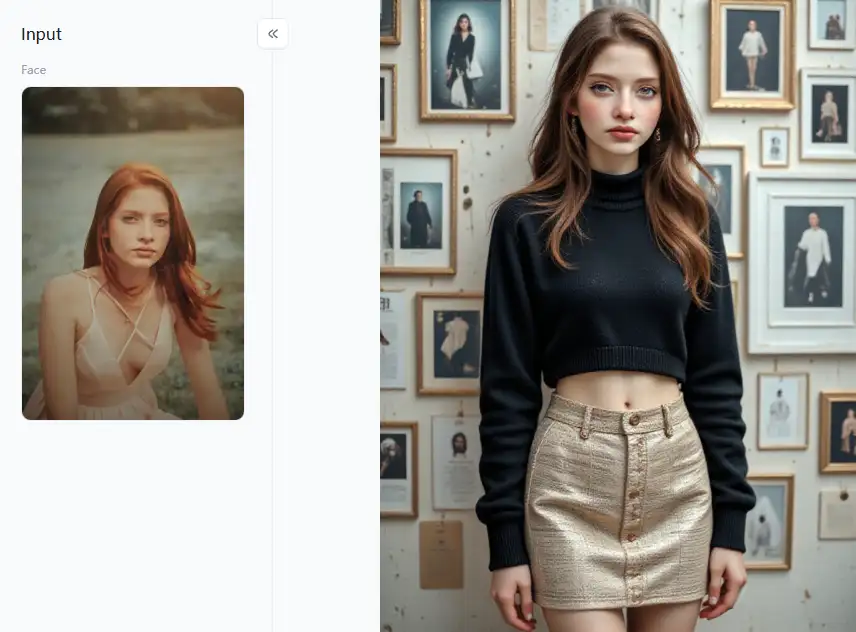
Click the picture to generate your exclusive combination of fashion and artistic with one click👇
4. CapCut (with AI Tricks)
CapCut is a powerful video automation solution for your phone and computer, but it keeps adding cool AI features. It can turn text scripts into videos, give you AI characters to use, and even automatically adjust how your video is framed.
- Pros: It mixes AI with a complete set of editing tools. It's super popular and easy to get, and its AI tools are free.
- Cons: Its pure AI video generation might be simpler than tools specifically for that.
5. Kaiber.ai
Kaiber.ai makes artistic videos that react to music from images or text prompts. It's a hit with musicians and digital artists.
- Pros: You get a lot of control over the visual style, and it can even sync your visuals to the beat of your music.
- Cons: The free trial is over before you know it, and it pushes you towards getting a subscription.
6. Simplified
Simplified wants to be your one-stop shop for everything creative – AI writing, design tools, and personalized AI video marketing content, including turning text into videos.
- Pros: It connects different creative tasks in one place, which can be handy for marketing teams.
- Cons: The quality of the videos can vary, and the free plan has its limits.
7. InVideo (AI)
InVideo uses AI to help you quickly turn words from articles or scripts into videos. This AI video generator mostly uses videos and pictures that are already made. It also has ready-made video styles you can use.
- Pros: It's excellent for quickly turning blog posts into videos; the templates make it super fast.
- Cons: It's not about creating new visuals from scratch but assembling existing stuff.
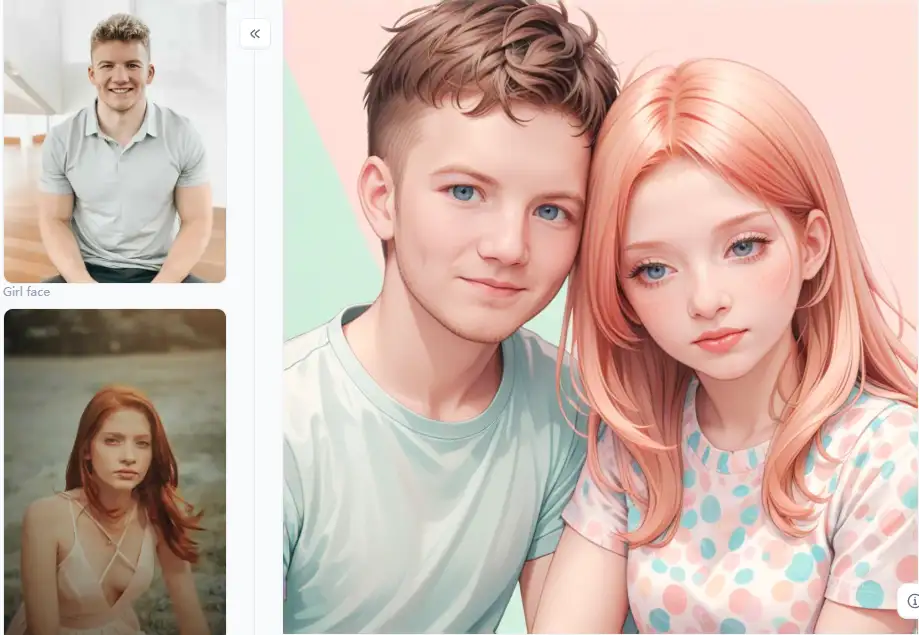
Click the picture to generate your exclusive comic group photo with one click👇
8. Lumen5
Like InVideo, Lumen5 takes text content like blog posts and turns them into short videos for social media using AI and stock media.
- Pros: It's fast for showing a quick visual summary of your content, making it great for quick marketing updates.
- Cons: It relies heavily on templates, stock photos, and video libraries.
9. Pictory.ai
Pictory.ai is another strong option for turning long text articles or existing videos into shorter video clips that are easy to share, all with the help of AI.
- Pros: It makes it efficient to reuse your content and even includes handy tools for transcribing audio.
- Cons: The visuals you get often depend on the available stock footage.
10. Steve.AI
Steve.AI is good at making videos. You can create cartoon videos and real-life videos with these tools. This smart visual content creation tool uses smart computer help (AI). There are many styles you can pick.
- Pros: It features unique cartoon designs and is a wonderful option for creating explainer videos.
- Cons: The free plan is pretty basic, and the interface might take some time to get used to.
Exploring these Vidu AI alternatives gives you a fantastic range of choices, from tools focused on AI video generation to platforms offering AI video editing help and complete video-making solutions. Do not be afraid to explore the free versions and trials to find the ideal fit for your intelligent visual content development objectives.
Click the picture to generate your exclusive super hot girl with one click👇
How to Use a1.art to Create Stunning Visuals Like a Pro
Do you want your photos and short videos to appear professional? Give a1.art a try! Anyone may add additional touches to their images and short movies using our automatic video creation tool. Being an expert is not necessary. It adds awesome artistic touches to your photos and videos, making them seem magical. Enhancing what you currently have is more important than creating videos out of thin air. Are you eager to see how it operates?
Dive into a World of Cool Filters
What is the secret sauce, then? With its abundance of AI in video production filters, a1.art can rapidly alter the appearance and mood of your images. With the classified, it is simple to find the correct style. Let us look at some enjoyable activities you can participate in:
- Become a Classic Artist: Love classic art? Make photos look like beautiful Japanese paintings or colorful folk art in seconds!
- Video Magic: Got short video clips? Jazz them up! Add singer vibes, moto racer speed, or a calm, healing touch to make them more engaging.
- Awesome Avatars: Want a cool new profile pic? Create cute couple avatars, fun dinosaur characters, or smart business portraits quickly.
- Tell Your Story: Add starry zodiac signs, turn your clips into exciting comic book scenes, or create dreamy moonlight looks. It's all about setting the right mood!
- Unique Effects: Feeling playful? Try a crooked smile filter for a laugh, or make your image pop with a cool 3D effect! There are tons of unique looks to discover.
Polish Your Work with Smart Editing Tools
But wait, there's more! a1.art isn't just about cool filters. It also has a "Smart Image Manipulator." Please consider this your editing toolkit to polish your pictures and make them look professional. Here's how it helps:
- Make it Shine: Want your picture to sparkle? Easily tweak brightness, colors, and sharpness to make the best parts stand out. You can crop, spin, or tilt your image to get the framing right, ensuring everything looks balanced.
- Add Words & Styles: Need to add words? Pop in captions or titles that match your style. You can even turn text into cool drawings! Play around with special looks like "Subway Retro" for a vintage vibe or a "Cute Style" for something adorable. Mix and match filter effects for a customized look.
- Greetings and Headshots: Quickly whip up personalized greeting cards or those sharp business headshots. Then, use smart tools to fine-tune them until they're perfect.
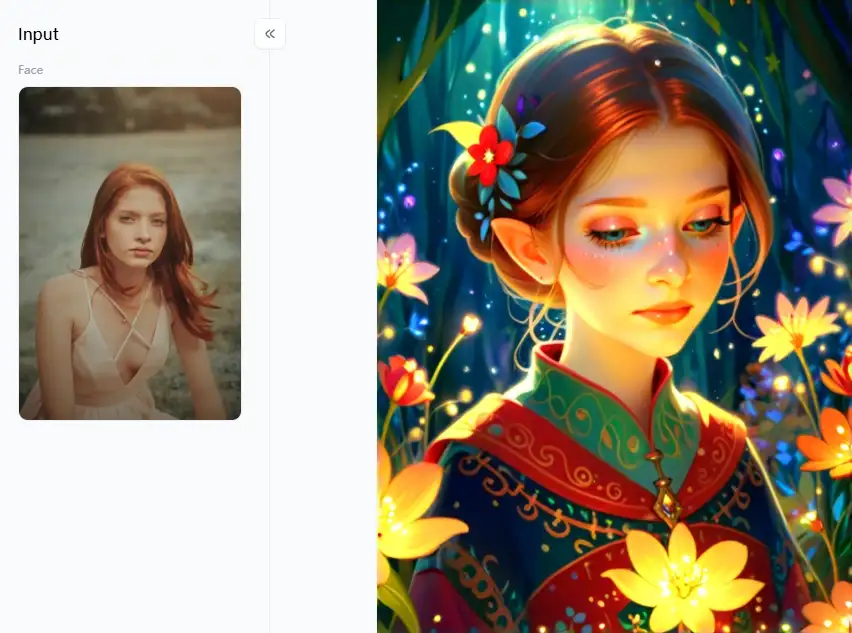
How to Use It, Just 3 Steps:
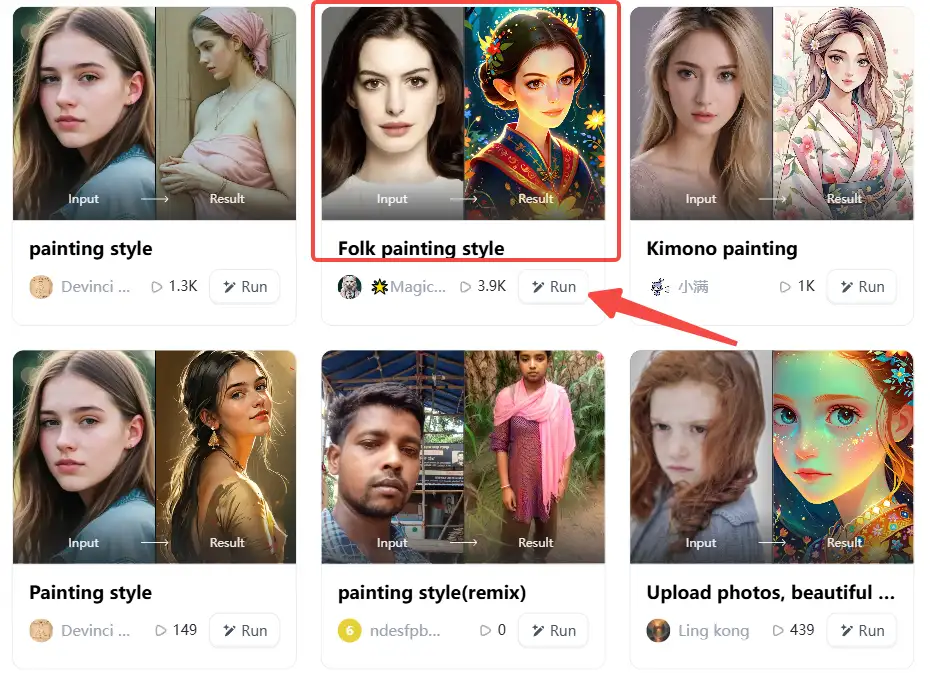
Step1:
Open a1.art, choose the App that you are interested in, then click 「Run」
Click on the image to experience the same App👇
Step 2:
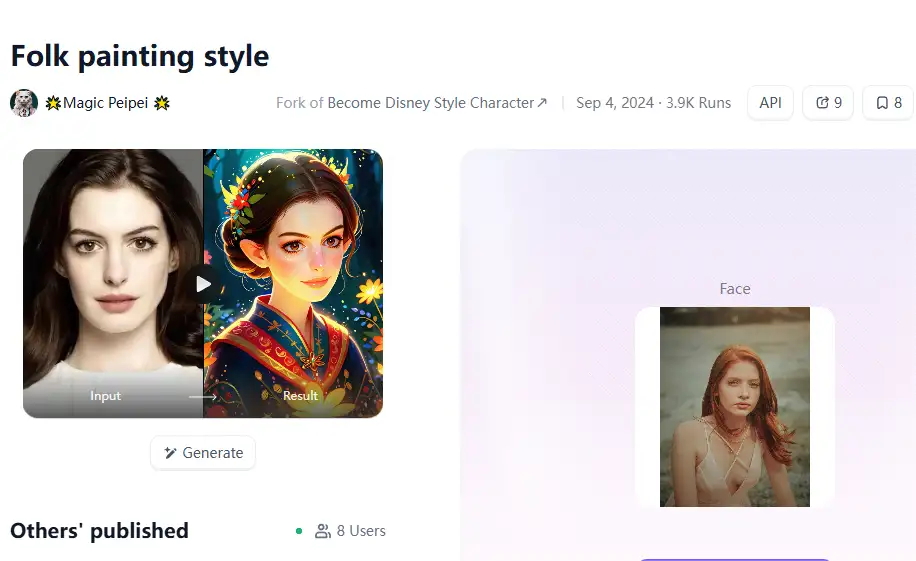
Upload a photo/image
Step3:
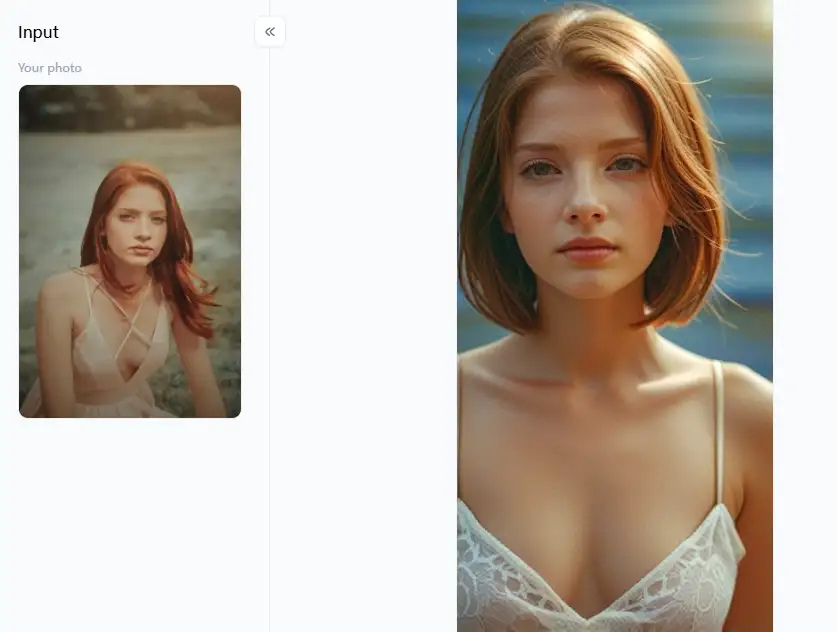
Wait 3 seconds, you will get a wonderful result 👇
Top Tips for Wowing Results
Ready to create like a star? Here are a few handy hints to get you going:
- Start Strong: Good originals give great results. Think quality in, quality out!
- Play Around! Be bold. Try lots of different filters and tools. You might find a cool new style you love.
- Less is More: Often, a small tweak or a light filter touch works wonders and looks more professional.
- Know Your Audience: Pick styles your viewers will love that fit the message you want to share.
- Stay Consistent: If you make many visuals, keep their look similar. It helps people recognize your awesome work and builds your brand.
Okay, that's it! You can make cool pictures and videos that show what you want to say. Just use a1.art's awesome filters and easy tools to change things.
Conclusion: Elevate Your Visual Storytelling with AI
AI adds excitement to visual creation! Vidu AI gave us a sneak peek, but now free programs like a1.art can do even more magic with your images and short movies. It can turn your existing photos into stunning art pieces with its wide selection of incredible filters and advanced AI video editing tools. Are you interested in improving your photos and videos without spending any money? See how using a1.art makes your designs come to life!
Read more
- Celebrate Father's Day with a1.art AI Father's Day Generator
- Best 10+ AI Kissing Video Generators Online: Create Your Perfect Virtual Kiss in 2026
- Celebrate Eid al-Adha with a1.art AI Eid al-Adha Generator
- Top 10+ Packgod Roast Generators Free 2026: Unleash Your Inner Packgod
- 12 Best BasedLab Alternatives in 2026: Unleash Your Creative Potential
- 10+ Best AI Face Swap Videos Online Free: Your Ultimate Guide to Viral Creations
- Seaart vs. a1.art: Which Face Swap Tool is the Best 2026
- Top 15 Free AI Clothes Remover Tools Online 2026
- Celebrate Islamic New Year with AI: Create Spiritual Art
- How to Remove Clothes from Photos Using AI Tools
Written by

a1.art
Published on
Dec 17, 2025
Share article


