


You made an awesome video with Sora 2, but that pesky watermark is a real buzzkill. Small as it may be, it detracts from the professionalism of your work and prevents it from seeming like your own. It's a major obstacle when you want to show the world your creation.
You're not alone. By 2030, the AI video market is predicted to reach over $6 billion, posing this exact challenge to millions of creators. Typically, the search for a free watermark removal results in complex software that either adds a new watermark or doesn't function at all. Many people find it to be a disappointing dead end.
But what if you could skip the headache entirely? This guide will show you simple ways to clean up your clips and introduce a game-changing solution. Get ready to discover how to remove Sora 2 Watermark to make stunning, unique, watermark-free videos from the start. Let's get started!
What is an AI Video Watermark Remover?
An AI video watermark remover is essentially a smart eraser for your videos. This clever tool automatically finds and deletes watermarks from videos, leaving your video looking spotless and professional. It's far more intelligent than outdated techniques that slapped a fuzzy patch over the mark.
Then, how does the magic take place? It is a simple three-step process:
-
Spotting the Mark: The AI looks through your movie to find the watermark. Regardless of where the watermark may be hidden, it is fully aware of what to search for because it has been trained on thousands of videos.
-
Analyzing the Background: The area around the watermark is carefully examined. It explores the background's colors, textures, and movement to determine how it should look.
-
Recreating the Scene: The AI recreates the scene, which cleverly "paints over" the watermark to fill it in with an identical background. The watermark disappears as though it never was.
Everyone can use this technology. Social media pros use a free Sora watermark remover tool to edit clips quickly. Videographers use it to save lost footage, and hobbyists use it to make fun content. These online tools are now so user-friendly that you don't need to be a tech genius to get great results.
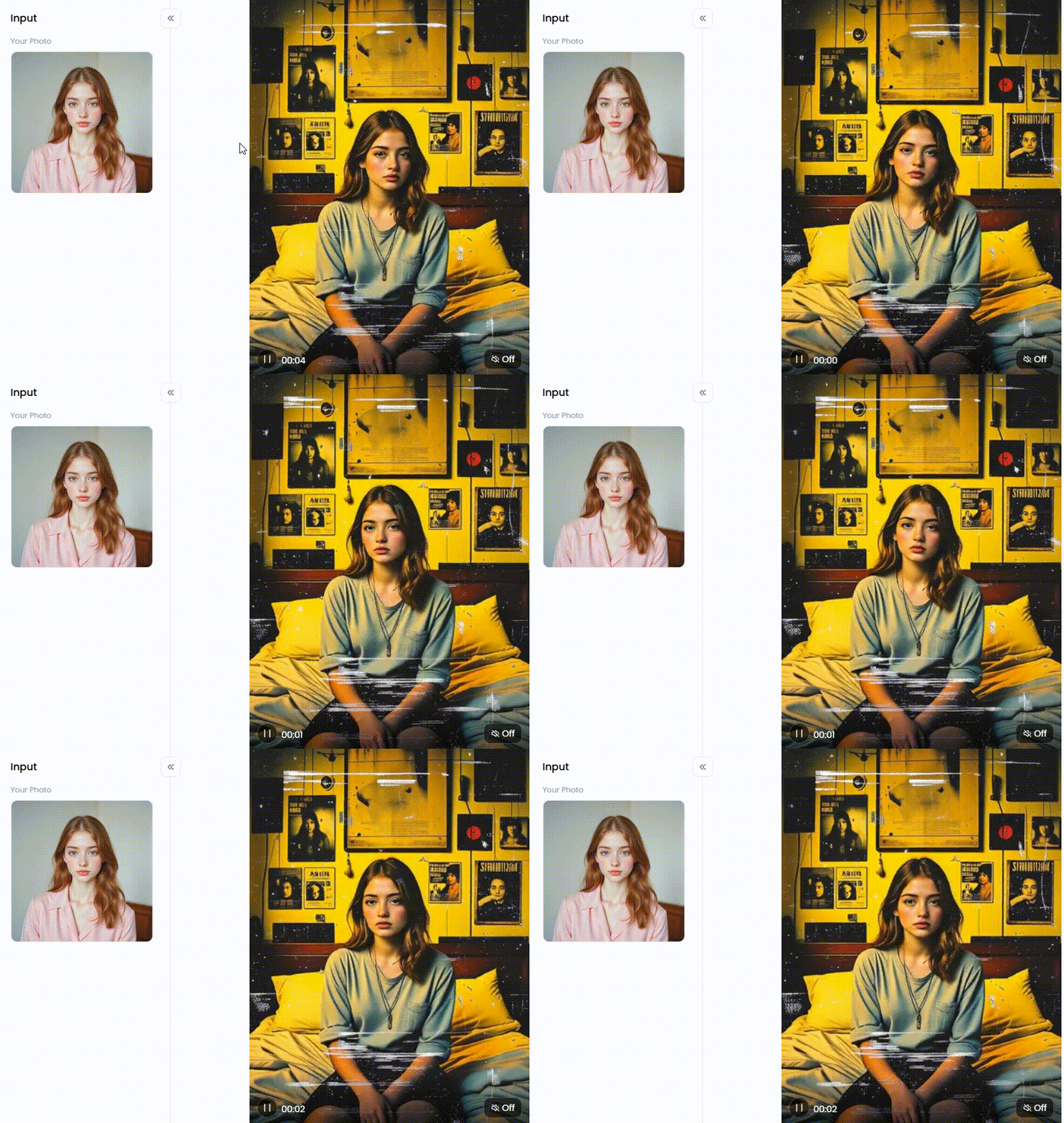
Click the picture to generate your exclusive record cover vintage room with one click👇
Start your art journey with a1.art.
Key Applications for Watermark-Free Videos
Removing watermarks does more than just clean up your video. It gives you full creative control to make your work truly shine. A clean video makes your work pop and look top-notch for any audience. Here's how it helps you hit a home run.
-
Professional Presentations and Portfolios: Ditching distracting logos makes you look like a pro. It shows clients the creative vision is yours alone and proves you're serious about getting the job done.
-
Seamless Social Media Content: A TikTok watermark remover is a real game-changer. It helps your videos look native on Instagram Reels or YouTube Shorts, sending your engagement through the roof.
-
Creative Video Collages and Mashups: Stray watermarks can break your project's flow. Removing them allows you to blend different clips into a smooth final piece where your art truly shines.
-
Restoring Personal or Old Footage: Don't let an old watermark spoil a cherished memory. A free watermark remover can easily clean up your videos, making those special moments feel brand new and good.
Ultimately, the benefits are crystal clear. Eliminating watermarks from your work allows you to be more creative and gives it a polished look. Presenting your ideas like a pro and showcasing your abilities is the best approach.
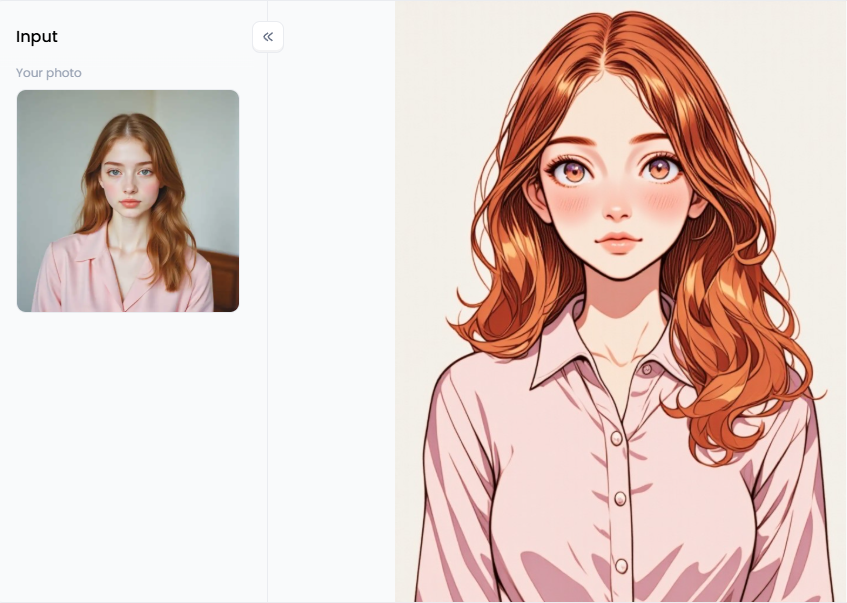
Click the picture to generate your exclusive cartoon character maker with one click👇
How to Use It, Just 3 Steps:
Step1:
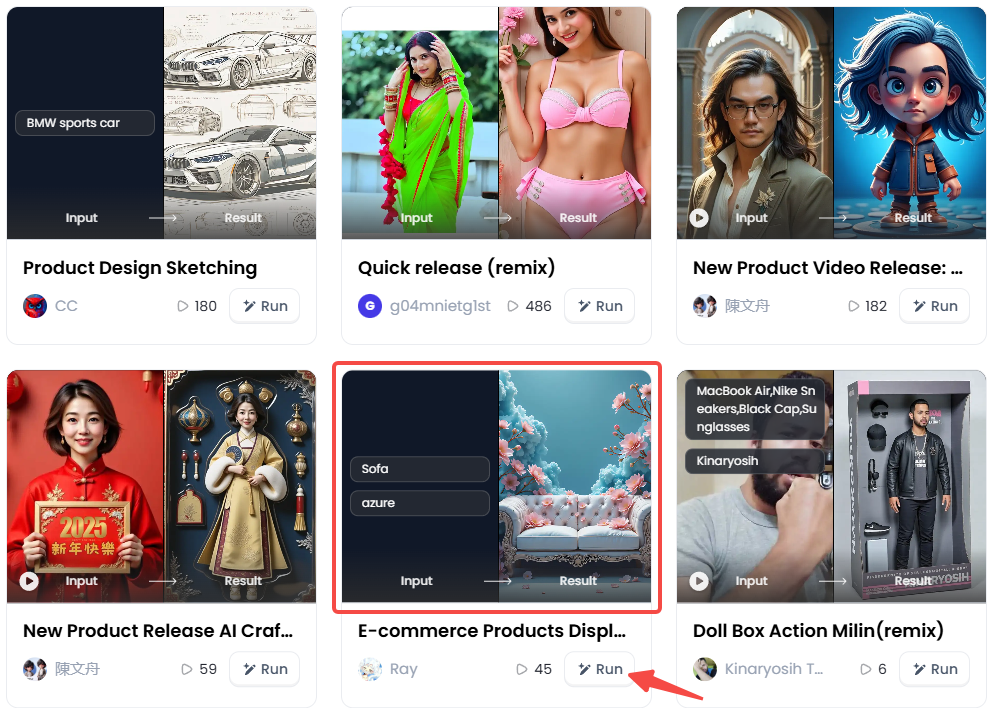
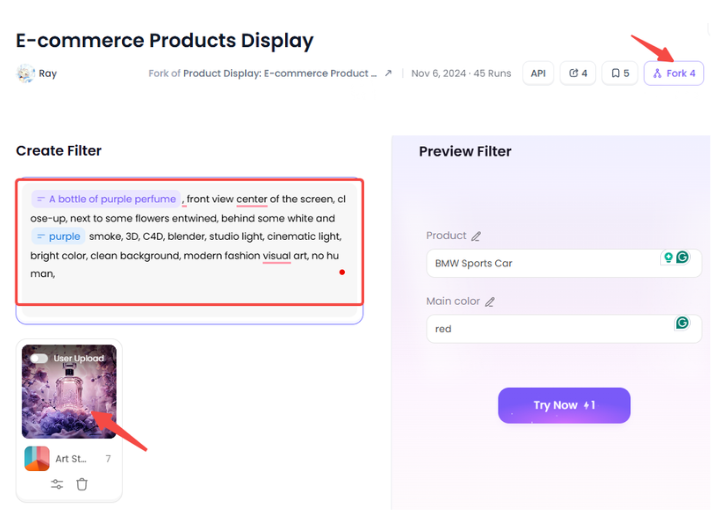
Open a1.art, choose the App that you are interested in, then click 「Run」
Click on the image to experience the same App👇
Step2:
Upload a photo/image
Step3:
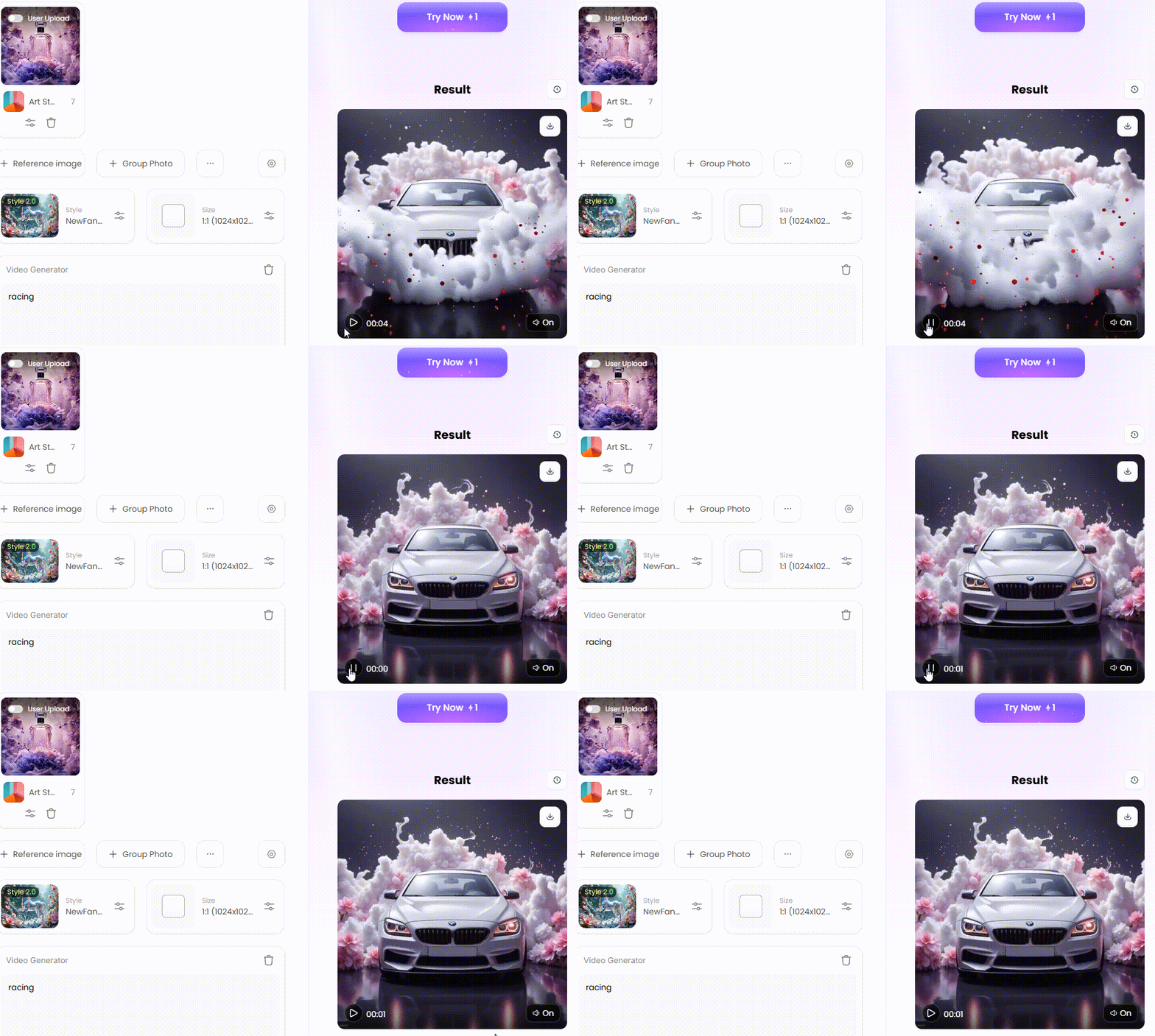
Wait 3 seconds, you will get a wonderful result 👇
How to Remove Sora 2 Watermark with Free Online Tools
Got a pesky watermark on your awesome AI video? Be calm! You can use free tools to make your work look neat and polished. Remember that these tips are meant to help you refine your work, not steal anyone else's ideas.
Method 1: The Quick Snip (Using a Video Cutter)
This is the easiest and fastest trick in the book, especially if the watermark is close to the screen's edge. Consider it similar to cutting off the portion of a sandwich you don't want - chop away the crusts.
How It Works:
You cut off the watermark by trimming the margins of the movie with a video trimmer or video cutter. Although the movie gets somewhat smaller, the cut is crisp and retains the action front and center.
Recommended Tools:
-
Clipchamp: This hidden gem is now part of Windows but works right in your web browser. It's incredibly user-friendly and a perfect example of free video editing software no watermark. Drag the frame's corners to remove the watermark from a video and select the crop button. It's that easy!
-
Canva Video Editor: If you already use Canva for graphics, you'll feel right at home. It's designed to be intuitive. You may crop and resize your video after dropping it onto a canvas in a few seconds. This is a great option for rapidly editing videos for Facebook or Instagram postings.
-
Kapwing: This is another powerhouse online editor that makes cropping a breeze. Its "Crop Video" tool is straightforward and gives you a clear preview of the final result before you export.
The Downside:
The catch? You're literally cutting away part of your video. This method won't be your best bet if the watermark sits over a key part of the action or a person's face. It only works when the watermark is non-essential to the frame.
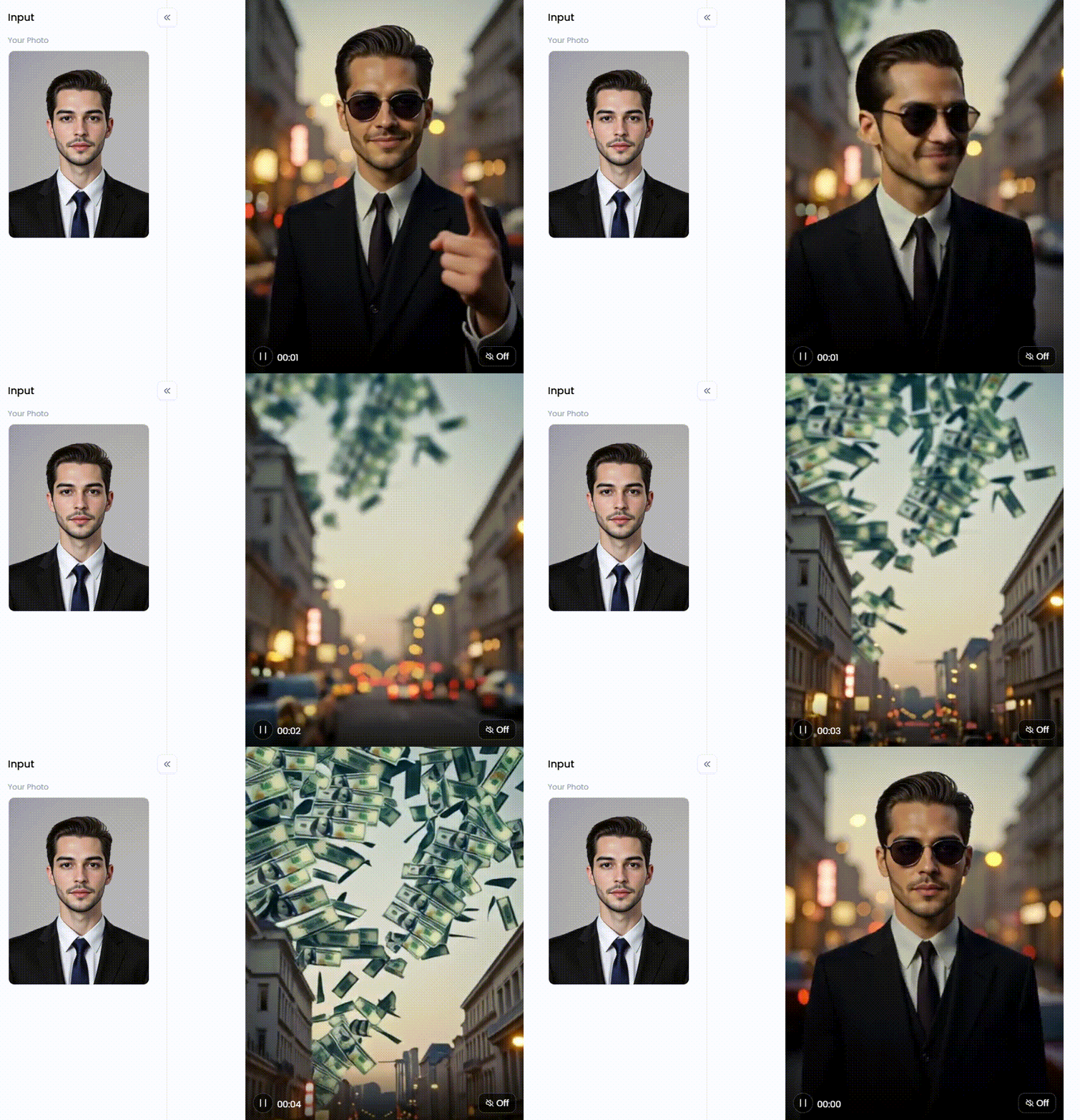
Click the picture to generate your exclusive gangster film with one click👇
Method 2: The Clever Disguise (The Cover-Up or Blur)
When cropping would ruin your shot, the next best thing is to hide the watermark in plain sight. This approach conceals it with another element, such as your logo or a subtle effect.
How It Works:
Applying a sticker to a price tag is analogous to that. Use your logo, an amusing sticker, or a straightforward blur to cover the watermark. This ingenious technique conceals the undesired mark while maintaining a crisp and tidy movie.
Recommended Tools:
-
CapCut: This app is a good free video editing software for social media content. It has a massive library of stickers, text effects, and overlays. You can easily find something to place over the watermark. Alternatively, its "Mosaic" or "Blur" effect lets you create a pixelated box you can position perfectly over the unwanted logo.
-
Veed.io: This is a fantastic online tool with a clean timeline, simplifying this process. You can upload your logo, add a shape, or use their built-in blur tool. You can control the exact timing, so the cover-up only appears on screen for as long as the watermark does.
-
FlexClip: This user-friendly online video clipper offers a rich library of elements. You can add dynamic text, fun widgets, or branding to cleverly mask a watermark while adding a bit of extra flair to your video.
The Downside:
Let's be real—this isn't an invisible fix. A logo or a blurry spot can still distract a viewer if it doesn't look like it belongs there. This trick works best when the cover-up feels natural and intentional.
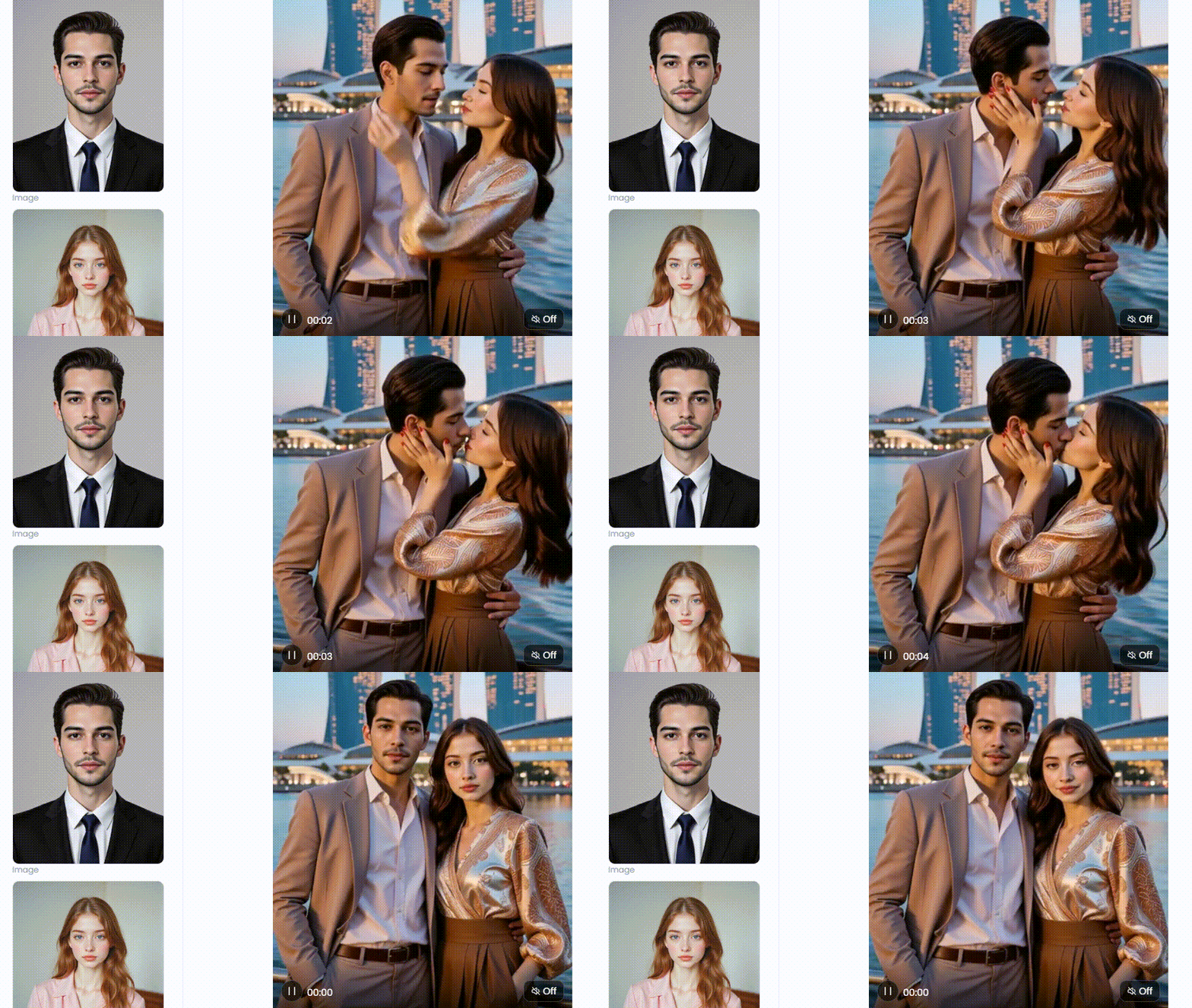
Click the picture to generate your exclusive singapore marina bay sands with one click👇
Method 3: The Magic Eraser (Using an AI-Powered Remover)
This is where you call the big guns for the cleanest and most professional result. Using clever technology, an AI Sora 2 watermark remover removes the watermark and intelligently reconstructs the background behind it.
How It Works:
Consider it to be the magic eraser for your recordings. Just highlighting the watermark will cause the AI to paint over it automatically. The watermark is removed since the background is perfectly recreated, giving it a clean, polished look.
Recommended Tools for 2026:
-
RunwayML: This platform's extremely sophisticated AI features are well known. In Photoshop, "Content-Aware Fill" is similar to "inpainting" in video. The watermark is what you want to get rid of; just paint over it. Frame after frame, it will disappear as the AI does its magic.
-
Media.io Watermark Remover: If you're looking for a tool that does one thing incredibly well, this is it. It's a perfect free Sora watermark remover for a quick, painless fix without downloading software. You upload, select, and download. Done.
-
AniEraser by Media.io: This is another dedicated tool focused on object removal. Thanks to its quick and efficient design, you may eliminate watermarks, text, or undesired items from your films with a few clicks.
The Downside:
Even AI magic has its limits. The AI might get a little confused if the background behind the watermark is very complex, like moving water or a crowd of people. Occasionally, the location of the watermark may show a slight blur or "ghosting" effect. Although it's amazing, technology isn't flawless all the time.
Click the picture to generate your exclusive comic filter with one click👇
Beyond Removal: Generate Flawless, Watermark-Free AI Videos with a1.art
Weary of fighting watermarks? Eliminate the trouble! You can make beautiful, clear, unique videos from the beginning with a1.art. Forget about figuring out how to remove video watermarks! This powerhouse tool puts you in the director's chair, letting you turn simple text or photos into masterpieces 100% yours.
Unlocking Your Creative Power
The process of getting started is simple. You can use the a1.art app on your phone or visit https://a1.art/faceswap on your computer to view a larger canvas. The tech-savvy can even watch the magic behind the scenes by pressing Ctrl+Shift+I.
Turn Your Vision into Reality
a1.art is your one-stop creative center, not only a place to create videos. Your most creative ideas could become breathtaking artwork in seconds thanks to its AI tools and filters. Some suggestions for producing viral content are as follows:
-
Create Stunning Styles: Make your videos pop with personality! Turn a dull clip into a wild ride with the "AI Animated Version of Cliff Grip" or get a cool vibe with "Realistic Comics." For a charming, handmade feel, try the "Shitty Watercolor Generator."
-
Get Unbelievable Quality: Got a blurry image? No sweat. The "4K Enhance Image" filter sharpens it with stunning detail. Character filters like "Enhance Beauty" and "Realistic Doll" give your work a polished look and make it stand out.
-
Tell Amazing Stories: Let your art tell a story! Set a romantic mood with filters like "Romantic Couple in French Parisian Style." Design unique avatars with the "Animal Avatar Generator" or craft slick visuals with "Trendy and Stylish Couple Style." Get everyone talking with fun, shareable prompts like "What Color Bikini Do You Like?"
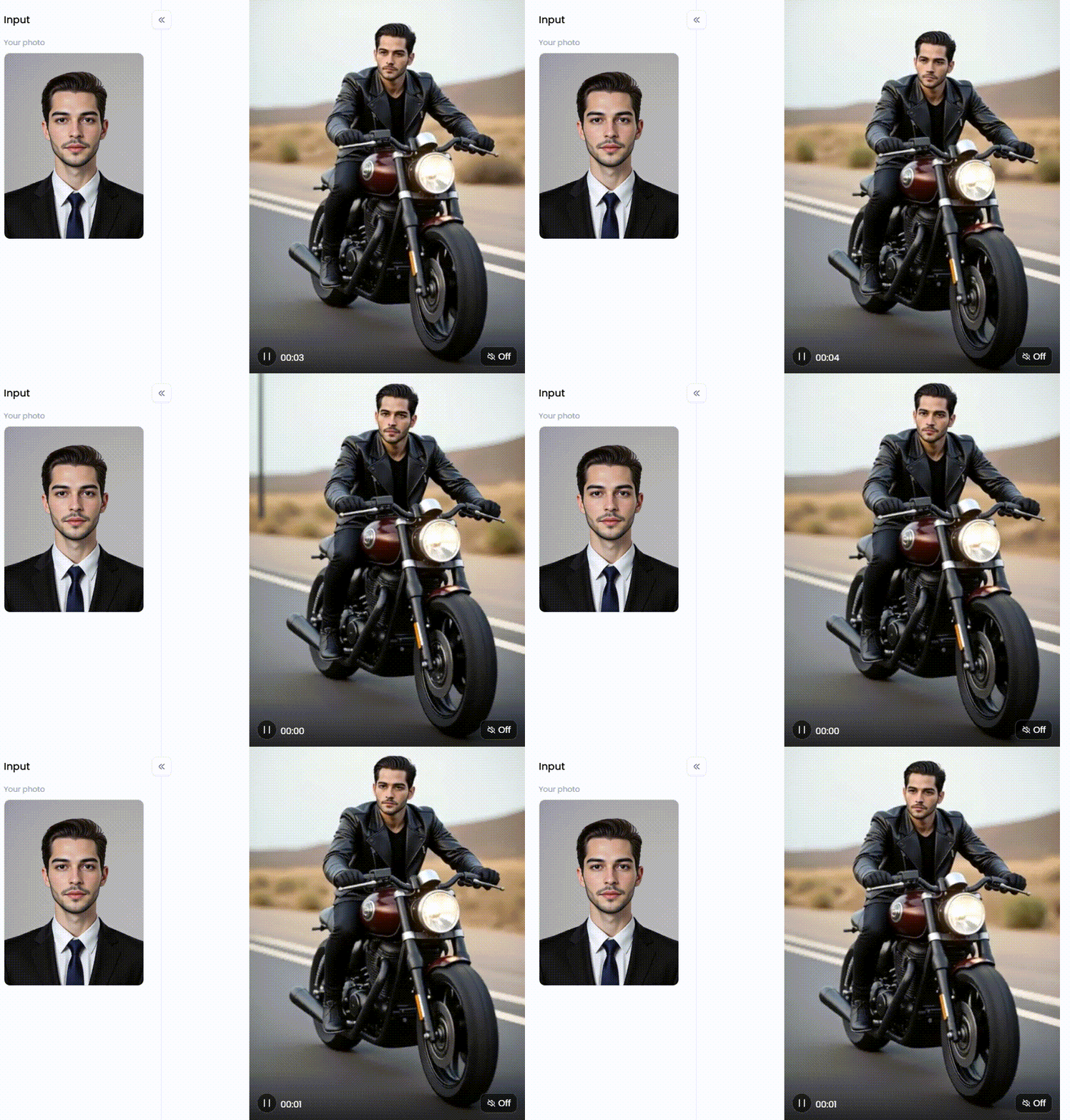
Click the picture to generate your exclusive road motorcycle with one click👇
Pro Tips to Make Your Art Go Viral
Mix your creative ideas with clever tricks to hit a home run.
-
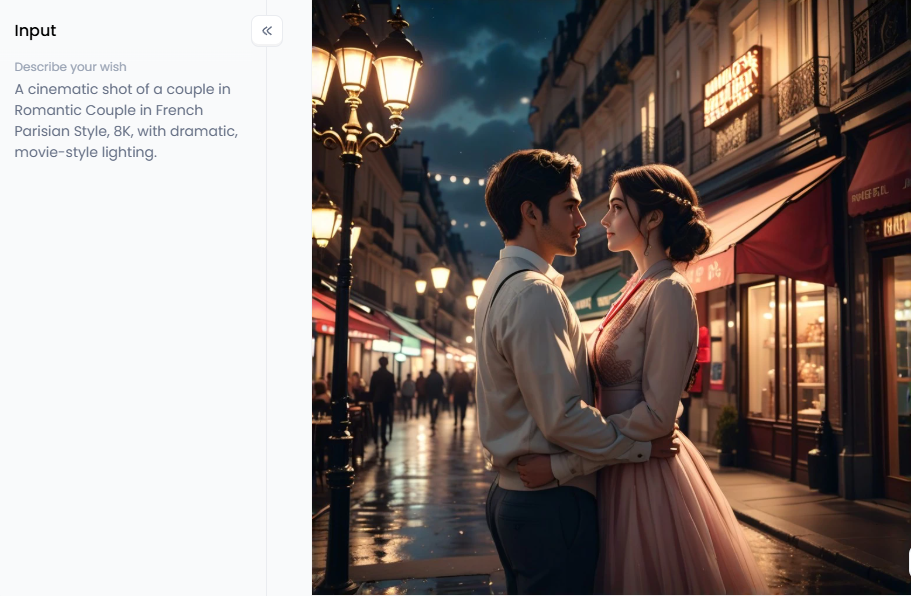
Layer Your Prompts: Don't stop at one idea. Mix and match! Instead of a simple prompt, try layering details: "A cinematic shot of a couple in Romantic Couple in French Parisian Style, 8K, with dramatic, movie-style lighting."
-
Use the "Fork" Feature: This is your secret weapon. The Fork option lets you see a style you love, copy its recipe—the prompts, filters, and all—and then add your ingredients. You can easily alter the subject to make it wholly your own.
-
Think Beyond the Obvious: Attempt to evoke a mood or a memory rather than merely recounting a scene. For instance, "A video that feels like a lazy, rainy Sunday afternoon, with soft focus and gentle motion." If you allow the AI to use its creativity, you'll be astounded by the outcomes.
With a1.art, you are the artist rather than just a tool user. Accept the limitless possibilities and bid watermark problems farewell. The moment has arrived for you to shine your light and demonstrate your skills.
Conclusion: Your New Era of Unrestricted Creativity
The bottom line, then? The true game-changer is making perfect videos from scratch, even though you can look for how to remove Sora 2 watermark. Here's where a1.art comes in, which allows you to avoid the watermark hassle completely. You may create gorgeous, flawlessly polished images that are entirely yours with its amazing tools and filters.
Forget the endless searching. It's time to unleash your creativity and become a true AI artist. Ready to create without limits? Visit a1.art now!
The generation or distribution of any form of illegal content is strictly prohibited.
-
CSAM: Any sexual content involving minors is considered a severe felony worldwide.
-
Deepfakes: The creation or dissemination of intimate images of any real person without their explicit consent is strictly forbidden.
-
User Responsibility: Users are solely responsible for ensuring all generated content complies with copyright, privacy, and all applicable laws.
Read more
- Create AI-Generated Diwali Greetings Cards Online Free 2026
- Seduced AI Review 2026: Best Online Alternatives for Free
- Celebrate Chhath Puja 2026 with Free AI Image and Video Maker
- Top 15 NSFW AI Video Generators No Limit Free 2026: The Ultimate Guide
- Top 20 Perchance NSFW AI Image Generator Alternatives 2026
- Best Free AI Two-Person Conversation Generator 2026: From Chat to Stunning Art
- Celebrate All Saints' Day 2026 with Free AI Images and Videos
- Halloween AI Generator to Make Creepy Headshots and Videos Free
- Celebrate Guru Nanak Jayanti 2026 with Free AI Greeting Videos Maker
- Best Gramhir.pro AI Photo Generator Alternatives 2026
Written by

a1.art
Published on
Dec 17, 2025
Share article


