


Have you ever gazed at a cool picture and wished it could move? Turning photos into amazing videos is a huge deal today, and it is perfect for sharing your stories. It used to be tricky, right? But now, super-smart AI makes it a snap!
Tools like Higgsfield AI make it easy to turn pictures into lively videos. Everyone's talking about this AI magic, and it's clear why: dynamic content is captivating! By 2029, experts predict that the AI image industry will have grown to $4.36 billion! This enormous increase demonstrates how much people want to create dynamic videos from their photos.
This guide will show you what Higgs field AI offers. Then, we'll check out the best AI alternatives to Higgsfield for 2026. We'll highlight a1.art, a top dog for making creative AI videos. Get ready to easily turn your pictures into awesome AI videos and tell your stories like never before! Let's jump in!
What Can Higgsfield AI Video Generator Do?
Higgsfield AI image-to-video is a nifty helper. It makes your pictures dance as lively videos! And it's super simple – no tricky steps involved. Its main charm? It's easy to get the hang of, even if you're new to making videos. People find it straightforward, with simple options to kick things off.
Higgsfield AI video truly excels at its core job: AI image-to-video magic. It analyzes your photos and applies intelligent motion to make them dynamic, not just animation. You get interesting visual trends, and they always increase the quality. Higgsfield AI lets your photos tell a new tale, whether you are looking for subtle motion or a dramatic change. You might then type in Higgsfield AI prompts with hints to guide the animation or effects. Then, the AI works its wonders and creates your video. Some say it can even tackle fun, complex ideas!
However, keep in mind that Higgsfield AI might have a price tag. While it's a powerful automatic image-to-video converter, this cost could lead you to search for free AI video generator options. Its focus on image morphing to video might not offer as many features as some free Higgsfield AI alternatives.
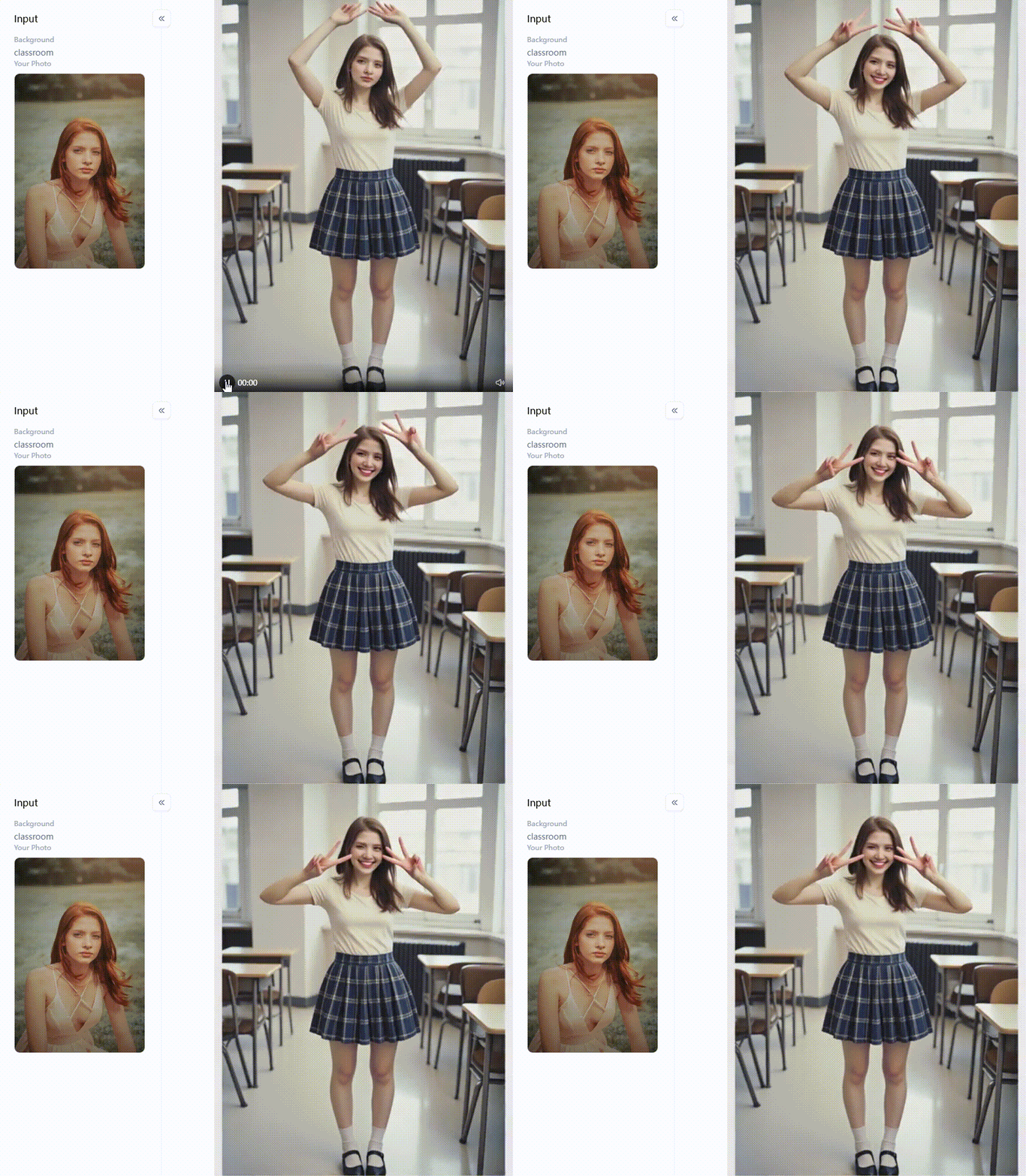
Click the picture to generate your exclusive girl in school uniform with one click👇
Higgsfield AI's Niche and the Quest for Better Options
With Higgsfield AI, your plain pictures get an amazing makeover! It uses smart AI to convert images to video. It's great for lots of things!
- Social Media Buzz: Want to make your posts pop? Turning photos into short, snappy videos grabs attention on Instagram or TikTok. Your feed will thank you!
- Marketing Magic: It helps businesses with image-to-video conversion for cool video ads. These ads grab attention and stick with people.
- Creative Fun: It's also neat for school projects, art, or just bringing old family photos to life.
Higgsfield AI is cool, but maybe not always the perfect fit. So, you might look for other smart image-to-video technologies. Here's why:
- The Price Tag: If you're after free Higgsfield AI alternatives, its price could make you look elsewhere.
- More Bells and Whistles: You might want more editing power, like adding text, music, or cool effects. Higgsfield AI doesn't focus on those extras.
- Words to Video: If you want to make videos just by typing words, you'll need to look elsewhere.
- Your Own Unique Style: Looking for a special art style for your video animations? Another automatic image-to-video converter might have just the look you're after.
So, knowing what you need and checking out different AI video creator tools is super important.
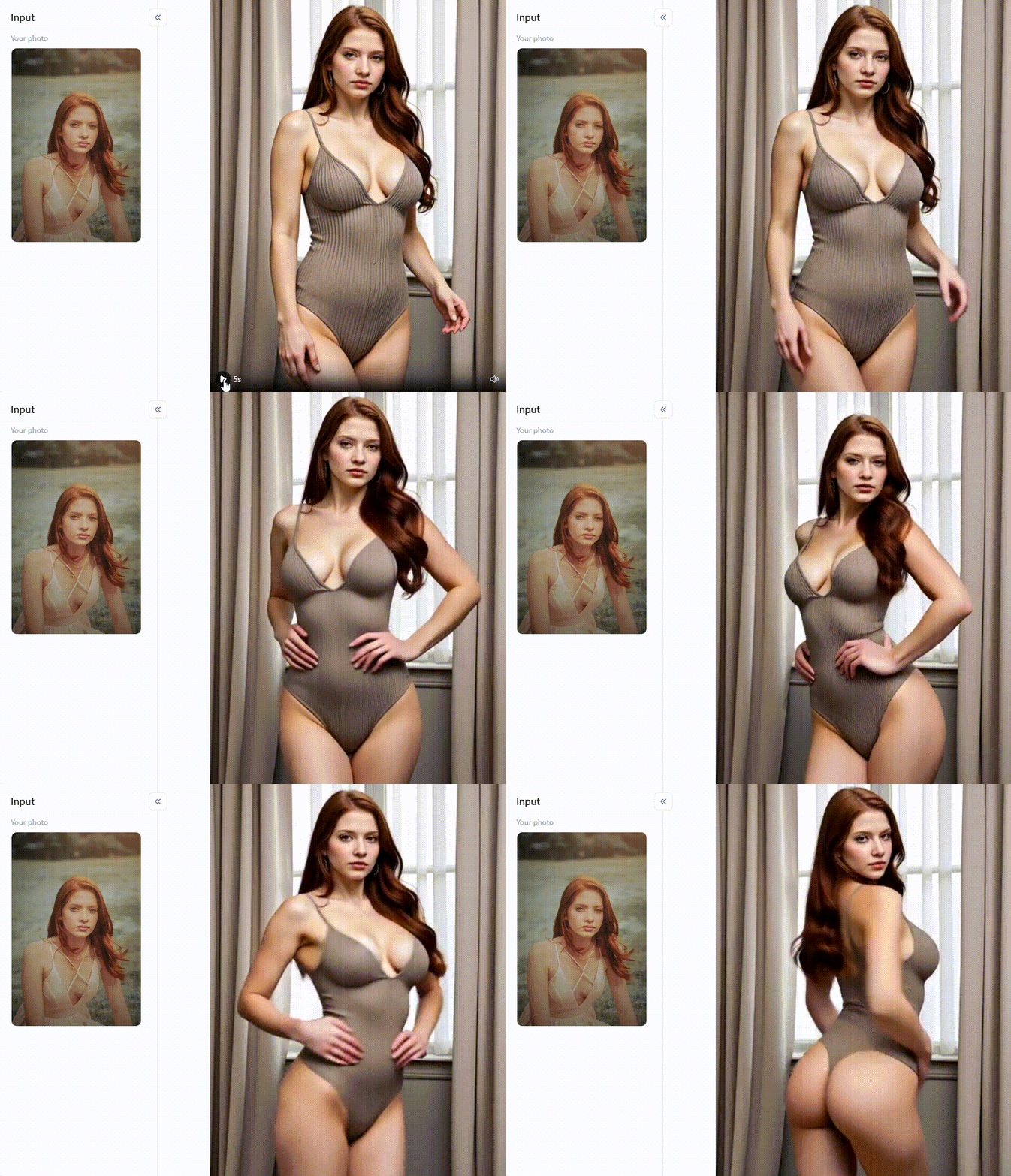
Click the picture to generate your exclusive sexy lady with one click👇
10 Best Online Higgsfield AI Alternatives for Free
So, if Higgsfield AI isn't quite hitting the spot for your video production from photos, or if you're specifically on the hunt for powerful and even better free options, then you've hit the jackpot! The world of AI video generator tools is bursting with amazing choices.
#1 a1.art
It brings super cool features like making animated GIFs from your images, giving your existing videos a fresh makeover, and a massive library of fun and unique creative filters to make your pictures and videos look stunning.
- Pros: You get a whole bunch of amazing AI-powered video transformation tools all in one place. Making AI-generated video from images has never been simpler or more fun! It's a top-notch AI video creator.
- Cons: Some super-duper advanced features, the real cutting-edge stuff, might eventually be part of a paid plan. But honestly, the free stuff they offer is incredibly powerful and will let you do so much!
#2 D-ID
This is famous for making still faces come alive and talk, using either text you type or an audio clip.
- Pros: It's amazing for creating talking characters or avatars. Plus, it can connect with other apps you might use.
- Cons: It's more for making talking heads than turning a landscape photo into a flowing video.
#3 DeepBrain AI
It is about creating super realistic AI people (avatars) who can star in your videos. This is a big hit with businesses and teachers who want to make their video presentations more engaging without hiring actors.
- Pros: AI avatars look incredibly real! It's great for making videos that look very professional.
- Cons: A simple automatic image-to-video converter might be a bit more complicated. Also, the free version will have some limits.
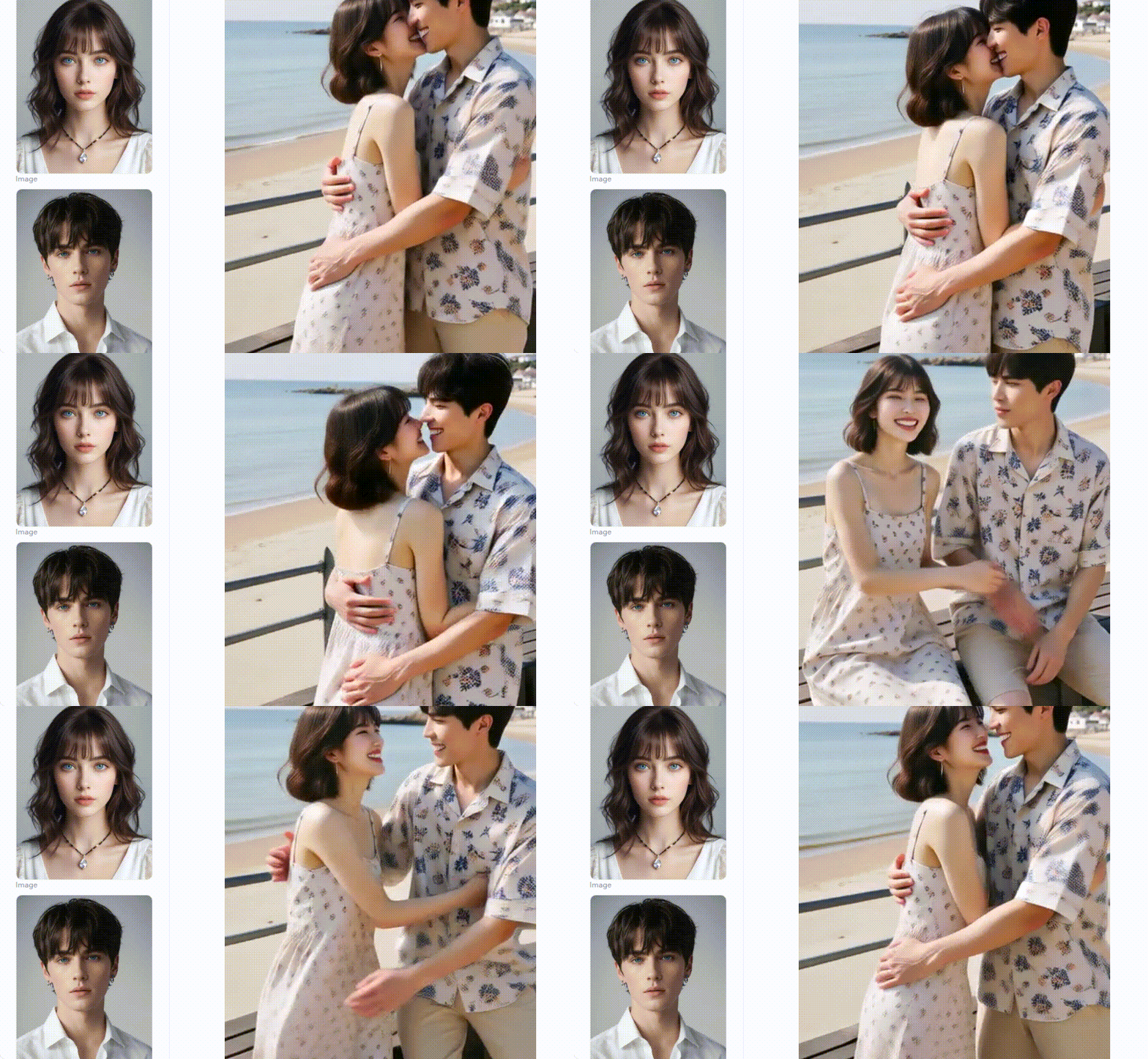
Click the picture to generate your exclusive hug by the sea with one click👇
#4 Elai.io
It can generate a video with an AI person presenting it to you. You can even customize how the AI presenter looks.
- Pros: There are lots of different AI presenters to choose from. It's good for making educational videos or business explainers.
- Cons: It mainly works with text and presentations, not so much with just uploading a single photo to animate. They offer a free trial, but it's not always a free AI video creator.
#5 Synthesia.io
It's a really strong tool when you need polished and professional videos.
- Pros: AI avatars are top-quality. You get many options to make the videos look just how you want.
- Cons: It's not built for simple image-to-video AI tasks. You can try it for free, but it's a paid service.
#6 Vizard.ai
It's not for making a video from a still picture, but it's super handy if you have video footage you want to reuse.
- Pros: Amazing for quickly turning long videos into shareable bites. It has AI smarts to help with the editing.
- Cons: This won't help if you start with a photo. The free plan has some restrictions.
#7 VEED.IO
It has a feature where you can upload your pictures and then add music, text, and cool transitions to make simple videos.
- Pros: Super user-friendly, even if you're a beginner. It has a good range of image morphing to video tools.
- Cons: If you use the free version, your videos will have a VEED.IO watermark, and some features will be locked.
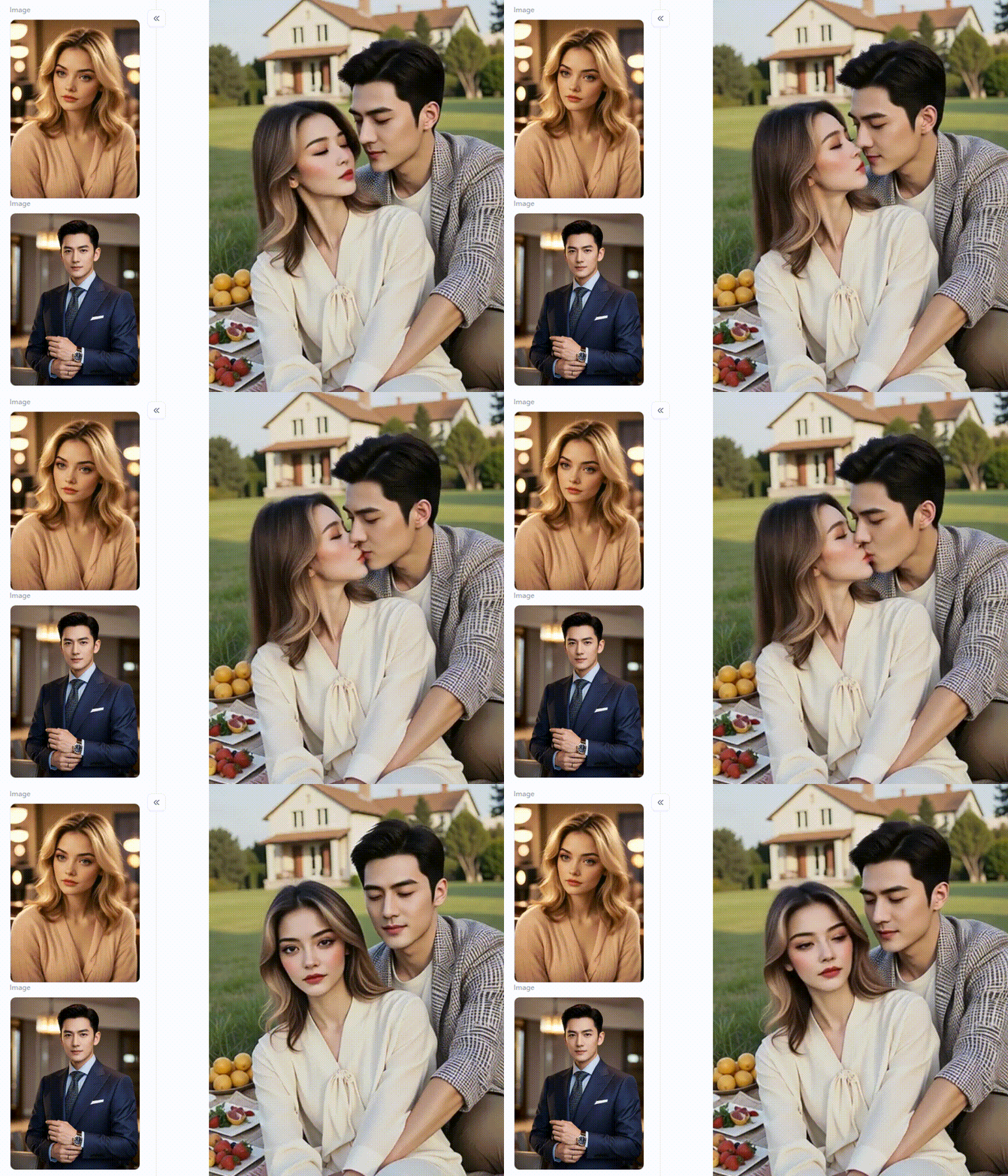
Click the picture to generate your exclusive couple picnic portrait with one click👇
#8 Kapwing
This AI image-to-video software lets you make videos. To spice them up, you can add text, tunes, and effects to your picture-based videos.
- Pros: Easy to get the hang of. You can even work on projects with friends at the same time!
- Cons: The free plan puts a watermark on your videos and has some limits on what you can do.
#9 Pictory.ai
It has an image-to-video feature to upload pictures and create slideshow-style videos with text and music.
- Pros: Great for making videos out of written content. It makes AI video creation easy from images.
- Cons: Its tool for AI-generated video from images is more basic than others. They offer a free trial, not a permanently free plan.
#10 Animoto
It gives you many ready-made templates and music choices to help you tell cool visual stories.
- Pros: Incredibly user-friendly, ideal for novices! There are lots of templates to get you started quickly.
- Cons: The free version will have Animoto's logo on your videos, and you won't get all the features.
Each of these AI alternatives to Higgsfield brings something different to the table. Whether you need super-realistic AI people, a simple automatic image-to-video converter, or a full suite of creative AI video solutions, this list gives you fantastic places to start your journey into making awesome AI-generated video from images.
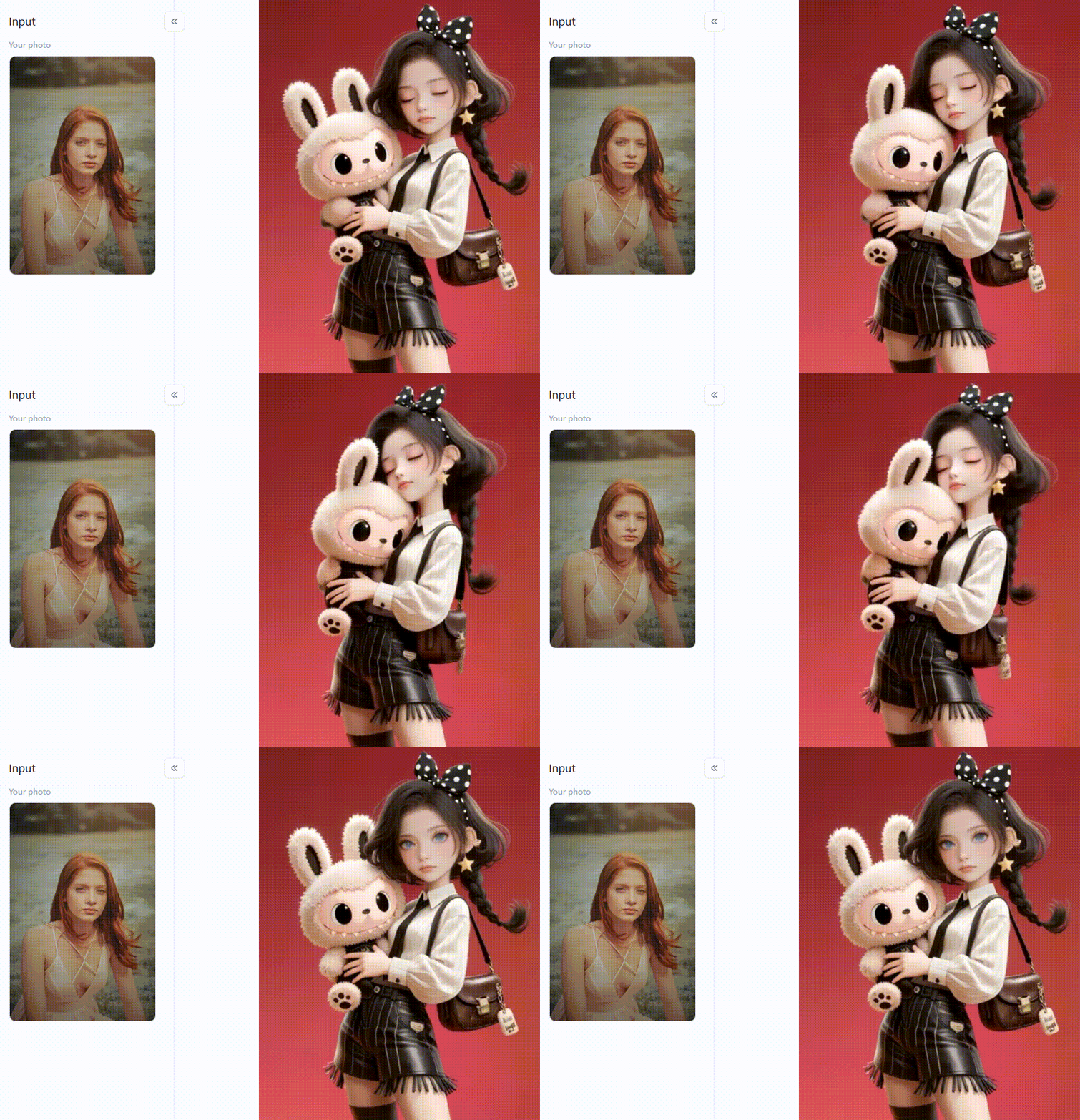
Click the picture to generate your exclusive i have a labubu with one click👇
How to Convert Stunning AI Videos with a1.art?
Get ready to supercharge your visuals with a1.art! These amazing AI video renderings from picture tools are changing how we create thanks to its smart AI. It's great for taking pictures and has powerful ways to turn images into cool videos and GIFs. With this free platform, you can easily pop your still photographs and create exciting videos with just one click.
Consider this: This clever application instantly transforms your favorite photo or a fantastic AI-generated image into an engaging film. It is very simple and fluid. Simply post your picture on this AI tools website. Next, experiment with the various artistic filters designed to make your images come to life.
Try the "Face Video" filter, for instance. It gives portraits subtle, playful motions that give them a more lively appearance. The "Healing Style Video" effect can also give your photos an artistic touch by making them appear like lovely paintings or surreal landscapes. Use the "Playing Football" filter for a livelier look, which adds a playful and vivacious feel to your photos. You could even make your image "Being a Singer," adding a playful and entertaining twist.
If you aim for trendy social media content, creative AI video solutions like "Comics Style Video" and "Queen Sticker Video" can give your images a fresh, unique look. Let your imagination run wild with the "Baby Astronaut Video" filter for adorable, shareable animated clips. Capture sweet moments with the "Wedding Kiss" filter, or picture yourself in a professional scene with the "Magazine Shoot" filter.
Want to explore the world of 3D? The "3D Blind Box Figurine" filter can turn your images into eye-catching 3D animations. Suitable for presentations or online profiles, the "Cartoon Work Avatar" filter can turn your pictures into captivating cartoon films, adding a polished yet playful touch.
How, therefore, might these AI techniques improve your visual content? It all comes down to how easy and efficient they are. You can include these artistic effects and photo-to-video AI tools in your photos with a few clicks. This instantly makes them dynamic and engaging in ways static images just can't. This means you can grab people's attention, tell stories more powerfully, and create content that stands out in today's busy digital world.
How to Use It, Just 3 Steps:
Step1:
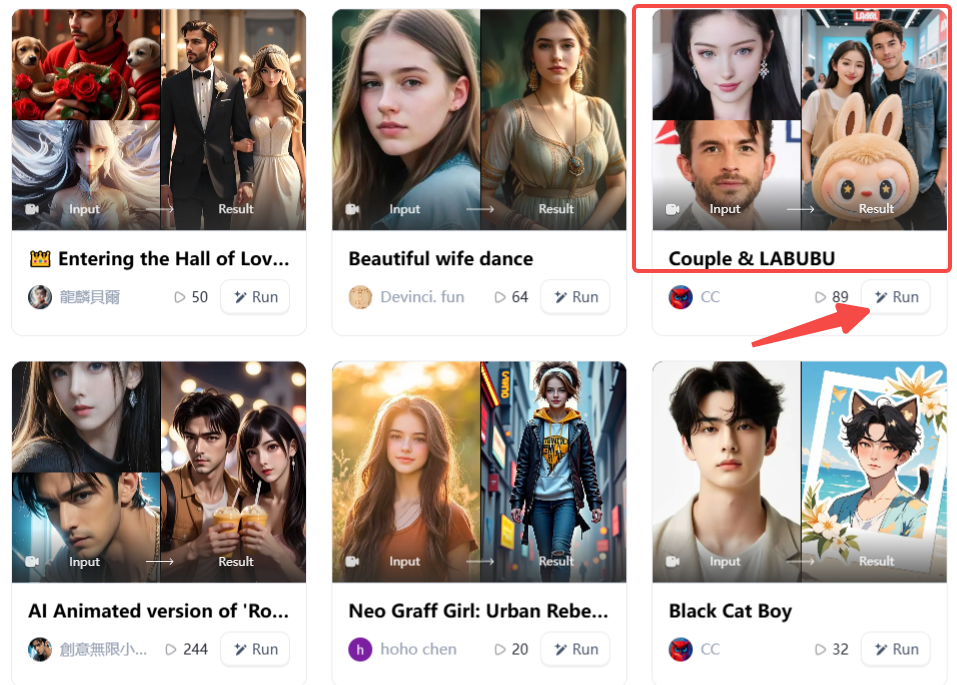
Open a1.art, choose the App that you are interested in, then click 「Run」
Click on the image to experience the same App👇
Step2:
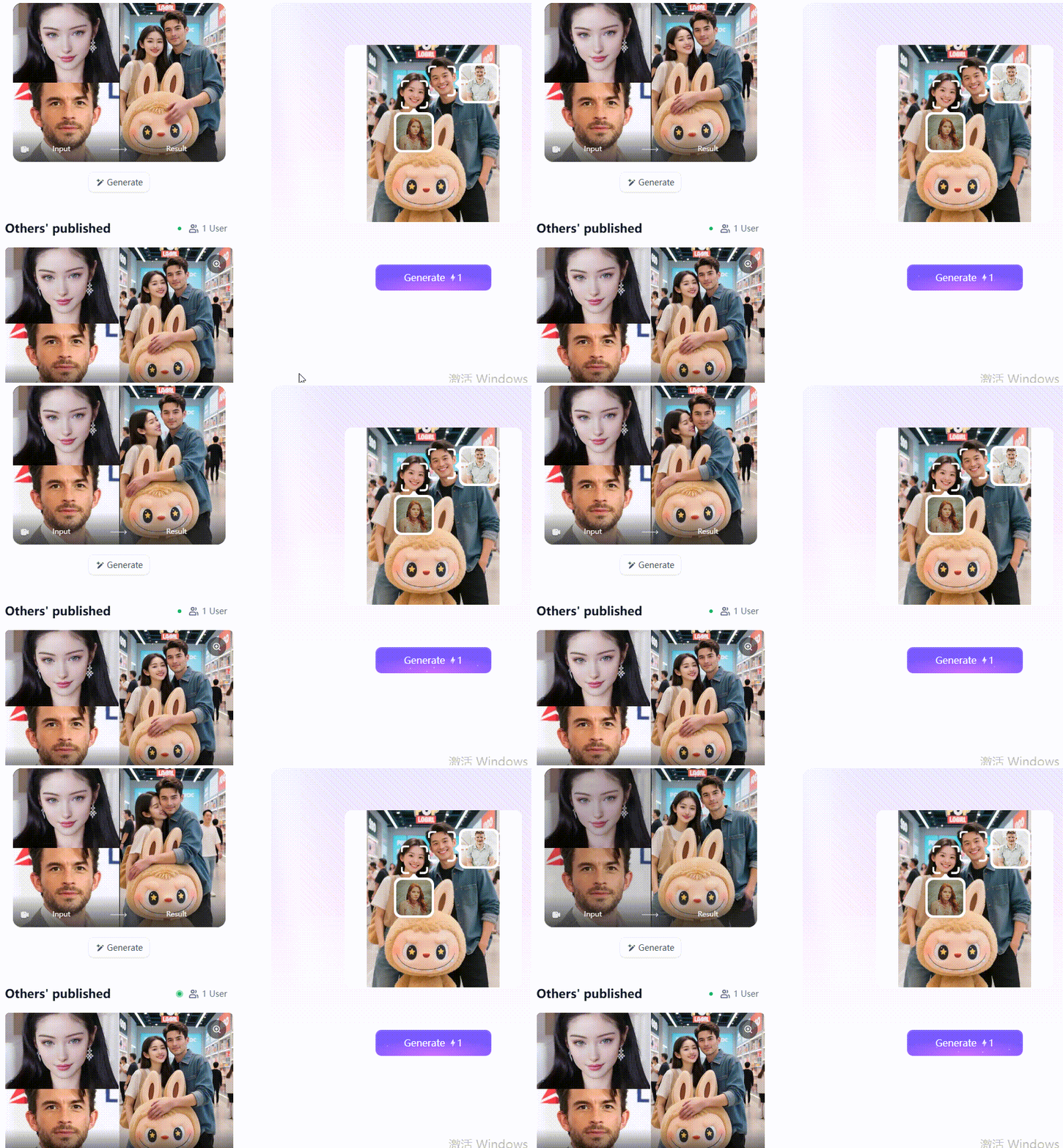
Upload a photo/image
Step3:
Wait 3 seconds, you will get a wonderful result 👇
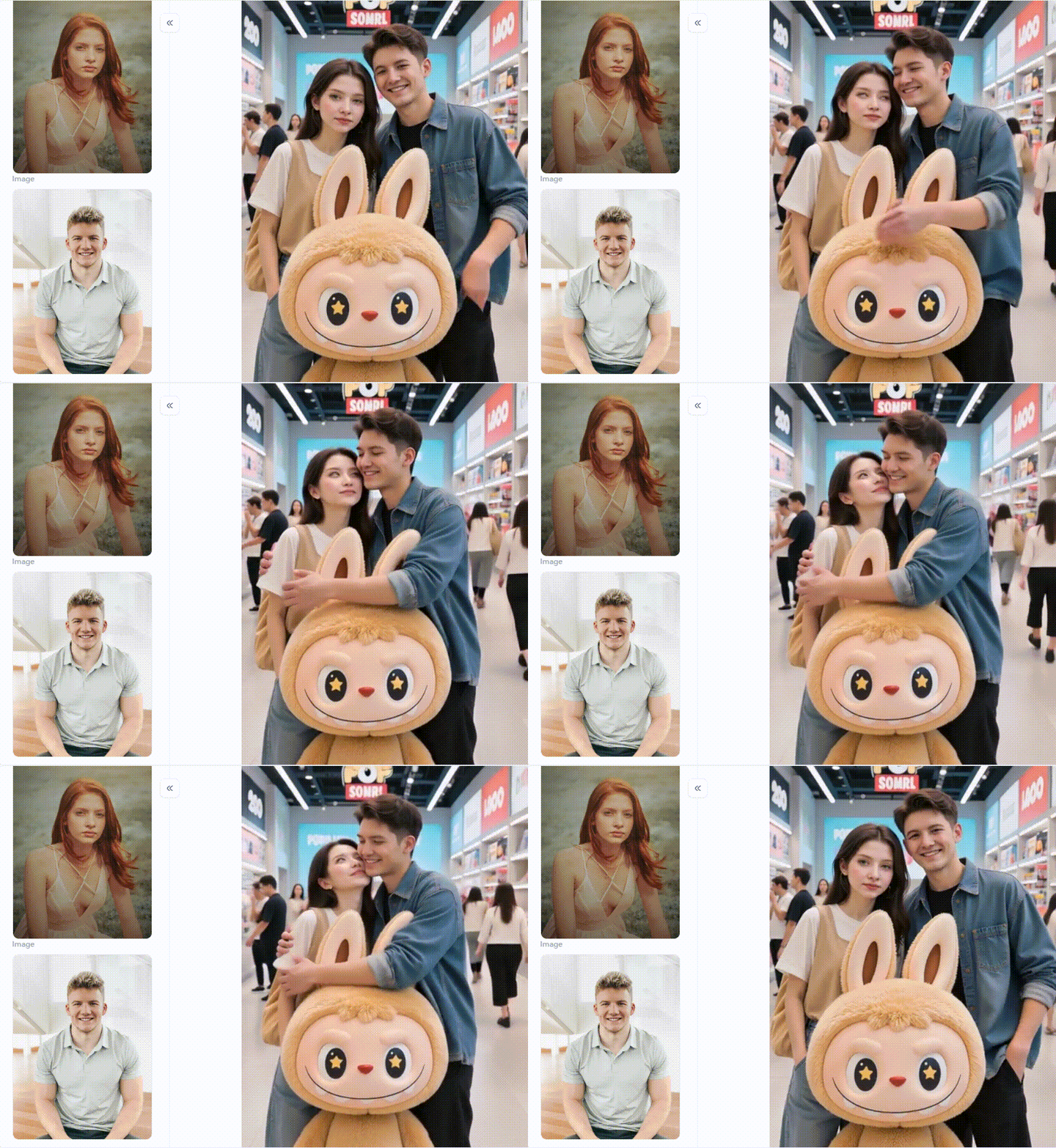
To help your visual art go viral, keep these pro tips in mind when making video production from photos:
- Start with Great Pictures: Always use clear, high-quality images. This sets you up for the best results.
- Give Clear Instructions: Be very specific when using filters that let you add text ideas. For instance, instead of "make it move," try "gently zoom in on the person's eyes." This helps the AI understand exactly what you want.
- Mix and Match Filters: Don't be afraid to try different filters together. See how they blend and create unique effects. You can combine several images with various filters to tell a more detailed story.
- Add Music and Words: While a1.art focuses on making your visuals move, consider using other easy AI video animation tools. You can add background music or text on top to make your AI videos even better.
- Know Your Audience: Think about what your audience likes. Then, choose filters and styles that will connect with them.
Are you aiming to improve your graphic content? Explore the incredible possibilities of AI photo-to-video by visiting a1.art today.
Conclusion: Transform Your Images into Engaging Videos with AI
Do you want to be visible on the Internet? The world is full of busy people! Making captivating films from your still images is a great approach to bringing your story to life. Although Higgsfield AI is a useful digital photo-to-video AI tool, plenty of free alternatives exist! a1.art stands out among these. It can create GIFs and even convert videos into other videos and images into videos. Try a1.art if you want a free Higgsfield AI option or want to experiment with entertaining AI video concepts. Unleash your imagination and feel the excitement of transforming your photos into engaging videos!
Read more
- Top 15 PixVerse AI Alternatives Online Free 2026: Your Guide to a New Creative Universe
- How to Use Pixverse AI Free in 2026: Explore Powerful AI Video Creation Online
- Best 10 Animon AI Alternatives Free 2026
- How to Generate AI 19+ Images Online
- Top 10 AI Lesbian Generators free in 2026: Your Ultimate Guide to Creating Stunning Queer Art
- 10+ Best Vondy Flag Generator Free 2026: The Ultimate Guide
- How to Use Donald Trump AI Generator to Make Funny Images: The Ultimate Guide to Go Viral
- Create Krishna-Inspired Art with AI for Janmashtami Celebrations
- Make Patriotic AI Art for India's Independence Day: Your Guide to AI-Generated Creativity
- Celebrate Onam with AI Image & Video Maker: A New Era of Festive Creativity
Written by

a1.art
Published on
Dec 17, 2025
Share article


