


AI video creation is evolving quickly. With modern AI video maker tools, creators can generate professional-looking videos using simple prompts, images, or scripts.
One of the platforms gaining attention recently is Dovideo, an AI tool designed to generate short videos from text or images. It simplifies the creation process and allows users to experiment with text to video AI and image to video AI workflows without technical skills.
However, like many early AI tools, Dovideo also has limitations such as short clip length, limited editing control, and fewer customization options.
For creators who want more flexibility, better rendering quality, or advanced creative features, there are many excellent Dovideo alternatives available today.
In this guide, we’ll explore the 6 best sites like Dovideo, compare their features, and help you find the right AI video generator for your needs.
6 Best Dovideo Alternatives for AI Video Creation
Below is an AI video generator comparison of the best platforms currently available.
No.1 a1.art – Best Free AI Creative Video Generator
a1.art is an AI creative platform that allows users to generate artistic images, animations, and short videos using AI prompts or uploaded photos.
Unlike many traditional AI video maker tools, a1.art focuses on creativity and visual experimentation.
The platform offers hundreds of AI apps and filters that allow users to transform images into animated scenes using image-to-video AI technology. Creators can experiment with different styles and generate unique visual content in just a few clicks.
Key Features
-
AI text-to-video AI generation
-
Image-to-video animation
-
Hundreds of AI creative filters
-
Daily free credits
-
Beginner-friendly interface
Why It’s a Strong Dovideo Alternative
Compared with Dovideo, a1.art provides more artistic customization and creative styles, making it ideal for designers, social media creators, and digital artists.
Click the image to try free AI video creation now!
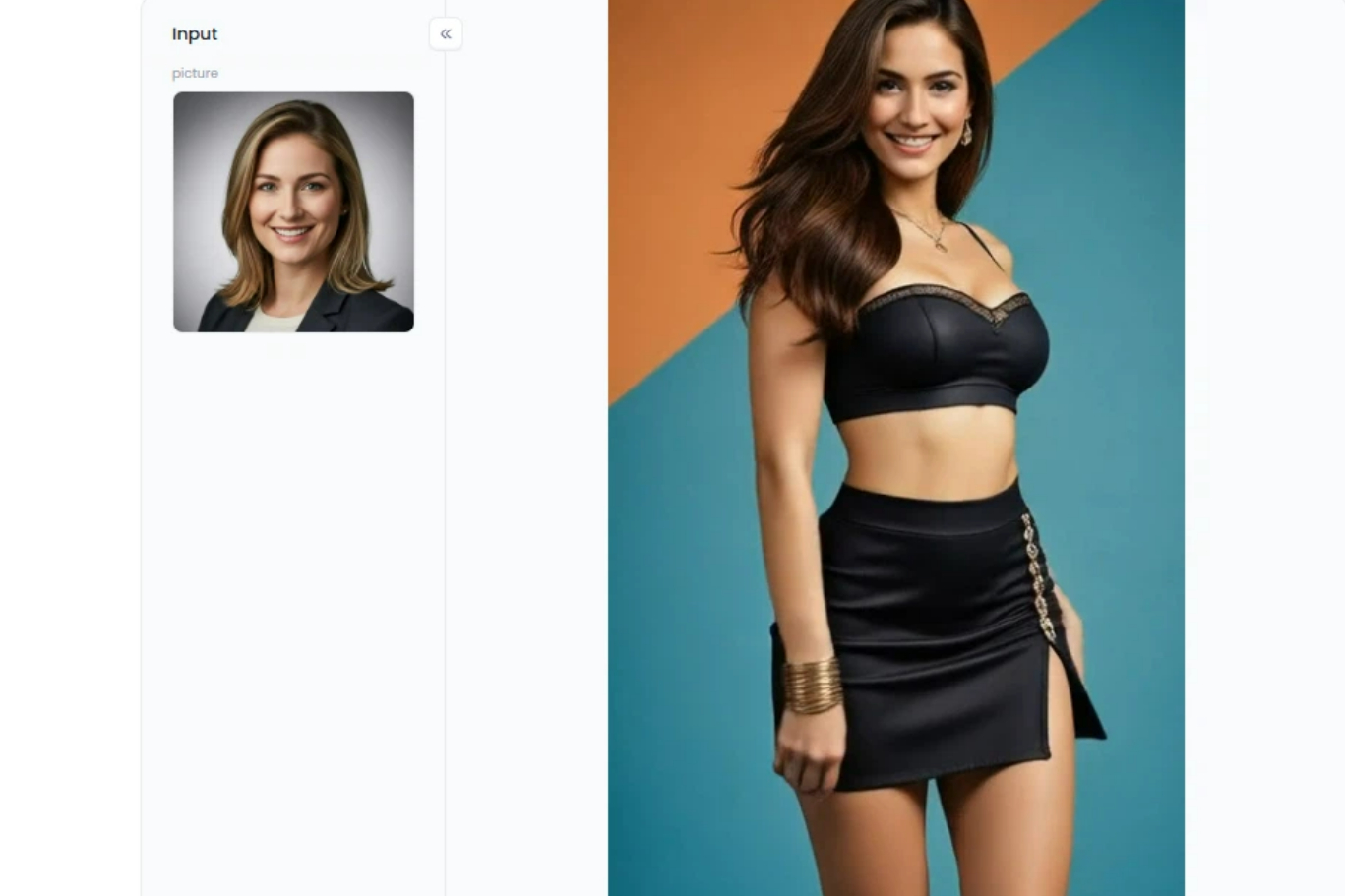
Start your art journey with a1.art.
No.2 Runway ML – Best Professional AI Video Generator
Runway ML is one of the most advanced AI video generation platforms available today.
It provides professional-grade tools that allow creators to generate and edit videos using text-to-video AI, image prompts, or existing footage.
Runway’s latest models can generate highly realistic video sequences with cinematic motion and detailed environments.
Key Features
-
Advanced text-to-video AI
-
Video-to-video editing
-
Motion tracking
-
Background removal
-
Cinematic rendering
Why It’s a Great Dovideo Alternative
Compared with Dovideo, Runway offers significantly more control over the video generation process, making it ideal for filmmakers, marketers, and professional creators.
No.3 Pika Labs – Best for Creative AI Animations
Pika Labs is one of the fastest-growing AI video maker platforms used by digital artists and creators.
The platform allows users to create animated scenes using text prompts or images while controlling camera movement and animation style.
Pika is particularly popular for social media content and experimental AI storytelling.
Key Features
-
Prompt-based video generation
-
Camera movement control
-
Stylized animation modes
-
Image to video AI workflows
Why Choose Pika Instead of Dovideo
Pika offers more creative flexibility than Dovideo, especially for users who want unique artistic videos.
No.4 Synthesia – Best for AI Avatar Videos
Synthesia is a different type of AI video platform.
Instead of generating cinematic scenes, it focuses on AI avatar video creation, where virtual presenters speak your script.
This makes Synthesia extremely useful for businesses that need training videos, tutorials, or marketing presentations.
Key Features
-
200+ AI avatars
-
140+ languages
-
Script-to-video generation
-
AI voiceovers
-
Corporate video templates
Why It’s a Good Alternative
For businesses producing educational or marketing videos, Synthesia is often more practical than traditional AI scene generators.
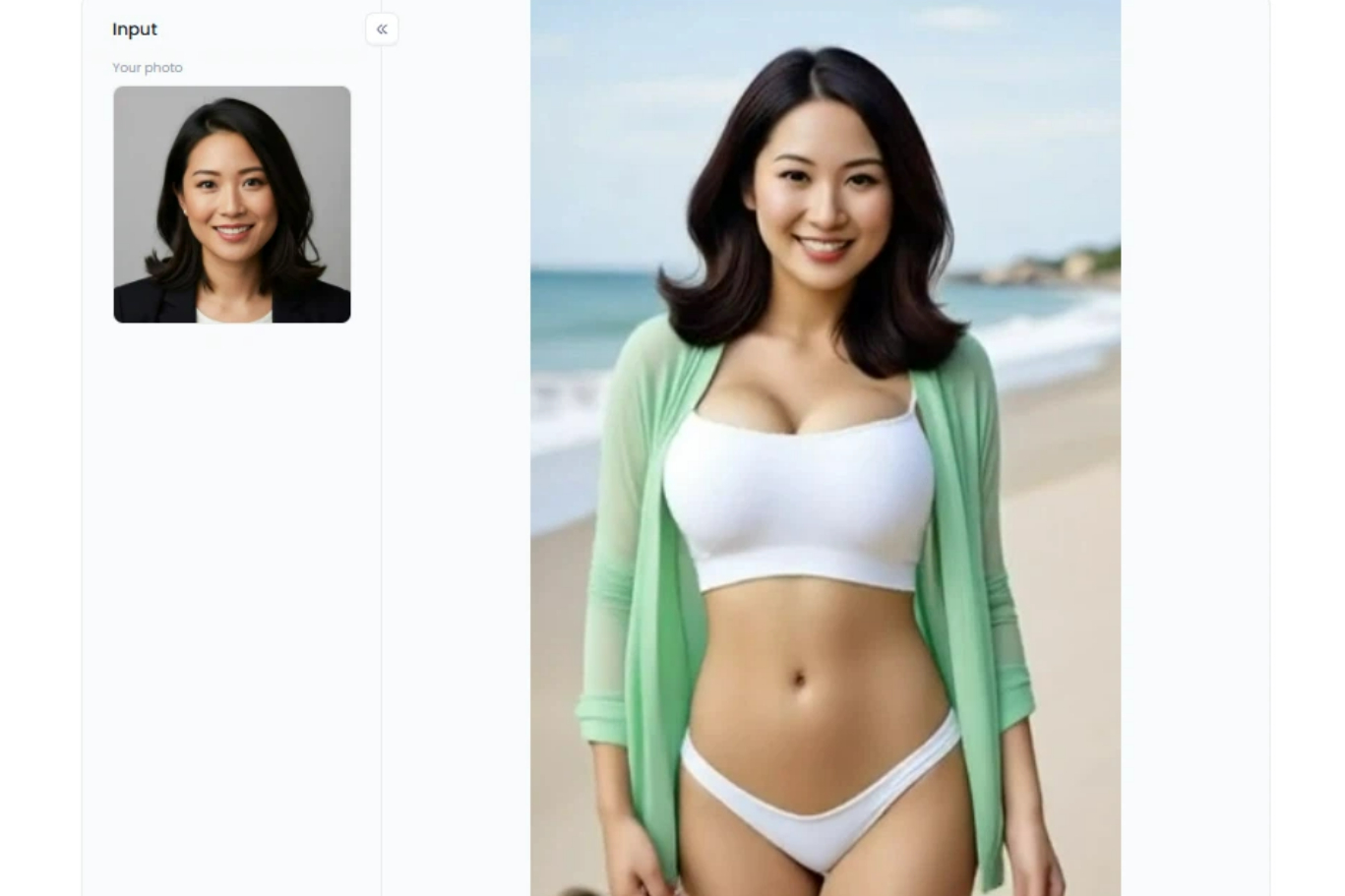
Click the image to generate your AI Videos at a1.art
No.5 InVideo AI – Best AI Video Maker for Marketing
InVideo AI is designed for creators who want to produce complete marketing videos quickly.
Instead of generating only short clips, the platform can automatically generate:
-
Video scripts
-
Voiceovers
-
Scene transitions
-
Stock footage
-
Captions
This makes it one of the most efficient AI video maker platforms for social media and YouTube content.
Key Features
-
Prompt-based video generation
-
Marketing video templates
-
AI voice generation
-
Automatic subtitles
Why It’s Better Than Dovideo
Unlike Dovideo, InVideo can generate longer videos ready for publishing.
No.6 Canva AI – Best Beginner AI Video Tool
Canva has recently introduced AI video generation features within its Magic Studio ecosystem.
Users can generate AI clips and then edit them inside Canva’s visual editor.
Because Canva is already widely used by creators and marketers, it has become one of the most accessible sites like Dovideo.
Key Features
-
AI video generation
-
Drag-and-drop editing
-
Social media templates
-
Built-in design tools
Why It’s Beginner Friendly
Canva combines AI generation with traditional video editing, making it easier for beginners to create polished videos.
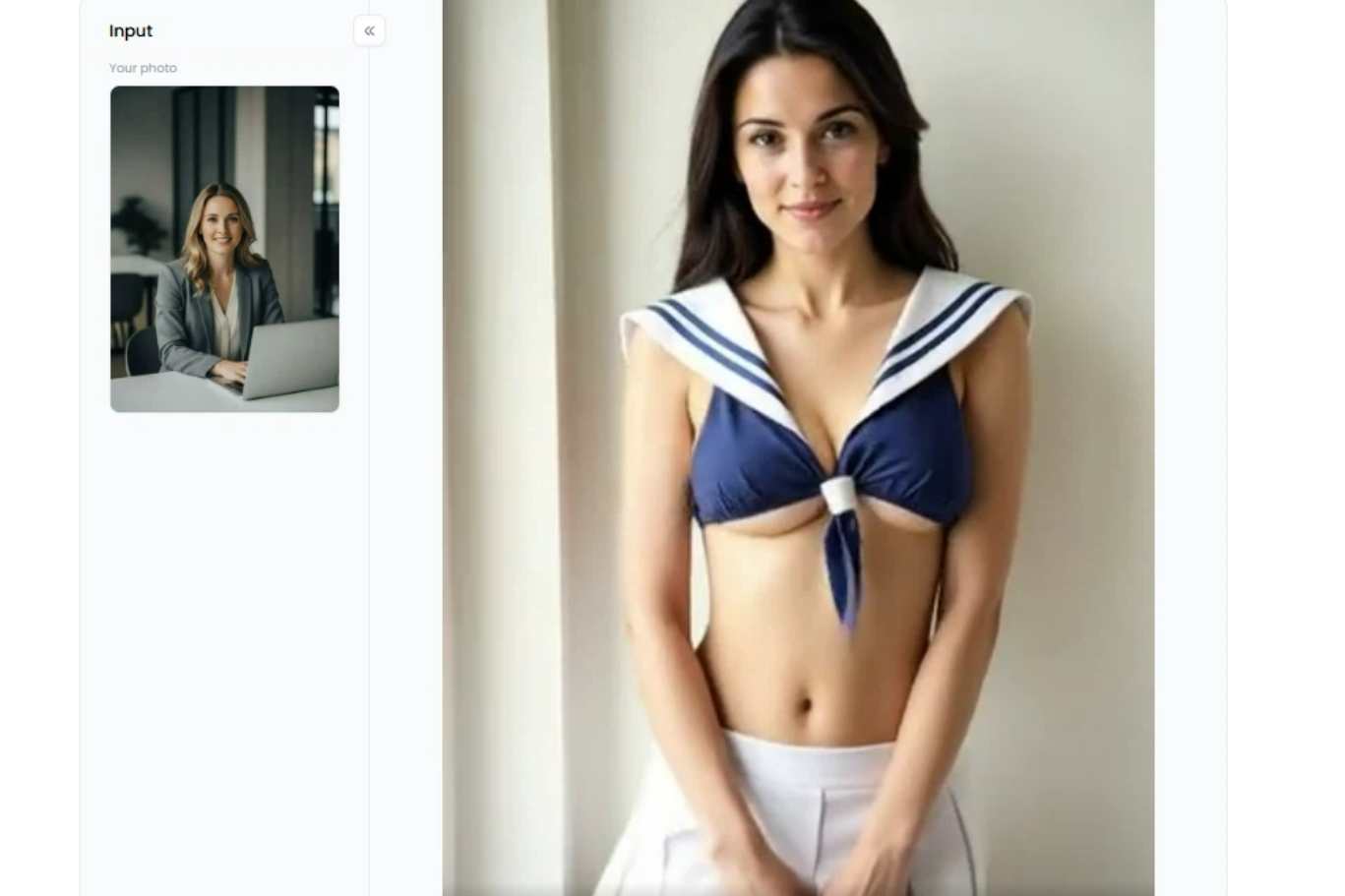
Click the image to generate high-quality AI videos with a1.art
AI Video Generator Comparison
Here is a quick AI video generator comparison to help you understand the differences between these tools.
| Tool | Best For | Core Feature |
| Dovideo | Quick AI clips | Simple prompt video generation |
| Runway ML | Professional creators | Cinematic AI video generation |
| Pika Labs | Creative animation | Camera and style control |
| a1.art | Artistic videos | Image to video AI filters |
| Synthesia | Business videos | AI avatar presenters |
| InVideo AI | Marketing videos | Script-to-video workflow |
| Canva AI | Beginners | AI + drag-and-drop editor |
Step-by-Step guide: How to Generate AI Videos with a1.art
One of the biggest advantages of a1.art is its flexible and creative approach to AI video generation. Unlike many traditional AI video maker tools, a1.art allows users to create videos using ready-made AI apps or even build their own custom AI generation tools.
1. Use Ready-Made Video AI Apps
On the a1.art platform, users can browse a wide range of video AI apps designed for different visual styles and effects.
Each AI app provides a clear before-and-after preview, showing how the generated video will look after processing. This makes it easy for users to quickly choose the effect they want. To generate a video, users simply need to:
-
Choose a video AI app on the platform, as the queen has arrived, Baby riding a camel, Attractive beauty hot girl, and so on.
-
Upload their own photo
-
Click generate
-
The system will automatically transform the uploaded image into an animated video with the selected visual effect.
Click the image to use Ready-Made Video AI Apps ar a1.art to generate videos
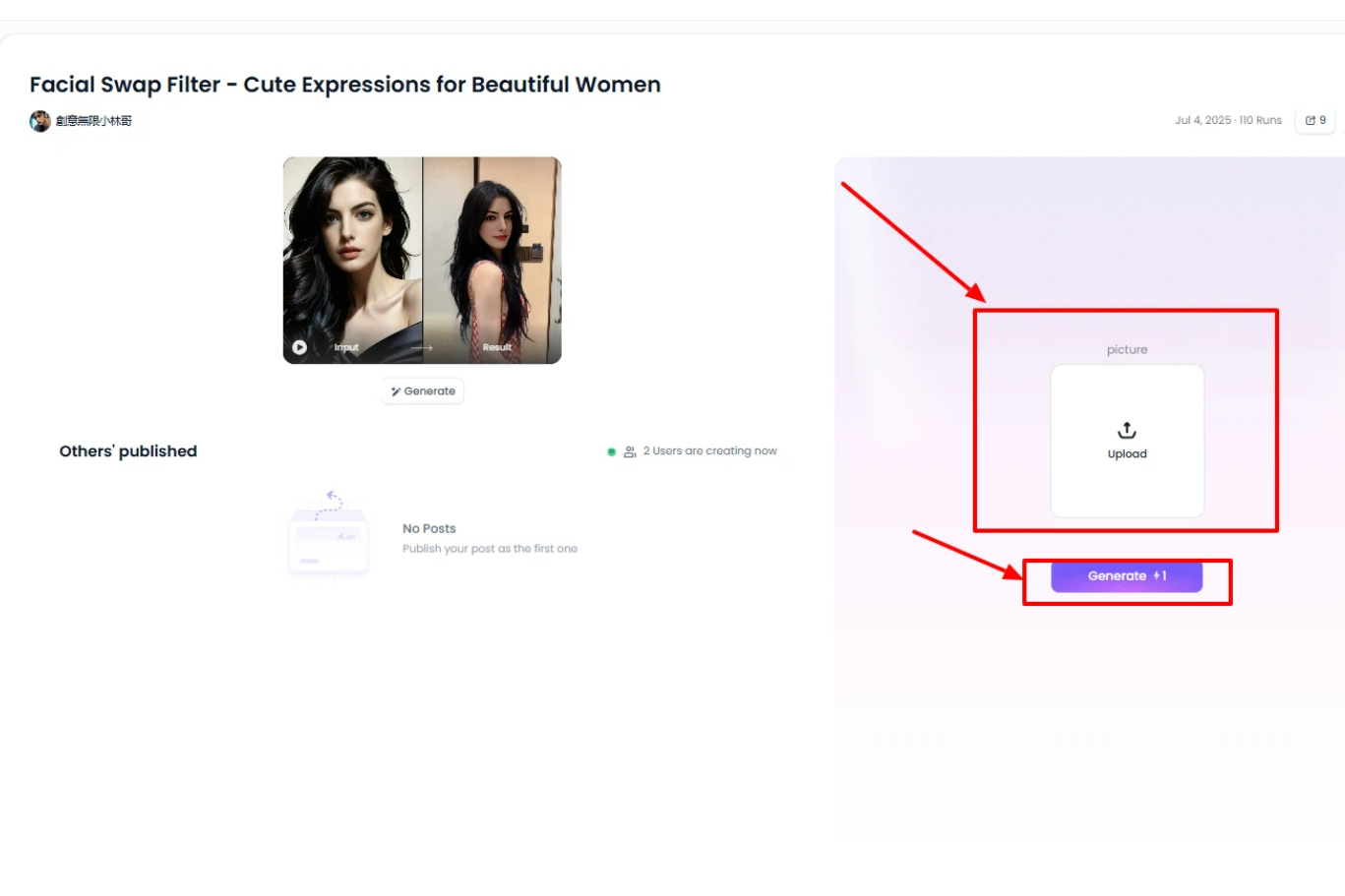
Because different apps provide different styles and animation effects, creators can easily experiment with various image-to-video AI transformations.
2. Create Your Own Custom AI App
Another powerful feature of a1.art is the ability to create your own AI app. Users can design a custom generation workflow by:
-
Writing a description of the desired visual effect
-
Uploading reference images
-
Defining the style or transformation they want
The platform then creates a personalized AI app that can generate videos based on those instructions.
This approach makes the platform far more flexible than many other AI video generator tools 2026, allowing creators to produce unique visual effects tailored to their needs.
For designers, artists, and content creators, this customization capability provides a powerful way to experiment with new styles and generate highly personalized AI videos.
FAQ About Dovideo and AI Video Generators
What are the best Dovideo alternatives in 2026?
Some of the best Dovideo alternatives available in 2026 include Runway ML, Pika Labs, a1.art, Synthesia, InVideo AI, and Canva AI. These platforms offer advanced features such as cinematic AI video generation, AI avatars, marketing automation, and creative visual filters.
Compared with Dovideo, many of these tools provide longer video output, better rendering quality, and more customization options.
Are there free sites like Dovideo?
Yes, there are several sites like Dovideo that offer free plans or free credits.
For example:
-
a1.art provides daily free credits for generating AI creative content.
-
Canva AI allows users to experiment with AI video tools inside its design platform.
-
Some AI platforms also provide trial credits for testing video generation features.
Free plans usually have limitations, such as lower resolution or limited generation credits.
What is the best AI video maker for beginners?
The best AI video maker for beginners is typically one that combines simple controls with powerful AI generation.
Platforms like Canva AI and a1.art are beginner-friendly because they provide easy interfaces, templates, and AI-assisted workflows.
These tools allow users to create AI-generated videos without needing advanced editing skills.
How does text-to-video AI work?
Text-to-video AI uses machine learning models to convert written prompts into animated video scenes.
The AI analyzes the text description, generates images or frames based on the prompt, and then creates motion between those frames to form a video.
This technology allows creators to produce videos simply by describing scenes, characters, or environments.
What is image-to-video AI?
Image-to-video AI is a technology that transforms static images into animated video clips.
The AI adds motion, camera movement, and environmental effects to bring the image to life.
Many modern AI video generator tools 2026 support both text-to-video and image-to-video workflows.
Final Thoughts
Dovideo is a useful starting point for exploring AI-generated videos, especially for beginners experimenting with text to video AI and image to video AI.
However, as AI technology evolves, many creators are turning to more advanced tools.
The best Dovideo alternatives today include:
-
Runway ML
-
Pika Labs
-
a1.art
-
Synthesia
-
InVideo AI
-
Canva AI
Each platform offers unique strengths, from cinematic AI video generation to marketing automation and creative visual effects.
As the ecosystem of AI video generator tools continues to grow in 2026, creators now have more opportunities than ever to produce professional video content using AI.
Read more
- How to Make NSFW AI Videos Online for Free?
- AI Stripper Generator: Create Uncensored Sexy Photos Free Online
- Generate 18dart3 Style Images with AI Free Online
- How to Create Free NSFW Uncensored AI Videos? The Ultimate No-Limit Guide
- Free AI Animals Generators You Can Try Online
- Top Deepsukebe Alternatives for AI Nudifier Tools
- Best Free AI Undress Video Editor Tools in 2026
- Best Joyful AI Alternatives for Realistic AI Face Swap Videos
- 8 Best Cumshot Editors to Create Videos from Photos
- 8 Best DeepNude Alternatives to Generate AI Photo & Video
Written by

a1.art
Published on
Mar 18, 2026
Share article


