


Get Textured Videos & Images without Prompt
a1.art offers a large number of filters, allowing you to easily obtain AI videos or images without prompts.

Input
Result
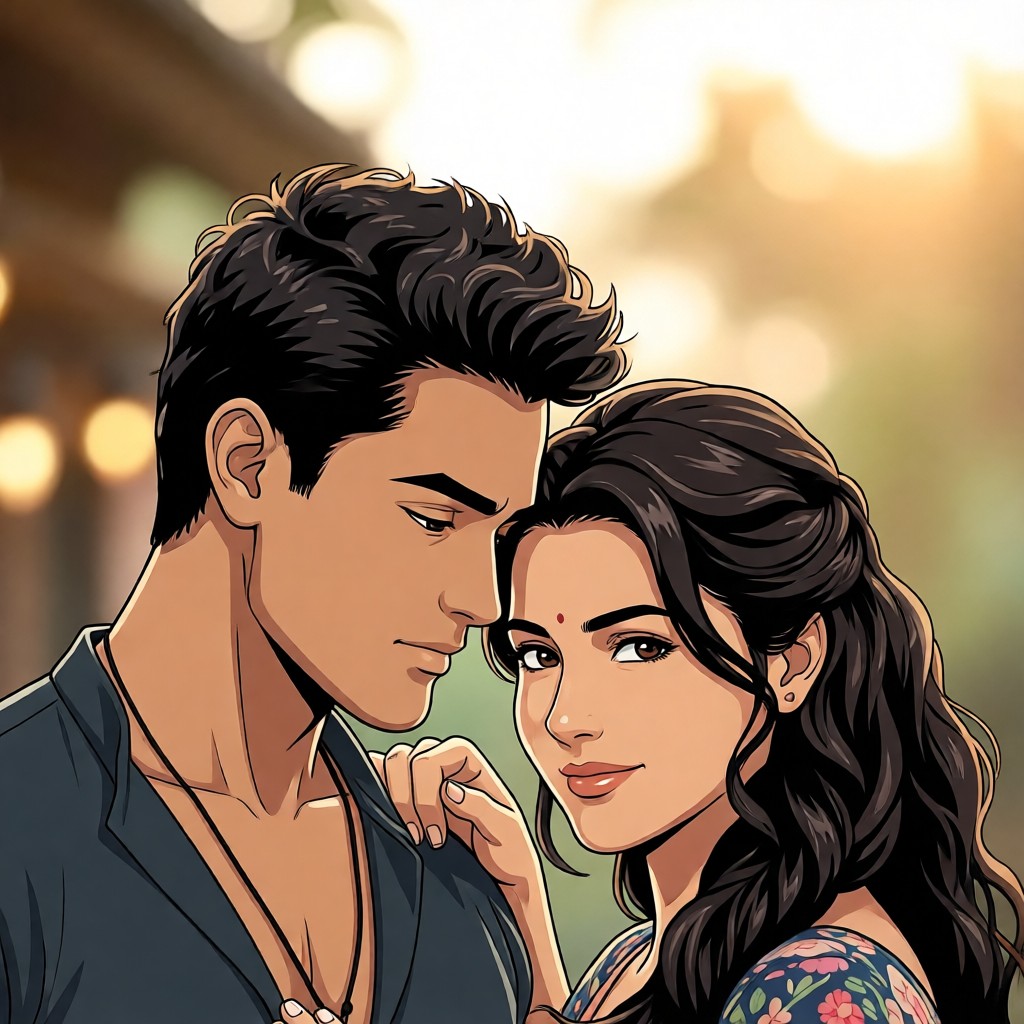
Textured Cartoon Filter丨Group Filter
 CC
CC 583.6k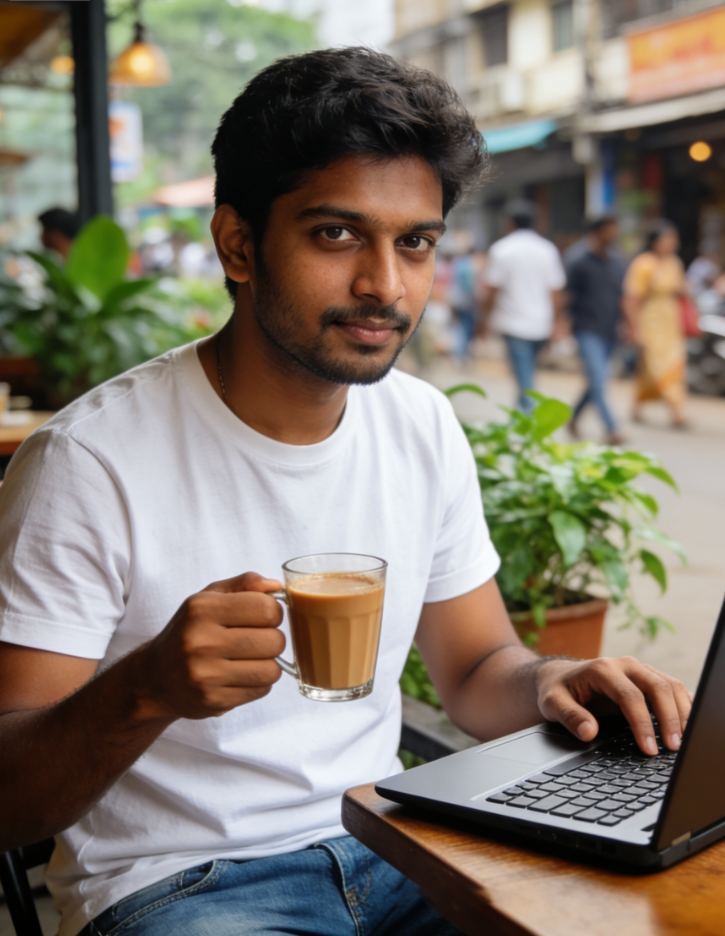
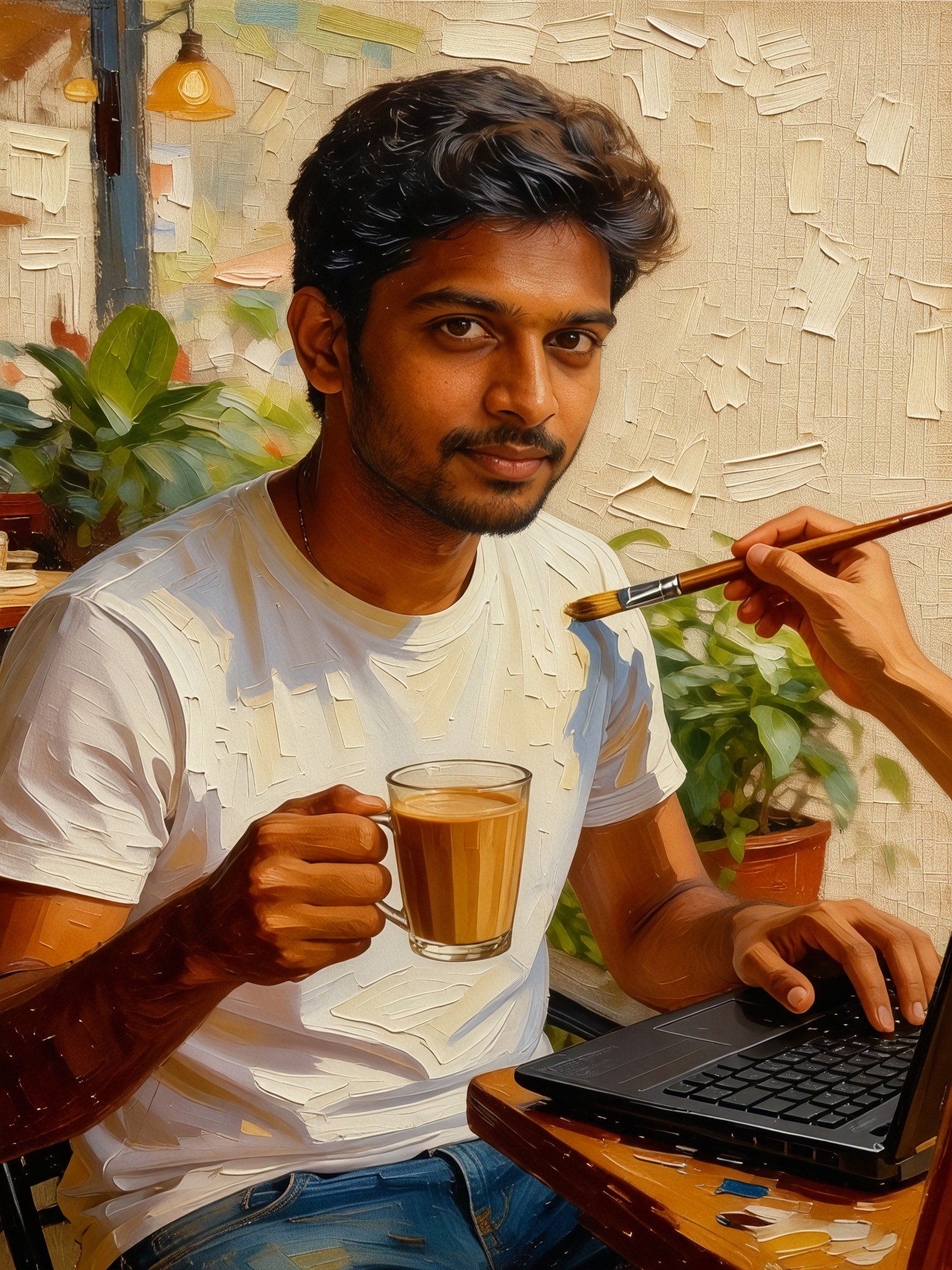
Input
Result
Realistic oil painting textured portrait
 Vihann42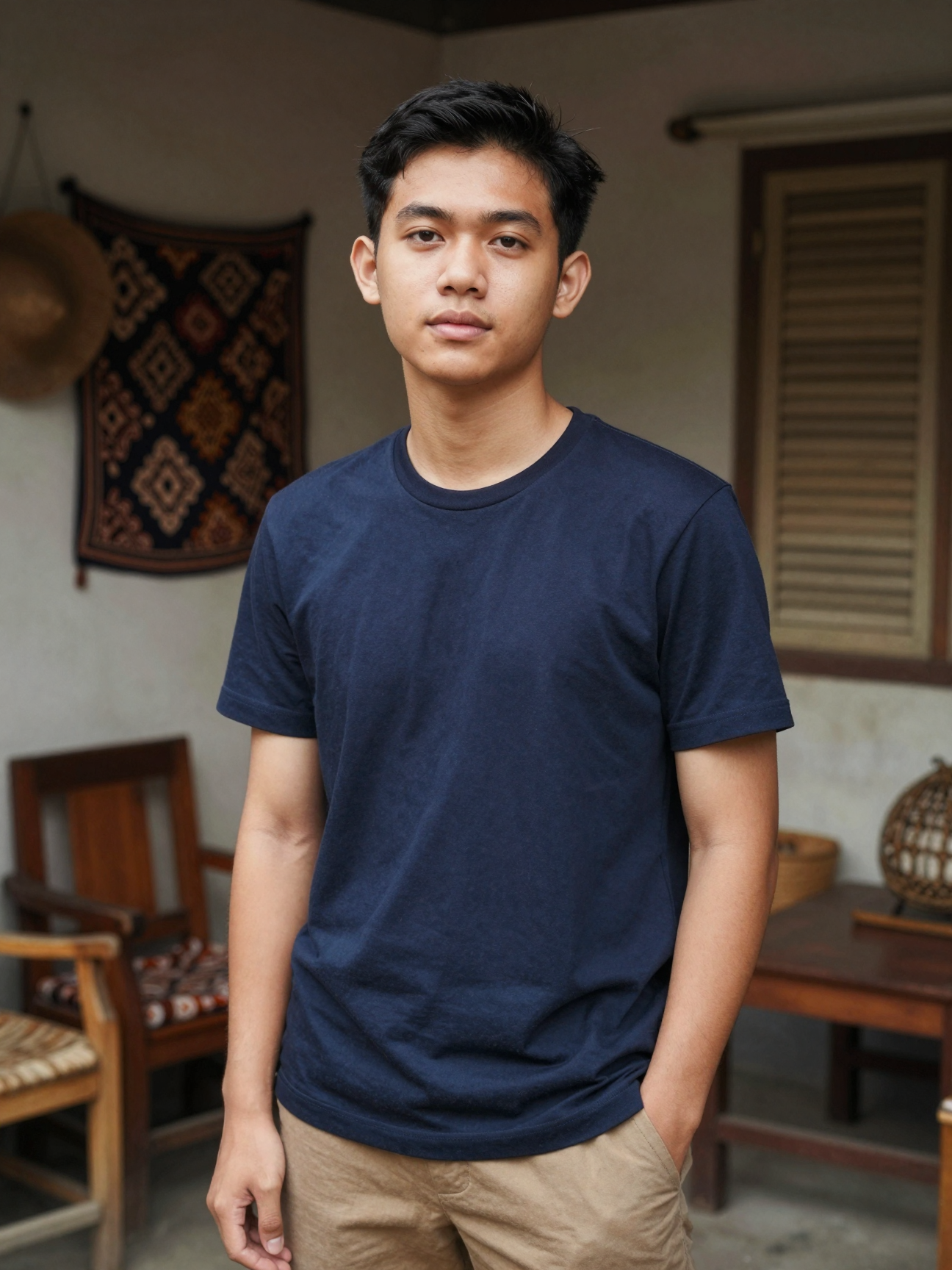
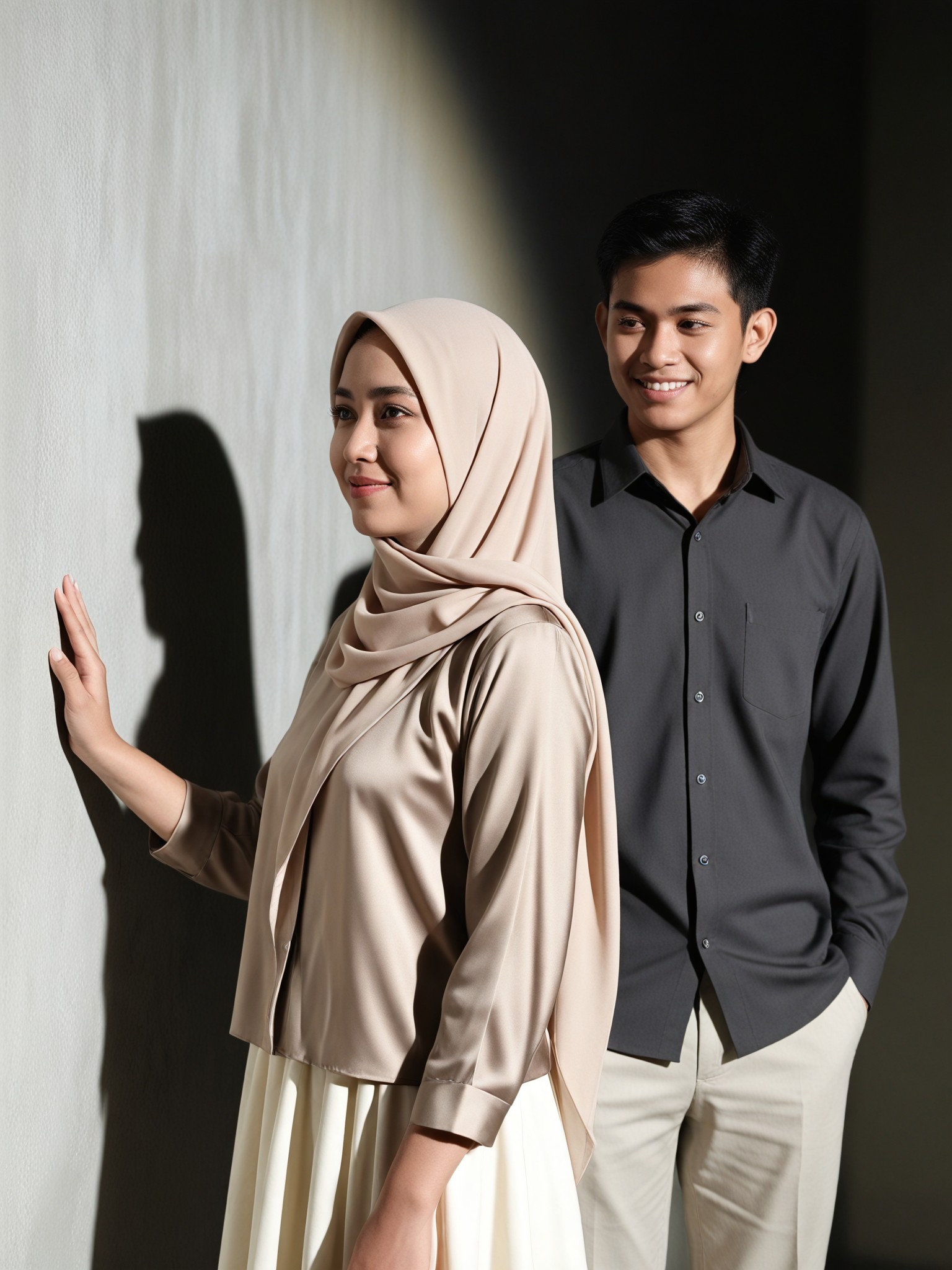
Input
Result
Textured Side Portrait
 艺术创作家39
1女孩,短发,
奔跑
书包

Input
Result
text-to-image
o
o202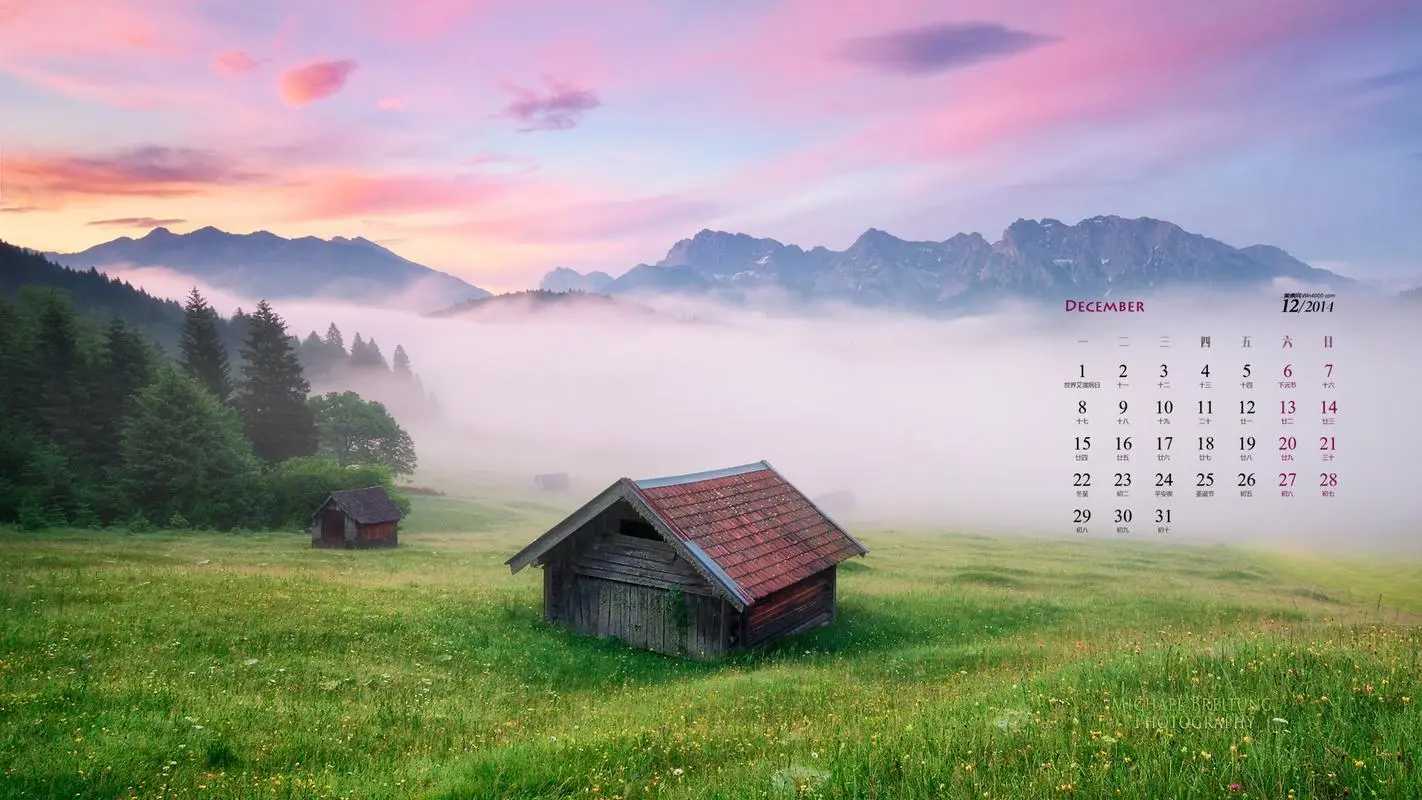
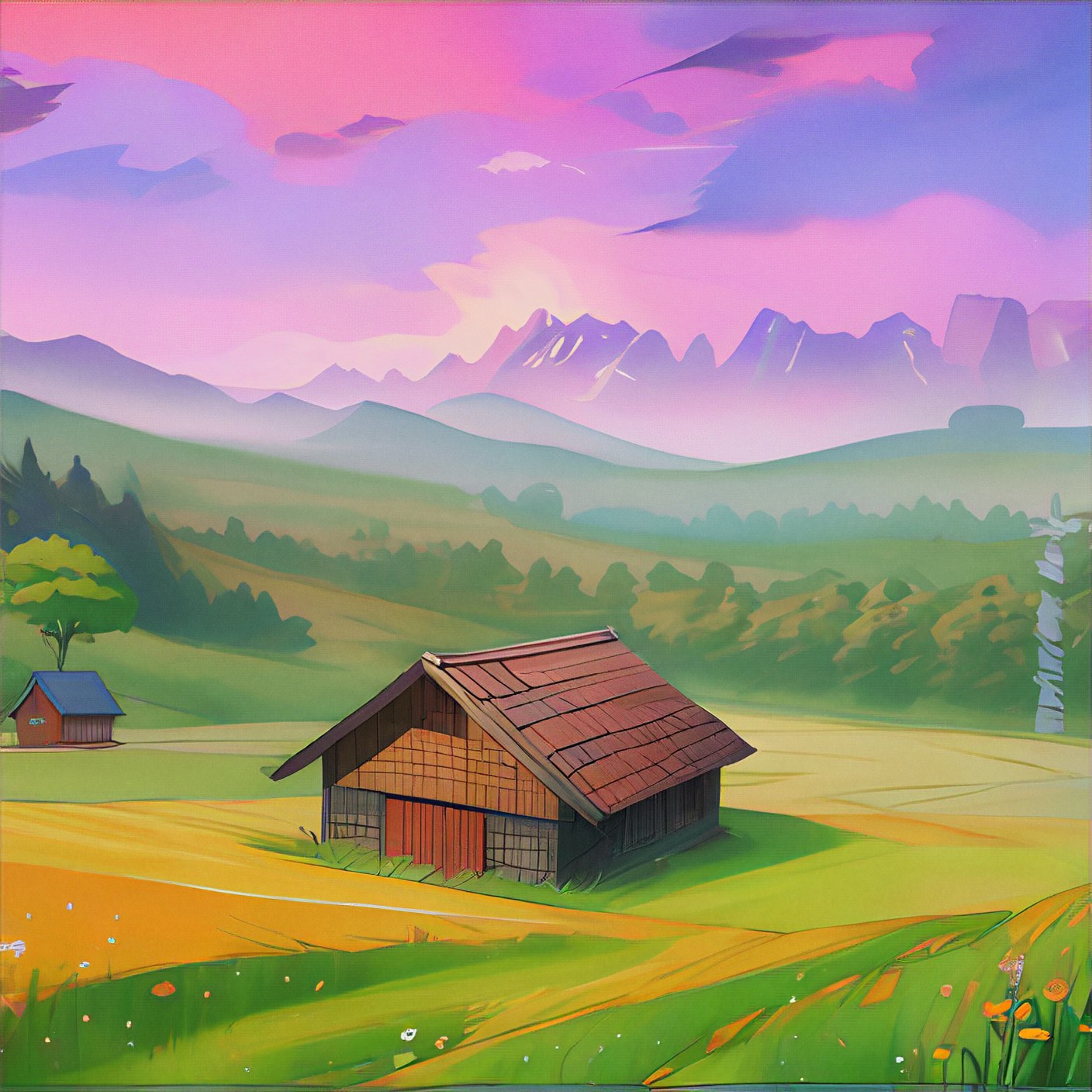
Input
Result
free image-to-image
o
o389

Input
Result
TGG-证件照
T
TGG4.7k

Input
Result
Pink filter
 winter solstice2.3k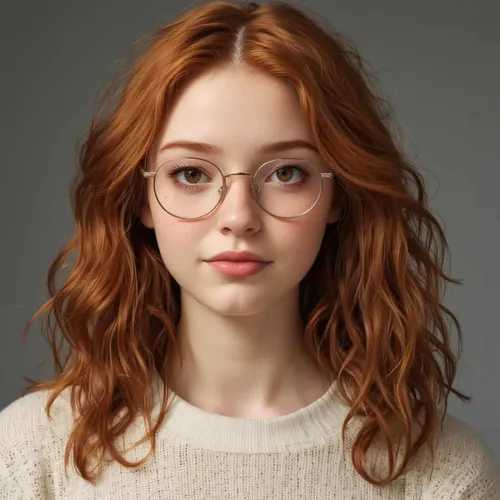
Input
Result
Art style
 Devinci. art279
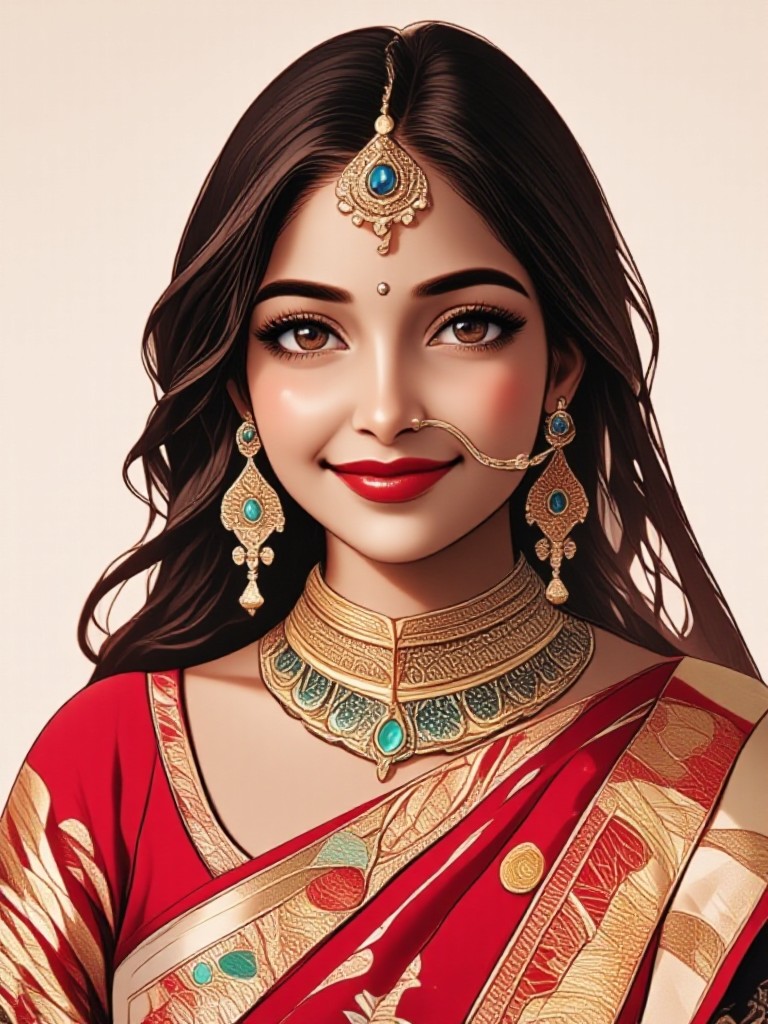
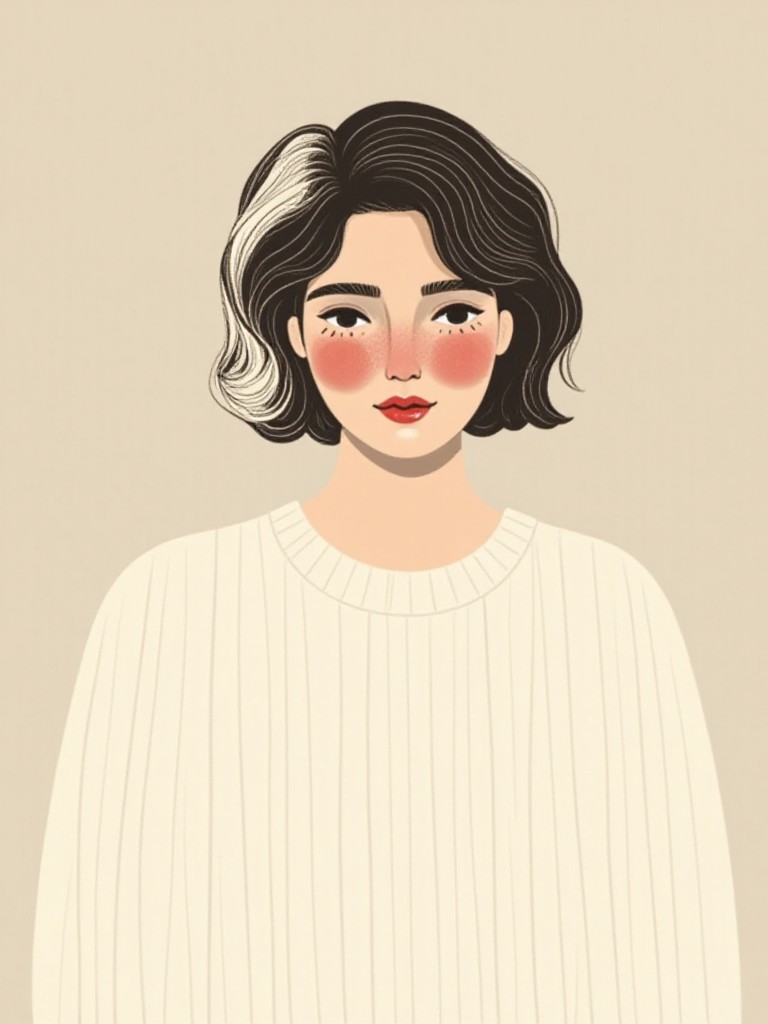
AI Generated Textured Images & Videos
Discover unique and innovative Textured images and videos created with a1.art Textured prompts.



How to Make Textured AI Image & Video on a1.art?
Step into the future of AI Textured video and image creation on a1.art.

Step 1
Select the style you want to apply in the Square.

Step 2
Upload the image you want to transform. It can be a photo, hand-drawn sketch.

Step 3
Wait a few seconds and you can easily get your unique AI Textured art. Download for free!
FAQ about Textured AI Prompt on a1.art
Discover the secrets to creating Birthday Day videos and images at a1.art.
What types of textures can I create with a1.art?
a1.art allows you to generate a wide range of textures, including natural elements like wood, stone, and water, as well as man-made materials like metal, leather, and concrete. You can also explore abstract and artistic textures for unique visual effects.
Can I use textured AI prompts for both images and videos?
Yes, a1.art supports both image and video generation. You can choose from our curated set of textured prompts to create stunning visuals for either format, ensuring consistency across your projects.
How do I access the textured AI prompts?
Accessing textured AI prompts is simple. Just log in to a1.art, select your preferred prompt from our library, and apply it to your image or video creation process. No technical expertise is required!
Are there any limitations on using textured AI prompts?
There are no strict limitations on using textured AI prompts. However, we recommend exploring our diverse collection to find the perfect texture for your project. Additionally, our daily free credits and subscription plans provide flexibility for frequent users.
Can I customize the texture in my generated visuals?
While our textured AI prompts provide a starting point, you can further customize the texture by adjusting settings or combining multiple prompts. This allows you to achieve the exact look and feel you desire for your visuals.


