


Get Textured Coat Videos & Images without Prompt
a1.art offers a large number of filters, allowing you to easily obtain AI videos or images without prompts.
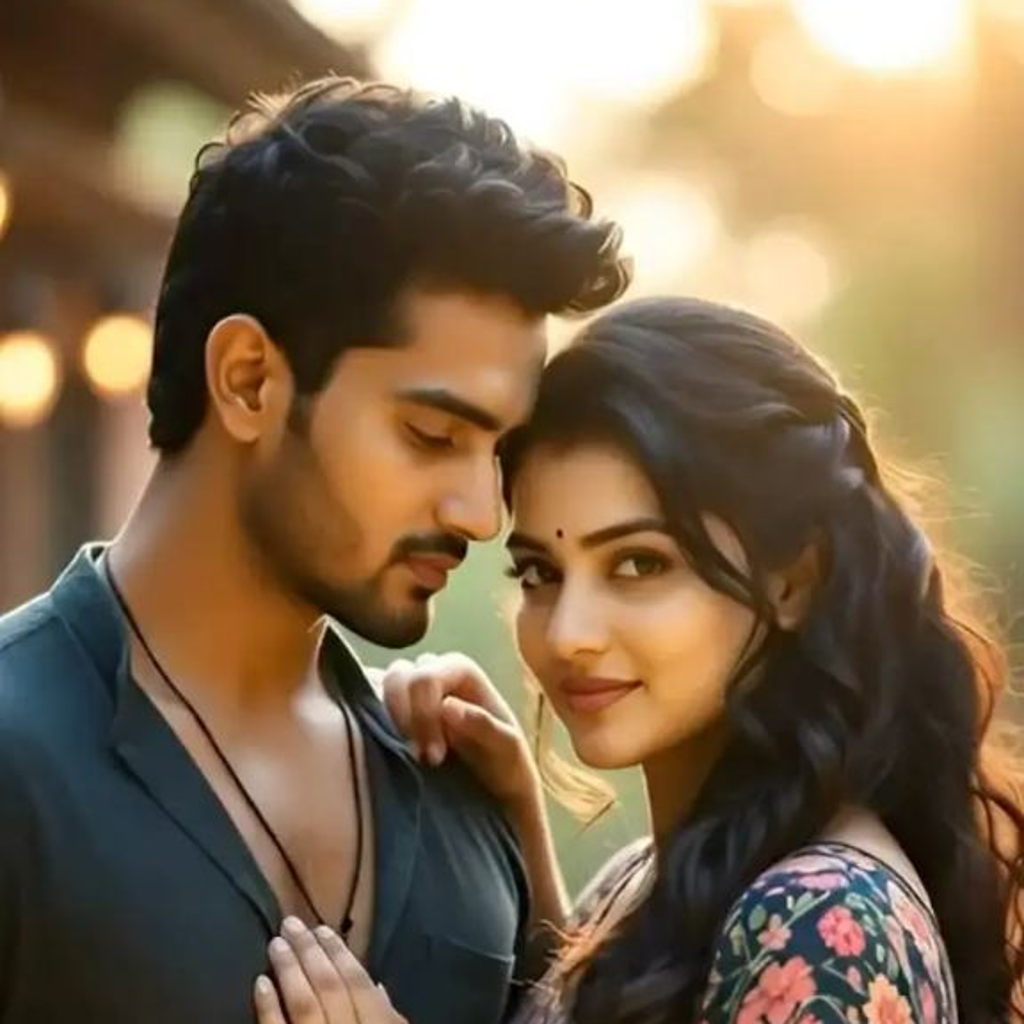
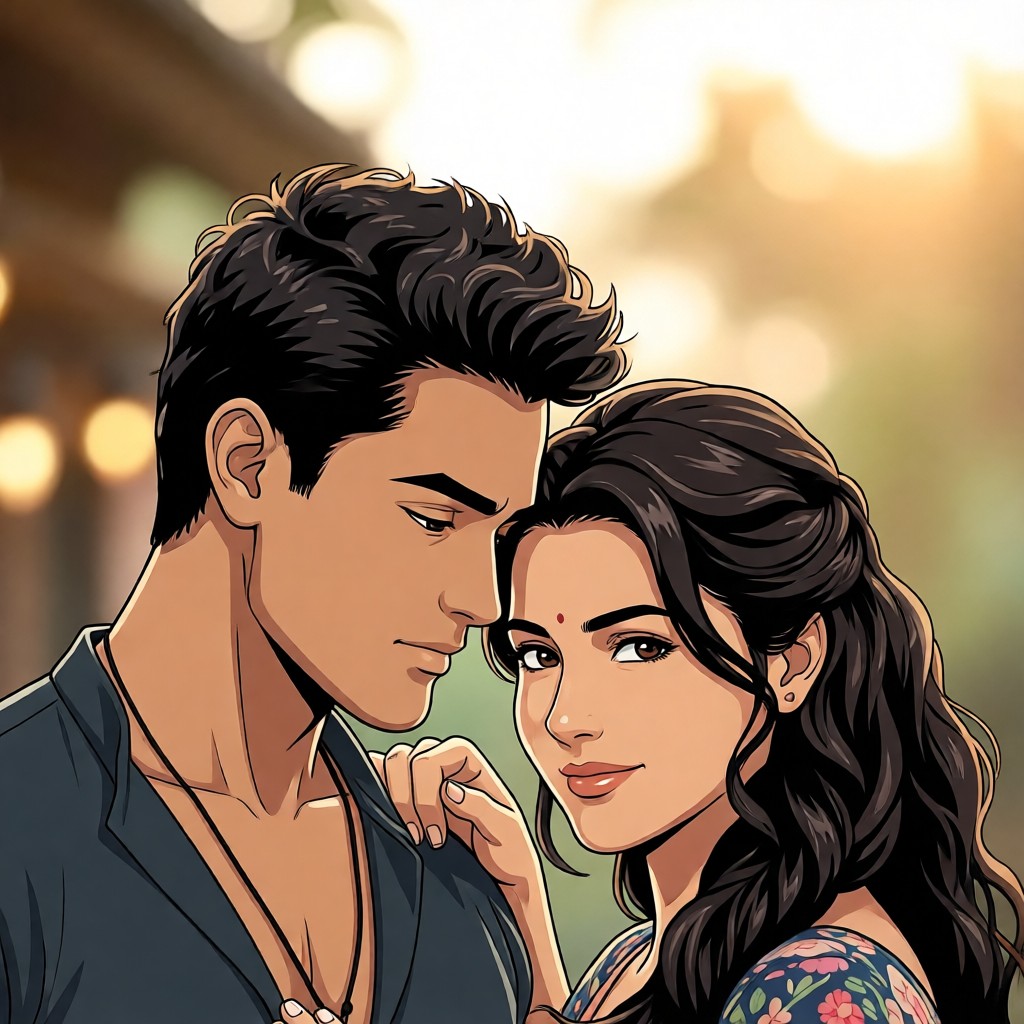
Input
Result
Textured Cartoon Filter丨Group Filter
 CC
CC 583.6k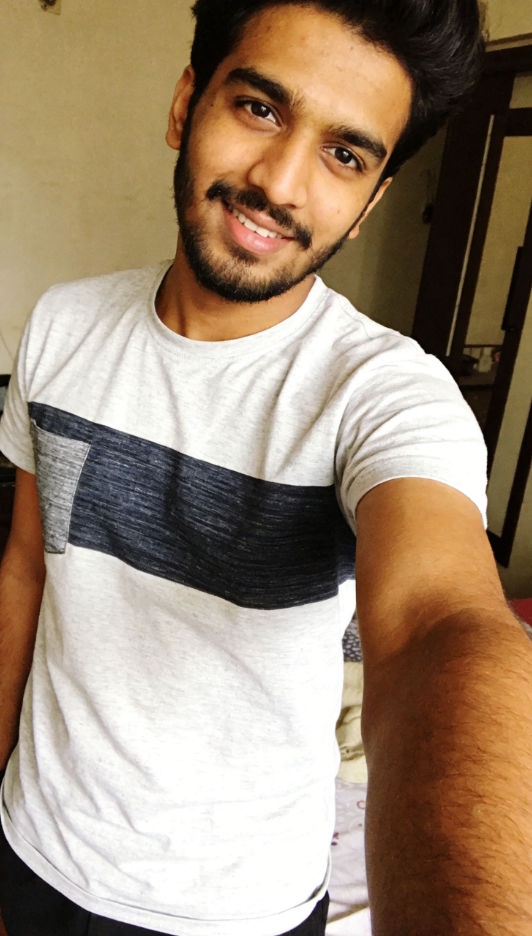
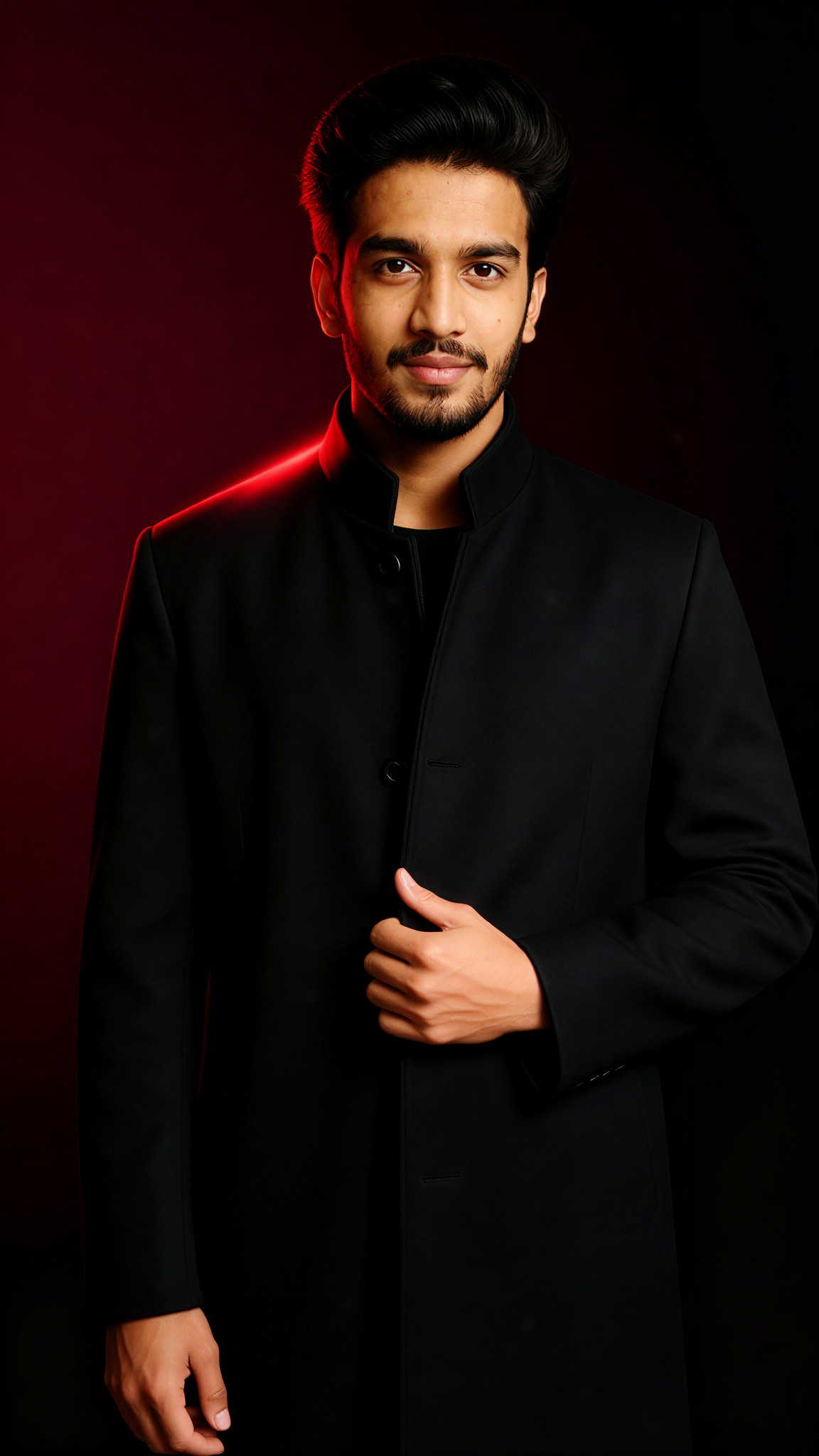
Input
Result
Dark Coat
 艺术创作家331
Input
Result
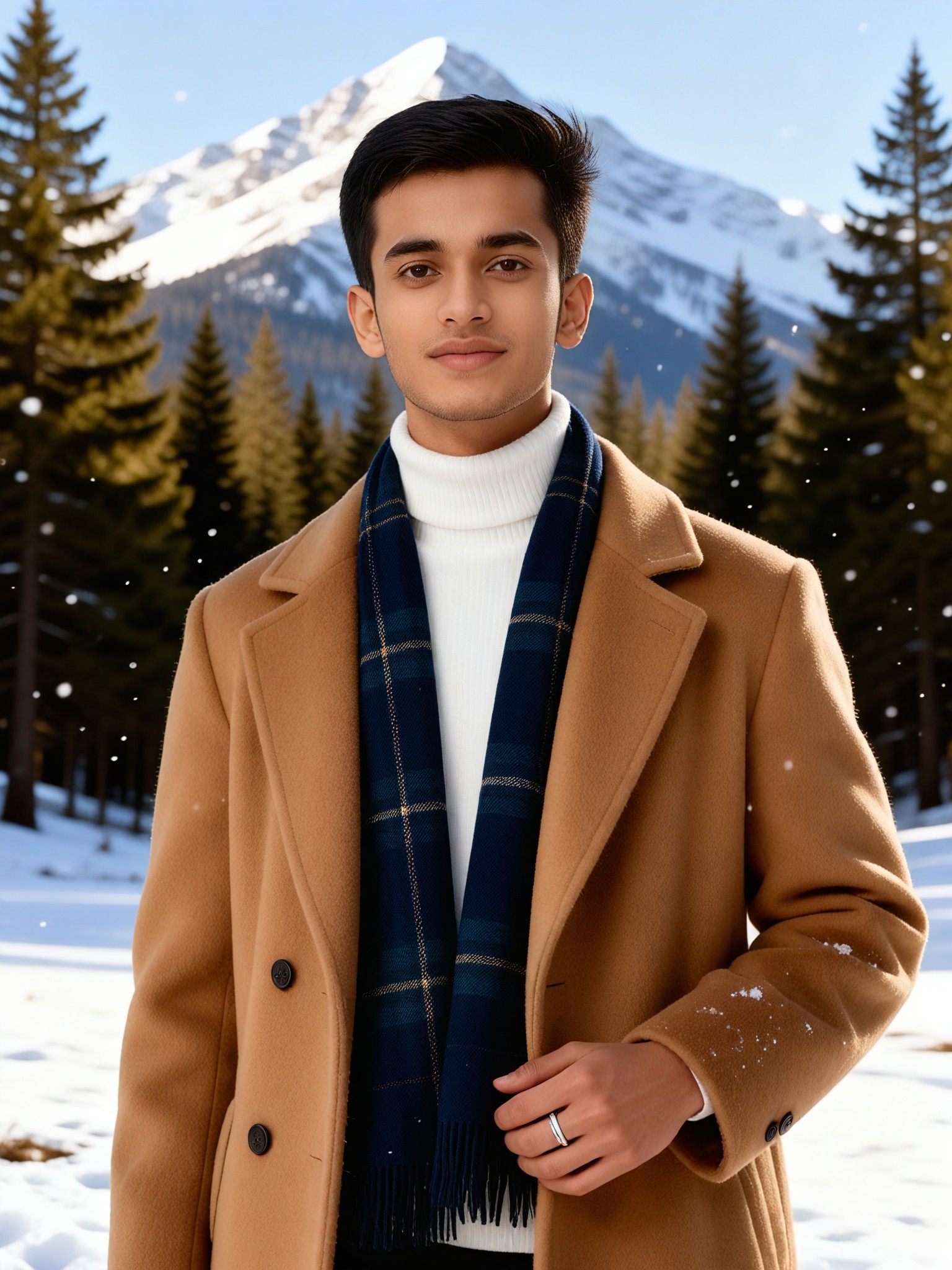
Winter noble style camel coat boy
 艺术画家260
Input
Result
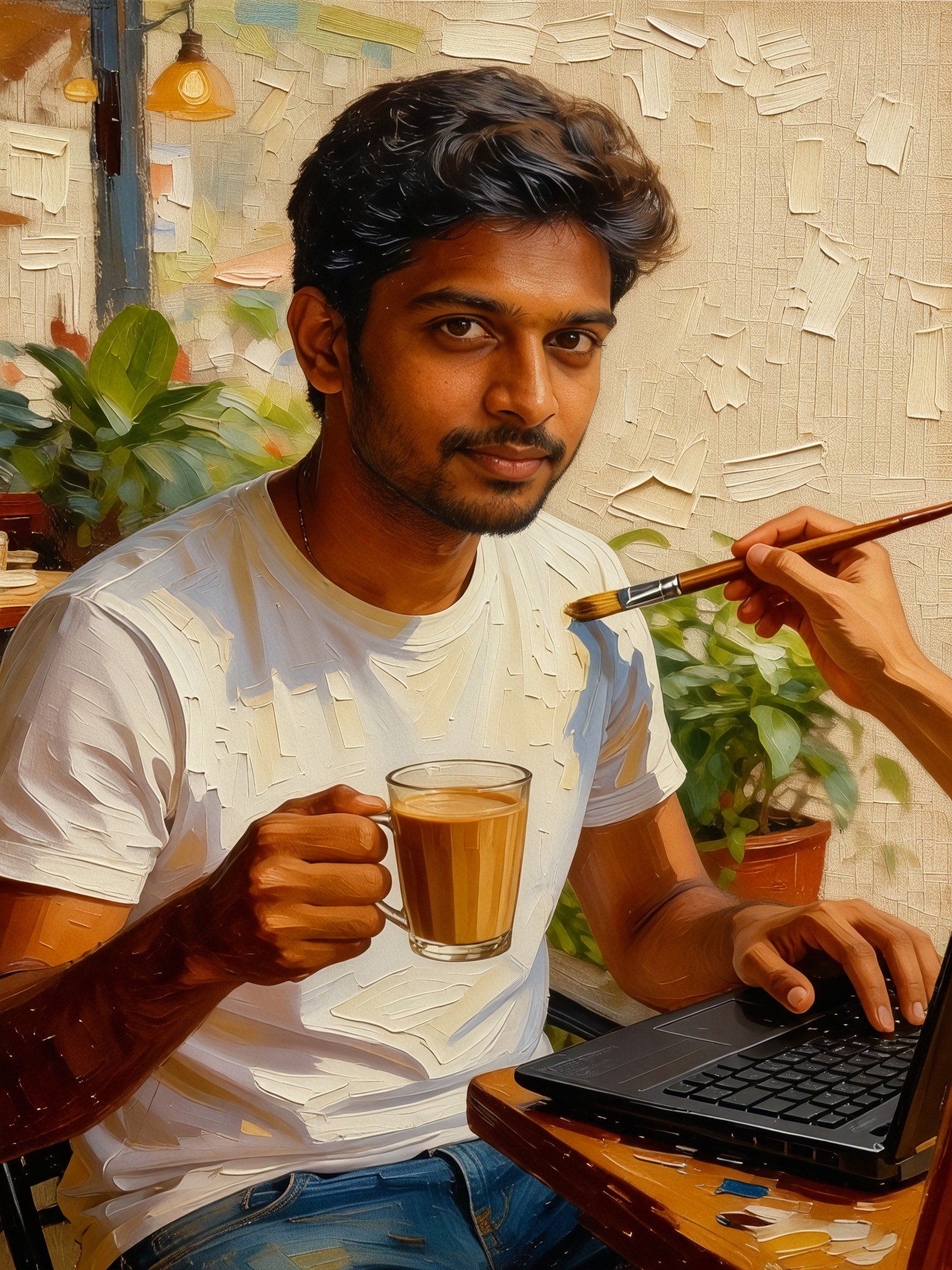
Realistic oil painting textured portrait
 Vihann42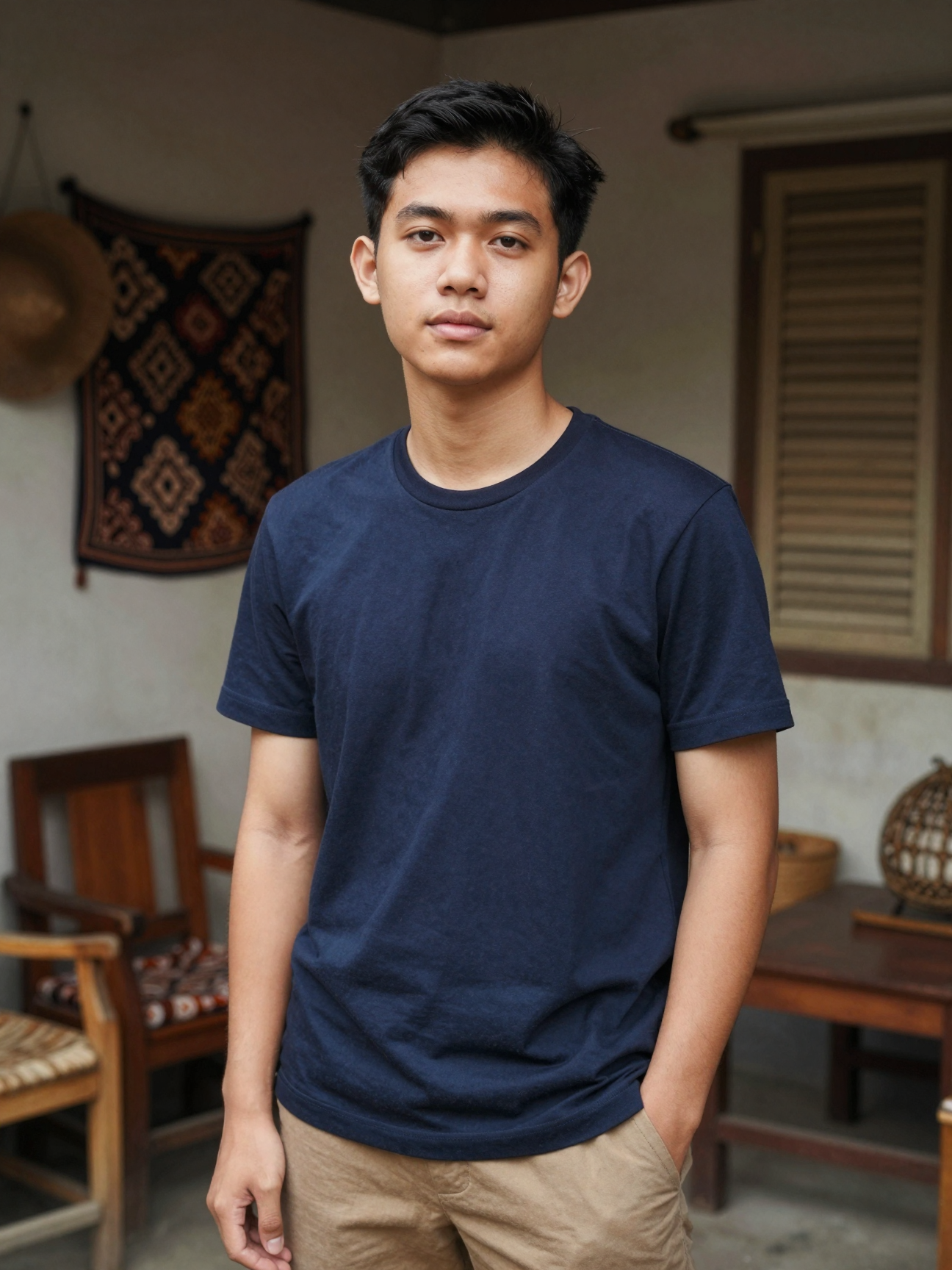
Input
Result
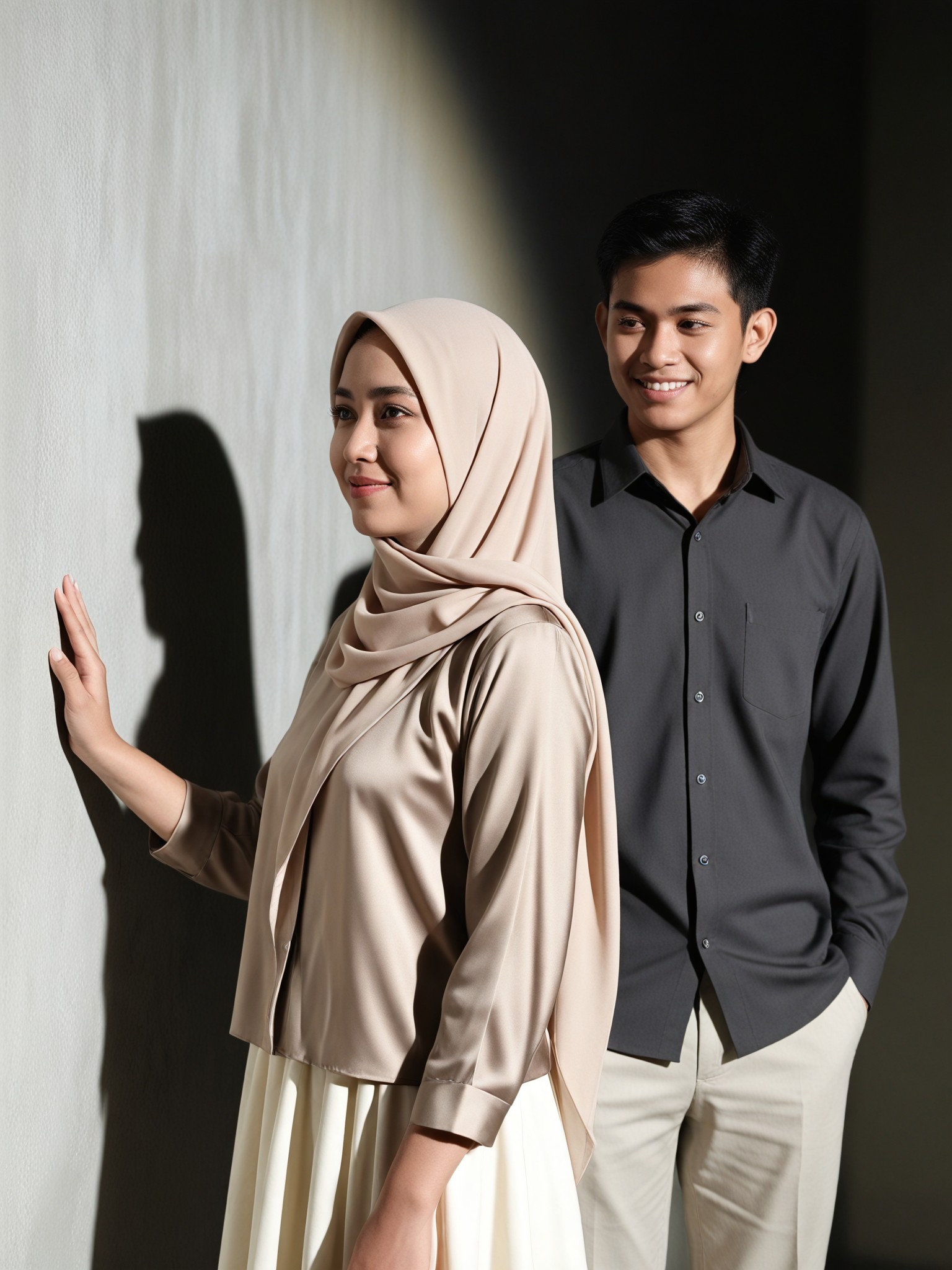
Textured Side Portrait
艺术创作家39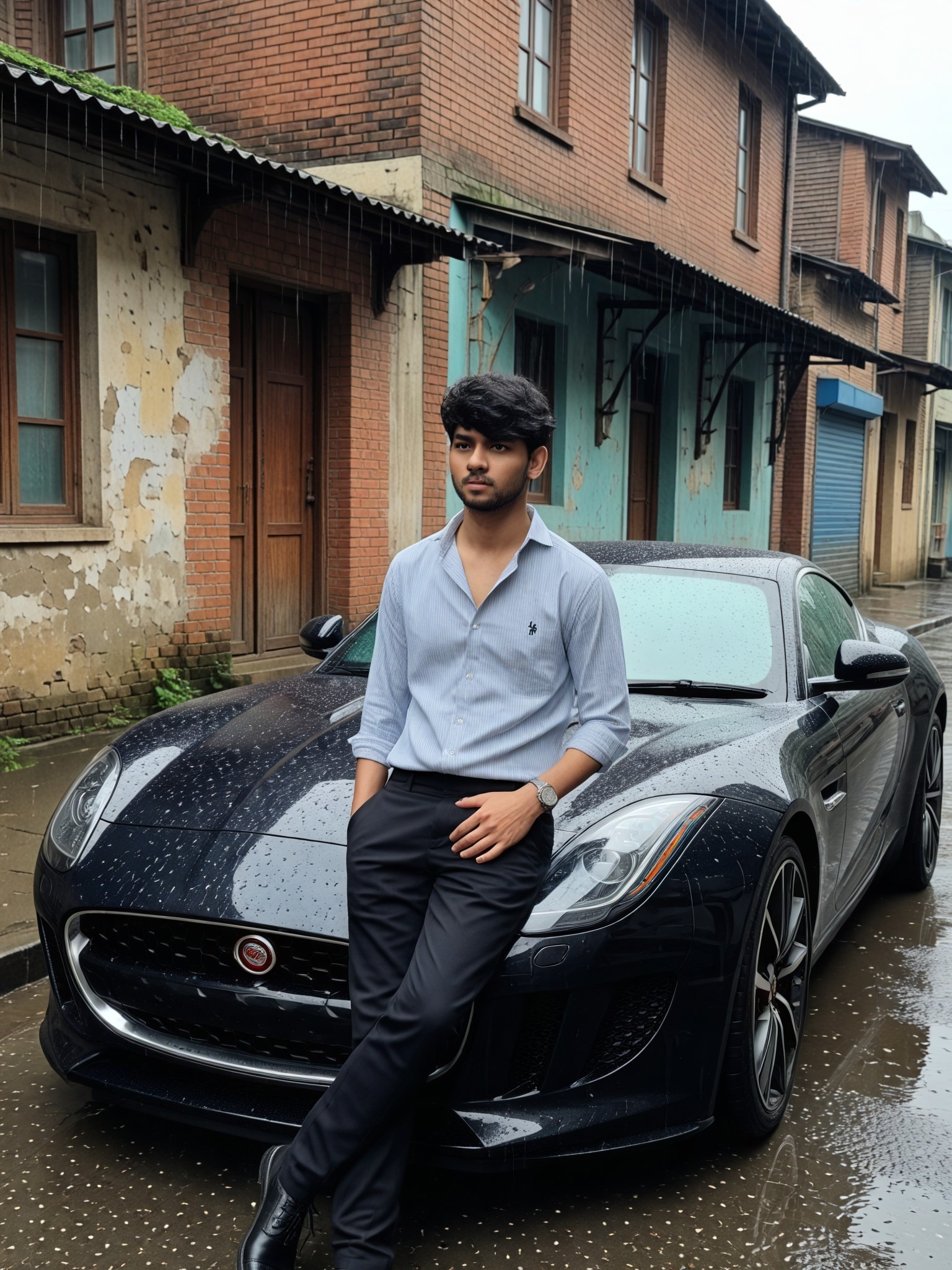
Input
Result
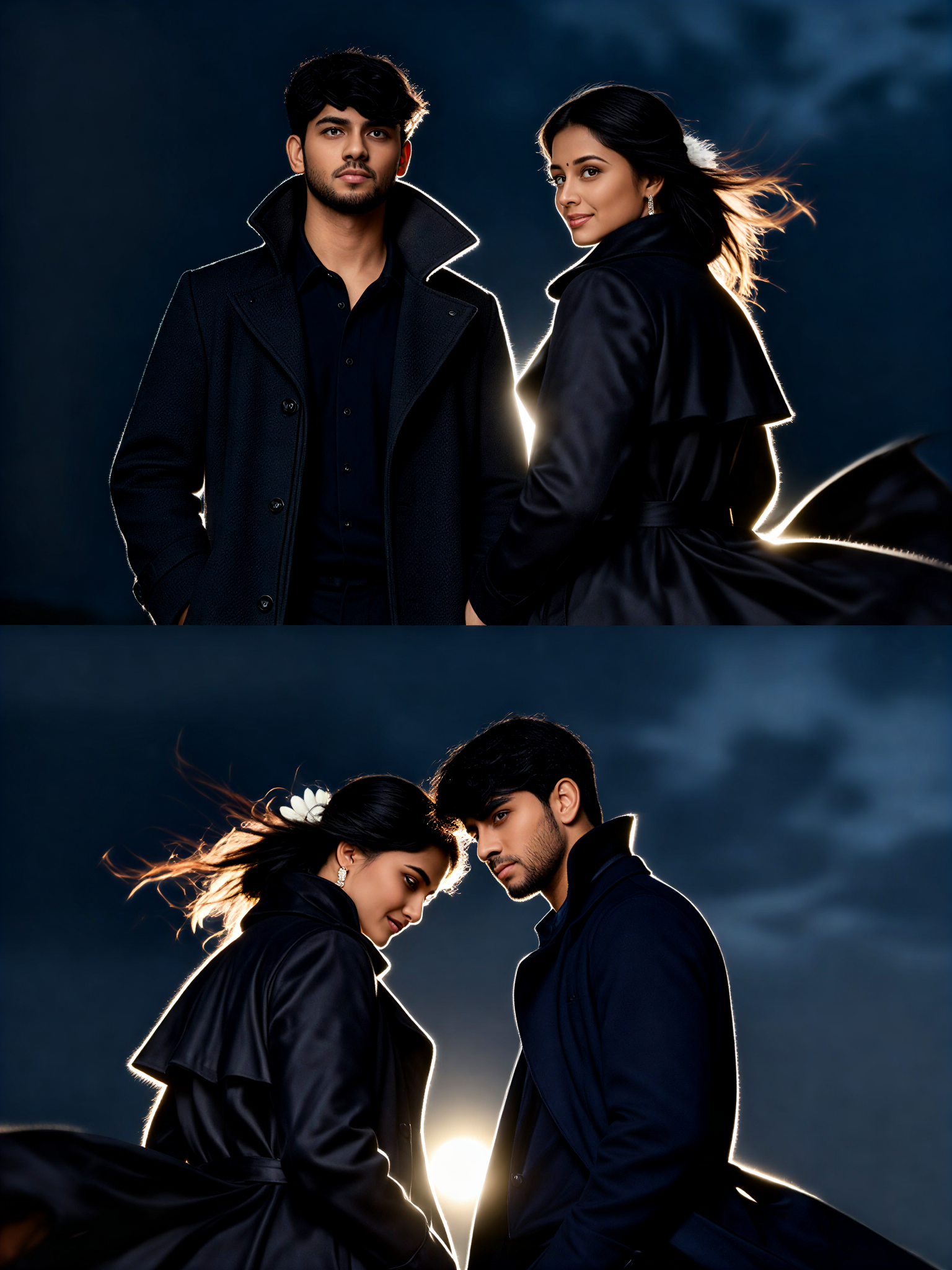
Cinematic Coat Couple Grid
艺术画家20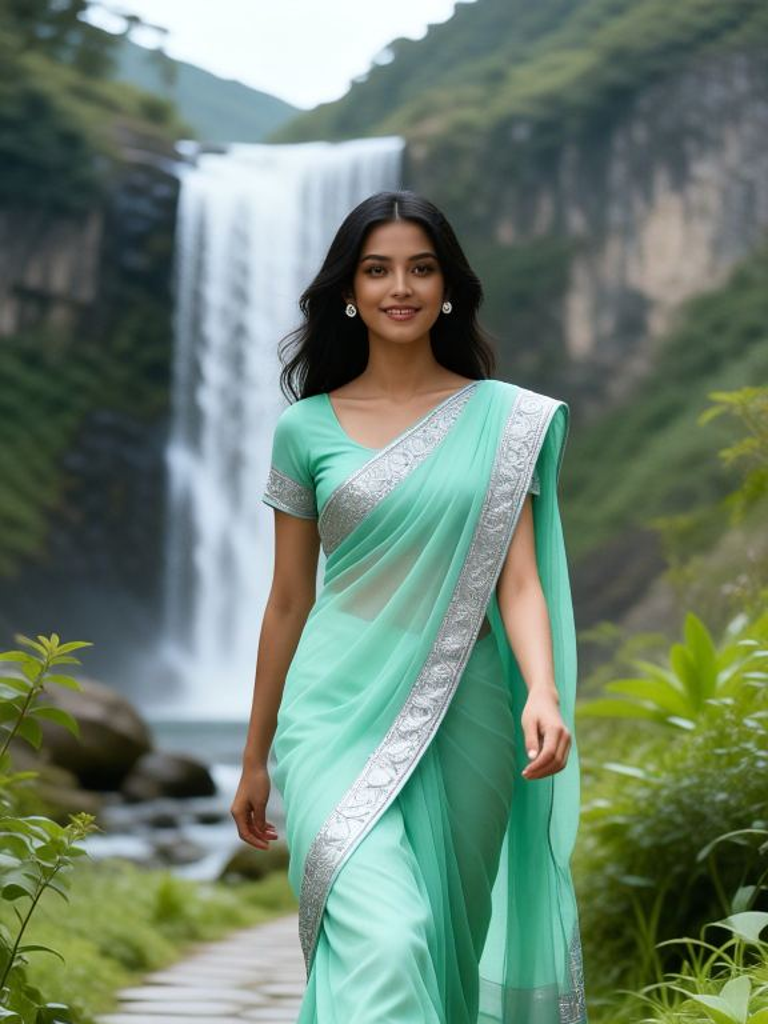
Input
Result
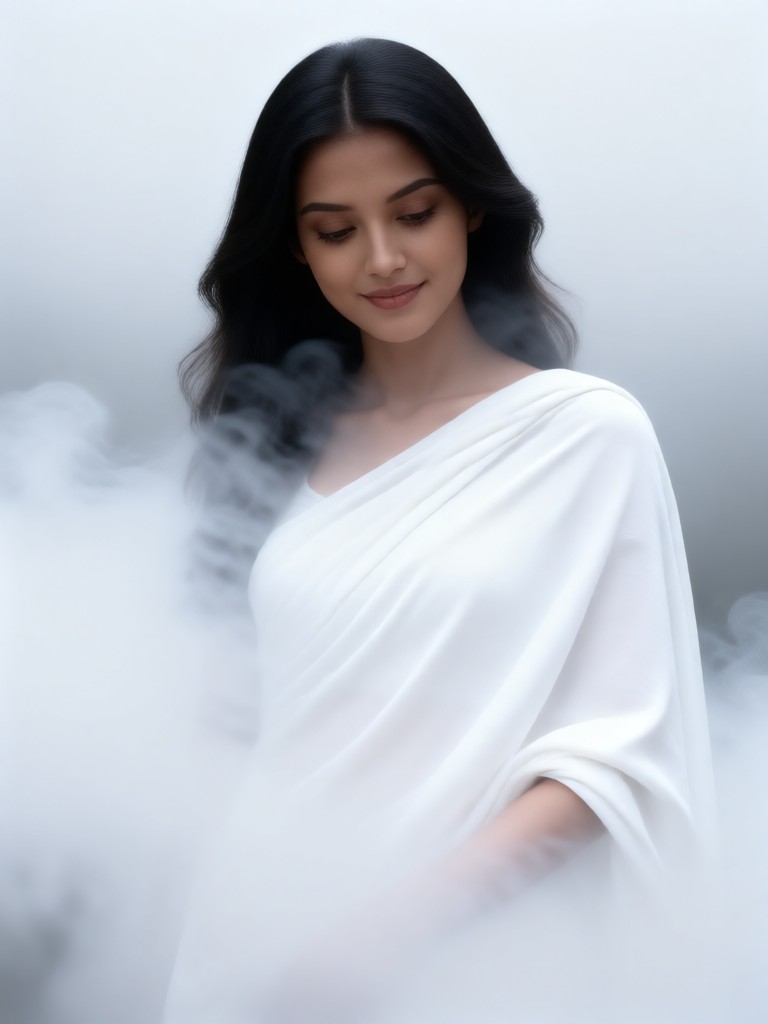
Pale Coat Smoke
 Mmmmmm.20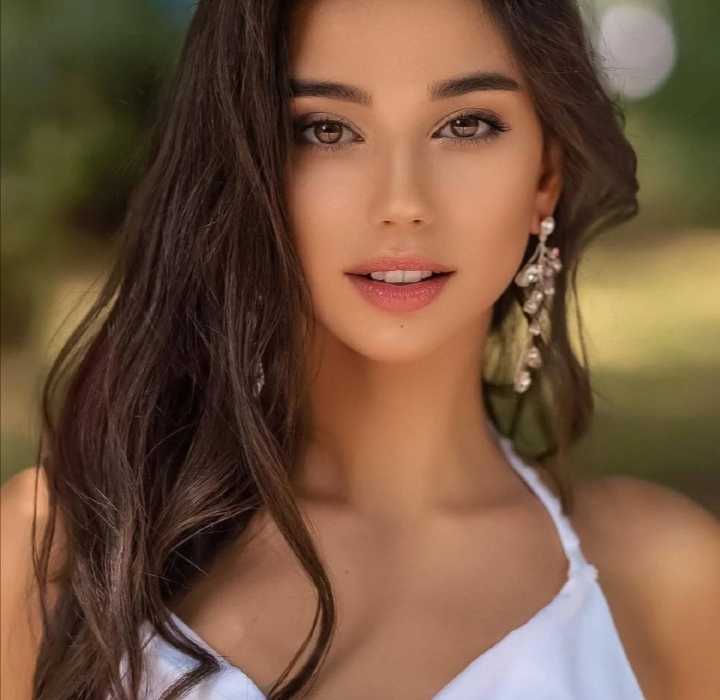
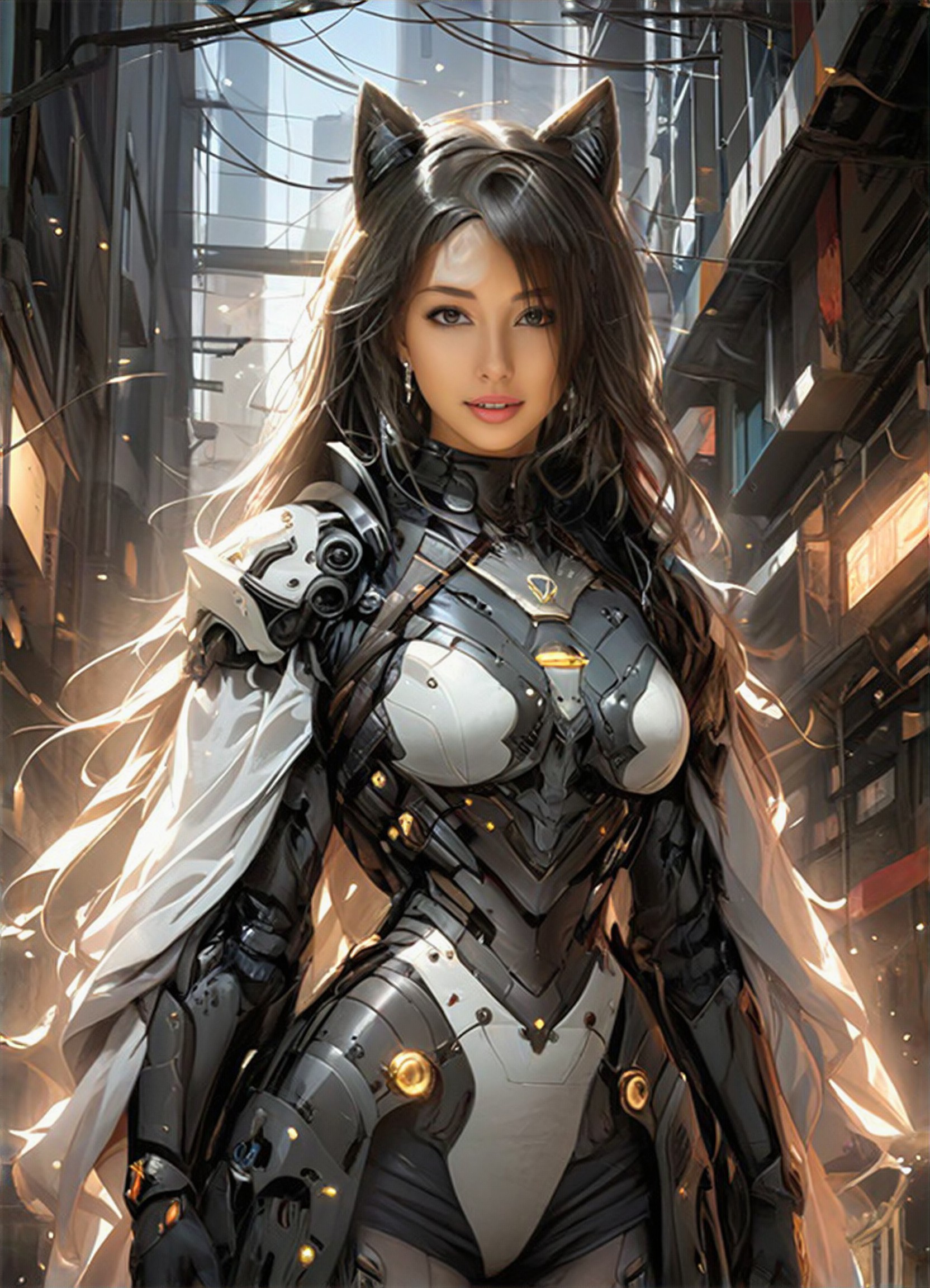
Input
Result
Mech Cat Ear
蒋
蒋子成16
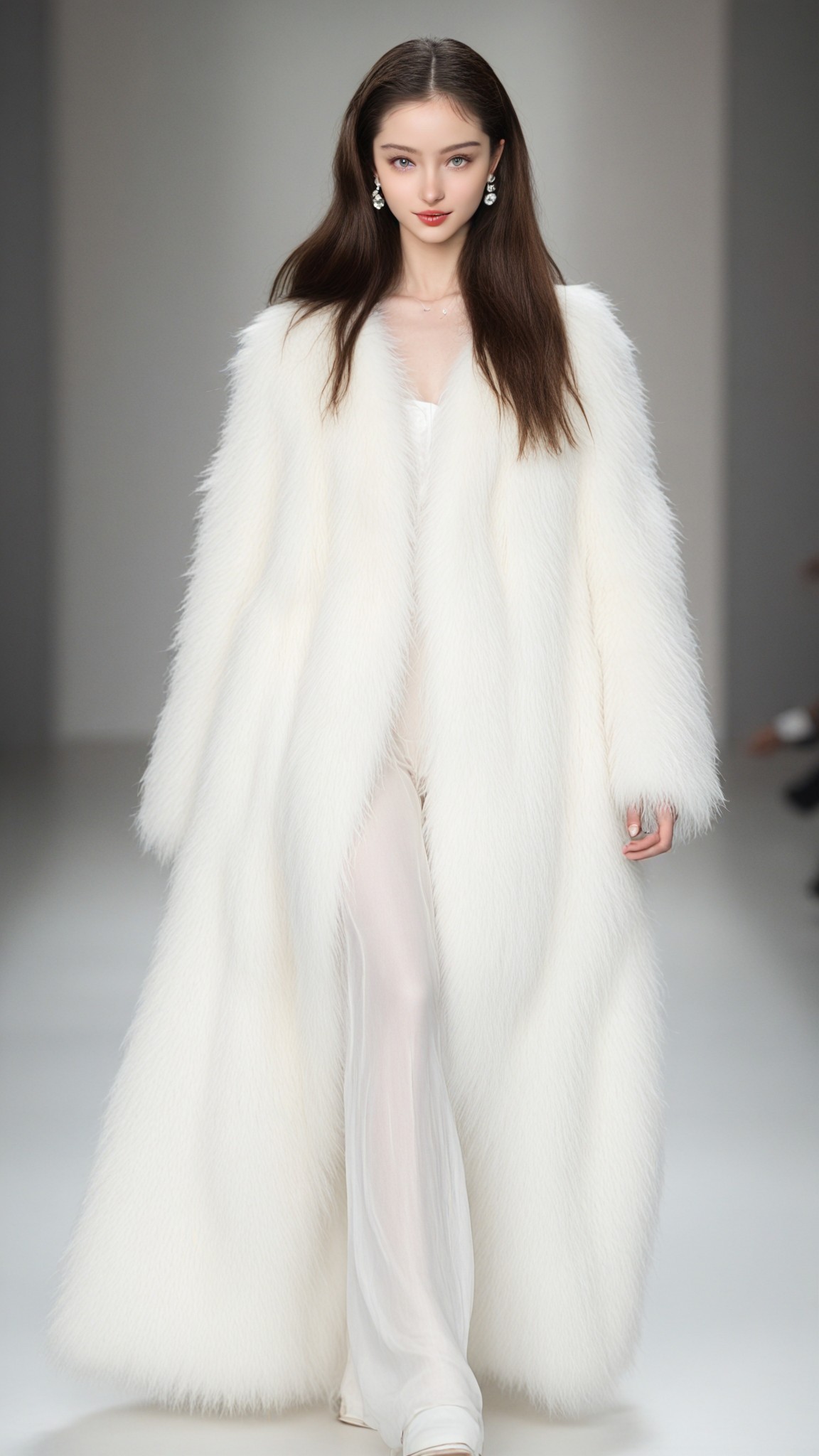
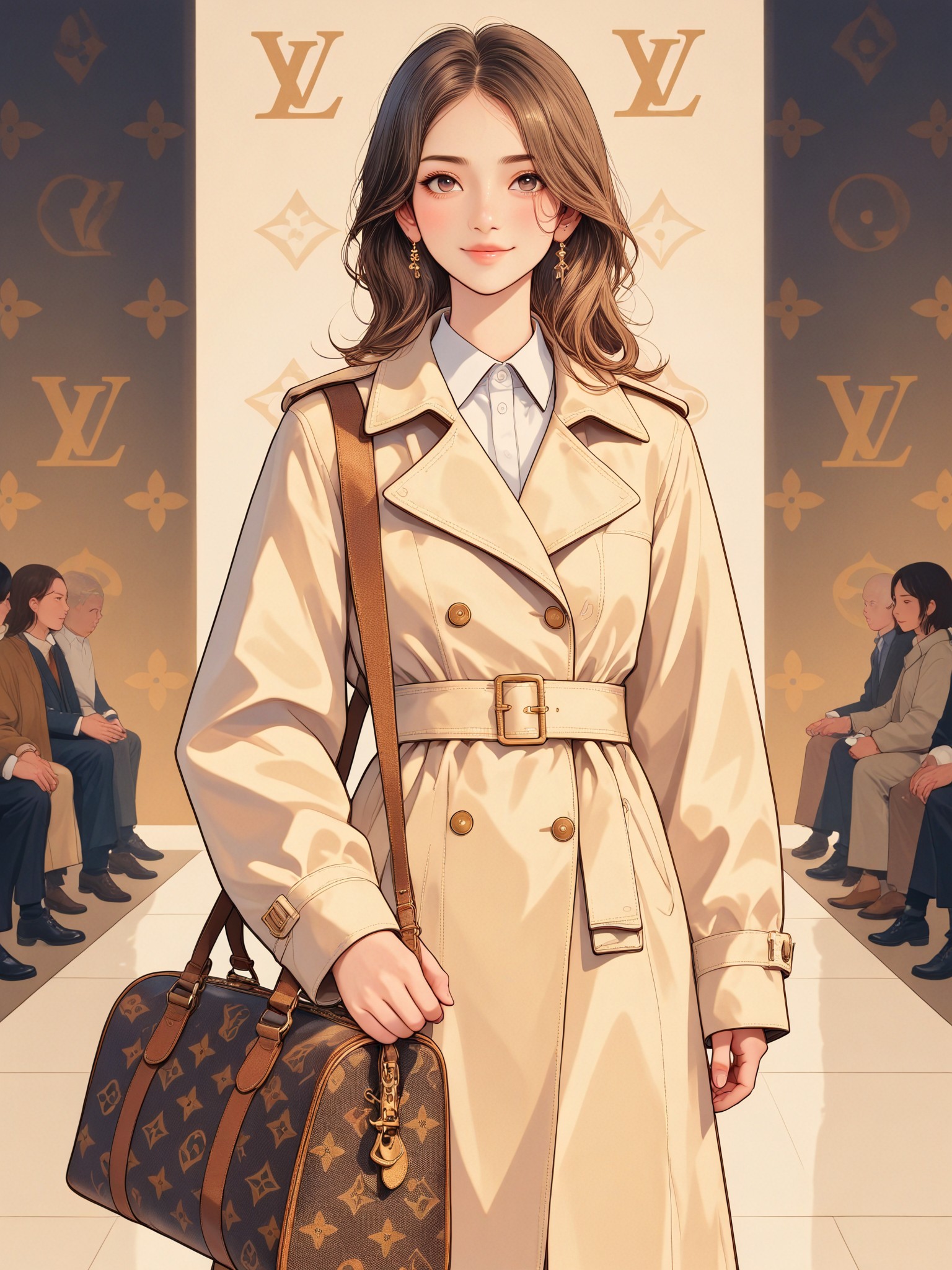
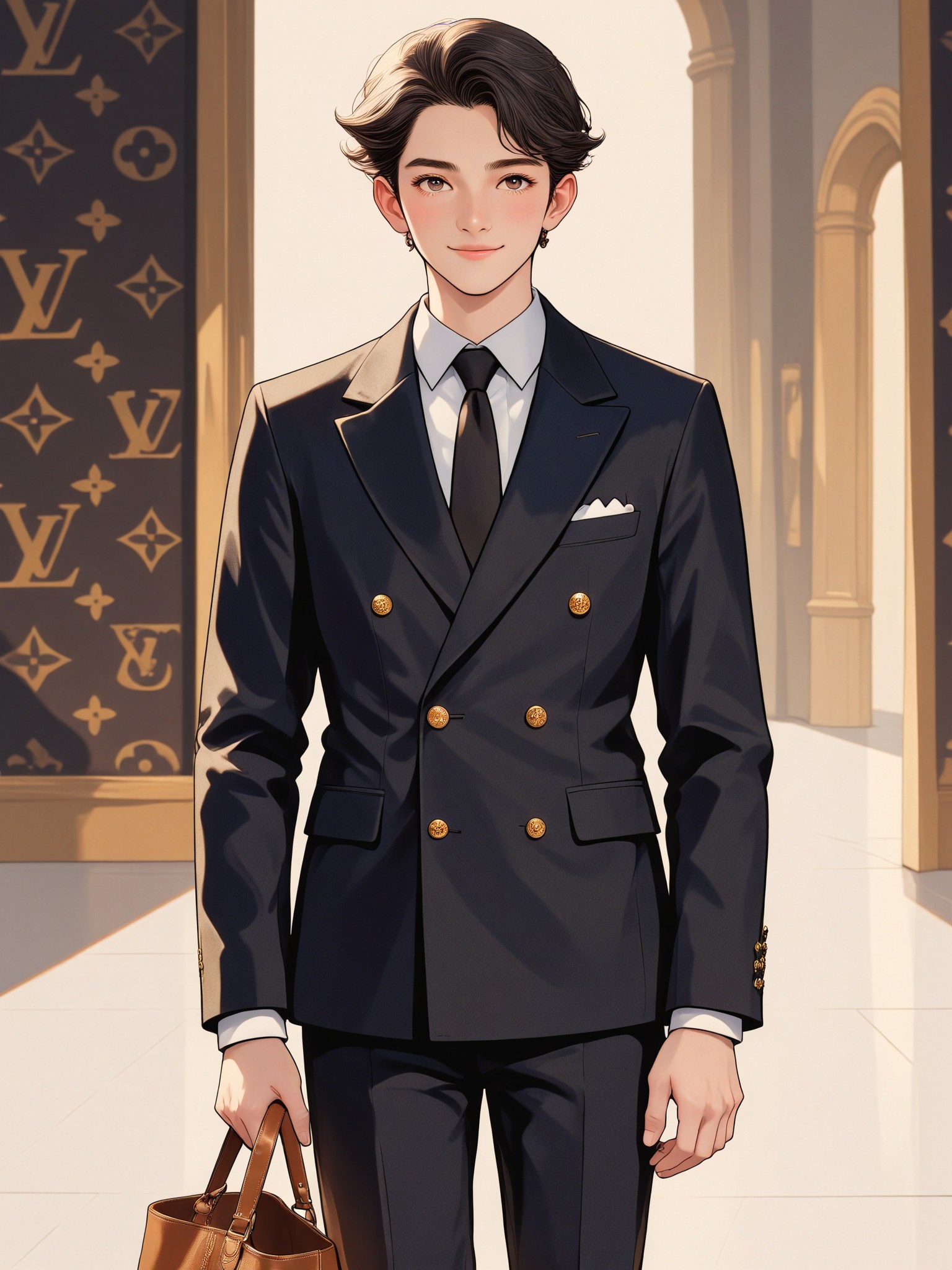
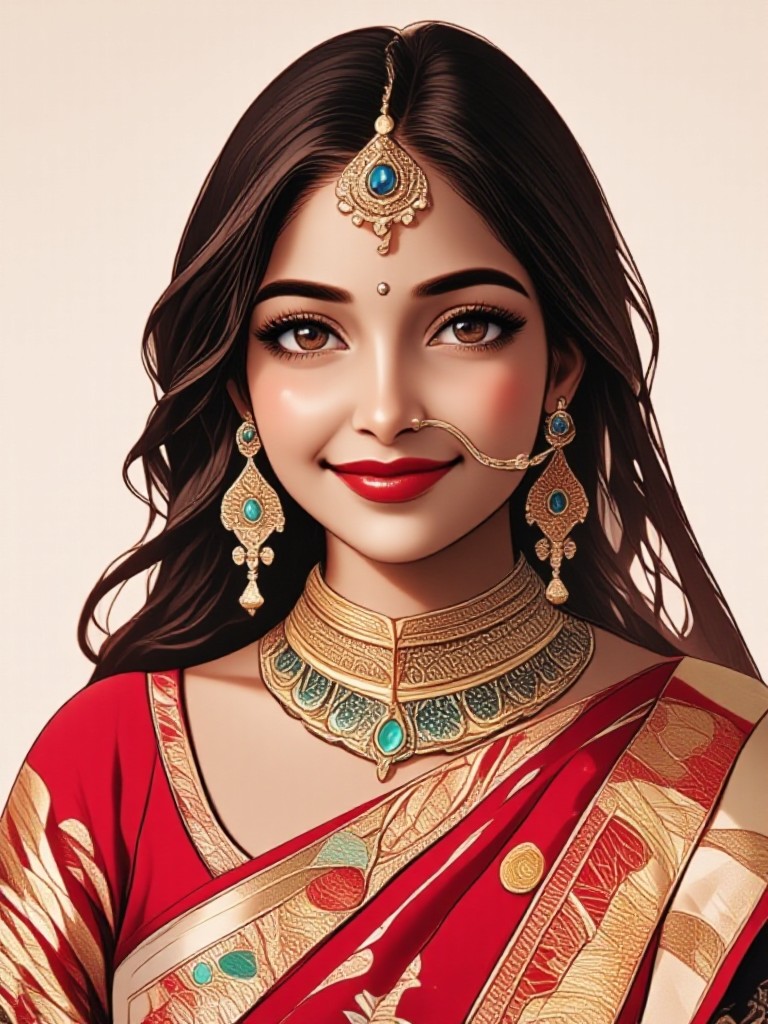
AI Generated Textured Coat Images & Videos
Discover unique and innovative Textured Coat images and videos created with a1.art Textured Coat prompts.


How to Make Textured Coat AI Image & Video on a1.art?
Step into the future of AI Textured Coat video and image creation on a1.art.

Step 1
Select the style you want to apply in the Square.

Step 2
Upload the image you want to transform. It can be a photo, hand-drawn sketch.

Step 3
Wait a few seconds and you can easily get your unique AI Textured Coat art. Download for free!
FAQ about Textured Coat AI Prompt on a1.art
Discover the secrets to creating Birthday Day videos and images at a1.art.
What types of textured coat AI prompts does a1.art offer?
a1.art provides a wide range of textured coat AI prompts, including leather, stone, fabric, metal, wood, and more. These prompts are designed to capture intricate details and realistic textures for various creative projects.
Can I use these prompts for both images and videos?
Yes, a1.art supports both AI image and video generation. You can select your preferred textured coat prompt and apply it to create either static images or dynamic videos.
Are there any limitations on the number of prompts I can use?
There are no strict limitations on the number of prompts you can use. However, a1.art offers daily free login credits, and subscribing allows you to generate more visuals without restrictions.
How do I choose the right textured coat prompt for my project?
Consider the theme and style of your project. For example, if you're designing a fashion piece, opt for prompts like velvet or leather. If you're working on architecture, stone or marble textures might be more suitable.
Is a1.art easy to use for beginners?
Absolutely! a1.art is designed to be user-friendly, even for beginners. Simply select a prompt, upload your input, and let the AI handle the rest. The interface is intuitive, and detailed instructions are available for guidance.


