


Get Sibling Videos & Images without Prompt
a1.art offers a large number of filters, allowing you to easily obtain AI videos or images without prompts.
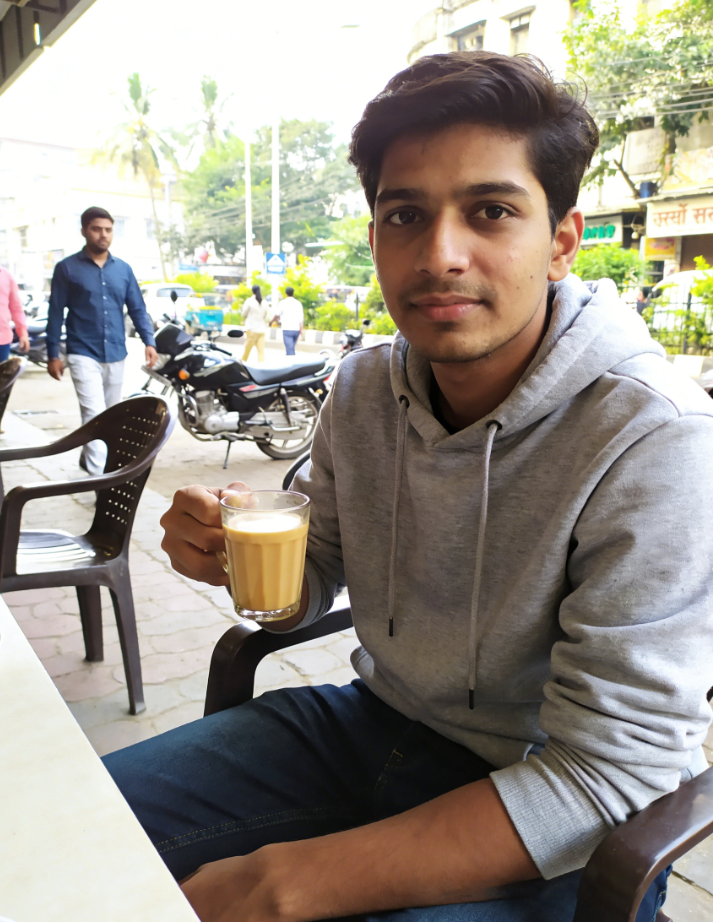
Input
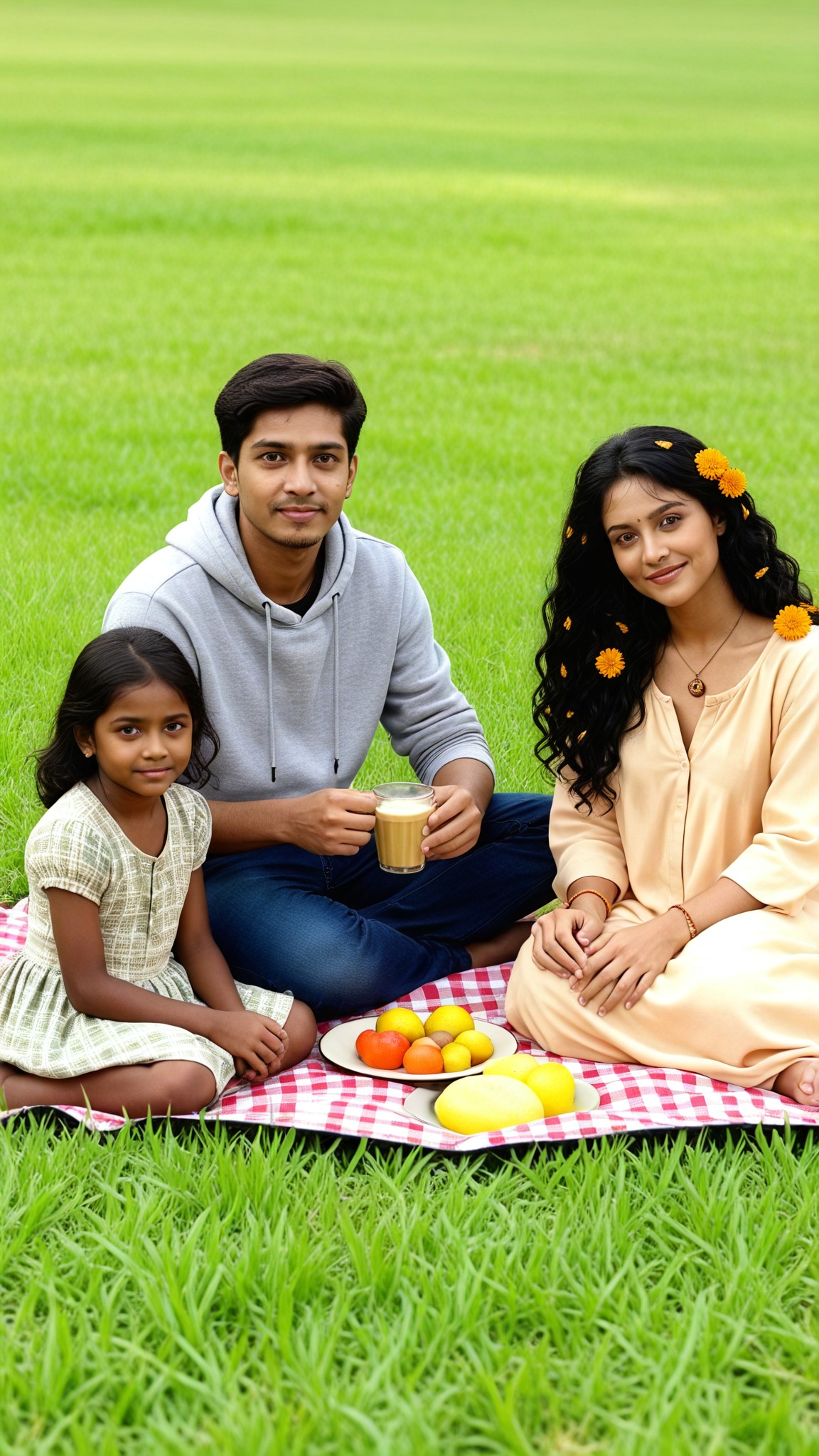
Result
Sunny Sibling Picnic
 艺术创作家
艺术创作家 1.3k
1.3k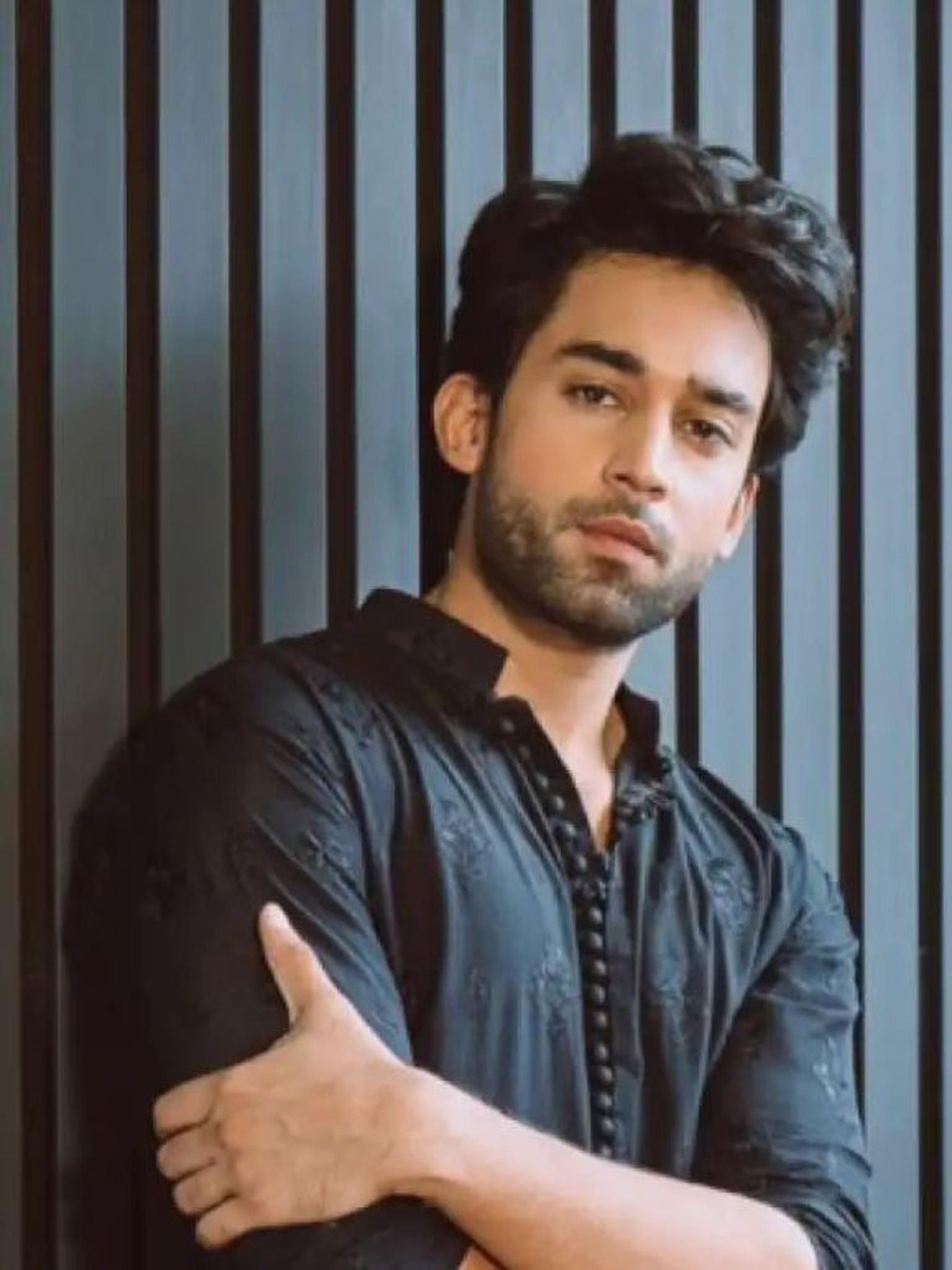
Input
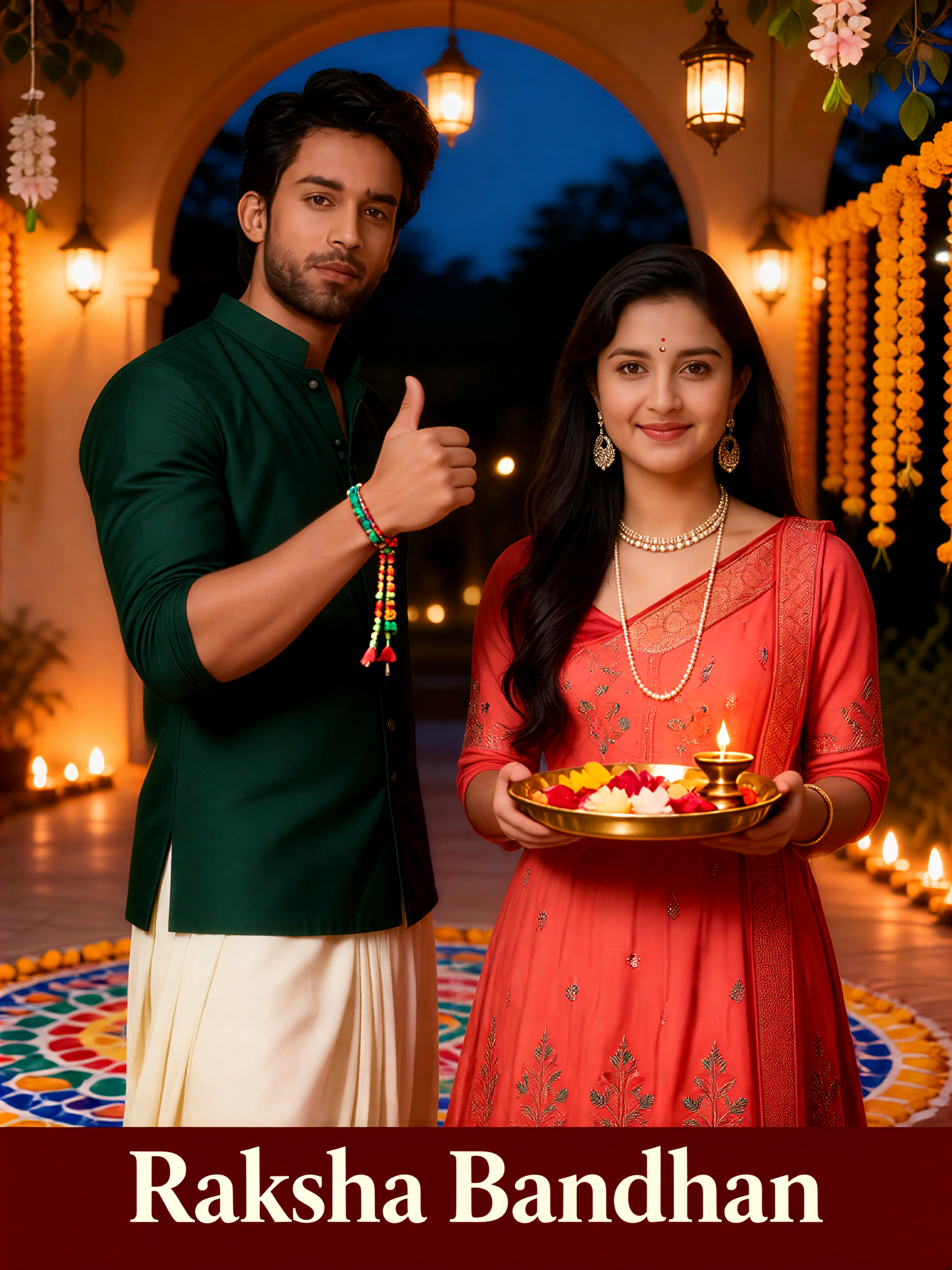
Result
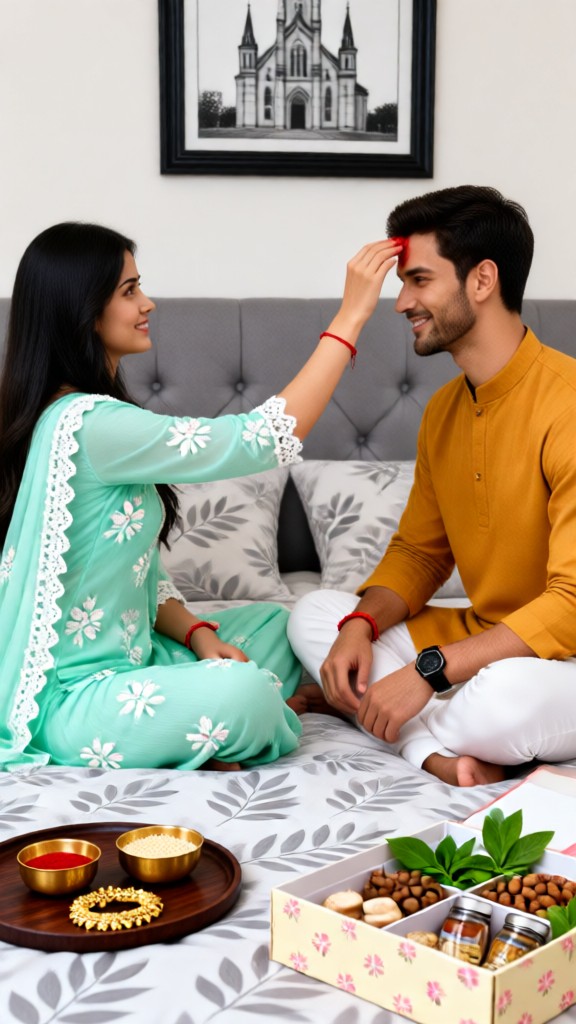
Raksha Bandhan 2
 Oyyan66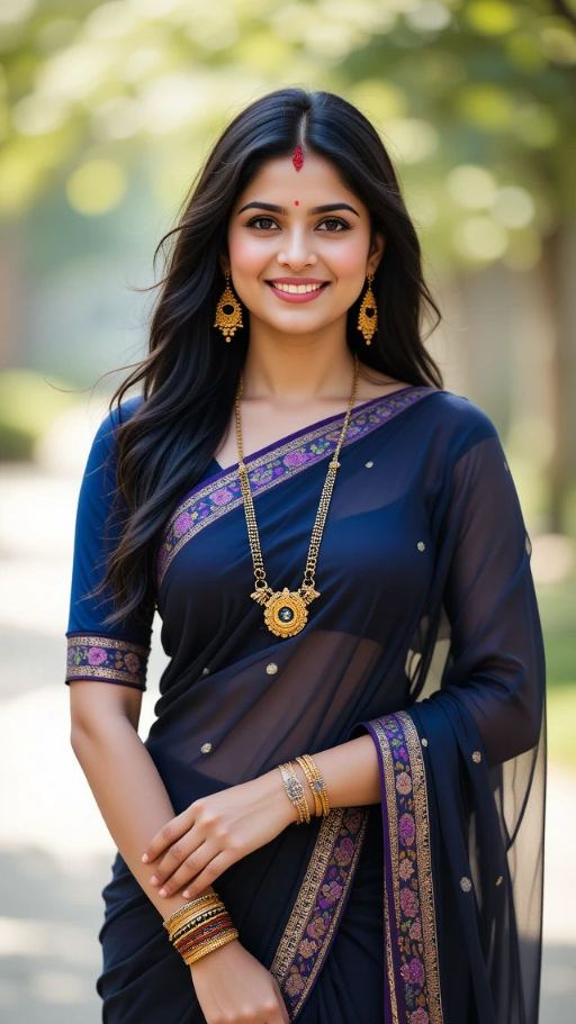
Input
Result
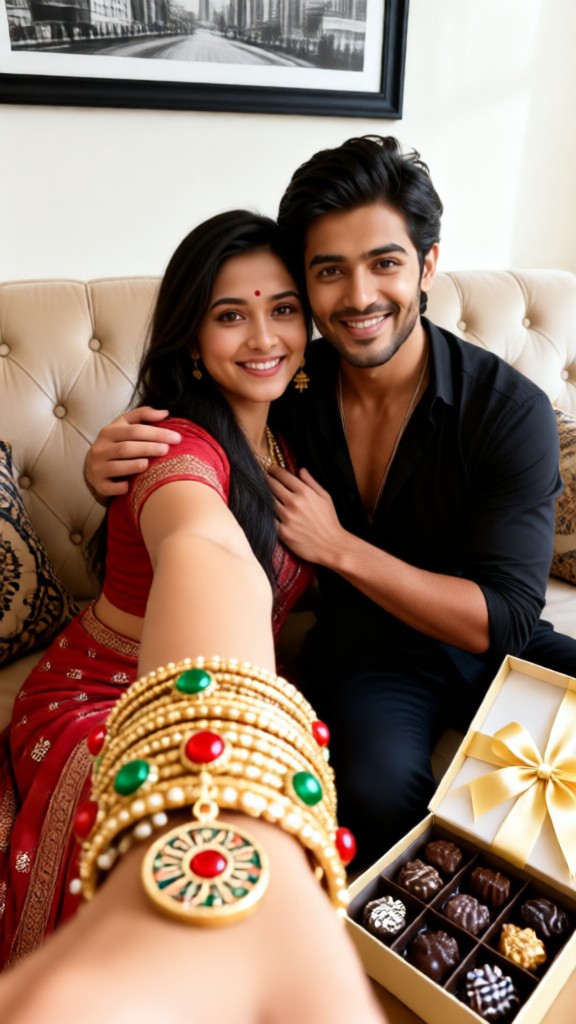
Adult Brother and Sister Day
 Vicky.46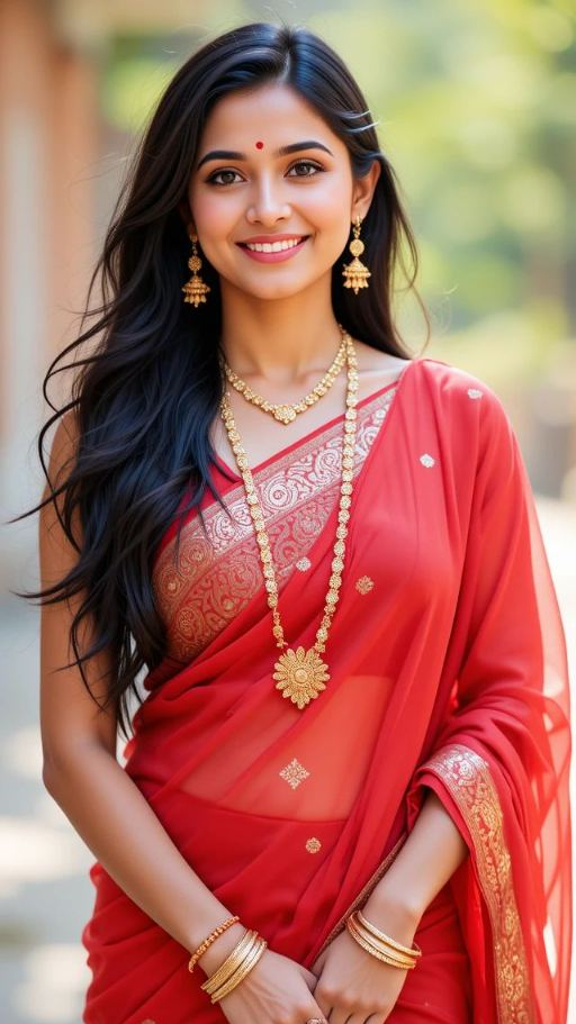
Input
Result
Adult Brother and Sister Day
Vicky.20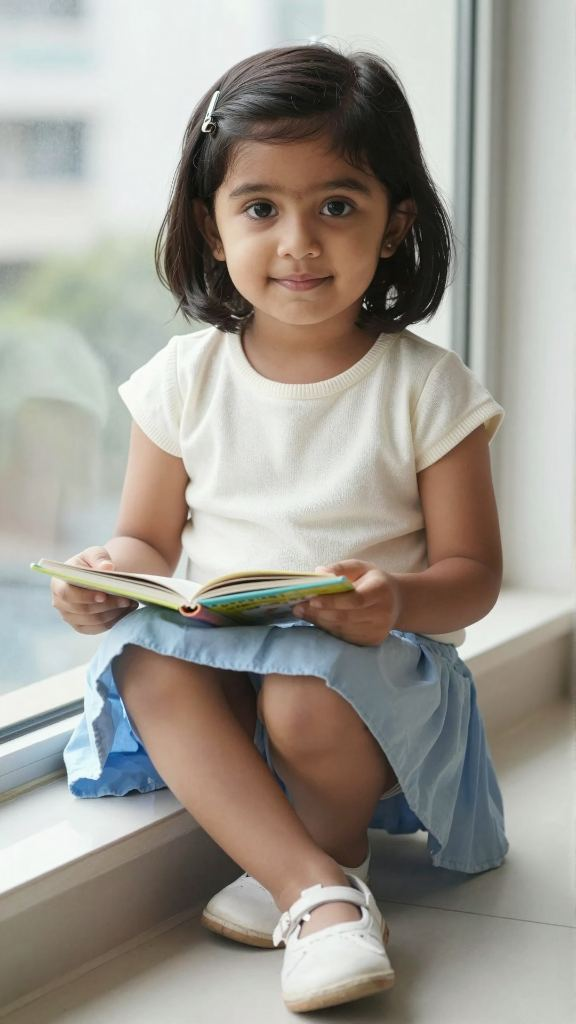
Input
Result
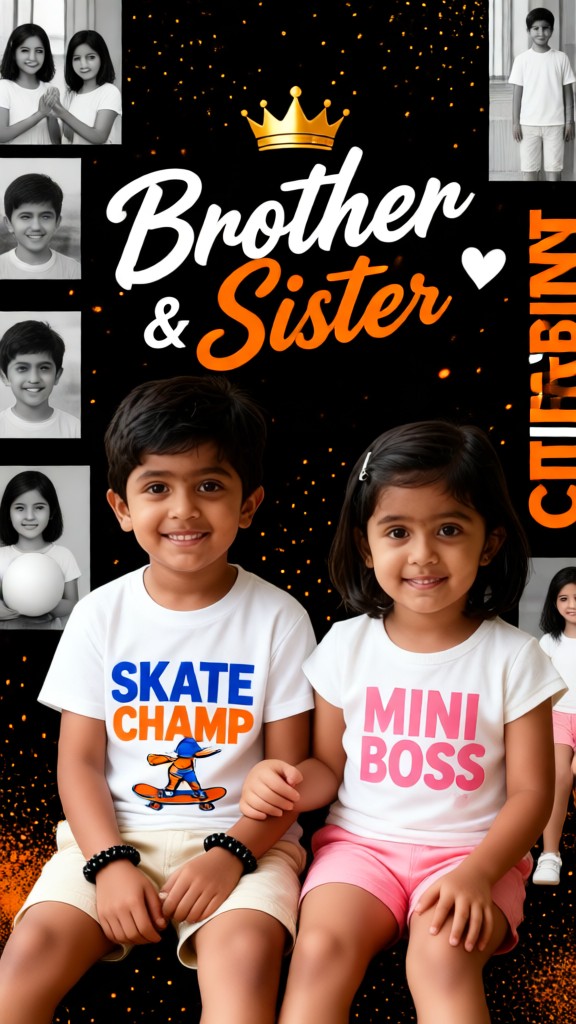
Black-and-white brother and sister in a multi-panel backlit poster
 XX's14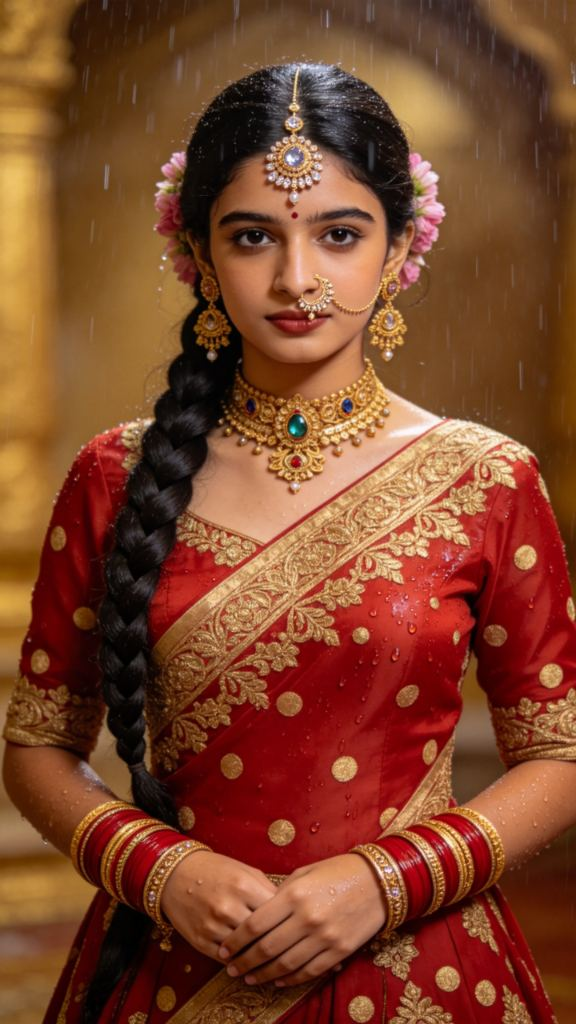
Input
Result
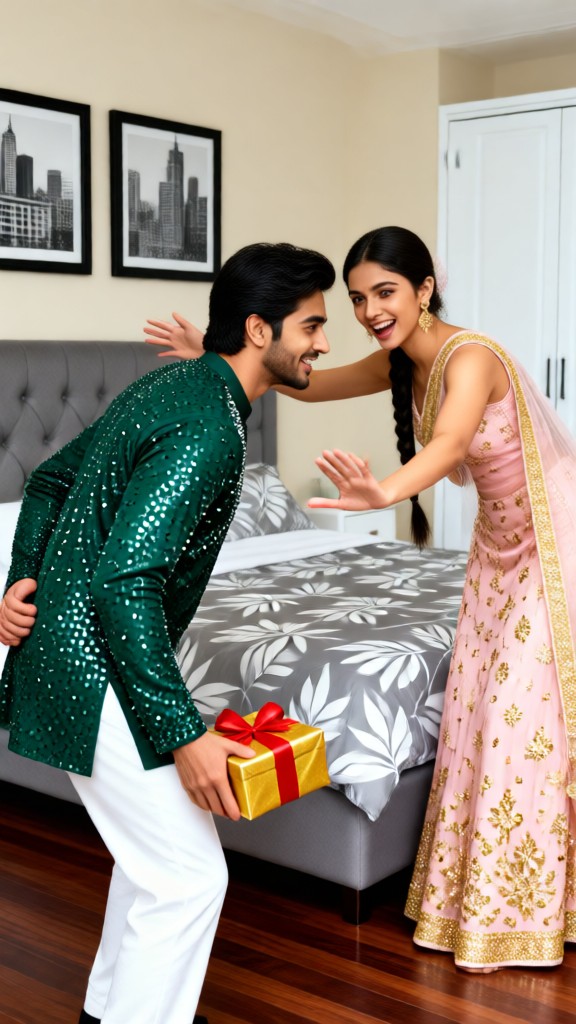
Adult Brother and Sister Day
Vicky.11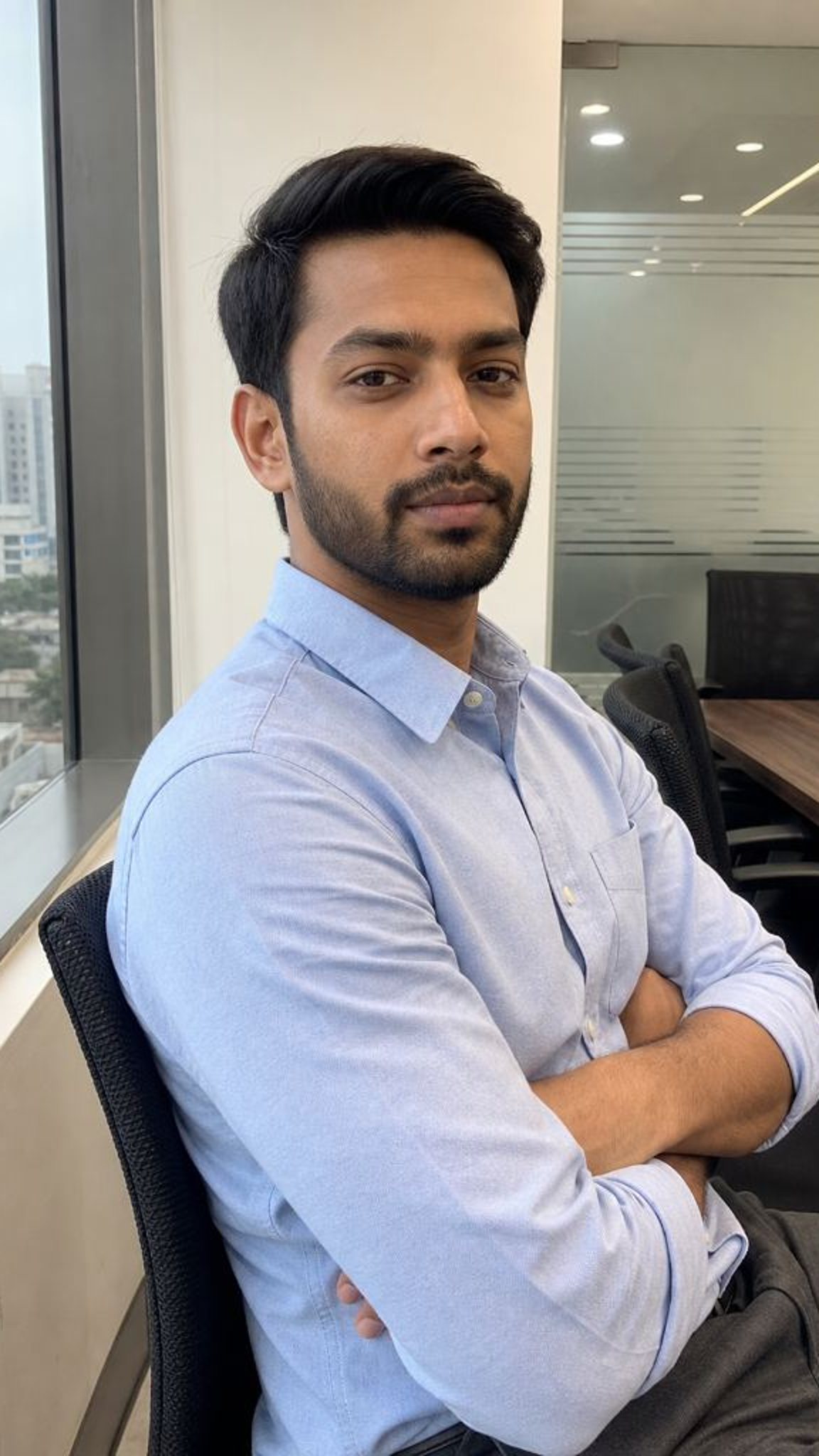
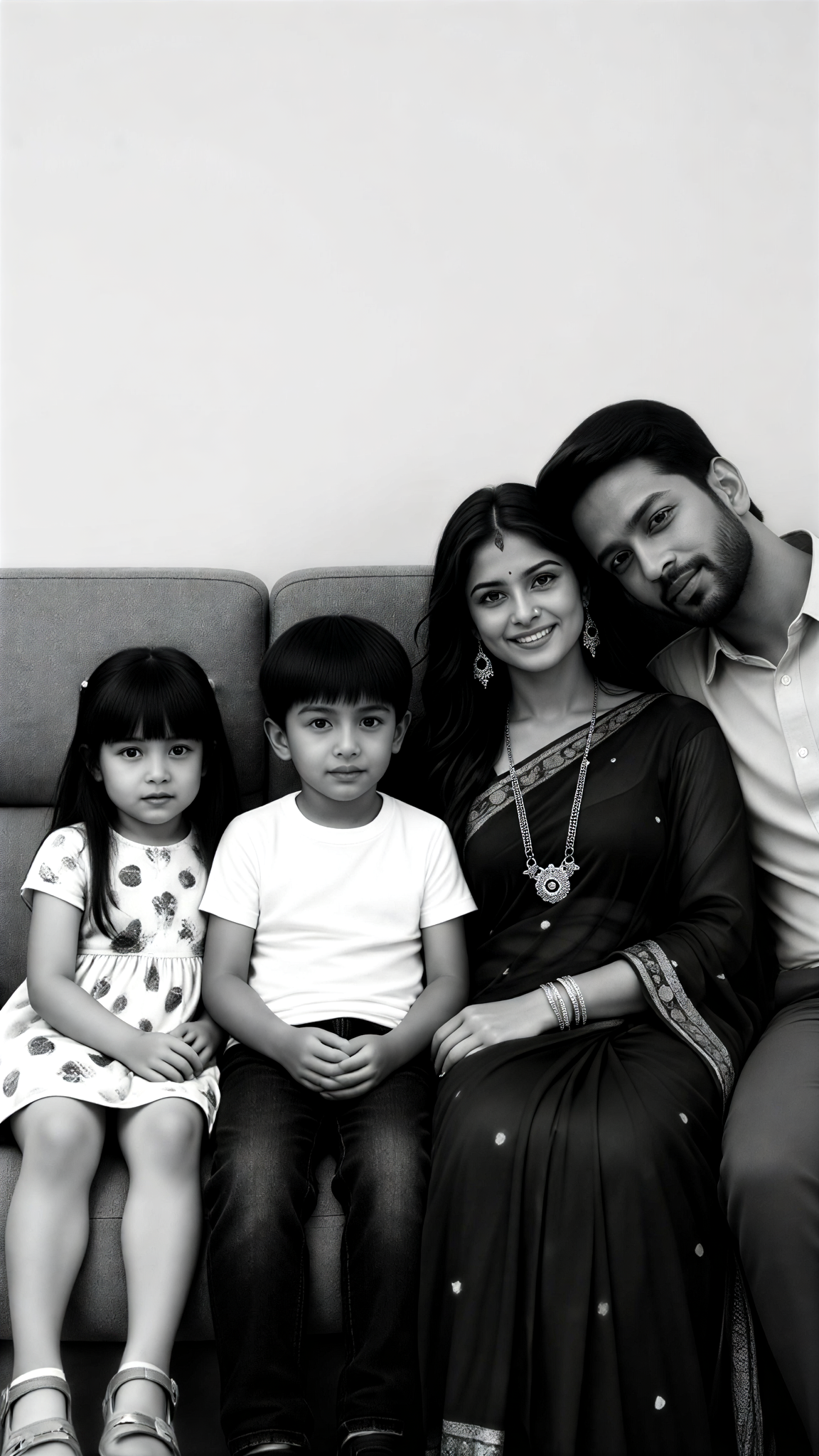
Input
Result
We siblings
 kkbaby10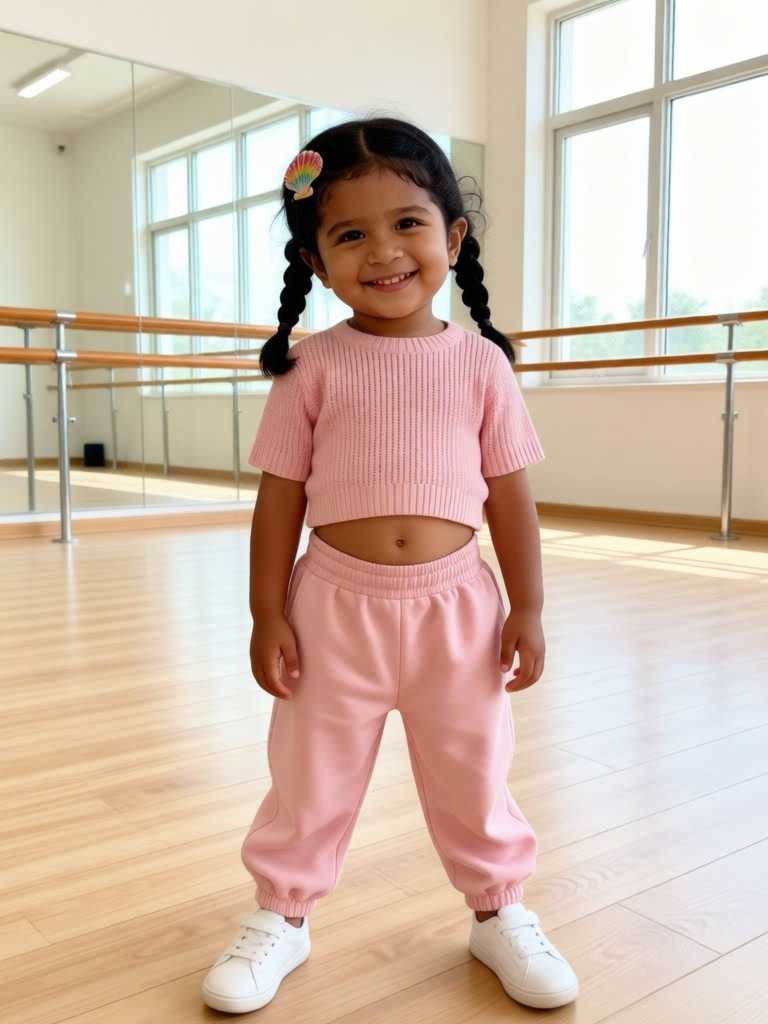
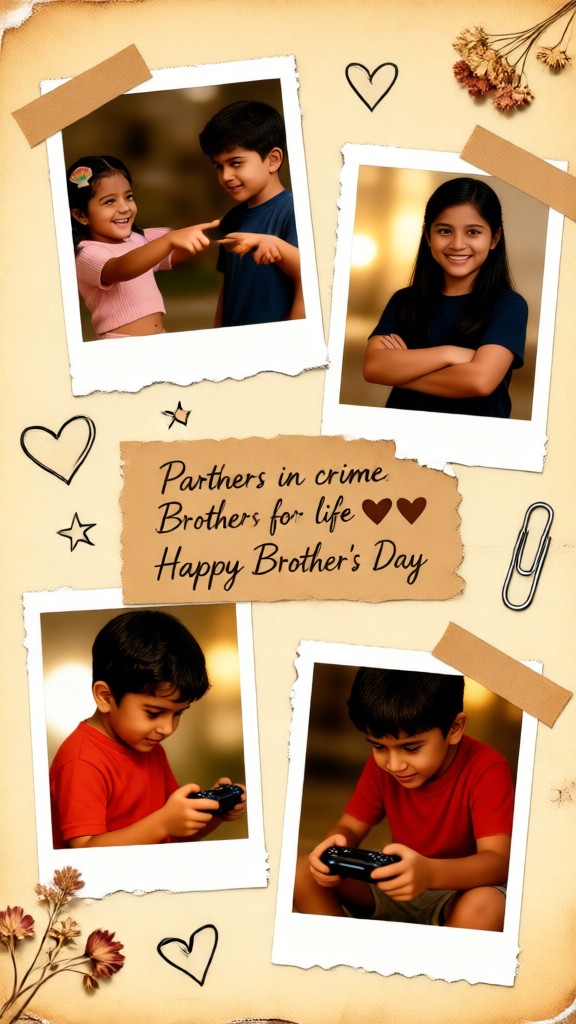
Input
Result
sibling photo
Vicky.8
AI Generated Sibling Images & Videos
Discover unique and innovative Sibling images and videos created with a1.art Sibling prompts.
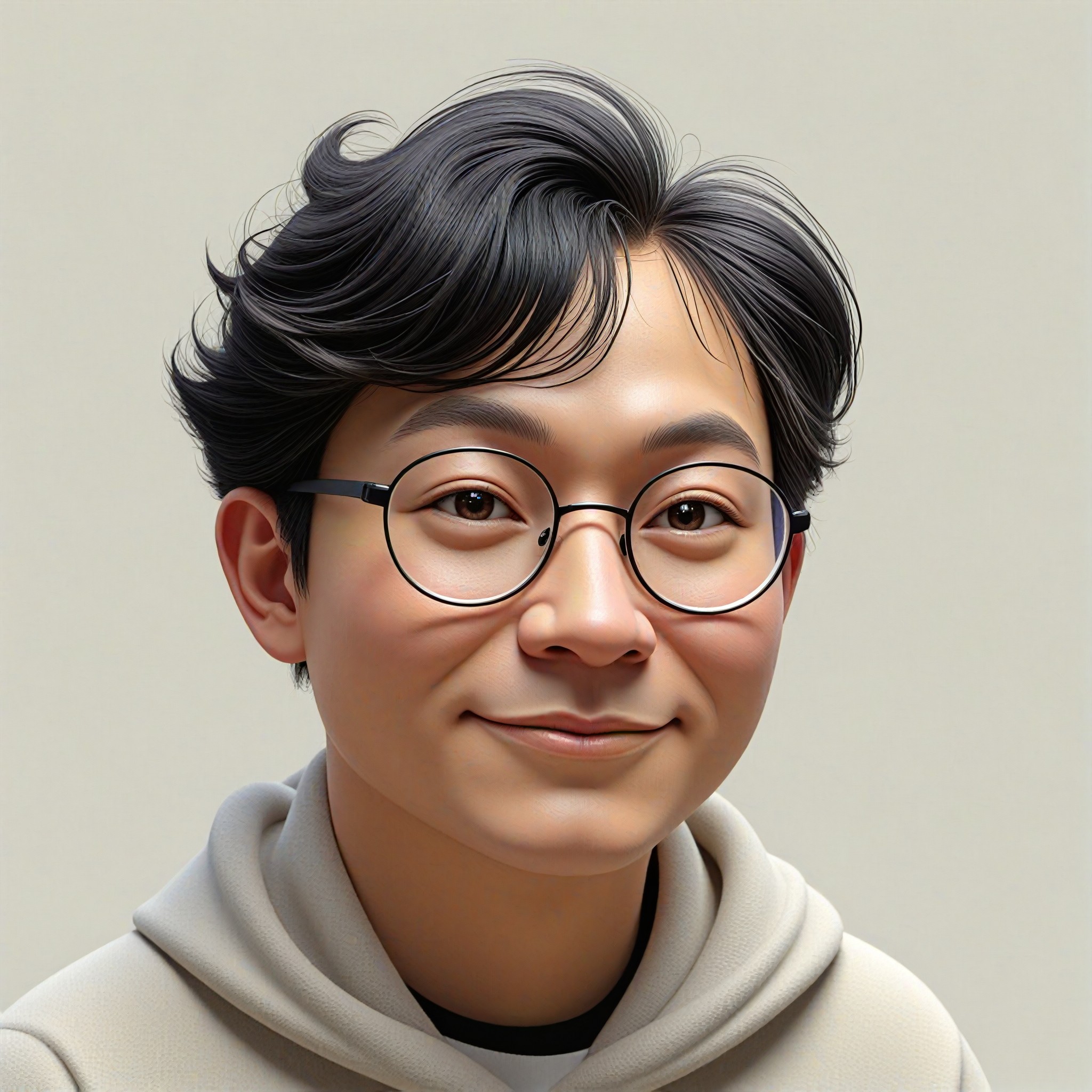
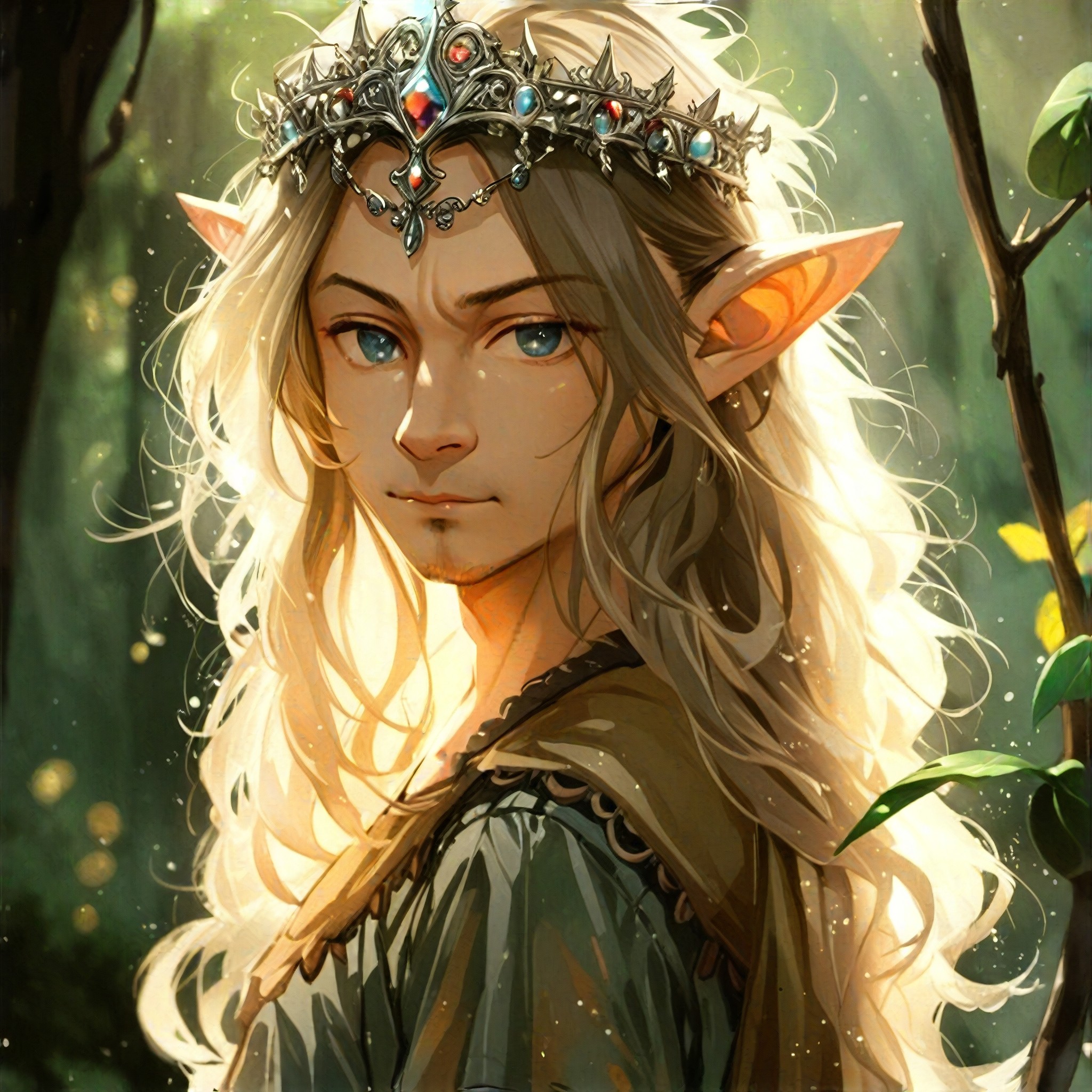





How to Make Sibling AI Image & Video on a1.art?
Step into the future of AI Sibling video and image creation on a1.art.

Step 1
Select the style you want to apply in the Square.

Step 2
Upload the image you want to transform. It can be a photo, hand-drawn sketch.

Step 3
Wait a few seconds and you can easily get your unique AI Sibling art. Download for free!
FAQ about Sibling AI Prompt on a1.art
Discover the secrets to creating Birthday Day videos and images at a1.art.
What are sibling AI prompts?
Sibling AI prompts are specially designed prompts that help you generate beautiful sibling images and videos using a1.art's advanced AI technology.
Can I customize the sibling prompts?
Yes, you can customize sibling prompts by selecting your preferred effects, filters, or entering your own text to create unique sibling visuals.
How do I use sibling AI prompts on a1.art?
Simply choose a sibling prompt, upload an image, or enter a text prompt, then select your desired effects or filters to generate your sibling visuals instantly.
Are there any free options available?
Yes, a1.art offers daily free login credits, allowing you to explore sibling AI prompts without any cost.
Can I generate sibling videos as well as images?
Absolutely! a1.art supports both AI image and video generation, so you can create stunning sibling videos or images with ease.


