


Get Side View Videos & Images without Prompt
a1.art offers a large number of filters, allowing you to easily obtain AI videos or images without prompts.
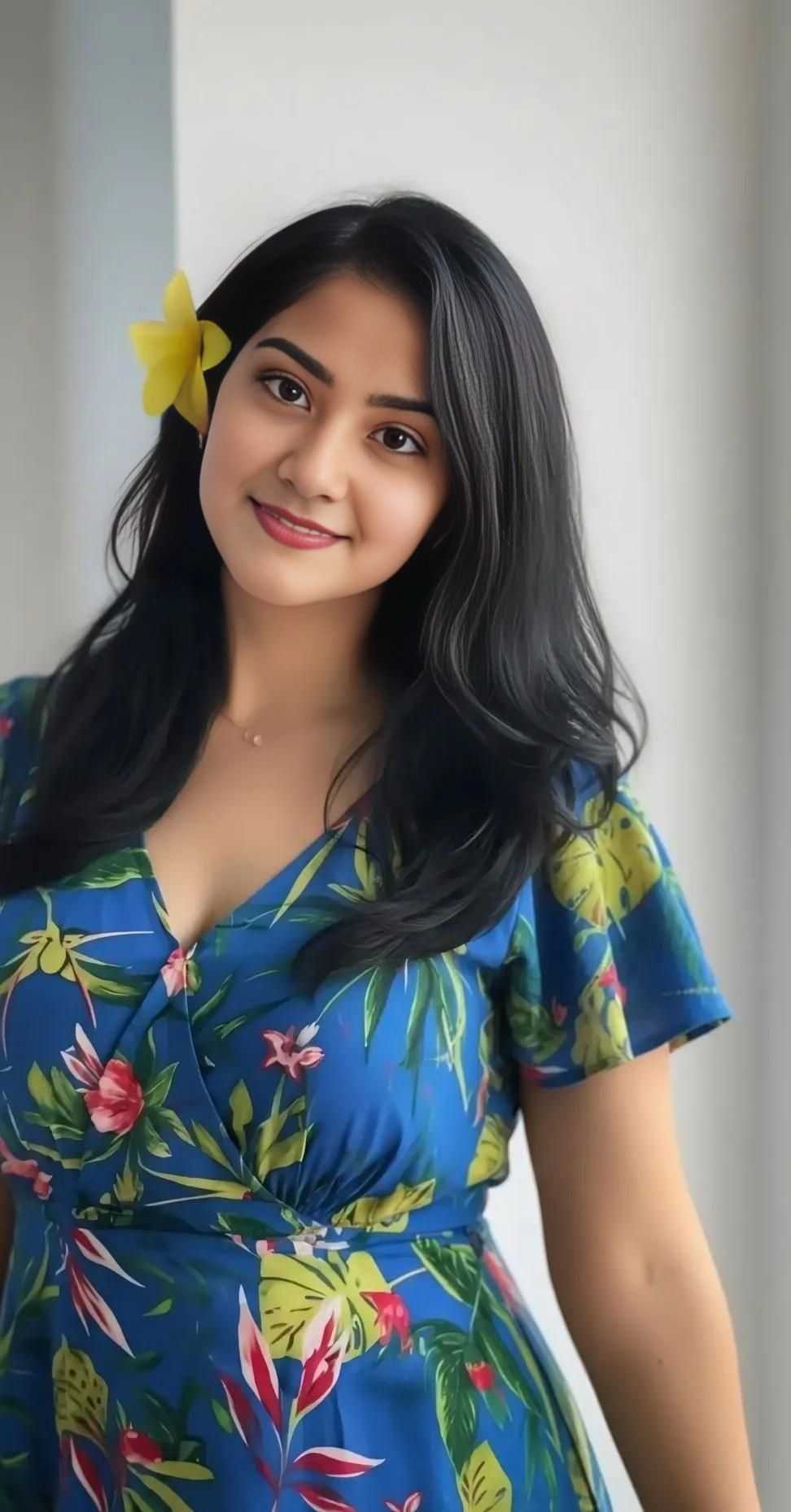

Input
Result
Sunset view
 Mmm.
Mmm. 251
251

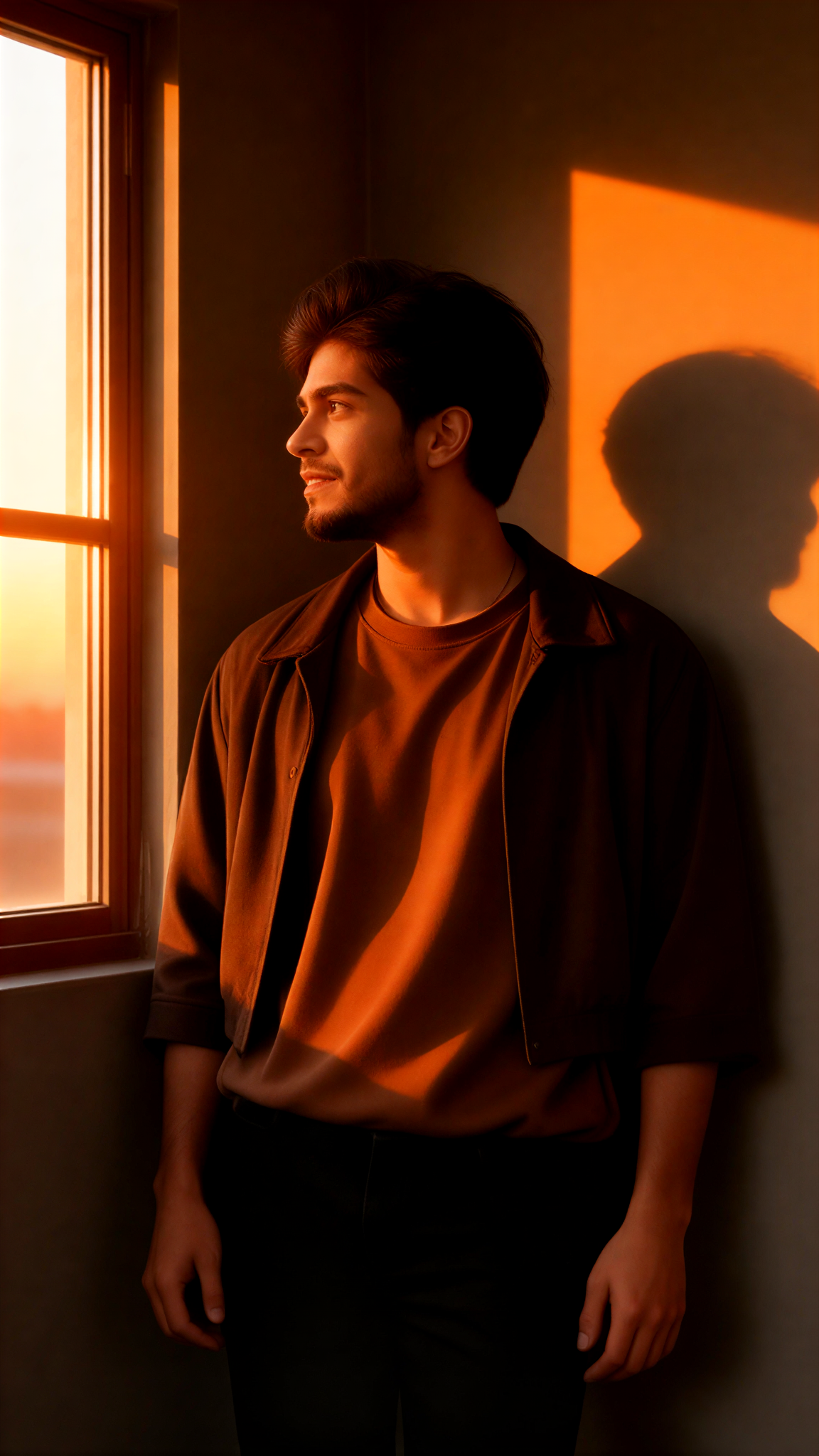
Input
Result
Seagull View
 akaii136
Input
Result
Side Gaze
 艺术梦想家31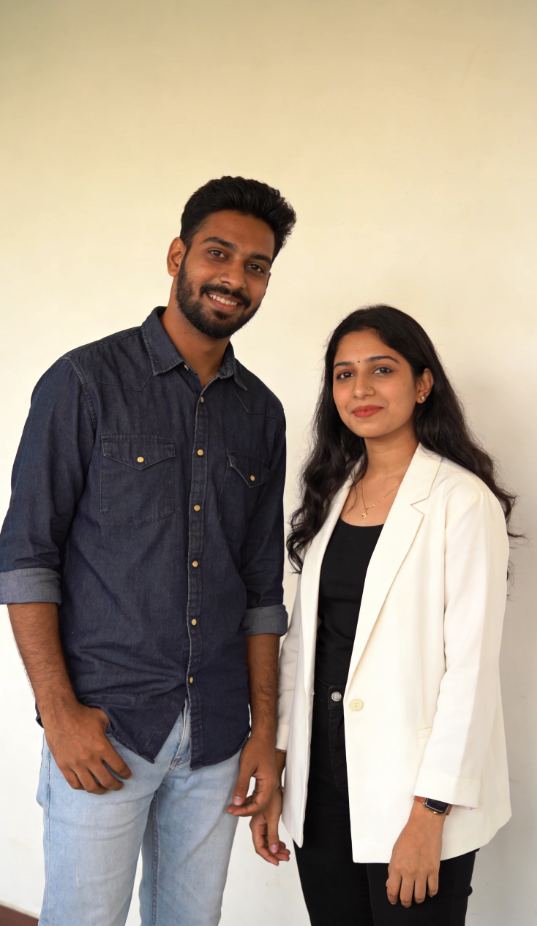
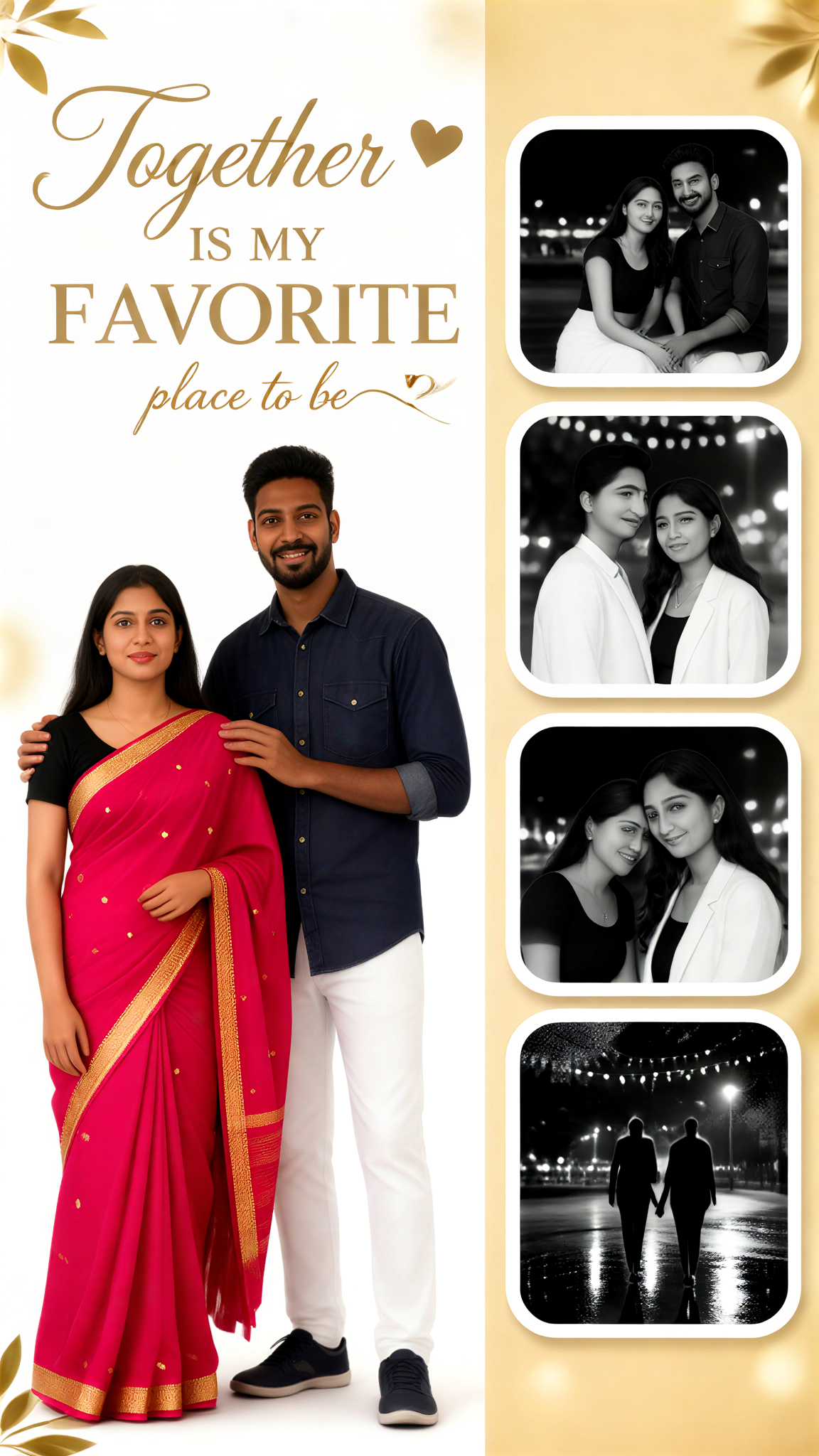
Input
Result
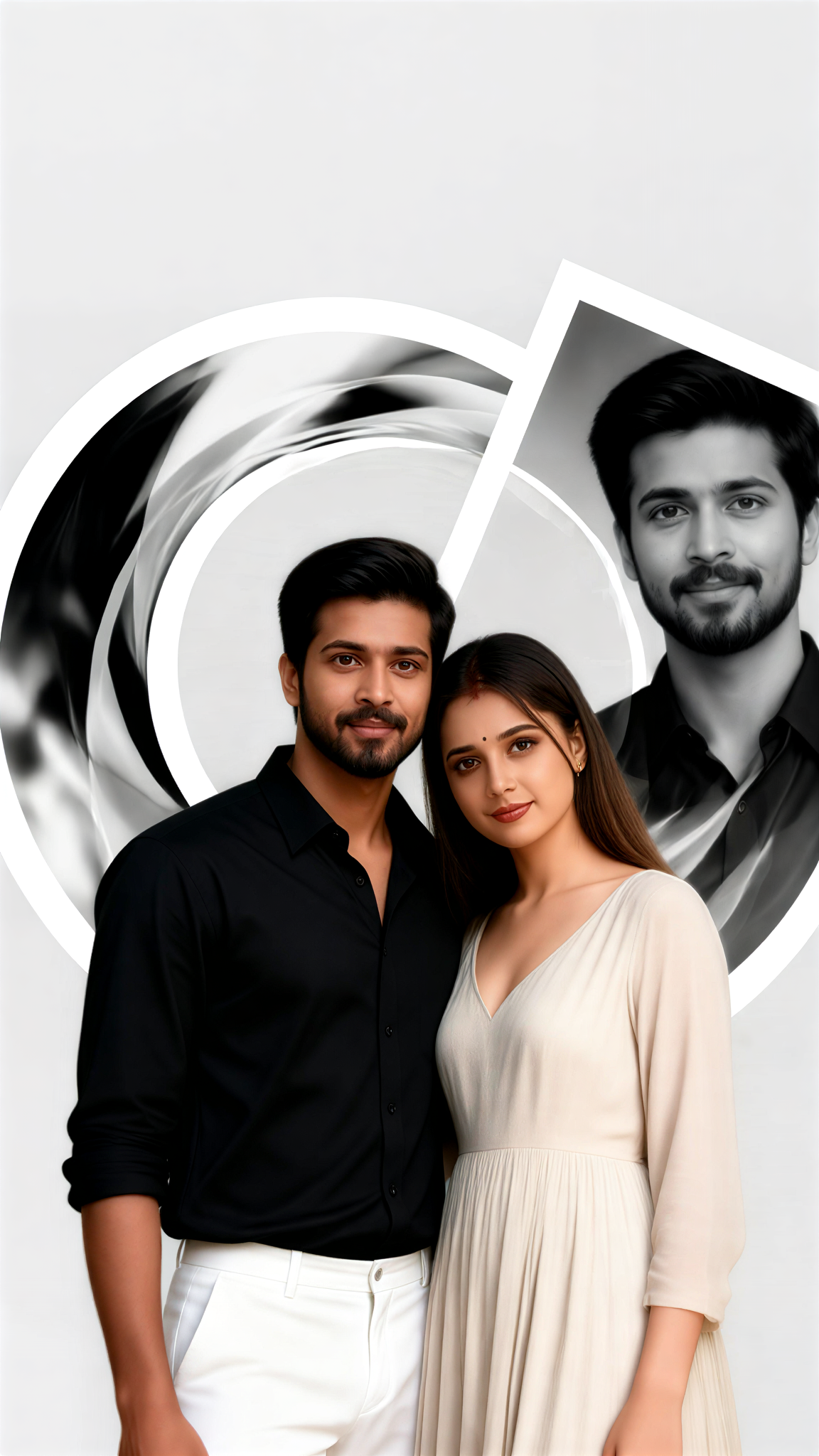
Warm Memories Side by Side
 Lizzie-R20
Input
Result
Side By Side Orbit
 艺术创作家15

Input
Result
Side By Side Ride
艺术梦想家13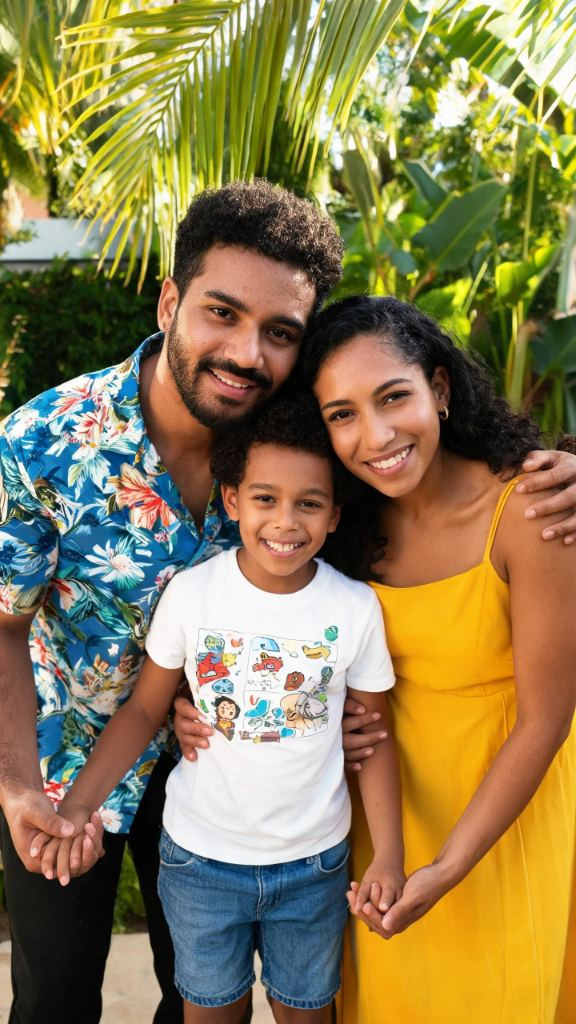
Input
Result
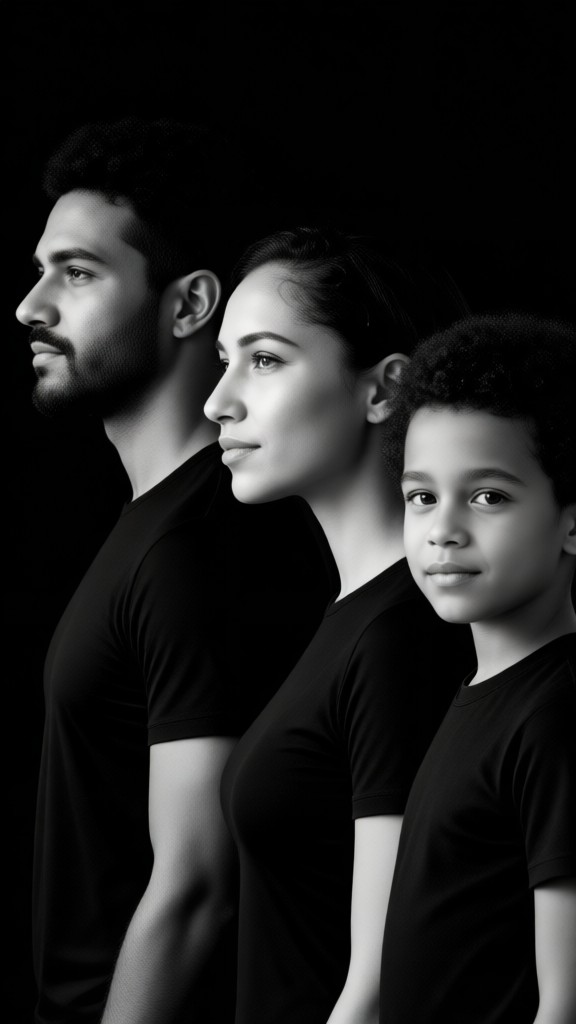
A side-view group photo of a family of three
 XX's11

Input
Result
Seagull View
akaii10
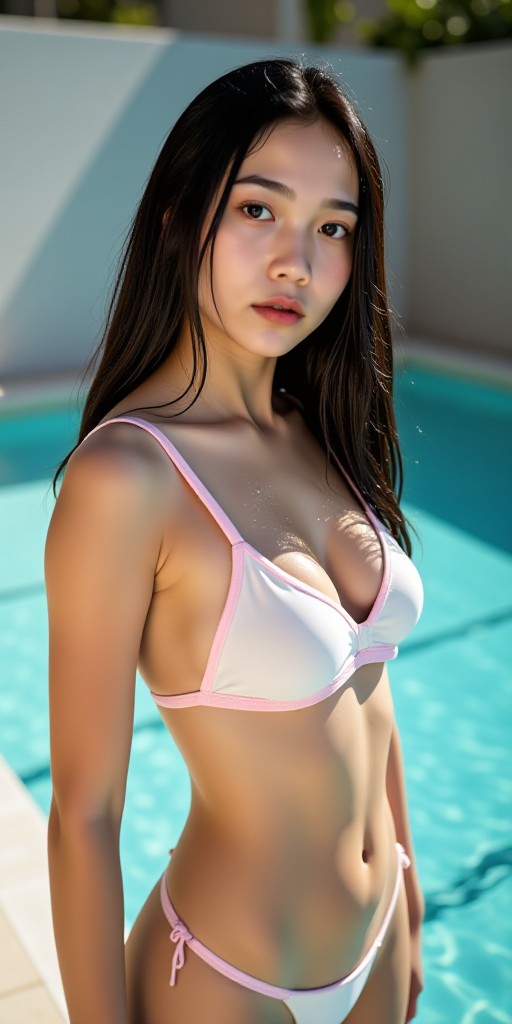
AI Generated Side View Images & Videos
Discover unique and innovative Side View images and videos created with a1.art Side View prompts.
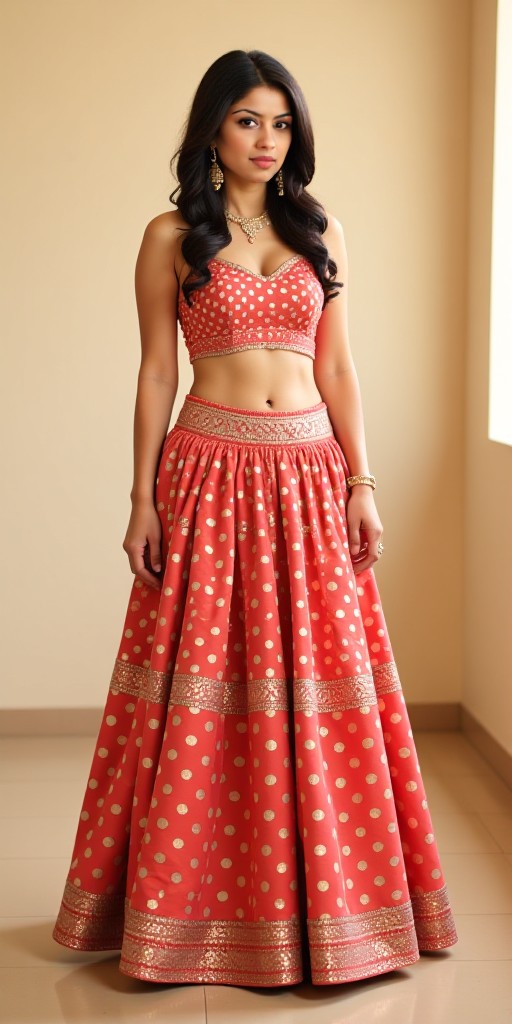
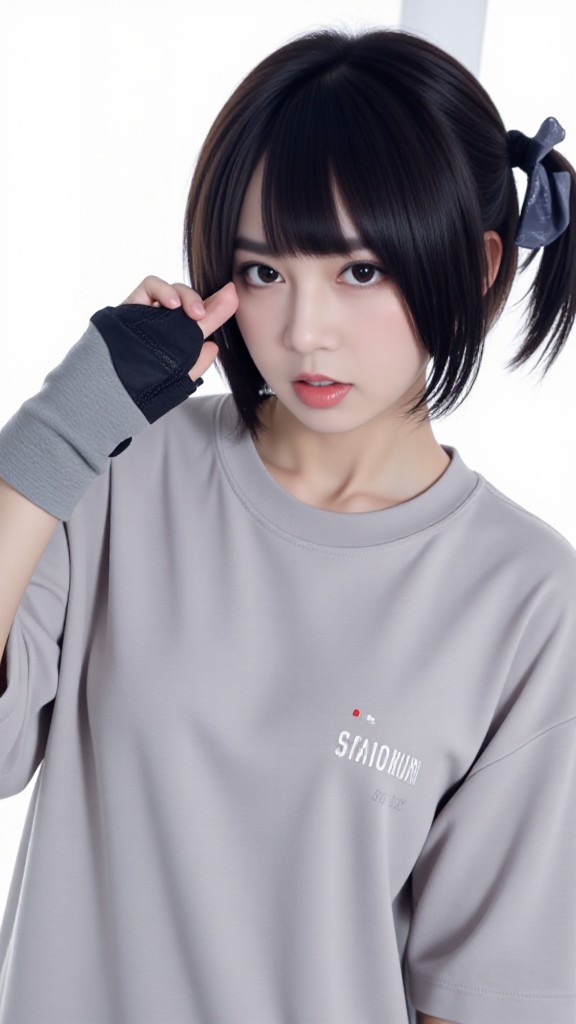
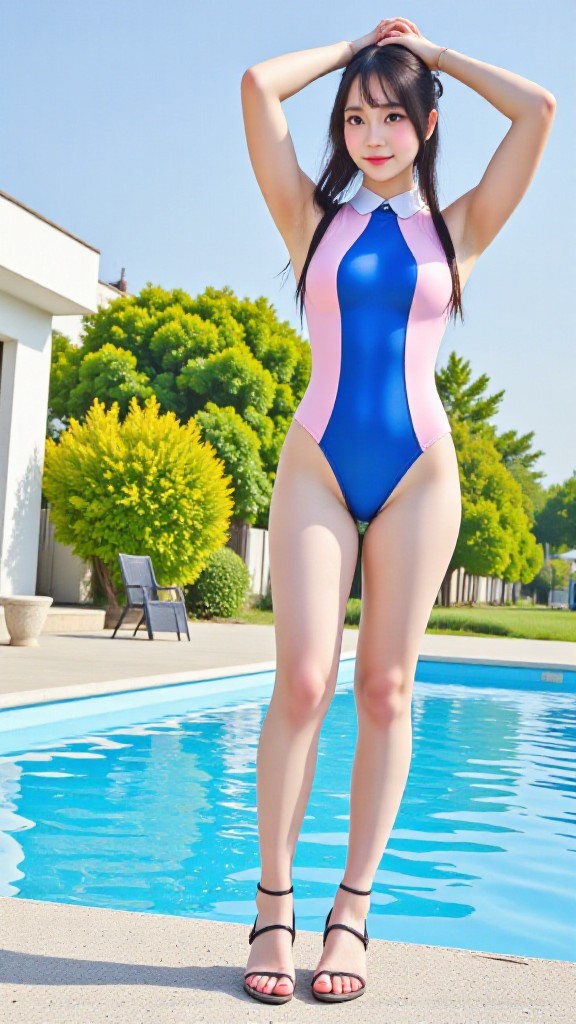



How to Make Side View AI Image & Video on a1.art?
Step into the future of AI Side View video and image creation on a1.art.

Step 1
Select the style you want to apply in the Square.

Step 2
Upload the image you want to transform. It can be a photo, hand-drawn sketch.

Step 3
Wait a few seconds and you can easily get your unique AI Side View art. Download for free!
FAQ about Side View AI Prompt on a1.art
Discover the secrets to creating Birthday Day videos and images at a1.art.
What types of side view prompts does a1.art offer?
a1.art provides a wide variety of side view prompts, including landscapes, architecture, animals, vehicles, and more. You can choose from curated options or create your own using custom text prompts.
Can I use side view AI prompts to create videos?
Yes, a1.art supports both image and video generation. Simply select a side view prompt, apply your preferred filters, and generate stunning side view videos instantly.
Are there any limitations on the number of side view prompts I can use?
There are no strict limitations on the number of prompts you can use. However, we recommend exploring our diverse collection to find the perfect match for your creative vision.
How do I access side view AI prompts on a1.art?
Accessing side view AI prompts is easy. Simply log in to your a1.art account, navigate to the 'Side View Prompts' section, and browse through our curated list or enter your own custom prompt.
Do I need technical skills to use side view AI prompts?
No, a1.art is designed to be user-friendly, requiring no technical expertise. Just select a prompt, customize your settings, and let the AI handle the rest.


