


Get Shimmer Videos & Images without Prompt
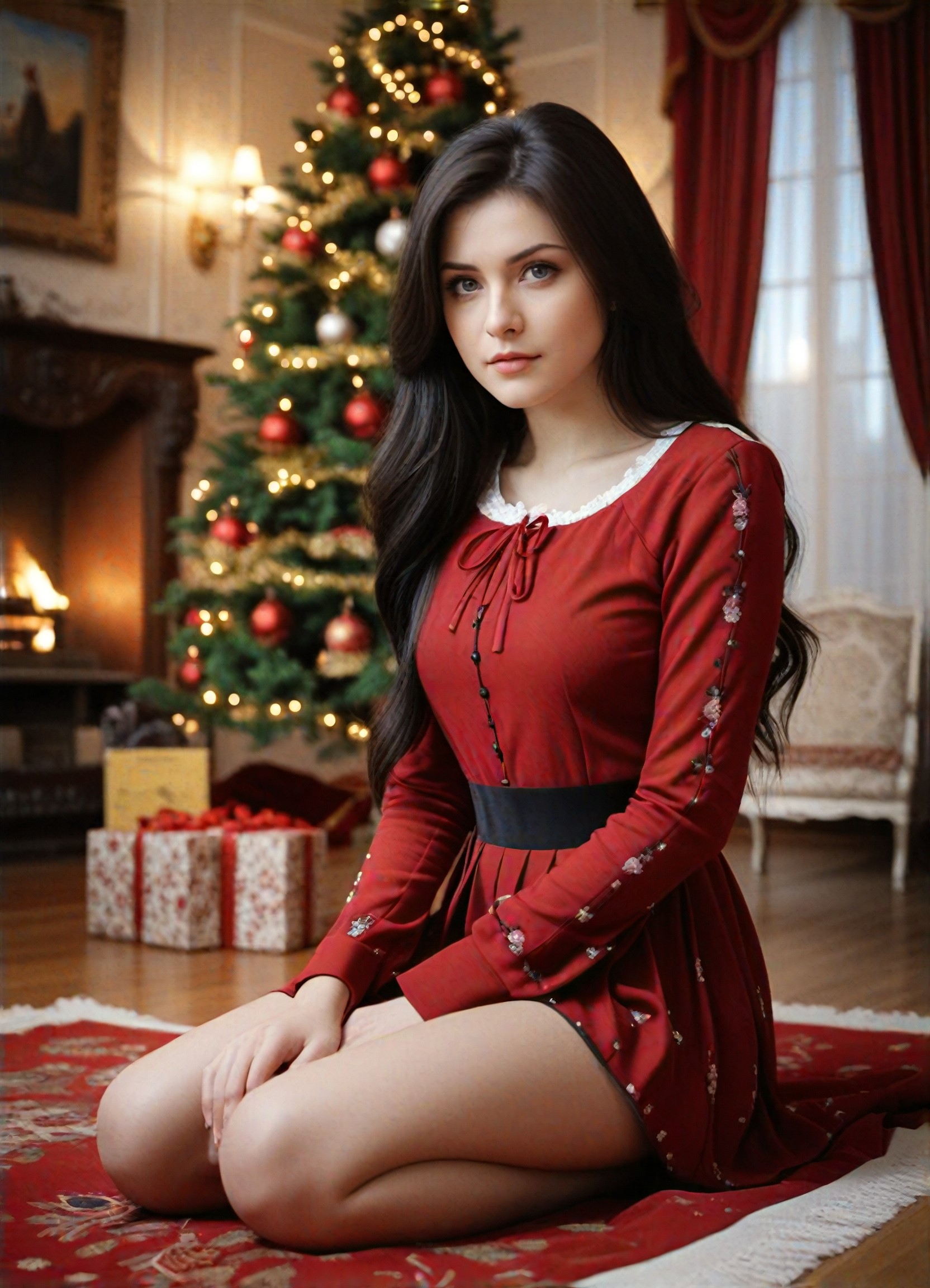
a1.art offers a large number of filters, allowing you to easily obtain AI videos or images without prompts.


Input
Result
Shimmer Flash
 艺术梦想家
艺术梦想家 807
807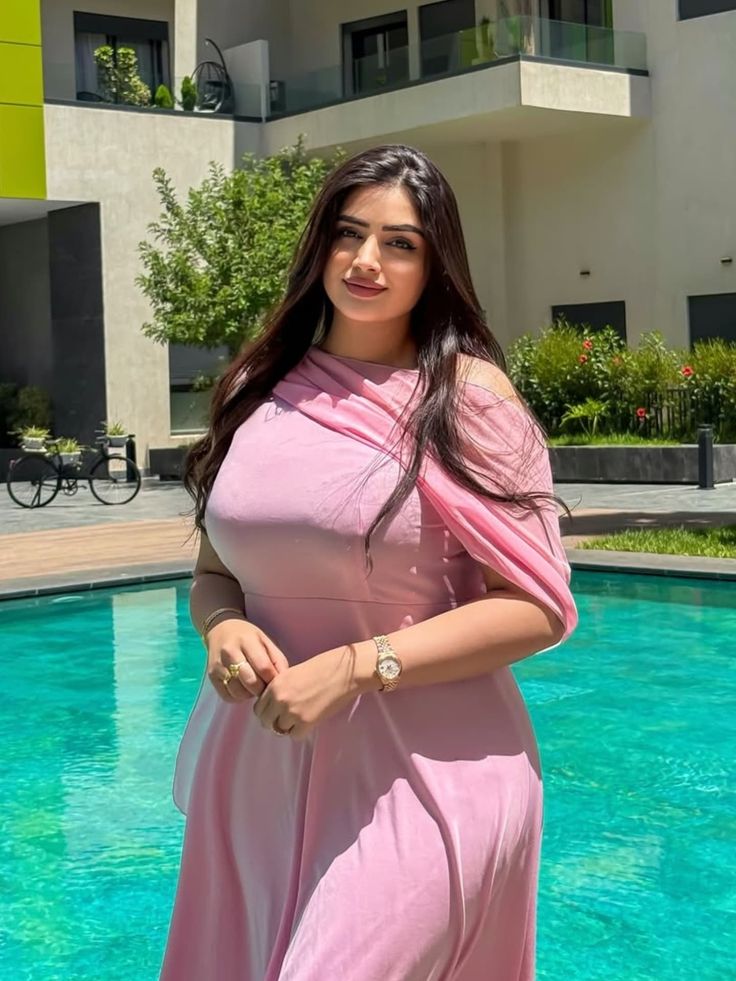

Input
Result
Mint Glitch Shimmer
 艺术画家33

Input
Result
Ice Gold Shimmer
 Mmm.25
Input
Result
Winter Christmas
A
Art6987r60yzcfo17

Input
Result
MallDay_4
艺术画家2

Input
Result
TGG-证件照
T
TGG4.7k
Input
Result
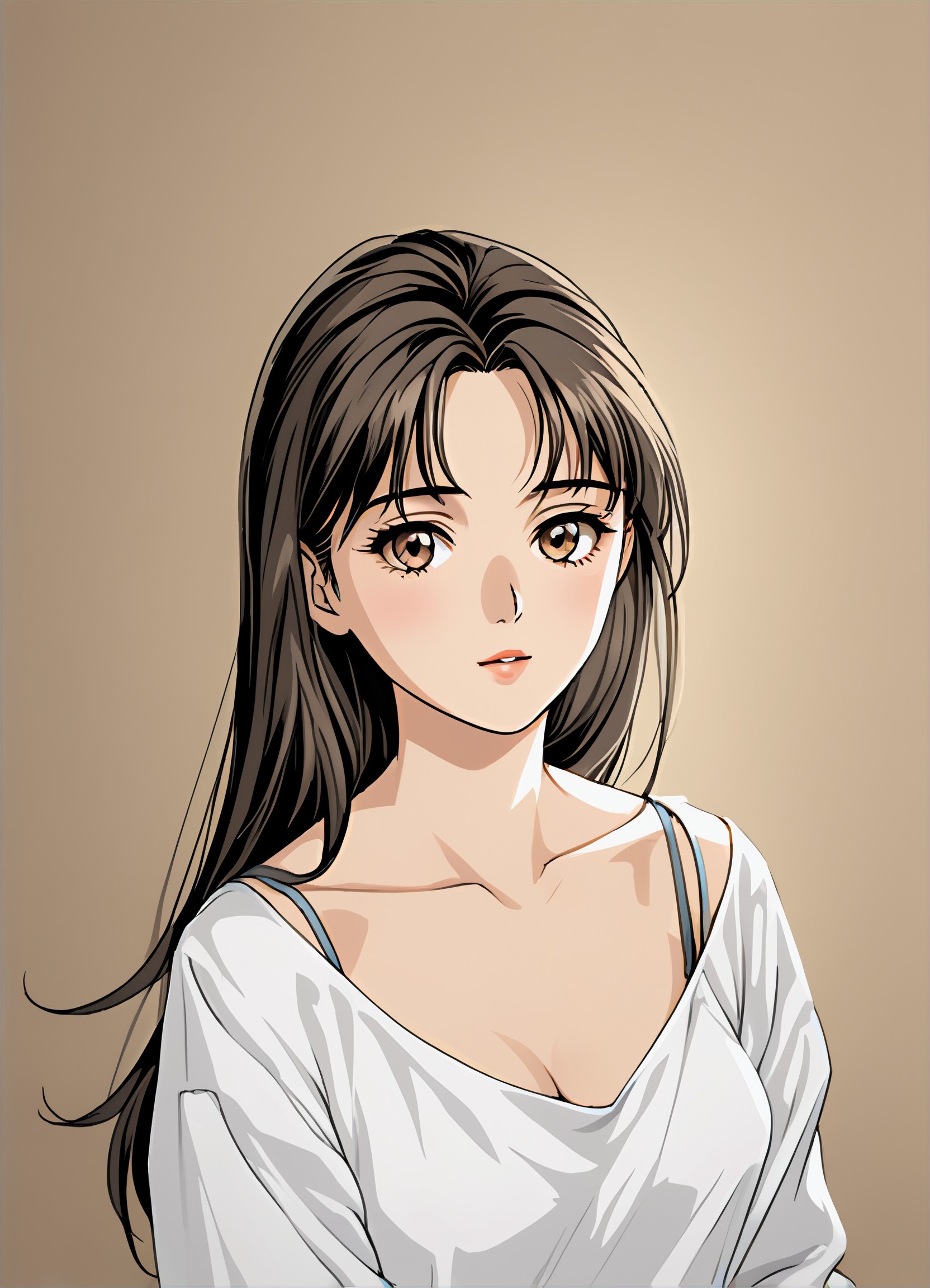
Manga filter
 winter solstice236.2k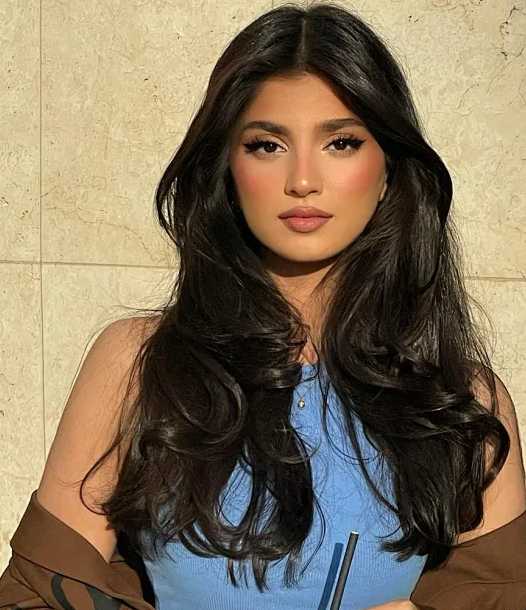

Input
Result
Healing art style
 21187613791.7k
AI Generated Shimmer Images & Videos
Discover unique and innovative Shimmer images and videos created with a1.art Shimmer prompts.





How to Make Shimmer AI Image & Video on a1.art?
Step into the future of AI Shimmer video and image creation on a1.art.

Step 1
Select the style you want to apply in the Square.

Step 2
Upload the image you want to transform. It can be a photo, hand-drawn sketch.

Step 3
Wait a few seconds and you can easily get your unique AI Shimmer art. Download for free!
FAQ about Shimmer AI Prompt on a1.art
Discover the secrets to creating Birthday Day videos and images at a1.art.
What are shimmer AI prompts?
Shimmer AI prompts are specialized text inputs designed to generate visually stunning images and videos with shimmer effects. These prompts capture elements like light reflection, texture, and movement to create captivating visual content.
How do I use shimmer AI prompts on a1.art?
Using shimmer AI prompts on a1.art is simple. Just select your preferred prompt, upload an image or enter a text description, and let the AI work its magic. You'll instantly see your shimmer visuals come to life.
Can I customize the shimmer effects?
Yes, a1.art offers a range of customization options for shimmer effects. You can adjust the intensity, direction, and type of shimmer to suit your specific needs and preferences.
Are there any limitations to using shimmer AI prompts?
While a1.art provides powerful tools for generating shimmer visuals, some complex effects may require more advanced settings or additional credits. However, our platform is designed to be user-friendly and accessible for all skill levels.
How can I access shimmer AI prompts?
You can access shimmer AI prompts by visiting a1.art and exploring our library of pre-designed prompts. Additionally, you can create your own custom prompts based on your unique vision.


