Container backgroundContainer background
Home/AI Prompts/Shiny Effect

Shiny Effect
AI Prompts

Shiny Effect AI Prompts

Discover the magic of shiny effect AI prompts at a1.art. Our platform transforms your ideas into stunning visuals with just a few clicks, offering daily free credits and premium subscriptions for more creative freedom.
A glowing crystal sphere with intricate internal patterns, reflecting light in mesmerizing ways.
A metallic surface with a high-gloss finish, showcasing reflections of surrounding objects and light sources.
A waterfall cascading over smooth rocks, with water droplets catching sunlight to create sparkling effects.
A futuristic cityscape at night, illuminated by neon lights that reflect off glass buildings and streets.
A close-up of a polished gemstone, highlighting its facets and how they refract light beautifully.
A sunset over a calm ocean, where the horizon glows with warm hues and the water reflects golden light.
Explore more

Get Shiny Effect Videos & Images without Prompt

a1.art offers a large number of filters, allowing you to easily obtain AI videos or images without prompts.
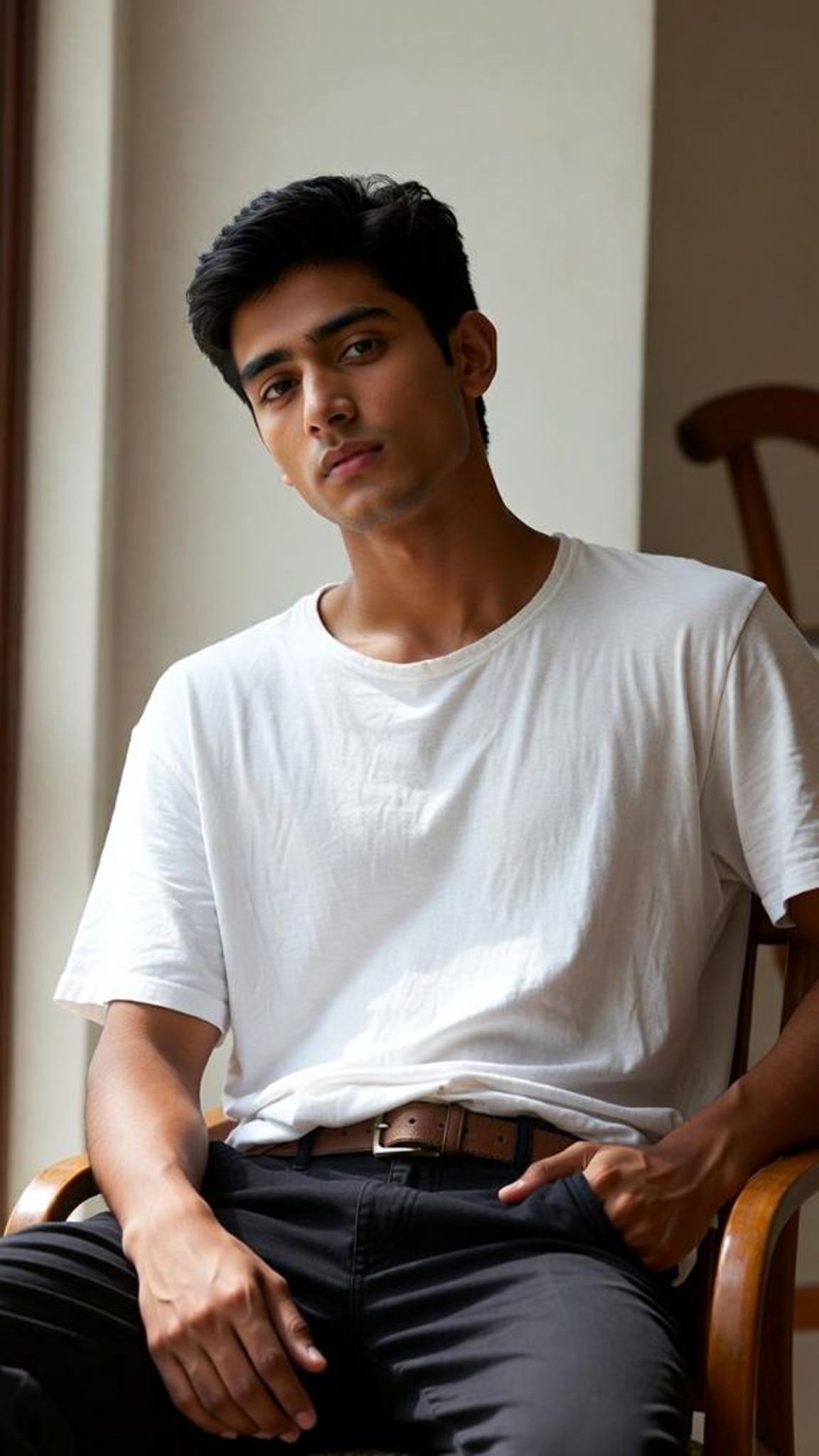
image befor ai generation
A cute 3D rendered cartoon boy, wearing an olive green jacket, khaki shorts, and a beige baseball cap. He has large, expressive eyes, a friendly expression, and carries a brown backpack. He's wearing off-white sneakers. The style is reminiscent of 3D cartoon character design, with smooth, polished textures and no visible brushstrokes. The background is a simple beige color, focusing all attention on the character. The lighting is soft and even, creating a warm and pleasant atmosphere. The overall style is cheerful and friendly, suitable for children's products or game character design. The image is rendered in a style similar to contemporary 3D animation character design. Think of the clean lines and smooth surfaces of Pixar-style animation, but with a slightly more realistic rendering of the materials.
cute 3D cartoon boy image
Input
Result
cute 3D cartoon boy
夢境畫境Dreamscape Canva headshot夢境畫境Dreamscape Canva
playicon16.1k
image befor ai generation
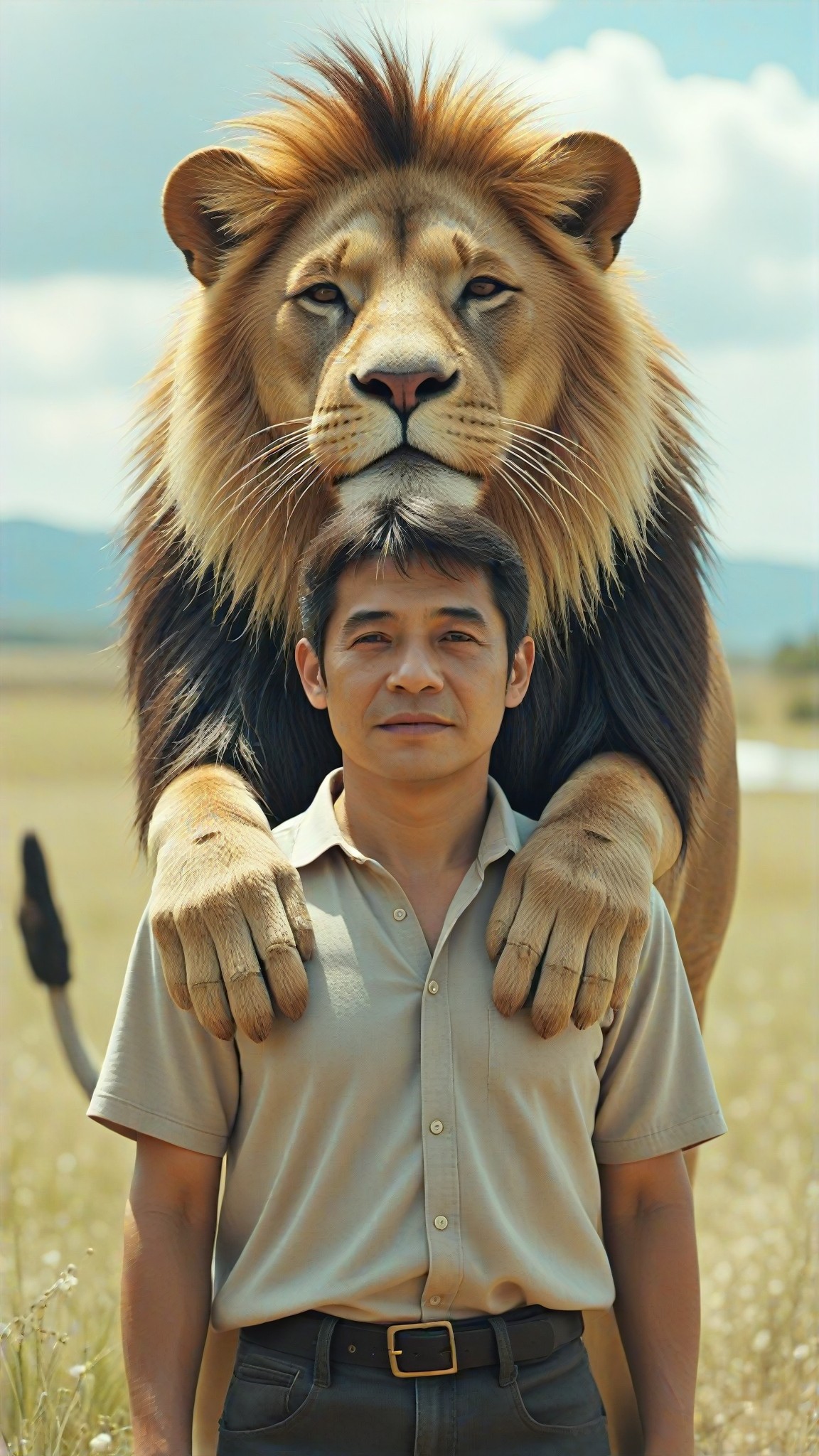
[Master_Movie Portrait] 🌟 I have a big lion image
Input
Result
[Master_Movie Portrait] 🌟 I have a big lion
陳文舟 headshot陳文舟
playicon8.6k
image befor ai generation
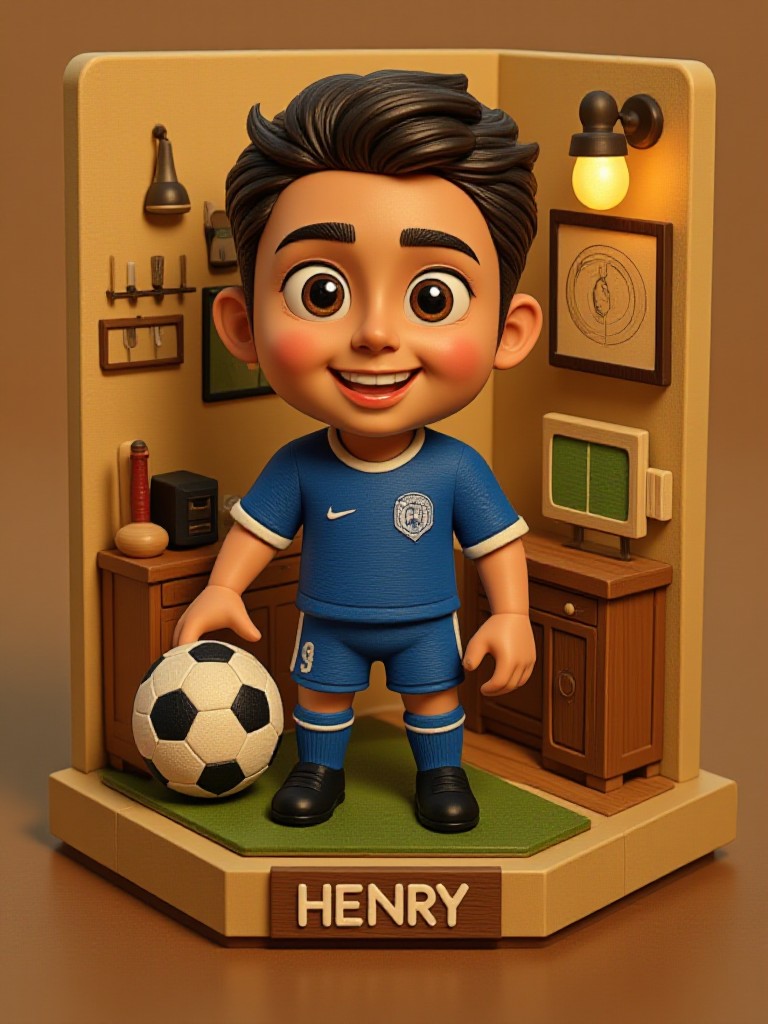
HENRY
3D Footballer image
Input
Result
3D Footballer
李明李明李明 headshot李明李明李明
playicon5.3k
image befor ai generation
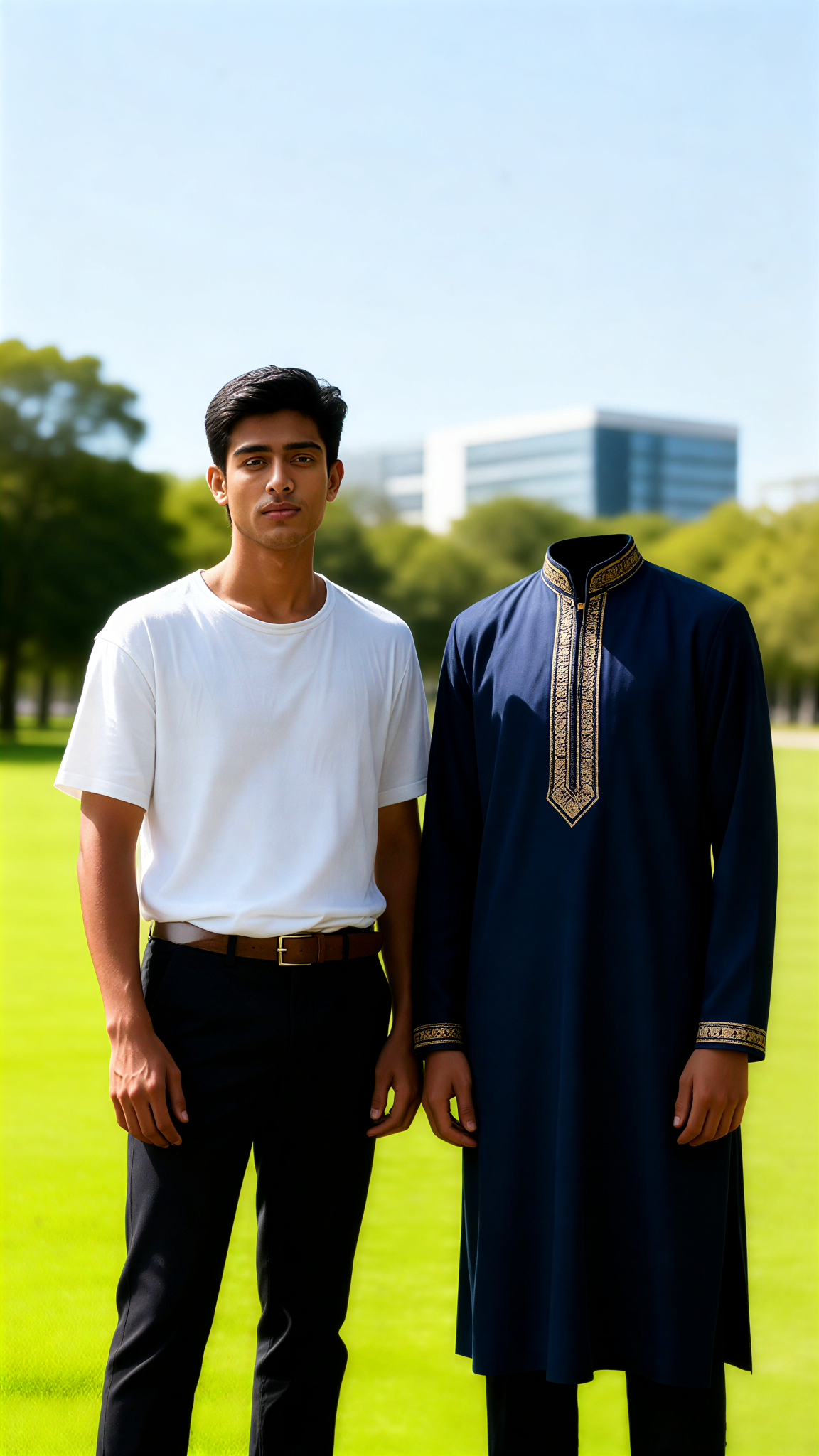
Indian costume transformation & heart effect image
Input
Result
Indian costume transformation & heart effect
couple love headshotcouple love
playicon2.1k
image befor ai generation
Couple Kiss Heart Effect image
Input
Result
Couple Kiss Heart Effect
couple love headshotcouple love
playicon980
image befor ai generation
Couple Hug Heart Effect image
Input
Result
Couple Hug Heart Effect
couple love headshotcouple love
playicon918
image befor ai generation
Indian costume transformation & heart effect image
Input
Result
Indian costume transformation & heart effect
couple love headshotcouple love
playicon768
image befor ai generation
Shiny sexy dress image
Input
Result
Shiny sexy dress
N
Naughtyboy
playicon750

How to Make Shiny Effect AI Image & Video on a1.art?

Step into the future of AI Shiny Effect video and image creation on a1.art.

a1.art tutorial Step 1
Step 1
Select the style you want to apply in the Square.

a1.art tutorial Step 2
Step 2
Upload the image you want to transform . It can be a photo, hand-drawn sketch.

a1.art tutorial Step 3
Step 3
Wait a few seconds and you can easily get your unique AI Shiny Effect art. Download for free!

FAQ about Shiny Effect AI Prompt on a1.art

Discover the secrets to creating Shiny Effect videos and images at a1.art.

What types of shiny effects can I create with a1.art?

a1.art allows you to generate a wide range of shiny effects, including metallic surfaces, glowing crystals, reflective water, and iridescent textures. You can choose from various prompts or upload your own images to customize the effect.

Can I use shiny effect AI prompts for both images and videos?

Yes, a1.art supports both image and video generation. You can select the appropriate filters to create stunning shiny effect visuals for either format.

How do I get started with shiny effect AI prompts?

Simply visit a1.art, choose a prompt that inspires you, and let our AI work its magic. You can also upload your own images or enter text descriptions to guide the creation process.

Are there any limitations on using shiny effect AI prompts?

While a1.art offers daily free credits, you may need to subscribe for additional credits if you want to create more extensive projects or access advanced features.

Can I customize the shiny effect AI prompts to match my vision?

Absolutely! a1.art provides flexibility in customization. You can adjust parameters like lighting, texture, and reflection intensity to achieve the exact shiny effect you desire.

Container background

Make Shiny Effect AI Image & Video on a1.art APP

Download the app to explore Shiny Effect AI image & video filters, faster processing, and personalized features. Whether you want creative images or stunning videos, the app makes it easier.