Container backgroundContainer background
Home/AI Prompts/Plush Figures

Plush Figures
AI Prompts

Plush Figures AI Prompts

Discover the magic of plush figures with a1.art's AI-powered prompts. Generate stunning, lifelike plush visuals effortlessly by uploading your favorite text or image. With daily free credits and premium subscription options, a1.art makes creating plush figure art both accessible and inspiring.
A soft, cuddly teddy bear with glowing eyes, surrounded by twinkling stars and gentle rain, cinematic lighting, ultra-detailed fur texture.
A vintage-style plush rabbit with faded pastel colors, sitting on a worn wooden bench in a cozy attic, nostalgic atmosphere, warm lighting.
A futuristic plush alien with metallic accents, glowing antennae, and intricate patterns, sci-fi style, high-contrast lighting.
A whimsical plush unicorn with rainbow-colored mane, sparkling hooves, and a magical aura, fantasy theme, ethereal lighting.
A rugged plush mountain goat with weathered fur, climbing a rocky cliffside at sunset, natural erosion details, golden hour lighting.
A delicate plush butterfly with translucent wings, resting on a blooming flower garden, ultra-detailed wing patterns, soft daylight.
Explore more

Get Plush Figures Videos & Images without Prompt

a1.art offers a large number of filters, allowing you to easily obtain AI videos or images without prompts.

image befor ai generation
Box Doll 2 image
Input
Result
Box Doll 2
Raaj Gathiyawala headshotRaaj Gathiyawala
playicon26.6k
image befor ai generation
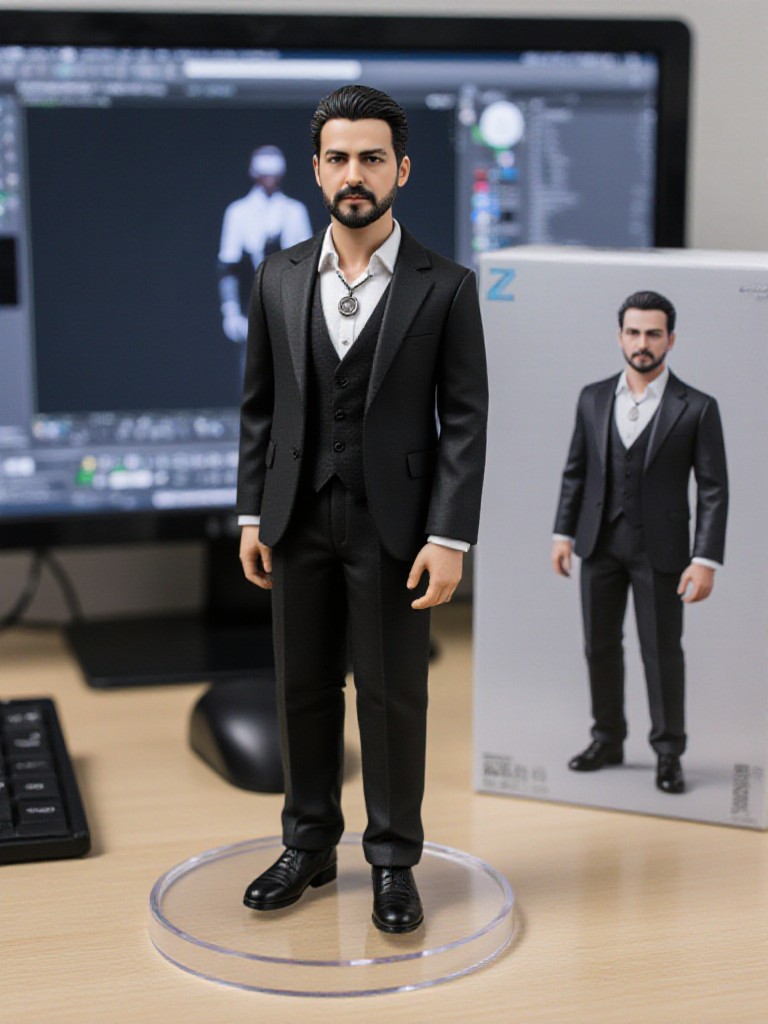
Desktop Figure image
Input
Result
Desktop Figure
CC headshotCC
playicon16.5k
image befor ai generation
A cute 3D rendered cartoon boy, wearing an olive green jacket, khaki shorts, and a beige baseball cap. He has large, expressive eyes, a friendly expression, and carries a brown backpack. He's wearing off-white sneakers. The style is reminiscent of 3D cartoon character design, with smooth, polished textures and no visible brushstrokes. The background is a simple beige color, focusing all attention on the character. The lighting is soft and even, creating a warm and pleasant atmosphere. The overall style is cheerful and friendly, suitable for children's products or game character design. The image is rendered in a style similar to contemporary 3D animation character design. Think of the clean lines and smooth surfaces of Pixar-style animation, but with a slightly more realistic rendering of the materials.
cute 3D cartoon boy image
Input
Result
cute 3D cartoon boy
夢境畫境Dreamscape Canva headshot夢境畫境Dreamscape Canva
playicon15.7k
image befor ai generation
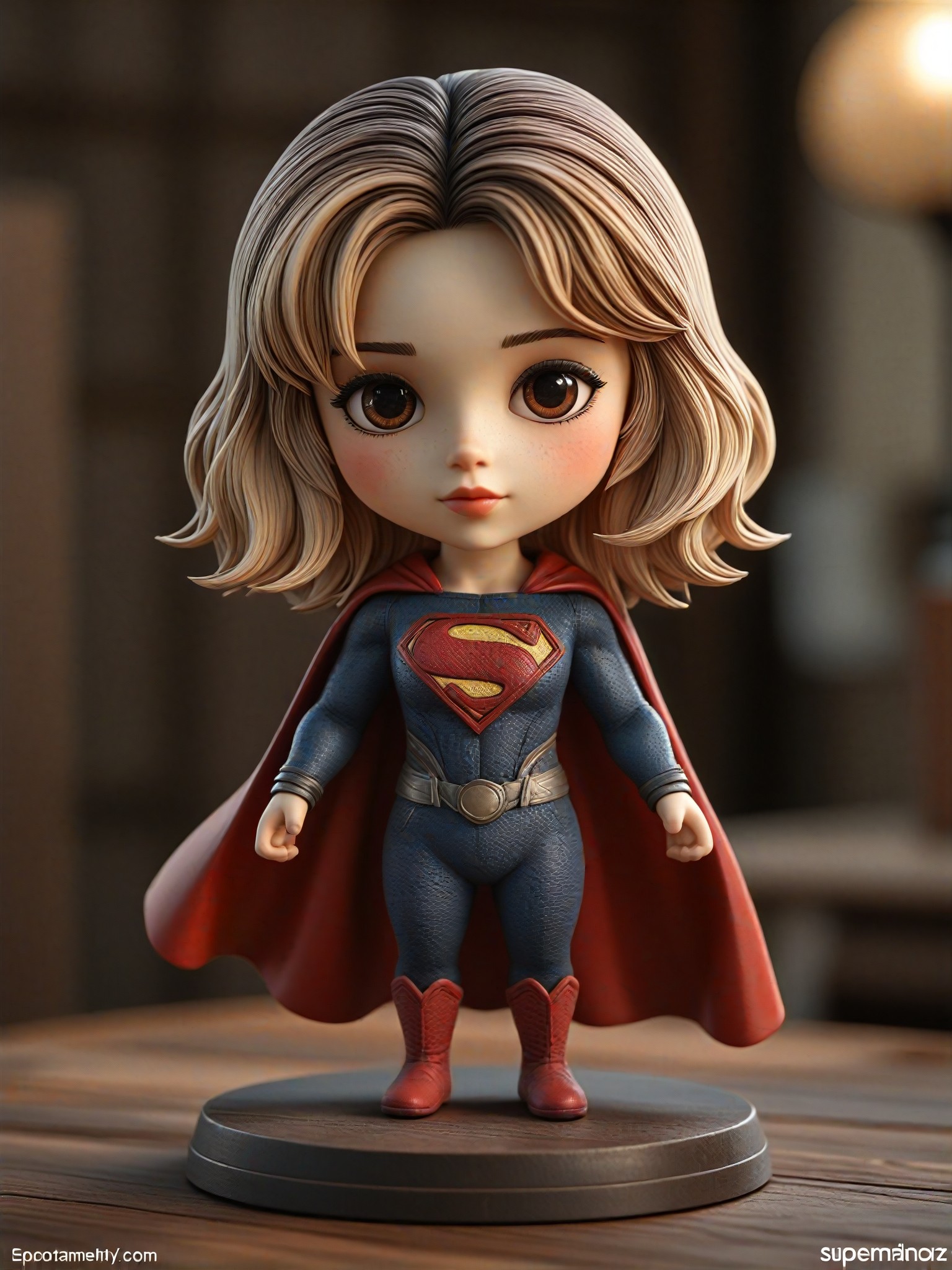
Superman
3D superhero figures image
Input
Result
3D superhero figures
大福 headshot大福
playicon13.8k
image befor ai generation
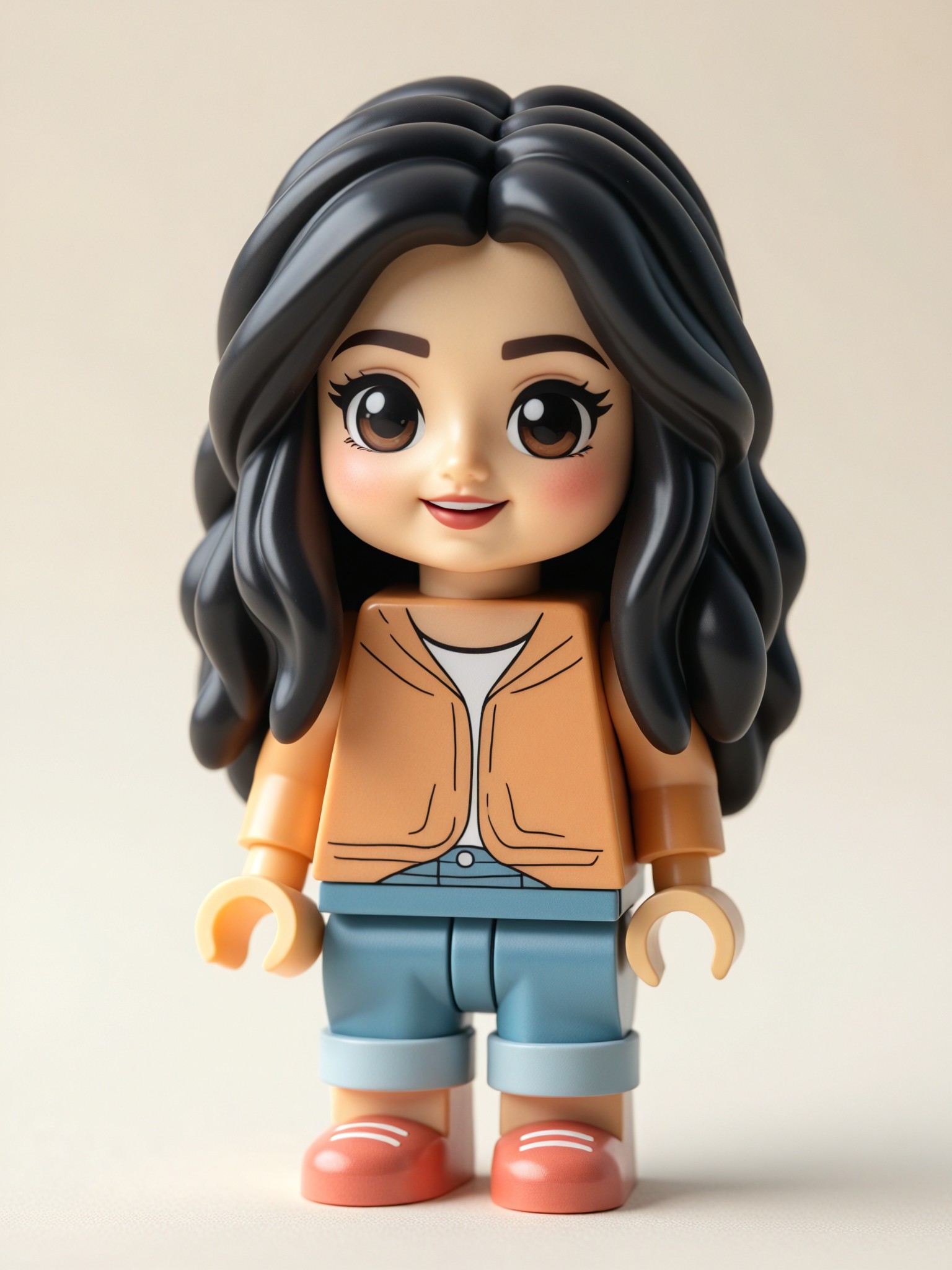
3D Lego Figure image
Input
Result
3D Lego Figure
CC headshotCC
playicon4.9k
image befor ai generation
Realistic to Cute 3D Figure image
Input
Result
Realistic to Cute 3D Figure
CC headshotCC
playicon4.0k
image befor ai generation
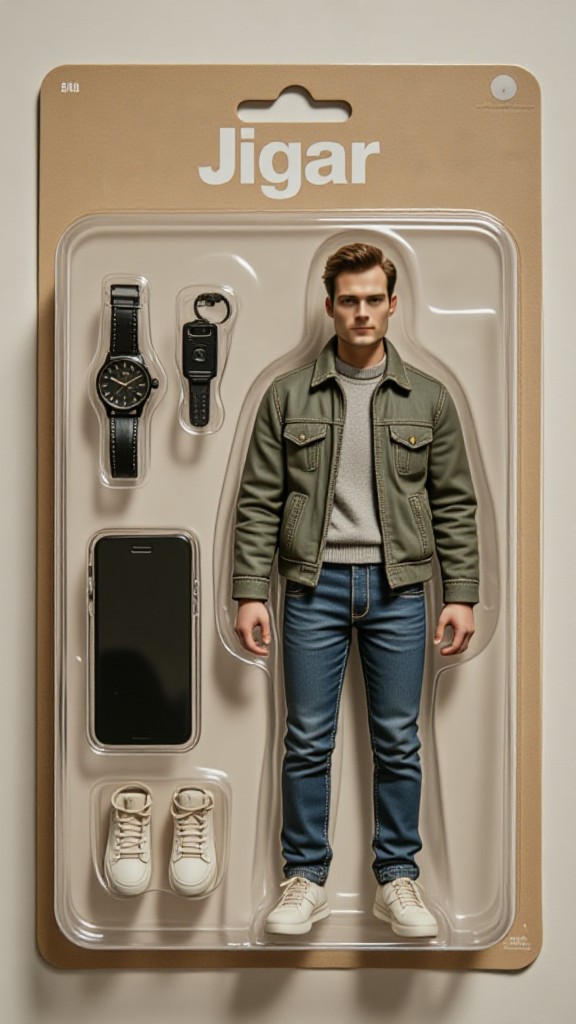
Jigar
Watch, Key, Smartphone, Shoes
Custom Action Figure image
Input
Result
Custom Action Figure
 马可波罗  headshot 马可波罗
playicon3.7k
image befor ai generation
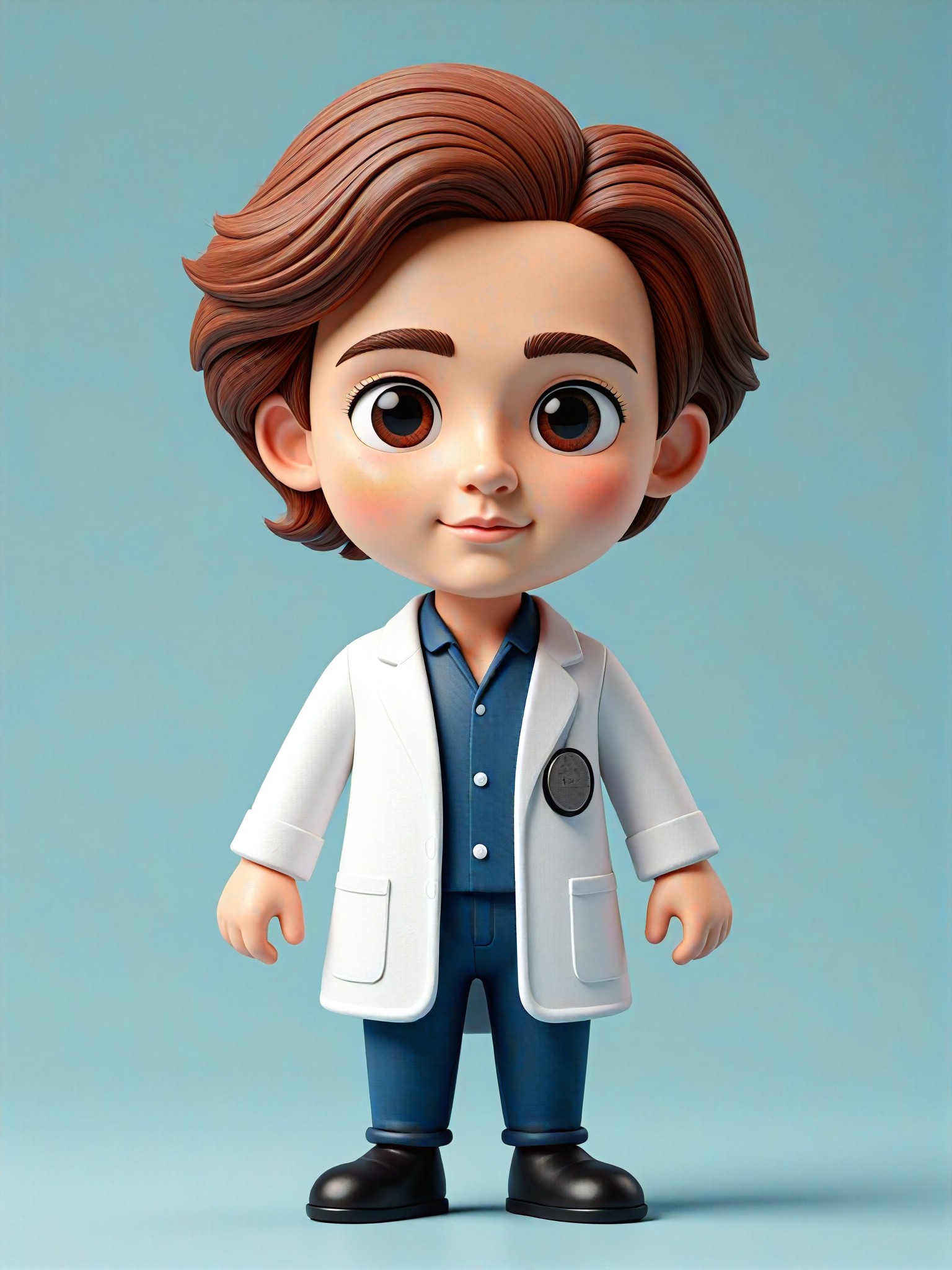
Doctor Doctor
Professional DIY of Statues image
Input
Result
Professional DIY of Statues
花鱼子 headshot花鱼子
playicon1.8k

How to Make Plush Figures AI Image & Video on a1.art?

Step into the future of AI Plush Figures video and image creation on a1.art.

a1.art tutorial Step 1
Step 1
Select the style you want to apply in the Square.

a1.art tutorial Step 2
Step 2
Upload the image you want to transform . It can be a photo, hand-drawn sketch.

a1.art tutorial Step 3
Step 3
Wait a few seconds and you can easily get your unique AI Plush Figures art. Download for free!

FAQ about Plush Figures AI Prompt on a1.art

Discover the secrets to creating Plush Figures videos and images at a1.art.

What types of plush figures can I create with a1.art?

With a1.art, you can create a wide variety of plush figures, from classic teddy bears to futuristic aliens, whimsical unicorns, and more. The AI prompts allow you to customize every detail, from texture and lighting to setting and mood.

Do I need any special skills to use a1.art for plush figures?

No, a1.art is designed to be user-friendly for everyone, regardless of artistic skill level. Simply choose a prompt, upload an image, or enter a text description, and let the AI do the rest. You don’t need advanced design knowledge to create beautiful plush visuals.

Can I generate videos of plush figures with a1.art?

Yes, a1.art supports both AI-generated images and videos. You can select specific filters to animate your plush figures, bringing them to life with movement and sound effects.

How many plush figure prompts are available?

a1.art offers over 12 curated plush figure prompts, each designed to inspire creativity and produce unique results. Whether you're looking for something classic, futuristic, or fantastical, there's a prompt for you.

Are there any costs associated with using a1.art?

a1.art provides daily free login credits for basic use. If you want more features or higher-quality outputs, you can subscribe to earn additional credits. There are no hidden fees, and all pricing plans are transparent.

Container background

Make Plush Figures AI Image & Video on a1.art APP

Download the app to explore Plush Figures AI image & video filters, faster processing, and personalized features. Whether you want creative images or stunning videos, the app makes it easier.