


Get Plush Toys Videos & Images without Prompt
a1.art offers a large number of filters, allowing you to easily obtain AI videos or images without prompts.
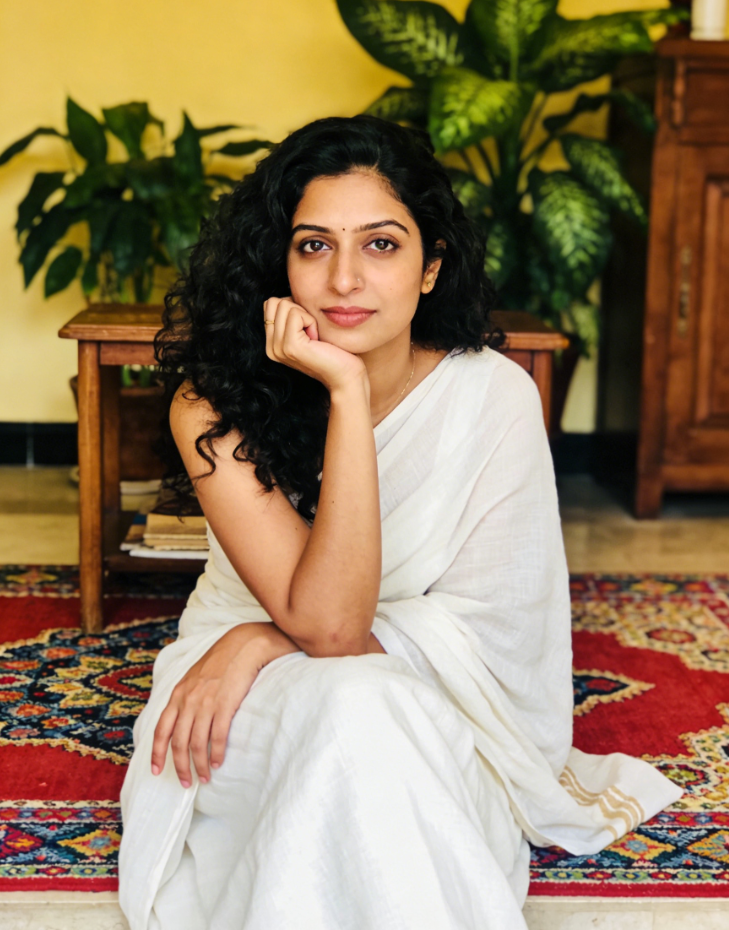
Input
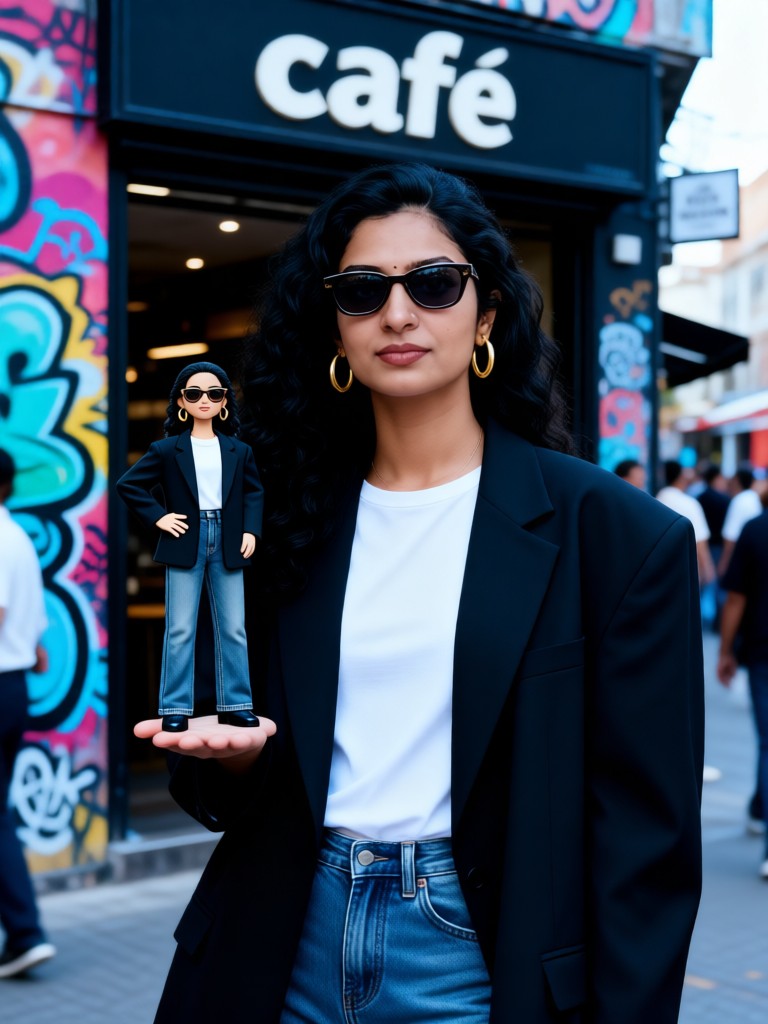
Result
Street Style Icon
 Melody💗
 249
249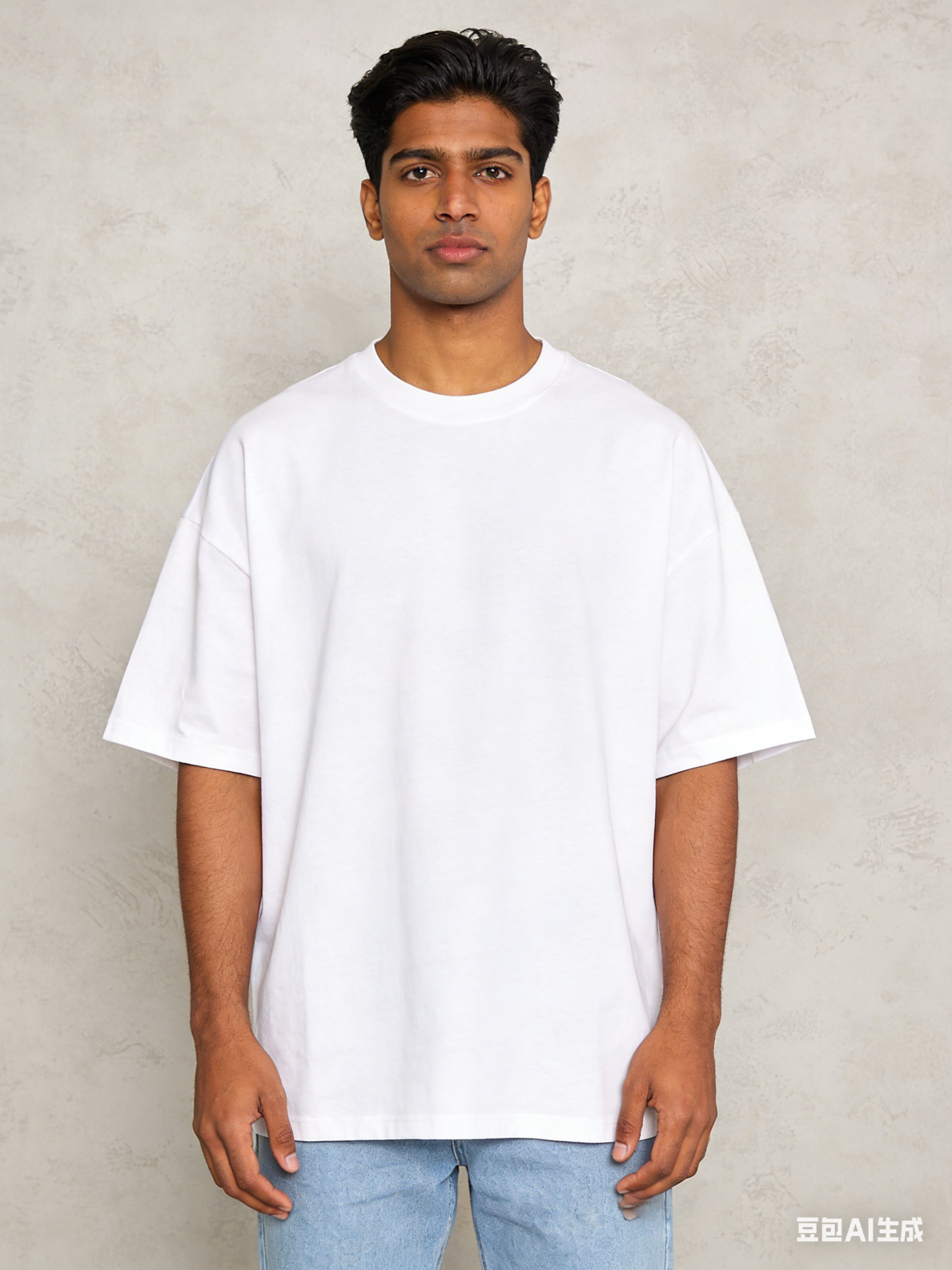
Input
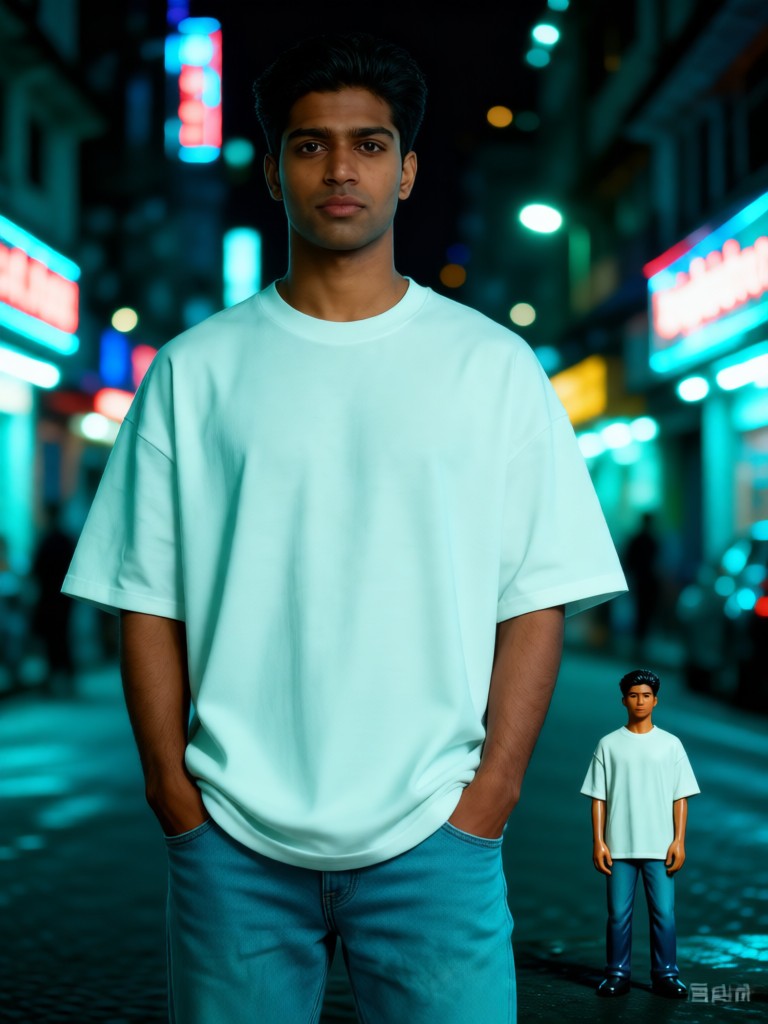
Result
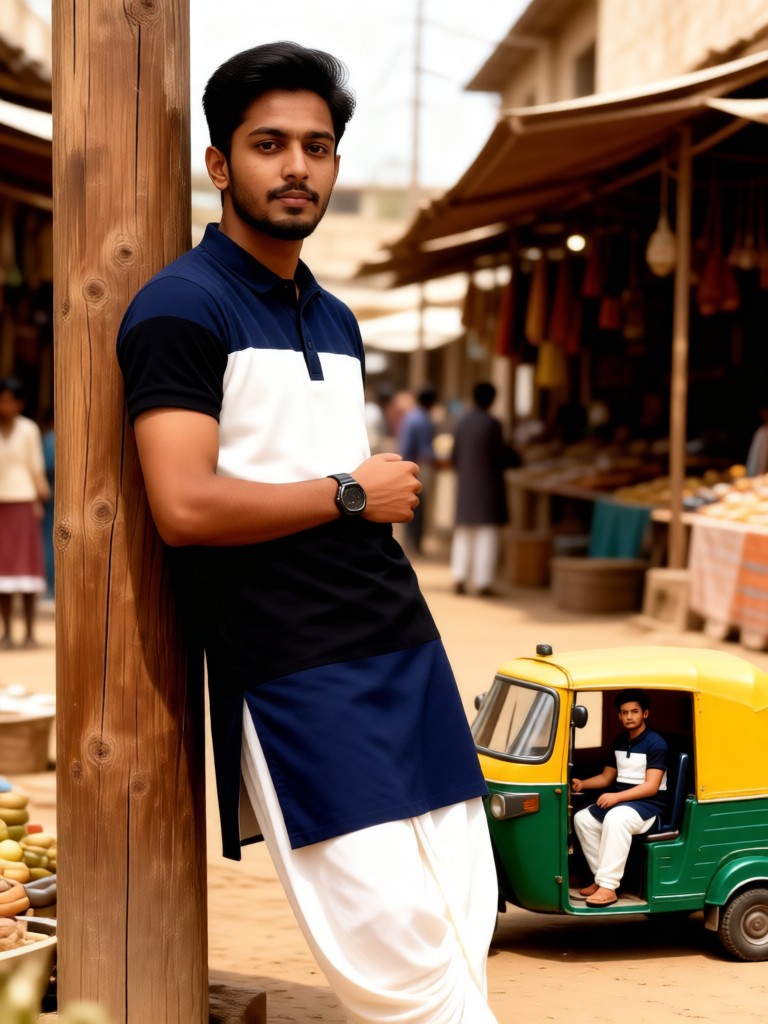
Cyber Bombay Mini
Melody💗139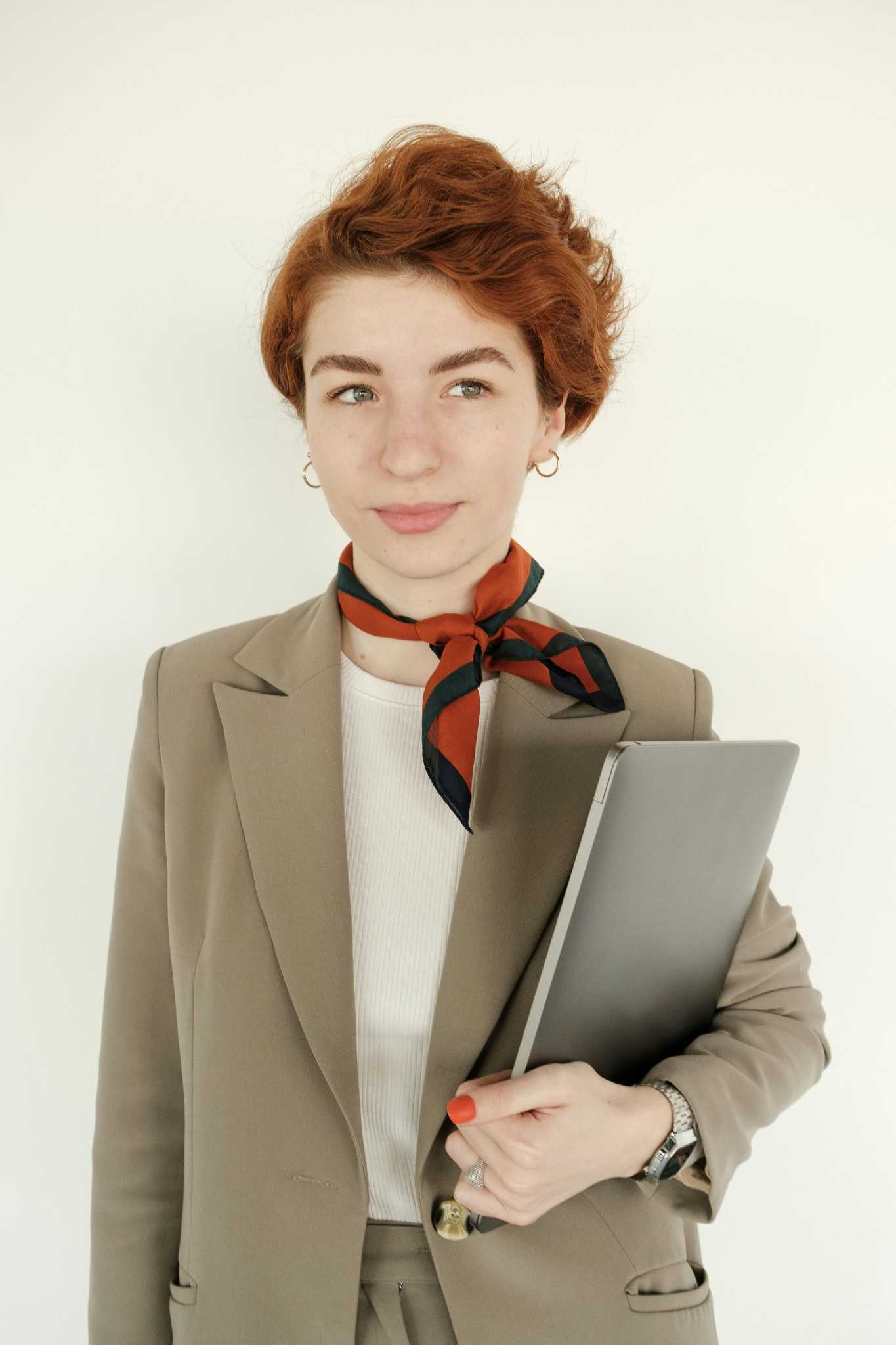
Input
Result
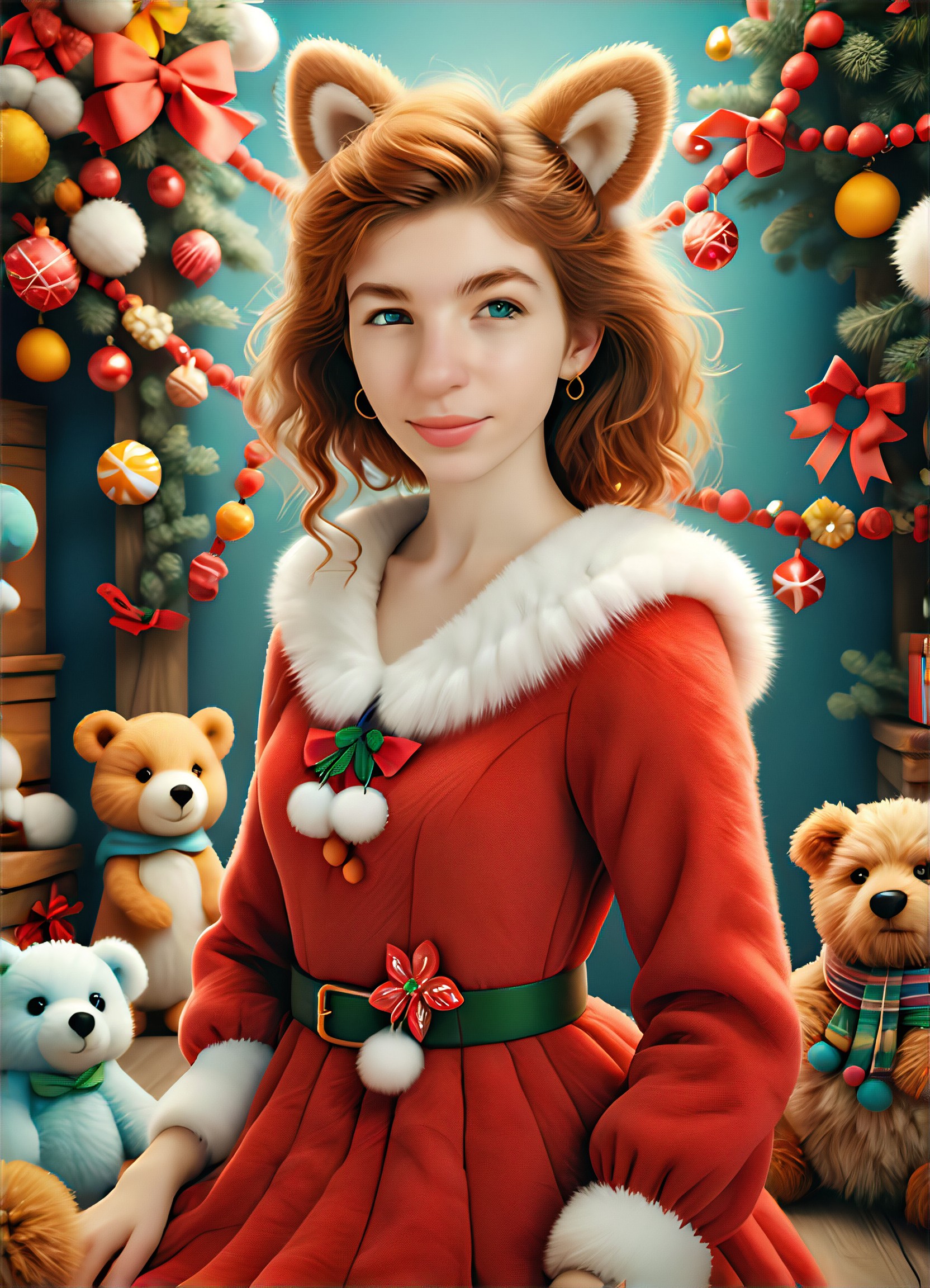
Christmas Plush Coat
L
Leeus104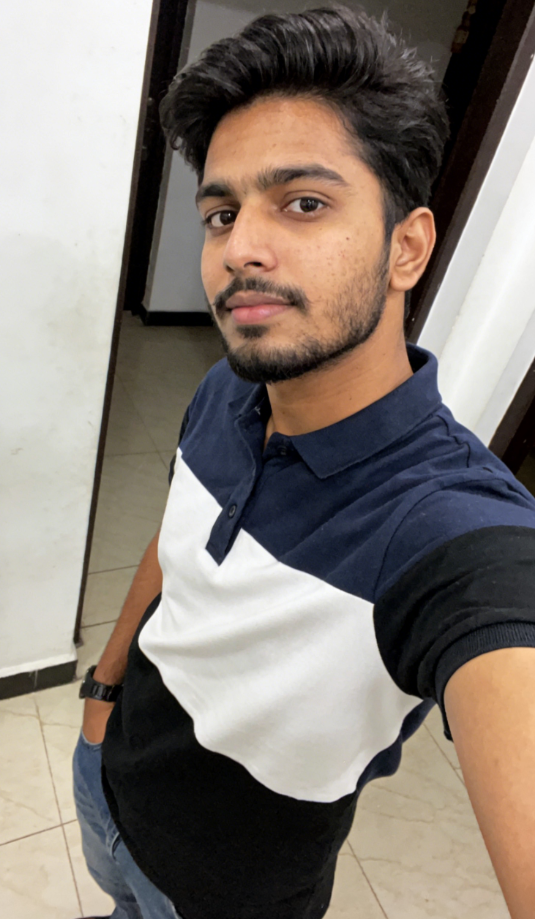
Input
Result
Mini Me:Bazaar Toy Story
Melody💗103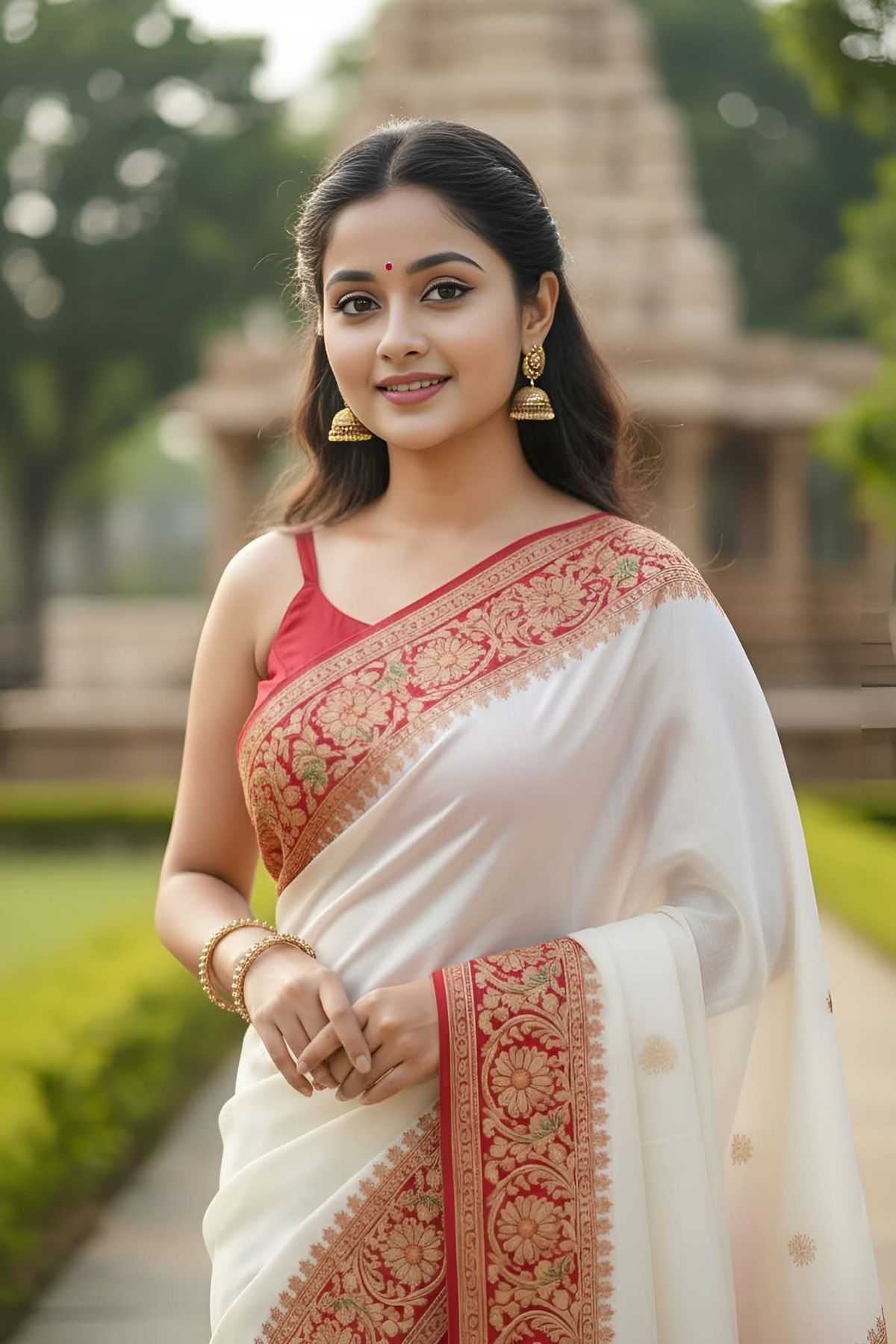
Input
Result
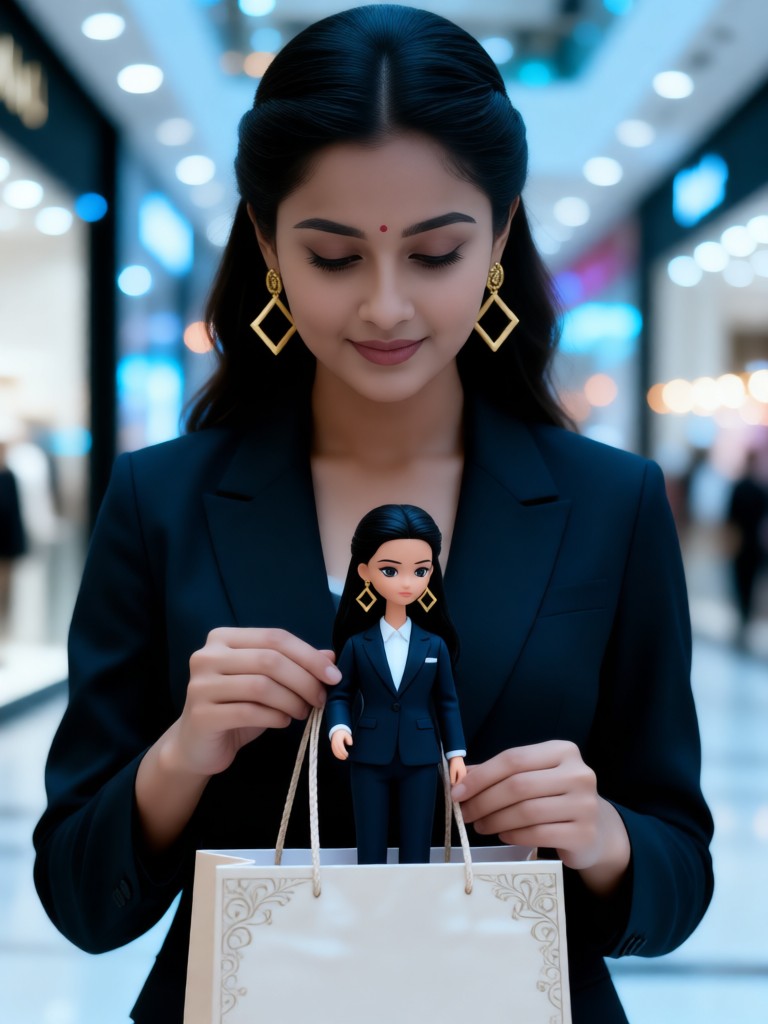
Mini Me: Shopper
Melody💗98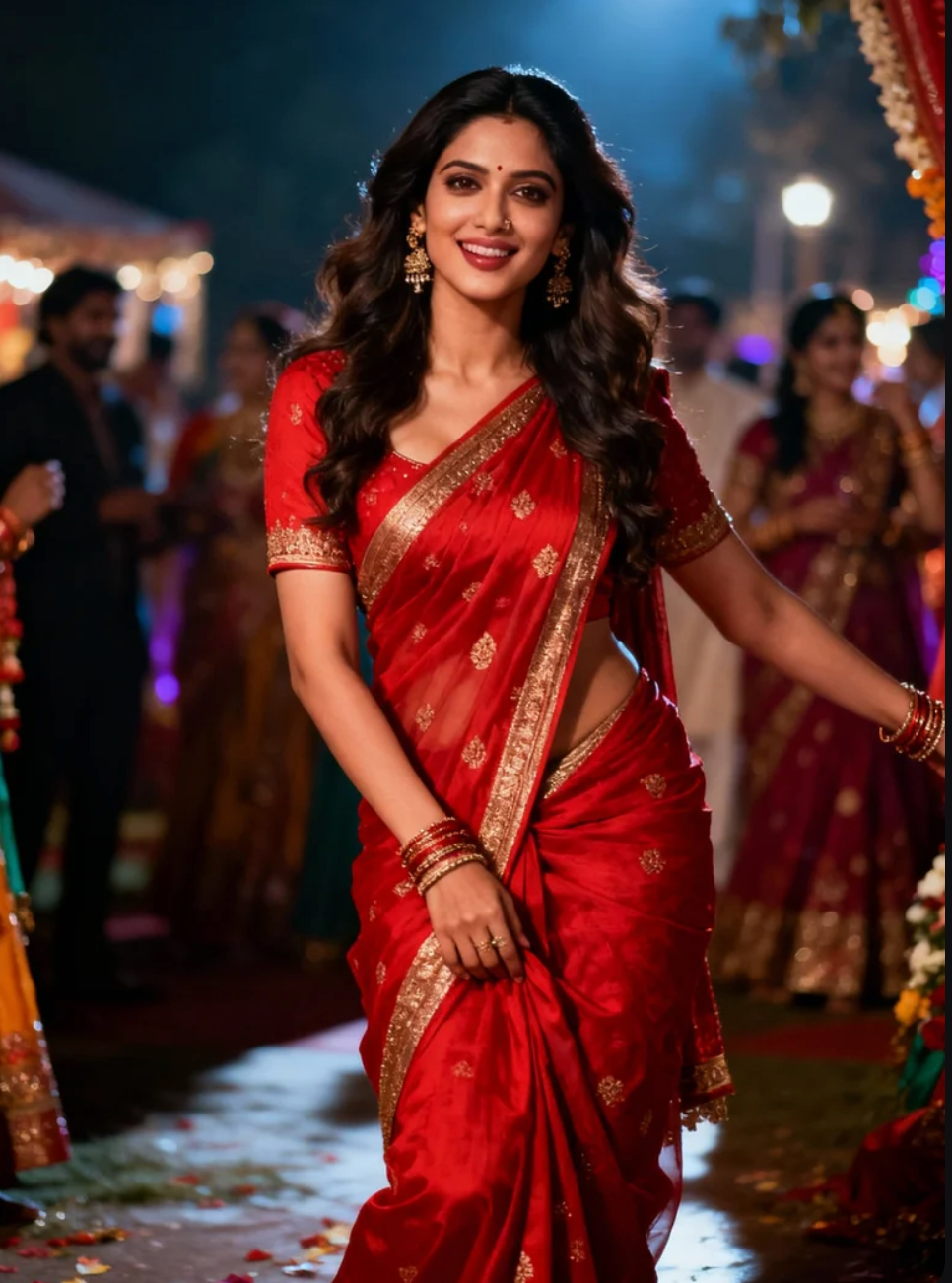
Input
Result
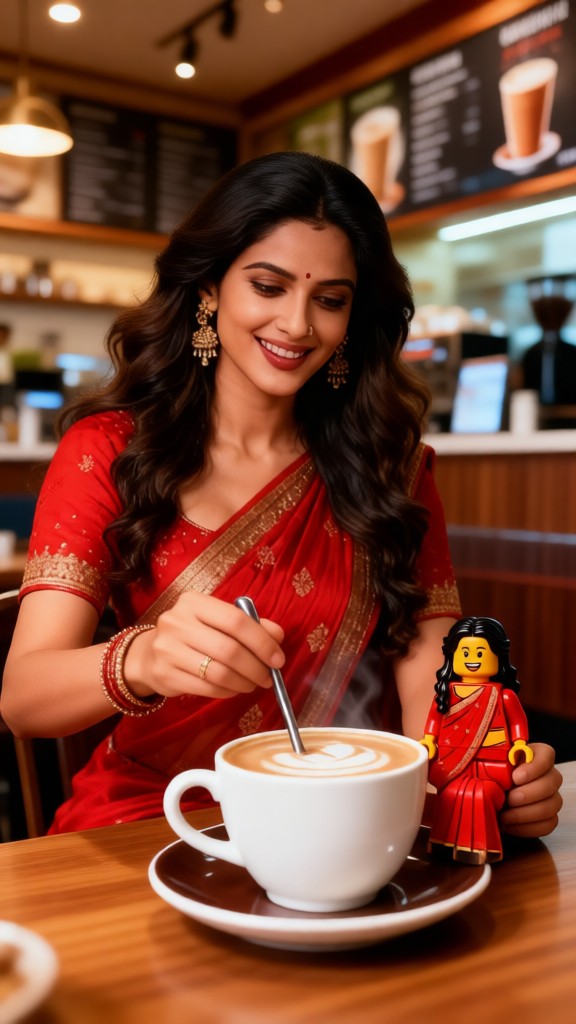
You and your LEGO-02
 Mmm.97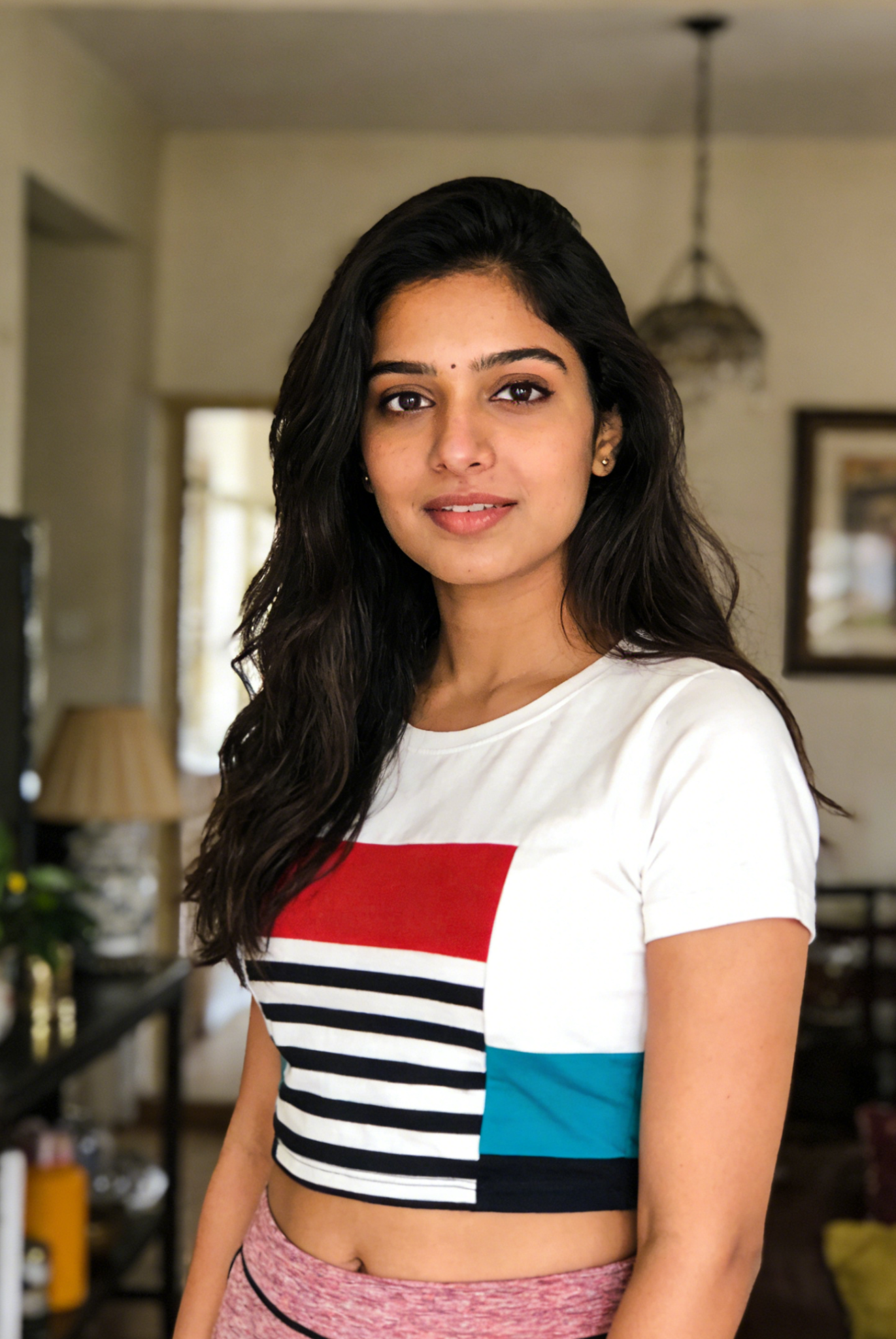
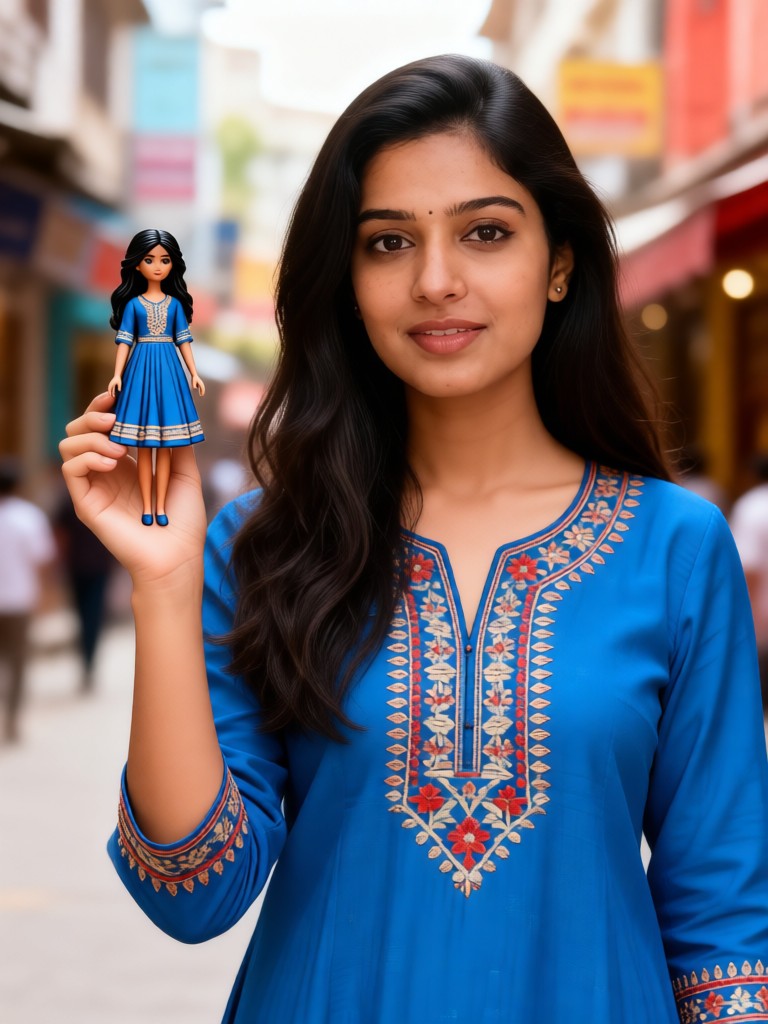
Input
Result
Mini Me: Twin Soul Street
Melody💗70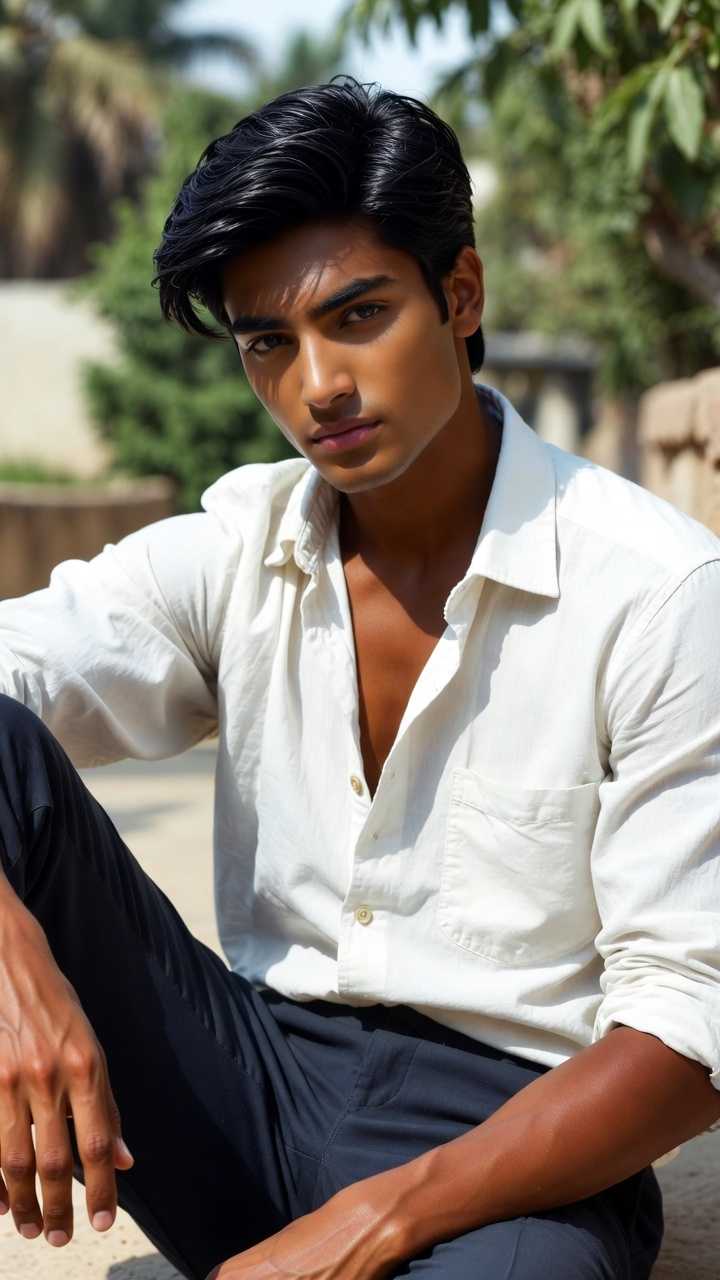
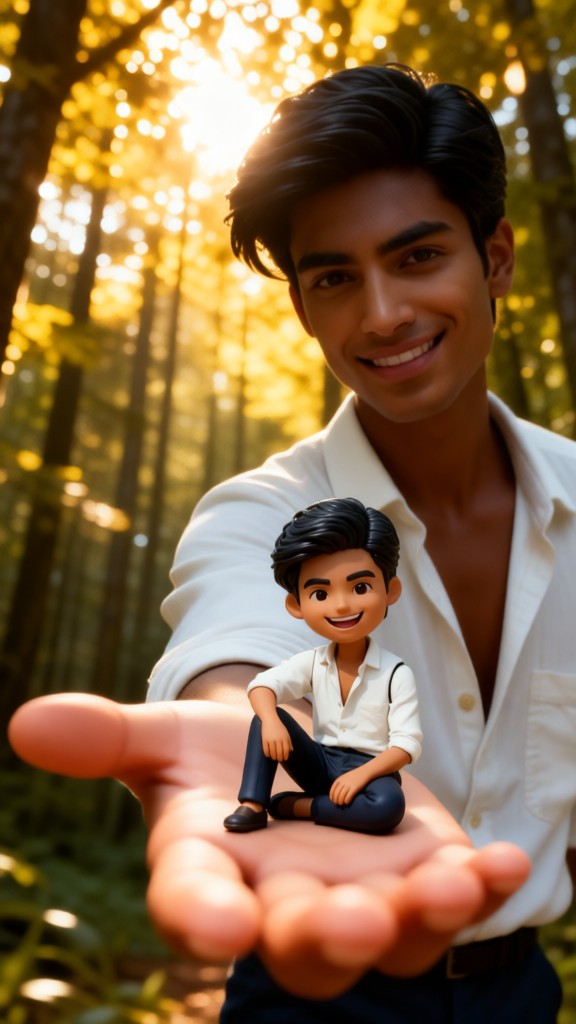
Input
Result
You and Your Clay Version-02
Mmm.67
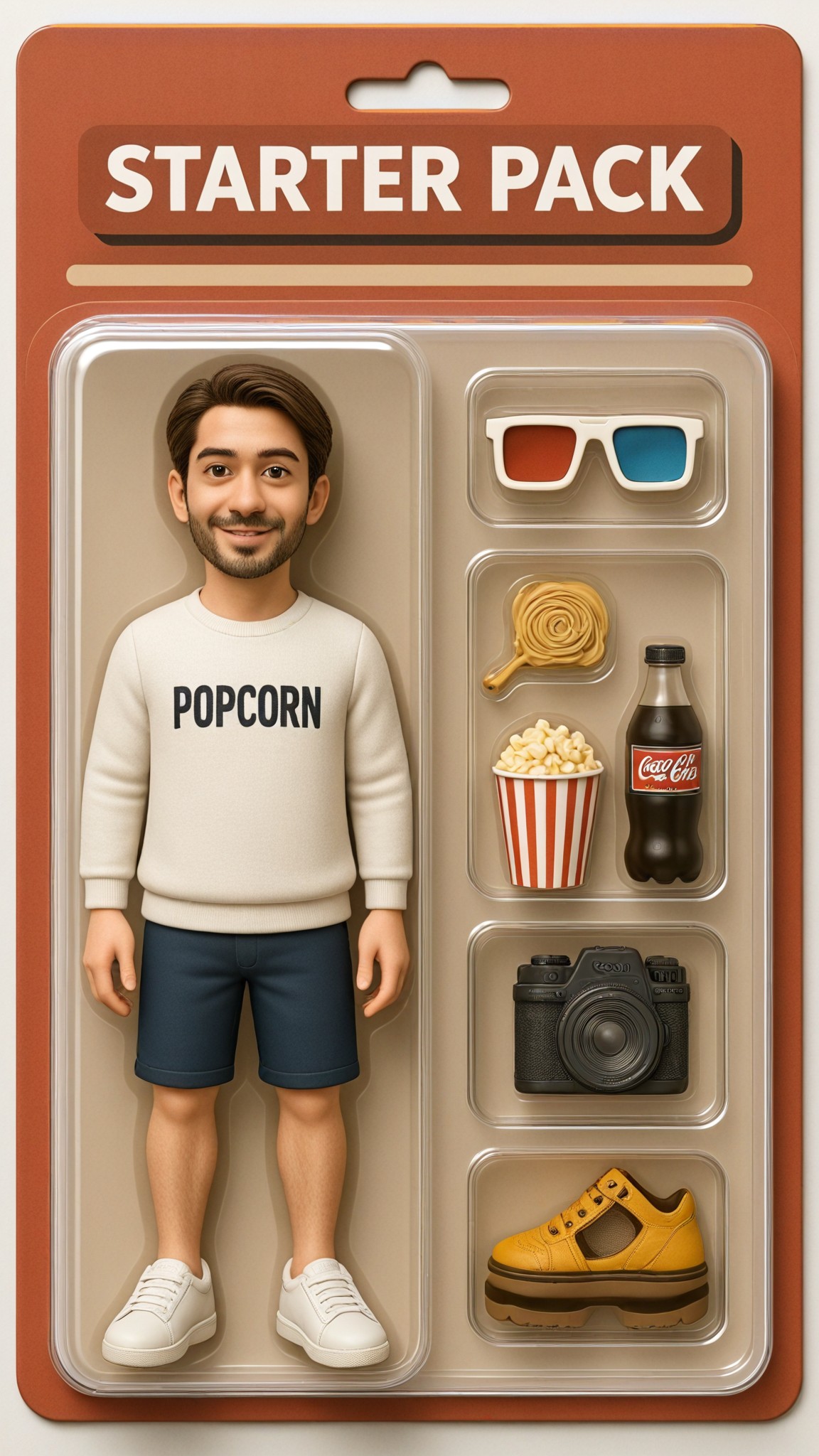
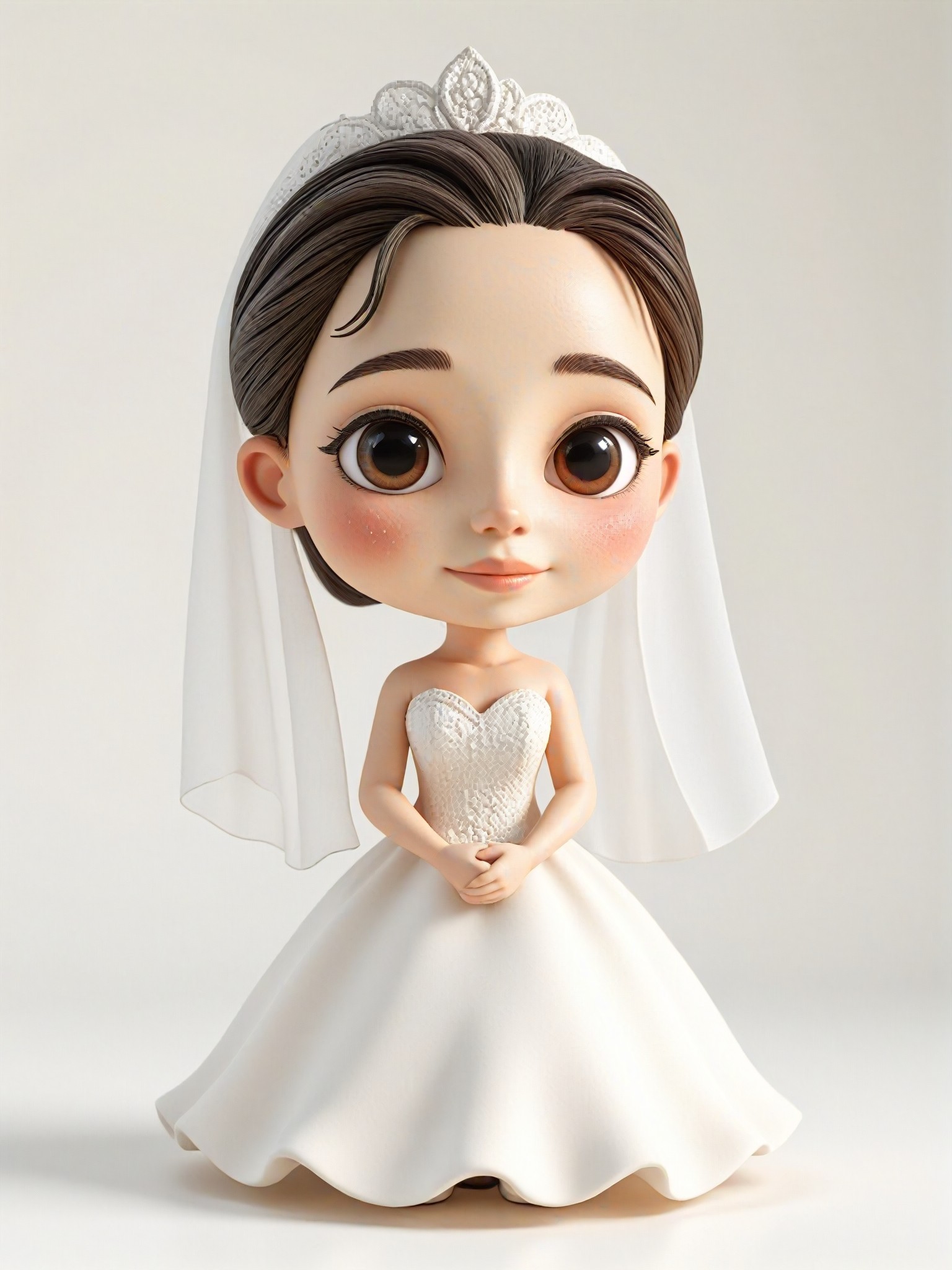
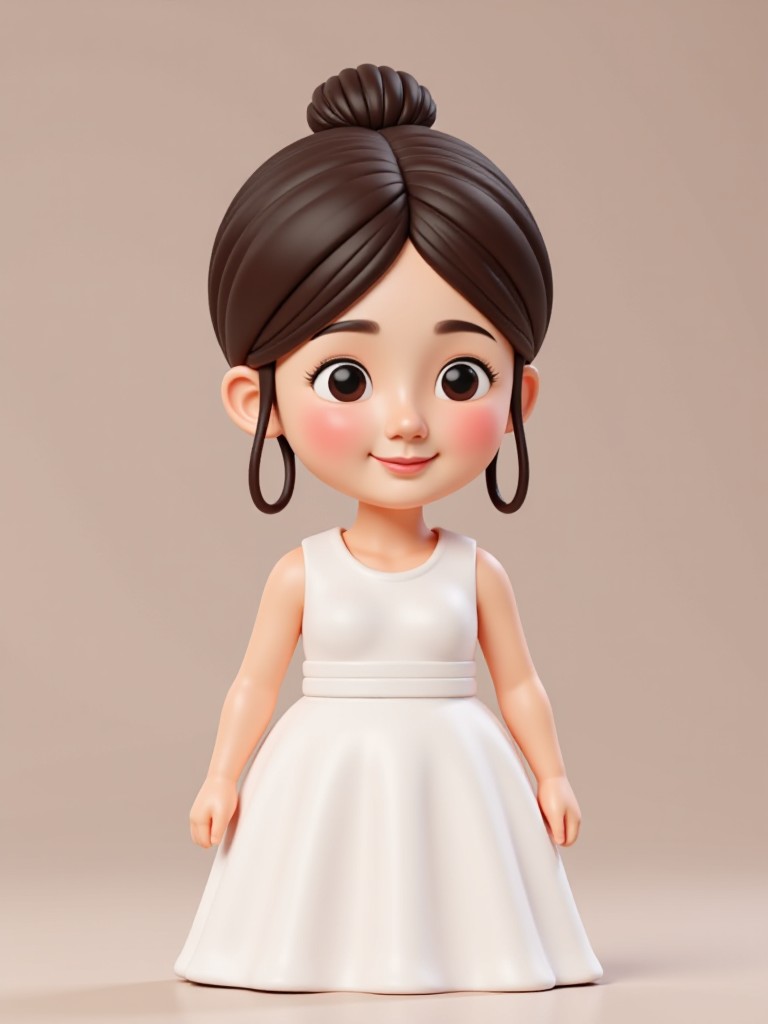
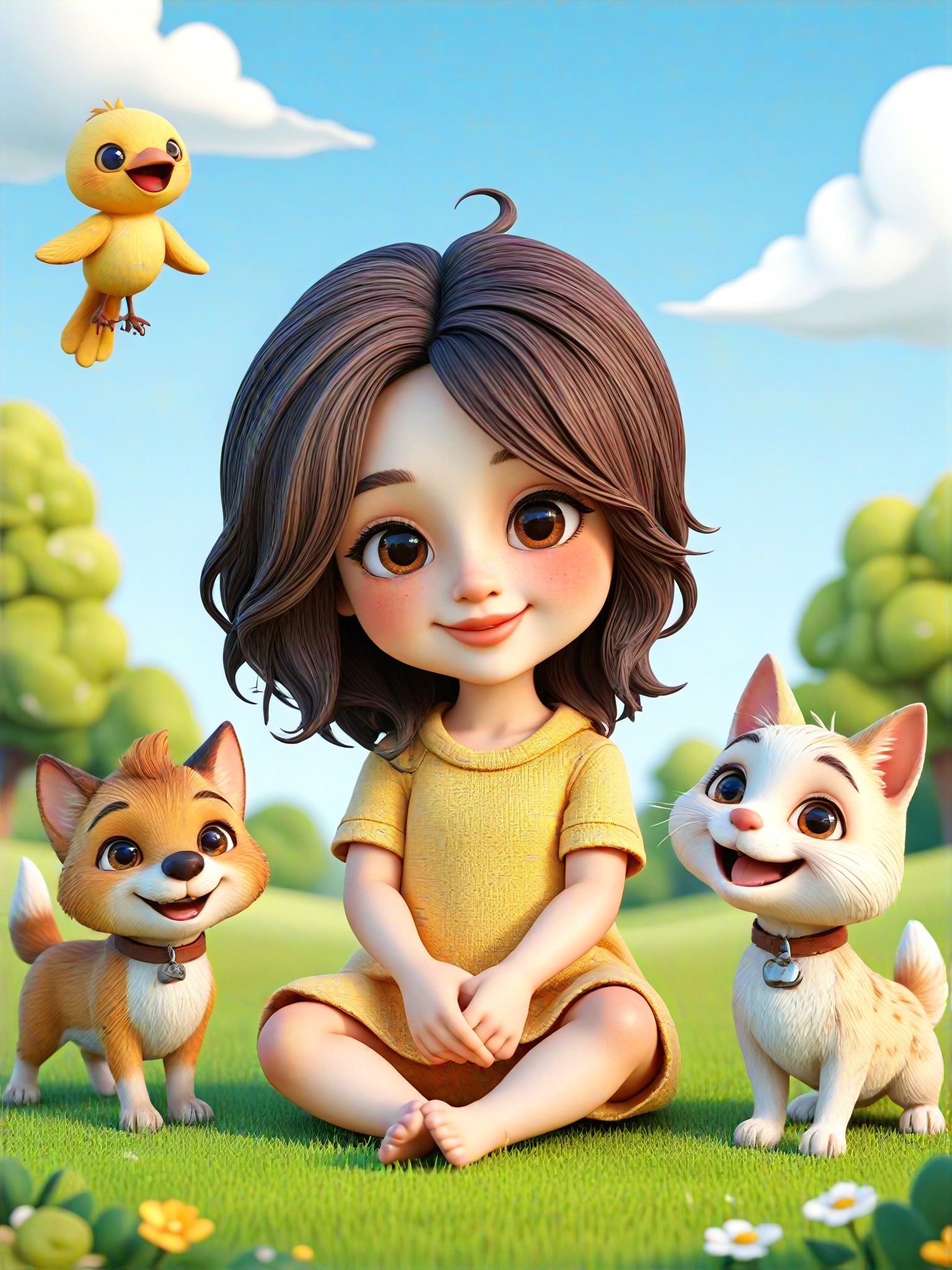
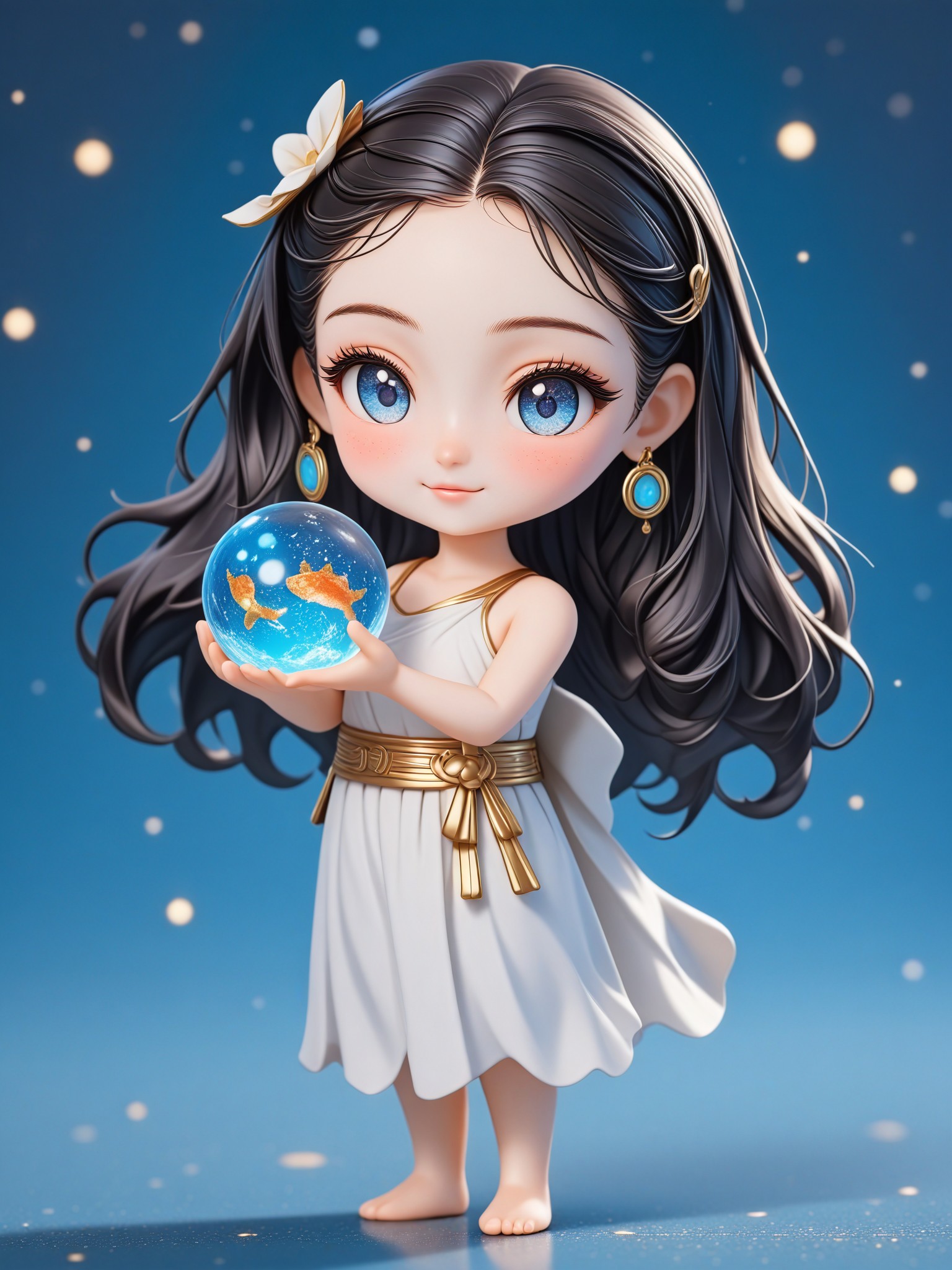
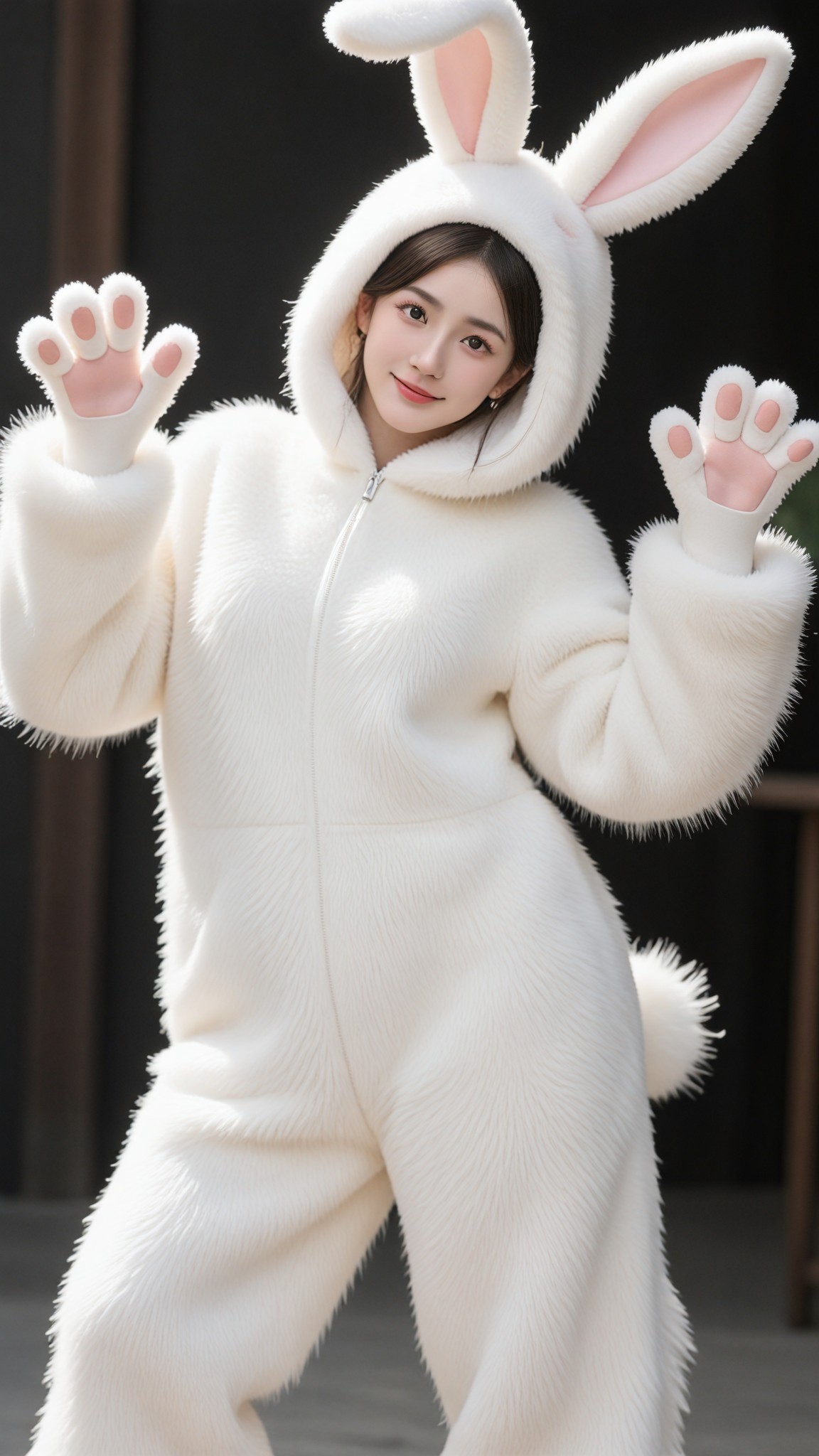
AI Generated Plush Toys Images & Videos
Discover unique and innovative Plush Toys images and videos created with a1.art Plush Toys prompts.

How to Make Plush Toys AI Image & Video on a1.art?
Step into the future of AI Plush Toys video and image creation on a1.art.

Step 1
Select the style you want to apply in the Square.

Step 2
Upload the image you want to transform. It can be a photo, hand-drawn sketch.

Step 3
Wait a few seconds and you can easily get your unique AI Plush Toys art. Download for free!
FAQ about Plush Toys AI Prompt on a1.art
Discover the secrets to creating Birthday Day videos and images at a1.art.
What are plush toys AI prompts?
Plush toys AI prompts are creative inputs you provide to a1.art that guide the AI in generating unique plush toy images or videos. These prompts can include descriptions of textures, settings, emotions, or styles to help the AI create exactly what you envision.
Can I customize my plush toy AI prompts?
Absolutely! At a1.art, you have full control over your prompts. You can describe specific details like fur texture, background environment, lighting effects, or even emotional tones to ensure the AI generates plush toys that match your vision perfectly.
How do I use plush toys AI prompts on a1.art?
Using plush toys AI prompts on a1.art is simple. Just select a prompt template, input your custom details, and let the AI work its magic. Within seconds, you'll have a stunning plush toy image or video ready to download or share.
Are there any limitations to the plush toys AI prompts?
While a1.art offers vast creative freedom, the quality of the output depends on the clarity and specificity of your prompts. The more detailed and descriptive your input, the better the AI can generate the plush toy visuals you desire.
Can I generate both images and videos with plush toys AI prompts?
Yes, a1.art supports both AI-generated images and videos. You can choose the format that best suits your needs, whether it's a still image or a short animation, and apply your plush toys AI prompts accordingly.


