


Get Playing Piano Videos & Images without Prompt
a1.art offers a large number of filters, allowing you to easily obtain AI videos or images without prompts.


Input
Result
Passionate playing
 Lizzie-R
 168
168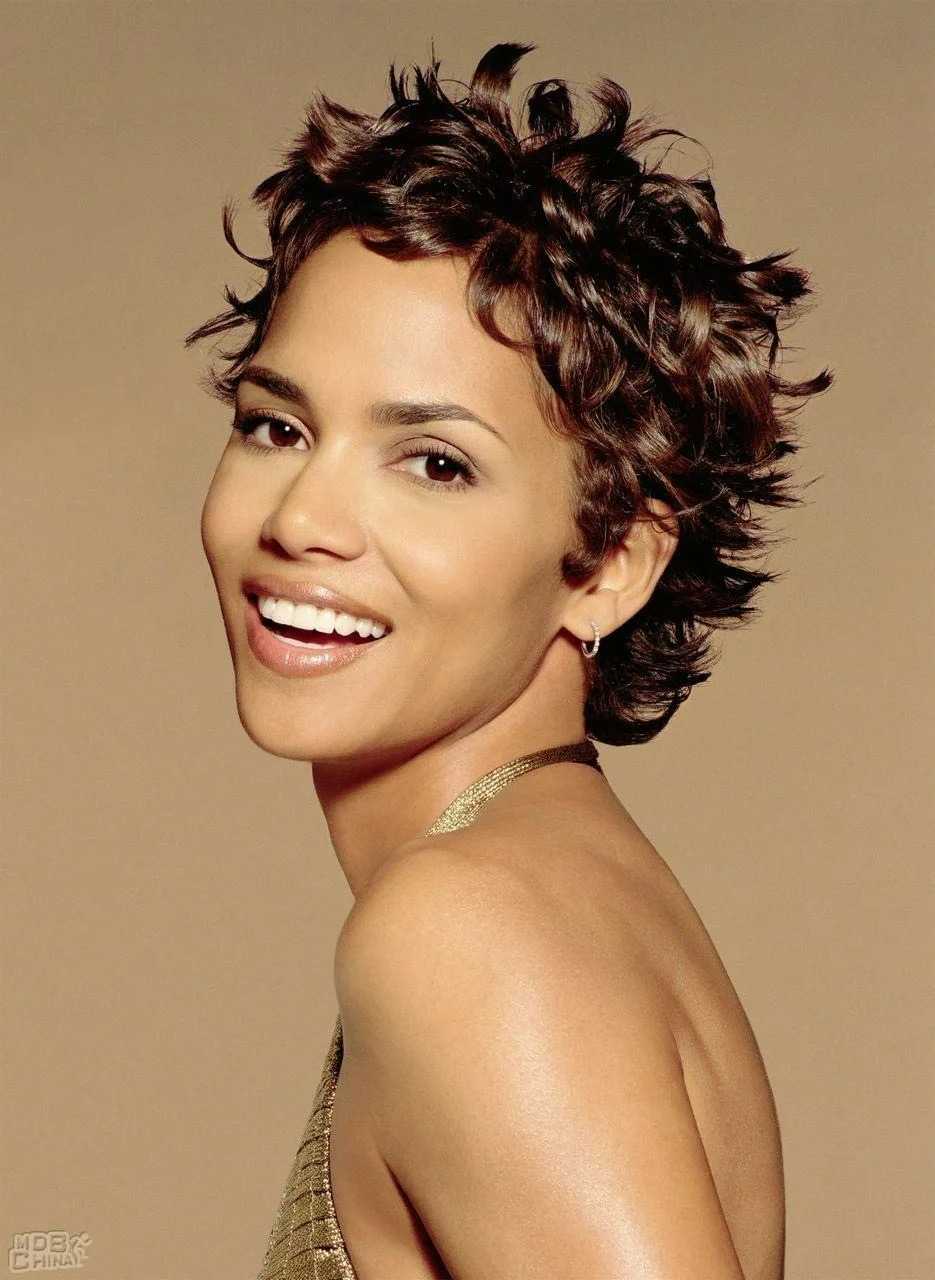
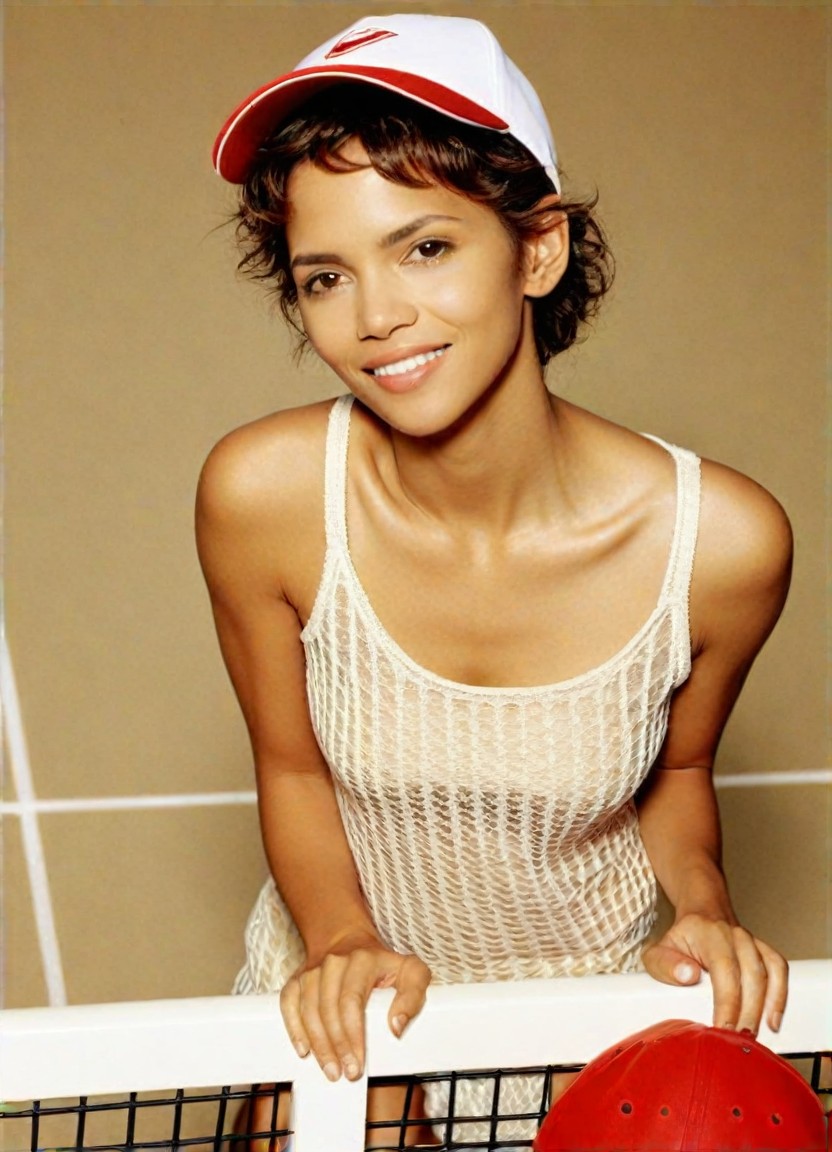
Input
Result
Playing tennis
 Mia138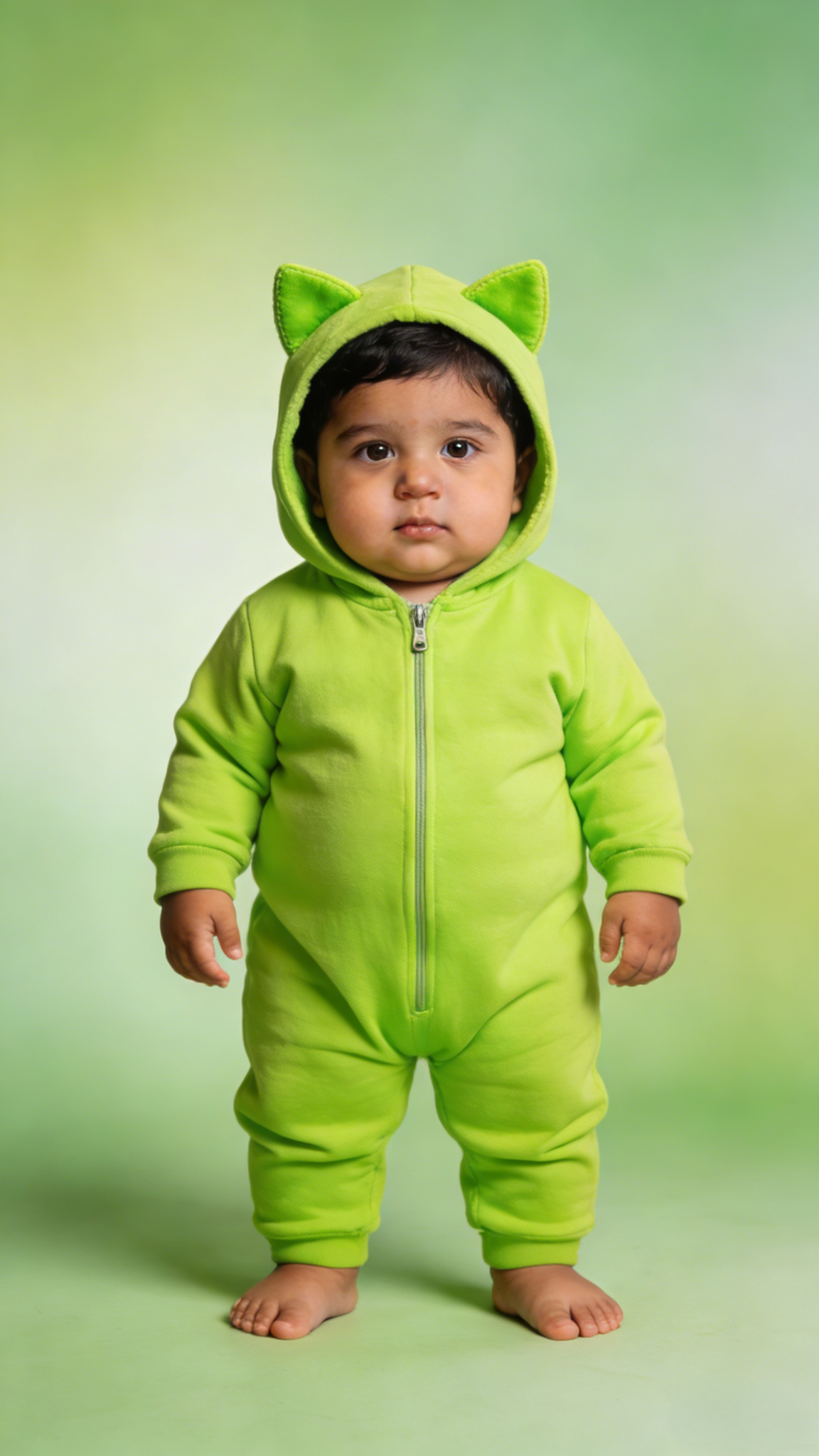
Input
Result
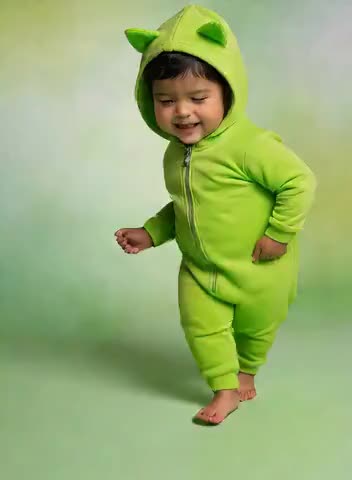
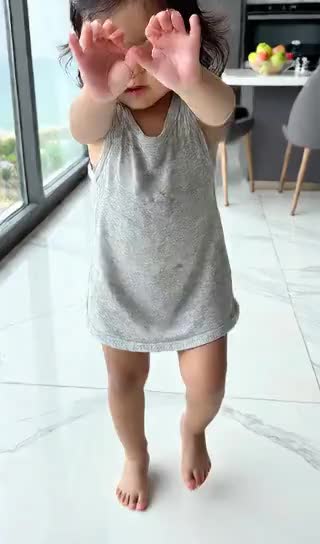
Baby plays piano and dances
 Aryan(阿利安)29

Input
Result
Midnight Piano Kiss
 艺术画家25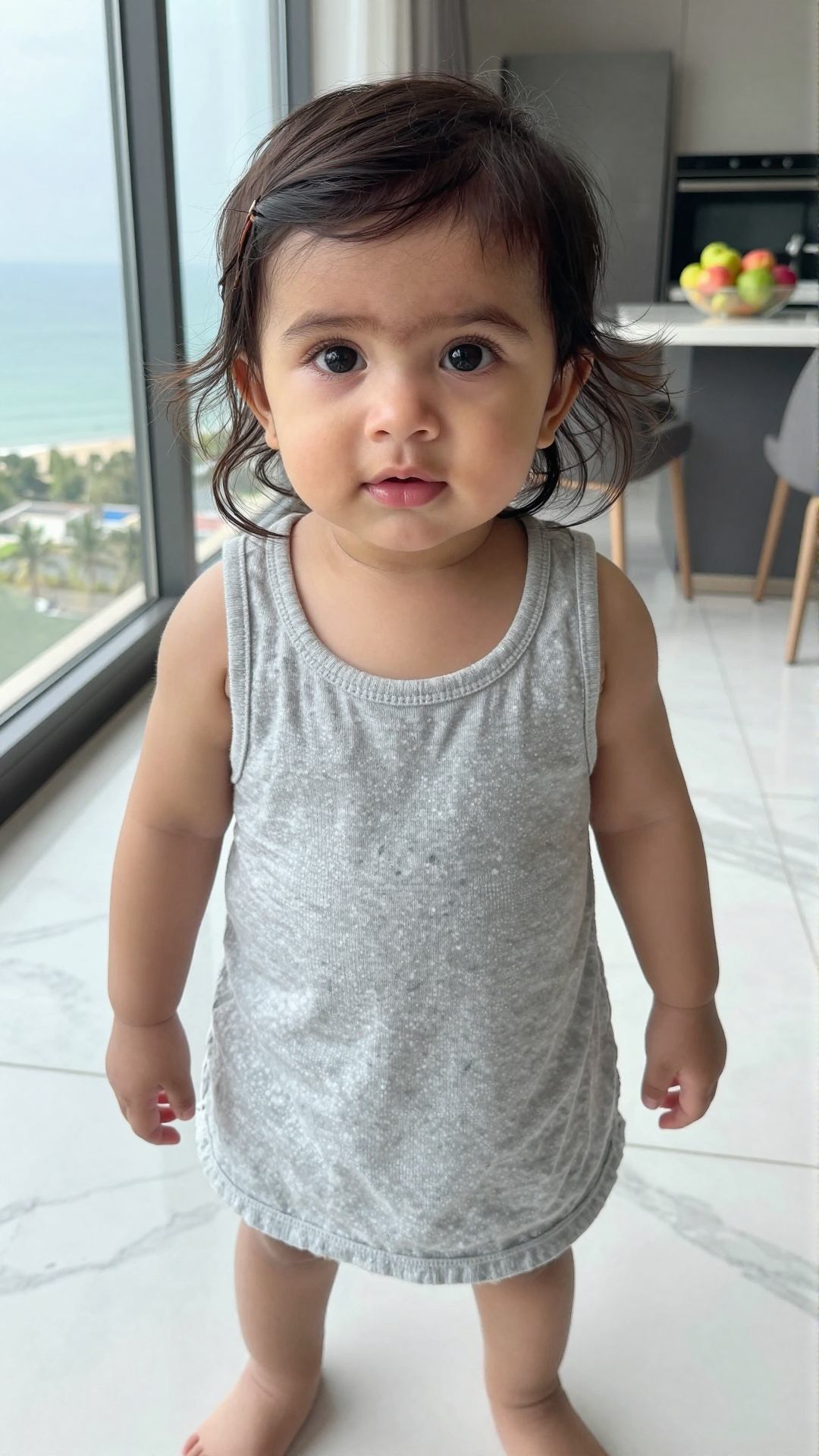
Input
Result
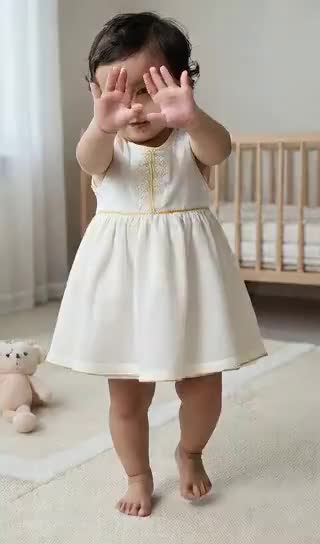
Baby Plays the Piano and Dances
 Zephyr.JX16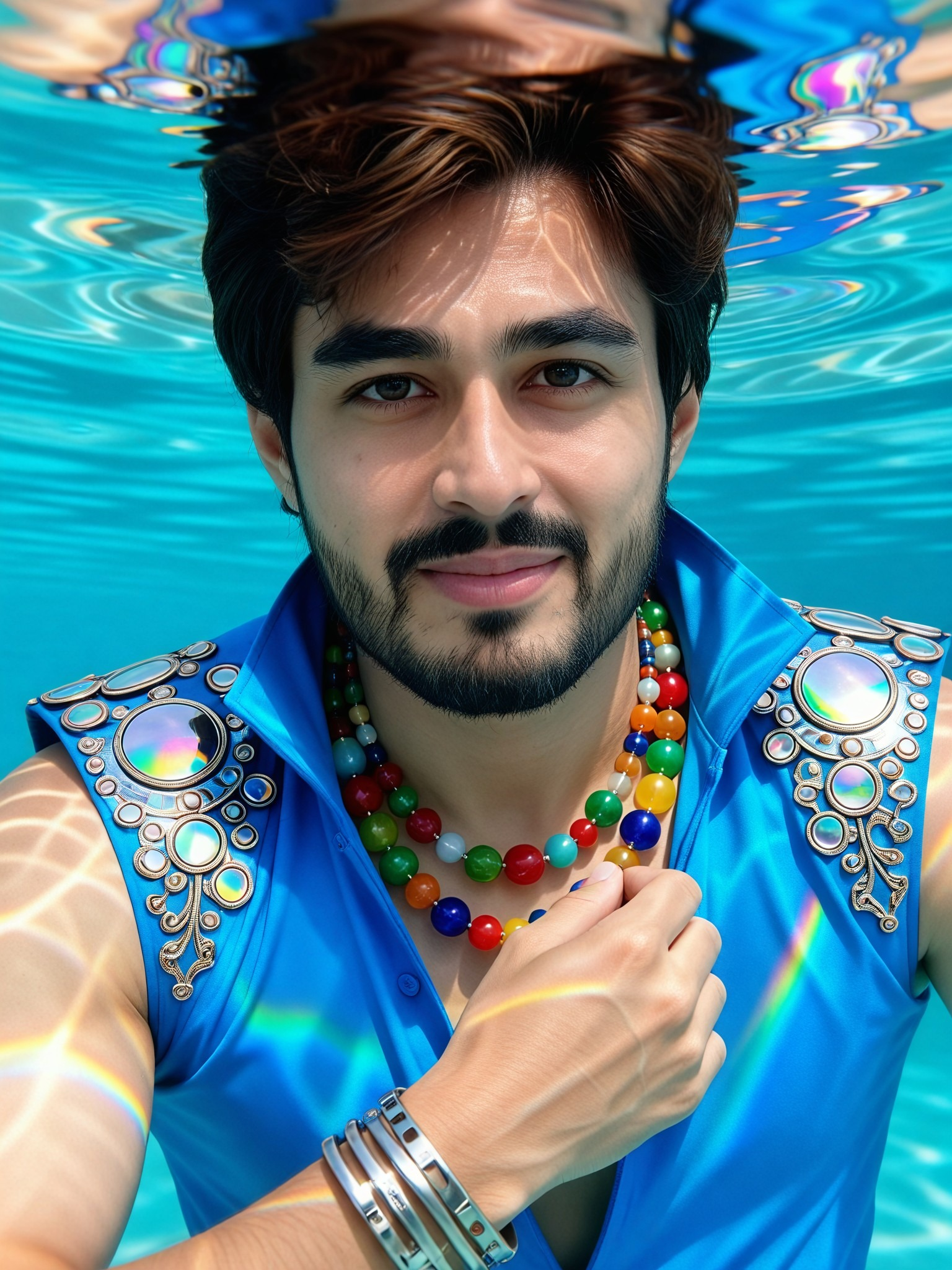
Input
Result
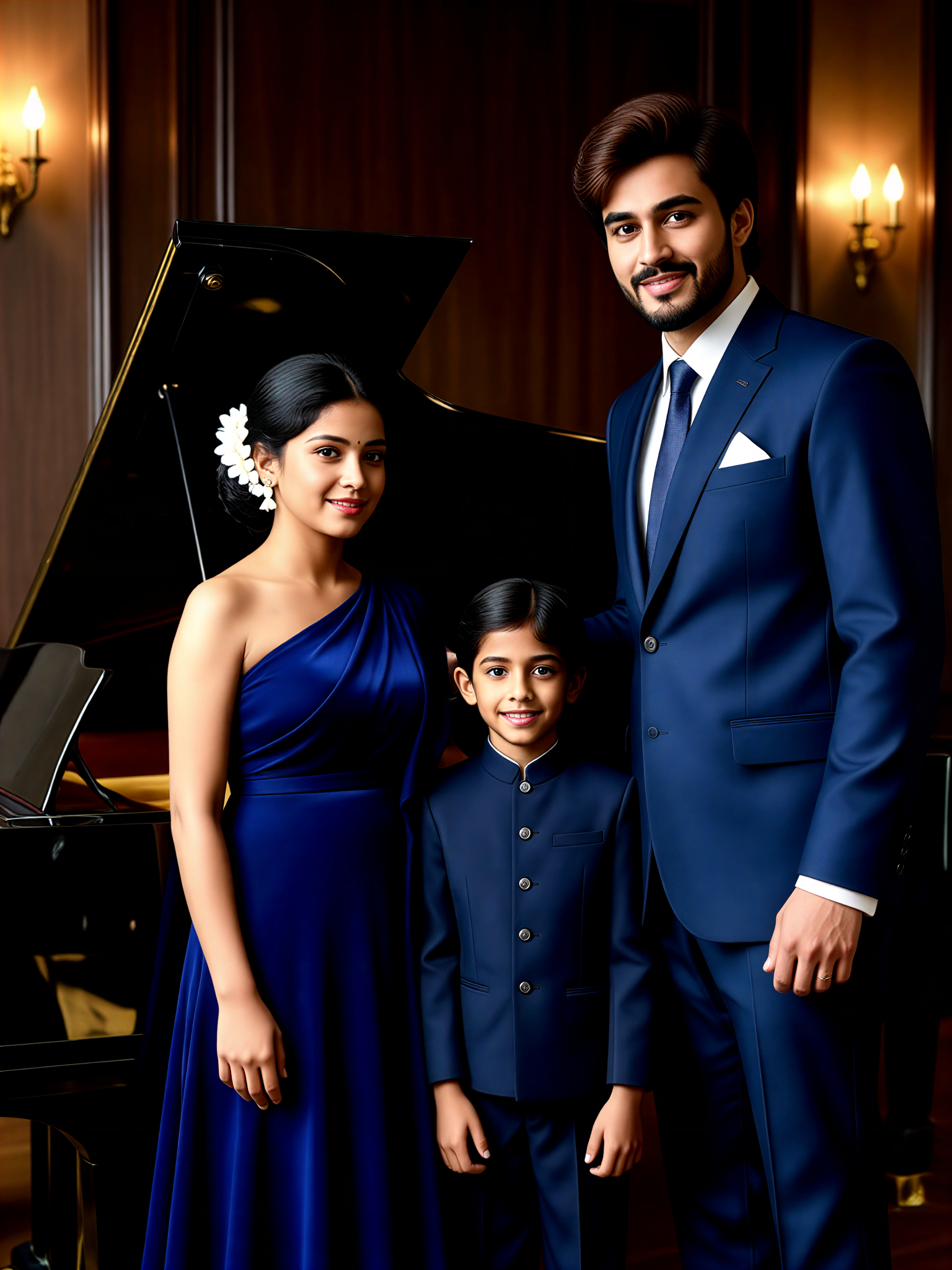
Piano Family Portrait
 艺术创作家5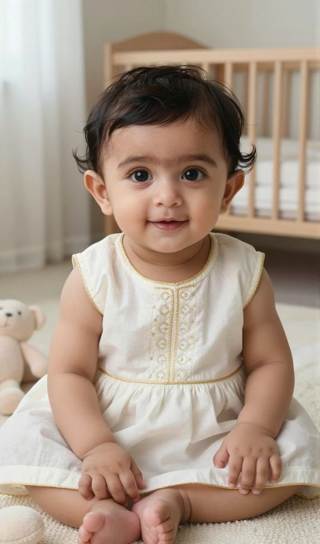
Input
Result
Baby Plays the Piano and Dances
 XX's5
XX's5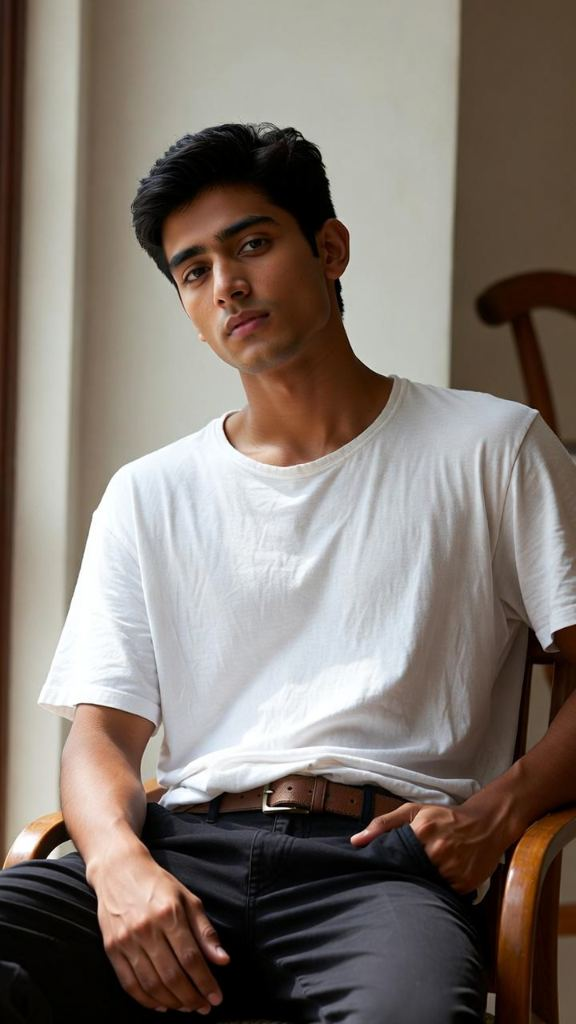
Input
Result
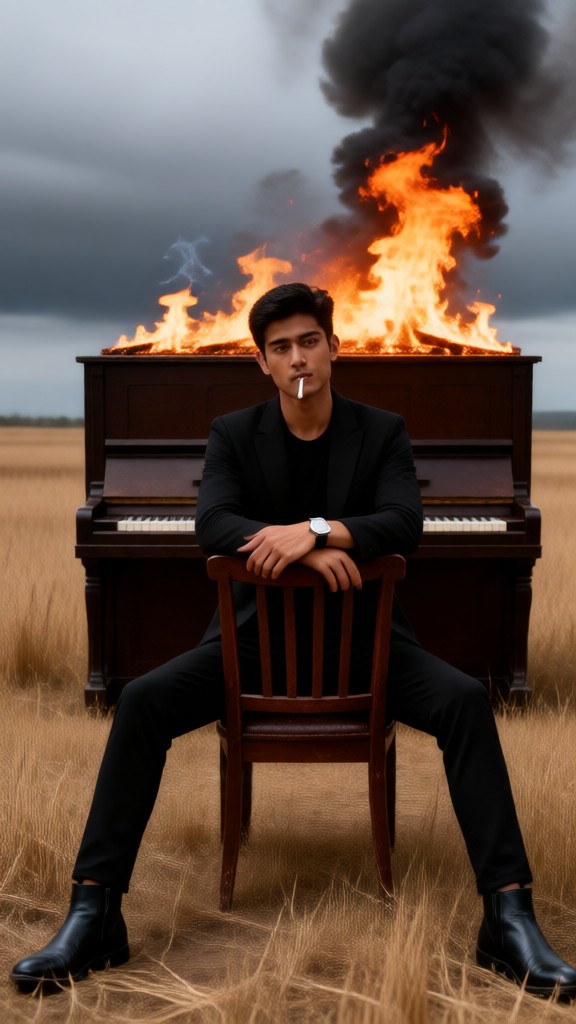
"Burning Piano" Photo Shoot
 Julian Frost1
AI Generated Playing Piano Images & Videos
Discover unique and innovative Playing Piano images and videos created with a1.art Playing Piano prompts.
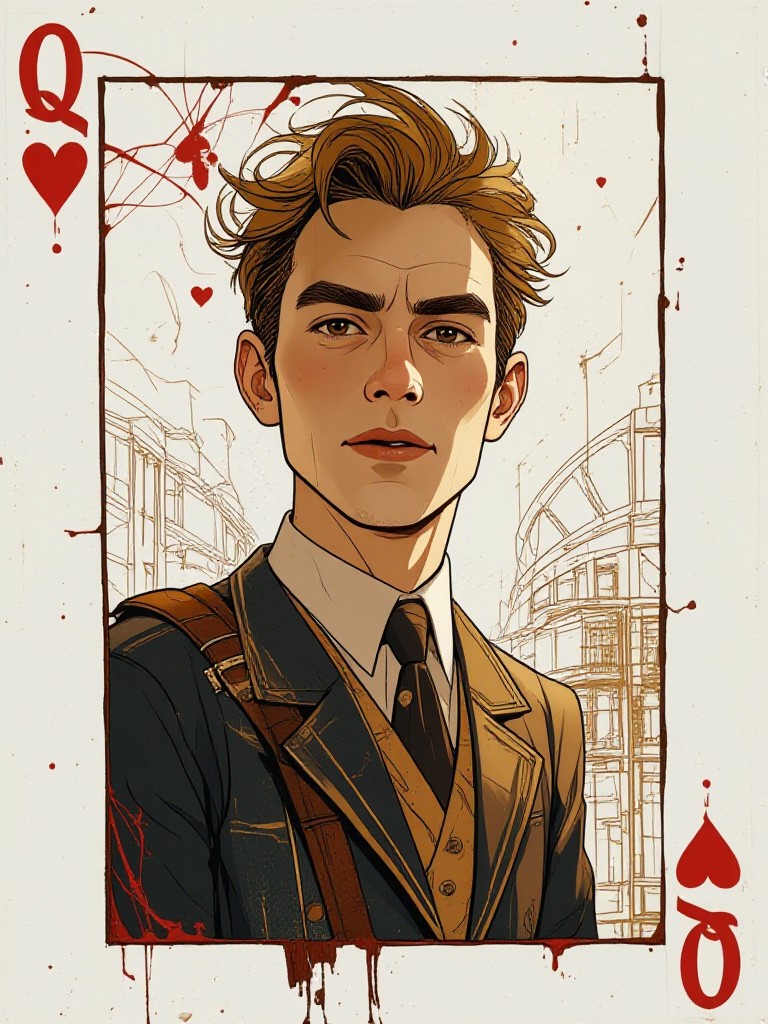
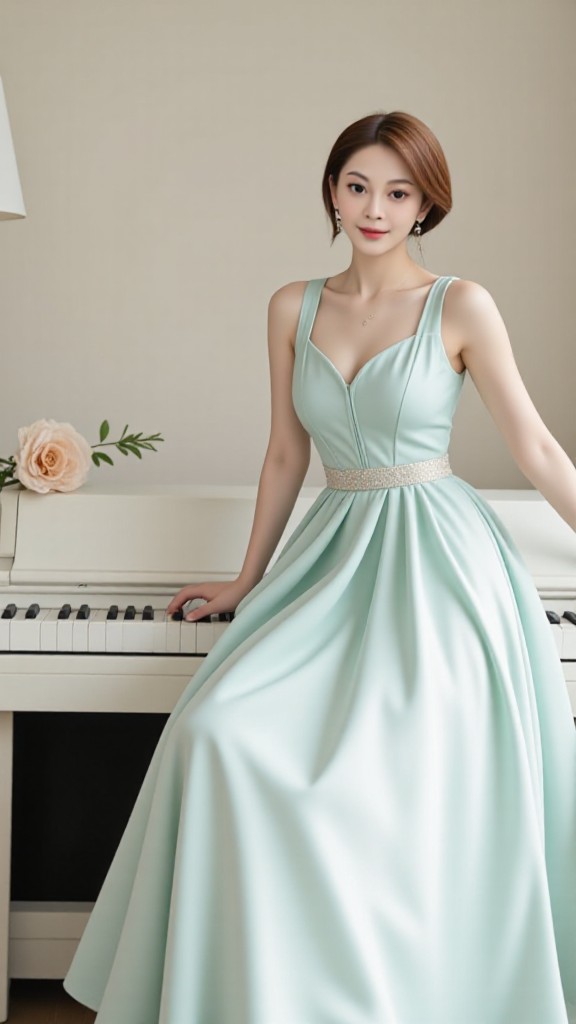
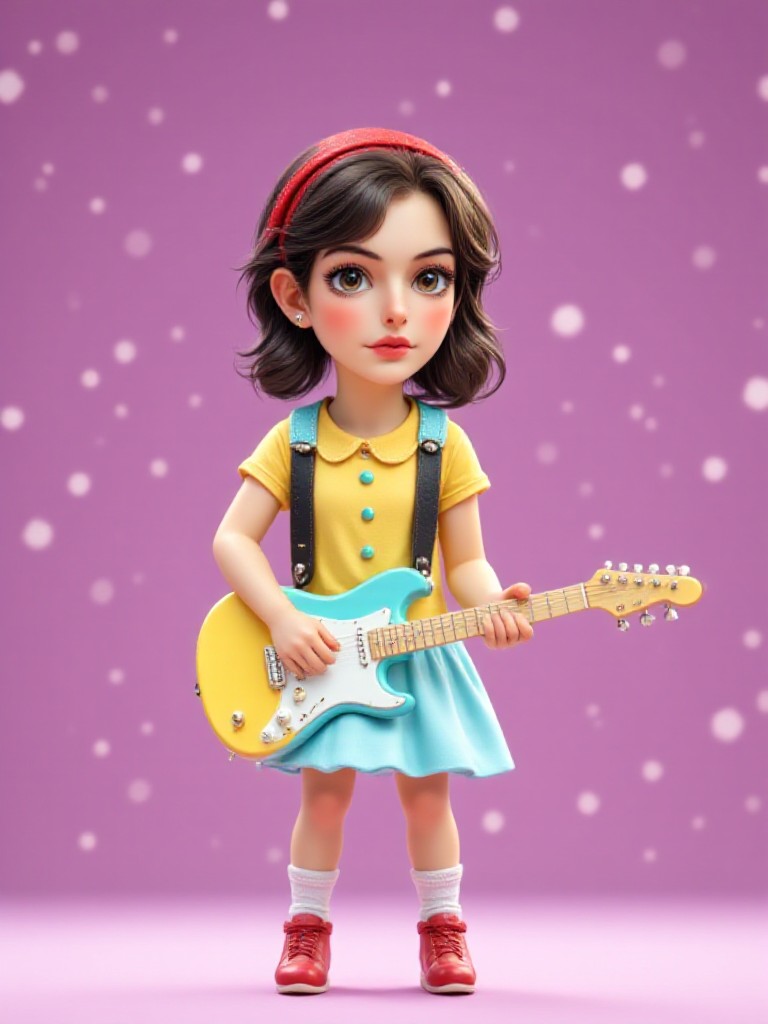
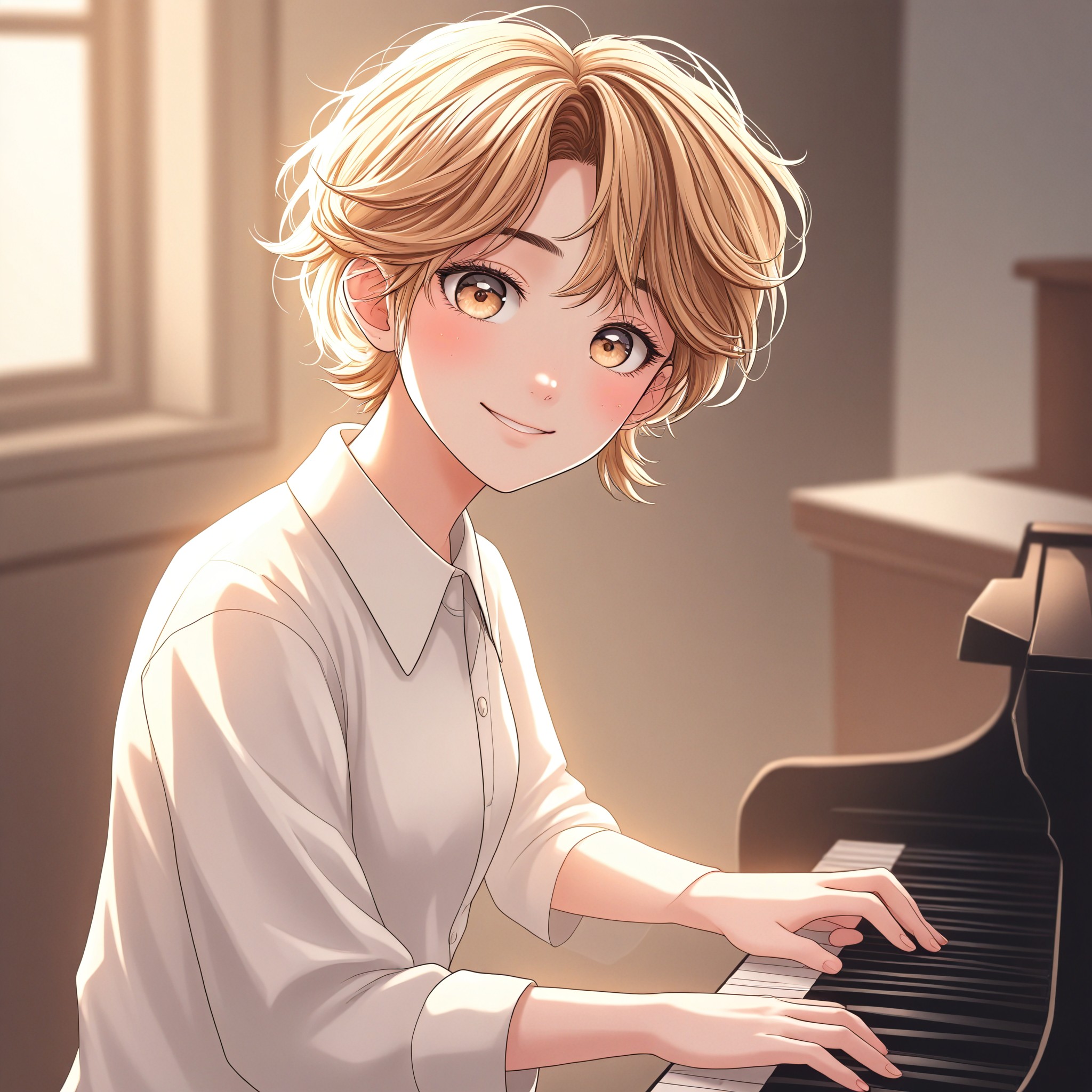
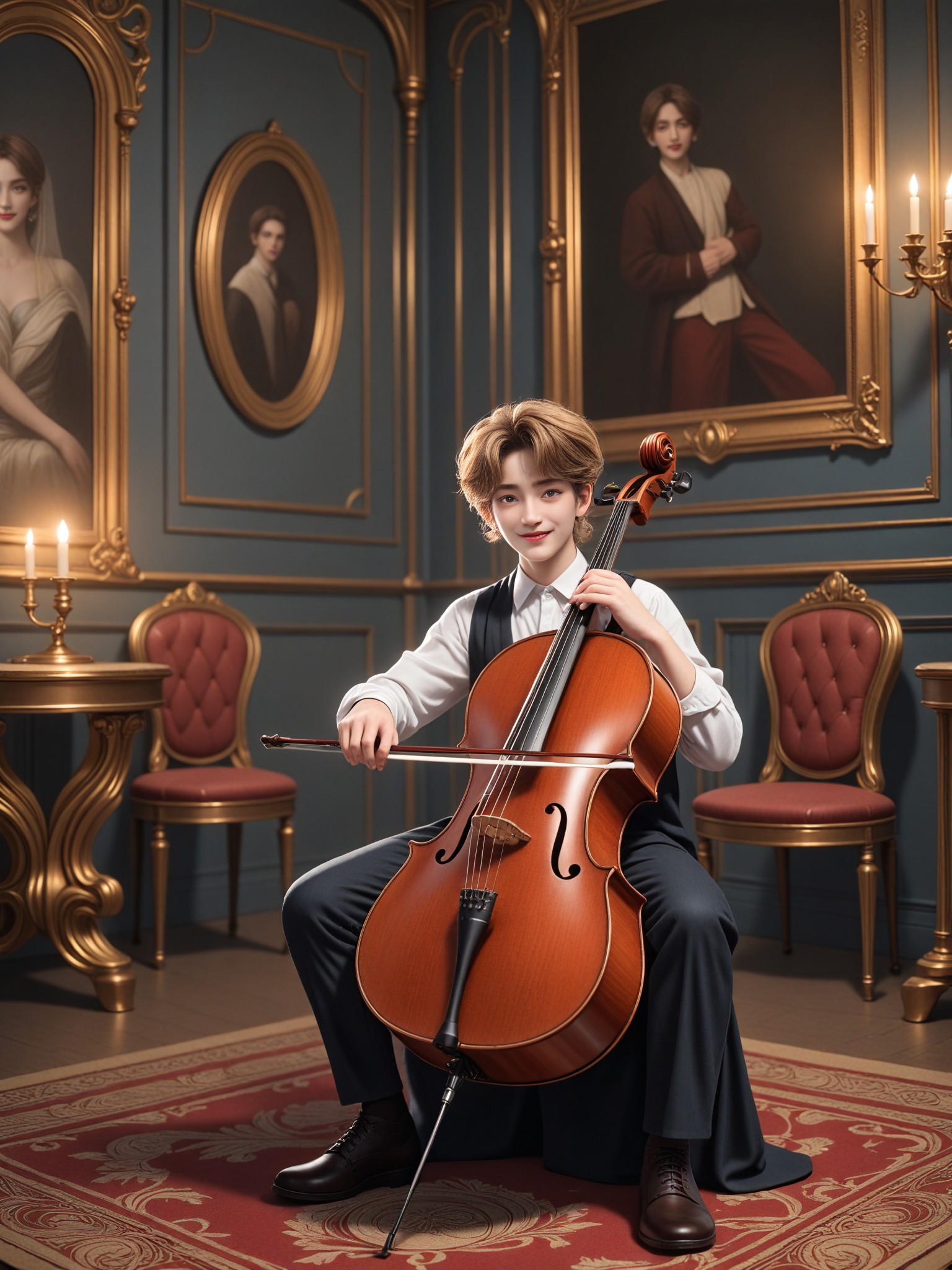
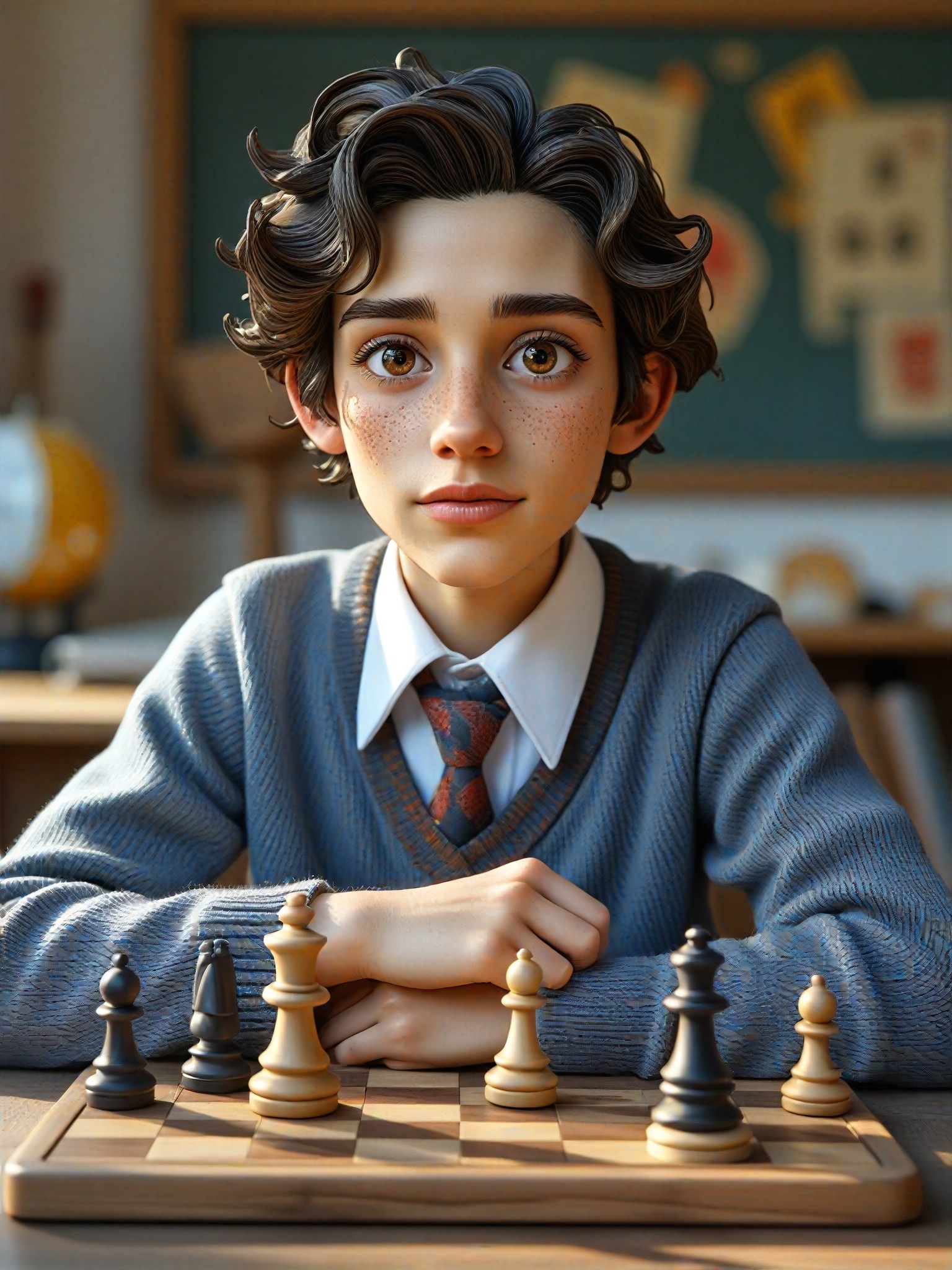
How to Make Playing Piano AI Image & Video on a1.art?
Step into the future of AI Playing Piano video and image creation on a1.art.

Step 1
Select the style you want to apply in the Square.

Step 2
Upload the image you want to transform. It can be a photo, hand-drawn sketch.

Step 3
Wait a few seconds and you can easily get your unique AI Playing Piano art. Download for free!
FAQ about Playing Piano AI Prompt on a1.art
Discover the secrets to creating Birthday Day videos and images at a1.art.
What types of playing piano visuals can I create with a1.art?
With a1.art, you can generate a wide range of playing piano visuals, from realistic close-ups of hands on keys to surreal, artistic interpretations. Choose from various styles, settings, and moods to bring your piano vision to life.
Do I need any special skills to use a1.art for playing piano prompts?
No, a1.art is designed to be user-friendly for everyone. Simply select your preferred prompt, upload an image, or enter a text description, and our AI will handle the rest. No technical expertise required!
Can I customize the style of the playing piano visuals?
Absolutely! a1.art offers a variety of filters and effects that allow you to customize the style of your playing piano visuals. Whether you want a classic, vintage look or something more modern and abstract, you can tailor the output to your preferences.
How many credits do I get daily for using a1.art?
a1.art provides daily free login credits to all users, allowing you to generate multiple playing piano visuals without cost. If you need more credits, you can subscribe to earn additional ones.
Is a1.art suitable for professional artists and musicians?
Yes, a1.art is perfect for professionals who want to explore new creative possibilities. Our AI-generated playing piano visuals can serve as inspiration, reference material, or even standalone works of art.


