


Get Photo Three Videos & Images without Prompt
a1.art offers a large number of filters, allowing you to easily obtain AI videos or images without prompts.
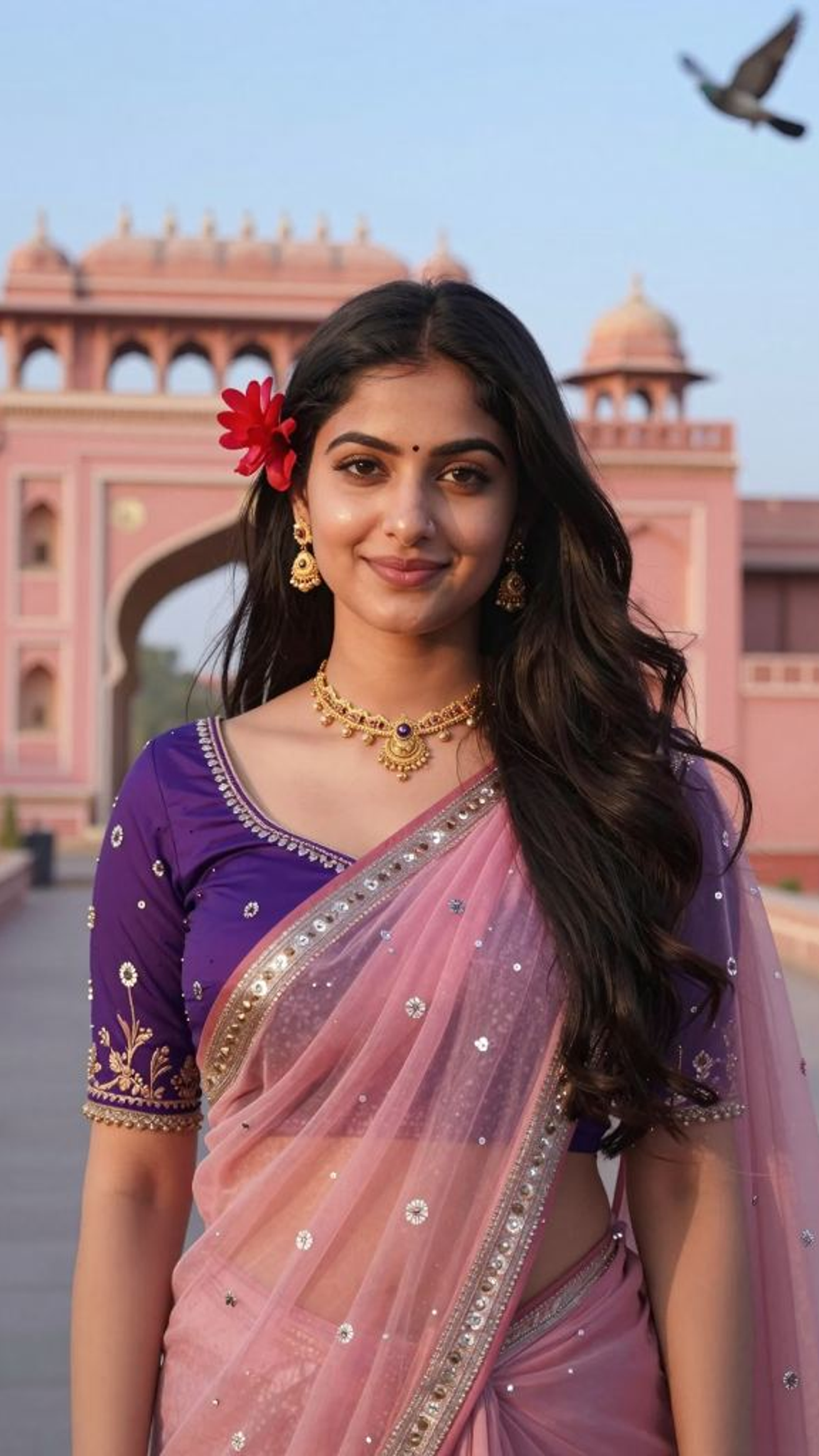
Input
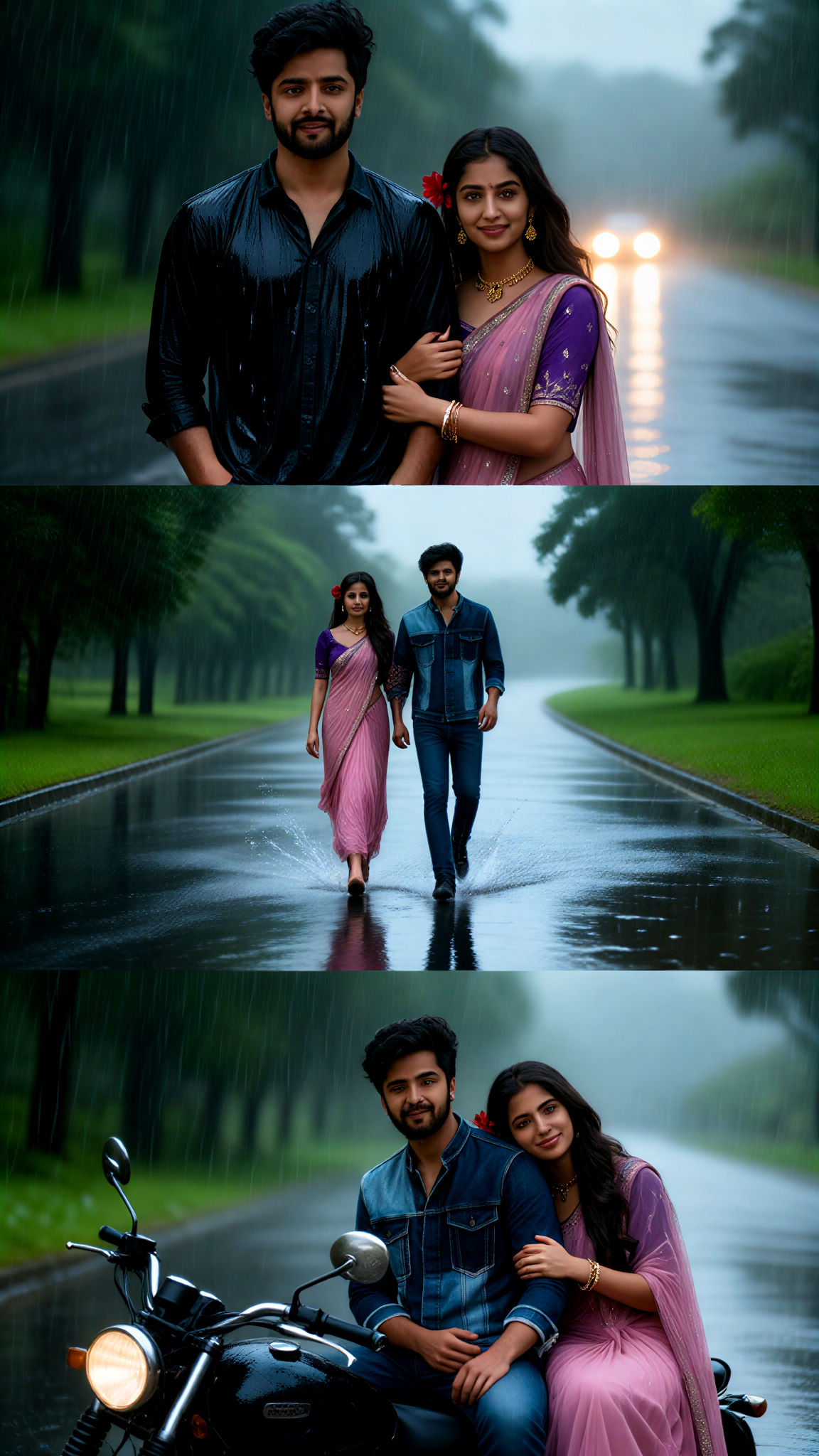
Result
Three-grid Photo in the Rain
 akaii
akaii 7.2k
7.2k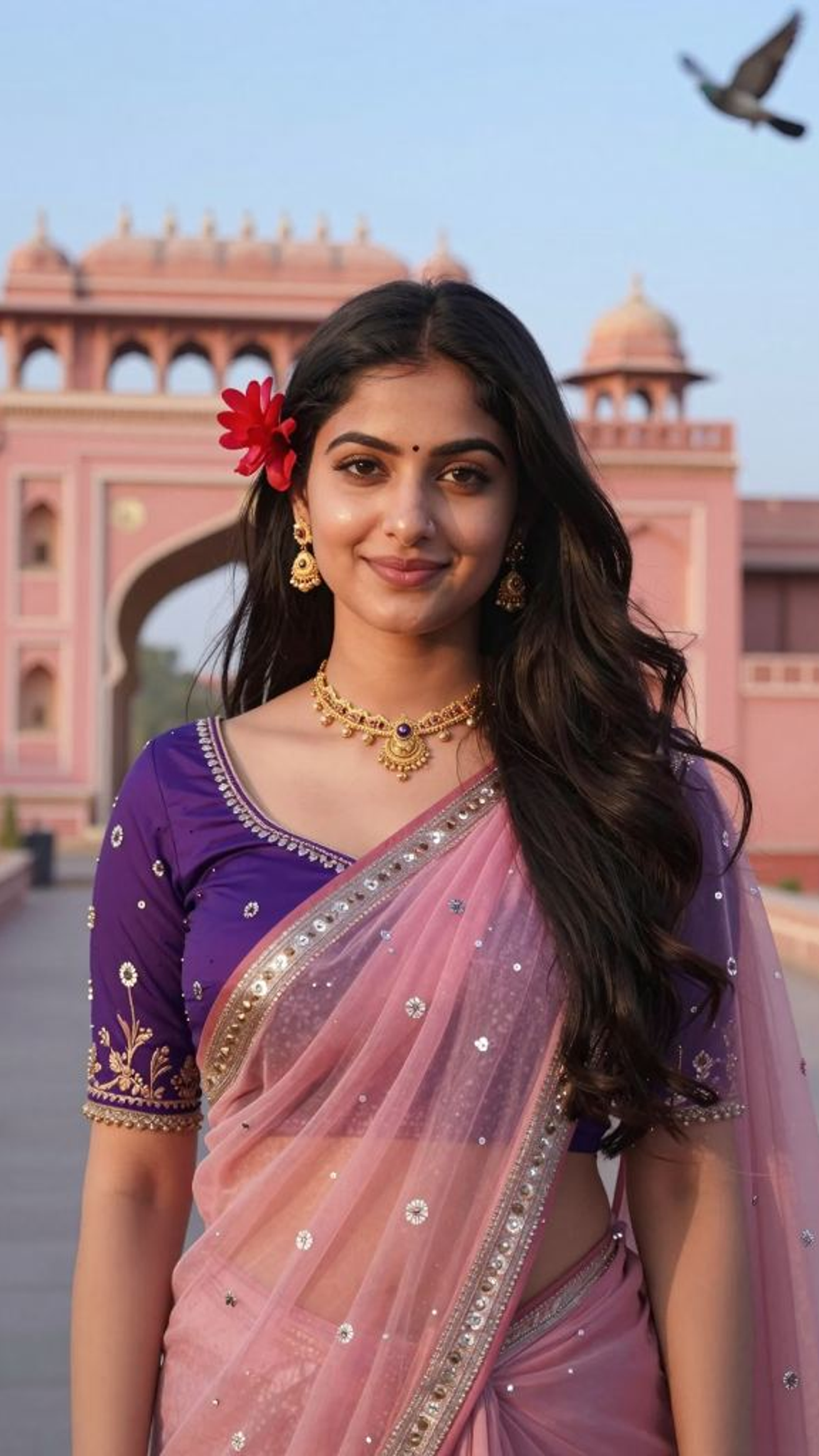
Input
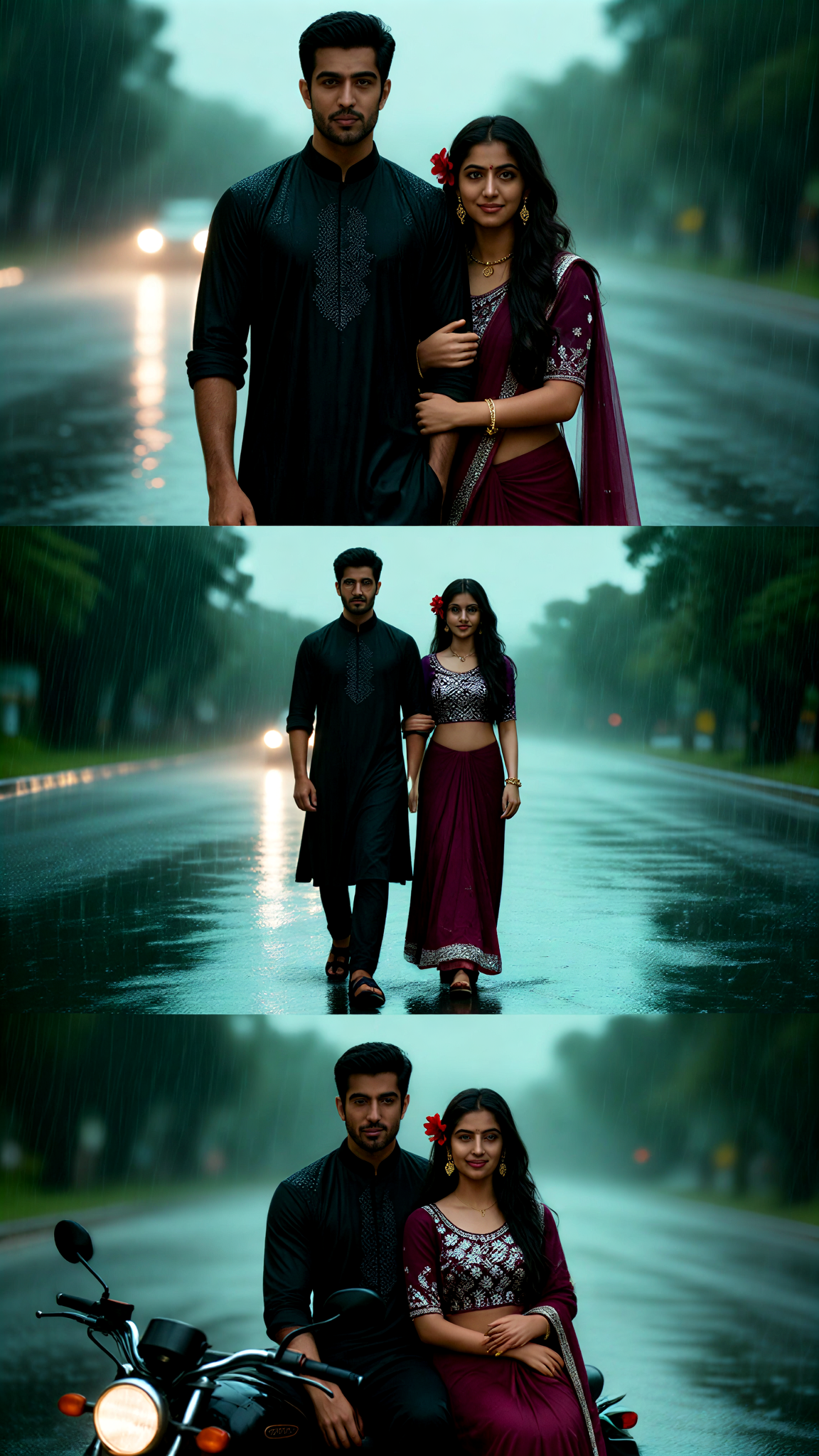
Result
Three-grid Photo in the Rain - Traditional Attire
akaii3.3k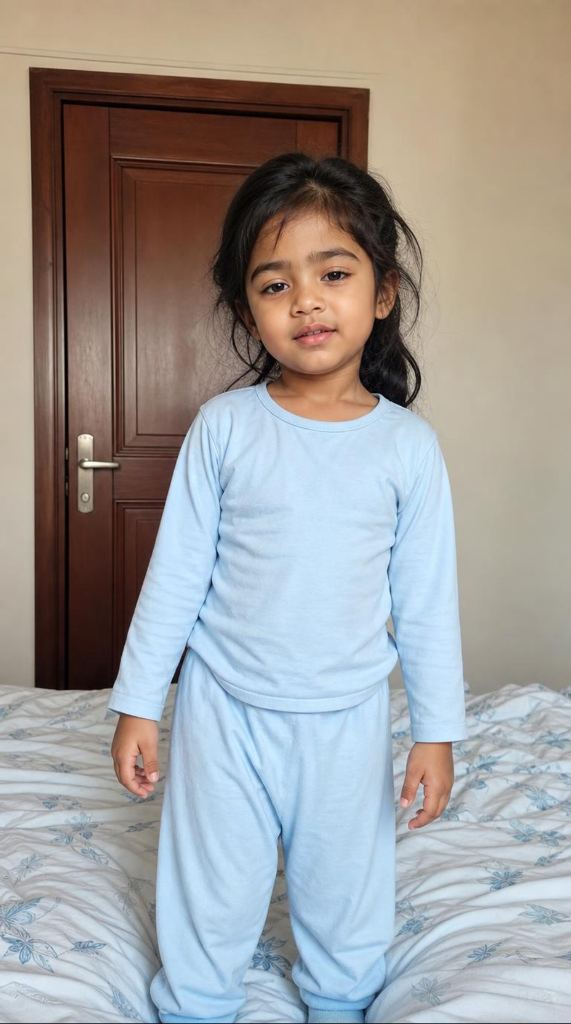
Input
Result
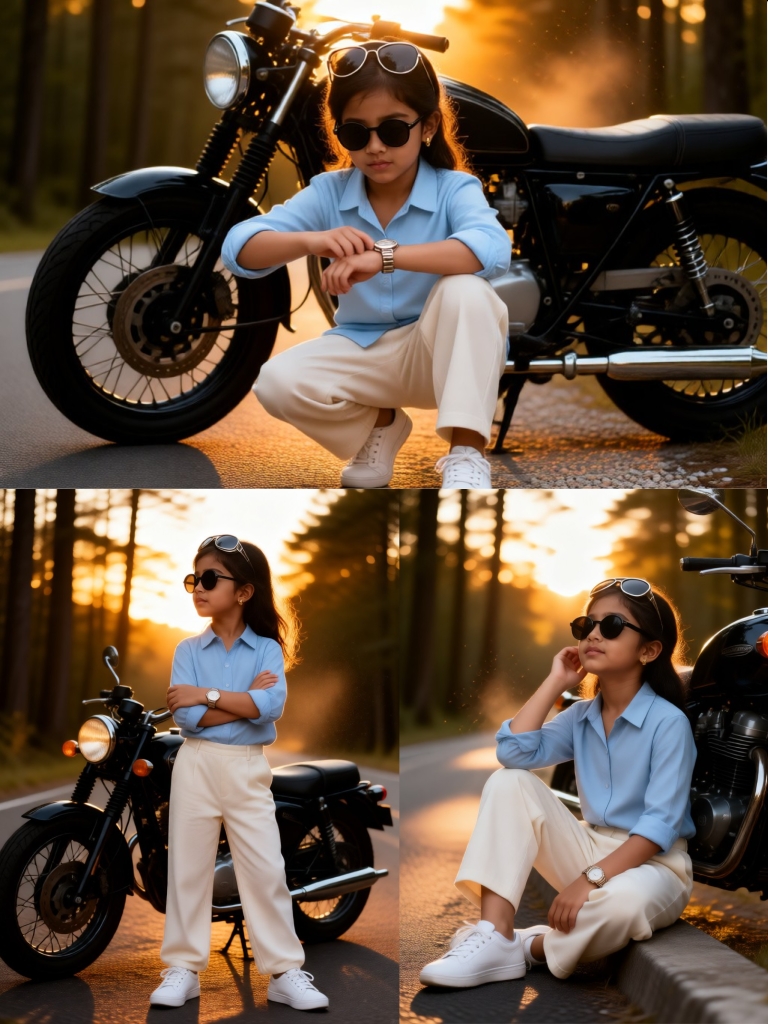
Three-Panel Photo Shoot of Children on Motorcycles
 A Mysterious Person1.8k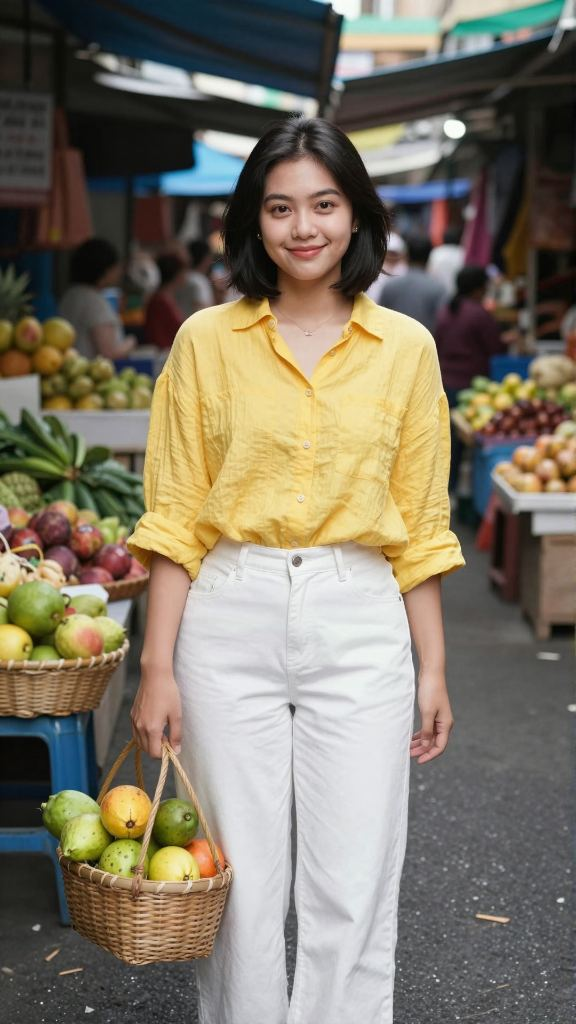
Input
Result
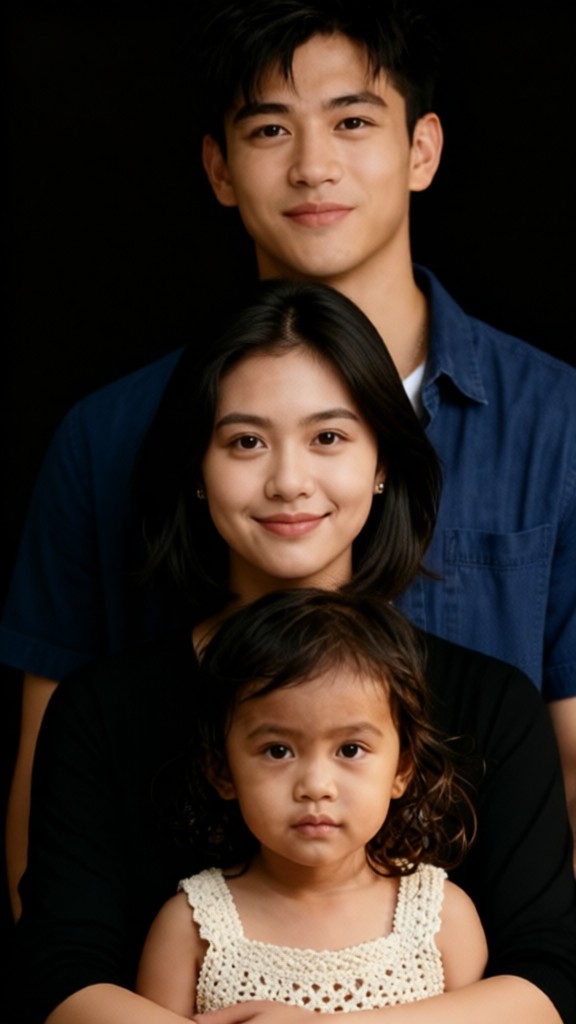
Black and white family photo of three
akaii245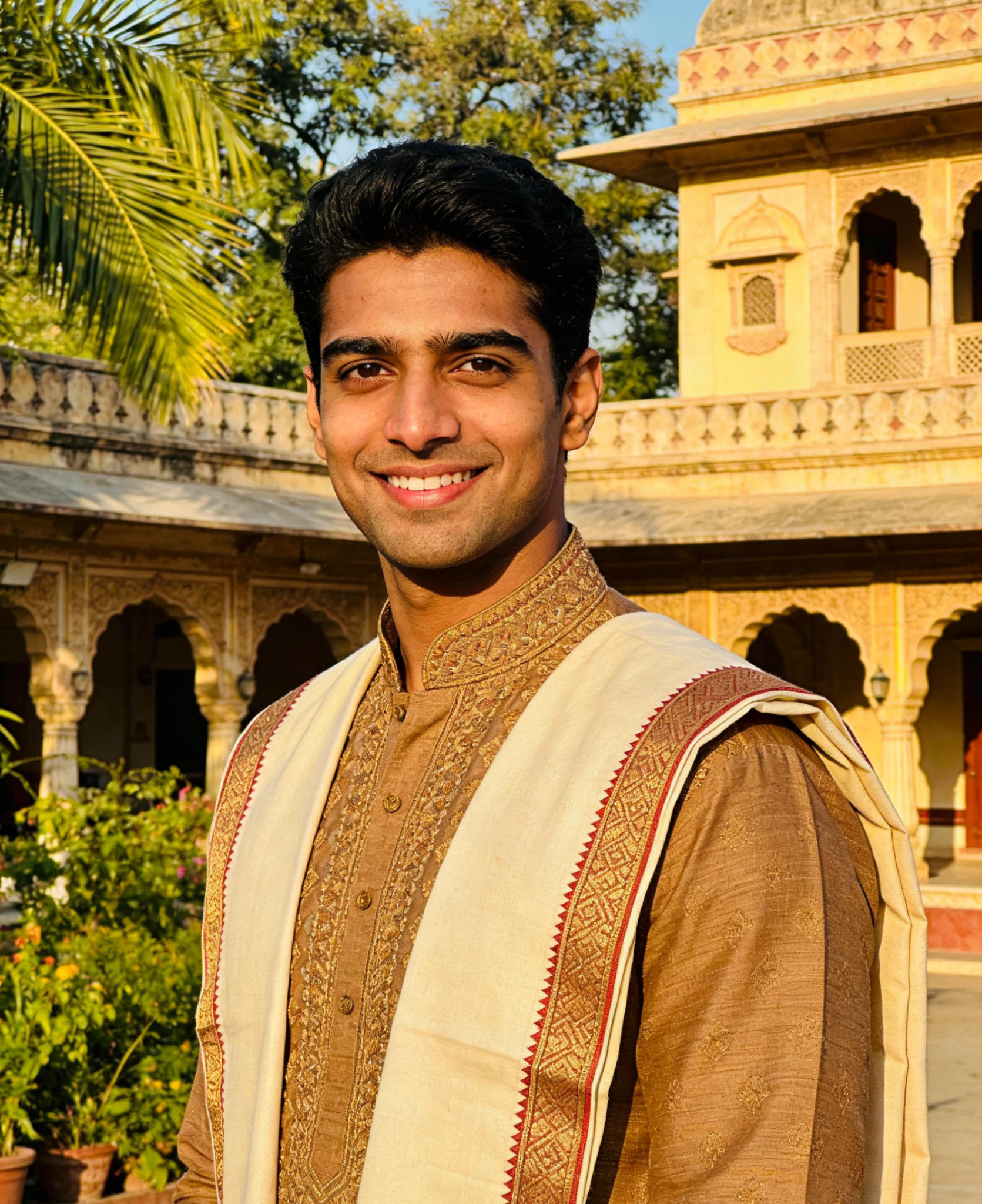
Input
Result
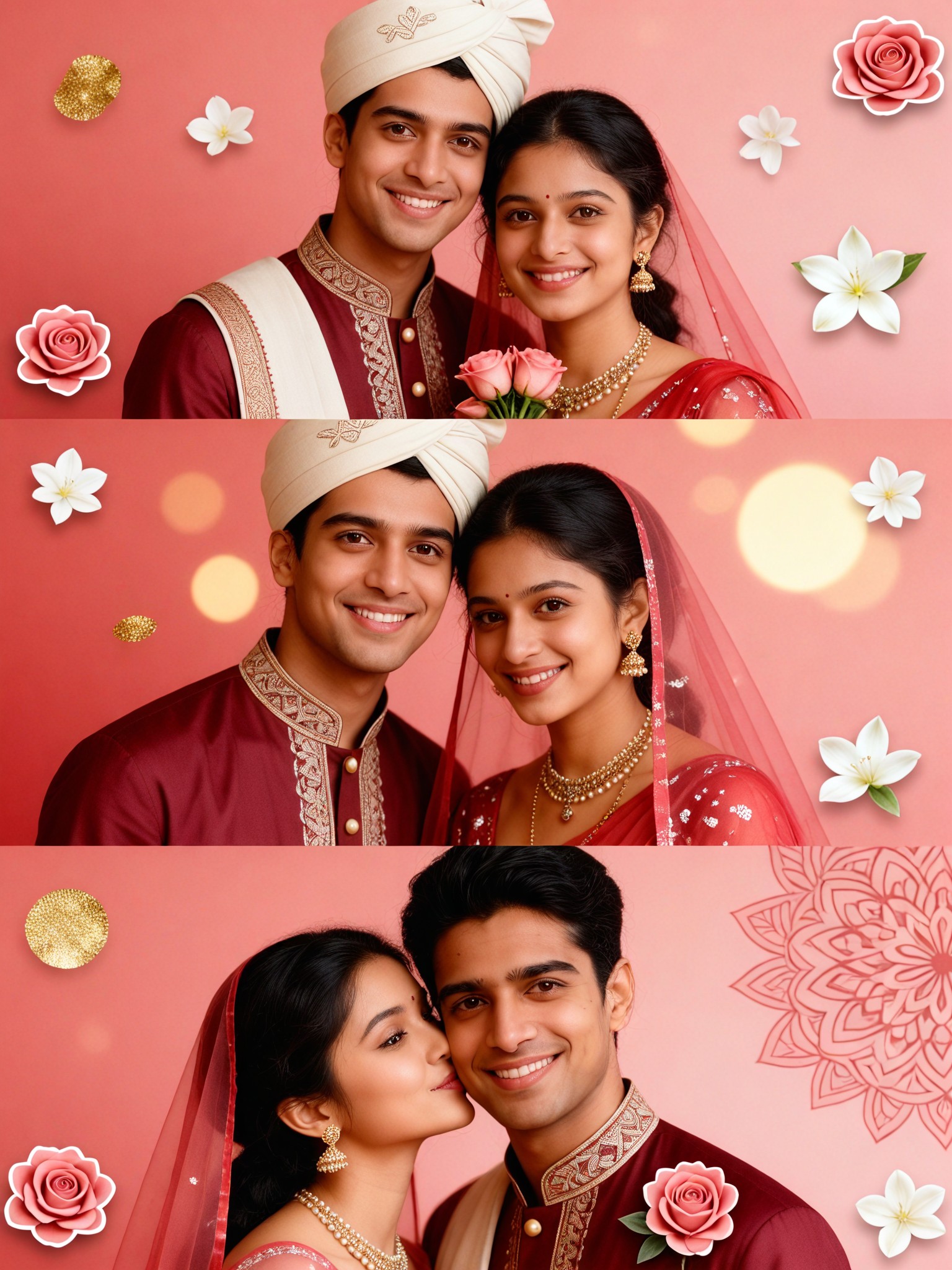
Couple three-Frame Photo Booth Stickers-15
 Aryan(阿利安)166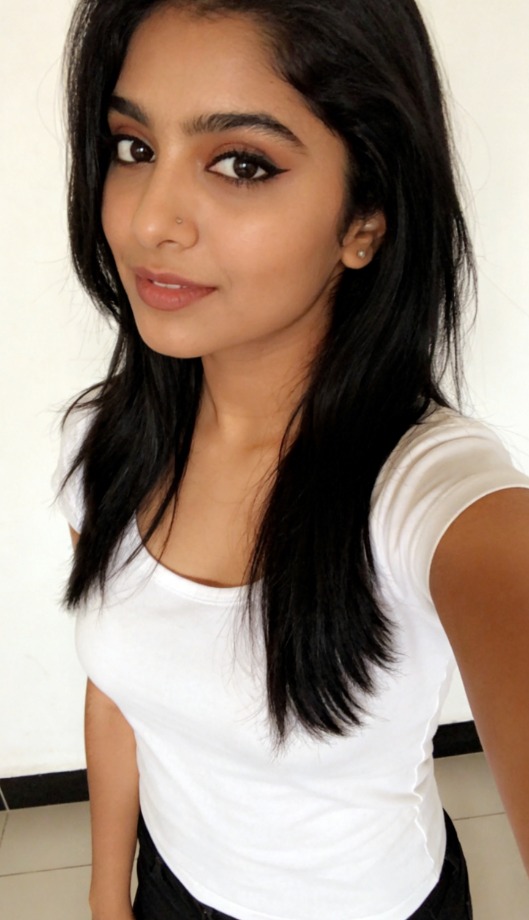
Input
Result
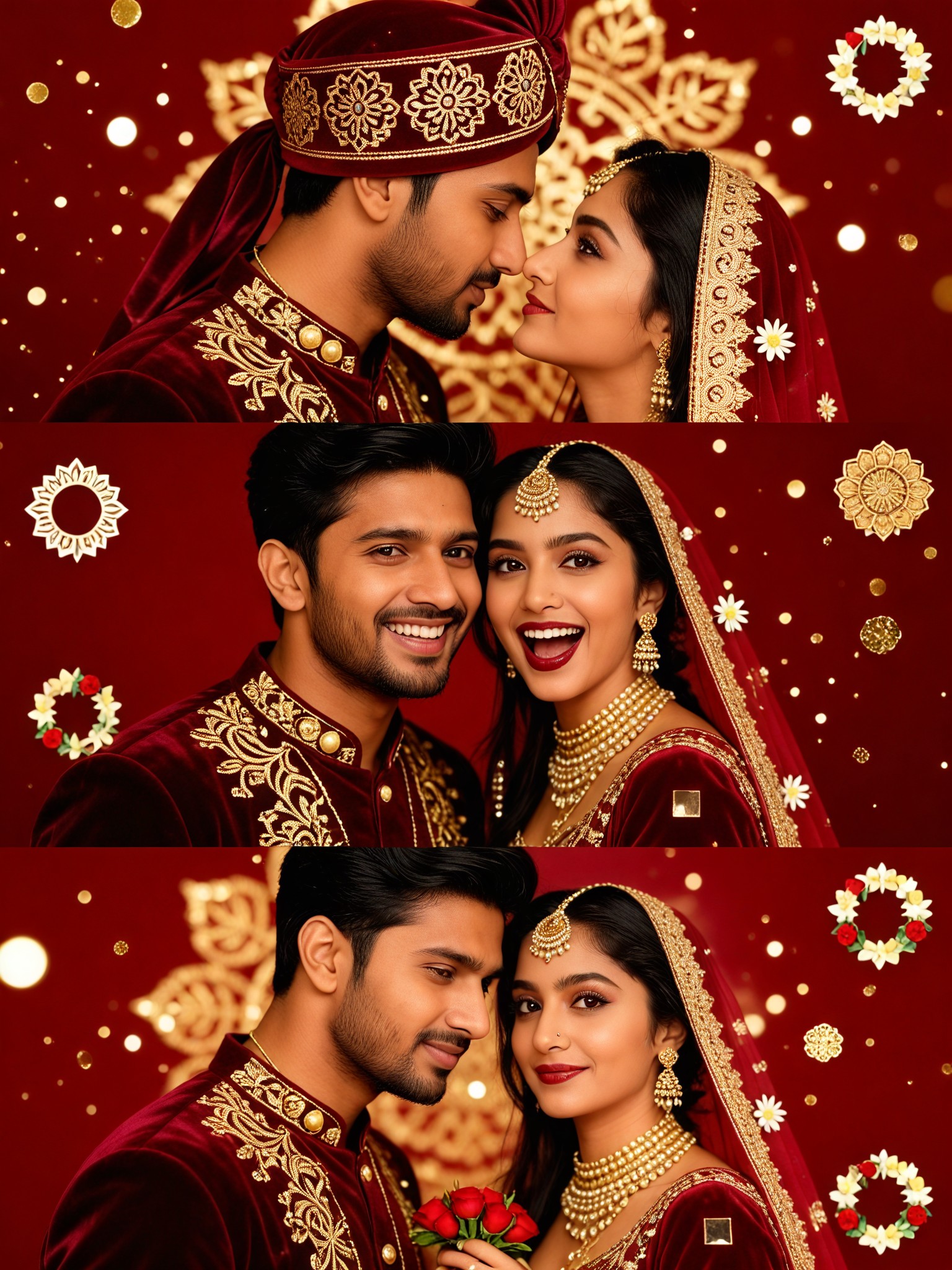
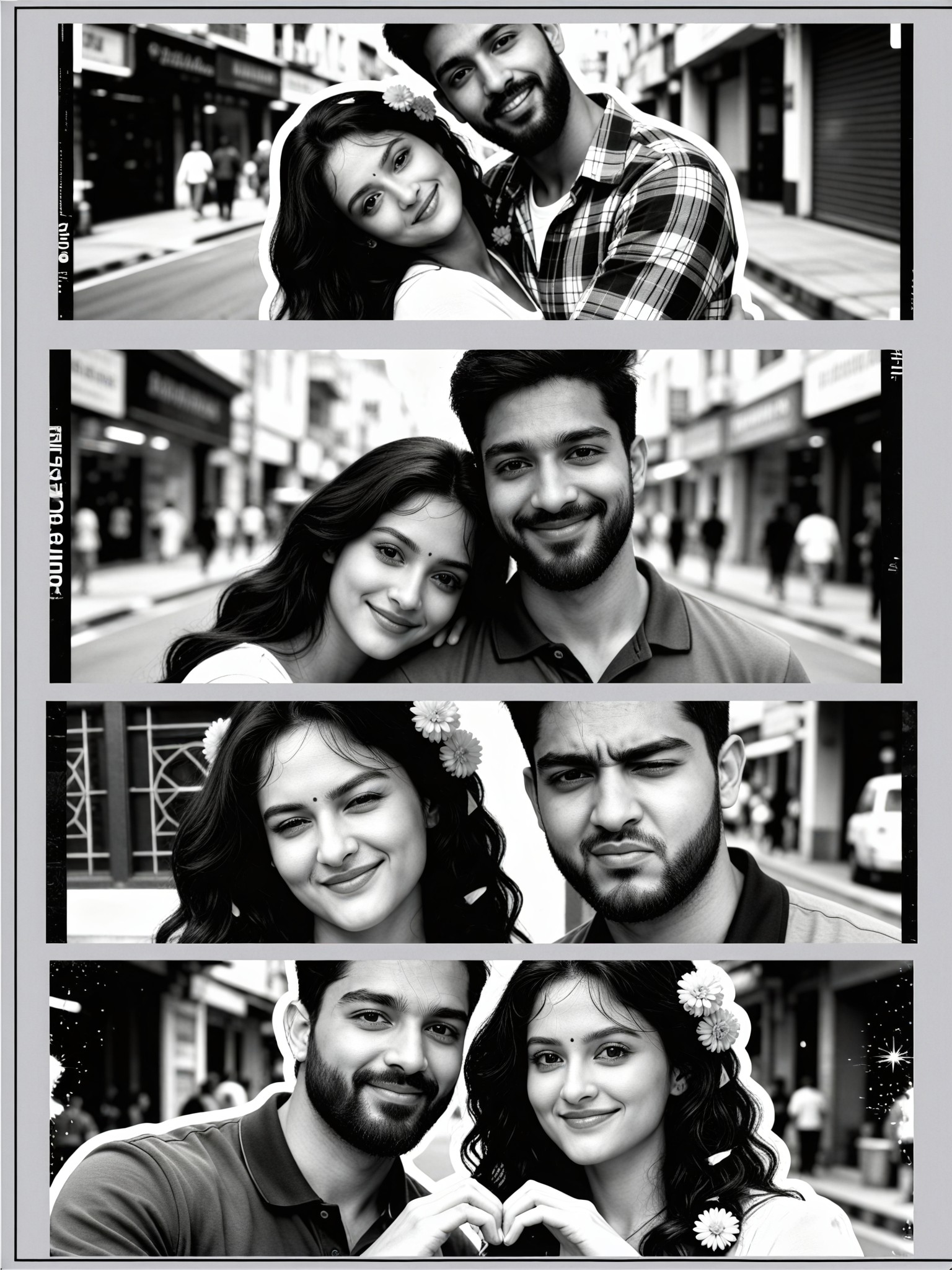
Couple three-Frame Photo Booth Stickers-17
Aryan(阿利安)157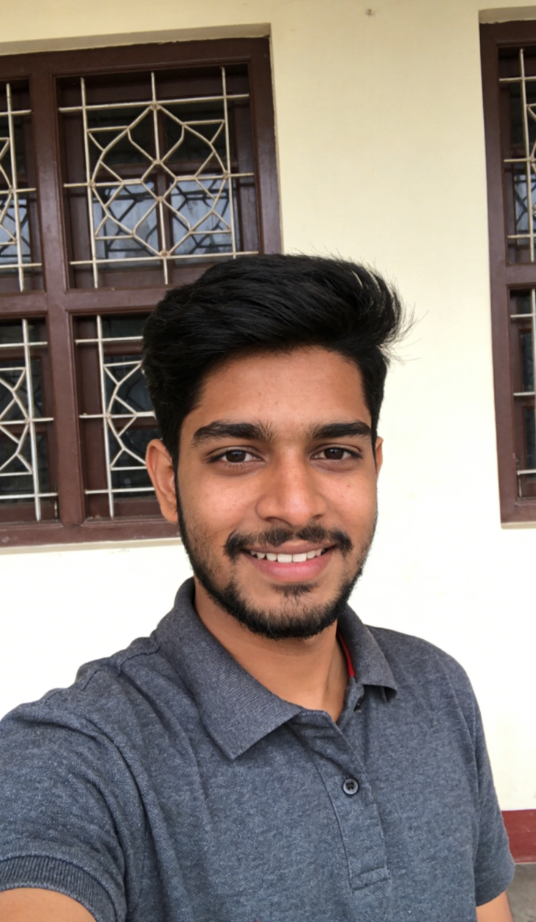
Input
Result
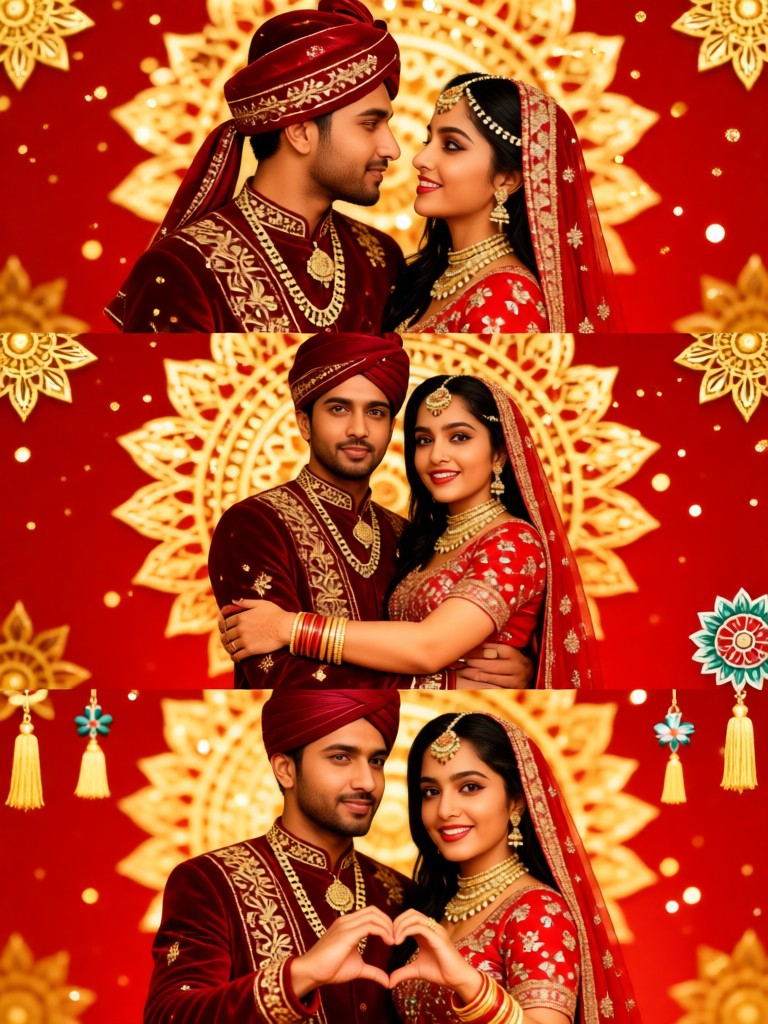
Couple three-Frame Photo Booth Stickers-14
Aryan(阿利安)115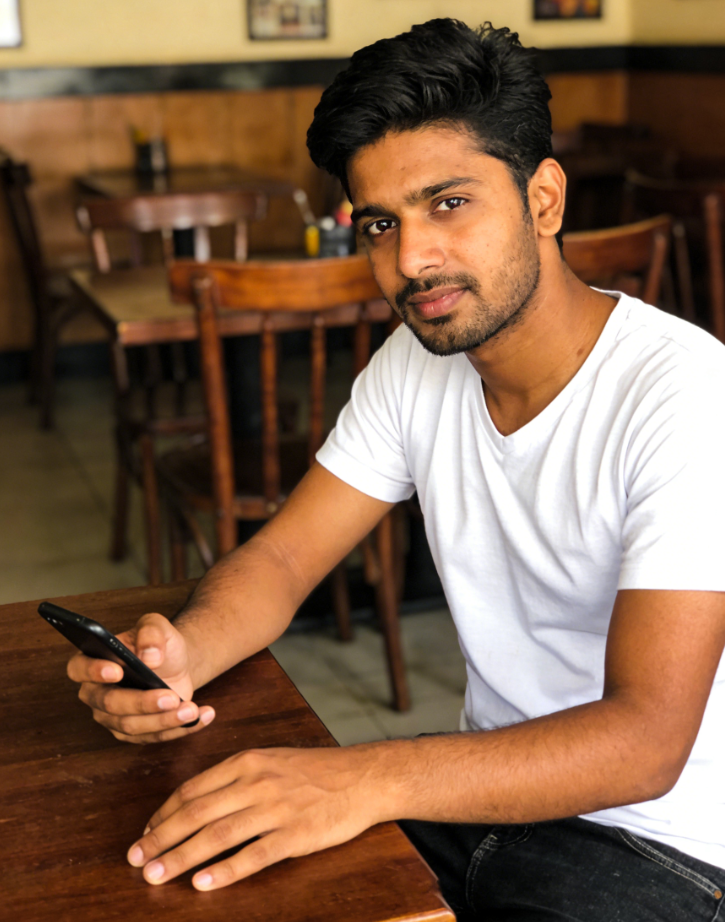
Input
Result
Couple three-Frame Photo Booth Stickers-12
Aryan(阿利安)110
AI Generated Photo Three Images & Videos
Discover unique and innovative Photo Three images and videos created with a1.art Photo Three prompts.
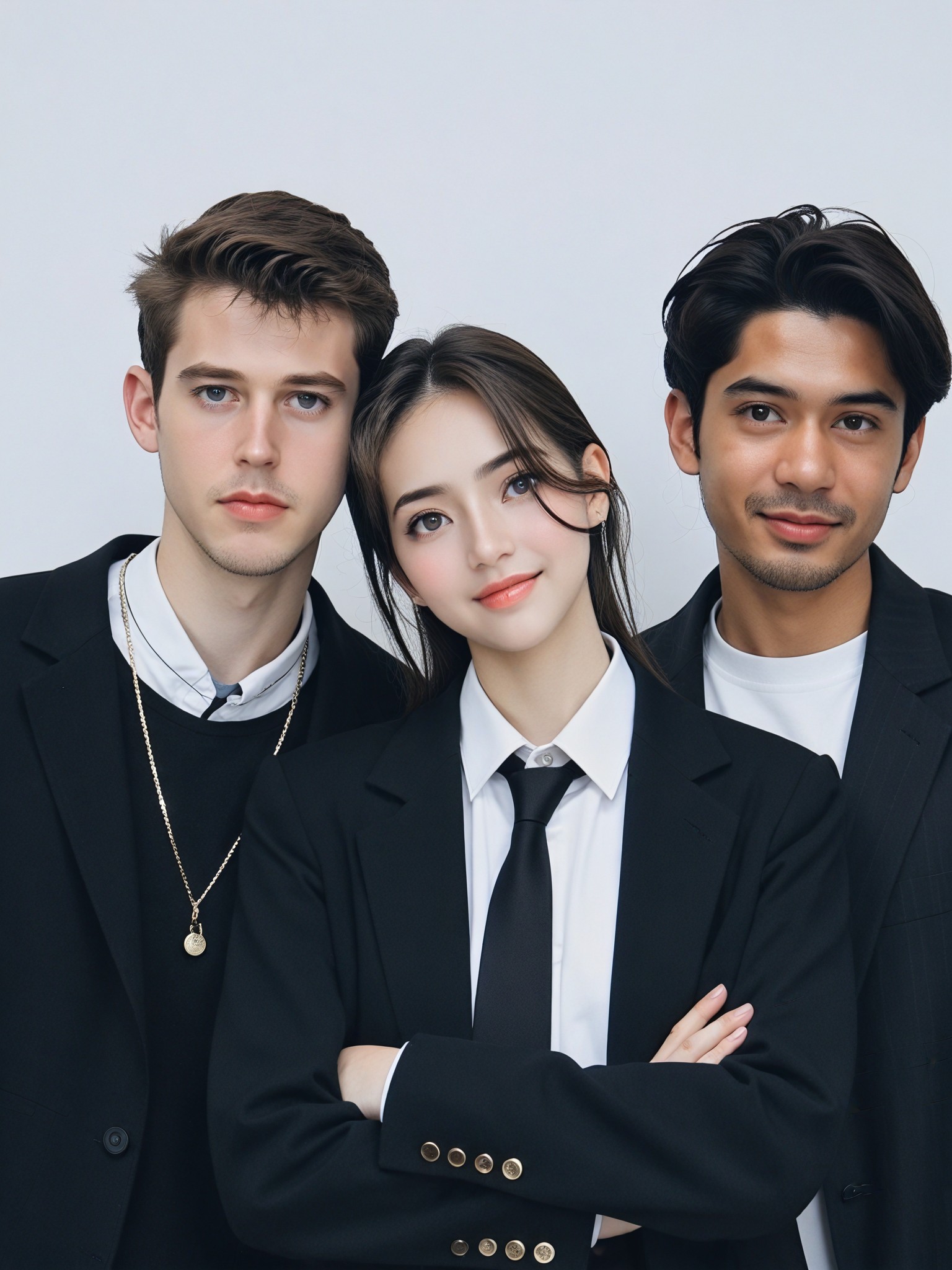
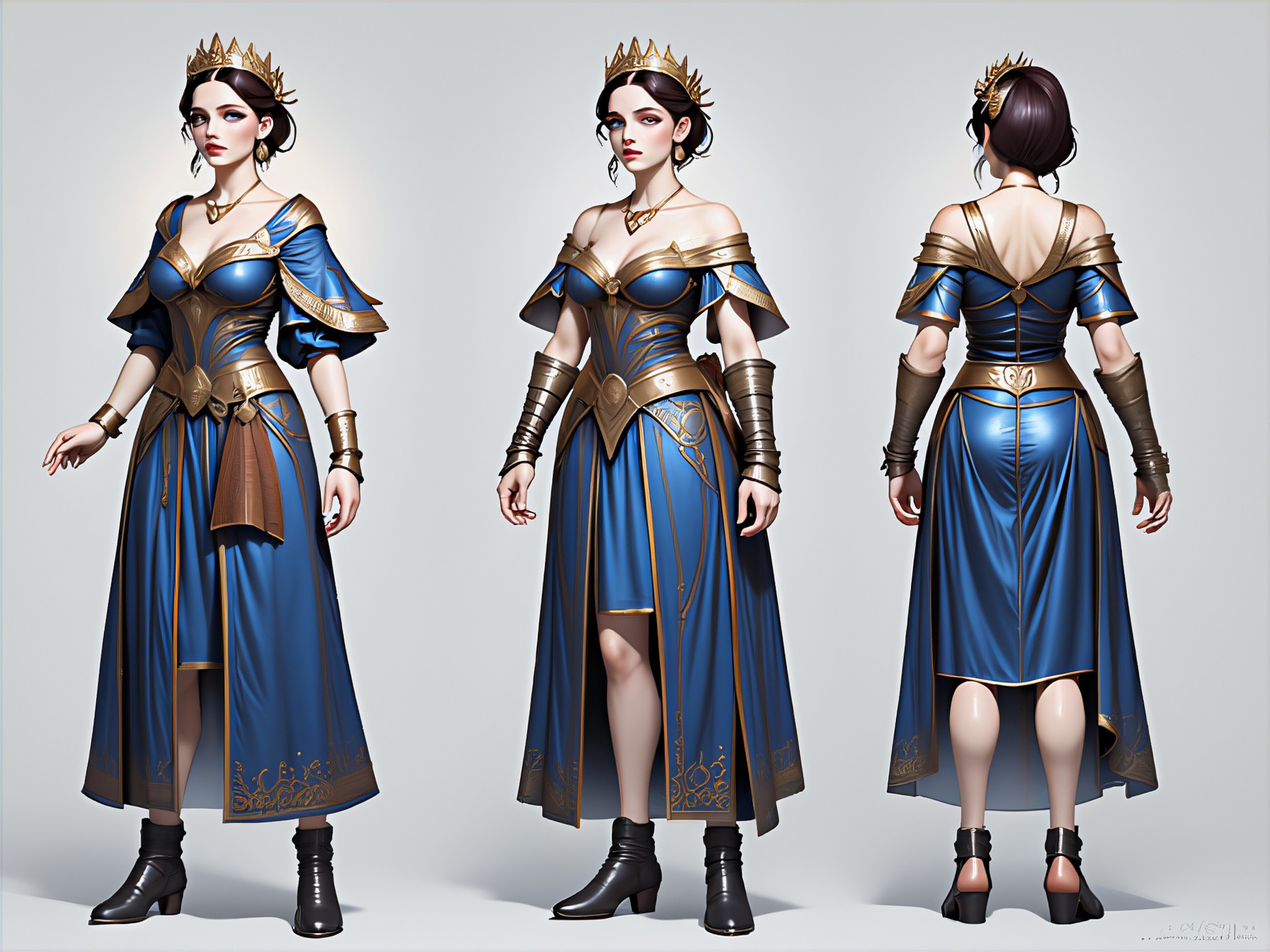
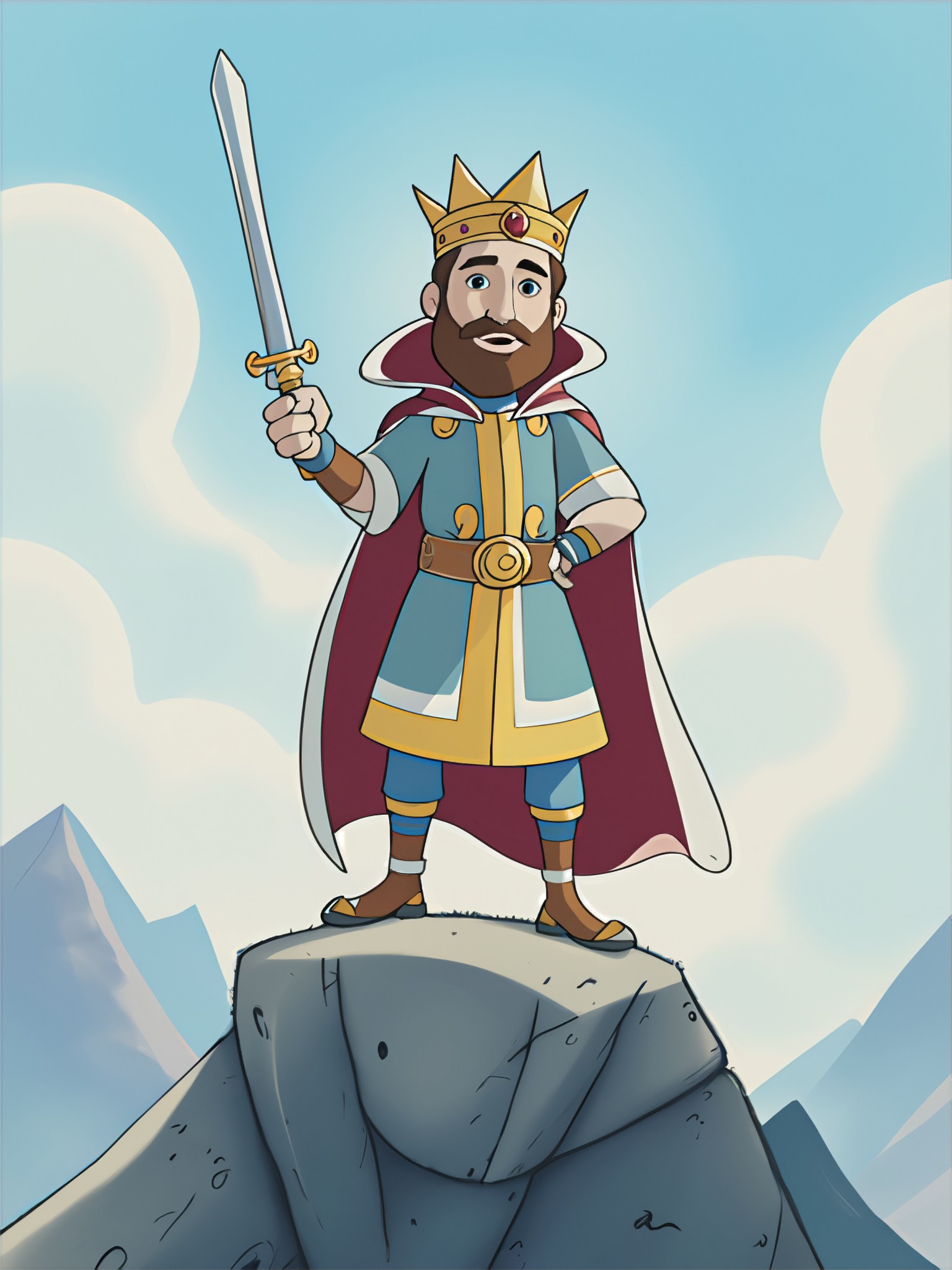
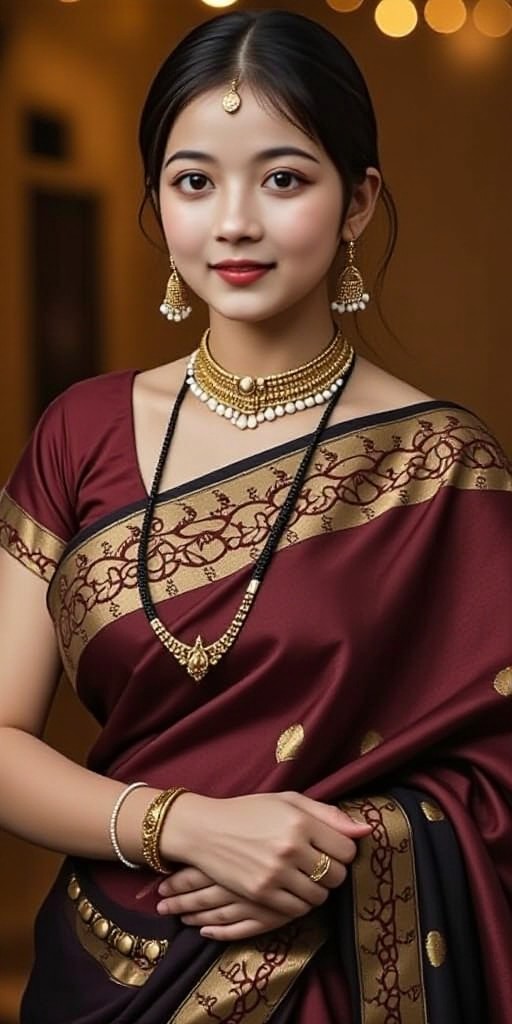
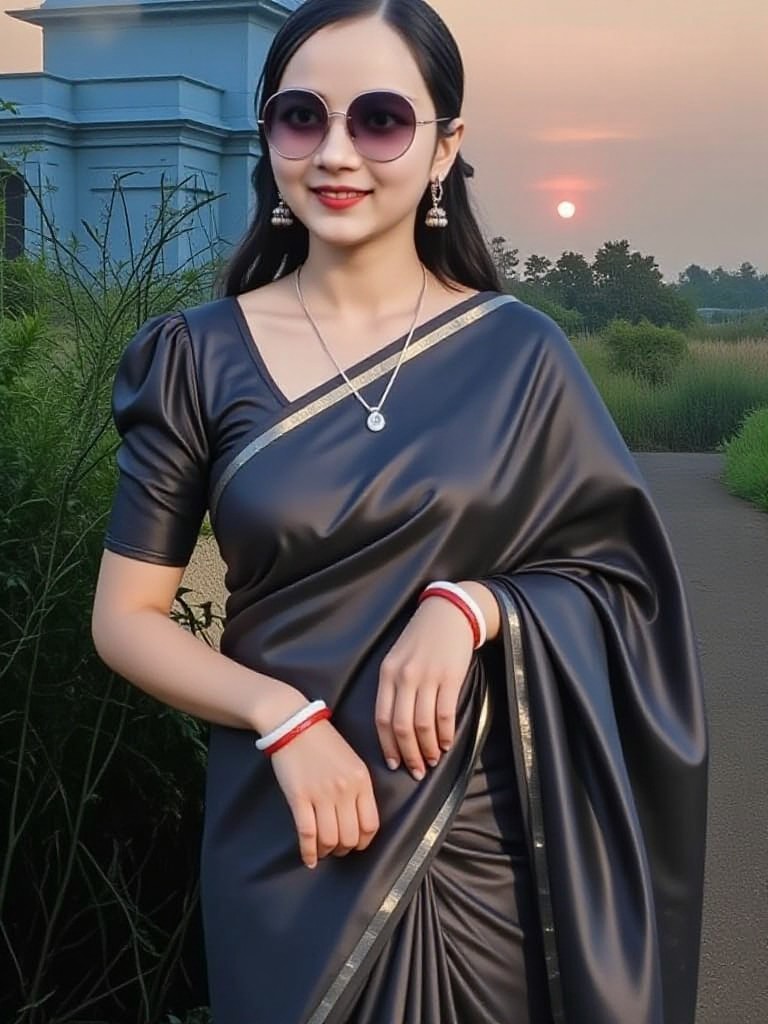
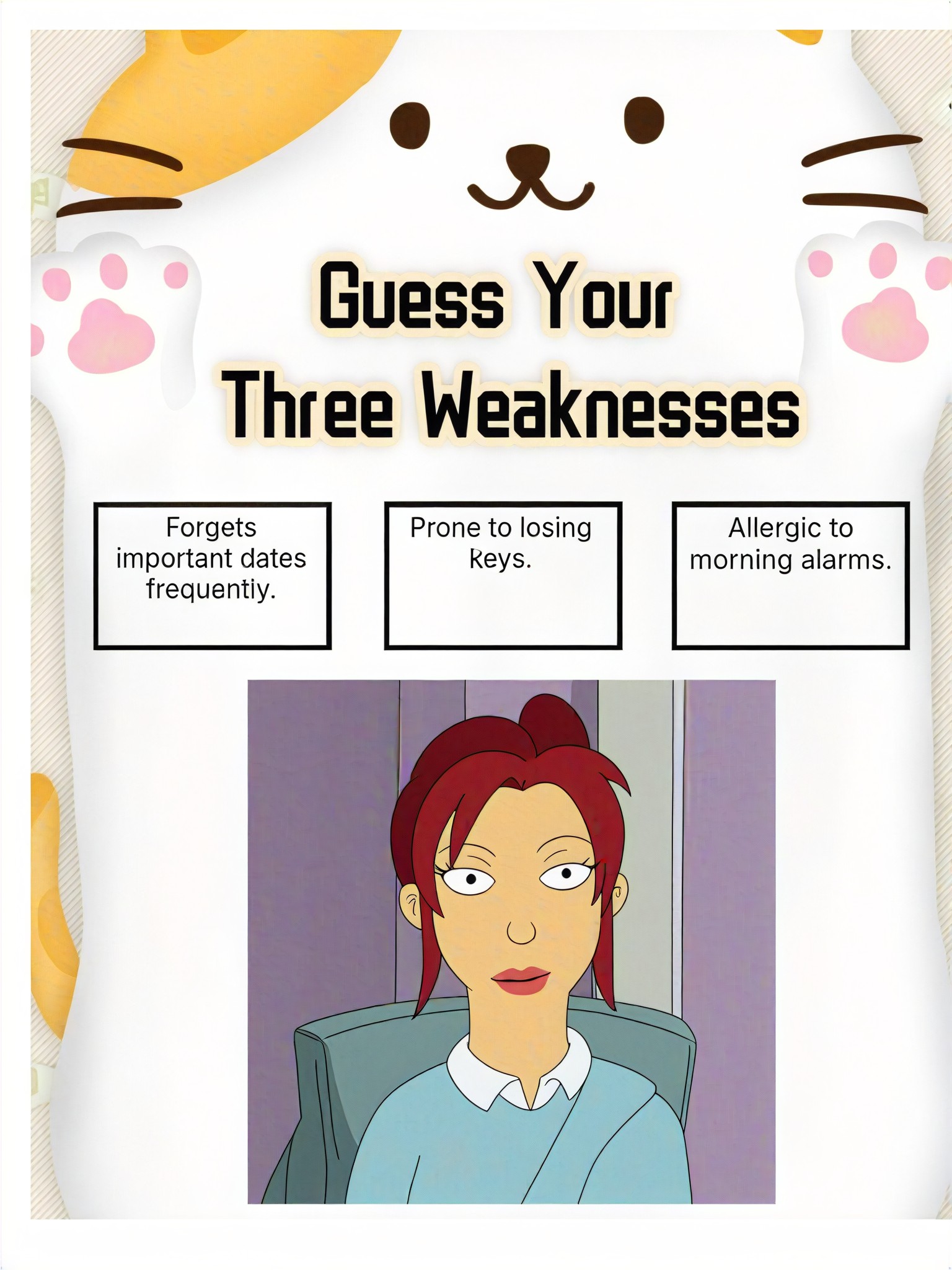
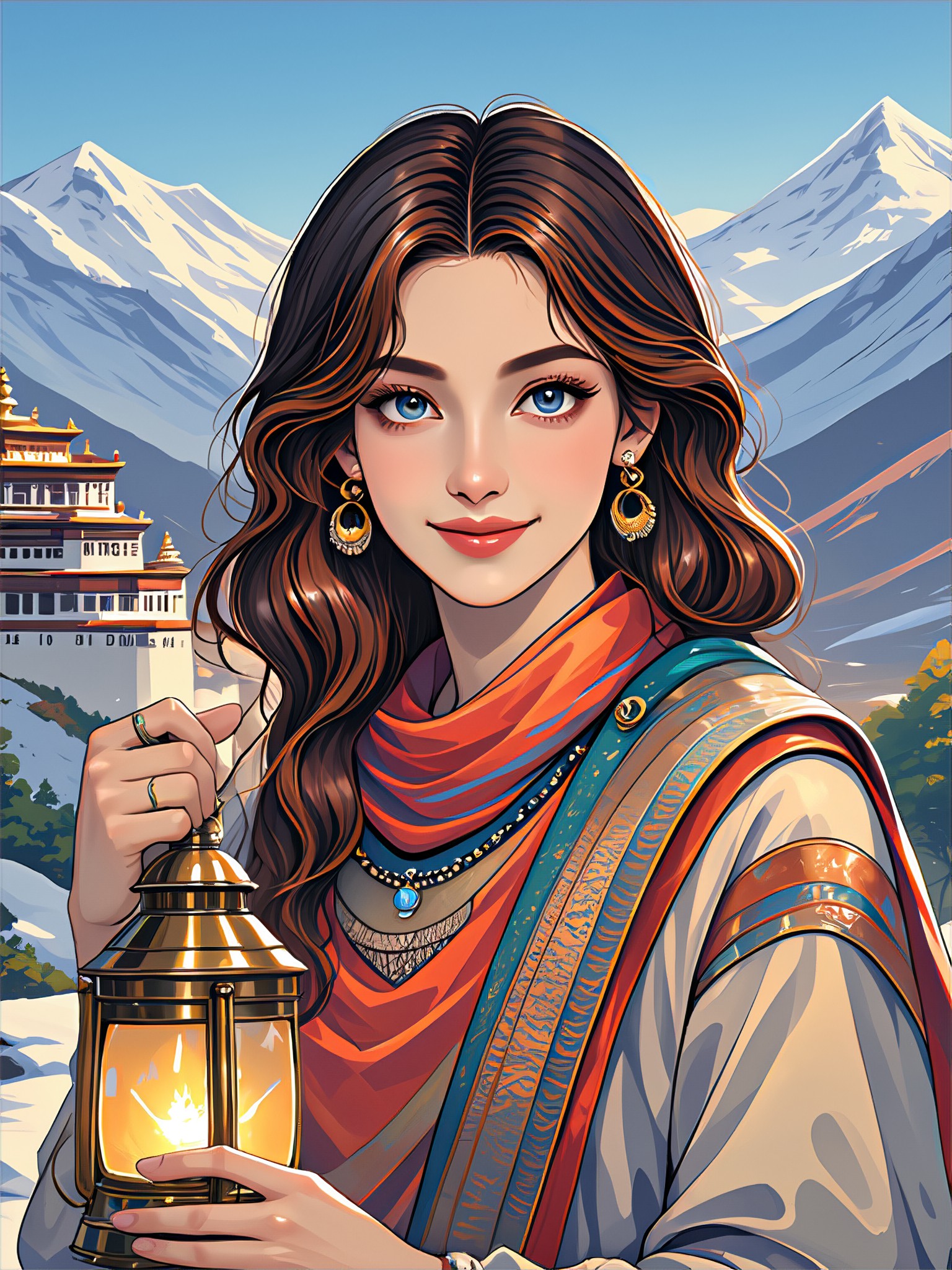
How to Make Photo Three AI Image & Video on a1.art?
Step into the future of AI Photo Three video and image creation on a1.art.

Step 1
Select the style you want to apply in the Square.

Step 2
Upload the image you want to transform. It can be a photo, hand-drawn sketch.

Step 3
Wait a few seconds and you can easily get your unique AI Photo Three art. Download for free!
FAQ about Photo Three AI Prompt on a1.art
Discover the secrets to creating Birthday Day videos and images at a1.art.
What are photo three AI prompts?
Photo three AI prompts are pre-designed creative inputs that guide the AI in generating specific types of images or videos. These prompts help users achieve desired visual effects, such as capturing layered structures, crystalline details, weathered edges, and natural erosion, making it easier to create professional-quality visuals.
How does a1.art's photo three AI prompts work?
At a1.art, you select a photo three AI prompt that matches your creative vision. The AI then uses this prompt to generate images or videos with the specified characteristics. You can further customize the output by adjusting settings like filters, textures, and lighting to refine the final result.
Can I use photo three AI prompts for commercial purposes?
Yes, a1.art allows you to use the generated images and videos for commercial purposes. However, please ensure you review our terms of service for any specific guidelines or restrictions related to commercial use.
Are there any limitations on using photo three AI prompts?
While a1.art offers a wide range of photo three AI prompts, some prompts may require additional credits or subscription plans for full access. Additionally, certain prompts may have specific usage guidelines to ensure compliance with our content policies.
How can I get started with photo three AI prompts on a1.art?
Getting started is simple! Visit a1.art, explore the available photo three AI prompts, and select one that inspires you. Upload your image or enter a text prompt, apply your preferred effects, and let the AI do the rest. You'll receive instant results that you can download or share directly.


