


Get Photo To Sketch Videos & Images without Prompt
a1.art offers a large number of filters, allowing you to easily obtain AI videos or images without prompts.
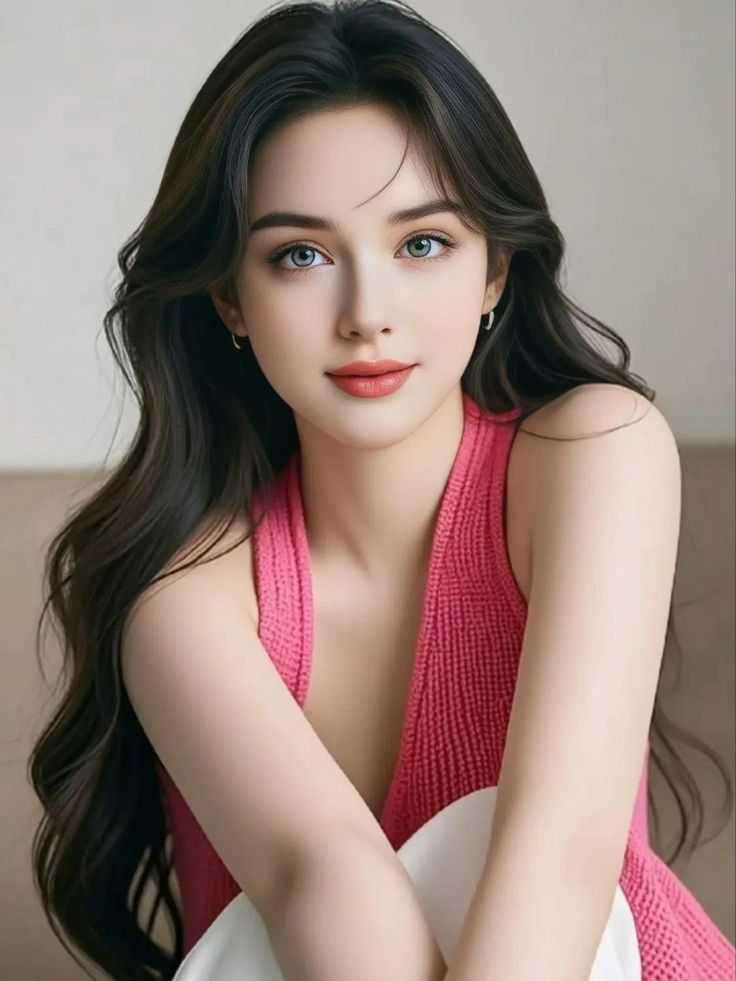
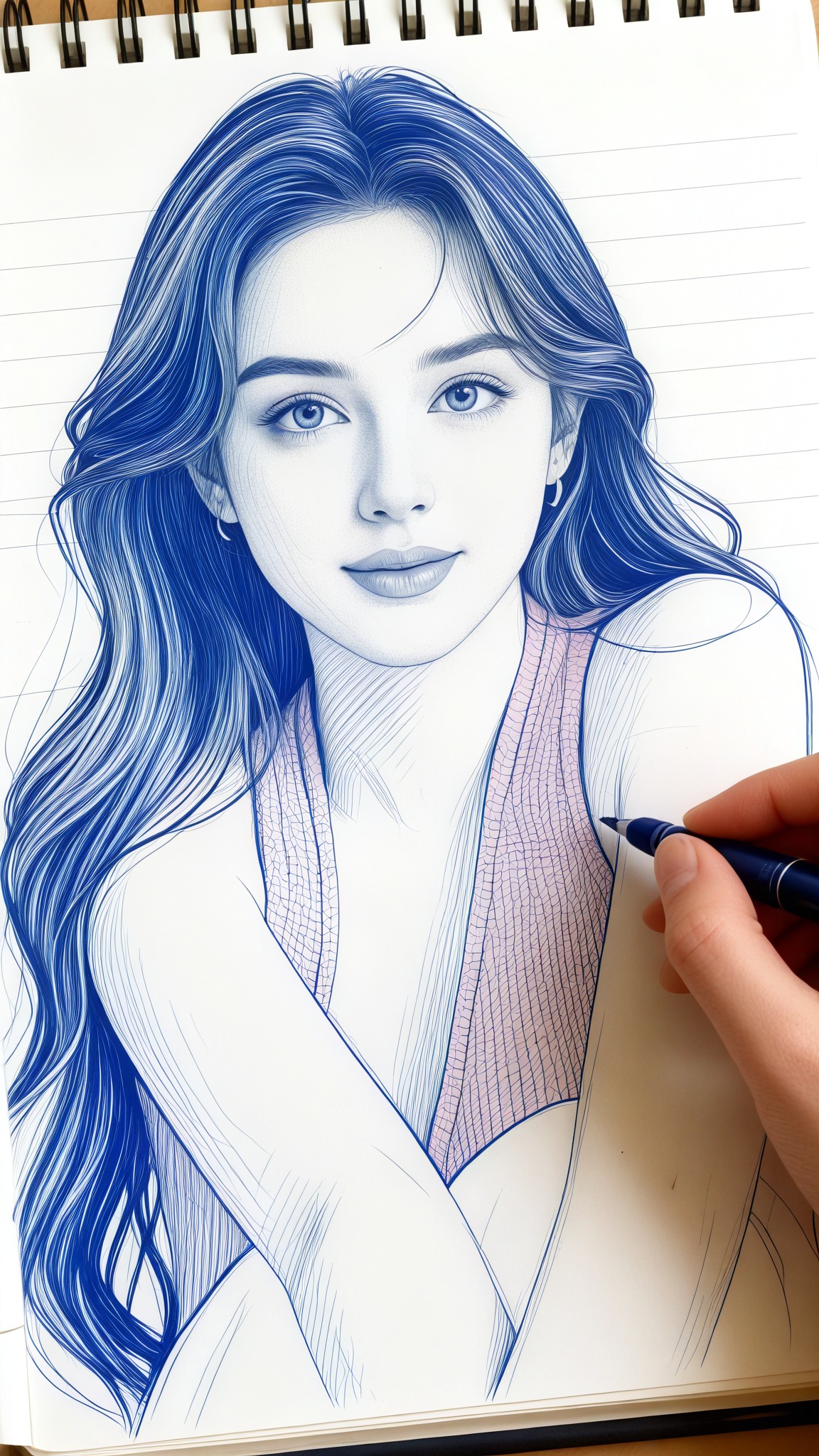
Input
Result
Notebook Sketch
 CC
CC 4.0k
4.0k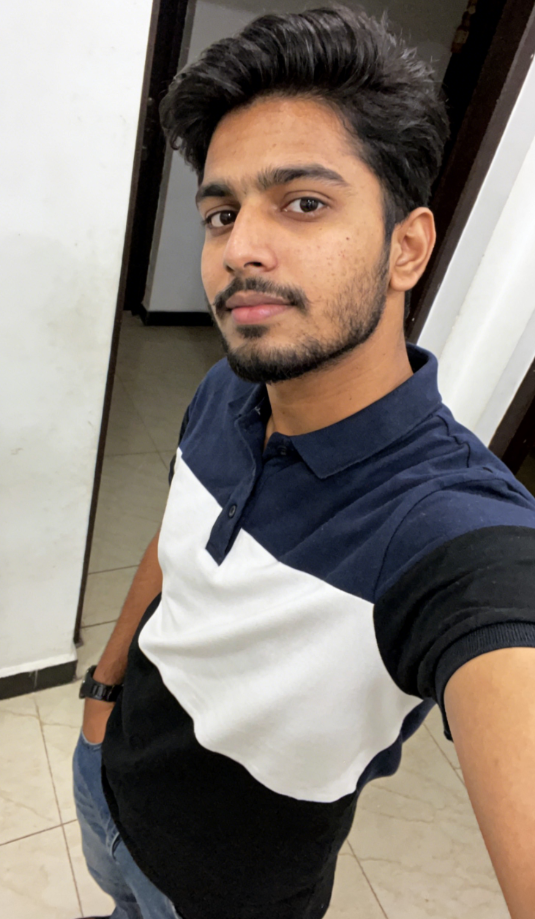
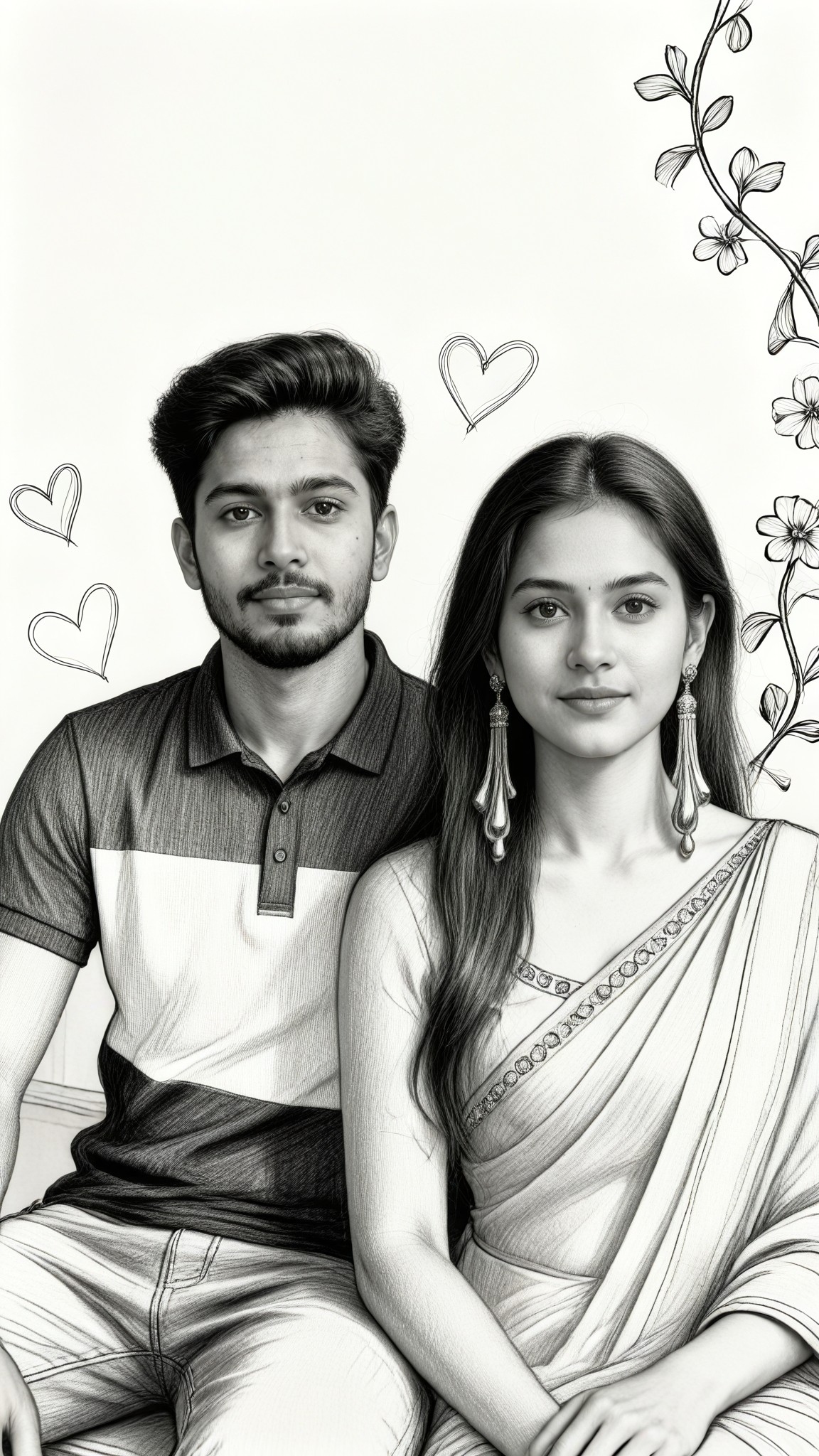
Input
Result
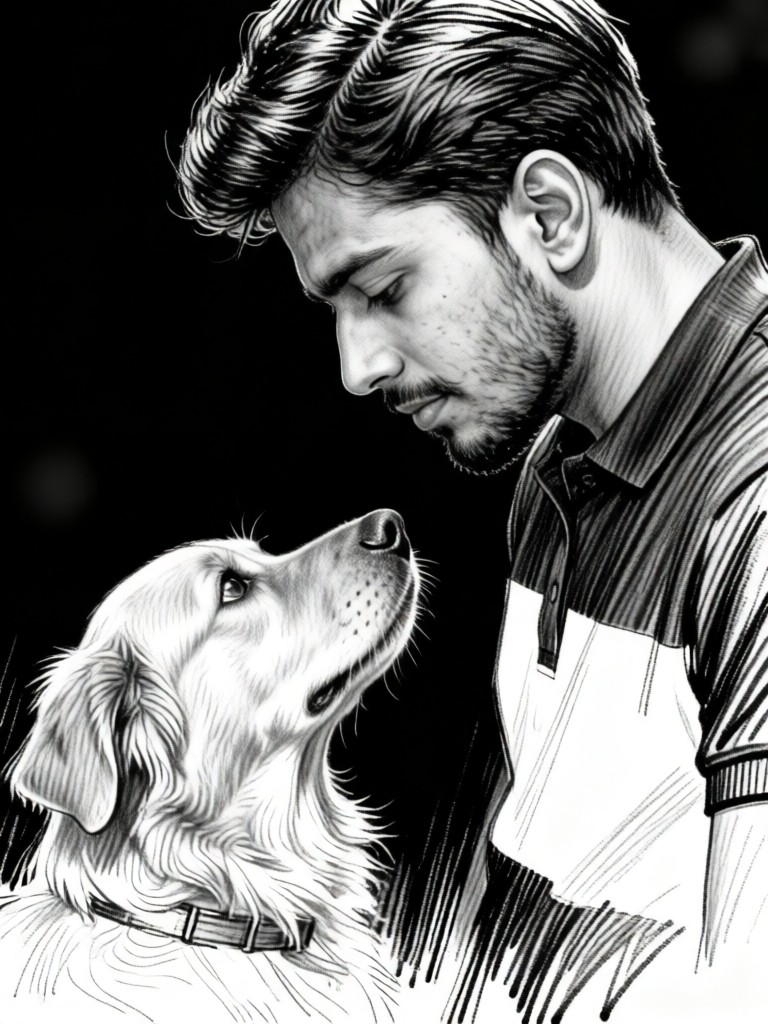
Sketch Love
 艺术画家1.8k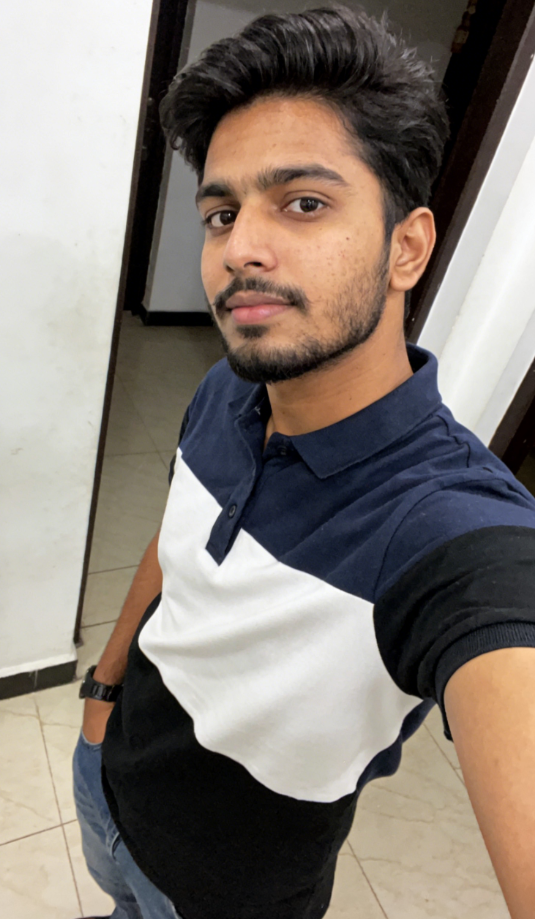
Input
Result
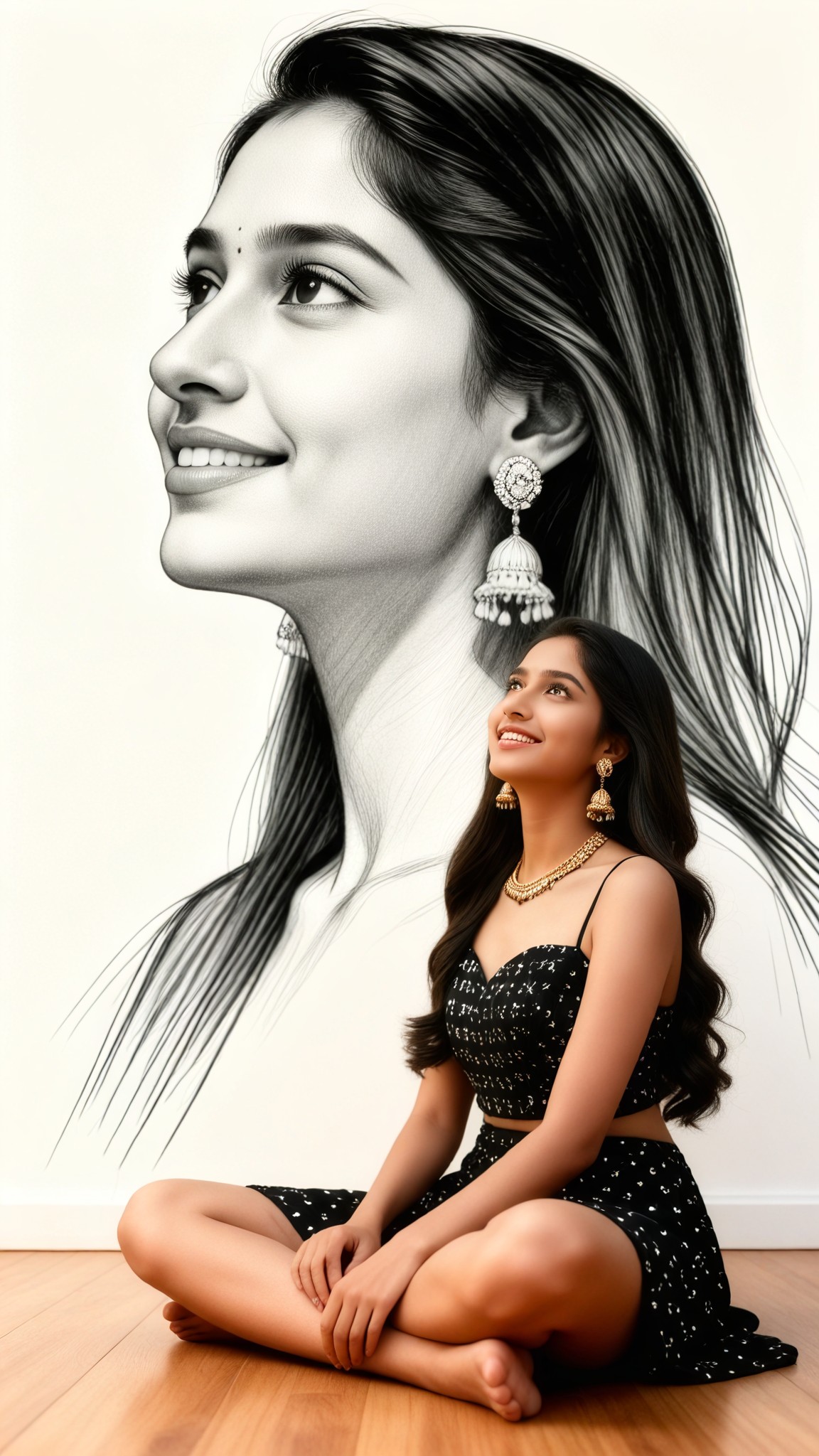
Artistic Side Sketch
 Melody💗681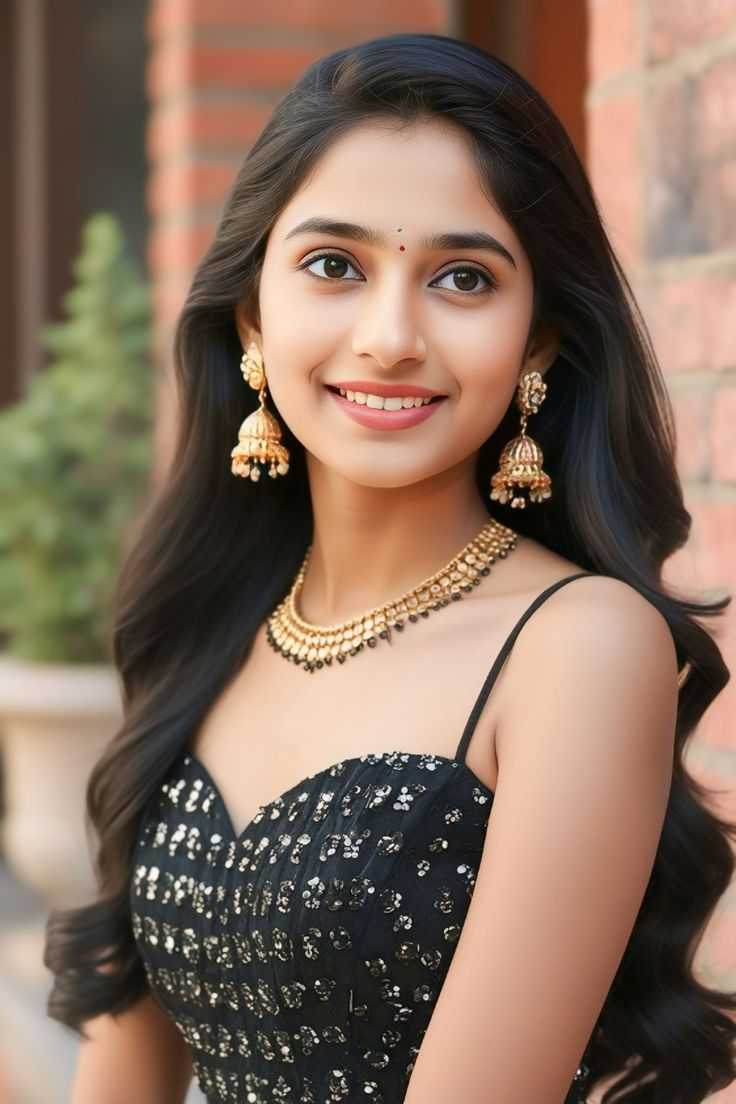
Input
Result
My sketch portrait
CC294
Input
Result
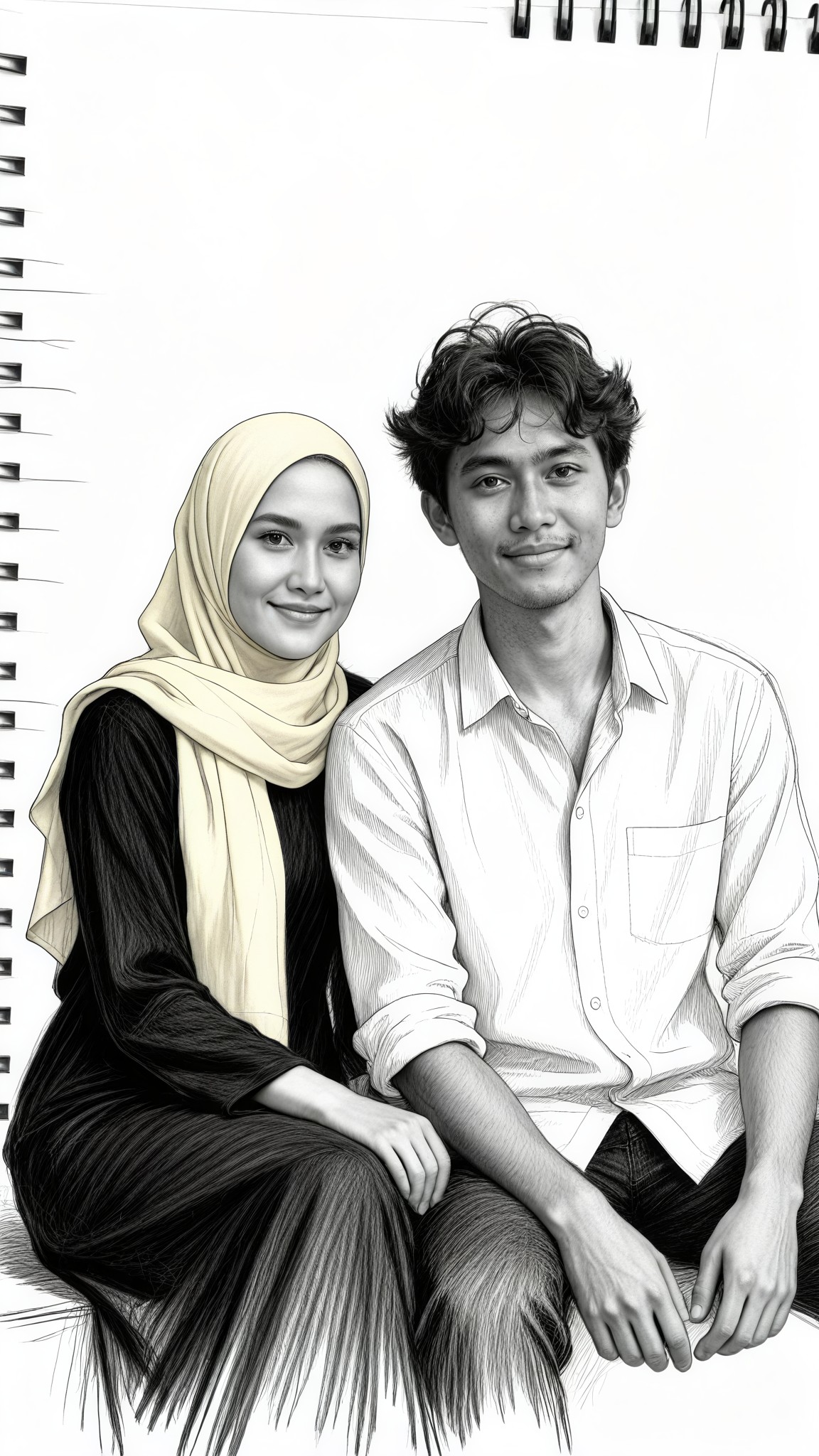
Pencil Sketch Seat
 艺术创作家269
Input
Result
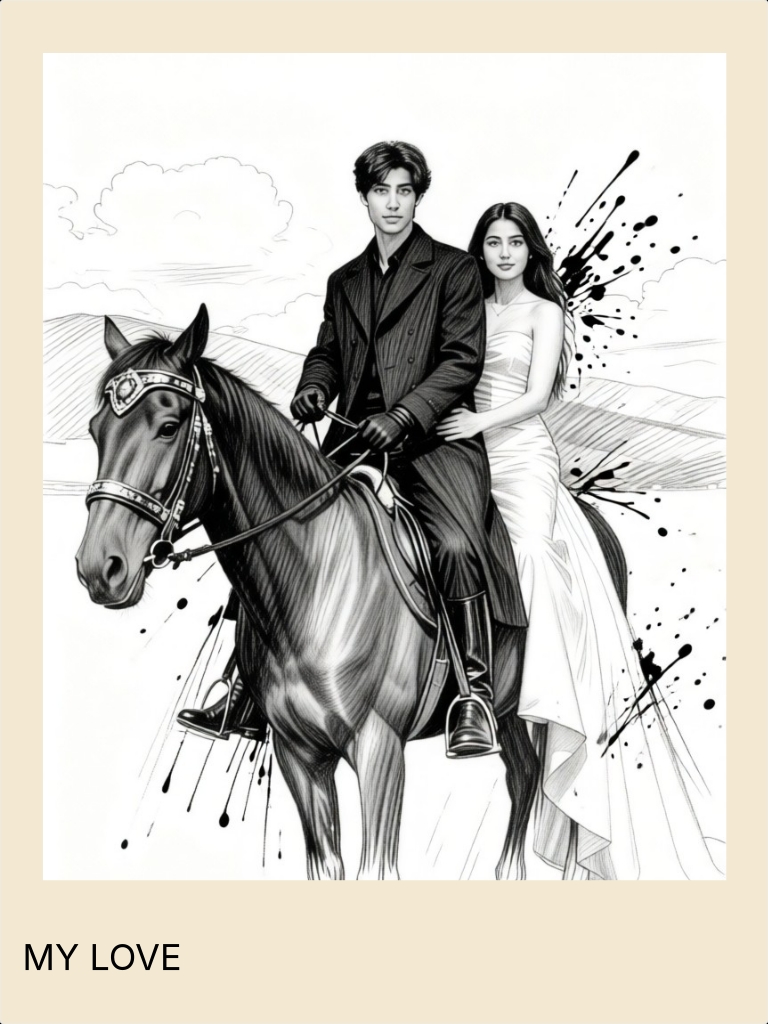
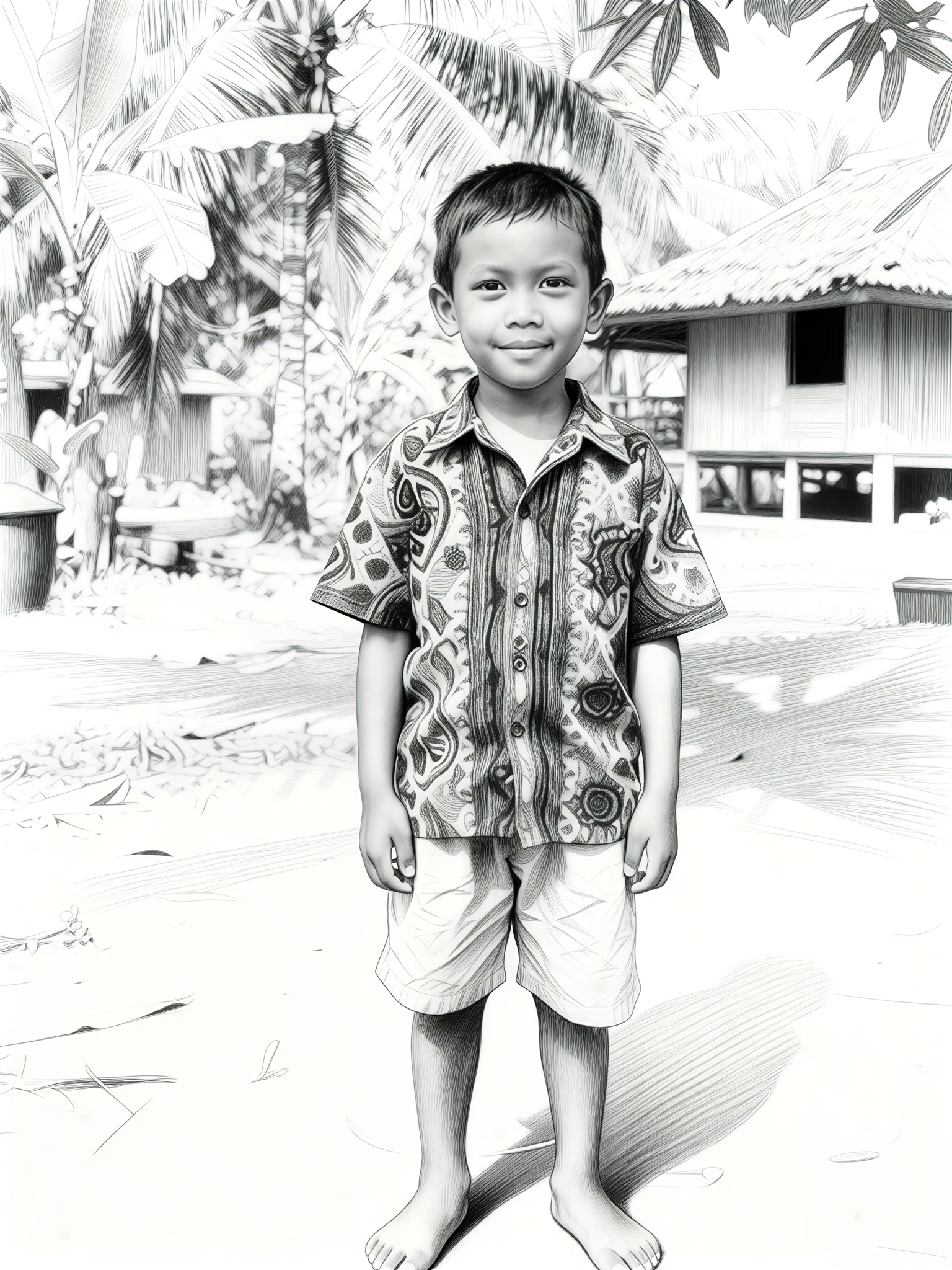
sketch style
 一个酷酷的man130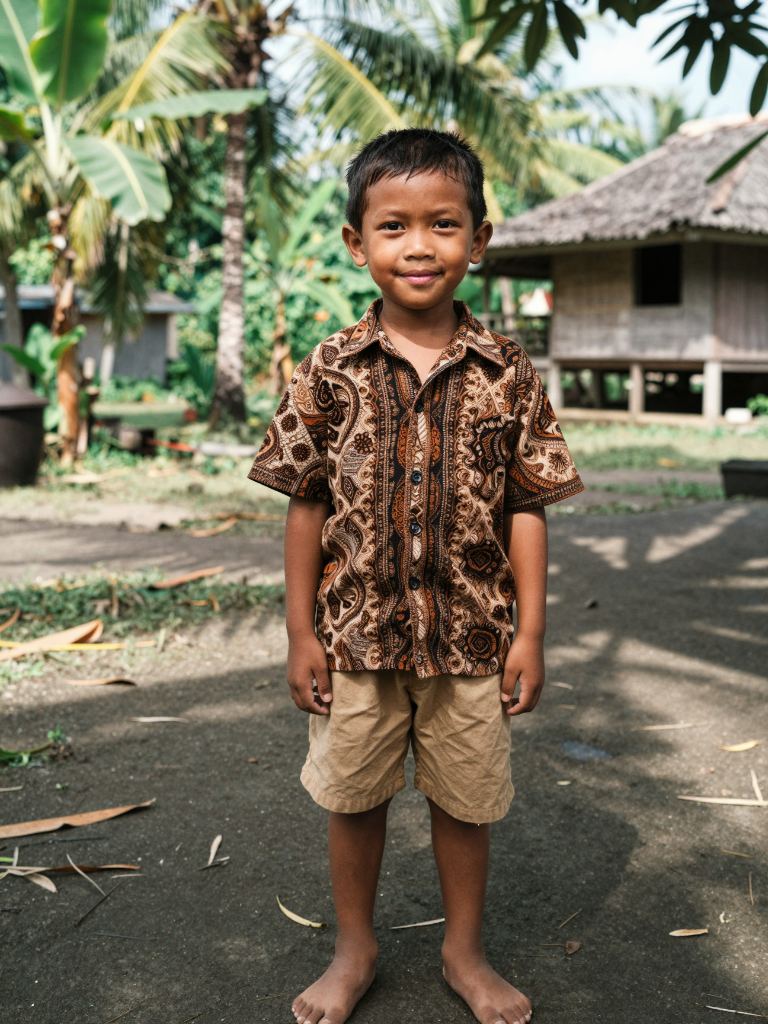
Input
Result
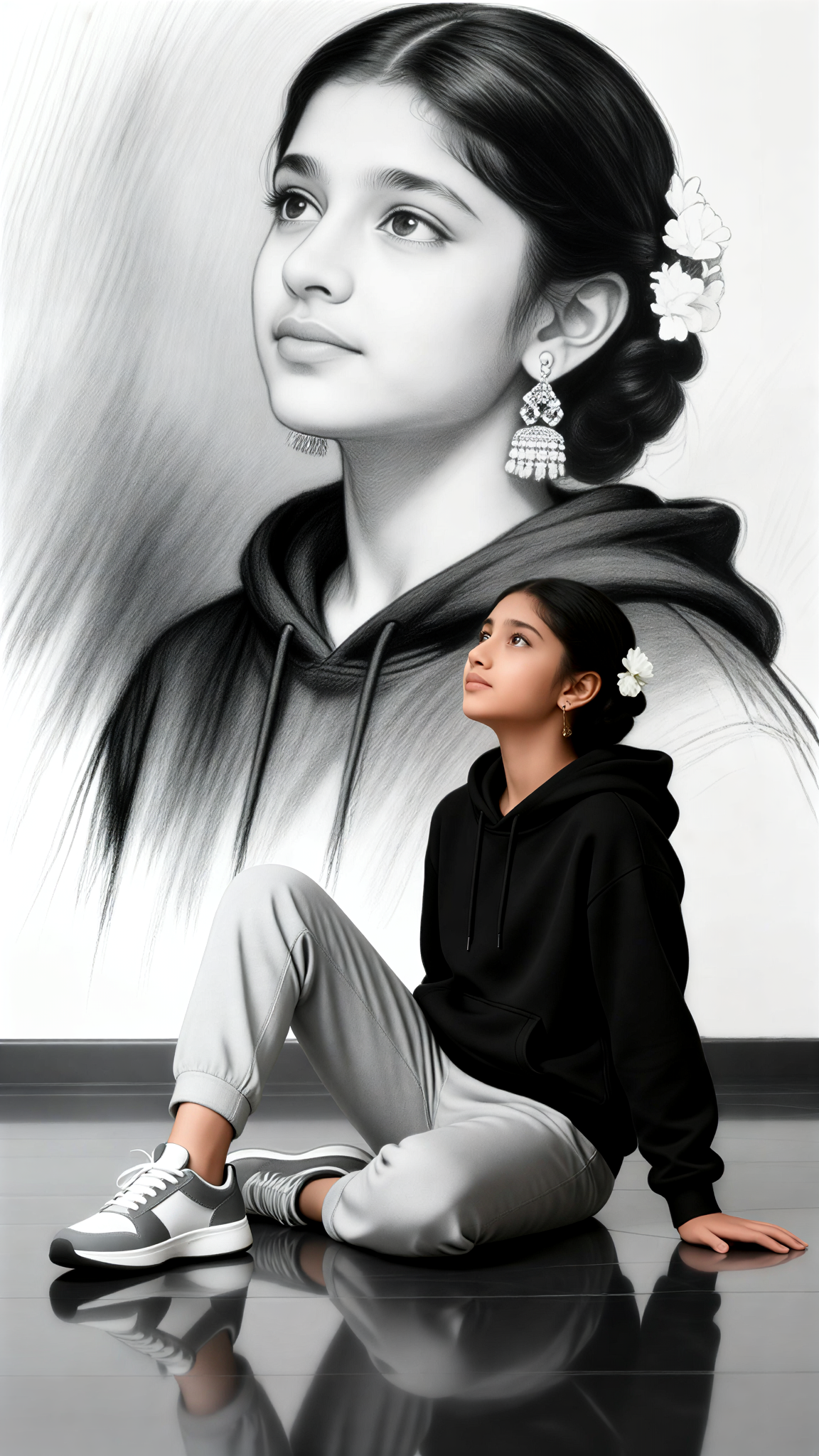
Sketch baby
 Mmmmmm.127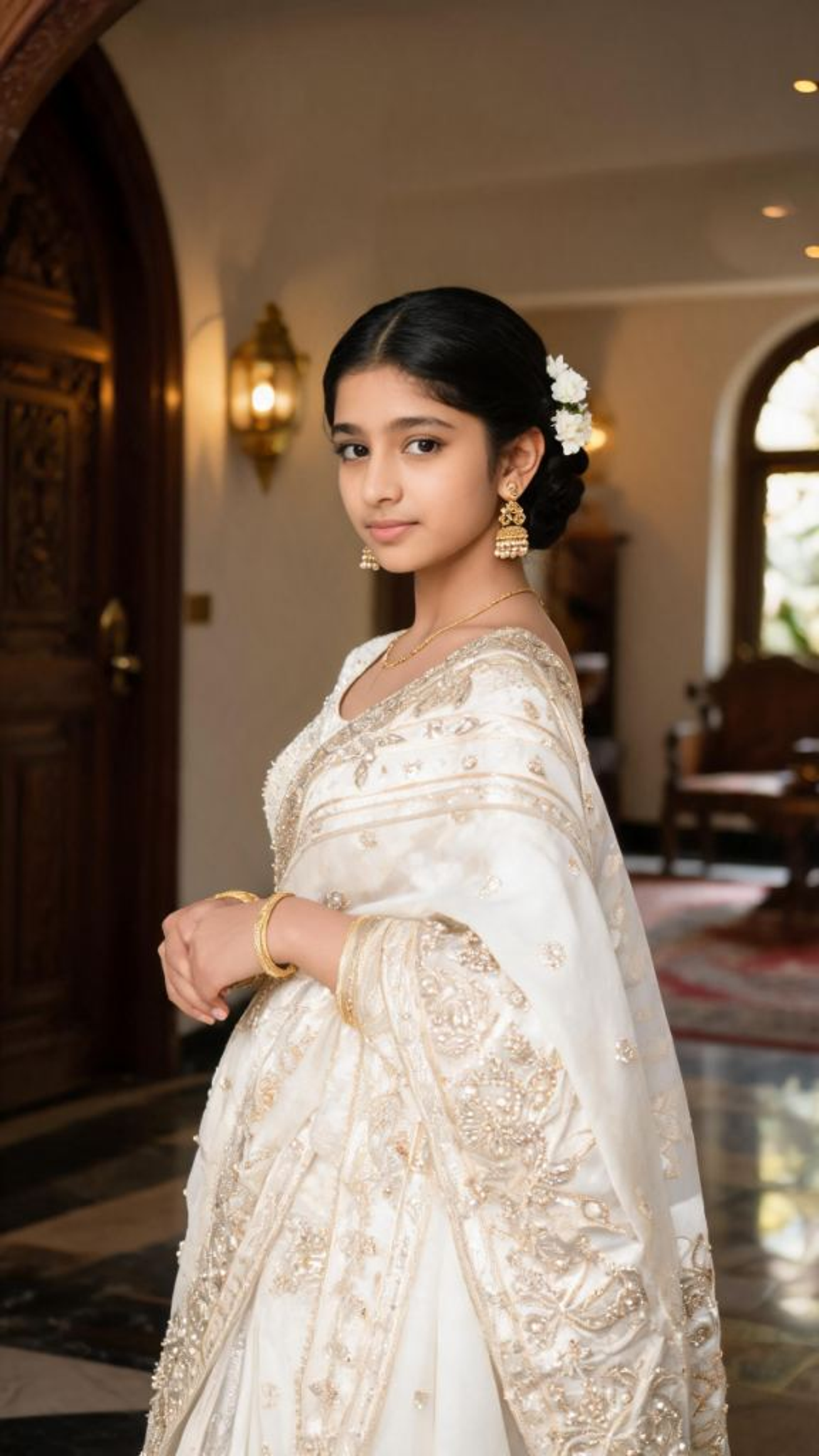
Input
Result
Sketch Double Image
 akaii85
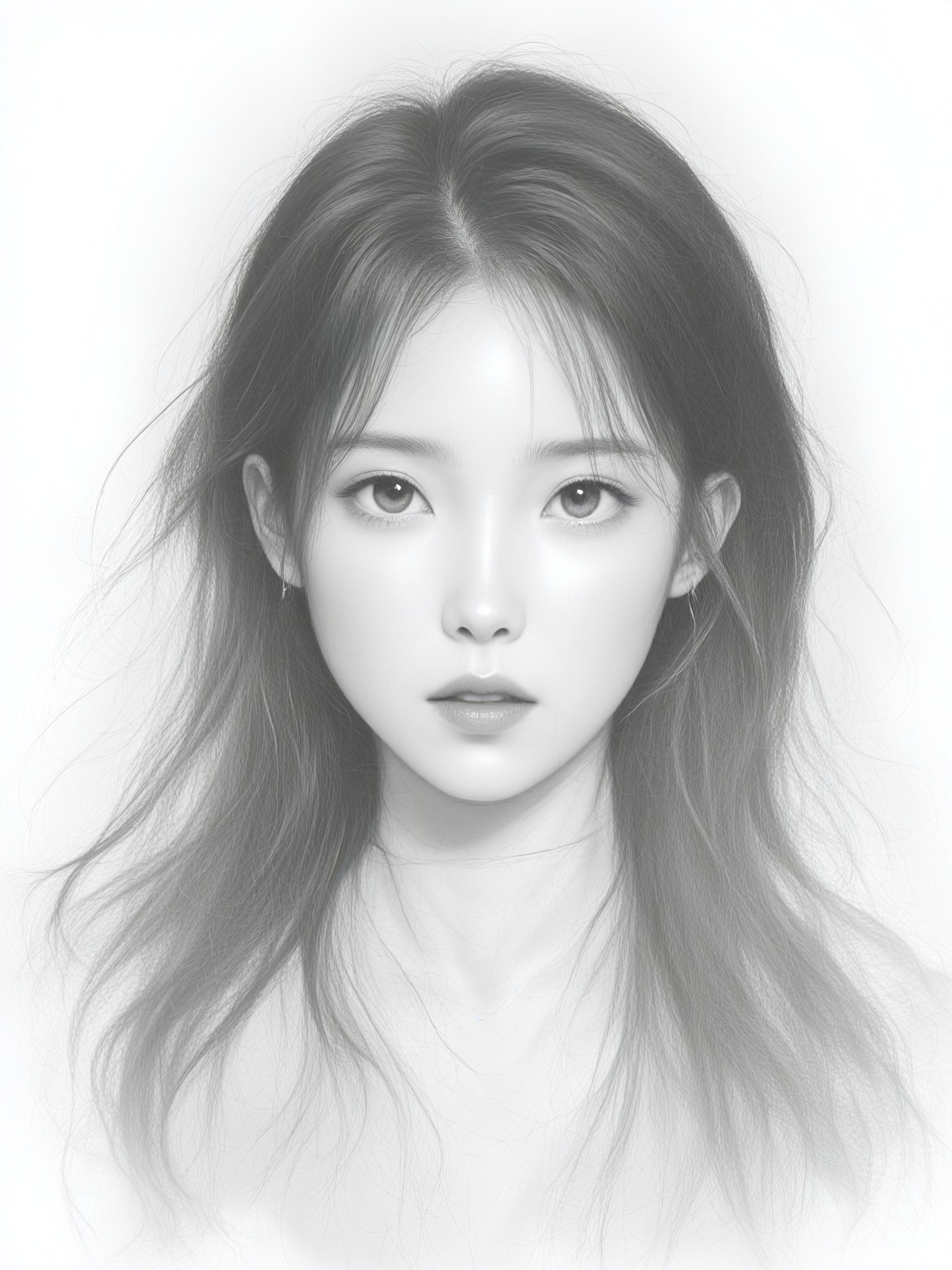
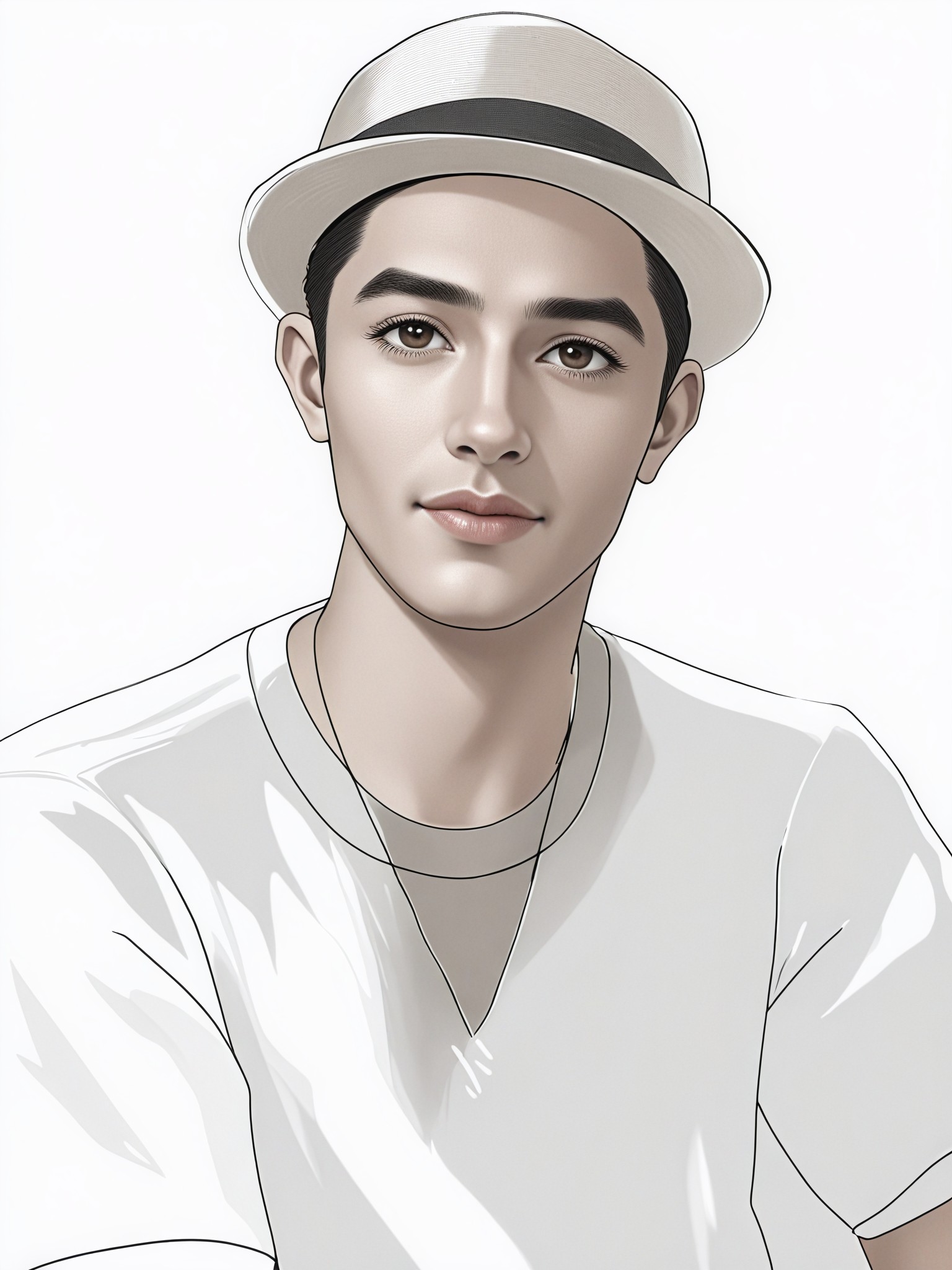
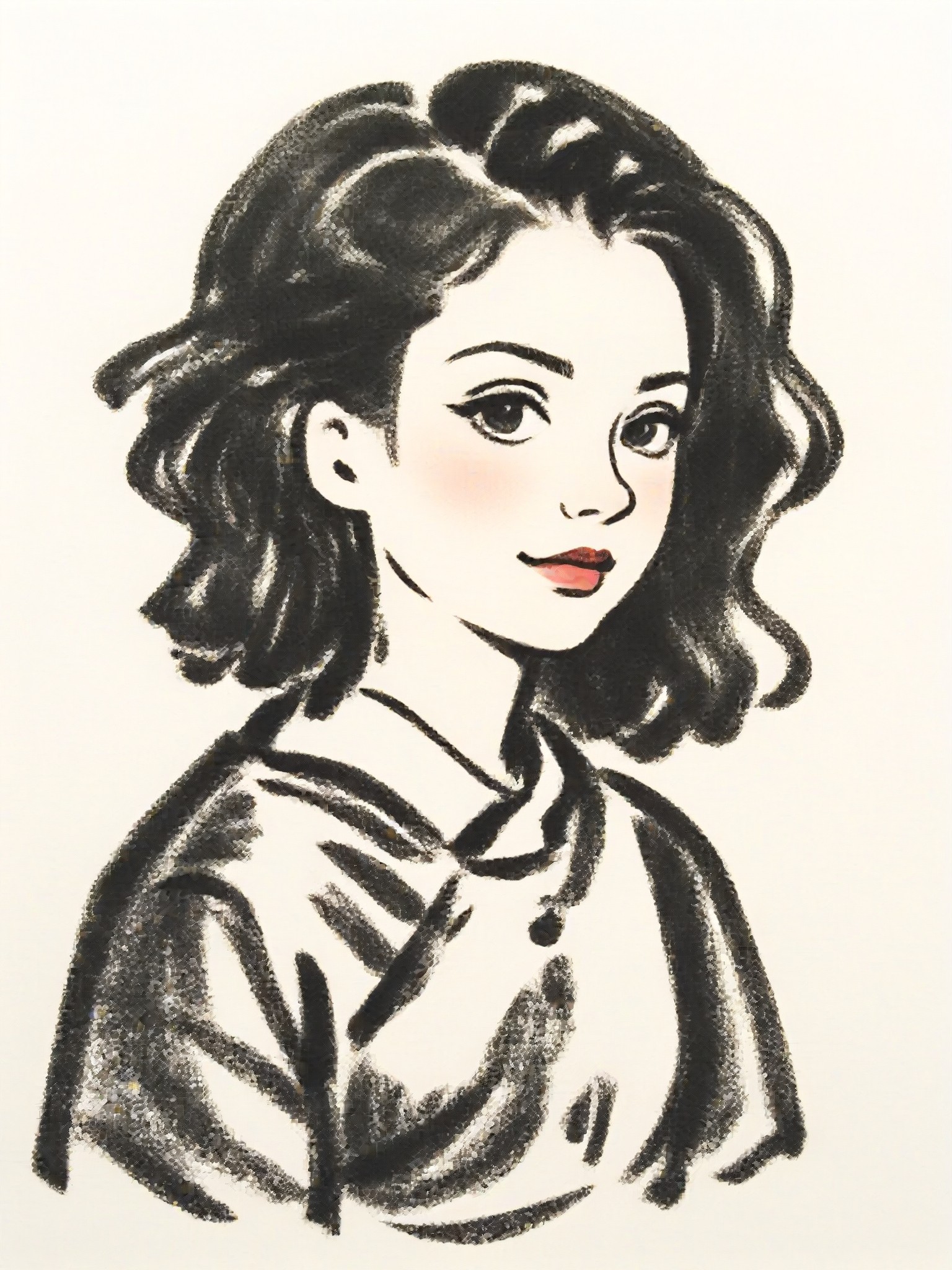
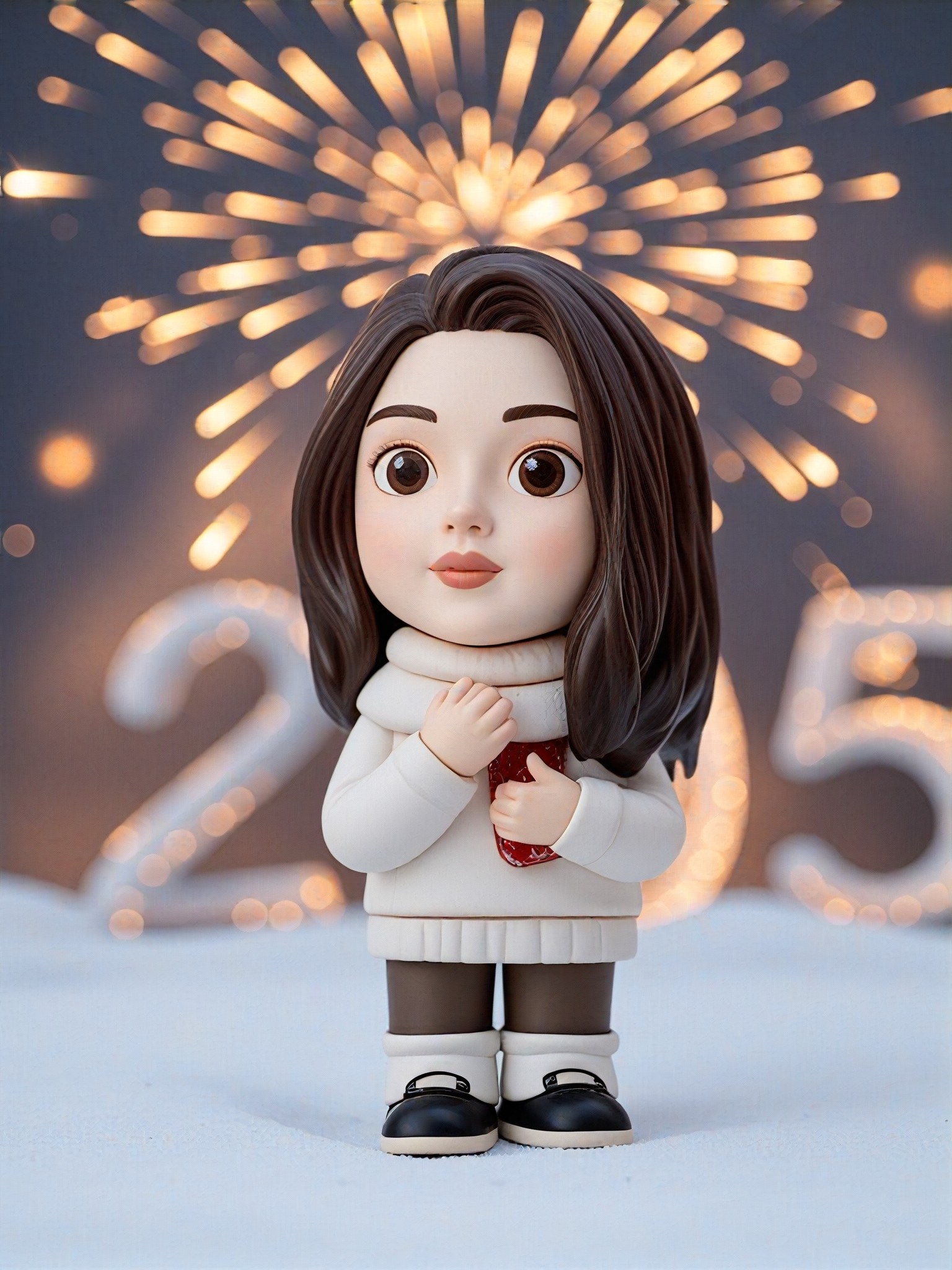
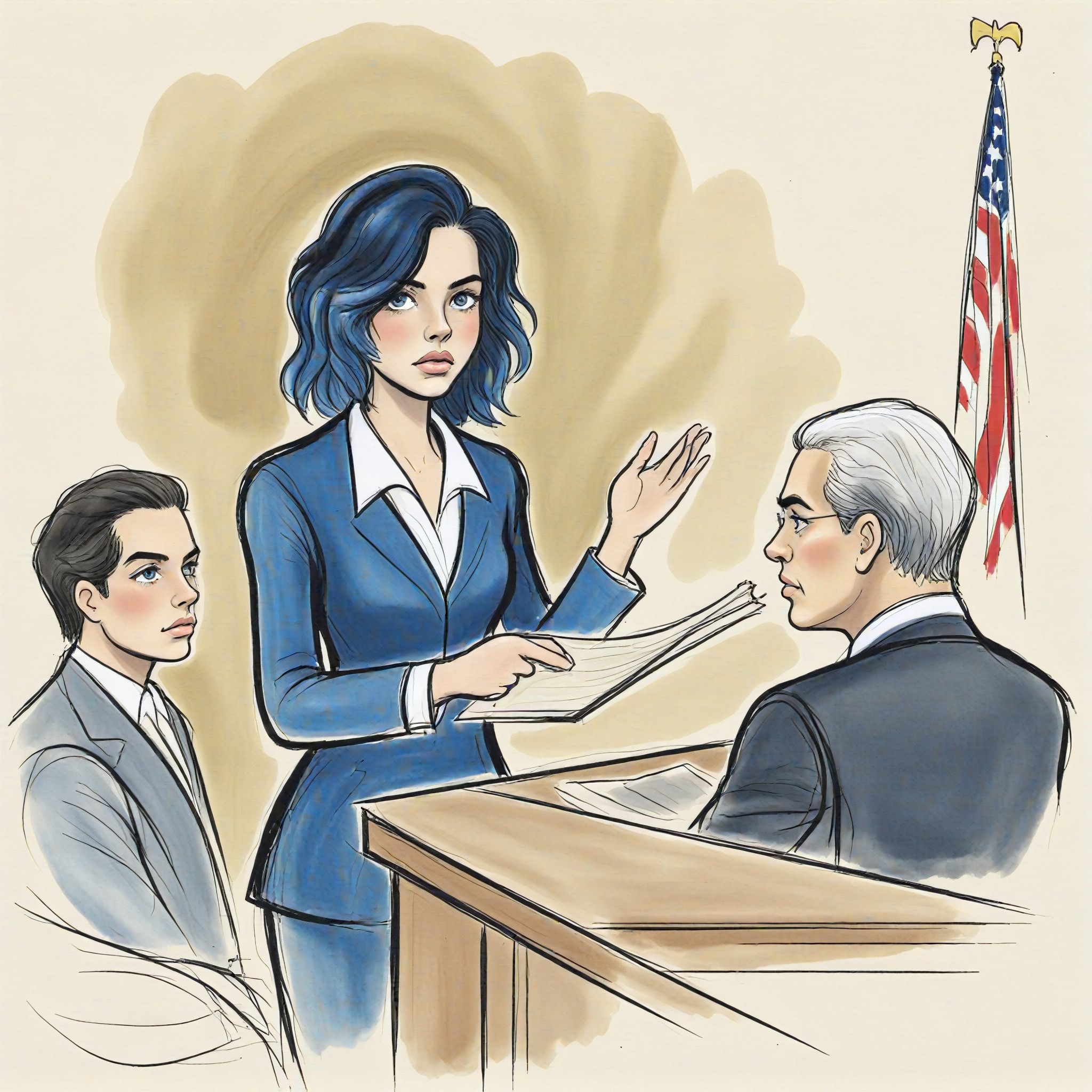
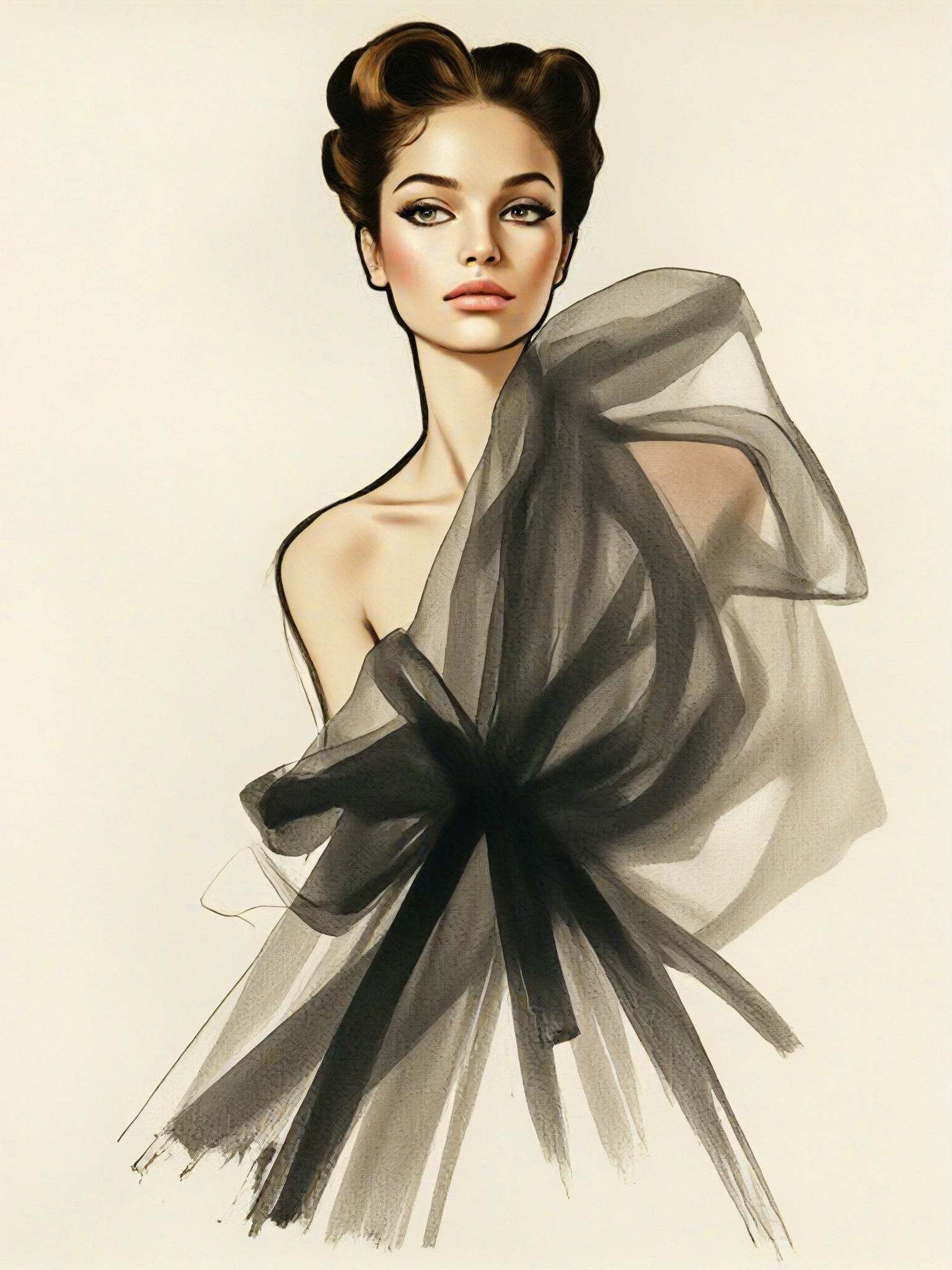
AI Generated Photo To Sketch Images & Videos
Discover unique and innovative Photo To Sketch images and videos created with a1.art Photo To Sketch prompts.

How to Make Photo To Sketch AI Image & Video on a1.art?
Step into the future of AI Photo To Sketch video and image creation on a1.art.

Step 1
Select the style you want to apply in the Square.

Step 2
Upload the image you want to transform. It can be a photo, hand-drawn sketch.

Step 3
Wait a few seconds and you can easily get your unique AI Photo To Sketch art. Download for free!
FAQ about Photo To Sketch AI Prompt on a1.art
Discover the secrets to creating Birthday Day videos and images at a1.art.
What is a1.art's photo to sketch AI prompt feature?
a1.art's photo to sketch AI prompt feature allows you to transform any uploaded image or text into a beautifully crafted sketch using advanced AI technology. You can choose from various artistic styles to create unique visuals effortlessly.
Can I customize the sketch style?
Yes, a1.art offers a range of customizable sketch styles, including pencil, charcoal, ink, watercolor, and more. You can select the style that best matches your vision and adjust settings to refine the output.
How do I use photo to sketch AI prompts on a1.art?
Simply upload your photo or enter a text prompt, choose your preferred sketch style, and let a1.art's AI work its magic. Within seconds, you'll have a stunning sketch ready for download or further editing.
Are there any limitations on the number of sketches I can create?
a1.art provides daily free login credits for creating sketches. If you need more, you can subscribe to earn additional credits, ensuring unlimited creative possibilities.
Can I use photo to sketch AI prompts for commercial purposes?
Yes, all sketches generated on a1.art are royalty-free, meaning you can use them for personal or commercial projects without any restrictions.


