


Get Light Shadow Videos & Images without Prompt
a1.art offers a large number of filters, allowing you to easily obtain AI videos or images without prompts.
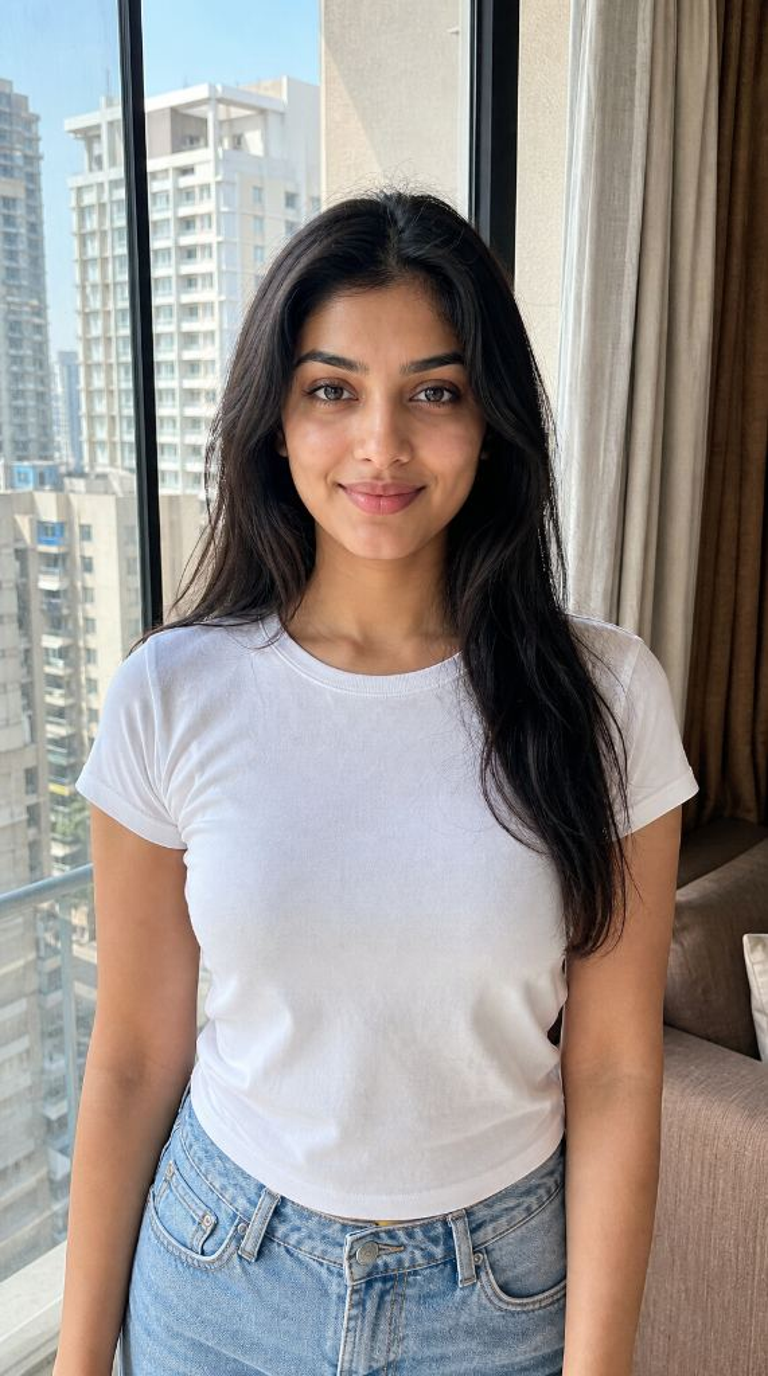
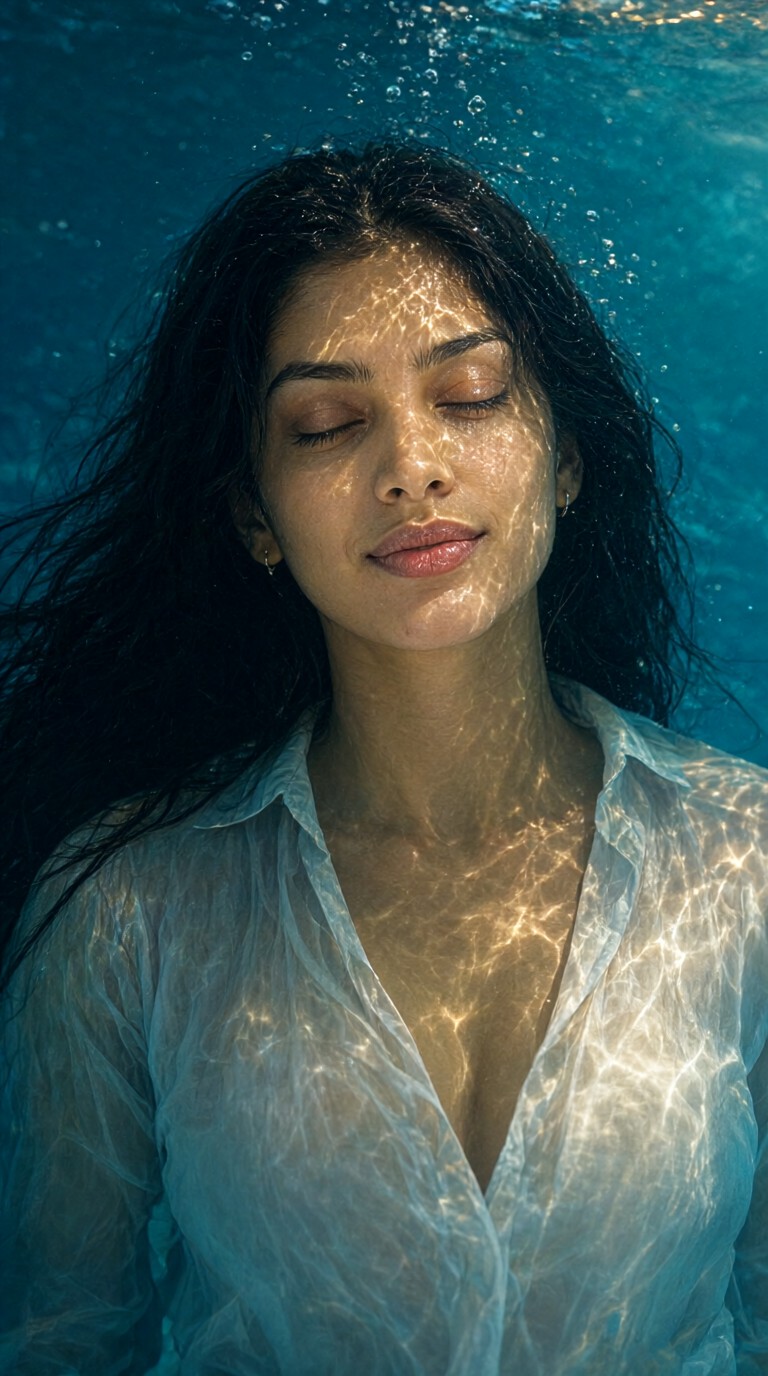
Input
Result
Sensual and Ethereal Underwater Light and Shadow
 yun.yu
 1.8k
1.8k
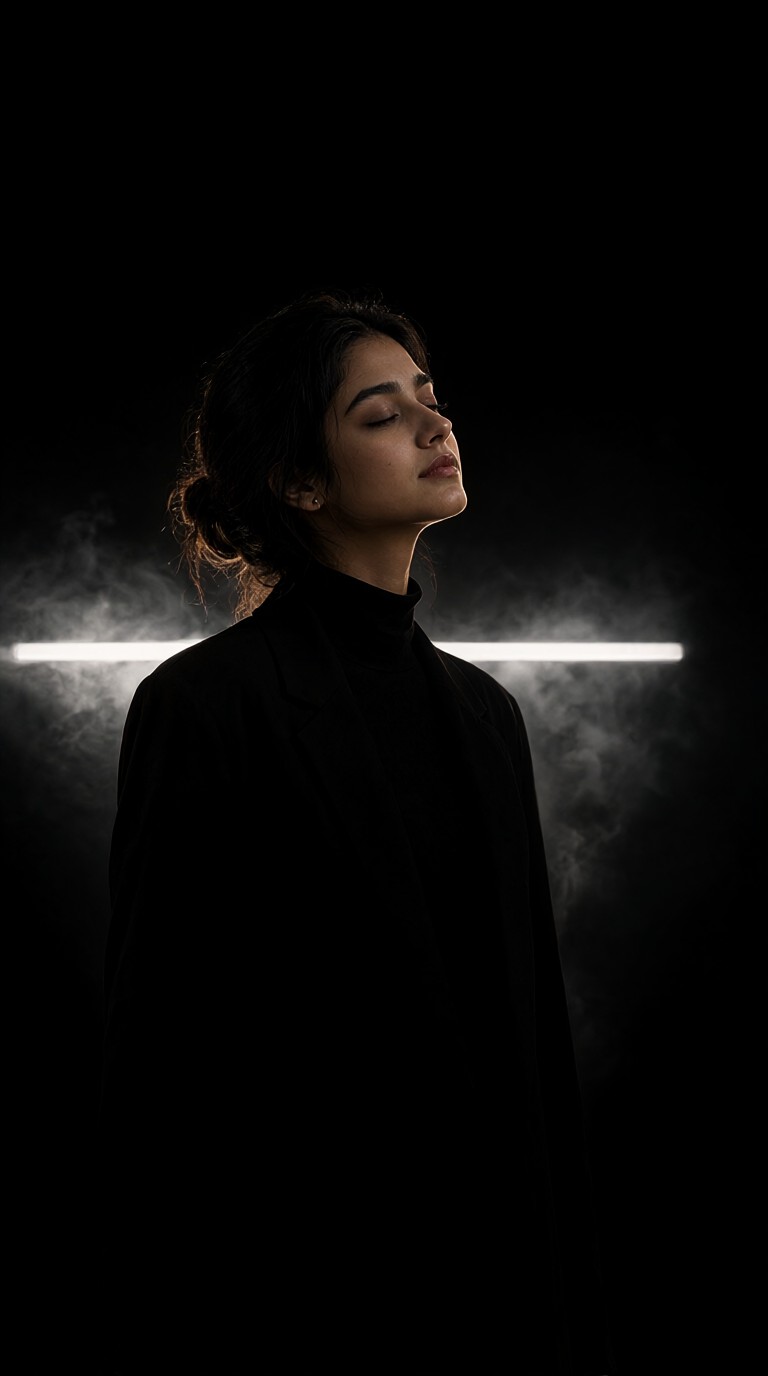
Input
Result
Portraits with Smoke and Light and Shadow
 llllodya950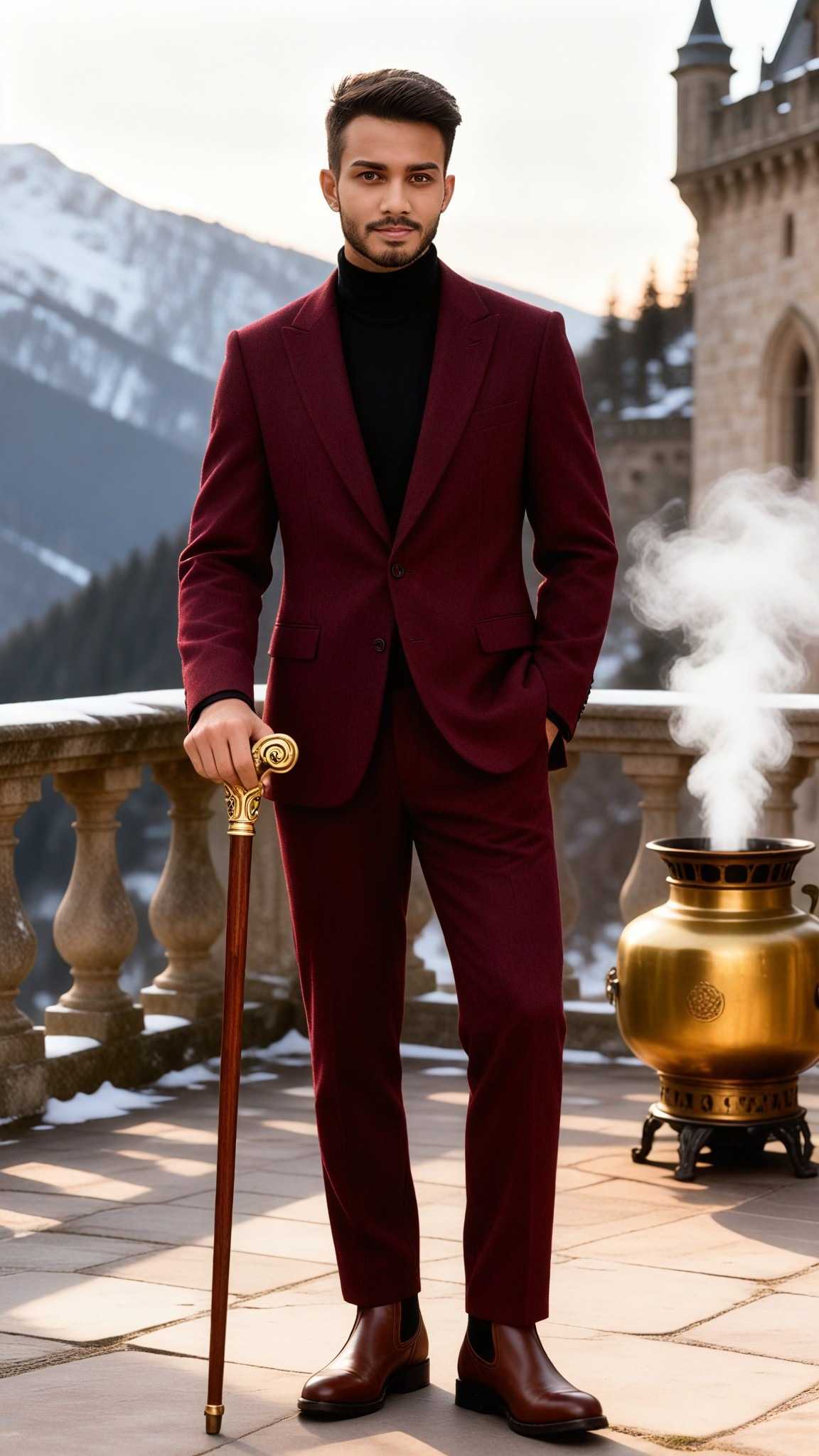
Input
Result
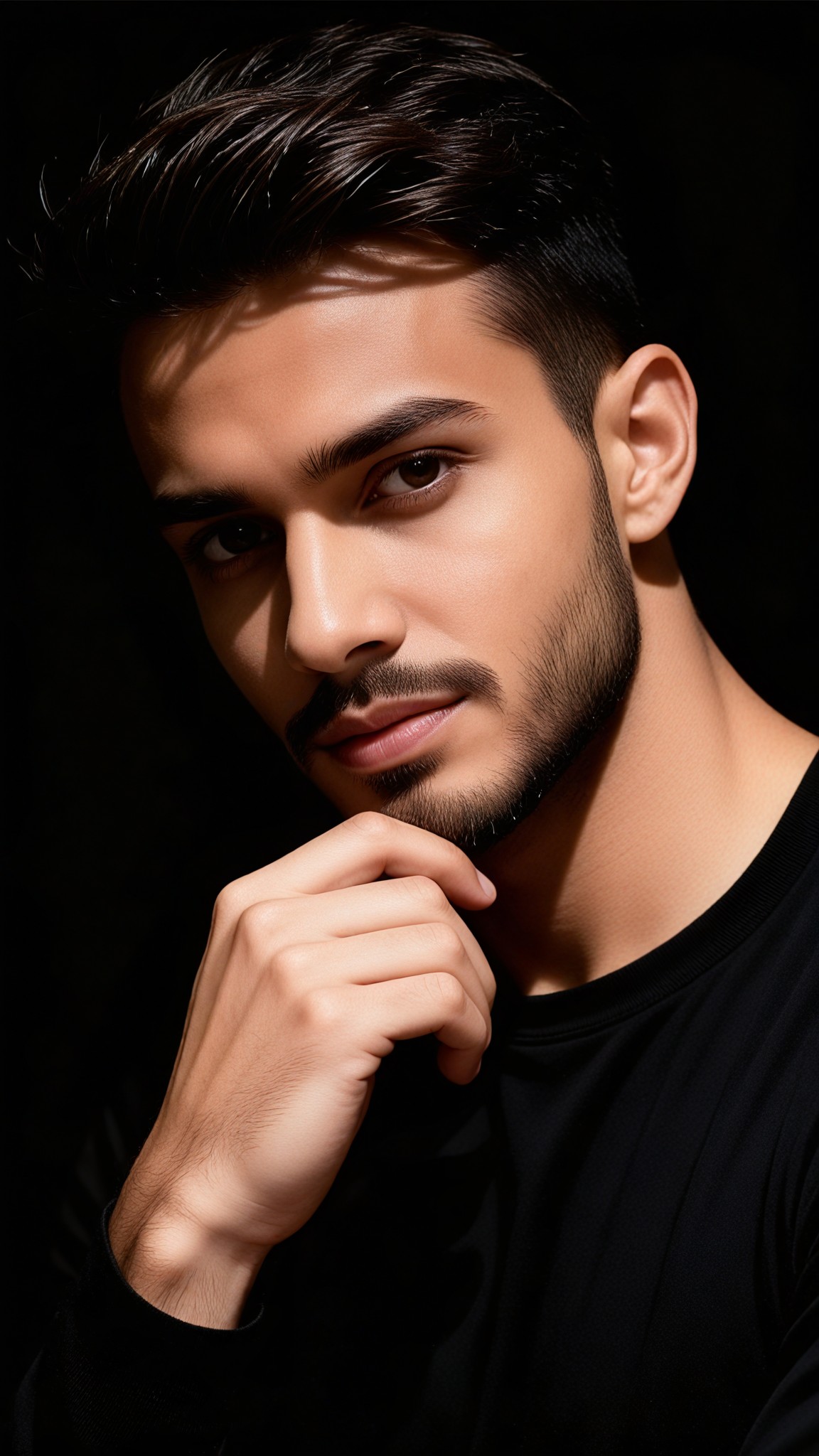
Artistic Portrait Light and Shadow Photography
 Vihann760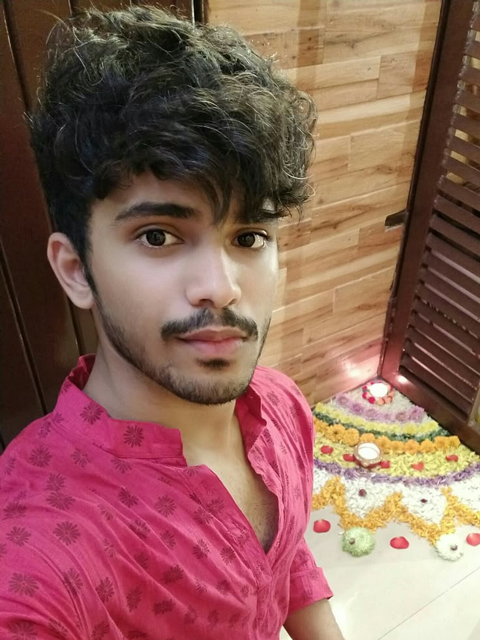

Input
Result
Mannheidi particle light and shadow holding hands couple
 艺术画家529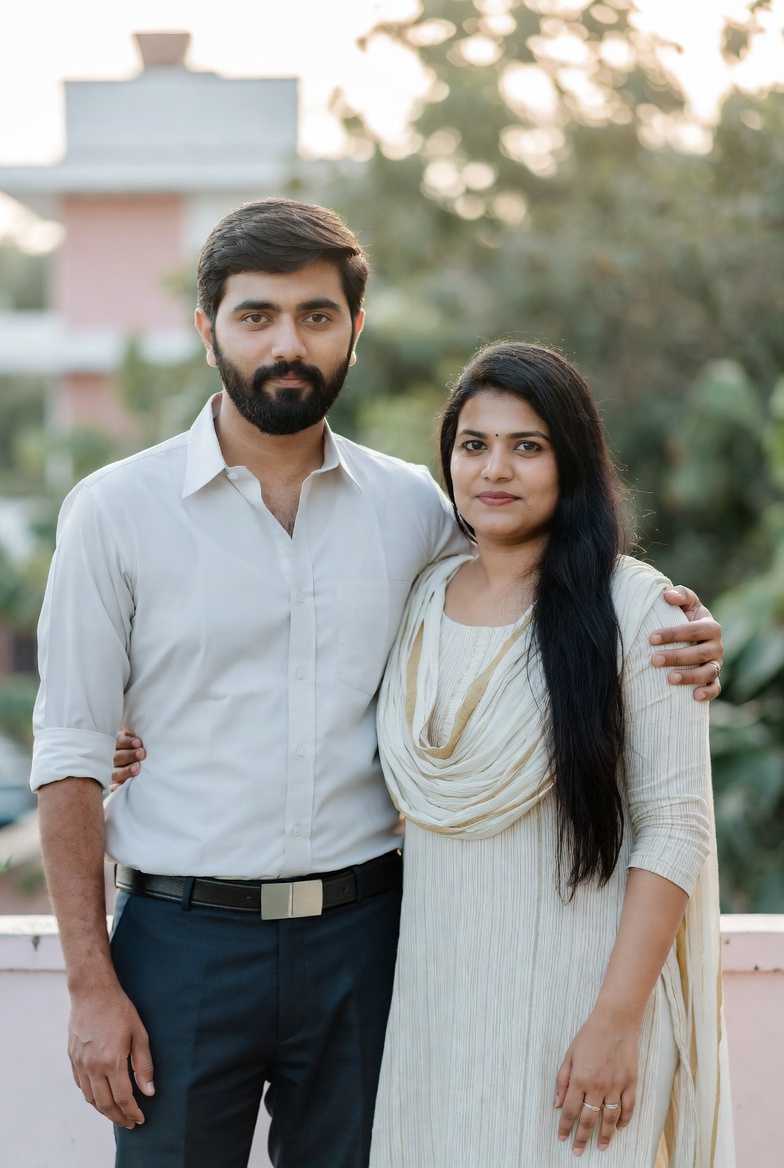
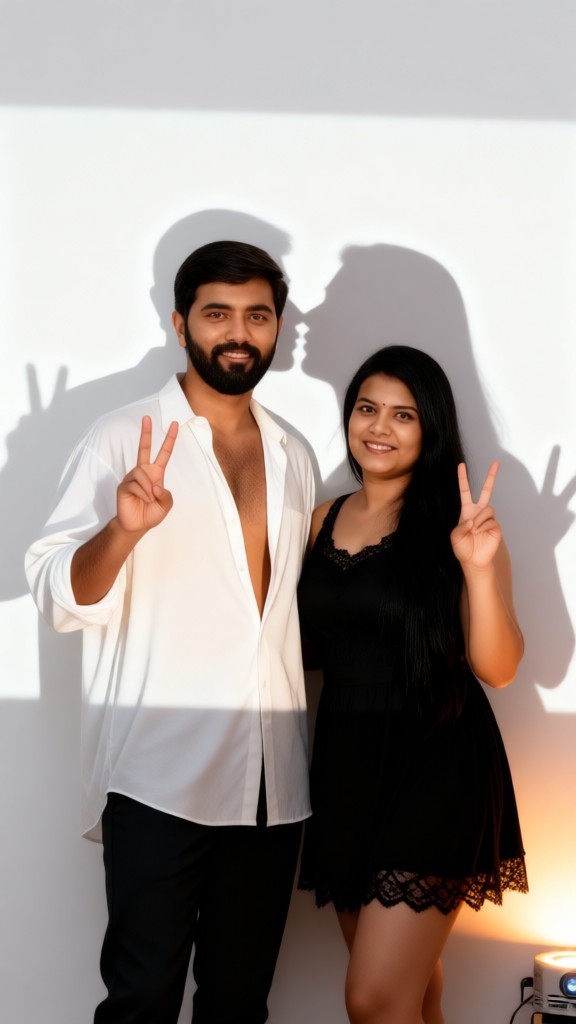
Input
Result
Shadow Kiss
 Maochulai3.0256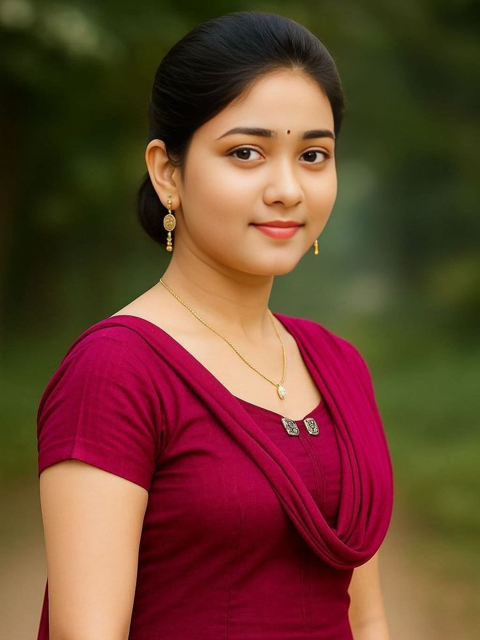

Input
Result
Mannheidi particle light and shadow girl
艺术画家191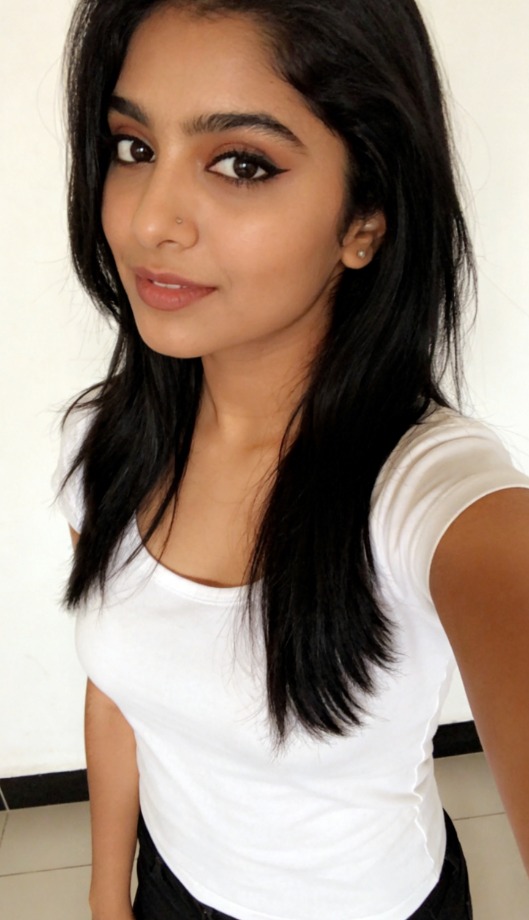
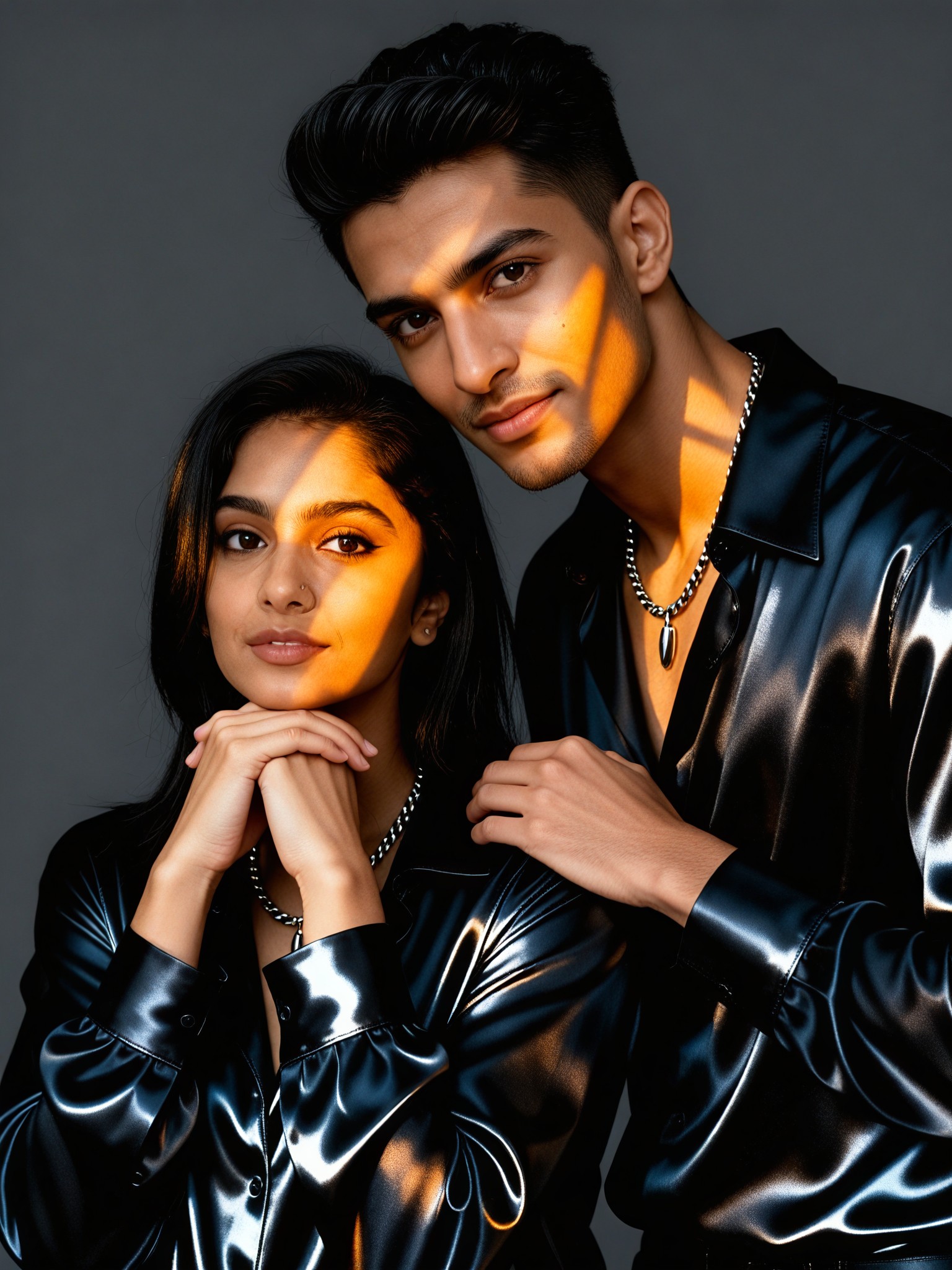
Input
Result
Couple Amber Light and Shadow Portrait
Vihann138
Input
Result
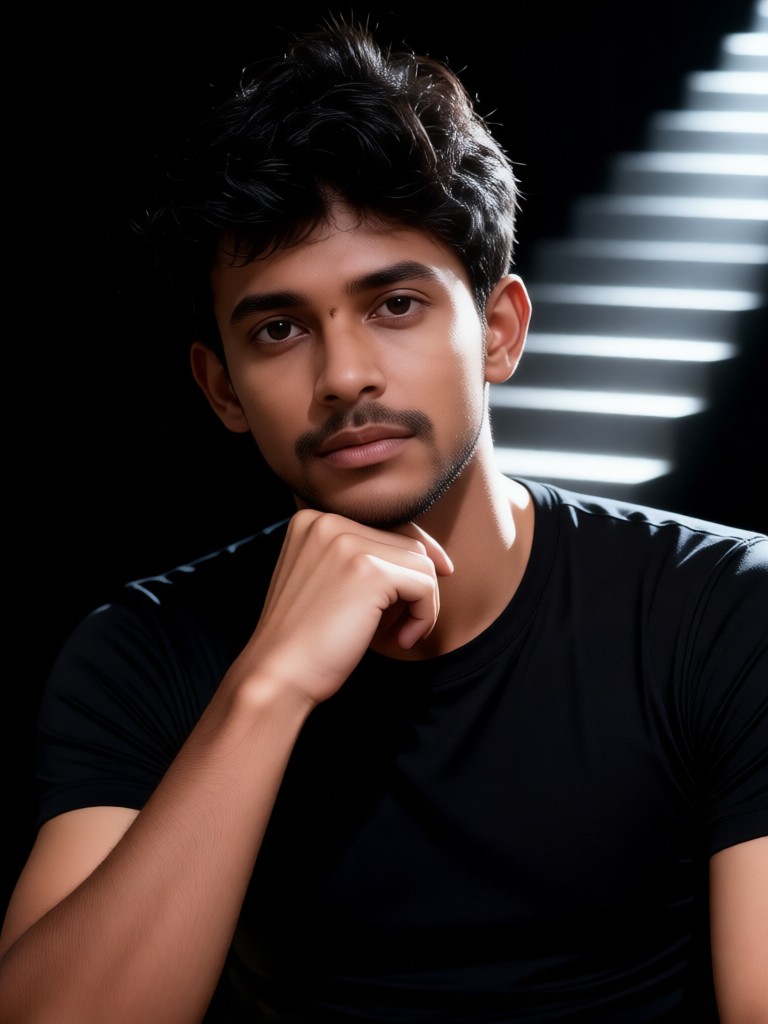
Staircase Layered Light and Shadow Portrait
Vihann125
AI Generated Light Shadow Images & Videos
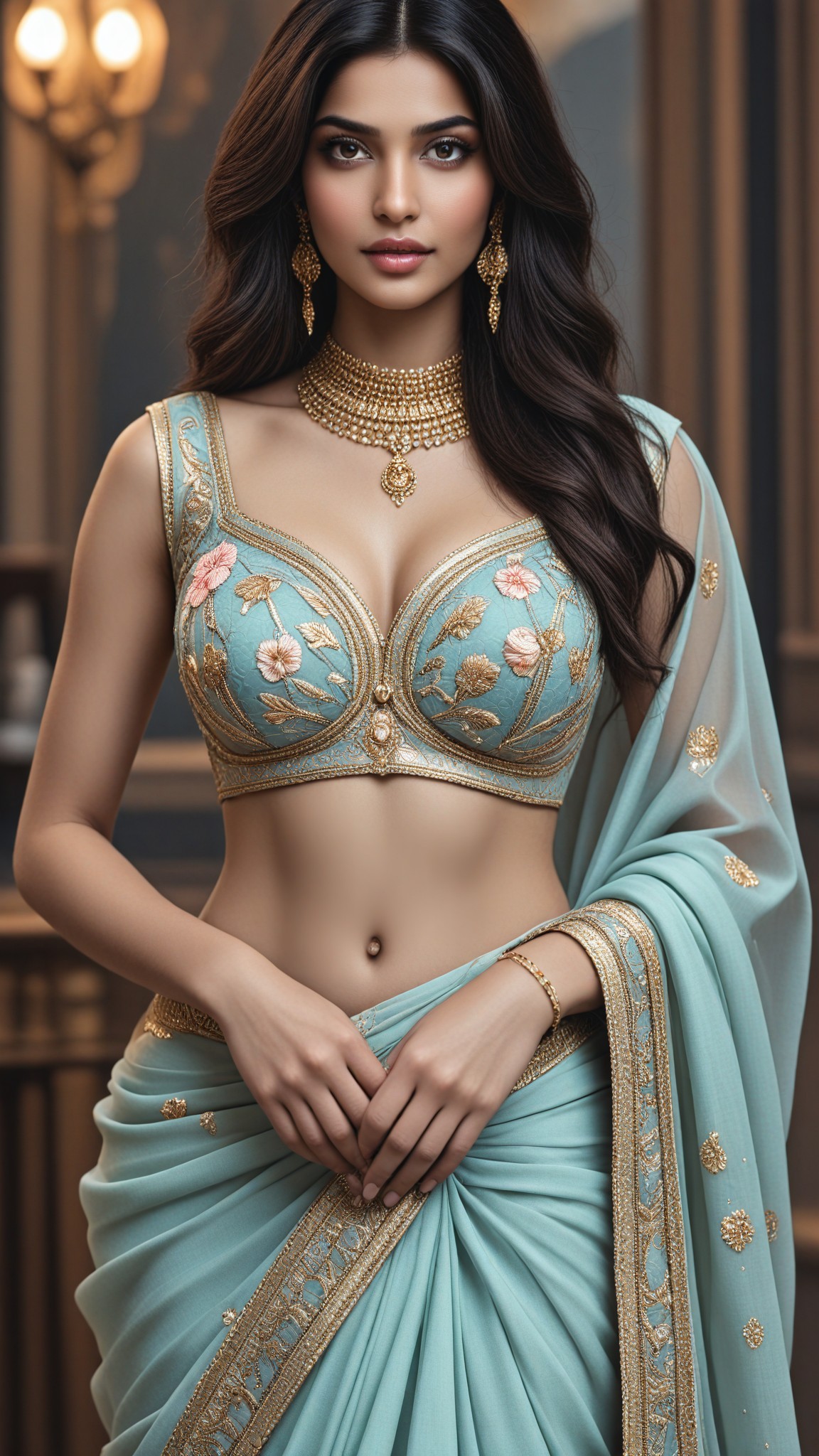
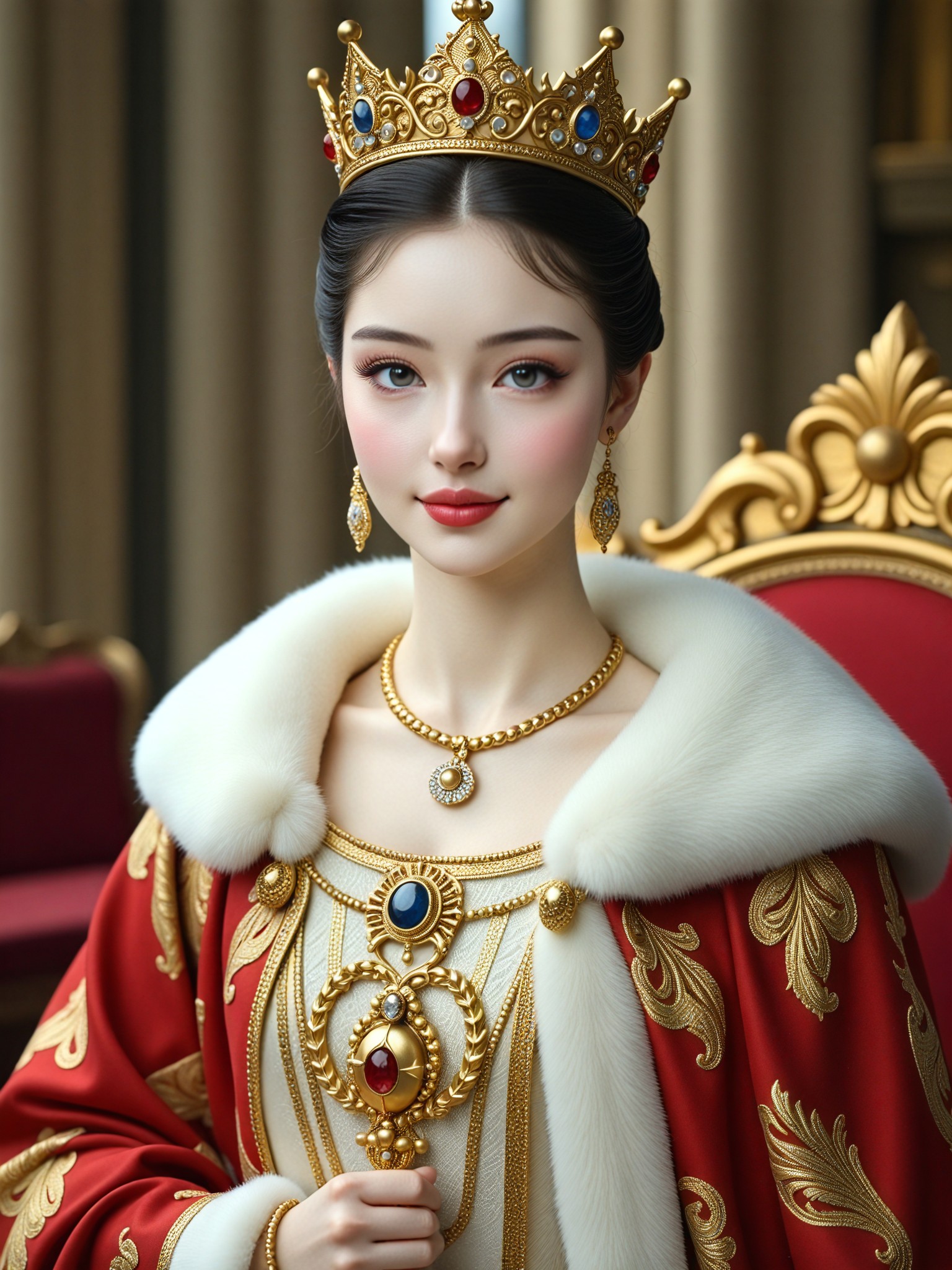
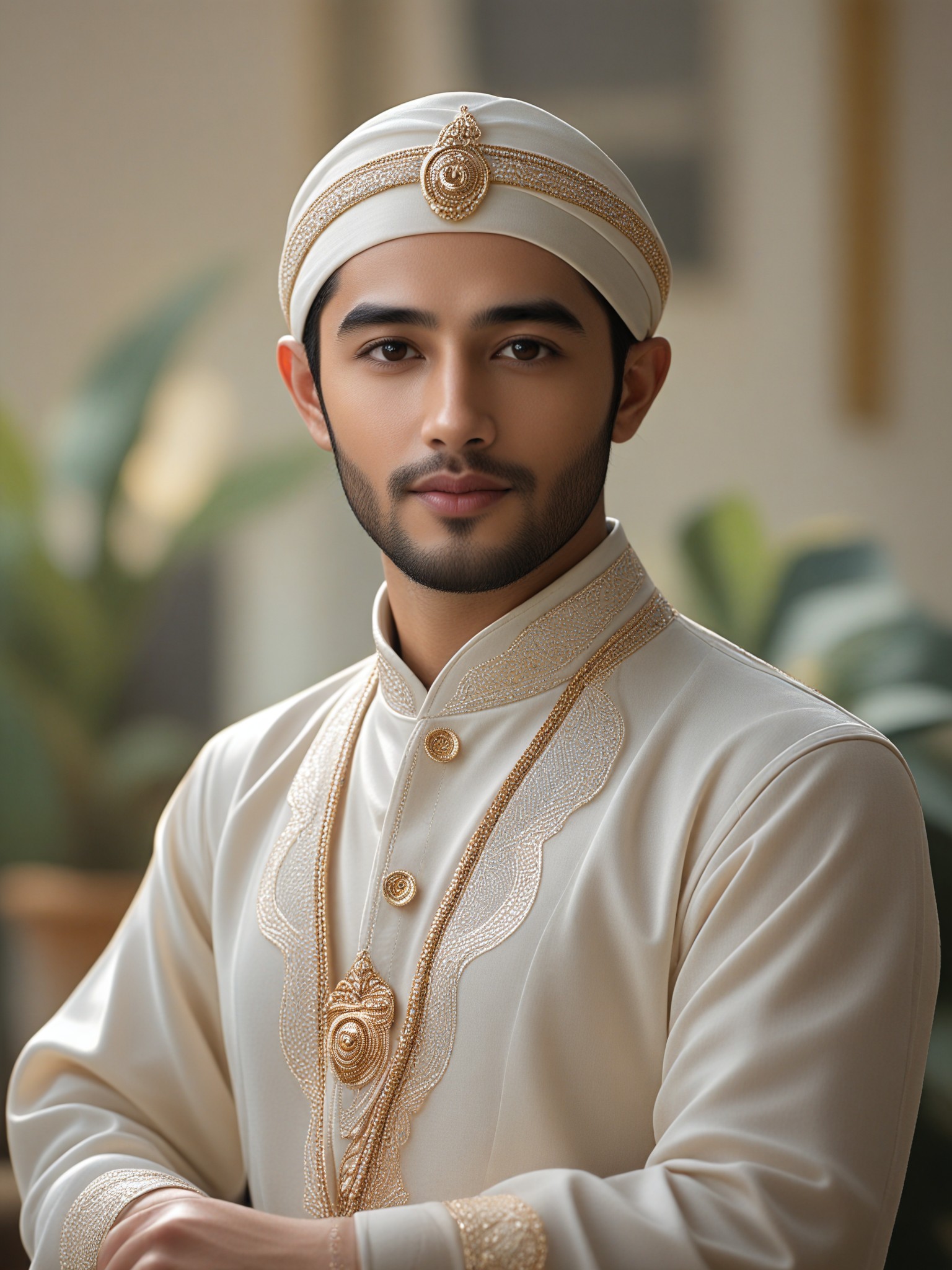
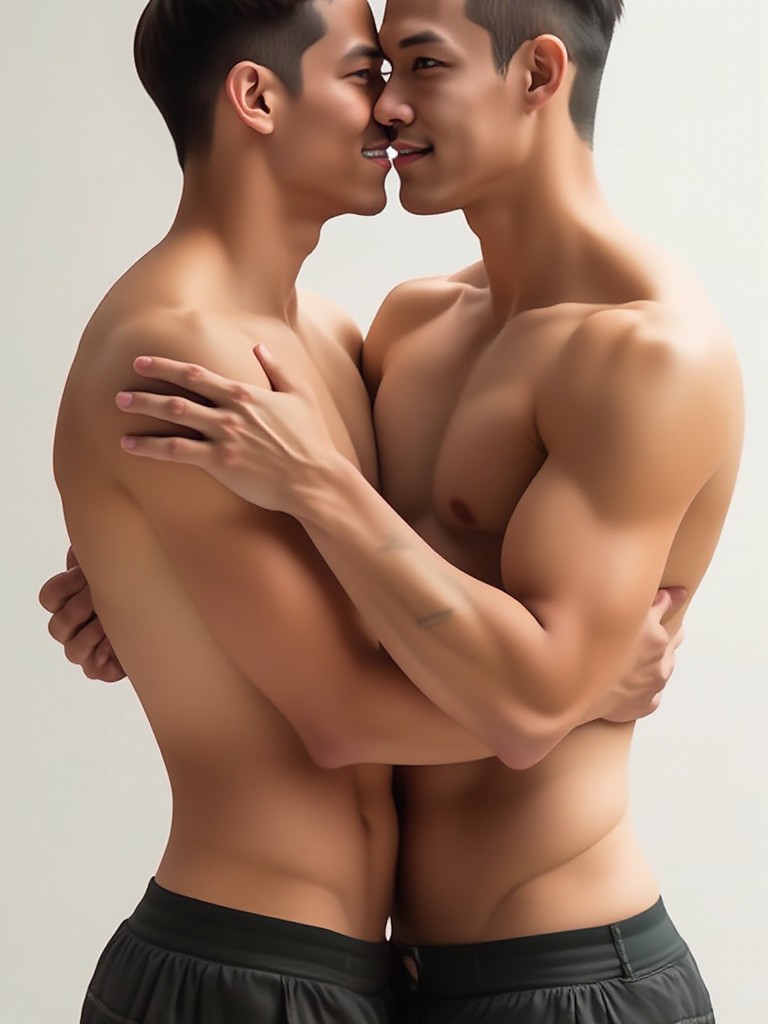
Discover unique and innovative Light Shadow images and videos created with a1.art Light Shadow prompts.
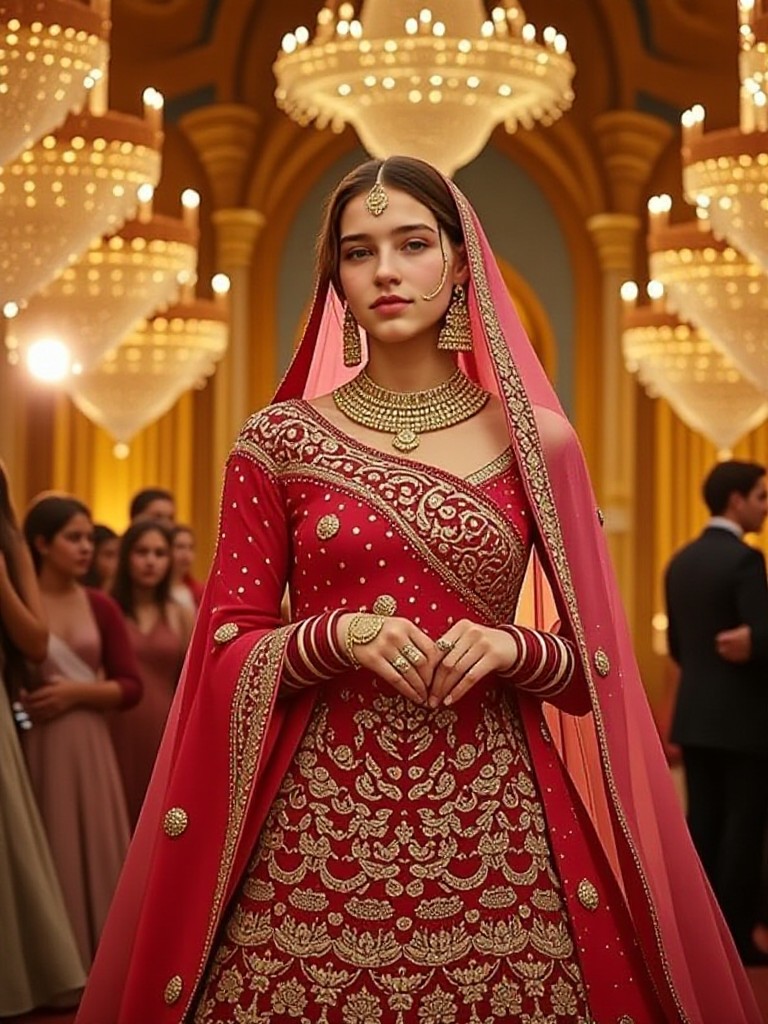
How to Make Light Shadow AI Image & Video on a1.art?
Step into the future of AI Light Shadow video and image creation on a1.art.

Step 1
Select the style you want to apply in the Square.

Step 2
Upload the image you want to transform. It can be a photo, hand-drawn sketch.

Step 3
Wait a few seconds and you can easily get your unique AI Light Shadow art. Download for free!
FAQ about Light Shadow AI Prompt on a1.art
Discover the secrets to creating Birthday Day videos and images at a1.art.
What are light shadow AI prompts?
Light shadow AI prompts are specialized instructions designed to guide a1.art in generating visuals with realistic lighting effects and shadow details. These prompts help create depth, mood, and atmosphere in your images and videos.
Can I customize my light shadow prompts?
Yes, a1.art allows you to tailor your prompts to achieve specific lighting styles, such as soft diffused light, harsh directional shadows, or cinematic highlights. You can experiment with different combinations to find your perfect look.
How does a1.art handle complex shadow effects?
a1.art uses advanced AI algorithms to simulate natural light behavior, ensuring accurate shadow placement and intensity. Whether it's subtle gradients or sharp contrasts, our system delivers photorealistic results every time.
Are there any limitations to using light shadow prompts?
While a1.art supports a wide range of lighting styles, extremely abstract or non-realistic shadow effects may require more detailed customization. However, our intuitive interface makes it easy to adjust prompts for optimal results.
Do I need technical skills to use light shadow prompts?
No, a1.art is designed for users of all skill levels. Our platform provides pre-set prompts and an easy-to-use interface, so you can focus on creativity without worrying about technical complexities.


