


Get Light Shadow Effect Videos & Images without Prompt
a1.art offers a large number of filters, allowing you to easily obtain AI videos or images without prompts.
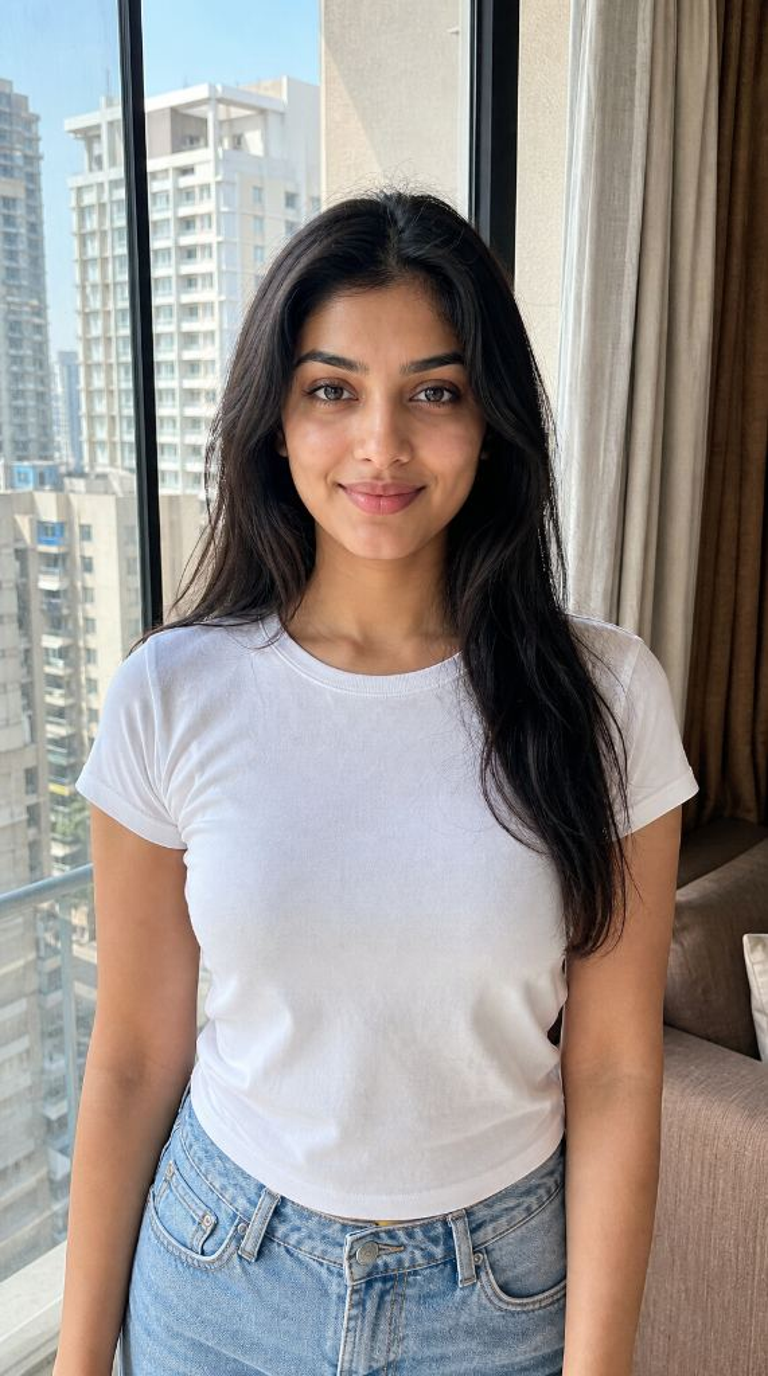
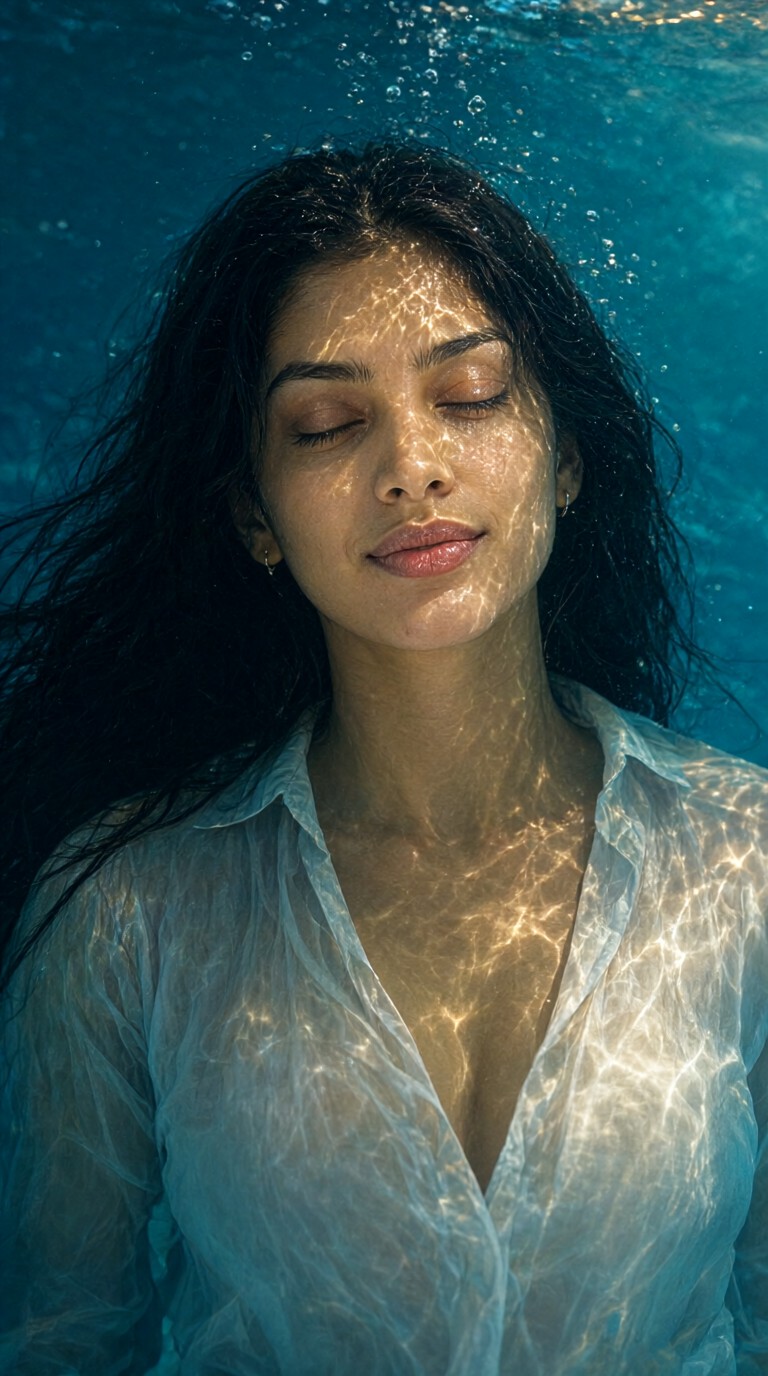
Input
Result
Sensual and Ethereal Underwater Light and Shadow
 yun.yu
 1.8k
1.8k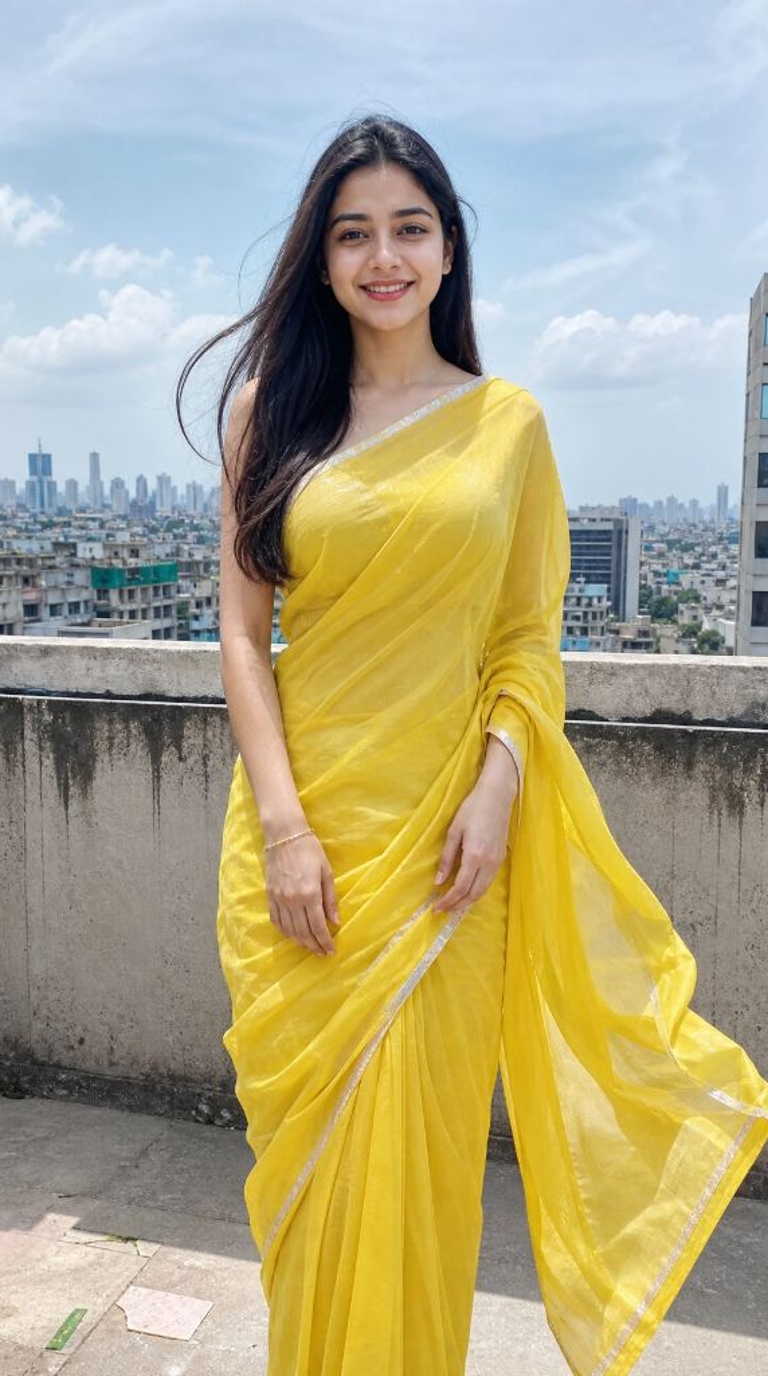
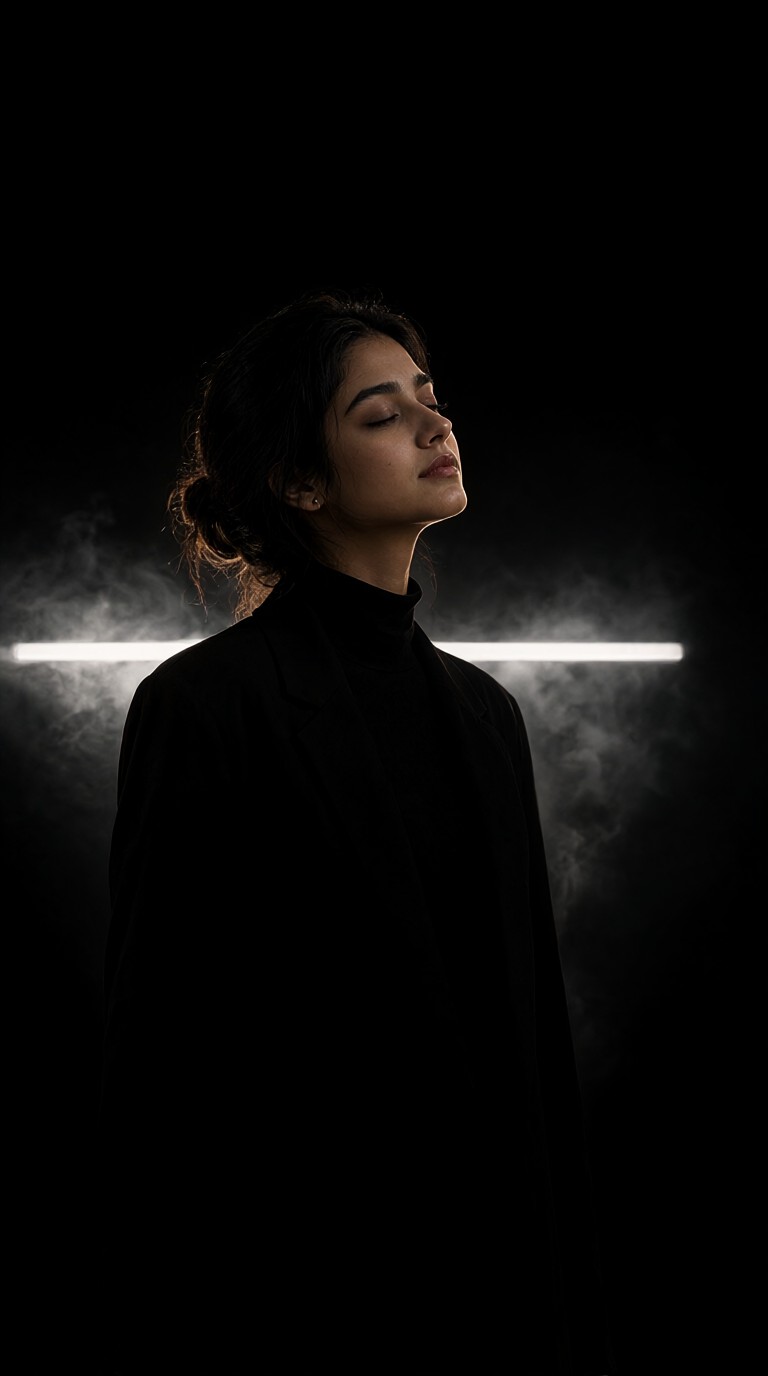
Input
Result
Portraits with Smoke and Light and Shadow
 llllodya960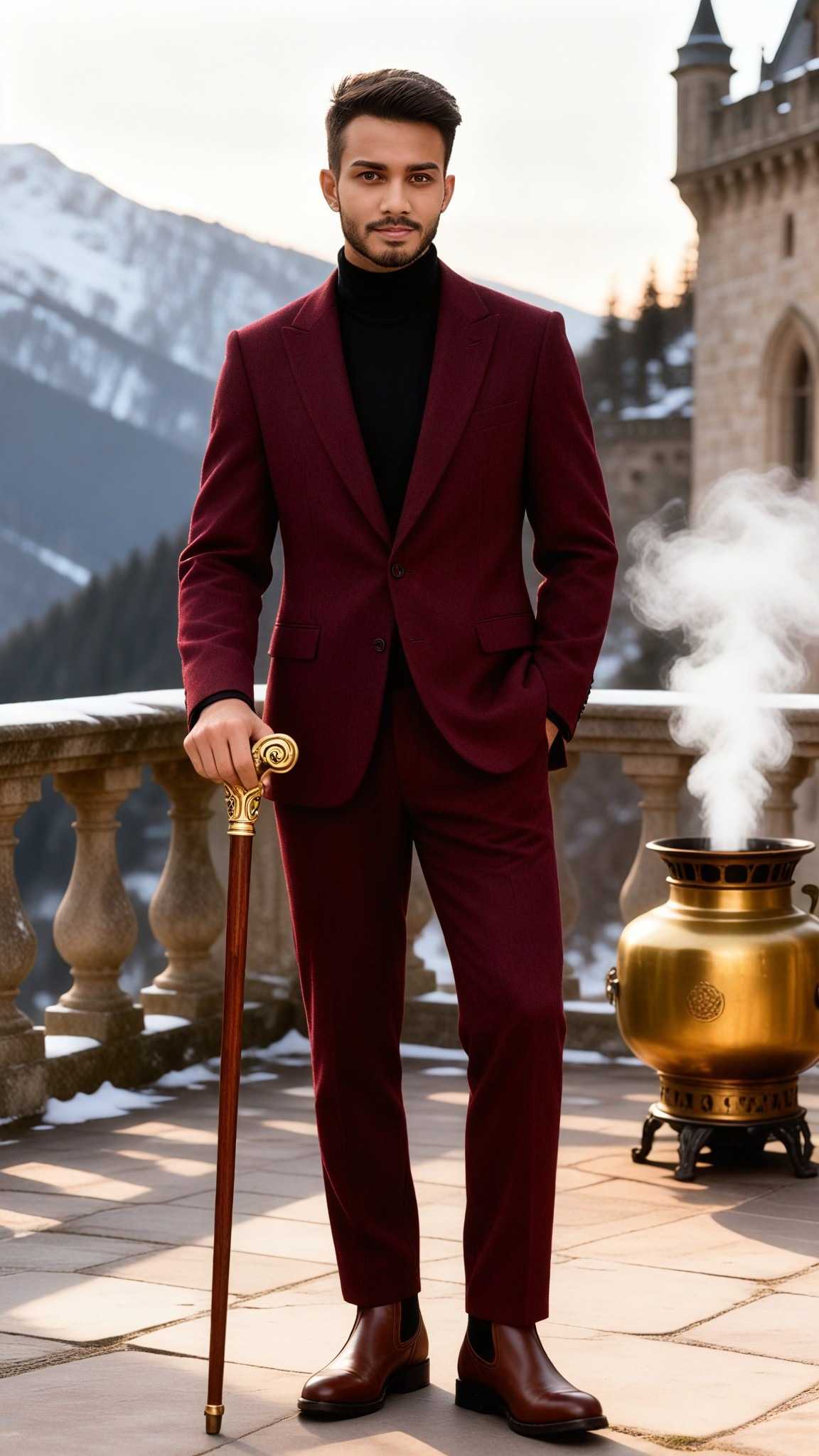
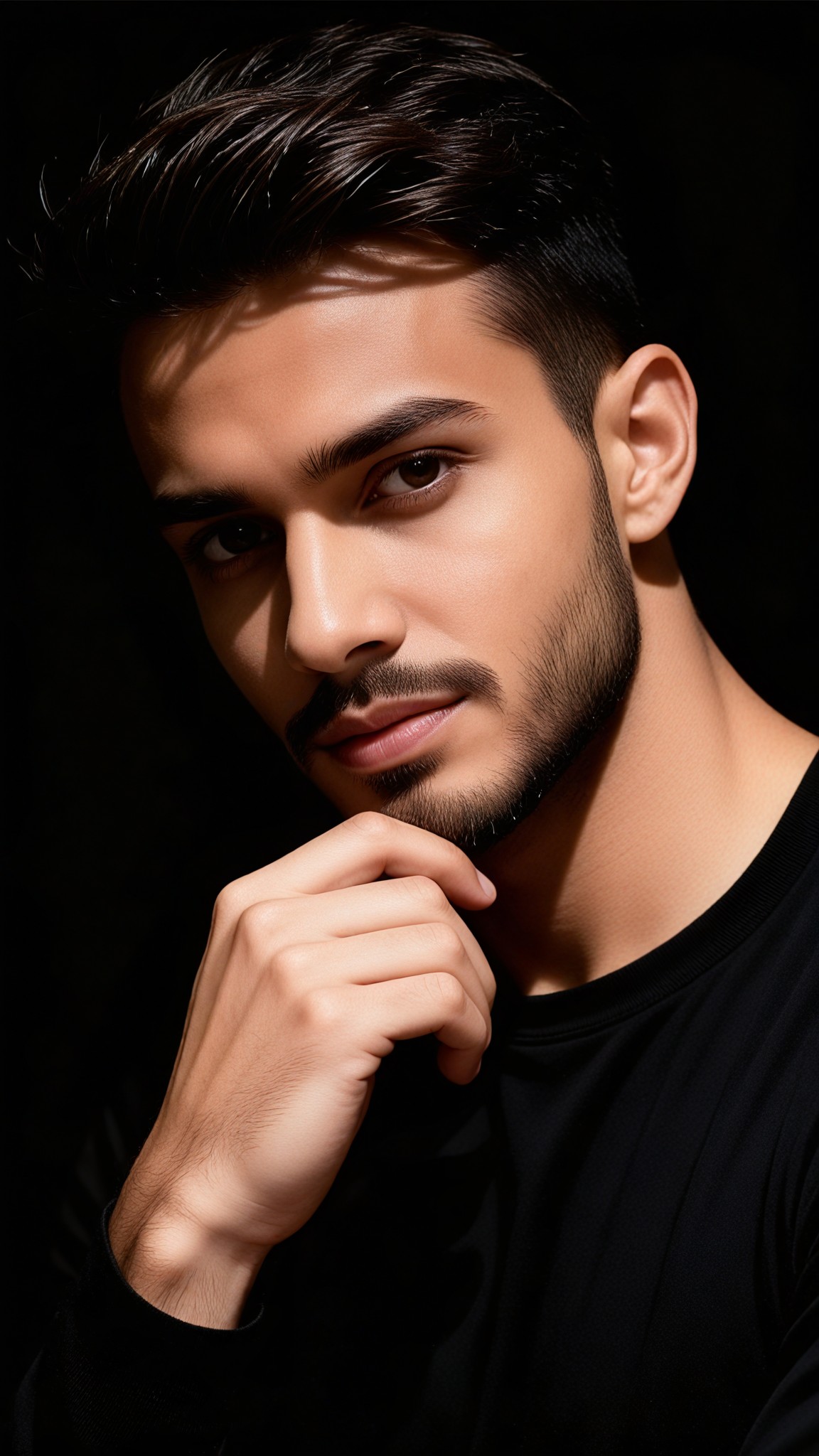
Input
Result
Artistic Portrait Light and Shadow Photography
 Vihann760

Input
Result
Mannheidi particle light and shadow holding hands couple
 艺术画家529

Input
Result
Glass light effect combined to pray for lovers
 艺术梦想家346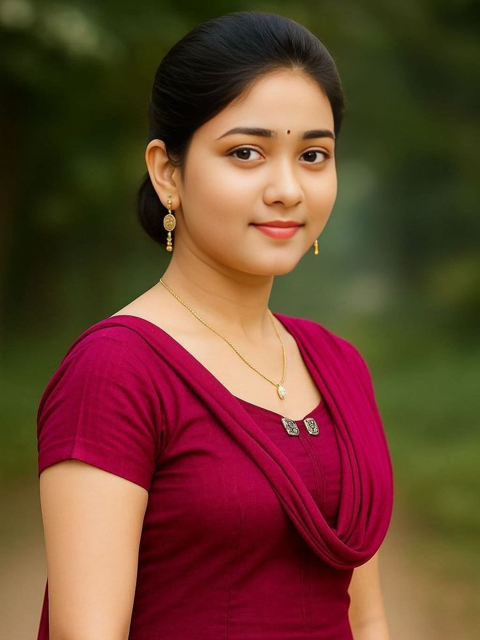

Input
Result
Mannheidi particle light and shadow girl
艺术画家191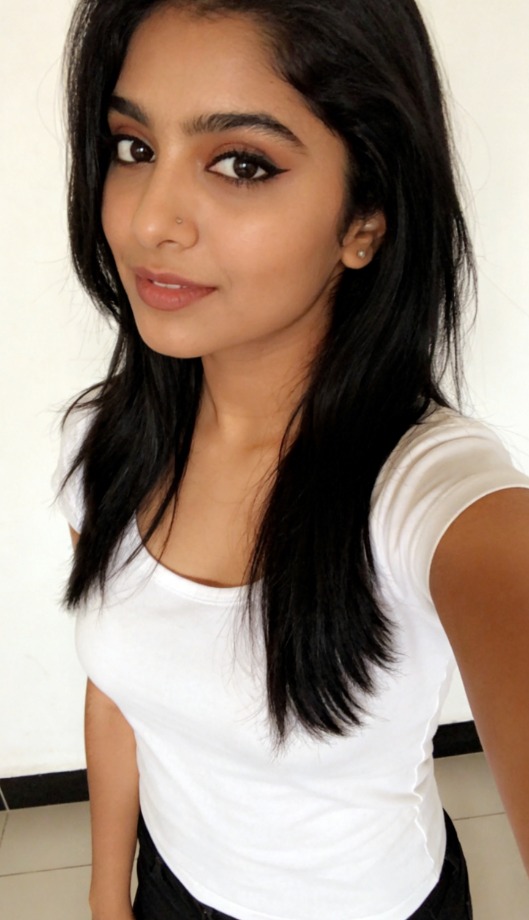
Input
Result
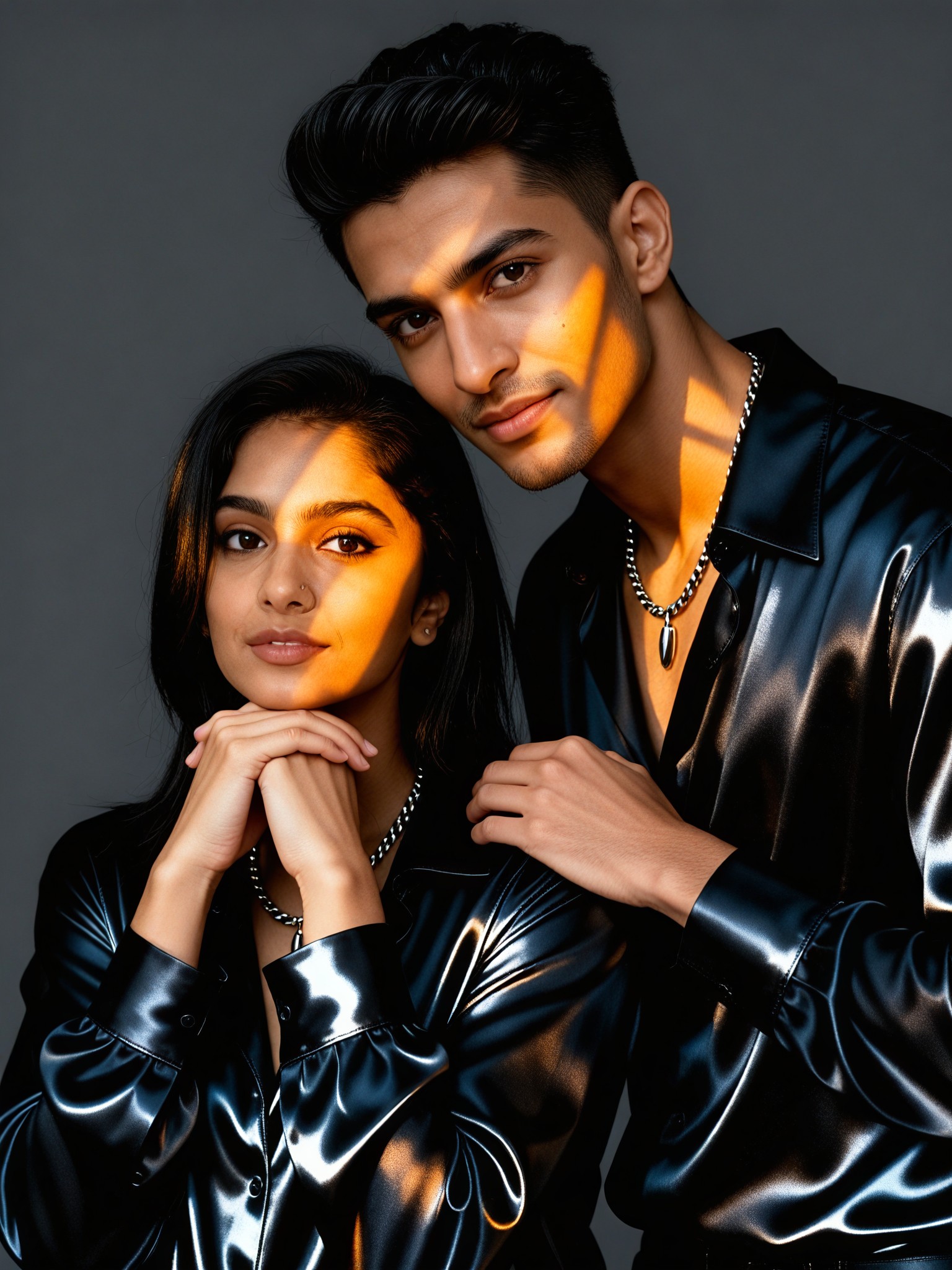
Couple Amber Light and Shadow Portrait
Vihann138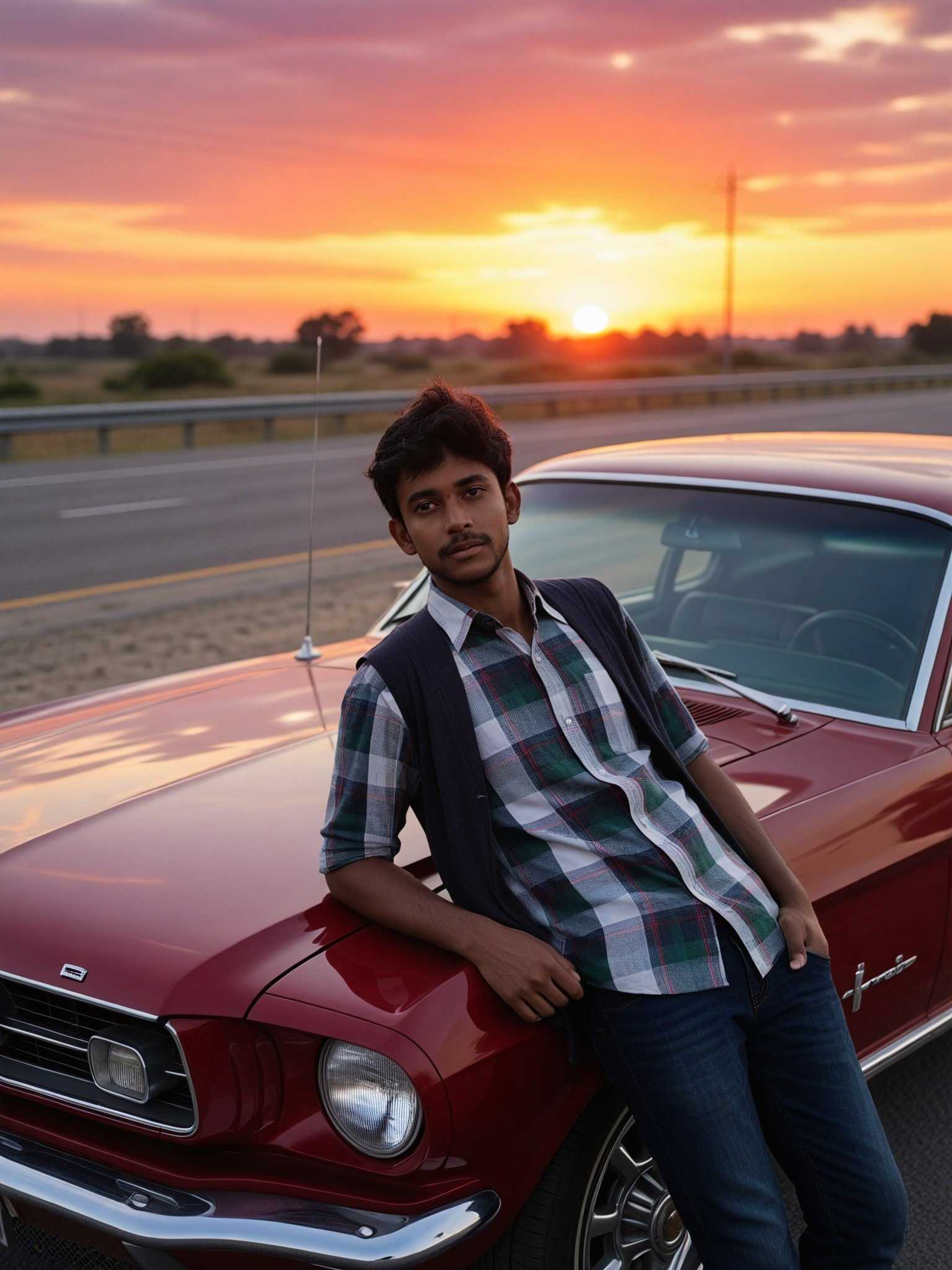
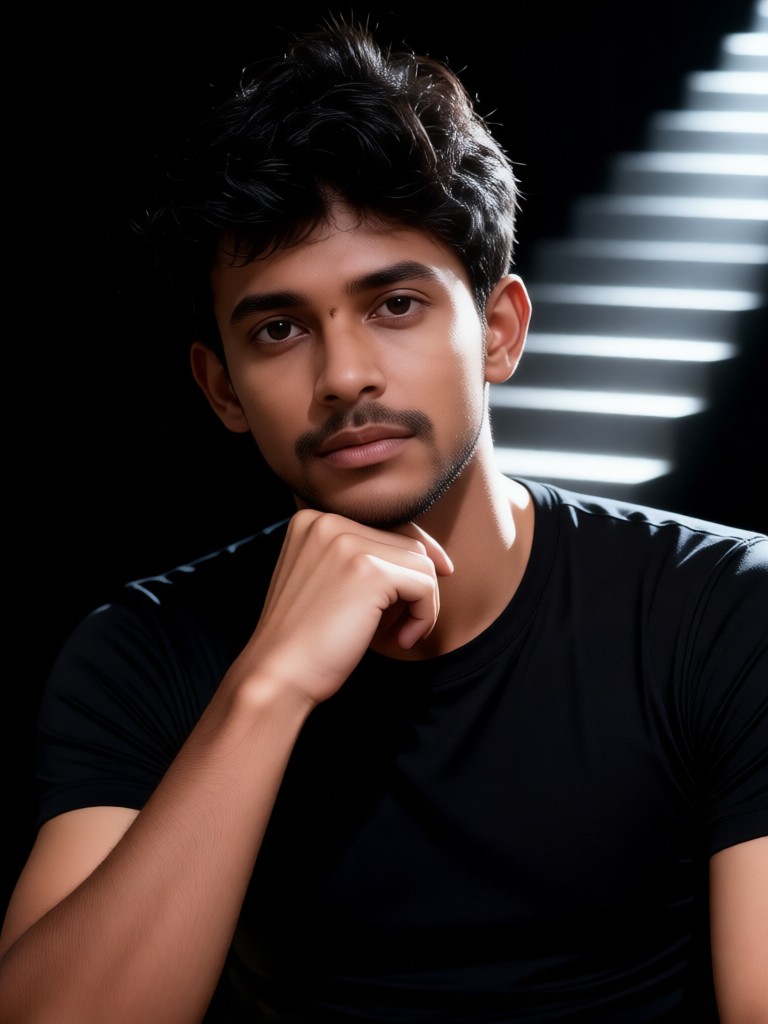
Input
Result
Staircase Layered Light and Shadow Portrait
Vihann125
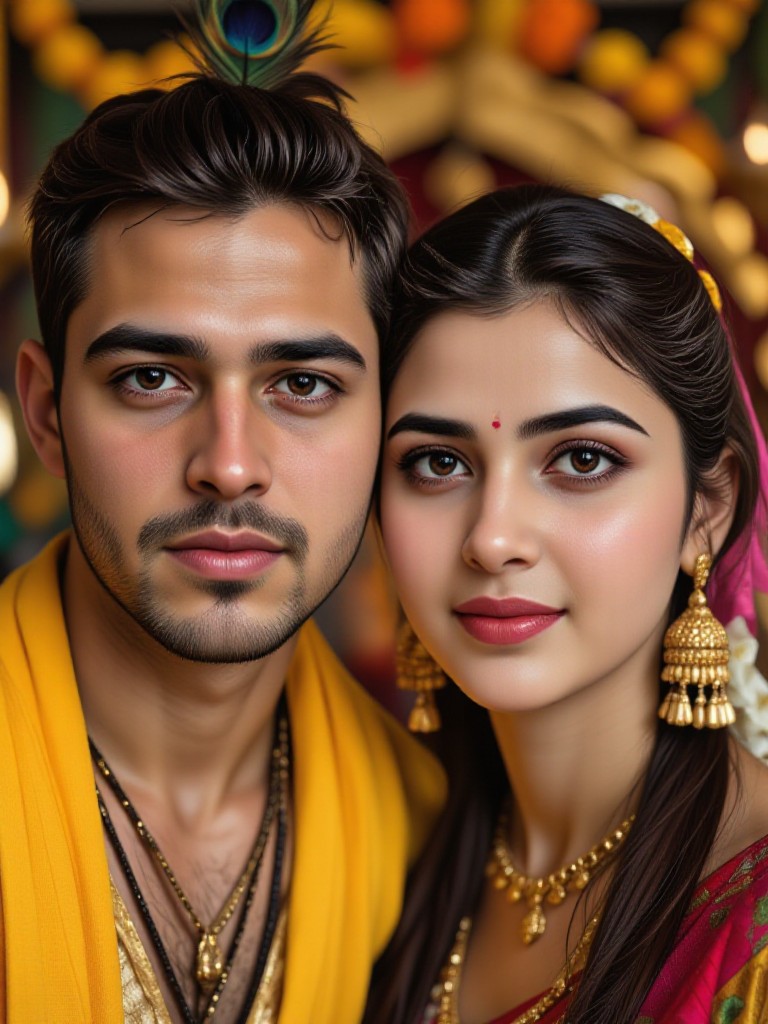
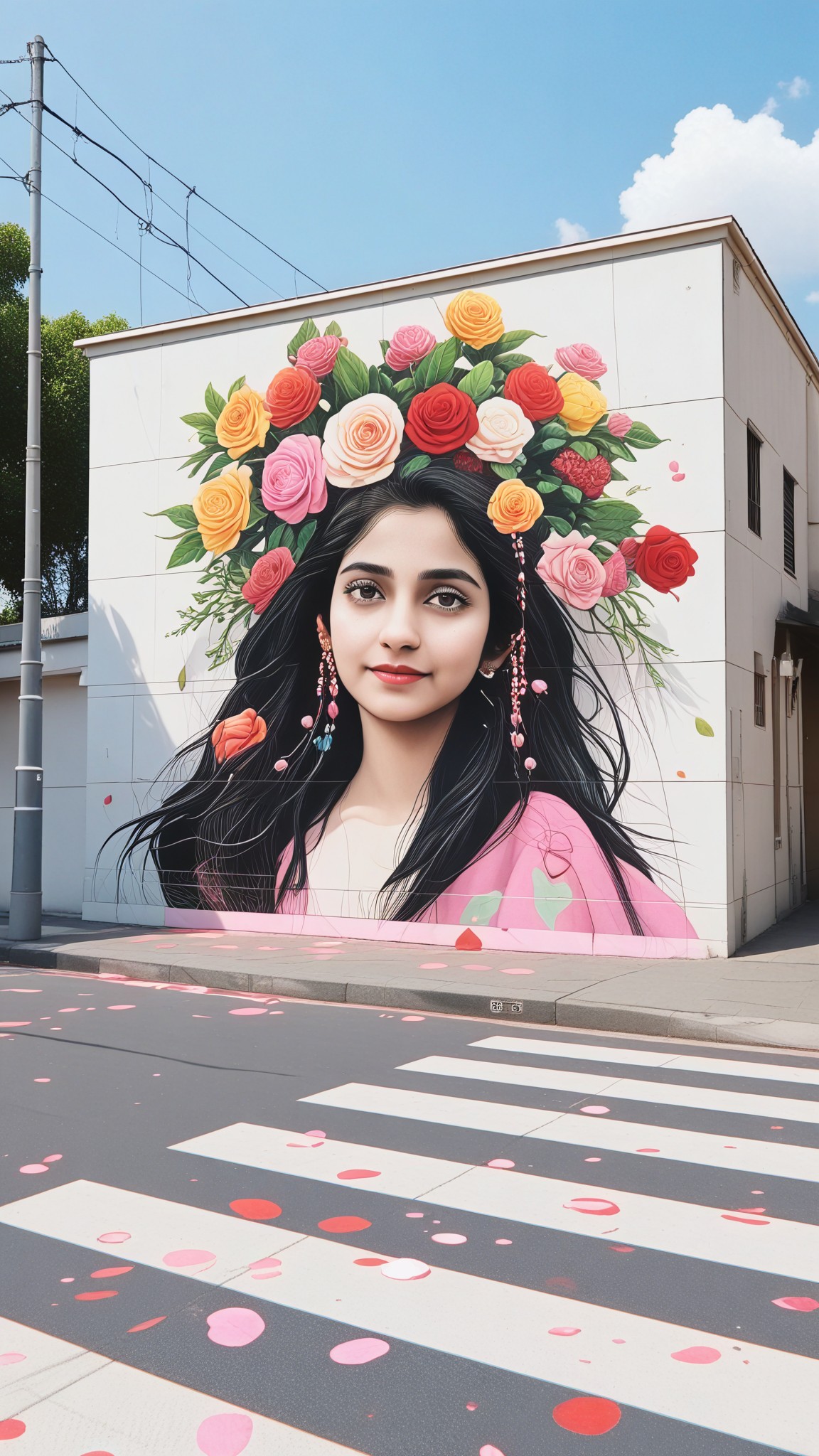
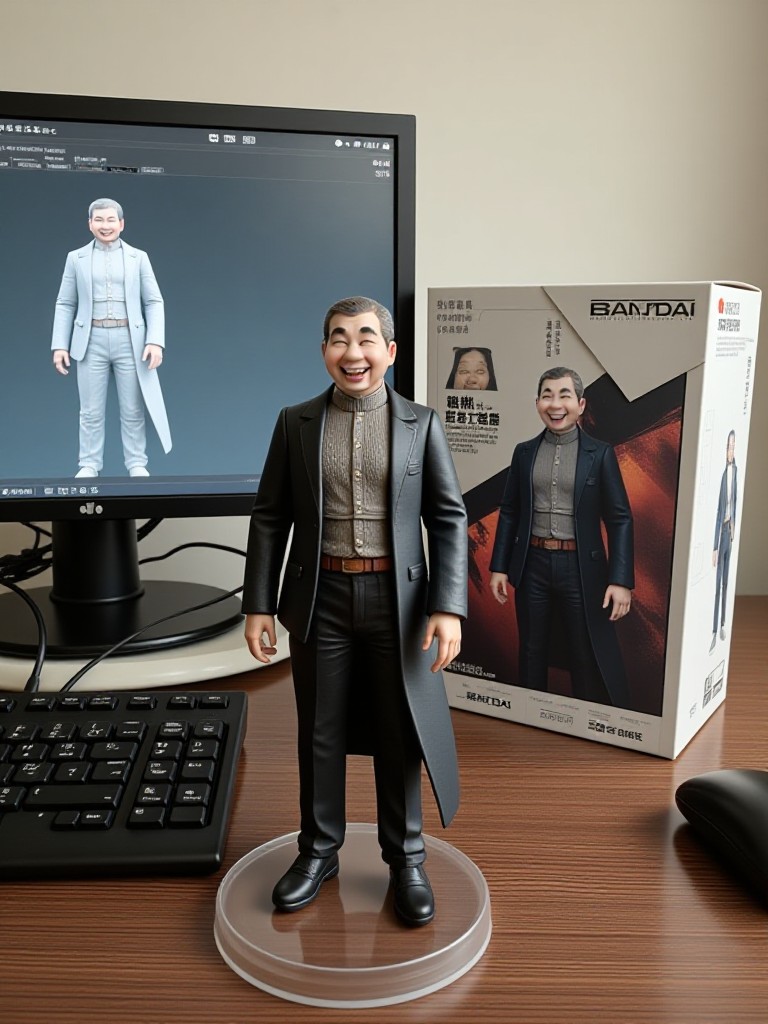
AI Generated Light Shadow Effect Images & Videos
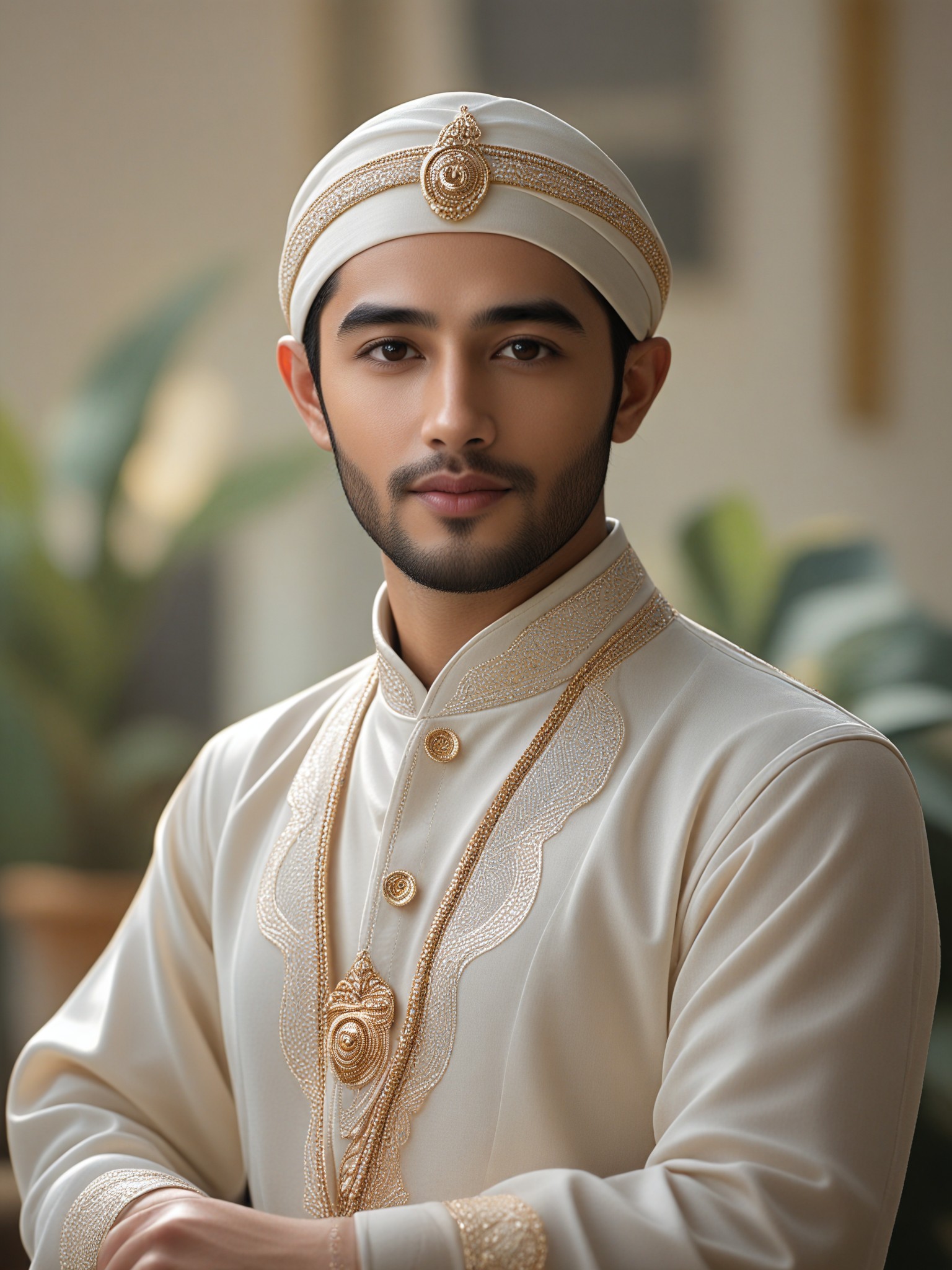
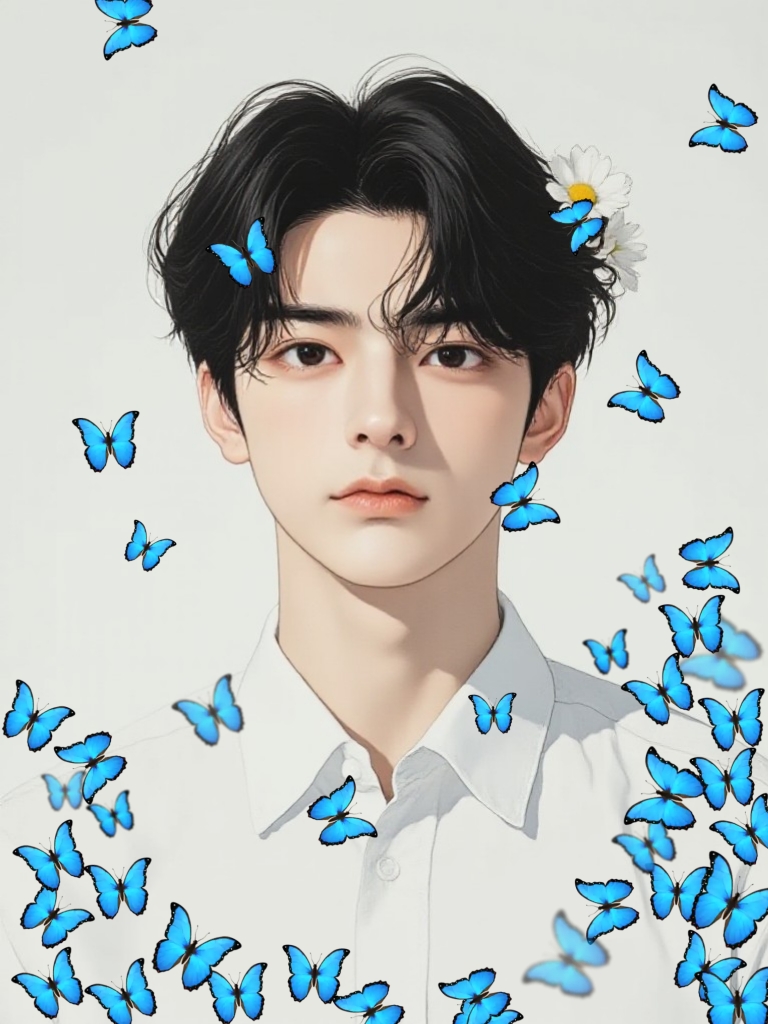
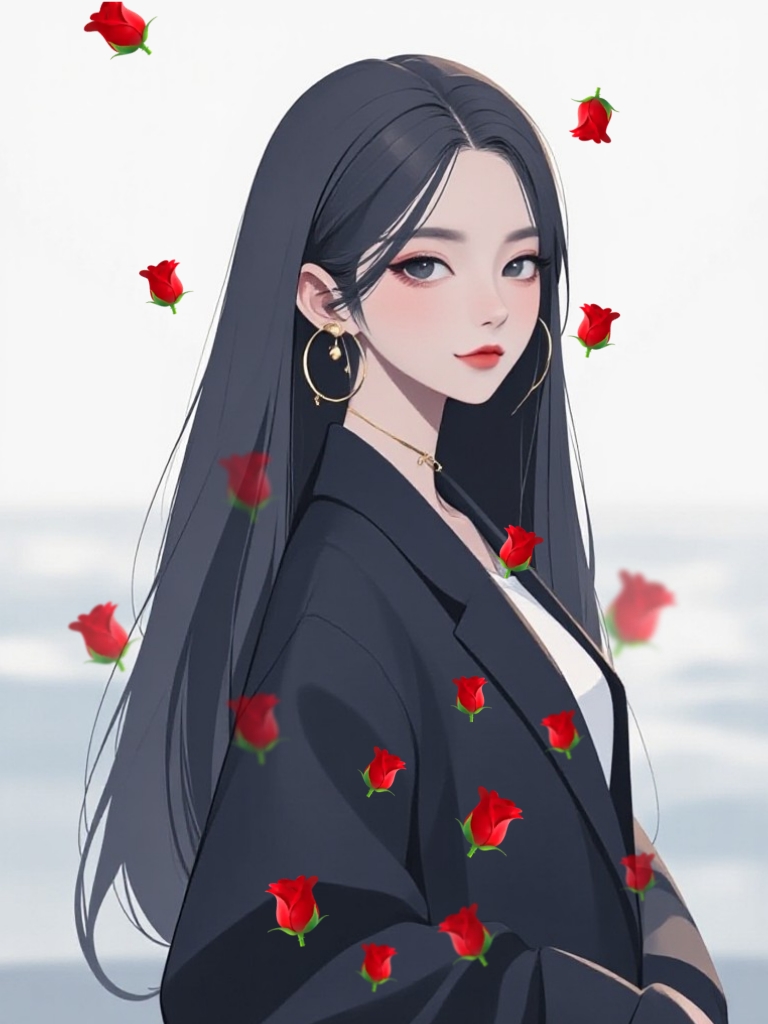
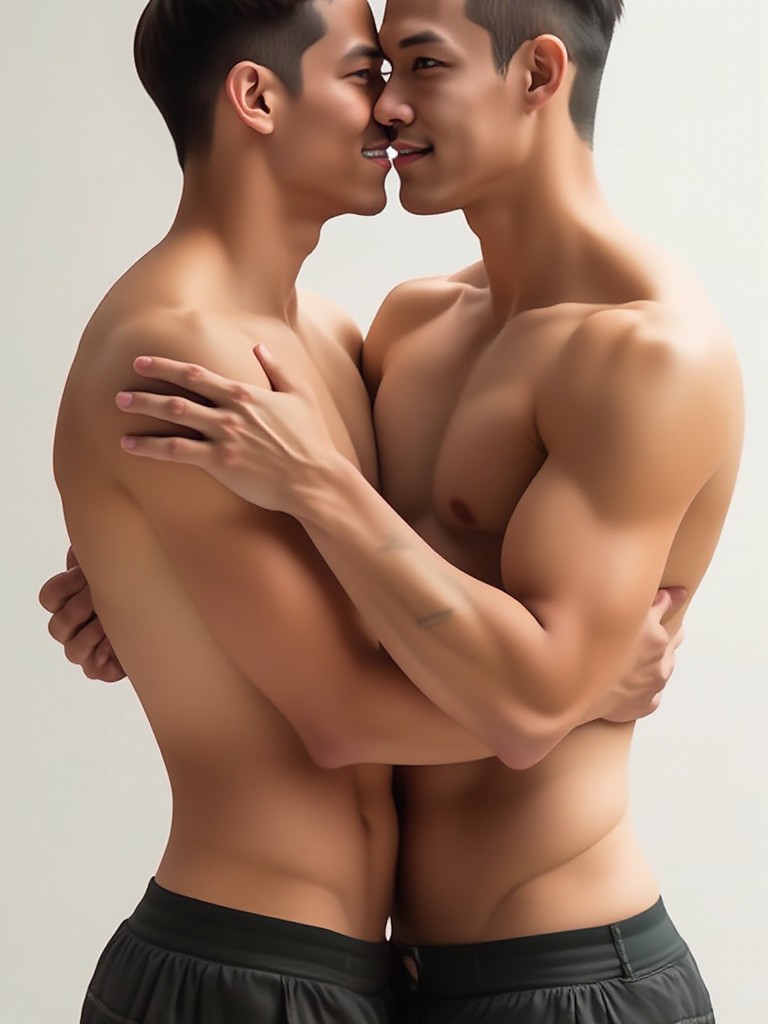
Discover unique and innovative Light Shadow Effect images and videos created with a1.art Light Shadow Effect prompts.
How to Make Light Shadow Effect AI Image & Video on a1.art?
Step into the future of AI Light Shadow Effect video and image creation on a1.art.

Step 1
Select the style you want to apply in the Square.

Step 2
Upload the image you want to transform. It can be a photo, hand-drawn sketch.

Step 3
Wait a few seconds and you can easily get your unique AI Light Shadow Effect art. Download for free!
FAQ about Light Shadow Effect AI Prompt on a1.art
Discover the secrets to creating Birthday Day videos and images at a1.art.
What is a light shadow effect AI prompt?
A light shadow effect AI prompt is a specific instruction or description used to guide the AI in generating visuals that emphasize the interplay of light and shadow. This can include details like lighting direction, shadow intensity, and texture effects to create realistic or artistic imagery.
Can I customize the light shadow effect in my creations?
Yes, a1.art allows you to fine-tune the light shadow effect by selecting from various presets or entering custom prompts. You can adjust parameters like lighting angle, shadow length, and texture to achieve the desired visual impact.
Is the light shadow effect suitable for both images and videos?
Absolutely! The light shadow effect AI prompts work seamlessly for both static images and dynamic videos. Whether you're creating a still artwork or a short animation, a1.art ensures consistent and high-quality results.
How does a1.art's light shadow effect compare to other AI generators?
a1.art stands out with its advanced AI algorithms that precisely simulate natural light and shadow interactions. Our platform offers unparalleled control over lighting effects, making it easier to achieve professional-grade visuals compared to other generators.
Do I need technical skills to use light shadow effect prompts?
No, a1.art is designed to be user-friendly, even for beginners. Simply choose a prompt template or enter your own creative ideas, and our AI will handle the rest. No technical expertise is required to produce stunning light shadow effect visuals.


