


Get Gradient Videos & Images without Prompt
a1.art offers a large number of filters, allowing you to easily obtain AI videos or images without prompts.


Input
Result
Video avatar - kiss
 couple love
 10.3k
10.3k

Input
Result
Gradient Rose · Intimate Portrait
 艺术梦想家9.1k

Input
Result
Gradient Purple and White Rose Elegant Photo
 艺术画家506

Input
Result
Material Icon Design (Solid)
 sanlu78

Input
Result
Purple gradient portrait
 XX's49

Input
Result
Purple gradient portrait
XX's19
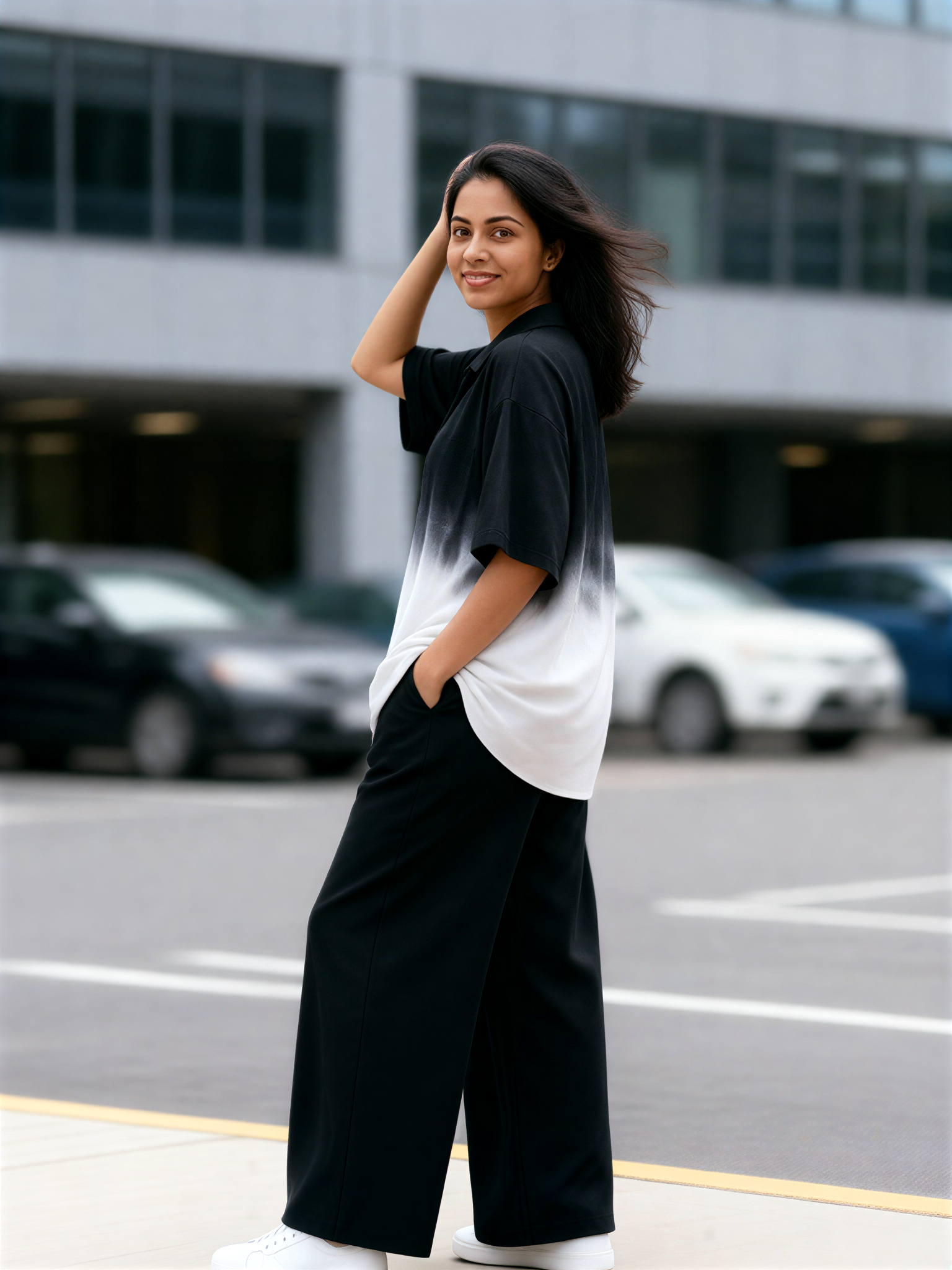
Input
Result
Gradient Shirt Girl
 艺术创作家12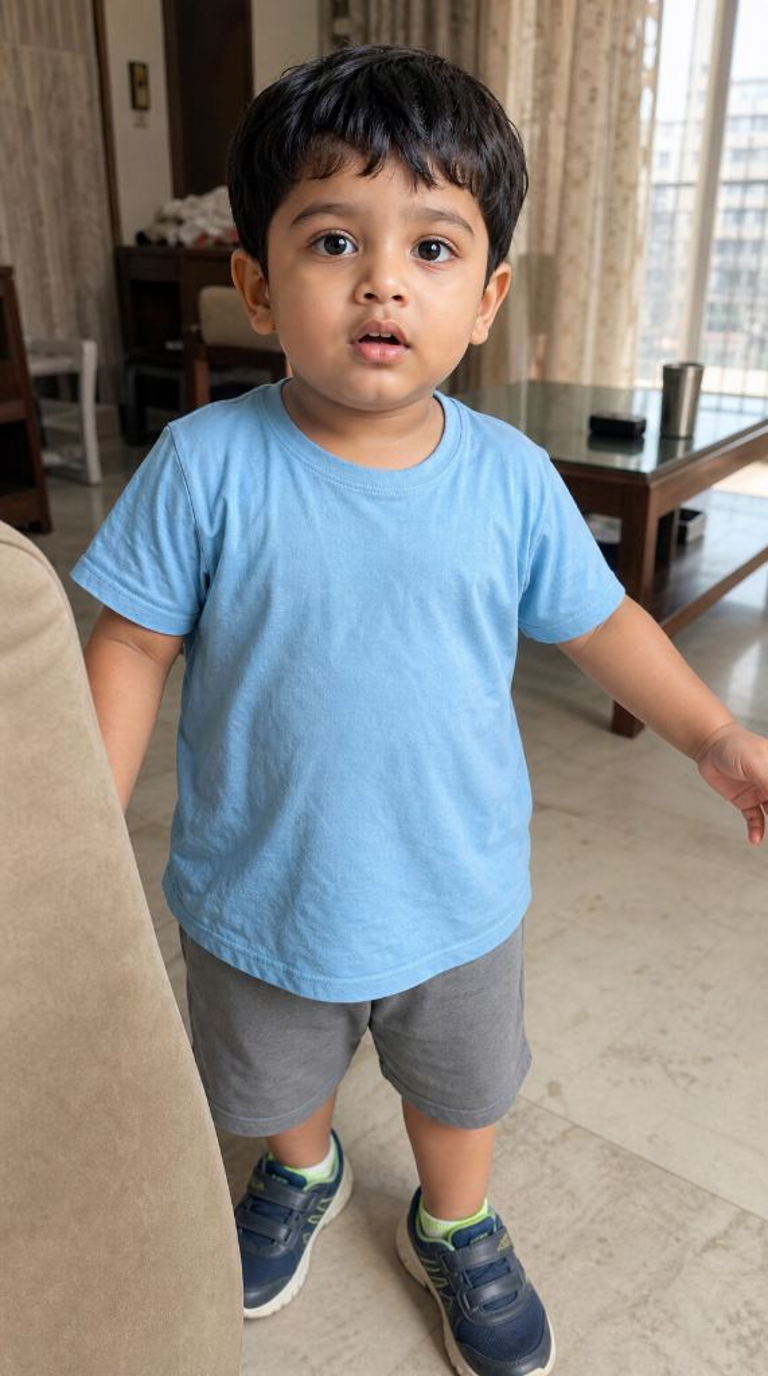

Input
Result
Green Gradient Double Exposure
 llllodya12
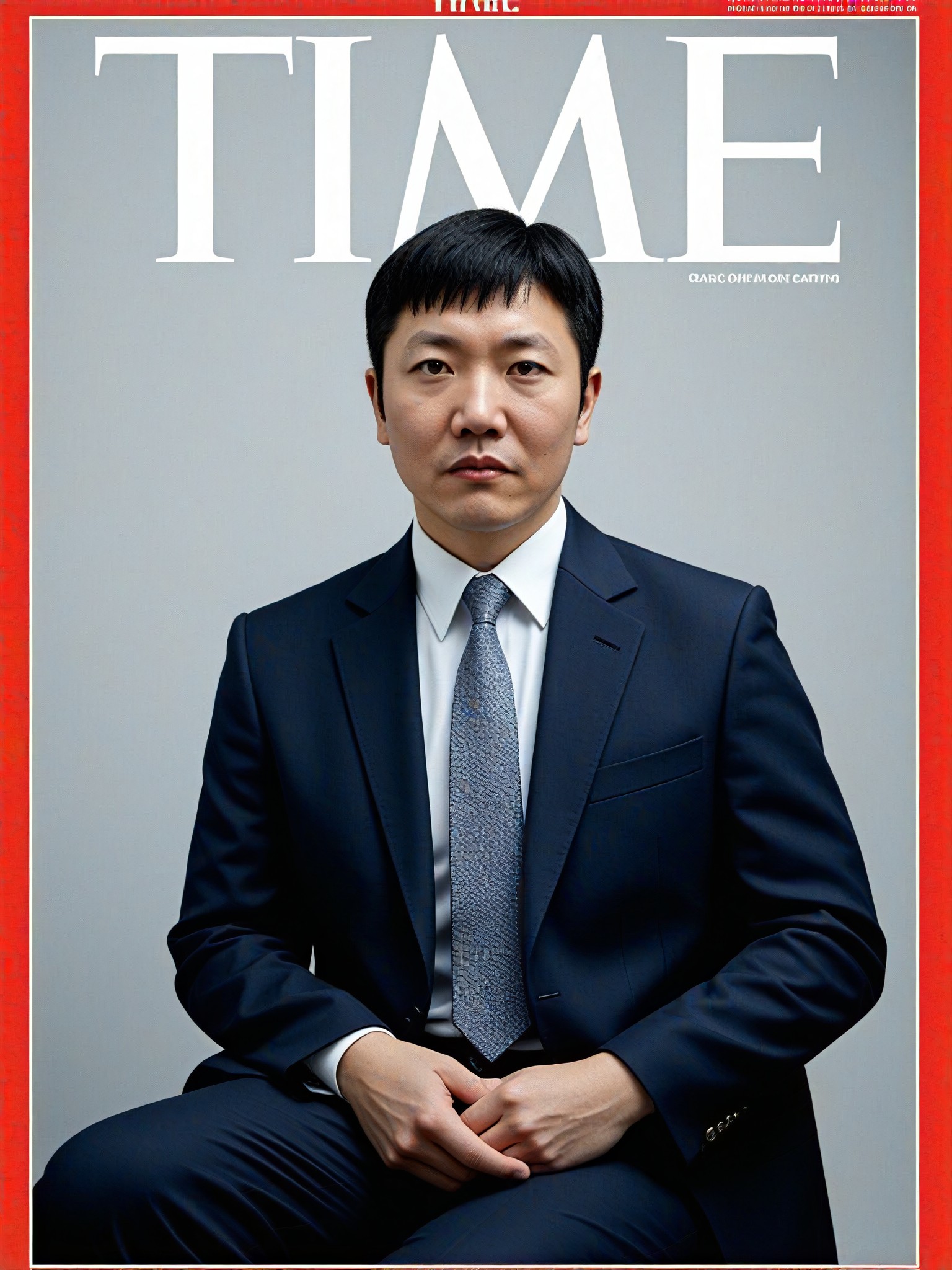
AI Generated Gradient Images & Videos
Discover unique and innovative Gradient images and videos created with a1.art Gradient prompts.





How to Make Gradient AI Image & Video on a1.art?
Step into the future of AI Gradient video and image creation on a1.art.

Step 1
Select the style you want to apply in the Square.

Step 2
Upload the image you want to transform. It can be a photo, hand-drawn sketch.

Step 3
Wait a few seconds and you can easily get your unique AI Gradient art. Download for free!
FAQ about Gradient AI Prompt on a1.art
Discover the secrets to creating Birthday Day videos and images at a1.art.
What are gradient AI prompts?
Gradient AI prompts are specialized inputs that guide the AI in generating visually appealing gradient effects. These prompts help create seamless transitions between colors, enhancing the aesthetic appeal of your images and videos.
How do I use gradient AI prompts on a1.art?
Using gradient AI prompts on a1.art is simple. Just select your preferred prompt from our curated list, upload your image or enter a text description, and let the AI work its magic. You'll have stunning gradient visuals in no time!
Can I customize my own gradient AI prompts?
Yes, a1.art allows you to customize your own gradient AI prompts. You can tweak existing prompts or create new ones to suit your specific needs, giving you complete control over the final output.
Are there any limitations to using gradient AI prompts?
While a1.art offers a wide range of gradient AI prompts, some complex designs may require additional adjustments. However, our intuitive tools make it easy to refine and perfect your creations.
How often can I use gradient AI prompts on a1.art?
a1.art provides daily free login credits, allowing you to experiment with gradient AI prompts as often as you like. For more frequent use, consider subscribing to earn additional credits.


