


Get Gradient Colors Videos & Images without Prompt
a1.art offers a large number of filters, allowing you to easily obtain AI videos or images without prompts.
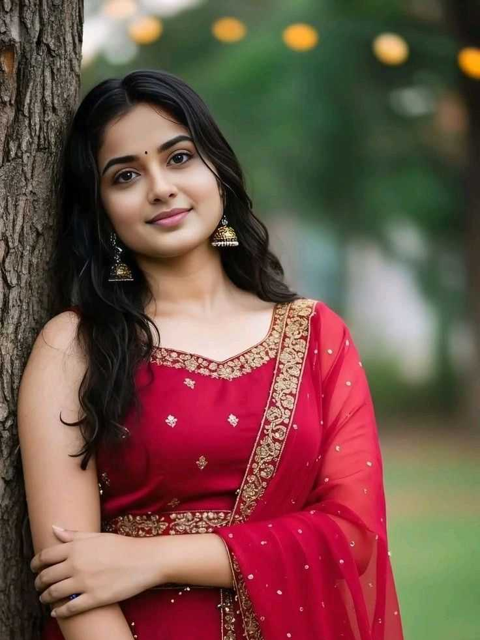

Input
Result
Gradient Rose · Intimate Portrait
 艺术梦想家
艺术梦想家 9.1k
9.1k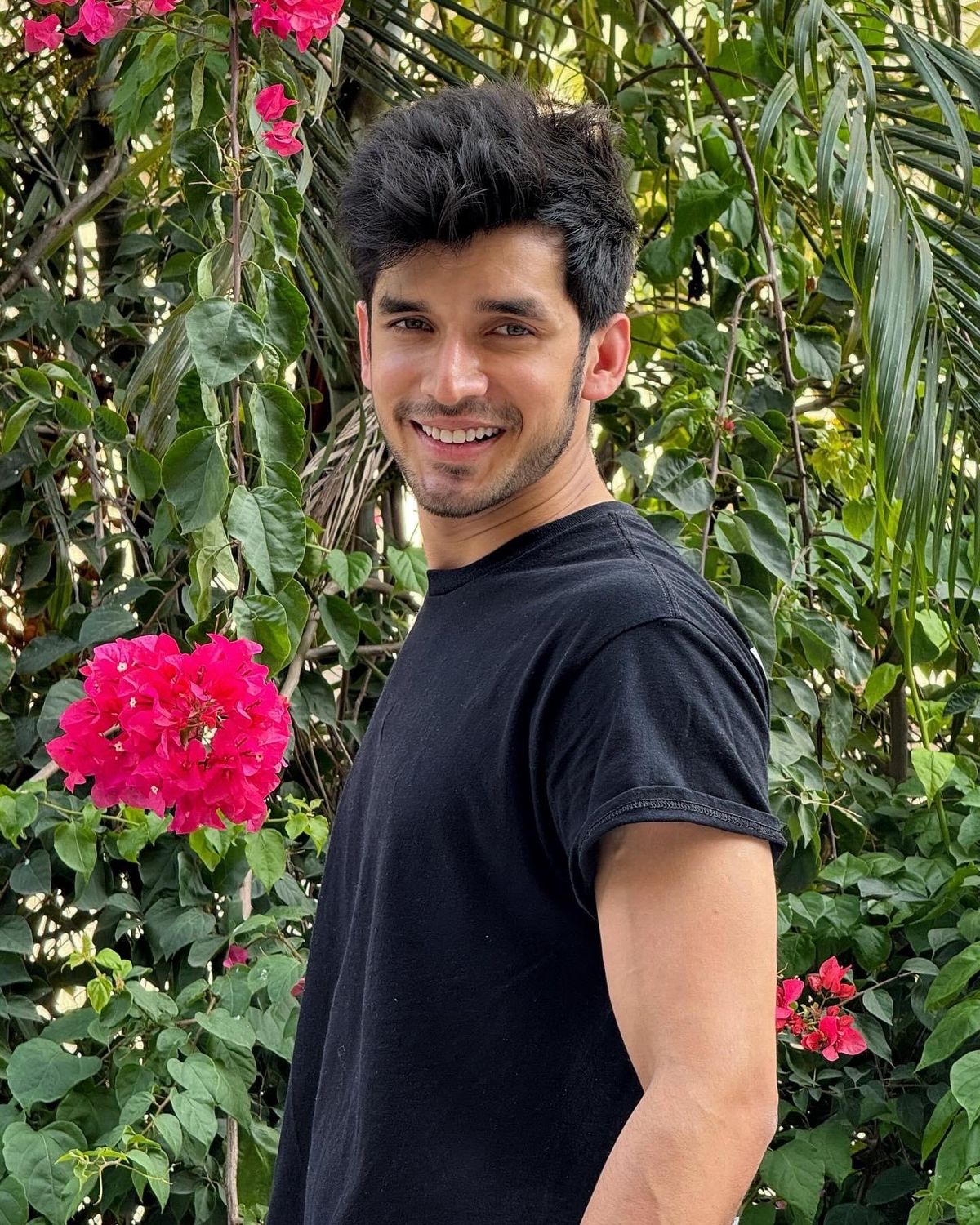
Input
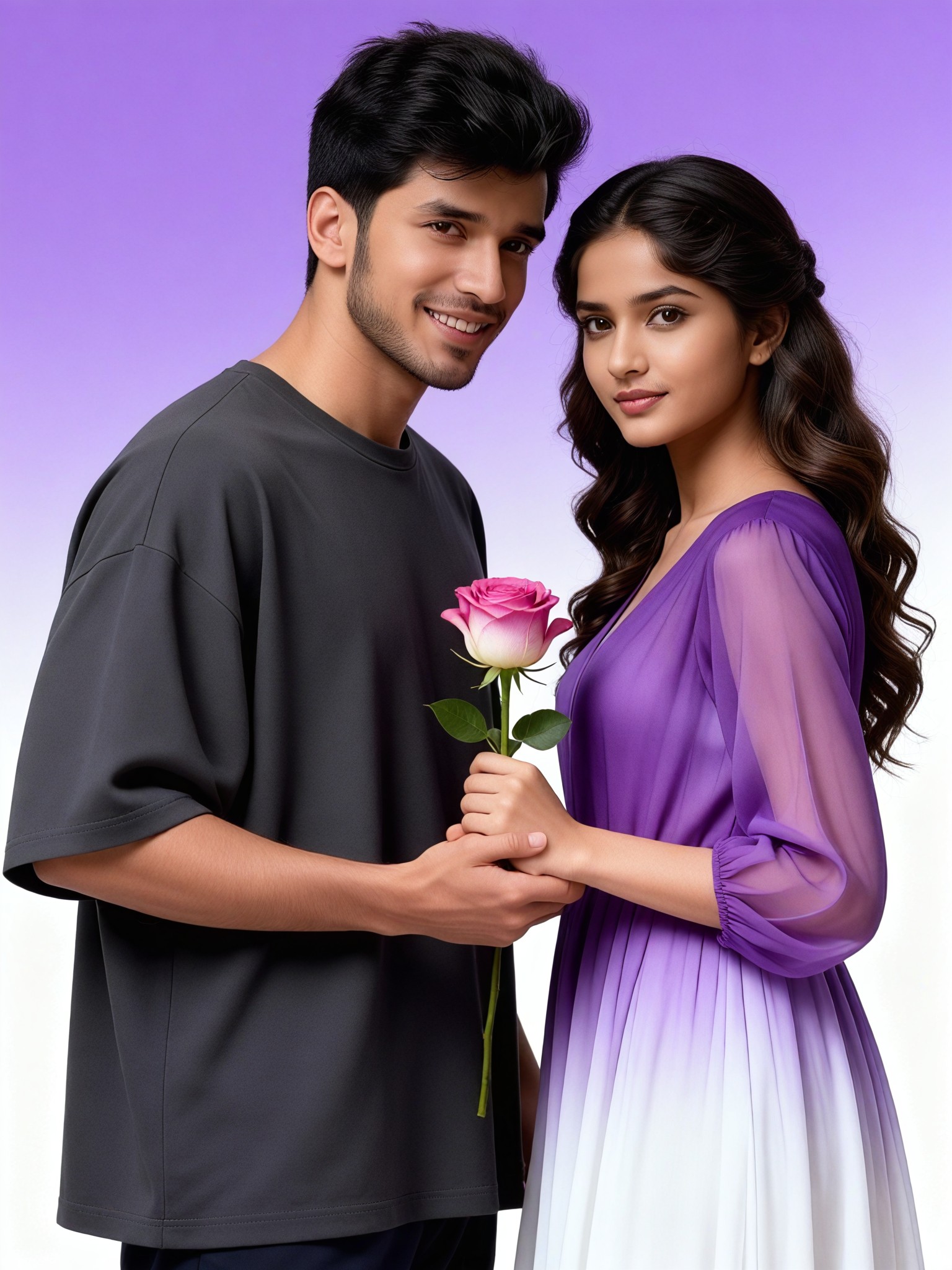
Result
Gradient Purple and White Rose Elegant Photo
 艺术画家506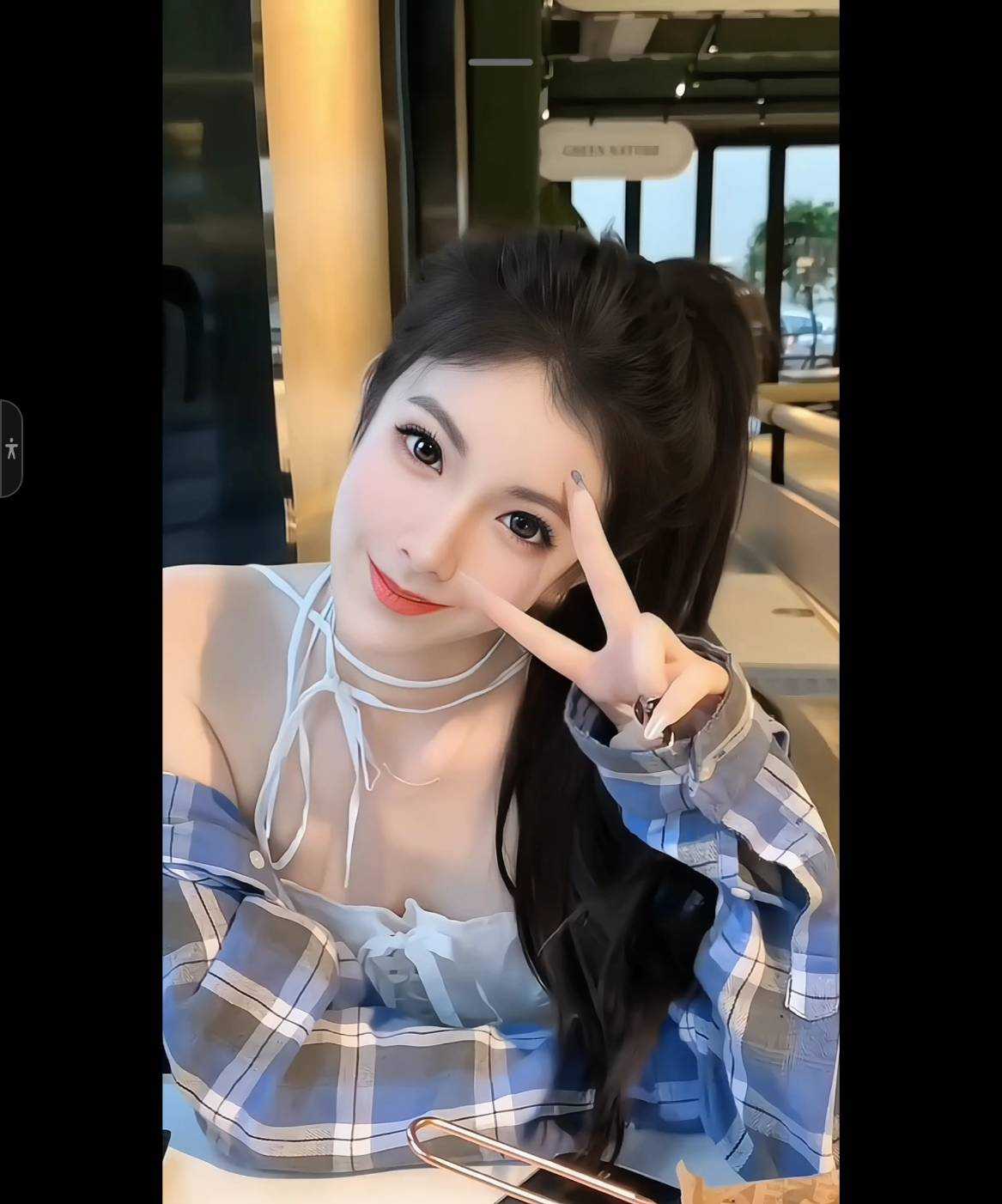
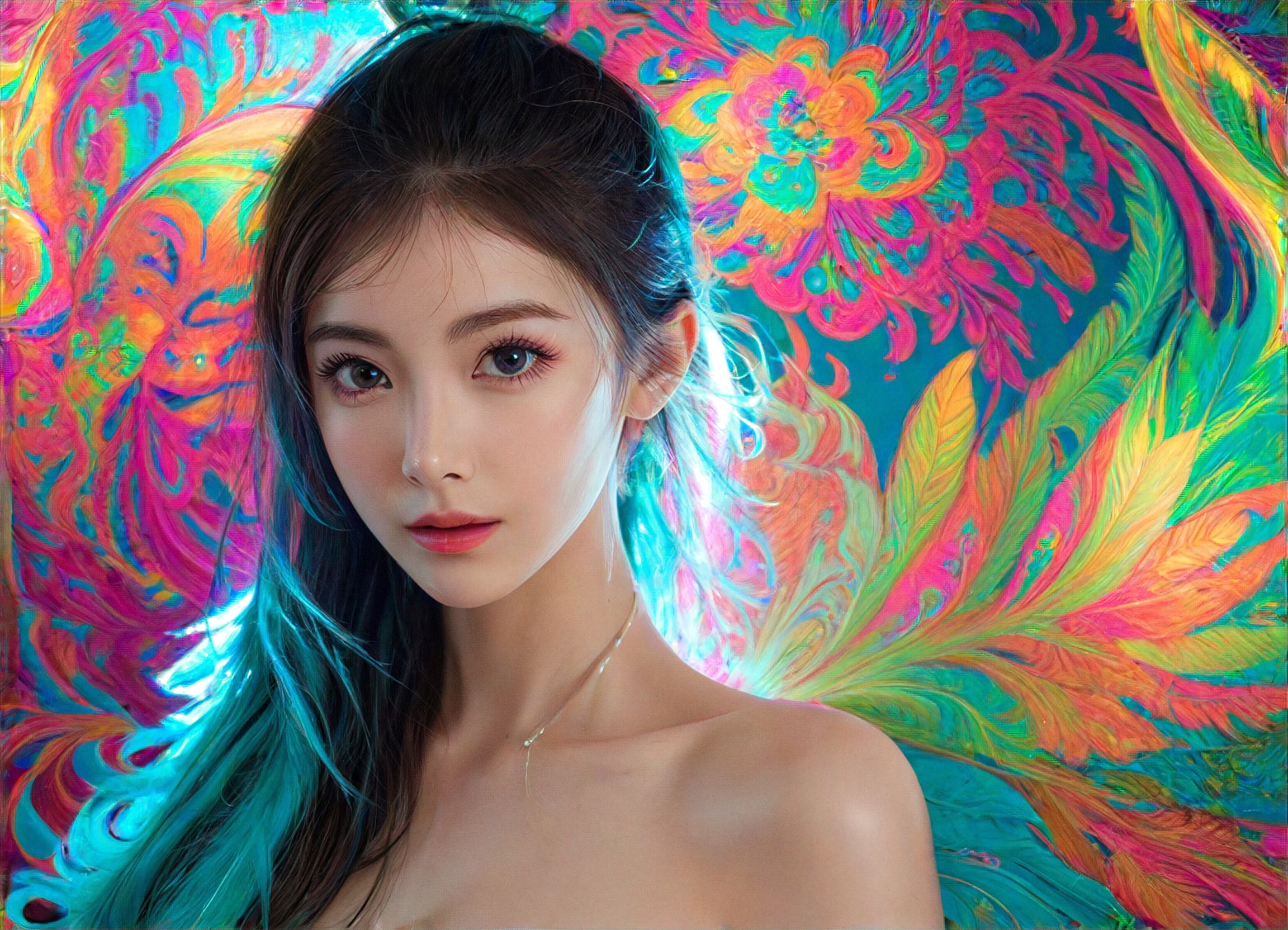
Input
Result
Beauty rendering colors
 創意無限小林哥79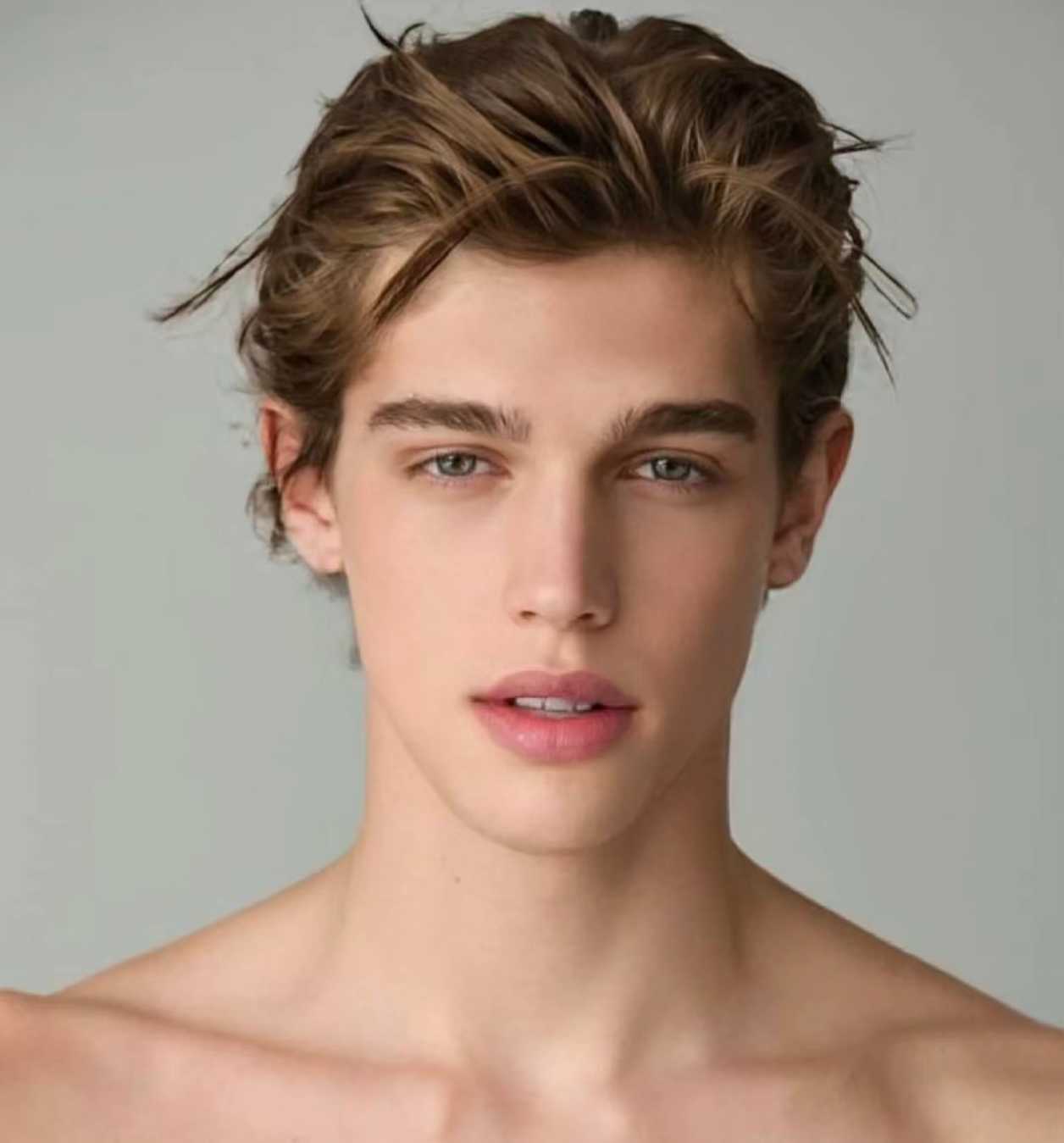
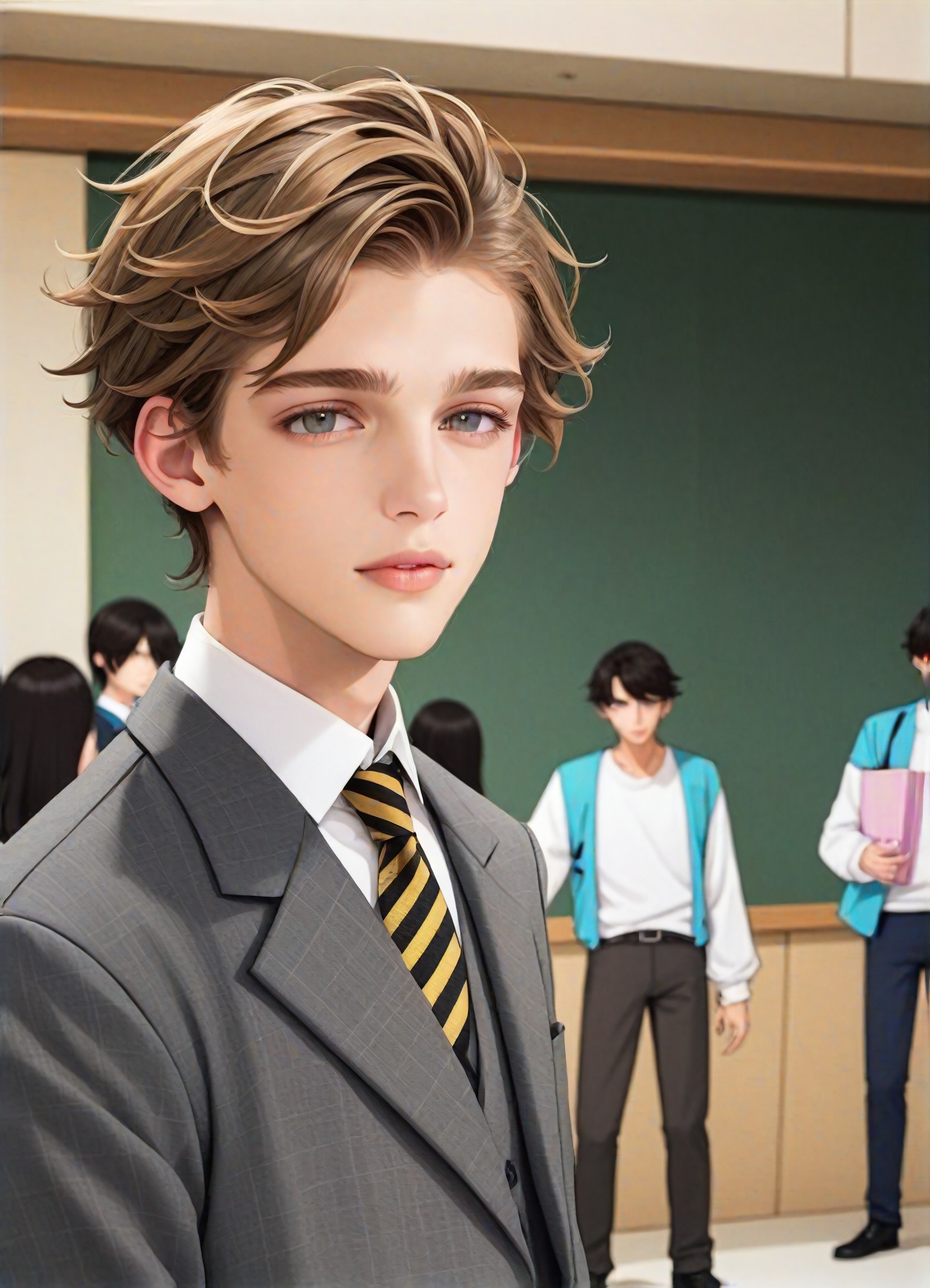
Input
Result
Youthful Colors
A
Art8002fbesnxcv59
Input
Result
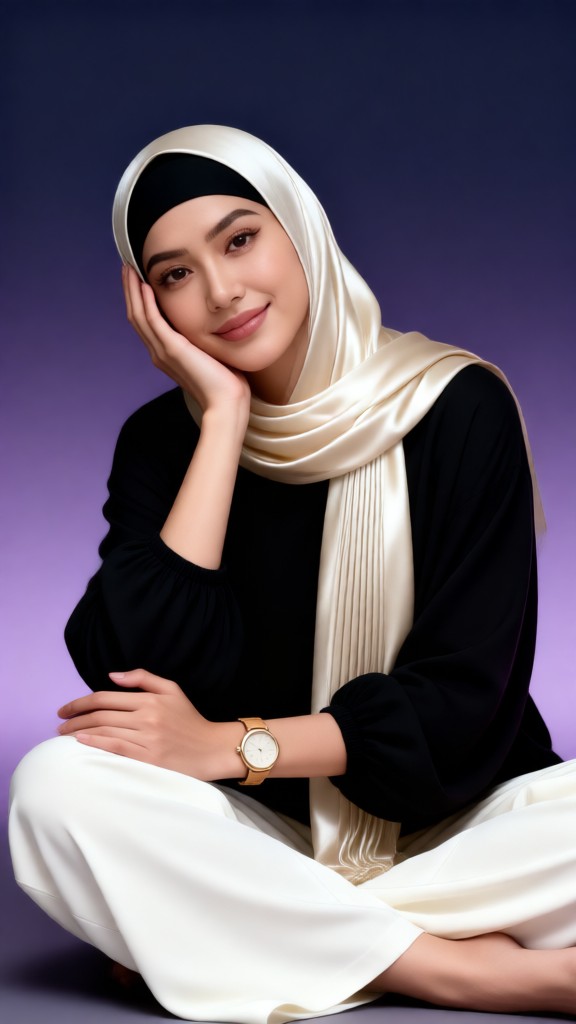
Purple gradient portrait
 XX's49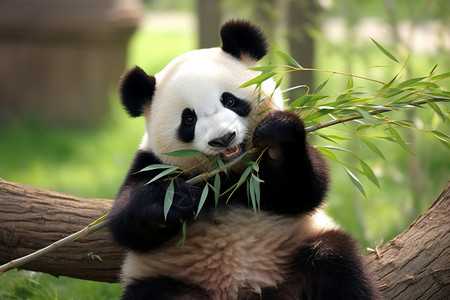
Input
Result
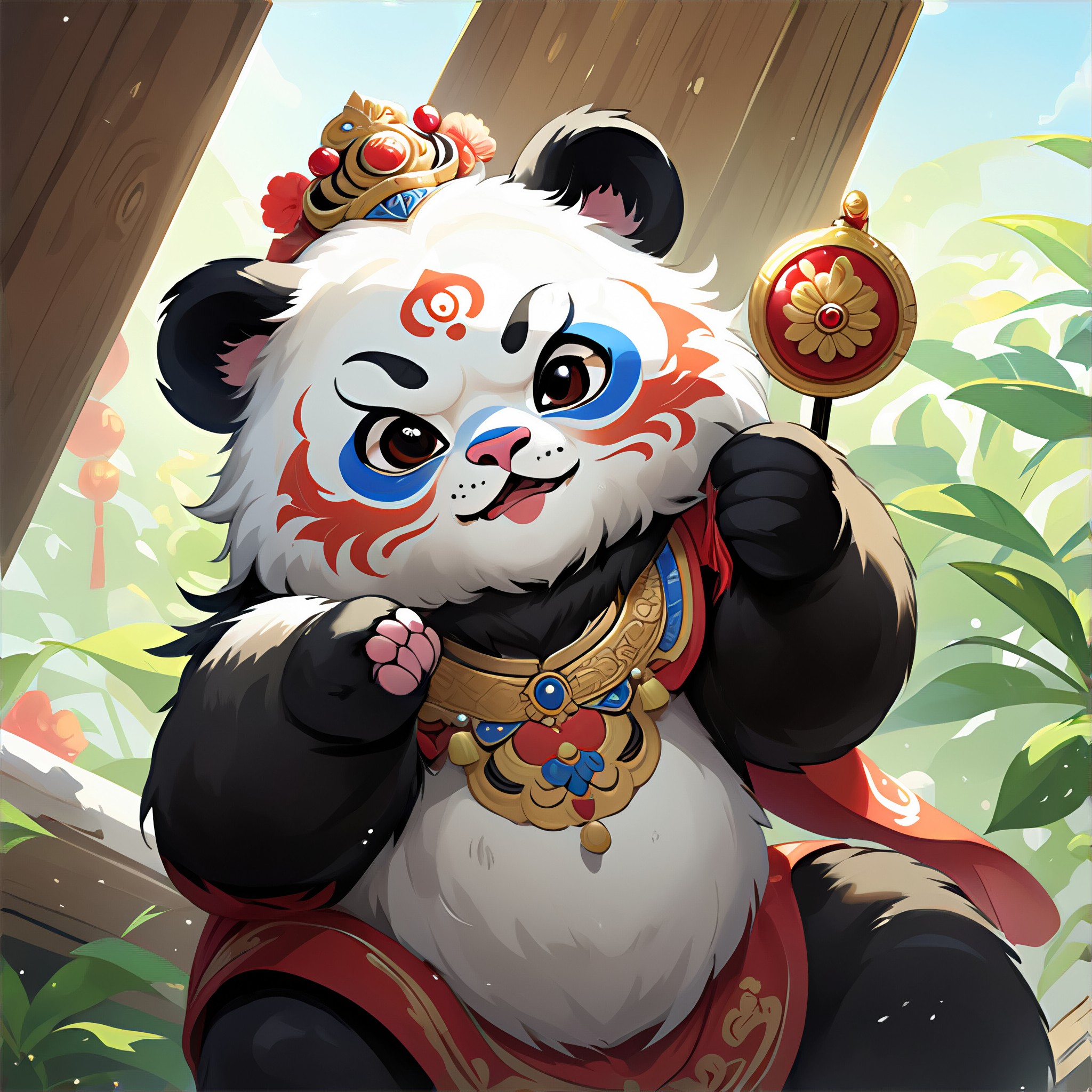
Generate images with Sichuan opera colors
A
Art3520ube22dzq39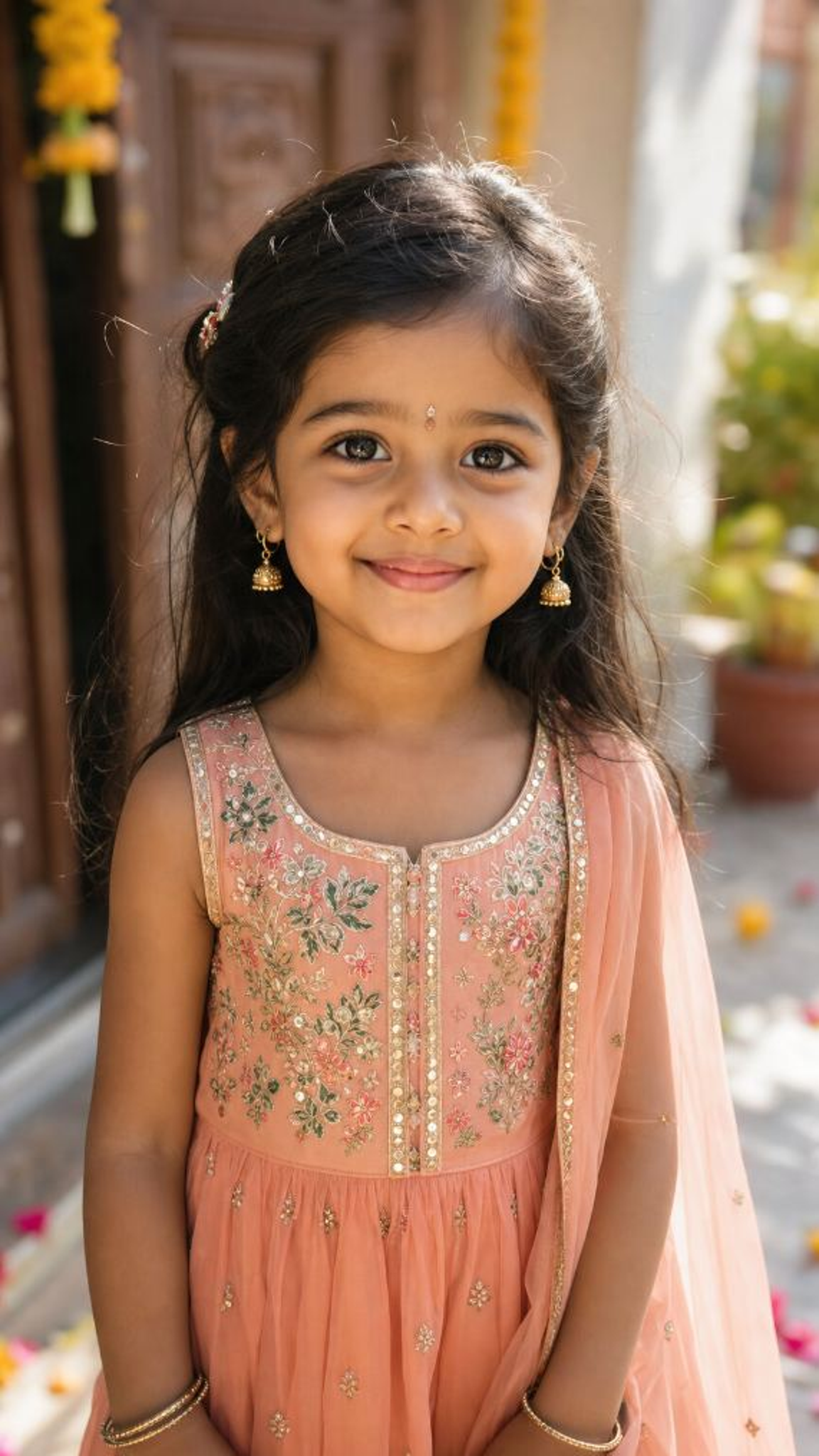
Input
Result
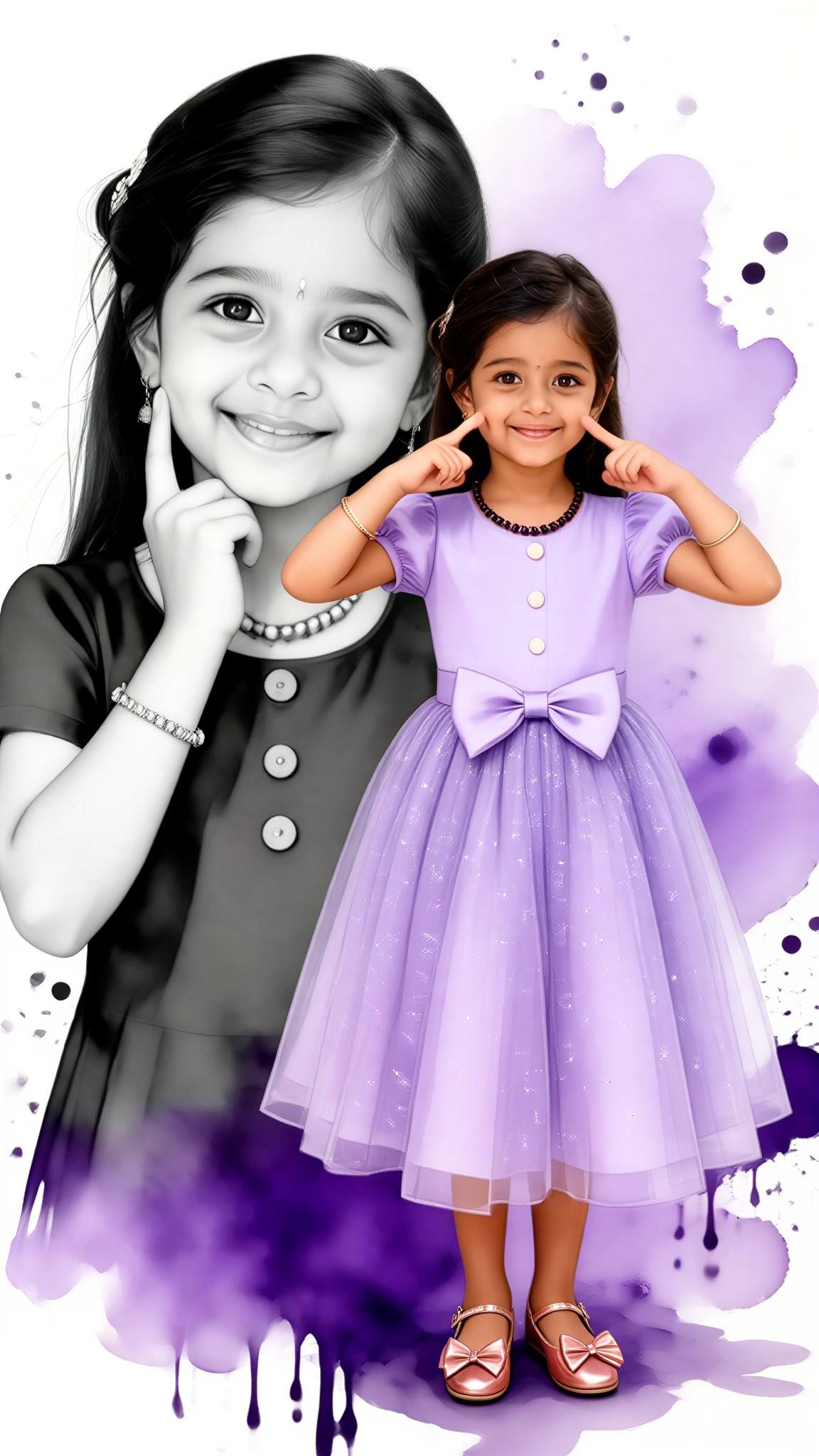
Watercolor-style little girl in vibrant colors
 akaii20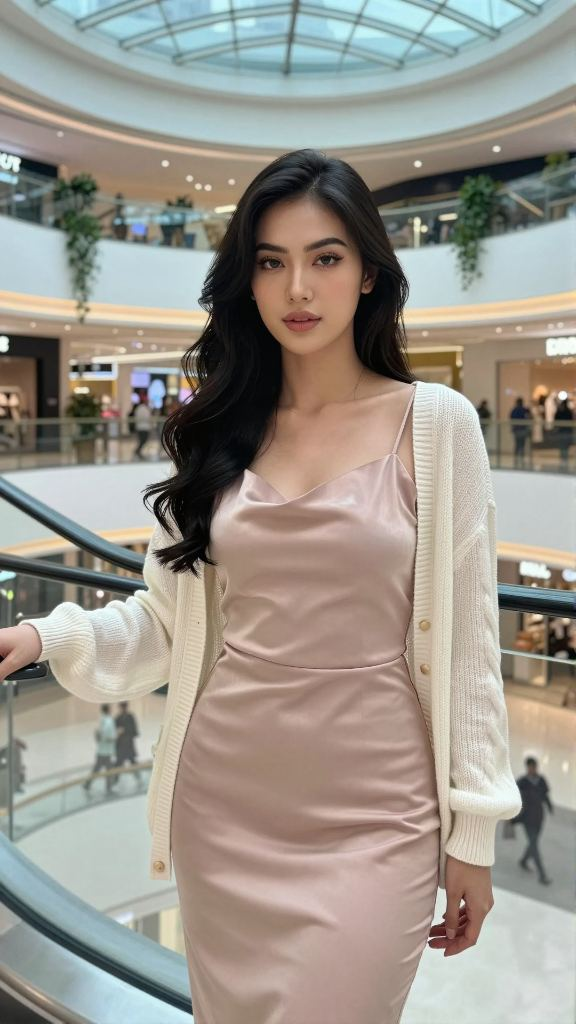
Input
Result
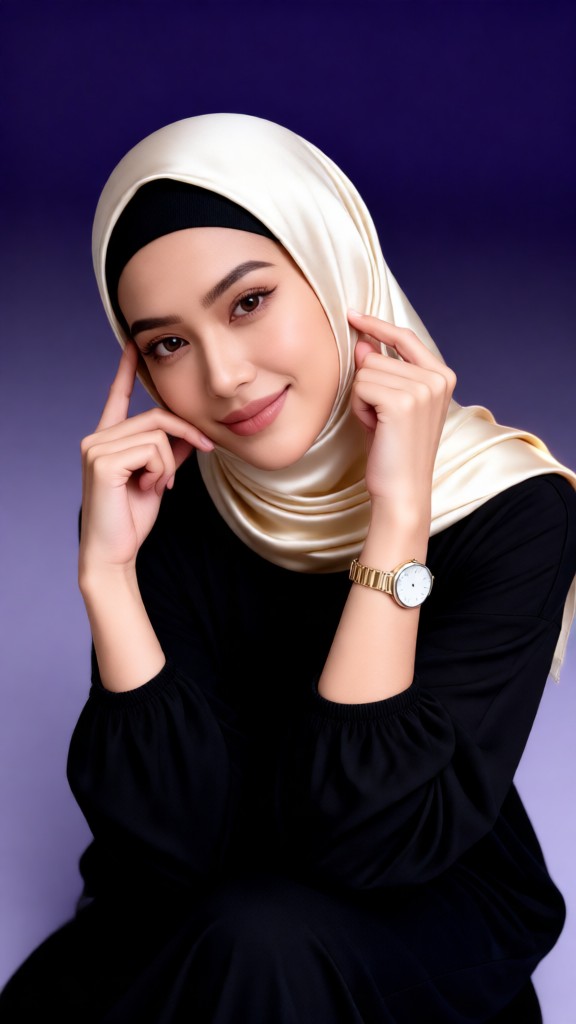
Purple gradient portrait
XX's19
AI Generated Gradient Colors Images & Videos
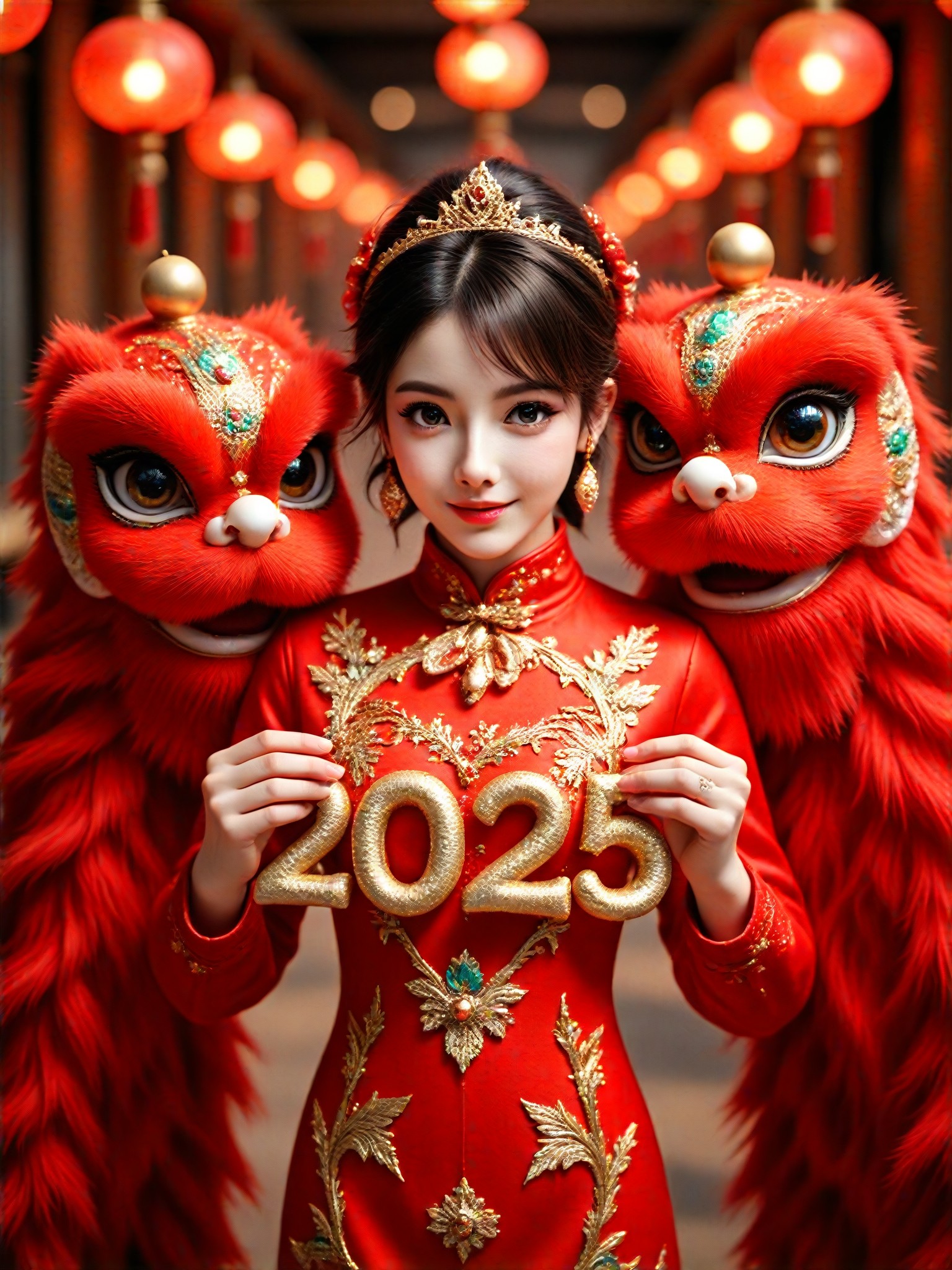
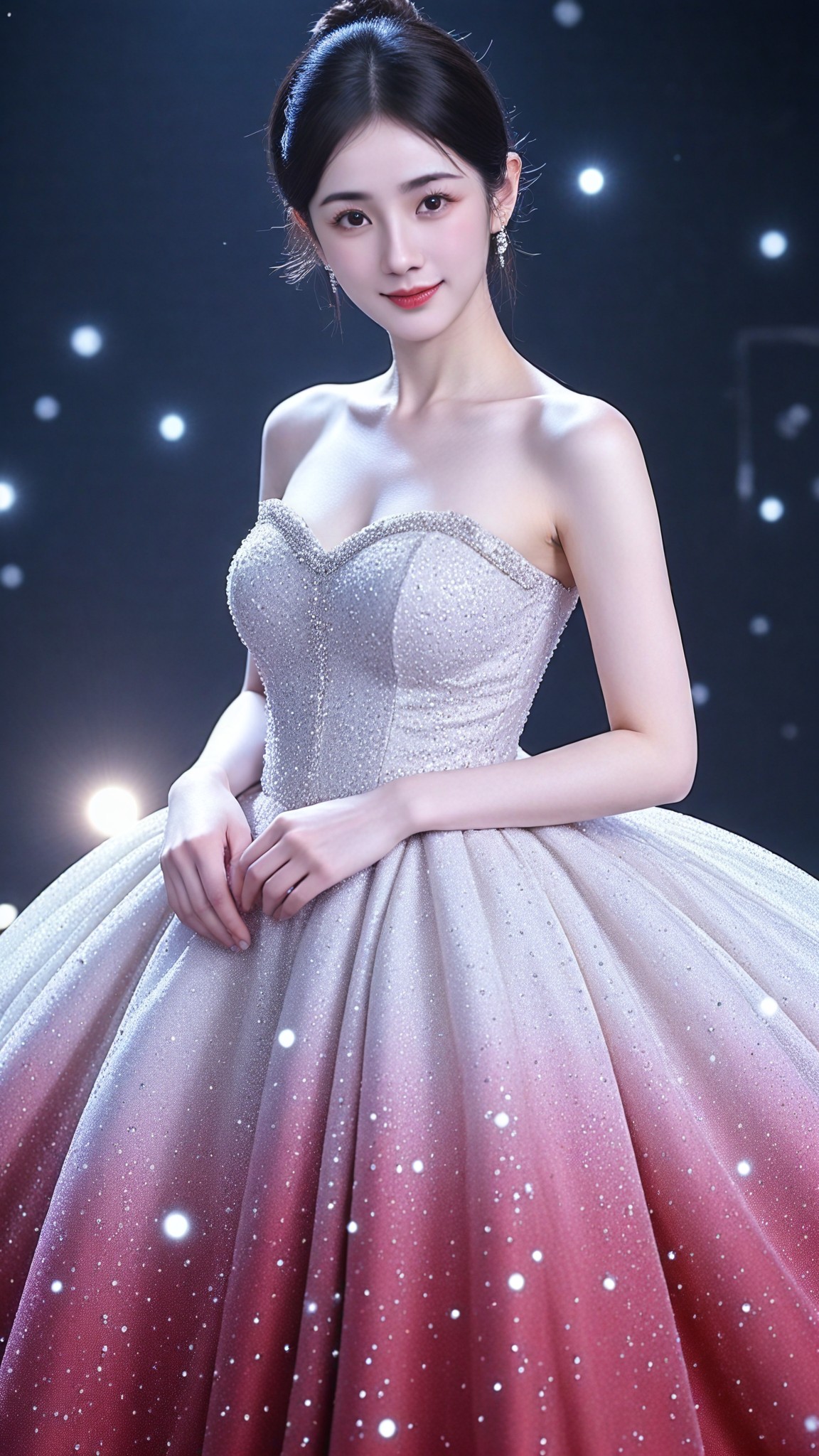
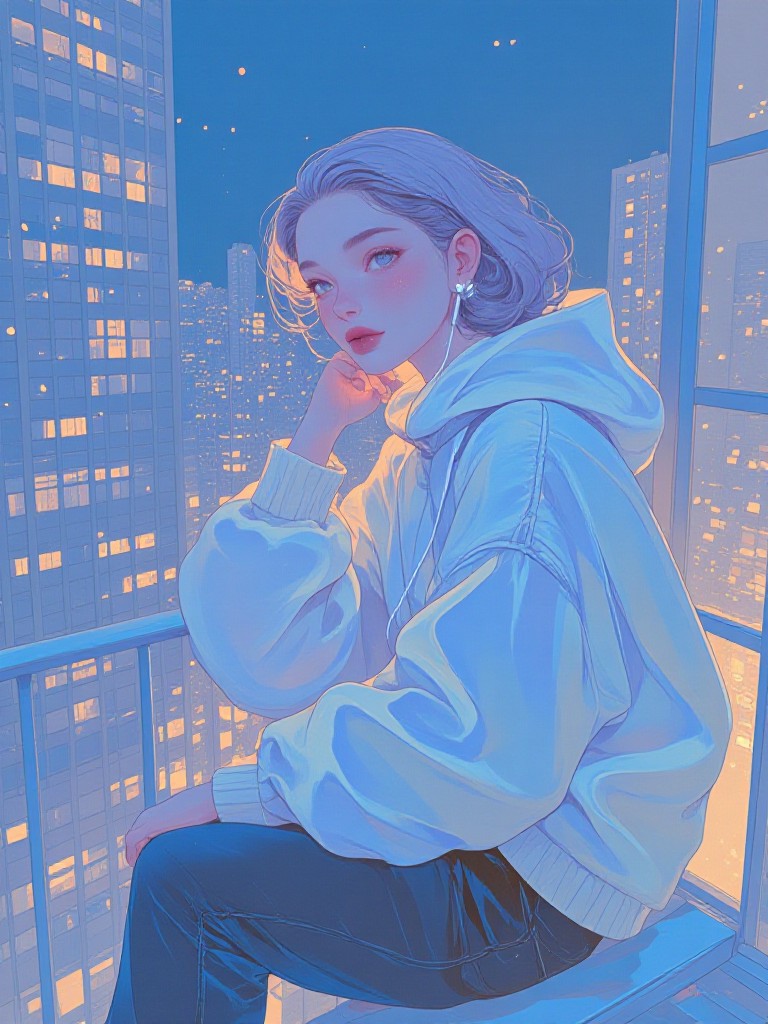
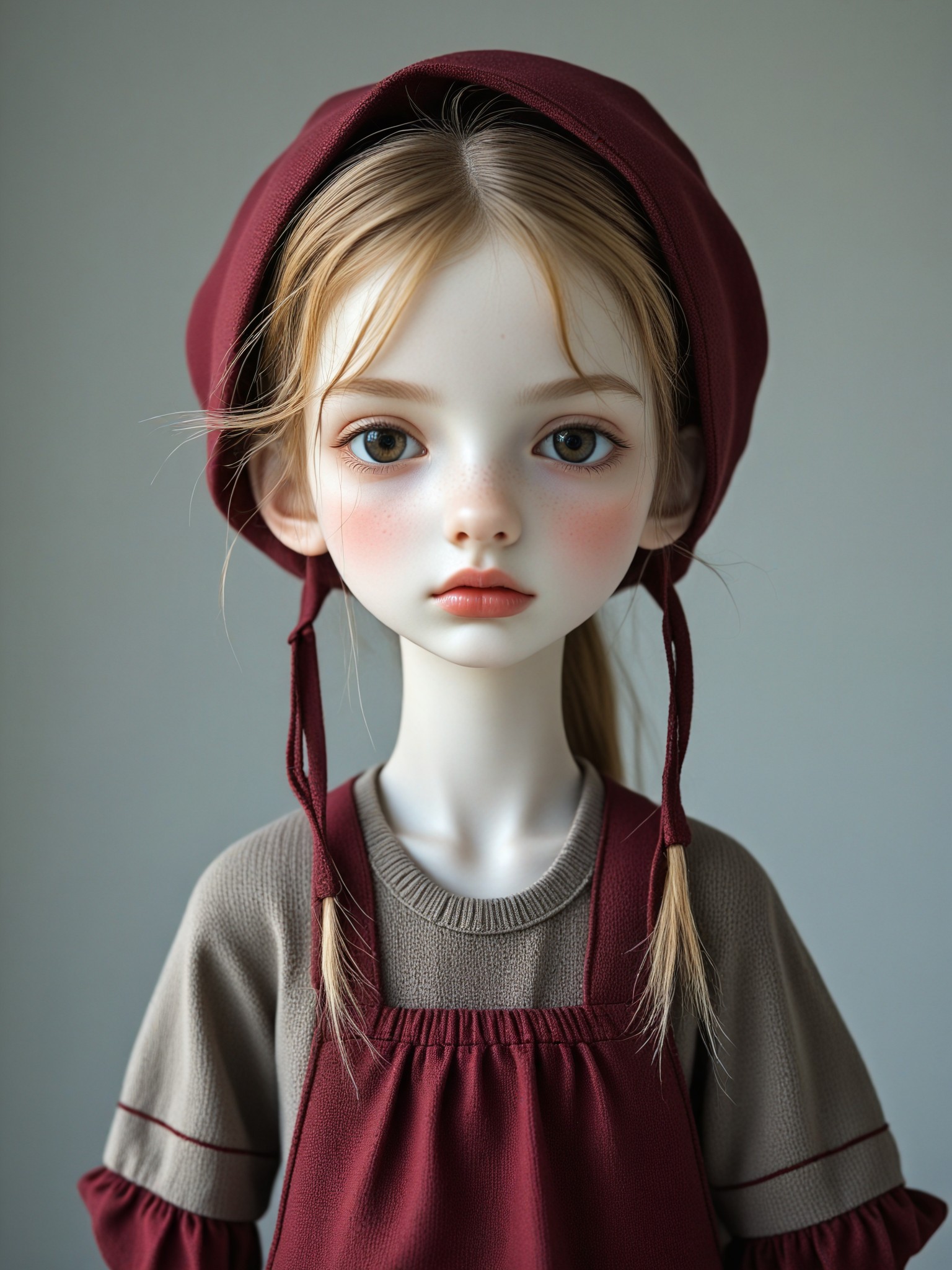
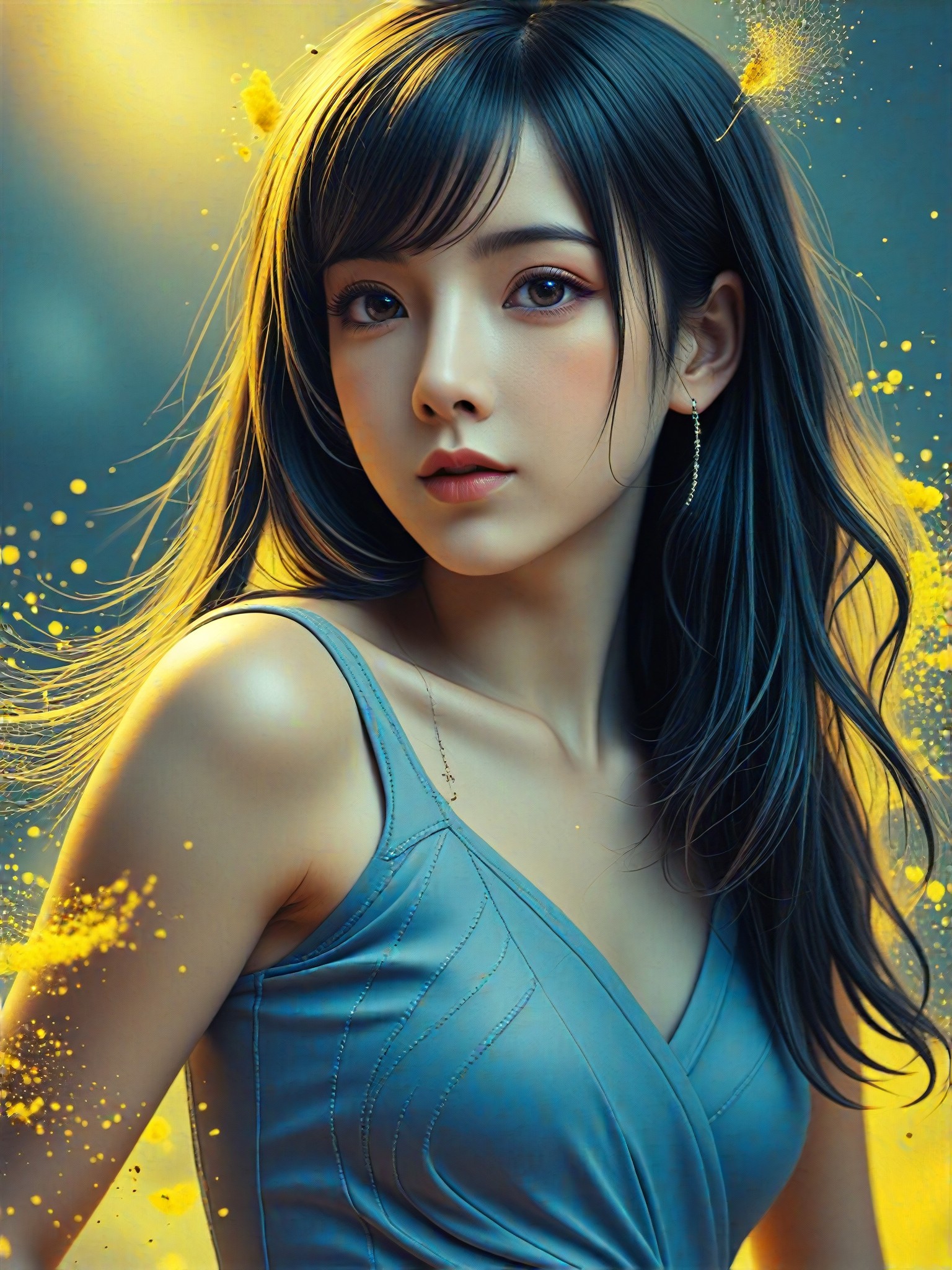
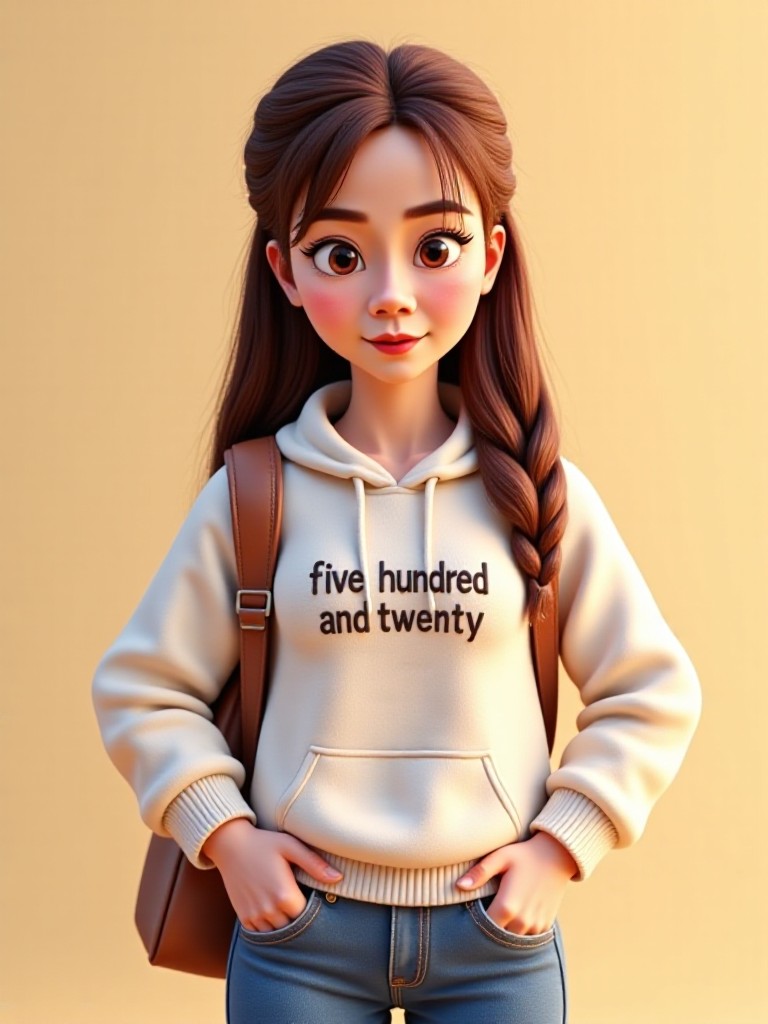
Discover unique and innovative Gradient Colors images and videos created with a1.art Gradient Colors prompts.
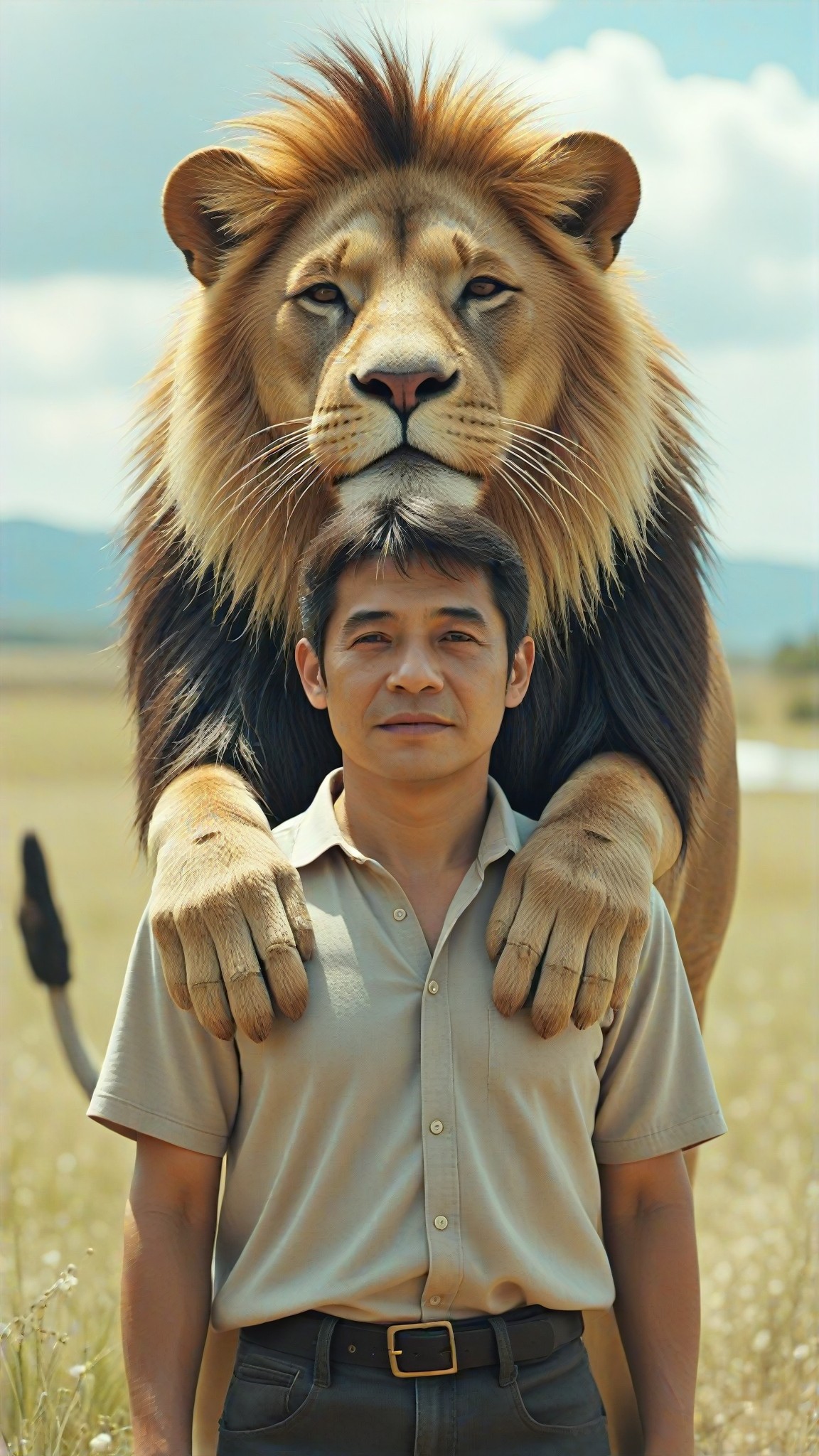
How to Make Gradient Colors AI Image & Video on a1.art?
Step into the future of AI Gradient Colors video and image creation on a1.art.

Step 1
Select the style you want to apply in the Square.

Step 2
Upload the image you want to transform. It can be a photo, hand-drawn sketch.

Step 3
Wait a few seconds and you can easily get your unique AI Gradient Colors art. Download for free!
FAQ about Gradient Colors AI Prompt on a1.art
Discover the secrets to creating Birthday Day videos and images at a1.art.
What are gradient colors AI prompts?
Gradient colors AI prompts are pre-designed text inputs that guide our AI system to generate visually appealing gradient images or videos. These prompts capture specific color transitions, styles, and themes, allowing users to create professional-quality visuals effortlessly.
How do I use gradient colors AI prompts on a1.art?
Using gradient colors AI prompts is simple! Just select a prompt from our curated list, customize it if needed, and click 'Generate.' Our AI will instantly create a gradient image or video based on your preferences, ready for download or sharing.
Can I customize the gradient colors AI prompts?
Absolutely! While our prompts provide a starting point, you can tweak them by adding your own text or adjusting parameters like color intensity, style, or resolution to achieve the exact look you desire.
Are there any limitations on using gradient colors AI prompts?
No limitations! You can use as many gradient colors AI prompts as you like, and there's no cap on the number of creations you can make. Plus, our daily free credits ensure you can explore and experiment without restrictions.
Why should I choose a1.art for gradient colors AI prompts?
a1.art offers a seamless, user-friendly experience with cutting-edge AI technology. Our platform provides high-quality gradient visuals, daily free credits, and subscription options for unlimited access. Whether you're a designer, artist, or hobbyist, a1.art makes creating gradient art effortless and fun.


