Container backgroundContainer background
Home/AI Prompts/Edit

Edit
AI Prompts

Edit AI Prompts

Discover a1.art, the ultimate AI-powered image and video generator designed to bring your edit AI prompts to life. With intuitive tools, stunning effects, and daily free credits, a1.art makes it easy to transform any prompt into breathtaking visuals. Whether you're editing photos or creating dynamic videos, a1.art delivers professional results in seconds.
A vintage film aesthetic with soft lighting, grainy texture, and warm color tones, perfect for nostalgic edits.
A high-contrast black-and-white edit with sharp details, dramatic shadows, and minimalist composition.
A dreamy watercolor effect with soft gradients, gentle brushstrokes, and ethereal lighting.
A neon-lit urban night scene with vibrant colors, glowing outlines, and futuristic vibes.
A rustic farmhouse style with natural textures, earthy tones, and soft sunlight filtering through windows.
A hyper-realistic edit with ultra-detailed textures, lifelike reflections, and cinematic depth of field.
Explore more

Get Edit Videos & Images without Prompt

a1.art offers a large number of filters, allowing you to easily obtain AI videos or images without prompts.

image befor ai generation
A cute 3D rendered cartoon boy, wearing an olive green jacket, khaki shorts, and a beige baseball cap. He has large, expressive eyes, a friendly expression, and carries a brown backpack. He's wearing off-white sneakers. The style is reminiscent of 3D cartoon character design, with smooth, polished textures and no visible brushstrokes. The background is a simple beige color, focusing all attention on the character. The lighting is soft and even, creating a warm and pleasant atmosphere. The overall style is cheerful and friendly, suitable for children's products or game character design. The image is rendered in a style similar to contemporary 3D animation character design. Think of the clean lines and smooth surfaces of Pixar-style animation, but with a slightly more realistic rendering of the materials.
cute 3D cartoon boy image
Input
Result
cute 3D cartoon boy
夢境畫境Dreamscape Canva headshot夢境畫境Dreamscape Canva
playicon15.4k
A gray cat with yellow eyes
CAT
Graffiti Logo image
Input
Result
Graffiti Logo
CC headshotCC
playicon1.5k
image befor ai generation
Birthday Video Edit image
Input
Result
Birthday Video Edit
Saurav Gathiyawala headshotSaurav Gathiyawala
playicon319
image befor ai generation
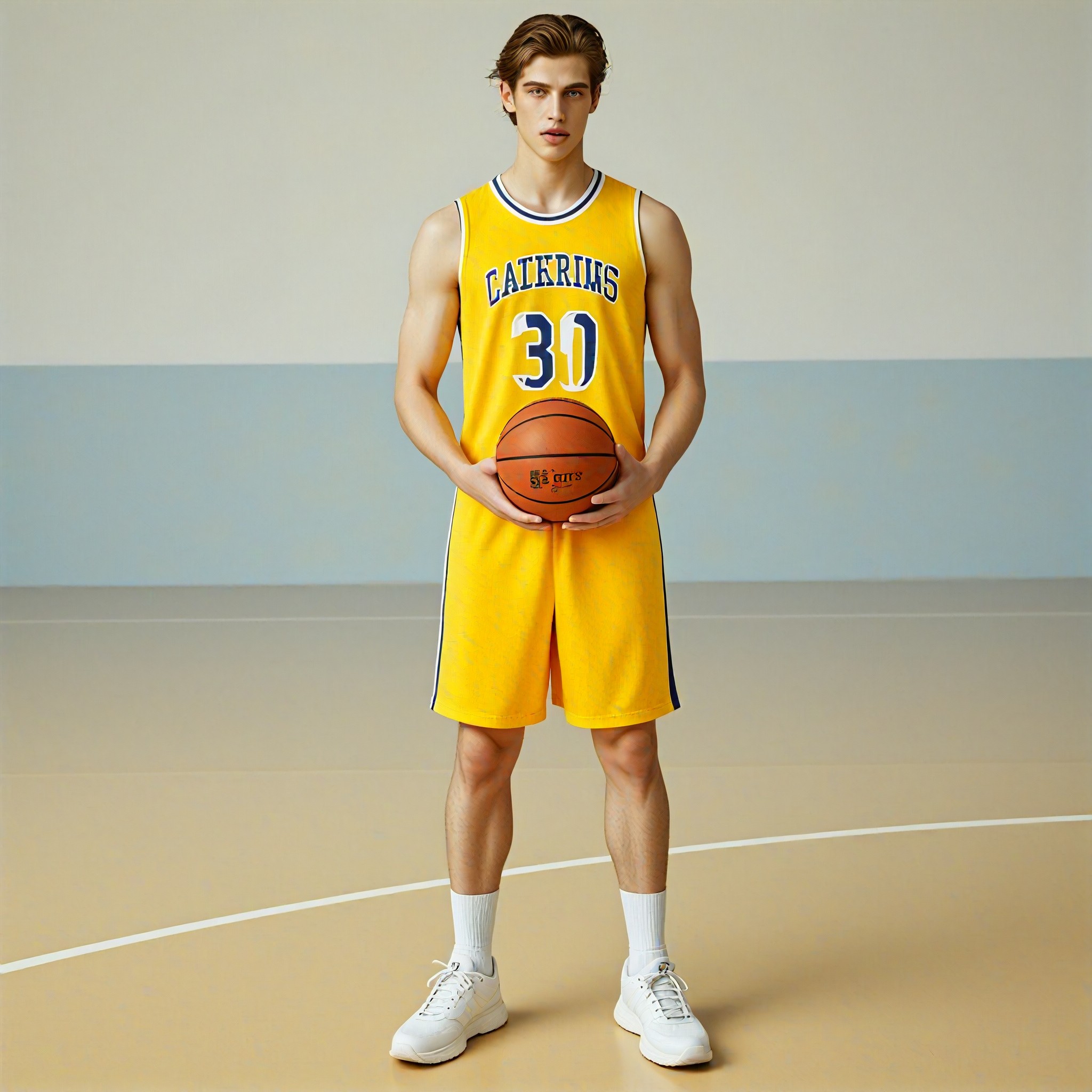
Campus basketball youth image
Input
Result
Campus basketball youth
c
coco
playicon99
image befor ai generation
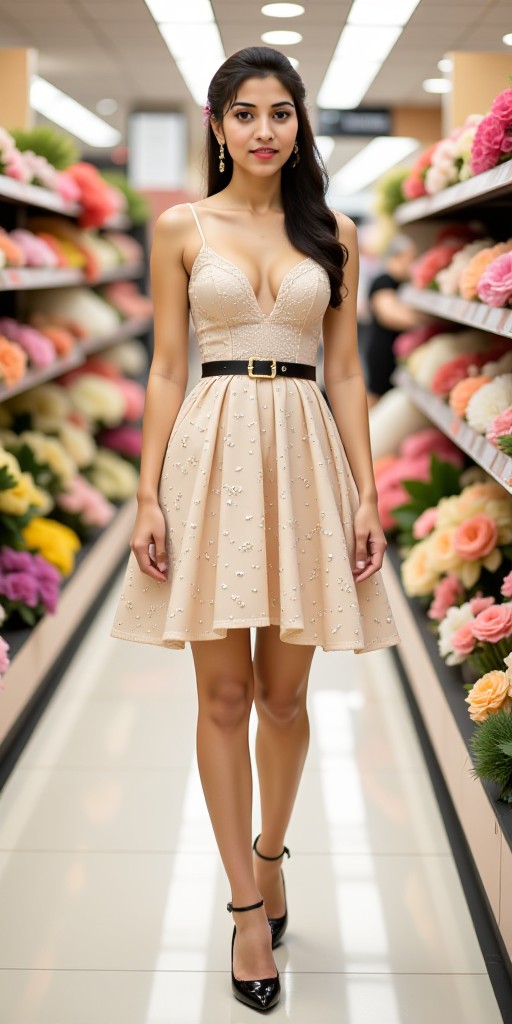
R mall flower  image
Input
Result
R mall flower
p
pzm2ncs9cjjj
playicon42
image befor ai generation
Private (remix) image
Input
Result
Private (remix)
Sri lestari0377 headshotSri lestari0377
playicon28
image befor ai generation
Cosplay edit image
Input
Result
Cosplay edit
Only for 18+ headshotOnly for 18+
playicon15
image befor ai generation
Edit image
Input
Result
Edit
o
oi1e84l9jcxf
playicon11

How to Make Edit AI Image & Video on a1.art?

Step into the future of AI Edit video and image creation on a1.art.

a1.art tutorial Step 1
Step 1
Select the style you want to apply in the Square.

a1.art tutorial Step 2
Step 2
Upload the image you want to transform . It can be a photo, hand-drawn sketch.

a1.art tutorial Step 3
Step 3
Wait a few seconds and you can easily get your unique AI Edit art. Download for free!

FAQ about Edit AI Prompt on a1.art

Discover the secrets to creating Edit videos and images at a1.art.

What is edit AI prompts?

Edit AI prompts are text-based instructions that guide a1.art's AI to generate custom images or videos. By selecting specific styles, effects, or themes, users can transform their ideas into stunning visual content effortlessly.

Can I use edit AI prompts for both images and videos?

Yes, a1.art supports both AI image and video generation. You can choose from a variety of edit AI prompts to create either static images or dynamic videos tailored to your preferences.

How do I get started with edit AI prompts on a1.art?

Getting started is simple! Just select an edit AI prompt that matches your vision, upload your image or enter a text description, and let a1.art's AI work its magic. No technical skills required!

Are there any limitations on using edit AI prompts?

a1.art offers unlimited creativity with no restrictions on edit AI prompts. Whether you want to experiment with unique styles or stick to classic looks, the possibilities are endless.

Do I need to pay to use edit AI prompts?

No, a1.art provides daily free login credits to explore edit AI prompts. For more advanced features and higher-quality outputs, you can subscribe to earn additional credits.

Container background

Make Edit AI Image & Video on a1.art APP

Download the app to explore Edit AI image & video filters, faster processing, and personalized features. Whether you want creative images or stunning videos, the app makes it easier.