


Get Edit Family Photos Videos & Images without Prompt
a1.art offers a large number of filters, allowing you to easily obtain AI videos or images without prompts.
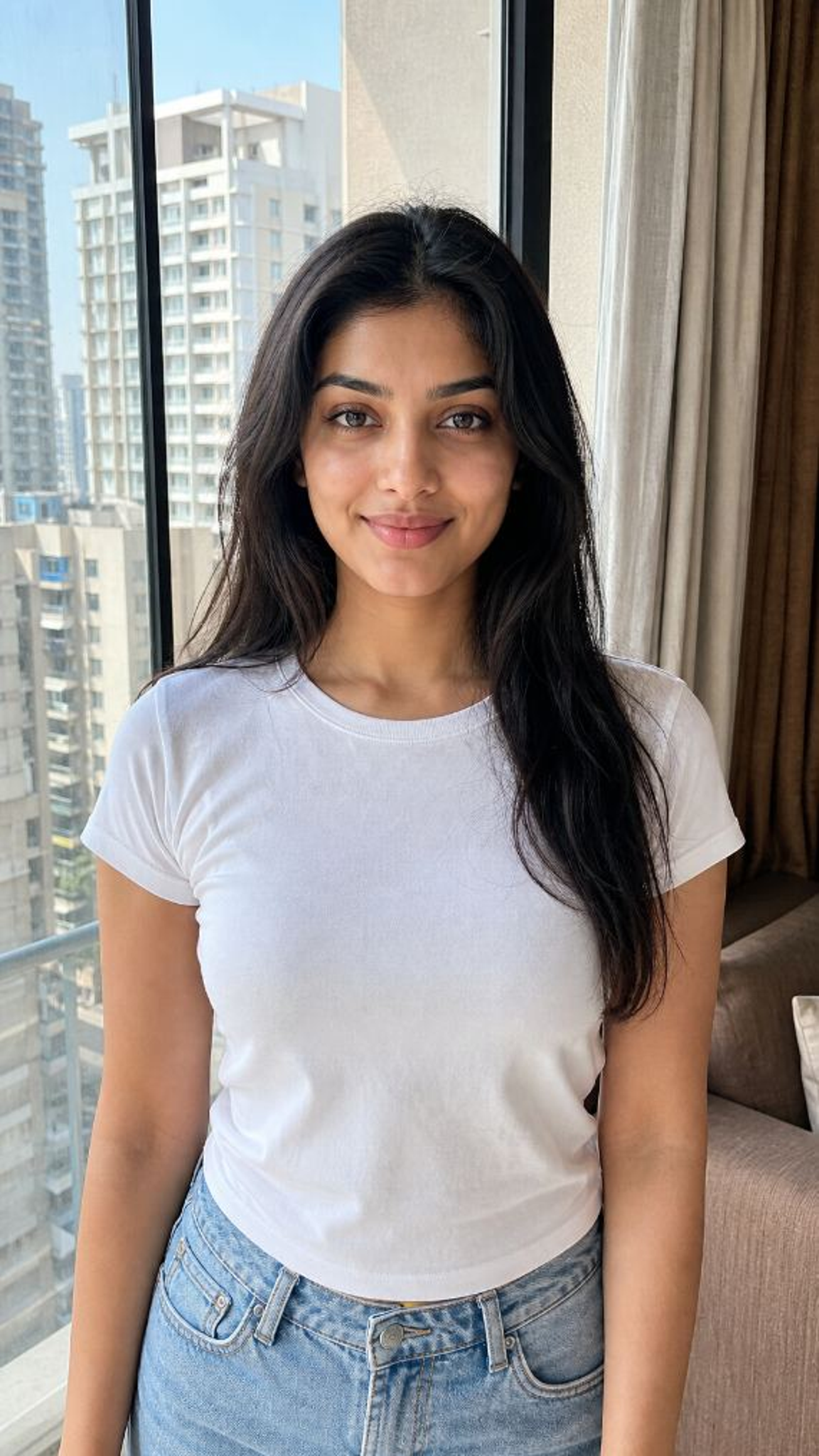
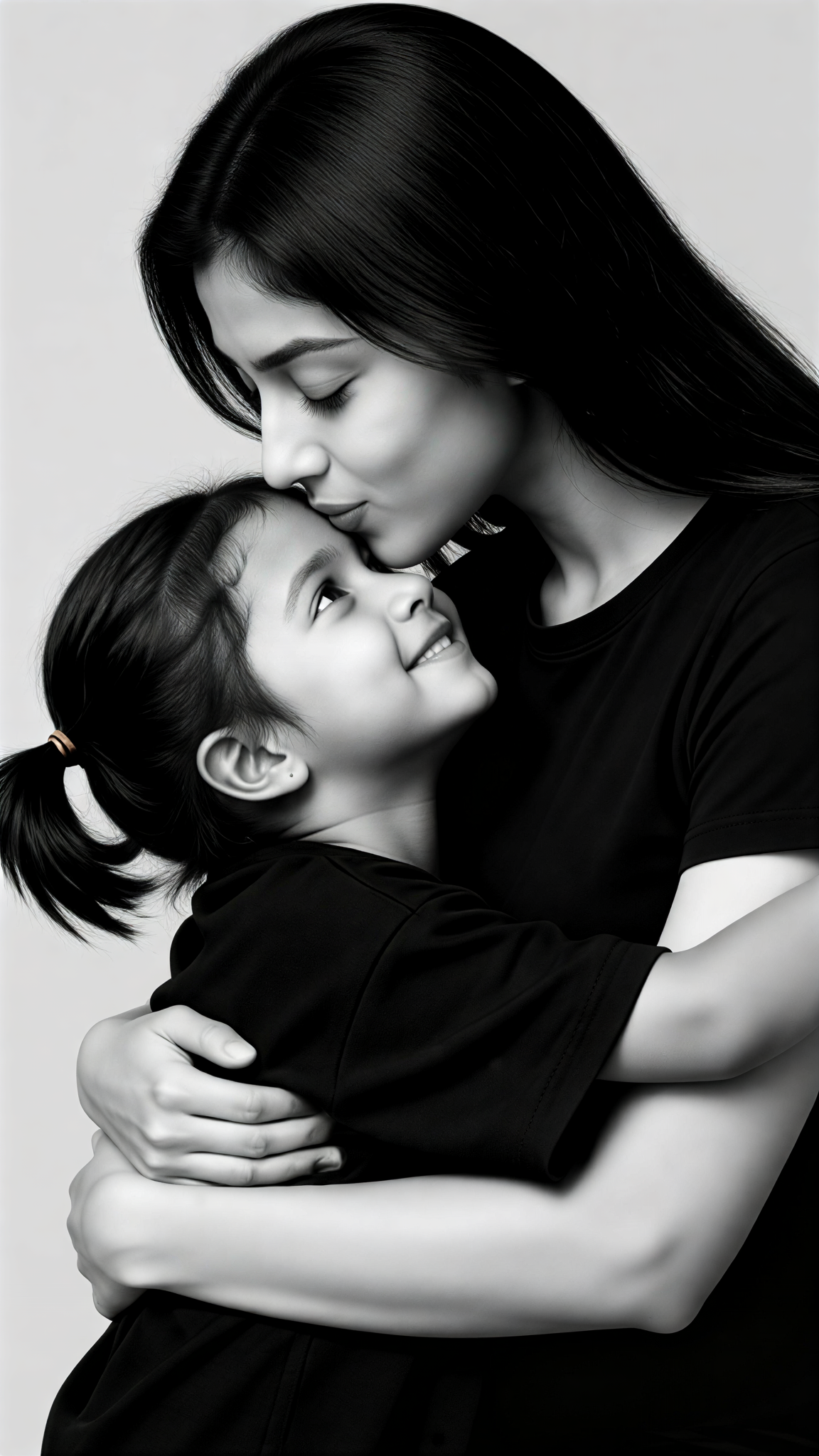
Input
Result
More Intimate !!Family Photos
 Zephyr.JX
 38.2k
38.2k
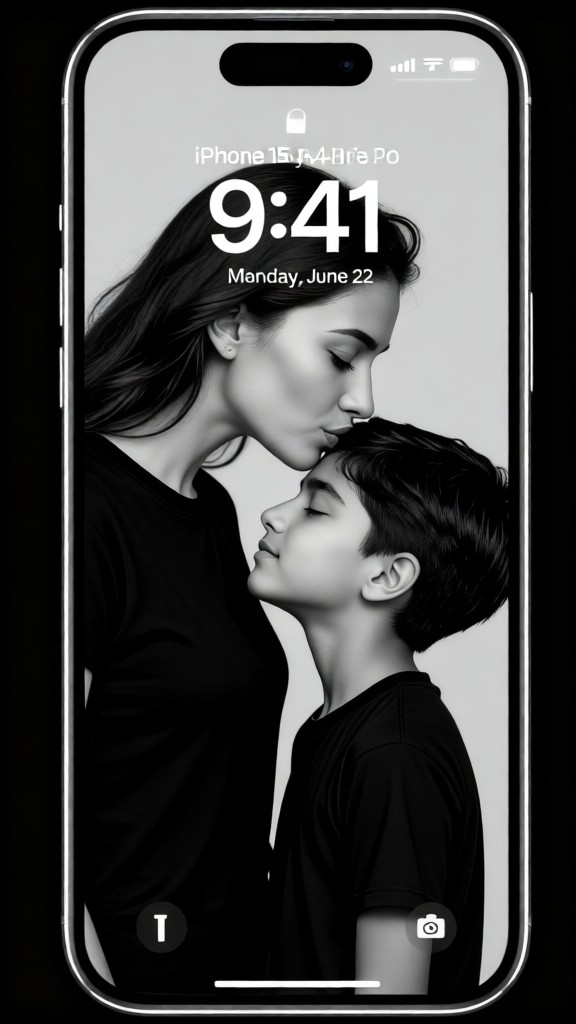
Input
Result
Super-cool family photos
Zephyr.JX24.9k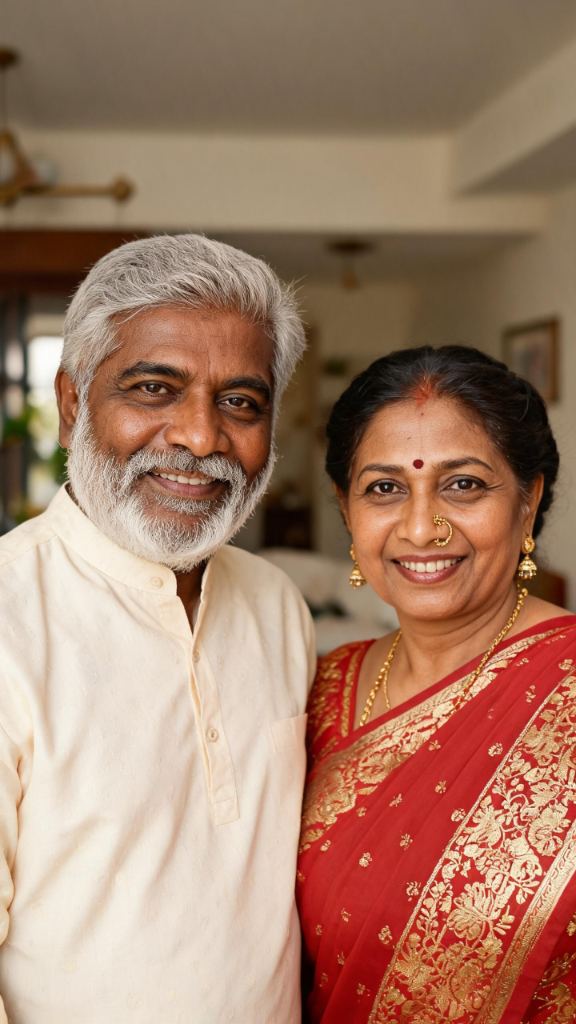
Input
Result
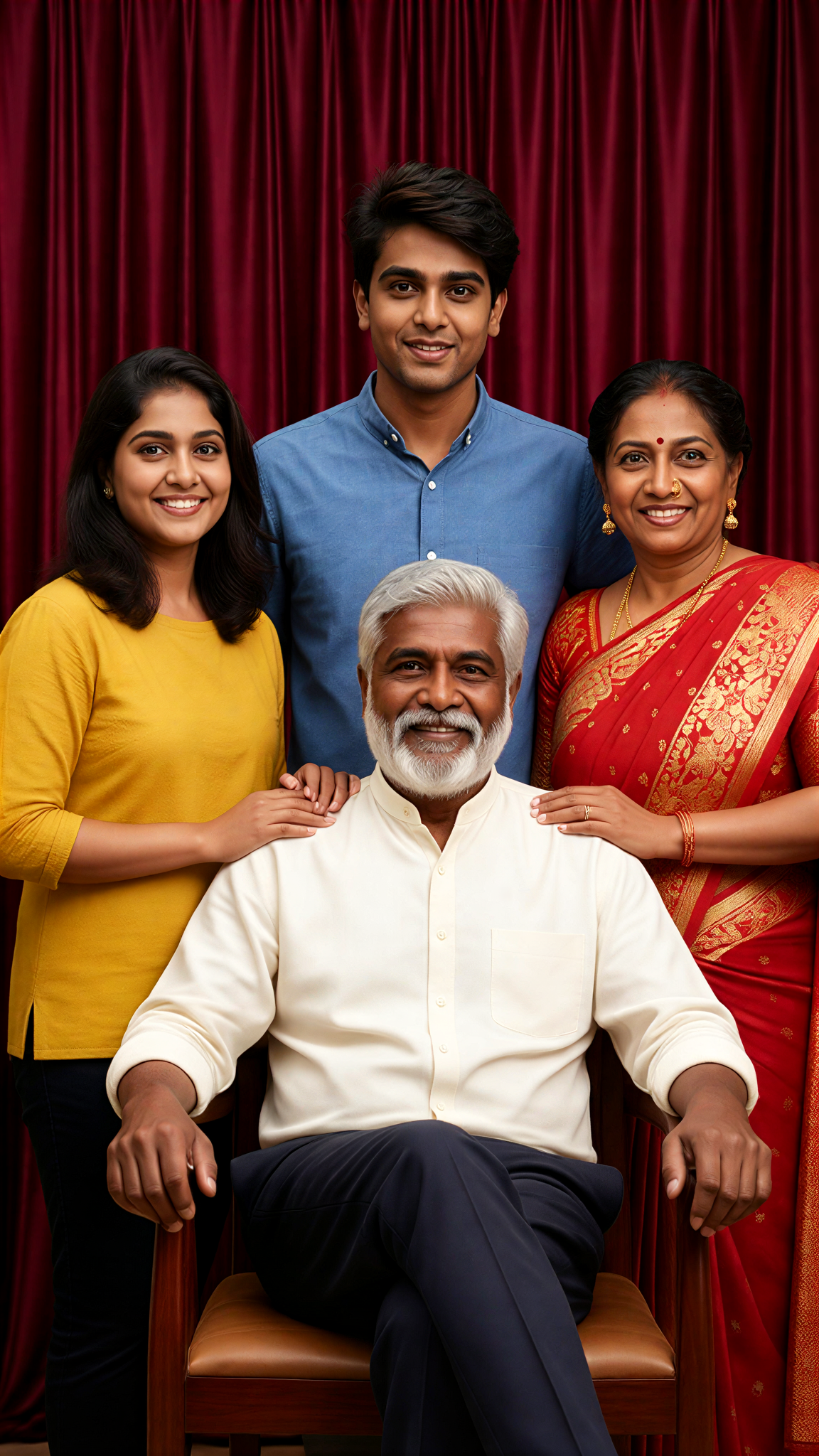
family
Zephyr.JX208
Input
Result
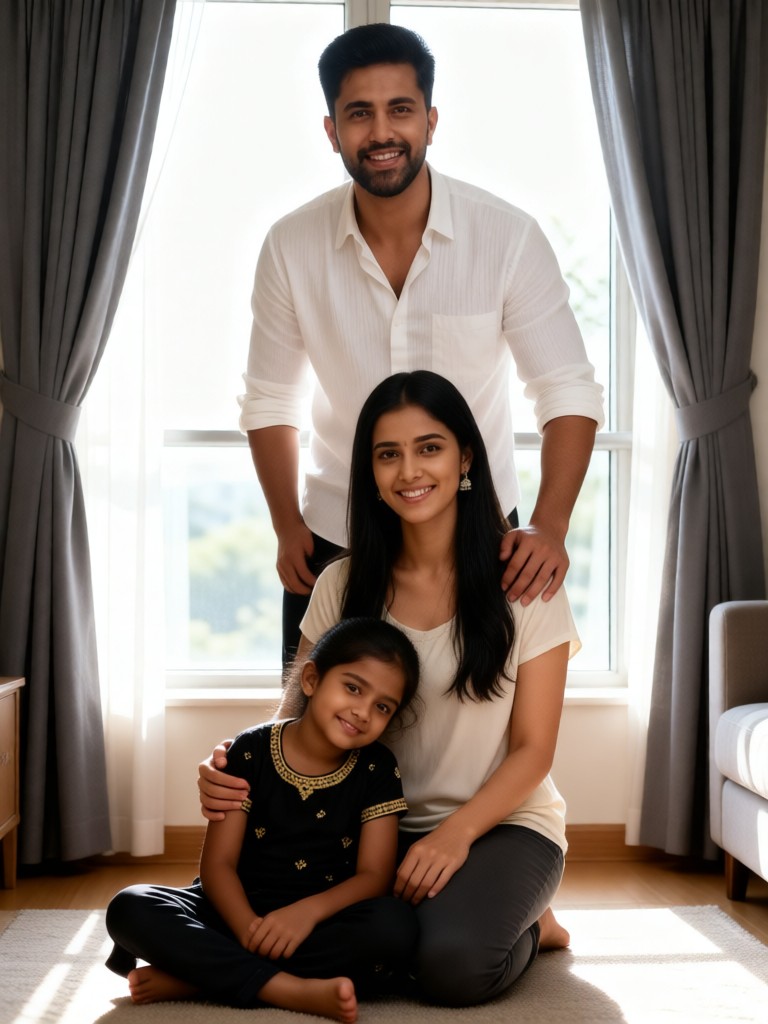
Cute poses for family group photos
 一个酷酷的man204

Input
Result
Edit Suite Cheekbone Kiss
 艺术梦想家84
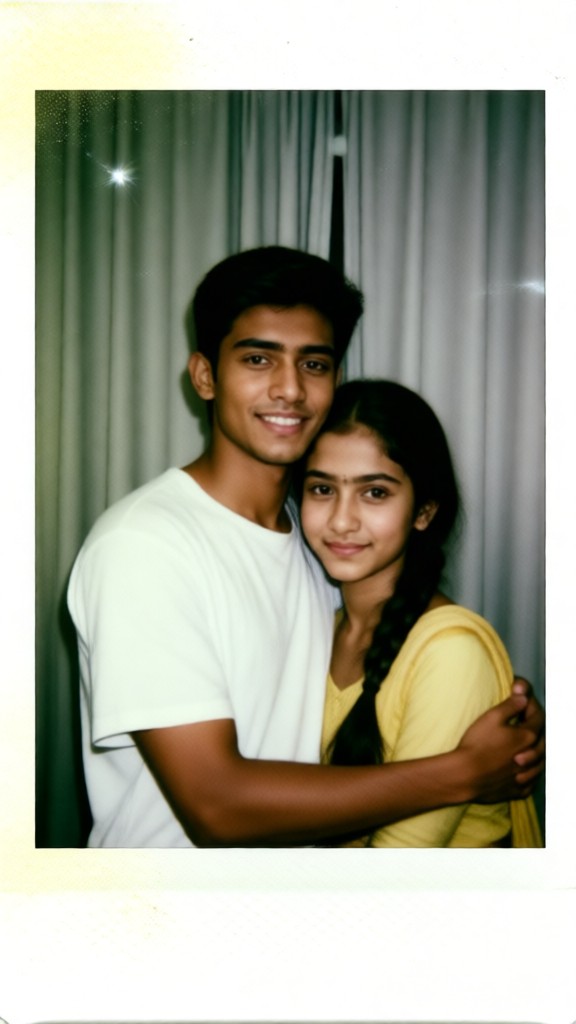
Input
Result
Family Instant Photos
 Julian Frost78
 profile picture love commander in chief
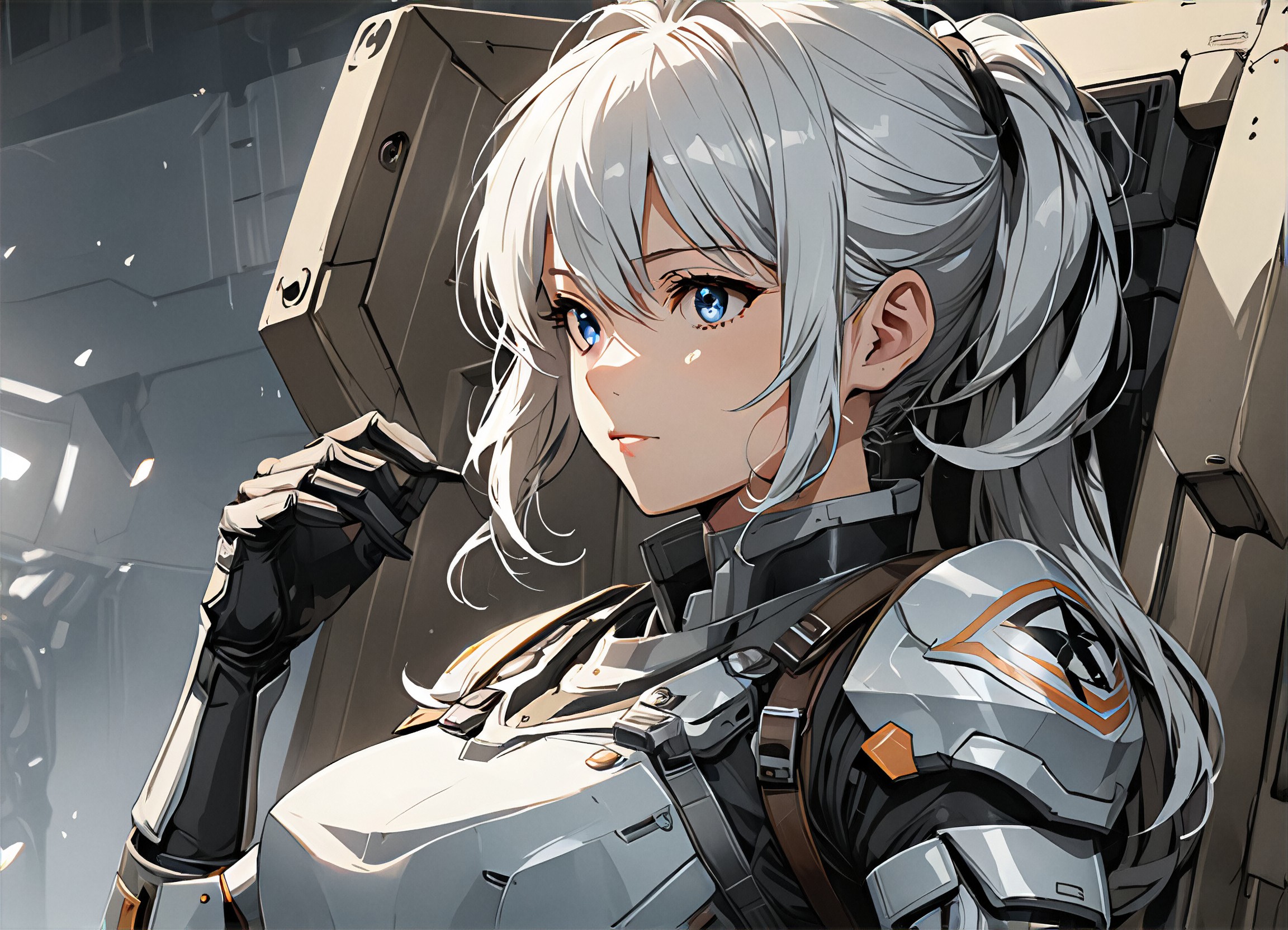
Input
Result
White haired girl
A
Art834516wdfj0g57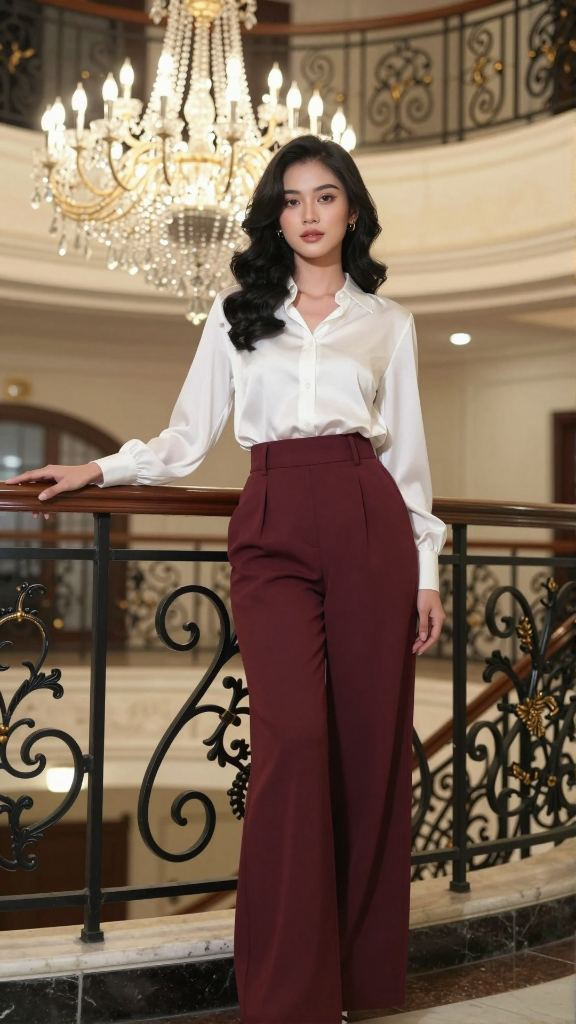
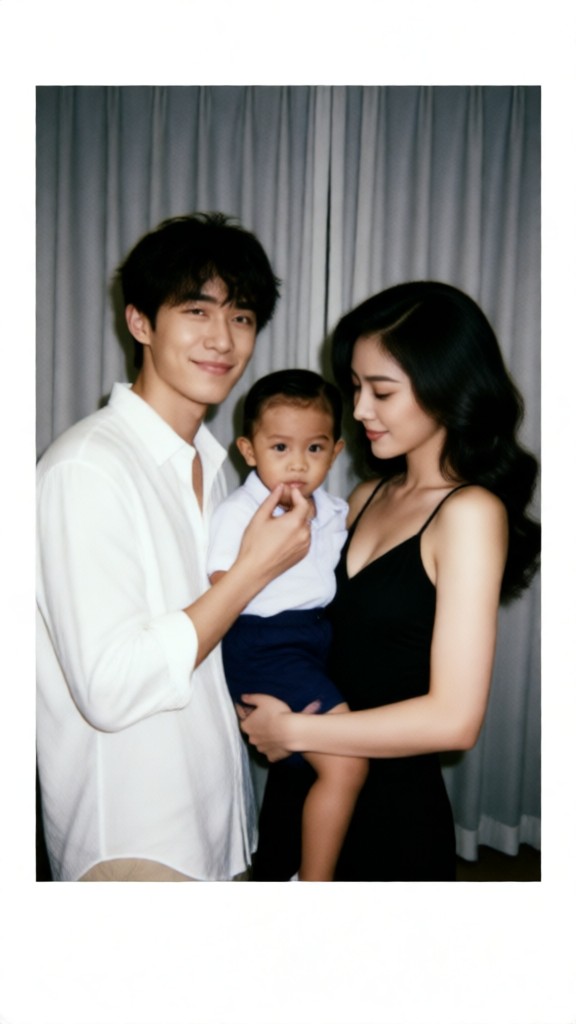
Input
Result
Family Instant Photos
Julian Frost34
AI Generated Edit Family Photos Images & Videos
Discover unique and innovative Edit Family Photos images and videos created with a1.art Edit Family Photos prompts.

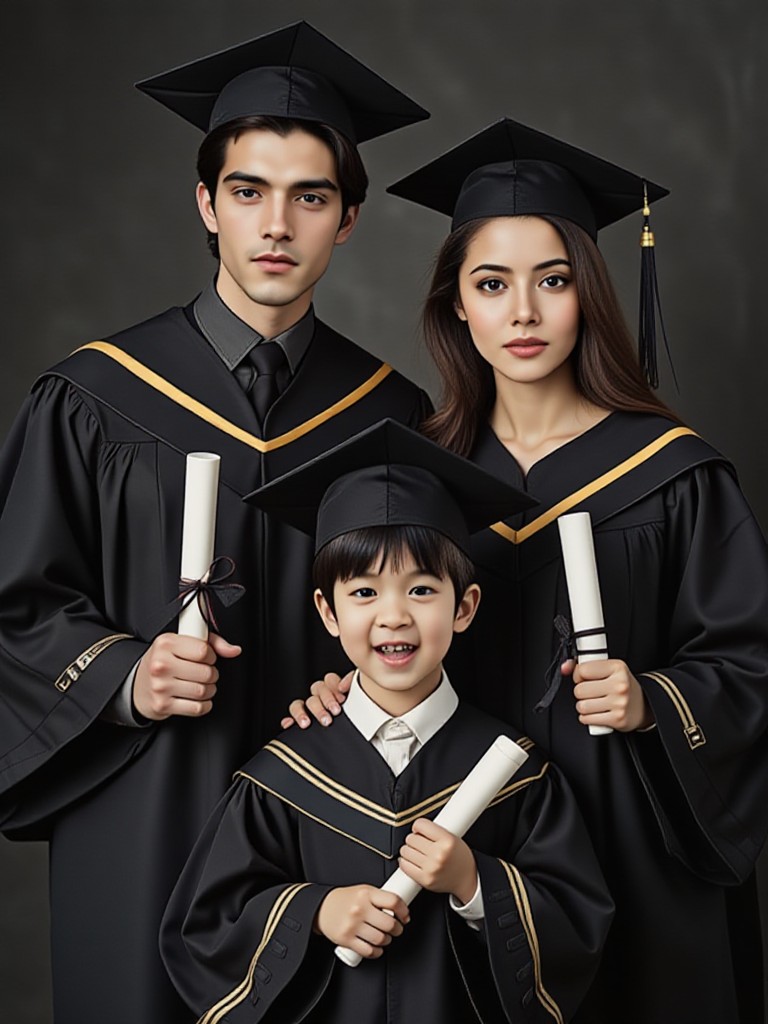
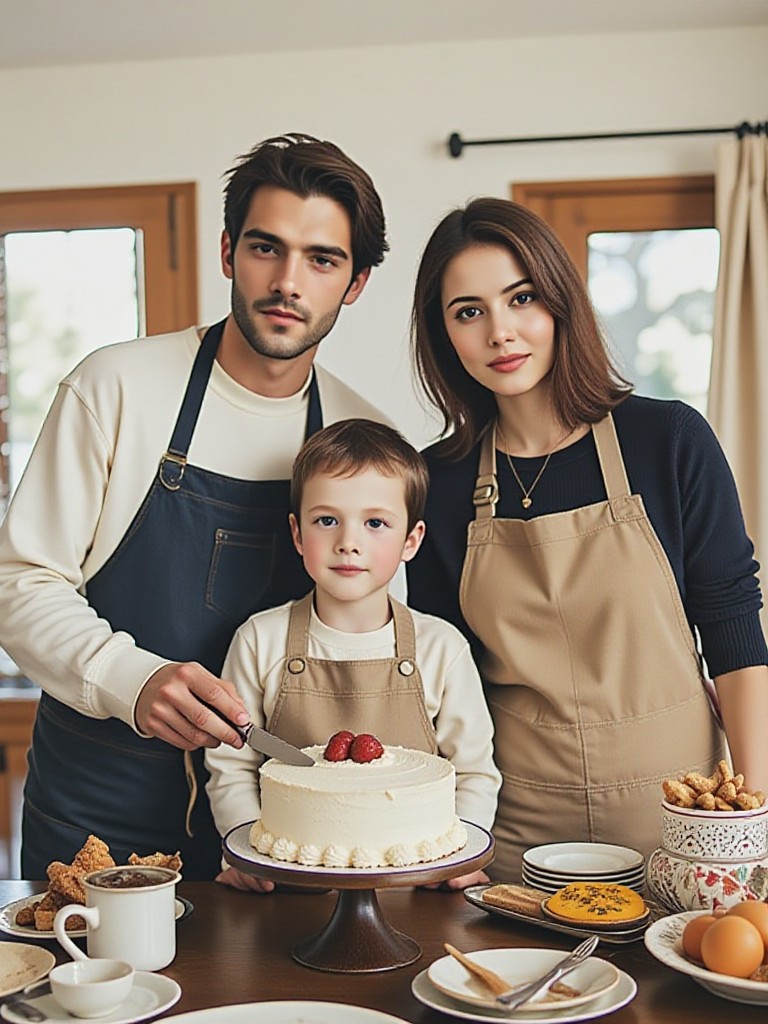
How to Make Edit Family Photos AI Image & Video on a1.art?
Step into the future of AI Edit Family Photos video and image creation on a1.art.

Step 1
Select the style you want to apply in the Square.

Step 2
Upload the image you want to transform. It can be a photo, hand-drawn sketch.

Step 3
Wait a few seconds and you can easily get your unique AI Edit Family Photos art. Download for free!
FAQ about Edit Family Photos AI Prompt on a1.art
Discover the secrets to creating Birthday Day videos and images at a1.art.
What types of edit family photos can I create with a1.art?
With a1.art, you can create a wide variety of edit family photos, including nostalgic black-and-white images, vibrant color edits, cinematic scenes, minimalist designs, rustic vibes, futuristic looks, romantic moments, playful expressions, monochromatic tones, surreal visuals, and classic compositions.
How do I use edit family photos AI prompts on a1.art?
Simply select your favorite edit family photos AI prompt, upload your image, and let a1.art's AI technology transform it into stunning visuals. You can also customize the prompt further by adjusting settings like lighting, texture, and style.
Do I need technical skills to use a1.art for edit family photos?
No, a1.art is designed to be user-friendly and accessible to everyone. Whether you're tech-savvy or not, you can easily create beautiful edit family photos with just a few clicks.
Can I download my edit family photos creations?
Yes, once your edit family photos are generated, you can download them directly from a1.art. All creations are yours to keep and share with family and friends.
Are there any free options for using edit family photos AI prompts?
Yes, a1.art offers daily free login credits, allowing you to explore and create edit family photos without any cost. Additional credits can be earned through subscriptions or promotions.


