Get Cloak Videos & Images without Prompt
a1.art offers a large number of filters, allowing you to easily obtain AI videos or images without prompts.

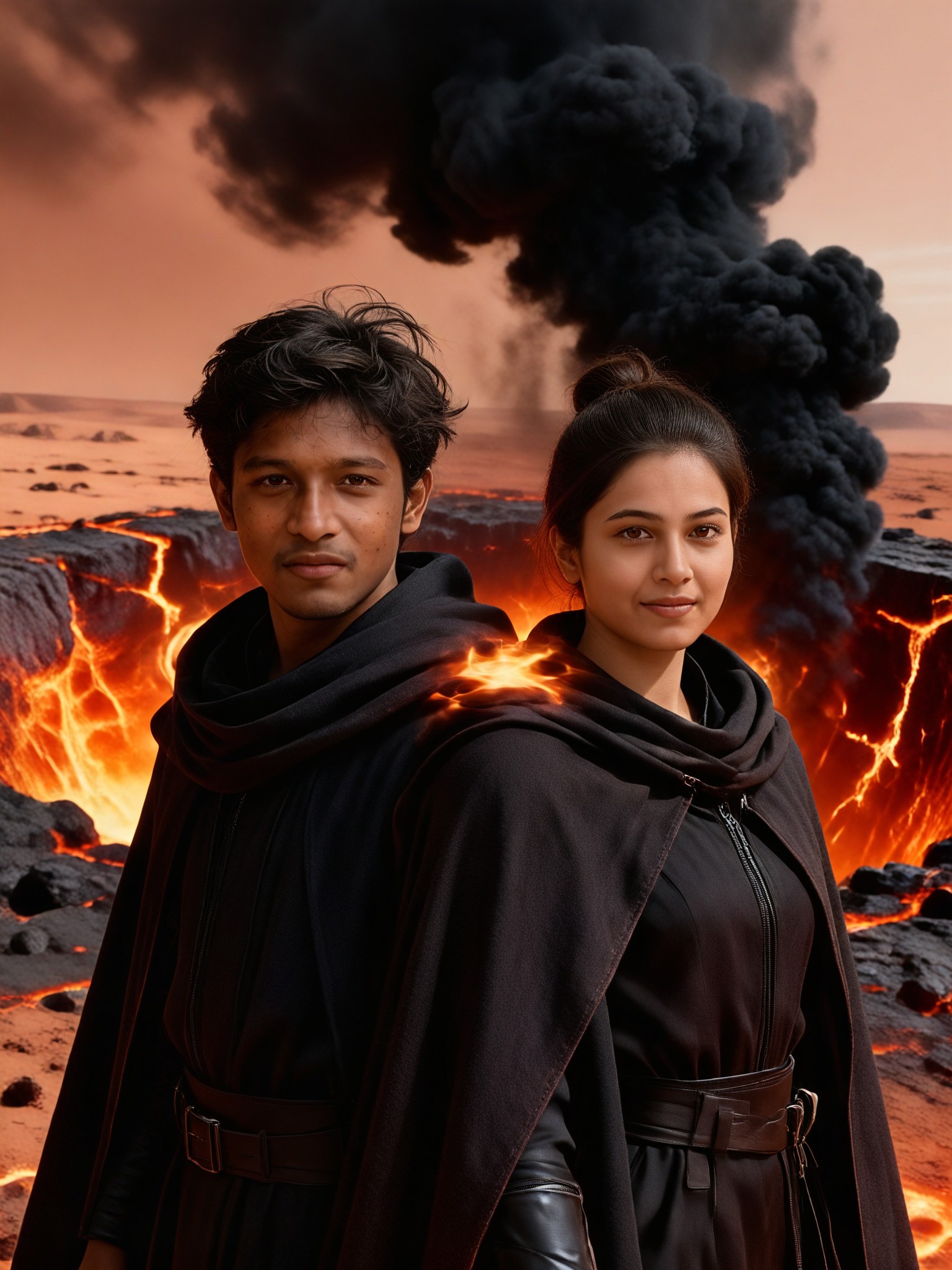
Input
Result
Ember Cloak Couple
 艺术创作家
艺术创作家 114
114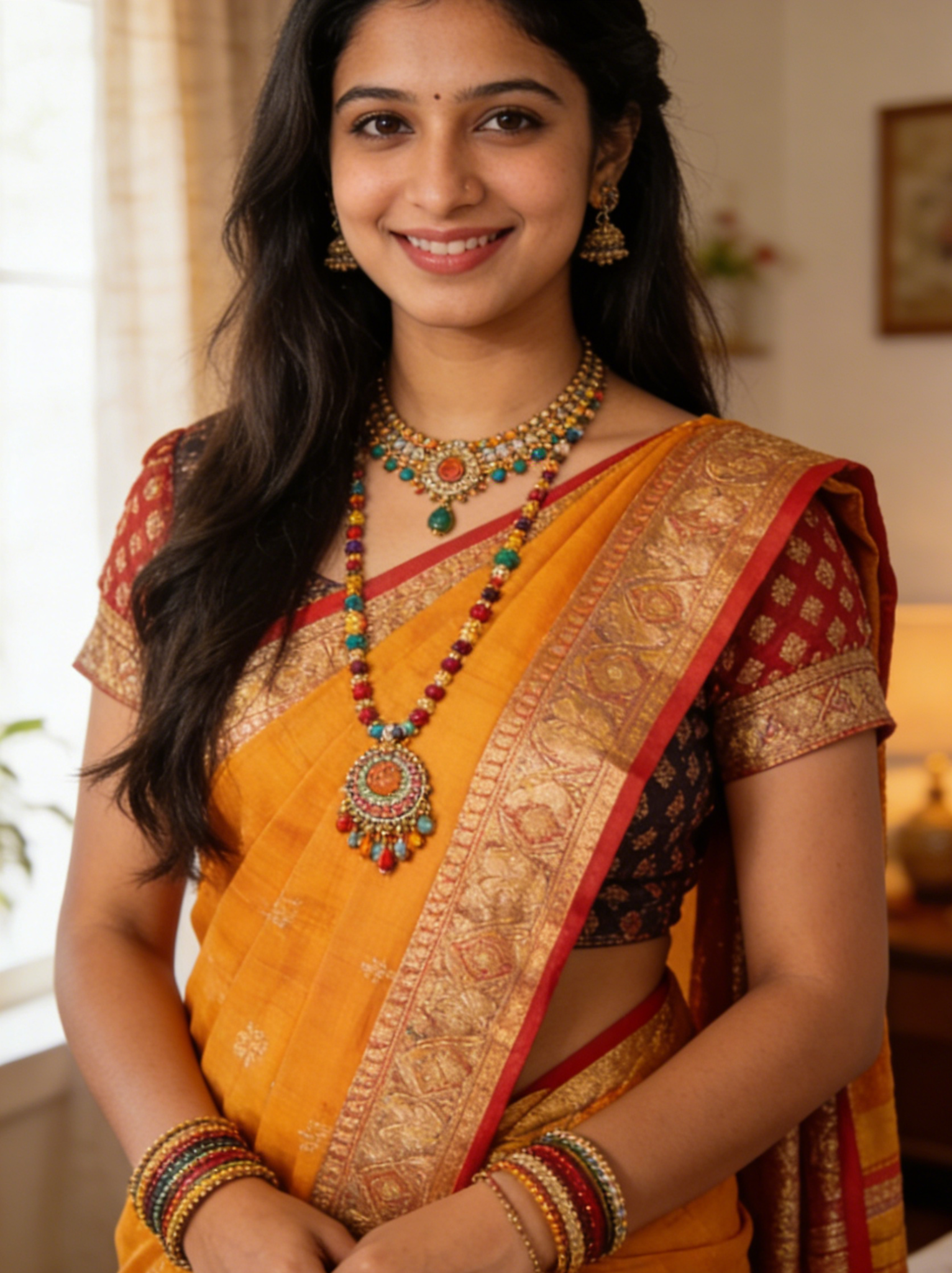
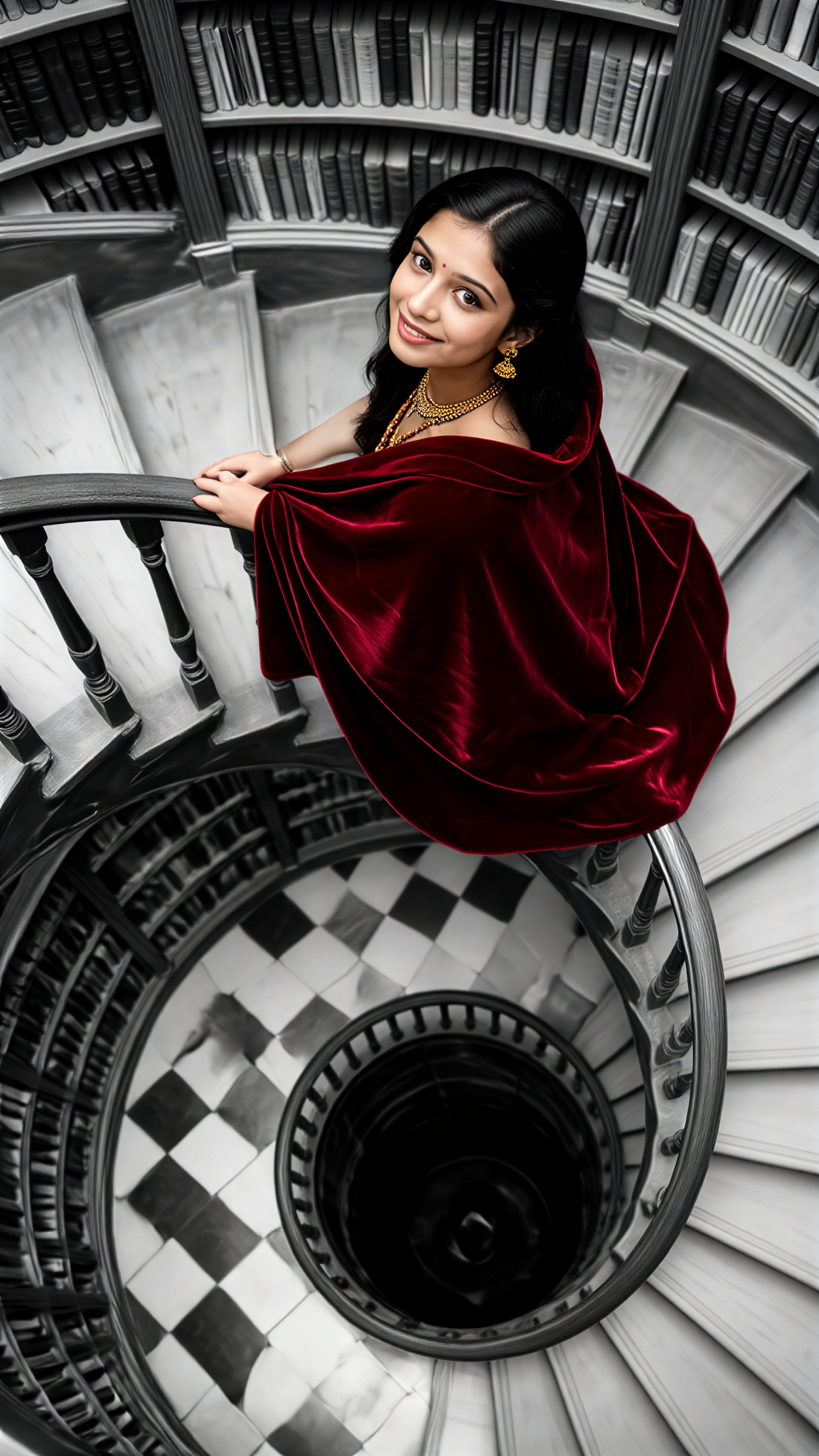
Input
Result
Crimson Library Turn
 Melody💗8
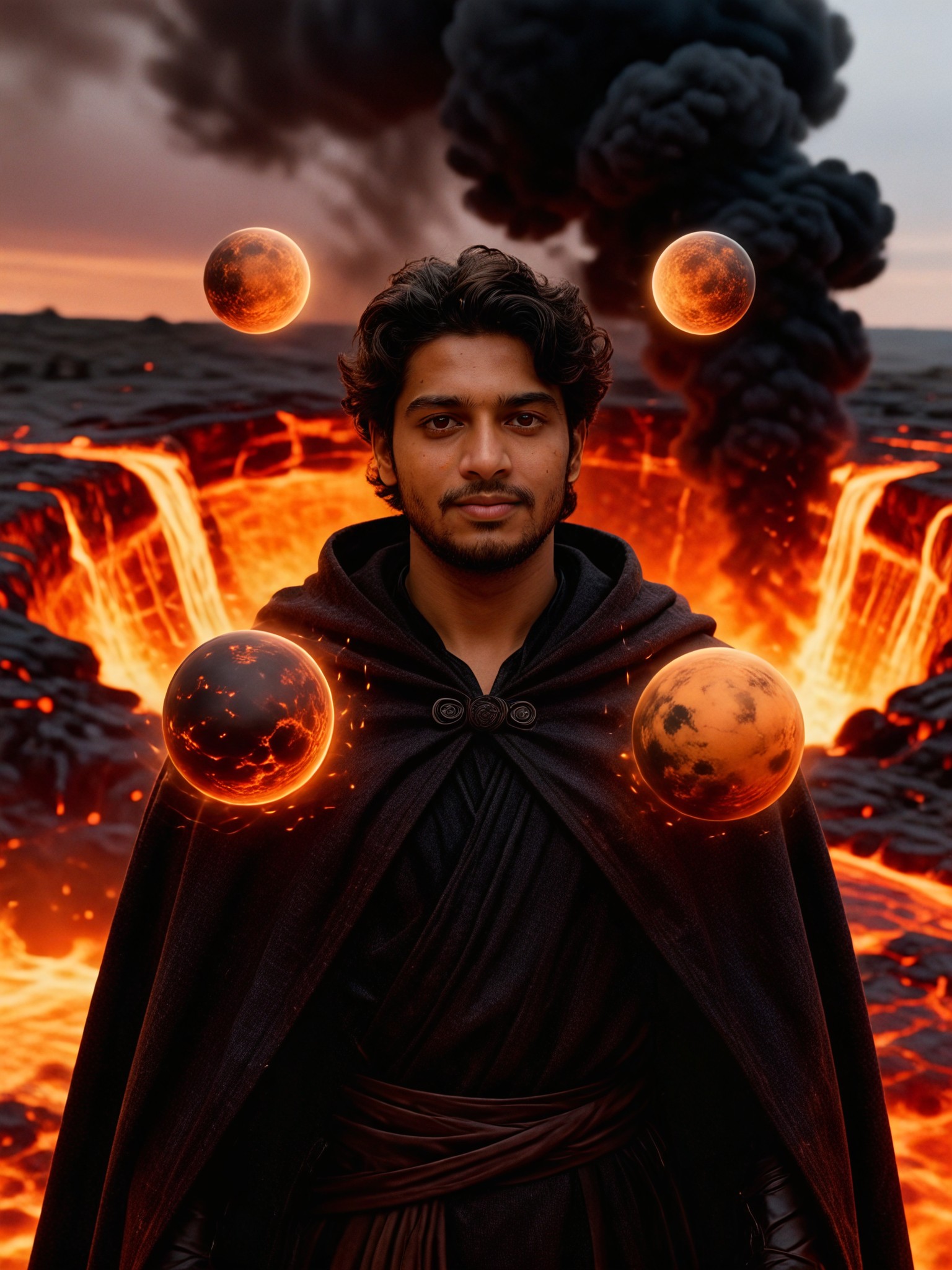
Input
Result
Ember Cloak
 艺术画家4
艺术画家4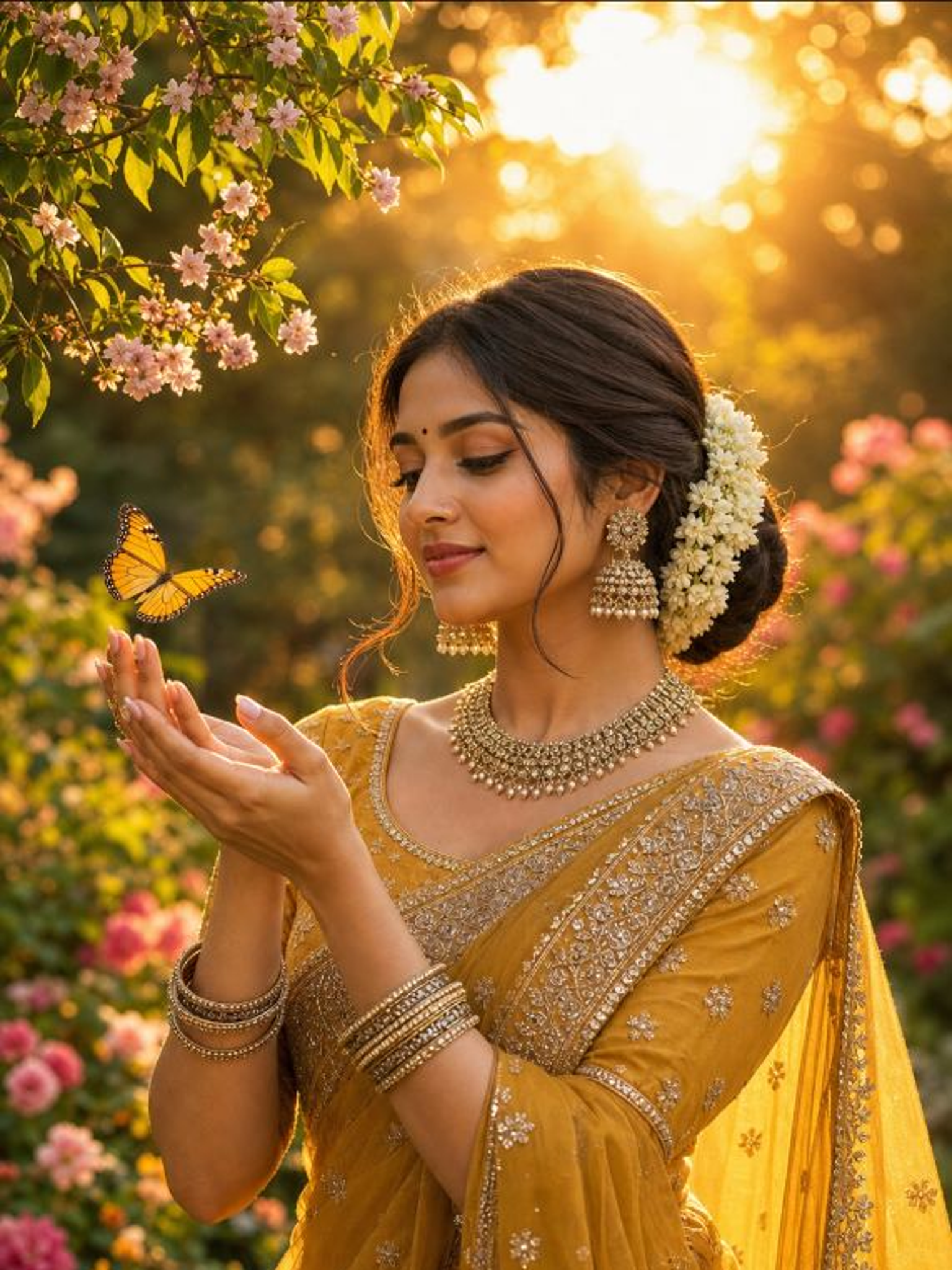
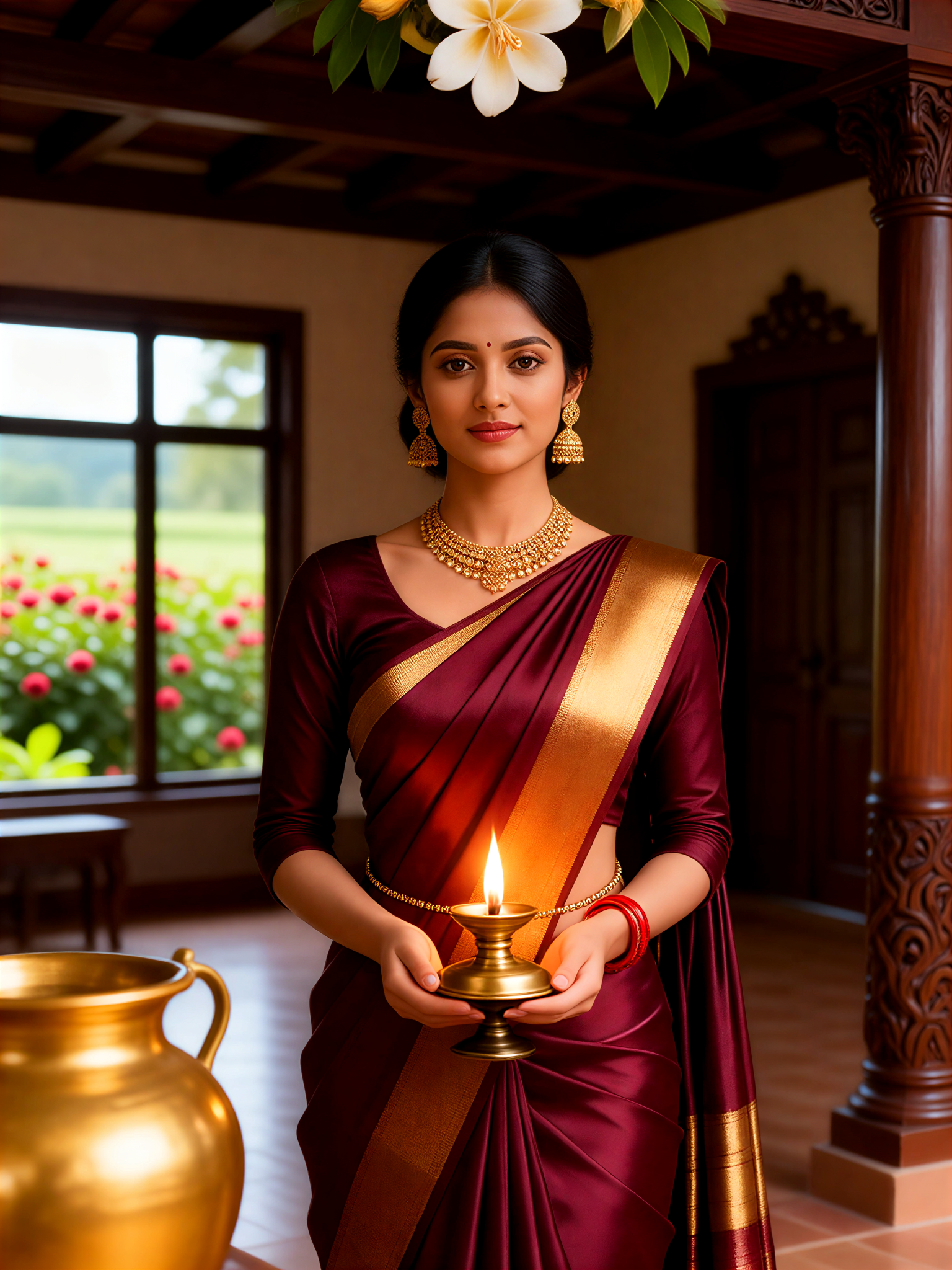
Input
Result
Kodava Reverse Cloak Bride
 Xiaokai0

Input
Result
Fire Cloak Turn
 Mmmmmm.0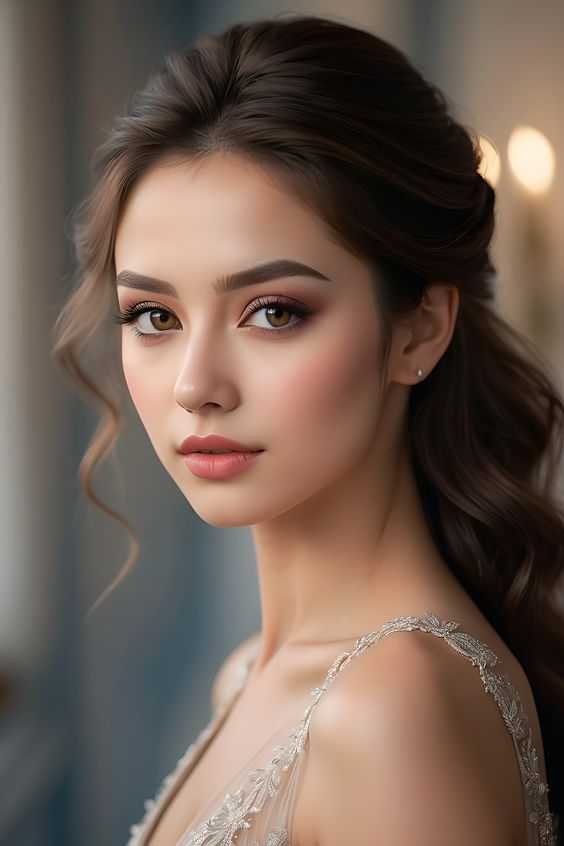
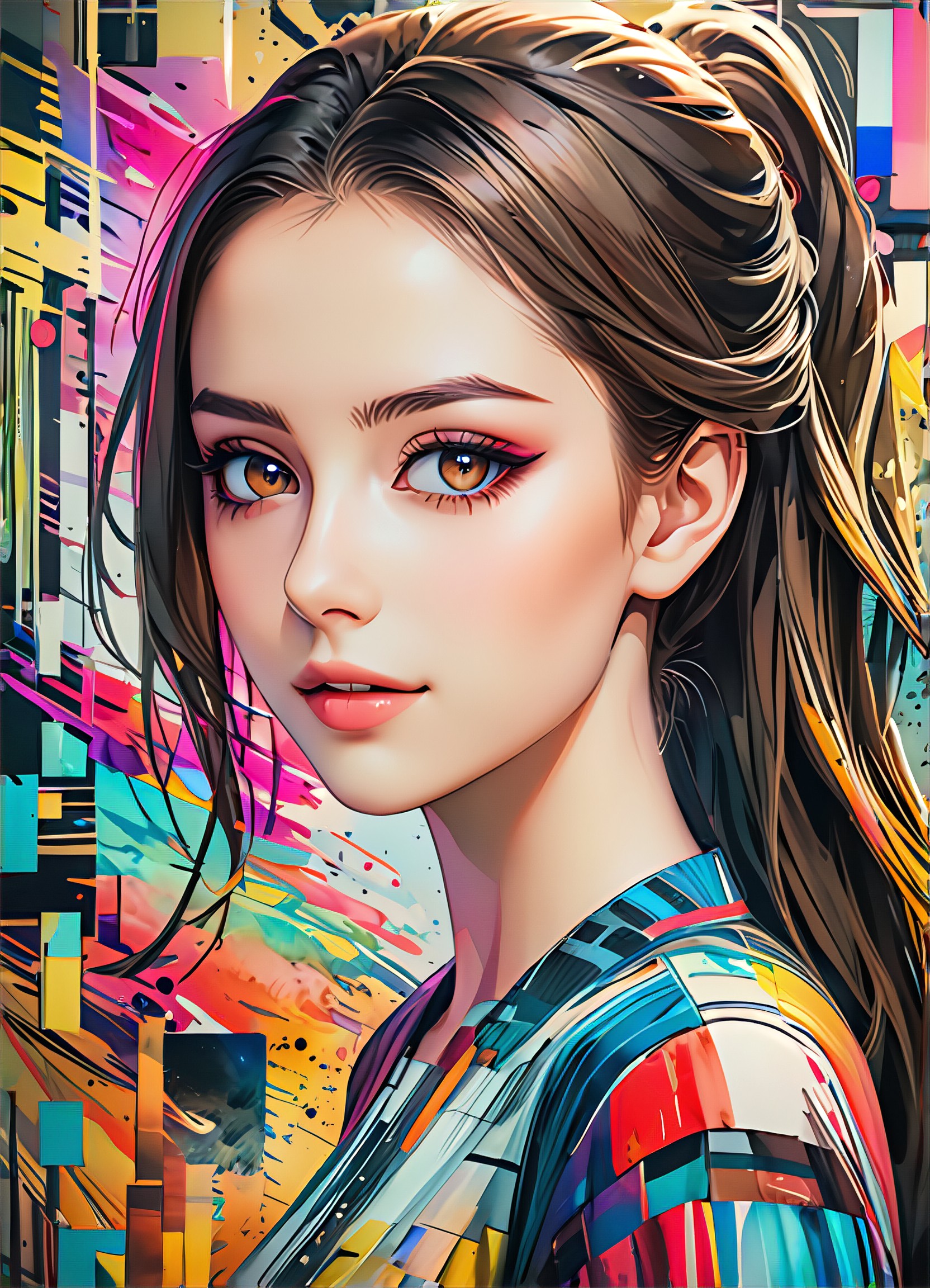
Input
Result
Image to Image
 CC6.5k
Input
Result
写真照片
熊
熊122
Input
Result
magic image
A
Art8700qkttabet3.4k
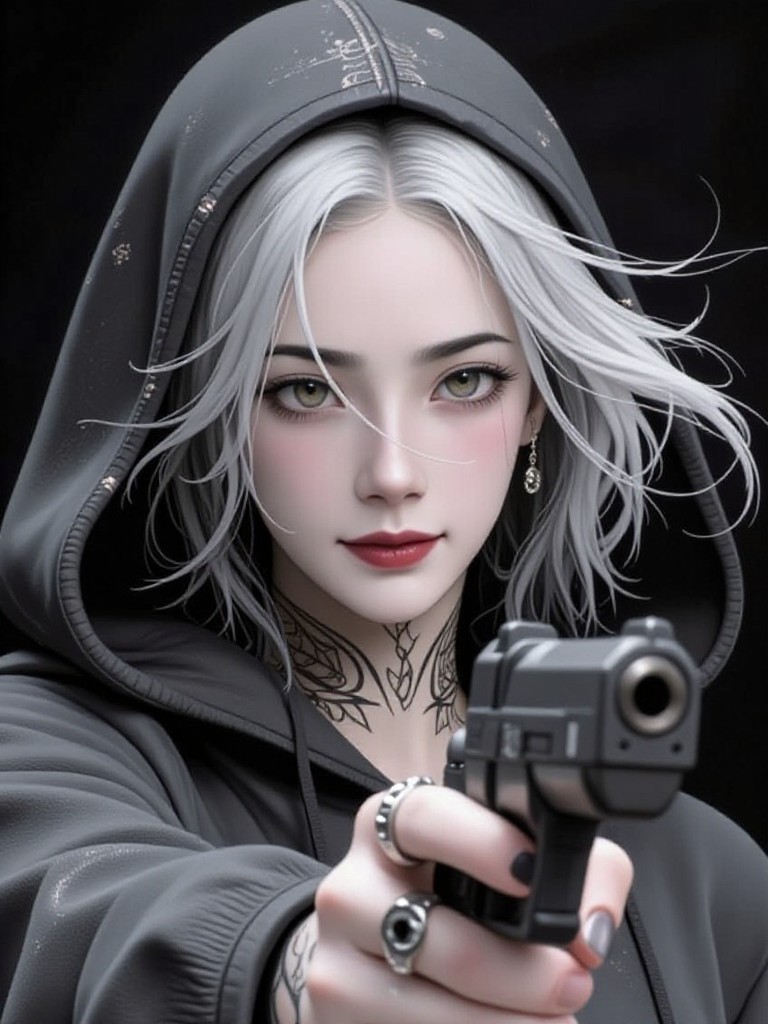
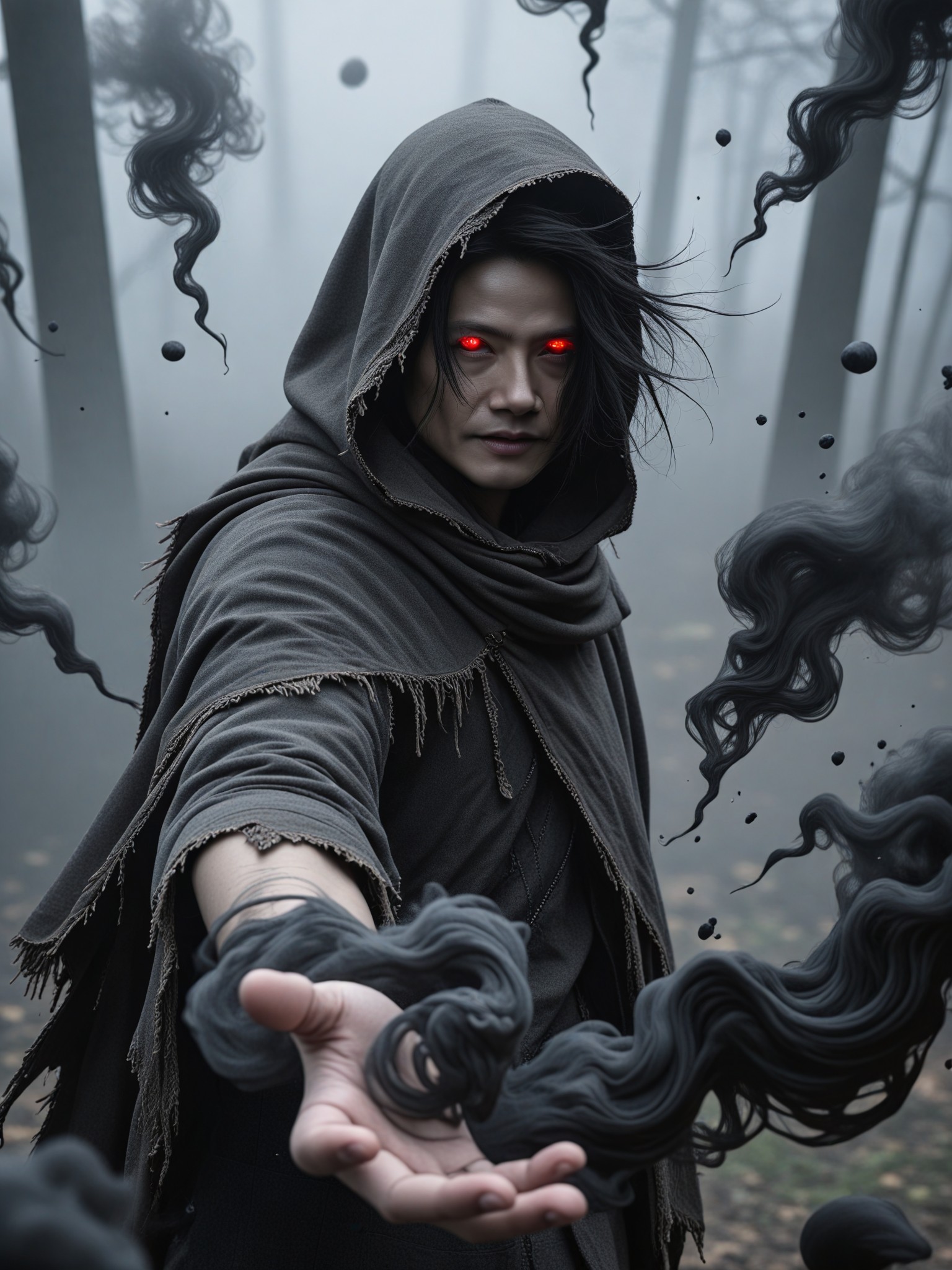
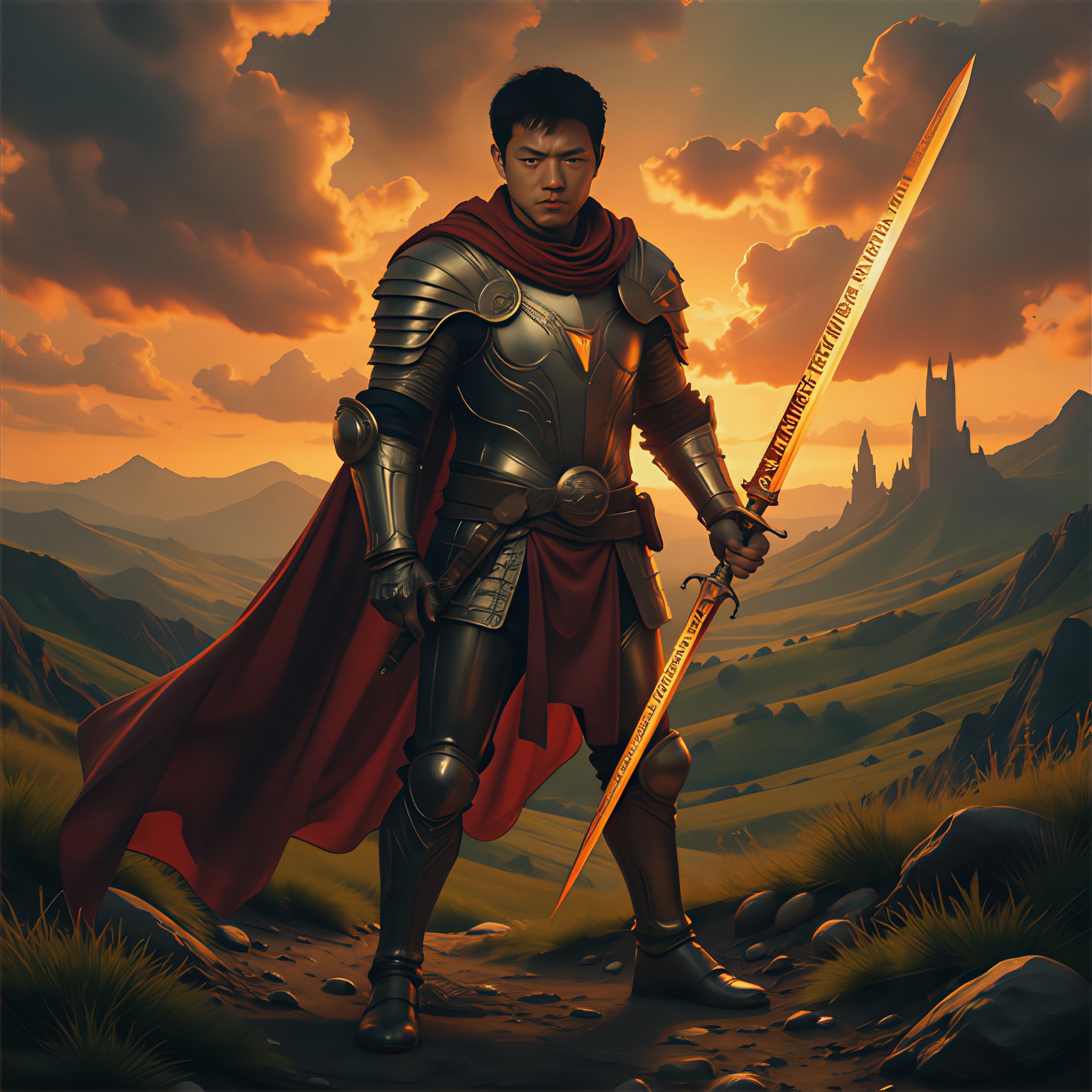
AI Generated Cloak Images & Videos
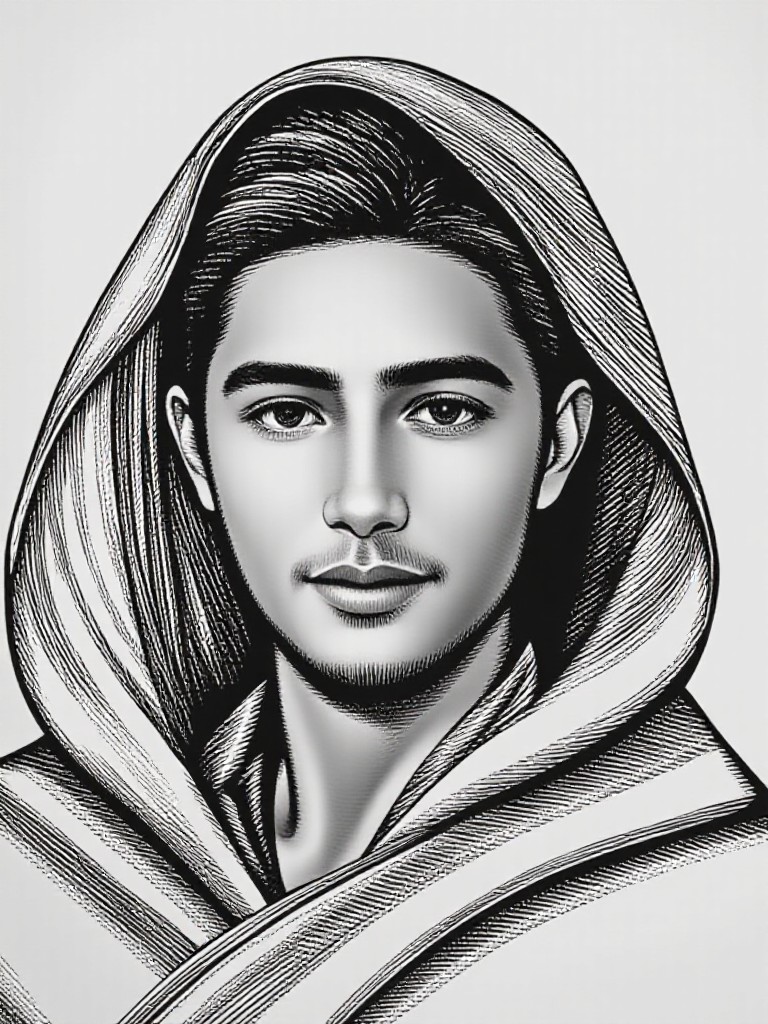
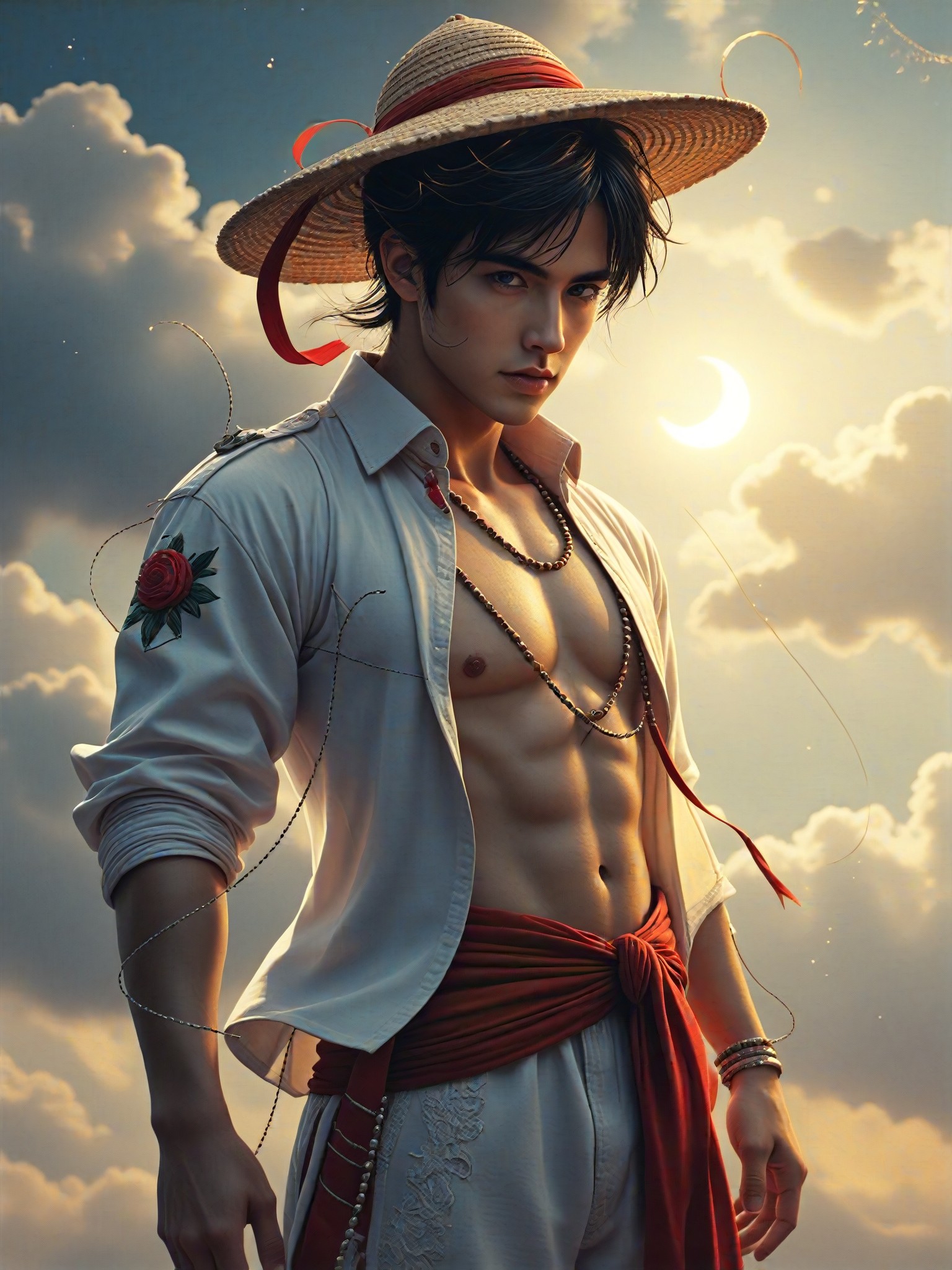
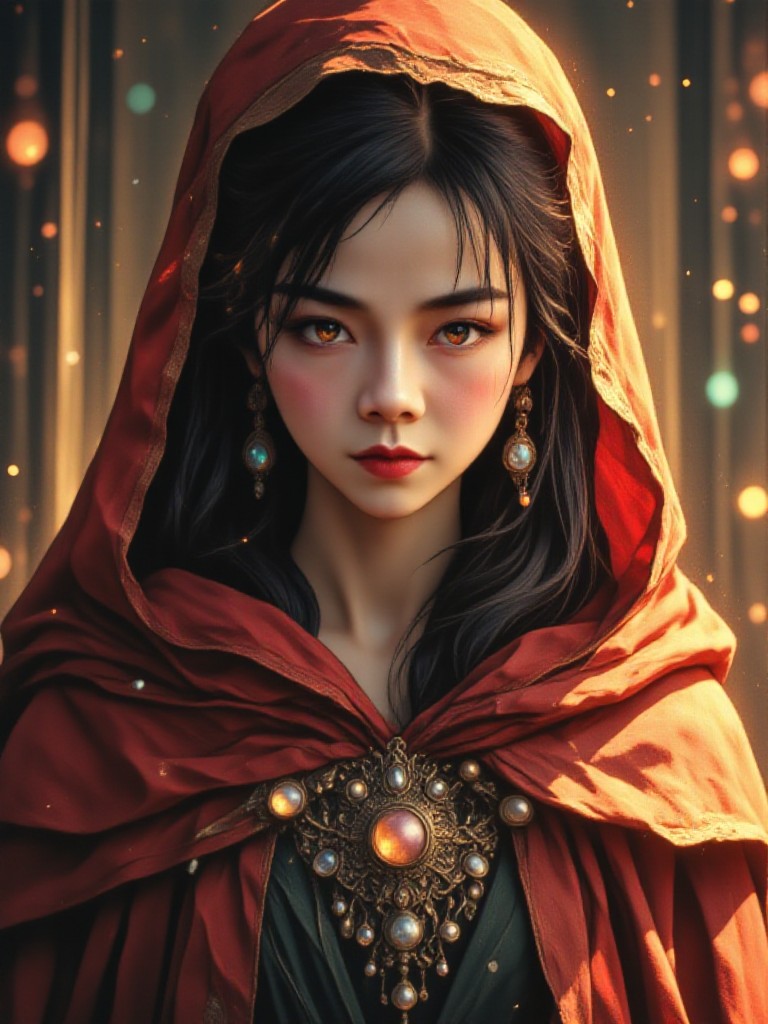
Discover unique and innovative Cloak images and videos created with a1.art Cloak prompts.
How to Make Cloak AI Image & Video on a1.art?
Step into the future of AI Cloak video and image creation on a1.art.
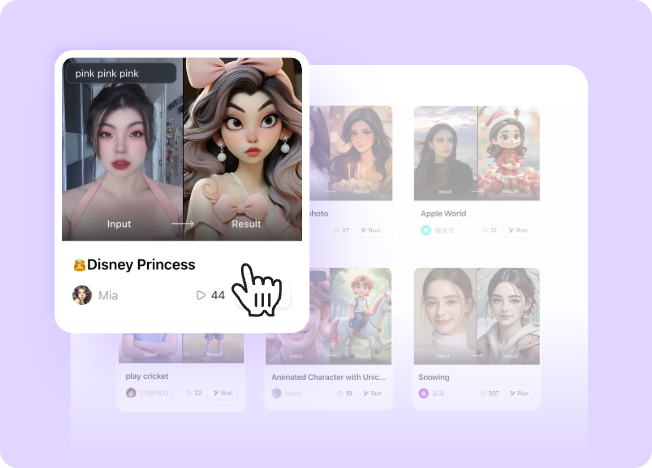
Step 1
Select the style you want to apply in the Square.
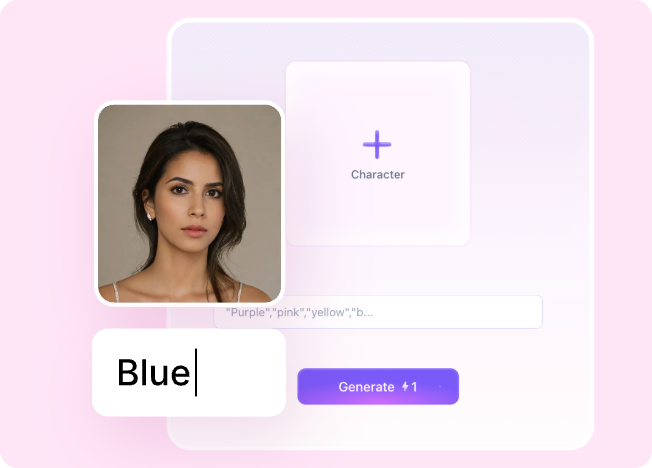
Step 2
Upload the image you want to transform. It can be a photo, hand-drawn sketch.
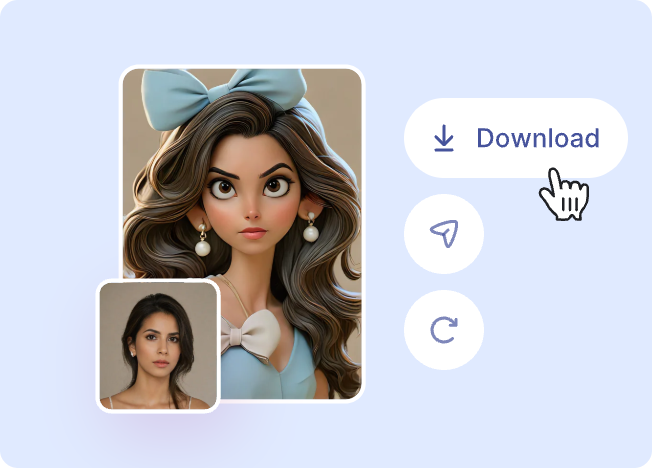
Step 3
Wait a few seconds and you can easily get your unique AI Cloak art. Download for free!
FAQ about Cloak AI Prompt on a1.art
Discover the secrets to creating Birthday Day videos and images at a1.art.
What types of cloak themes can I create with a1.art?
a1.art offers a wide range of cloak themes, including medieval, fantasy, futuristic, historical, and even mythical designs. You can choose from various styles and customize them to suit your creative vision.
Can I use cloak AI prompts to generate both images and videos?
Yes, a1.art supports both image and video generation. Simply select your preferred cloak prompt, and you can create either static visuals or dynamic cloak-themed videos.
Are there any free credits available for generating cloak visuals?
Yes, a1.art provides daily free login credits to all users. You can use these credits to generate cloak-themed images and videos without any cost.
How do I access cloak AI prompts on a1.art?
Accessing cloak AI prompts is easy. Just log in to your a1.art account, navigate to the 'Cloak' section, and browse through our curated collection of prompts.
Can I customize cloak AI prompts to match my specific ideas?
Absolutely! While our prompts are designed to inspire, you can tweak them by adding your own text or adjusting settings to achieve the exact look and feel you desire.