Container backgroundContainer background
Home/AI Prompts/Close Connection

Close Connection
AI Prompts

Close Connection AI Prompts

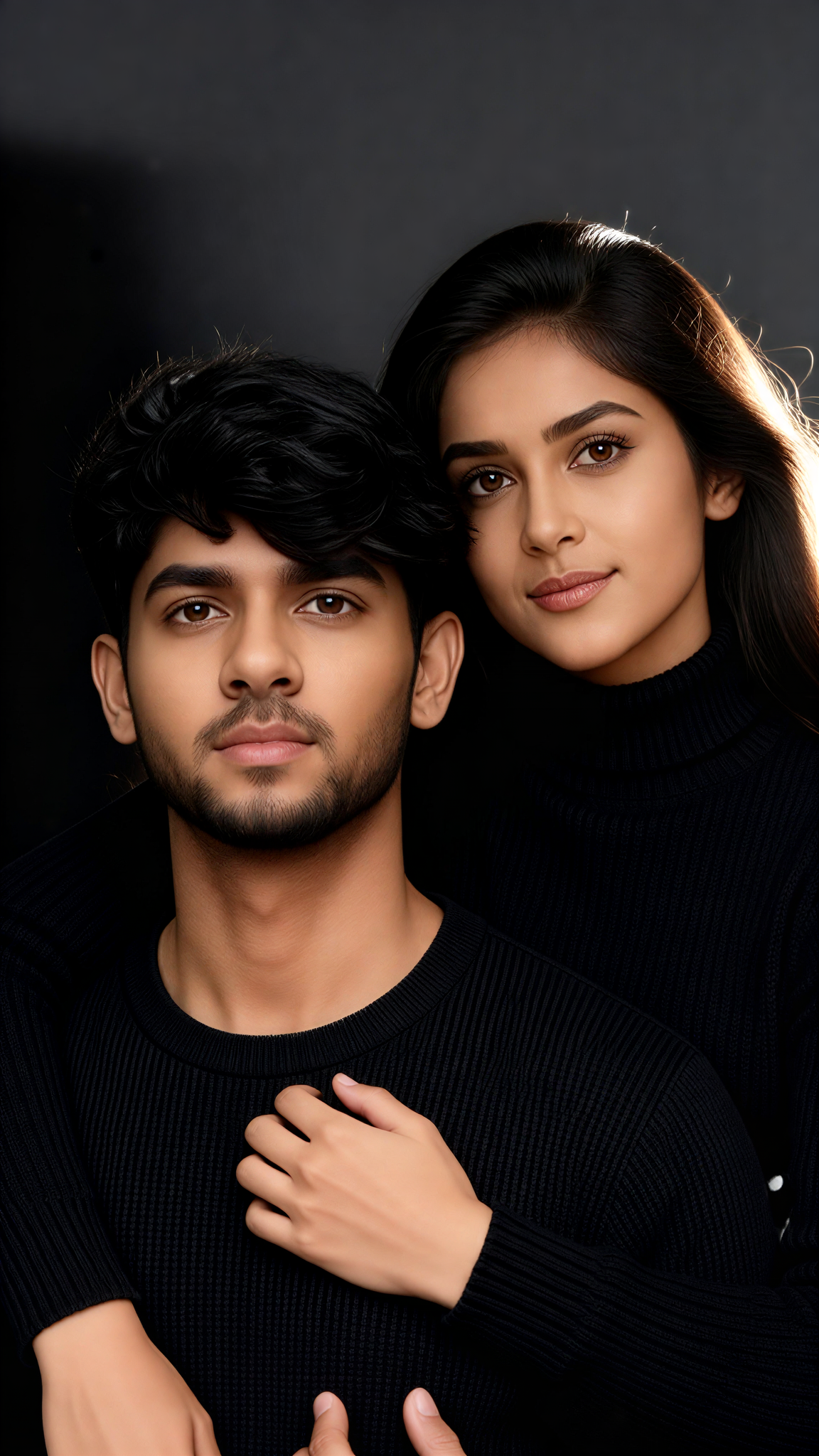
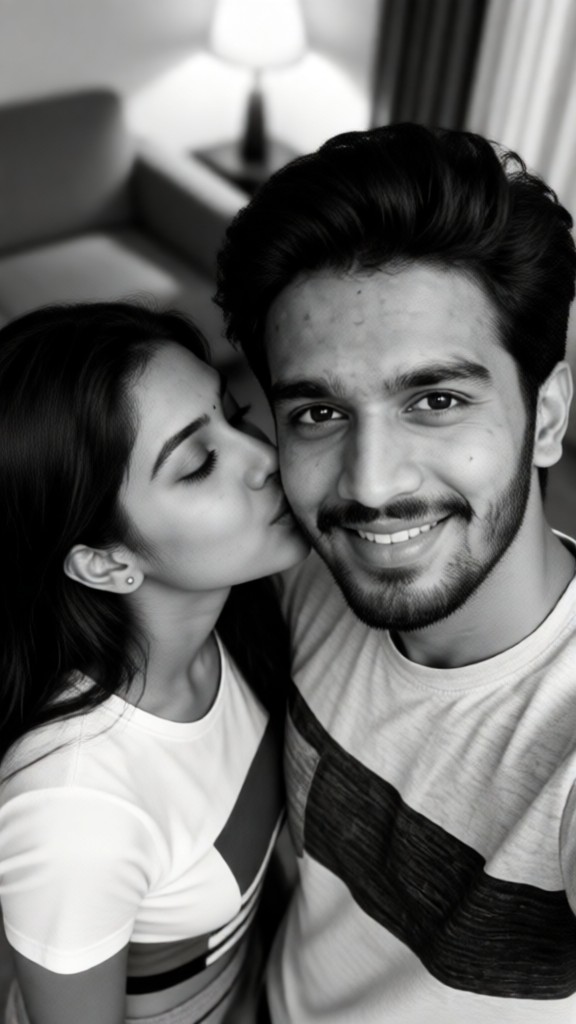
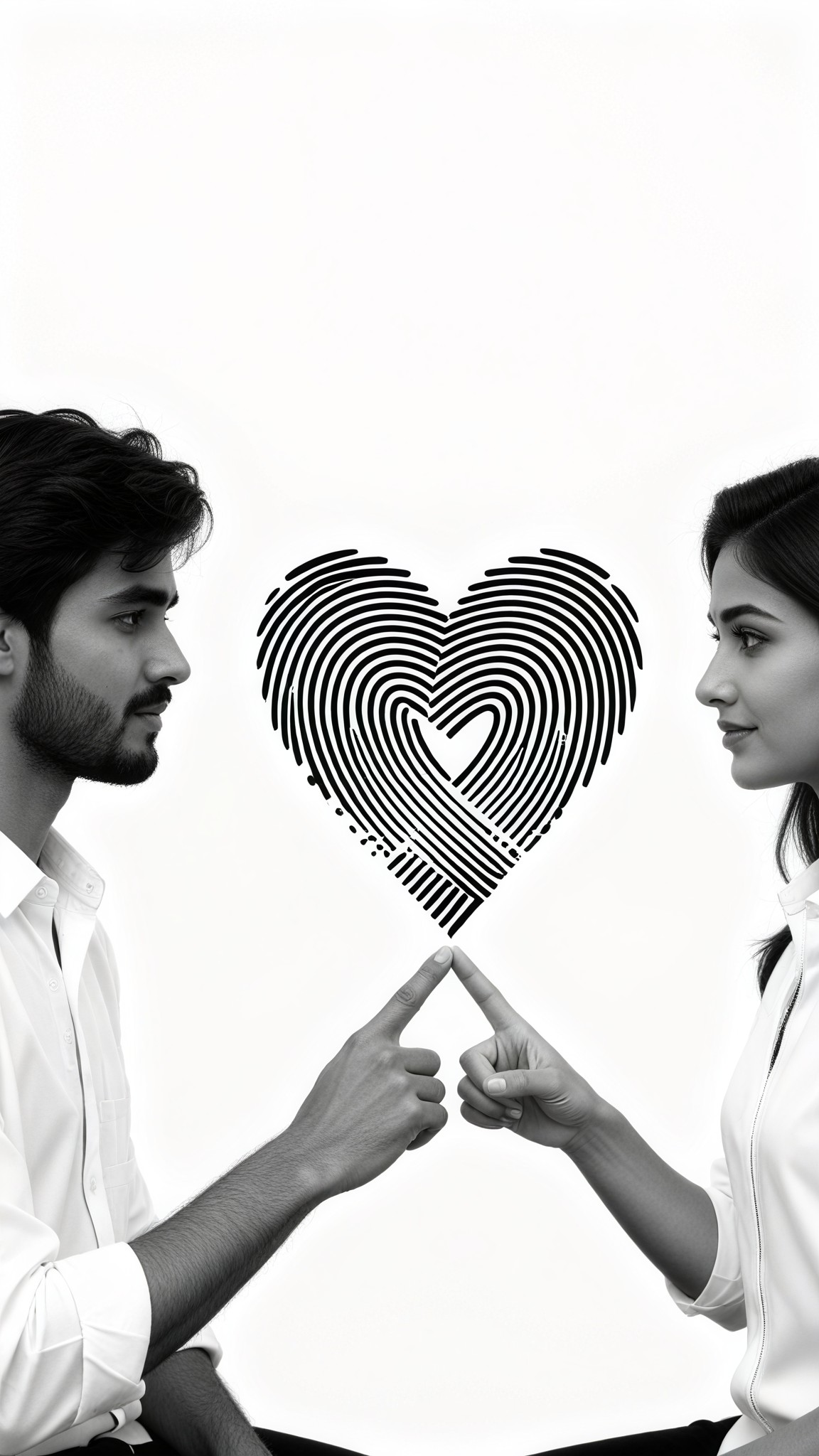
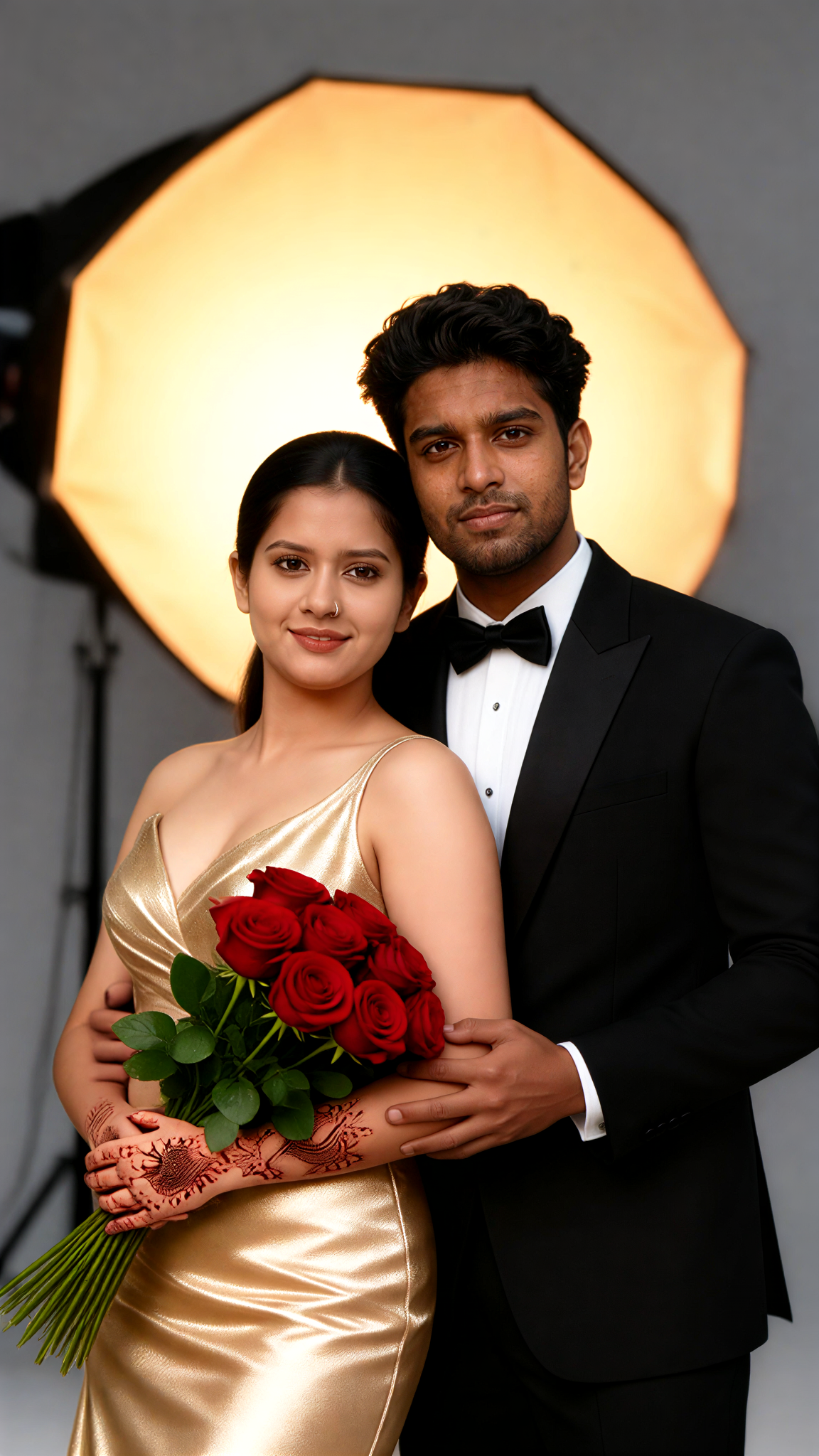
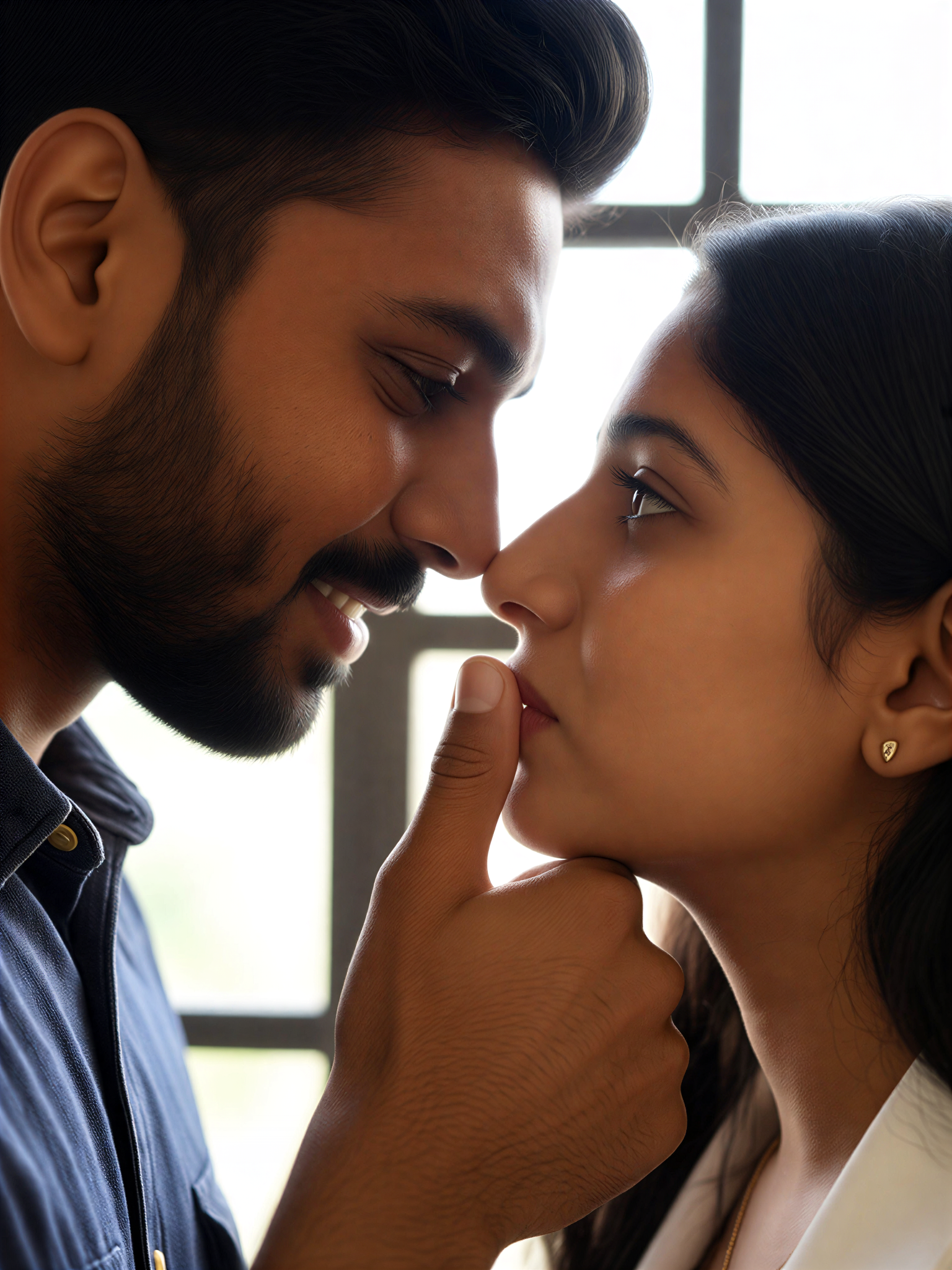
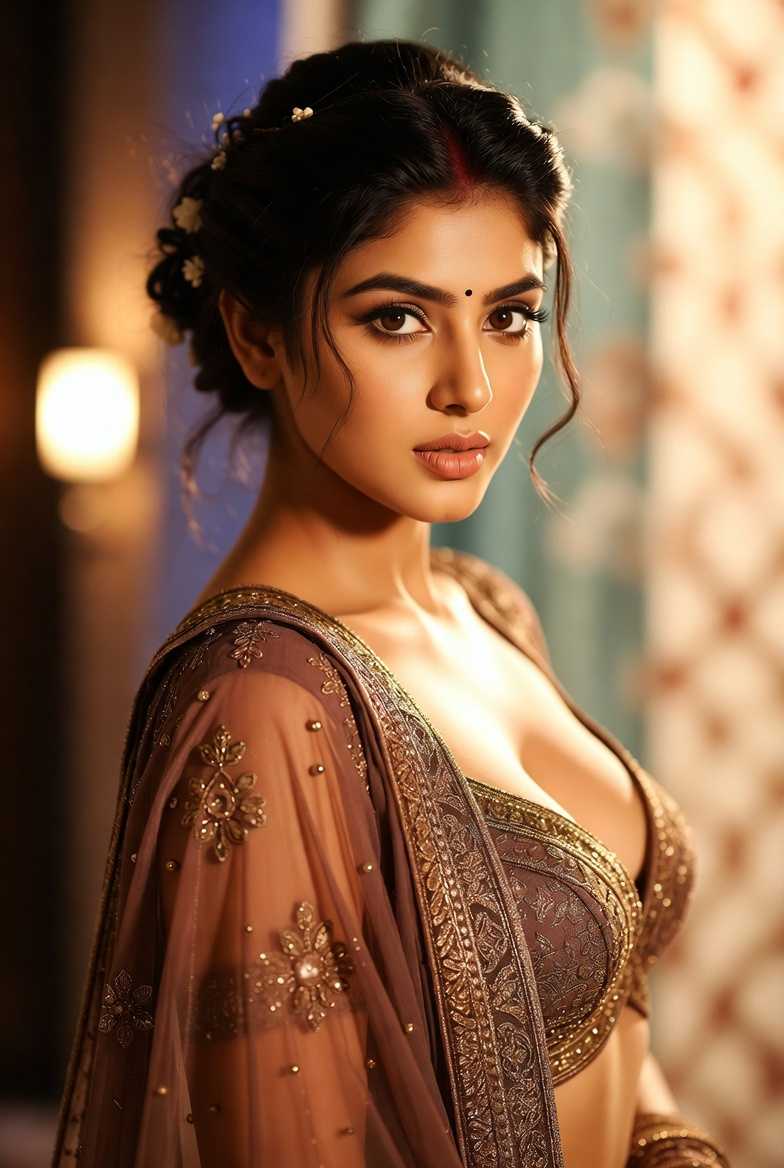
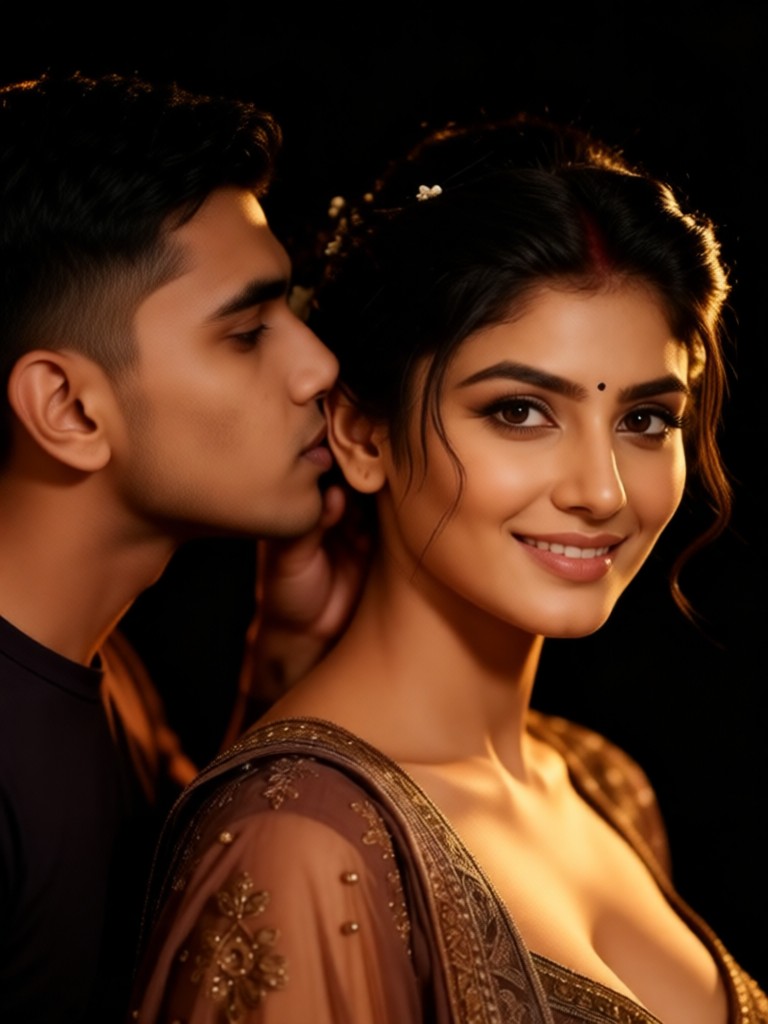
Discover a1.art, the ultimate AI-powered image and video generator designed to bring your close connection visions to life. With curated close connection AI prompts, you can effortlessly create stunning visuals that capture every detail, from layered textures to natural erosion effects. Whether you're crafting intimate portraits or evocative landscapes, a1.art makes it easy to generate high-quality close connection imagery with just a few clicks.
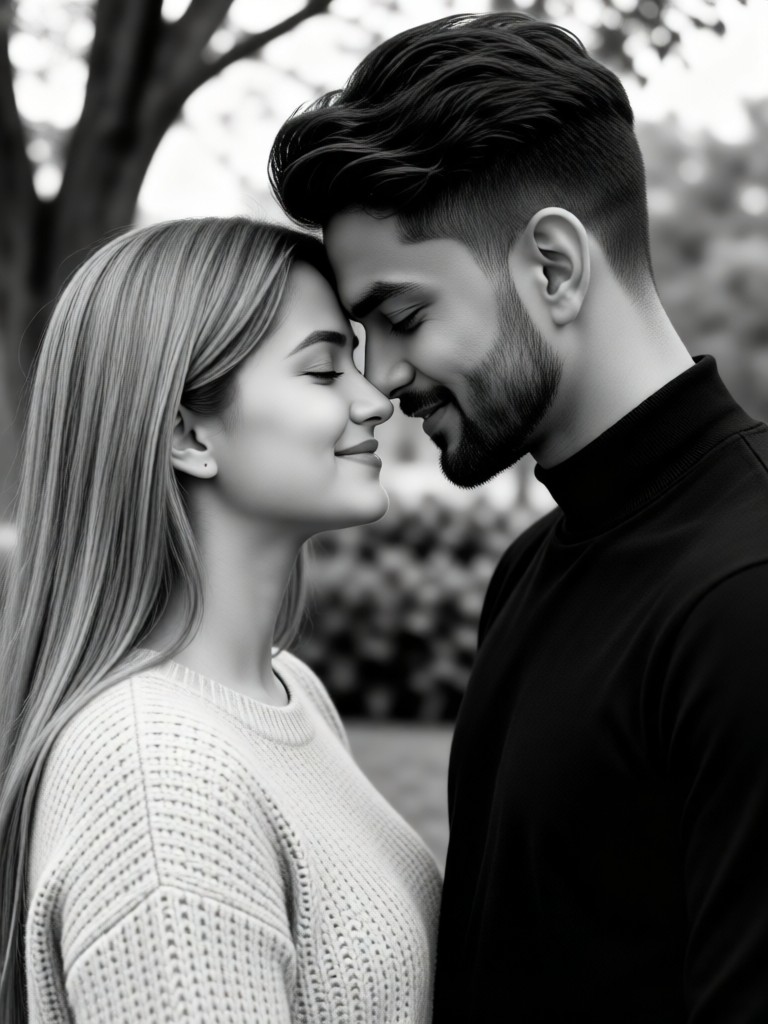
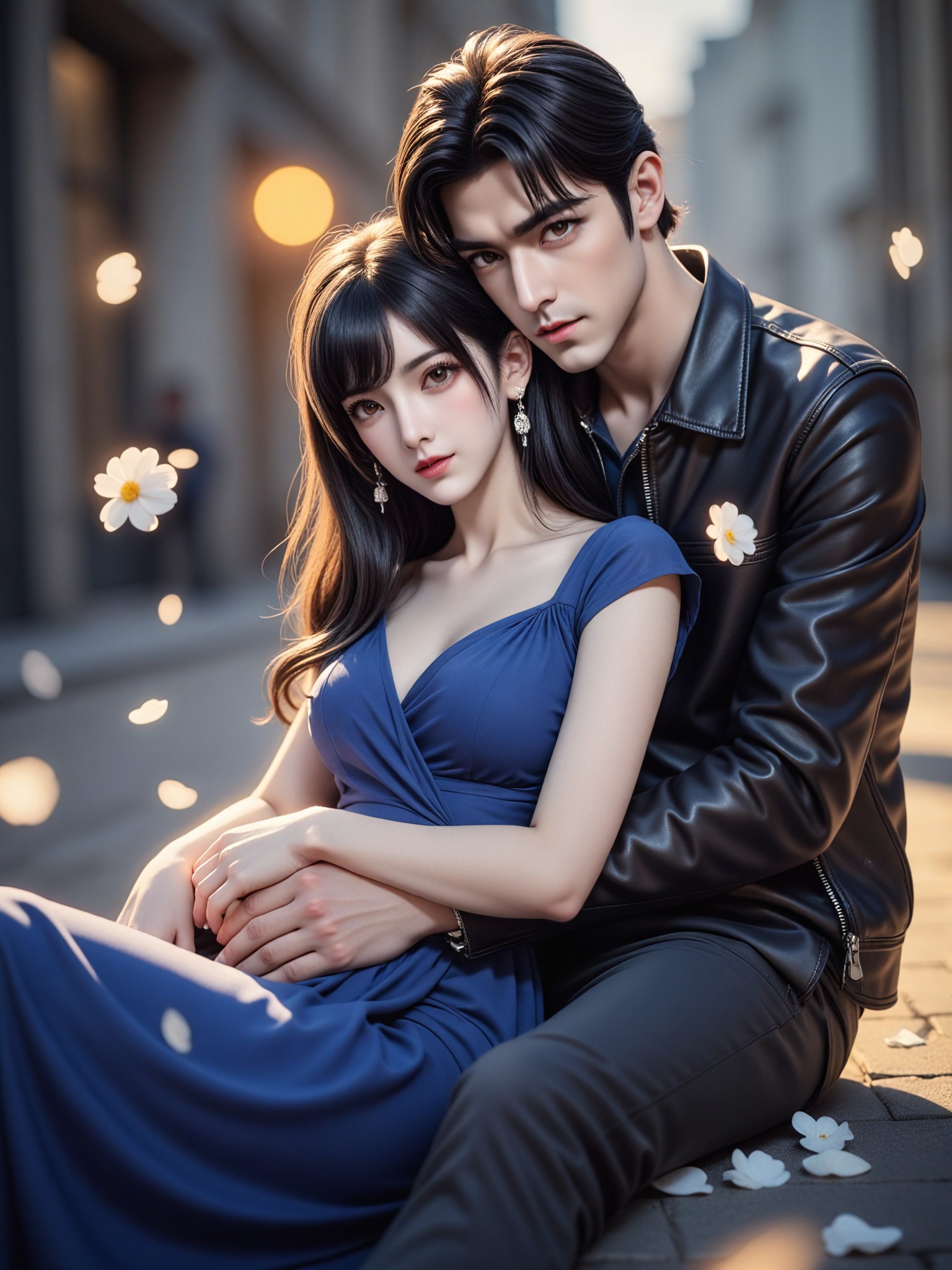
A tender embrace between two lovers under a starlit sky, soft lighting highlighting their emotional connection.
An intimate moment of two friends sharing laughter in a cozy café, warm tones and gentle shadows enhancing the closeness.
A close-up of hands gently holding each other, fingers intertwined, symbolizing trust and affection.
A couple walking hand-in-hand along a serene beach at sunset, the golden light casting long shadows and emphasizing their bond.
A child sleeping peacefully next to a parent, the soft glow of moonlight illuminating their faces and capturing familial love.
Two animals cuddling together in a quiet forest, surrounded by dappled sunlight filtering through the trees.
Explore more

Get Close Connection Videos & Images without Prompt

a1.art offers a large number of filters, allowing you to easily obtain AI videos or images without prompts.
image befor ai generation
A cute 3D rendered cartoon boy, wearing an olive green jacket, khaki shorts, and a beige baseball cap. He has large, expressive eyes, a friendly expression, and carries a brown backpack. He's wearing off-white sneakers. The style is reminiscent of 3D cartoon character design, with smooth, polished textures and no visible brushstrokes. The background is a simple beige color, focusing all attention on the character. The lighting is soft and even, creating a warm and pleasant atmosphere. The overall style is cheerful and friendly, suitable for children's products or game character design. The image is rendered in a style similar to contemporary 3D animation character design. Think of the clean lines and smooth surfaces of Pixar-style animation, but with a slightly more realistic rendering of the materials.
cute 3D cartoon boy image
Input
Result
cute 3D cartoon boy
夢境畫境Dreamscape Canva headshot夢境畫境Dreamscape Canva
playicon16.2k
image befor ai generation
The tenderness approaching you 	Close to Your Tenderness image
Input
Result
The tenderness approaching you Close to Your Tenderness
創意無限小林哥 headshot創意無限小林哥
playicon4.8k
image befor ai generation
AI Animated version - 'Gentle Approach to You' 	Close to Your Tenderness image
Input
Result
AI Animated version - 'Gentle Approach to You' Close to Your Tenderness
創意無限小林哥 headshot創意無限小林哥
playicon1.8k
image befor ai generation
Model image
Input
Result
Model
麦当当 headshot麦当当
playicon1.1k
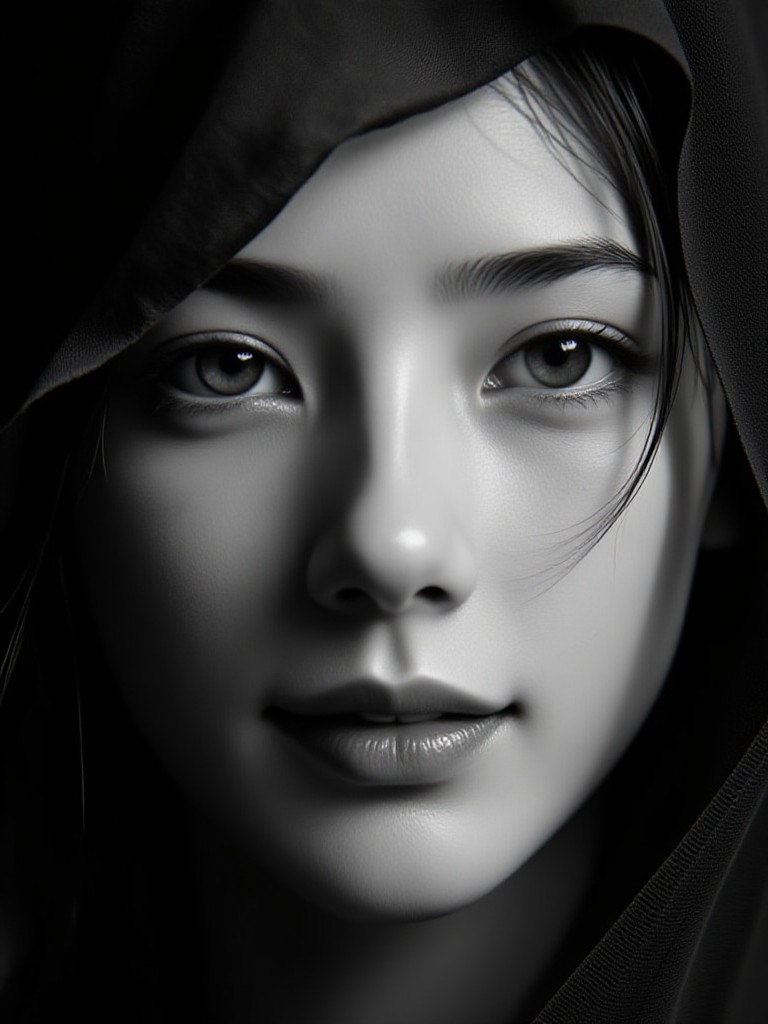
image befor ai generation
Close-up after Bath image
Input
Result
Close-up after Bath
AI Video(Official) headshotAI Video(Official)
playicon888
image befor ai generation
AI Node Progressive Transformation Animation - Gothic Fashion: From Gentle Close ups to Dramatic Full Body Portraits image
Input
Result
AI Node Progressive Transformation Animation - Gothic Fashion: From Gentle Close ups to Dramatic Full Body Portraits
創意無限小林哥 headshot創意無限小林哥
playicon393
image befor ai generation
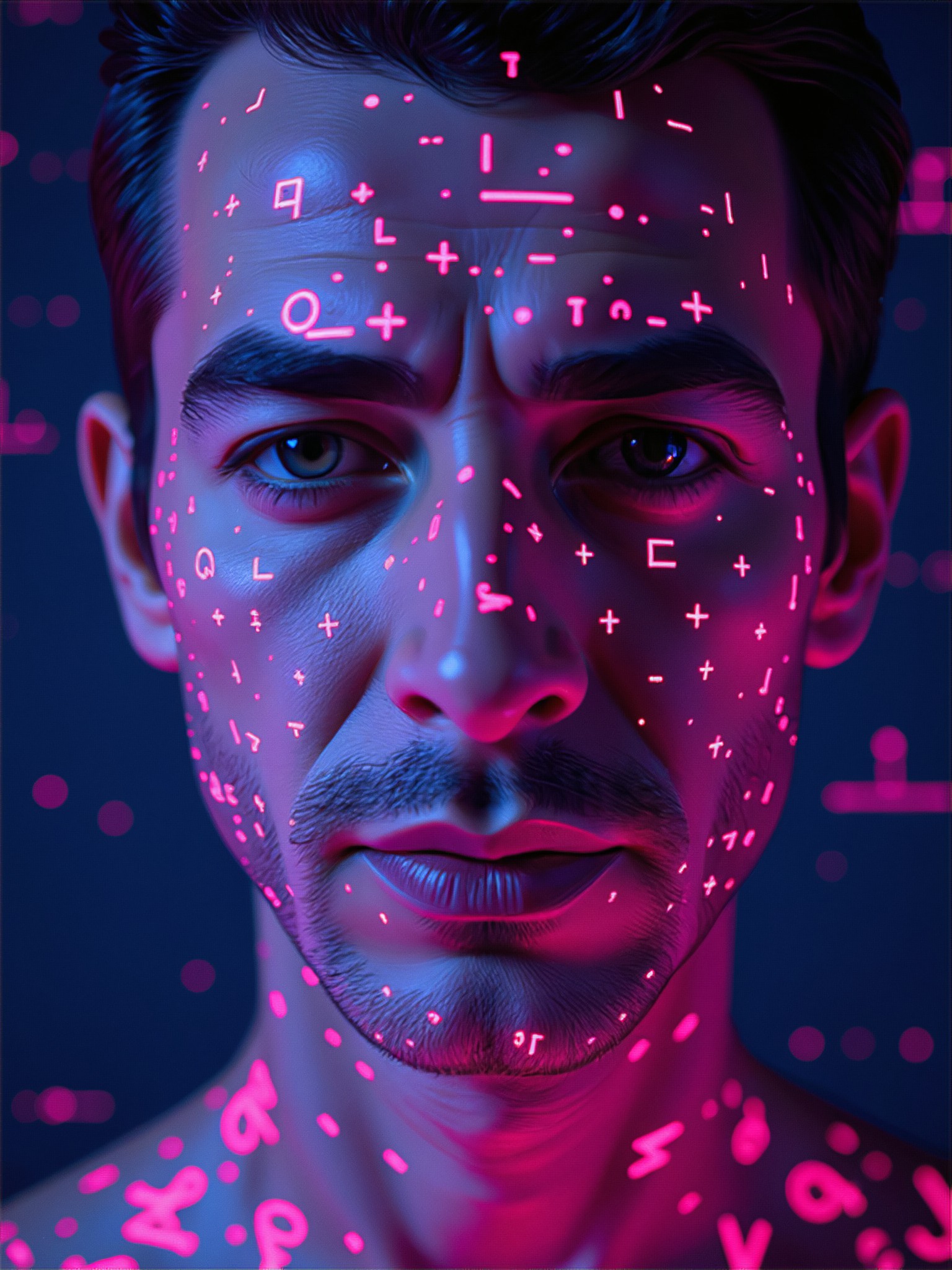
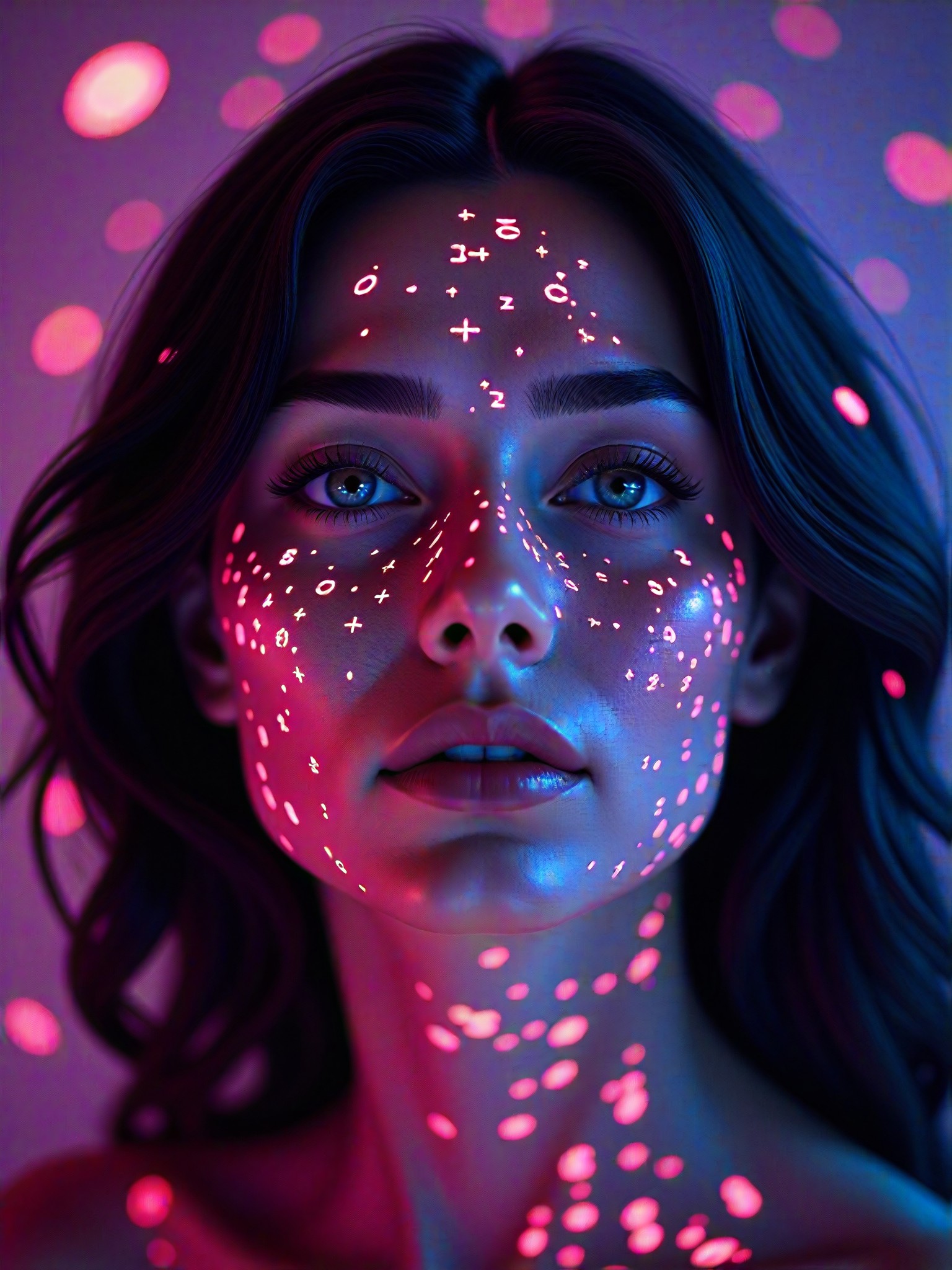
Close-up of Cyberpunk sci-fi style image
Input
Result
Close-up of Cyberpunk sci-fi style
No Name 001 headshotNo Name 001
playicon367
image befor ai generation
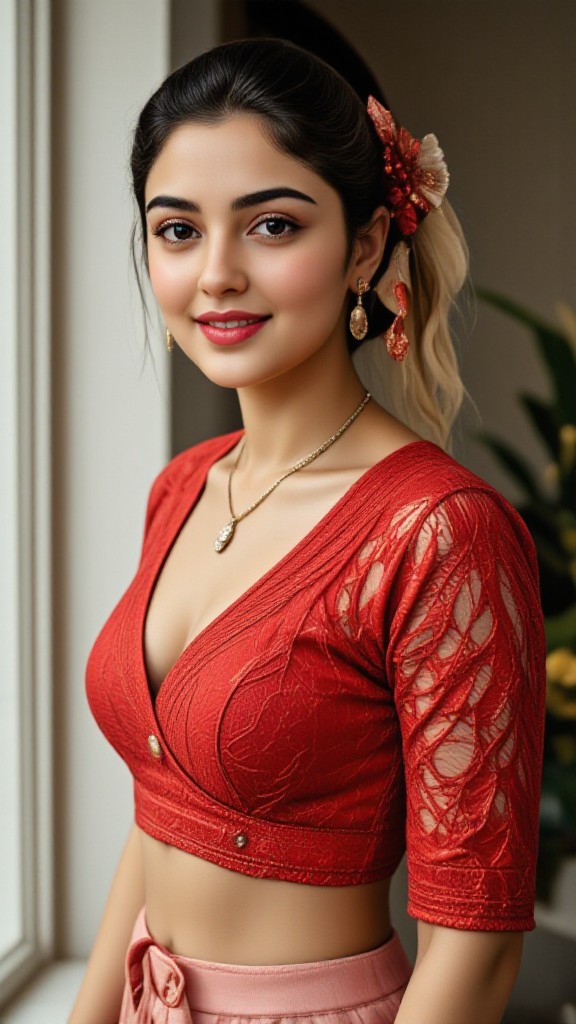
Red blouse close up image
Input
Result
Red blouse close up
Unknown_underdog headshotUnknown_underdog
playicon257

How to Make Close Connection AI Image & Video on a1.art?

Step into the future of AI Close Connection video and image creation on a1.art.

a1.art tutorial Step 1
Step 1
Select the style you want to apply in the Square.

a1.art tutorial Step 2
Step 2
Upload the image you want to transform . It can be a photo, hand-drawn sketch.

a1.art tutorial Step 3
Step 3
Wait a few seconds and you can easily get your unique AI Close Connection art. Download for free!

FAQ about Close Connection AI Prompt on a1.art

Discover the secrets to creating Close Connection videos and images at a1.art.

What types of close connection visuals can I create with a1.art?

With a1.art, you can create a wide range of close connection visuals, including intimate portraits, romantic scenes, family moments, and even symbolic representations of emotional bonds. Our AI prompts are designed to capture every nuance of human connection, ensuring your creations feel authentic and meaningful.

How do I use close connection AI prompts on a1.art?

Using our close connection AI prompts is simple. Just select a prompt that resonates with your vision, upload an image or enter a text description, and let a1.art transform it into stunning visuals. You can also customize the effects and filters to match your desired style.

Can I generate both images and videos with close connection themes?

Yes, a1.art supports both AI image and video generation. You can choose from a variety of close connection prompts to create either still images or dynamic videos, depending on your needs.

Are there any limitations on the number of close connection prompts I can use?

There are no limitations on the number of prompts you can use. Whether you're exploring different styles or refining your vision, you can experiment freely with our extensive library of close connection AI prompts.

Do I need technical skills to use a1.art for close connection visuals?

No, a1.art is designed to be user-friendly, requiring no technical expertise. Our intuitive interface allows you to easily select prompts, upload images, or enter text, and instantly generate beautiful close connection visuals.

Container background

Make Close Connection AI Image & Video on a1.art APP

Download the app to explore Close Connection AI image & video filters, faster processing, and personalized features. Whether you want creative images or stunning videos, the app makes it easier.