


Is it hard for you to share your vision for a new kitchen? You can imagine the beautiful details, but finding the right words to explain them is not always easy. It is frustrating to invest thousands in a remodel that falls short of expectations. You are not alone; visualizing the perfect space is a major headache for most homeowners.
Here is the silver lining: AI kitchen design tools are changing the game. These innovative tools turn messy ideas into crisp, stunning images in seconds. You do not need a pricey designer or complex software. You need your phone.
Smart kitchen tech is booming. Technavio predicts the market will grow by over $48 billion by 2029. We review the best free AI kitchen design generators to help you create stunning, realistic images. You will take easy steps to avoid fake effects. Ready to design your masterpiece? Let's dive in.
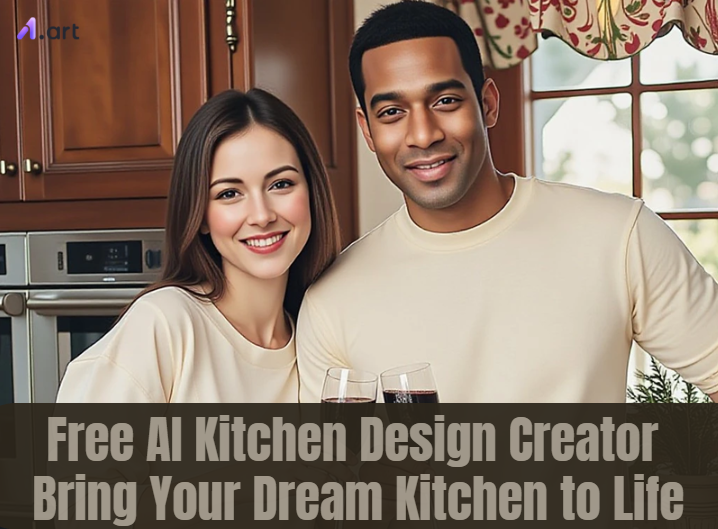
Why Traditional Tools Fail: Solving the "Plastic Skin" Problem
Social media is buzzing with complaints about old AI kitchen design apps. Users on Reddit and X are tired of "bad anatomy" and renderings that look like cheap video games. This is the Plastic Skin problem. Old AI kitchen design software used flat images to overlay shapes, resulting in unnaturally smooth surfaces and poor lighting.
The solution is AI-Powered Texture and Physics. Modern tools utilize deep learning to replicate precisely how light interacts with real wood or stone.
-
Realism: Top recommendations bring out sharp, high-definition details.
-
Natural Feel: The lighting has a cinematic quality, giving you a professional vibe.
-
Distortion Fixes: Advanced technology straightens lines so furniture sits perfectly on the floor.
By switching to these kitchen visualizer tools, you avoid the embarrassment of a "fake" image. Instead, you get a stunning design that resembles a high-end magazine.
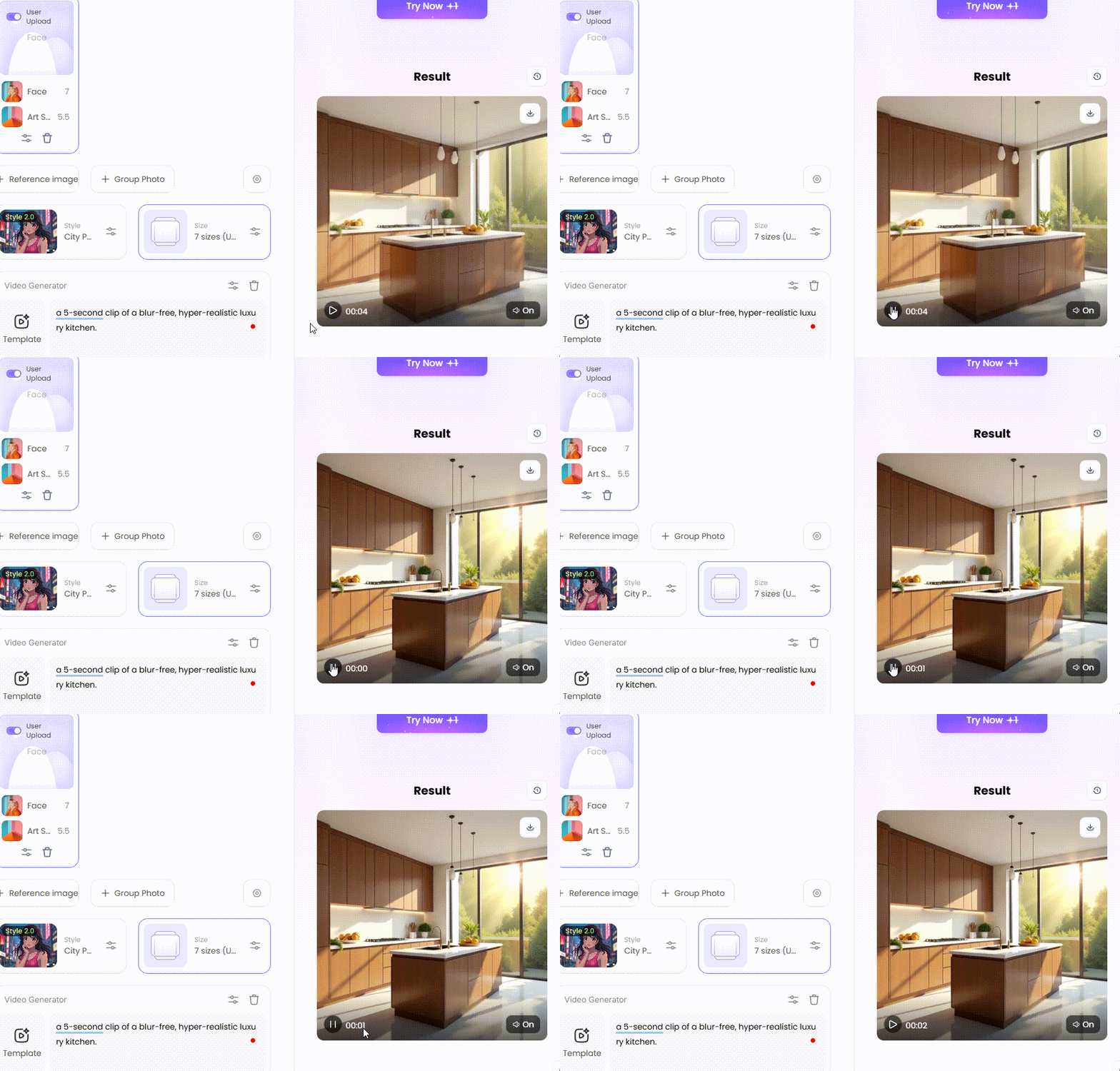
Click the picture to generate your exclusive modern kitchen design with one click👇
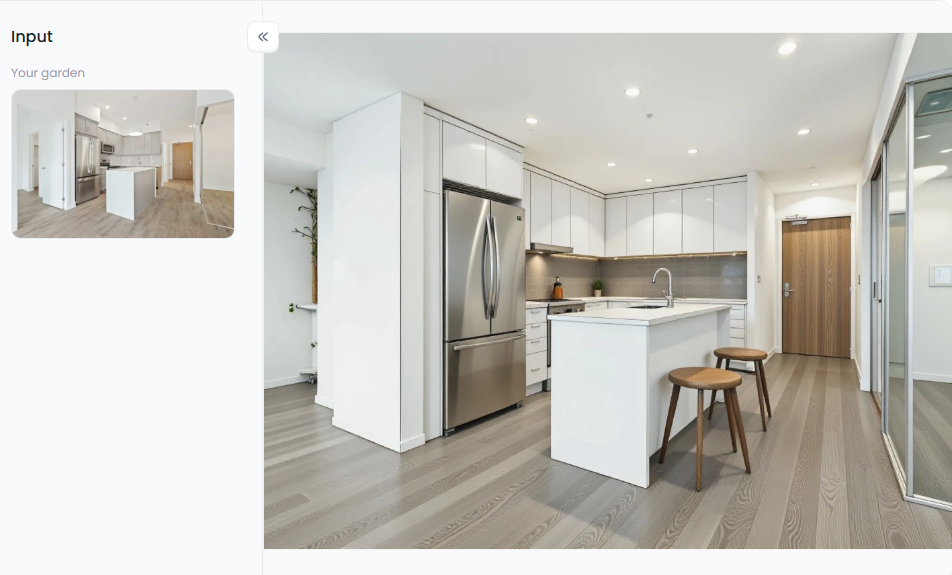
Start your art journey with a1.art.
Top AI Kitchen Design Tools: A Complete Evaluation
Finding the best AI kitchen design generator can be a daunting task. Some are too hard to learn. Others cost too much. We tested the top contenders to see which one delivers the best results for your kitchen remodel.
1. a1.art (The Creative Powerhouse)
Best For: High-quality realism, creative filters, and fixing "plastic" looks.
-
Realism: 5/5. The textures look authentic.
-
Freedom: 5/5. You can change almost anything instantly.
-
Speed: Speedy rendering times.
Scenario: You have dark, outdated oak cabinets. You want to see them in white. With a1.art, you select a filter to recover your photo. The result resembles a photograph rather than a drawing.
2. Planner 5D (The Blueprint Builder)
Best For: Detailed floor plans and exact measurements.
-
Realism: 3/5. Suitable for layouts, but 3D renders can appear stiff.
-
Freedom: 3/5. You are limited to their furniture library.
-
Verdict: Good for measuring, but less creative than a1.art.
Comparison: Unlike a1.art, Planner 5D is particularly well-suited for math. To determine if a 30-inch stove will fit, use this guide. However, the final images often suffer from the "plastic skin" effect.
3. KitchenGPT (The Quick Spark)
Best For: Brief text-based ideas.
-
Realism: 4/5. Achieves excellent results, but occasionally struggles with complex prompts.
-
Freedom: 4/5. Unpredictable but evolving.
-
Verdict: A good candidate for immediate inspiration.
Scenario: "Green cabinets with gold handles" comes to mind as you start the creation. You type it into KitchenGPT. It gives you four options instantly.
Users spend less time fixing mistakes with a1.art. Its smart filters keep images sharp and clear, not blurry. You get excellent results instantly. For both kitchen design and creative art, this tool is the clear winner.
How to Use It, Just 3 Steps:
Using a1.art is incredibly simple. Here’s the full beginner-friendly guide:
Step1:
Open a1.art, choose the App that you are interested in, then click 「Run」
Click on the image to experience the same App👇
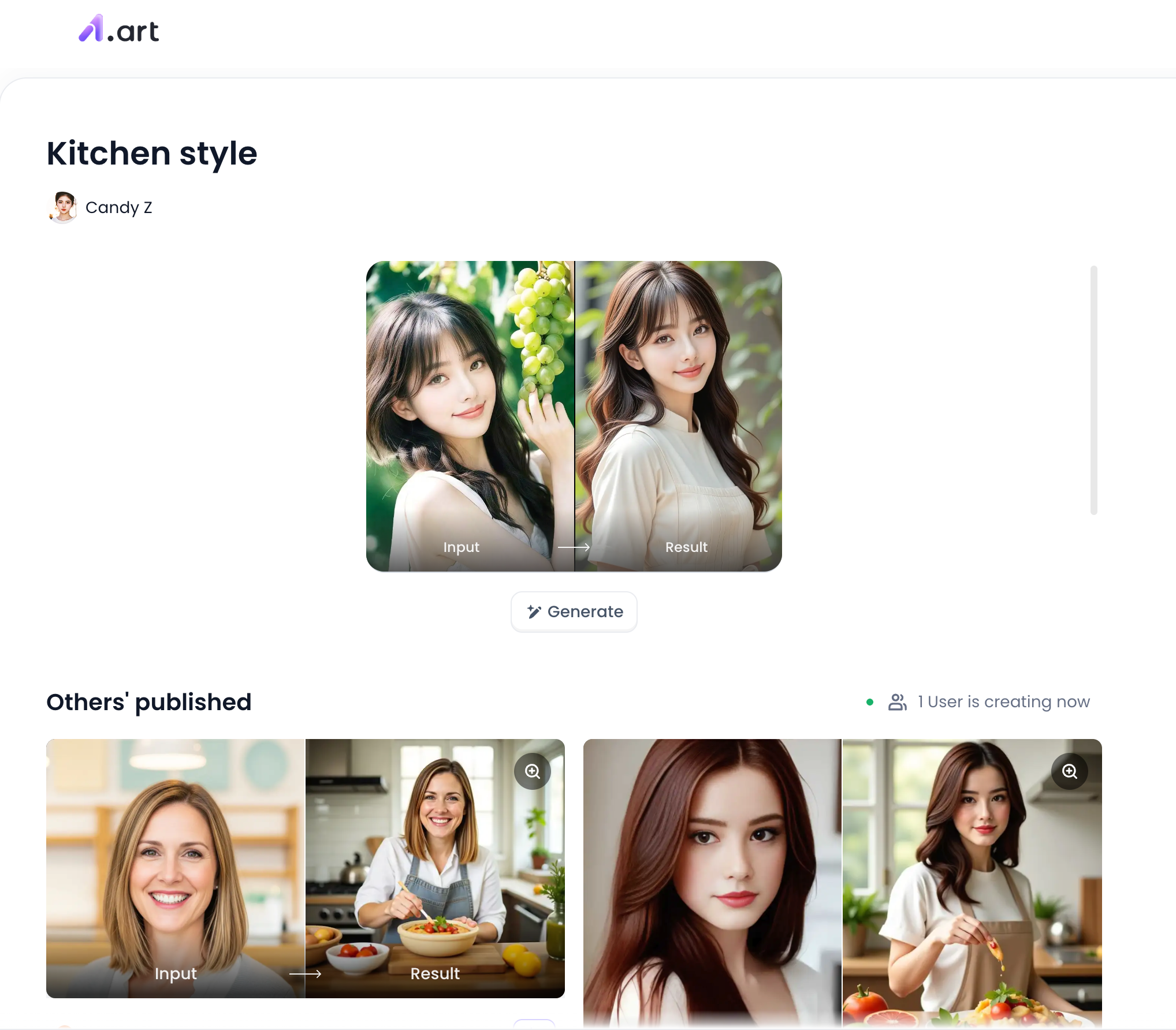
Step2:
Upload a photo/image
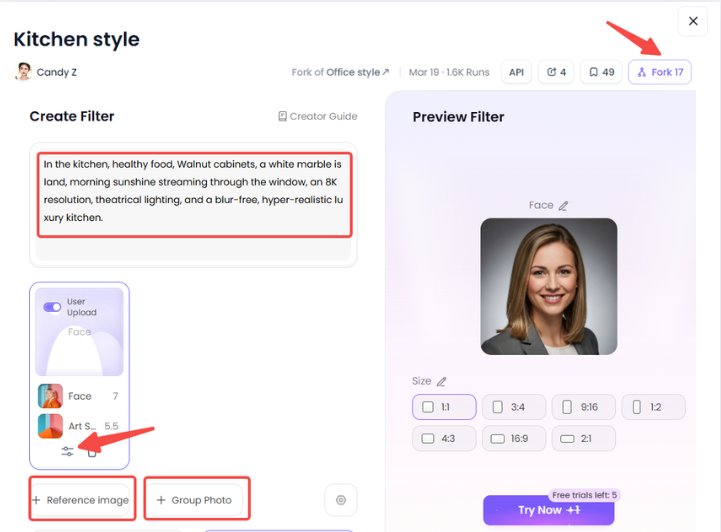
Step3:
Wait 3 seconds, you will get a wonderful result 👇
Mastering a1.art Filters: From Blueprints to Viral Videos
a1.art's filters are the source of its charm. They do more than alter their hue. They suddenly transform dull images into captivating narratives. We've evaluated the best free AI kitchen design filters to help you make an informed decision. This is how the primary categories are used.
1. Professional & Architectural (For Serious Design)
Use these filters when you need to sell an idea to a client or plan a real remodel.
-
"Product Design Sketching": This turns your photo into a clean, hand-drawn sketch.
-
Why use it? It is perfect for early ideas. It lets clients focus on the layout without worrying about paint colors yet.
-
-
"Line Drawing to Real Effect": This is a showstopper. It creates a video where a sketch transforms into a luxury room at twilight.
-
The Scene: Watch as natural light fades and the bay outside darkens. Inside, a chandelier brightens, illuminating the decor. It feels warm and expensive.
-
2. Futuristic & Creative (For Social Media Views)
Want to stop the scroll on Instagram or TikTok? Use these bold styles.
-
"Cyber Style Interior Design" transforms a typical kitchen into a cutting-edge, sci-fi-inspired space.
-
The Look: Think neon blue strips, dark metal walls, and holographic screens floating in the air. It is edgy and cool.
-
-
"3D Cartoon Early Morning Breakfast" is excellent for family content or children's illustrations.
-
The Vibe: It creates a soft, warm world. Picture a character in comfortable loungewear, with their hair in a ponytail, working on a laptop while breakfast is being cooked. It feels safe and inviting.
-
3. Lifestyle & Dynamic Characters (For Storytelling)
This is where a1.art truly shines. You can add realistic people and drama to your empty room.
-
The "Girl in the Kitchen Video" adds a realistic human element to the scene. The AI calculates lighting on the skin perfectly, making the character look as if they truly belong there.
-
"Passionate Kiss in the Kitchen": Looking for a romantic movie atmosphere? This filter maps characters into a cozy, low-light kitchen by using face-swapping. It creates a poignant and dramatic moment.
-
"Bikini Dancing Kitchen": This is a high-energy filter for viral shorts. It generates a fast-paced clip of a character dancing. The lighting remains stable and elegant, keeping the focus on movement.
-
"Busy Father in the Kitchen": This filter is a masterpiece of detail. It shows a tired but happy dad. You see the gray in his hair and the wrinkles near his smiling eyes. He wears a checkered apron, and you can even see smoke rising from the pan. It feels genuine and touching.
-
"My Kitchen God": Need something funny? This creates a playful "chef villain" character in a tall hat, dramatically carving food. It is adorable and grabs attention.
-
"Suddenly Kissed by a Handsome Guy": This adds a surprise twist. It generates a scene of a bride in a stunning silk outfit being hugged from behind. The details on the embroidery and the lighting make it look like a still from a high-budget movie.
-
"Facial Swap Filter Dazhanghongtu Kitchen Edition": This is the ultimate tool for creators. You can put your own face onto a character. Whether you are dancing or cooking, you become the star of the video without needing a camera.
Never start from zero. Click "Fork" to copy and tweak any style instantly. You can turn a blueprint into a viral video in just minutes. It is the fastest way to build your brand and visualize your dream home.
Click the picture to generate your exclusive passionate kiss in the kitchen with one click👇

How to Create Viral AI Kitchen Content
You have tools. Now you need the technique. To make your AI kitchen ideas go viral on TikTok, you must master Prompt Engineering and editing.
Step 1: The Perfect Prompt
Don't be vague. A bad prompt is just "Modern kitchen with wood." A prompt that wins is specific: "Walnut cabinets, a white marble island, morning sunshine streaming through the window, an 8K resolution, theatrical lighting, and a blur-free, hyper-realistic luxury kitchen." There is charm in this detail.
Step 2: Fixing "Bad Anatomy"
Adding people with "Lifestyle" filters can sometimes cause glitches. The fix is "Negative Prompts." Make a list of the items you want to exclude from your settings, including "bad hands, extra limbs, distorted face, blurry, low quality."
Step 3: Creating Hooks
You need to get attention right away. Make your captions humorous, like "Stop sharing designs that look like plastic." "I used the 'Cyber Style' filter on my grandma's kitchen, and she freaked out," according to "Here's how to get real texture."
Step 4: Image Editing
Even excellent art needs a final touch. Increase the "Contrast" to highlight shadows. Your AI kitchen drawing becomes a professional design with a bit of fine-tuning.
You won't merely share a photo if you grasp these steps. The scroll will be stopped.
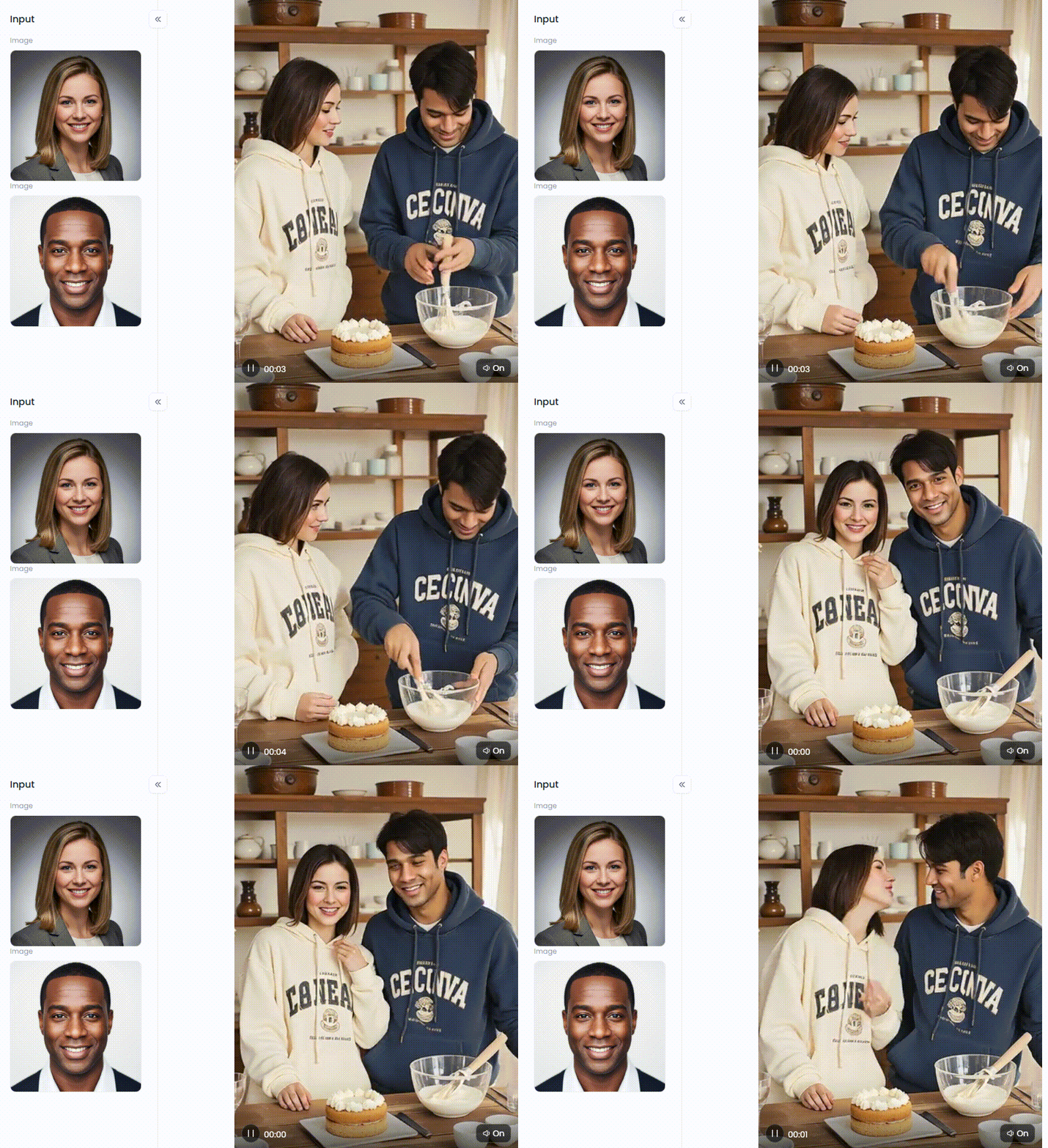
Click the picture to generate your exclusive cooking couple portrait with one click👇
Privacy and Safety: Addressing Ignored Anxieties
Using free online AI kitchen design tools can be intimidating. You may be concerned, "Is my data safe? Who visits my house? Although feeling nervous is common, there are resources to help.
-
Data Security: Privacy is a top priority for reliable systems, such as a1.art. They protect your uploads, unlike dubious programs that steal data. Your house photos stay yours unless you choose to share them.
-
Creative Freedom: Many tools ban bold or "spicy" ideas. a1.art is different. It offers a haven for storytellers. You can use fun filters like "Bikini Dancing" or "Passionate Kiss" without fear of unfair bans.
-
No More Melting: Users hate "melting furniture" in AI images. a1.art solves this by customizing prompts or allowing you to build your own filter. It locks your furniture's shape, so nothing warps or looks out of place.
With these protections, you can design freely. You get safety, creativity, and perfect visuals all in one place.
Advanced Strategies for Professional Designers
If you are a pro using AI interior design tools, accuracy and speed are everything. Here is how to make a kitchen cabinet that enhances your workflow and wows your customers.
-
The "Fork" Strategy: Never start from scratch. Find a style you love in the gallery, click "Fork," and swap AI kitchen designs with photos in your client's room. This ensures a consistent style instantly.
-
Tag Analysis: Want perfect lighting? Look at top-performing images. Include technical phrases in your prompts, such as "Octane Render, Ray Tracing, Ambient Occlusion." For realistic texturing, they function as cheat codes.
-
Layering: Build trust step-by-step. First, generate a "Product Design Sketching" version to obtain layout approval. Then, switch to a "Kitchen Style" version to show the final colors.
-
Video Transition: Static photos are boring. Impress clients by turning a still image into a short clip using the "Girl in the Kitchen Video" filter. This helps them "feel" the 3D space.
By using these tricks, you stop just showing pictures and start selling a vision. You appear to be a tech genius, and your clients are delighted.
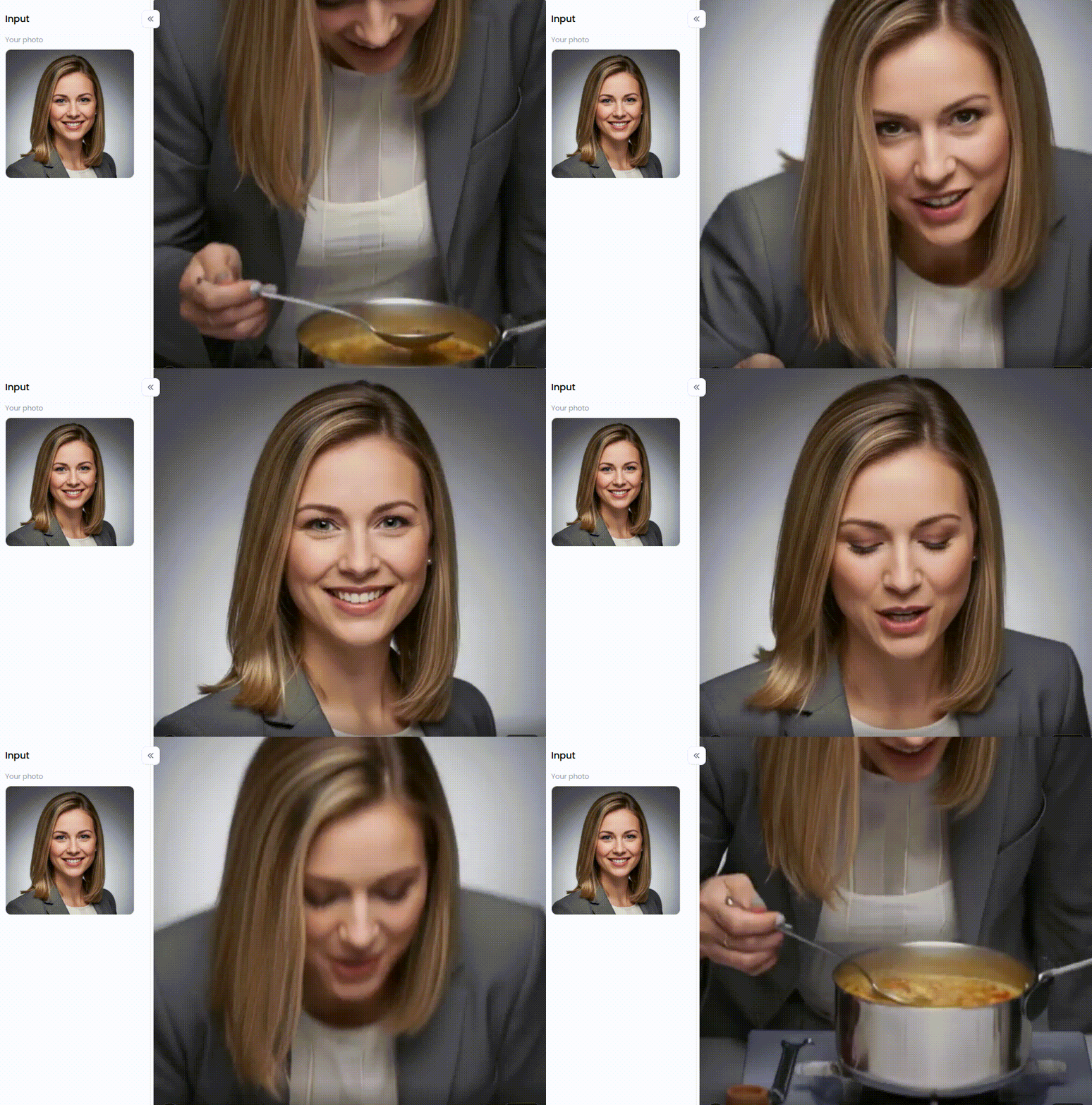
Click the picture to generate your exclusive beautiful cook with one click👇
Conclusion: Start Designing Your Future Today
Stop guessing. You no longer have to settle for fake, "plastic skin" designs. The future is here. With the best free AI kitchen design tools like a1.art, you turn ideas into professional, real photos in seconds.
It is perfect for everyone. Are you a homeowner, a designer, or a creator using the "Passionate Kiss" filter? The possibilities are endless. This technology is free and waiting for you. Your ideal kitchen shouldn't remain a pipe dream. Today, take charge of your area. To begin your free AI kitchen design project on a1.art, click here.
FAQs
Q1: Is there a truly free AI kitchen design generator?
Yes, absolutely. a1.art offers a generous AI kitchen design free tier. You get instant access to professional filters, such as "Product Design Sketching," without needing a credit card. Recent data shows thousands of users create layouts daily for free. It is the best way to test ideas without incurring any costs.
Q2: Can AI design a kitchen from a photo I upload?
Yes. The AI kitchen design from the photo feature works magic. Just upload a snap of your messy room. The remodel AI scans your walls and floors instantly. It applies a new style while keeping your layout. It's like witnessing your house's future in a single glance.
Q3: How accurate are AI kitchen design measurements?
AI kitchen design with measurements is excellent for aesthetics, but not for building. It enables you to visualize the ideal flow. However, 90% of contractors concur that manual number verification is necessary. For perfect eyesight, use AI. Next, measure the finished construction with a tape measure.
Q4: What is the best AI tool for realistic textures?
To beat the fake look, trust a1.art. It is the best AI kitchen design tool for real textures. Advanced tech makes wood grain and marble pop. Shadows fall naturally, not flat. Most users prefer it because it completely avoids the cheap "plastic skin" effect.
Q5: Can I create lifestyle or character content in the kitchen?
Yes, and it is fun. Unique filters, such as "Passionate Kiss in the Kitchen," are available on a1.art. Instead of merely taking still images, you can create viral videos. Creators enjoy adding drama and vitality to empty spaces. A straightforward design is suddenly turned into a scene from a movie.
🔞 Content Publication Policy
All users must strictly adhere to the following rules and bear full responsibility for the content they publish:
-
Illegal Content: The generation or distribution of any form of illegal content is strictly prohibited.
-
CSAM (Child Sexual Abuse Material): Any sexual content involving minors is considered a severe felony worldwide, with zero tolerance.
-
Deepfakes (Non-consensual Intimate Images): The creation or dissemination of intimate images of any real person without their explicit consent is strictly forbidden.
-
User Responsibility: Users are solely responsible for ensuring all generated content complies with copyright, privacy, and all applicable laws.
Read more
- Create Cute AI-Generated Cat Images Online Free: The Ultimate Guide
- How to Use the AI Muscle Generator to Make Photos Instantly?
- Best Free Tools to Create AI Voice Generator Free Hindi Online
- 11 Best AI Cumshot Maker Tools Online Free 2026
- 7 Best Gay AI Image Generator Online Free in 2026
- Top 10 AI Feet Generator Online Free for Realistic Images
- 10 Best asian AI porn Tools Art Free Online
- 10 Top mAst App Alternatives Free 2026
- Best Korean AI porn Image Maker Online Free 2026
- Best Sexy Teacher AI Images Generator Free
Written by

a1.art
Published on
Dec 8, 2025
Share article


