


Get Warm Setting Videos & Images without Prompt
a1.art offers a large number of filters, allowing you to easily obtain AI videos or images without prompts.


Input
Result
Warm Kiss
 Pearl❤
 336
336

Input
Result
Kiss of the Setting Sun
 couple love329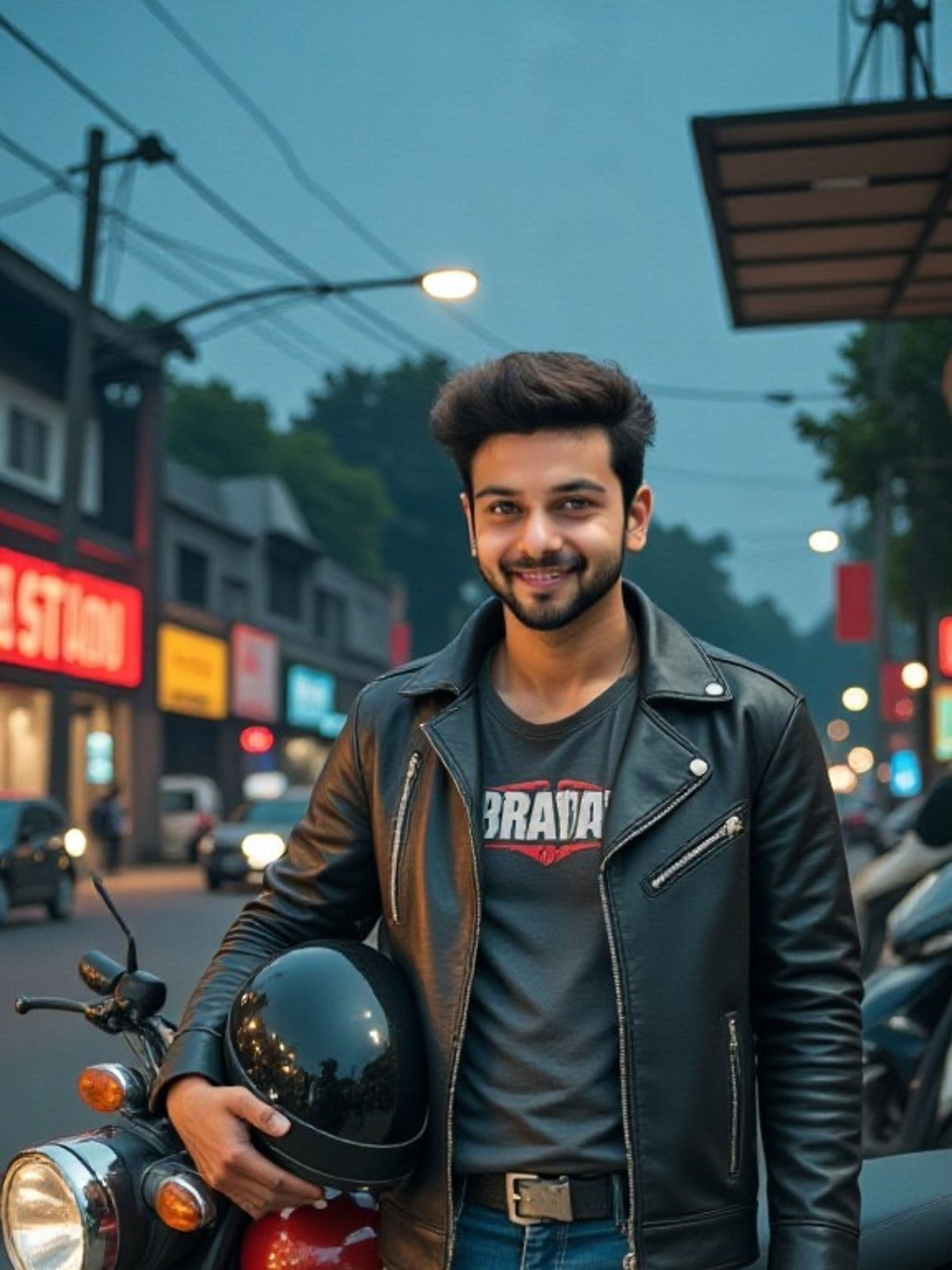

Input
Result
Final Warm Family
 艺术梦想家293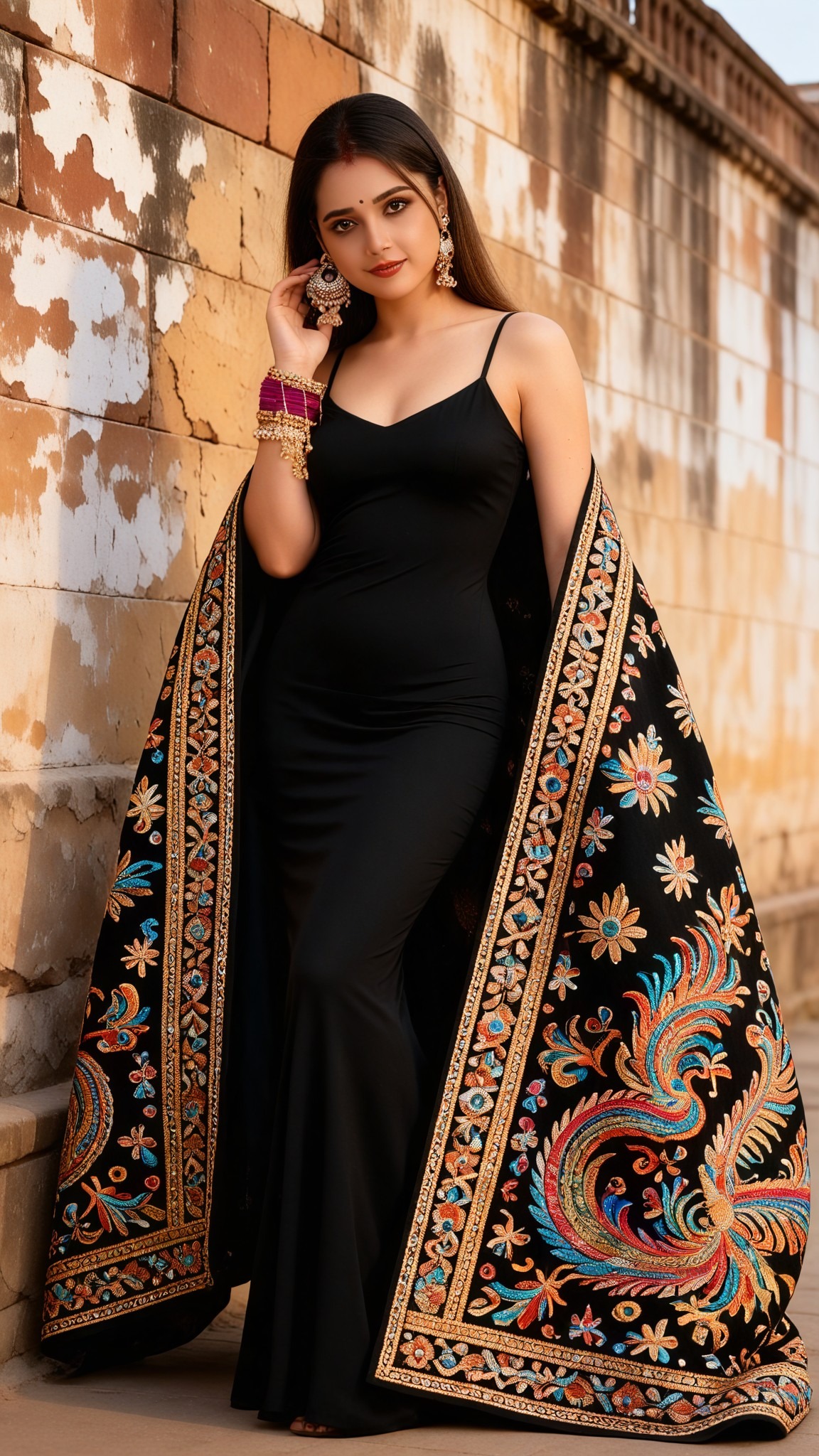

Input
Result
Warm Studio
艺术梦想家284
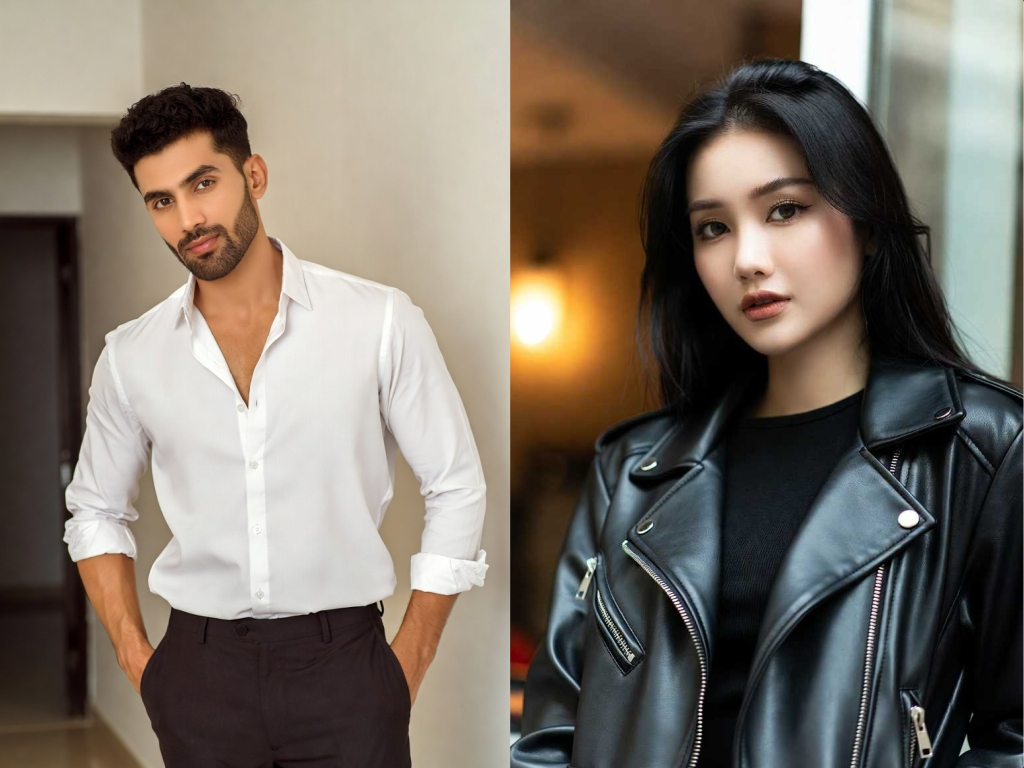
Input
Result
Warm Embrace
 CC273
CC273
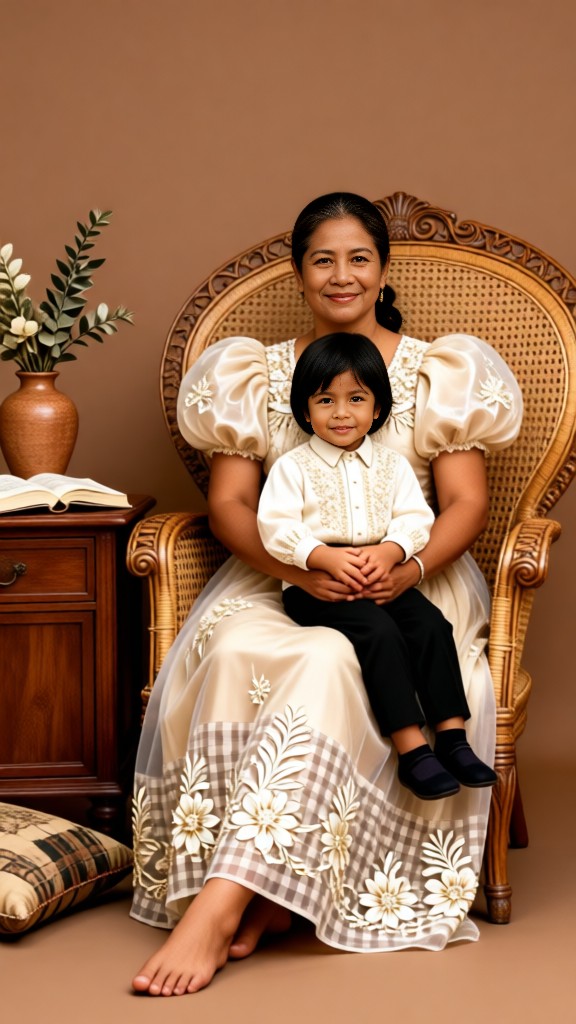
Input
Result
warm
 Zephyr.JX173
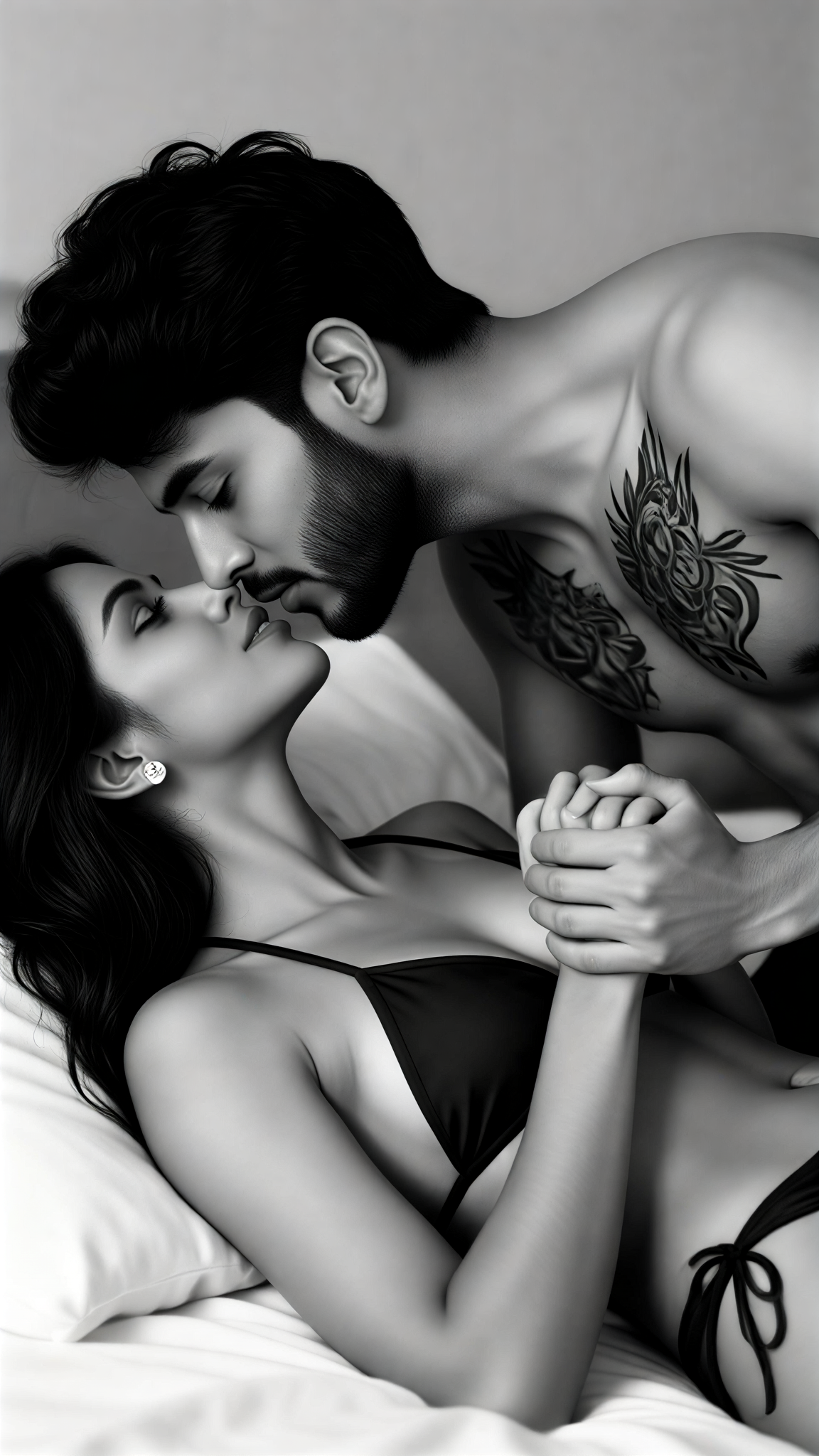
Input
Result
Bedroom Warm
Pearl❤149
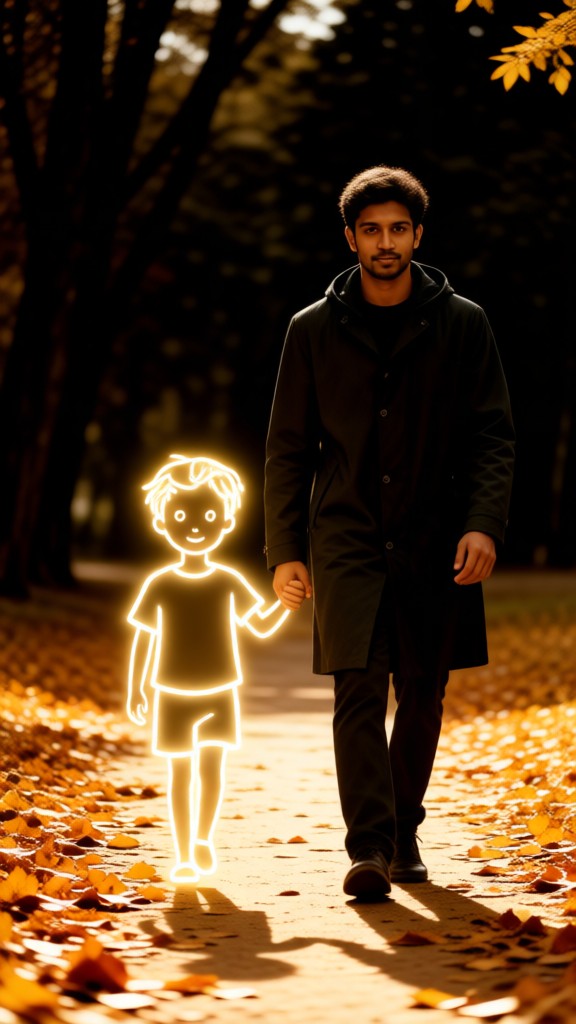
Input
Result
warm moments
 一个酷酷的man142
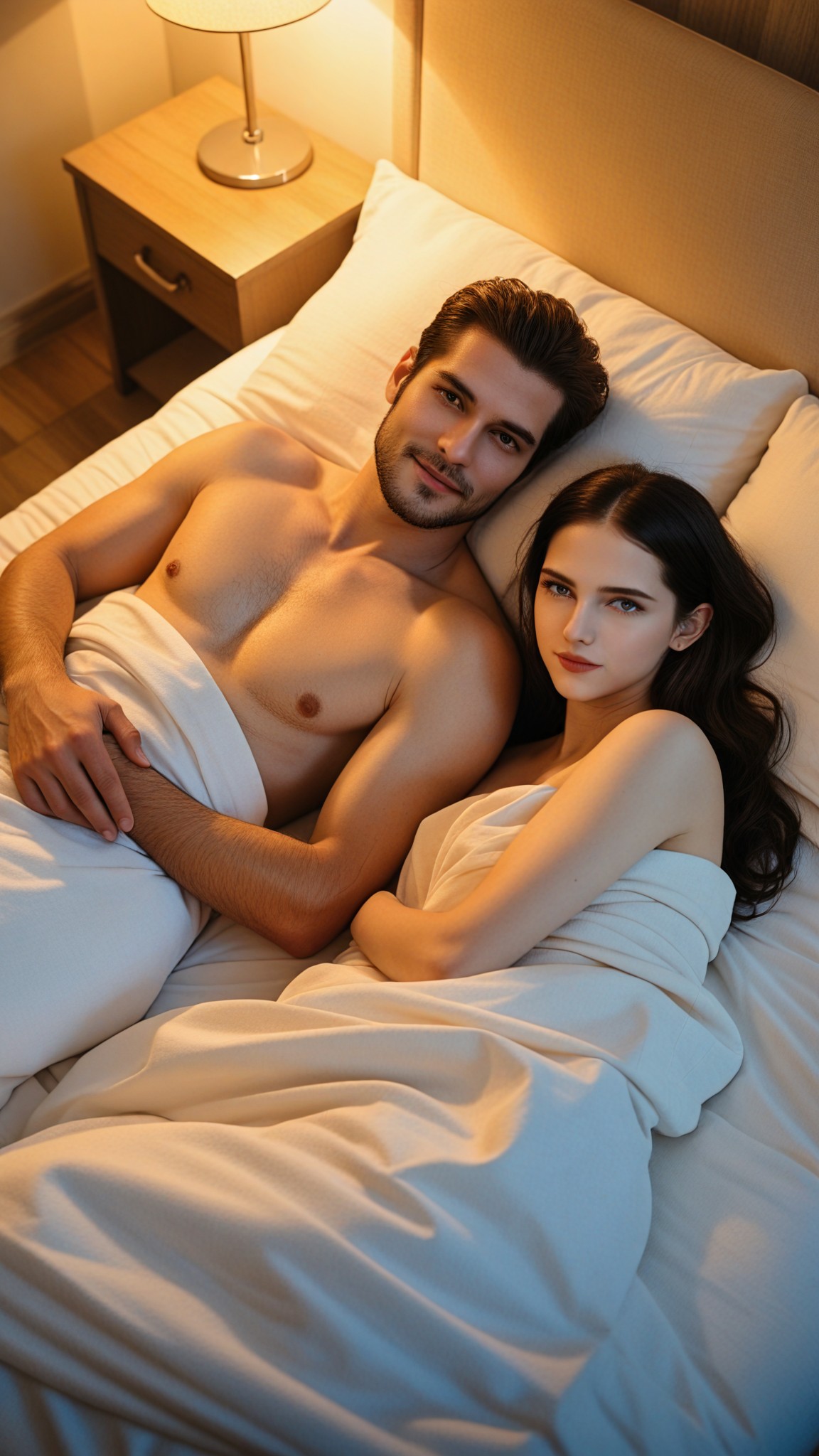
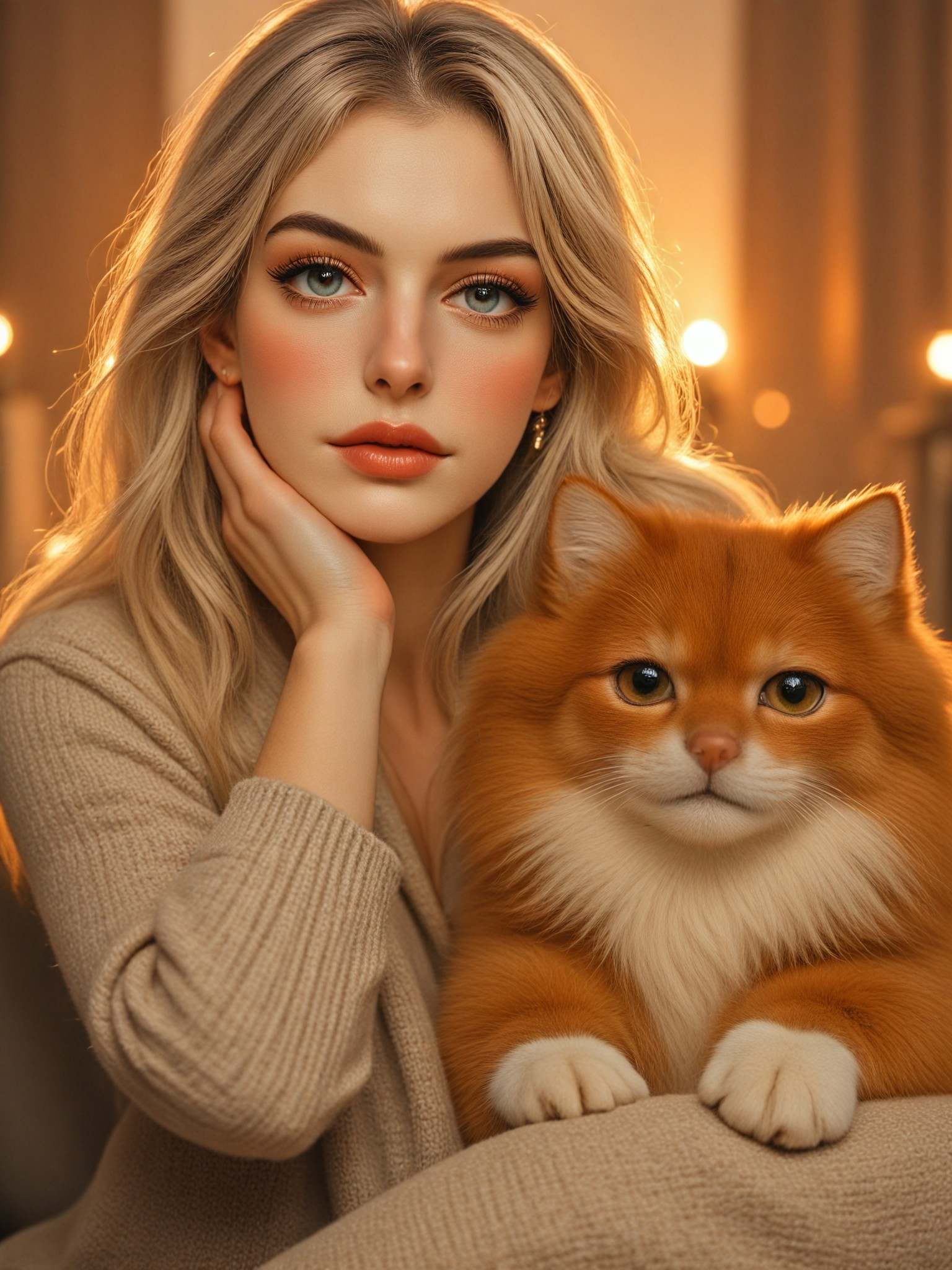
AI Generated Warm Setting Images & Videos
Discover unique and innovative Warm Setting images and videos created with a1.art Warm Setting prompts.

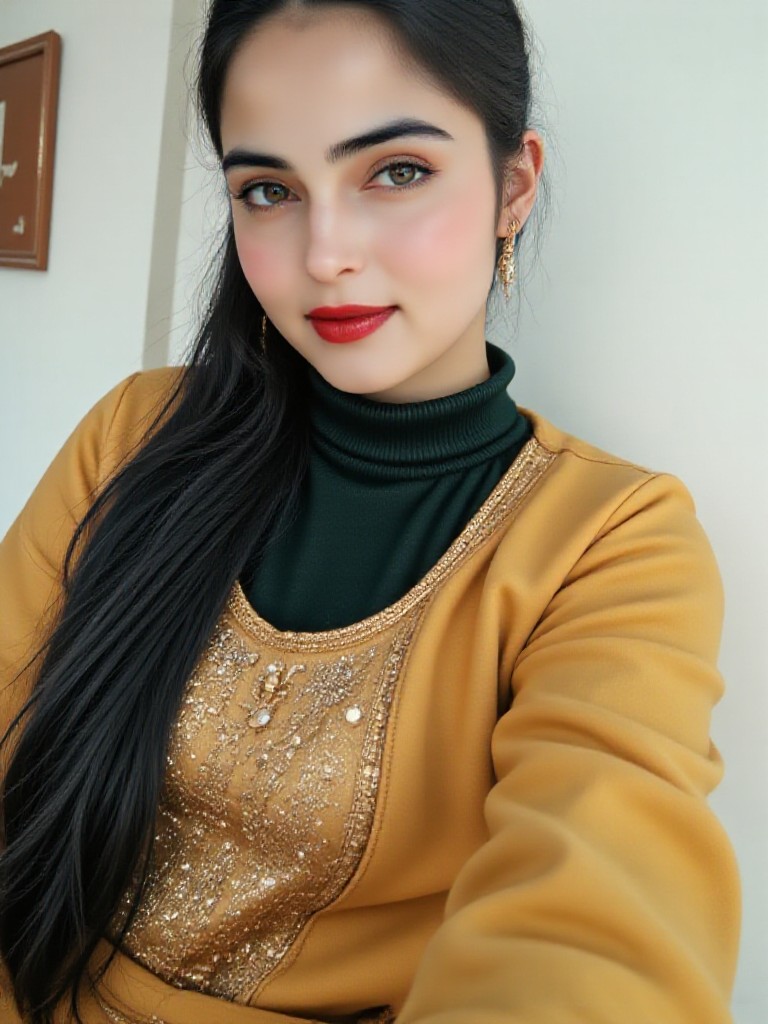



How to Make Warm Setting AI Image & Video on a1.art?
Step into the future of AI Warm Setting video and image creation on a1.art.

Step 1
Select the style you want to apply in the Square.

Step 2
Upload the image you want to transform. It can be a photo, hand-drawn sketch.

Step 3
Wait a few seconds and you can easily get your unique AI Warm Setting art. Download for free!
FAQ about Warm Setting AI Prompt on a1.art
Discover the secrets to creating Birthday Day videos and images at a1.art.
What types of warm setting visuals can I create with a1.art?
With a1.art, you can generate a wide range of warm setting visuals, including cozy interiors, rustic landscapes, sunset scenes, nighttime atmospheres, and more. Our prompts are designed to capture the essence of warmth, whether it's through soft lighting, inviting textures, or comforting environments.
Can I customize the warm setting prompts to match my specific vision?
Absolutely! While our prompts provide a starting point, you can fully customize them by adding your own details, adjusting the mood, or combining elements to create a unique warm setting that matches your vision perfectly.
Does a1.art support both images and videos for warm settings?
Yes, a1.art supports both AI-generated images and videos. You can choose the format that best suits your needs, whether you're creating still visuals or dynamic animations to bring your warm setting to life.
How do I access the warm setting prompts on a1.art?
Accessing our warm setting prompts is simple. Just log in to a1.art, navigate to the prompt library, and browse through our curated collection. You can also save your favorite prompts for quick access in future projects.
Are there any additional features that enhance the warm setting experience on a1.art?
Yes, a1.art offers advanced features like adjustable lighting, texture customization, and filter options to fine-tune your warm setting visuals. Additionally, our platform provides daily free credits and subscription plans for unlimited creativity.


