


Get Village Setting Videos & Images without Prompt
a1.art offers a large number of filters, allowing you to easily obtain AI videos or images without prompts.
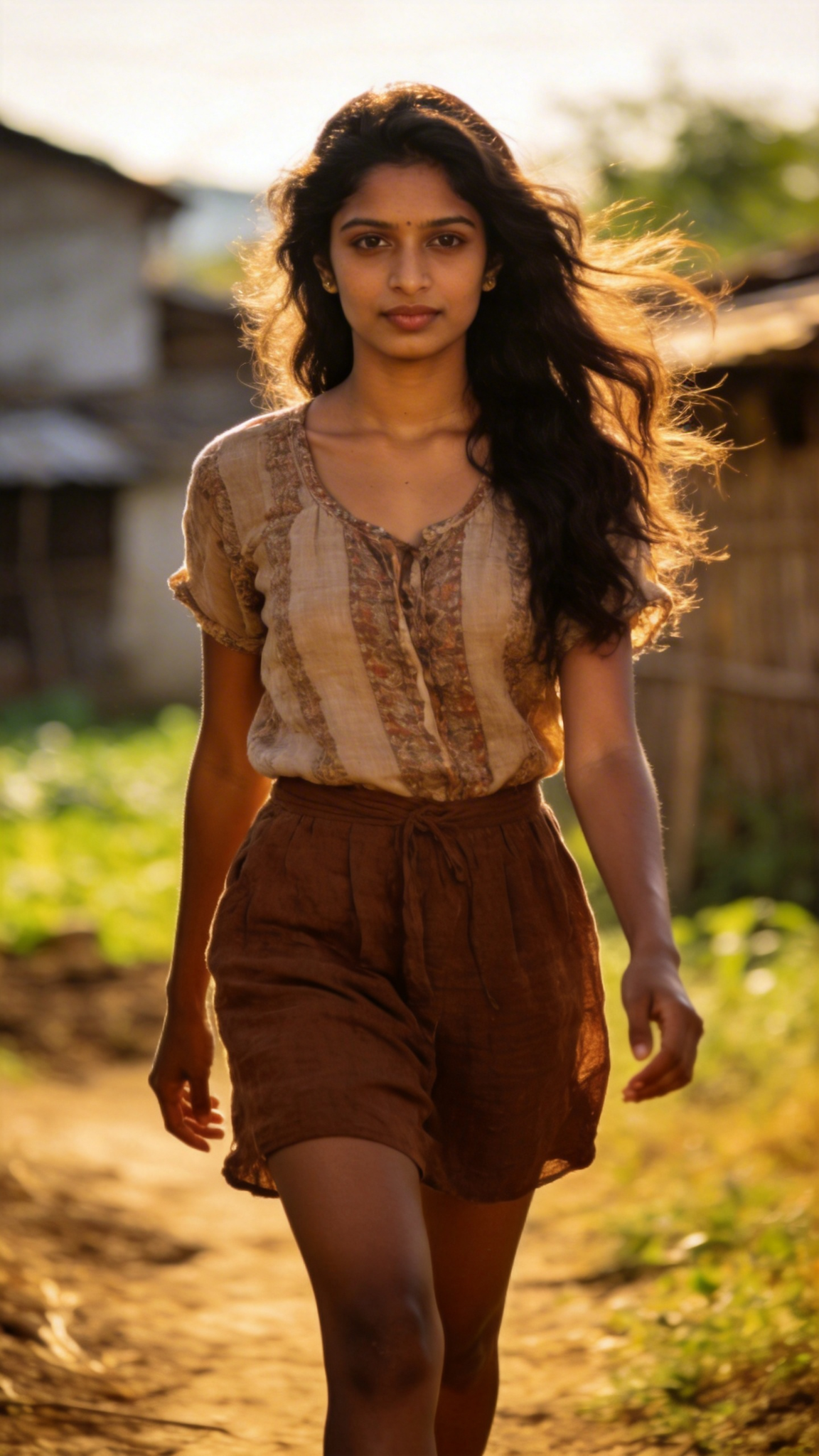
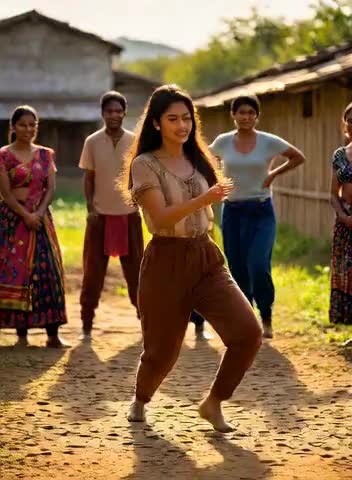
Input
Result
Village Spectator Dance
 Aryan(阿利安)
 30
30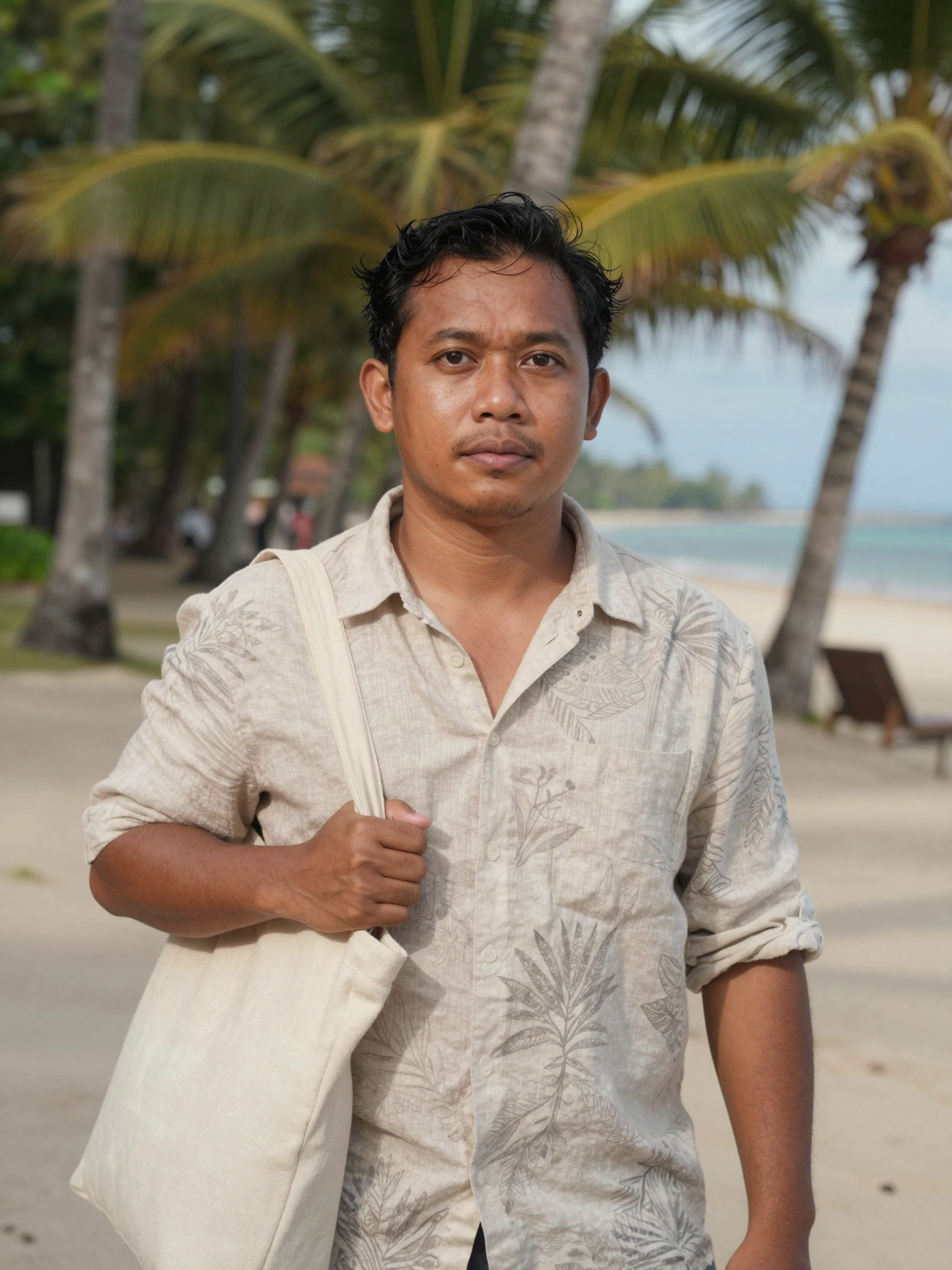
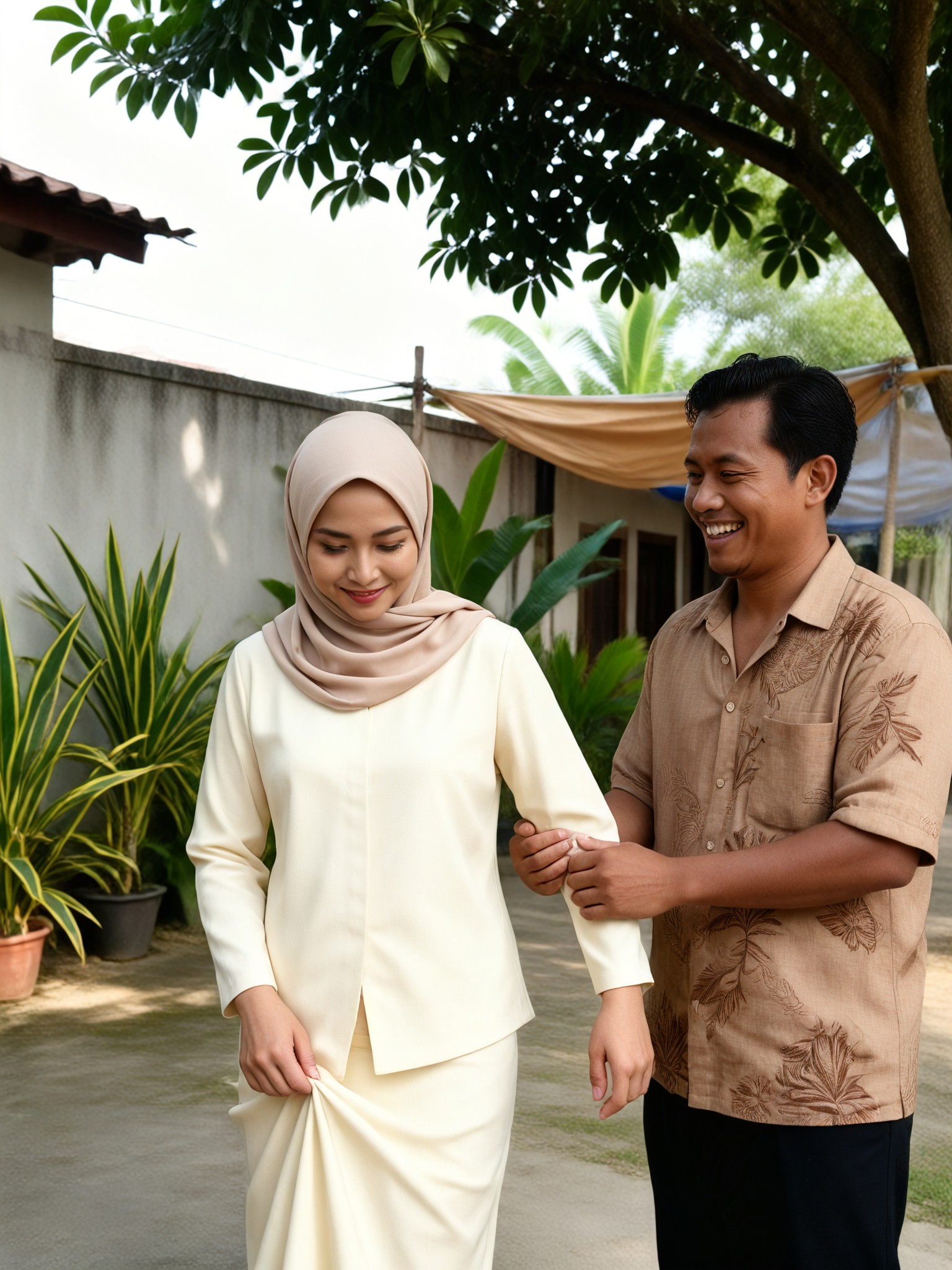
Input
Result
Village Dress Detail
 艺术创作家13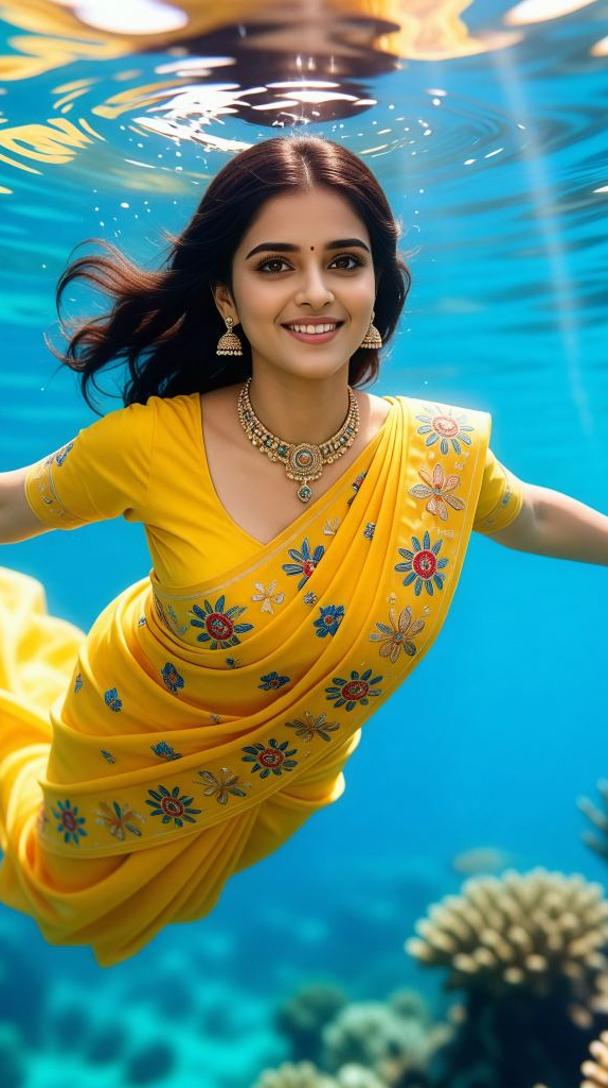
Input
Result
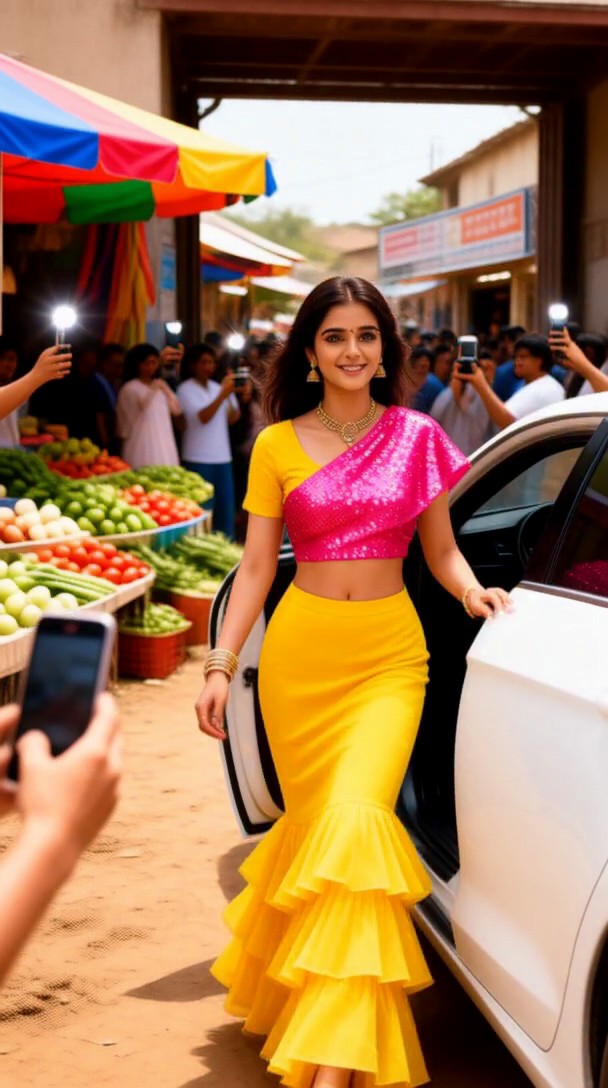
Village Market Paparazzi
 Mmmmmm.11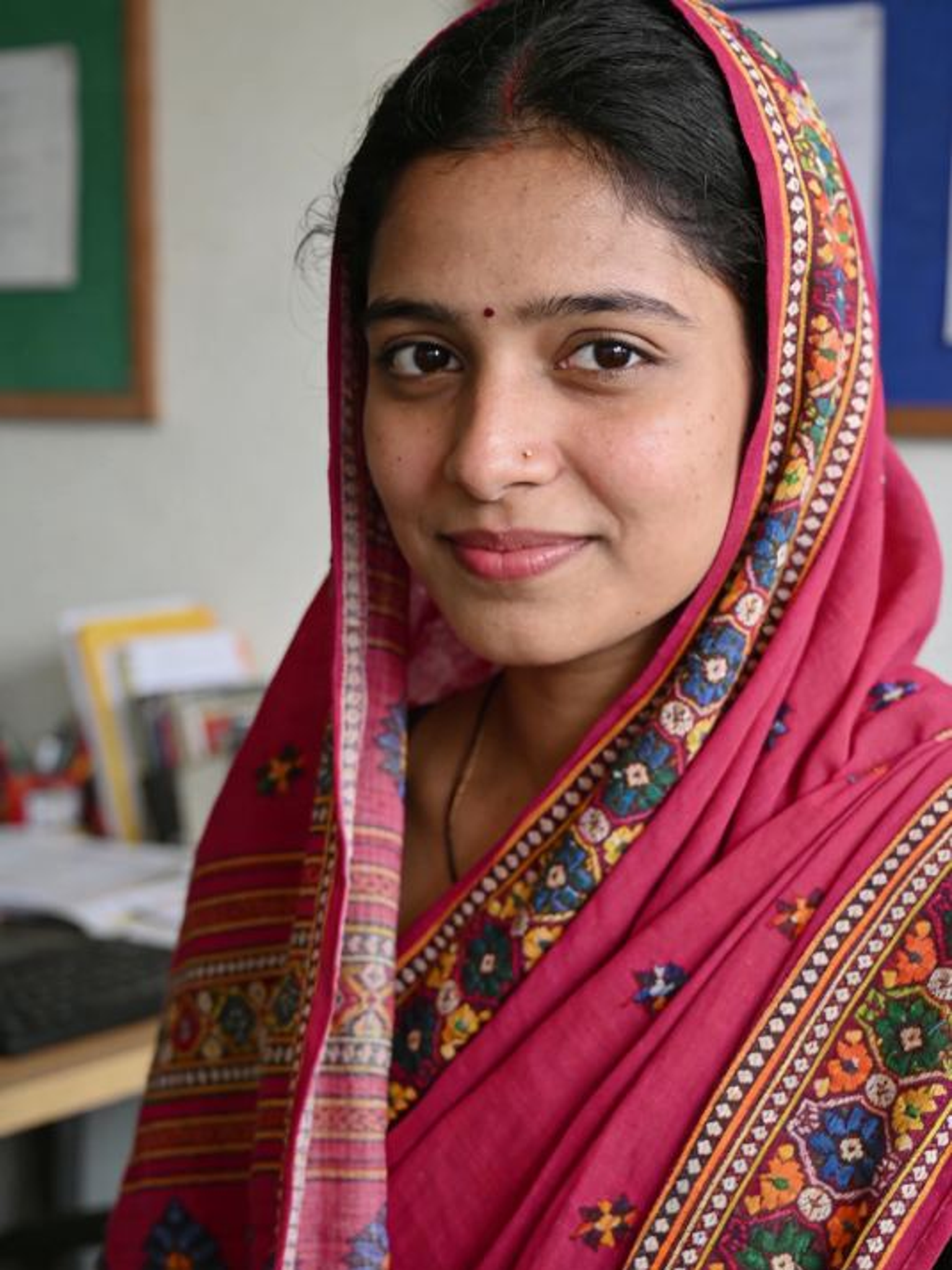
Input
Result
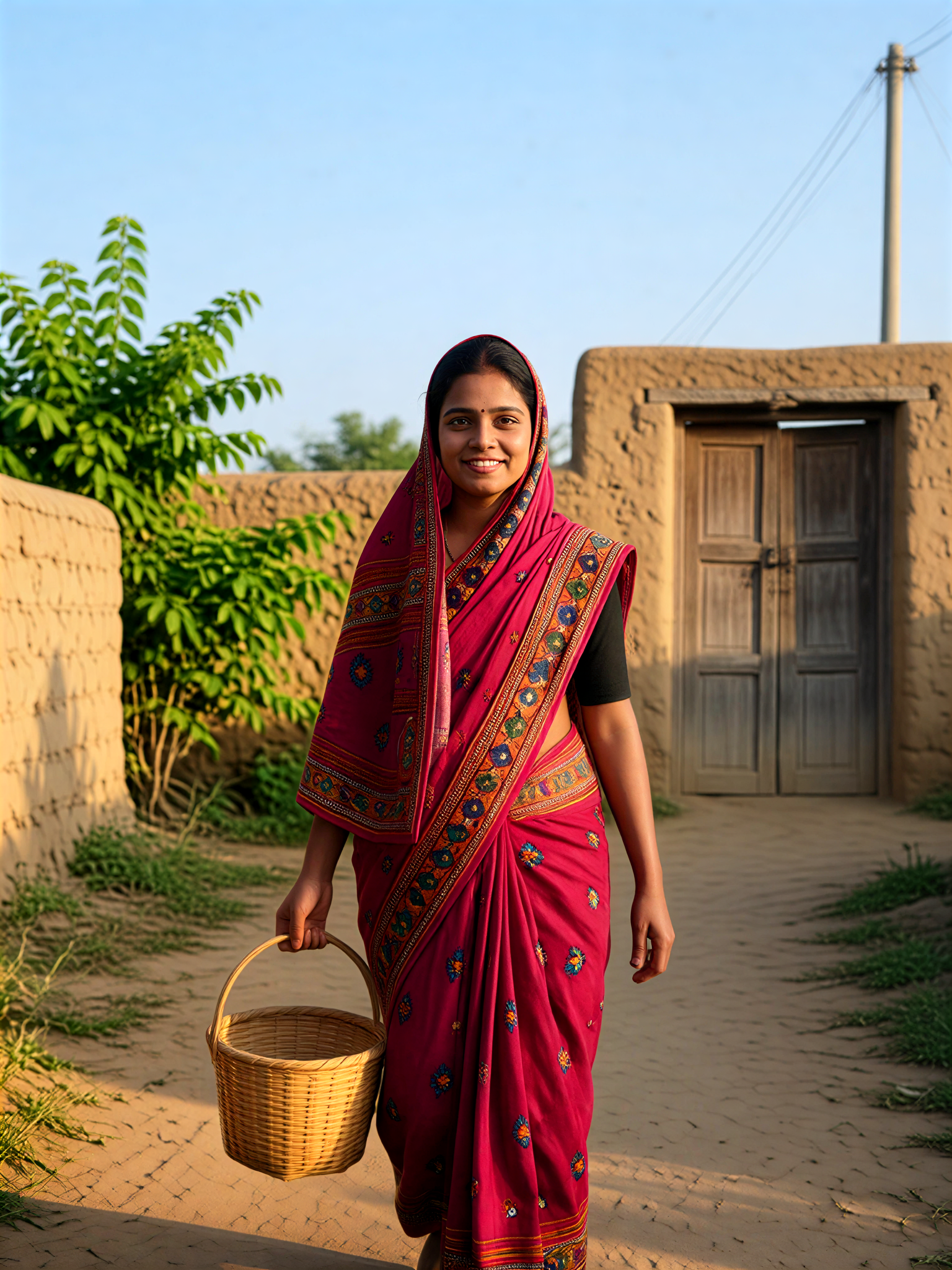
Village Basket
Aryan(阿利安)8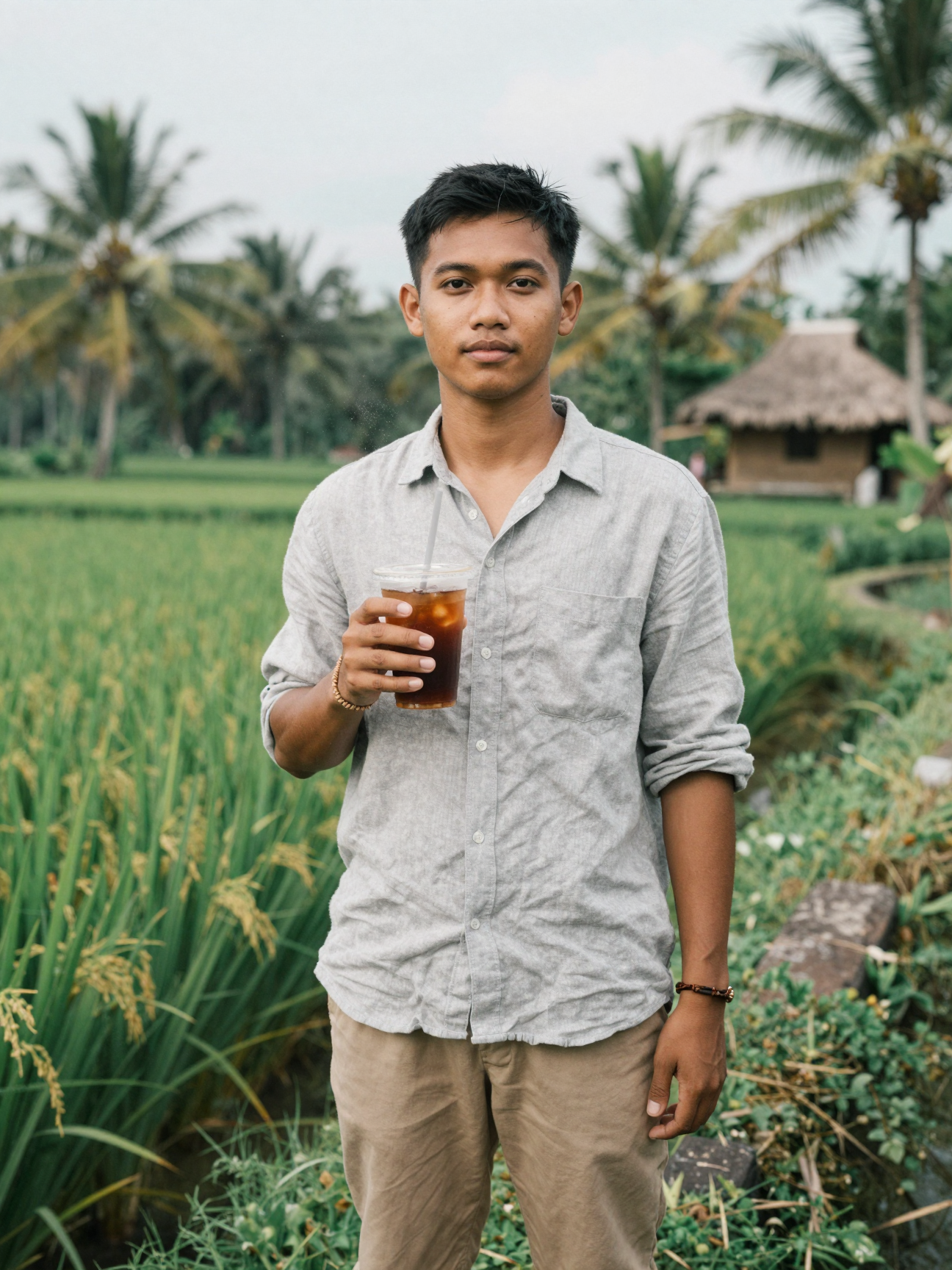
Input
Result
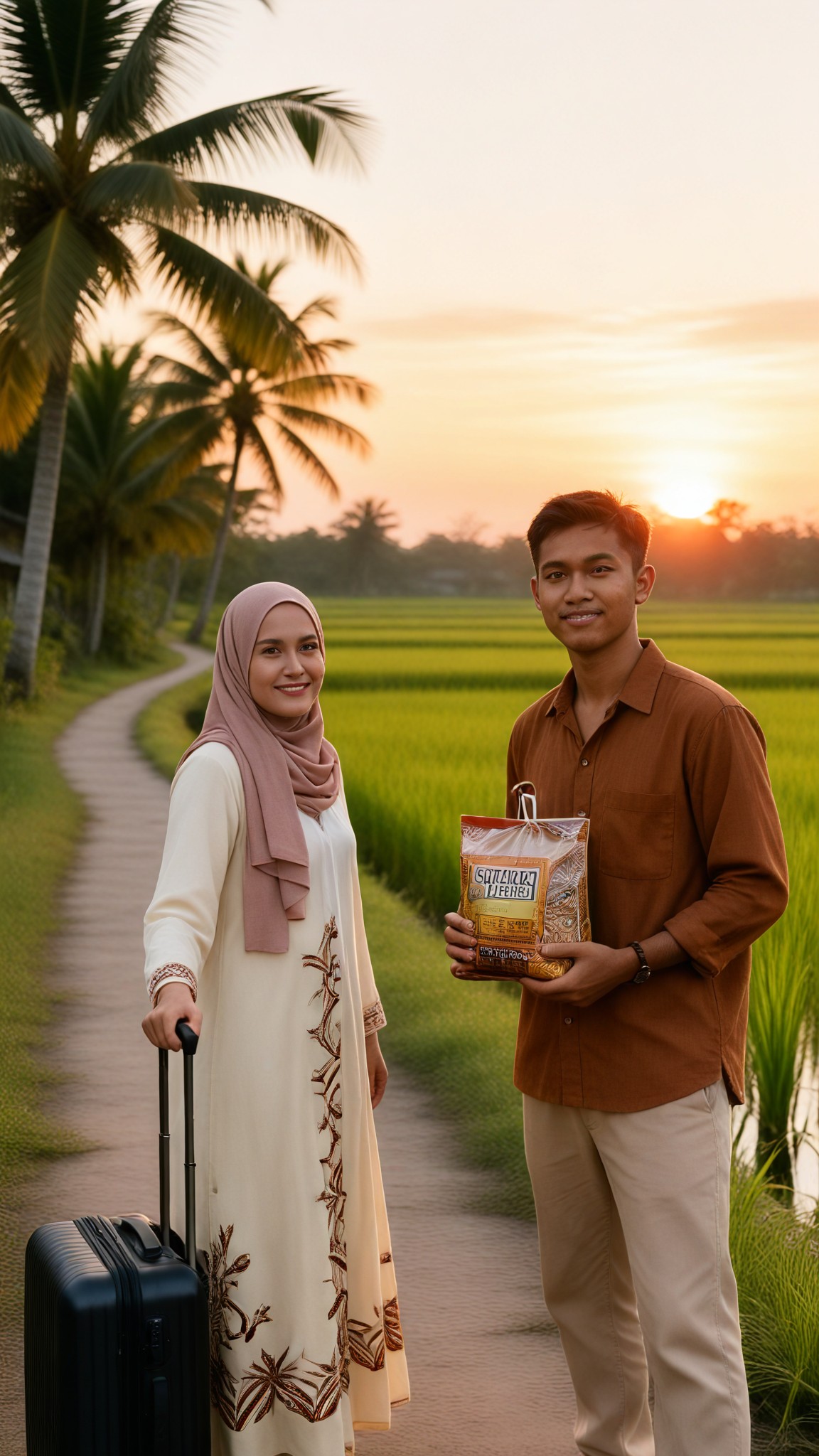
Village Couple Reunion
 艺术画家8
艺术画家8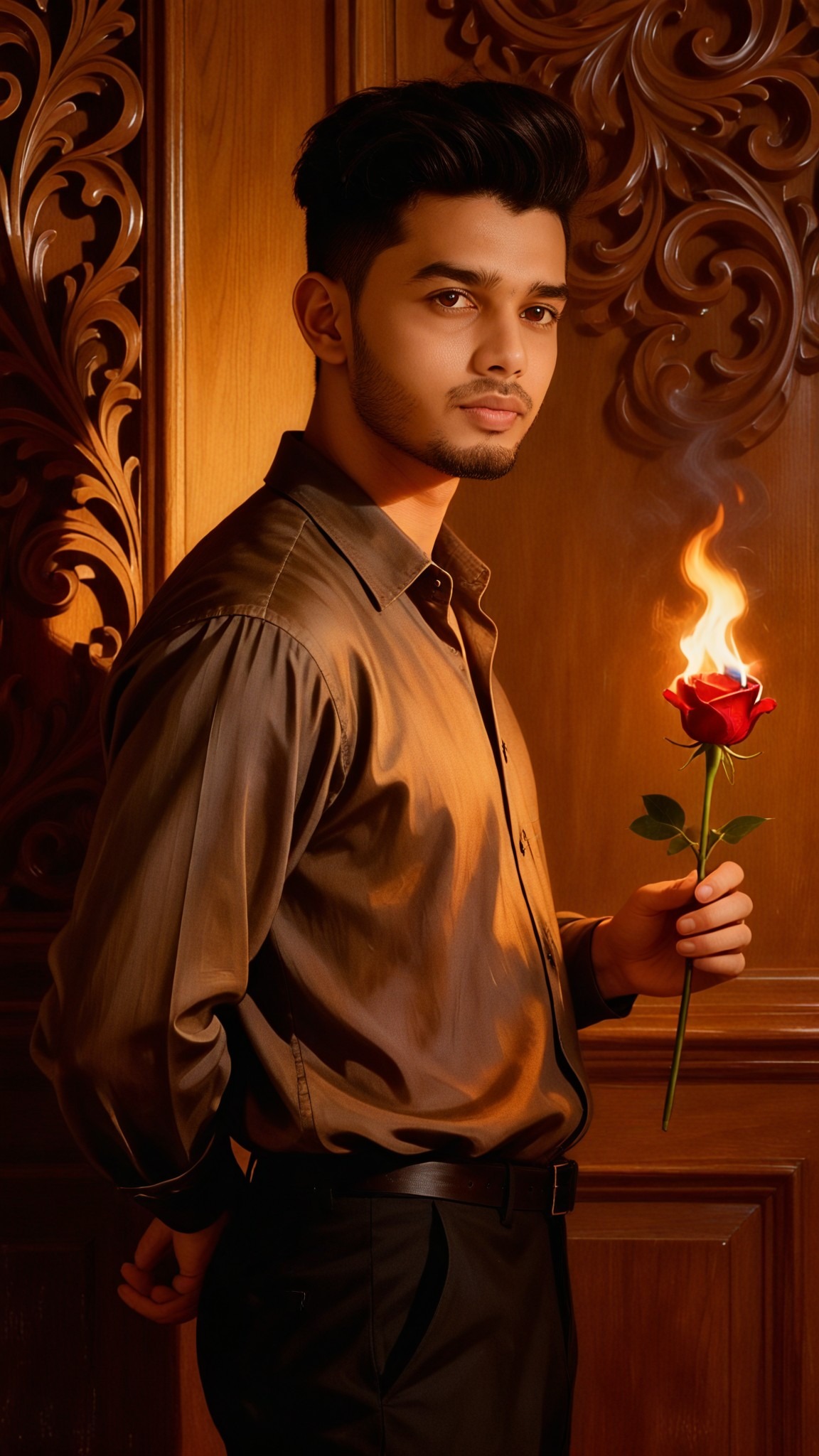
Input
Result
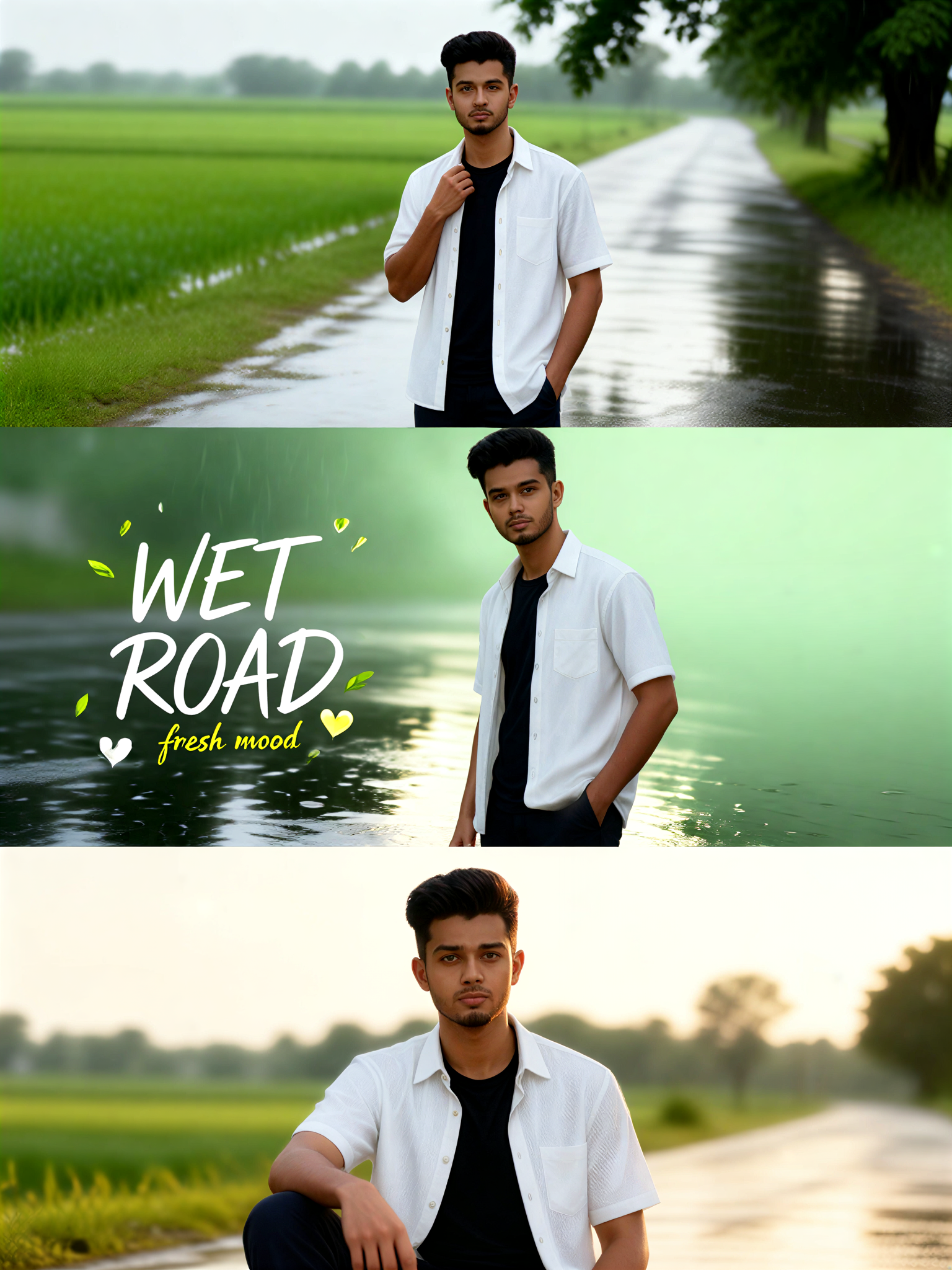
Wet Village Vibe
艺术画家5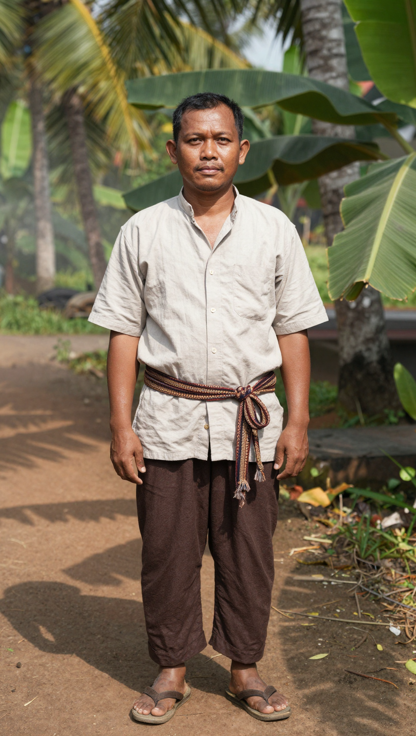

Input
Result
Village Reunion Wave
艺术创作家4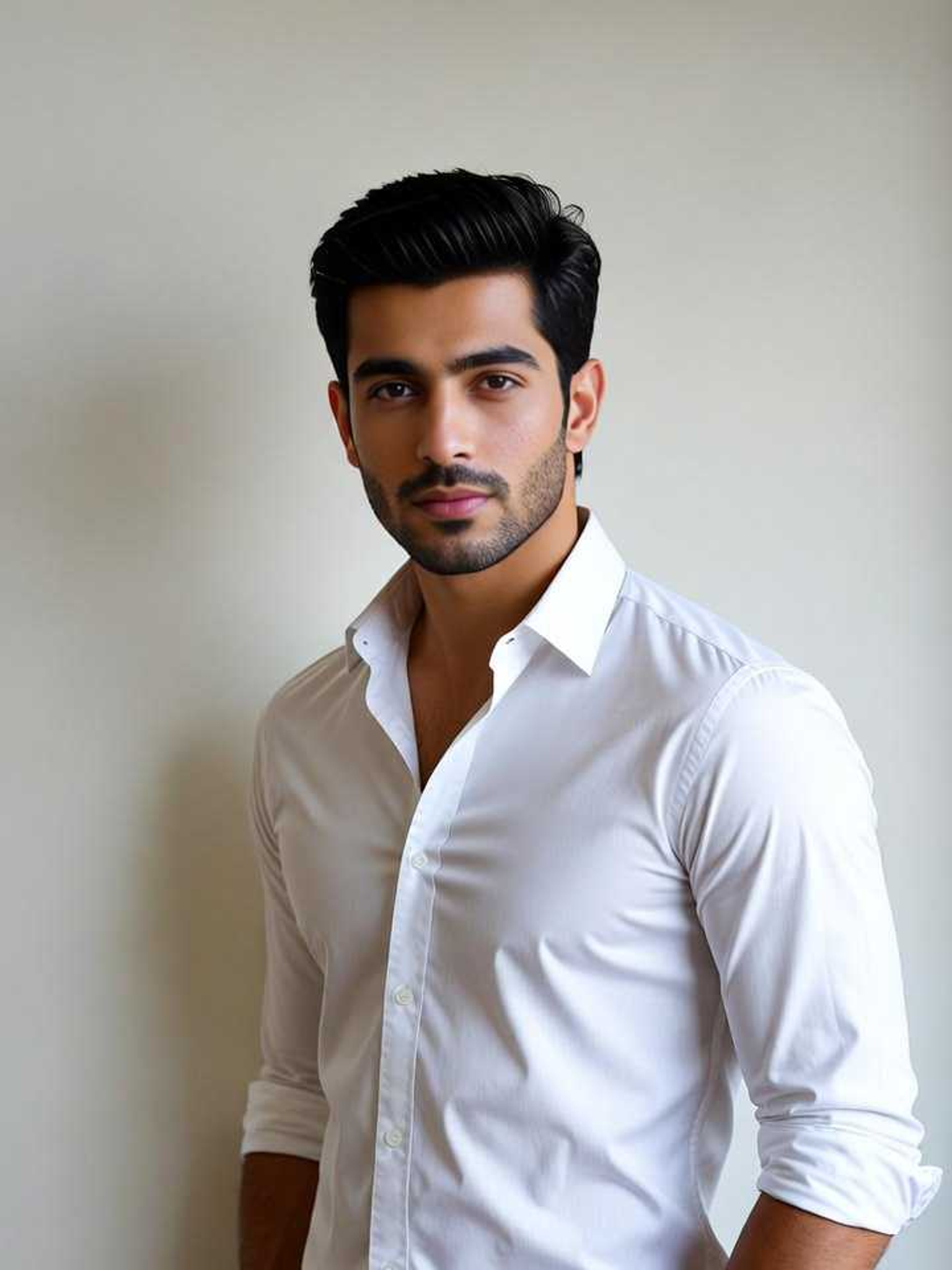
Input
Result
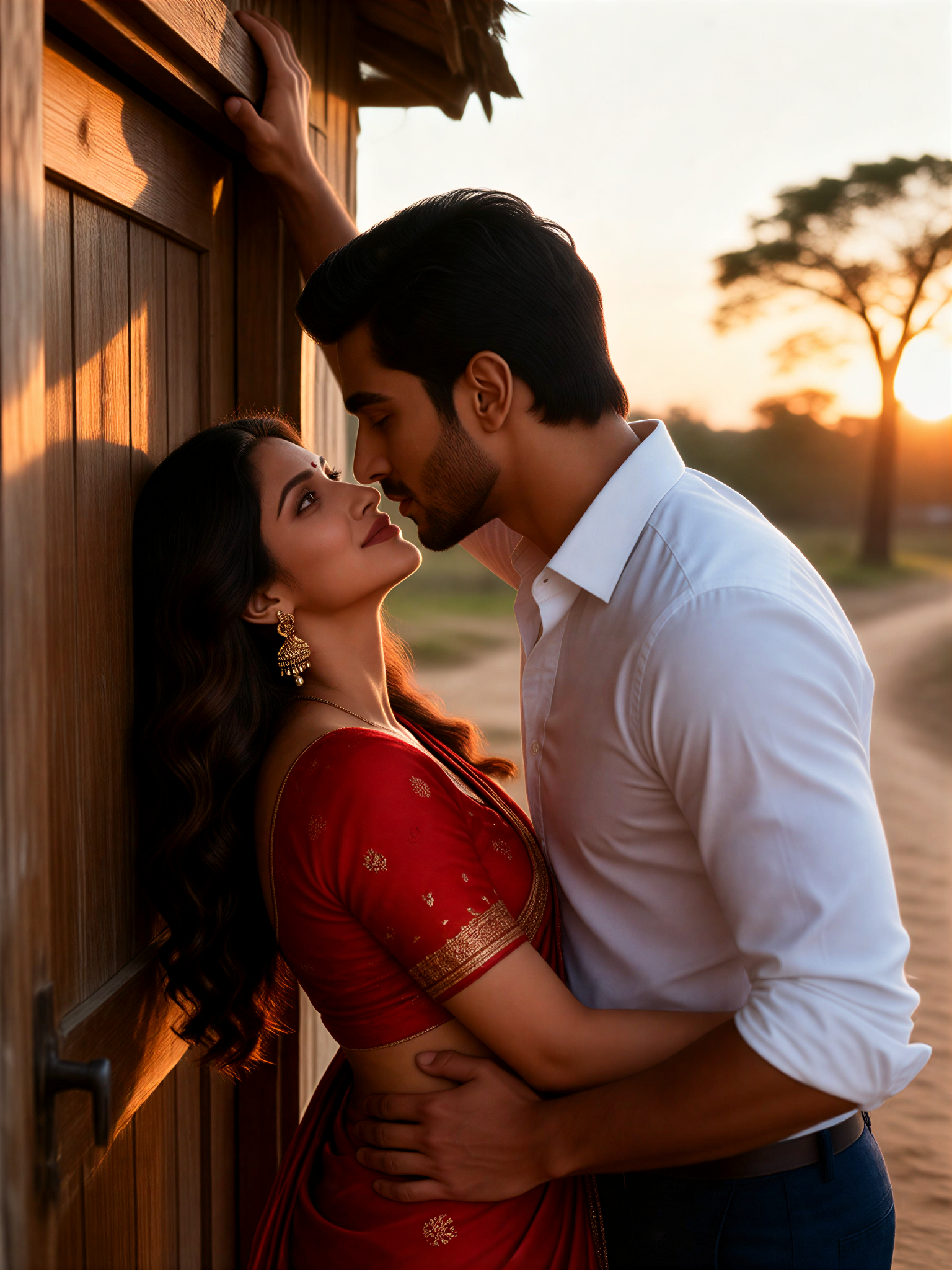
Village Door Hug
Aryan(阿利安)3
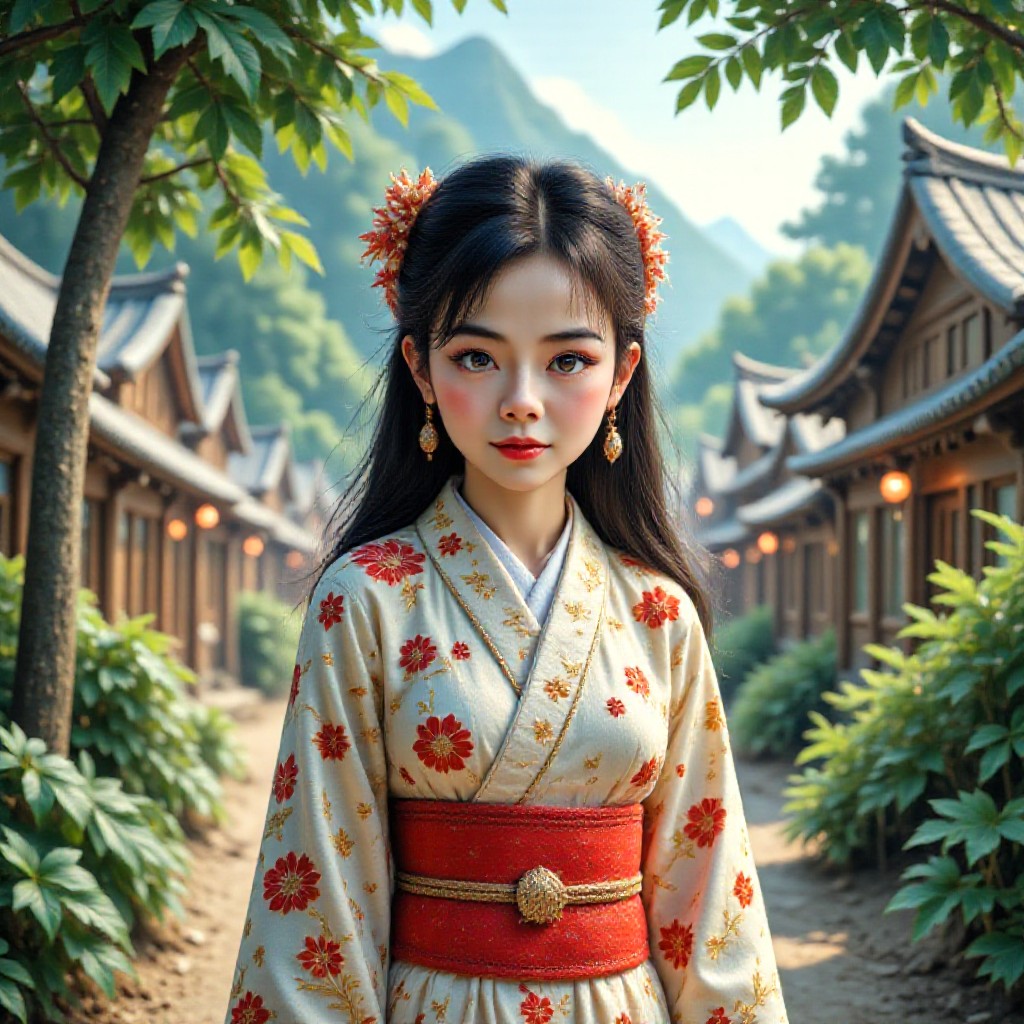
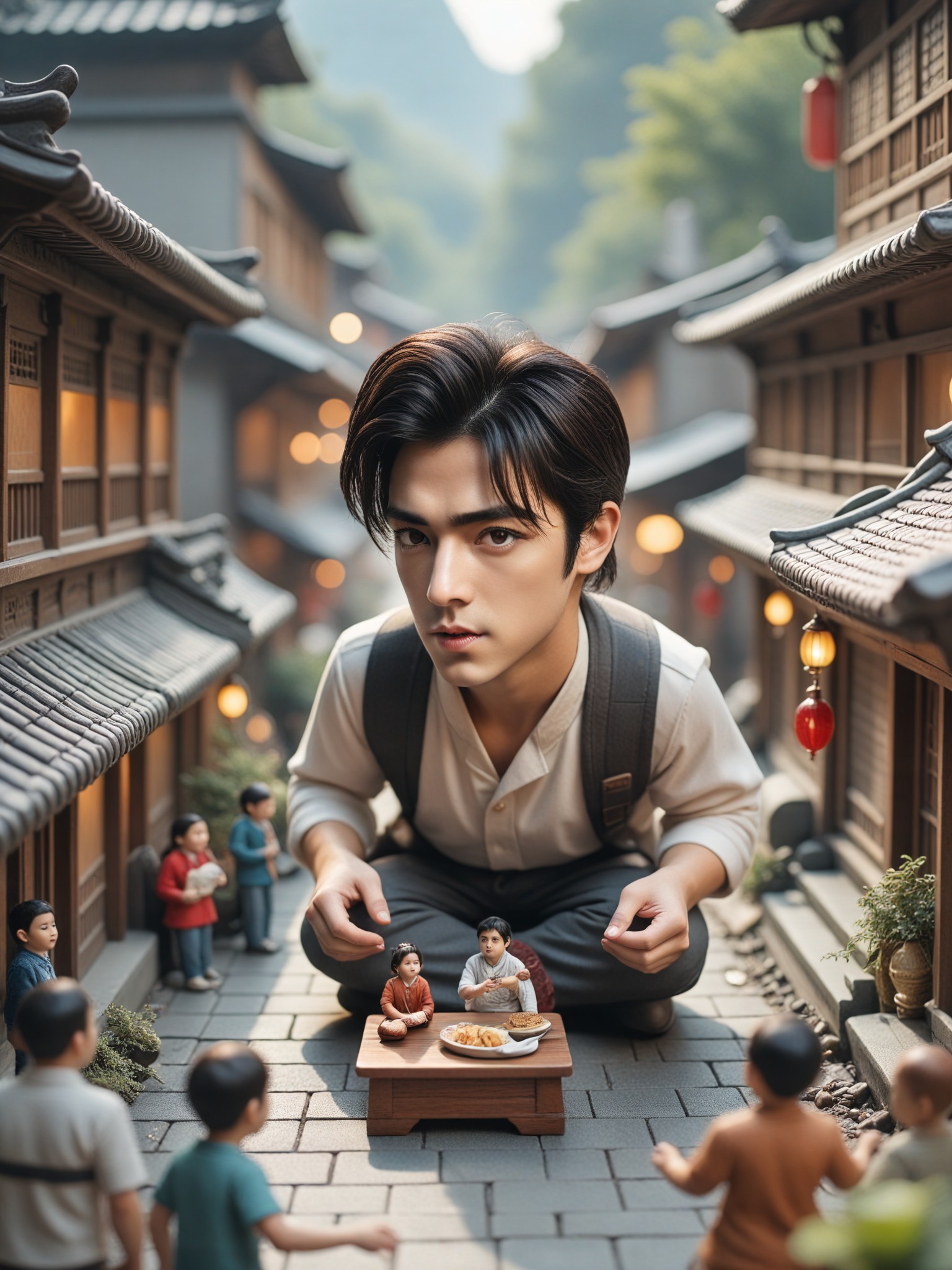
AI Generated Village Setting Images & Videos
Discover unique and innovative Village Setting images and videos created with a1.art Village Setting prompts.



How to Make Village Setting AI Image & Video on a1.art?
Step into the future of AI Village Setting video and image creation on a1.art.

Step 1
Select the style you want to apply in the Square.

Step 2
Upload the image you want to transform. It can be a photo, hand-drawn sketch.

Step 3
Wait a few seconds and you can easily get your unique AI Village Setting art. Download for free!
FAQ about Village Setting AI Prompt on a1.art
Discover the secrets to creating Birthday Day videos and images at a1.art.
What types of village settings can I create with a1.art?
a1.art offers a wide range of village setting AI prompts, from serene European villages to vibrant African markets, medieval towns, and modern rural communities. You can customize the style, lighting, and details to match your vision.
Can I generate both images and videos of village settings?
Yes, a1.art supports both AI image and video generation. Simply select your preferred village setting prompt, apply filters, and choose whether you want an image or video output.
Do I need technical skills to use a1.art for village settings?
No, a1.art is designed for ease of use. You don't need any technical skills—just choose a prompt, upload an image or enter a text description, and let the AI handle the rest.
How many free credits do I get daily on a1.art?
You receive daily free login credits on a1.art, allowing you to generate multiple village setting images or videos without cost. Additional credits can be earned through subscriptions.
Can I customize the style of my village setting visuals?
Absolutely! a1.art offers a variety of filters and customization options, so you can adjust the lighting, texture, and overall style to perfectly match your creative vision.


