Container backgroundContainer background
Home/AI Prompts/Two Photos Into One

Two Photos Into One
AI Prompts

Two Photos Into One AI Prompts

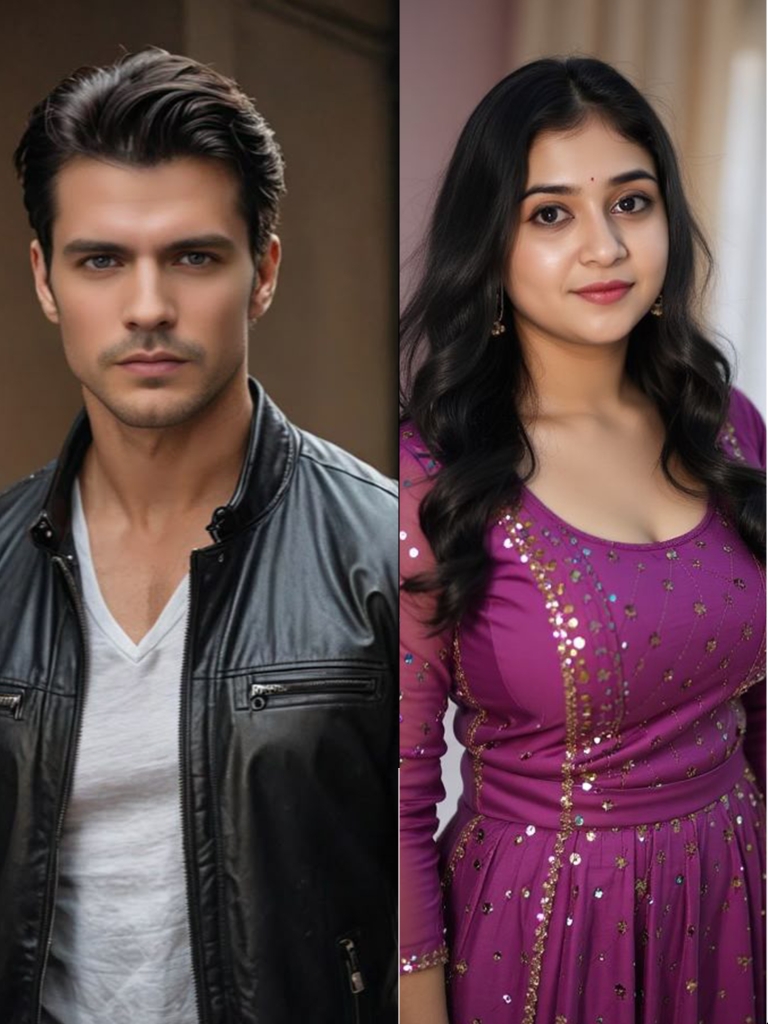
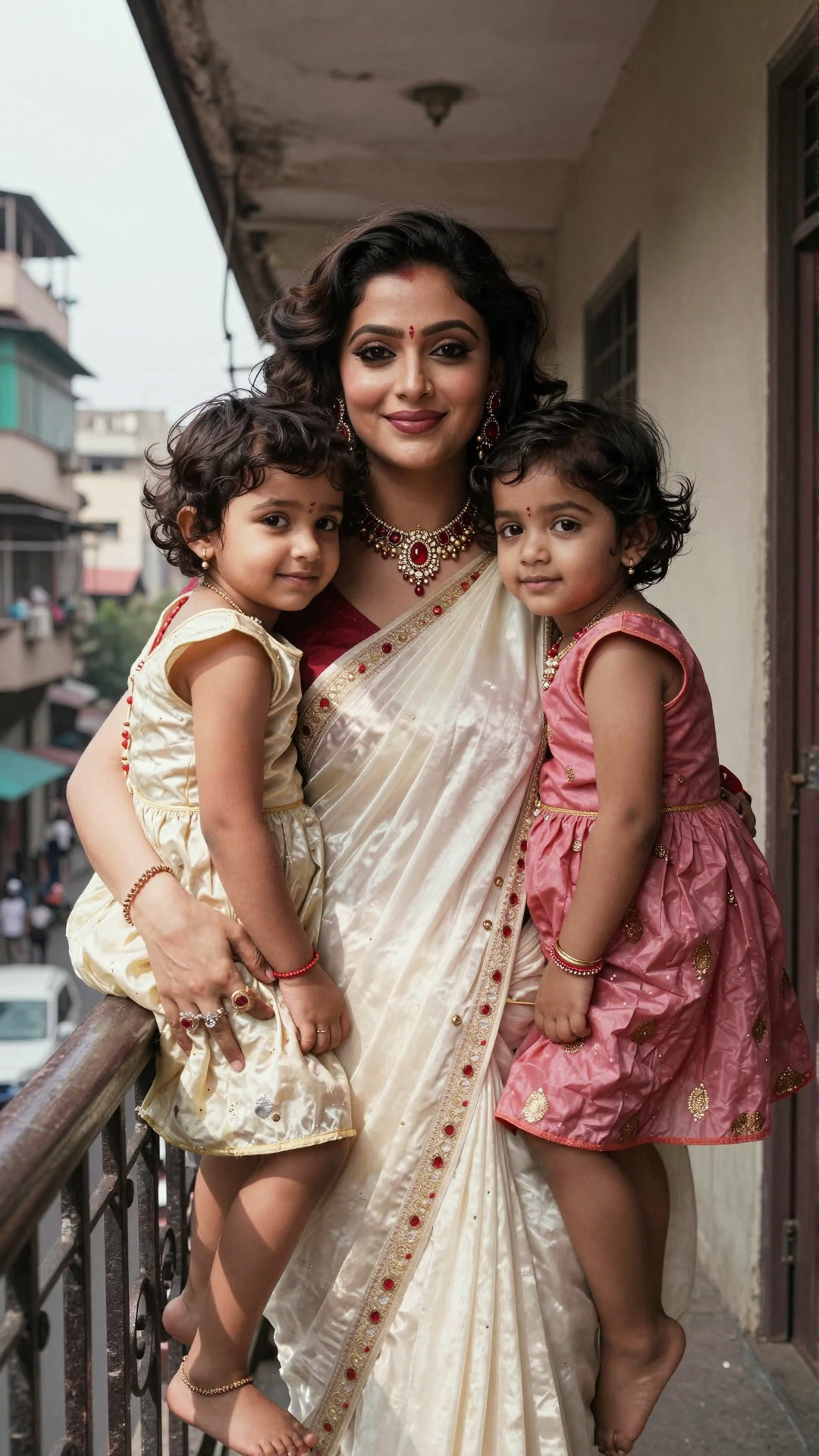
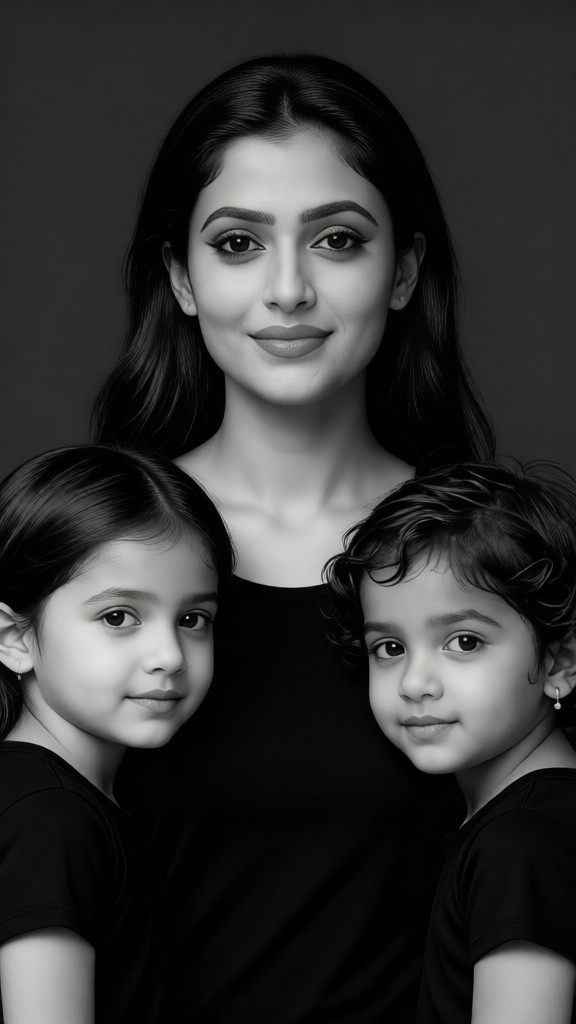
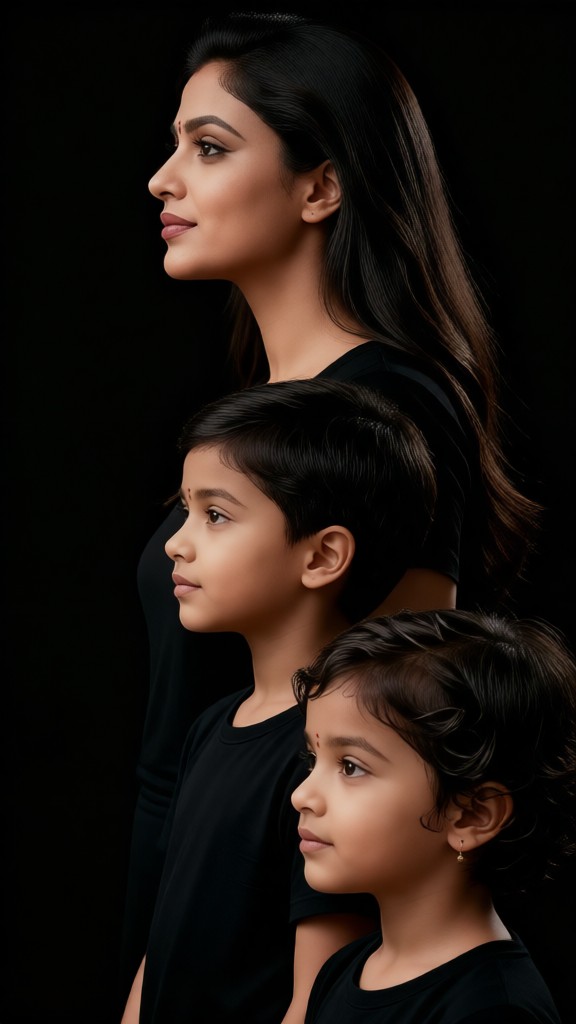
a1.art is your go-to AI art generator for turning two photos into one stunning visuals. With a curated set of two photos into one AI prompts, you can effortlessly blend images, create layered effects, and generate unique art pieces or videos. Whether you're looking to merge landscapes, portraits, or abstract designs, a1.art makes it easy with its intuitive interface and powerful AI technology.
A serene sunset blending over a mountain range and a calm lake, cinematic lighting, ultra-detailed texture, natural landscape style.
A vintage car merging with a modern cityscape, retro-futuristic design, weathered textures, urban decay aesthetic.
A lush forest transitioning into a mystical cave, vibrant colors, detailed foliage, fantasy art style.
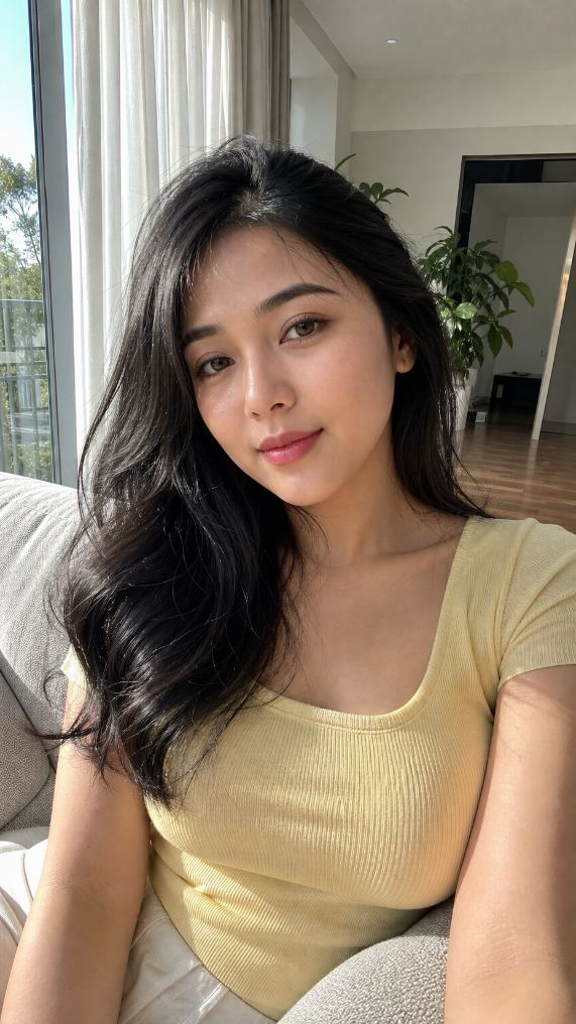
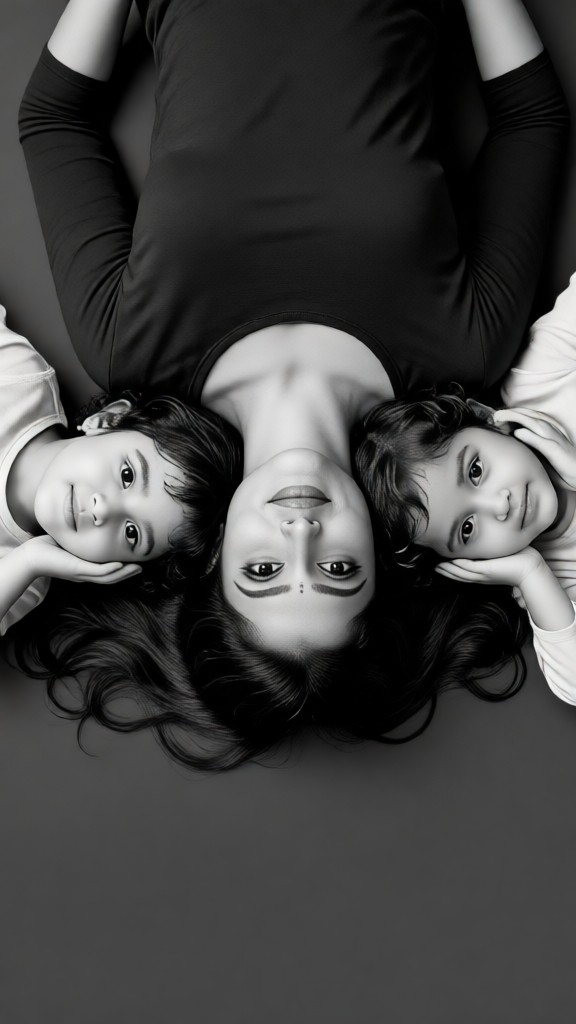
A black-and-white portrait of a person merging with a colorful abstract background, high-contrast details, artistic expression.
A snowy mountain peak blending into a fiery volcano, dramatic lighting, textured surfaces, surreal landscape style.
A classic book cover merging with a digital interface, vintage vs. modern design, intricate details, creative storytelling.
Explore more

Get Two Photos Into One Videos & Images without Prompt

a1.art offers a large number of filters, allowing you to easily obtain AI videos or images without prompts.
image befor ai generation
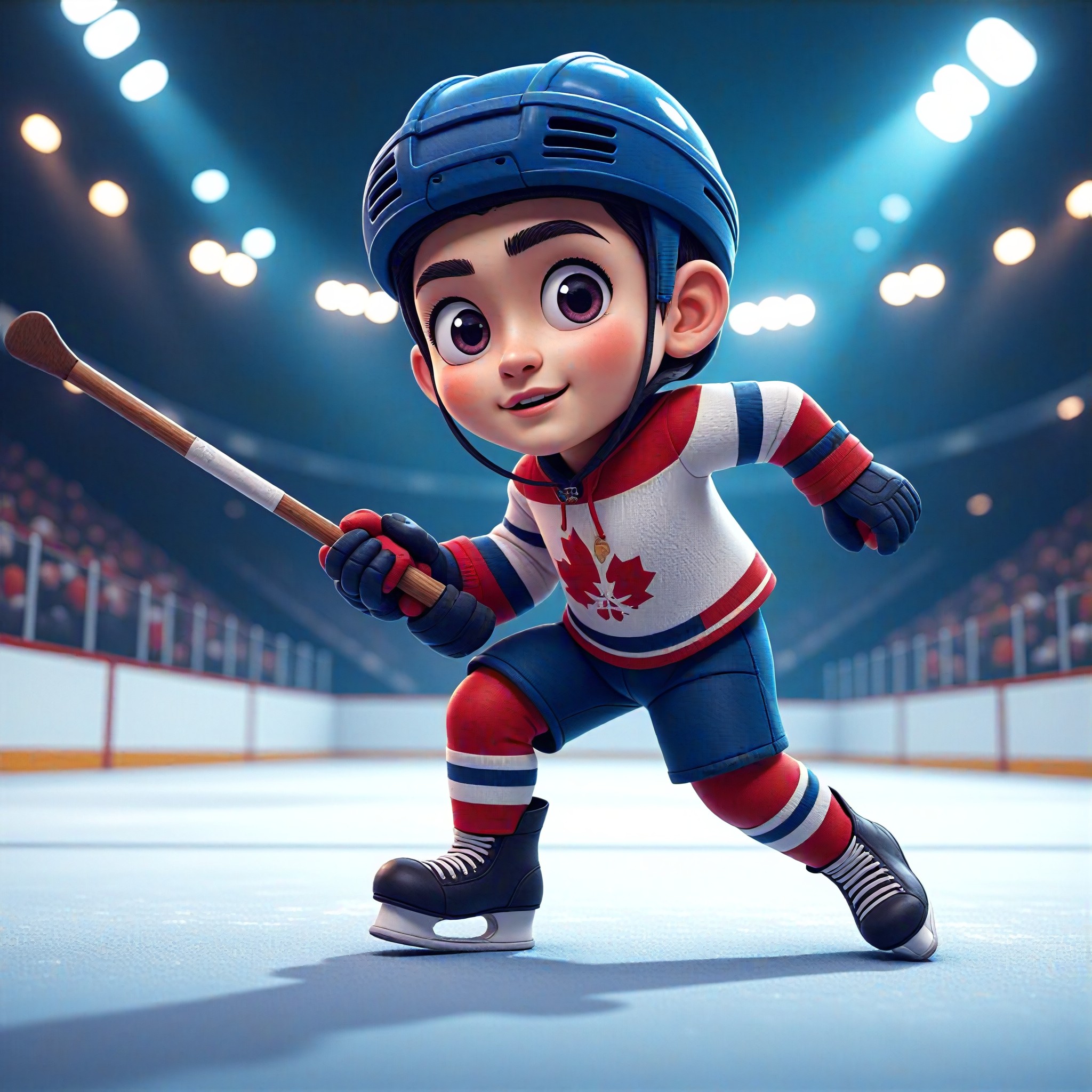
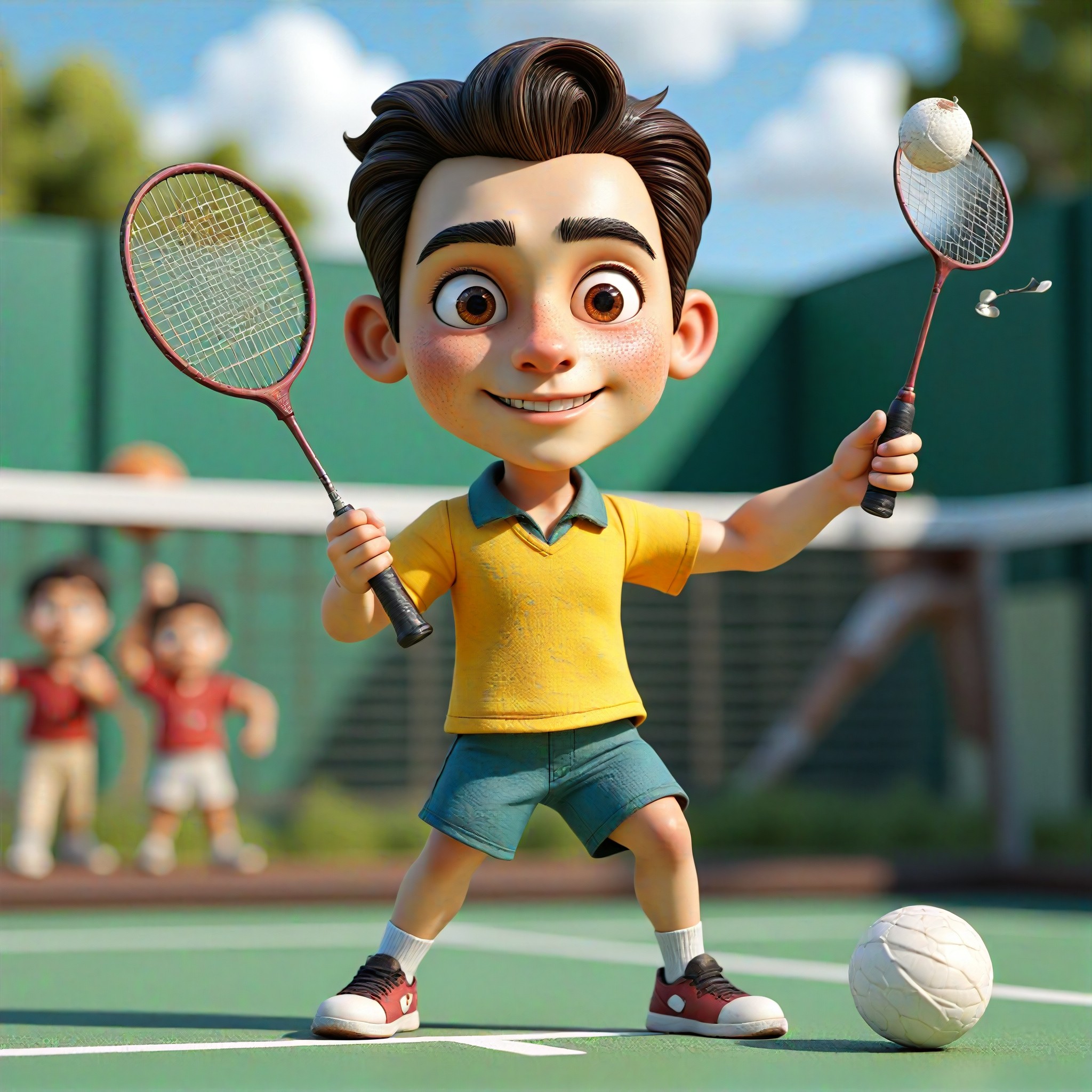
A cute 3D rendered cartoon boy, wearing an olive green jacket, khaki shorts, and a beige baseball cap. He has large, expressive eyes, a friendly expression, and carries a brown backpack. He's wearing off-white sneakers. The style is reminiscent of 3D cartoon character design, with smooth, polished textures and no visible brushstrokes. The background is a simple beige color, focusing all attention on the character. The lighting is soft and even, creating a warm and pleasant atmosphere. The overall style is cheerful and friendly, suitable for children's products or game character design. The image is rendered in a style similar to contemporary 3D animation character design. Think of the clean lines and smooth surfaces of Pixar-style animation, but with a slightly more realistic rendering of the materials.
cute 3D cartoon boy image
Input
Result
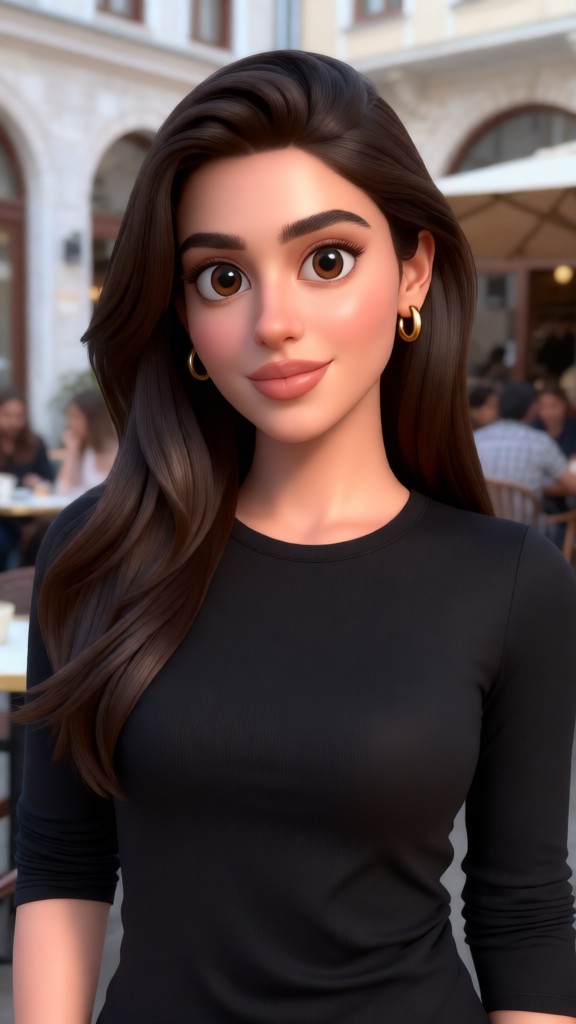
cute 3D cartoon boy
夢境畫境Dreamscape Canva headshot夢境畫境Dreamscape Canva
playicon16.4k
image befor ai generation
Two-Disney Character image
Input
Result
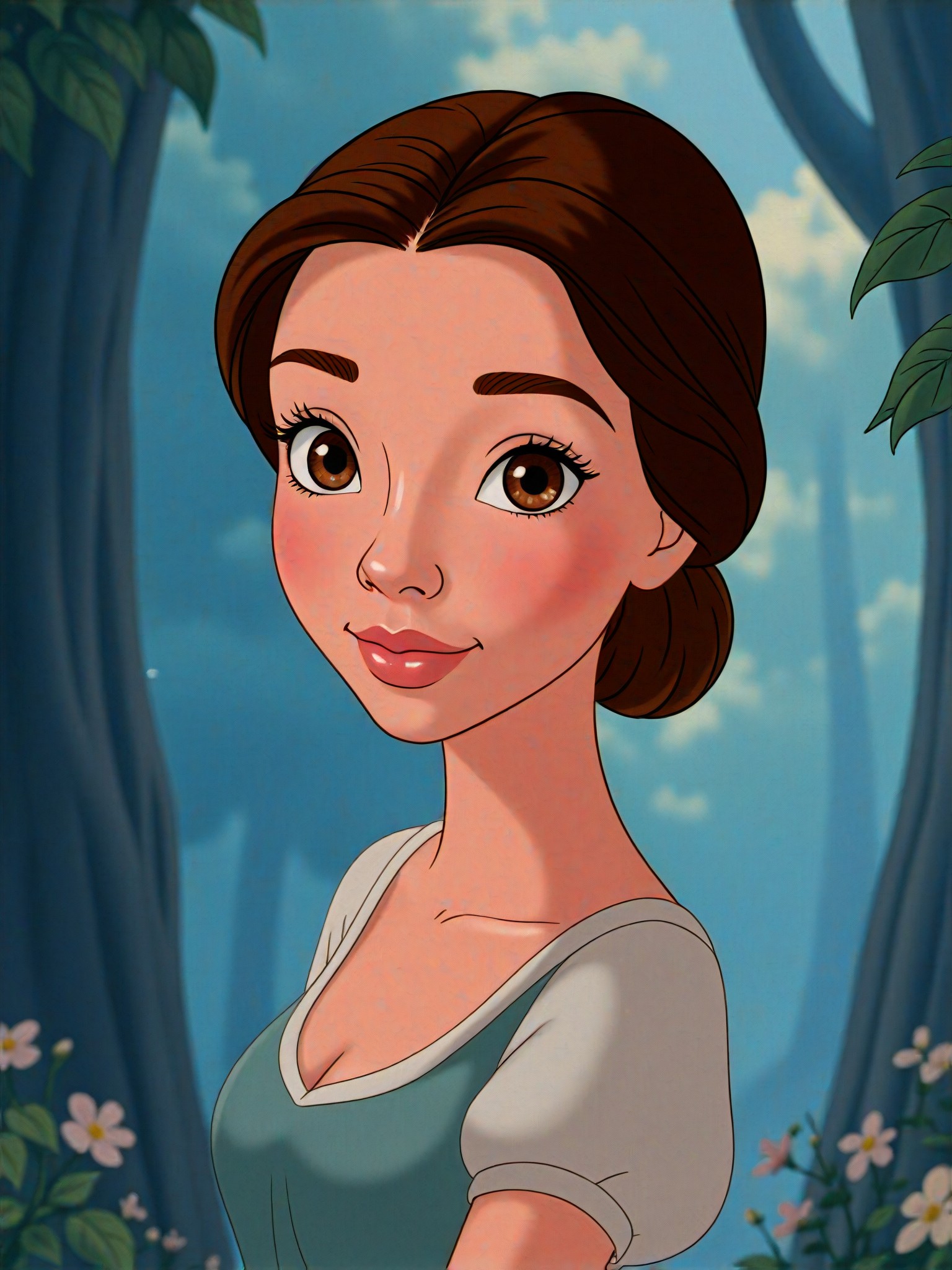
Two-Disney Character
n
novai
playicon1.7k
image befor ai generation
New Year's Eve fireworks image
Input
Result
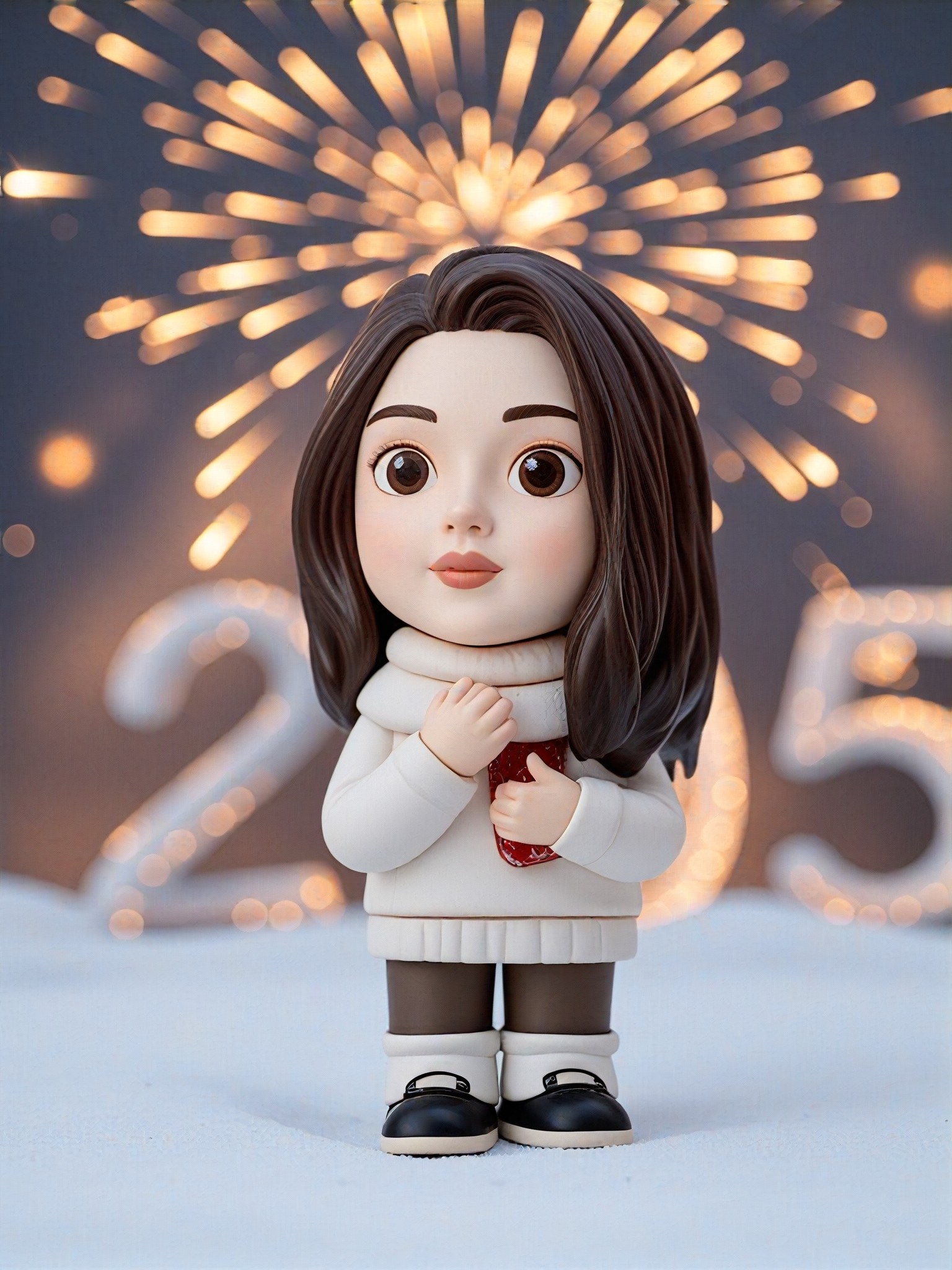
New Year's Eve fireworks
Alice~ headshotAlice~
playicon677
image befor ai generation
One Knee, One Diamond image
Input
Result
One Knee, One Diamond
Lizzie-R headshotLizzie-R
playicon454
image befor ai generation
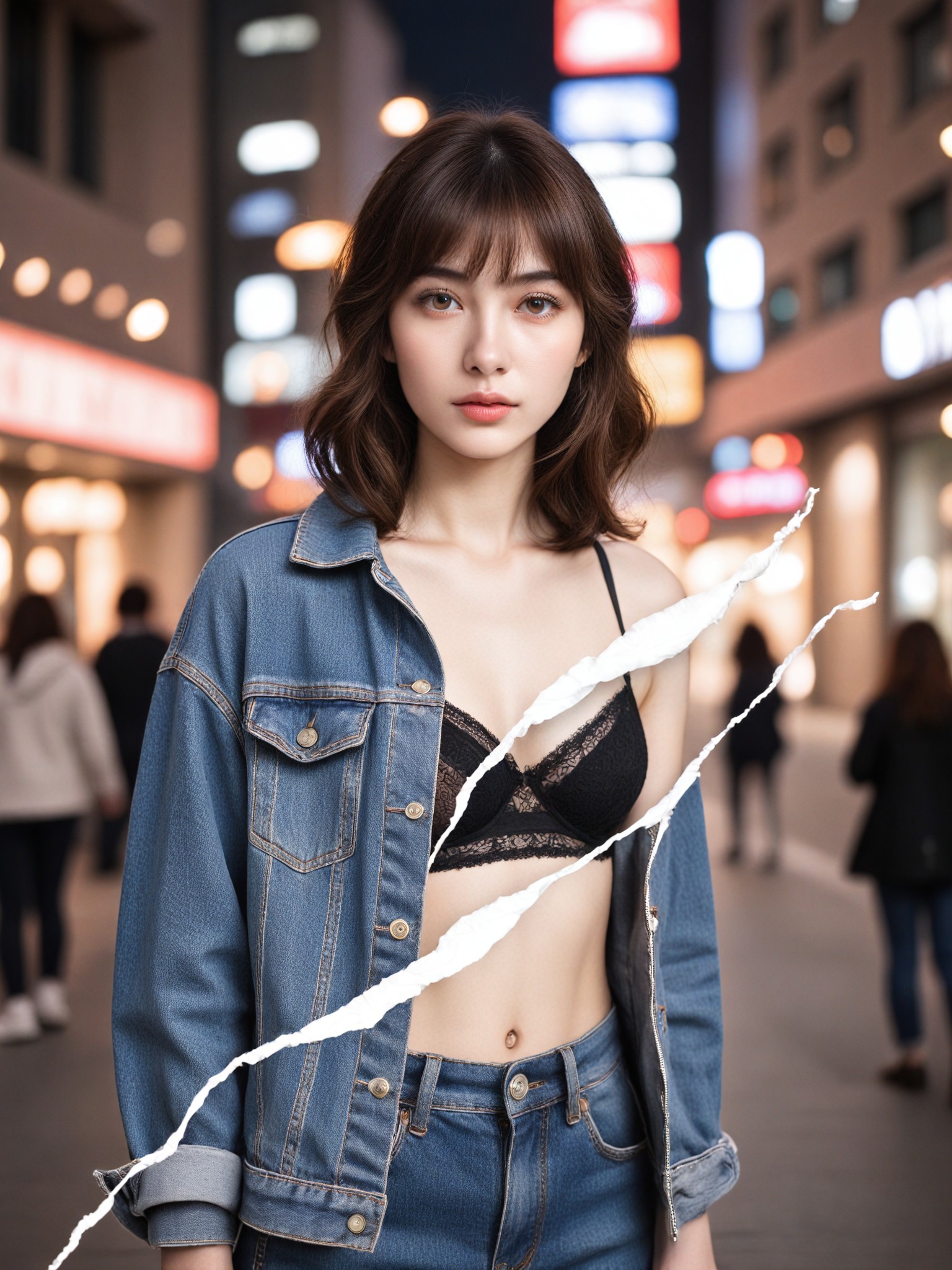
Tearing Photos P1(Video) image
Input
Result
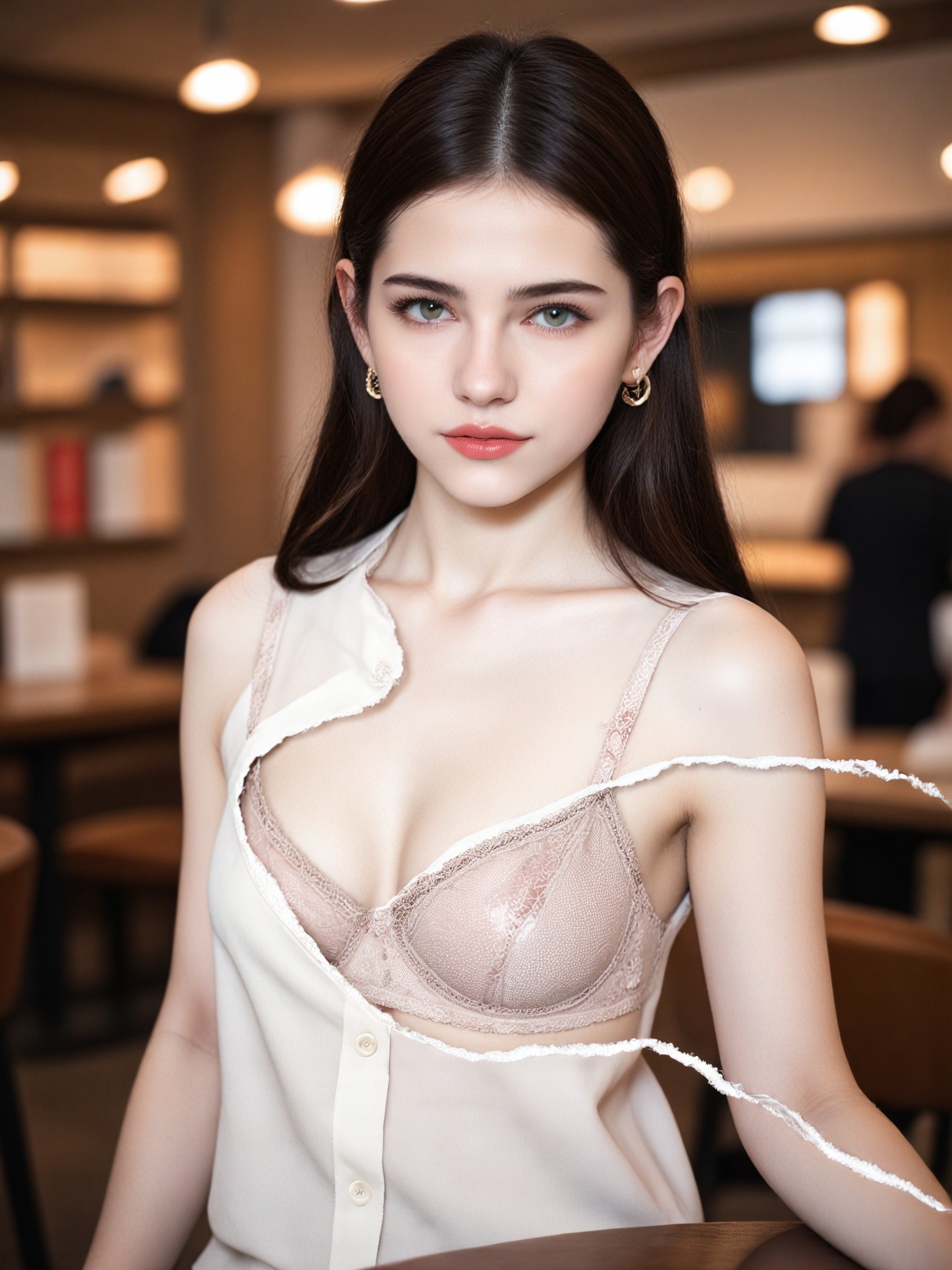
Tearing Photos P1(Video)
AI Video(Official) headshotAI Video(Official)
playicon312
image befor ai generation
Tearing Photos P2 image
Input
Result
Tearing Photos P2
CC headshotCC
playicon164
image befor ai generation
One Knee, One Diamond! image
Input
Result
One Knee, One Diamond!
Lizzie-R headshotLizzie-R
playicon123
image befor ai generation
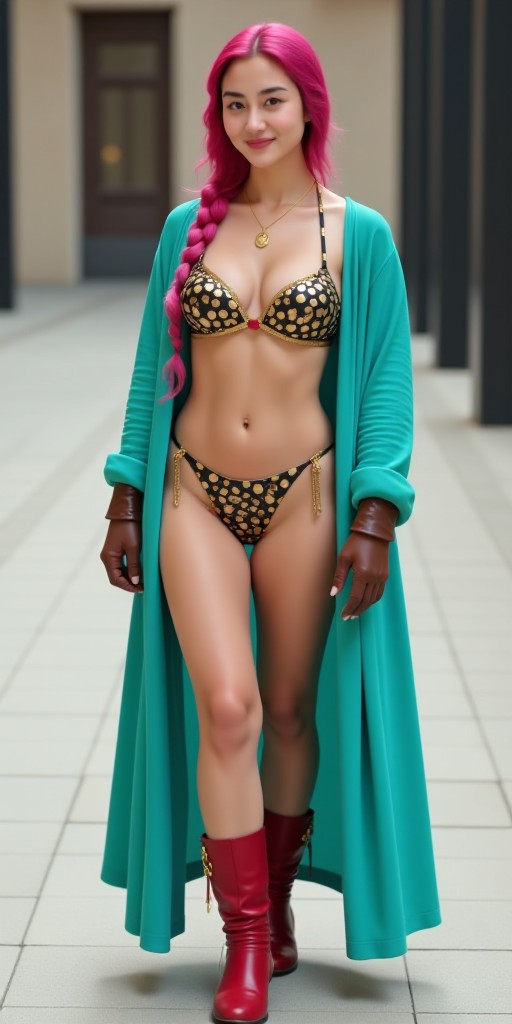
One piece (remix) image
Input
Result
One piece (remix)
u
urlkiji83vyw
playicon92

How to Make Two Photos Into One AI Image & Video on a1.art?

Step into the future of AI Two Photos Into One video and image creation on a1.art.

a1.art tutorial Step 1
Step 1
Select the style you want to apply in the Square.

a1.art tutorial Step 2
Step 2
Upload the image you want to transform . It can be a photo, hand-drawn sketch.

a1.art tutorial Step 3
Step 3
Wait a few seconds and you can easily get your unique AI Two Photos Into One art. Download for free!

FAQ about Two Photos Into One AI Prompt on a1.art

Discover the secrets to creating Two Photos Into One videos and images at a1.art.

What are two photos into one AI prompts?

Two photos into one AI prompts are specific instructions or descriptions that guide the AI in blending two separate images into a single cohesive piece. These prompts help the AI understand the desired style, elements, and composition for the final output.

Can I use my own photos to create two photos into one?

Yes, a1.art allows you to upload your own photos and combine them using our AI prompts. You can choose from a variety of styles and effects to customize the final result.

Is there a limit to how many times I can use two photos into one AI prompts?

There is no strict limit on how many times you can use two photos into one AI prompts. However, as a user, you have access to daily free credits, and subscribing will give you more credits for additional creations.

How do I get started with two photos into one AI prompts?

To get started, simply visit a1.art, upload your two photos, select a prompt from our curated list, and let the AI work its magic. You can preview and download your creations instantly.

Are the results of two photos into one AI prompts customizable?

Yes, you can customize the results by choosing different prompts, adjusting settings, or applying various filters and effects. This allows you to fine-tune the output to match your vision.

Container background

Make Two Photos Into One AI Image & Video on a1.art APP

Download the app to explore Two Photos Into One AI image & video filters, faster processing, and personalized features. Whether you want creative images or stunning videos, the app makes it easier.